Trupeer Blog
Riassumi

Panoramica per l'Azienda Acquirente
Le aziende che formano clienti esterni, come agenzie, fornitori SaaS e società di consulenza, spesso riscontrano difficoltà con piattaforme che non soddisfano le loro esigenze specifiche. Un punto critico cruciale è la mancanza di portali clienti dedicati e di analisi dettagliate sul coinvolgimento. Senza questi elementi, è difficile sapere se i clienti stanno usufruendo appieno del materiale formativo. Uno studio recente ha rilevato che le aziende che utilizzano soluzioni di video-formazione ottimizzate hanno registrato un aumento del 30% nel coinvolgimento dei clienti.
La richiesta di soluzioni di formazione per i clienti interattive e personalizzate è aumentata del 25% nell'ultimo anno.
Fonte: Report sui Trend del Settore di TechInsights, 2025
Questa guida analizza le migliori piattaforme per soluzioni video di formazione dei clienti, descrivendone funzionalità, vantaggi, svantaggi e prezzi. È pensata per i decisori aziendali che necessitano di strumenti di formazione video efficaci per migliorare l'istruzione e il coinvolgimento dei clienti.
Le Migliori Piattaforme Video per la Formazione dei Clienti: Confronto Diretto
Funzionalità | Trupeer | Panopto | Loom | Kaltura | Vidyard | Wistia | Camtasia | Brightcove |
|---|---|---|---|---|---|---|---|---|
Portale Clienti | Sì | No | No | Sì | Limitato | Limitato | No | Sì |
Controlli di Accesso | Sì | Sì | No | Sì | Sì | Limitato | No | Sì |
Video Interattivo | Sì | Sì | No | Sì | Limitato | Sì | No | Sì |
Analisi del Coinvolgimento | Sì | Sì | No | Sì | Sì | Limitato | Limitato | Sì |
Doppio Audio IA | Sì | No | No | Limitato | Limitato | No | No | Sì |
Branding Personalizzato | Sì | Sì | No | Sì | Limitato | Sì | Limitato | Sì |
Multilingua | Sì | Limitato | No | Sì | Sì | No | No | Sì |
Integrazione LMS | Sì | Sì | No | Sì | Limitato | Limitato | Sì | Sì |
Piano Gratuito | Sì | No | Sì | No | Sì | Limitato | No | No |
Trupeer

Trupeer è una piattaforma completa progettata specificamente per le aziende che necessitano di strumenti robusti per la formazione dei clienti. Eccelle nell'offrire un portale clienti con controlli di accesso granulari, garantendo ad ogni utente un'esperienza personalizzata. Le funzionalità video interattive e le analisi di coinvolgimento di Trupeer forniscono alle aziende i dati necessari per migliorare l'efficacia della formazione. È l'ideale per aziende SaaS, agenzie e società di consulenza che richiedono un approccio su misura per l'istruzione dei clienti.
Caratteristiche Principali
Portali clienti dedicati
Controlli di accesso granulari
Elementi video interattivi
Voiceover e traduzioni basate su IA
Opzioni di branding personalizzato
Analisi del coinvolgimento
Supporto multilingue
Integrazione con i sistemi LMS più diffusi
"Trupeer ha trasformato il modo in cui formiamo i nostri clienti, permettendoci di monitorare il coinvolgimento e migliorare continuamente i nostri contenuti."
Vantaggi | Svantaggi |
|---|---|
I portali clienti completi migliorano l'esperienza utente. | La configurazione iniziale può essere complessa per gli utenti non tecnici. |
Le analisi di coinvolgimento forniscono dati utilizzabili. | Le funzionalità avanzate hanno un prezzo elevato. |
I video interattivi aumentano la memorizzazione delle nozioni. | Accesso offline limitato per i video. |
Prezzi
Trupeer offre un piano gratuito con funzionalità di base. I piani a pagamento partono da $49 al mese per funzionalità avanzate.
Panopto
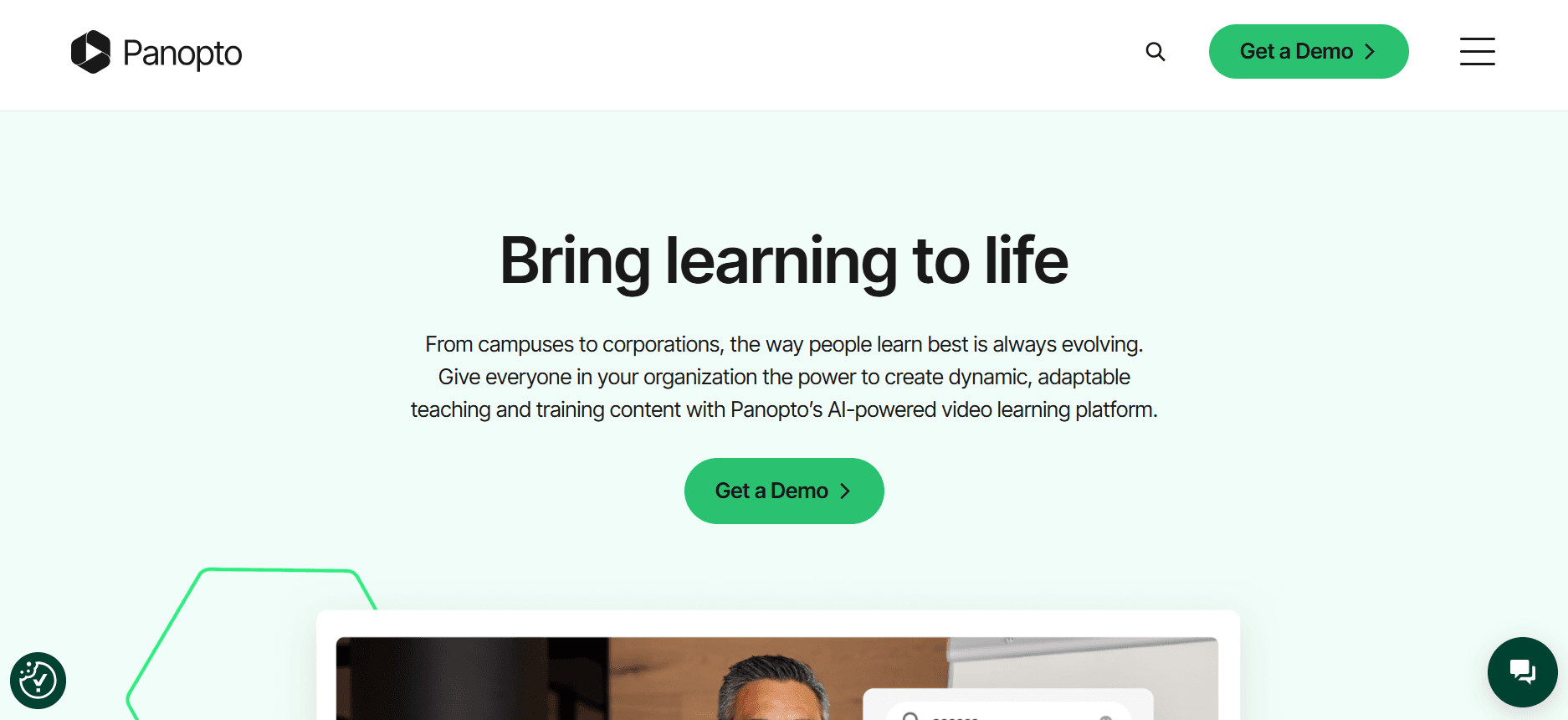
Panopto è una piattaforma video versatile orientata a istituti scolastici e grandi imprese. Fornisce ampie funzionalità di gestione video insieme a una funzione di ricerca che consente agli utenti di trovare rapidamente i contenuti. Panopto è particolarmente indicato per le organizzazioni che devono gestire vaste librerie di video didattici. Tuttavia, manca di un portale clienti dedicato, il che può essere un limite per le aziende focalizzate sulla formazione dei clienti.
Caratteristiche Principali
Gestione video avanzata
Libreria video con funzione di ricerca
Funzionalità di registrazione dello schermo
Analisi video
Integrazione con LMS
Sottotitolazione automatica
Supporto per lo streaming live
Distribuzione sicura dei contenuti
Vantaggi | Svantaggi |
|---|---|
Robuste funzionalità di gestione video. | Nessun portale clienti dedicato per un accesso personalizzato. |
Funzione di ricerca efficace per grandi librerie video. | Può essere eccessivo per i team più piccoli. |
Integrazione con le principali piattaforme LMS. | Costi più elevati per le funzionalità avanzate. |
Prezzi
Nessun piano gratuito. I prezzi partono da $14.99 per utente al mese per il piano base.
Loom

Loom è uno strumento semplice e intuitivo focalizzato principalmente sulla registrazione e condivisione dello schermo. È perfetto per piccoli team e singoli professionisti alla ricerca di un modo rapido per creare e distribuire contenuti video. Sebbene Loom sia eccellente per comunicazioni interne e tutorial di base, non offre le funzionalità avanzate necessarie per una formazione completa dei clienti, come l'analisi del coinvolgimento o un portale clienti.
Caratteristiche Principali
Semplice registrazione dello schermo
Condivisione video facilitata
Editing video di base
Informazioni sugli spettatori
Integrazione con strumenti di produttività
Archiviazione cloud per i video
Feedback video istantaneo
Link video personalizzabili
Vantaggi | Svantaggi |
|---|---|
Interfaccia intuitiva con configurazione rapida. | Lacca di analisi avanzate e monitoraggio del coinvolgimento. |
Perfetto per registrazioni dello schermo e condivisioni rapide. | Nessun portale clienti per esperienze personalizzate. |
Prezzo accessibile per piccoli team. | Funzionalità interattive limitate. |
Prezzi
Loom offre un piano gratuito con funzionalità limitate. I piani a pagamento partono da $10 per utente al mese.
Kaltura
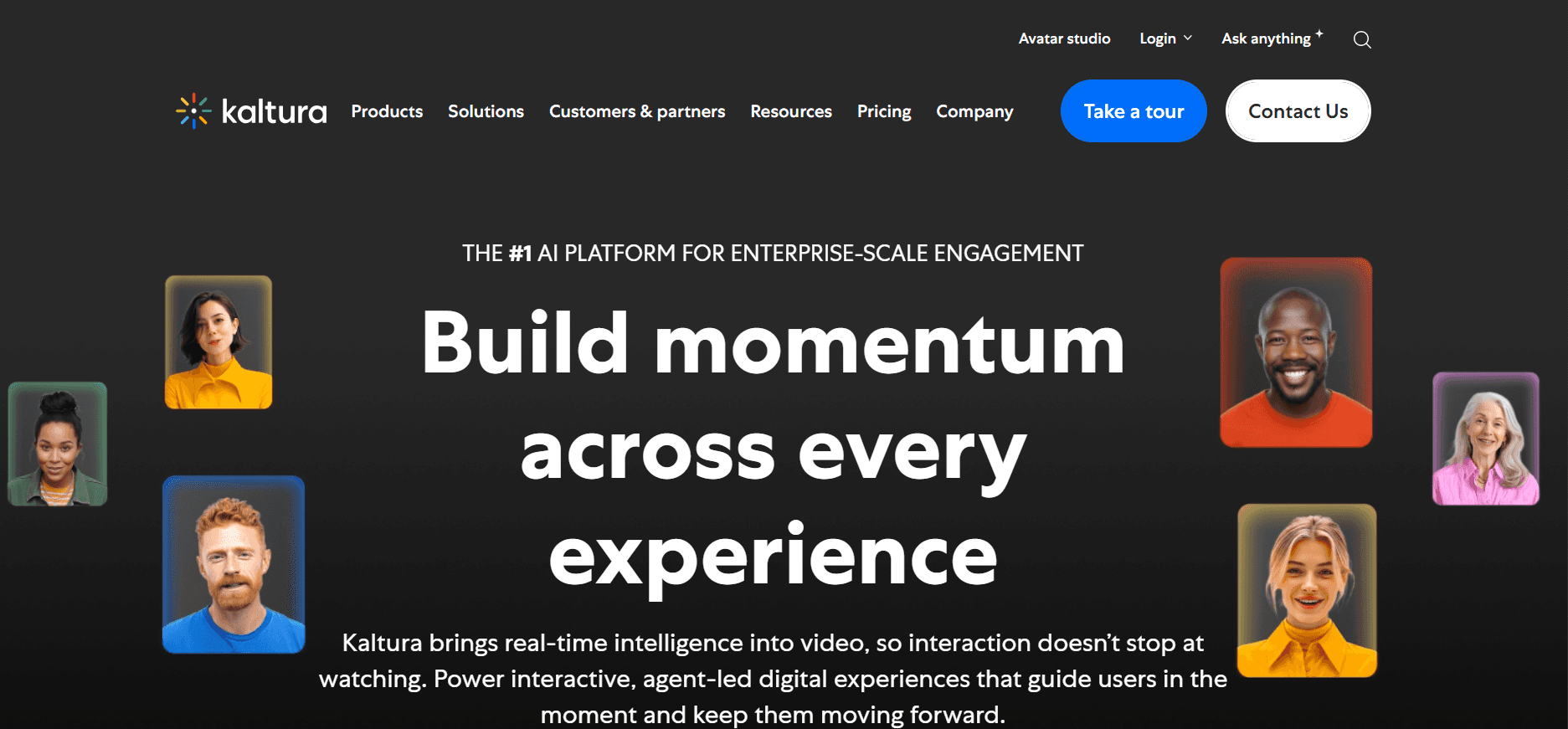
Kaltura offre una piattaforma video altamente personalizzabile adatta a grandi aziende che devono integrare i video nel loro ecosistema tecnologico. Nota per la sua flessibilità, Kaltura consente di creare soluzioni video su misura. È ideale per le aziende che richiedono ampie personalizzazioni e l'integrazione con i sistemi esistenti. Tuttavia, la navigazione sulla piattaforma può risultare complessa per utenti privi di competenze tecniche.
Caratteristiche Principali
Soluzioni video personalizzabili
Integrazione con ecosistemi tecnologici esistenti
Analisi video avanzata
Funzionalità video interattive
Supporto multilingue
Streaming video sicuro
Sistema di gestione dei contenuti
Accesso API per sviluppatori
Vantaggi | Svantaggi |
|---|---|
Altamente personalizzabile e flessibile per esigenze complesse. | Curva di apprendimento ripida per utenti non tecnici. |
Forte integrazione con i sistemi aziendali. | Costo più elevato per i piani ricchi di funzionalità. |
Analisi e reportistica complete. | Richiede supporto tecnico per la configurazione iniziale. |
Prezzi
Kaltura non offre un piano gratuito. I prezzi sono personalizzati e basati sulle esigenze specifiche e sull'utilizzo dell'azienda.
Vidyard

Vidyard è una scelta popolare per le aziende focalizzate sull'uso dei video per il marketing, le vendite e per l'istruzione dei clienti. Offre eccellenti analisi sul coinvolgimento e opzioni di personalizzazione, rendendolo un forte candidato per i team che desiderano migliorare i propri sforzi di formazione clienti. Tuttavia, il suo focus sul marketing potrebbe non essere l'ideale per tutti gli scenari formativi.
Caratteristiche Principali
Hosting e gestione video
Player video personalizzabili
Analisi avanzata
Integrazione con sistemi CRM
Elementi video interattivi
Strumenti di personalizzazione video
Funzionalità di lead generation
Opzioni di sicurezza dei contenuti
Vantaggi | Svantaggi |
|---|---|
Ottimo per iniziative di video marketing e vendite. | Non focalizzato principalmente sulle funzionalità di formazione. |
Analisi del coinvolgimento e reportistica avanzate. | La personalizzazione può essere complessa per i nuovi utenti. |
Forte integrazione con strumenti di marketing. | Prezzi più elevati per le funzionalità avanzate. |
Prezzi
Vidyard offre un piano gratuito con funzionalità di base. I piani a pagamento partono da $15 al mese.
Wistia

Wistia è un'eccellente piattaforma per le aziende che danno priorità al branding e vogliono offrire video di alta qualità con un aspetto professionale. Si concentra sulla creazione di un'esperienza di visione fluida con player personalizzabili e analisi dettagliate. Tuttavia, potrebbe non disporre di tutte le funzionalità richieste per una formazione completa dei clienti, come elementi interattivi o integrazione LMS.
Caratteristiche Principali
Player video personalizzabili
Opzioni di branding con loghi e colori
Analisi dettagliate degli spettatori
Funzionalità SEO per video
Strumenti di lead generation
Integrazione con piattaforme di marketing
Sicurezza dei contenuti
Hosting cloud
Vantaggi | Svantaggi |
|---|---|
Forte focus sul branding e sull'aspetto visivo professionale. | Manca di funzionalità formative interattive. |
Analisi complete per comprendere gli spettatori. | Costo più elevato per le funzionalità del player brandizzato. |
Facile integrazione con strumenti di marketing. | Non sono disponibili portali clienti dedicati. |
Prezzi
Wistia offre un piano gratuito limitato. I piani a pagamento partono da $25 al mese.
Camtasia

Camtasia è la soluzione di riferimento per creare registrazioni dello schermo e tutorial video professionali. È ampiamente utilizzato da educatori e formatori per produrre contenuti didattici dettagliati. Sebbene sia eccellente per la creazione di contenuti video, non dispone delle funzionalità necessarie per la gestione e la distribuzione dei materiali di formazione dei clienti, come portali dedicati e analisi del coinvolgimento.
Caratteristiche Principali
Registrazione dello schermo ed editing video
Annotazioni e richiami visivi
Effetti audio e video
Quiz ed elementi interattivi
Modelli video (template)
Funzionalità green screen
Integrazione con altri prodotti TechSmith
Caricamento diretto su piattaforme come YouTube
Vantaggi | Svantaggi |
|---|---|
Potenti strumenti di editing video per la creazione di contenuti dettagliati. | Manca di funzionalità di gestione dei clienti e di portali dedicati. |
Ideale per formatori e progettisti didattici. | Analisi limitate per il coinvolgimento video. |
Offre elementi video interattivi come i quiz. | Nessun piano gratuito; modello ad acquisto unico. |
Prezzi
Camtasia non offre un piano gratuito. L'acquisto unico costa $299, con piani di manutenzione opzionali.
Brightcove
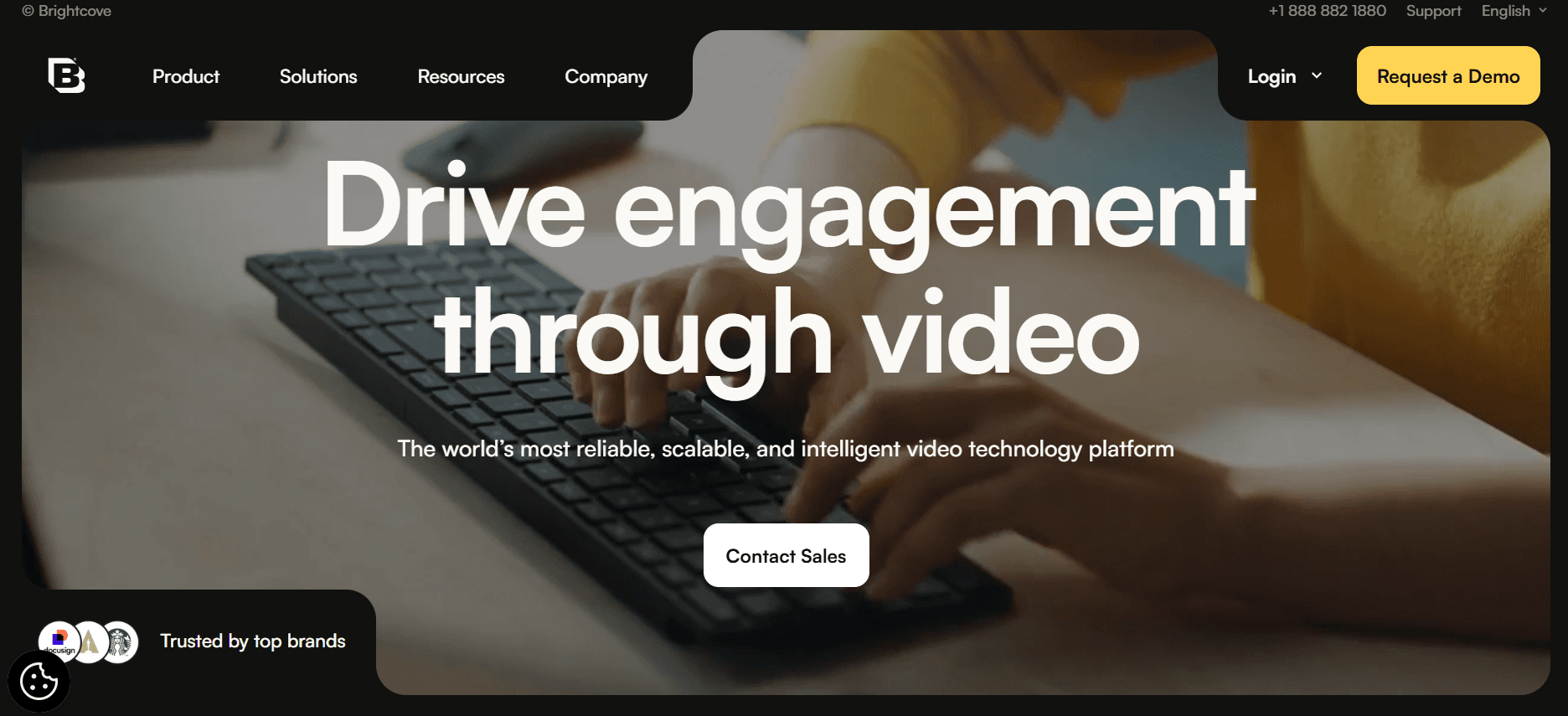
Brightcove è una potente piattaforma video utilizzata da grandi aziende per le sue solide capacità di streaming e gestione dei contenuti. Eccelle nel fornire soluzioni di hosting video e streaming di alta qualità, rendendolo perfetto per le aziende che devono gestire vaste librerie video. Tuttavia, il suo focus sulla trasmissione (broadcasting) potrebbe non soddisfare le esigenze specifiche della formazione clienti senza ulteriori personalizzazioni.
Caratteristiche Principali
Hosting video sicuro
Funzionalità di streaming live
Analisi e reportistica dettagliate
Opzioni di monetizzazione
Player video personalizzati
Sistema di gestione dei contenuti
Integrazioni API
Rete globale per la distribuzione dei contenuti (CDN)
Vantaggi | Svantaggi |
|---|---|
Eccellente per l'hosting e lo streaming video su larga scala. | Interfaccia complessa per i nuovi utenti. |
Robuste funzionalità di analisi e reportistica. | Fasce di prezzo più elevate per le funzionalità avanzate. |
Funzionalità complete di gestione dei contenuti. | Richiede personalizzazione per specifiche esigenze di formazione. |
Prezzi
Brightcove offre prezzi personalizzati in base alle esigenze aziendali, senza un piano gratuito standard disponibile.
Sfide con le Piattaforme Video per la Formazione dei Clienti: le Difficoltà dei Team
Nessun Controllo di Accesso Dedicato ai Clienti
Senza controlli di accesso dedicati, le aziende spesso condividono link generici, il che può portare ad accessi non autorizzati.
I clienti risentono della mancanza di un'esperienza personalizzata, in quanto non è possibile effettuare una distribuzione dei contenuti su misura.
La sicurezza dei dati diventa un problema quando il materiale di formazione sensibile viene condiviso in modo indiscriminato.
L'impossibilità di tracciare gli accessi individuali ostacola i follow-up personalizzati e le strategie di coinvolgimento.
Nessuna Visibilità sul Coinvolgimento dei Clienti
Le piattaforme video tradizionali non forniscono analisi dettagliate per capire se i clienti guardino effettivamente i contenuti.
Senza dati sul coinvolgimento, le aziende faticano a perfezionare i propri programmi di formazione in base ai feedback dei clienti.
La mancanza di dati sui tassi di completamento impedisce un follow-up mirato e l'offerta di supporto aggiuntivo ai clienti.
L'analisi del coinvolgimento è fondamentale per misurare l'efficacia del materiale formativo.
Mancanza di Branding Professionale
I player video generici spesso non riflettono l'immagine del marchio dell'azienda, sminuendone l'aspetto professionale.
Le opzioni di branding su misura sono limitate, compromettendo la coerenza del marchio nei materiali rivolti ai clienti.
I clienti potrebbero percepire il contenuto come meno credibile senza elementi di brand pertinenti.
Il branding è fondamentale per mantenere un'identità coerente in tutte le interazioni con i clienti.
Nessun Elemento Interattivo
I video statici mancano di quegli elementi interattivi necessari per un apprendimento autonomo ed efficace.
Quiz, capitoli e percorsi di fruizione ramificati sono cruciali per mantenere alto l'interesse e la comprensione da parte del cliente.
Le funzionalità interattive consentono un migliore monitoraggio dei progressi e del livello di comprensione dell'utente.
Senza interattività, i clienti potrebbero non assimilare le informazioni presentate nei video.
Necessità di Nuove Registrazioni per Aggiornamenti del Prodotto
Ogni volta che un prodotto cambia, i video devono essere registrati nuovamente, un processo lungo e costoso.
Gli aggiornamenti frequenti del prodotto possono rendere obsoleti i video in tempi rapidi, riducendo l'efficacia della formazione.
Le aziende faticano a mantenere aggiornate le proprie librerie di formazione senza processi snelli di aggiornamento dei contenuti.
Dover rifare interi video riduce la flessibilità dei programmi formativi.
Sfida | Processo Tradizionale | Impatto Aziendale | Costo in Termini di Tempo |
|---|---|---|---|
Nessun Controllo di Accesso Dedicato ai Clienti | Condivisione generica di link | Rischi per la sicurezza, mancanza di personalizzazione | Alto |
Nessuna Visibilità sul Coinvolgimento dei Clienti | Analisi limitate | Impossibilità di valutare l'efficacia | Moderato |
Mancanza di Branding Professionale | Player video generici | Esperienza di brand incoerente | Basso |
Nessun Elemento Interattivo | Contenuti video statici | Minore coinvolgimento e memorizzazione | Alto |
Necessità di Nuove Registrazioni per Aggiornamenti del Prodotto | Nuova registrazione manuale | Contenuti obsoleti, costi elevati | Molto Alto |
Funzionalità Indispensabili nelle Piattaforme Video per la Formazione dei Clienti
Portale Clienti con Controlli di Accesso Granulari
Per le aziende focalizzate sulla formazione dei clienti, avere un portale dedicato è fondamentale. Consente la creazione di esperienze su misura per ciascun cliente, garantendo al contempo un accesso sicuro ai materiali sensibili. I controlli di accesso granulari permettono alle aziende di impostare chi può visualizzare determinati contenuti, offrendo un approccio strutturato. Questa funzionalità è cruciale soprattutto per le realtà che gestiscono informazioni riservate o proprietarie che necessitano di un controllo rigoroso.
Trupeer eccelle in questo ambito, offrendo un portale clienti che permette alle aziende di gestire gli accessi in modo estremamente dettagliato. Ciò garantisce che i materiali formativi siano sia sicuri che pertinenti alle necessità di ogni singolo cliente.
Analisi Video che Mostrano il Coinvolgimento per Spettatore
Capire in che modo i clienti interagiscono con i materiali formativi è essenziale per ottimizzare i contenuti. Le analisi video offrono indicazioni utili su quali parti catturano maggiormente l'attenzione del cliente e dove, invece, l'interesse tende a calare. Questi dati sono preziosi per mettere a punto strategie didattiche e garantire che gli utenti ricevano il massimo valore dal corso.
Piattaforme come Vidyard e Panopto offrono solide metriche di analisi che aiutano le aziende a monitorare efficacemente il coinvolgimento degli utenti. Ciò permette di prendere decisioni basate sui dati per migliorare l'esperienza formativa complessiva.
Elementi Interattivi (Quiz, Capitoli, Percorsi Ramificati)
Gli elementi interattivi trasformano la visione passiva in apprendimento attivo, un fattore chiave per una formazione clienti efficace. I quiz permettono di valutare il livello di comprensione, i capitoli semplificano la navigazione e i percorsi ramificati consentono di personalizzare l'esperienza di studio. Queste funzioni tengono vivo l'interesse dei clienti, favorendo l'assimilazione delle informazioni.
Kaltura si distingue proprio per la ricchezza delle sue opzioni interattive, dando modo alle aziende di strutturare percorsi dinamici e coinvolgenti a seconda delle preferenze del cliente.
Doppio Audio IA e Traduzione Automatica
Le funzionalità di voiceover basate su intelligenza artificiale e la traduzione automatica sbloccano infinite potenzialità per le aziende che operano a livello globale o che hanno a che fare con clienti diversi. Questi strumenti rendono agevole la promozione di contenuti adatti a varie geografie senza richiedere lunghi processi di traduzione manuale. I doppiaggi IA contribuiscono inoltre a dare un'impronta ancor più professionale e fluida ai video.
Trupeer integra funzionalità IA per proporre strumenti avanzati di voiceover e traduzione automatica, agevolando la pubblicazione di corsi multilingue per raggiungere platee più ampie.
Personalizzazione dell'Immagine Aziendale con Logo e Colori
Presentare un'immagine coordinata in tutti i materiali rivolti all'esterno è vitale per trasmettere professionalità. I programmi che consentono di inserire logo, colori e stili aziendali assicurano la perfetta coerenza dei video di formazione con l'identità visiva della società. Questo rafforza l'autorevolezza e la fiducia del cliente nei confronti del brand.
Wistia garantisce eccellenti opzioni di personalizzazione estetica, permettendo di adattare i player e i contenuti video allo stile aziendale e offrendo così materiali dall'aspetto impeccabile.
Aggiornamenti Facili dei Contenuti senza Dover Registrare Nuovamente
In molti mercati le novità di prodotto si susseguono a sbalzi e dover incidere daccapo interi video rappresenta un aggravio di tempo e denaro. Le piattaforme che facilitano le modifiche ai video senza costringere a raddoppiare gli sforzi di produzione snelliscono il lavoro operativo, garantendo corsi sempre attuali. È una comodità enorme, specie per il settore informatico dove i software evolvono costantemente.
Il sistema di orchestrazione dei file di Brightcove fornisce la reattività ideale per rinfrescare i contenuti con facilità, in modo che gli utenti abbiano costantemente accesso alle ultime novità rilasciate sui prodotti.
Come Scegliere la Piattaforma Video per la Formazione Clienti in Base al Tuo Caso d'Uso
Video di Onboarding sul Software per i Clienti
Per chi sviluppa software, guidare i clienti nelle fasi iniziali di onboarding (avviamento) in modo efficiente è decisivo affinché possano trarre utilità dal servizio fin dal primo giorno. Scegliere soluzioni con elementi interattivi e metriche dettagliate può cambiare radicalmente questo percorso.
Principali Sfide:
Assicurarsi che gli utenti comprendano le funzioni più complesse del software.
Monitorare l'avanzamento dei clienti e le visualizzazioni durante l'onboarding.
Rendere i materiali di risorsa facilmente rintracciabili.
Soluzioni Richieste:
Funzioni interattive come quiz veloci per verificare l'apprendimento.
Analisi delle visualizzazioni per controllare l'andamento del percorso.
Portali dedicati per l'accesso immediato alle guide d'uso.
Funzionalità | Trupeer | Kaltura | Vidyard |
|---|---|---|---|
Elementi Interattivi | Sì | Sì | Limitato |
Analisi | Sì | Sì | Sì |
Portali Clienti | Sì | No | Limitato |
Librerie per la Formazione Continua di Prodotto
Disporre di un archivio di corsi aggiornato è vitale per le aziende che rinnovano frequentemente i propri prodotti. Diventa quindi prioritario dotarsi di strumenti che consentano correzioni rapide e un solido ordinamento dei file.
Principali Sfide:
Mantenere il materiale al passo con i continui lanci di nuove opzioni.
Consentire agli utenti finali una consultazione senza sforzi della libreria.
Gestire ordinatamente una mole significativa di lezioni.
Soluzioni Richieste:
Strumenti di archiviazione logica per una catalogazione efficiente.
Procedure snelle di riscrittura o sostituzione di parti dei vecchi video.
Accesso protetto tramite portali dedicati per la consultazione sicura.
Funzionalità | Trupeer | Brightcove | Panopto |
|---|---|---|---|
Aggiornamento Contenuti | Sì | Sì | No |
Gestione Contenuti | Sì | Sì | Sì |
Portali Clienti | Sì | Sì | No |
Corsi di Conformità (Compliance) e Certificazioni
Le realtà operanti in mercati sottoposti a normative severe necessitano di strumenti idonei a garantire una formazione conforme e monitorabile. Per questo tipo di corsi, funzioni di verifica e tracciamento dei certificati sono d'obbligo.
Principali Sfide:
Accertarsi che ogni cliente porti a termine i moduli di compliance prescritti.
Verificare l'avanzamento dei partecipanti e l'assegnazione dei certificati correlati.
Offrire programmi identici in diversi paesi.
Soluzioni Richieste:
Metriche di dettaglio per certificare lo svolgimento completo delle lezioni.
Funzioni per emettere, registrare e attestare i progressi effettuati.
Soluzioni multi-lingua per l'erogazione dei corsi all'estero.
Funzionalità | Trupeer | Wistia | Vidyard |
|---|---|---|---|
Tracciamento Certificazioni | Sì | No | Limitato |
Analisi | Sì | Limitato | Sì |
Supporto Multilingua | Sì | No | Sì |
Programmi Video per l'Abilitazione dei Partner (Partner Enablement)
Per chi si affida a reti di distribuzione o rivenditori partner, è vitale dotarli di una solida preparazione. Piattaforme che puntano su lezioni interattive di alto livello possono incrementare nettamente la proattività e la competenza dei partner commercializzatori.
Principali Sfide:
Garantire che i partner conoscano appieno i punti di forza del prodotto.
Standardizzare il livello dei corsi offerti alle varie organizzazioni partner associate.
Verificare il livello di partecipazione e il completamento delle sessioni dei partner.
Soluzioni Richieste:
Video interattivi per coinvolgere attivamente i partner dell'ecosistema.
Reportistica dedicata per misurare la frequenza dei corsi erogati.
Impostazioni estetiche coordinate con le linee guida aziendali.
Funzionalità | Trupeer | Kaltura | Loom |
|---|---|---|---|
Contenuti Interattivi | Sì | Sì | No |
Analisi e Tracciamento | Sì | Sì | No |
Branding Personalizzato | Sì | Sì | Limitato |
Linee Guida per le Piattaforme di Formazione Clienti Tramite Video
Prima di iniziare
Fissa obiettivi di apprendimento chiari per plasmare lo sviluppo dei contenuti.
Struttura le videolezioni per argomenti prioritari per facilitare l'apprendimento sequenziale.
Intercetta le domande più comuni del pubblico di riferimento per calibrare le risposte.
Assicurati di disporre di equipaggiamenti e risorse idonee prima della fase di editing.
Predisponi i parametri di analisi fin dal principio per stimare la riuscita dei video.
Durante la produzione
Cerca di contenere ogni video sotto i 5 minuti per evitare cali di attenzione degli utenti.
Usa i capitoli per spezzettare le procedure complesse in piccoli moduli.
Usa elementi d'ingaggio come i quiz per consolidare quanto appreso.
Garantisci l'omogeneità della veste grafica lungo tutta la produzione.
Cattura l'attenzione visiva con registrazioni curate e un parlato chiaro.
Dopo il rilascio
Esamina i tassi di completamento dei corsi dei clienti per ricalibrare i punti deboli.
Interpreta i grafici di utilizzo per capire dove affinare la fruizione dei video.
Aggiorna le informazioni con cadenza trimestrale per non mostrare software obsoleti.
Considera le osservazioni dirette degli utenti per rifinire l'esperienza d'uso.
Segnala regolarmente ai clienti l'arrivo di nuove guide e aggiornamenti.
Domande Frequenti
Cos'è una piattaforma video per la formazione dei clienti?
È un'applicazione studiata per consentire alle aziende di registrare, organizzare e distribuire percorsi formativi video dedicati ai loro clienti. Solitamente include portali di accesso sicuri, grafici per monitorare i progressi del pubblico ed elementi dinamici per facilitare l'apprendimento.
Chi trae maggiormente vantaggio da questi applicativi?
Società di servizi tecnologici (SaaS), imprese di consulenza strategica e agenzie esterne traggono enorme vantaggio da questi sistemi, in quanto semplificano enormemente i passaggi di formazione riducendo il tempo dedicato a spiegazioni manuali.
È possibile connettere la piattaforma scelta con un LMS esistente?
Sì, le migliori alternative propongono integrazioni native per i sistemi di formazione interna (LMS) più comuni sul mercato, consentendo di coordinare le attività degli utenti in un unico flusso. Verifica questa dicitura nelle schede tecniche del software.
Quanto sono sicuri i filmati pubblicati su questi spazi?
La quasi totalità dei prodotti adotta standard crittografati rigorosi e profili d'accesso strutturati, prevenendo la diffusione accidentale di nozioni coperte da privativa o dati industriali. Ti consigliamo di confrontare i contratti sul trattamento dati prima di stipulare abbonamenti.
Esistono versioni gratuite delle piattaforme per fare delle prove?
Alcune marche offrono formule iniziali a costo zero per piccoli uffici o singoli, ottime per prendere confidenza con lo strumento. Le versioni business a canone sbloccano tuttavia tutta la flessibilità e i controlli necessari alle realtà strutturate.
Come posso identificare il piano tariffario corretto per me?
Pesa con cura il volume di utenti previsto, le caratteristiche di personalizzazione imperative per il tuo brand e il budget stanziato. Molti brand mettono a disposizione canoni modulabili in modo da agevolare l'ampliamento del servizio col crescere del portfolio clienti.
Quanto tempo richiede la messa in funzione di un simile sistema?
Il periodo di configurazione dipende da quanto profondo è il livello di personalizzazione e se sono presenti integrazioni con i software aziendali già in uso. Esistono strumenti ad attivazione immediata, mentre altri necessitano di qualche settimana di sviluppo mirato.
Che livello di assistenza è previsto durante le fasi di avvio?
Le software house offrono percorsi di avviamento guidati con letture esplicative, video dimostrativi e chat di assistenza per risolvere i primi passaggi. Nelle fasce di acquisto enterprise, si ha diritto a un referente tecnico designato.
Conclusione
Scegliere la corretta piattaforma video per la formazione dei clienti può cambiare del tutto il rapporto con la tua clientela, fidelizzandola. Muovendosi con criteri solidi e curando lo stile delle presentazioni, potrai proporre materiali formativi appetibili, incrementando l'autonomia degli utilizzatori finali. Questi software cresceranno al passo con la tua azienda, supportandoti in tutte le sfide di spiegazione del prodotto.
Trupeer propone pacchetti di servizi nati per darti il pieno controllo della formazione dei tuoi clienti. Ti invitiamo ad approfondire le funzionalità sulla pagina Trupeer.ai, scoprendo gli enormi miglioramenti operativi applicabili al tuo business.


