Trupeer Blog
Riassumi

Esplora le migliori piattaforme per i video di formazione dei clienti, pensate appositamente per il coinvolgimento dei clienti esterni.
Tempo di lettura: 45 min · 30 marzo 2026.
Panoramica per l'acquirente
Per le aziende che formano clienti esterni, la necessità di piattaforme video specializzate è fondamentale. Gli strumenti generici sono spesso insufficienti, poiché mancano di portali dedicati ai clienti e di analisi del coinvolgimento. Con l'aumento delle aspettative dei clienti, le aziende si trovano ad affrontare la sfida di offrire esperienze di formazione personalizzate e interattive. Un recente sondaggio ha rivelato che il 72% dei clienti si aspetta che le aziende offrano una formazione su misura per le loro esigenze specifiche, evidenziando l'importanza di piattaforme personalizzabili.
Il 72% dei clienti si aspetta esperienze di formazione personalizzate da parte delle aziende.
Fonte: Client Training Report di Business Insights, 2025
Questa guida è pensata per agenzie, fornitori di SaaS e società di consulenza che desiderano migliorare la formazione dei propri clienti. Esaminiamo una gamma di piattaforme, ciascuna con punti di forza e limiti specifici, per aiutarti a prendere una decisione informata. Che il tuo obiettivo sia un'integrazione perfetta o un'analisi avanzata, questa guida rappresenta la tua risorsa completa.
Le migliori piattaforme video per la formazione dei clienti: confronto diretto
Funzionalità | Trupeer | Panopto | Loom | Kaltura | Vidyard | Wistia | Camtasia | Vimeo OTT |
|---|---|---|---|---|---|---|---|---|
Funzionalità principali | ||||||||
Portale Clienti | Sì | Limitato | No | Sì | No | Limitato | No | No |
Controlli di Accesso | Sì | Sì | No | Sì | Limitato | Limitato | No | Limitato |
Funzionalità IA | ||||||||
Voce fuori campo IA | Sì | No | No | Limitato | Limitato | No | No | No |
Personalizzazione del Brand | Sì | Limitato | No | Sì | Sì | Sì | No | Sì |
Funzionalità Professionali | ||||||||
Video Interattivo | Sì | Sì | No | Sì | No | Limitato | No | Limitato |
Analisi del Coinvolgimento | Sì | Sì | Limitato | Sì | Sì | Sì | No | Limitato |
Integrazioni | ||||||||
Multilingua | Sì | Sì | No | Limitato | Limitato | Sì | No | No |
Integrazione LMS | Sì | Sì | No | Sì | Limitato | Sì | No | Limitato |
Piano Gratuito | Limitato | No | Sì | No | Sì | Limitato | No | No |
Trupeer

Trupeer offre una piattaforma video completa per la formazione dei clienti, progettata per le aziende che necessitano di solide funzionalità rivolte all'esterno. È pensata su misura per agenzie, fornitori di SaaS e società di consulenza che hanno bisogno di distribuire contenuti dinamici e coinvolgenti. Trupeer si distingue per i suoi portali clienti intuitivi, analisi dettagliate sul coinvolgimento e funzionalità basate sull'intelligenza artificiale. Gli utenti apprezzano la sua capacità di integrarsi facilmente con i sistemi LMS esistenti, rendendolo una scelta versatile per diverse esigenze di formazione.
Funzionalità chiave
Portale clienti con accesso granulare
Voce fuori campo tramite IA e traduzione automatica
Elementi interattivi come quiz
Opzioni di branding personalizzate
Analisi del coinvolgimento per singolo spettatore
Integrazione LMS
Supporto multilingua
Aggiornamenti dei contenuti semplificati
"Trupeer ha trasformato il nostro processo di formazione permettendoci di personalizzare i contenuti per ogni cliente. La funzione di analisi è una svolta totale."
Jessica Lee, Responsabile della formazione presso Tech Solutions (Fonte: G2)
Pro
Contro
Integrazione fluida con le piattaforme LMS.
Opzioni limitate per il piano gratuito.
La voce fuori campo tramite IA migliora la fruizione dei contenuti.
La configurazione iniziale può richiedere molto tempo.
Branding personalizzabile per il coinvolgimento del cliente.
Le funzionalità avanzate possono risultare complesse per i nuovi utenti.
Analisi dettagliate per monitorare il coinvolgimento.
Prezzi
Trupeer offre un piano gratuito limitato con l'opzione di passare a piani premium a partire da $49 per utente al mese.
Panopto
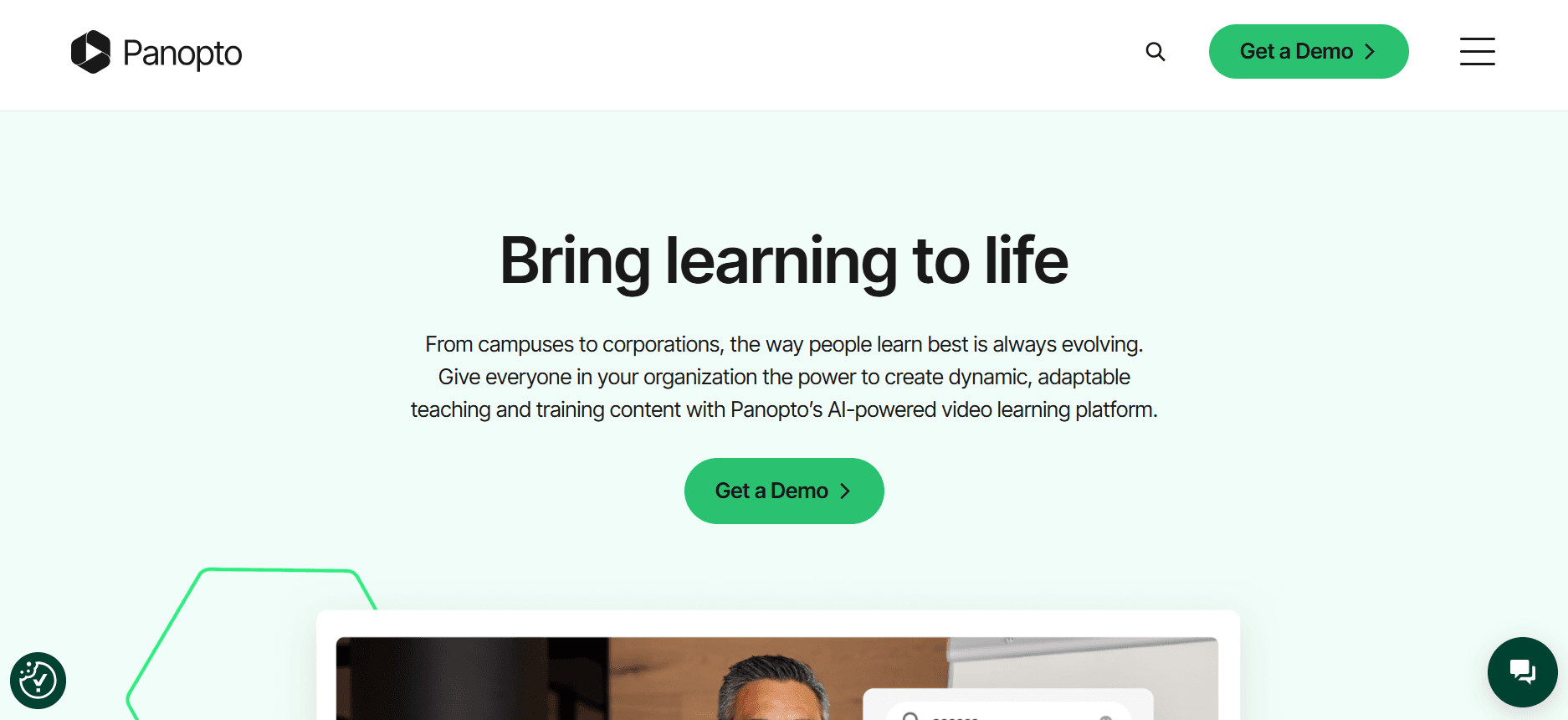
Panopto fornisce una piattaforma video versatile utilizzata sia da istituti scolastici che da imprese. È nota per le sue capacità di registrazione delle lezioni, rendendola ideale per ambienti accademici e formazione aziendale. Con funzionalità come contenuti video ricercabili e integrazione con sistemi LMS, Panopto è particolarmente adatta per grandi organizzazioni che necessitano di un'ampia libreria video e di una facile accessibilità.
Funzionalità chiave
Registrazione delle lezioni e streaming live
Contenuti video ricercabili
Quiz video interattivi
Integrazione LMS
Funzionalità di registrazione dello schermo
Supporto multilingua
Strumenti di editing video
Dashboard di analisi
Pro
Contro
Eccellente per la formazione scolastica e aziendale.
Funzionalità limitate del portale clienti.
Forte integrazione con i sistemi LMS.
Nessuna funzionalità di voce fuori campo IA.
Robusta funzionalità di ricerca video.
L'interfaccia utente può essere complessa.
I quiz interattivi migliorano il coinvolgimento.
Prezzi
Panopto non offre un piano gratuito; i prezzi per i piani aziendali sono disponibili su richiesta.
Loom

Loom è una scelta popolare per comunicazioni video rapide e registrazioni dello schermo. È ampiamente utilizzato dai team che hanno bisogno di condividere aggiornamenti e tutorial in modo efficiente. Sebbene Loom non sia progettato specificamente per una formazione clienti dettagliata, la sua facilità d'uso e accessibilità lo rendono uno dei preferiti per la creazione di video rapidi e informali. La sua semplicità è un punto di forza, anche se manca di alcune funzionalità avanzate necessarie per una formazione completa del cliente.
Funzionalità chiave
Registrazione dello schermo semplice
Condivisione video istantanea
Strumenti di feedback per gli spettatori
Funzionalità di editing di base
Integrazione con strumenti di produttività
Interfaccia intuitiva
Notifiche in tempo reale
Analisi di base
Pro
Contro
Facile da usare per creare video rapidamente.
Opzioni di personalizzazione limitate.
Funzionalità di condivisione istantanea.
Nessun portale clienti o analisi avanzate.
Integrazione con i più diffusi strumenti di produttività.
Non adatto per una formazione dettagliata dei clienti.
Interfaccia estremamente intuitiva.
Funzionalità di editing limitate.
Prezzi
Loom offre un piano gratuito, con piani Pro a partire da $10 per utente al mese.
Kaltura
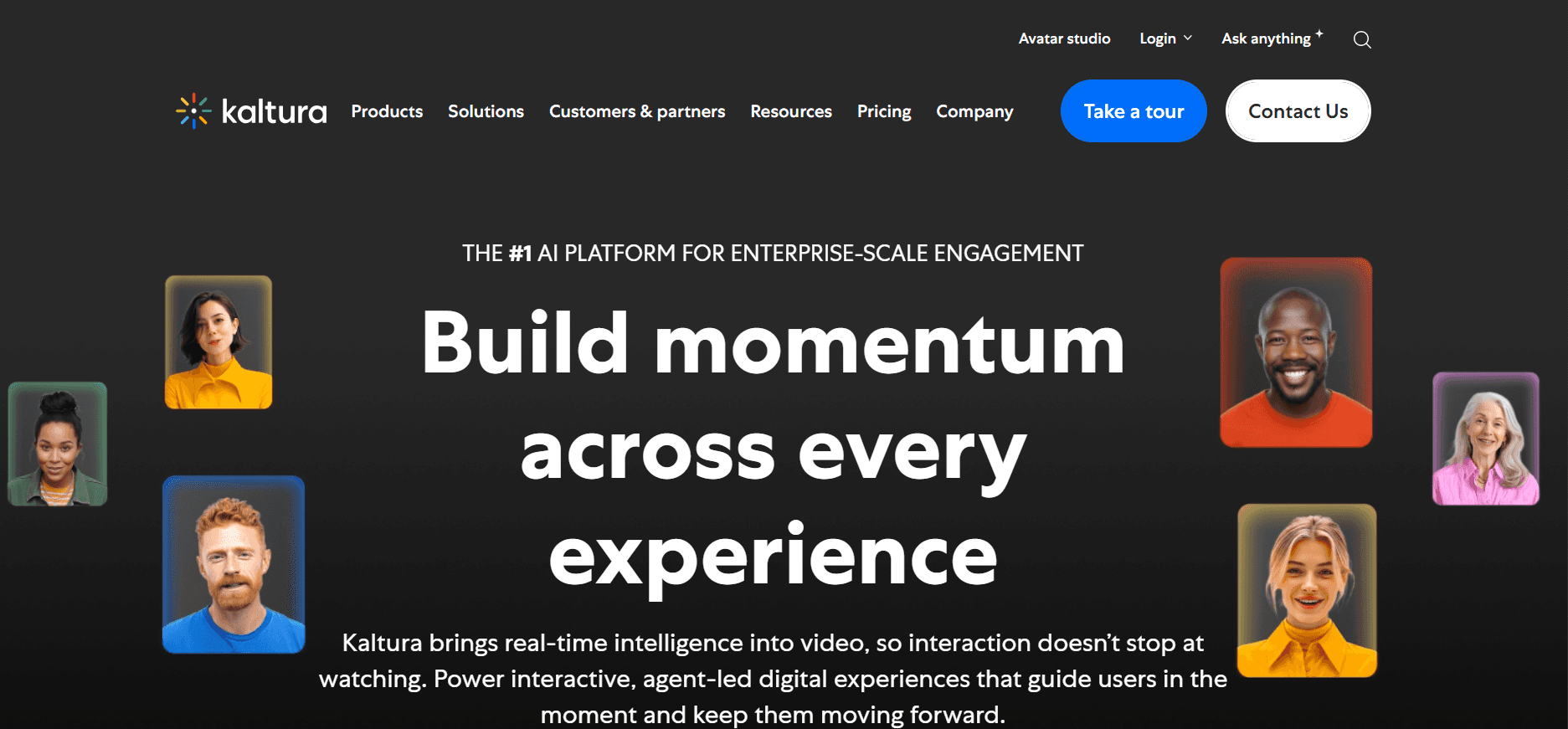
Kaltura è una piattaforma video altamente personalizzabile utilizzata da media company, università e aziende. Nota per la sua flessibilità, Kaltura supporta un'ampia gamma di applicazioni video, tra cui streaming live, video-on-demand e altro ancora. È particolarmente forte negli ambienti accademici e aziendali, dove sono essenziali ampie capacità di integrazione. Sebbene offra potenti funzionalità, la sua complessità può rappresentare un ostacolo per i team più piccoli.
Funzionalità chiave
Streaming live e VOD
Integrazione LMS
Supporto multilingua
Video player personalizzabile
Analisi avanzate
Funzionalità video interattive
Opzioni di distribuzione flessibili
Strumenti di gestione dei contenuti
Pro
Contro
Altamente personalizzabile per svariate esigenze.
Curva di apprendimento ripida per i nuovi utenti.
Forte integrazione con le piattaforme LMS.
Nessun piano gratuito disponibile.
Analisi robuste per i contenuti video.
Processo di configurazione complesso.
Supporta video live e on-demand.
Prezzi
Kaltura offre prezzi personalizzati in base ai requisiti specifici dell'organizzazione, senza piani gratuiti.
Vidyard

Vidyard è una piattaforma video nota per le sue funzionalità di marketing e abilitazione alle vendite. È l'ideale per le aziende che desiderano migliorare il coinvolgimento dei clienti attraverso contenuti video personalizzati. Con funzioni come la personalizzazione dei video e l'analisi dettagliata degli spettatori, Vidyard consente ai team di creare campagne video di forte impatto. Tuttavia, per le organizzazioni focalizzate sulla formazione dei clienti, Vidyard potrebbe mancare di alcune funzionalità educative necessarie.
Funzionalità chiave
Personalizzazione del video
Analisi dettagliate degli spettatori
Integrazione con strumenti CRM
Branding video personalizzato
Call-to-action interattive
Ottimizzazione SEO per i video
Dashboard di analisi
Hosting e gestione video
Pro
Contro
Eccellente per video di marketing e vendita.
Funzionalità didattiche limitate.
Analisi solide per il coinvolgimento degli spettatori.
Nessuna funzionalità di portale clienti.
Supporta la personalizzazione dei video.
Complesso per casi d'uso non legati al marketing.
Si integra con i sistemi CRM.
Prezzi
Vidyard offre un piano gratuito con piani premium a partire da $15 per utente al mese.
Wistia

Wistia è una piattaforma di hosting video nota per i suoi strumenti di branding professionale e per le analisi dettagliate. È una delle preferite dai professionisti del marketing e dalle aziende che desiderano presentare contenuti video curati e in linea con il proprio marchio. Wistia è particolarmente forte nell'offrire opzioni di branding personalizzate e analisi del coinvolgimento, sebbene potrebbe non supportare tutti gli elementi interattivi necessari per una formazione clienti completa.
Funzionalità chiave
Opzioni di branding personalizzate
Analisi del coinvolgimento
Strumenti SEO per i video
Funzionalità di incorporamento e condivisione
Mappe di calore per il coinvolgimento degli spettatori
Integrazione con strumenti di marketing
Sistema di gestione video
Elementi video interattivi
Pro
Contro
Forte attenzione al branding e alla presentazione.
Funzionalità interattive limitate.
Analisi dettagliate del coinvolgimento.
Nessuna funzionalità di portale clienti.
Integrazione con piattaforme di marketing.
Meno adatto per contenuti didattici.
Strumenti SEO per contenuti video.
Prezzi
Wistia offre un piano gratuito limitato, con piani premium a partire da $99 al mese per le funzionalità avanzate.
Camtasia

Camtasia è un potente strumento di registrazione dello schermo e di editing video utilizzato da educatori e professionisti per creare tutorial e presentazioni. Sebbene non sia una piattaforma di hosting video, Camtasia eccelle nel fornire strumenti di editing completi per creare contenuti video professionali. È ideale per gli utenti che devono produrre video dettagliati e di alta qualità, ma che potrebbero richiedere piattaforme aggiuntive per l'hosting e la condivisione.
Funzionalità chiave
Strumenti avanzati di editing video
Funzionalità di registrazione dello schermo
Quiz e annotazioni interattive
Funzionalità di editing audio
Animazioni personalizzabili
Supporto audio multicanale
Integrazione con altri software
Esportazione video in alta definizione
Pro
Cons
Eccellente per la creazione di tutorial rifiniti nei minimi dettagli.
Nessuna funzionalità di hosting o condivisione.
Funzionalità di editing complete.
Curva di apprendimento ripida per i principianti.
Supporta elementi video interattivi.
Non adatto per portali rivolti ai clienti.
Output video di alta qualità.
Prezzi
Camtasia è disponibile con un acquisto una tantum al prezzo di $299.99, senza alcun piano gratuito.
Vimeo OTT
Vimeo OTT è una piattaforma progettata per le aziende che desiderano lanciare i propri servizi di abbonamento video. È ideale per i creatori di contenuti e le aziende di media che hanno la necessità di monetizzare i contenuti video tramite abbonamenti. Sebbene sia potente per la gestione degli abbonamenti e lo streaming di contenuti, Vimeo OTT potrebbe non offrire le funzionalità di formazione specifiche necessarie per l'istruzione dei clienti.
Funzionalità chiave
Gestione degli abbonamenti
Canali video personalizzabili
Opzioni di monetizzazione
Funzionalità di streaming live
Strumenti di analisi e reportistica
Funzionalità di gestione degli utenti
Supporto multipiattaforma
Opzioni di branding personalizzate
Pro
Contro
Eccellente per servizi video basati su abbonamento.
Funzionalità di formazione clienti limitate.
Forti strumenti di branding e monetizzazione.
Nessun elemento di formazione interattivo.
Supporta molteplici piattaforme e dispositivi.
Complesso per casi d'uso non legati all'intrattenimento.
Canali video personalizzabili.
Prezzi
Vimeo OTT offre prezzi personalizzati in base alle esigenze specifiche del tuo servizio di abbonamento, senza un piano gratuito.
Sfide delle piattaforme video per la formazione dei clienti: i problemi riscontrati dai team
Nessun controllo dedicato per l'accesso dei clienti
Molte piattaforme si affidano a link generici per la condivisione dei video, il che può compromettere la sicurezza e la privacy.
I clienti potrebbero accedere accidentalmente a contenuti non autorizzati, portando a potenziali violazioni dei dati.
Senza portali protetti, è difficile gestire chi ha accesso a specifici materiali di formazione.
Monitorare l'accesso e il coinvolgimento del cliente diventa complicato senza controlli adeguati.
Nessuna visibilità sul coinvolgimento dei clienti
Le piattaforme tradizionali spesso mancano di analisi dettagliate, impedendo ai team di comprendere il comportamento dei clienti.
Senza questi dati, è difficile misurare l'efficacia dei materiali formativi.
I team perdono l'opportunità di migliorare i contenuti in base alle metriche di coinvolgimento dei clienti.
Feedback limitati o assenti possono portare a contenuti ripetitivi o poco stimolanti.
Mancanza di branding professionale
Le piattaforme video generiche non offrono opzioni di branding avanzate, influenzando negativamente la percezione del cliente.
Un branding non coerente tra i vari materiali formativi può confondere i clienti.
I team faticano a personalizzare l'esperienza formativa per allinearla all'identità del marchio.
I contenuti privi di marchio potrebbero non trasmettere professionalità e fiducia.
Nessun elemento interattivo per la formazione autonoma
I video statici possono causare tassi di coinvolgimento e memorizzazione inferiori tra i clienti.
Senza quiz o percorsi interattivi, i clienti non possono verificare la propria comprensione in modo efficace.
Gli elementi interattivi migliorano l'esperienza di apprendimento, ma spesso mancano negli strumenti di base.
La mancanza di interazione può rendere la formazione monotona e meno efficace.
Necessità di registrare nuovamente i video per ogni aggiornamento del prodotto
Gli aggiornamenti frequenti richiedono che i team spendano tempo e risorse per registrare nuovamente i video.
Questo processo può ritardare la consegna dei materiali di formazione aggiornati ai clienti.
Registrare nuovamente comporta anche il rischio di incongruenze nei contenuti formativi.
I team possono riscontrare difficoltà nel mantenere la libreria formativa aggiornata e pertinente.
Sfida
Processo tradizionale
Impatto aziendale
Costo in termini di tempo
Nessun controllo dedicato per l'accesso dei clienti
Condivisione tramite link generici
Rischi di sicurezza, violazione dei dati
Alto
Nessuna visibilità sul coinvolgimento dei clienti
Mancanza di strumenti di analisi
Occasioni di miglioramento perse
Medio
Mancanza di branding professionale
Opzioni di branding di base
Esperienza del cliente non uniforme
Medio
Nessun elemento interattivo
Video statici
Minore coinvolgimento e memorizzazione
Medio
Necessità di registrare nuovamente
Aggiornamenti video manuali
Notevole dispendio di risorse, ritardi
Alto
Funzionalità indispensabili nelle piattaforme video per la formazione dei clienti
Portale clienti con controlli di accesso granulari
Un portale clienti che offre controlli di accesso granulari è essenziale per gestire chi visualizza i contenuti della formazione. Impostando autorizzazioni specifiche per utente, puoi assicurarti che i clienti vedano solo i materiali pertinenti a loro. Questo non solo aumenta la sicurezza, ma migliora anche l'esperienza offrendo un portale personalizzato. Trupeer eccelle in quest'area, offrendo controlli di accesso robusti e facili da gestire.
Analisi video per monitorare il coinvolgimento dei singoli spettatori
Capire come i clienti interagiscono con i video formativi è fondamentale per il miglioramento continuo. Analisi dettagliate possono rivelare quali parti del video sono più coinvolgenti o dove gli spettatori abbandonano la visione. Strumenti come Vidyard forniscono dashboard analitiche complete che ti aiutano a prendere decisioni basate sui dati per perfezionare i tuoi contenuti e migliorarne l'efficacia.
Elementi interattivi (quiz, capitoli, ramificazione dei percorsi)
Gli elementi interattivi trasformano gli spettatori passivi in studenti attivi. Funzionalità come quiz, suddivisione in capitoli e scenari a ramificazione consentono ai clienti di interagire attivamente con il contenuto, rafforzando l'apprendimento e migliorando la memorizzazione delle informazioni. Kaltura offre solide funzionalità video interattive, rendendosi una scelta eccellente per i team che desiderano aumentare il coinvolgimento dei clienti.
Voce fuori campo IA e traduzione automatica
Le funzionalità di voce fuori campo guidate dall'intelligenza artificiale e la traduzione automatica possono ridurre significativamente il tempo e i costi associati alla creazione di contenuti formativi multilingue. Questo è particolarmente vantaggioso per i team globali che servono clienti in diverse lingue. Le funzionalità di voce fuori campo IA di Trupeer sono eccezionali e garantiscono una distribuzione dei contenuti multilingue senza interruzioni.
Branding personalizzato con logo e colori aziendali
Il branding personalizzato è fondamentale per garantire che i video di formazione riflettano l'identità della tua azienda. Questa funzione ti consente di incorporare loghi e colori del brand nei tuoi video, creando un aspetto coerente e professionale. Wistia offre eccellenti opzioni di personalizzazione, consentendo alle aziende di personalizzare i propri video senza sforzo.
Aggiornamenti facili dei contenuti senza dover registrare di nuovo
I frequenti aggiornamenti di prodotto non dovrebbero significare dover ricominciare da zero con i video di formazione. Le piattaforme che offrono aggiornamenti facili dei contenuti consentono di modificare sezioni del video senza dover effettuare una registrazione completa. Questa funzione fa risparmiare tempo e risorse, mantenendo la tua libreria di formazione aggiornata e pertinente. Trupeer semplifica questo aspetto grazie alle sue intuitive funzioni di editing, garantendo che i tuoi contenuti rimangano aggiornati senza sforzi eccessivi.
Come scegliere la piattaforma video per la formazione dei clienti in base al tuo caso d'uso
Video di onboarding del software per i clienti
Le aziende di software spesso hanno bisogno di inserire i nuovi clienti in modo efficiente. I video di onboarding possono essere uno strumento vitale per presentare il software ai clienti, spiegarne le funzionalità e assicurarsi che lo utilizzino in modo efficace. Questi video dovrebbero essere coinvolgenti e facili da navigare per evitare di sovraccaricare i nuovi utenti.
Sfide chiave
Fornire guide interattive passo dopo passo
Garantire che i contenuti siano facili da capire
Monitorare i progressi e il coinvolgimento del cliente
Soluzioni necessarie
Elementi interattivi e quiz
Contenuti video chiari e concisi
Analisi dettagliate per monitorare i progressi
Piattaforma
Elementi interattivi
Strumenti di analisi
Facilità d'uso
Trupeer
Sì
Sì
Sì
Panopto
Sì
Sì
Limitata
Librerie di formazione continua sui prodotti
Per le aziende con linee di prodotti complesse, mantenere una libreria di video di formazione è fondamentale. Queste librerie dovrebbero essere facilmente accessibili e aggiornate regolarmente per riflettere le ultime caratteristiche e miglioramenti del prodotto. La coerenza e l'accessibilità sono fondamentali per garantire che i clienti possano trovare e utilizzare le risorse di cui hanno bisogno.
Sfide chiave
Gestione e organizzazione dei contenuti
Necessità di aggiornamenti frequenti
Garantire contenuti sempre aggiornati
Soluzioni necessarie
Sistemi efficienti di gestione dei contenuti
Strumenti di editing e aggiornamento facili
Librerie video con funzione di ricerca
Piattaforma
Gestione contenuti
Strumenti di aggiornamento
Ricercabilità
Kaltura
Sì
Sì
Sì
Camtasia
No
Sì
No
Formazione sulla conformità e certificazione per i clienti
La formazione sulla conformità è fondamentale per settori come quello finanziario e sanitario, dove le normative sono molto rigide. I contenuti devono essere precisi, facili da seguire e verificabili. I processi di certificazione dovrebbero essere integrati per consentire ai clienti di dimostrare la loro comprensione e il rispetto degli standard del settore.
Sfide chiave
Contenuti accurati e aggiornati
Monitoraggio delle certificazioni
Garantire la comprensione del cliente
Soluzioni necessarie
Verifiche e aggiornamenti regolari dei contenuti
Strumenti di certificazione integrati
Contenuti accattivanti e interattivi
Piattaforma
Strumenti di certificazione
Aggiornamenti dei contenuti
Interattività
Vidyard
Limitati
Sì
No
Wistia
No
Sì
Limitata
Programmi video per l'abilitazione dei partner
I programmi di abilitazione dei partner si affidano ai contenuti video per garantire che i partner comprendano i tuoi prodotti e possano venderli in modo efficace. Questi video devono essere chiari e coinvolgenti, offrendo ai partner gli strumenti necessari per avere successo. Monitorare i progressi dei partner è essenziale per identificare le aree in cui potrebbe essere necessario un supporto aggiuntivo.
Sfide chiave
Garantire il coinvolgimento dei partner
Fornire una conoscenza approfondita del prodotto
Monitorare i progressi dei partner
Soluzioni necessarie
Contenuti video coinvolgenti
Moduli di formazione completi
Analisi dettagliate dei progressi
Piattaforma
Strumenti di coinvolgimento
Monitoraggio dei progressi
Moduli completi
Loom
No
Limitato
No
Trupeer
Sì
Sì
Sì
Best practice per la creazione di video per la formazione dei clienti
Prima di creare il video
Definisci risultati di apprendimento chiari per ciascun video per guidare il processo di creazione dei contenuti.
Pianifica una serie di video organizzati per argomento per fornire un percorso di apprendimento strutturato.
Identifica il pubblico di destinazione e adatta i contenuti alle sue esigenze specifiche e al suo livello di conoscenza.
Raccogli le risorse e i materiali necessari per garantire una presentazione completa.
Imposta obiettivi misurabili per valutare l'efficacia dei video di formazione.
Durante la creazione del video
Mantieni ogni video sotto i cinque minuti per mantenere alto l'interesse e la concentrazione dello spettatore.
Usa i capitoli per suddividere gli argomenti complessi in sezioni più gestibili.
Incorpora elementi interattivi come quiz per rafforzare l'apprendimento e il coinvolgimento.
Garantisci audio e video di alta qualità per una presentazione professionale e curata.
Usa un linguaggio chiaro e conciso per comunicare i concetti in modo efficace.
Dopo il rilascio del video
Monitora i tassi di completamento e le metriche di coinvolgimento per valutare le prestazioni del video.
Raccogli feedback dai clienti per identificare aree di miglioramento e ottimizzazione.
Aggiorna i contenuti trimestralmente per mantenere le informazioni sempre attuali e pertinenti.
Fornisci risorse aggiuntive o materiali di follow-up per supportare l'apprendimento continuo.
Analizza i dati per affinare le strategie e i contenuti video futuri.
Domande frequenti
Cos'è una piattaforma video per la formazione dei clienti?
Una piattaforma video per la formazione dei clienti è uno strumento specializzato progettato per ospitare, gestire e distribuire contenuti video specificamente per la formazione di clienti esterni. Queste piattaforme spesso includono funzionalità come portali clienti, analisi e opzioni di personalizzazione per migliorare l'esperienza di apprendimento.
Chi dovrebbe utilizzare una piattaforma video per la formazione dei clienti?
Le aziende che hanno bisogno di formare clienti esterni, come agenzie, fornitori di software e società di consulenza, troveranno queste piattaforme estremamente preziose. Consentono una distribuzione efficiente dei contenuti e migliorano il coinvolgimento e la fidelizzazione dei clienti.
Posso integrare la piattaforma con il mio LMS esistente?
Molte piattaforme video per la formazione dei clienti, come Trupeer e Kaltura, offrono l'integrazione con i più diffusi sistemi di gestione dell'apprendimento (LMS). Ciò consente di semplificare i processi di formazione e gestire i contenuti in modo più efficace.
Quanto sono sicuri i miei contenuti di formazione?
Le funzionalità di sicurezza variano a seconda della piattaforma, ma la maggior parte offre solidi controlli di accesso per proteggere i tuoi contenuti. Trupeer, ad esempio, fornisce controlli di accesso granulari per garantire che solo gli utenti autorizzati possano visualizzare i materiali di formazione.
Sono disponibili opzioni gratuite?
Alcune piattaforme, come Loom e Vidyard, offrono piani gratuiti limitati che forniscono funzionalità di base. Tuttavia, per usufruire di strumenti e funzionalità più completi, potrebbe essere necessario prendere in considerazione i piani a pagamento.
Come sono strutturati i piani tariffari?
I piani tariffari variano in genere in base al numero di utenti, alle funzionalità e alle opzioni di personalizzazione. Piattaforme come Trupeer offrono tariffe differenziate per adattarsi a diverse dimensioni ed esigenze aziendali.
Quanto tempo occorre per configurare una piattaforma video per la formazione dei clienti?
Il tempo di configurazione dipende dalla piattaforma e dai requisiti specifici. Mentre strumenti come Trupeer offrono interfacce intuitive per una configurazione rapida, piattaforme più complesse come Kaltura potrebbero richiedere più tempo per essere configurate completamente.
Quale tipo di supporto è disponibile durante l'implementazione?
La maggior parte delle piattaforme offre supporto per l'onboarding e servizio clienti per assistere durante la fase di implementazione. Si consiglia di scegliere una piattaforma con un forte team di supporto per garantire una transizione fluida.
Considerazioni finali
Scegliere la giusta piattaforma video per la formazione dei clienti è fondamentale per migliorare il coinvolgimento dei clienti e offrire una formazione efficace. Ogni piattaforma offre caratteristiche uniche e la scelta migliore dipende dal caso d'uso specifico e dalle esigenze aziendali. Che tu abbia bisogno di analisi avanzate, opzioni di personalizzazione o di un'integrazione perfetta, esiste una soluzione adatta a te.
Trupeer si distingue come un'opzione versatile, offrendo una suite completa di strumenti progettati per soddisfare le diverse esigenze delle aziende che desiderano elevare le proprie esperienze di formazione dei clienti. Esplora ulteriormente le potenzialità di Trupeer su Trupeer e scopri come puoi trasformare i tuoi programmi di formazione oggi stesso.
Blog correlati



