Trupeer Blog
Özetle

Your team already asks ChatGPT and Claude how to do things at work. The problem is that general-purpose assistants don't know your processes. Ask how to post a vendor credit note or onboard a new contractor, and you'll get a generic answer that may be nothing like how your company does it. The fix is simple: give the assistant your SOPs, in a format it can read well.
That format is Markdown. This guide explains why SOP Markdown for ChatGPT and Claude works better than PDFs or Word files, what a well-structured SOP Markdown file looks like, how to export SOPs as Markdown from Trupeer, how to use them in ChatGPT and Claude, when a live connection beats a file export, and the governance to put in place before you share procedures with an AI assistant.
Why export SOPs as Markdown for ChatGPT and Claude?

Markdown is plain text with simple formatting marks: # for headings, numbers for steps, - for bullets and pipes for tables. Large language models handle it well, and it has practical advantages over other formats:
Structure survives. Headings, numbered steps and tables come through cleanly, so the assistant can tell the purpose from the steps and the exceptions.
No layout noise. There are no page headers, footers or columns to confuse the model, which can happen with PDF extraction.
Compact. Plain text uses fewer tokens than heavily formatted files, so more of your SOP fits in the assistant's context.
Portable. The same file works in ChatGPT, Claude, internal AI assistants and agent tools.
Easy to version. Markdown files are simple to compare, review and store alongside other documentation.
What does a good SOP Markdown file look like?

A good SOP Markdown file has a small block of metadata, clear headings and numbered steps. Here's a simplified example:
The example is illustrative. The key elements are the metadata block, the purpose and "when to use" sections, numbered steps, exceptions and a link back to the full recorded SOP.
How do you export SOPs as Markdown from Trupeer?

Step 1: Record the process
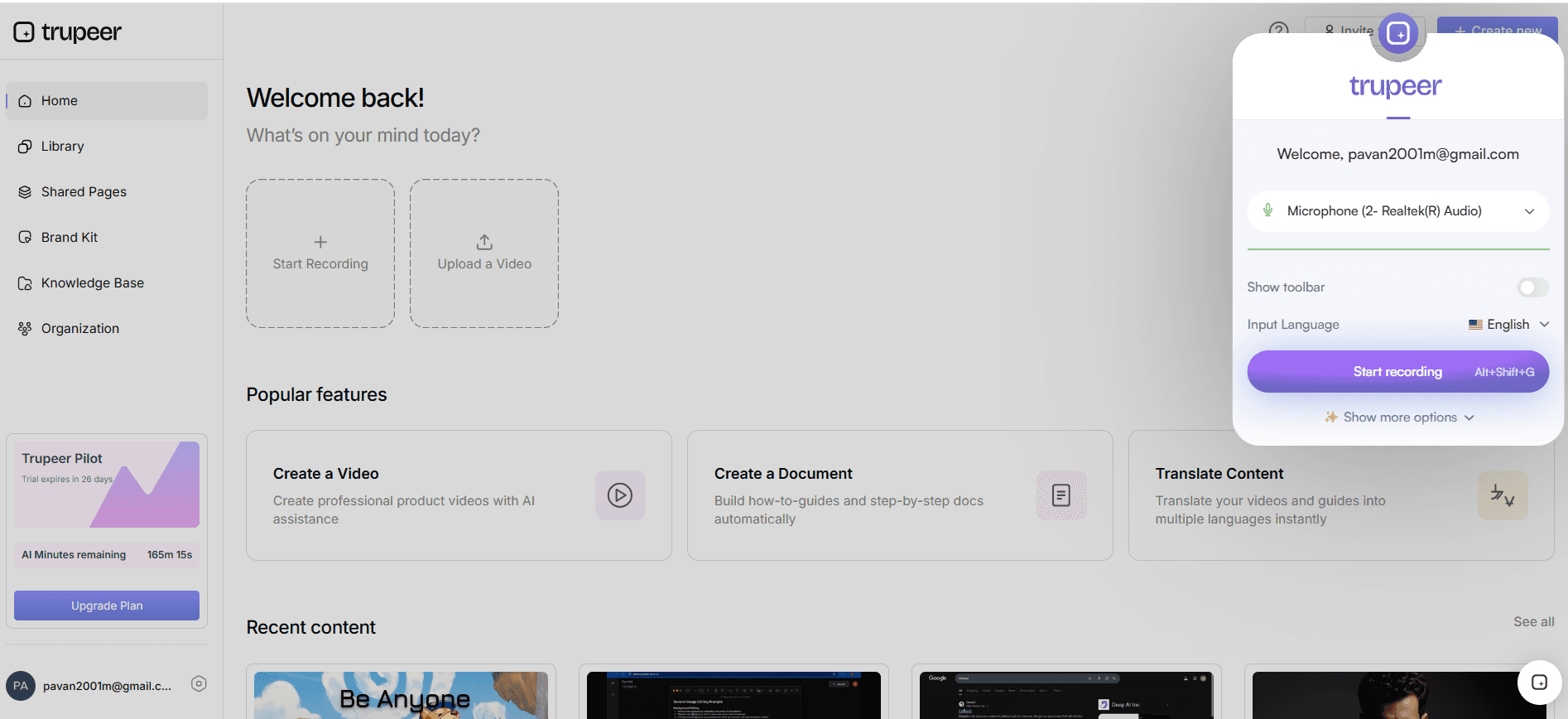
Record an experienced team member doing the task with Trupeer's AI screen recorder, narrating the rules and exceptions as they go.
Step 2: Generate the SOP
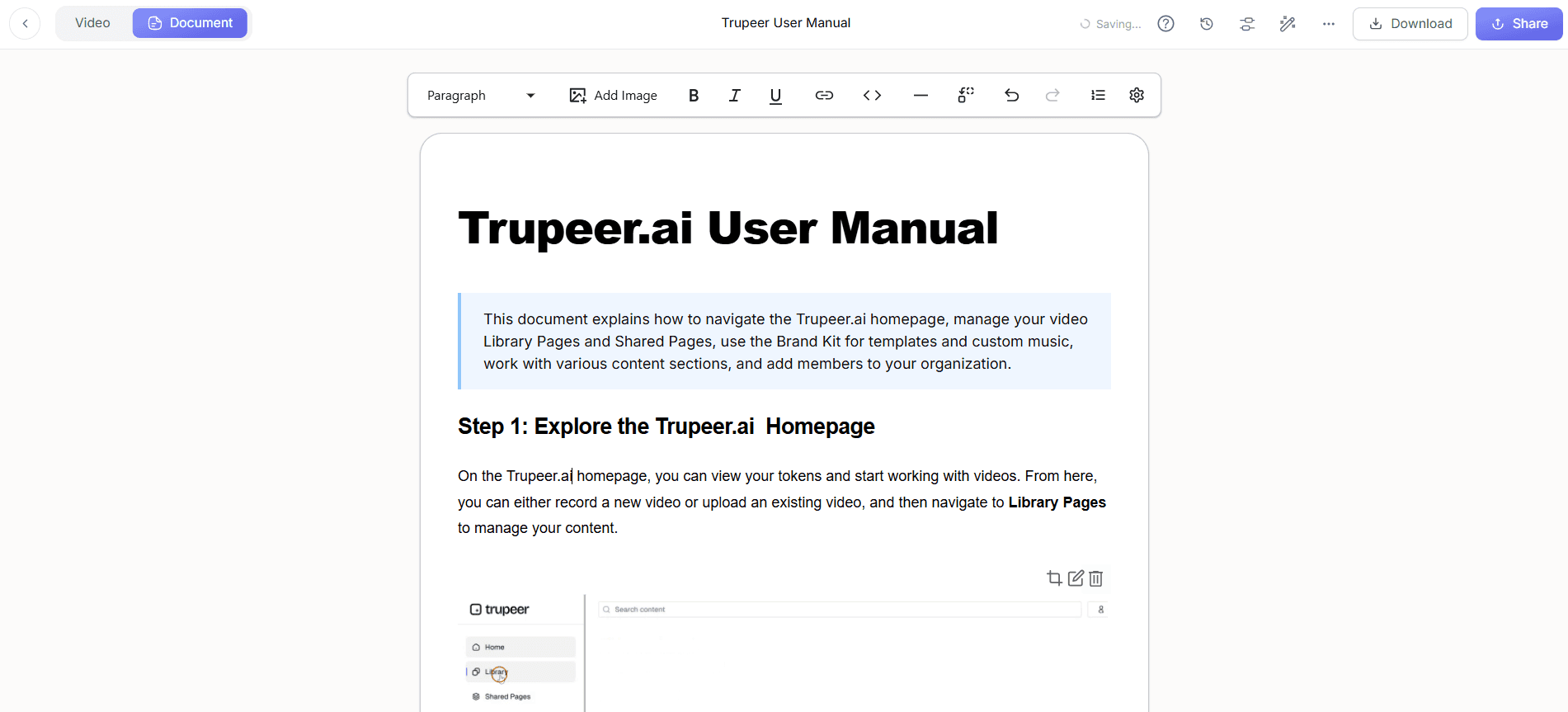
Trupeer turns the recording into a step-by-step SOP with screenshots and a narrated video. Review the draft and add anything the recording didn't show, such as approval limits or policy references.
Step 3: Apply a consistent structure
Use the same structure for every SOP so the AI assistant always finds the purpose, steps and exceptions in the same place. Trupeer's Skills let you save instructions and formatting rules and apply them to any recording, so every SOP comes out in your standard layout. A consistent SOP template is a good starting point.
Step 4: Export as Markdown
Export the finished SOP in Markdown format, alongside PDF or Word versions if you need them for people. Name each file clearly, for example AP-022-post-vendor-credit-note.md.
Step 5: Keep the source of truth in one place
Keep the master SOP in Trupeer or your knowledge base, and treat exported Markdown files as copies. When the SOP changes, export again so the AI assistant doesn't work from an old version.
How do you use SOP Markdown in ChatGPT?
Attach the file to a chat when you need help with a specific procedure, and ask your question about it.
Add SOP files to a project so related conversations can draw on the same set of procedures.
Build a custom assistant for a team, such as an AP help assistant, with the relevant SOP Markdown files as its knowledge and instructions to answer only from them.
Share the video too. Trupeer lets you share or embed the SOP's video link in a ChatGPT conversation; see Trupeer for ChatGPT.
Check your organisation's ChatGPT plan and data settings before uploading internal procedures.
How do you use SOP Markdown in Claude?
Attach the file to a conversation and ask Claude to explain, summarise or walk you through the procedure.
Add SOP files to a project's knowledge, so every conversation in that project has the same procedures available.
Write project instructions telling Claude to answer from the SOPs, cite the SOP ID and say when something isn't covered.
Connect live instead of exporting: with MCP, Claude can query your Trupeer knowledge directly rather than relying on uploaded copies; see how to connect Trupeer to Claude Desktop using MCP.
As with ChatGPT, check your plan and data settings before sharing internal procedures.
Markdown export or live connection: which should you use?

Markdown export | Live connection (MCP) | |
|---|---|---|
Setup | Export and upload files | Configure a connection once |
Freshness | Only as current as the last export | Reads the current version |
Best for | A handful of SOPs, specific tasks, quick wins | Large libraries that change often |
Control | You choose exactly which files are shared | Access is governed by the connection's permissions |
Works offline from the source | Yes | No, needs the connection |
Many teams start with Markdown exports for a few high-value SOPs, then move to a live connection as the library grows. For a deeper comparison of approaches, see MCP vs RAG for connecting video content to AI.
Which SOPs should you share with ChatGPT and Claude first?

Start where an AI assistant saves the most time and carries the least risk:
Frequently asked procedures, the ones team leads answer every day.
Stable processes that don't change every week.
Low-risk tasks, where a wrong answer is easy to spot and fix.
Onboarding content that new hires need repeatedly.
Exception-heavy procedures, where finding the right rule quickly matters.
Avoid sharing SOPs that contain sensitive data, change constantly or govern high-risk actions until you have governance and a review process in place. A small, well-chosen set of SOP Markdown for ChatGPT and Claude is more useful than a large dump of every document you own.
Example: building an AP help assistant

A finance operations team wants a simple assistant that answers accounts payable questions. They:
Pick the ten SOPs that generate the most questions, such as invoice matching, credit notes and supplier bank changes.
Record any SOPs that aren't documented yet, generate them in Trupeer and apply the team's standard structure.
Export each SOP as a Markdown file with metadata and a link to its video.
Add the files to a Claude or ChatGPT project with instructions to answer only from the SOPs, cite the SOP ID and refer anything not covered to the AP supervisor.
Ask new AP clerks to use the assistant in their first weeks, and review the questions it couldn't answer to find missing SOPs.
Each month, the team re-exports any SOPs that changed and adds new ones. For a fuller picture of AP onboarding, see accounts payable training for new hires.
How do you write prompts that use your SOPs well?

Once the SOP Markdown is available to ChatGPT or Claude, clear prompts get better answers:
Ask it to answer only from the SOPs: "Using only the attached SOPs, how do I post a credit note when the invoice is already paid?"
Ask for the source: "Tell me which SOP and step your answer comes from."
Ask it to flag gaps: "If the SOPs don't cover this, say so rather than guessing."
Use it for training: "Quiz me on the exceptions in AP-022."
Use it to check work: "Here's what I did. Does it follow the SOP?"
What are the best practices for SOP Markdown?
One SOP per file, with a clear title and ID.
Consistent headings across every SOP: purpose, when to use, before you start, steps, exceptions, related.
Metadata at the top: ID, version, owner and last-reviewed date, so the assistant and your team know how current it is.
Short, numbered steps, one action each.
Exceptions written out, not left as "use judgement".
Long SOPs split into task-sized files; see how to break SOPs into knowledge articles.
A link to the recorded SOP, so people can watch the steps.
How do you keep SOP Markdown secure and current?
Share only what you're allowed to. Follow your organisation's AI policy and use business plans with appropriate data controls.
Remove sensitive data such as personal information, credentials and confidential figures before export.
Export only approved, current SOPs, and re-export after every change; see SOP version control.
Retire old files from projects and assistants when SOPs are replaced.
Prefer a governed live connection for large or sensitive libraries, so access follows permissions.
Common mistakes with SOP Markdown for ChatGPT and Claude
Uploading scanned PDFs instead of structured text.
Inconsistent structure, so the assistant can't reliably find steps or exceptions.
Stale exports that no longer match the current process.
Missing exceptions, so answers cover only the happy path.
No metadata, so nobody can tell which version the assistant used.
Treating the assistant as the source of truth instead of the approved SOP.
SOP Markdown checklist
Each SOP is approved, current and has an owner.
Each file has metadata: ID, version, owner and review date.
Headings are consistent across all SOPs.
Steps are numbered and exceptions are written out.
Sensitive data has been removed.
Files are named clearly and stored with the master SOP.
Exports are refreshed whenever an SOP changes.
Prompts ask the assistant to answer from the SOPs and cite them.
If you're going further and want agents to run procedures, not just answer questions, see how to turn SOPs into AI agent skills.
Give your AI assistants the procedures they need
ChatGPT and Claude become far more useful when they know how your company actually works. Record your processes, generate clean SOPs and export them as Markdown, or connect live as your library grows. Start free with Trupeer.
Related reading
Frequently Asked Questions
Why use Markdown for SOPs in ChatGPT and Claude?
How do I export SOPs as Markdown from Trupeer?
Can I upload SOPs to ChatGPT?
Can I upload SOPs to Claude?
Should I export Markdown or connect through MCP?
How should an SOP Markdown file be structured?
How do I keep exported SOPs up to date?
Is it safe to share SOPs with AI assistants?



