Trupeer Blog
Резюмировать

Создание руководства пользователя с нуля может оказаться сложной задачей. Часто команды тратят от 8 до 12 часов на подготовку одного руководства, а затем обнаруживают, что оно устарело после следующего обновления продукта. Исследование показало, что 67% компаний сообщают: их документация быстро становится неактуальной после изменений в продукте. Это та же идея, что и в создании руководства пользователя — один раз зафиксировать документацию и повторно использовать ее вместо того, чтобы переделывать работу.
Быстрый темп обновлений продукта означает, что команды по документации постоянно догоняют.
Источник: Documentation Trends Report от TechInsights, 2025
Это руководство адаптировано для менеджеров продуктов, технических писателей и руководителей команд, которым нужно создавать руководства пользователя высокого качества эффективно. Мы сравниваем ведущие инструменты, которые автоматизируют создание руководств, экономя время и обеспечивая точность контента. Независимо от того, управляете ли вы внутренними SOP, базами знаний для клиентов или документацией для разработчиков, узнайте, какой инструмент лучше всего соответствует вашим задачам.
Лучшие инструменты для создания руководств пользователя и мануалов: сравнение лицом к лицу
Функция | Trupeer | Scribe | Document360 | Tango | Notion | Confluence | GitBook | Archbee |
|---|---|---|---|---|---|---|---|---|
Базовые функции | ||||||||
Автозахват шагов | Да | Да | Нет | Да | Нет | Нет | Ограничено | Да |
Поддержка видео | Да | Ограничено | Нет | Да | Нет | Да | Ограничено | Да |
Возможности ИИ | ||||||||
Написание с помощью ИИ | Да | Да | Нет | Ограничено | Нет | Нет | Ограничено | Да |
Профессиональные функции | ||||||||
Экспорт в PDF | Да | Да | Да | Ограничено | Нет | Да | Да | Да |
Контроль версий | Да | Ограничено | Да | Нет | Да | Да | Ограничено | Да |
Интеграции | ||||||||
Командное взаимодействие | Да | Ограничено | Да | Нет | Да | Да | Да | Ограничено |
Поиск | Да | Да | Да | Ограничено | Да | Да | Да | Да |
Шаблоны | Да | Да | Да | Нет | Ограничено | Да | Да | Да |
Бесплатный тариф | Да | Да | Нет | Да | Да | Нет | Да | Ограничено |
Trupeer
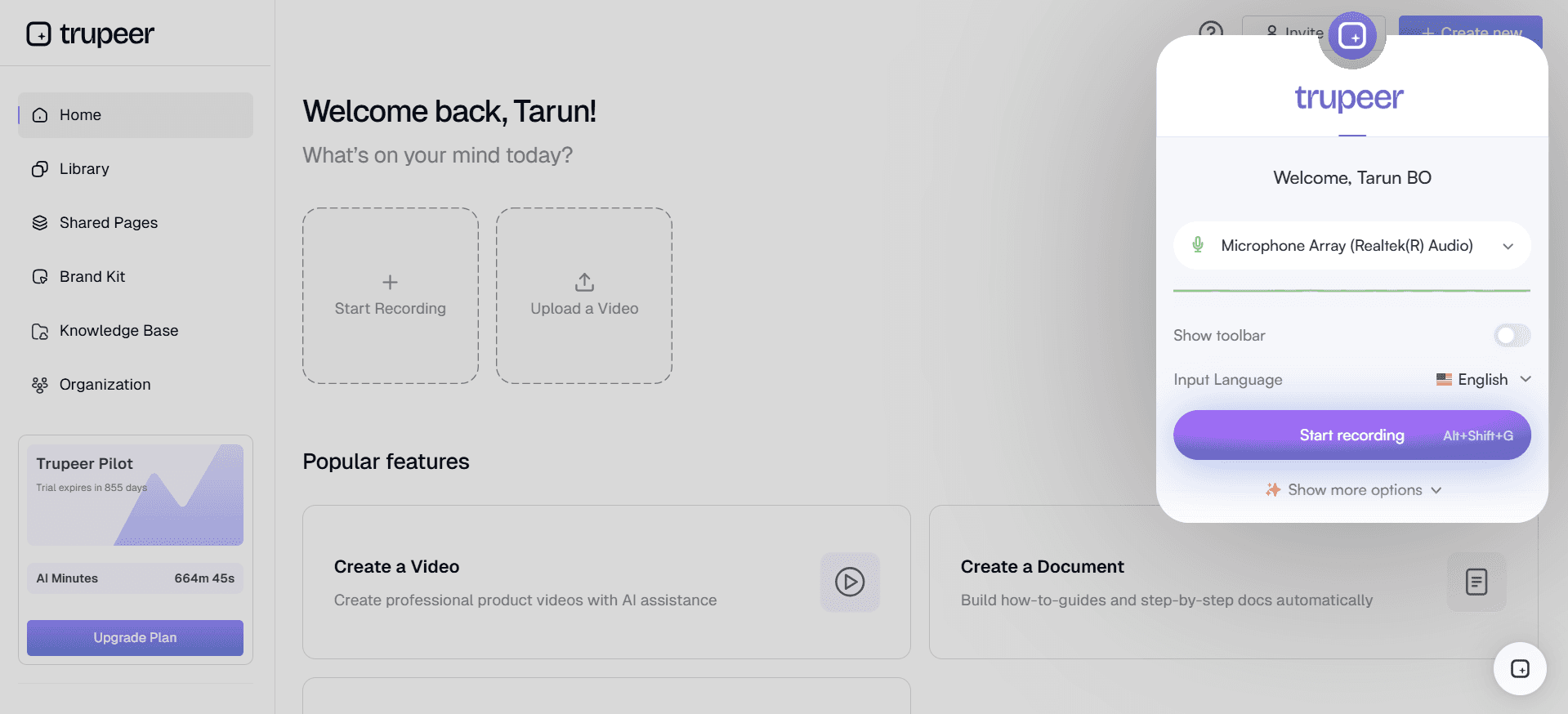
Trupeer — это комплексный инструмент, созданный для компаний, которые хотят оптимизировать процесс создания руководств пользователя. Он разработан для продуктовых команд и технических писателей, а его ключевая особенность — возможность автоматически фиксировать шаги прямо из активности на экране. Это значит, что вы можете быстро генерировать подробные руководства. Функции написания с помощью ИИ в Trupeer также помогают гарантировать, что ваша документация будет точной и увлекательной. Trupeer особенно силен в скорости и точности, но некоторые пользователи считают, что варианты интеграций ограничены по сравнению с другими инструментами.
Ключевые функции
Автозахват шагов из активности на экране
Шаги, написанные с помощью ИИ
Встраивание видео вместе с текстом
Экспорт в нескольких форматах (PDF, web, HTML)
Контроль версий и быстрые сценарии обновления
Расширенный поиск
Инструменты для командной работы
Большая библиотека шаблонов
"Trupeer изменил подход к созданию нашей пользовательской документации — каждый месяц это экономит нам бесчисленное количество часов."
Плюсы
Минусы
Интуитивный интерфейс — легко использовать.
Ограниченные интеграции со сторонними сервисами.
Контент, создаваемый с помощью ИИ, обеспечивает точность.
Более высокая кривая обучения для расширенных функций.
Быстрая настройка и развертывание.
Некоторые пользователи сообщают о периодических ошибках в ПО.
Тарифы
Доступен бесплатный тариф, а платные планы начинаются от $49 за пользователя в месяц.
Scribe
Scribe — это инструмент для создания руководств пользователя, который делает акцент на простоте и удобстве. Он идеально подходит для команд, которым нужна понятная и прямолинейная система без отказа от важных функций. Scribe предлагает чистый интерфейс с интуитивной навигацией, поэтому он доступен даже для пользователей без технического бэкграунда. Однако ему не хватает некоторых расширенных функций, таких как обширная поддержка видео и написание с помощью ИИ, которые предлагают другие инструменты.
Ключевые функции
Простой пользовательский интерфейс
Базовая функция автозахвата
Варианты экспорта в PDF и web
Совместная работа в реальном времени
Настраиваемые шаблоны
Базовые функции поиска
Контроль версий
Ограниченная помощь ИИ
Плюсы
Минусы
Легко освоить и использовать новичкам.
Ограниченная поддержка видео.
Доступные тарифные планы.
Нет расширенных возможностей написания с помощью ИИ.
Подходит для небольших и средних команд.
Базовую функцию поиска можно улучшить.
Тарифы
Доступен бесплатный тариф, а платные планы начинаются от $15 за пользователя в месяц.
Document360
Document360 — это надежная платформа, идеально подходящая компаниям, которым требуется обширная документация и управление знаниями. Она предлагает широкий набор функций, включая мощный поисковый движок и контроль версий, что делает ее подходящей для крупных предприятий. Однако она не поддерживает автозахват шагов или написание с помощью ИИ, что может стать недостатком для команд, которые хотят автоматизировать свои процессы.
Ключевые функции
Широкие возможности базы знаний
Мощный поисковый движок
Контроль версий и отслеживание истории
Пользовательские домены и брендинг
Расширенная аналитика и отчеты
Роли пользователей и права доступа
Интеграция с популярными инструментами
Экспорт в нескольких форматах
Плюсы
Минусы
Отлично подходит для масштабных задач по документации.
Нет функций автозахвата или написания с помощью ИИ.
Сильные инструменты поиска и организации.
Может быть перегруженной для небольших команд.
Гибкость с вариантами кастомного брендинга.
Более высокая цена по сравнению с похожими инструментами.
Тарифы
Нет бесплатного тарифа, планы начинаются от $99 за пользователя в месяц.
Tango
Tango — это инструмент, ориентированный на визуальный подход к созданию руководств пользователя. Он идеально подходит для команд, которые активно используют видео и визуальный контент. Tango позволяет встраивать видео прямо рядом с текстом, улучшая обучающий опыт. Хотя Tango особенно хорош в работе с визуальным контентом, ему не хватает некоторых надежных функций ИИ и автозахвата, которые есть у других инструментов.
Ключевые функции
Возможности встраивания видео
Интерфейс с перетаскиванием
Совместная работа в реальном времени
Настраиваемые шаблоны
Базовая аналитика
Ограниченная функция автозахвата
Дизайн, удобный для мобильных устройств
Базовая функция поиска
Плюсы
Минусы
Отлично подходит для документации, основанной на видео.
Ограниченные функции автозахвата.
Визуально привлекательные руководства.
Меньше поддержки для документации с большим объемом текста.
Удобный интерфейс.
Нет расширенных возможностей ИИ.
Тарифы
Доступен бесплатный тариф, а платные планы начинаются от $12 за пользователя в месяц.
Notion
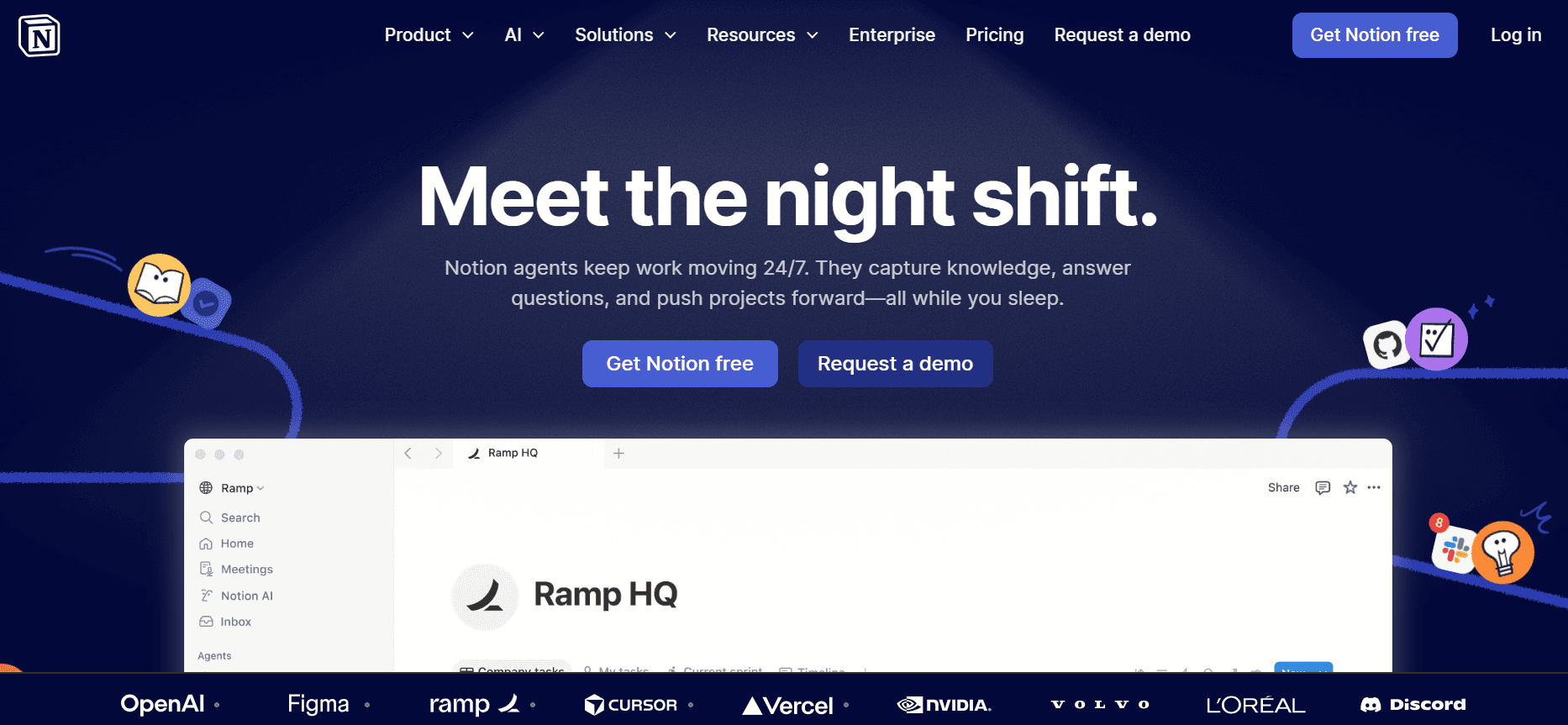
Notion — это универсальный инструмент, который предлагает гораздо больше, чем просто создание руководств пользователя. Это единое рабочее пространство «всё в одном», идеально подходящее для команд, которым нужно управлять документами, задачами и проектами в одном месте. Хотя у Notion есть сильные функции совместной работы, ему не хватает специализированных возможностей для руководств пользователя, таких как автозахват и написание с помощью ИИ, которые встречаются в других специализированных инструментах.
Ключевые функции
Возможности единого рабочего пространства
Совместная работа в реальном времени
Настраиваемые шаблоны
Управление задачами и проектами
Базовая функция поиска
История версий
Интеграция с популярными инструментами
Доступ с web и мобильных устройств
Плюсы
Минусы
Универсальность для множества сценариев использования.
Не специализирован для руководств пользователя.
Сильные функции совместной работы и обмена.
Нет функций автозахвата или написания с помощью ИИ.
Хорошо подходит для управления командой.
Ограниченные варианты экспорта руководств.
Тарифы
Доступен бесплатный тариф, а платные планы начинаются от $10 за пользователя в месяц. Это та же идея, что и в ai study guide maker — один раз зафиксировать процесс и повторно использовать его вместо того, чтобы переделывать работу.
Confluence

Confluence — хорошо известный инструмент в сфере командного взаимодействия и документации. Это отличный выбор для команд, которые уже используют набор Atlassian. Confluence предлагает надежные возможности интеграции, но не предоставляет некоторые уникальные функции, такие как автозахват шагов или написание с помощью ИИ. Он больше подходит для команд, которым нужна надежная платформа для управления документами и совместной работы, а не специализированный создатель руководств пользователя.
Ключевые функции
Бесшовная интеграция с инструментами Atlassian
Совместная работа и редактирование в реальном времени
Настраиваемые шаблоны
Расширенная функция поиска
Версионирование страниц и история
Роли пользователей и права доступа
Инструменты для комментариев и обратной связи
Поддержка мобильного приложения
Плюсы
Минусы
Отлично подходит для команд, использующих инструменты Atlassian.
Нет специализированных функций для руководств пользователя.
Сильные функции совместной работы.
Более крутая кривая обучения для новых пользователей.
Надежная и стабильная платформа.
Ограниченные возможности автозахвата.
Тарифы
Нет бесплатного тарифа, планы начинаются от $5 за пользователя в месяц.
GitBook
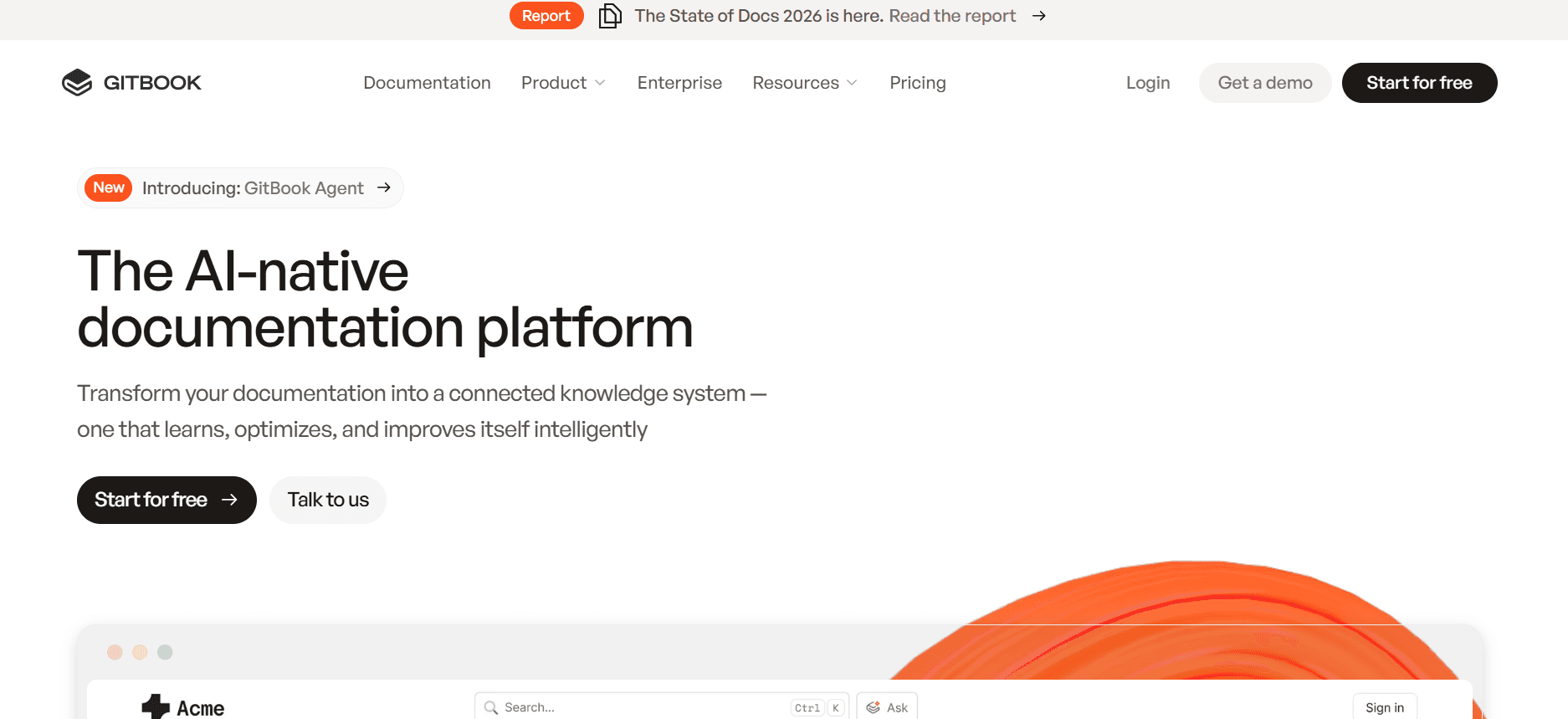
GitBook ориентирован на разработчиков и технические команды, которым нужно документировать API и технические процессы. Он предлагает понятный интерфейс и хорошо интегрируется с Git, что делает его подходящим для команд, которым важны контроль версий и совместная работа над техническими документами. Однако ему не хватает некоторых более удобных для пользователя функций, которые есть в других инструментах для руководств, например написания с помощью ИИ и автозахвата шагов.
Ключевые функции
Интеграция с Git для контроля версий
Поддержка Markdown
Совместная работа в реальном времени
Настраиваемые темы и брендинг
Поддержка документации по API
Расширенные возможности поиска
Экспорт в нескольких форматах
Варианты публичной и приватной документации
Плюсы
Минусы
Идеально для технической документации.
Нет функций автозахвата или написания с помощью ИИ.
Сильный контроль версий с поддержкой Git.
Менее удобен для пользователей без технического бэкграунда.
Хорошо подходит для команд разработчиков.
Ограниченная настройка шаблонов.
Тарифы
Доступен бесплатный тариф, а платные планы начинаются от $8 за пользователя в месяц.
Archbee
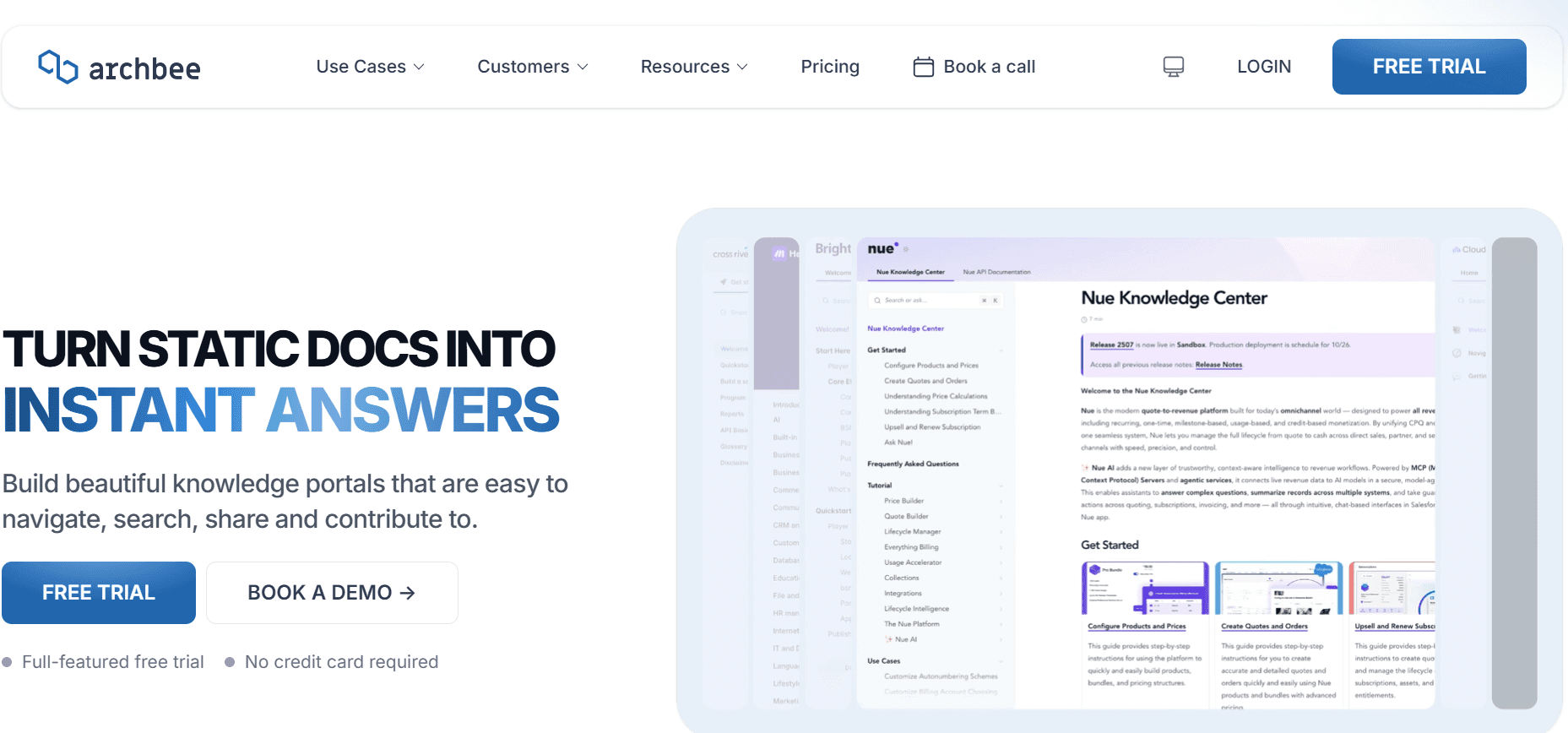
Archbee создан для быстрорастущих команд, которым нужна надежная платформа для документации. Он сочетает управление знаниями и совместную работу в реальном времени, поэтому уверенно конкурирует в сегменте руководств пользователя. Хотя платформа предлагает множество функций, включая отзывчивый редактор и мощные интеграции, она не поддерживает автозахват шагов или генерацию контента с помощью ИИ в полной мере.
Ключевые функции
Совместная работа в реальном времени
Настраиваемые шаблоны
Отзывчивый редактор
Интеграция с популярными инструментами
Расширенные возможности поиска
Роли пользователей и права доступа
Поддержка Markdown
История версий и отслеживание
Плюсы
Минусы
Отлично подходит для совместной работы и обмена знаниями.
Ограниченная поддержка функций автозахвата.
Отзывчивый и простой в использовании редактор.
Нет возможностей написания с помощью ИИ.
Сильные варианты интеграции.
Может быть сложным для небольших команд.
Тарифы
Доступен ограниченный бесплатный тариф, а платные планы начинаются от $20 за пользователя в месяц.
Проблемы при создании руководств пользователя и мануалов: с чем сталкиваются команды
Процессы ручной документации
Команды часто полагаются на скриншоты и вручную написанные инструкции, что отнимает много времени.
Форматирование и вычитка требуют много труда, снижая эффективность.
Несоответствия возникают из-за разных стилей написания у участников команды.
Для каждого изменения продукта требуется обновлять руководство вручную, что приводит к существенным задержкам.
Устаревший контент
Документация становится неактуальной после каждого релиза продукта, поэтому требуются постоянные правки.
Пользователи часто сталкиваются с устаревшей информацией, что вызывает путаницу и обращения в поддержку.
Отсутствие обновлений в реальном времени приводит к росту объема работ по поддержке.
Командам сложно идти в ногу с быстрыми циклами релизов современных продуктов. Это также касается как использовать шаблон руководства: поскольку шаги фиксируются по мере выполнения, вам не нужно потом переписывать их.
Плохая находчивость (поиск)
Конечным пользователям сложно найти нужную информацию, из-за чего возникает раздражение.
Функции поиска в традиционных документах часто ограничены и неэффективны.
Команды тратят слишком много времени на ответы на повторяющиеся запросы, которые можно было бы решить самостоятельно.
Документация часто разрознена по разным форматам, что усложняет поиск информации.
Недостаток единообразия
Несогласованное форматирование и стиль делают документы сложными для восприятия.
Разные инструменты, такие как Notion, Word или Google Docs, не обеспечивают единообразия.
Участникам команды сложно поддерживать единый внешний вид и стиль во всех документах.
Разный уровень качества документов влияет на доверие к бренду и пользовательский опыт.
Разрозненность документации
Информация разбросана по разным платформам, из-за чего возникают неэффективности.
Командам сложно совместно работать с документами, которые хранятся в разных инструментах.
Отслеживать версии и изменения на нескольких платформах сложно.
Сводить данные из разных источников долго и рискованно с точки зрения ошибок.
Проблема
Традиционный процесс
Влияние на бизнес
Затраты времени
Ручная документация
Скриншоты, ручное написание, форматирование
Рост числа ошибок, снижение продуктивности
8–12 часов на руководство
Устаревший контент
Обновления после релиза
Разочарование пользователей, рост обращений в поддержку
2–5 часов на обновление
Плохая находчивость (поиск)
Ограниченные функции поиска
Снижение удовлетворенности пользователей, неэффективность
1–3 часа на запрос
Недостаток единообразия
Разные форматы документов
Проблемы с восприятием бренда, путаница у пользователей
Постоянно
Разрозненность документации
Разрозненные платформы
Проблемы совместной работы, риски потери данных
Переменно
Незаменимые функции в инструментах для руководств пользователя и мануалов
Автозахват шагов с активности на экране
Эта функция позволяет инструментам автоматически фиксировать шаги по мере того, как пользователи взаимодействуют с ПО, устраняя необходимость в ручных скриншотах и текстовых описаниях. Благодаря автозахвату шагов команды могут быстро создавать точные и подробные руководства. Trupeer и Scribe особенно сильны в этом: они предлагают интуитивные интерфейсы, которые улучшают пользовательский опыт, экономя время и обеспечивая точность документации.
Инструкции к шагам, написанные с помощью ИИ
Возможности написания с помощью ИИ меняют то, как команды создают и обновляют руководства пользователя. Эти инструменты используют машинное обучение, чтобы генерировать понятные и связные описания шагов, снижая нагрузку на технических писателей. Trupeer и GitBook предлагают надежные функции написания с помощью ИИ: они улучшают качество текста и поддерживают единообразие во всех документах, делая обновления простыми и менее затратными по времени.
Встраивание видео вместе с текстом
Встраивание видеоконтента в руководства пользователя улучшает понимание за счет визуального контекста. Такие инструменты, как Tango, делают акцент на интеграции видеоуроков прямо в документацию — это особенно полезно для сложных процессов, где одних письменных инструкций недостаточно. Эта функция незаменима для обучения и адаптации, обеспечивая более насыщенный и интерактивный опыт обучения.
Экспорт в нескольких форматах (PDF, Web, HTML)
Универсальность форматов экспорта позволяет командам распространять документацию на разных платформах, учитывая предпочтения разных пользователей. Такие инструменты, как Document360 и Archbee, предлагают расширенные варианты экспорта, благодаря чему документы можно легко передавать как PDF, веб-страницы или HTML-файлы. Такая гибкость поддерживает разные сценарии распространения — от внутреннего обмена до публичного размещения на сайте.
Контроль версий и быстрые сценарии обновления
Поддержание точности и единообразия документов критически важно, особенно в условиях быстрого темпа. Контроль версий позволяет командам отслеживать изменения, возвращаться к предыдущим версиям и совместно работать без конфликтов. Confluence и Notion предлагают сильные функции контроля версий, гарантируя, что все участники команды работают с самыми актуальными документами. Эта возможность упрощает обновления и снижает риск того, что ошибки незаметно попадут в руководства пользователя.
Поиск и удобство нахождения
Эффективные функции поиска необходимы для удовлетворенности пользователей: они обеспечивают быстрый доступ к информации. GitBook и Document360 особенно сильны в предоставлении расширенных возможностей поиска, которые позволяют пользователям быстро находить нужный контент. Улучшенные функции поиска сокращают количество обращений в поддержку и дают пользователям возможность решать проблемы самостоятельно, повышая общий пользовательский опыт.
Как выбрать инструменты для руководств пользователя под ваш сценарий использования
Руководства пользователя по продукту и статьи в центре помощи
Руководства пользователя по продукту и статьи в центре помощи необходимы, чтобы предоставлять клиентам информацию, которая помогает эффективно использовать ваши продукты. Эти руководства должны быть исчерпывающими, но при этом понятными.
Ключевые задачи: поддерживать контент в актуальном состоянии, обеспечивать ясность, управлять большим объемом информации.
Нужные решения: функции автозахвата, возможности написания с помощью ИИ, надежные функции поиска.
Инструмент
Автозахват
Написание с помощью ИИ
Поиск
Trupeer
Да
Да
Да
Document360
Нет
Нет
Да
Внутренняя документация SOP
Стандартные операционные процедуры (SOP) важны для поддержания единообразия и эффективности внутренних процессов. Эти документы должны быть понятными, краткими и легко доступными для всех участников команды.
Ключевые задачи: обеспечивать единообразие, управлять правами доступа, регулярно обновлять.
Нужные решения: контроль версий, функции совместной работы, настройки безопасности.
Инструмент
Контроль версий
Совместная работа
Безопасность
Confluence
Да
Да
Да
Notion
Да
Да
Ограничено
Руководства по ИТ-системам и администрированию
Руководства по ИТ-системам и администрированию требуют подробной технической документации, которая одновременно точна и безопасна. Эти руководства критически важны для ИТ-команд, которые управляют сложными системами и процессами.
Ключевые задачи: справляться с технической сложностью, обеспечивать информационную безопасность, управлять частыми обновлениями.
Нужные решения: расширенные возможности поиска, безопасные механизмы контроля доступа, экспорт в нескольких форматах.
Инструмент
Поиск
Безопасность
Экспорт
GitBook
Да
Да
Да
Archbee
Да
Да
Да
База знаний для клиентов
база знаний для клиентов — это ключевой ресурс для поддержки клиентов: она предоставляет пользователям информацию, необходимую, чтобы решать проблемы самостоятельно.
Ключевые задачи: обеспечивать доступность контента, поддерживать актуальность, поддерживать несколько форматов.
Нужные решения: функции веб-базы знаний, написание с помощью ИИ, поддержка видео.
Инструмент
Веб-база
Написание с помощью ИИ
Видео
Tango
Да
Ограничено
Да
Scribe
Да
Да
Ограничено
Документация для разработчиков и по API
Документация для разработчиков и по API должна быть подробной и технической, чтобы предоставлять разработчикам всю необходимую информацию для интеграции с вашими системами.
Ключевые задачи: управлять техническими деталями, поддерживать несколько форматов, обеспечивать ясность.
Нужные решения: поддержка Markdown, контроль версий, настраиваемые шаблоны.
Инструмент
Markdown
Контроль версий
Шаблоны
GitBook
Да
Да
Да
Archbee
Да
Да
Да
Лучшие практики создания руководств пользователя
Прежде чем начать
Определите аудиторию и ее потребности, чтобы соответствующим образом адаптировать контент.
Соберите все необходимые ресурсы, включая ПО, инструменты и материалы.
Спланируйте структуру руководства, чтобы обеспечить логичный ход и организацию.
Установите четкие цели, которых должно достигать руководство пользователя.
Во время создания
Используйте простой и понятный язык, чтобы инструкции было легко выполнять.
Применяйте единообразное форматирование, чтобы сохранить профессиональный вид.
Добавляйте визуальные элементы — например, скриншоты и видео — чтобы улучшить понимание.
Проверяйте инструкции, чтобы убедиться в точности и полноте.
После публикации
Собирайте обратную связь от пользователей, чтобы выявлять области для улучшения.
Регулярно обновляйте контент, чтобы информация оставалась актуальной.
Отслеживайте аналитику, чтобы понимать, как пользователи взаимодействуют с руководством.
Предоставляйте каналы поддержки для пользователей, которым нужна дополнительная помощь.
Часто задаваемые вопросы
Что такое руководство пользователя?
Руководство пользователя — это документ, который содержит инструкции по использованию продукта или услуги. Он помогает пользователям понимать функции и самостоятельно решать проблемы.Кто пишет руководства пользователя?
Руководства пользователя обычно пишут технические писатели, менеджеры продуктов или участники команды, которые хорошо знакомы с продуктом. Они следят за тем, чтобы руководства были ясными и исчерпывающими.Могу ли я включать видео в руководства пользователя?
Да, многие инструменты поддерживают встраивание видео вместе с текстом, обеспечивая более насыщенный обучающий опыт. Такие инструменты, как Tango, специализируются на этой функции.Как часто нужно обновлять руководства пользователя?
Руководства пользователя следует обновлять после существенных изменений в продукте или после обратной связи от пользователей, которая указывает на необходимость уточнений или дополнительной информации.Есть ли бесплатные инструменты для создания руководств пользователя?
Да, несколько инструментов предлагают бесплатные планы с базовыми функциями. Trupeer, Scribe и GitBook предоставляют бесплатные тарифы, подходящие для небольших проектов или команд.Какие факторы влияют на стоимость инструмента для руководств пользователя?
Стоимость зависит от функций, таких как возможности ИИ, инструменты для совместной работы и варианты экспорта. Планы более высокого уровня предлагают более расширенную функциональность и поддержку.Как выбрать подходящий инструмент для моей команды?
Учитывайте ваши конкретные потребности, например сложность документации, размер команды и бюджет. Используйте сравнительные таблицы, чтобы оценить ключевые функции и преимущества.Нужно ли обучение, чтобы пользоваться этими инструментами?
Большинство инструментов удобны для пользователей, но некоторым может потребоваться первоначальное обучение, чтобы максимально раскрыть их возможности — особенно если команда только начинает работать с ПО для документации.
Заключение
Разобраться в мире инструментов для создания руководств пользователя может показаться сложной задачей, но понимание конкретных потребностей вашей команды помогает принимать обоснованные решения. Независимо от того, нужны ли вам расширенные функции ИИ, надежные возможности поиска или обширные варианты экспорта, найдется инструмент, который соответствует вашим требованиям.
Trupeer выделяется благодаря комплексному набору функций — это отличный выбор для команд, которые хотят оптимизировать процесс создания документации. Узнайте больше о Trupeer на Trupeer.ai, чтобы увидеть, как он может преобразить создание ваших руководств пользователя.
Frequently Asked Questions
What is a user guide?
Who writes user guides?
Can I include videos in user guides?
How often should user guides be updated?
Are there free tools for creating user guides?
What factors affect the cost of a user guide tool?
How do I choose the right tool for my team?
Is training required to use these tools?



