Trupeer Blog
Resumir

No panorama competitivo dos produtos digitais, há uma realidade incontornável: uma percentagem impressionante de 40-60% dos utilizadores que se inscrevem num teste gratuito só interage com o produto uma vez antes de desaparecer. É aqui que o melhor software de product walkthrough se torna indispensável. Os walkthroughs colmatam a lacuna crítica entre a inscrição e o momento em que os utilizadores percebem o valor do seu produto. De acordo com um estudo da UserRetention Inc., 70% dos utilizadores que experienciam um walkthrough guiado têm maior probabilidade de continuar a usar o produto a longo prazo. É por isso que se complementa com o software de product tour, já que o walkthrough e a documentação provêm da mesma fonte.
“70% dos utilizadores que experienciam um walkthrough guiado têm maior probabilidade de continuar a usar o produto a longo prazo.” - Emily Rodriguez.
Este guia aprofunda as nuances das principais ferramentas de product walkthrough, comparando funcionalidades, preços e adequação a diferentes dimensões de empresas. Quer seja uma startup que pretende melhorar o onboarding dos utilizadores ou uma grande empresa que quer simplificar a formação dos colaboradores, este guia é para si.
Melhores Ferramentas de Product Walkthrough: Comparação Frente a Frente
Funcionalidade | Trupeer | Pendo | WalkMe | Appcues | UserPilot | Whatfix | Chameleon | Userlane |
|---|---|---|---|---|---|---|---|---|
Tipo de Tour | Branchado | Linear | Branchado | Linear | Branchado | Branchado | Linear | Linear |
Orientação In-App | ✓ | ✓ | ✓ | ✓ | ✓ | ✓ | ✓ | ✓ |
Análises | ✓ | ✓ | ✓ | ✓ | ✓ | ✓ | ✓ | ✓ |
Testes A/B | ✓ | ✓ | ✓ | Limitado | ✓ | Limitado | ✓ | ✓ |
Segmentação | ✓ | ✓ | ✓ | ✓ | Limitado | ✓ | ✓ | Limitado |
Código Necessário | Não | Não | Sim | Não | Não | Não | Não | Não |
Multi-idioma | ✓ | ✓ | ✓ | Limitado | ✓ | ✓ | ✓ | ✓ |
1.Trupeer

A Trupeer destaca-se como uma ferramenta dinâmica, concebida com flexibilidade para empresas de todas as dimensões, oferecendo uma interface intuitiva que suporta tanto walkthroughs simples como complexos. É particularmente eficaz para empresas que pretendem melhorar o envolvimento e a retenção dos utilizadores através de experiências personalizadas. A Trupeer oferece uma combinação poderosa de funcionalidades, tornando-a ideal para empresas que procuram uma solução completa sem necessidade de competências de programação.
Principais Funcionalidades
Tipos de Tour Branchados para percursos de utilizador personalizados
Análises aprofundadas para acompanhar o envolvimento dos utilizadores
Testes A/B para otimizar a eficácia dos walkthroughs
Ferramentas de segmentação para experiências direcionadas
Suporte multi-idioma para alcance global
Configuração sem código para uma implementação fácil
Orientação In-App personalizável
Integração de dados em tempo real
"A Trupeer transformou o nosso processo de onboarding, aumentando significativamente as taxas de ativação dos utilizadores." - Jane D.
Preços
A Trupeer oferece um plano gratuito com funcionalidades básicas. Os planos pagos começam nos $49/mês, disponibilizando funcionalidades e suporte mais avançados.
2.Pendo
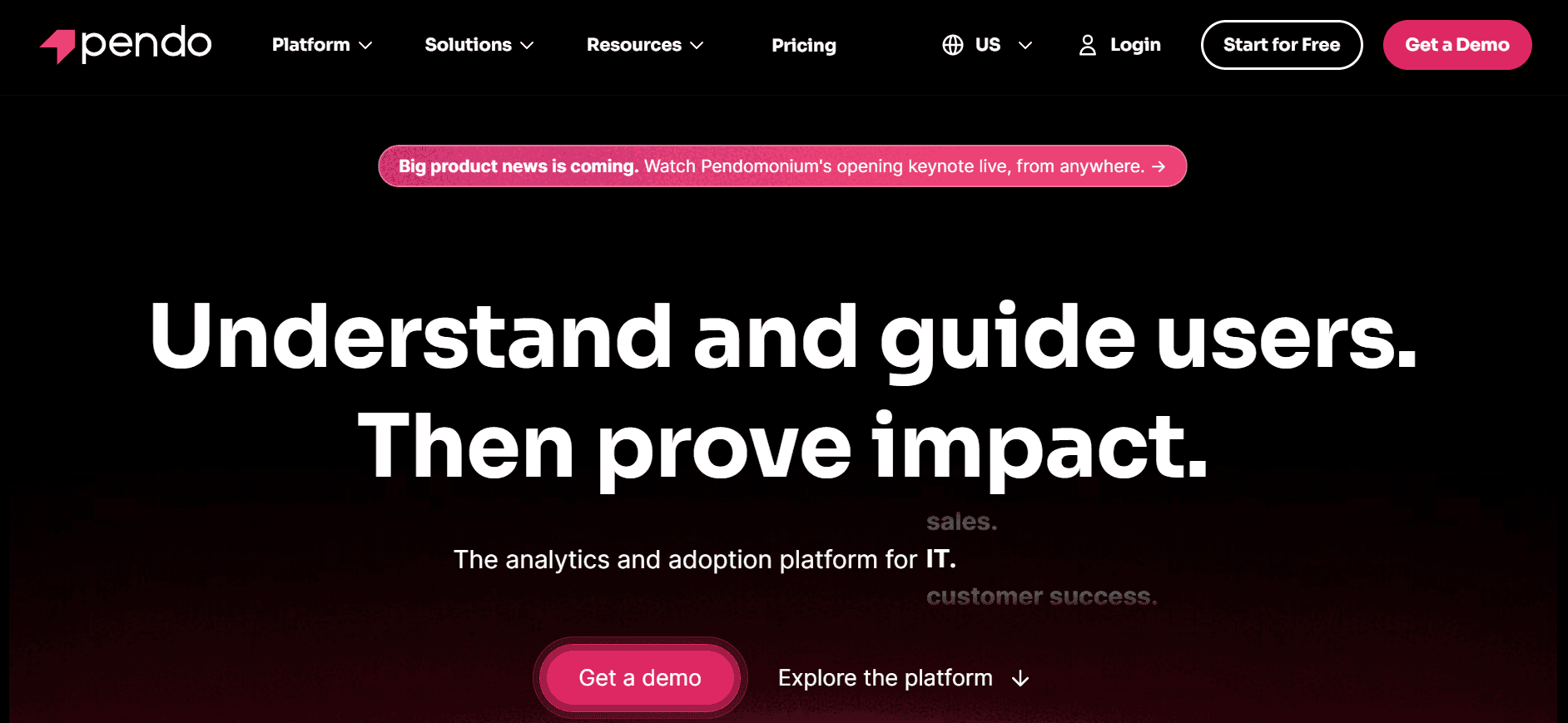
A Pendo é uma escolha popular entre equipas de produto que procuram uma ferramenta que combine feedback dos utilizadores e análises de produto com capacidades de walkthrough. É particularmente adequada para empresas de software que precisam de insights sobre o comportamento dos utilizadores, juntamente com orientação in-app. A estrutura de tours lineares da Pendo facilita o acompanhamento por parte dos utilizadores e a obtenção imediata de valor. A partir daí, o software de demo é um passo natural, uma vez que o walkthrough já fica registado.
Principais Funcionalidades
Tipos de Tour Lineares para orientação direta
Análises avançadas de produto para insights sobre utilizadores
Integração de feedback dos utilizadores para melhoria contínua
Mensagens In-App para envolver os utilizadores ativamente
Segmentação por alvo para walkthroughs personalizados
Implementação sem código para maior facilidade de utilização
Suporte multi-idioma
Relatórios e insights detalhados
Prós | Contras |
|---|---|
Combina análises e orientação numa única plataforma. | Capacidades de testes A/B limitadas. |
Ferramentas de feedback dos utilizadores fortes. | Pode ser complexa para utilizadores não técnicos. |
Não é necessário código para configurar. | Os escalões de preços mais altos podem ser caros para pequenas startups. |
Preços
A Pendo não oferece um plano gratuito. Os preços começam nos $2000/ano, com opções personalizadas para empresas maiores.
3.WalkMe
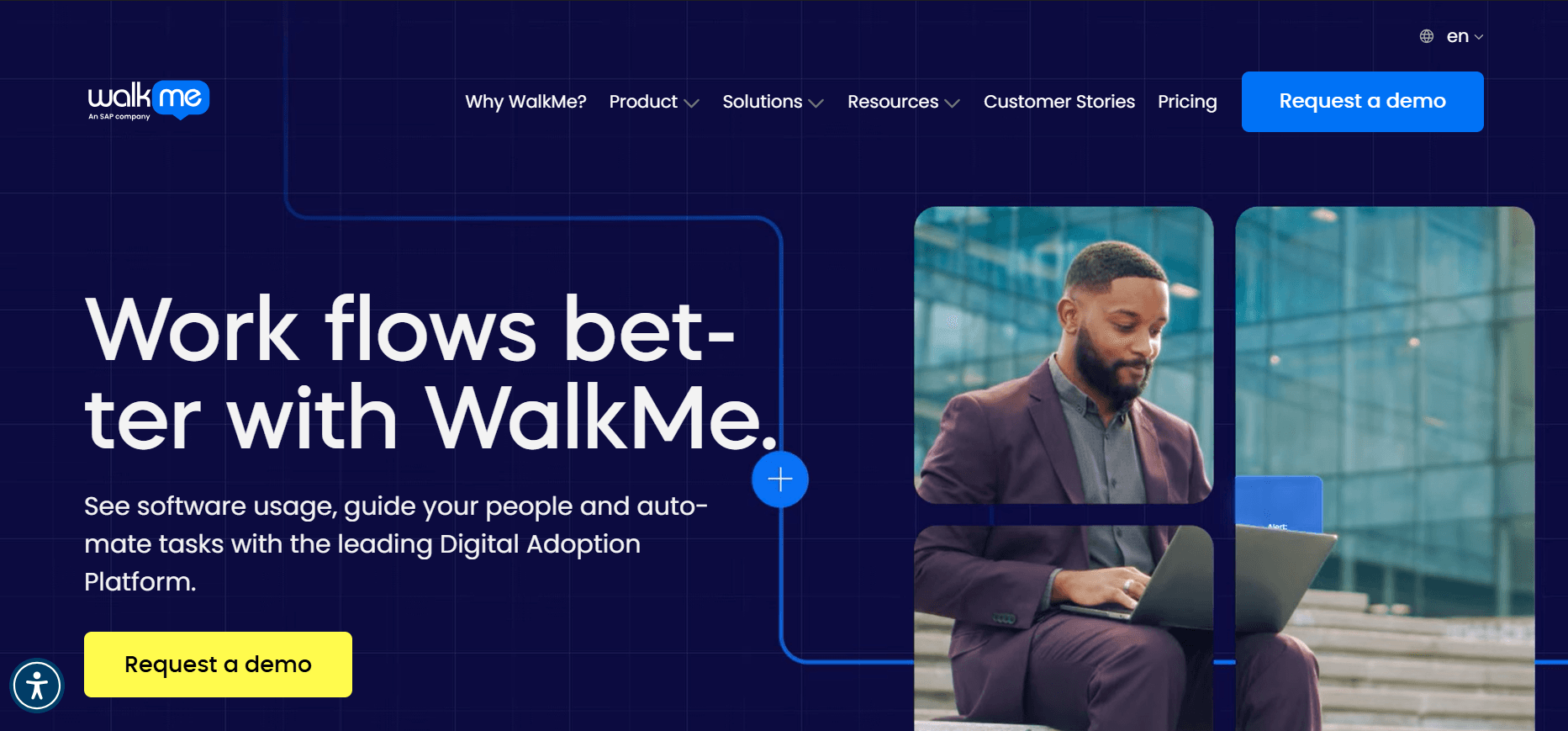
A WalkMe oferece uma solução robusta, adaptada para empresas que necessitam de walkthroughs abrangentes e plataformas de digital adoption. Conhecida pelas suas funcionalidades sofisticadas, a WalkMe capacita as empresas a criar experiências de utilizador personalizadas que impulsionam a adoção do software. É uma escolha preferida para organizações maiores que procuram simplificar fluxos de trabalho complexos.
Principais Funcionalidades
Tipos de Tour Branchados para experiências personalizadas
Segurança e conformidade ao nível empresarial
Análises avançadas com dados detalhados
Automação orientada por IA para uma melhor orientação dos utilizadores
Widgets e elementos de UI personalizáveis
Suporte multi-idioma
Ferramentas abrangentes de feedback dos utilizadores
Integração com principais softwares empresariais
Prós | Contras |
|---|---|
Altamente personalizável para necessidades complexas. | Requer conhecimentos de programação para configurações avançadas. |
Capacidades de IA fortes melhoram a orientação. | Os preços premium podem afastar empresas mais pequenas. |
Excelente suporte para grandes empresas. | Curva de aprendizagem mais acentuada do que noutras opções. |
Preços
Os preços da WalkMe são personalizados e normalmente começam nos $9000/ano, direcionados para grandes empresas com necessidades específicas.
4.Appcues
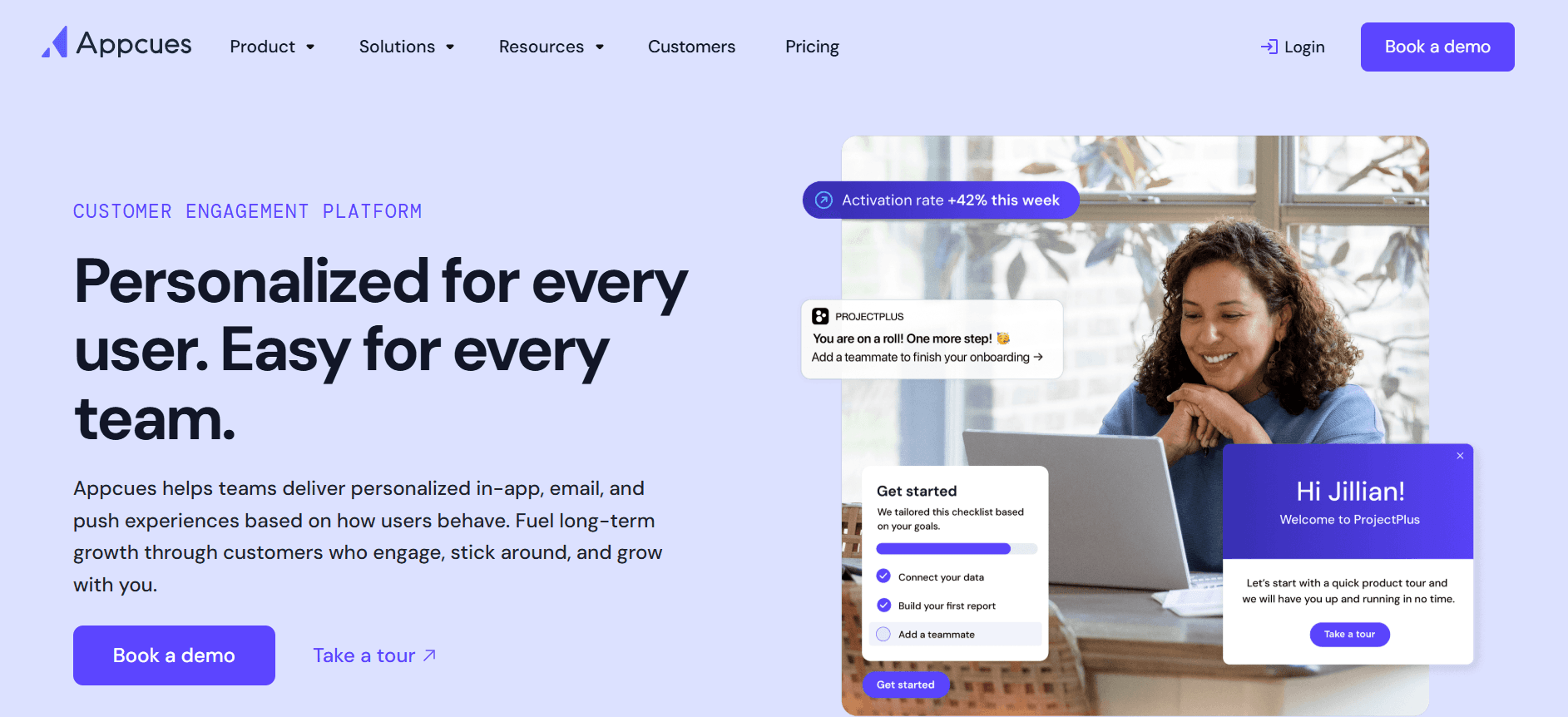
A Appcues é uma ferramenta fácil de usar, concebida para equipas de produto focadas em criar experiências de onboarding envolventes sem necessidade de competências técnicas. É particularmente eficaz para startups e empresas de média dimensão que pretendem melhorar a ativação dos utilizadores e reduzir o churn com tours lineares simples.
Principais Funcionalidades
Tipos de Tour Lineares para um onboarding fácil dos utilizadores
Configuração sem código para uma implementação rápida
Editor de arrastar e largar para uma personalização simples
Análises de utilizadores aprofundadas para monitorizar o sucesso
Suporte multi-idioma para públicos diversos
Recolha de feedback para insights sobre utilizadores
Temas e templates personalizáveis
Integrações com CRMs principais
Prós | Contras |
|---|---|
Fácil de usar sem necessidade de programação. | Funcionalidades de testes A/B limitadas. |
Boas opções de integração com CRMs. | Pode não escalar bem para empresas muito grandes. |
Eficaz para configurações rápidas de onboarding. | Profundidade de análises limitada face aos concorrentes. |
Preços
A Appcues oferece um plano gratuito com funcionalidades básicas. Os planos pagos começam nos $249/mês, disponibilizando mais personalização e suporte.
5.UserPilot
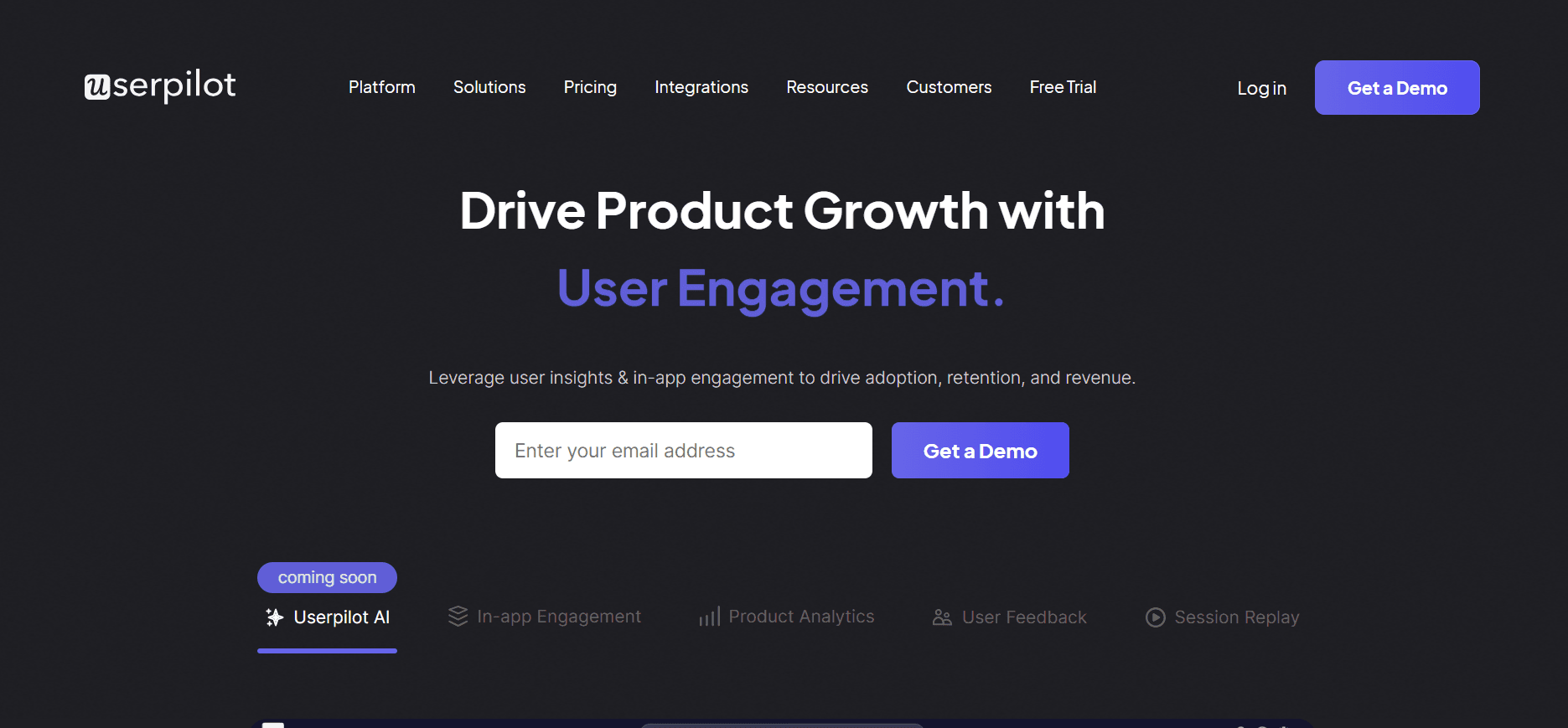
A UserPilot é uma ferramenta versátil, concebida para equipas de produto que precisam de criar experiências de utilizador interativas e personalizadas. É preferida por empresas de média dimensão que procuram melhorar a adoção de funcionalidades e o envolvimento dos utilizadores através de tours ramificados e baseados em ações.
Principais Funcionalidades
Tipos de Tour Branchados para percursos dinâmicos de utilizadores
Walkthroughs interativos para aumentar o envolvimento dos utilizadores
Segmentação para experiências direcionadas
Editor sem código para maior facilidade de utilização
Mensagens In-App para orientar os utilizadores de forma eficaz
Suporte multi-idioma para aplicações globais
Análises e relatórios detalhados
Design responsivo para todos os dispositivos
Prós | Contras |
|---|---|
Walkthroughs altamente interativos e envolventes. | Funcionalidades avançadas de análises limitadas. |
Fácil de configurar sem necessidade de programação. | Não existe plano gratuito. |
Bom para empresas de média dimensão. | Algumas funcionalidades ficam limitadas a planos mais altos. |
Preços
A UserPilot não oferece um plano gratuito. Os planos pagos começam nos $249/mês, com opções para equipas maiores.
6.Whatfix
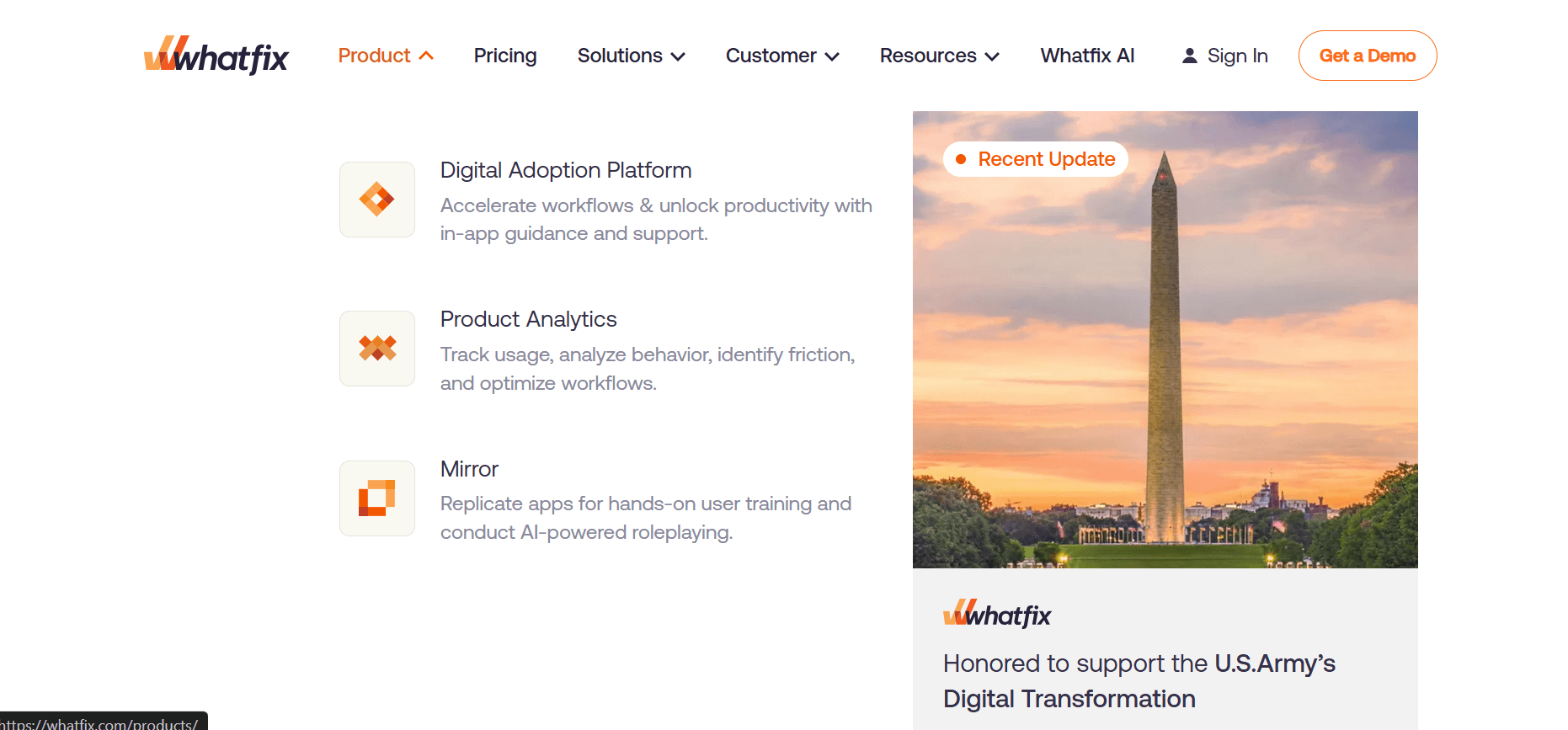
A Whatfix é uma ferramenta poderosa para empresas que precisam de impulsionar a adoção digital e melhorar a formação dos colaboradores. A sua orientação in-app branchada ajuda os utilizadores a navegar em ambientes de software complexos, tornando-a uma escolha de topo para grandes empresas que pretendem simplificar as experiências dos utilizadores.
Principais Funcionalidades
Tipos de Tour Branchados para orientação personalizada
Orientação In-App para um onboarding sem falhas
Personalização orientada por IA para experiências específicas por utilizador
Análises abrangentes para acompanhar o sucesso
Suporte multi-idioma para implementação global
Integrações com aplicações empresariais
Feedback e inquéritos para melhoria contínua
Interfaces de utilizador personalizáveis
Prós | Contras |
|---|---|
Excelente para adoção digital ao nível empresarial. | Configuração complexa que exige conhecimentos técnicos. |
Funcionalidades de IA fortes para personalização. | Custo mais elevado do que ferramentas mais pequenas. |
Excelente suporte multi-idioma. | Capacidades de testes A/B limitadas. |
Preços
Os preços da Whatfix são personalizados, normalmente a partir de $1200/mês, adaptados às necessidades empresariais.
7.Chameleon
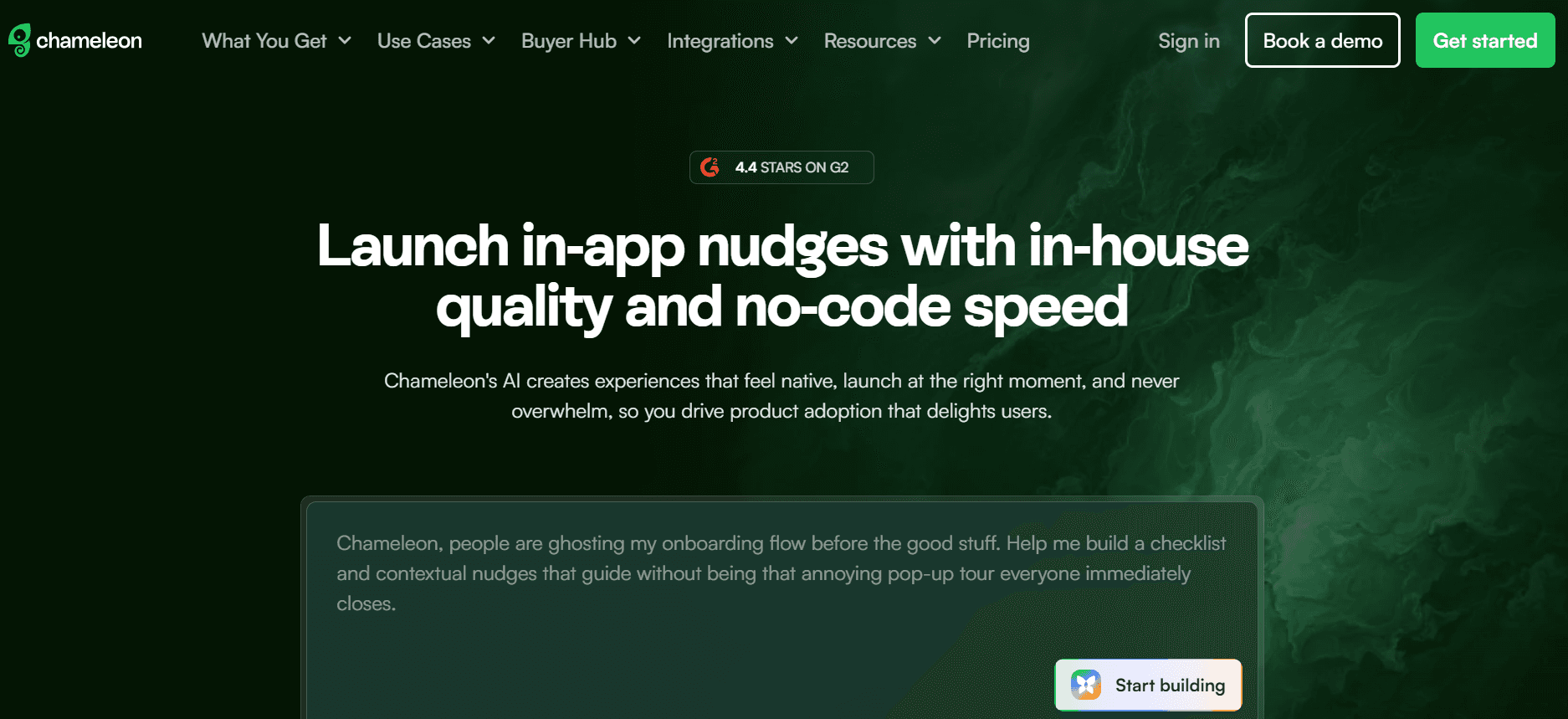
A Chameleon é uma ferramenta adaptativa para onboarding de utilizadores e adoção de produto, concebida especificamente para equipas de produto que querem criar envolventes, guia passo a passos sem exigir competências técnicas extensas. É ideal para startups e empresas de média dimensão focadas em melhorar a ativação e a retenção dos utilizadores.
Principais Funcionalidades
Tipos de Tour Lineares para onboarding direto
Guias personalizáveis para percursos únicos de utilizadores
Configuração sem código para uma implementação rápida
Inquéritos In-App para feedback em tempo real
Suporte multi-idioma para um público global
Integrações com principais ferramentas SaaS
Design responsivo para todos os dispositivos
Temas personalizados e opções de branding
Prós | Contras |
|---|---|
Altamente personalizável e fácil de usar. | Análises aprofundadas limitadas. |
Excelente para startups e empresas de média dimensão. | Algumas funcionalidades exigem planos de nível superior. |
Sem necessidade de competências de programação para a configuração. | Não existe plano gratuito. |
Preços
A Chameleon oferece preços a partir de $279/mês, com opções adaptadas para equipas maiores.
8.Userlane
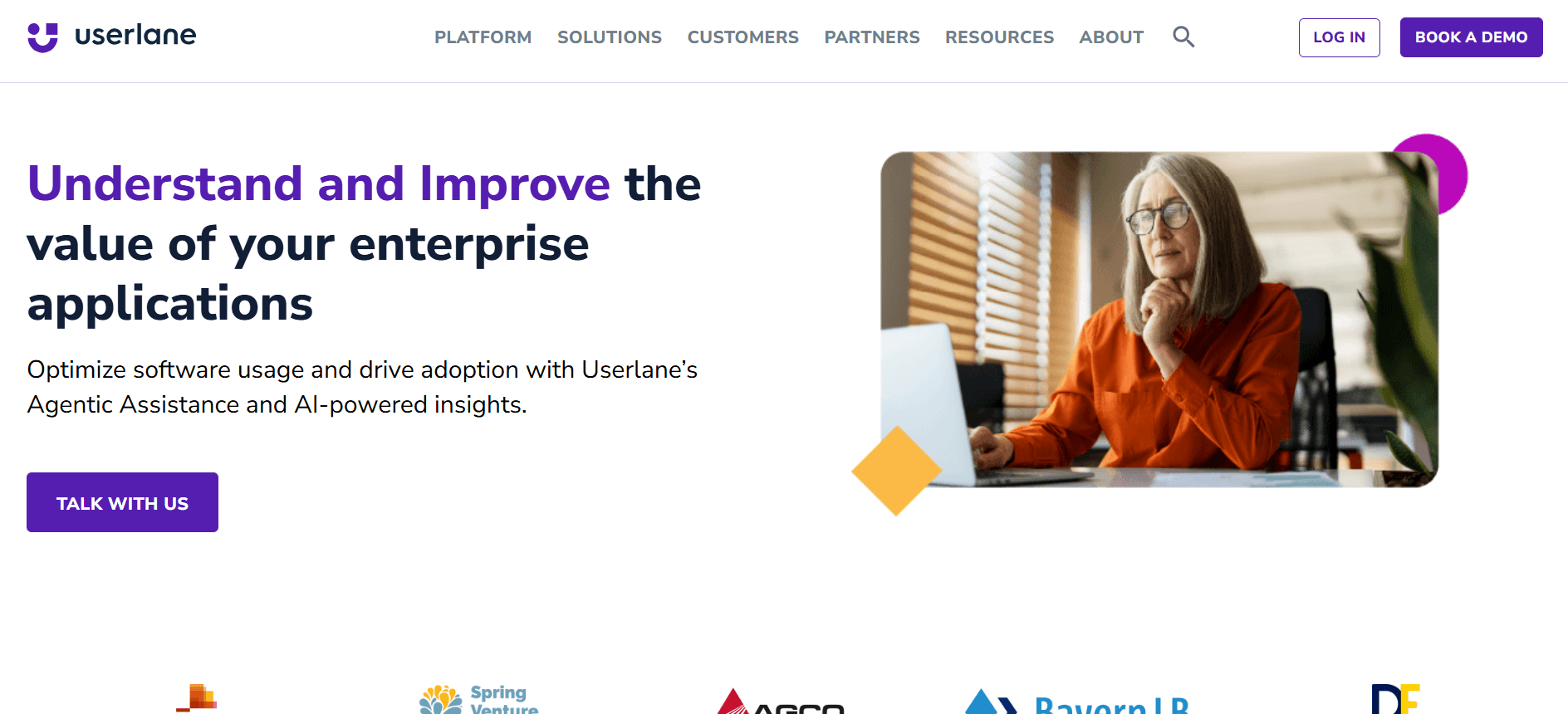
A Userlane foi concebida para tornar sistemas de software complexos mais acessíveis através de walkthroughs lineares intuitivos. É particularmente útil para empresas que pretendem melhorar a formação e o onboarding dos utilizadores sem uma curva de aprendizagem acentuada. A abordagem da Userlane reduz ao mínimo a necessidade de sessões de formação extensas, tornando-a uma escolha popular para empresas que procuram melhorar as taxas de adoção do software.
Principais Funcionalidades
Walkthroughs lineares para uma orientação simples e eficaz
Editor sem código para uma configuração fácil
Tutoriais interativos para aumentar o envolvimento dos utilizadores
Suporte multi-idioma para equipas internacionais
Painel de análises para insights sobre utilizadores
Experiências de utilizador personalizáveis
Integração com ferramentas empresariais populares
Mecanismos de feedback para recolher contributos dos utilizadores
Prós | Contras |
|---|---|
Fácil de usar sem necessidade de competências técnicas. | Conjunto de funcionalidades avançadas limitado. |
Eficaz para onboarding direto. | Capacidades de segmentação limitadas. |
Bom para empresas internacionais com necessidades linguísticas. | Não é disponibilizado plano gratuito. |
Preços
Os preços da Userlane começam nos $300/mês, com opções personalizadas disponíveis para empresas maiores.
Desafios dos Product Walkthrough: O que as Equipas Têm Mais Dificuldade em Enfrentar
1.Baixas Taxas de Ativação
Os utilizadores muitas vezes não interagem com todas as funcionalidades devido à falta de orientação clara.
Os utilizadores pela primeira vez podem sentir-se sobrecarregados pelo número de opções disponíveis.
Sem walkthroughs adequados, os utilizadores perdem as propostas de valor centrais do produto.
Muitos utilizadores desistem antes de chegar ao momento “aha” que os cativa.
2.Descoberta de Funcionalidades Complexas
As funcionalidades avançadas permanecem sem uso porque os utilizadores não sabem que existem.
A documentação muitas vezes falha ao transmitir os benefícios práticos das funcionalidades.
Os utilizadores têm dificuldade em navegar entre funcionalidades relacionadas sem orientação.
A falta de ajuda contextual leva a uma abordagem de tentativa e erro.
3.Experiências de Onboarding Inconsistentes
Diferentes utilizadores recebem níveis variados de orientação com base no ponto de entrada.
Os processos de onboarding não são padronizados entre segmentos de utilizadores.
O tempo e os recursos gastos na formação variam significativamente sem um ROI claro.
As equipas muitas vezes recorrem a métodos desatualizados que não se adaptam às necessidades dos utilizadores.
4.Ausência de Análises nos Pontos de Desistência
As equipas não têm visibilidade sobre onde os utilizadores abandonam o produto.
Sem dados, é difícil fazer melhorias informadas ao UX.
As suposições sobre o comportamento dos utilizadores frequentemente levam a estratégias mal orientadas.
Os investimentos no desenvolvimento de funcionalidades são feitos sem evidência de procura.
5.Ineficiências na Formação de Colaboradores
As sessões de formação tradicionais são demoradas e muitas vezes ineficazes.
Os colaboradores têm dificuldade em reter a informação apresentada em sessões pontuais.
As elevadas taxas de rotatividade conduzem a ciclos de formação repetitivos e dispendiosos.
O acompanhamento manual do progresso da formação está sujeito a erros e atrasos.
Desafio | Processo Tradicional | Impacto no Negócio | Custo de Tempo |
|---|---|---|---|
Baixas Taxas de Ativação | Sessões de onboarding manuais | Fraca retenção de utilizadores | Elevado |
Descoberta de Funcionalidades Complexas | Documentação estática | Funcionalidades do produto subutilizadas | Moderado |
Onboarding Inconsistente | Formação ad-hoc | Aumento do churn | Elevado |
Ausência de Análises | Estratégias por suposição | Oportunidades de crescimento perdidas | Moderado |
Formação de Colaboradores | Sessões em sala de aula | Baixa retenção de competências | Elevado |
Responder a estes desafios exige uma abordagem estratégica aos product walkthroughs que não só guie os utilizadores nas fases iniciais, como também os envolva continuamente. Ao tirar partido de ferramentas modernas, as equipas podem transformar estes desafios em oportunidades de crescimento e inovação.
Funcionalidades Essenciais nas Ferramentas Modernas de Product Walkthrough
1.Percursos Interativos de Utilizador
As ferramentas modernas de product walkthrough devem oferecer percursos interativos de utilizador que se adaptem com base nas ações do utilizador. Esta funcionalidade permite percursos dinâmicos, em que os utilizadores são guiados através de diferentes elementos do produto com base nas suas interações. Ferramentas como a Trupeer destacam-se ao disponibilizar tipos de tour branchados que permitem uma experiência personalizada, garantindo que os utilizadores interagem com as funcionalidades mais relevantes.
Os percursos interativos não só ajudam a reter a atenção dos utilizadores, como também garantem que exploram áreas do produto que, de outra forma, poderiam não descobrir. Esta adaptabilidade é crucial para combater baixas taxas de ativação e melhorar o envolvimento dos utilizadores.
2.Análises Abrangentes
As análises são essenciais para compreender o comportamento dos utilizadores e identificar pontos de desistência. Ferramentas como a Whatfix e a Pendo oferecem capacidades robustas de análises que fornecem insights sobre como os utilizadores interagem com o produto. Estes insights ajudam as equipas a tomar decisões baseadas em dados para melhorar a experiência do utilizador.
As análises devem abranger não só as taxas de conclusão, mas também o tempo que os utilizadores passam em cada etapa, quais as funcionalidades mais envolventes e onde encontram fricção. Estes dados abrangentes permitem otimização contínua do processo de walkthrough.
3.Personalização Sem Código
A facilidade de utilização é um fator significativo para muitas organizações, especialmente para aquelas que não dispõem de recursos técnicos extensos. As ferramentas de personalização sem código capacitam as equipas a criar e modificar walkthroughs sem necessidade de intervenção de programadores. A UserPilot e a Appcues são líderes neste espaço, oferecendo interfaces intuitivas de arrastar e largar.
As soluções sem código reduzem o time-to-market para novos walkthroughs e permitem iterações rápidas com base no feedback dos utilizadores. Esta capacidade é essencial para manter os walkthroughs alinhados com as funcionalidades do produto em evolução e com as expectativas dos utilizadores.
4.Segmentação e Direcionamento
Os walkthroughs de produto eficazes devem atender a segmentos diversos de utilizadores, disponibilizando experiências personalizadas com base em funções, preferências ou comportamento. As funcionalidades de segmentação e direcionamento permitem às equipas criar walkthroughs específicos para diferentes grupos de utilizadores. A Pendo e a Trupeer disponibilizam excelentes ferramentas de segmentação que suportam esta necessidade.
Com a capacidade de direcionar segmentos específicos, as empresas podem garantir que cada utilizador recebe a orientação mais relevante, melhorando a experiência global e reduzindo as taxas de churn.
5.Suporte Multi-idioma
À medida que as empresas se expandem globalmente, o suporte a múltiplos idiomas torna-se crucial. O suporte multi-idioma garante que utilizadores em todo o mundo possam beneficiar de walkthroughs do produto na sua língua nativa. A Whatfix e a WalkMe oferecem suporte linguístico abrangente, tornando-as ideais para implementações internacionais.
Disponibilizar walkthroughs em vários idiomas não só melhora a compreensão, como também demonstra um compromisso com a inclusão, o que pode ter um impacto positivo na satisfação e retenção dos utilizadores.
6.Integração com Sistemas Existentes
As capacidades de integração garantem que as ferramentas de product walkthrough se encaixem de forma perfeita no stack tecnológico existente de uma empresa. Isto inclui sistemas de CRM, plataformas de análises e ferramentas de apoio ao cliente. A Chameleon e a Userlane oferecem opções de integração fortes que facilitam o fluxo de dados e aumentam a utilidade global dos walkthroughs.
Ao integrar com sistemas existentes, as equipas podem tirar partido dos dados já disponíveis para criar walkthroughs mais personalizados e eficazes, assegurando uma experiência de utilizador coerente em todos os pontos de contacto.
Com estas funcionalidades essenciais, as empresas podem melhorar significativamente os seus product walkthroughs, aumentando o envolvimento dos utilizadores, a retenção e a satisfação global. Na secção seguinte, vamos explorar como estas funcionalidades se traduzem em casos de uso e soluções no mundo real.
Como Escolher Software de Product Walkthrough com Base no Seu Caso de Uso
1.Onboarding de Novos Utilizadores
Uma das fases mais críticas na jornada de um utilizador é a experiência inicial de onboarding. Um processo de onboarding eficaz garante que os utilizadores compreendem rapidamente o valor do produto e como utilizá-lo. Esta fase é crucial para definir o tom para o envolvimento e a retenção futuros. As empresas de diferentes setores enfrentam desafios únicos ao criar um fluxo de onboarding envolvente que responda às necessidades diversas dos utilizadores.
Principais Desafios:
Garantir que os utilizadores compreendem e se envolvem rapidamente com as funcionalidades-chave.
Equilibrar a entrega de informação sem sobrecarregar utilizadores novos.
Disponibilizar experiências personalizadas para atender a diferentes perfis de utilizador.
Necessidades de Soluções:
Walkthroughs interativos e guiados, adaptados para utilizadores pela primeira vez.
Capacidades de segmentação para disponibilizar experiências de onboarding personalizadas.
Análises para acompanhar o progresso dos utilizadores e identificar pontos de desistência.
Ferramenta | Adequação ao Caso de Uso |
|---|---|
Trupeer | ✓ |
Pendo | ✓ |
WalkMe | ✓ |
Appcues | ✓ |
UserPilot | ✓ |
Whatfix | ✓ |
"A integração de uma experiência de onboarding personalizada transformou a nossa retenção de utilizadores, tornando o nosso produto indispensável num mercado saturado." - Alex G, Product Manager na InnovateTech
2.Adoção de Funcionalidades
Mesmo após um onboarding bem-sucedido, muitos utilizadores falham em explorar e adotar novas funcionalidades. Incentivar os utilizadores a descobrir funcionalidades avançadas pode maximizar o valor que obtêm do produto, o que, por sua vez, aumenta a satisfação e a fidelização. No entanto, isto exige orientação e comunicação estratégicas.
Principais Desafios:
Os utilizadores muitas vezes ficam pelas funcionalidades familiares e ignoram as novas.
Comunicar de forma eficaz os benefícios das novas funcionalidades.
Acompanhar quais as funcionalidades que são usadas e quais as que são ignoradas.
Necessidades de Soluções:
Walkthroughs contextuais que apresentam funcionalidades no momento em que são necessárias.
Testes A/B para determinar as estratégias de promoção de funcionalidades mais eficazes.
Análises detalhadas para monitorizar padrões de utilização das funcionalidades.
Ferramenta | Adequação ao Caso de Uso |
|---|---|
Trupeer | ✓ |
Pendo | ✓ |
WalkMe | ✓ |
UserPilot | ✓ |
Whatfix | ✓ |
3.Formação de Software para Colaboradores
Formar colaboradores em novas ferramentas de software pode ser intimidante, especialmente em organizações grandes com níveis de competências diversos. Os métodos de formação tradicionais são frequentemente demorados e não garantem retenção. Um walkthrough bem concebido pode simplificar significativamente o processo de formação, tornando-o mais eficaz e menos exigente em recursos.
Principais Desafios:
Elevada variabilidade na proficiência técnica dos colaboradores.
Necessidade de soluções de formação escaláveis para diferentes departamentos.
Garantir que os materiais de formação estão atualizados e são relevantes.
Necessidades de Soluções:
Módulos de formação interativos e personalizáveis, adaptados a diferentes níveis de competências.
Integração sem falhas com sistemas de gestão de aprendizagem existentes (LMS).
Mecanismos de feedback em tempo real para responder a dúvidas e preocupações.
Ferramenta | Adequação ao Caso de Uso |
|---|---|
WalkMe | ✓ |
Whatfix | ✓ |
Userlane | ✓ |
"Ao passarmos da formação tradicional para walkthroughs, reduzimos o nosso tempo de formação para metade, duplicando os níveis de envolvimento." - Sarah L., Diretora de RH na TechSolutions
4.Demos de Produto Self-Serve
As demos de produto self-serve estão a tornar-se cada vez mais populares, permitindo que potenciais clientes explorem o produto ao seu ritmo, sem intervenção de um vendedor. Esta abordagem exige uma ferramenta de walkthrough que consiga guiar os utilizadores pelas principais funcionalidades e capacidades, simulando de forma eficaz uma experiência de demo em direto.
Principais Desafios:
Criar um ambiente de demo que mostre todo o potencial do produto.
Garantir que os potenciais clientes têm uma experiência sem falhas, sem assistência.
Capturar e analisar dados de utilizadores da demo para refinar o processo.
Necessidades de Soluções:
Tours guiados que destacam funcionalidades e benefícios essenciais.
Integração com sistemas de CRM para acompanhar interações com leads.
Templates de demo personalizáveis que podem ser adaptados a diferentes segmentos de público.
Ferramenta | Adequação ao Caso de Uso |
|---|---|
Trupeer | ✓ |
Appcues | ✓ |
Chameleon | ✓ |
5.Implementação Empresarial
Implementar novo software à escala empresarial exige planeamento e execução cuidadosos. A complexidade e o âmbito destas implementações significam que os walkthroughs precisam de ser abrangentes, mas suficientemente flexíveis para acomodar diferentes funções e requisitos dos utilizadores em toda a organização.
Principais Desafios:
Coordenar entre várias equipas e departamentos com necessidades diferentes.
Garantir uma experiência e orientação consistentes para toda a empresa.
Gerir a transição sem interromper as operações de negócio em curso.
Necessidades de Soluções:
Soluções escaláveis que possam ser personalizadas para diferentes departamentos.
Análises centralizadas para monitorizar a utilização e adaptar estratégias conforme necessário.
Suporte robusto e recursos de formação para ajudar durante a transição.
Ferramenta | Adequação ao Caso de Uso |
|---|---|
WalkMe | ✓ |
Whatfix | ✓ |
Userlane | ✓ |
Escolher a ferramenta certa de product walkthrough depende, em grande medida, do seu caso de uso específico e das necessidades do seu negócio. Ao compreender os desafios e as soluções associados a cada caso de uso, pode selecionar uma ferramenta que não só responda aos requisitos imediatos, como também escale com a sua organização. Nas secções seguintes, vamos explorar as melhores práticas para maximizar a eficácia destas ferramentas em cenários do mundo real.
Boas Práticas para Product Walkthroughs
1.Antes de Criar Walkthroughs
Identifique os principais objetivos dos seus walkthroughs, como onboarding, adoção de funcionalidades ou formação.
Compreenda o seu público segmentando os utilizadores com base em funções, experiência e necessidades.
Mapeie a jornada do utilizador para identificar pontos de contacto críticos onde é necessária orientação.
Recolha feedback de utilizadores e stakeholders para alinhar os objetivos do walkthrough com as expectativas.
Escolha a ferramenta certa que corresponda às suas capacidades técnicas e requisitos do negócio.
2.Durante a Criação de Walkthroughs
Use linguagem clara e concisa para orientar os utilizadores de forma eficaz em cada etapa.
Incorpore elementos interativos, como quizzes ou checkpoints, para manter os utilizadores envolvidos.
Garanta que o design está alinhado com a identidade visual da sua marca para uma experiência coesa.
Teste os walkthroughs com um pequeno grupo de utilizadores para identificar potenciais pontos de fricção.
Utilize análises para monitorizar interações dos utilizadores e ajustar os walkthroughs conforme necessário.
3.Após Lançar Walkthroughs
Atualize regularmente os walkthroughs para refletir quaisquer alterações nas funcionalidades do produto ou na UI.
Recolha e analise feedback dos utilizadores para melhorar continuamente a experiência do walkthrough.
Monitore métricas-chave, como taxas de conclusão e satisfação dos utilizadores, para medir o sucesso.
Integre insights dos dados dos walkthroughs em estratégias mais abrangentes de desenvolvimento de produto.
Partilhe histórias de sucesso e insights com a sua equipa para promover uma cultura de aprendizagem e adaptação.
Perguntas Frequentes
1.O que é software de product walkthrough?
O software de product walkthrough é uma ferramenta que guia os utilizadores através de processos ou funcionalidades específicas dentro de um produto. Estas ferramentas ajudam a melhorar o onboarding dos utilizadores, a adoção de funcionalidades e a formação, disponibilizando instruções interativas, passo a passo, diretamente na interface do produto.
2.Em que é que os walkthroughs diferem dos product tours?
Os walkthroughs são concebidos para disponibilizar orientação e apoio in-app após um utilizador se inscrever. Os product tours, por outro lado, são normalmente experiências antes da inscrição que mostram as funcionalidades e benefícios de um produto, sendo frequentemente usados em iniciativas de marketing.
3.Preciso de competências de programação para criar um walkthrough?
A maioria das ferramentas modernas de product walkthrough, como a UserPilot e a Appcues, oferece soluções sem código, permitindo-lhe criar e personalizar walkthroughs sem quaisquer competências técnicas. Estas ferramentas disponibilizam interfaces intuitivas para construir e implementar walkthroughs.
4.Os walkthroughs podem ser integrados com outro software?
Sim, muitas ferramentas de walkthrough podem integrar-se com sistemas de software existentes, como plataformas de CRM, ferramentas de análises e aplicações de apoio ao cliente. Esta integração ajuda a melhorar as funcionalidades dos walkthroughs, tirando partido de dados e fluxos de trabalho já existentes.
5.Existem versões gratuitas de ferramentas de product walkthrough disponíveis?
Algumas ferramentas, como a Appcues e a Trupeer, oferecem planos gratuitos com funcionalidades limitadas, adequados para pequenas equipas ou startups. No entanto, para funcionalidades e capacidades mais avançadas, normalmente terá de optar por um plano pago, cujo custo varia consoante a ferramenta e as suas ofertas.
6.Que fatores influenciam os preços destas ferramentas?
Os preços são frequentemente influenciados por fatores como o número de utilizadores, a complexidade da ferramenta, o conjunto de funcionalidades disponibilizadas e o nível de suporte ao cliente fornecido. soluções empresariais incluem frequentemente preços personalizados com base em necessidades específicas do negócio.
7.Quanto tempo demora a implementar um product walkthrough?
O tempo de implementação varia consoante a ferramenta e a complexidade dos walkthroughs que pretende criar. Os walkthroughs simples podem ser configurados em poucas horas, enquanto implementações mais complexas podem demorar vários dias, especialmente se forem necessárias personalizações e integrações.
8.Que tipo de suporte posso esperar durante a implementação?
A maioria das ferramentas de product walkthrough oferece suporte através de documentação, tutoriais e equipas de apoio ao cliente. Algumas também disponibilizam assistência de onboarding e sessões de formação para ajudar a sua equipa a familiarizar-se com a ferramenta e as suas funcionalidades.
9.Os walkthroughs podem ser personalizados para diferentes funções de utilizador?
Sim, muitas ferramentas permitem-lhe criar experiências personalizadas segmentando os utilizadores com base nas suas funções, preferências ou padrões de utilização. Esta personalização garante que cada utilizador recebe uma orientação relevante, adaptada às suas necessidades específicas.
10. O software de product walkthrough pode gerar vídeos de demo e documentação escrita para incorporar na documentação?
Sim, e esta é uma grande vantagem para equipas de engenharia e product ops. O melhor software de product walkthrough em 2026 vai além da simples orientação in-app: permite-lhe gerar um vídeo de demo e um documento passo a passo escrito em simultâneo, a partir do mesmo registo do walkthrough. Depois, ambos os recursos podem ser incorporados diretamente na sua documentação do produto, no help center ou no portal de developers, dando aos utilizadores várias formas de consumir o mesmo conteúdo sem que a sua equipa tenha de os criar separadamente. A Trupeer destaca-se particularmente nisto, gerando automaticamente ambos os formatos a partir de um único registo de ecrã.
11. Como é que o software de product walkthrough ajuda a criar walkthroughs para developers na documentação técnica?
Os walkthroughs para developers são um caso de uso específico e crítico que o software de product walkthrough trata excecionalmente bem. Em vez de escrever manualmente cada etapa de um fluxo de API complexo ou de uma integração de SDK, os developers podem gravar um walkthrough do ecrã e deixar que a ferramenta gere automaticamente um guia estruturado e anotado. Isto garante que o walkthrough é preciso, repetível e fácil de atualizar sempre que o produto subjacente muda. Ferramentas como a Trupeer capturam cliques, anotações e atividade no ecrã automaticamente, tornando a criação de walkthroughs para developers rápida e consistente.
12. Como devem as equipas de produto usar o software de walkthrough para produzir conteúdos orientados por funcionalidades quando novas funcionalidades são lançadas?
Os walkthroughs de conteúdos orientados por funcionalidades, os vídeos how-to e os guias incorporados criados especificamente em torno de uma nova funcionalidade devem ser produzidos ao mesmo tempo em que a funcionalidade é lançada, e não depois. O software de product walkthrough torna isto prático ao reduzir drasticamente o tempo necessário para criar este conteúdo. Quando uma nova funcionalidade estiver pronta, as equipas podem gravar um walkthrough rápido, gerar automaticamente o guia escrito e publicar ambos como parte do lançamento. Isto garante que cada lançamento de funcionalidade vem com documentação completa e pronta a usar, em vez de uma lista de guias por escrever que nunca é concluída.
13. Como é que o software de product walkthrough suporta a documentação de release para equipas de engenharia?
Para equipas de engenharia e product ops, a documentação de release é um dos entregáveis mais sensíveis ao tempo: precisa de existir no momento em que a funcionalidade entra em produção. O software de product walkthrough acelera isto significativamente ao permitir que as equipas gravem a nova funcionalidade em ação e gerem instantaneamente documentação de release estruturada, incluindo screenshots, passos anotados e descrições escritas. Isto elimina o atraso entre o que é lançado e o que é documentado, mantendo engenheiros, clientes e equipas internas a trabalhar com informação precisa e atual.
14.O que é uma boa alternativa ao SharePoint que guia os colaboradores dentro do seu fluxo de trabalho?
O SharePoint armazena ficheiros, mas não guia ninguém numa tarefa. A Trupeer AI foi construída em torno do próprio walkthrough: registe um processo e partilhe um vídeo claro e um guia passo a passo para que os colaboradores recebam orientação no momento em que precisam, em vez de terem de procurar numa biblioteca de documentos.
15.Porque é que as equipas estão a substituir SOPs estáticos por walkthroughs interativos?
Os guias estáticos descrevem um processo, enquanto os walkthroughs o mostram, o que conduz a taxas de conclusão muito mais elevadas. O guia da plataforma de digital adoption da Trupeer explica como os walkthroughs no contexto tornam os utilizadores produtivos mais rapidamente.
Encerramento
Escolher a ferramenta certa de product walkthrough implica compreender as suas necessidades específicas e alinhá-las com as funcionalidades disponibilizadas pelas ferramentas. A Trupeer destaca-se pela sua flexibilidade e conjunto abrangente de funcionalidades, tornando-a uma forte candidata para empresas de todas as dimensões. Quer pretenda melhorar o onboarding dos utilizadores ou simplificar a formação dos colaboradores, a Trupeer oferece uma solução robusta adaptada às suas necessidades.
Pronto para elevar o envolvimento dos seus utilizadores com product walkthroughs eficazes? Explore as capacidades da Trupeer e veja como podem transformar a sua abordagem à orientação dos utilizadores. Visite a Trupeer para saber mais e pedir uma demo hoje.
Artigos relacionados



