Trupeer Blog

Best Client Onboarding Automation Software: The Complete 2026 Guide

Best Client Onboarding Automation Software: The Complete 2026 Guide

要約

目次

AIで魅力的な製品動画とドキュメントを作成

無料で始める

Discover the top tools to automate client onboarding and improve your customer success metrics.

30 min read · 2026. March 31, 2026.

Buyer's Overview

Customer success teams often find themselves mired in repetitive onboarding tasks that detract from their ability to focus on strategic initiatives. In fact, it's common for these teams to spend 40-60% of their time on duties that could easily be automated. This manual approach not only prolongs the time-to-value but also increases the likelihood of early customer churn. A study found that companies with automated onboarding processes saw a 15% decrease in customer churn compared to those relying solely on manual methods.

Automating onboarding processes can reduce customer churn by up to 15%.

Source: 2025 Customer Success Study by Onboard Insights

This guide aims to help you navigate through the myriad of client onboarding automation tools available today. It's designed for customer success managers, onboarding specialists, and business leaders looking to enhance their team’s efficiency and client experience. You'll find detailed comparisons, feature rundowns, and honest assessments to help you choose a solution that fits your specific needs.

Best Client Onboarding Automation Tools: Head-to-Head Comparison

Feature

Trupeer

Rocketlane

Dock

GuideCX

UserPilot

Pendo

ChurnZero

Totango

Client Portal

Yes

Yes

Yes

Yes

No

No

Limited

Yes

Task Automation

Yes

Yes

Limited

Yes

Limited

Yes

Yes

Yes

Video Walkthroughs

Yes

No

Limited

Yes

Yes

Yes

No

Limited

Progress Tracking

Yes

Yes

Yes

Yes

Yes

Yes

Yes

Yes

In-App Guidance

Yes

No

Limited

Yes

Yes

Yes

No

Yes

Email Sequences

Yes

Yes

No

Yes

No

Yes

Yes

Limited

CSM Workflow Automation

Yes

Yes

Limited

Yes

No

Yes

Yes

Yes

CRM Integration

Yes

Yes

Yes

Yes

Limited

Yes

Yes

Yes

Analytics

Yes

Yes

Yes

Yes

Limited

Yes

Yes

Yes

  1. Trupeer

    Trupeer

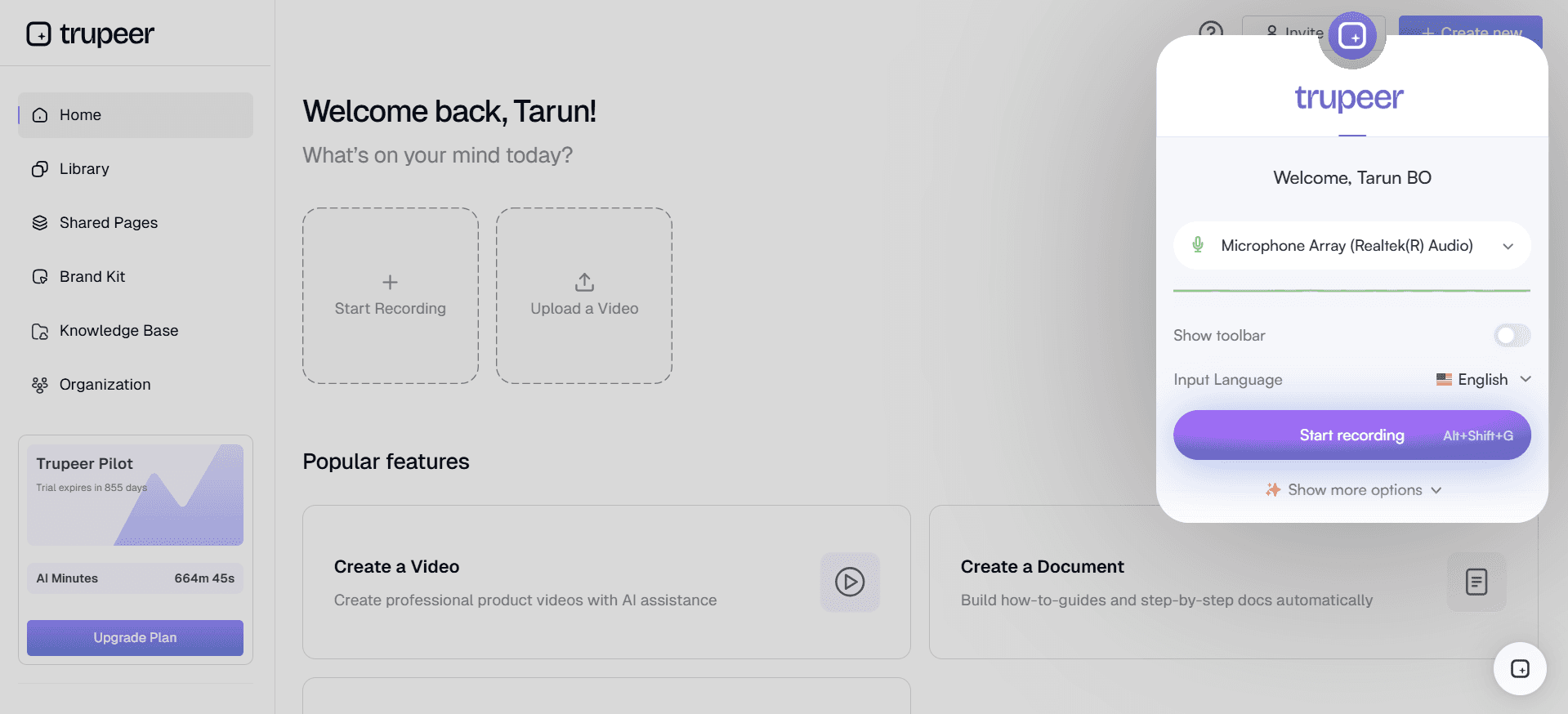
    Trupeer is tailored for companies seeking to streamline their client onboarding processes while enhancing customer experience. It's designed for teams that require robust automation features coupled with intuitive analytics. Trupeer excels in providing comprehensive client portals and advanced task automation. Its unique differentiator is the ability to integrate seamlessly with existing CRM systems, offering a unified view of customer data. While it offers extensive features, smaller teams might find the initial setup slightly complex.

    Key Features

    • Comprehensive client portals

    • Advanced task automation

    • Seamless CRM integration

    • In-app guidance tools

    • Analytics and reporting

    • Email sequence automation

    • Customizable workflows

    • Video walkthrough capabilities

    "Trupeer has transformed our onboarding process, reducing our time-to-value significantly."

    John Smith, Customer Success Manager at TechCorp (Source: G2)

    Pros

    Cons

    Offers seamless CRM integration.

    Initial setup can be complex for small teams.

    Comprehensive client portal features.

    Limited customization for smaller businesses.

    Strong analytics and reporting capabilities.

    Higher price point compared to some competitors.

    Pricing

    Starts at $49/month with a free trial available.

  2. Rocketlane

    Rocketlane

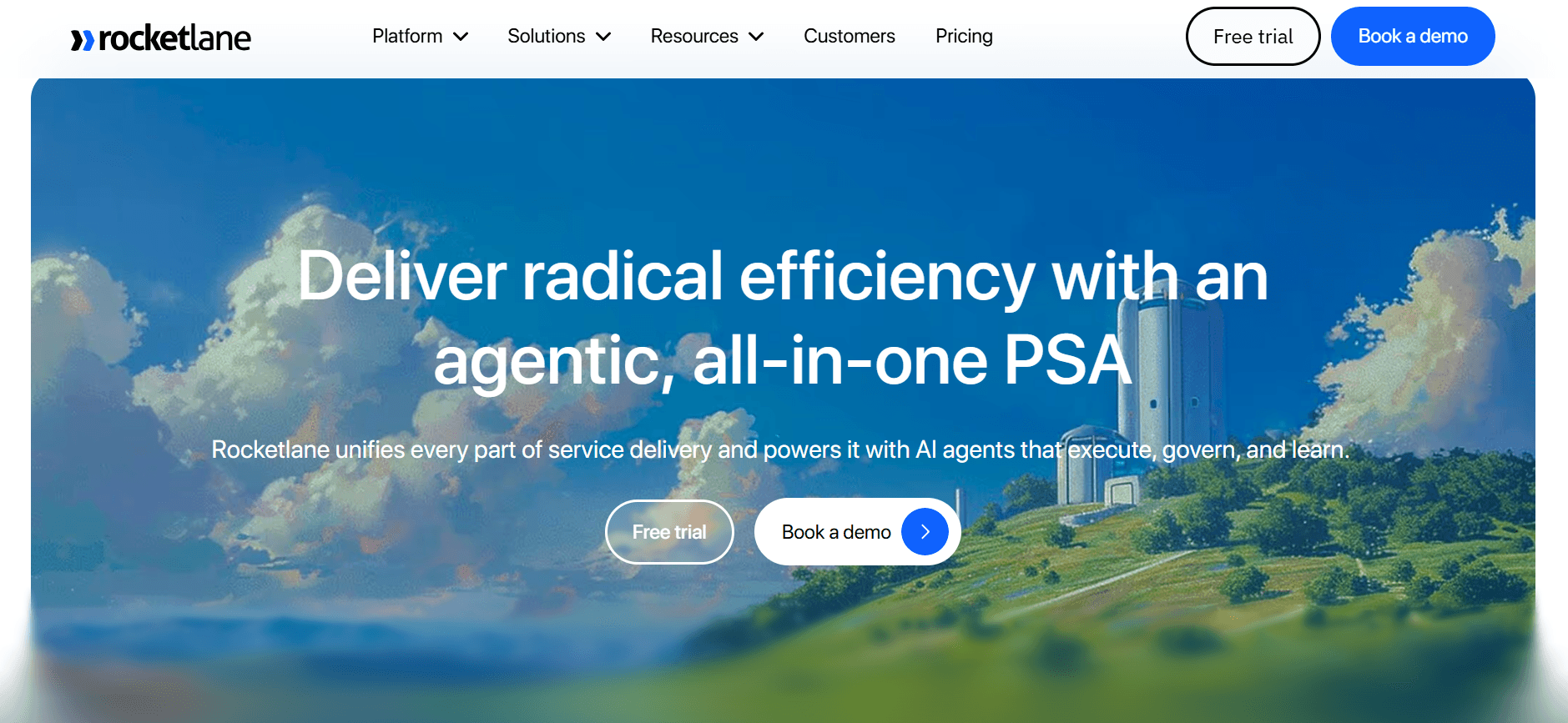
    Rocketlane is a powerful tool designed for teams that need efficient collaboration and project management capabilities during client onboarding. It's particularly beneficial for service-oriented businesses that require detailed project timelines and task management. Rocketlane stands out for its collaborative workspace that allows multiple teams to work together seamlessly. However, it may lack some advanced automation features found in other platforms.

    Key Features

    • Collaborative project workspace

    • Task management and tracking

    • Client communication tools

    • Customizable onboarding templates

    • Real-time progress updates

    • Integration with popular CRM tools

    • Detailed project timelines

    • File sharing and storage

    Pros

    Cons

    Excellent collaboration features.

    Lacks some advanced automation.

    Real-time updates improve transparency.

    No built-in video walkthroughs.

    Strong CRM integration options.

    Can be overwhelming for new users.

    Pricing

    Free tier available, paid plans start at $50/user/month.

  3. Dock

    Dock

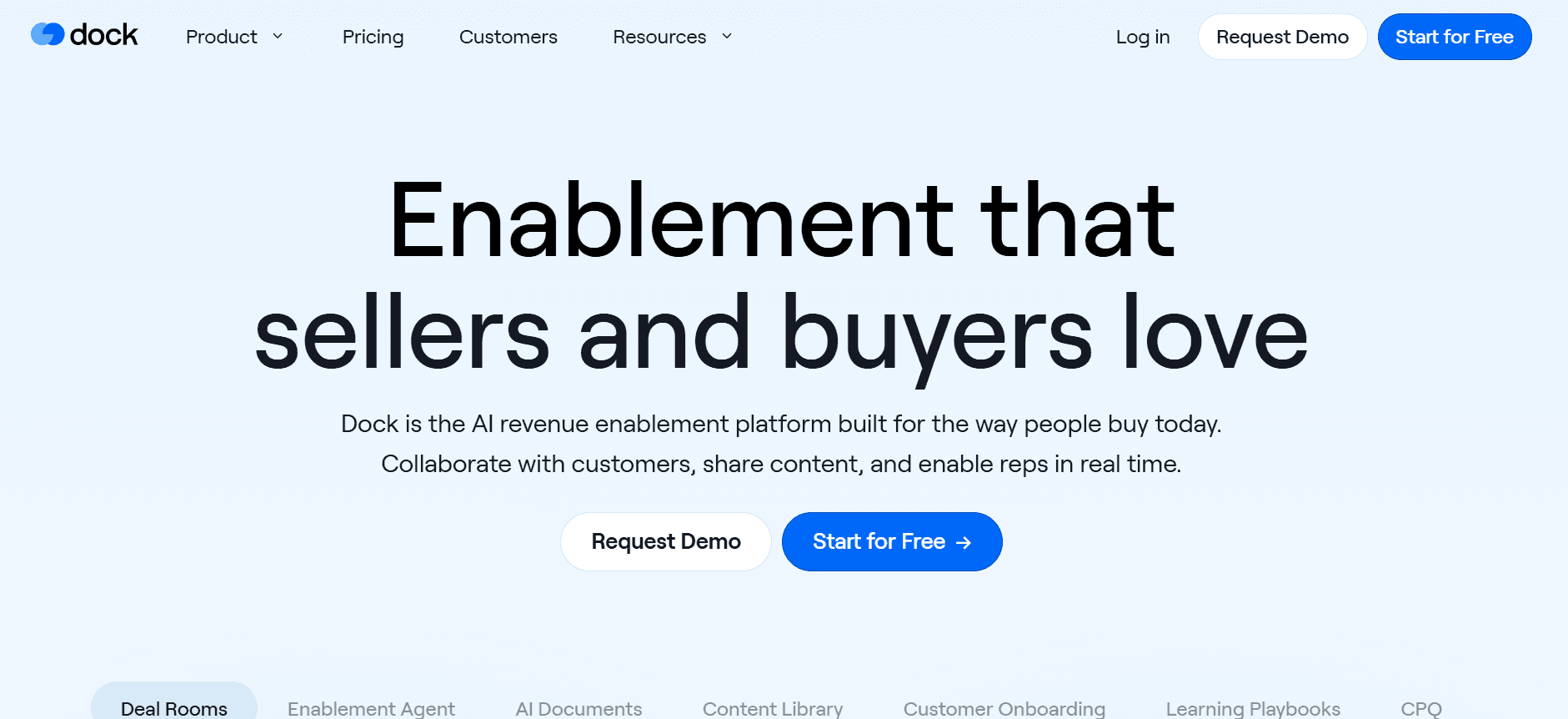
    Dock offers a unique approach to client onboarding by focusing on creating customized client portals. It's ideal for businesses that want to provide a personalized onboarding experience. Dock's strength lies in its ability to tailor portals to specific client needs, making it a great choice for agencies and consultancies. However, it might not be as robust in task automation compared to other tools.

    Key Features

    • Custom client portal creation

    • Client-specific onboarding experiences

    • Progress tracking and updates

    • Basic task automation tools

    • Integration with common CRM platforms

    • Custom branding options

    • Client communication features

    • File upload and management

    Pros

    Cons

    Highly customizable client portals.

    Limited task automation features.

    Great for personalized onboarding.

    Higher learning curve for setup.

    Seamless CRM integration.

    Few advanced analytics options.

    Pricing

    Plans start at $70/month with a free trial available.

  4. GuideCX

    GuideCX

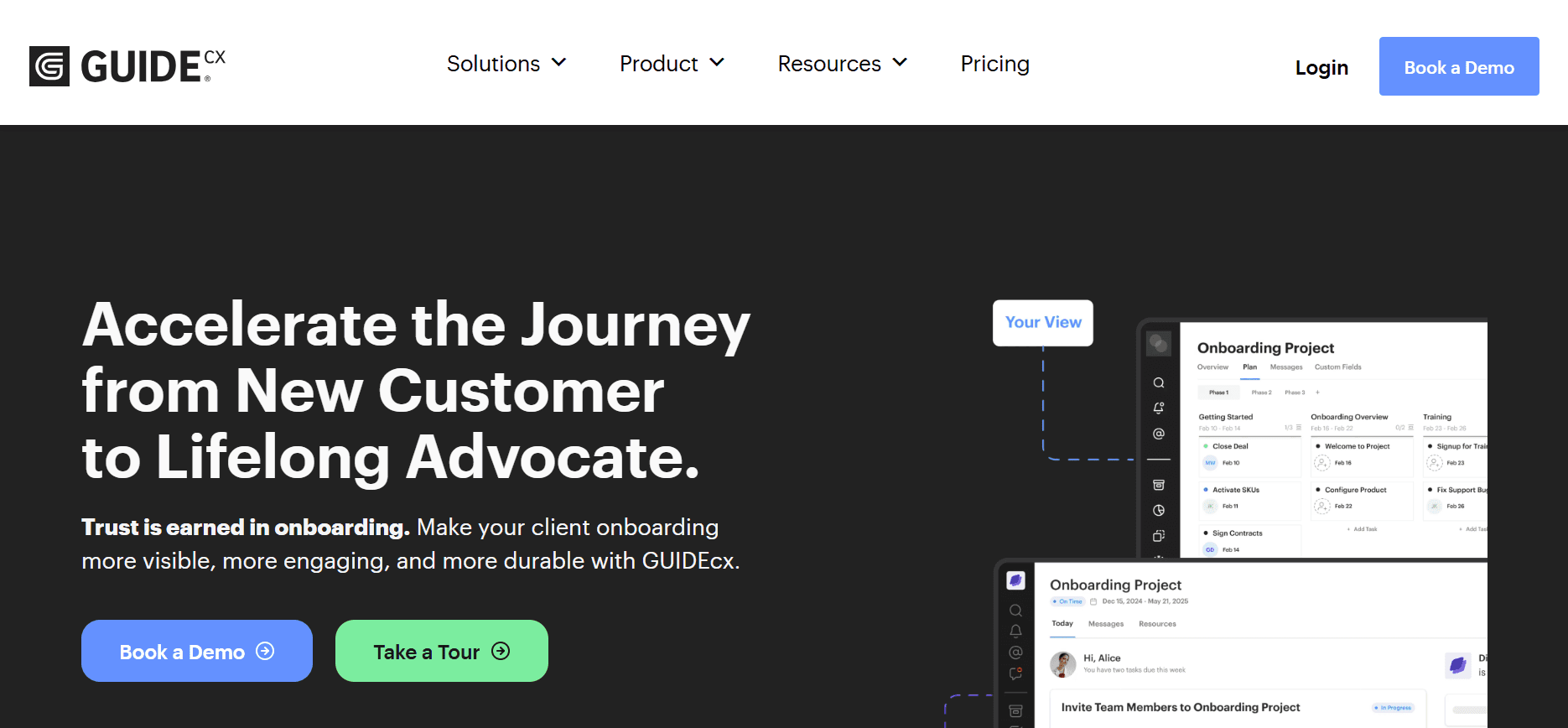
    GuideCX is known for its ability to streamline onboarding projects with its user-friendly interface. It's well-suited for teams that want to provide a transparent onboarding journey to their clients. GuideCX excels with its task and project management features, ensuring that every stakeholder is on the same page. However, it might lack some customization options for client portals.

    Key Features

    • User-friendly interface

    • Comprehensive task management

    • Client communication tools

    • Real-time project tracking

    • Integration with CRM systems

    • Customizable project templates

    • Email notifications and reminders

    • Progress and analytics reports

    Pros

    Cons

    Excellent task management features.

    Limited client portal customization.

    Real-time tracking enhances transparency.

    No built-in video guidance.

    Easy integration with existing systems.

    Pricing can be high for smaller teams.

    Pricing

    Starts at $100/month with tiered pricing based on features.

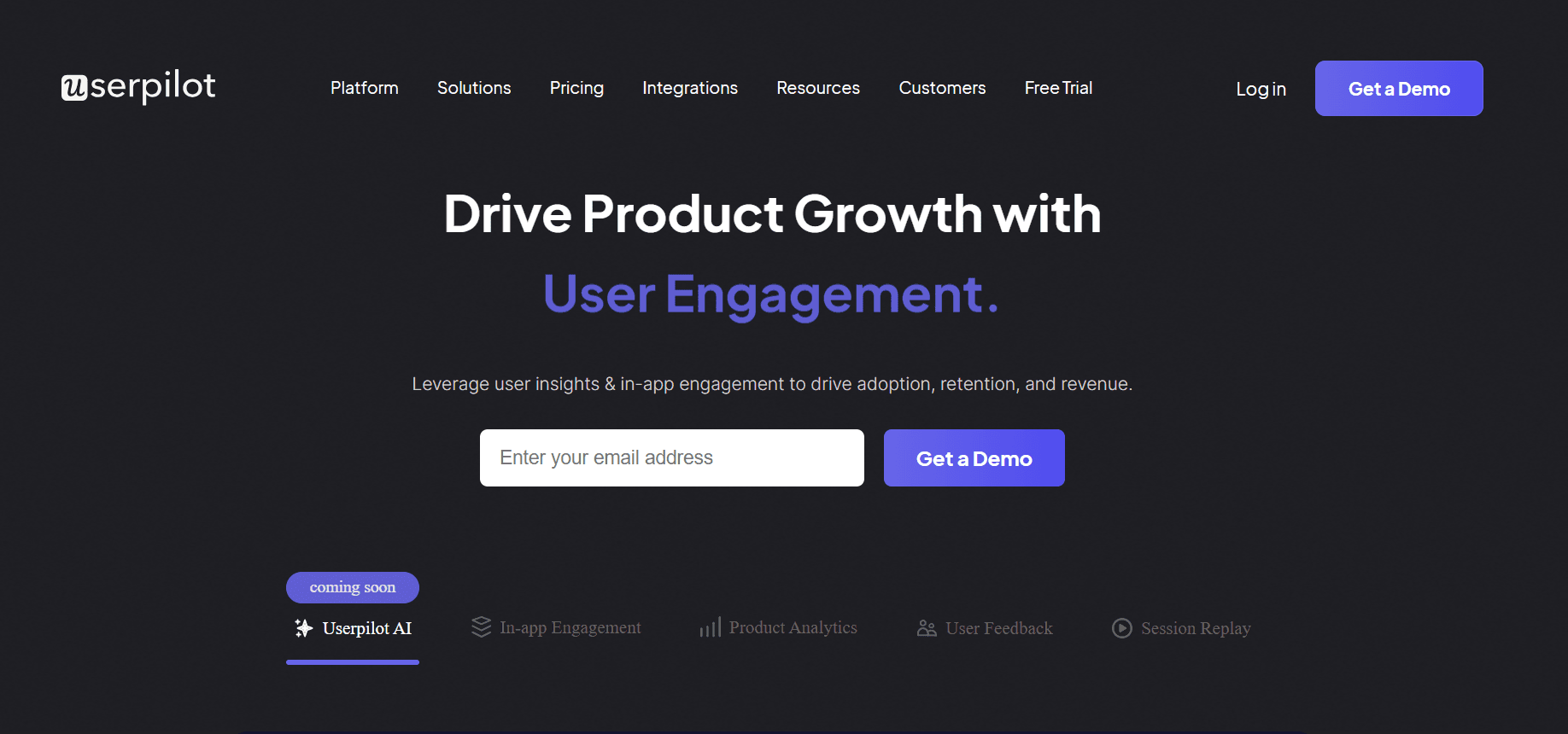
  5. UserPilot

    UserPilot

    UserPilot focuses on providing in-app guidance and user onboarding experiences. It's ideal for SaaS companies looking to enhance user engagement and product adoption. UserPilot stands out with its ability to create interactive walkthroughs and in-app messages to guide users. However, it may not offer extensive client portal features.

    Key Features

    • In-app guidance creation

    • Interactive product walkthroughs

    • User engagement analytics

    • Customizable in-app messages

    • Integration with popular SaaS tools

    • Segmentation and targeting options

    • Feedback collection mechanisms

    • A/B testing capabilities

    Pros

    Cons

    Great for enhancing user engagement.

    Limited client portal functionalities.

    Interactive walkthroughs improve adoption.

    Can be complex to set up initially.

    Strong analytics for user behavior.

    Higher price for smaller teams.

    Pricing

    Free tier available, paid plans start at $249/month.

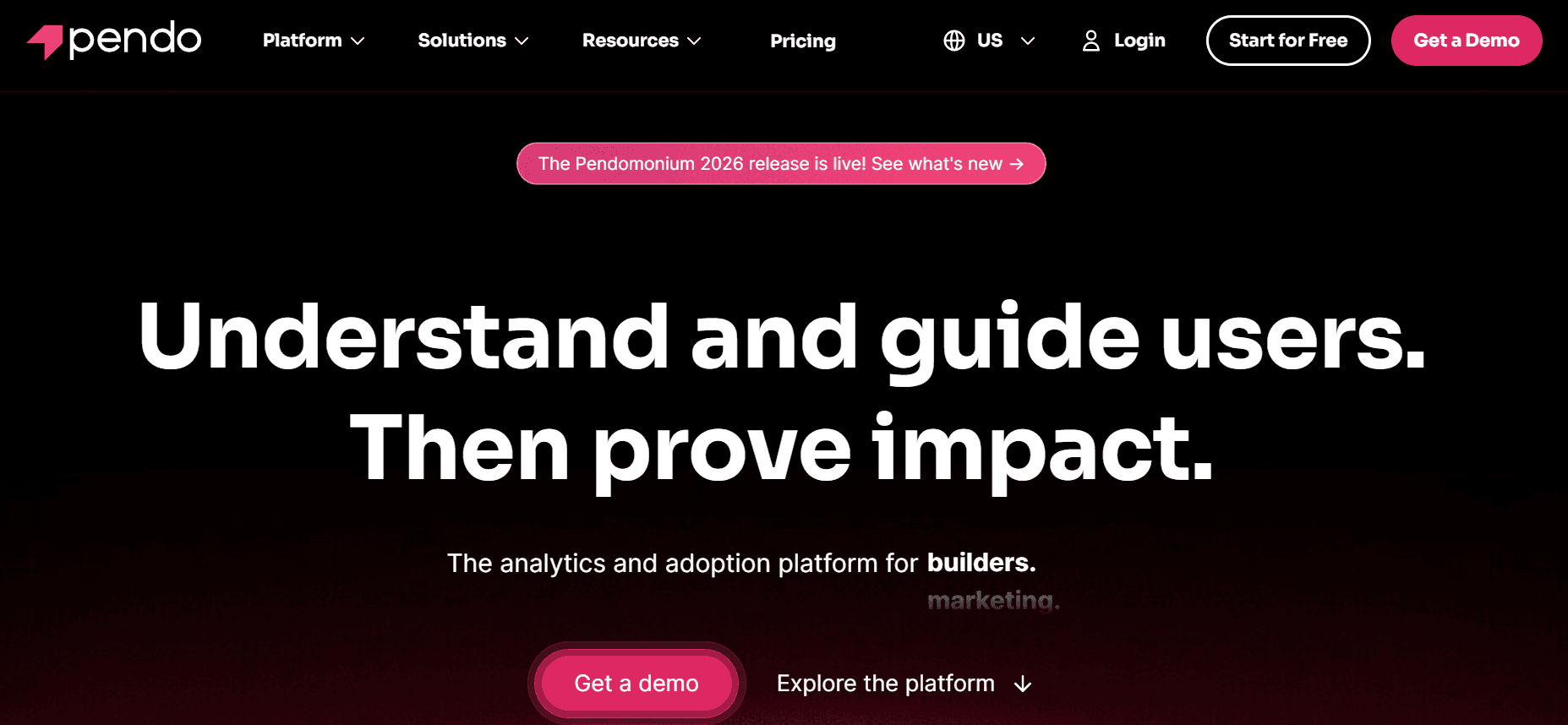
  6. Pendo

    Pendo

    Pendo is designed to enhance user onboarding with its powerful analytics and in-app guidance tools. It's perfect for companies that need to understand user behavior deeply and tailor their onboarding processes accordingly. Pendo's strength is in its robust analytics and ability to create detailed user segments. However, it might be more suitable for larger enterprises due to its complexity and pricing.

    Key Features

    • Advanced user analytics

    • In-app guidance tools

    • User segmentation capabilities

    • Feedback and survey tools

    • Integration with major CRM platforms

    • Customizable in-app messages

    • Product usage tracking

    • Behavioral insights dashboards

    Pros

    Cons

    Excellent analytics and insights.

    Complex setup process.

    Great for understanding user behavior.

    Higher cost for smaller businesses.

    Strong integration capabilities.

    Best suited for larger enterprises.

    Pricing

    Contact for pricing, typically starts at $2000/year.

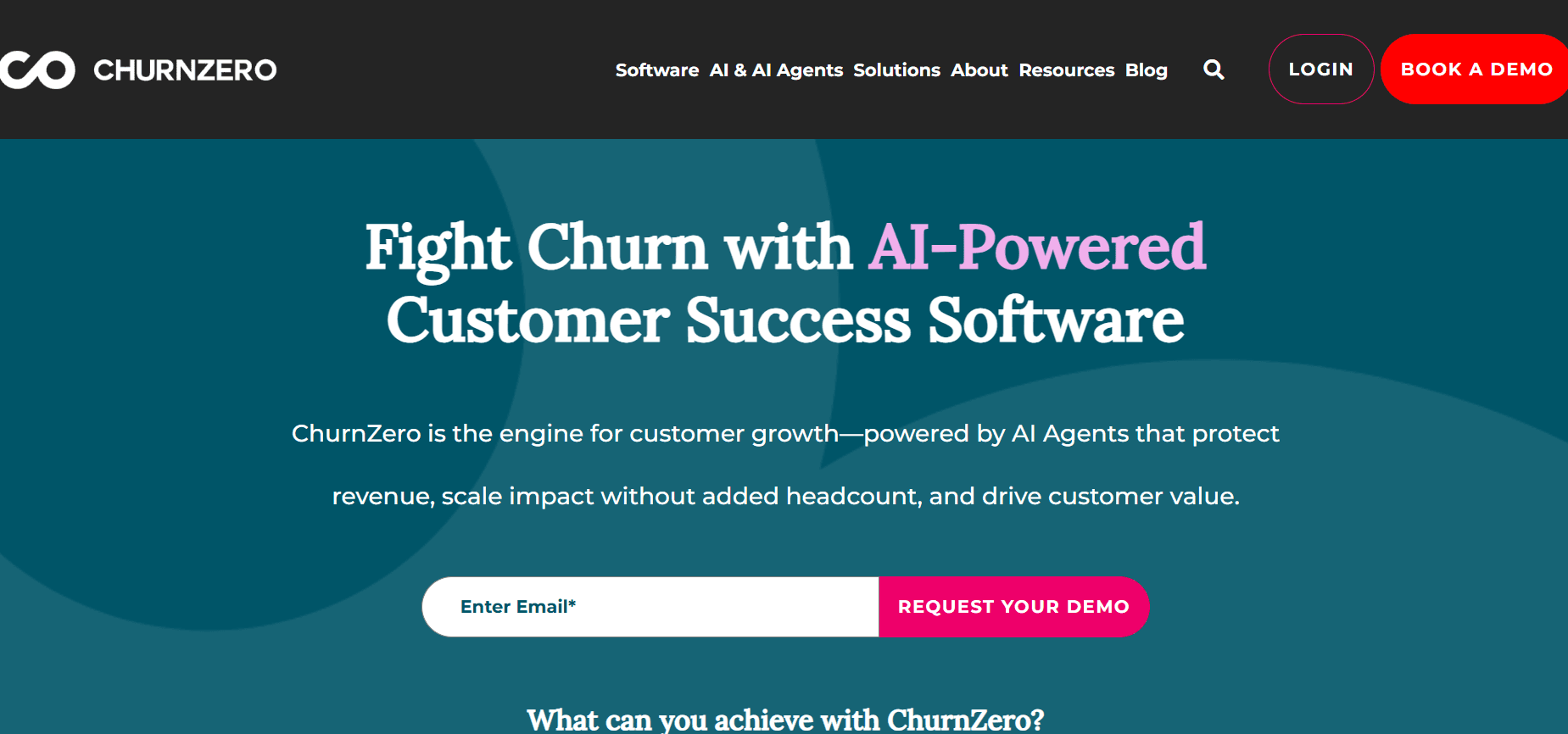
7. ChurnZero

ChurnZero

ChurnZero specializes in reducing customer churn by providing comprehensive client success platforms. It's designed for customer success teams that want to proactively manage client relationships. ChurnZero's standout feature is its ability to track customer health scores and provide insights into potential churn risks. However, it might not offer as much customization in client portal design.

Key Features

  • Customer health scores

  • Churn risk analysis

  • Client communication tools

  • Task and project management

  • Integration with CRM platforms

  • Customizable dashboards

  • Email automation sequences

  • Real-time alerts and notifications

Pros

Cons

Excellent for managing client relationships.

Limited client portal design options.

Robust churn analysis features.

Can be pricey for startups.

Strong integration with CRM systems.

Complex initial setup.

Pricing

Contact for pricing details, generally starts at $500/month.

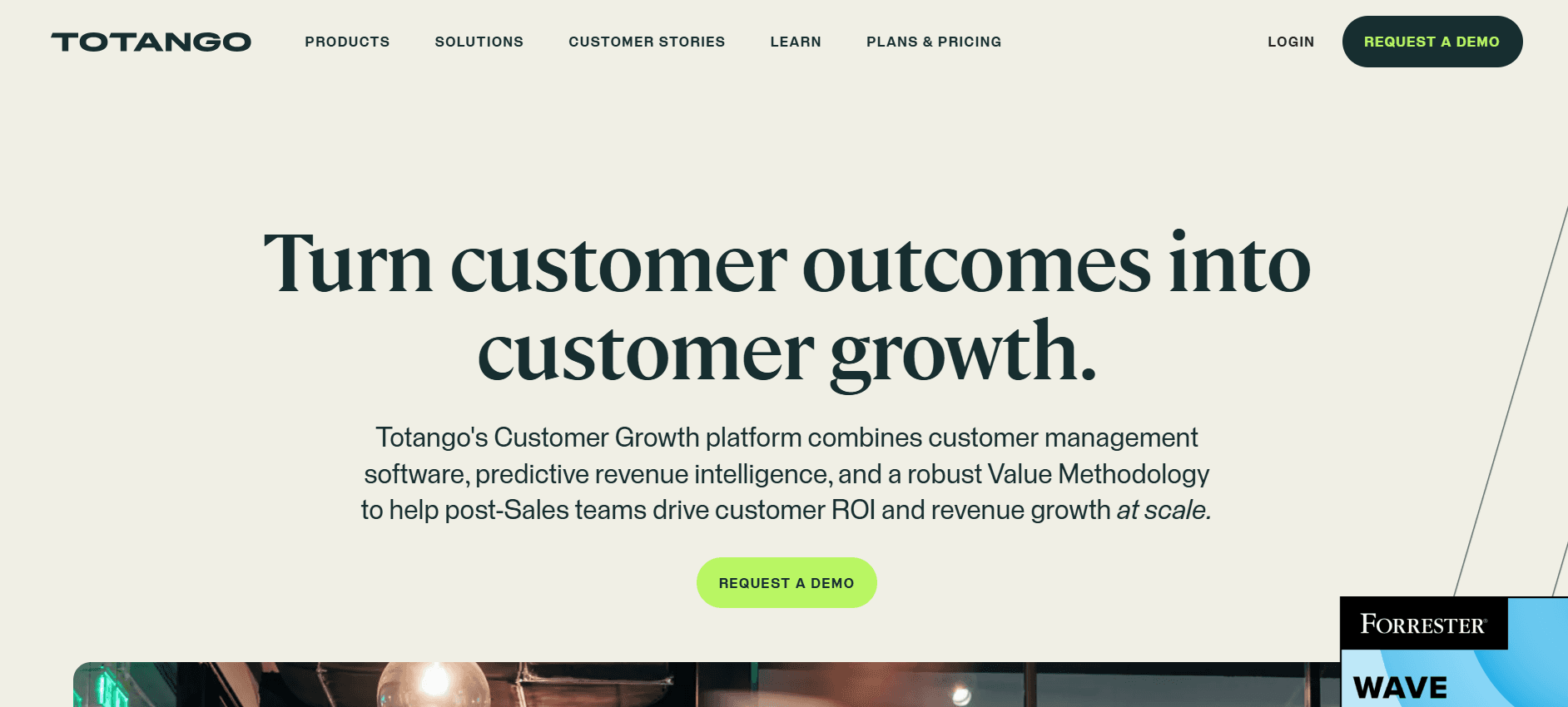
  1. Totango

    Totango

    Totango offers a flexible client success platform that emphasizes personalized customer journeys. It is ideal for businesses that want to tailor experiences to individual client needs. Totango provides robust analytics and customer engagement tools, allowing teams to proactively address client concerns. However, its extensive feature set can be overwhelming for new users.

    Key Features

    • Personalized customer journeys

    • Comprehensive analytics

    • Customer engagement tools

    • Integration with popular CRM systems

    • Health score monitoring

    • Customizable dashboards

    • Email and notification automation

    • Task management and tracking

    Pros

    Cons

    Excellent for personalized client experiences.

    Can be overwhelming for new users.

    Strong engagement and analytics tools.

    Higher cost for small businesses.

    Great CRM integration options.

    Complexity in feature utilization.

    Pricing

    Contact for custom pricing, with a free trial available.

Client Onboarding Automation Challenges: What Teams Struggle With

  1. Manual Task Assignment and Follow-Up

    • Tasks are often assigned and tracked through emails, leading to cluttered inboxes and missed deadlines.

    • CSMs spend a significant amount of time manually updating task statuses.

    • There's a lack of accountability since tasks are not systematically tracked.

    • Miscommunication between teams due to reliance on email for updates.

No Real-Time Visibility into Client Progress

  • Teams struggle to get a holistic view of where clients are in their onboarding journey.

  • Progress updates are often delayed, leading to reactive problem-solving.

  • Inability to identify bottlenecks or stuck clients in real-time.

  • Lack of visibility usually results in poor customer experience and increased churn risk.

  1. Inconsistent Onboarding Experience

    • Onboarding varies significantly depending on the CSM handling the account.

    • Clients receive different levels of service, affecting satisfaction and retention.

    • There's no standardized process, leading to variability in results.

    • Harder to replicate success as best practices are not uniformly applied.

  2. Long Time-to-Value

    • Manual processes prolong the time it takes for clients to see value from the product.

    • Clients may lose interest if the onboarding takes too long.

    • Extended onboarding periods can lead to lower engagement and higher churn.

    • Increased time-to-value affects overall client satisfaction and profitability.

  3. CS Teams Unable to Scale Without Adding Headcount

    • Manual processes require more human resources to handle increasing client loads.

    • Scaling the team becomes costly without automation.

    • The team spends more time on routine tasks rather than strategic initiatives.

    • Burnout and turnover rates may increase due to overwhelming workloads.

    Challenge

    Traditional Process

    Business Impact

    Time Cost

    Manual Task Assignment

    Email-based assignments

    Missed deadlines, miscommunication

    20% of workweek

    No Real-Time Visibility

    Periodic manual updates

    Delayed problem-solving, increased churn risk

    15% of workweek

    Inconsistent Experience

    Varied CSM approaches

    Client dissatisfaction, retention issues

    10% of workweek

    Long Time-to-Value

    Extended manual processes

    Lower engagement, higher churn

    25% of workweek

    Scaling Issues

    Manual workload increases

    Higher costs, potential burnout

    30% of workweek

Must-Have Features in Client Onboarding Automation Tools

  1. Automated Milestone and Task Tracking

    Automating milestone and task tracking is crucial for ensuring that your team and clients stay on the same page. This feature allows tasks to be assigned automatically based on predefined criteria, ensuring nothing falls through the cracks. Tools like Trupeer and Rocketlane excel in this area by offering intuitive dashboards that keep everyone informed of current statuses and upcoming tasks, reducing the need for manual updates.

    By having automated reminders and alerts, you can minimize the time spent on following up with clients, freeing up your CSMs to focus on more strategic activities. This feature is a game-changer for improving productivity and ensuring a smooth onboarding process.

  2. Client-Facing Portal with Progress Visibility

    A client-facing portal provides a centralized location where clients can see their onboarding progress, access resources, and communicate with your team. Dock and GuideCX are known for their user-friendly client portals that empower clients by giving them visibility into their journey. This transparency enhances trust and engagement, as clients appreciate being kept in the loop.

    Having a portal also reduces the number of inquiries your team receives about progress updates, thereby saving time and improving client satisfaction. It's an essential feature for any business aiming to deliver a superior onboarding experience.

  3. In-App Guidance and Video Walkthroughs

    In-app guidance and video walkthroughs are indispensable for helping clients understand your product or service quickly. UserPilot and Pendo offer excellent tools for creating interactive, step-by-step guides that simplify complex processes. Video walkthroughs are particularly effective for visual learners, allowing them to grasp concepts more efficiently than through text alone.

    These features not only enhance user experience but also reduce the time-to-value, as clients can start deriving benefits from your product sooner. For companies looking to boost product adoption rates, in-app guidance is a must-have feature.

  4. CRM and Ticketing Integration

    Integrating your onboarding tool with CRM and ticketing systems ensures a seamless flow of information across platforms. Trupeer and ChurnZero provide robust integration capabilities that allow for real-time data syncing. This means your sales, support, and success teams can access the same up-to-date client information, leading to more coordinated and efficient operations.

    Such integrations help eliminate data silos, reduce manual data entry errors, and ensure that your team has a 360-degree view of each client. It's a critical feature for businesses that want to optimize their client management processes.

  5. Time-to-Value Analytics and Health Scores

    Time-to-value analytics provide insights into how long it takes for clients to start seeing benefits from your product. Tools like ChurnZero and Totango are particularly strong in this area, offering detailed analytics that help identify trends and areas for improvement. Health scores give you a snapshot of client satisfaction and engagement, enabling proactive management of client relationships.

    These analytics are invaluable for understanding client behavior and making data-driven decisions. By monitoring health scores, your team can address potential issues before they escalate, reducing churn and fostering long-term client relationships.

  6. Customizable Workflows

    Customizable workflows allow you to tailor the onboarding process to fit different client needs and business models. Rocketlane and GuideCX excel at offering flexible workflow options that can be adapted to suit various industries and client types. This feature ensures that your onboarding process is not a one-size-fits-all but rather a bespoke experience that meets specific client requirements.

    Having the ability to customize workflows means you can implement best practices consistently across all clients while still accommodating unique scenarios. It's a vital feature for businesses that deal with diverse client bases and complex onboarding requirements.

How to Choose Client Onboarding Automation Tools Based on Your Use Case

  1. SaaS Product Onboarding Automation

    For SaaS companies, onboarding is crucial for product adoption and long-term retention. The process involves educating users about features and ensuring they reach key milestones quickly. Companies often face challenges with user engagement and retention during this phase.

    • High churn rates due to poor onboarding experiences.

    • Difficulty in communicating complex features.

    • Need for personalized onboarding tracks.

    • Automated in-app guidance and walkthroughs.

    • Customizable onboarding sequences.

    • Analytics to track user engagement.

    Tool

    In-App Guidance

    Customization

    Analytics

    Trupeer

    Yes

    Yes

    Yes

    UserPilot

    Yes

    Yes

    Limited

    Pendo

    Yes

    Yes

    Yes

  2. Professional Services Delivery

    For professional services, onboarding involves setting clear expectations and timelines. The goal is to quickly align service delivery with client needs, ensuring a smooth transition from sales to execution.

    • Lack of clear timelines and deliverables.

    • Inconsistent client communication.

    • Difficulty in managing multiple projects.

    • Project tracking and management tools.

    • Client communication portals.

    • Customizable templates for service delivery.

    Tool

    Project Management

    Client Portals

    Templates

    Rocketlane

    Yes

    Yes

    Yes

    Dock

    Limited

    Yes

    No

    GuideCX

    Yes

    Yes

    Limited

  3. Enterprise Implementation Projects

    Enterprise projects often involve complex requirements and multiple stakeholders. Onboarding must be efficient to avoid delays and ensure all parties are aligned with project goals.

    • Complex stakeholder management.

    • High risk of miscommunication.

    • Need for detailed reporting and analytics.

    • Stakeholder communication tools.

    • Advanced analytics and reporting.

    • Custom workflows for complex projects.

    Tool

    Stakeholder Management

    Analytics

    Custom Workflows

    Trupeer

    Yes

    Yes

    Yes

    ChurnZero

    Yes

    Yes

    Limited

    Totango

    Yes

    Yes

    Yes

  4. Partner Onboarding Programs

    For partner programs, the focus is on establishing a strong foundation for collaboration. Onboarding involves educating partners on products and processes to ensure mutual success.

    • Difficulty in educating diverse partner groups.

    • Inconsistencies in information dissemination.

    • Lack of engagement from partners.

    • Customizable education modules.

    • Engagement tracking and reporting.

    • Centralized information repositories.

    Tool

    Education Modules

    Engagement Tracking

    Information Repositories

    Dock

    Limited

    No

    Yes

    Pendo

    Yes

    Yes

    Yes

    Totango

    Yes

    Yes

    Limited

  5. Self-Serve Customer Onboarding Tracks

    Self-serve onboarding is ideal for products that are easy to use and don’t require intensive hand-holding. The goal is to enable users to onboard themselves with minimal intervention.

    • Limited support resources.

    • Need for intuitive user guidance.

    • Challenges in tracking self-serve progress.

    • Interactive product tours.

    • Self-serve help centers.

    • Progress tracking analytics.

    Tool

    Interactive Tours

    Help Centers

    Progress Tracking

    UserPilot

    Yes

    Limited

    Yes

    Trupeer

    Yes

    Yes

    Yes

    Pendo

    Yes

    Yes

    Yes

Best Practices for Client Onboarding Automation

  1. Before Onboarding

    • Map out the ideal customer journey to ensure clarity and consistency.

    • Define clear milestone criteria to track progress effectively.

    • Prepare all necessary resources and documentation in advance.

    • Set up automation workflows to assign tasks automatically.

  2. During Onboarding

    • Automate reminders for both internal teams and clients to ensure deadlines are met.

    • Use video walkthroughs for complex steps to enhance understanding.

    • Regularly check progress and adjust workflows as necessary.

    • Engage with clients proactively through scheduled check-ins.

  3. After Onboarding

    • Review health scores and analytics to identify areas for improvement.

    • Run retrospectives on accounts that faced challenges to learn and adapt.

    • Collect client feedback to refine the onboarding process.

    • Document lessons learned and update onboarding materials accordingly.

Frequently Asked Questions

  1. What is client onboarding automation?

    Client onboarding automation involves using software tools to streamline and enhance the onboarding process. It minimizes manual effort by automating tasks, tracking progress, and providing clients with a seamless onboarding experience.

  2. Why is onboarding important?

    Effective onboarding is crucial for customer satisfaction and retention. It sets the tone for the client relationship, helps clients understand the value of your product, and reduces the time-to-value.

  3. Can onboarding tools integrate with existing systems?

    Yes, most onboarding tools offer integrations with CRM, ticketing, and other business systems to ensure seamless data flow and enhance operational efficiency.

  4. How do in-app guides work?

    In-app guides provide step-by-step instructions within the application itself. They are interactive, helping users navigate features and complete tasks independently, enhancing user engagement and satisfaction.

  5. What are the typical costs for onboarding tools?

    Costs vary based on features and scale. Basic plans may start around $50/month, while enterprise solutions can exceed $2000/year. Most providers offer tiered pricing to cater to different business needs.

  6. Are there free trials available?

    Many onboarding software providers offer free trials or limited free plans so you can test the features before committing to a purchase. It's a great way to determine if a tool meets your needs.

  7. How long does it take to implement an onboarding tool?

    Implementation time can vary from a few days to several weeks, depending on the complexity of your requirements and the tool's features. Providers typically offer onboarding support to help with the transition.

  8. What kind of support is available during setup?

    Most vendors offer various support options, including online resources, tutorials, and customer service teams. Some also provide dedicated onboarding specialists to ensure a smooth implementation process.

Closing

Choosing the right client onboarding automation software can transform your customer success efforts, making your processes more efficient and your clients more satisfied. By considering your specific use cases and the features that will best support your team, you can select a tool that fits your business needs perfectly.

Trupeer offers a comprehensive solution that integrates seamlessly with your existing systems while providing advanced features to enhance your onboarding processes. Explore how Trupeer can meet your needs by visiting Trupeer.ai and start your free trial today.

動画編集者、翻訳者、脚本家が必要ですか?

Trupeerを無料でお試しください

デモを予約する

動画編集者、翻訳者、脚本家が必要ですか?

Trupeerを無料でお試しください

デモを予約する

動画編集者、翻訳者、脚本家が必要ですか?

Trupeerを無料でお試しください

デモを予約する