4.8/5
Creatore di presentazioni video gratuito
Trasforma automaticamente le tue slide, i tuoi script o i tuoi contenuti in coinvolgenti presentazioni video: l'IA gestisce narrazione, immagini e transizioni.

Il creatore di presentazioni video di Trupeer converte script, diapositive o elenchi puntati in contenuti di presentazioni video professionali utilizzando la tecnologia del creatore di presentazioni AI. Questo creatore di presentazioni AI crea discorsi dinamici con animazioni, voci fuori campo e transizioni senza lavoro di progettazione manuale.
Perché è necessario un creatore di presentazioni video?
I professionisti passano ore a formattare diapositive, registrare narrazioni e sincronizzare i tempi tra PowerPoint e gli editor video. Gli strumenti di presentazione AI non dispongono di funzionalità di esportazione video, creando flussi di lavoro frammentati. La qualità inconsistente dei video realizzati con i creatori di presentazioni riduce il coinvolgimento nelle riunioni virtuali.
I team si scontrano con le limitazioni delle versioni gratuite dei creatori di presentazioni AI, come filigrane e restrizioni sull'esportazione. La produzione manuale di presentazioni video non è scalabile per pitch, webinar o sessioni di formazione frequenti. Chi non è un designer crea diapositive statiche prive di movimento, voce e tocco professionale.
Cosa fa questo creatore di presentazioni video
L'intelligenza artificiale per presentazioni di Trupeer analizza i contenuti per generare automaticamente diapositive animate, voci fuori campo professionali, transizioni fluide e didascalie per un output video di presentazione completo. L'AI per presentazioni gestisce il layout di progettazione, la sincronizzazione dei tempi e i miglioramenti visivi, trasformando istantaneamente note statiche in presentazioni video coinvolgenti.
Funzionalità principali
Converte automaticamente le diapositive in sequenze video di presentazioni animate
Genera narrazioni utilizzando le voci dei creatori di presentazioni AI
Sincronizza automaticamente transizioni e didascalie nel creatore di presentazioni AI
Esporta video gratuiti generati dall'AI ottimizzati per le varie piattaforme
Come funziona il creatore di presentazioni video di Trupeer
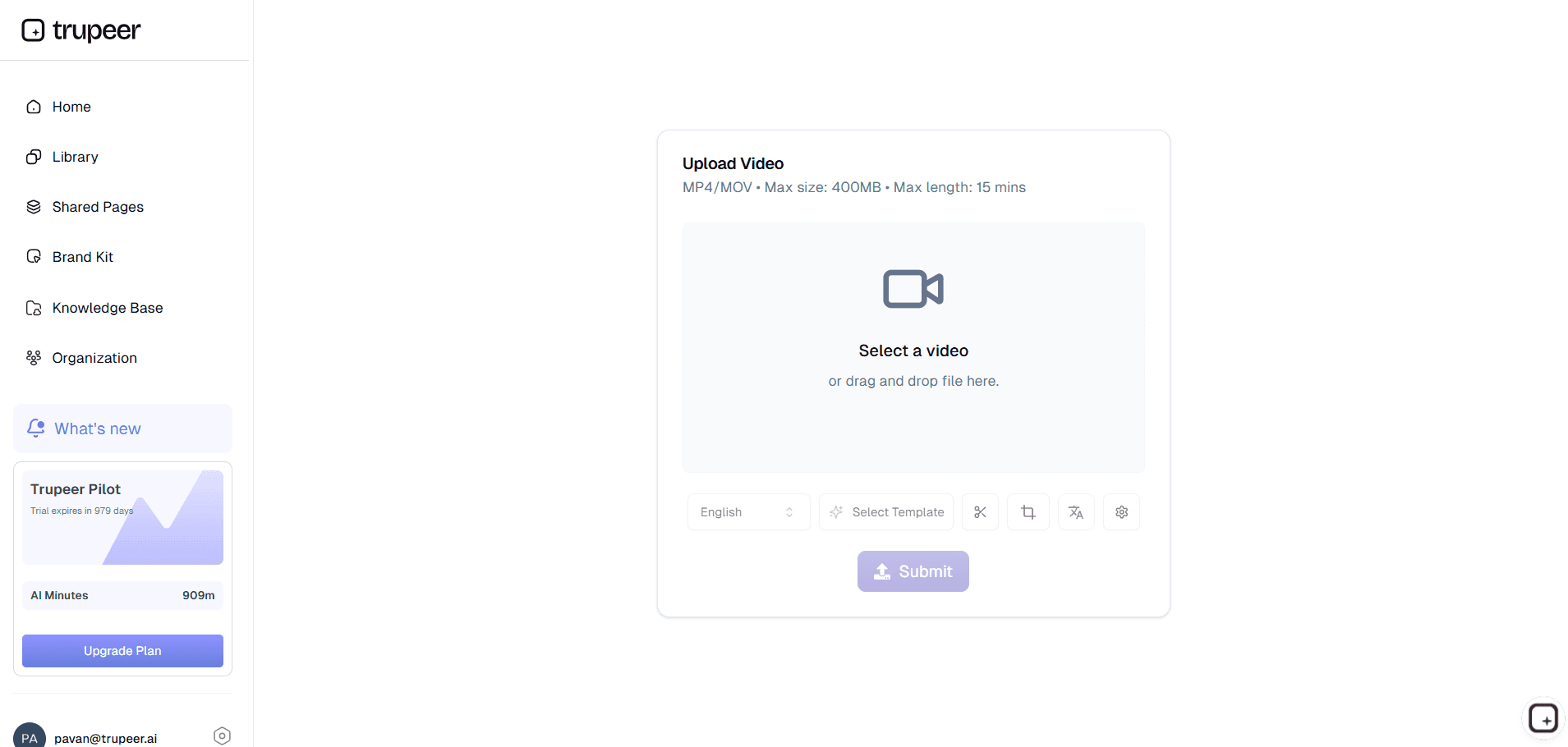
Passo 1: Carica il contenuto
Condividi diapositive, script o bozze per l'elaborazione del creatore di presentazioni video.
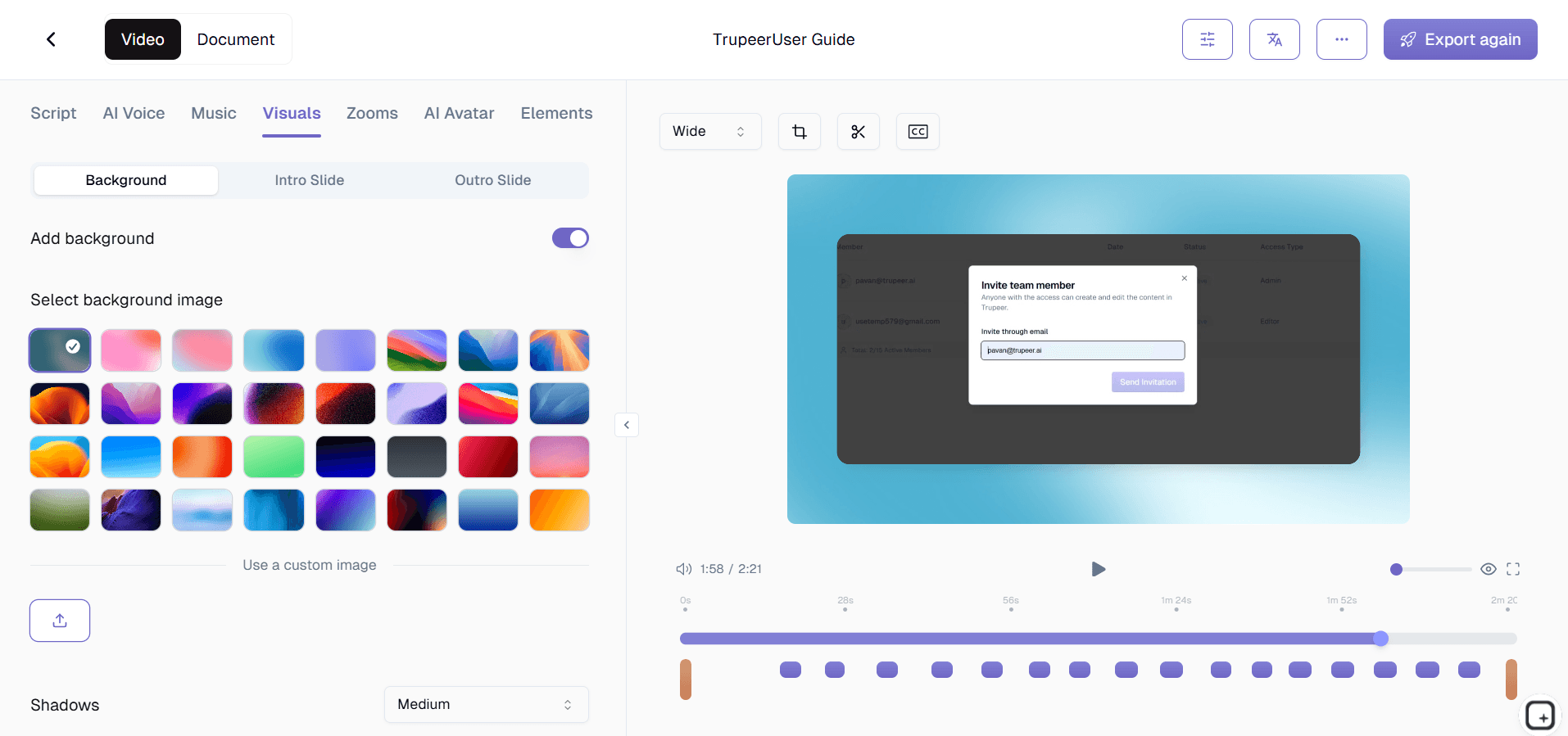
Passo 2: L'AI crea la presentazione
L'AI per presentazioni crea diapositive animate con voci fuori campo ed effetti.
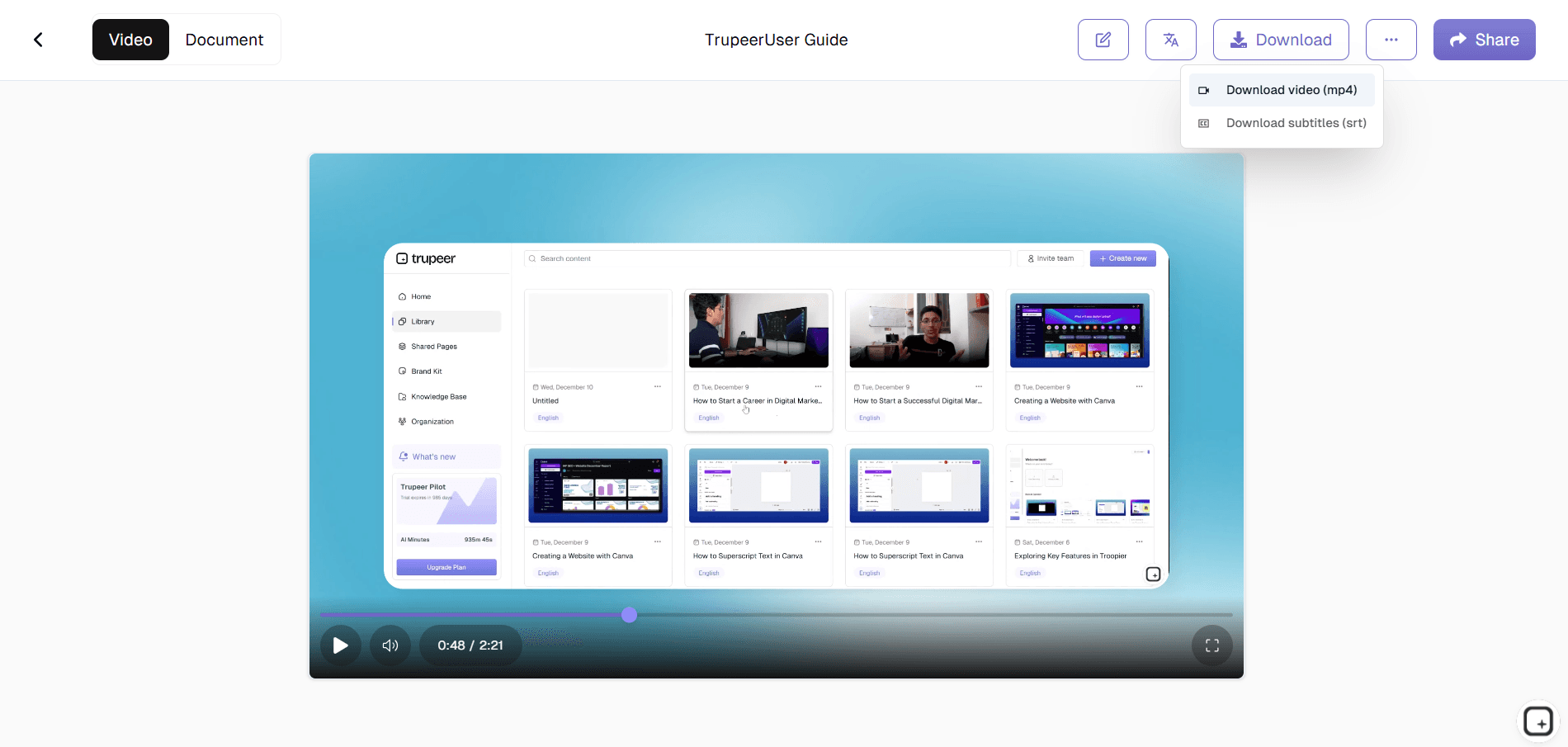
Passo 3: Personalizza ed esporta
Regola i tempi e scarica il tuo video di presentazione AI.
A chi è rivolto il creatore di presentazioni video di Trupeer
Perfetto per creare presentazioni professionali senza competenze di design.
Professionisti delle vendite:
Crea rapidamente pacchetti di presentazioni per video dimostrativiInsegnanti e formatori:
Crea video di corsi con il creatore di presentazioni AIMarketer:
Produci contenuti video per presentazioni di webinar con il creatore di videoDirigenti:
Genera aggiornamenti per il consiglio di amministrazione con l'AI per presentazioniConsulenti:
Converti facilmente i materiali nel formato di presentazione AI
Caratteristiche principali del creatore di presentazioni video di Trupeer
Presentazioni video professionali senza registrazione o editing PowerPoint.
Animazione automatica diapositive:
Transizioni fluide per i contenuti delle presentazioni videoNarrazione vocale AI:
Esposizione naturale tramite il creatore di presentazioni AISincronizzazione intelligente dei tempi:
Coordinamento perfetto con il creatore di presentazioni AI gratuitoModelli brandizzati:
Stile professionale con l'AI per presentazioniEsportazione per piattaforme:
Condividi il creatore di presentazioni video ovunque
Esplora gli strumenti correlati
Vantaggi dell'utilizzo di Trupeer Video Presentation Maker
Risparmio di tempo
Trasforma le presentazioni in video raffinati in pochi minuti senza registrazione o modifica manuali.
Qualità professionale
L'IA aggiunge automaticamente narrazione, transizioni e elementi visivi per un'esperienza fluida e coinvolgente.
Condivisione ed esportazione semplici
Scarica o condividi video direttamente per riunioni, formazione, webinar o scopi di marketing.
Come creare presentazioni video con Trupeer
Passaggio 1
Carica i tuoi contenuti video
Passaggio 2
Lascia che l'IA aggiunga narrazione, animazioni e miglioramenti visivi
Passaggio 3
Anteprima, personalizza ed esporta immediatamente la tua presentazione video
Domande frequenti
Questo strumento è gratuito?
Sì, ai presentation maker free include le funzionalità principali dell’IA per le presentazioni.
Quali input supporta?
Diapositive, script, PDF per la generazione di presentazioni video.
Quali formati posso esportare?
MP4 da creatore di video per presentazioni ottimizzato per tutte le piattaforme.
Sostituisce il software per le presentazioni?
Sì, una presentazione AI crea un output superiore del creatore di presentazioni video.
Posso personalizzare Presentation Maker AI?
Controllo completo su voci, layout e tempi di presentazione senza IA.
Altri strumenti


Understand how work happens.
Carry it into your next transition.
Start Free Trial
Book a Demo
concorrenti

