Trupeer Blog
Riassumi

Panoramica per l'acquirente
I team di documentazione sono spesso gravati dalle attività ripetitive di formattazione e strutturazione dei contenuti, che consumano fino al 70% del loro tempo. Questo lascia una larghezza di banda minima per garantire l'accuratezza e la chiarezza della documentazione. Un incredibile 60% dei team riferisce che i problemi di formattazione ritardano significativamente i tempi di consegna.
Il 60% dei team di documentazione riferisce che le attività di formattazione e strutturali ritardano i loro risultati fino al 40%.
Fonte: Report sull'efficienza della documentazione di TechInsights, 2026
Questa guida è progettata per scrittori tecnici, team di documentazione di prodotto e chiunque sia coinvolto nella creazione di guide utente complete. Esplorerà vari strumenti di intelligenza artificiale che automatizzano le attività banali, consentendoti di concentrarti su ciò che conta davvero: fornire una documentazione chiara e accurata.
I migliori strumenti di documentazione AI: confronto diretto
Funzionalità | Trupeer | Scribe | Tango | Document360 | Notion AI | Confluence AI | GitBook AI | Archbee |
|---|---|---|---|---|---|---|---|---|
Scrittura AI | Sì | Sì | Limitata | No | Sì | Sì | Sì | Limitata |
Cattura automatica passaggi | Sì | Sì | Sì | No | Limitata | No | Sì | No |
Annotazione screenshot | Sì | Sì | Limitata | No | No | Limitata | Sì | Sì |
Voce fuori campo AI | Sì | No | No | No | Limitata | No | Sì | No |
Generazione video | Sì | No | Limitata | No | No | Limitata | No | Sì |
Modelli intelligenti | Sì | Limitata | No | No | Sì | Sì | No | Limitata |
Supporto multilingua | Sì | Limitata | No | Sì | Sì | Limitata | No | No |
Integrazione API | Sì | Sì | Limitata | Sì | No | Sì | Sì | Limitata |
Piano gratuito | Sì | Sì | Sì | No | Sì | No | Sì | No |
Trupeer

Trupeer si distingue come uno strumento di documentazione AI-first eccellente nell'automatizzare compiti noiosi come la cattura dei passaggi e la voce fuori campo AI. Questo strumento è ideale per i grandi team di documentazione nelle aziende tecnologiche che devono mantenere guide utente dinamiche. Le solide capacità di intelligenza artificiale di Trupeer sono progettate per migliorare la produttività riducendo al minimo l'inserimento manuale, consentendo ai team di concentrarsi sull'accuratezza dei contenuti. Il suo punto di forza risiede nella sua suite completa di funzionalità AI che semplificano l'intero processo di documentazione.
Caratteristiche principali
Scrittura e editing guidati dall'AI
Cattura automatica dei passaggi dall'attività sullo schermo
Strumenti avanzati di annotazione degli screenshot
Voce fuori campo AI e generazione video
Modelli intelligenti per una configurazione rapida
Supporto multilingua con traduzione AI
Integrazione API per flussi di lavoro personalizzati
Editing collaborativo con aggiornamenti in tempo reale
"Trupeer ha trasformato il nostro processo di documentazione, rendendolo più efficiente e meno soggetto a errori."
Pro
Contro
Funzionalità AI complete per la documentazione.
La configurazione iniziale può richiedere molto tempo.
Supporta oltre 40 lingue per team globali.
Richiede l'integrazione con gli strumenti esistenti.
Eccellente per team con esigenze di documentazione complesse.
I prezzi potrebbero essere elevati per le piccole imprese.
Prezzi
Piano gratuito disponibile; i piani a pagamento partono da $49/utente/mese.
Scribe
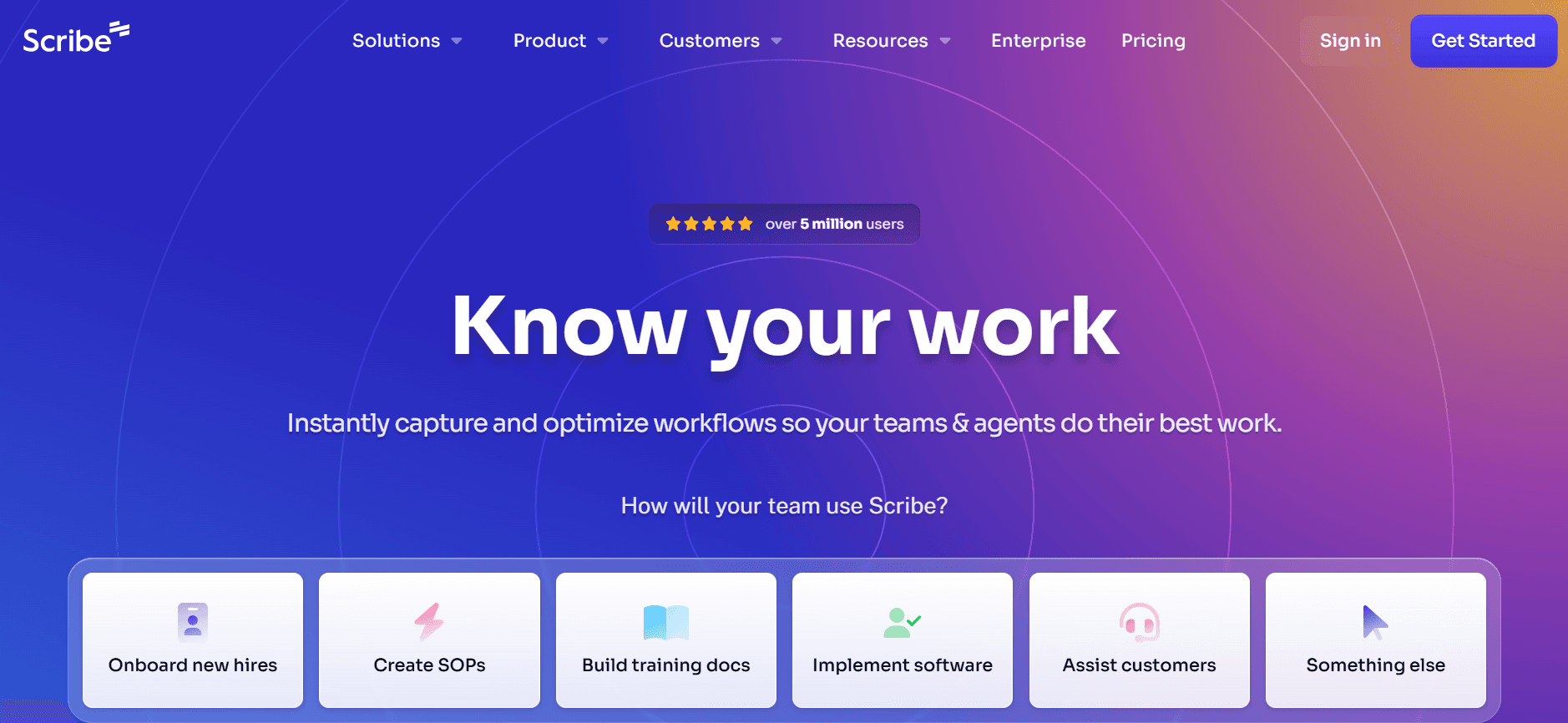
Scribe è noto per il suo approccio semplice alla documentazione, che lo rende uno dei preferiti dalle piccole e medie imprese. Si concentra sulla semplificazione della creazione di guide utente grazie alla sua interfaccia intuitiva. Scribe è particolarmente vantaggioso per i team che richiedono funzionalità di documentazione di base senza troppi fronzoli.
Caratteristiche principali
Semplici funzionalità di scrittura AI
Cattura passaggi di base
Strumenti di annotazione screenshot
Voce fuori campo AI limitata
Libreria di modelli per guide standard
Supporto multilingua di base
Accesso API per l'integrazione di strumenti di terze parti
Funzionalità di editing collaborativo
Pro
Contro
Facile da usare con una curva di apprendimento minima.
Funzionalità AI limitate rispetto ai concorrenti.
Conveniente per piccoli team o startup.
Non supporta la generazione di video avanzati.
Buono per guide semplici e dirette.
Manca di funzionalità di personalizzazione approfondite.
Prezzi
Piano gratuito disponibile; i piani a pagamento partono da $15/utente/mese.
Tango
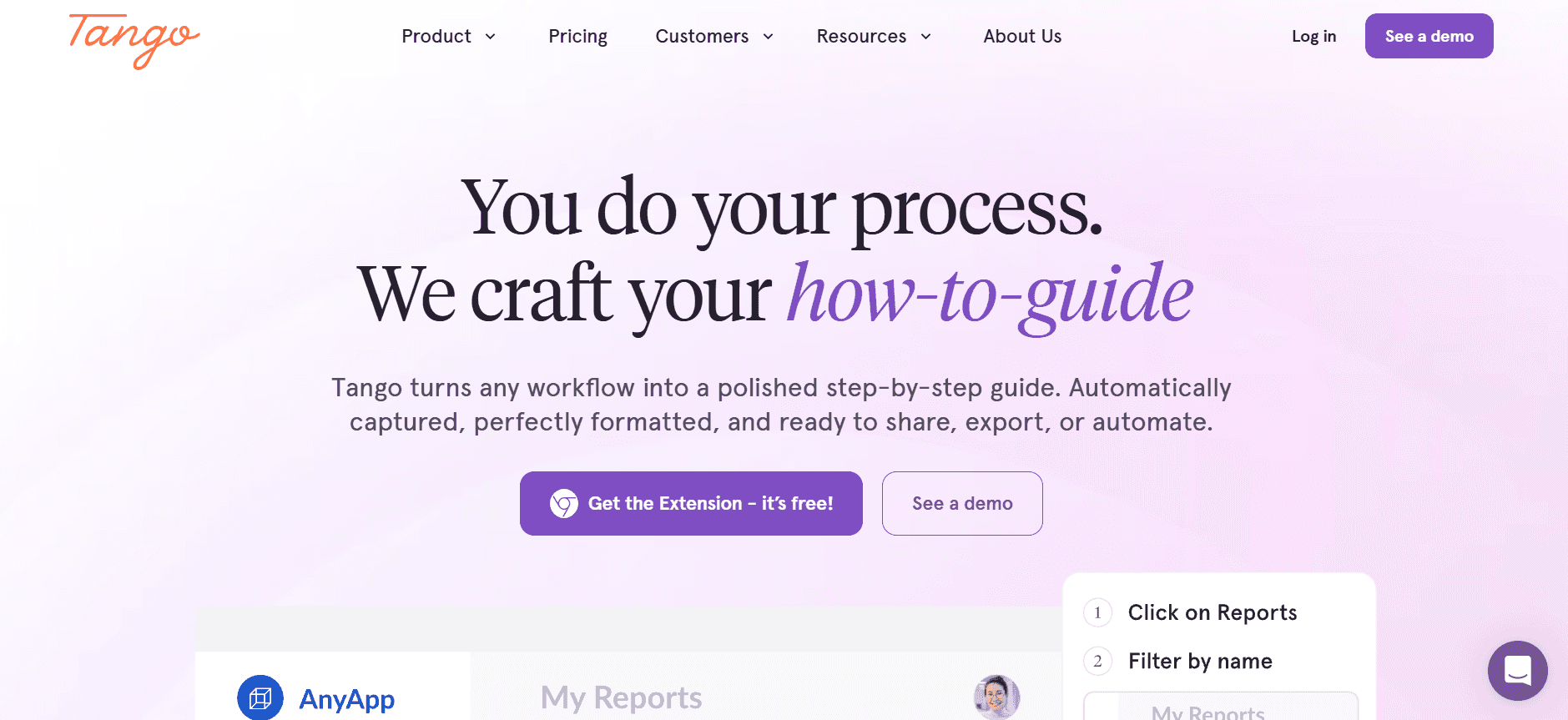
Tango offre una combinazione unica di funzionalità di documentazione visiva, rendendolo la scelta preferita per i team che puntano sulle guide visive. La sua cattura automatica dei passaggi è una funzionalità eccezionale che genera automaticamente guide passo-passo dall'attività sullo schermo. Tango è perfetto per i team di prodotto che devono creare tutorial in modo rapido ed efficiente.
Caratteristiche principali
Cattura automatica dei passaggi dall'attività sullo schermo
Supporto di base per la scrittura AI
Annotazione screenshot limitata
Nessuna funzionalità di voce fuori campo AI
Opzioni di modelli visivi
Supporto multilingua limitato
Integrazione API di base
Funzionalità di collaborazione di team
Pro
Contro
Forte focus sulla documentazione visiva.
Funzionalità AI limitate.
Ottimo per la creazione rapida di tutorial.
Nessuna capacità di generazione video.
Interfaccia intuitiva e facile da usare.
Supporto linguistico limitato.
Prezzi
Piano gratuito disponibile; i piani a pagamento partono da $20/utente/mese.
Document360
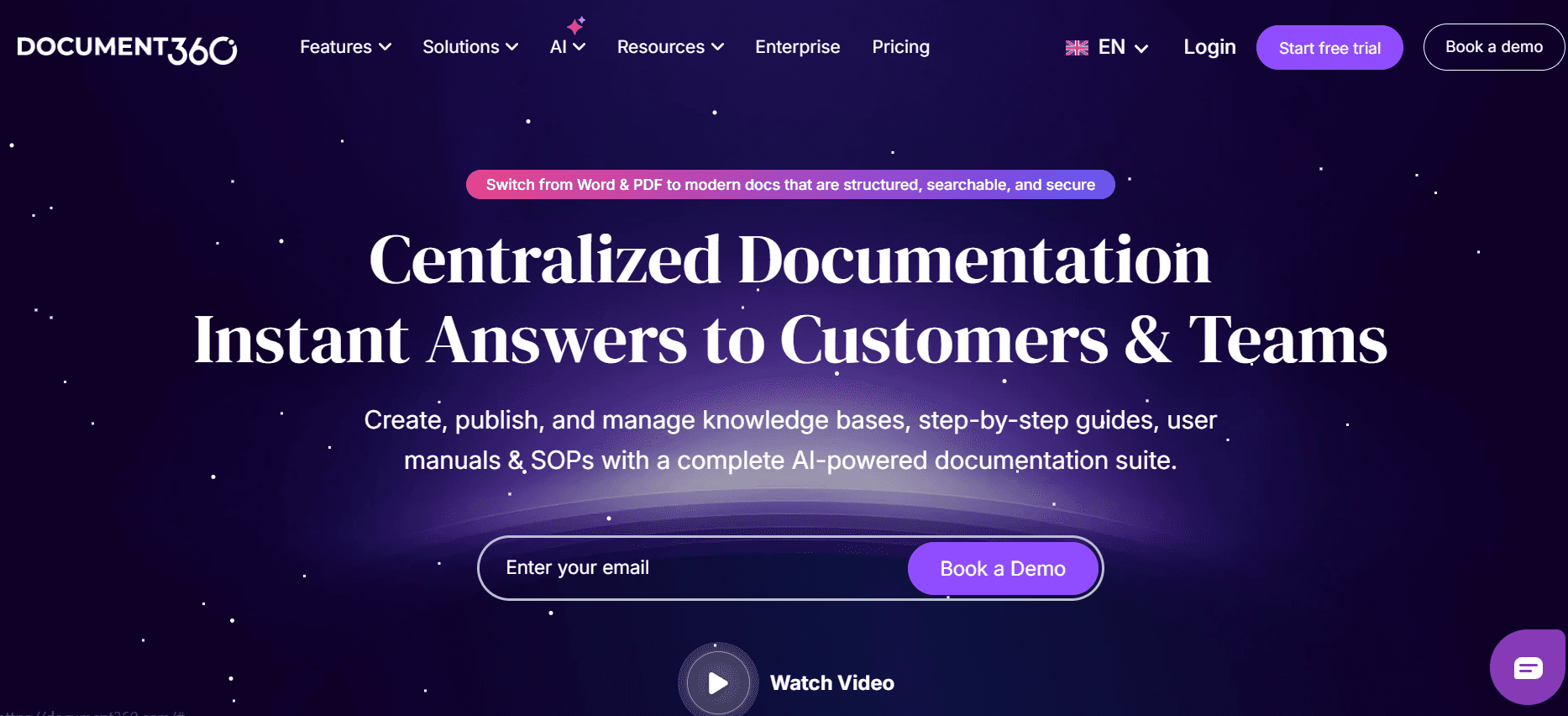
Document360 è un robusto strumento di knowledge base su misura per le aziende che necessitano di una piattaforma completa per la gestione della documentazione e delle informazioni. Sebbene manchi di alcune funzionalità AI, eccelle nell'offrire un ambiente organizzato e ricercabile per le guide utente.
Caratteristiche principali
Piattaforma di knowledge base organizzata
Nessuna funzionalità di scrittura AI
Cattura passaggi di base
Supporto multilingua
Nessuna voce fuori campo AI o generazione video
Integrazione API per flussi di lavoro personalizzati
Ampie funzionalità di ricerca
Editing e revisione collaborativi
Pro
Contro
Eccellente per una gestione completa della conoscenza.
Manca di funzionalità AI avanzate.
Piattaforma altamente organizzata e ricercabile.
Nessuna opzione video o voce fuori campo.
Forti capacità di integrazione API.
Curva di apprendimento più ripida per i nuovi utenti.
Prezzi
Nessun piano gratuito; i piani a pagamento partono da $50/utente/mese.
Notion AI
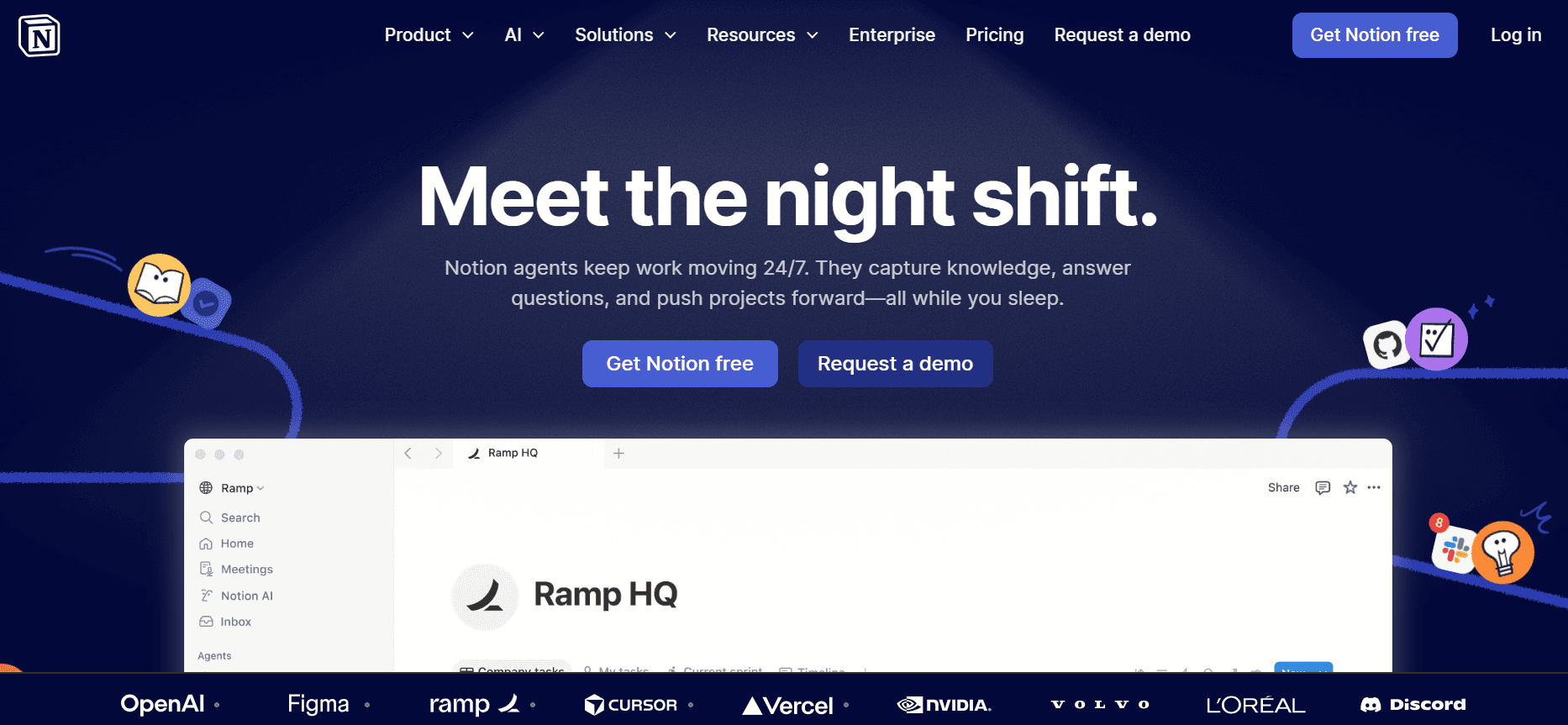
Notion AI è un'estensione del popolare strumento di workspace Notion, che introduce funzionalità di intelligenza artificiale per migliorare le sue funzioni di documentazione e presa appunti. È una scelta eccellente per i team che già utilizzano Notion per la gestione dei progetti e desiderano integrare perfettamente soluzioni di documentazione basate sull'AI.
Caratteristiche principali
Scrittura e editing potenziati dall'AI
Cattura automatica dei passaggi limitata
Nessuno strumento di annotazione degli screenshot
Funzionalità di base di voce fuori campo AI
Modelli intelligenti per note e guide
Supporto multilingua
Integrazione API con il workspace Notion
Funzionalità di collaborazione in tempo reale
Pro
Contro
Integrazione perfetta con il workspace Notion.
Limitato in termini di funzionalità di documentazione autonome.
La scrittura guidata dall'AI migliora la produttività.
Manca di strumenti avanzati per screenshot e video.
Ottimo per i team che utilizzano già Notion.
Non è la scelta migliore per esigenze di documentazione complesse.
Prezzi
Piano gratuito disponibile; i piani a pagamento partono da $10/utente/mese.
Confluence AI
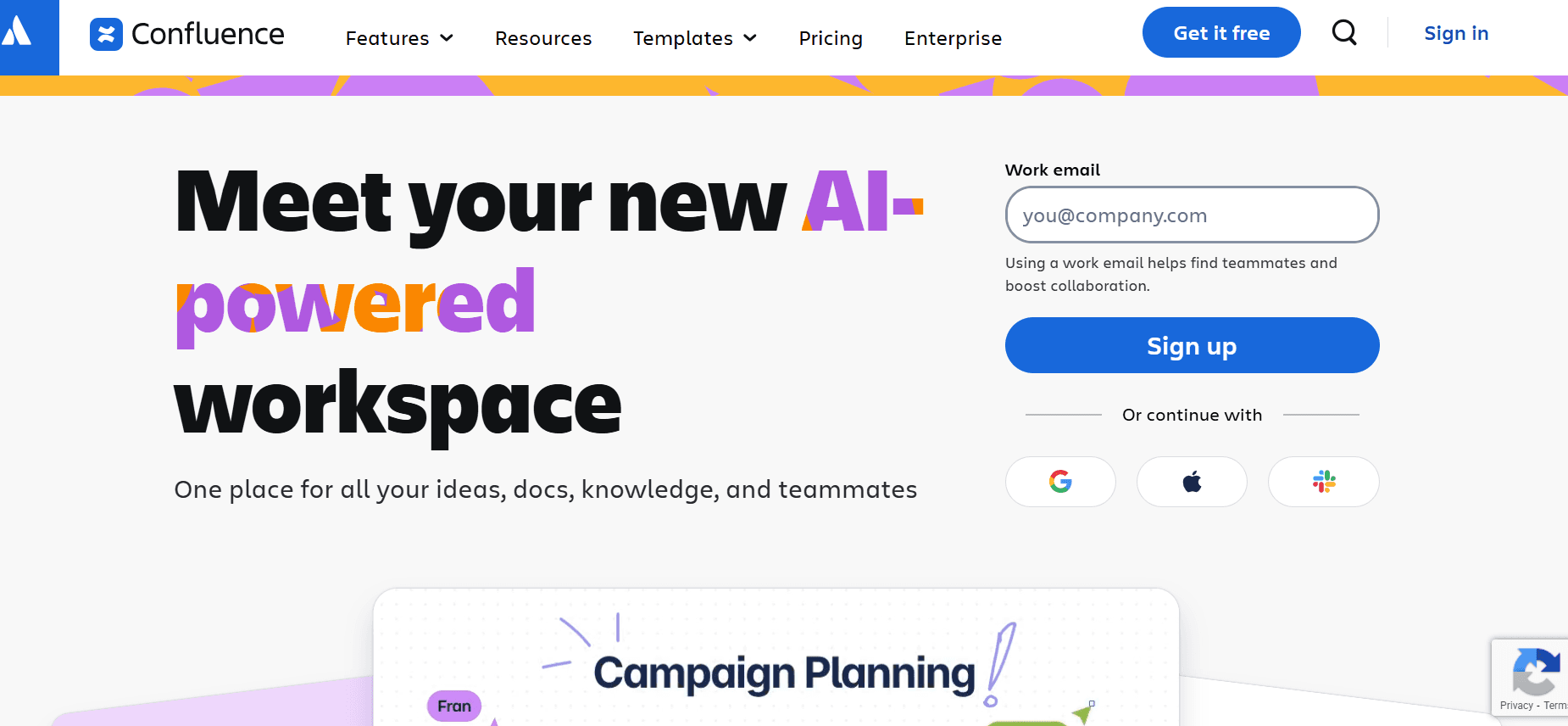
Confluence AI si basa sulla consolidata piattaforma Confluence, aggiungendo funzionalità di intelligenza artificiale per migliorare i flussi di lavoro della documentazione. È ideale per i team che utilizzano la suite di prodotti di Atlassian e cercano una maggiore integrazione tra gestione dei progetti e documentazione.
Caratteristiche principali
Creazione di contenuti potenziata dall'AI
Nessuna cattura automatica dei passaggi
Annotazione screenshot limitata
Nessuna opzione di voce fuori campo AI
Modelli standard per la documentazione
Supporto multilingua limitato
Integrazione API con i prodotti Atlassian
Collaborazione e feedback in tempo reale
Pro
Contro
Forte integrazione con gli strumenti Atlassian.
Funzionalità AI limitate.
Buono per i team che già utilizzano Confluence.
Nessuna generazione video o voce fuori campo.
Migliora i flussi di lavoro di documentazione esistenti.
Non ideale per un uso autonomo.
Prezzi
Nessun piano gratuito; i piani a pagamento partono da $30/utente/mese.
GitBook AI
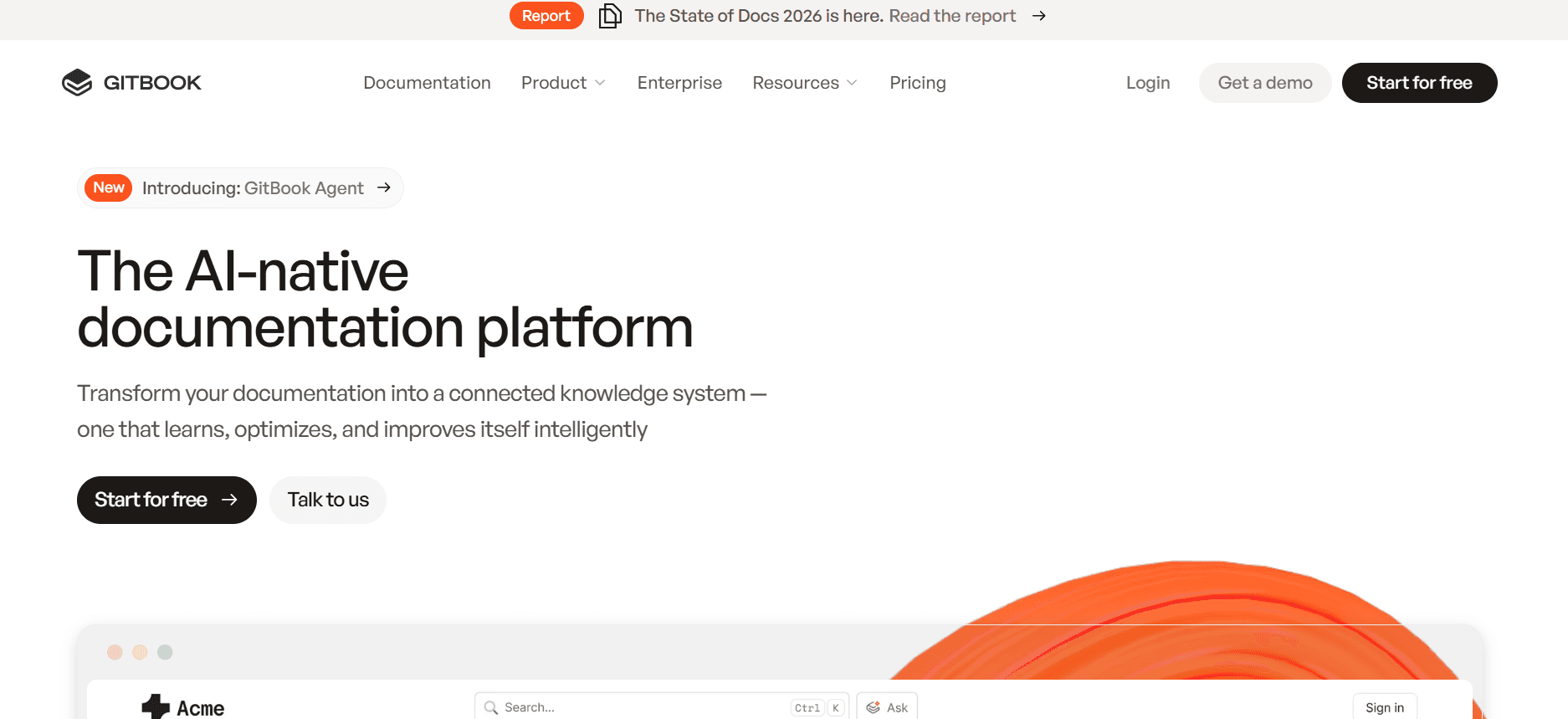
GitBook AI è progettato per sviluppatori e scrittori tecnici che devono documentare API e codebase in modo efficiente. Le sue capacità di intelligenza artificiale migliorano la già potente piattaforma GitBook, rendendola una scelta affidabile per i team di ingegneria.
Caratteristiche principali
Assistenza alla scrittura di contenuti basata sull'AI
Cattura avanzata dei passaggi per la documentazione tecnica
Strumenti di annotazione screenshot
Voce fuori campo AI per tutorial tecnici
Modelli di documentazione API
Collaborazione e feedback in tempo reale
Supporto multilingua per team globali
Integrazione API per strumenti di sviluppo
Pro
Contro
Eccellente per API e documentazione tecnica.
Costo più elevato rispetto a strumenti più semplici.
Forte integrazione dell'AI con i flussi di lavoro esistenti.
Processo di configurazione complesso per i nuovi utenti.
Ottimo supporto per la documentazione multilingua.
Non ideale per esigenze di documentazione non tecnica.
Prezzi
Piano gratuito disponibile; i piani a pagamento partono da $30/utente/mese.
Archbee
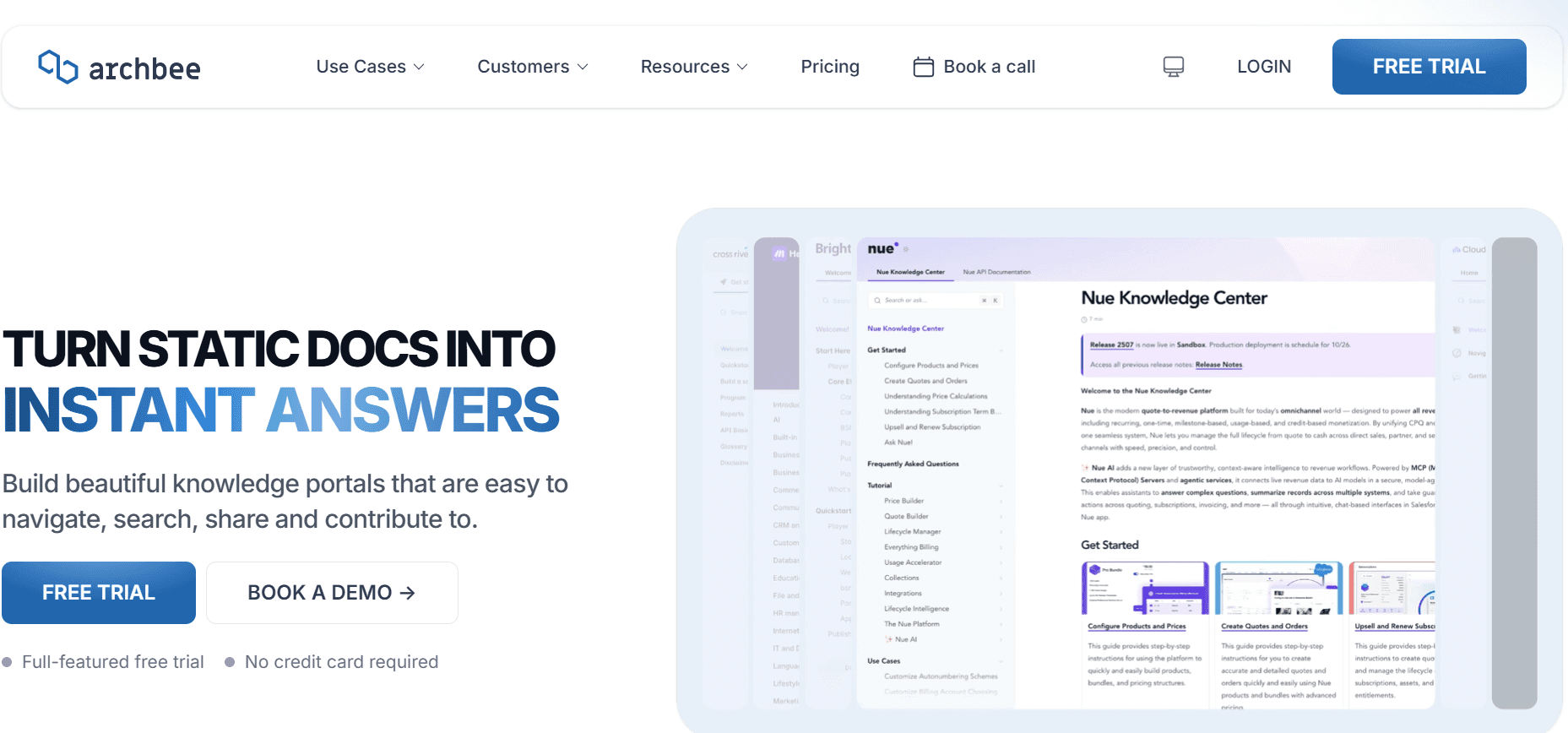
Archbee è progettato per i moderni team di sviluppo software che necessitano di una piattaforma collaborativa per la documentazione. Sebbene manchi di alcune funzionalità AI, eccelle nella collaborazione del team e nella perfetta integrazione con gli strumenti di sviluppo. È perfetto per le startup tecnologiche e i team agili che desiderano documentare processi e API in modo efficiente.
Caratteristiche principali
Piattaforma di documentazione collaborativa
Funzionalità di scrittura AI limitate
Strumenti di annotazione degli screenshot
Nessuna opzione di voce fuori campo o video AI
Modelli di documentazione API
Integrazione con strumenti di sviluppo
Collaborazione e feedback in tempo reale
Supporto multilingua
Pro
Contro
Forte focus sulla collaborazione del team.
Funzionalità AI limitate.
Eccellente per startup tecnologiche e team agili.
Manca di opzioni di generazione video.
Integrazione perfetta con gli strumenti di sviluppo.
Not ideale per esigenze di documentazione estese.
Prezzi
Nessun piano gratuito; i piani a pagamento partono da $25/utente/mese.
Sfide della documentazione AI: con cosa lottano i team
Creare le prime bozze richiede troppo tempo
Anche gli scrittori esperti dedicano molto tempo alla stesura della versione iniziale delle guide utente.
I processi di scrittura manuale comportano ripetuti controlli di accuratezza e coerenza.
La necessità di mantenere un tono professionale aggiunge complessità alla fase iniziale di stesura.
I ritardi nella creazione delle bozze possono causare colli di bottiglia nell'intero ciclo di vita della documentazione.
Mantenere la documentazione aggiornata con ogni sprint di prodotto
Gli aggiornamenti del prodotto richiedono un riscontro immediato nella documentazione per evitare disinformazione.
I team spesso lottano con scadenze serrate per aggiornare le guide insieme ai rilasci degli sprint.
Gli aggiornamenti manuali rischiano di introdurre errori o incongruenze con le nuove funzionalità del prodotto.
La documentazione obsoleta può causare insoddisfazione dei clienti e aumentare le richieste di supporto.
Formattazione incoerente tra i diversi membri del team
Stili di scrittura e preferenze di formattazione diversi possono comportare una documentazione non coerente.
Senza un modello standardizzato, le guide possono apparire poco professionali e confuse.
Le regolazioni manuali della formattazione sottraggono tempo prezioso alla creazione dei contenuti.
Le incoerenze possono causare confusione, riducendo l'affidabilità percepita della documentazione.
Nessuna funzionalità di screenshot automatico o di cattura dei passaggi
La cattura e l'annotazione manuale degli screenshot richiedono molto tempo e sono soggette a errori.
La mancanza di automazione nella cattura dei passaggi può rallentare il processo di creazione delle guide visive.
I team trascorrono troppo tempo a modificare e inserire immagini nella documentazione.
I processi manuali aumentano il rischio di saltare passaggi cruciali nelle guide utente.
La traduzione e la localizzazione creano colli di bottiglia per i team globali
La traduzione della documentazione in più lingue richiede competenze specializzate e tempo.
I processi di localizzazione spesso non tengono il passo con i rilasci dei prodotti, creando ritardi.
La traduzione manuale può portare a incongruenze tra le diverse versioni linguistiche.
I ritardi nei contenuti tradotti possono influire sull'adozione e sulla soddisfazione degli utenti a livello globale.
Sfida
Processo tradizionale
Impatto aziendale
Costo in termini di tempo
Creazione bozza lenta
Scrittura manuale
Colli di bottiglia nel flusso di lavoro
Alto
Mantenere i doc aggiornati
Aggiornamenti manuali
Informazioni obsolete
Alto
Formattazione non coerente
Standardizzazione manuale
Aspetto poco professionale
Moderato
Nessuna cattura automatica
Screenshot manuali
Passaggi persi
Alto
Ostacoli alla traduzione
Traduzione manuale
Ritardo nell'adozione globale
Alto
Funzionalità indispensabili negli strumenti di documentazione AI
Scrittura e completamento automatico AI
La scrittura e il completamento automatico tramite AI riducono drasticamente il tempo dedicato alla stesura delle guide utente. Strumenti come Trupeer e GitBook AI offrono funzionalità avanzate di scrittura AI che aiutano a generare rapidamente le prime bozze. Queste funzioni offrono suggerimenti e completano le frasi in tempo reale, assicurando che il contenuto sia non solo accurato ma che mantenga anche un tono professionale. Ciò consente agli scrittori di concentrarsi maggiormente sul perfezionamento e sulla revisione dei contenuti piuttosto che sulla loro creazione da zero.
Cattura automatica dei passaggi dall'attività sullo schermo
Una delle funzionalità più ricercate negli strumenti di documentazione è la cattura automatica dei passaggi. Questa funzione consente agli utenti di registrare automaticamente le attività sullo schermo e generare guide passo-passo. Strumenti come Tango eccellono in questo settore, rendendo incredibilmente facile la creazione di documentazione visiva. Automatizzando il processo di cattura, i team risparmiano tempo prezioso che altrimenti verrebbe speso per scattare e modificare manualmente gli screenshot. Questa funzione è fondamentale per creare tutorial che siano accurati e facili da seguire.
Annotazione intelligente degli screenshot
Gli strumenti di annotazione intelligente degli screenshot migliorano la chiarezza delle guide visive aggiungendo contesto direttamente alle immagini. Trupeer e Scribe offrono robuste funzionalità di annotazione che consentono agli utenti di evidenziare, etichettare e commentare aree specifiche di uno screenshot. Questo non solo migliora la comprensibilità della guida, ma assicura anche che gli utenti possano afferrare rapidamente le informazioni cruciali. Strumenti di annotazione efficaci sono indispensabili per creare guide utente che siano informative e visivamente accattivanti.
Generazione di voci fuori campo AI per documenti video
La generazione di voci fuori campo tramite intelligenza artificiale è una funzionalità rivoluzionaria per la creazione di documentazione video. GitBook AI utilizza una tecnologia avanzata di sintesi vocale (text-to-speech) per generare voci fuori campo dal suono naturale, eliminando la necessità di registrazioni manuali. Questa funzione è particolarmente utile per i tutorial tecnici in cui la guida audio può migliorare significativamente la comprensione. Automatizzando la produzione di voci fuori campo, i team possono produrre documenti video di qualità professionale senza bisogno di apparecchiature audio specializzate o doppiatori.
Esportazione con un clic in più formati
La flessibilità nell'esportazione della documentazione è fondamentale per soddisfare le diverse esigenze degli utenti. Strumenti come Document360 offrono opzioni di esportazione con un clic in vari formati, tra cui PDF, HTML e Markdown. Questa funzione garantisce che la documentazione possa essere facilmente distribuita e accessibile su diverse piattaforme e dispositivi. La possibilità di esportare in più formati supporta anche il controllo delle versioni e consente una perfetta integrazione nei sistemi di gestione dei contenuti esistenti.
Supporto multilingua con traduzione AI
Per i team globali, il supporto multilingua con la traduzione AI è essenziale. Le funzionalità di traduzione AI di Trupeer assicurano che la documentazione sia coerente e accurata in diverse lingue. Questa funzione automatizza il processo di traduzione, riducendo significativamente il tempo e le risorse necessarie per la traduzione manuale. Supportando più lingue, gli strumenti di documentazione facilitano il raggiungimento di un pubblico più ampio e migliorano la soddisfazione degli utenti su scala globale.
Come scegliere gli strumenti di documentazione AI in base al proprio caso d'uso
Team di documentazione del prodotto presso aziende SaaS
Per le aziende SaaS, mantenere aggiornata la documentazione del prodotto è fondamentale per la soddisfazione degli utenti e l'efficienza operativa. Questi team hanno spesso il compito di documentare prodotti in rapida evoluzione, il che richiede strumenti in grado di gestire e aggiornare facilmente i contenuti.
I frequenti aggiornamenti del prodotto richiedono modifiche alla documentazione in tempo reale.
Necessità di coerenza tra più linee di prodotti e funzionalità.
Grande volume di contenuti che richiede una gestione efficiente.
Soluzioni richieste
Gestione dinamica dei contenuti con aggiornamenti in tempo reale.
Strumenti basati sull'AI per automatizzare le attività di routine.
Funzionalità di collaborazione per garantire la coerenza a livello di team.
Funzionalità
Trupeer
Document360
Aggiornamenti in tempo reale
Sì
Sì
Automazione AI
Sì
No
Strumenti di collaborazione
Sì
Sì
Scrittori tecnici e operazioni di contenuto
Gli scrittori tecnici si destreggiano spesso tra più progetti, richiedendo strumenti che migliorino la produttività e garantiscano risultati di alta qualità. La loro esigenza principale riguarda le funzionalità che semplificano i processi di stesura e revisione.
Molteplici progetti di documentazione con scadenze serrate.
Esigenza di contenuti di alta qualità e privi di errori.
Tempo limitato per la stesura e la revisione.
Soluzioni richieste
Strumenti di scrittura potenziati dall'AI per migliorare la qualità delle bozze.
Efficaci capacità di revisione e modifica.
Funzionalità per risparmiare tempo e velocizzare i tempi di consegna del progetto.
Funzionalità
Scribe
Notion AI
Scrittura AI
Sì
Sì
Strumenti di revisione
Limitata
Sì
Funzioni salva-tempo
Sì
Sì
Ingegneria e documentazione API
I team di ingegneria che lavorano sulle API necessitano di strumenti in grado di gestire contenuti tecnici e di integrarsi perfettamente con gli ambienti di sviluppo. Il loro focus è sulla precisione e sulla chiarezza nella documentazione di sistemi complessi.
Contenuti tecnici complessi che richiedono precisione.
Integrazione con gli strumenti di sviluppo esistenti.
Esigenza di una documentazione dettagliata, chiara e concisa.
Soluzioni richieste
Strumenti che supportino la scrittura tecnica e la documentazione API.
Integrazione perfetta con gli ambienti degli sviluppatori.
Funzionalità che migliorano la chiarezza e la precisione.
Funzionalità
GitBook AI
Archbee
Scrittura tecnica
Sì
Sì
Integrazione sviluppatori
Sì
Sì
Strumenti di precisione
Sì
Limitata
Documentazione HR e conformità
I team delle risorse umane devono spesso gestire un'ampia gamma di documenti, dai manuali per i dipendenti alle guide sulla conformità. Richiedono strumenti in grado di gestire grandi volumi di contenuti, garantendo al contempo l'accuratezza e il rispetto delle normative.
Ampia gamma di tipi e formati di documenti.
Necessità di conformità con gli standard legali e normativi.
Elevato volume di contenuti che richiede una gestione precisa.
Soluzioni richieste
Sistemi robusti di gestione dei contenuti.
Funzionalità di controllo della conformità e revisione legale.
Strumenti per gestire efficacemente grandi volumi di documenti.
Funzionalità
Confluence AI
Document360
Gestione dei contenuti
Sì
Sì
Strumenti di conformità
Limitata
Sì
Gestione grandi volumi
Sì
Sì
Linee guida consigliate per generare guide utente con l'AI
Prima
Identifica gli obiettivi chiave e il pubblico di riferimento per la tua documentazione.
Imposta un modello standardizzato per garantire la coerenza tra i documenti.
Integra gli strumenti di intelligenza artificiale nel tuo flusso di lavoro di documentazione esistente.
Stabilisci un chiaro processo di revisione e approvazione per garantire il controllo qualità.
Pianifica aggiornamenti regolari per mantenere la documentazione aggiornata e pertinente.
Durante
Utilizza le funzionalità di scrittura AI e di completamento automatico per semplificare la stesura.
Sfrutta la cattura automatica dei passaggi per la documentazione visiva.
Annota gli screenshot in modo efficace per migliorare la comprensione dell'utente.
Includi la voce fuori campo AI per le guide video al fine di migliorarne l'accessibilità.
Collabora continuamente con i membri del team per feedback e miglioramenti.
Dopo
Esporta la documentazione in più formati per adattarla a diverse piattaforme ed esigenze.
Rivedi e aggiorna regolarmente i documenti per riflettere le modifiche ai prodotti o alle politiche.
Raccogli il feedback degli utenti per identificare le aree di miglioramento.
Traccia le metriche di utilizzo per capire come viene utilizzata la documentazione.
Mantieni un archivio delle versioni precedenti per riferimento e scopi di conformità.
Domande frequenti
Cos'è la documentazione AI?
La documentazione AI si riferisce all'uso di tecnologie di intelligenza artificiale per automatizzare e migliorare la creazione, la gestione e l'aggiornamento di guide utente e altri materiali di documentazione.Perché dovrei usare l'AI per la documentazione?
L'AI può ridurre significativamente il tempo e lo sforzo richiesti per produrre documentazione di alta qualità, automatizzando compiti ripetitivi, garantendo coerenza e facilitando aggiornamenti in tempo reale.Come funziona la cattura dei passaggi tramite AI?
La cattura dei passaggi tramite AI registra automaticamente le azioni dell'utente sullo schermo e genera istruzioni passo-passo, facilitando la creazione di guide visive senza intervento manuale.Gli strumenti AI possono integrarsi con i miei sistemi esistenti?
La maggior parte degli strumenti di documentazione AI offre opzioni di integrazione API che consentono loro di funzionare perfettamente con i sistemi di gestione dei contenuti e di sviluppo esistenti.Sono disponibili strumenti di documentazione AI gratuiti?
Sì, diversi strumenti di documentazione AI offrono piani gratuiti con funzionalità di base. Tuttavia, le funzioni avanzate richiedono solitamente un abbonamento a pagamento.Quanto costano gli strumenti di documentazione AI?
I prezzi degli strumenti di documentazione AI variano, con la maggior parte che offre piani a partire da circa $10-$30 per utente al mese, a seconda delle funzionalità incluse.Come posso iniziare con gli strumenti di documentazione AI?
Inizia identificando le tue esigenze di documentazione ed esaminando le caratteristiche dei vari strumenti AI. Scegline uno adatto alle tue esigenze, registrati e integralo con i tuoi flussi di lavoro esistenti.Quale formazione è richiesta per utilizzare gli strumenti di documentazione AI?
La maggior parte degli strumenti di documentazione AI è progettata per essere intuitiva e richiede una formazione minima. Tuttavia, alcuni possono offrire tutorial e supporto per aiutarti a sfruttare al meglio le loro funzionalità.
Considerazioni finali sugli strumenti di documentazione AI
Gli strumenti di documentazione AI hanno rivoluzionato il modo in cui i team creano e gestiscono le guide utente. Automatizzando le attività ripetitive e fornendo funzionalità avanzate come la scrittura AI e la cattura dei passaggi, questi strumenti consentono ai team di concentrarsi su ciò che conta davvero: fornire una documentazione accurata e chiara. Che tu faccia parte di un'azienda SaaS, di un team di risorse umane o di un gruppo di scrittura tecnica, questi strumenti possono migliorare la tua produttività e garantire che la tua documentazione soddisfi gli standard più elevati.
Esplora le potenzialità di Trupeer e scopri come può trasformare il tuo processo di documentazione. Con la sua suite completa di funzionalità AI, Trupeer è progettato per ottimizzare il tuo flusso di lavoro e migliorare la qualità delle tue guide utente. Visita Trupeer per saperne di più e iniziare il tuo percorso verso una documentazione più efficiente.


