Trupeer Blog
Riassumi

Panoramica per l'Acquirente
Nel panorama digitale in rapida evoluzione, mantenere aggiornate le guide per l'utente è una sfida perenne per le aziende. La maggior parte dei manuali d'uso diventa obsoleta non appena viene pubblicata, causando frustrazione nei clienti e un aumento delle richieste di supporto. Secondo un recente sondaggio, i team dedicano in media 8-12 ore alla creazione da zero di un singolo manuale utente, un processo dispendioso in termini di tempo e inefficiente.
Gli strumenti moderni possono generare automaticamente guide complete in pochi minuti sfruttando le registrazioni dello schermo e la creazione di contenuti guidata dall'IA.
Questa guida è pensata per product manager, redattori tecnici e team di supporto che cercano il miglior software di generazione di guide utente nel 2026. Analizzeremo i punti di forza e di debolezza di ciascuno strumento, aiutandoti a prendere una decisione informata in base alle tue esigenze specifiche e ai tuoi casi d'uso.
I Migliori Strumenti per Generare Guide Utente: Confronto Diretto
Funzionalità | Trupeer | Scribe | Document360 | Tango | Notion | Confluence | GitBook | Archbee |
|---|---|---|---|---|---|---|---|---|
Cattura Automatica dei Passaggi | Sì | Sì | No | Sì | Limitata | Limitata | No | Sì |
Scrittura con IA | Sì | Limitata | Sì | No | Sì | Limitata | No | Sì |
Supporto Video | Sì | Sì | Sì | No | No | Limitato | No | Limitato |
Esportazione in PDF | Sì | Sì | Sì | Sì | Limitata | Sì | Sì | Sì |
Base di Conoscenza Web | Sì | No | Sì | No | Sì | Sì | Sì | Sì |
Controllo della Versione | Sì | Limitato | Sì | No | Sì | Sì | Sì | Sì |
Collaborazione di Team | Sì | Sì | Sì | Sì | Sì | Sì | Sì | Sì |
Ricerca | Sì | Limitata | Sì | No | Sì | Sì | Sì | Sì |
Modelli | Sì | Sì | Sì | Limitati | Sì | Limitati | Sì | Sì |
Piano Gratuito | Sì | No | Limitato | No | Sì | No | Limitato | No |
Trupeer

Trupeer offre una suite completa di strumenti per la creazione di guide utente che sono sia potenti che facili da usare. È progettata per i team che cercano una soluzione in grado di integrare le funzionalità dell'IA con i tradizionali processi di documentazione. Trupeer si distingue per la cattura automatica dei passaggi e la generazione di contenuti tramite IA, rendendolo una scelta eccellente per le aziende che desiderano ridurre il carico di lavoro manuale e garantire l'accuratezza.
Funzionalità Chiave
Creazione di guide passo-passo basata su IA
Strumenti di collaborazione in tempo reale
Opzioni di esportazione in più formati
Funzionalità di ricerca avanzata
Modelli personalizzabili
Controllo e tracciamento delle versioni
Supporto video integrato
Base di conoscenza basata sul web
"Trupeer ha notevolmente semplificato il nostro processo di documentazione, riducendo il tempo dedicato di oltre il 50%."
Pro
Contro
Creazione di contenuti automatizzata e guidata dall'IA.
I prezzi premium potrebbero non essere adatti alle piccole startup.
Supporta oltre 40 lingue.
Richiede una formazione iniziale per un utilizzo ottimale.
Eccellente supporto clienti.
Funzionalità offline limitata.
Prezzi
Offre un piano gratuito con funzionalità essenziali; i piani a pagamento partono da $49 al mese.
Scribe
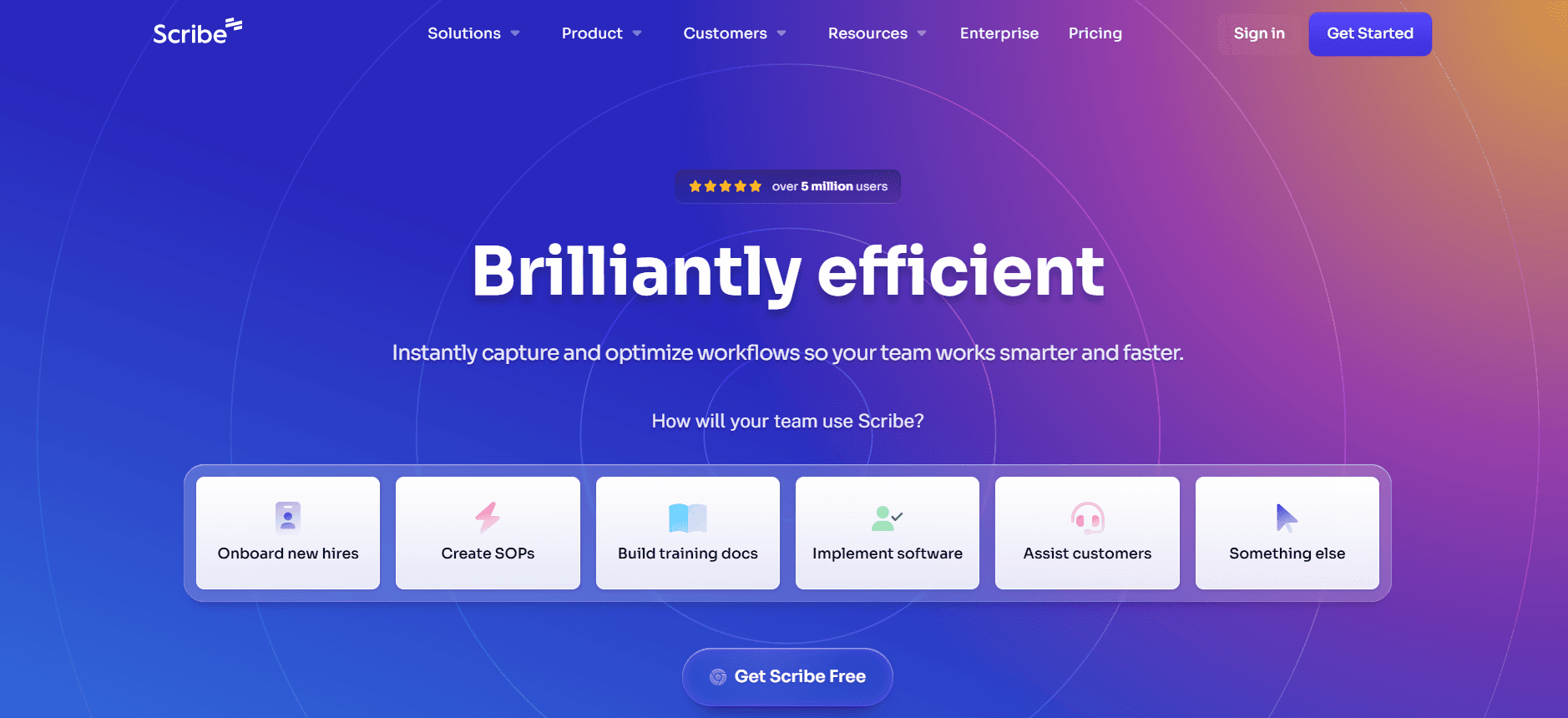
Scribe è uno strumento intuitivo che consente agli utenti di documentare rapidamente i processi attraverso supporti visivi e istruzioni passo-passo. È particolarmente apprezzato dai piccoli team e dalle startup che necessitano di una soluzione semplice e immediata. Il punto di forza di Scribe risiede nella sua semplicità e nella capacità di creare guide direttamente dalle acquisizioni dello schermo, ma potrebbe mancare di alcune funzionalità avanzate presenti in piattaforme più robuste.
Funzionalità Chiave
Acquisizione dello schermo per la documentazione dei passaggi
Interfaccia drag-and-drop semplice
Esportazione istantanea in PDF
Controllo di base delle versioni
Integrazione IA limitata
Opzioni di condivisione rapida
Branding personalizzato
Modelli intuitivi
Pro
Contro
Molto facile da usare con una curva di apprendimento minima.
Funzionalità IA limitate rispetto ai concorrenti.
Economico per piccoli team e startup.
Nessun supporto video disponibile.
Processo di creazione della documentazione rapido.
Funzionalità di controllo delle versioni di base.
Prezzi
Nessun piano gratuito; i piani partono da $15 per utente al mese.
Document360
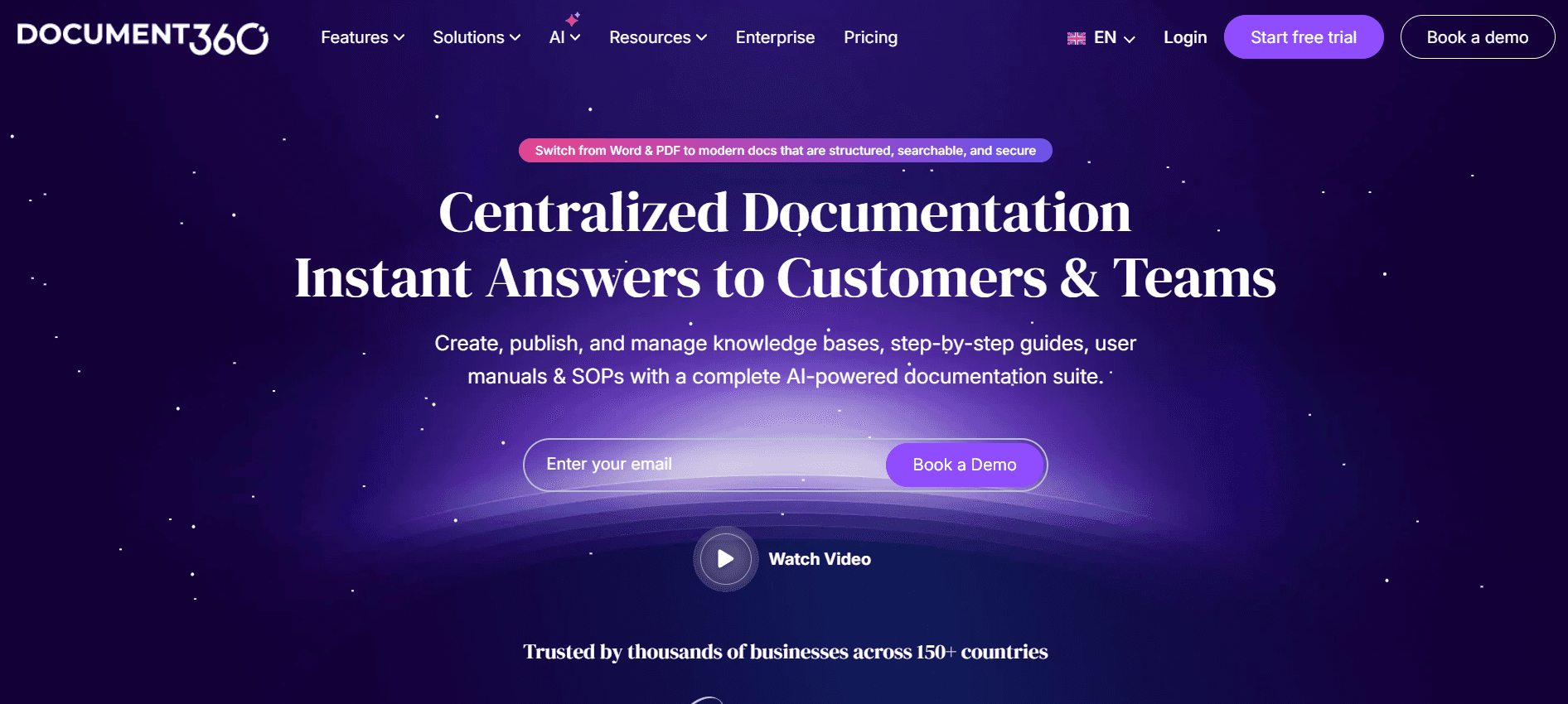
Document360 è un software per basi di conoscenza che eccelle nella creazione di guide utente accessibili e ben organizzate. È pensato per le aziende che necessitano di una soluzione scalabile con forti capacità di ricerca e funzionalità di gestione dei contenuti. Document360 è ideale per le medie e grandi imprese in cui l'organizzazione e l'accessibilità dei contenuti sono fondamentali.
Funzionalità Chiave
Sistema di gestione dei contenuti completo
Base di conoscenza personalizzabile
Ricerca e categorizzazione avanzate
Integrazione con le app più diffuse
Analisi e reportistica avanzate
Supporto multilingue
Cronologia delle versioni e ripristino
Supporto per domini personalizzati
Pro
Contro
Eccellente funzionalità di ricerca.
Costo più elevato per le funzionalità premium.
Forti strumenti organizzativi.
L'interfaccia può risultare complessa per i nuovi utenti.
Supporta più lingue.
Nessuna funzionalità di cattura automatica dei passaggi.
Prezzi
Piano gratuito limitato; i piani a pagamento partono da $99 per progetto al mese.
Tango
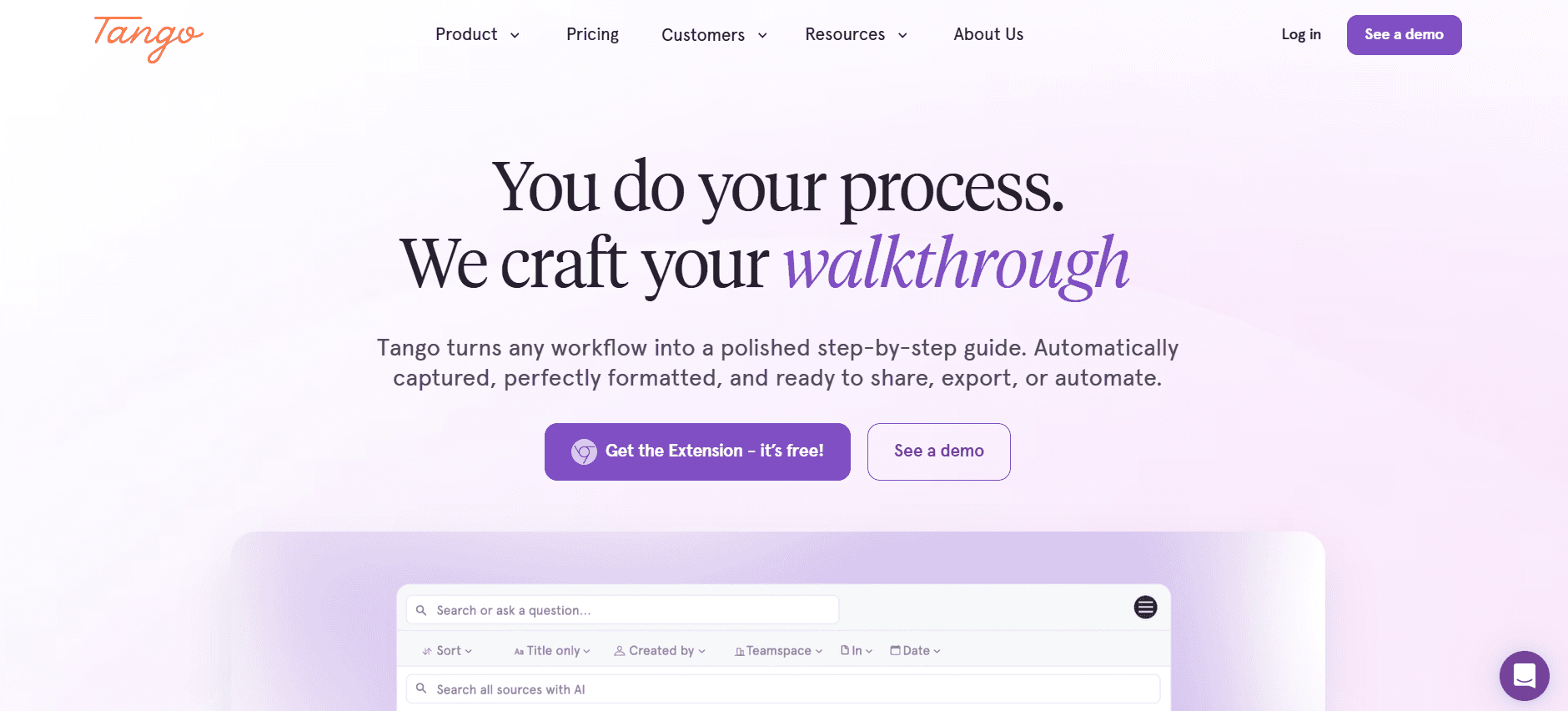
Tango è un nuovo operatore che si concentra sulla semplificazione del processo di documentazione dei flussi di lavoro. È particolarmente adatto ai team che hanno bisogno di acquisire e condividere processi rapidamente senza perdere troppo tempo nella formattazione o nell'editing. Tango è perfetto per ambienti dinamici in cui la documentazione dei processi deve tenere il passo con rapidi cambiamenti.
Funzionalità Chiave
Cattura istantanea del flusso di lavoro
Focus su un design minimalista
Opzioni di esportazione rapida
Libreria di modelli di base
Archiviazione basata su cloud
Strumenti di collaborazione
Integrazioni con gli strumenti più diffusi
Team di supporto reattivo
Pro
Contro
Processo di documentazione estremamente rapido.
Insieme di funzionalità limitato rispetto ad altri.
Interfaccia utente semplice e pulita.
Nessun supporto video.
Ottimo per catturare istruzioni al volo.
Manca di opzioni di personalizzazione dettagliate.
Prezzi
Nessun piano gratuito; i piani partono da $29 per utente al mese.
Notion
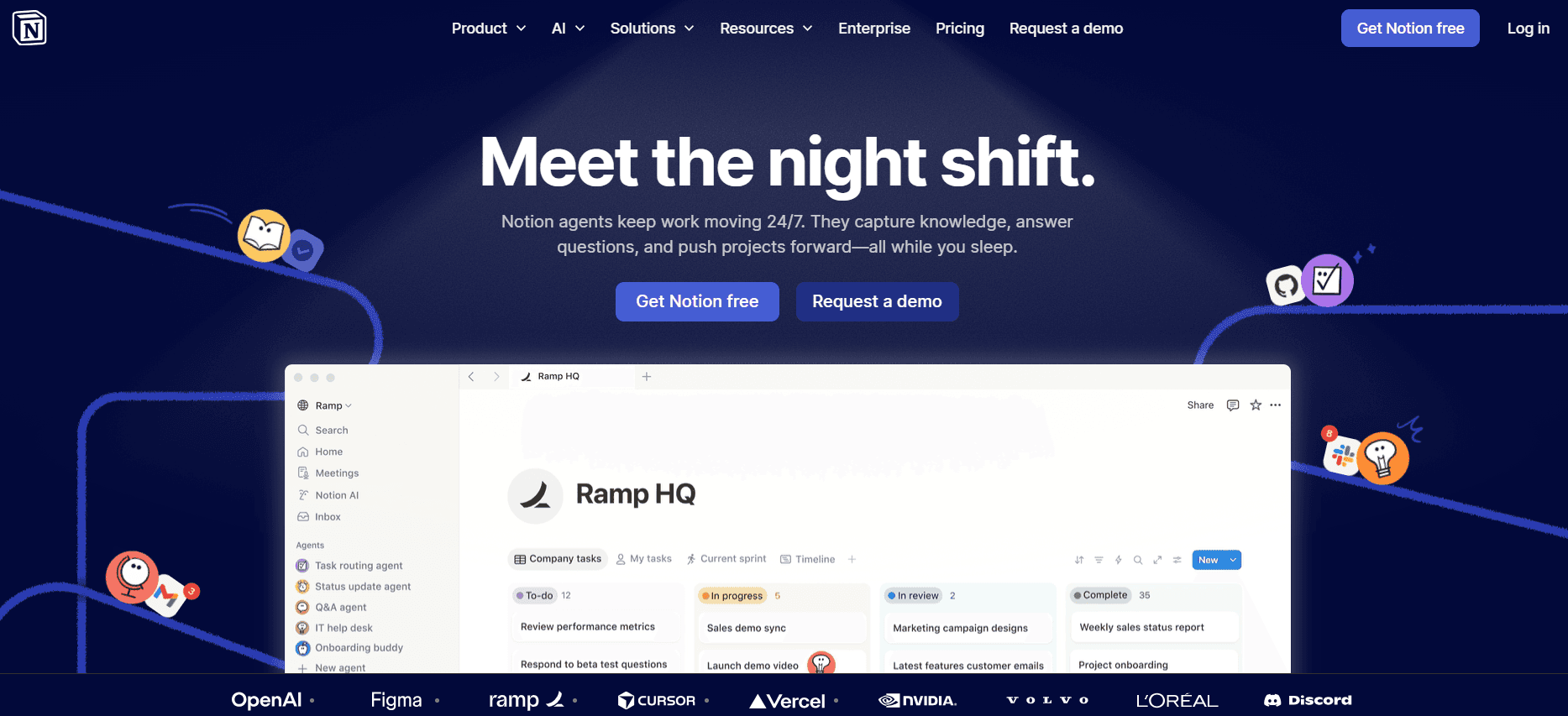
Notion è diventato una scelta popolare per i team che apprezzano la versatilità e la personalizzazione. Funge da strumento multiuso, consentendo agli utenti di creare documenti, gestire progetti e organizzare basi di conoscenza in un unico posto. Sebbene Notion sia altamente flessibile, la sua efficacia come generatore di guide utente è in parte limitata dalla mancanza di funzionalità di documentazione specializzate.
Funzionalità Chiave
Database e modelli personalizzabili
Modifica collaborativa e aggiornamenti in tempo reale
Gestione delle attività integrata
Integrazione di rich media
API e integrazioni
Funzionalità di ricerca avanzata
Supporto per Markdown
Disponibilità multipiattaforma
Pro
Contro
Altamente personalizzabile e versatile.
Manca di funzionalità specializzate per guide utente.
Ottimo per la collaborazione di team.
Curva di apprendimento più ripida per i nuovi utenti.
Supporta molteplici casi d'uso.
Opzioni di esportazione limitate per la documentazione.
Prezzi
Disponibile piano gratuito; i piani a pagamento partono da $8 per utente al mese.
Confluence

Sviluppato da Atlassian, Confluence è una piattaforma robusta per i team che richiedono un forte ambiente collaborativo. È ideale per le grandi organizzazioni che devono gestire una vasta documentazione in più reparti. Confluence eccelle nelle sue capacità di integrazione con altri prodotti Atlassian, ma può risultare dispersivo per i team più piccoli.
Funzionalità Chiave
Spazi dedicati per la collaborazione di team
Integrazione con Jira e altri strumenti
Modelli di pagina personalizzabili
Cronologia completa delle versioni
Modifica e commenti in tempo reale
Autorizzazioni e sicurezza avanzate
Ricerca e filtraggio avanzati
Supporto per contenuti multimediali
Pro
Contro
Integrazione perfetta con altri strumenti.
Può essere complesso per i nuovi utenti.
Forti funzionalità collaborative.
Costo maggiore per le funzionalità premium.
Eccellente per grandi team.
Richiede tempo per essere configurato in modo efficace.
Prezzi
Nessun piano gratuito; i piani partono da $10 per utente al mese.
GitBook
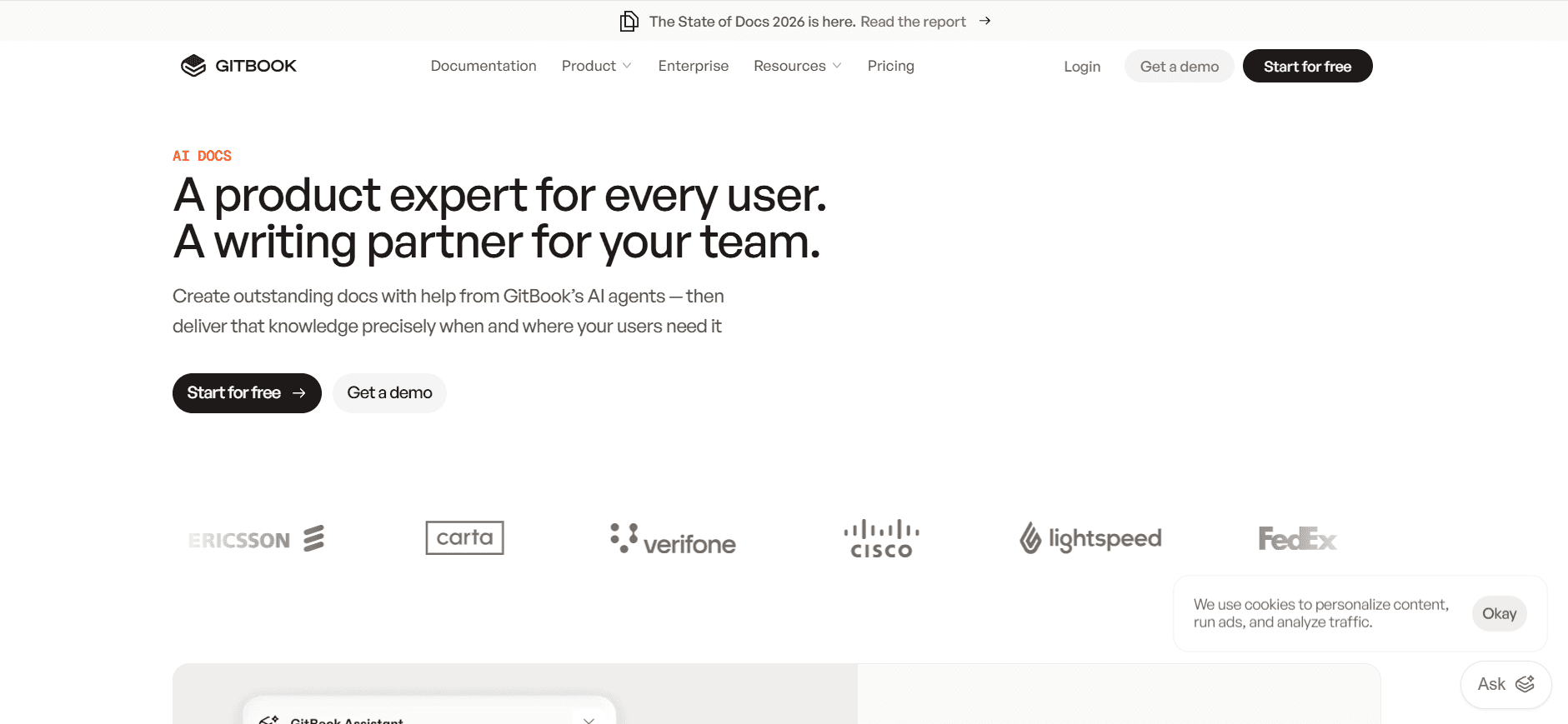
GitBook è pensato per sviluppatori e team tecnici che necessitano di un modo semplice per documentare codice e API. La sua interfaccia compatibile con markdown e il controllo delle versioni in stile Git lo rendono la scelta ideale per i team che hanno già familiarità con questi sistemi. Tuttavia, la sua focalizzazione sulla documentazione tecnica potrebbe non essere adatta ai team che cercano una soluzione di documentazione più generica.
Funzionalità Chiave
Supporto Markdown per una facile modifica
Controllo delle versioni simile a Git
Temi e branding personalizzabili
Integrazioni con GitHub e GitLab
Sistema di editing collaborativo e revisione
Spazi pubblici e privati
Commenti e discussioni in linea
Design responsive per dispositivi mobili
Pro
Contro
Ideale per la documentazione tecnica.
Focus limitato sulle esigenze degli sviluppatori.
Facile integrazione con i sistemi Git.
Funzionalità limitate per i team non tecnici.
Eccellente controllo delle versioni.
Meno intuitivo per chi non sa programmare.
Prezzi
Piano gratuito limitato; i piani a pagamento partono da $4 per utente al mese.
Archbee
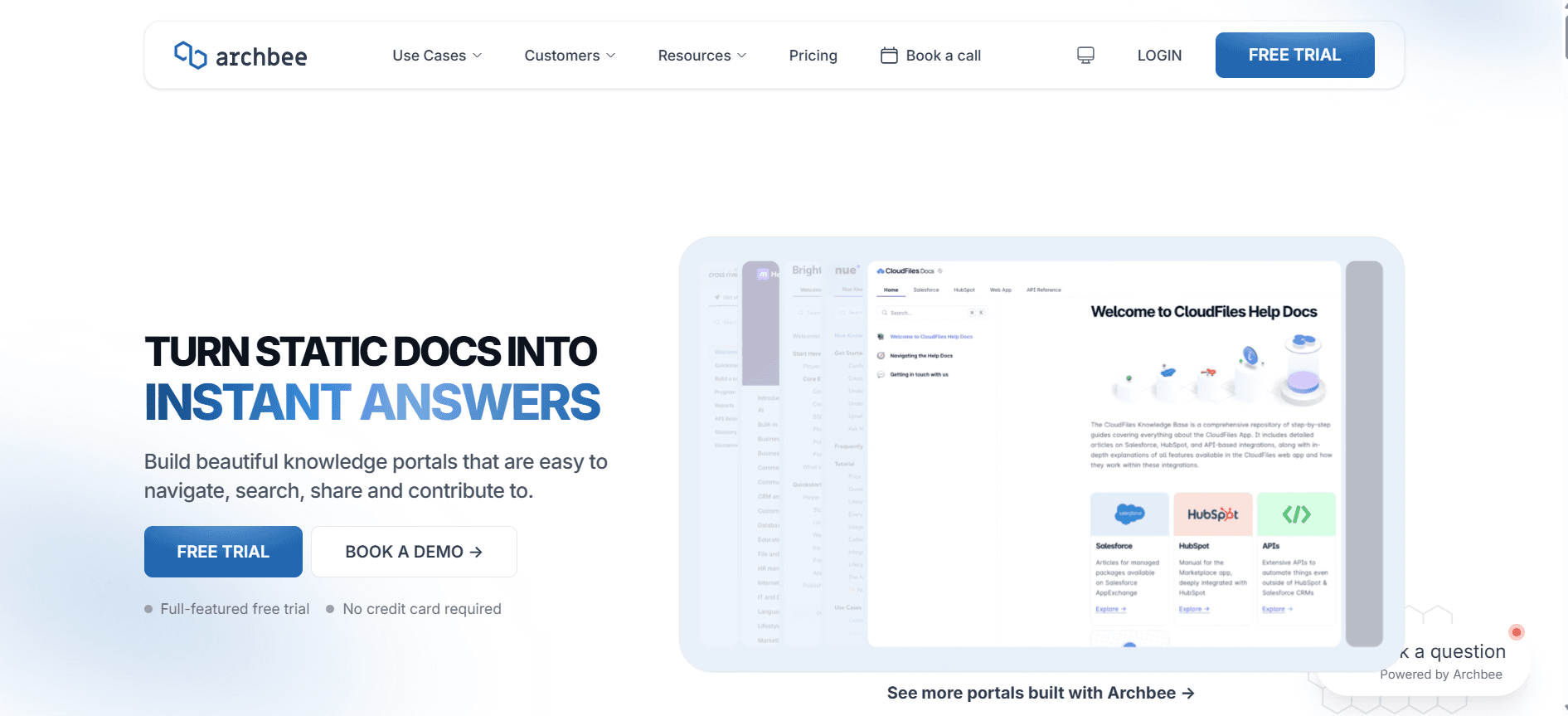
Archbee è progettato per i team moderni che necessitano di una piattaforma unificata per creare, collaborare e gestire la documentazione. È particolarmente indicato per startup e aziende tecnologiche che richiedono un approccio dinamico e interattivo alla documentazione. Sebbene Archbee offra una vasta gamma di funzionalità, il suo vantaggio competitivo risiede nella capacità di integrarsi perfettamente con i flussi di lavoro di sviluppo.
Funzionalità Chiave
Collaborazione in tempo reale
Diagrammi e grafici incorporabili
Integrazione con strumenti DevOps
Modelli e branding personalizzabili
Ricerca e navigazione avanzate
Supporto per la documentazione delle API
Documentazione pubblica e privata
Design responsive
Pro
Contro
Forti capacità di integrazione.
L'interfaccia può essere complessa per i nuovi utenti.
Ottimo per team focalizzati sulla tecnologia.
Prezzo più elevato per le funzionalità avanzate.
Documentazione dinamica e interattiva.
Accessibilità offline limitata.
Prezzi
Nessun piano gratuito; i piani partono da $30 al mese.
Le Sfide delle Guide Utente: Quali sono le Difficoltà dei Team
La Documentazione Manuale è Lenta
Catturare screenshot e scrivere contenuti può richiedere ore.
La formattazione e la correzione di bozze richiedono tempo e sforzi aggiuntivi.
Gli aggiornamenti manuali per ogni modifica del prodotto sono faticosi.
Qualità incoerente a causa di errori umani.
I Contenuti Diventano Obsoleti Rapidamente
I frequenti aggiornamenti dei prodotti rendono le guide obsolete.
Richiede monitoraggio e revisioni costanti.
Gli utenti potrebbero ricevere informazioni errate, con conseguente frustrazione.
Aumento del carico di lavoro per i team di documentazione.
Scarsa Ricerca e Trovabilità
Gli utenti faticano a trovare rapidamente le informazioni rilevanti.
Una navigazione non intuitiva ostacola l'esperienza dell'utente.
Può comportare un aumento dei ticket e delle chiamate di supporto.
Tempo sprecato a setacciare dati non rilevanti.
Documentazione Isolata su Diversi Strumenti
Informazioni sparse tra Notion, Word, Google Docs, ecc.
Difficoltà nel mantenere un'unica fonte di verità.
Aumenta il rischio di conflitti di versione e contenuti obsoleti.
La collaborazione diventa difficile senza una piattaforma unificata.
Nessuna Coerenza nel Formato o nello Stile
La mancanza di modelli standardizzati porta a una qualità della documentazione variabile.
L'incoerenza può confondere gli utenti e influire sulla percezione del brand.
Più difficile da mantenere e aggiornare i documenti tra i vari team.
Richiede formazione e supervisione aggiuntive per garantire l'uniformità.
Sfida | Processo Tradizionale | Impatto Aziendale | Costo in Tempo |
|---|---|---|---|
Documentazione Manuale | Screenshot e testo manuali | Aumento degli errori e aggiornamenti lenti | 8-12 ore per documento |
Contenuto Obsoleto | Controlli manuali periodici | Diminuzione della soddisfazione dell'utente | 2-5 ore per aggiornamento |
Scarsa Ricercabilità | Indicizzazione manuale | Clienti frustrati | 3-4 ore per risolvere i problemi |
Documentazione Isolata | Molteplici strumenti scollegati | Confusione e conflitti di versione | 4-6 ore per il consolidamento |
Stile Incoerente | Formattazione manuale | Immagine del brand incoerente | 2-3 ore per la standardizzazione |
Funzionalità Indispensabili nei Generatori di Guide Utente
Cattura Automatica dei Passaggi dall'Attività sullo Schermo
Una delle funzionalità più critiche nei moderni strumenti di guida utente è la capacità di catturare automaticamente i passaggi direttamente dall'attività sullo schermo. Questa funzione fa risparmiare tempo eliminando la necessità di screenshot manuali e inserimento di testo. Strumenti come Trupeer e Scribe eccellono in quest'area, fornendo un'integrazione perfetta tra la registrazione dello schermo e la documentazione.
L'impatto della cattura automatica è significativo, riducendo fino al 50% il tempo impiegato per la creazione delle guide. Questa funzionalità garantisce accuratezza e coerenza, poiché ogni passaggio viene registrato esattamente come avviene, riducendo al minimo gli errori umani e migliorando l'esperienza dell'utente.
Istruzioni Scritte dall'IA
La generazione di contenuti tramite intelligenza artificiale sta diventando sempre più importante nel settore della documentazione. Automatizzando la stesura delle istruzioni dei vari passaggi, gli strumenti possono fornire descrizioni concise e chiare senza input manuale. Trupeer, ad esempio, utilizza l'IA per generare istruzioni facili da comprendere e seguire, migliorando l'efficienza dei flussi di lavoro di documentazione.
Le istruzioni scritte dall'IA non solo velocizzano il processo, ma garantiscono anche che il linguaggio utilizzato sia coerente e professionale. Questa funzionalità è particolarmente utile per i team con risorse di scrittura limitate, in quanto consente loro di concentrarsi su attività più strategiche.
Inserimento di Video Accanto al Testo
L'integrazione di elementi video nelle guide utente offre un'esperienza d'uso più ricca e coinvolgente. Il supporto video è essenziale per mostrare processi complessi che sono difficili da trasmettere solo con il testo. Document360 e Trupeer offrono solide capacità di inserimento video, consentendo agli utenti di creare documentazioni multimediali complete.
La capacità di integrare perfettamente il video con il testo aiuta a soddisfare diversi stili di apprendimento e migliora la chiarezza generale della guida. Questa funzione è particolarmente vantaggiosa per i prodotti tecnologici che richiedono spiegazioni visive dettagliate.
Esportazione Multi-Formato (PDF, Web, HTML)
La flessibilità nell'esportazione della documentazione è un requisito fondamentale per qualsiasi generatore di guide utente. I team hanno bisogno della capacità di distribuire le guide in vari formati a seconda del pubblico e del caso d'uso. Strumenti come Trupeer e Confluence offrono opzioni di esportazione complete, inclusi i formati PDF, web e HTML.
Questa funzionalità garantisce che la documentazione sia accessibile agli utenti indipendentemente dalla piattaforma o dal dispositivo preferito. Inoltre, facilita la condivisione e la distribuzione, rendendo più semplice mantenere tutti gli stakeholder informati e allineati.
Controllo delle Versioni e Flussi di Aggiornamento Rapidi
Rimanere al passo con gli aggiornamenti della documentazione è fondamentale per mantenerne l'accuratezza e la pertinenza. Il controllo delle versioni e flussi di aggiornamento ottimizzati sono essenziali per gestire le modifiche in modo efficiente. GitBook e Document360 offrono solidi sistemi di controllo delle versioni che consentono ai team di tracciare le revisioni e annullare le modifiche se necessario.
Queste funzionalità consentono ai team di mantenere una cronologia chiara delle modifiche ai documenti, garantendo trasparenza e responsabilità. Flussi di lavoro di aggiornamento rapido riducono inoltre il tempo e lo sforzo richiesti per implementare le modifiche, consentendo ai team di tenere il passo con lo sviluppo dei prodotti.
Modelli e Branding Personalizzabili
La coerenza nello stile di documentazione e nel branding è importante per rafforzare l'immagine e la professionalità di un'azienda. Strumenti come Notion e Archbee offrono modelli personalizzabili che consentono ai team di allineare la propria documentazione con le linee guida del proprio brand.
I modelli personalizzabili non solo fanno risparmiare tempo, ma garantiscono anche che tutta la documentazione rispetti un aspetto grafico uniforme. Questa funzionalità è particolarmente utile per le organizzazioni più grandi che devono mantenere una presenza del brand coerente attraverso vari tipi di documenti e canali di comunicazione.
Come Scegliere gli Strumenti per Generare Guide Utente in Base al Tuo Caso d'Uso
Manuali Utente del Prodotto e Articoli del Centro Assistenza
La creazione di manuali utente e articoli per il centro assistenza richiede strumenti in grado di gestire procedure dettagliate sui prodotti e FAQ. Queste guide devono essere chiare, complete e facili da aggiornare di pari passo con l'evoluzione dei prodotti. Lo strumento giusto supporterà esportazioni multi-formato per soddisfare le diverse preferenze degli utenti.
Sfide Chiave:
Aggiornamenti frequenti per allinearsi alle modifiche del prodotto
Garantire chiarezza e completezza
Fornire informazioni in molteplici formati
Soluzioni Necessarie:
Strumenti con un solido controllo delle versioni
Supporto per esportazioni in PDF, web e HTML
Interfacce facili da usare per modifiche rapide
Strumento | Esportazione Multi-Formato | Flusso di Aggiornamento |
|---|---|---|
Trupeer | Sì | Sì |
Document360 | Sì | Sì |
Scribe | Limitata | Limitato |
Documentazione delle Procedure Operative Standard (SOP) Interne
Le Procedure Operative Standard (SOP) sono cruciali per i flussi di lavoro interni. Gli strumenti per questo caso d'uso dovrebbero supportare la creazione dettagliata di documenti e la collaborazione tra i membri del team. La capacità di mantenere una formattazione coerente tra i documenti è essenziale per la chiarezza e la professionalità.
Sfide Chiave:
Garantire la coerenza tra i documenti
Facilitare la collaborazione del team
Gestire aggiornamenti frequenti
Soluzioni Necessarie:
Modelli personalizzabili per garantire l'uniformità
Funzionalità di collaborazione in tempo reale
Controllo delle versioni per tracciare le modifiche
Strumento | Collaborazione | Modelli |
|---|---|---|
Notion | Sì | Sì |
Confluence | Sì | Sì |
Archbee | Sì | Sì |
Sistemi IT e Guide per Amministratori
Le guide ai sistemi IT richiedono precisione e profondità tecnica. Gli strumenti ideali dovrebbero facilitare una documentazione tecnica dettagliata, supportando l'inserimento di snippet di codice, diagrammi e altri elementi tecnologici. Anche le funzionalità di sicurezza sono fondamentali per proteggere le informazioni sensibili.
Sfide Chiave:
Includere dettagli tecnici e frammenti di codice
Mantenere la sicurezza dei documenti
Aggiornare i documenti con le modifiche del sistema
Soluzioni Necessarie:
Supporto Markdown per contenuti tecnici
Funzionalità di sicurezza avanzate
Integrazione con strumenti DevOps
Strumento | Supporto Tecnico | Sicurezza |
|---|---|---|
GitBook | Sì | Sì |
Archbee | Sì | Sì |
Confluence | Sì | Sì |
Base di Conoscenza Rivolta ai Clienti
Per le basi di conoscenza rivolte ai clienti, l'attenzione dovrebbe essere focalizzata sull'usabilità e sull'accessibilità. Gli strumenti dovrebbero consentire una navigazione intuitiva e forti capacità di ricerca, garantendo che gli utenti possano trovare le informazioni in modo rapido e semplice. Il supporto multimediale può migliorare l'esperienza dell'utente offrendo contenuti ricchi e interattivi.
Sfide Chiave:
Offrire ricerca e navigazione intuitive
Garantire l'accessibilità su tutti i dispositivi
Fornire contenuti avanzati per un pubblico diversificato
Soluzioni Necessarie:
Funzionalità di ricerca avanzate
Design responsive per dispositivi mobili
Supporto per contenuti multimediali
Strumento | Funzionalità di Ricerca | Supporto Multimediale |
|---|---|---|
Document360 | Sì | Sì |
Trupeer | Sì | Sì |
Tango | Limitata | No |
Linee Guida per la Creazione di Guide Utente
Prima di Iniziare
Identifica il pubblico di destinazione e adatta i contenuti alle sue esigenze.
Raccogli tutte le risorse e i materiali necessari prima di iniziare.
Definisci l'ambito e gli obiettivi della guida utente.
Seleziona lo strumento giusto in base ai requisiti specifici del progetto.
Crea una scaletta per strutturare i contenuti in modo efficiente.
Durante il Processo di Documentazione
Utilizza un linguaggio chiaro e conciso per migliorare la comprensione.
Includi elementi visivi e multimediali per facilitare la comprensione.
Salva ed effettua regolarmente il backup del tuo lavoro per prevenire la perdita di dati.
Utilizza il controllo delle versioni per tracciare modifiche e aggiornamenti.
Incoraggia la collaborazione e il feedback del team per migliorare l'accuratezza.
Dopo il Completamento
Esegui un'accurata correzione di bozze e revisione per eliminare gli errori.
Testa la guida con utenti reali per identificare potenziali miglioramenti.
Pubblica la guida in formati accessibili per facilitarne la distribuzione.
Monitora i feedback e aggiorna la guida se necessario.
Rivedi e aggiorna regolarmente i contenuti per mantenerli aggiornati.
Domande Frequenti
Che cos'è uno strumento di generazione di guide utente?
Un generatore di guide utente è un software progettato per aiutare a creare, organizzare e pubblicare manuali d'uso e documentazione. Questi strumenti offrono in genere funzionalità come la cattura automatica dei passaggi, la scrittura guidata dall'IA e l'esportazione multi-formato per semplificare il processo di documentazione.
Chi può trarre vantaggio dall'uso di questi strumenti?
Questi strumenti sono utili per product manager, redattori tecnici, team IT e personale del supporto clienti che hanno bisogno di creare e mantenere una documentazione utente accurata e aggiornata in modo efficiente.
Posso integrare questi strumenti con altri software?
La maggior parte degli strumenti di generazione di guide utente offre integrazioni con altri software, come strumenti di gestione dei progetti, piattaforme DevOps e sistemi di gestione dei contenuti, migliorando la loro funzionalità e facilità d'uso.
Questi strumenti supportano più lingue?
Molti generatori di guide utente, come Trupeer e Document360, supportano più lingue, consentendoti di creare documentazione adatta a un pubblico globale.
Sono disponibili versioni gratuite?
Alcuni strumenti, come Notion e GitBook, offrono piani gratuiti con funzionalità limitate. Tuttavia, le funzionalità avanzate richiedono in genere un abbonamento o un piano a pagamento.
Cosa devo considerare quando valuto i prezzi?
Quando valuti il prezzo di questi strumenti, considera le funzionalità offerte, il numero di utenti o progetti supportati ed eventuali costi aggiuntivi per integrazioni premium o servizi di supporto.
Quanto è facile configurare questi strumenti?
La complessità della configurazione varia a seconda dello strumento. Piattaforme come Scribe e Notion sono note per la loro facilità d'uso, mentre strumenti più ricchi di funzionalità come Confluence potrebbero richiedere più tempo per la configurazione iniziale.
Quale supporto è disponibile per i nuovi utenti?
La maggior parte degli strumenti offre una varietà di opzioni di supporto, tra cui tutorial, guide per l'utente e team di assistenza clienti per aiutare i nuovi utenti durante il processo di implementazione.
In Conclusione
La scelta del giusto strumento per generare guide utente dipende dalle tue esigenze specifiche e dagli obiettivi aziendali. Sia che tu dia la priorità alla facilità d'uso, alle funzionalità avanzate o alle capacità di integrazione, esiste uno strumento su misura per soddisfare i tuoi requisiti. Sfruttando i punti di forza di ciascuna piattaforma, puoi creare una documentazione efficiente, accattivante e sempre aggiornata che migliora l'esperienza dell'utente e riduce i costi di supporto.
Esplora Trupeer su https://www.trupeer.ai per scoprire come può semplificare il tuo processo di documentazione con funzionalità IA avanzate e solidi strumenti di collaborazione. Investi nella soluzione giusta e trasforma oggi stesso la tua strategia di documentazione.


