Trupeer Blog
Resumir

Resumen del comprador
Las organizaciones se enfrentan a importantes retos al incorporar a nuevos empleados de forma eficiente. Dado que los métodos tradicionales a menudo se quedan cortos, la incorporación basada en vídeo ofrece una alternativa prometedora. Según Brandon Hall Group, las empresas con procesos de incorporación sólidos mejoran la retención de los nuevos empleados en un 82%. La incorporación basada en vídeo puede reducir el tiempo de adaptación hasta en un 50% en comparación con programas centrados en documentos. Sin embargo, muchas empresas siguen recurriendo a métodos desactualizados y entregan a los nuevos empleados un PDF, esperando lo mejor.
Esta guía revisa las principales plataformas de incorporación mediante vídeo, ayudando a los equipos de RR. HH., formadores y responsables de la toma de decisiones a elegir la herramienta más adecuada para sus necesidades. Destacamos las fortalezas y debilidades de cada plataforma, comparando funciones como las capacidades de IA, las opciones de integración y la experiencia de usuario. Tanto si eres una pequeña empresa como una gran organización, esta guía te ayudará a tomar una decisión informada.
"Las organizaciones con procesos de incorporación sólidos mejoran la retención de los nuevos empleados en un 82%."
Brandon Hall Group, 2026
Mejores herramientas de incorporación de empleados basada en vídeo: comparación cara a cara
Función | Trupeer | Synthesia | Loom | Camtasia | iSpring Suite | Whatfix | Tango | Articulate 360 |
|---|---|---|---|---|---|---|---|---|
Funciones principales | ||||||||
Grabación de pantalla | Sí | No | Sí | Sí | Sí | No | Limitado | Sí |
Capacidades de IA | ||||||||
Avatar/locución por IA | Sí | Sí | No | No | Limitado | Sí | No | Limitado |
Funciones profesionales | ||||||||
Exportación SCORM | Sí | No | No | Sí | Sí | Sí | No | Sí |
Integraciones | ||||||||
Integración con LMS | Sí | Limitado | No | Sí | Sí | Sí | Limitado | Sí |
Trupeer

Trupeer destaca como una plataforma integral de incorporación mediante vídeo que se adapta a empresas de todos los tamaños. Está diseñada para agilizar el proceso de incorporación con contenido de vídeo interactivo que involucra eficazmente a los nuevos empleados. Esta plataforma es especialmente adecuada para organizaciones que desean personalizar su experiencia de incorporación con funciones impulsadas por IA y análisis detallados.
Trupeer sobresale por su interfaz fácil de usar y sus sólidas capacidades de integración. Admite una amplia gama de plataformas LMS, lo que la convierte en una opción flexible para empresas con sistemas existentes. La plataforma es conocida por su capacidad para crear módulos de formación dinámicos que se pueden actualizar fácilmente a medida que cambian las políticas o los procedimientos de la empresa.
Funciones clave
Creación de vídeo impulsada por IA
Módulos de formación interactivos
Análisis y reporting en tiempo real
Integración LMS sin fisuras
Soporte multilingüe
Opciones de personalización de marca
Interfaz optimizada para móvil
Seguimiento del progreso e informes de finalización
"Trupeer transformó nuestro proceso de incorporación haciéndolo más atractivo y eficiente."
John Doe, responsable de RR. HH. en TechCorp (Fuente: G2)
Ventajas | Inconvenientes |
|---|---|
Altamente personalizable con funciones de IA | El coste puede ser prohibitivo para pequeñas startups |
Compatibilidad excelente con LMS | La configuración inicial puede ser compleja |
Admite más de 40 idiomas | No hay versión gratuita disponible |
Precios
Trupeer ofrece una prueba gratuita con planes de pago a partir de 49 $ al mes por usuario.
Synthesia
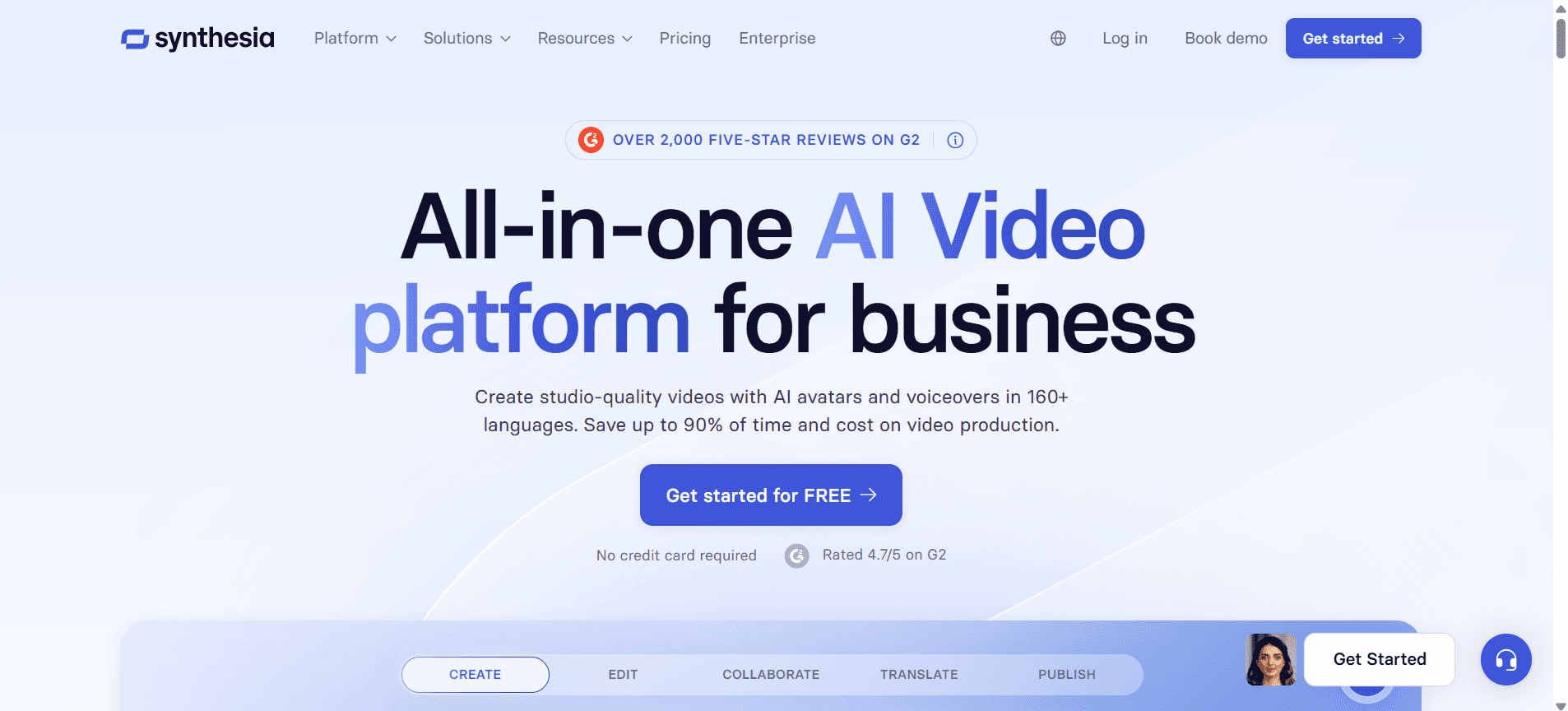
Synthesia es una opción popular para empresas que quieren crear contenido de vídeo generado por IA sin necesidad de equipos de grabación profesionales. Permite crear vídeos con avatares de IA realistas, lo que la hace ideal para equipos globales que necesitan contenido en varios idiomas. Synthesia es perfecta para equipos de marketing y departamentos de RR. HH. que buscan un toque moderno en sus comunicaciones.
La plataforma destaca por su capacidad para generar contenido rápidamente con un aspecto profesional. Sin embargo, le faltan algunas funciones interactivas que ofrecen otras plataformas, lo que podría limitar su uso en programas de formación completos.
Funciones clave
Avatares de vídeo generados por IA
Producción de vídeo multilingüe
Creación de vídeo basada en plantillas
Interfaz sencilla con funcionalidad de arrastrar y soltar
Plataforma basada en la nube
Creación de contenido rápida
Admite 120+ idiomas
Plantillas de vídeo personalizables
Ventajas | Inconvenientes |
|---|---|
Creación de vídeo rápida y sencilla | Carece de funciones de formación interactiva |
Admite una amplia variedad de idiomas | No ofrece funciones de grabación de pantalla |
Avatares de IA realistas | Opciones de integración con LMS limitadas |
Precios
Synthesia empieza en 30 $ por vídeo, con precios personalizados para empresas.
Loom
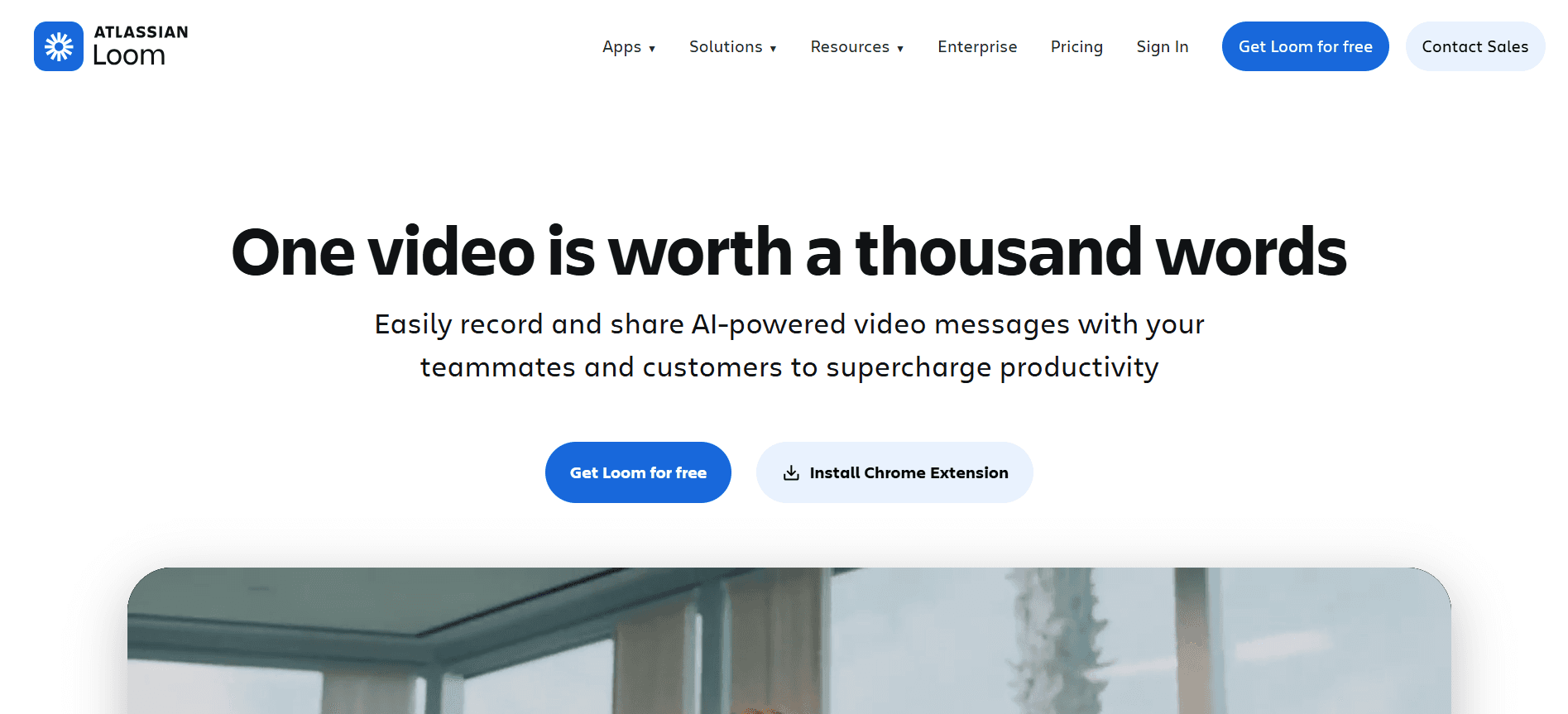
Loom se utiliza ampliamente por su sencillez para crear mensajes de vídeo y grabaciones de pantalla rápidas. Es ideal para equipos que necesitan compartir actualizaciones o tutoriales al instante. La fortaleza de Loom reside en su capacidad para facilitar una comunicación rápida, por lo que es una opción preferida entre empresas pequeñas y medianas y equipos remotos.
Aunque Loom destaca por su velocidad y facilidad de uso, puede no ser adecuado para quienes buscan funciones de formación en profundidad o mejoras con IA. Su enfoque se mantiene en la comunicación de vídeo sencilla, en lugar de en módulos de formación completos.
Funciones clave
Grabación y compartición de vídeo al instante
Grabación de pantalla y de webcam
Herramientas de edición sencillas
Información para el visor y analítica de participación
Extensión del navegador para acceso rápido
Integraciones con Slack, Gmail y otras herramientas
Almacenamiento ilimitado de vídeo con planes de pago
Miniaturas de vídeo personalizables
Ventajas | Inconvenientes |
|---|---|
Rápido y fácil de usar | Limitado a funciones de edición básicas |
Ideal para comunicación instantánea | Sin IA ni módulos de formación avanzados |
Plan gratuito disponible | Sin capacidad de exportación SCORM |
Precios
Loom ofrece un plan gratuito con funciones limitadas; los planes de pago empiezan en 8 $ al mes por usuario.
Camtasia
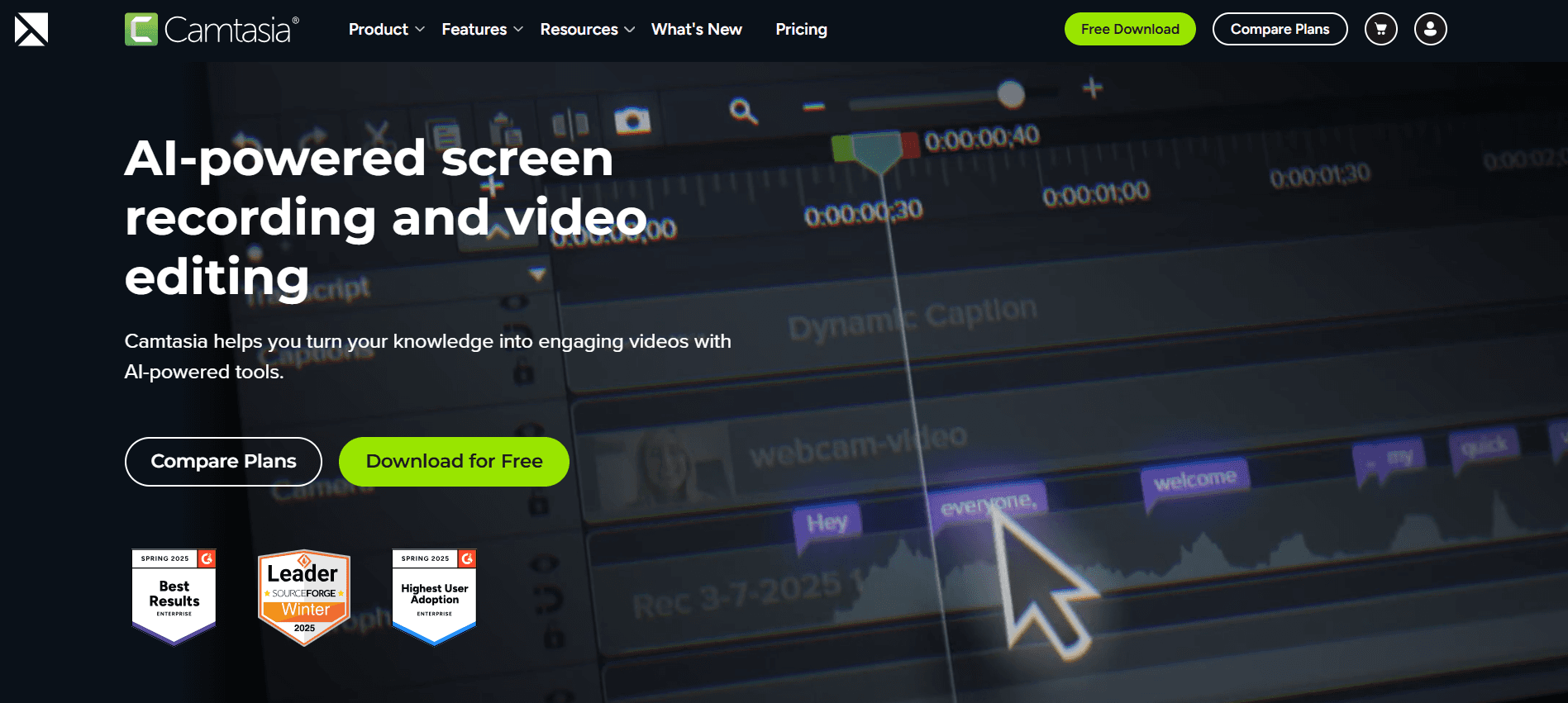
Camtasia es una potencia para crear tutoriales de vídeo detallados y de calidad profesional. Es la mejor opción para instituciones educativas y empresas que buscan producir materiales de formación de alta calidad. Conocida por sus sólidas capacidades de edición, Camtasia permite a los usuarios crear contenido que rivaliza con la calidad de los estudios profesionales.
A pesar de su amplia gama de funciones, Camtasia puede presentar una curva de aprendizaje pronunciada para principiantes. Es una herramienta para quienes necesitan opciones de edición completas y están dispuestos a invertir tiempo en dominarla.
Funciones clave
Herramientas avanzadas de edición de vídeo
Capacidades de grabación de pantalla
Edición potente de la línea de tiempo
Temas y plantillas integrados
Cuestionarios y subtítulos interactivos
Locución y pistas de música
Salida de vídeo en alta definición
Amplia biblioteca de recursos
Ventajas | Inconvenientes |
|---|---|
Funciones de edición de vídeo completas | Curva de aprendizaje pronunciada para usuarios nuevos |
Ideal para contenido de calidad profesional | Precio más alto que el de algunos competidores |
Admite elementos interactivos | No es ideal para ediciones rápidas |
Precios
Camtasia ofrece una tarifa de compra única de 299,99 $, con descuentos para usuarios educativos.
iSpring Suite
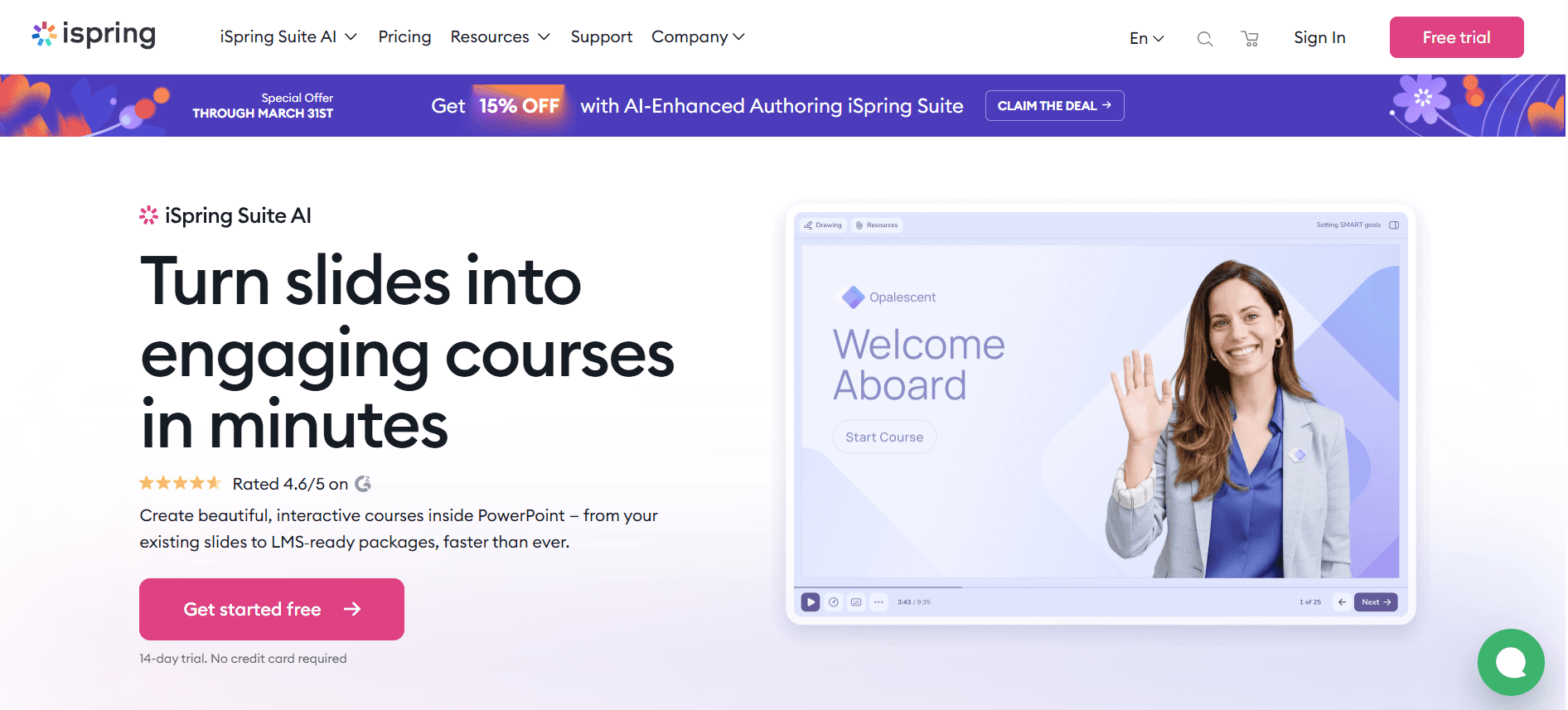
iSpring Suite es un kit de autoría de eLearning todo en uno. Es una buena opción para organizaciones que crean programas de formación completos que requieren cumplimiento SCORM. iSpring Suite se integra sin problemas con PowerPoint, lo que la hace accesible para usuarios familiarizados con Microsoft Office.
La plataforma destaca por su conjunto de funciones sólido y su facilidad de uso, aunque su dependencia de PowerPoint puede no gustar a quienes buscan una solución independiente. Es perfecta para educadores y formadores corporativos que quieren desarrollar contenido atractivo sin una curva de aprendizaje pronunciada.
Funciones clave
Integración con PowerPoint
Compatibilidad con SCORM y xAPI
Cuestionarios y evaluaciones interactivas
Grabación de vídeo y de pantalla
Creación de cursos de eLearning
Capacidades de aprendizaje móvil
Acceso a la biblioteca de contenidos
Opciones de publicación rápidas
Ventajas | Inconvenientes |
|---|---|
Integración con PowerPoint sin fisuras | Depende en gran medida de Microsoft Office |
Compatibilidad con SCORM/xAPI | Funcionalidad independiente limitada |
Herramientas de creación de contenidos completas | No hay versión gratuita disponible |
Precios
Los precios de iSpring Suite empiezan en 770 $ por usuario al año.
Whatfix
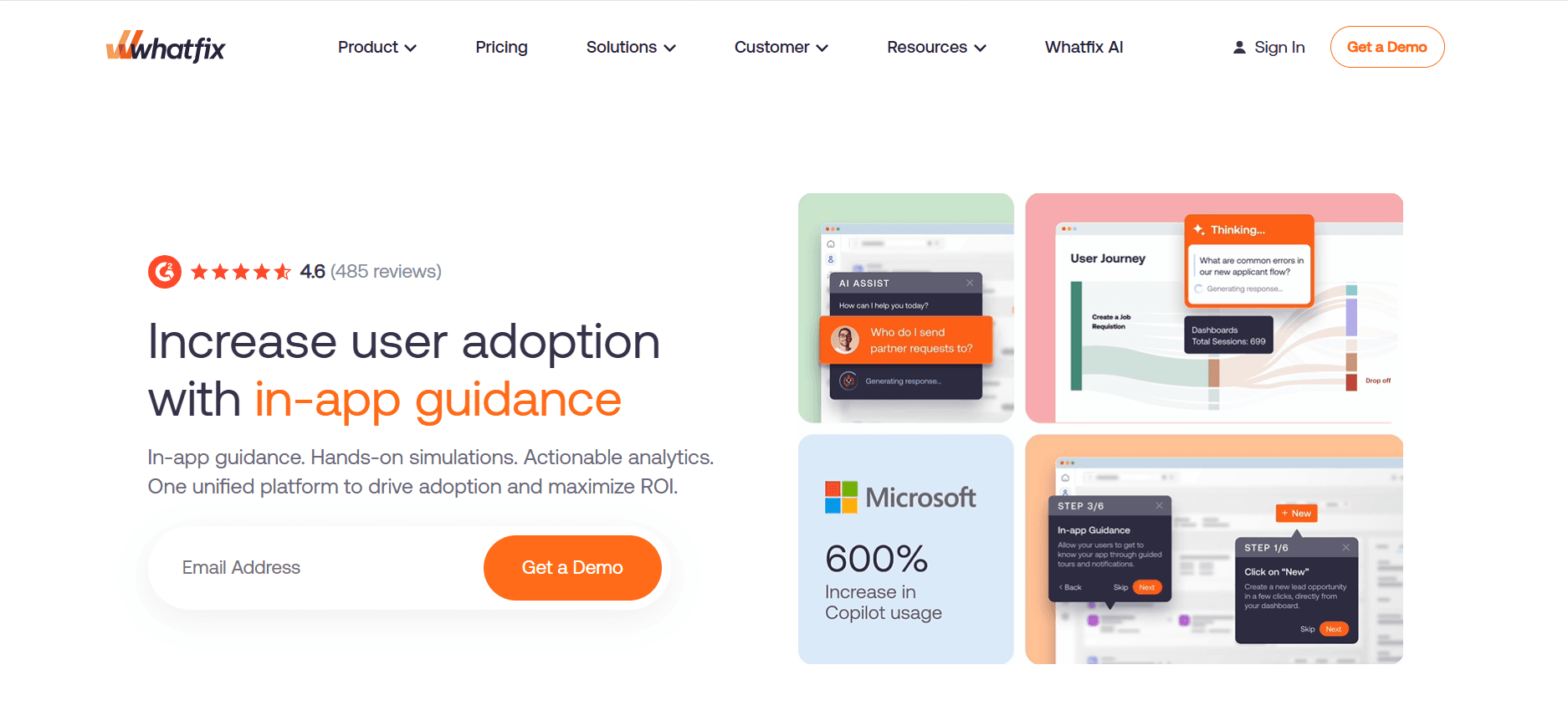
Whatfix es una plataforma de adopción digital que simplifica la incorporación mediante guías interactivas y formación dentro de la aplicación. Es ideal para empresas de software y organizaciones con herramientas digitales complejas. Whatfix destaca por ofrecer orientación contextual, ayudando a los usuarios a navegar por el nuevo software sin esfuerzo.
Aunque Whatfix ofrece excelentes funciones de formación dentro de la aplicación, puede no ser la mejor opción para quienes necesitan contenido de vídeo independiente. Es una herramienta que se utiliza mejor para mejorar la adopción de plataformas digitales dentro de una organización.
Funciones clave
Guía dentro de la aplicación y recorridos
Analítica de usuarios en tiempo real
Ayuda y soporte contextuales
Flujos de usuario personalizables
Soporte multilingüe
Integraciones con software popular
Segmentación de contenidos y segmentación por objetivos
Módulos de formación automatizados
Ventajas | Inconvenientes |
|---|---|
Excelente para incorporación dentro de la aplicación | Capacidades de creación de vídeo limitadas |
Analítica en tiempo real | Configuración compleja para empresas más pequeñas |
Flujos de orientación personalizables | No hay versión gratuita disponible |
Precios
Whatfix ofrece precios personalizados según las necesidades de los usuarios y el tamaño de la empresa.
Tango
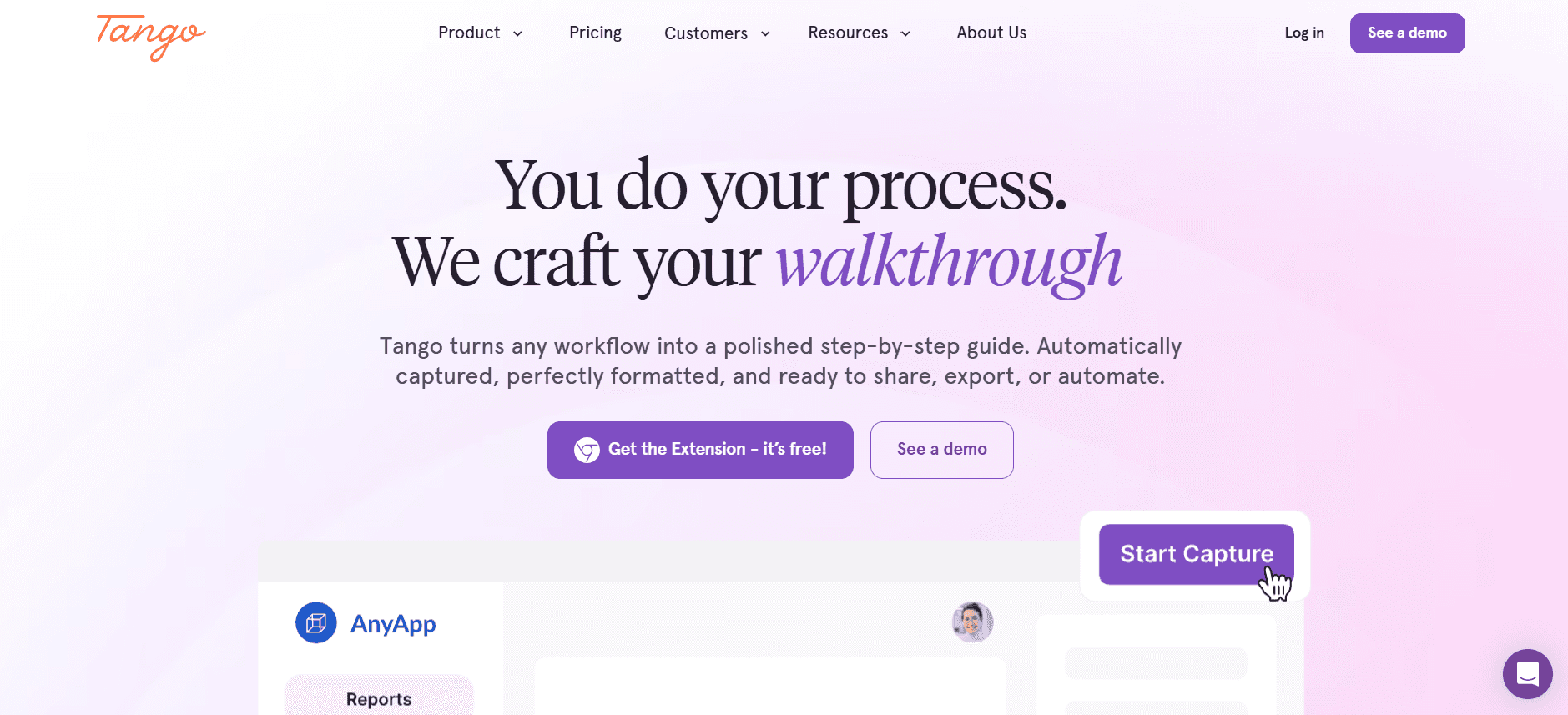
Tango es un actor relativamente nuevo que se centra en transformar la documentación de formación en guías visuales atractivas. Es ideal para equipos que necesitan compartir documentación de procesos de forma rápida y eficaz. La fortaleza de Tango reside en su capacidad para convertir contenido con mucho texto en guías dinámicas y fáciles de seguir.
Aunque Tango es excelente para documentación, carece de funciones avanzadas de edición de vídeo y de capacidades de IA. Es la mejor opción para equipos cuya necesidad principal es mejorar el contenido escrito con ayudas visuales.
Funciones clave
Documentación visual de procesos
Captura de pantalla automática
Creación de guías paso a paso
Funciones de flujo de trabajo colaborativo
Opciones de personalización de marca
Extensión del navegador para facilitar el uso
Opciones de exportación a PDF y HTML
Integración con herramientas populares de gestión de proyectos
Ventajas | Inconvenientes |
|---|---|
Documentación de procesos sencilla | Capacidades de vídeo limitadas |
Ideal para mejorar contenido escrito | No hay funciones de IA disponibles |
Funciones colaborativas | No es ideal para formación completa |
Precios
Tango ofrece un plan gratuito con funciones limitadas; los planes premium empiezan en 12 $ al mes por usuario.
Articulate 360
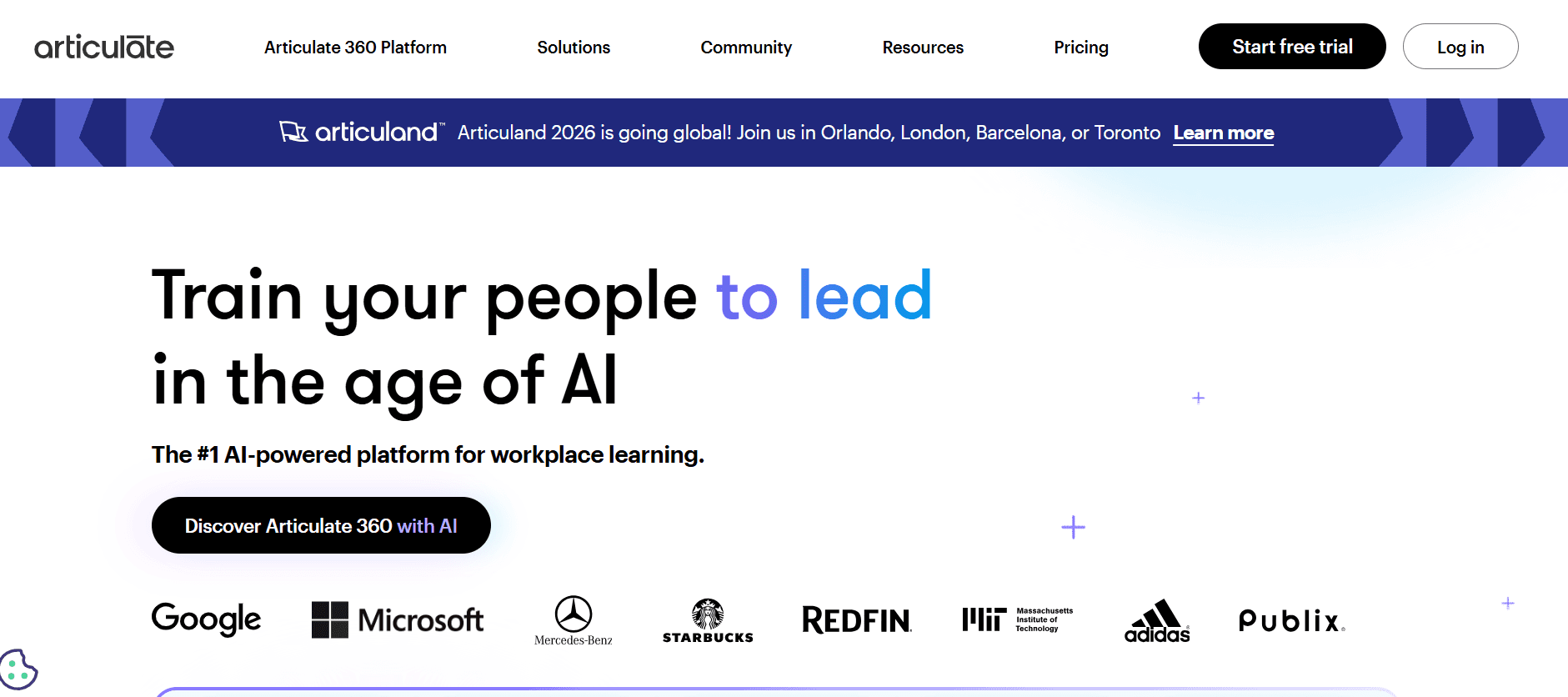
Articulate 360 ofrece un conjunto de herramientas adaptadas para profesionales de eLearning. Es adecuada para organizaciones que requieren una amplia gama de capacidades de creación de contenidos, desde vídeos hasta cursos interactivos. Articulate 360 se reconoce por sus herramientas de autoría sólidas, lo que la convierte en una opción preferida entre diseñadores instruccionales.
Aunque Articulate 360 ofrece funciones completas, puede resultar abrumadora para quienes no están familiarizados con el desarrollo de eLearning. Es mejor para profesionales que necesitan herramientas avanzadas para crear cursos y están listos para navegar por su interfaz compleja.
Funciones clave
Herramientas de autoría de eLearning completas
Creación de cursos interactivos
Grabación y edición de pantalla
Diseño responsive para aprendizaje móvil
Biblioteca de contenidos con plantillas y recursos
Herramientas de colaboración para proyectos de equipo
Admite SCORM, xAPI y AICC
Actualizaciones periódicas y nuevas funciones
Ventajas | Inconvenientes |
|---|---|
Capacidades de autoría extensas | Interfaz compleja para principiantes |
Compatible con varios estándares de eLearning | Coste más alto para acceder al paquete completo |
Actualizada con regularidad con nuevas funciones | Requiere una comprensión sólida de los principios de eLearning |
Precios
La suscripción de Articulate 360 empieza en 999 $ por usuario al año.
Retos de la incorporación de empleados basada en vídeo: con qué luchan los equipos
1. Nuevos empleados abrumados por la información
Los empleados nuevos a menudo reciben una gran cantidad de información en su primera semana, lo que puede resultar abrumador y provocar una menor retención.
Métodos tradicionales como los PDF y los manuales no son interactivos, lo que lleva a la desconexión.
La falta de itinerarios de aprendizaje estructurados dificulta que los nuevos empleados prioricen la información de forma eficaz.
La ausencia de contenido visual puede dificultar la comprensión, especialmente en procesos complejos.
2. Experiencias de incorporación incoherentes entre ubicaciones
Las distintas ubicaciones pueden tener recursos diferentes, lo que genera una calidad de formación desigual.
Los formadores locales pueden interpretar las políticas de la empresa de forma distinta, lo que provoca discrepancias.
Las diferencias de huso horario pueden retrasar los horarios de formación y afectar a los plazos de incorporación.
El acceso limitado a contenido estandarizado puede dar lugar a experiencias de empleados variadas.
3. Costes de producción elevados para vídeos de formación
Los vídeos de calidad profesional requieren una inversión financiera significativa en equipos y experiencia.
Externalizar la producción de vídeo puede resultar caro y llevar mucho tiempo.
La creación de vídeo interna exige personal cualificado, lo que incrementa los costes operativos.
Las actualizaciones frecuentes del contenido de formación requieren producción adicional, lo que eleva los costes.
4. Contenido desactualizado tras cambios en los procesos
Los cambios rápidos en los procesos de negocio requieren actualizaciones frecuentes de los materiales de formación.
Las actualizaciones manuales de la documentación consumen tiempo y son propensas a errores.
Los empleados pueden formarse con procedimientos desactualizados, lo que reduce la eficiencia.
Las actualizaciones incoherentes pueden generar confusión y desalineación dentro de los equipos.
5. Falta de verificación y pruebas de comprensión
Los métodos tradicionales carecen de mecanismos para verificar si los empleados han completado la formación.
Sin evaluaciones, es difícil medir la comprensión y la retención de la información.
La imposibilidad de hacer seguimiento del progreso puede provocar lagunas de conocimiento y un rendimiento inferior.
La ausencia de bucles de feedback puede ralentizar la mejora de los programas de formación.
Reto | Proceso tradicional | Impacto en el negocio | Coste de tiempo |
|---|---|---|---|
Sobrecarga de información | Manuales y PDF | Baja participación, alta rotación | 2-3 horas por empleado |
Experiencias incoherentes | Formación local variada | Menor consistencia del rendimiento | 1-2 semanas por ubicación |
Costes elevados de producción de vídeo | Producción externalizada | Aumento de gastos operativos | 1-2 meses por vídeo |
Contenido desactualizado | Actualizaciones manuales | Menor eficiencia del proceso | 1 semana por actualización |
Falta de verificación | Sin evaluaciones | Lagunas de conocimiento, menor ROI | N/D |
Funciones imprescindibles en herramientas de incorporación de empleados basada en vídeo
Grabación de pantalla con locución por IA
La grabación de pantalla es esencial para demostrar software y procesos. Permite a los formadores crear tutoriales atractivos capturando interacciones en tiempo real. La locución por IA mejora estas grabaciones proporcionando una narración profesional sin necesidad de actores de voz, lo que ahorra tanto tiempo como dinero.
Herramientas como Trupeer y Loom destacan en este aspecto, ofreciendo capacidades de grabación de pantalla intuitivas. Estas funciones son fundamentales para las organizaciones que buscan crear contenido de formación dinámico y fácil de seguir que se pueda producir rápida y eficientemente.
Exportación SCORM/xAPI para compatibilidad con LMS
SCORM (Sharable Content Object Reference Model) y xAPI (Experience API) son estándares que garantizan la compatibilidad del contenido con los Learning Management Systems (LMS). Esta función es vital para las organizaciones que desean integrar sus materiales de formación sin problemas con las plataformas LMS existentes, asegurando una entrega y un seguimiento consistentes.
iSpring Suite y Articulate 360 son líderes en ofrecer una compatibilidad sólida con SCORM y xAPI, lo que las hace ideales para empresas que priorizan informes y analítica completos en sus programas de formación.
Elementos interactivos: cuestionarios y comprobaciones de conocimientos
Los elementos interactivos, como los cuestionarios y las comprobaciones de conocimientos, mantienen a los alumnos comprometidos y permiten a los formadores evaluar la comprensión en tiempo real. Estas funciones convierten el aprendizaje pasivo en participación activa, lo que puede mejorar significativamente la retención y la comprensión.
Camtasia y Articulate 360 ofrecen amplias capacidades interactivas, lo que permite a los formadores incrustar cuestionarios directamente en el contenido de vídeo. Esta integración es crucial para verificar conocimientos y ajustar las estrategias de formación en función del rendimiento del alumno.
Seguimiento del progreso e informes de finalización
El seguimiento del progreso y la elaboración de informes de finalización son fundamentales para evaluar la eficacia de los programas de formación. Estas funciones permiten a las organizaciones supervisar el rendimiento individual y del equipo, identificar áreas de mejora y garantizar el cumplimiento de los requisitos de formación.
Trupeer y Whatfix ofrecen herramientas de analítica y reporting completas, lo que permite obtener información detallada sobre el progreso y la participación de los empleados. Este enfoque basado en datos ayuda a las organizaciones a optimizar sus procesos de incorporación para lograr mejores resultados.
Flujos de trabajo sencillos para actualizar contenidos
En un entorno empresarial que cambia rápidamente, la capacidad de actualizar el contenido de formación de forma rápida y eficiente es esencial. Las herramientas que ofrecen flujos de trabajo de actualización de contenidos simplificados ahorran tiempo y reducen el riesgo de que se difunda información desactualizada a los nuevos empleados.
Synthesia y Tango admiten procesos de edición y actualización sencillos, lo que permite a los formadores realizar ajustes sin tener que recrear módulos completos. Esta flexibilidad es crucial para mantener la relevancia y la precisión de los materiales de formación.
Soporte multilingüe
Las empresas globales necesitan herramientas de incorporación que admitan varios idiomas para garantizar que todos los empleados reciban una formación coherente, independientemente de su ubicación. El soporte multilingüe amplía el alcance de los programas de formación y mejora la accesibilidad para equipos diversos.
Synthesia destaca en este aspecto, ofreciendo soporte para más de 120 idiomas. Esta capacidad es esencial para organizaciones con equipos internacionales o para aquellas que buscan expandir sus operaciones a nivel global.
Cómo elegir herramientas de incorporación de empleados basada en vídeo según tu caso de uso
Vídeos de orientación y cultura para el día 1
Crear una primera impresión sólida es crucial para involucrar a los nuevos empleados. Los vídeos de orientación del día 1 presentan la cultura de la empresa, sus valores y las expectativas. Marcan el tono para una experiencia de incorporación positiva y ayudan a que los nuevos empleados se sientan conectados desde el principio.
Retos clave:
Transmitir la cultura de la empresa de forma eficaz
Garantizar la coherencia entre distintas ubicaciones
Involucrar a los nuevos empleados de forma remota
Soluciones necesarias:
Producción de vídeo de alta calidad
Mensajes coherentes en todo el contenido
Técnicas de storytelling atractivas
Herramienta | Mejor para |
|---|---|
Synthesia | Vídeos de cultura impulsados por IA |
Camtasia | Producción de calidad profesional |
Formación en sistemas y herramientas de software
La incorporación a menudo requiere que los nuevos empleados se pongan al día con varias herramientas de software. Los vídeos de formación completos pueden facilitar este proceso, reduciendo el tiempo hasta la productividad. Este caso de uso es esencial para empresas tecnológicas y cualquier organización con entornos de software complejos.
Retos clave:
Variedad de herramientas y sistemas
Complejidad de las interfaces del software
Necesidad de práctica práctica
Soluciones necesarias:
Grabaciones de pantalla detalladas
Recorridos interactivos
Tutoriales paso a paso
Herramienta | Mejor para |
|---|---|
Loom | Grabaciones de pantalla sencillas |
Whatfix | Guías interactivas dentro de la aplicación |
Formación en cumplimiento y políticas
La formación en cumplimiento garantiza que los empleados conozcan las normativas legales y específicas de la empresa. Los vídeos son excelentes para impartir módulos estándar de cumplimiento que deben estar actualizados y ser accesibles para todos los empleados.
Retos clave:
Actualizaciones periódicas debido a cambios en las políticas
Verificación de la comprensión
Accesibilidad para todos los empleados
Soluciones necesarias:
Actualizaciones sencillas de contenidos
Cuestionarios para pruebas de comprensión
Soporte multilingüe
Herramienta | Mejor para |
|---|---|
Trupeer | Módulos de cumplimiento completos |
iSpring Suite | Formación compatible con SCORM |
Formación de habilidades específicas por rol
Los distintos roles dentro de una organización requieren una formación adaptada para desarrollar habilidades específicas. La formación basada en vídeo permite crear contenido específico por rol que se puede personalizar y actualizar fácilmente cuando sea necesario.
Retos clave:
Variedad de necesidades de formación según el rol
Actualizaciones oportunas para el desarrollo de habilidades
Seguimiento del progreso y la eficacia
Soluciones necesarias:
Itinerarios de formación personalizables
Seguimiento del progreso e informes
Contenido interactivo para practicar habilidades
Herramienta | Mejor para |
|---|---|
Articulate 360 | Formación personalizada por rol |
Trupeer | Desarrollo de habilidades adaptado |
Buenas prácticas para la incorporación de empleados basada en vídeo
Antes de crear contenido
Define objetivos claros para cada módulo de formación.
Identifica al público objetivo y adapta el contenido a sus necesidades.
Planifica un guion detallado para garantizar coherencia y claridad.
Elige las herramientas adecuadas que se alineen con tus objetivos de formación.
Prueba el equipo y el software para evitar problemas técnicos durante la producción.
Durante la creación de contenido
Mantén los vídeos concisos y centrados para conservar la atención.
Usa elementos visuales y animaciones para ilustrar conceptos complejos.
Incorpora elementos interactivos para involucrar activamente a los espectadores.
Asegúrate de que la calidad del audio sea clara y profesional.
Incluye subtítulos para mejorar la accesibilidad y el soporte de idiomas.
Después de publicar el contenido
Recoge comentarios de los usuarios para refinar y mejorar el contenido.
Actualiza los vídeos con regularidad para reflejar cualquier cambio en procesos o políticas.
Supervisa la participación de los espectadores y las tasas de finalización para obtener información.
Ofrece recursos adicionales y soporte para los alumnos que necesiten ayuda extra.
Asegúrate de que todo el contenido sea accesible en dispositivos y ubicaciones.
Preguntas frecuentes
¿Qué es la incorporación basada en vídeo?
La incorporación basada en vídeo utiliza contenido de vídeo para presentar a los nuevos empleados la cultura, las políticas y los procedimientos de una organización. Este método mejora la participación y la retención al ofrecer experiencias de aprendizaje visuales e interactivas.
¿Por qué deberían las empresas usar vídeo para la incorporación?
La incorporación mediante vídeo aumenta las tasas de retención, reduce el tiempo de adaptación y proporciona una experiencia de formación coherente entre ubicaciones. Involucra a los empleados de forma más eficaz que los métodos tradicionales basados en texto y se puede actualizar fácilmente para reflejar cambios.
¿Estas plataformas pueden integrarse con nuestro LMS existente?
La mayoría de las plataformas de incorporación mediante vídeo, como Trupeer y iSpring Suite, ofrecen compatibilidad con SCORM y xAPI, lo que permite una integración sin problemas con sistemas LMS populares. Es esencial confirmar la compatibilidad específica con el proveedor de tu LMS.
¿Qué formatos se admiten para la exportación de vídeo?
Las plataformas suelen admitir una variedad de formatos de vídeo, incluidos MP4 y MOV, lo que garantiza la compatibilidad con distintos dispositivos y sistemas. Algunas herramientas, como Camtasia, también ofrecen opciones de carga directa en plataformas como YouTube y Vimeo.
¿Hay versiones gratuitas disponibles?
Algunas plataformas, como Loom y Tango, ofrecen planes gratuitos con funciones limitadas. Son adecuados para equipos pequeños o personas, pero pueden carecer de funciones avanzadas necesarias para programas de incorporación completos.
¿Cómo funcionan los modelos de suscripción?
La mayoría de las plataformas ofrecen modelos de suscripción mensuales o anuales. Los precios suelen depender del número de usuarios y del conjunto de funciones requerido. Se recomienda tener en cuenta las necesidades a largo plazo al elegir un plan de suscripción.
¿Cuánto tiempo se tarda en implementar una herramienta de incorporación mediante vídeo?
El tiempo de implementación varía según la plataforma y las necesidades de la organización. Herramientas sencillas como Loom se pueden configurar en minutos, mientras que soluciones completas como Articulate 360 pueden requerir varias semanas para una integración y personalización completas.
¿Qué soporte hay disponible durante la configuración?
Muchas plataformas ofrecen atención al cliente y recursos como tutoriales y seminarios web para ayudar durante la configuración. Es beneficioso aprovechar estos recursos para garantizar un proceso de implementación fluido.
Cierre
Las plataformas de incorporación basada en vídeo ofrecen un enfoque transformador para involucrar y formar a nuevos empleados. Al seleccionar las herramientas adecuadas, las organizaciones pueden crear una experiencia de incorporación coherente, atractiva y eficiente que se adapte a sus necesidades específicas. Con funciones como contenido interactivo, soporte multilingüe e integración LMS sin fisuras, estas plataformas están bien preparadas para satisfacer las demandas de una plantilla moderna.
Descubre cómo Trupeer puede revolucionar tu proceso de incorporación con funciones impulsadas por IA y análisis completos visitando el sitio web de Trupeer. Empieza hoy a mejorar tu experiencia de incorporación y ayuda a tus nuevos empleados desde el primer día.
Blogs relacionados


