Trupeer Blog
Resumir

Resumen del comprador
Las organizaciones, hoy en día, se esfuerzan constantemente por mejorar sus procesos de incorporación. Con las estrategias adecuadas, la retención de nuevos empleados puede mejorar de forma significativa. De hecho, la investigación muestra que las organizaciones con procesos de incorporación sólidos pueden mejorar la retención de nuevos empleados en un 82%.
Las organizaciones con procesos de incorporación sólidos mejoran la retención de nuevos empleados en un 82%.
Fuente: Brandon Hall Group, 2026
A pesar de esto, muchas empresas todavía dependen de métodos desactualizados como los PDF y los manuales densos, que pueden abrumar a los nuevos empleados. La incorporación basada en vídeo ofrece una alternativa más atractiva y eficiente, reduciendo el tiempo de adaptación hasta en un 50% en comparación con programas tradicionales centrados en documentos. Esta guía abarca una variedad de soluciones de incorporación mediante vídeo, detallando sus funciones, beneficios y estructuras de precios. Está diseñada para profesionales de RR. HH., equipos de L&D y líderes organizativos que buscan mejorar la eficiencia y la eficacia de su incorporación.
Mejores herramientas de incorporación de empleados basada en vídeo: comparación directa
Función | Trupeer | Synthesia | Loom | Camtasia | iSpring Suite | Whatfix | Tango | Articulate 360 |
|---|---|---|---|---|---|---|---|---|
Funciones principales | ||||||||
Grabación de pantalla | Sí | No | Sí | Sí | Sí | No | Limitado | Sí |
Capacidades de IA | ||||||||
Avatar/locución con IA | Limitado | Sí | No | No | No | No | No | Sí |
Funciones profesionales | ||||||||
Exportación SCORM | Sí | No | No | Sí | Sí | Sí | No | Sí |
Integraciones | ||||||||
Integración con LMS | Sí | No | Limitado | Sí | Sí | Sí | No | Sí |
Multilenguaje | Sí | Sí | No | No | Limitado | Limitado | No | Sí |
Plan gratuito | No | No | Sí | No | Limitado | No | Sí | No |
Trupeer

Trupeer es una solución integral de incorporación mediante vídeo, diseñada para organizaciones que quieren agilizar y mejorar sus procesos de incorporación. Ofrece una plataforma intuitiva que permite a los equipos de RR. HH. crear contenido de vídeo atractivo, hacer seguimiento del progreso e integrarse sin problemas con los Sistemas de Gestión del Aprendizaje (LMS). Trupeer es ideal para empresas medianas y grandes que buscan una solución escalable con funciones sólidas de analítica y reporting.
Una de las funciones más destacadas de Trupeer es su capacidad para admitir la incorporación multilingüe, lo que la convierte en una gran opción para equipos globales. Sin embargo, no incluye un plan gratuito, lo que podría ser un inconveniente para empresas más pequeñas o con presupuestos limitados.
Funciones clave
Módulos de formación interactivos
Seguimiento del progreso y analítica
Capacidades de exportación SCORM y xAPI
Opciones de marca personalizadas
Soporte multilingüe
Integración con LMS
Plataforma apta para móvil
Soporte de locución con IA
"Trupeer ha reducido significativamente nuestro tiempo de incorporación y ha mejorado el compromiso de nuestros nuevos empleados."
Jane Doe, directora de RR. HH. en TechCorp (Fuente: G2)
Ventajas | Inconvenientes |
|---|---|
La integración con LMS es fluida y mejora la entrega de la formación. | No hay plan gratuito disponible, lo que puede limitar el acceso para startups. |
Admite más de 40 idiomas, ideal para equipos globales. | Las funciones de locución con IA son algo limitadas. |
Analítica completa para un seguimiento detallado del rendimiento. | La configuración inicial puede llevar tiempo en organizaciones grandes. |
Precios
Trupeer ofrece un plan estándar a partir de 30 $ por usuario y mes. No hay plan gratuito disponible.
Synthesia
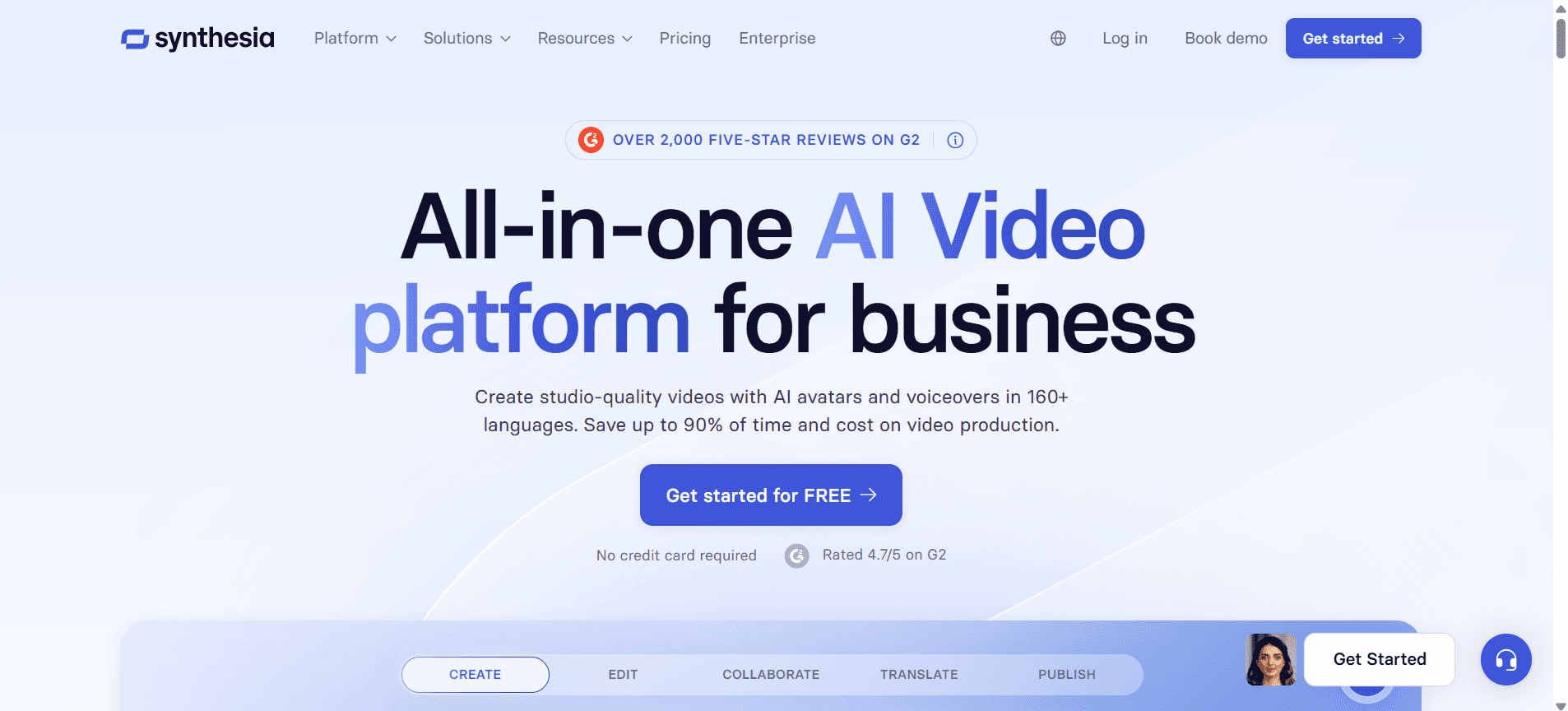
Synthesia es reconocida por sus capacidades de creación de vídeo impulsadas por IA, lo que la convierte en una líder en la producción de contenido de incorporación de alta calidad. Es especialmente popular entre empresas que quieren crear vídeos con aspecto profesional sin necesidad de equipos complejos ni conocimientos extensos de producción de vídeo. Los avatares y locuciones con IA de Synthesia son sus principales diferenciadores, ya que permiten un toque personalizado en los vídeos de formación.
Sin embargo, Synthesia no incluye grabación de pantalla ni integración con LMS de forma directa, lo que podría ser esencial para algunas empresas. Es mejor para organizaciones centradas en contenido de vídeo creativo y personalizado, en lugar de sistemas de incorporación integrales.
Funciones clave
Creación de avatares con IA
Locuciones personalizadas
Soporte multilingüe
Renderizado de vídeo de alta calidad
Creación de vídeo basada en plantillas
Mensajes de vídeo personalizados
Editor de vídeo fácil de usar
Opciones de personalización de marca
Ventajas | Inconvenientes |
|---|---|
Los avatares impulsados por IA aportan un toque único y personalizado. | No ofrece capacidades directas de grabación de pantalla. |
Admite la creación de contenido en varios idiomas. | Carece de integración con LMS, lo que limita su uso para itinerarios de aprendizaje estructurados. |
Interfaz sencilla que facilita el uso a principiantes. | Puede resultar costosa para necesidades extensas de producción de vídeo. |
Precios
Synthesia ofrece precios a partir de 30 $ por vídeo, con costes adicionales para funciones de IA. No hay plan gratuito disponible.
Loom
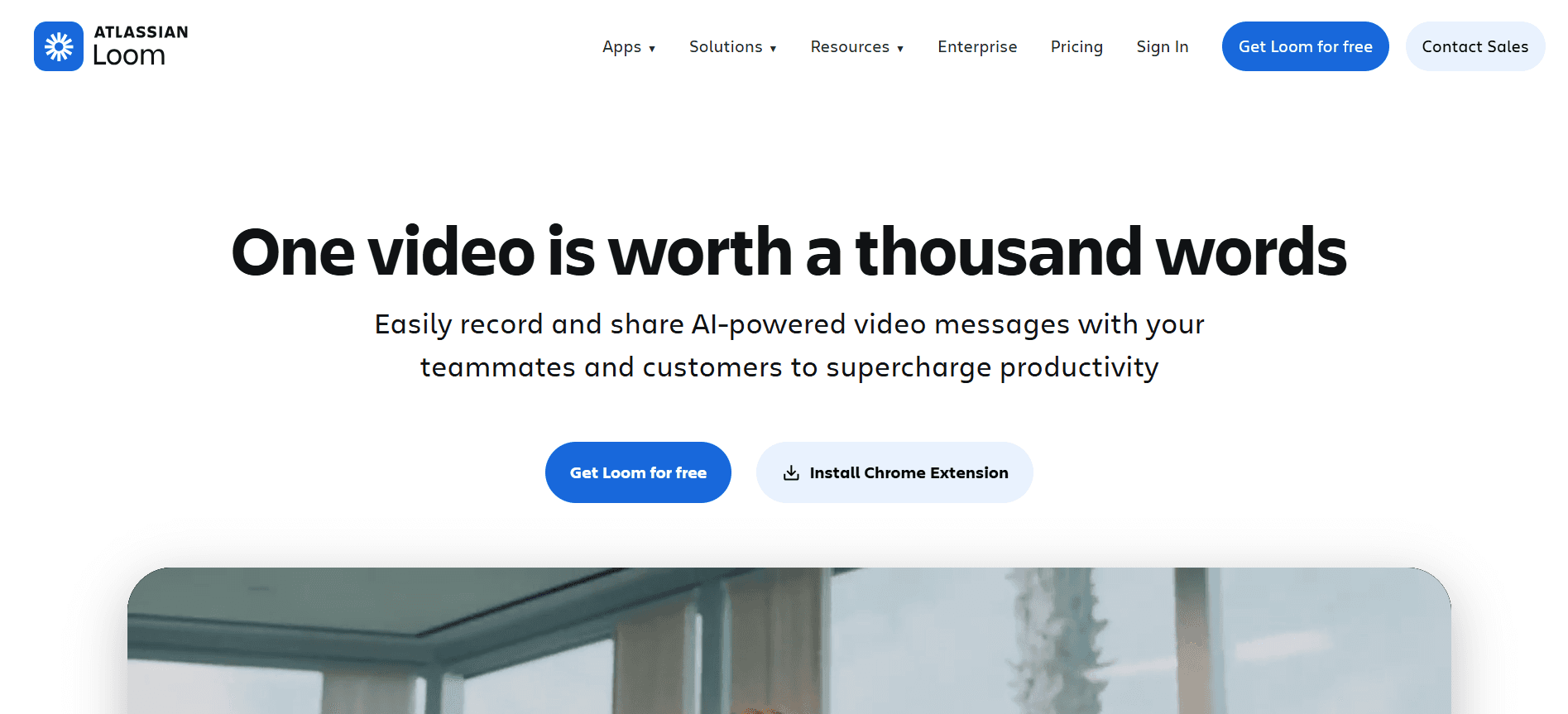
Loom es una herramienta sencilla que destaca por facilitar comunicaciones de vídeo y feedback rápidos. Es especialmente eficaz para equipos que necesitan actualizaciones de vídeo frecuentes y casuales, así como comunicación asíncrona. Loom admite la grabación de pantalla, por lo que es una favorita entre equipos remotos para compartir actualizaciones o tutoriales rápidos.
Aunque Loom ofrece un plan gratuito, carece de funciones avanzadas como avatares con IA o analítica profunda, lo que podría limitar su eficacia para programas de incorporación formales. Es mejor para startups o equipos que necesitan una comunicación de vídeo eficiente sin demasiados extras.
Funciones clave
Grabación de pantalla
Compartir e insertar vídeos
Analítica del visor
Comentarios y feedback
Recorte y edición de vídeo
Miniaturas de vídeo personalizadas
Espacios de trabajo del equipo
Soporte de extensión para navegador
Ventajas | Inconvenientes |
|---|---|
Plan gratuito disponible, ideal para equipos pequeños y startups. | Funciones profesionales limitadas para una incorporación completa. |
Interfaz fácil de usar con configuración rápida. | No incluye capacidades de IA como avatares o locuciones. |
Perfecto para actualizaciones y comunicación de vídeo rápidas e informales. | Carece de analítica profunda para medir la eficacia de la incorporación. |
Precios
Loom ofrece un plan gratuito con funciones básicas, mientras que el plan empresarial comienza en 8 $ por usuario y mes.
Camtasia
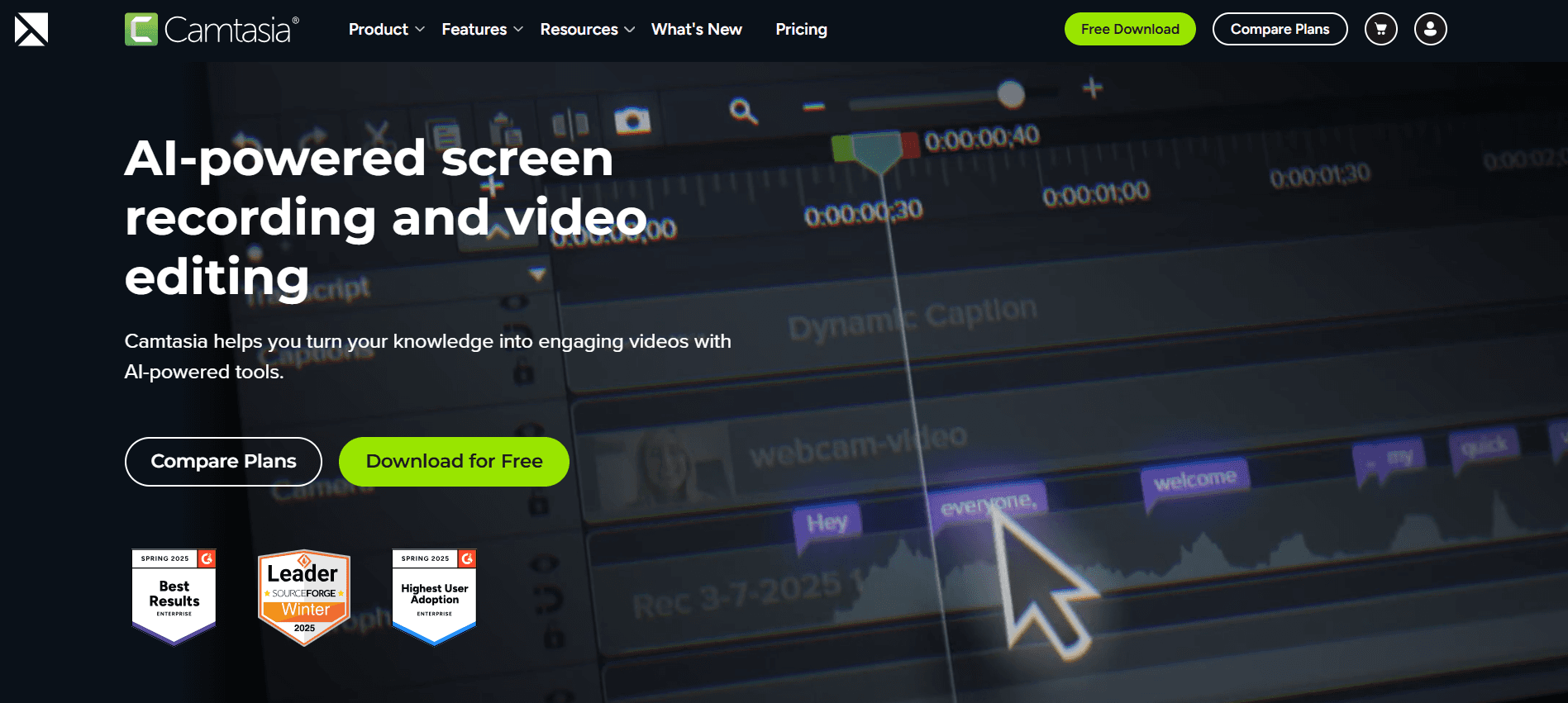
Camtasia es una herramienta potente para crear tutoriales en vídeo detallados y contenido de formación. Se adapta a organizaciones que necesitan opciones de edición y personalización de vídeo en profundidad. Conocida por sus capacidades de grabación y edición de pantalla, Camtasia es ideal para crear vídeos de formación pulidos con efectos profesionales.
Sin embargo, Camtasia no admite funciones impulsadas por IA como avatares o locuciones, lo que podría ser una limitación para quienes buscan automatización. Es mejor para empresas que priorizan la calidad del vídeo y la edición detallada por encima de las capacidades de IA.
Funciones clave
Edición de vídeo avanzada
Grabación de pantalla
Cuestionarios e interactividad
Efectos de audio y edición
Animaciones personalizadas
Capacidades de pantalla verde
Integración con PowerPoint
Exportación SCORM
Ventajas | Inconvenientes |
|---|---|
Las funciones de edición de vídeo excelentes ofrecen resultados profesionales. | No incluye avatares ni locuciones con IA, lo que limita las capacidades de automatización. |
Admite la exportación SCORM para compatibilidad con LMS. | Mayor curva de aprendizaje para principiantes debido a las funciones avanzadas. |
Ideal para contenido de formación detallado e interactivo. | Carece de funciones de colaboración en tiempo real para proyectos de equipo. |
Precios
Camtasia ofrece un precio de compra única de 249,99 $ sin necesidad de suscripción.
iSpring Suite
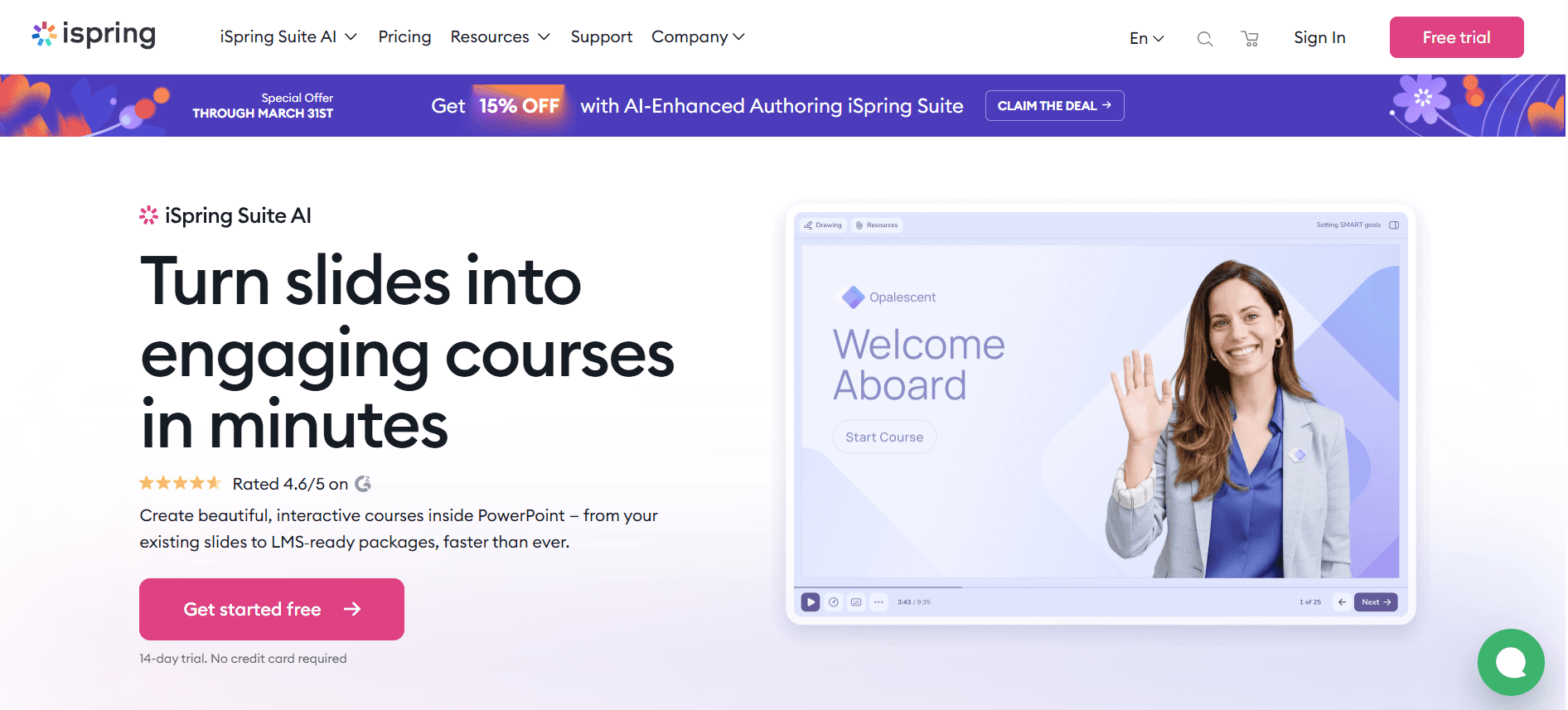
iSpring Suite es un conjunto de herramientas integral para crear contenido de eLearning, incluidos cursos de vídeo atractivos. Es especialmente beneficioso para instituciones educativas y departamentos corporativos de L&D centrados en el cumplimiento y en itinerarios de aprendizaje estructurados. iSpring admite la exportación SCORM e integra bien con las principales plataformas LMS, por lo que es una opción ideal para programas de formación detallados.
Aunque ofrece funciones amplias para la creación de cursos, sus capacidades de edición de vídeo no son tan avanzadas como las de algunas otras herramientas, lo que puede ser un inconveniente para quienes necesitan una producción de vídeo de alto nivel. Es mejor para organizaciones que priorizan el desarrollo tradicional de eLearning frente a una incorporación centrada en el vídeo.
Funciones clave
Creación de cursos
Creación de cuestionarios
Grabación de pantalla
Clases en vídeo
Exportación SCORM y xAPI
Sincronización de audio y vídeo
Integración con PowerPoint
Diseño responsive
Ventajas | Inconvenientes |
|---|---|
Compatibilidad excelente con LMS, con soporte para SCORM y xAPI. | Las funciones de edición de vídeo no son tan avanzadas como las de la competencia. |
Conjunto completo para el desarrollo de eLearning. | Requiere PowerPoint para una funcionalidad completa, lo que limita el uso a usuarios de Microsoft. |
Herramientas sólidas de cuestionarios y evaluación para valorar a los alumnos. | El precio más alto puede no convenir a organizaciones más pequeñas. |
Precios
iSpring Suite comienza en 770 $ al año, con una prueba gratuita de 30 días disponible.
Whatfix
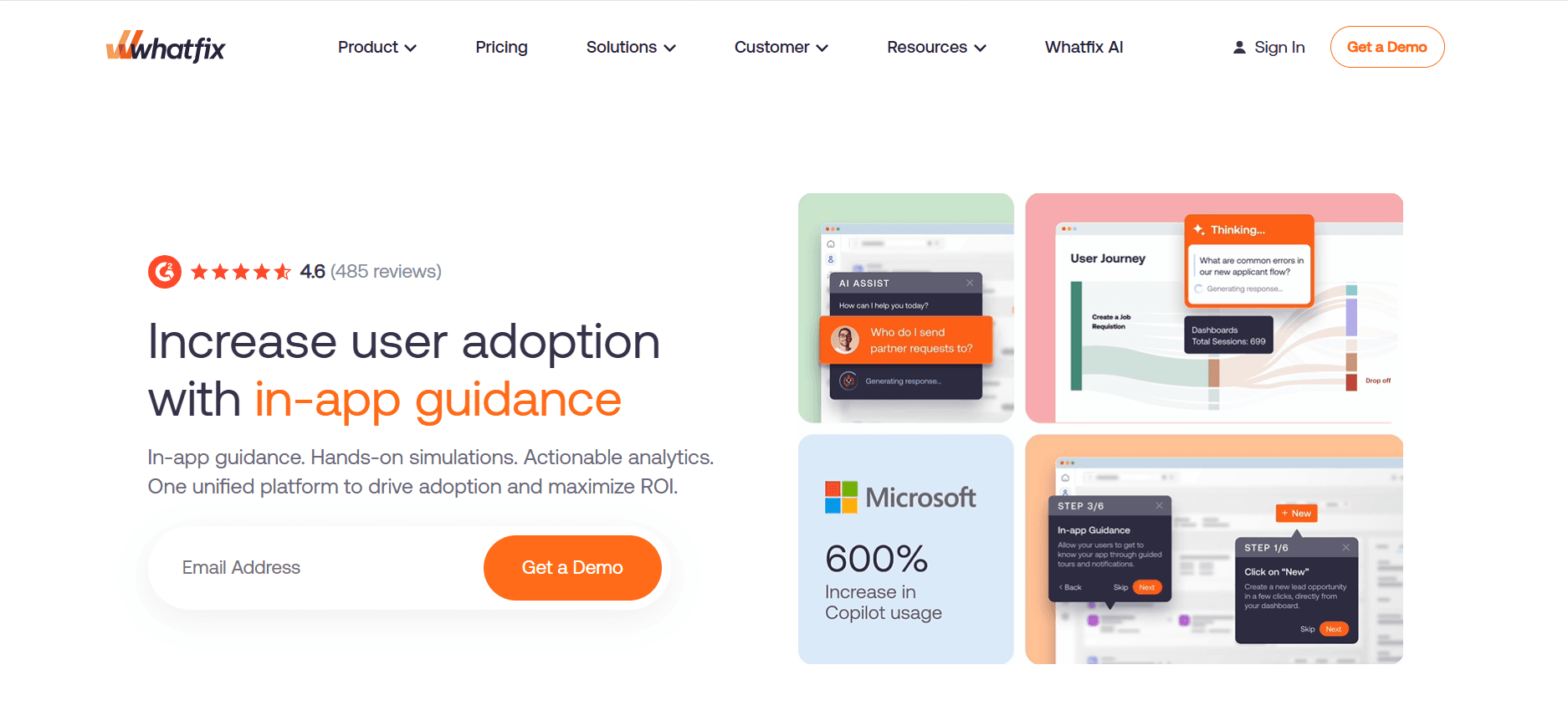
Whatfix es una plataforma de adopción digital que ofrece una forma única de incorporar empleados mediante guías interactivas y recorridos integrados directamente en las aplicaciones. Es especialmente beneficiosa para organizaciones que quieren agilizar la adopción de software y ofrecer formación dentro de la aplicación sin necesidad de contenido de vídeo extenso.
Whatfix destaca por ofrecer experiencias de aprendizaje contextualizadas, reduciendo la dependencia de recursos externos. Sin embargo, puede que no sustituya por completo la incorporación tradicional mediante vídeo para funciones que requieren una formación más completa. Es ideal para equipos con mentalidad técnica o para organizaciones que adoptan con frecuencia nuevas herramientas de software.
Funciones clave
Guía dentro de la aplicación
Recorridos interactivos
Ayuda contextual
Analítica de usuarios
Itinerarios de aprendizaje personalizados
Integración con aplicaciones principales
Exportación SCORM
Soporte multilingüe
Ventajas | Inconvenientes |
|---|---|
La guía en tiempo real dentro de la aplicación reduce las curvas de aprendizaje. | Se limita a la formación de software y no es adecuada para necesidades de incorporación más amplias. |
Itinerarios de aprendizaje altamente personalizables adaptados a las necesidades del usuario. | La configuración inicial puede ser compleja y requerir conocimientos técnicos. |
Mejora el compromiso del usuario con elementos interactivos. | Puede que no sustituya por completo la formación tradicional mediante vídeo o documentos. |
Precios
Los precios de Whatfix comienzan en 1.200 $ al año para planes básicos, con precios personalizados para soluciones empresariales.
Tango
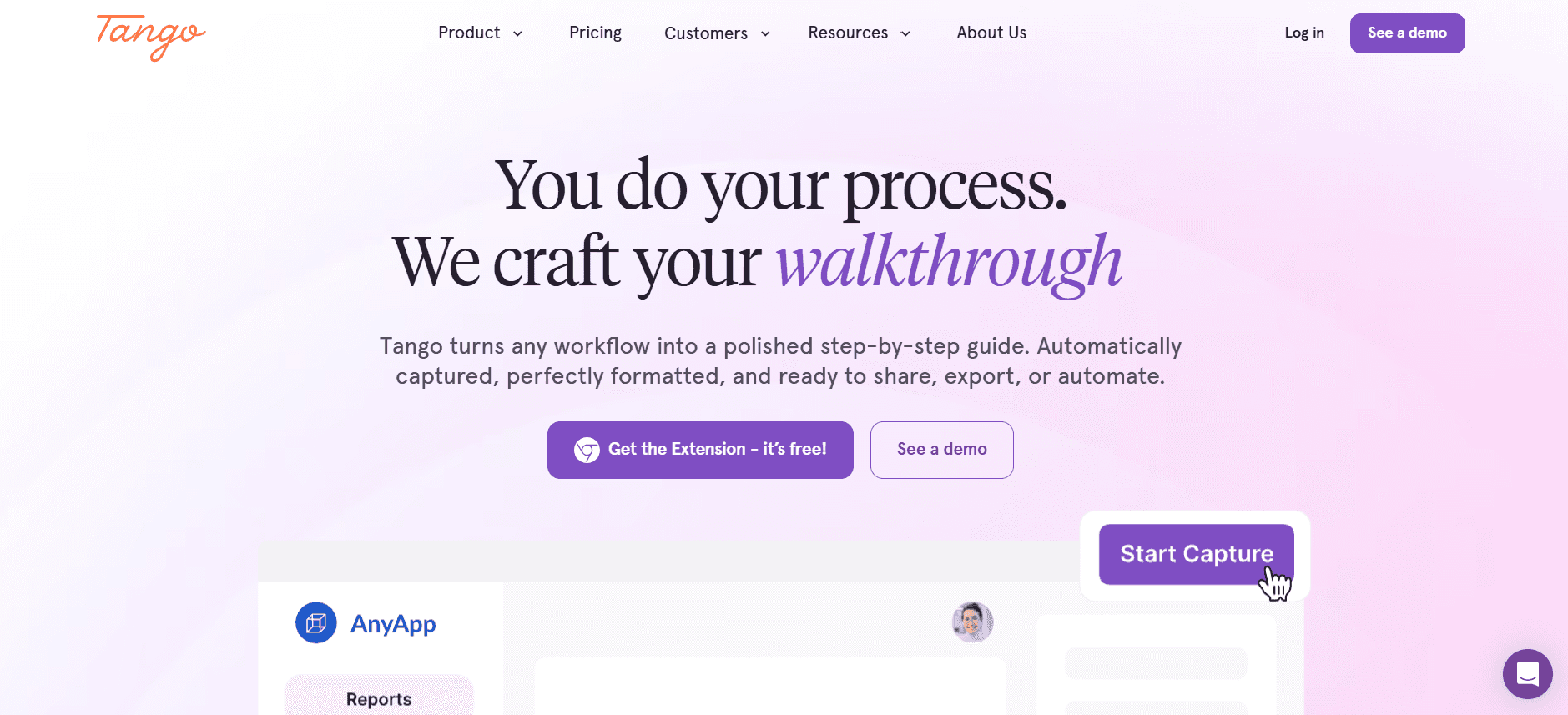
Tango es una herramienta sencilla para crear guías y tutoriales paso a paso, lo que la hace ideal para documentar procesos de forma rápida y eficiente. Es especialmente útil para equipos que necesitan crear contenido instructivo sobre la marcha, como departamentos de soporte de TI o de atención al cliente.
Aunque Tango destaca por crear guías claras y concisas, carece de capacidades avanzadas de vídeo y multimedia, lo que puede limitar su uso para programas de formación integrales. Es mejor para organizaciones que requieren documentación rápida y seguimiento de procesos, en lugar de contenido de incorporación completo.
Funciones clave
Creación de guías paso a paso
Captura automática de capturas de pantalla
Edición colaborativa
Soporte de extensión para navegador
Marca personalizada
Exportar a PDF o HTML
Seguimiento del historial de versiones
Interfaz de usuario sencilla
Ventajas | Inconvenientes |
|---|---|
Creación rápida de guías paso a paso con el mínimo esfuerzo. | Limitado a texto y capturas de pantalla, sin capacidades de vídeo. |
La extensión para navegador facilita la captura de procesos en tiempo real. | No es adecuado para formación o incorporación integrales. |
Eficaz para documentación de procesos e instrucciones rápidas. | La funcionalidad básica puede no cubrir las necesidades de flujos de trabajo complejos. |
Precios
Tango ofrece un plan gratuito con funciones básicas, y los planes premium comienzan en 99 $ por usuario y año.
Articulate 360

Articulate 360 es un conjunto integral para crear contenido de eLearning interactivo, especialmente indicado para organizaciones que necesitan herramientas sólidas para el desarrollo de cursos. Admite elementos multimedia, cuestionarios y escenarios interactivos, ofreciendo una solución completa para diseñadores instruccionales y profesionales de eLearning.
Aunque Articulate 360 ofrece capacidades amplias para la creación de cursos, requiere una curva de aprendizaje pronunciada y una inversión significativa, lo que puede no convenir a todas las organizaciones. Es mejor para empresas con equipos de L&D dedicados centrados en el desarrollo de eLearning de alta calidad.
Funciones clave
Creación de cursos interactivos
Soporte de multimedia
Cuestionarios y evaluaciones
Diseño responsive
Acceso a la biblioteca de contenido
Exportación SCORM y xAPI
Herramientas de colaboración
Biblioteca de plantillas amplia
Ventajas | Inconvenientes |
|---|---|
Conjunto completo para el desarrollo profesional de contenido de eLearning. | El coste elevado puede ser prohibitivo para organizaciones más pequeñas. |
Admite una amplia gama de elementos multimedia e interactivos. | Curva de aprendizaje pronunciada para usuarios nuevos. |
Integración fluida con plataformas LMS mediante SCORM/xAPI. | Requiere una inversión de tiempo significativa para la creación de contenido. |
Precios
Articulate 360 ofrece suscripciones a partir de 1.299 $ por usuario al año, con descuentos educativos disponibles.
Retos de la incorporación de empleados basada en vídeo: con qué luchan los equipos
1. Los nuevos empleados se sienten abrumados por la información
La incorporación tradicional a menudo incluye manuales densos y presentaciones largas.
Los nuevos empleados tienen dificultades para retener la información si no resulta atractiva.
La falta de elementos interactivos puede provocar desenganche y confusión.
Sin seguimiento, la información inicial se puede olvidar fácilmente.
2. Experiencias de incorporación incoherentes
Los procesos de incorporación pueden variar mucho entre distintos departamentos o ubicaciones.
La falta de materiales de formación estandarizados provoca lagunas de conocimiento.
Las configuraciones remotas o híbridas pueden agravar las incoherencias.
Los empleados pueden recibir niveles diferentes de apoyo y recursos.
3. Costes de producción elevados para vídeos de formación
Crear vídeos de calidad profesional requiere equipos y experiencia.
Las empresas más pequeñas pueden no tener presupuesto para una producción de alto nivel.
Externalizar la producción de vídeo puede resultar inasumible en costes.
Las actualizaciones frecuentes del contenido pueden generar gastos recurrentes.
4. Contenido desactualizado tras cambios de proceso
Los procesos y políticas de negocio evolucionan, lo que exige actualizaciones constantes del contenido.
El contenido estático se vuelve irrelevante o engañoso con el tiempo.
Las actualizaciones frecuentes pueden tensionar los recursos y retrasar la incorporación.
Los formatos de contenido inflexibles hacen que las actualizaciones sean engorrosas y lentas.
5. Retos de verificación y comprensión
Falta de mecanismos para garantizar la comprensión y la retención del contenido.
Dificultad para hacer seguimiento de la finalización y las métricas de participación a escala.
Canales de feedback limitados para que los alumnos expresen dificultades.
Herramientas de prueba insuficientes para verificar la adquisición de conocimientos.
Reto | Proceso tradicional | Impacto en el negocio | Coste de tiempo |
|---|---|---|---|
Nuevos empleados abrumados | Manuales, presentaciones | Bajo compromiso | Alto |
Experiencias incoherentes | Formación variada | Lagunas de conocimiento | Medio |
Costes de producción elevados | Producción de vídeo profesional | Tensión del presupuesto | Alto |
Contenido desactualizado | Documentos estáticos | Formación irrelevante | Medio |
Retos de verificación | Falta de pruebas | Aprendizaje no verificado | Alto |
Funciones imprescindibles en herramientas de incorporación de empleados basada en vídeo
Grabación de pantalla con locución con IA
Las capacidades de grabación de pantalla son esenciales para crear tutoriales y recorridos que demuestren claramente los procesos y el uso del software. Añadir locuciones con IA mejora estos vídeos al proporcionar una narración con un estilo similar al humano que se puede personalizar para distintos idiomas y acentos. Esta función es especialmente beneficiosa para organizaciones globales con equipos diversos.
Herramientas como Trupeer y Synthesia ofrecen opciones de locución con IA, lo que permite un toque personalizado que atrae a los espectadores de forma más efectiva que el texto por sí solo. La posibilidad de actualizar y modificar fácilmente el contenido de locución sin tener que volver a grabar vídeos completos es una ventaja importante.
Exportación SCORM/xAPI para compatibilidad con LMS
Garantizar que el contenido de vídeo sea compatible con los Sistemas de Gestión del Aprendizaje (LMS) es crucial para una integración fluida en las infraestructuras de formación existentes. Las exportaciones SCORM y xAPI permiten a las organizaciones hacer seguimiento del progreso y el rendimiento de los alumnos, proporcionando información valiosa sobre la eficacia de sus programas de incorporación.
iSpring Suite y Articulate 360 destacan en este aspecto, ofreciendo una compatibilidad sólida con LMS que admite analítica y reporting detallados. Esta función es indispensable para organizaciones que necesitan seguimiento del cumplimiento e itinerarios de aprendizaje estructurados.
Elementos interactivos
Los elementos interactivos, como cuestionarios y comprobaciones de conocimientos, mantienen a los alumnos comprometidos y les permiten poner a prueba su comprensión del material. Estas funciones transforman la visualización pasiva de vídeo en una experiencia de aprendizaje activa, mejorando la retención y la comprensión.
Camtasia ofrece opciones amplias para añadir interactividad a los vídeos, lo que la convierte en una opción destacada para crear contenido de formación atractivo. Añadir cuestionarios y bucles de feedback ayuda a las organizaciones a identificar las áreas en las que los alumnos pueden tener dificultades y a mejorar el contenido en consecuencia.
Seguimiento del progreso e informes de finalización
La capacidad de hacer seguimiento del progreso de los alumnos y generar informes de finalización es vital para medir el éxito de los programas de incorporación. Estos informes aportan información sobre qué módulos son eficaces y dónde se necesitan mejoras.
Whatfix ofrece analítica detallada de usuarios, lo que permite a las organizaciones supervisar el compromiso y las tasas de finalización en tiempo real. Esta función es especialmente útil para empresas con equipos grandes y distribuidos que necesitan garantizar resultados de formación coherentes.
Flujos de trabajo sencillos para actualizar contenido
A medida que evolucionan los procesos de negocio y las tecnologías, la capacidad de actualizar y distribuir rápidamente contenido nuevo es crucial. Las herramientas que ofrecen flujos de trabajo sencillos para actualizaciones de contenido ayudan a las organizaciones a mantener la relevancia y la precisión de sus materiales de formación.
La plataforma de Trupeer está diseñada pensando en la flexibilidad, lo que permite actualizaciones rápidas del contenido sin necesidad de una re-edición extensa. Esta capacidad garantiza que los materiales de formación sigan estando actualizados y sean eficaces, reduciendo el riesgo de que la información desactualizada provoque problemas de cumplimiento.
Marca personalizada y personalización
Las opciones de marca personalizadas permiten a las organizaciones alinear sus materiales de formación con su identidad corporativa, reforzando la coherencia de la marca en todos los materiales de aprendizaje. Las funciones de personalización permiten crear experiencias de aprendizaje adaptadas que conectan con distintos públicos.
Synthesia y Articulate 360 ofrecen herramientas sólidas de marca y personalización, lo que permite a las empresas crear una experiencia de incorporación coherente y personalizada. Esta función mejora el compromiso y garantiza que el contenido de formación refleje los valores y la cultura de la organización.
Cómo elegir soluciones de incorporación basada en vídeo según tu caso de uso
Vídeos de orientación y cultura del día 1
La orientación del día 1 es crucial para marcar el tono e introducir a los nuevos empleados en la cultura y los valores de la empresa. Este caso de uso se centra en ofrecer una experiencia acogedora e informativa que alinee a los nuevos empleados con los objetivos de la empresa desde el principio.
Retos clave:
Garantizar la coherencia del mensaje en todos los departamentos
Involucrar a nuevos empleados que pueden estar remotos o dispersos
Comunicar los valores de la empresa de forma eficaz
Soluciones necesarias:
Producción de vídeo de alta calidad con marca personalizada
Locución con IA o avatares para una entrega personalizada
Soporte multilingüe para equipos globales
Herramienta | Marca | Locución con IA | Multilenguaje |
|---|---|---|---|
Trupeer | Sí | Sí | Sí |
Synthesia | Sí | Sí | Sí |
Formación en sistemas y herramientas de software
Para las organizaciones que introducen software o sistemas nuevos, ofrecer una formación completa es esencial para garantizar una adopción fluida. Este caso de uso requiere herramientas que puedan demostrar eficazmente la funcionalidad del software y guiar a los usuarios a través de los procesos.
Retos clave:
Complejidad de las funciones del software y las interfaces de usuario
Falta de apoyo presencial para empleados remotos
Garantizar que los alumnos puedan practicar y aplicar nuevas habilidades
Soluciones necesarias:
Grabación de pantalla con recorridos detallados
Elementos interactivos para practicar y recibir feedback
Seguimiento del progreso para supervisar los resultados del aprendizaje
Herramienta | Grabación de pantalla | Interactividad | Seguimiento del progreso |
|---|---|---|---|
Loom | Sí | No | Limitado |
Camtasia | Sí | Sí | Limitado |
Formación sobre cumplimiento y políticas
La formación sobre cumplimiento es fundamental para garantizar que los empleados entienden y respetan las normativas del sector y las políticas de la empresa. Este caso de uso implica ofrecer contenido preciso y claro, fácilmente accesible para su revisión y verificación.
Retos clave:
Mantener el contenido de formación actualizado con los cambios regulatorios
Garantizar que todos los empleados completen la formación obligatoria
Proporcionar documentación para auditorías y comprobaciones de cumplimiento
Soluciones necesarias:
Exportación SCORM/xAPI para integración con LMS
Seguimiento y reporting de finalización
Actualizaciones y alertas automatizadas para cambios regulatorios
Herramienta | Exportación SCORM/xAPI | Seguimiento de finalización | Actualizaciones automatizadas |
|---|---|---|---|
iSpring Suite | Sí | Sí | No |
Whatfix | Sí | Sí | Limitado |
Formación de habilidades específicas por rol
La formación específica por rol está diseñada para dotar a los empleados de las habilidades necesarias para sus puestos concretos. Este caso de uso requiere herramientas que puedan ofrecer contenido especializado de forma eficiente y eficaz.
Retos clave:
Personalizar el contenido para cumplir requisitos de roles diversos
Garantizar que los formadores tengan las herramientas para crear contenido específico
Equilibrar amplitud del contenido con profundidad de la experiencia
Soluciones necesarias:
Plantillas personalizables y bibliotecas de contenido
Funciones de colaboración para la creación de contenido por equipos
Analítica completa para obtener información sobre el rendimiento
Herramienta | Plantillas personalizables | Colaboración | Analítica |
|---|---|---|---|
Articulate 360 | Sí | Sí | Sí |
Tango | Limitado | Sí | No |
Buenas prácticas para implementar la incorporación basada en vídeo
Antes de la implementación
Define objetivos claros sobre lo que debe lograr el programa de incorporación.
Identifica métricas clave para medir el éxito del proceso de incorporación.
Elige herramientas que se ajusten a las necesidades de tu organización y a tu presupuesto.
Involucra a las partes interesadas de distintos departamentos para recopilar información y necesidades.
Planifica el proceso de creación de contenido, incluidos los plazos y las partes responsables.
Durante la implementación
Prueba el contenido de incorporación con un grupo piloto para recopilar feedback.
Asegúrate de que todos los sistemas técnicos, como las integraciones con LMS, funcionen correctamente.
Ofrece formación a los facilitadores y al personal de RR. HH. sobre cómo usar las nuevas herramientas.
Supervisa de cerca el proceso de incorporación y ajústalo en función del feedback.
Involucra a los nuevos empleados con elementos interactivos para mantener el interés y el compromiso.
Después de la implementación
Recopila datos y analiza los resultados para medir la eficacia de la incorporación.
Recopila feedback de los nuevos empleados sobre su experiencia de incorporación.
Actualiza el contenido con regularidad para mantener los materiales de formación actuales y relevantes.
Identifica áreas de mejora y actualiza procesos y materiales en consecuencia.
Mantén canales de comunicación abiertos para el soporte y el desarrollo continuos.
Preguntas frecuentes
¿Qué es la incorporación basada en vídeo?
La incorporación basada en vídeo es un método para integrar a nuevos empleados mediante el uso de contenido de vídeo, que puede incluir vídeos instructivos, módulos interactivos y presentaciones multimedia. Su objetivo es ofrecer una experiencia de incorporación más atractiva y eficiente en comparación con métodos tradicionales como manuales y presentaciones.
¿Por qué elegir la incorporación basada en vídeo en lugar de los métodos tradicionales?
La incorporación basada en vídeo suele ser más atractiva, ya que permite a los nuevos empleados aprender a su ritmo y volver al contenido cuando sea necesario. También permite la coherencia en el mensaje y se puede actualizar fácilmente para reflejar cambios en políticas o procesos de la empresa, lo que la hace más flexible y eficaz que los métodos tradicionales.
¿Las herramientas de incorporación mediante vídeo se integran con plataformas LMS existentes?
Sí, la mayoría de las herramientas de incorporación mediante vídeo ofrecen integración con plataformas LMS populares mediante exportaciones SCORM o xAPI, lo que permite a las organizaciones hacer seguimiento del progreso y el rendimiento de los alumnos de forma fluida. Herramientas como iSpring Suite y Articulate 360 ofrecen una compatibilidad sólida con LMS.
¿Puedo personalizar el contenido de vídeo con elementos de marca?
Muchas herramientas de incorporación mediante vídeo permiten personalizar con elementos de marca como logotipos, colores y tipografías para garantizar que los materiales de formación estén alineados con tu identidad corporativa. Herramientas como Synthesia y Trupeer ofrecen opciones de marca amplias para personalizar la experiencia de incorporación.
¿Hay soluciones gratuitas de incorporación mediante vídeo disponibles?
Algunas herramientas, como Loom y Tango, ofrecen planes gratuitos con funciones básicas. Sin embargo, pueden incluir limitaciones en cuanto a funcionalidad y soporte. Para soluciones más completas, normalmente se requieren planes de pago, que ofrecen funciones y capacidades adicionales.
¿Qué factores debo tener en cuenta al elegir un plan de precios?
Al elegir un plan de precios, ten en cuenta factores como el número de usuarios, la escala de tu programa de incorporación, las funciones específicas que necesitas (como capacidades de IA o integración con LMS) y tu presupuesto. Es importante seleccionar un plan que se ajuste a los requisitos de tu organización y a sus previsiones de crecimiento.
¿Cuánto tiempo se tarda en implementar una solución de incorporación mediante vídeo?
El tiempo necesario para implementar una solución de incorporación mediante vídeo puede variar según la complejidad del sistema y la cantidad de contenido que se deba crear. Por lo general, las organizaciones pueden esperar que el proceso dure entre unas pocas semanas y varios meses, incluyendo la configuración, la creación de contenido y las pruebas.
¿Qué recursos se necesitan para mantener el contenido de incorporación mediante vídeo?
Mantener el contenido de incorporación mediante vídeo requiere recursos como un equipo dedicado a la creación y las actualizaciones de contenido, acceso a herramientas de producción de vídeo y feedback periódico de los alumnos para garantizar que el contenido siga siendo relevante y eficaz. Además, puede ser necesario soporte técnico para gestionar integraciones y solucionar problemas.
Mejora tu incorporación con soluciones de vídeo
Adoptar soluciones de incorporación basadas en vídeo puede transformar el enfoque de tu organización para dar la bienvenida a los nuevos empleados. Al aprovechar herramientas innovadoras, puedes crear experiencias de incorporación atractivas, eficientes y eficaces que se alineen con la cultura y los objetivos de tu empresa. Tanto si te centras en habilidades específicas por rol como en formación sobre cumplimiento, hay una solución adaptada a tus necesidades.
Trupeer ofrece una plataforma integral que destaca por proporcionar experiencias de incorporación interactivas y personalizadas para organizaciones de todos los tamaños. Para explorar cómo Trupeer puede mejorar tu proceso de incorporación, visita el sitio web de Trupeer y descubre las posibilidades de la incorporación basada en vídeo hoy.
Blogs relacionados


