Technical Documentation Generator

Technical Documentation Generator

Technical Documentation Generator

Create professional technical documentation in minutes with AI-powered formatting, summaries, and structure.

Create professional technical documentation in minutes with AI-powered formatting, summaries, and structure.

Create professional technical documentation in minutes with AI-powered formatting, summaries, and structure.

Free Technical Documentation Generator TL;DR

Free Technical Documentation Generator TL;DR

Trupeer’s AI-powered Technical Documentation Generator helps you automatically create structured, professional-grade documentation in minutes.
With Trupeer’s documentation generator, you can easily turn workflows, product processes, or software instructions into detailed technical guides, no manual formatting required.

  • Generate complete technical documentation instantly using AI.

  • Capture step-by-step instructions with visuals and explanations.

  • Customize structure, tone, and formatting to match your brand.

  • Use pre-built technical writing resources for consistency and style.

  • Export, share, or embed your documentation anywhere.


Online Technical Documentation Generator for Professionals

Trupeer’s free AI document generator is the simplest way to create and maintain technical content for software, APIs, or internal systems.
It automates the most time-consuming parts of technical documentation, ensuring accuracy, readability, and brand consistency in every document.


Create Technical Documentation Effortlessly

Turn complex information into clear, structured documentation that’s easy to read and maintain.
Trupeer’s AI captures each process, organizes steps logically, and generates supporting visuals or references automatically. A complete product manual or API guide can be created in minutes using Trupeer’s documentation generator.

Use Trupeer’s Technical Documentation Generator to:

  • Create API documentation, product manuals, or onboarding guides.

  • Document engineering workflows or setup instructions.

  • Capture screenshots and add annotated visuals for better understanding.

  • Use built-in technical writing resources to standardize tone and structure.

  • Collaborate with your team to edit, approve, and publish documentation.

  • Keep all documents version-controlled and easily accessible.

Trupeer makes technical documentation creation fast, accurate, and scalable for teams of any size.


Why Use Trupeer as Your Technical Documentation Generator?

Whether you’re a developer, product manager, or technical writer, Trupeer’s documentation generator saves time, improves consistency, and automates content creation without sacrificing quality.

Here’s why Trupeer stands out:

1. Generate Documentation Automatically with AI

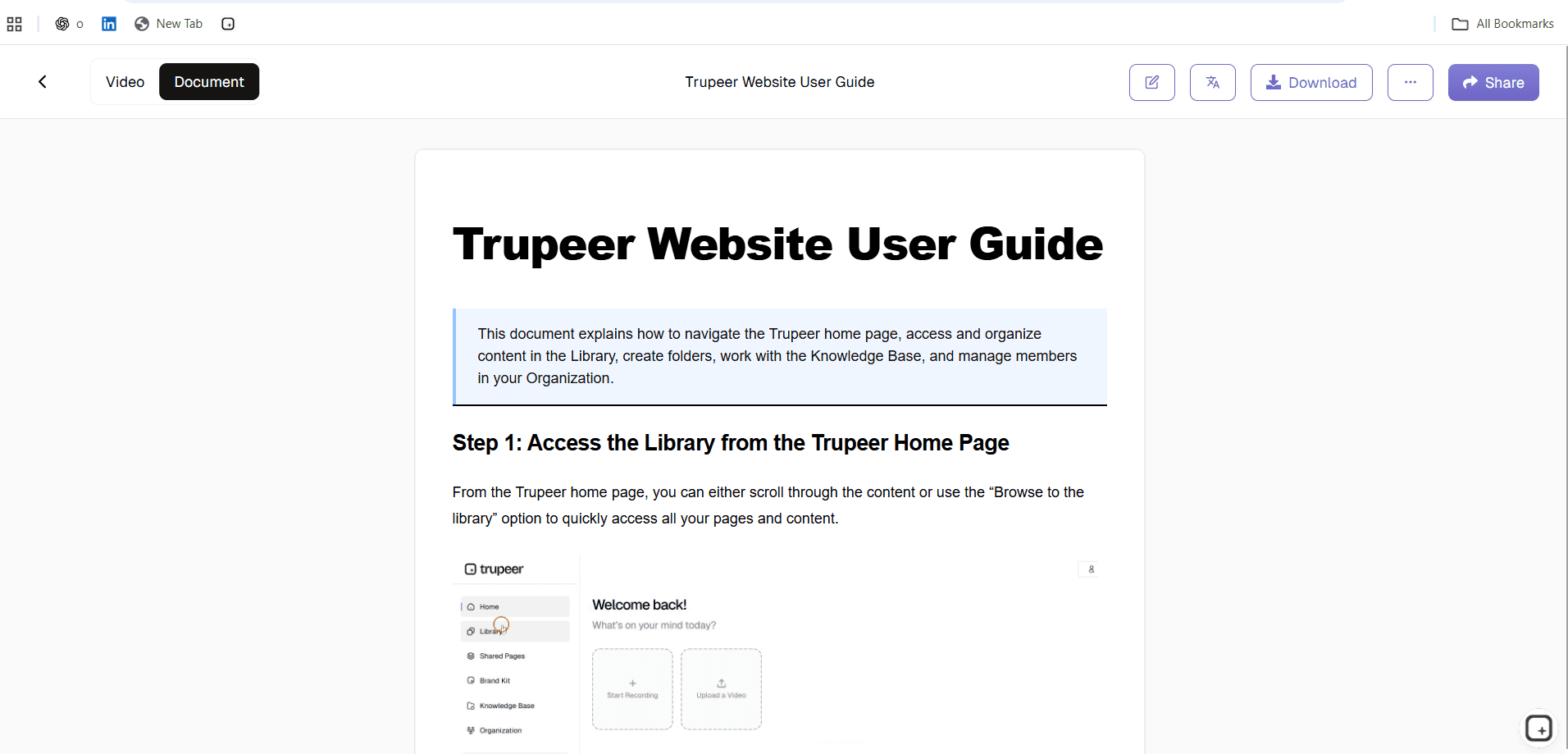
Trupeer’s free AI document generator observes your process, imports existing notes or recordings, and generates complete documentation with professional structure.
The AI engine automatically includes:

  • Step numbers and titles for clarity.

  • Contextual explanations and purpose for each section.

  • Screenshots and code blocks where needed.

  • Links to related tools, repositories, or resources.

No manual writing or formatting required, Trupeer does it for you.

2. Edit and Improve Using Technical Writing Resources

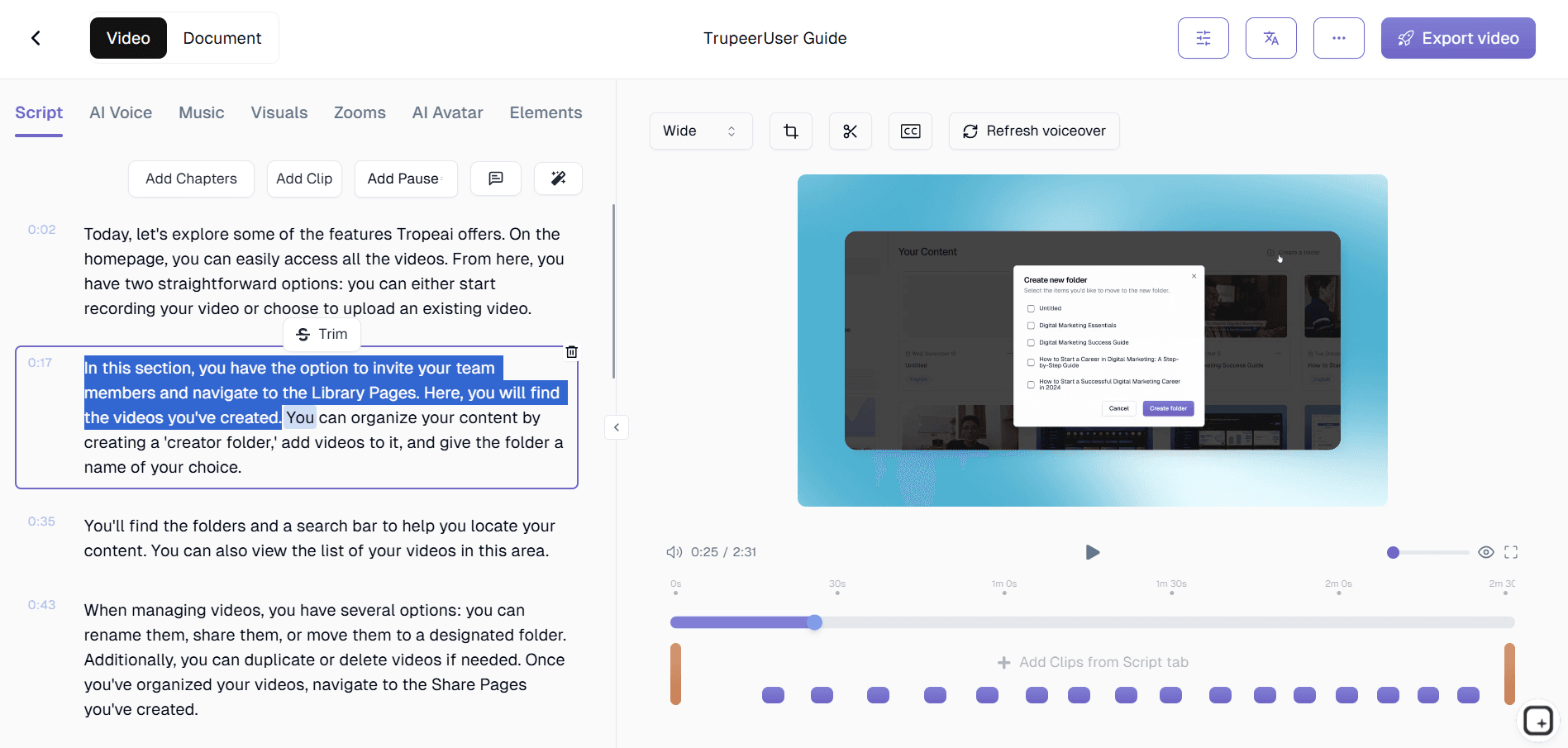
Once your documentation is generated, you can refine it using Trupeer’s built-in technical writing resources and editing tools.
You can:

  • Edit tone and style (developer-focused, user-friendly, or formal).

  • Merge multiple documents or sections.

  • Add warnings, notes, and pro tips for complex processes.

  • Include auto-generated tables of contents and summaries.

Trupeer ensures your documentation meets professional technical writing standards every time.

3. Customize Your Documentation Design

Trupeer’s technical documentation generator allows you to present information professionally and consistently.
You can:

  • Add brand colors, logos, and consistent typography.

  • Include diagrams, visuals, or code snippets automatically.

  • Highlight important keywords or instructions.

  • Redact sensitive information or confidential data.

Each document reflects your organization’s tone and visual identity perfectly.

4. Share, Publish, and Maintain with Ease

Once your documentation is ready, sharing and maintaining it is effortless.
You can:

  • Generate secure, shareable links with team permissions.

  • Embed your digital documentation in knowledge bases or portals.

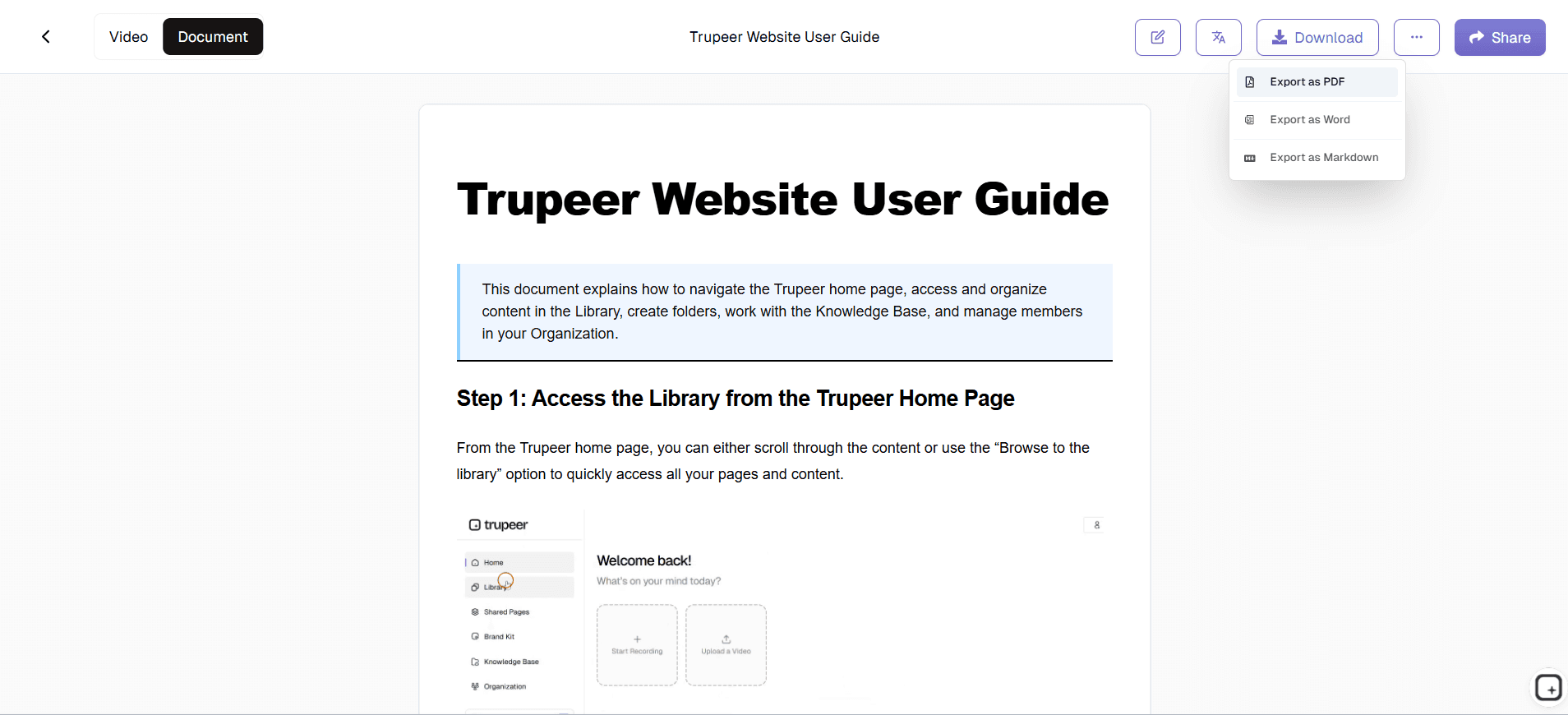
  • Export in PDF, HTML, or Markdown formats.

  • Keep all updates version-controlled and accessible in one workspace.

Trupeer helps you centralize your technical documentation, ensuring it’s always current and accurate.

People also ask for

Technical Documentation Generator
AI Training Video Maker
Translate Turkish Audio to English with AI
AI Voice Changer for Videos
AI Product Video Maker

Benefits of Using Technical Documentation Generator

Benefits of Using Technical Documentation Generator

Automated Document Creation

Generate complete technical documentation instantly, no manual writing needed.

Multi-Format Export

Export documentation in PDF, DOCX, or Markdown, ready to publish

Smart Formatting & Structure

AI structures your content with headings, code blocks, and lists for clarity.

How to Create Technical Documentation with Trupeer

How to Create Technical Documentation with Trupeer

步骤 1

Upload notes, a screen recording, or your raw content.

第二步

Let AI structure and write your documentation.

步骤 3

Review, edit, and export your final document.

常见问题

1. What is a Technical Documentation Generator?

1. What is a Technical Documentation Generator?

A Technical Documentation Generator is a tool that automatically creates structured, professional documents for developers and teams. It helps you turn project data, code comments, or technical inputs into detailed documents, saving hours of manual writing. Tools like Trupeer’s free AI documentation generator make it easy to create, format, and export documents instantly.

A Technical Documentation Generator is a tool that automatically creates structured, professional documents for developers and teams. It helps you turn project data, code comments, or technical inputs into detailed documents, saving hours of manual writing. Tools like Trupeer’s free AI documentation generator make it easy to create, format, and export documents instantly.

2. Can I use the Technical Documentation Generator online for free?

2. Can I use the Technical Documentation Generator online for free?

Yes. Trupeer’s Technical Documentation Generator is completely online and free to use. You don’t need to install any software, simply upload your notes, scripts, or technical details, and the AI will generate a polished document ready to share or export as PDF or HTML.

Yes. Trupeer’s Technical Documentation Generator is completely online and free to use. You don’t need to install any software, simply upload your notes, scripts, or technical details, and the AI will generate a polished document ready to share or export as PDF or HTML.

3. How does an AI documentation generator help developers?

3. How does an AI documentation generator help developers?

An AI documentation generator uses machine learning to understand code, workflows, or technical content and automatically produce well-structured documentation. Developers can quickly create API references, setup guides, and architecture documentation, improving clarity and saving time compared to writing manually.

An AI documentation generator uses machine learning to understand code, workflows, or technical content and automatically produce well-structured documentation. Developers can quickly create API references, setup guides, and architecture documentation, improving clarity and saving time compared to writing manually.

4. Can I export my technical documentation as PDF or HTML?

4. Can I export my technical documentation as PDF or HTML?

Absolutely. Trupeer’s documentation generator supports multiple export formats, including PDF, HTML, and editable text. This makes it easy to publish documentation online, integrate with GitHub repos, or share with your team instantly.

Absolutely. Trupeer’s documentation generator supports multiple export formats, including PDF, HTML, and editable text. This makes it easy to publish documentation online, integrate with GitHub repos, or share with your team instantly.

5. What are the best free documentation tools for developers?

5. What are the best free documentation tools for developers?

Besides Trupeer’s Technical Documentation Generator, other popular options include open-source code documentation generators and markdown-based editors. However, Trupeer stands out because it combines AI-powered writing, instant formatting, and free online access, making it one of the best documentation tools for developers in 2025.

Experience the new & faster way of creating product videos.

Instant AI Product Videos and Docs from Rough Screen Recordings.

Experience the new & faster way of creating product videos.

Instant AI Product Videos and Docs from Rough Screen Recordings.

Experience the new & faster way of creating product videos.

Instant AI Product Videos and Docs from Rough Screen Recordings.