Trupeer’s AI-powered Employee Training Generator helps you create professional training videos, process tutorials, and onboarding materials in minutes.
With Trupeer’s AI tool, you can generate custom training modules from scripts, documents, or recorded workflows no editing skills required.
Automatically create AI-based training videos and modules.
Convert written content into engaging video lessons.
Generate personalized learning experiences for every department.
Add branded visuals, voiceovers, and captions.
Share, embed, or export employee training materials anywhere.
Online Employee Training Generator for Teams
Trupeer’s Employee Training Generator is designed for modern organizations that want to scale learning and development efficiently.
In seconds, turn written guides, SOPs, or product workflows into interactive AI training videos ready to share with teams across the company.
Create Employee Training Content with Trupeer
Stand out from traditional training methods by turning static documents into visual, easy-to-follow lessons using AI.
With Trupeer, a 5-step employee onboarding or workflow tutorial can be generated in just 5 seconds.
Use Trupeer’s Employee Training Generator to:
Create onboarding videos for new employees.
Train staff on tools, policies, and internal workflows.
Automatically generate AI voiceovers and subtitles.
Capture real processes and turn them into step-by-step training guides.
Blur confidential data while highlighting key actions.
Collaborate with HR, L&D, and department heads seamlessly.
Trupeer helps teams maintain consistent, high-quality employee training documentation without manual editing.
Why Use Trupeer as Your Employee Training Generator?
Whether you’re an HR professional, a manager, or a corporate trainer, Trupeer simplifies how you deliver knowledge across teams.
1. Convert Text and Processes into AI-Powered Training Videos
Trupeer automatically transforms written guides, manuals, or product flows into dynamic video training sessions.
The AI engine generates:
Natural-sounding voiceovers.
On-screen text and captions.
Step-by-step visuals that match your brand.
Easy-to-follow, interactive video guides.
No complex editing required just upload, generate, and share.
2. Customize and Update Training Effortlessly
With Trupeer’s built-in editor, you can easily:
Modify titles, subtitles, or voiceovers using AI.
Merge steps or add new clips.
Insert company-specific branding and visuals.
Add tips, alerts, or compliance notes.
Redact sensitive information automatically.
Trupeer ensures every training video stays up to date with your latest policies and workflows.
3. Create Consistent, Branded Training Materials
Maintain professional consistency across all your internal content:
Add your company logo and colors.
Apply branded templates for each department.
Use AI-generated titles and subtitles that match your tone.
Ensure all employees learn from unified, standardized material.
4. Share Training Across Platforms
Trupeer makes distribution simple and secure:
Generate shareable links with permission controls.
Embed training directly in your LMS, intranet, or HR portal.
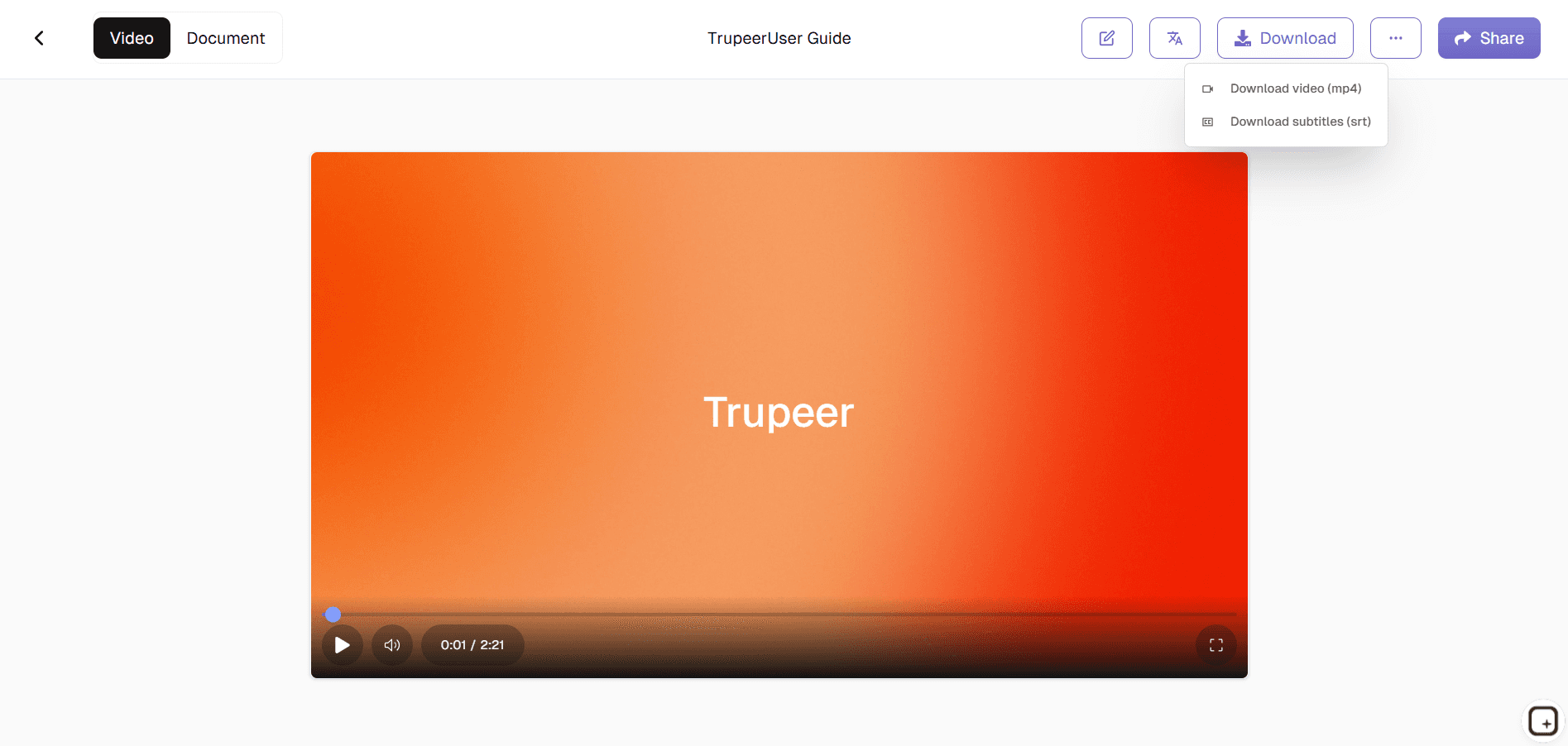
Export videos in multiple formats (MP4, HTML, PDF).
Optimize your training videos for mobile, desktop, and tablet viewing.
People also ask for
Free Screenshot Generator
Free SOP Generator
AI-Generated Documents
AI Video Translator
Free Online Course Creator
Professional Training in Minutes
Generate high-quality training videos without cameras, actors, or expensive production.
Consistent & Scalable
Train 10 or 10,000 employees with the same standardized content. Perfect for global teams.
Interactive Learning
Pair training videos with quizzes, avatars, and study guides for maximum engagement and retention.
步骤 1
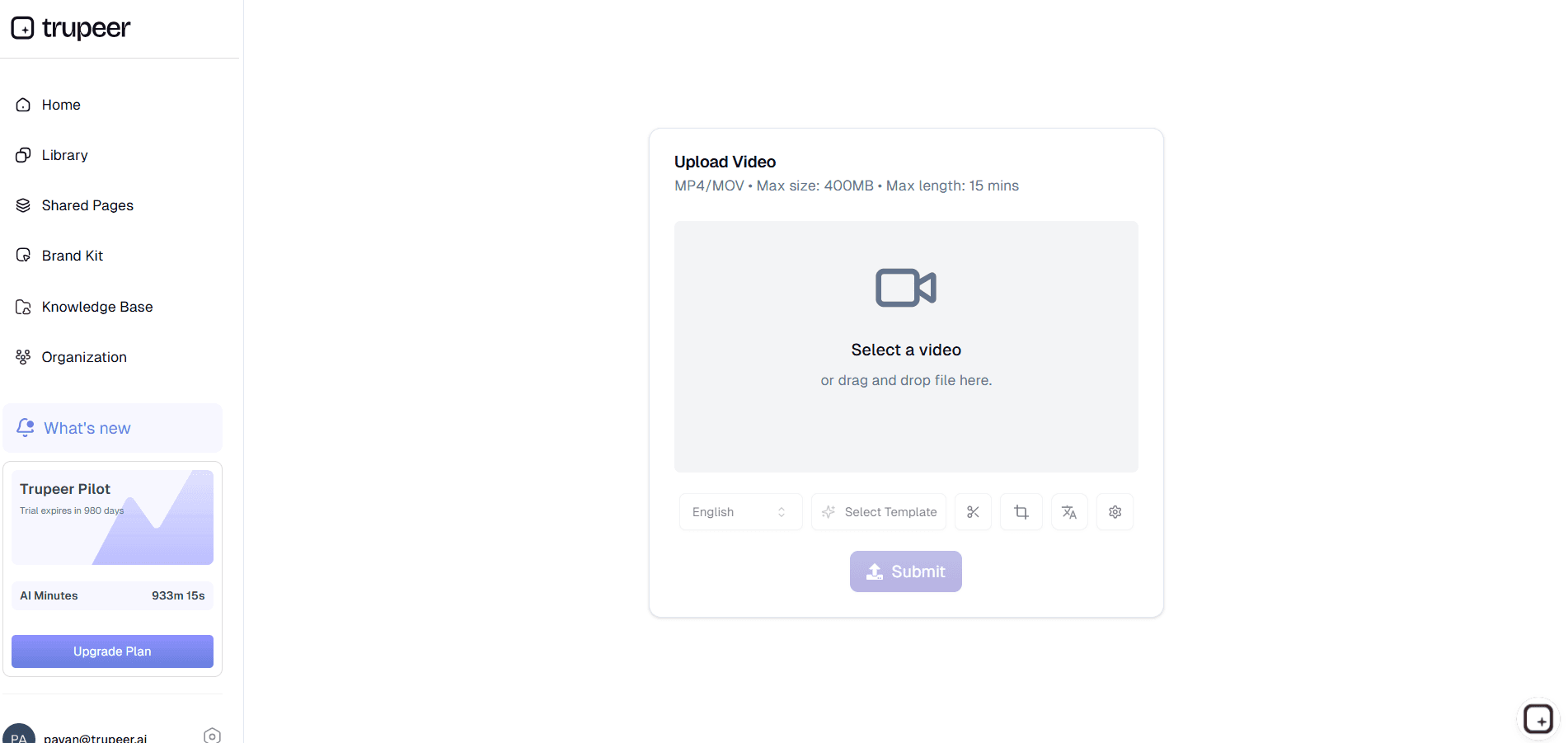
Upload Content or Script
第二步
Customize Training Video
步骤 3
Share & Train
常见问题
Yes, you can translate training videos into multiple languages with AI voiceovers and subtitles for international employees.