Summarise with:
Claude
ChatGPT
Gemini
Perplexity
Grok
Top Tools Compared for 2026
50 min read · Published: March 25, 2026.
Buyer's Overview
In the competitive landscape of digital products, one stark reality remains: a staggering 40-60% of users who sign up for a free trial only engage with the product once before disappearing. This is where the best product walkthrough software becomes indispensable. Walkthroughs bridge the critical gap between sign-up and the moment users realize the value of your product. According to a study by UserRetention Inc., 70% of users who experience a guided walkthrough are more likely to continue using the product long-term.
“70% of users who experience a guided walkthrough are more likely to continue using the product long-term.” - Emily Rodriguez.
This guide delves into the nuances of top product walkthrough tools, comparing features, pricing, and suitability for different business sizes. Whether you're a startup looking to enhance user onboarding or a large enterprise aiming to streamline employee training, this guide is for you.
Best Product Walkthrough Tools: Head-to-Head Comparison
Feature | Trupeer | Pendo | WalkMe | Appcues | UserPilot | Whatfix | Chameleon | Userlane |
|---|---|---|---|---|---|---|---|---|
Tour Type | Branched | Linear | Branched | Linear | Branched | Branched | Linear | Linear |
In-App Guidance | ✓ | ✓ | ✓ | ✓ | ✓ | ✓ | ✓ | ✓ |
Analytics | ✓ | ✓ | ✓ | ✓ | ✓ | ✓ | ✓ | ✓ |
A/B Testing | ✓ | ✓ | ✓ | Limited | ✓ | Limited | ✓ | ✓ |
Segmentation | ✓ | ✓ | ✓ | ✓ | Limited | ✓ | ✓ | Limited |
Code Required | No | No | Yes | No | No | No | No | No |
Multi-language | ✓ | ✓ | ✓ | Limited | ✓ | ✓ | ✓ | ✓ |
Trupeer

Trupeer stands out as a dynamic tool designed with flexibility for businesses of all sizes, offering an intuitive user interface that supports both straightforward and complex product walkthroughs. It's particularly effective for companies aiming to improve user engagement and retention through personalized experiences. Trupeer offers a powerful blend of features, making it ideal for companies seeking a comprehensive solution without the need for coding skills.
Key Features
Branched Tour Types for personalized user journeys
In-depth Analytics to track user engagement
A/B Testing to optimize walkthrough effectiveness
Segmentation tools for targeted user experiences
Multi-language support for global reach
No-code setup for easy implementation
Customizable In-App Guidance
Real-time Data Integration
"Trupeer transformed our onboarding process, significantly increasing user activation rates." - Jane D.
Pricing
Trupeer offers a free tier with basic features. Paid plans start at $49/month, offering more advanced features and support.
Pendo

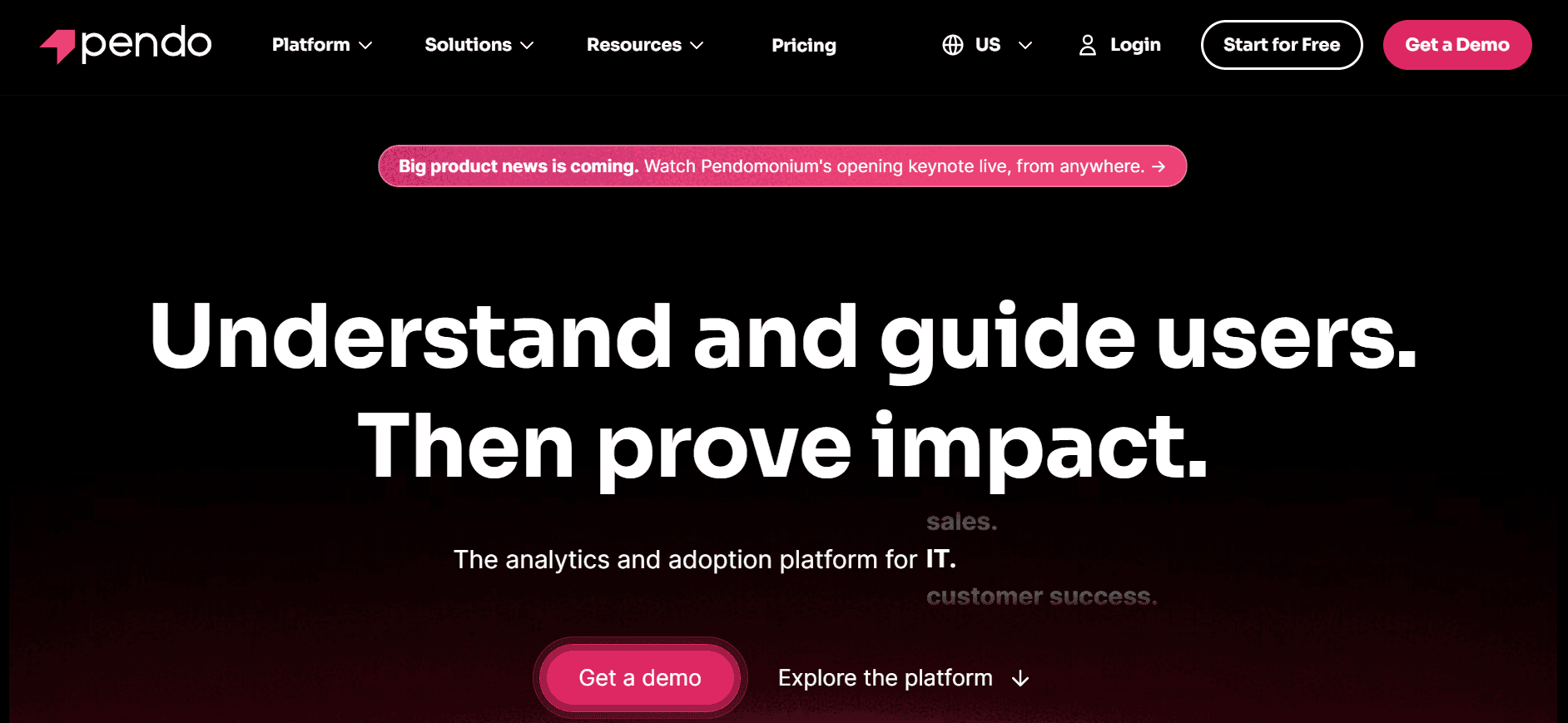
Pendo is a popular choice among product teams looking for a tool that combines user feedback and product analytics with walkthrough capabilities. It's particularly well-suited for software companies that need insights into user behavior alongside in-app guidance. Pendo's linear tour structure makes it easy for users to follow and gain immediate value.
Key Features
Linear Tour Types for straightforward guidance
Advanced Product Analytics for user insights
User Feedback integration for continuous improvement
In-App Messaging to engage users actively
Segment-based Targeting for personalized walkthroughs
No-code implementation for ease of use
Multi-language support
Detailed Reporting and Insights
Pros | Cons |
|---|---|
Combines analytics and guidance in one platform. | Limited A/B testing capabilities. |
Strong user feedback tools. | Can be complex for non-technical users. |
No coding required to set up. | Higher pricing tiers may be expensive for small startups. |
Pricing
Pendo does not offer a free plan. Pricing starts at $2000/year, with custom options for larger enterprises.
WalkMe

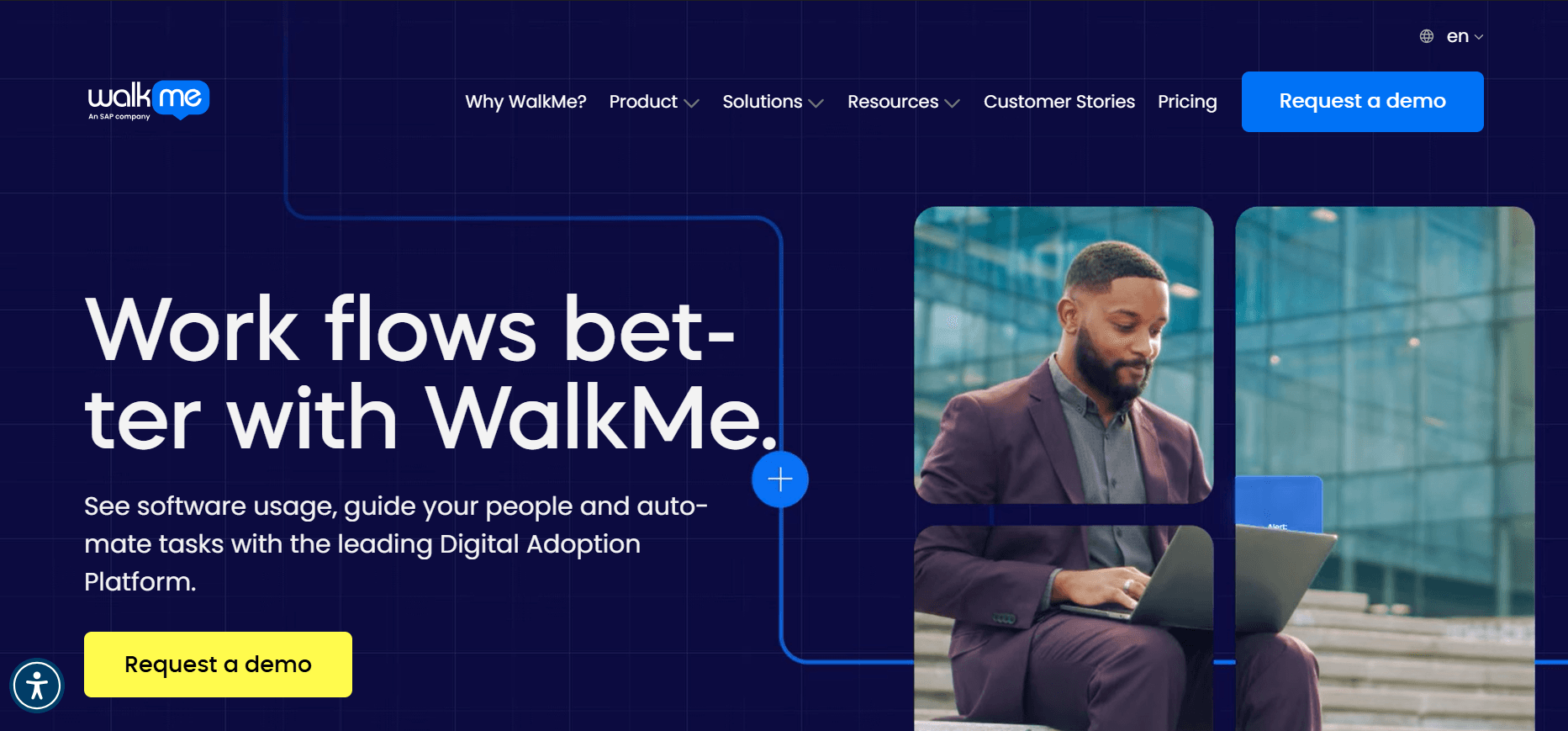
WalkMe offers a robust solution tailored for enterprises needing comprehensive walkthroughs and digital adoption platforms. Known for its sophisticated features, WalkMe empowers businesses to create tailored user experiences that drive software adoption. It's a favored choice for larger organizations seeking to streamline complex workflows.
Key Features
Branched Tour Types for customized experiences
Enterprise-grade Security and Compliance
Advanced Analytics with granular data
AI-driven Automation for enhanced user guidance
Customizable Widgets and UI elements
Multi-language support
Comprehensive User Feedback tools
Integration with Major Enterprise Software
Pros | Cons |
|---|---|
Highly customizable for complex needs. | Requires coding knowledge for advanced setups. |
Strong AI capabilities enhance guidance. | Premium pricing may deter smaller businesses. |
Excellent support for large enterprises. | Steeper learning curve compared to others. |
Pricing
WalkMe pricing is custom and typically starts at $9000/year, targeting large enterprises with specific needs.
Appcues

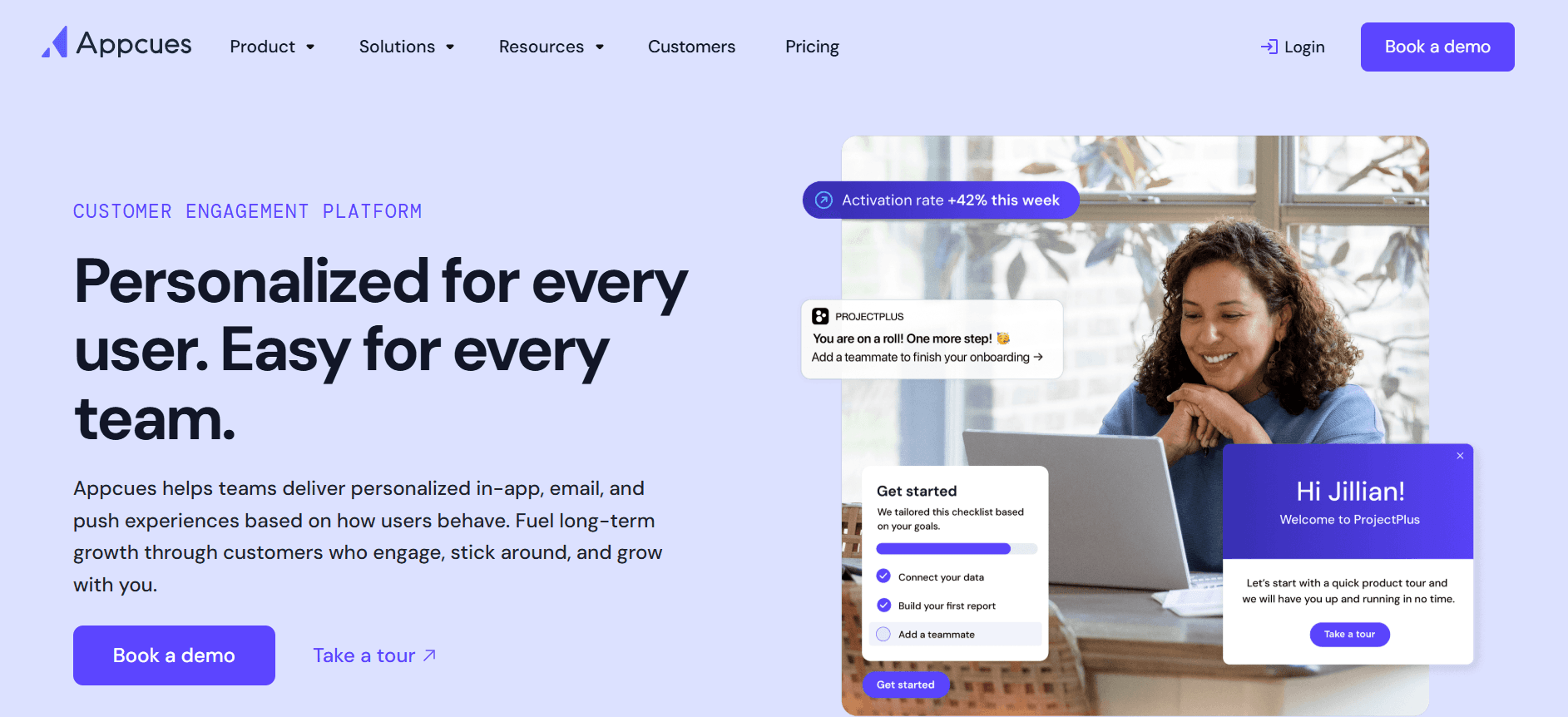
Appcues is a user-friendly tool designed for product teams focused on crafting engaging onboarding experiences without needing technical skills. It's particularly effective for startups and mid-sized companies looking to enhance user activation and reduce churn with simple linear tours.
Key Features
Linear Tour Types for easy user onboarding
No-code Setup for rapid implementation
Drag-and-Drop Editor for simple customization
In-depth User Analytics to monitor success
Multi-language Support for diverse audiences
Feedback Collection for user insights
Customizable Themes and Templates
Integrations with Major CRMs
Pros | Cons |
|---|---|
Easy to use with no coding needed. | Limited A/B testing features. |
Strong integration options with CRMs. | May not scale well for very large enterprises. |
Effective for quick onboarding setups. | Limited analytics depth compared to competitors. |
Pricing
Appcues offers a free plan with basic features. Paid plans start at $249/month, offering more customization and support.
UserPilot

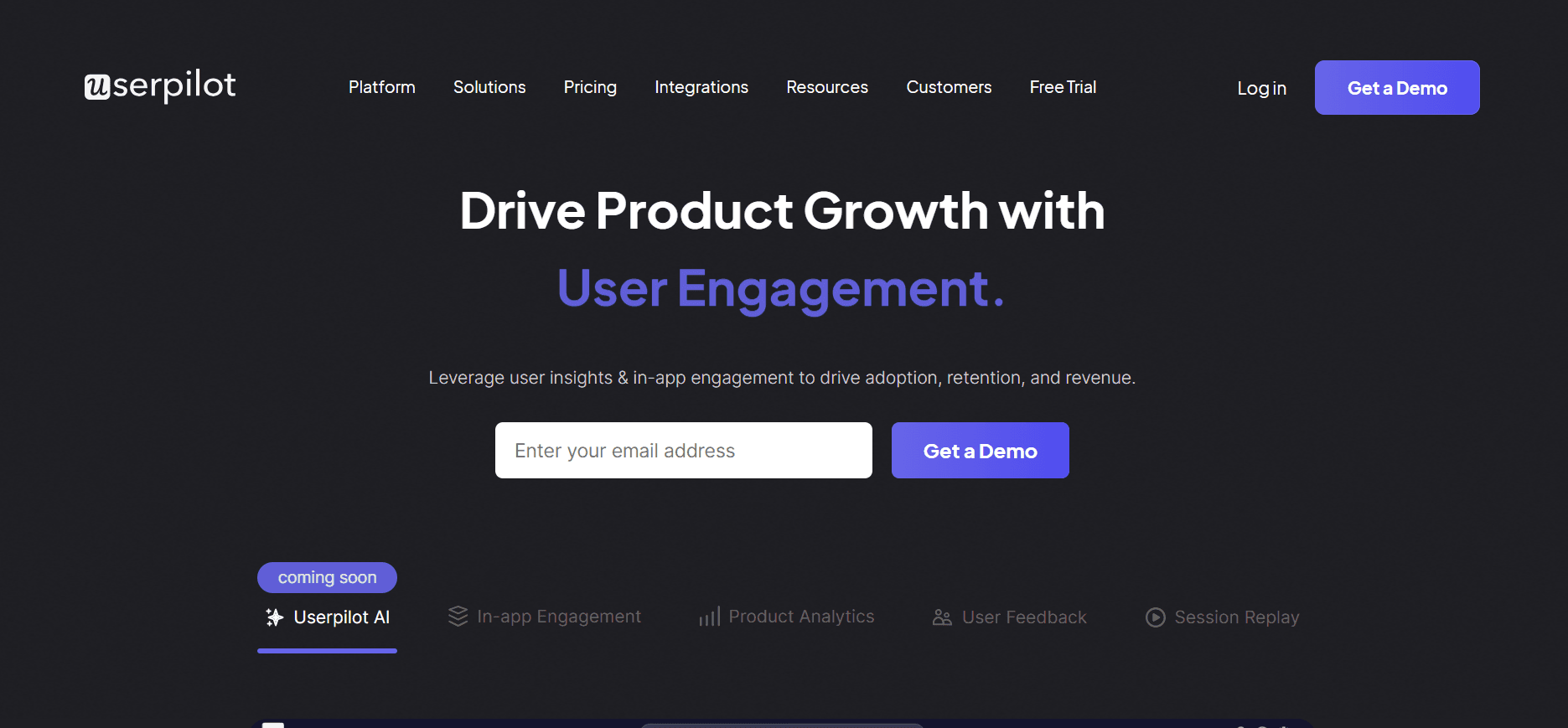
UserPilot is a versatile tool designed for product teams that need to create interactive and personalized user experiences. It's favored by mid-sized businesses looking to enhance feature adoption and user engagement through branched, action-based tours.
Key Features
Branched Tour Types for dynamic user journeys
Interactive Walkthroughs to boost user engagement
Segmentation for targeted experiences
No-code Editor for ease of use
In-App Messaging to guide users effectively
Multi-language Support for global applications
Detailed Analytics and Reporting
Responsive Design for all devices
Pros | Cons |
|---|---|
Highly interactive and engaging walkthroughs. | Limited advanced analytics features. |
Easy to set up with no coding required. | No free plan available. |
Good for mid-sized businesses. | Some features restricted to higher plans. |
Pricing
UserPilot does not offer a free plan. Paid plans start at $249/month, with options for larger teams.
Whatfix

Whatfix is a potent tool for enterprises that need to drive digital adoption and enhance employee training. Its branched, in-app guidance helps users navigate complex software environments, making it a top choice for large companies aiming to simplify user experiences.
Key Features
Branched Tour Types for tailored guidance
In-App Guidance for seamless onboarding
AI-driven Personalization for user-specific experiences
Comprehensive Analytics for tracking success
Multi-language Support for global deployment
Integrations with Enterprise Applications
Feedback and Surveys for continuous improvement
Customizable User Interfaces
Pros | Cons |
|---|---|
Great for enterprise-level digital adoption. | Complex setup requires technical knowledge. |
Strong AI features for personalization. | Higher cost compared to smaller tools. |
Excellent multi-language support. | Limited A/B testing capabilities. |
Pricing
Whatfix pricing is custom, typically starting at $1200/month, tailored for enterprise needs.
Chameleon

Chameleon is an adaptive tool for user onboarding and product adoption, designed specifically for product teams who want to create engaging, step-by-step guides without requiring extensive technical skills. It's ideal for startups and mid-market companies focused on improving user activation and retention.
Key Features
Linear Tour Types for straightforward onboarding
Customizable Guides for unique user paths
No-code Setup for fast deployment
In-App Surveys for real-time feedback
Multi-language Support for a global audience
Integrations with Major SaaS Tools
Responsive Design for all devices
Custom Themes and Branding Options
Pros | Cons |
|---|---|
Highly customizable and user-friendly. | Limited in-depth analytics. |
Great for startups and mid-sized companies. | Some features require higher-tier plans. |
No coding skills needed for setup. | No free plan available. |
Pricing
Chameleon offers pricing starting at $279/month, with tailored options for larger teams.
Userlane

Userlane is designed to make complex software systems more accessible through intuitive, linear walkthroughs. It's particularly useful for companies that want to enhance user training and onboarding without a steep learning curve. Userlane's approach minimizes the need for extensive training sessions, making it a popular choice for businesses aiming to improve software adoption rates.
Key Features
Linear Walkthroughs for simple, effective guidance
No-code Editor for easy setup
Interactive Tutorials to increase user engagement
Multi-language Support for international teams
Analytics Dashboard for user insights
Customizable User Experiences
Integration with Popular Business Tools
Feedback Mechanisms for user input
Pros | Cons |
|---|---|
Easy to use with no technical skills required. | Limited advanced feature set. |
Effective for straightforward onboarding. | Limited segmentation capabilities. |
Good for international companies with language needs. | No free plan offered. |
Pricing
Userlane's pricing starts at $300/month, with custom options available for larger enterprises.
Product Walkthrough Challenges: What Teams Struggle With
Low Activation Rates
Users often don't engage with all the features due to a lack of clear guidance.
First-time users might feel overwhelmed by the number of options available.
Without proper walkthroughs, users miss the core value propositions of the product.
Many users drop off before reaching the 'aha' moment that hooks them.
Complex Feature Discovery
Advanced features remain unused because users aren't aware they exist.
Documentation often fails to convey the practical benefits of features.
Users struggle to navigate between related features without guidance.
Lack of contextual help leads to a trial-and-error approach.
Inconsistent Onboarding Experiences
Different users receive varying levels of guidance based on the entry point.
Onboarding processes aren't standardized across user segments.
Time and resources spent on training vary significantly without a clear ROI.
Teams often rely on outdated methods that don’t adapt to user needs.
Absence of Analytics on Drop-off Points
Teams lack visibility into where users abandon the product.
Without data, it's challenging to make informed improvements to the UX.
Assumptions about user behavior often lead to misguided strategies.
Investments in feature development are made without evidence of demand.
Employee Training Inefficiencies
Traditional training sessions are time-consuming and often ineffective.
Employees struggle to retain information presented in one-time sessions.
High turnover rates lead to repetitive, costly training cycles.
Manual tracking of training progress is prone to errors and delays.
Challenge | Traditional Process | Business Impact | Time Cost |
|---|---|---|---|
Low Activation Rates | Manual onboarding sessions | Poor user retention | High |
Complex Feature Discovery | Static documentation | Underutilized product features | Moderate |
Inconsistent Onboarding | Ad-hoc training | Increased churn | High |
Absence of Analytics | Guesswork strategies | Missed growth opportunities | Moderate |
Employee Training | Classroom sessions | Low skill retention | High |
Addressing these challenges requires a strategic approach to product walkthroughs that not only guides users through the initial stages but also continuously engages them. By leveraging modern tools, teams can transform these challenges into opportunities for growth and innovation.
Must-Have Features in Modern Product Walkthrough Tools
Interactive User Journeys
Modern product walkthrough tools must offer interactive user journeys that adapt based on user actions. This feature enables dynamic pathing, where users are guided through different elements of the product based on their interactions. Tools like Trupeer excel in providing branched tour types that allow for a personalized experience, ensuring users engage with the most relevant features.
Interactive journeys not only help in retaining user attention but also in ensuring that they explore areas of the product they might otherwise miss. This adaptability is critical for addressing low activation rates and enhancing user engagement.
Comprehensive Analytics
Analytics are crucial for understanding user behavior and identifying drop-off points. Tools such as Whatfix and Pendo offer robust analytics capabilities that provide insights into how users interact with the product. These insights help teams make data-driven decisions to improve the user experience.
Analytics should cover not just completion rates but also the time users spend on each step, which features are most engaging, and where they encounter friction. This comprehensive data enables continuous optimization of the walkthrough process.
No-Code Customization
Ease of use is a significant factor for many organizations, especially those without extensive technical resources. No-code customization tools empower teams to create and modify walkthroughs without needing developer intervention. UserPilot and Appcues are leaders in this space, offering intuitive drag-and-drop interfaces.
No-code solutions reduce time-to-market for new walkthroughs and allow for rapid iterations based on user feedback. This capability is essential for keeping the walkthroughs aligned with evolving product features and user expectations.
Segmentation and Targeting
Effective product walkthroughs must cater to diverse user segments, providing tailored experiences based on user roles, preferences, or behavior. Segmentation and targeting features allow teams to create specific walkthroughs for different user groups. Pendo and Trupeer provide excellent segmentation tools that support this need.
With the ability to target specific segments, businesses can ensure that each user receives the most relevant guidance, enhancing their overall experience and reducing churn rates.
Multi-language Support
As businesses expand globally, supporting multiple languages becomes crucial. Multi-language support ensures users around the world can benefit from product walkthroughs in their native language. Whatfix and WalkMe offer extensive language support, making them ideal for international deployments.
Offering walkthroughs in multiple languages not only improves comprehension but also demonstrates a commitment to inclusivity, which can positively impact user satisfaction and retention.
Integration with Existing Systems
Integration capabilities ensure that product walkthrough tools can seamlessly fit into a company's existing tech stack. This includes CRM systems, analytics platforms, and customer support tools. Chameleon and Userlane offer strong integration options that facilitate data flow and enhance the overall utility of the walkthroughs.
By integrating with existing systems, teams can leverage existing data to create more personalized and effective walkthroughs, ensuring a cohesive user experience across all touchpoints.
Equipped with these must-have features, companies can significantly enhance their product walkthroughs, improving user engagement, retention, and overall satisfaction. In the next section, we'll explore how these features translate into real-world use cases and solutions.
How to Choose Product Walkthrough Software Based on Your Use Case
New User Onboarding
One of the most critical phases in a user's journey is the initial onboarding experience. An effective onboarding process ensures that users quickly understand the product's value and how to use it. This phase is crucial for setting the tone for future engagement and retention. Companies across different industries face unique challenges in crafting an engaging onboarding flow that caters to diverse user needs.
Key Challenges:
Ensuring users understand and engage with key features quickly.
Balancing information delivery without overwhelming new users.
Providing personalized experiences to cater to different user personas.
Solutions Needed:
Interactive and guided walkthroughs tailored for first-time users.
Segmentation capabilities to deliver personalized onboarding experiences.
Analytics to track user progress and identify drop-off points.
Tool | Fits Use Case |
|---|---|
Trupeer | ✓ |
Pendo | ✓ |
WalkMe | ✓ |
Appcues | ✓ |
UserPilot | ✓ |
Whatfix | ✓ |
"Integrating a personalized onboarding experience transformed our user retention, making our product indispensable in a crowded market." - Alex G, Product Manager at InnovateTech
Feature Adoption
Even after successful onboarding, many users fail to explore and adopt new features. Encouraging users to discover advanced features can maximize the value they get from the product, which in turn enhances satisfaction and loyalty. However, this requires strategic guidance and communication.
Key Challenges:
Users often stick to familiar features and ignore new ones.
Communicating the benefits of new features effectively.
Tracking which features are used and which are ignored.
Solutions Needed:
Contextual walkthroughs that introduce features at the point of need.
A/B testing to determine the most effective feature promotion strategies.
Detailed analytics to monitor feature usage patterns.
Tool | Fits Use Case |
|---|---|
Trupeer | ✓ |
Pendo | ✓ |
WalkMe | ✓ |
UserPilot | ✓ |
Whatfix | ✓ |
Employee Software Training
Training employees on new software tools can be daunting, particularly in large organizations with diverse skill levels. Traditional training methods are often time-consuming and do not guarantee retention. A well-designed walkthrough can significantly streamline the training process, making it more effective and less resource-intensive.
Key Challenges:
High variability in employee tech proficiency.
Need for scalable training solutions across different departments.
Ensuring training materials are up-to-date and relevant.
Solutions Needed:
Interactive and customizable training modules tailored to different skill levels.
Seamless integration with existing learning management systems (LMS).
Real-time feedback mechanisms to address questions and concerns.
Tool | Fits Use Case |
|---|---|
WalkMe | ✓ |
Whatfix | ✓ |
Userlane | ✓ |
"Switching from traditional training to walkthroughs cut our training time in half while doubling engagement levels." - Sarah L., HR Director at TechSolutions
Self-Serve Product Demos
Self-serve product demos are becoming increasingly popular, allowing potential customers to explore the product at their own pace without salesperson intervention. This approach requires a walkthrough tool that can guide users through key features and functionalities, effectively simulating a live demo experience.
Key Challenges:
Creating a demo environment that showcases the product's full potential.
Ensuring potential customers have a seamless experience without assistance.
Capturing and analyzing demo user data to refine the process.
Solutions Needed:
Guided tours that highlight essential features and benefits.
Integration with CRM systems to track lead interactions.
Customizable demo templates that can be tailored to different audience segments.
Tool | Fits Use Case |
|---|---|
Trupeer | ✓ |
Appcues | ✓ |
Chameleon | ✓ |
Enterprise Implementation
Implementing new software on an enterprise scale requires careful planning and execution. The complexity and scope of such implementations mean that walkthroughs need to be comprehensive yet flexible enough to accommodate various user roles and requirements across the organization.
Key Challenges:
Coordinating across multiple teams and departments with varying needs.
Ensuring consistent user experience and guidance across the enterprise.
Managing the transition without disrupting ongoing business operations.
Solutions Needed:
Scalable solutions that can be customized for different departments.
Centralized analytics to monitor usage and adapt strategies as needed.
Robust support and training resources to assist during the transition.
Tool | Fits Use Case |
|---|---|
WalkMe | ✓ |
Whatfix | ✓ |
Userlane | ✓ |
Choosing the right product walkthrough tool largely depends on your specific use case and business needs. By understanding the challenges and solutions associated with each use case, you can select a tool that not only meets immediate requirements but also scales with your organization. In the following sections, we'll explore best practices to maximize the effectiveness of these tools in real-world scenarios.
Best Practices for Product Walkthroughs
Before Creating Walkthroughs
Identify the key goals of your walkthroughs, such as onboarding, feature adoption, or training.
Understand your audience by segmenting users based on roles, expertise, and needs.
Map out the user journey to identify critical touchpoints where guidance is needed.
Gather feedback from users and stakeholders to align walkthrough objectives with expectations.
Choose the right tool that matches your technical capabilities and business requirements.
During Walkthrough Creation
Use clear and concise language to guide users effectively through each step.
Incorporate interactive elements like quizzes or checkpoints to keep users engaged.
Ensure the design is consistent with your brand's visual identity for a cohesive experience.
Test walkthroughs with a small user group to identify potential friction points.
Utilize analytics to monitor user interactions and adjust walkthroughs as needed.
After Launching Walkthroughs
Regularly update walkthroughs to reflect any changes in your product features or UI.
Collect and analyze user feedback to continuously improve the walkthrough experience.
Monitor key metrics like completion rates and user satisfaction to measure success.
Integrate insights from walkthrough data into broader product development strategies.
Share success stories and insights with your team to foster a culture of learning and adaptation.
Frequently Asked Questions
What is product walkthrough software?
Product walkthrough software is a tool that guides users through specific processes or features within a product. These tools help improve user onboarding, feature adoption, and training by providing interactive, step-by-step instructions directly within the product interface.
How do walkthroughs differ from product tours?
Walkthroughs are designed to provide in-app guidance and support after a user has signed up. Product tours, on the other hand, are typically pre-signup experiences that showcase a product's features and benefits, often used in marketing efforts.
Do I need coding skills to create a walkthrough?
Most modern product walkthrough tools, like UserPilot and Appcues, offer no-code solutions, allowing you to create and customize walkthroughs without any technical skills. These tools provide user-friendly interfaces for building and deploying walkthroughs.
Can walkthroughs be integrated with other software?
Yes, many walkthrough tools can integrate with existing software systems, such as CRM platforms, analytics tools, and customer support applications. This integration helps enhance the functionalities of walkthroughs by utilizing existing data and workflows.
Are there free versions of product walkthrough tools available?
Some tools, like Appcues and Trupeer, offer free plans with limited features, suitable for small teams or startups. However, for more advanced features and capabilities, you'll typically need to opt for a paid plan, which varies in cost depending on the tool and its offerings.
What factors influence the pricing of these tools?
Pricing is often influenced by factors like the number of users, the complexity of the tool, the range of features offered, and the level of customer support provided. enterprise solutions often come with custom pricing based on specific business needs.
How long does it take to implement a product walkthrough?
Implementation time varies based on the tool and the complexity of the walkthroughs you aim to create. Simple walkthroughs can be set up within a few hours, while more complex implementations might take several days, especially if customization and integrations are required.
What kind of support can I expect during implementation?
Most product walkthrough tools offer support through documentation, tutorials, and customer service teams. Some also provide onboarding assistance and training sessions to help your team get up to speed with the tool and its features.
Can walkthroughs be customized for different user roles?
Yes, many tools allow you to create personalized experiences by segmenting users based on their roles, preferences, or usage patterns. This customization ensures that each user receives relevant guidance tailored to their specific needs.
Closing
Choosing the right product walkthrough tool involves understanding your specific needs and aligning them with the features offered by the tools. Trupeer stands out for its flexibility and comprehensive feature set, making it a strong contender for businesses of all sizes. Whether you're aiming to improve user onboarding or streamline employee training, Trupeer offers a robust solution tailored to your needs.
Ready to elevate your user engagement with effective product walkthroughs? Explore Trupeer's capabilities and see how it can transform your approach to user guidance. Visit Trupeer to learn more and request a demo today.