Trupeer Blog
تلخيص

نظرة عامة على المشتري
إنشاء أدلة المستخدم كان تقليديًا عملية تستغرق وقتًا طويلًا ومليئة بالتعقيد. غالبًا ما تقضي الفرق ما بين 8 إلى 12 ساعة في إعداد دليل واحد من الصفر، مع التنقل بين لقطات الشاشة وتحرير النصوص وتنسيق المحتوى. لا يقتصر هذا القصور على كونه استنزافًا للإنتاجية فحسب؛ بل يؤثر أيضًا على سرعة وملاءمة التوثيق. وتصبح نسبة 65% من أدلة المستخدم قديمة بعد وقت قصير من نشرها، خصوصًا في بيئات التقنية التي تتطور بسرعة.
"تقوم الشركة المتوسطة بتحديث برنامجها كل 1.5 شهر تقريبًا، ما يجعل التوثيق الأقدم غير ذي صلة."
يتناول هذا الدليل أفضل أدوات أدلة المستخدم المتاحة في 2026، مع تسليط الضوء على نقاط قوتها وضعفها. وهو مخصص لمديري المنتجات والكتّاب التقنيين وفرق الدعم الذين يسعون إلى تحسين عملية التوثيق لديهم باستخدام أدوات حديثة وفعّالة.
أفضل أدوات دليل المستخدم: مقارنة مباشرة
الميزة | Trupeer | Scribe | Document360 | Tango | Notion | Confluence | GitBook | Helpjuice |
|---|---|---|---|---|---|---|---|---|
التقاط الخطوات تلقائيًا | نعم | نعم | لا | نعم | لا | لا | محدود | نعم |
الكتابة بالذكاء الاصطناعي | نعم | محدود | لا | نعم | لا | لا | نعم | لا |
دعم الفيديو | نعم | لا | نعم | نعم | محدود | لا | لا | نعم |
تصدير PDF | نعم | نعم | نعم | لا | نعم | نعم | نعم | لا |
قاعدة معرفة ويب | نعم | نعم | نعم | لا | نعم | نعم | نعم | نعم |
إدارة الإصدارات | نعم | لا | نعم | لا | نعم | نعم | نعم | محدود |
تعاون الفريق | نعم | نعم | نعم | محدود | نعم | نعم | نعم | نعم |
البحث | نعم | لا | نعم | نعم | نعم | نعم | نعم | لا |
القوالب | نعم | محدود | نعم | لا | نعم | نعم | نعم | محدود |
الخطة المجانية | نعم | نعم | لا | نعم | نعم | لا | نعم | لا |
Trupeer

Trupeer هي أداة شاملة تتفوق في أتمتة إنشاء أدلة المستخدم. صُممت للفرق التي تحتاج إلى إنتاج توثيق عالي الجودة بسرعة، إذ تلتقط أنشطة الشاشة وتُنشئ تلقائيًا تعليمات خطوة بخطوة. وتُعد هذه الأداة مفيدة بشكل خاص لمديري المنتجات وفرق دعم العملاء الذين يعملون تحت مواعيد نهائية ضيقة.
Trupeer تتميز بقدراتها المعتمدة على الذكاء الاصطناعي، ما يتيح اقتراحات ذكية للمحتوى وتحديثات سريعة مع إدارة الإصدارات. كما أن ميزاتها التعاونية تعزز العمل الجماعي وتضمن الاتساق عبر المستندات.
أبرز الميزات
التقاط الخطوات تلقائيًا من نشاط الشاشة
تعليمات خطوة مكتوبة بالذكاء الاصطناعي
إدراج الفيديو بجانب النص
تصدير متعدد الصيغ (PDF، ويب، HTML)
إدارة الإصدارات وسير عمل التحديث السريع
تحرير تعاوني مع ملاحظات فورية
قوالب جاهزة لأنواع المستندات المختلفة
بحث متقدم
"حوّل Trupeer عملية توثيقنا. قلّلنا وقت الإدخال اليدوي بنسبة 70% وحسّنّا رضا المستخدمين مع أدلة محدثة."
المزايا
العيوب
يؤتمت إنشاء الأدلة ويوفر الوقت.
منحنى تعلم للمستخدمين الجدد.
اقتراحات محتوى مدفوعة بالذكاء الاصطناعي.
يتطلب متصفحًا حديثًا للحصول على الميزات الكاملة.
خيارات تصدير شاملة.
قدرات محدودة دون اتصال.
إدارة ممتازة للإصدارات.
قد يكون الإعداد الأولي معقدًا.
الأسعار
يقدم Trupeer خطة مجانية مع ميزات أساسية. تبدأ الخطط المدفوعة من 29$ شهريًا مقابل الميزات المميزة والدعم الموسع.
Scribe
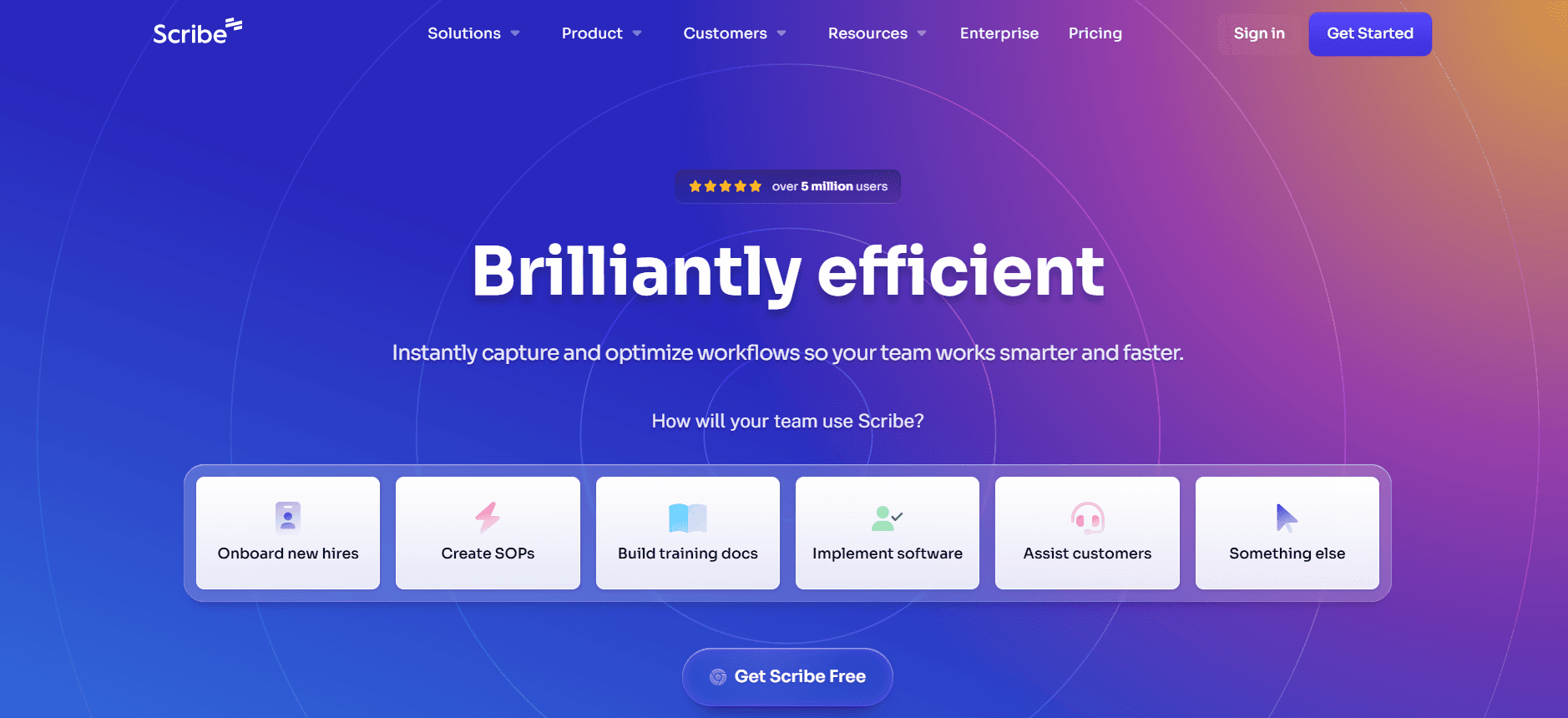
صُممت Scribe للأفراد والفرق الصغيرة التي تحتاج إلى أداة بسيطة لتوثيق العمليات بسرعة. وهي مفيدة بشكل خاص لإنشاء أدلة خطوة بخطوة مباشرة من تسجيلات الشاشة. وتُعد هذه الأداة خيارًا ممتازًا للكتّاب التقنيين وأصحاب الأعمال الصغيرة الذين يرغبون في إنشاء توثيق دون إعدادات معقدة.
بساطة Scribe هي نقطة البيع الأساسية فيها. تركز على سهولة الاستخدام والنشر السريع، ما يجعلها مناسبة لمن يريد البدء دون تدريب مطوّل.
أبرز الميزات
التقاط نشاط الشاشة
توثيق الخطوات تلقائيًا
واجهة مستخدم بسيطة
إنشاء أدلة بالاعتماد على القوالب
ميزات تعاون أساسية
مساعدة محتوى بالذكاء الاصطناعي محدودة
إمكانية تصدير PDF
خطة مجانية متاحة
المزايا
العيوب
سهل الاستخدام مع إعداد بسيط.
ميزات متقدمة محدودة.
إنشاء أدلة بسرعة من تسجيلات الشاشة.
لا يدعم الفيديو.
خيارات تسعير مناسبة.
أدوات تعاون أساسية فقط.
الخطة المجانية توفر ميزات كبيرة.
قدرات ذكاء اصطناعي محدودة.
الأسعار
تقدم Scribe خطة مجانية سخية. تبدأ الخطط المدفوعة من 15$ شهريًا، مع التركيز على مساحة تخزين إضافية وخيارات تصدير.
Document360
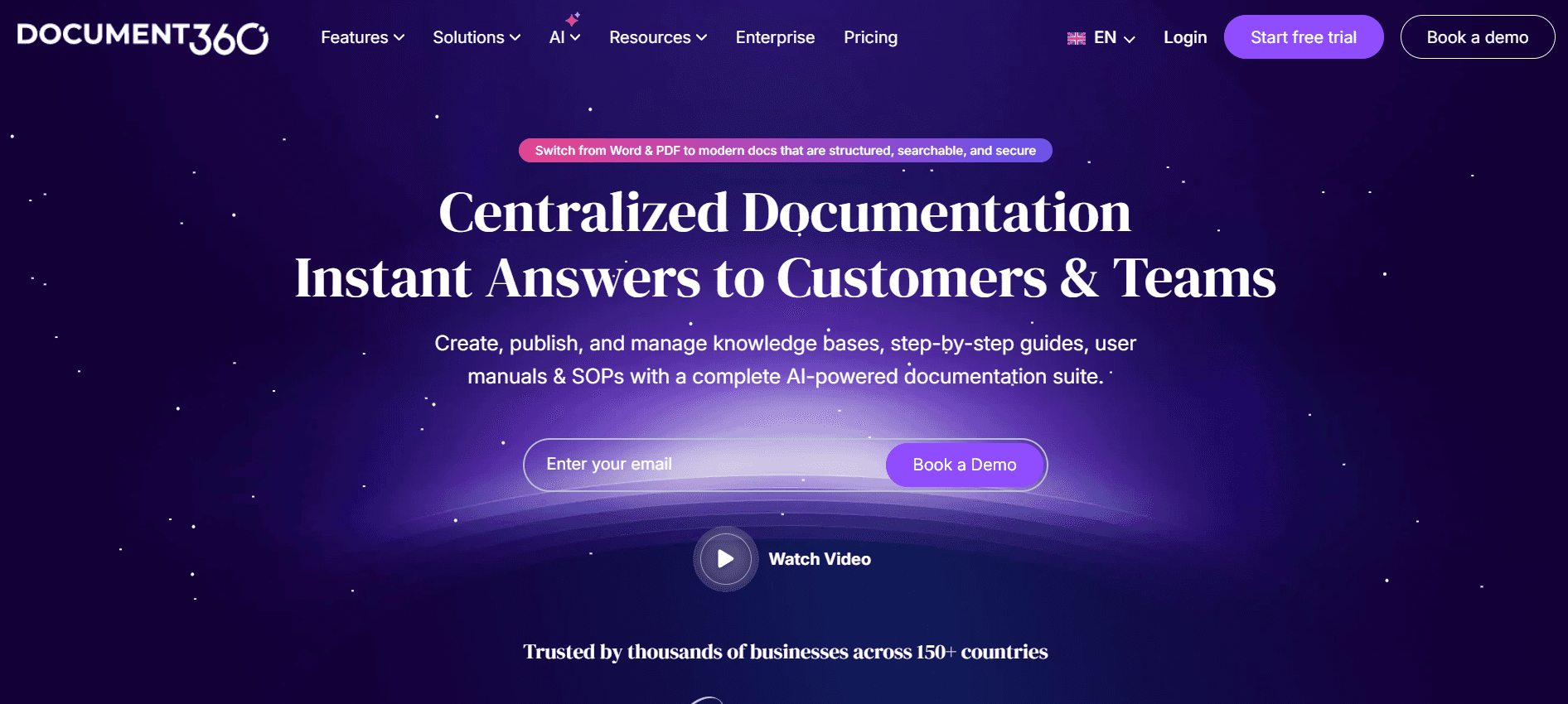
Document360 هي أداة قوية تستهدف الفرق الكبيرة والمؤسسات التي تحتاج إلى حلول توثيق واسعة. وهي مناسبة جيدًا لإنشاء قواعد معرفة شاملة وأدلة مستخدم تفصيلية. وتتألق هذه الأداة في توفير بيئة منظمة لإدارة كميات كبيرة من المحتوى، ما يجعلها خيارًا مثاليًا لاحتياجات التوثيق على مستوى المؤسسات.
تكمن قوة المنصة في نظام إدارة المحتوى المتين، الذي يدعم التصنيف ووضع العلامات بشكل واسع. تم تصميم Document360 للتوسع والأمان، لتخدم المؤسسات التي تتعامل مع توثيق حساس ومعقد.
أبرز الميزات
تصنيف ووضع علامات متقدم
إدارة إصدارات شاملة
ميزات أمان محسّنة
قاعدة معرفة قابلة للتخصيص
أدوات التحليلات والتقارير
ميزات تعاون للفرق الكبيرة
التكامل مع أدوات الجهات الخارجية
دعم عملاء 24/7
المزايا
العيوب
غنية بالميزات لاحتياجات المؤسسات.
سعر أعلى.
إدارة إصدارات وأمان قويان.
لا توجد خطة مجانية.
قاعدة معرفة قابلة للتخصيص بدرجة كبيرة.
إعداد معقد للفرق الأصغر.
دعم وخيارات تكامل ممتازة.
منحنى تعلم أكثر حدة.
الأسعار
لا تقدم Document360 خطة مجانية. تبدأ الأسعار من 99$ شهريًا للميزات الأساسية، وتزداد وفق احتياجات المؤسسة.
Tango
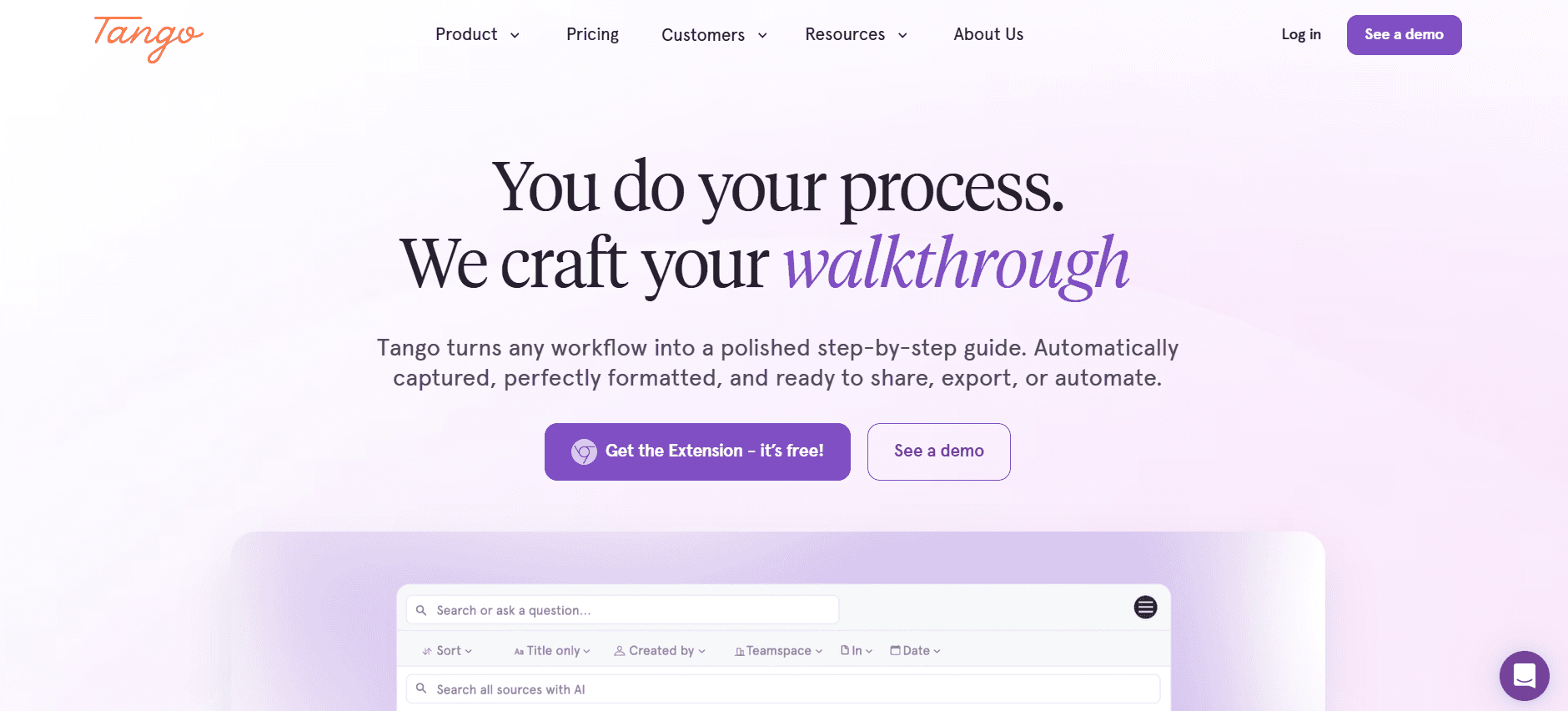
Tango هي أداة سهلة الاستخدام تناسب الشركات الصغيرة والمتوسطة. صُممت للفرق التي ترغب في إنشاء أدلة مستخدم تفاعلية بأقل جهد. وتُعد Tango مفيدة بشكل خاص لفرق خدمة العملاء والمعلمين الذين يحتاجون إلى تقديم تعليمات واضحة وجذابة.
ما يميز Tango هو قدرتها على إنشاء جولات تفاعلية، ما يجعلها مناسبة لعمليات التدريب والتأهيل. ومع ذلك، فهي لا تقدم ميزات واسعة مثل تلك الموجودة في حلول أكثر تركيزًا على المؤسسات.
أبرز الميزات
إنشاء جولات تفاعلية
محرر سهل السحب والإفلات
تعاون فوري
قوالب قابلة للتخصيص
تحليلات أساسية
إدراج الفيديو والصوت
تصميم مناسب للجوال
واجهة سهلة الاستخدام
المزايا
العيوب
ممتاز لإنشاء محتوى تفاعلي.
ميزات احترافية محدودة.
واجهة مستخدم سهلة.
لا توجد تحليلات واسعة.
تتضمن خيارات للفيديو والصوت.
غير مناسب للمستندات الكبيرة.
سعر مناسب للفرق الصغيرة.
قدرات تكامل محدودة.
الأسعار
تقدم Tango خطة مجانية مع ميزات أساسية. تبدأ الخطط المدفوعة من 25$ شهريًا، وتوفر قوالب وأدوات تعاون إضافية.
Notion
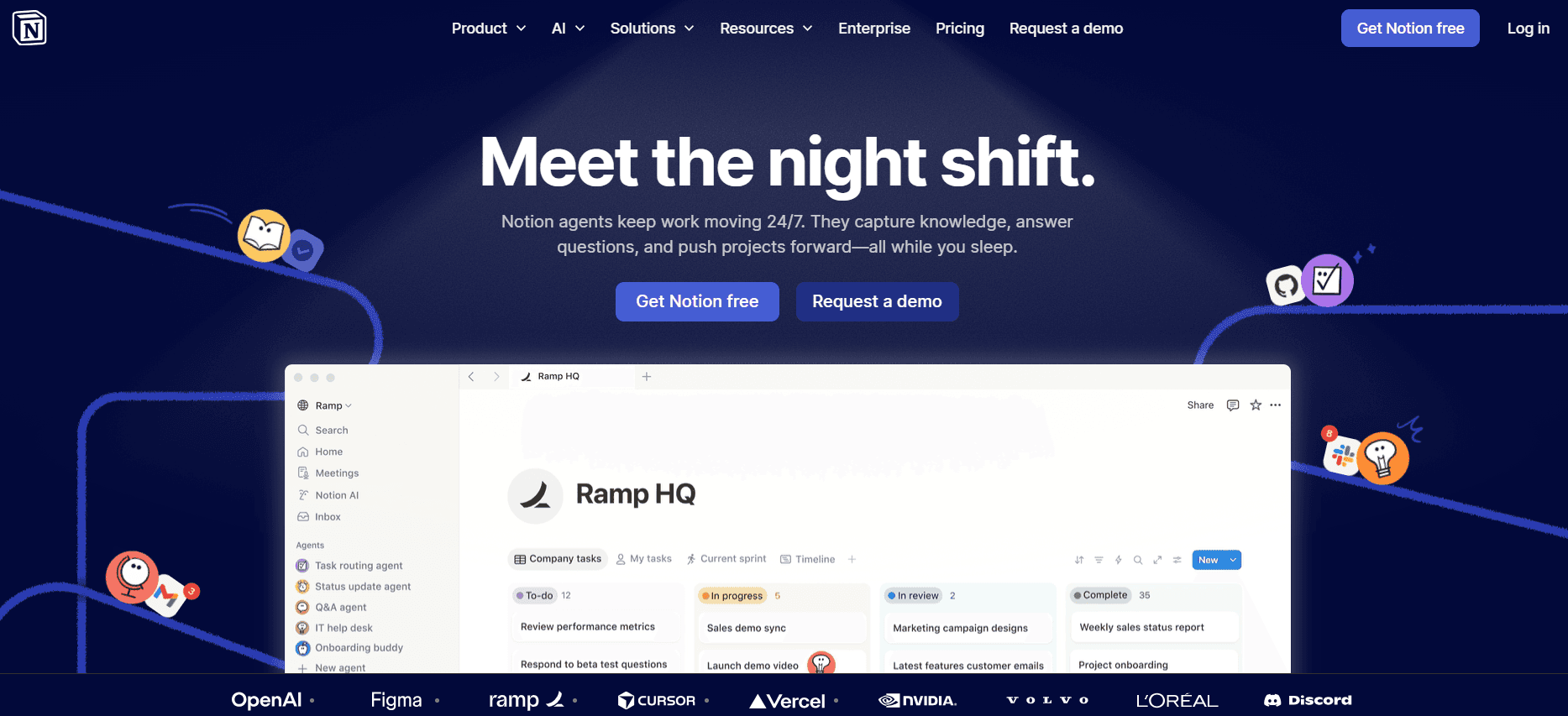
Notion هي أداة متعددة الاستخدامات تحظى بشعبية لدى الشركات الناشئة والفرق الإبداعية. ليست مخصصة للتوثيق فقط، بل تعمل أيضًا كحل لإدارة المشاريع وتدوين الملاحظات. وبفضل مساحة العمل المرنة، تُعد Notion مثالية للفرق التي تحتاج إلى منصة شاملة لتنظيم العمل وإنشاء أدلة المستخدم.
تشتهر Notion بمرونتها، إذ تدعم مجموعة واسعة من حالات الاستخدام بدءًا من تدوين الملاحظات البسيط وصولًا إلى إدارة المشاريع المعقدة. ومع ذلك، فإن ميزاتها الخاصة بالتوثيق أقل تقدمًا مقارنة بأدوات أدلة المستخدم المتخصصة.
أبرز الميزات
مساحة عمل شاملة
قوالب قابلة للتخصيص
تحرير تعاوني
واجهة سحب وإفلات بديهية
تكامل مع تطبيقات متنوعة
قدرات قواعد بيانات وجداول بيانات
دعم وسائط غني
توافر تطبيق جوال
المزايا
العيوب
مرنة وقابلة للتخصيص بدرجة كبيرة.
ليست متخصصة لأدلة المستخدم.
ممتازة لتعاون الفريق.
قد تكون مربكة للمستخدمين الجدد.
تتضمن أدوات لإدارة المشاريع.
تتطلب اتصالًا بالإنترنت للحصول على الميزات الكاملة.
الخطة المجانية قوية.
خيارات تصدير محدودة للأدلة.
الأسعار
تقدم Notion خطة مجانية مع مساحة تخزين محدودة. تبدأ الخطط المدفوعة من 8$ شهريًا لكل مستخدم، ما يفتح ميزات وأدوات تعاون إضافية.
Confluence
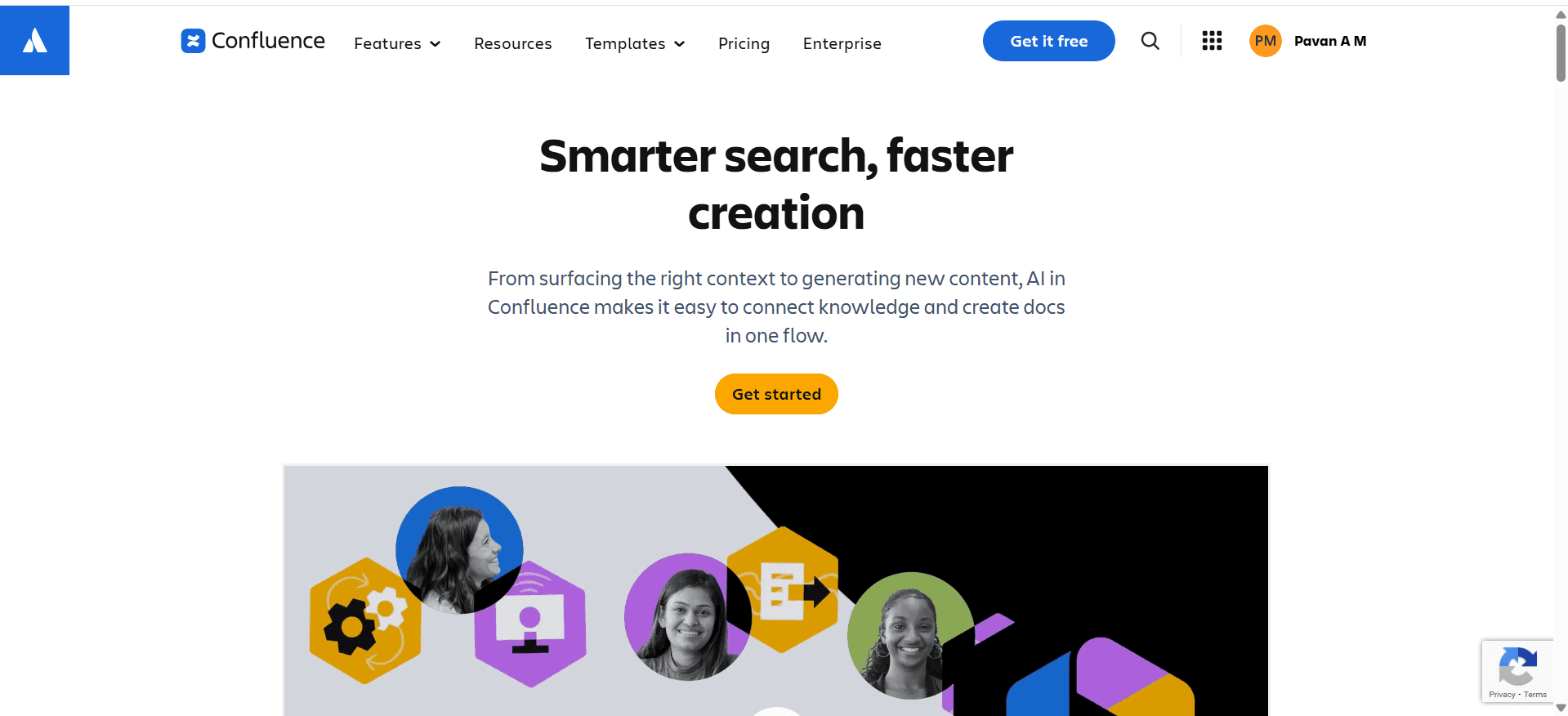
Confluence من Atlassian هي أداة راسخة للفرق التي تحتاج إلى حلول توثيق وتعاون شاملة. تحظى بشعبية لدى فرق التطوير وتقنية المعلومات بفضل تكاملها مع Jira ومنتجات Atlassian الأخرى. وتُعد Confluence مثالية لإنشاء وإدارة مشاريع توثيق واسعة النطاق.
تتمثل نقاط قوة المنصة في قدرات التكامل وبيئة التعاون، ما يجعلها مناسبة للفرق التقنية. ومع ذلك، قد لا تكون الخيار الأفضل للفرق الصغيرة أو للمستخدمين غير التقنيين بسبب تعقيدها.
أبرز الميزات
التكامل مع Jira وأدوات أخرى
تعاون فوري
قوالب قابلة للتخصيص
بحث وتصفية متقدمين
صلاحيات وصول وضوابط وصول قوية
سجل الإصدارات والرجوع للخلف
وصول عبر API للتطوير المخصص
تحليلات وتقارير شاملة
المزايا
العيوب
تكامل قوي مع أدوات Atlassian.
قد تكون مكلفة للفرق الصغيرة.
ميزات تعاون قوية.
قد تكون معقدة للمستخدمين غير التقنيين.
تحليلات وتقارير تفصيلية.
قدرات دون اتصال محدودة.
قابلة للتخصيص بدرجة كبيرة.
لا توجد خطة مجانية.
الأسعار
تقدم Confluence تسعيرًا يبدأ من 10$ لكل مستخدم شهريًا، مع توفر الميزات المتقدمة في الخطط الأعلى.
GitBook
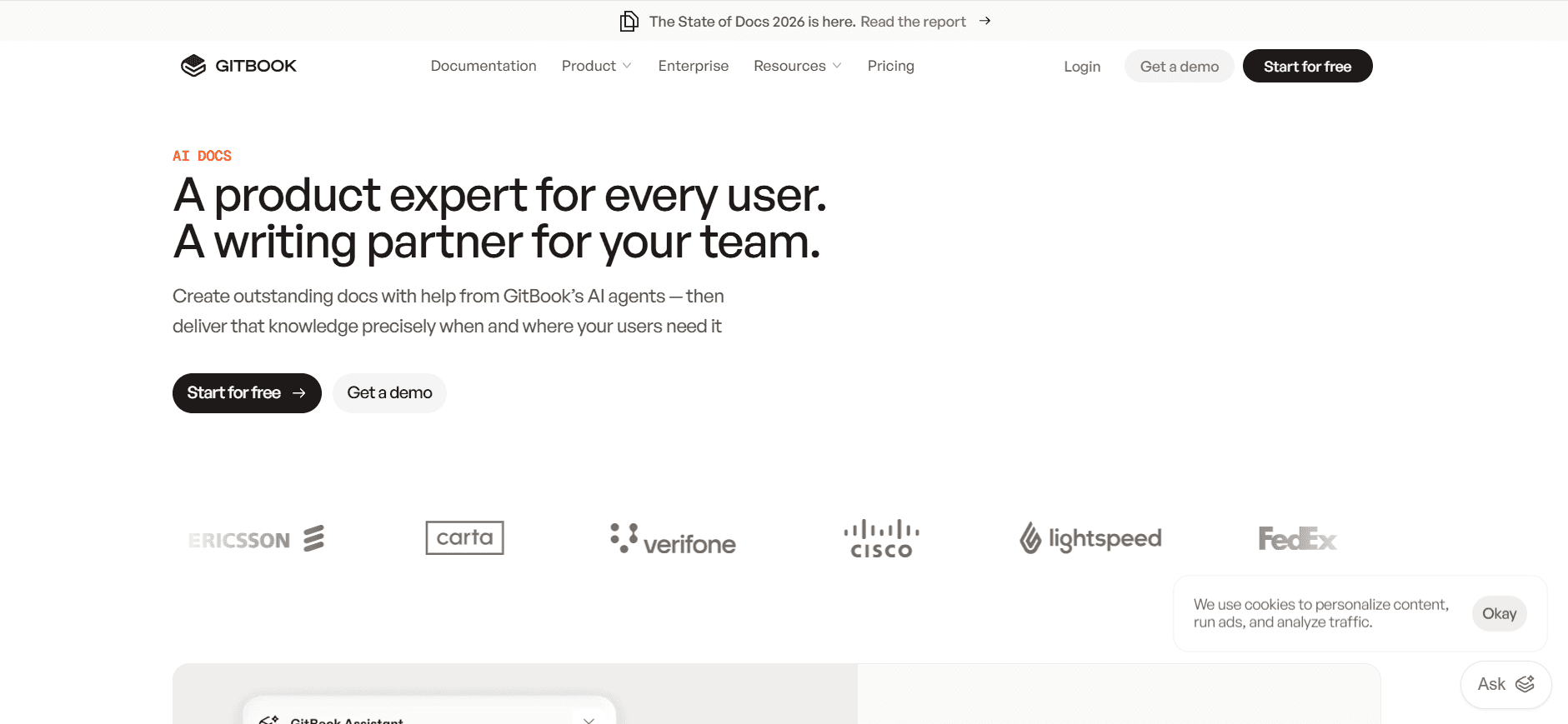
GitBook هي منصة توثيق حديثة تخدم المطورين والفرق التقنية. صُممت لإنشاء توثيق مطور جميل وعملي، بالإضافة إلى مراجع API. وتُعد GitBook الأنسب لفرق التطوير التي تحتاج إلى طريقة مباشرة لإدارة المستندات التقنية.
تكمن جاذبية GitBook في بساطتها وتركيزها على احتياجات المطورين، إذ توفر دعم Markdown وتكاملًا مع Git. ومع ذلك، فهي تفتقر إلى بعض الميزات الأوسع الموجودة في أدوات أدلة المستخدم الأكثر عمومية.
أبرز الميزات
دعم Markdown
تكامل Git لإدارة الإصدارات
سمات قابلة للتخصيص
أدوات تعاون
خيارات توثيق عامة وخاصة
قدرات توثيق API
سير عمل نشر سهل
ميزات البحث والفهرسة
المزايا
العيوب
ممتاز لتوثيق المطورين.
محدود بصيغة markdown فقط.
يتكامل جيدًا مع Git.
غير مناسب للمستخدمين غير التقنيين.
واجهة بسيطة ونظيفة.
ميزات أقل لحالات الاستخدام غير الخاصة بالمطورين.
يدعم التوثيق العام والخاص.
خيارات تصدير محدودة.
الأسعار
تقدم GitBook خطة مجانية مع ميزات أساسية. تبدأ الخطط المدفوعة من 8$ لكل مستخدم شهريًا، وتشمل خيارات تعاون وتخصيص إضافية.
Helpjuice
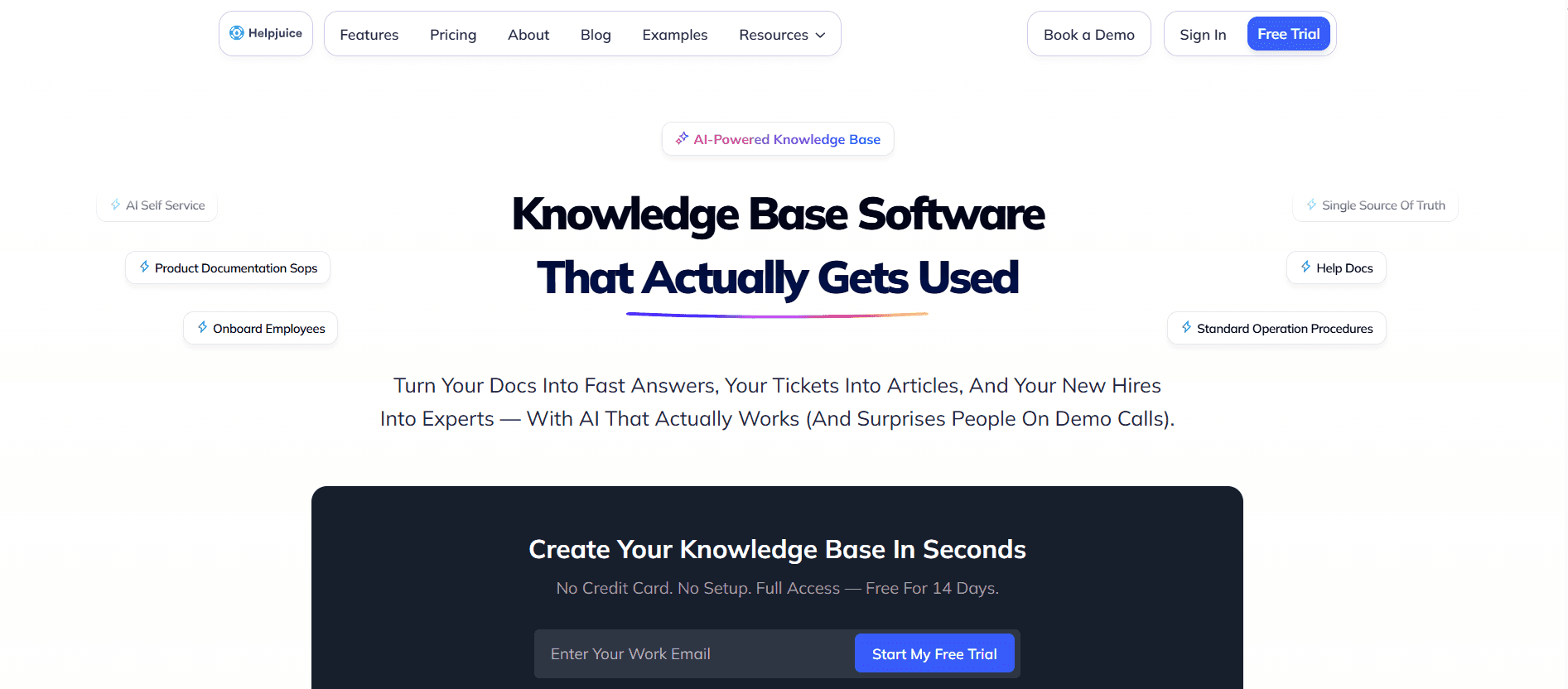
Helpjuice مصممة للشركات التي تحتاج إلى حل قوي لقاعدة المعرفة. وهي فعّالة بشكل خاص لفرق الدعم وأقسام خدمة العملاء التي تهدف إلى تحسين رضا العملاء عبر خيارات خدمة ذاتية أفضل. تتألق Helpjuice في قدرات البحث وسهولة الاستخدام.
تشمل نقاط قوة الأداة وظائف بحث قوية وتحليلات تساعد الفرق على فهم كيفية تفاعل المستخدمين مع قاعدة المعرفة. ومع ذلك، قد لا تكون غنية بالميزات من ناحية التعاون والتكامل مثل بعض الأدوات الأخرى.
أبرز الميزات
وظائف بحث قوية
قاعدة معرفة قابلة للتخصيص
تحليلات ورؤى
واجهة مستخدم سهلة
خيارات الهوية التجارية والتخصيص
دعم متعدد اللغات
عملية إعداد بسيطة
دعم عملاء 24/7
المزايا
العيوب
بحث وتحليلات ممتازة.
تكلفة أعلى مقارنة بالآخرين.
بديهية وسهلة الاستخدام.
خطة مجانية محدودة.
قابلة للتخصيص بدرجة كبيرة.
خيارات تكامل أقل.
دعم وتجربة مستخدم ممتازة.
ليست مثالية للتوثيق على نطاق واسع.
الأسعار
لا تقدم Helpjuice خطة مجانية. تبدأ الأسعار من 120$ شهريًا، وتشمل تحليلات متقدمة وميزات تخصيص.
تحديات إنشاء دليل المستخدم: ما الذي تواجهه الفرق؟
عملية التوثيق اليدوي
إنشاء أدلة المستخدم يدويًا عملية تستغرق وقتًا طويلًا، وغالبًا ما تتطلب مشاركة عدة أعضاء من الفريق في كتابة النصوص والصور وتنسيق المحتوى.
غالبًا ما تضطر الفرق إلى التنقل بين أدوات مختلفة مثل Word وGoogle Docs، ما يؤدي إلى أوجه قصور.
قد تكون المراجعة اللغوية والتحرير أمرًا مرهقًا، وغالبًا ما يؤدي ذلك إلى تأخيرات في النشر.
العمليات اليدوية عرضة للأخطاء وعدم الاتساق، ما يؤثر على جودة المستند النهائي.
محتوى قديم بعد الإطلاق
تؤدي إصدارات البرامج الجديدة إلى جعل التوثيق الحالي غير ذي صلة، ما يستدعي تحديثات متكررة.
يُعد الحفاظ على التوثيق محدثًا أمرًا صعبًا دون سير عمل تحديث تلقائي.
غالبًا ما تفتقر الفرق إلى عملية مبسطة تمكنها من مراجعة الأدلة وإعادة نشرها بسرعة.
قد يؤدي المحتوى القديم إلى عدم رضا العملاء وزيادة طلبات الدعم.
ضعف البحث وقابلية العثور
يواجه المستخدمون صعوبة في العثور على المعلومات ذات الصلة بسبب وظائف بحث غير كافية.
غالبًا ما يكون التوثيق موزعًا عبر منصات متعددة، ما يعقّد جهود البحث.
يؤدي غياب الفهرسة ووضع العلامات إلى ضعف قابلية اكتشاف المحتوى.
يُعد البحث الفعّال أمرًا حاسمًا لتقليل طلبات الدعم وتحسين تجربة المستخدم.
التوثيق في جزر منفصلة عبر الأدوات
غالبًا ما يوجد التوثيق في جزر منفصلة، موزعًا عبر أدوات مختلفة مثل Notion وWord.
يُصعّب هذا التشتت على الفرق الحفاظ على الاتساق والتحكم.
يُعيق التعاون عندما يعمل أعضاء الفريق على منصات مختلفة.
يمكن أن يؤدي توحيد التوثيق في منصة واحدة إلى تعزيز الكفاءة والاتساق.
لا يوجد اتساق في التنسيق أو الأسلوب
يؤدي غياب التوحيد إلى تنسيقات وأساليب غير متسقة عبر المستندات.
غالبًا ما تواجه الفرق صعوبة في الحفاظ على نبرة موحدة وطريقة عرض متناسقة.
قد يؤدي التوثيق غير المتسق إلى إرباك المستخدمين وتقليل الانطباع الاحترافي للمحتوى.
يمكن أن يؤدي تطبيق القوالب وأدلة الأسلوب إلى تحسين الاتساق بشكل كبير.
التحدي | العملية التقليدية | الأثر على الأعمال | تكلفة الوقت |
|---|---|---|---|
التوثيق اليدوي | إدخال يدوي وتنسيق | تأخيرات وأخطاء في التوثيق | 8-12 ساعة لكل دليل |
محتوى قديم | تحديثات تفاعلية بعد الإطلاق | زيادة طلبات الدعم | 4-6 ساعات لكل تحديث |
ضعف قابلية البحث | وظائف بحث محدودة | إحباط المستخدمين وعدم الكفاءة | مستمر |
توثيق في جزر منفصلة | أدوات ومنصات متعددة | محتوى غير متسق ومجزأ | متغير |
عدم اتساق التنسيق | لا توجد قوالب موحدة | مظهر غير احترافي | متغير |
ميزات أساسية في أدوات دليل المستخدم
التقاط الخطوات تلقائيًا من نشاط الشاشة
تتيح هذه الميزة للأدوات تسجيل تفاعلات المستخدم تلقائيًا وإنشاء أدلة خطوة بخطوة. ومن خلال التقاط كل نقرة وضغطة لوحة مفاتيح، يتم إنشاء تمثيل تفصيلي ودقيق للعملية. وتُعد هذه الميزة مفيدة بشكل خاص للبرامج المعقدة التي قد يفوت فيها التوثيق اليدوي خطوات حاسمة.
تتفوق أدوات مثل Trupeer وTango هنا، إذ توفر تكاملًا سلسًا مع قدرات تسجيل الشاشة، ما يجعل عملية التوثيق أسرع وأكثر موثوقية.
تعليمات خطوة مكتوبة بالذكاء الاصطناعي
يساعد استخدام الذكاء الاصطناعي لكتابة التعليمات على تقليل الوقت الذي يُصرف يدويًا في إعداد النصوص بشكل كبير. يمكن للذكاء الاصطناعي اقتراح تعليمات مختصرة وواضحة، ما يضمن الاتساق ويقلل الأخطاء. وتُعد هذه الميزة ضرورية للفرق التي تحتاج إلى إنتاج كميات كبيرة من التوثيق بسرعة.
تتميز Trupeer بتقديم اقتراحات محتوى مدفوعة بالذكاء الاصطناعي تتكيف مع سياق الخطوات المسجلة، ما يجعلها أداة قوية للبيئات الديناميكية.
إدراج الفيديو بجانب النص
يسهم إدراج محتوى الفيديو إلى جانب تعليمات النص في تعزيز تفاعل المستخدمين وفهمهم. ويمكن للفيديو عرض العمليات المعقدة بشكل أكثر فعالية من النص وحده، بما يلبي تفضيلات التعلم المختلفة. وتُعد هذه الميزة مفيدة بشكل خاص لمواد التدريب والتأهيل.
تقدم كل من Tango وTrupeer قدرات قوية لإدراج الفيديو، ما يتيح للفرق إنشاء أدلة غنية بالوسائط تخدم جمهورًا أوسع.
تصدير متعدد الصيغ (PDF، ويب، HTML)
إن القدرة على تصدير التوثيق بأكثر من صيغة تضمن إمكانية الوصول إليه عبر منصات وأجهزة مختلفة. سواء كان المستخدمون يفضلون ملفات PDF للوصول دون اتصال أو نسخة ويب للتنقل السهل، فإن التصدير متعدد الصيغ ميزة أساسية.
توفر Document360 وGitBook خيارات تصدير شاملة، بما يلبي احتياجات المستخدمين المتنوعة ويضمن أن يكون التوثيق متاحًا دائمًا.
إدارة الإصدارات وسير عمل التحديث السريع
تتيح إدارة الإصدارات الفعّالة للفرق تتبع التغييرات والرجوع إلى الإصدارات السابقة والحفاظ على سجل لتعديلات التوثيق. وتمكّن سير عمل التحديث السريع من إجراء مراجعات بسرعة، ما يضمن بقاء التوثيق محدثًا بعد كل إصدار للبرنامج.
تتفوق Confluence وDocument360 في إدارة الإصدارات، إذ توفر سجلات تغييرات تفصيلية وخيارات رجوع للخلف سهلة، وهي أمور لا تقدر بثمن للحفاظ على أدلة مستخدم محدثة.
تحرير تعاوني وملاحظات فورية
يُعد التعاون عنصرًا أساسيًا لإنتاج توثيق عالي الجودة. تتيح الأدوات التي تدعم التحرير والملاحظات الفورية لعدة أعضاء من الفريق العمل في الوقت نفسه، ما يضمن الاتساق ويسرّع عملية المراجعة.
توفر Trupeer وNotion ميزات تعاونية قوية، ما يسهل على الفرق إنشاء التوثيق وصقله بشكل جماعي، ويعزز الإنتاجية وجودة المحتوى.
كيفية اختيار أدوات دليل المستخدم وفق حالة الاستخدام الخاصة بك
أدلة المستخدم للمنتجات ومقالات مركز المساعدة
يُعد إنشاء أدلة مستخدم شاملة للمنتج ومقالات مركز المساعدة أمرًا ضروريًا للشركات التي ترغب في ضمان قدرة العملاء على استخدام منتجاتهم بفعالية. يجب أن تتيح الأداة المختارة توثيقًا تفصيليًا يمكن تحديثه بسهولة مع الإصدارات الجديدة.
تتطلب تحديثات المنتج المتكررة مراجعات توثيق سريعة.
الحاجة إلى قاعدة معرفة مركزية لتقليل طلبات الدعم.
ضمان الاتساق في أسلوب التوثيق والتنسيق.
تُعد الأدوات ذات إدارة إصدارات قوية وسير عمل تحديث سريع ضرورية.
يمكن أن يؤدي التكامل مع منصات دعم العملاء إلى تحسين تجربة المستخدم.
تُعد وظيفة البحث أمرًا حاسمًا للتنقل السهل داخل مركز المساعدة.
الميزة | Trupeer | Document360 | Confluence |
|---|---|---|---|
إدارة الإصدارات | نعم | نعم | نعم |
وظيفة البحث | نعم | نعم | نعم |
التكامل مع منصات الدعم | نعم | نعم | نعم |
توثيق إجراءات التشغيل القياسية (SOP)
تُعد إجراءات التشغيل القياسية (SOPs) ضرورية للحفاظ على الاتساق والكفاءة داخل المؤسسات. وتُعد الأدوات التي تسهّل التحديثات السريعة والوصول السهل إلى المستندات قيمة كبيرة للاستخدام الداخلي.
تتطلب التحديثات المتكررة للإجراءات عمليات مراجعة فعّالة.
تُعد ضوابط الوصول ضرورية لإدارة من يمكنه عرض المستندات أو تعديلها.
يُعد الاتساق في تنسيق المستندات أمرًا حاسمًا لزيادة الوضوح.
إدارة الإصدارات لتتبع التغييرات والتحديثات.
ضوابط وصول حسب الأدوار لضمان أمان المستندات.
قوالب لتوحيد التنسيق عبر المستندات.
الميزة | Notion | Confluence | GitBook |
|---|---|---|---|
إدارة الإصدارات | محدود | نعم | نعم |
ضوابط الوصول | نعم | نعم | نعم |
القوالب | نعم | نعم | نعم |
أدلة أنظمة تقنية المعلومات والإدارة
تتطلب أدلة أنظمة تقنية المعلومات وأدلة الإدارة دقة تقنية وسهولة وصول لموظفي تقنية المعلومات. يجب أن تدعم الأداة المختارة توثيقًا تقنيًا تفصيليًا وتحديثات سلسة.
تتطلب التفاصيل التقنية المعقدة توثيقًا دقيقًا.
الحاجة إلى تحديثات منتظمة لتعكس تغييرات النظام.
ضوابط وصول لضمان أن الأشخاص المخولين فقط يمكنهم تعديل التوثيق.
أدوات تدعم Markdown بشكل قوي للكتابة التقنية.
سير عمل تحديث تلقائي للحفاظ على التوثيق محدثًا.
تكامل مع أدوات إدارة تقنية المعلومات لتحديثات سلسة.
الميزة | GitBook | Confluence | Helpjuice |
|---|---|---|---|
دعم Markdown | نعم | لا | لا |
تحديثات تلقائية | محدود | نعم | لا |
تكامل أدوات تقنية المعلومات | محدود | نعم | لا |
قاعدة معرفة موجهة للعملاء
بالنسبة للشركات التي تسعى لتحسين خدمة العملاء الذاتية، تُعد قاعدة معرفة قوية أمرًا ضروريًا. يجب أن توفر الأداة المختارة تنقلًا بديهيًا وقدرات بحث شاملة وإدارة محتوى سهلة.
الحاجة إلى واجهات بديهية لتعزيز تجربة المستخدم.
قدرات بحث وتصفية شاملة للعثور على المعلومات بسرعة.
تحديثات منتظمة لتعكس معلومات جديدة وتساعد في حل استفسارات العملاء.
وظيفة بحث قوية وواجهة مستخدم بديهية.
تصميم متجاوب للوصول عبر مختلف الأجهزة.
تكامل مع أنظمة دعم العملاء لتجربة مستخدم سلسة.
الميزة | Helpjuice | Document360 | Notion |
|---|---|---|---|
وظيفة البحث | نعم | نعم | نعم |
تصميم متجاوب | نعم | نعم | نعم |
تكامل نظام الدعم | نعم | نعم | محدود |
أفضل الممارسات لإنشاء أدلة المستخدم
قبل
حدّد أهدافًا واضحة لدليل المستخدم بما يتماشى مع أهداف العمل.
حدّد الفئة المستهدفة لتخصيص المحتوى وفق احتياجاتهم وتوقعاتهم.
اجمع جميع المعلومات والموارد اللازمة قبل بدء عملية التوثيق.
أنشئ مخططًا لتنظيم بنية الدليل وتسلسل تدفقه.
اختر الأدوات والقوالب المناسبة لتبسيط عملية الإنشاء.
أثناء
استخدم لغة واضحة ومختصرة لتعزيز قابلية القراءة والفهم.
أدرج عناصر بصرية مثل لقطات الشاشة والفيديو لدعم تعليمات النص.
تأكد من الاتساق في التنسيق والأسلوب عبر المستند.
تعاون مع أعضاء الفريق للحصول على ملاحظات والتحقق من دقة المحتوى.
احفظ العمل باستمرار وقم بعمل نسخ احتياطية لمنع فقدان البيانات.
بعد
راجع المستند وراجع لغويًا للتأكد من عدم وجود أخطاء أو عدم اتساق.
أجرِ اختبارًا مع المستخدمين لجمع الملاحظات وتحديد مجالات التحسين.
طبّق التغييرات بناءً على الملاحظات لتعزيز فعالية الدليل.
انشر دليل المستخدم عبر القنوات المناسبة لإتاحة الوصول بسهولة.
ضع جدولًا لتحديث الدليل وصيانته بشكل منتظم.
الأسئلة الشائعة
ما هي أداة دليل المستخدم؟
أداة دليل المستخدم هي برنامج مصمم لمساعدة الفرق على إنشاء أدلة المستخدم وإدارتها وتوزيعها. وغالبًا ما تتضمن ميزات مثل القوالب وخيارات التعاون وصيغ تصدير مختلفة لتبسيط عملية التوثيق.
لماذا نحتاج إلى أدوات دليل المستخدم؟
تساعد أدوات دليل المستخدم على تبسيط عملية التوثيق وتحسين اتساق المحتوى وضمان سهولة تحديث الأدلة وتوزيعها. وهي ضرورية للفرق التي تحتاج إلى إنتاج توثيق دقيق ومحدث بسرعة.
هل يمكن لهذه الأدوات التكامل مع برامج أخرى؟
تقدم العديد من أدوات دليل المستخدم تكاملًا مع برامج أخرى مثل أنظمة إدارة علاقات العملاء (CRM) وأدوات إدارة المشاريع ومنصات إدارة خدمات تقنية المعلومات. وهذا يتيح سير عمل سلسًا ويعزز الإنتاجية.
هل تدعم هذه الأدوات محتوى الوسائط المتعددة؟
نعم، تدعم معظم أدوات دليل المستخدم محتوى الوسائط المتعددة، بما في ذلك إدراج الفيديو والصوت، ما يعزز تجربة المستخدم عبر تقديم أدلة أكثر تفاعلًا وشمولًا.
هل توجد أدوات دليل مستخدم مجانية متاحة؟
نعم، تقدم بعض الأدوات خططًا مجانية مع ميزات أساسية مناسبة للفرق الصغيرة أو للمستخدمين الأفراد. ومع ذلك، تتطلب الميزات المتقدمة عادةً اشتراكًا مدفوعًا.
كيف يتم تنظيم التسعير؟
غالبًا ما يتم تنظيم تسعير أدوات دليل المستخدم على أساس الاشتراك، مع اختلاف التكاليف حسب عدد المستخدمين والميزات المطلوبة. كما تقدم بعض الأدوات خصومات للاشتراكات السنوية.
كم يستغرق تطبيق أداة دليل المستخدم؟
تختلف مدة التطبيق بناءً على تعقيد الأداة والاحتياجات المحددة للمؤسسة. يمكن إكمال الإعدادات الأساسية خلال بضع ساعات، بينما قد تستغرق الإعدادات الأكثر تعقيدًا عدة أيام.
ما نوع الدعم المتاح؟
تقدم معظم الأدوات دعم العملاء عبر قنوات مختلفة، بما في ذلك البريد الإلكتروني والدردشة المباشرة والهاتف. كما توفر بعض الأدوات موارد عبر الإنترنت واسعة مثل الدروس وقواعد المعرفة لمساعدة الفرق في التطبيق واستكشاف المشكلات وإصلاحها.
الخاتمة
يقدم مشهد أدوات دليل المستخدم في 2026 مجموعة متنوعة من الخيارات المصممة لتلبية احتياجات مختلفة وقطاعات متعددة. سواء كنت تقوم بإعداد أدلة تفصيلية لبرامج معقدة أو إنشاء أدلة بسيطة للعمليات الداخلية، فإن الأداة المناسبة يمكن أن تعزز بشكل كبير كفاءة وجودة التوثيق لديك.
استكشف كيف يمكن لـ Trupeer تحويل عملية التوثيق لديك بفضل قدراتها المعتمدة على الذكاء الاصطناعي وميزاتها القوية. تفضل بزيارة Trupeer اليوم لمعرفة المزيد حول كيفية تلبيتها لاحتياجاتك المحددة وإطلاق أدلة المستخدم لديك إلى المستوى التالي.


