Trupeer Blog
Резюмировать

Your organisation has just switched on HR self-service. Employees can now update their own address, request leave and download payslips, and supervisors can approve time off and start a promotion without emailing HR. Three weeks later, the HR inbox is busier than ever. Employees can't find the leave request, supervisors approve the wrong thing, and half the "self-service" requests arrive by email anyway. The technology works. The training didn't.
HR self-service training for employees and supervisors closes that gap. It shows each group exactly how to complete their HR tasks in your system, whether that's Workday, Oracle HCM or another platform, so self-service actually reduces HR workload instead of adding to it. This guide explains what to train employees and supervisors on, which training formats work, how to create HR self-service training quickly from screen recordings and how to measure whether it's working.
What is HR self-service training?
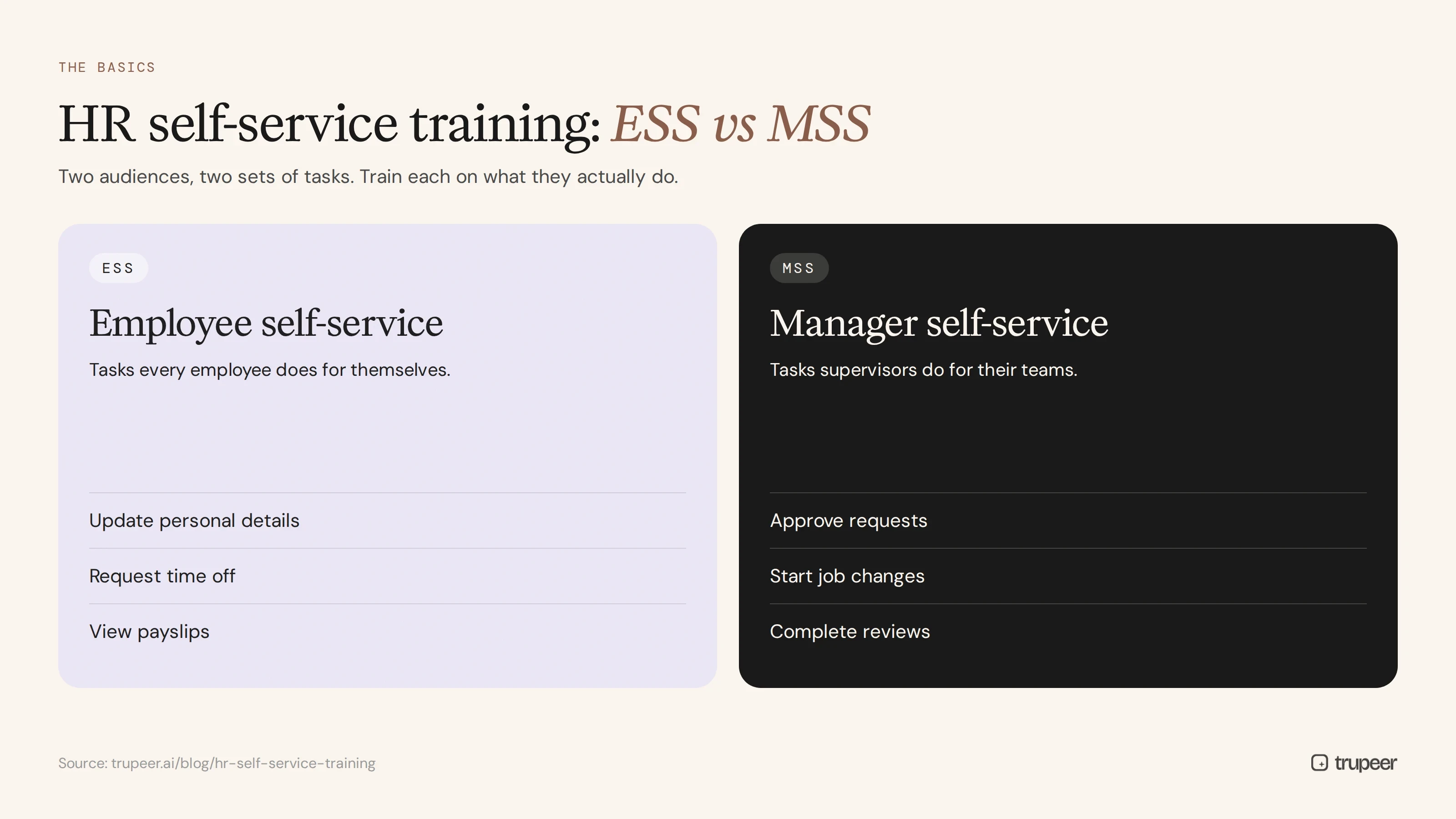
HR self-service training teaches employees and managers how to complete HR tasks themselves in the HR system, without contacting HR. It usually covers two areas:
Employee self-service (ESS): tasks every employee does for themselves, such as updating personal details, requesting time off or viewing payslips.
Manager or supervisor self-service (MSS): tasks supervisors do for their teams, such as approving requests, starting job changes and completing reviews.
Effective self-service training is short, task-based and specific to your system and policies, not a generic tour of the software.
Why does HR self-service training matter?
Fewer HR tickets: people who know how to do a task themselves don't email HR about it.
Better data: correctly completed requests mean accurate employee records, payroll and reporting.
Faster approvals: supervisors who know their inbox approve requests on time.
Higher adoption: people stick with a system they can use confidently.
Compliance: policies such as leave rules and approval limits are followed consistently.
A better employee experience: simple tasks take minutes instead of days of back-and-forth.
What should employees learn in HR self-service training?
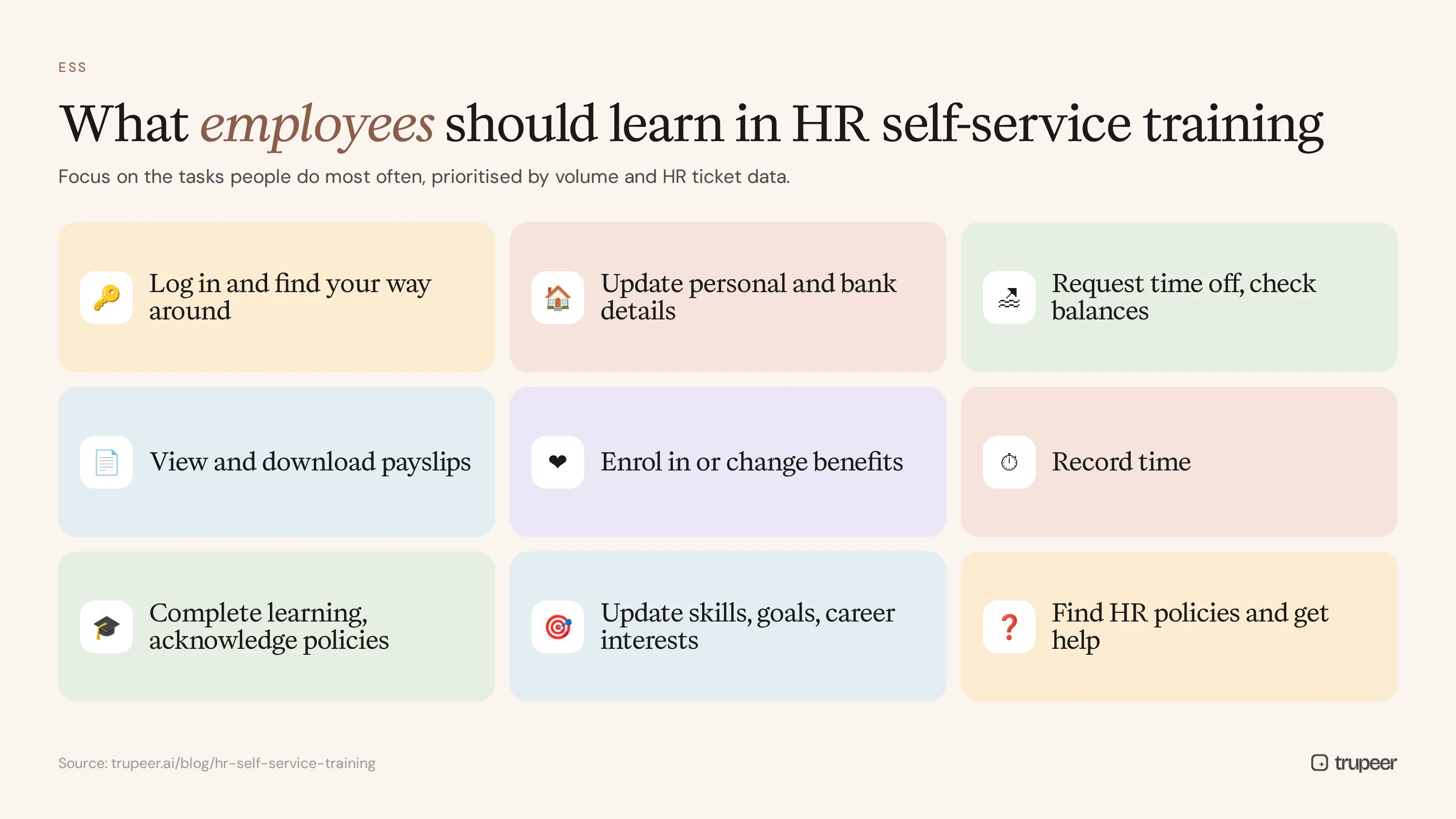
Focus employee training on the tasks people do most often:
Logging in and finding their way around the HR system.
Updating personal details, addresses, emergency contacts and bank details.
Requesting time off and checking leave balances.
Viewing and downloading payslips and tax documents.
Enrolling in or changing benefits, including during open enrolment.
Recording time, if your organisation uses time tracking.
Completing assigned learning and acknowledging policies.
Updating skills, goals and career interests.
Finding HR policies and getting help.
What should supervisors learn in HR self-service training?
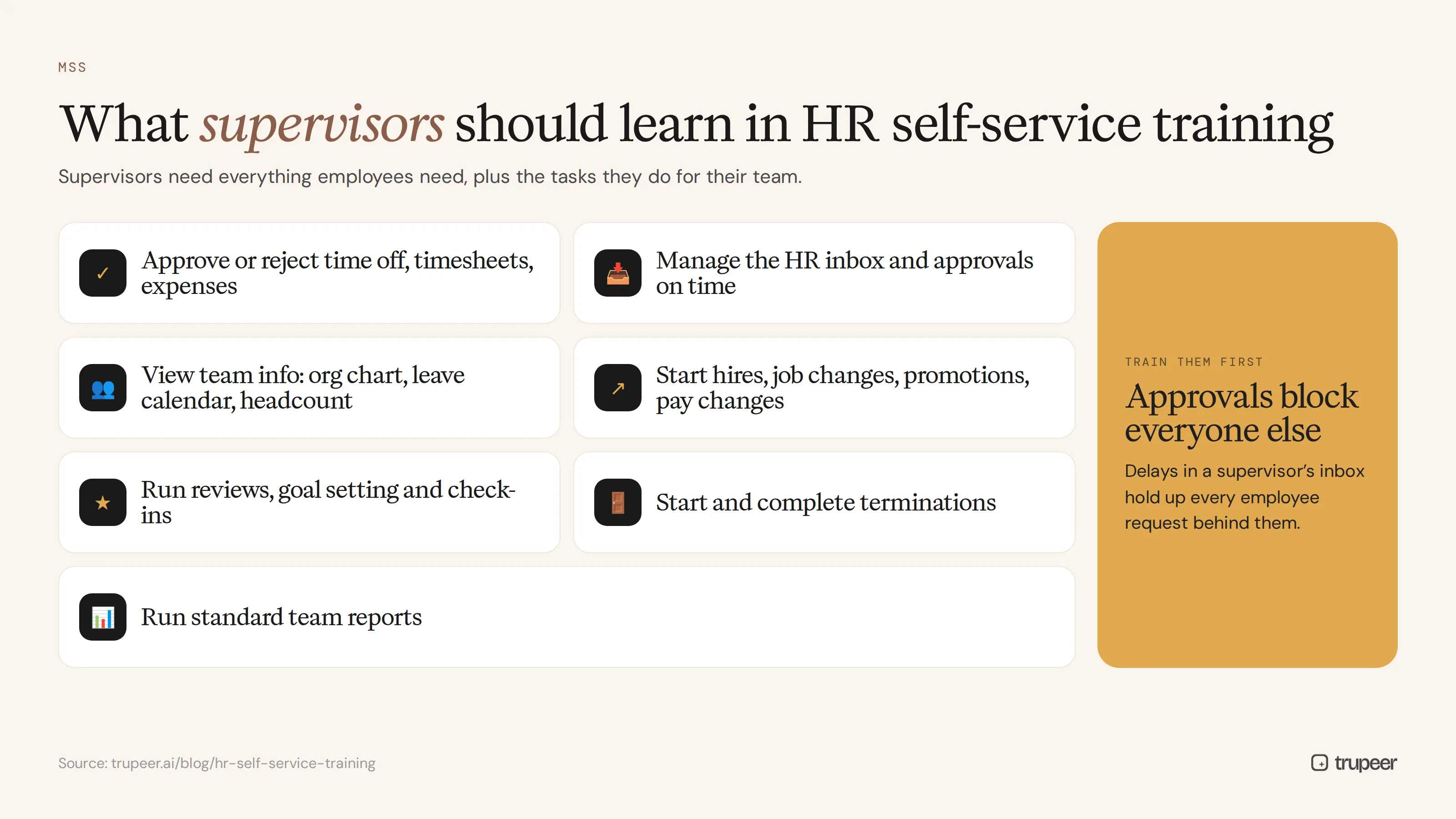
Supervisors need everything employees need, plus the tasks they do for their team:
Approving or rejecting time off, timesheets and expenses.
Using their HR inbox or task list to manage approvals on time.
Viewing team information, such as org charts, leave calendars and headcount.
Starting hires, job changes, transfers, promotions and pay changes.
Running performance reviews, goal setting and check-ins.
Starting and completing terminations and handing over access.
Running standard team reports.
Employee and supervisor tasks at a glance
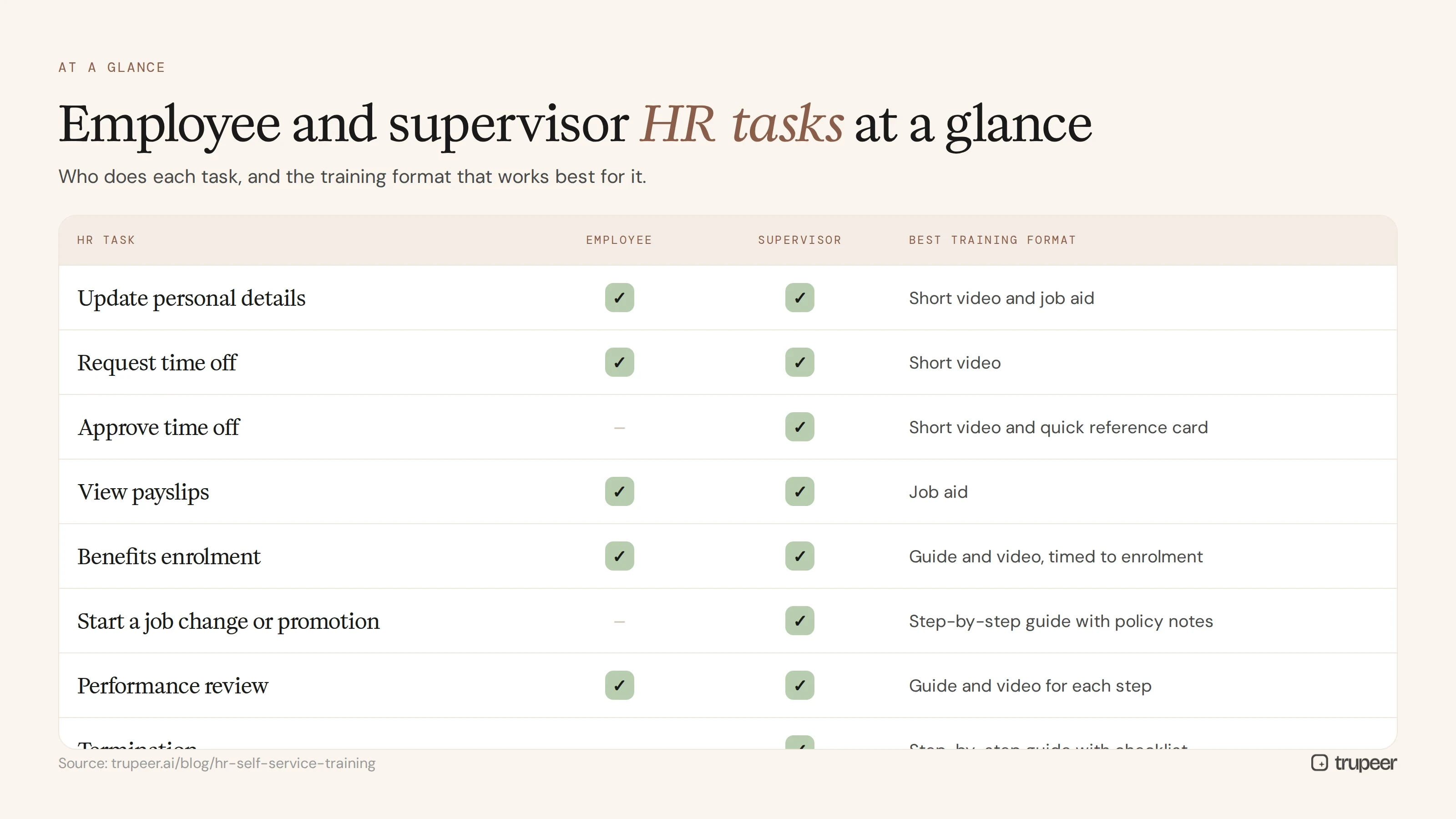
HR task | Employee | Supervisor | Best training format |
|---|---|---|---|
Update personal details | Yes | Yes | Short video and job aid |
Request time off | Yes | Yes | Short video |
Approve time off | Yes | Short video and quick reference card | |
View payslips | Yes | Yes | Job aid |
Benefits enrolment | Yes | Yes | Step-by-step guide and video, timed to enrolment |
Start a job change or promotion | Yes | Step-by-step guide with policy notes | |
Performance review | Yes | Yes | Guide and video for each step of the cycle |
Termination | Yes | Step-by-step guide with checklist |
Which training formats work best for self-service?
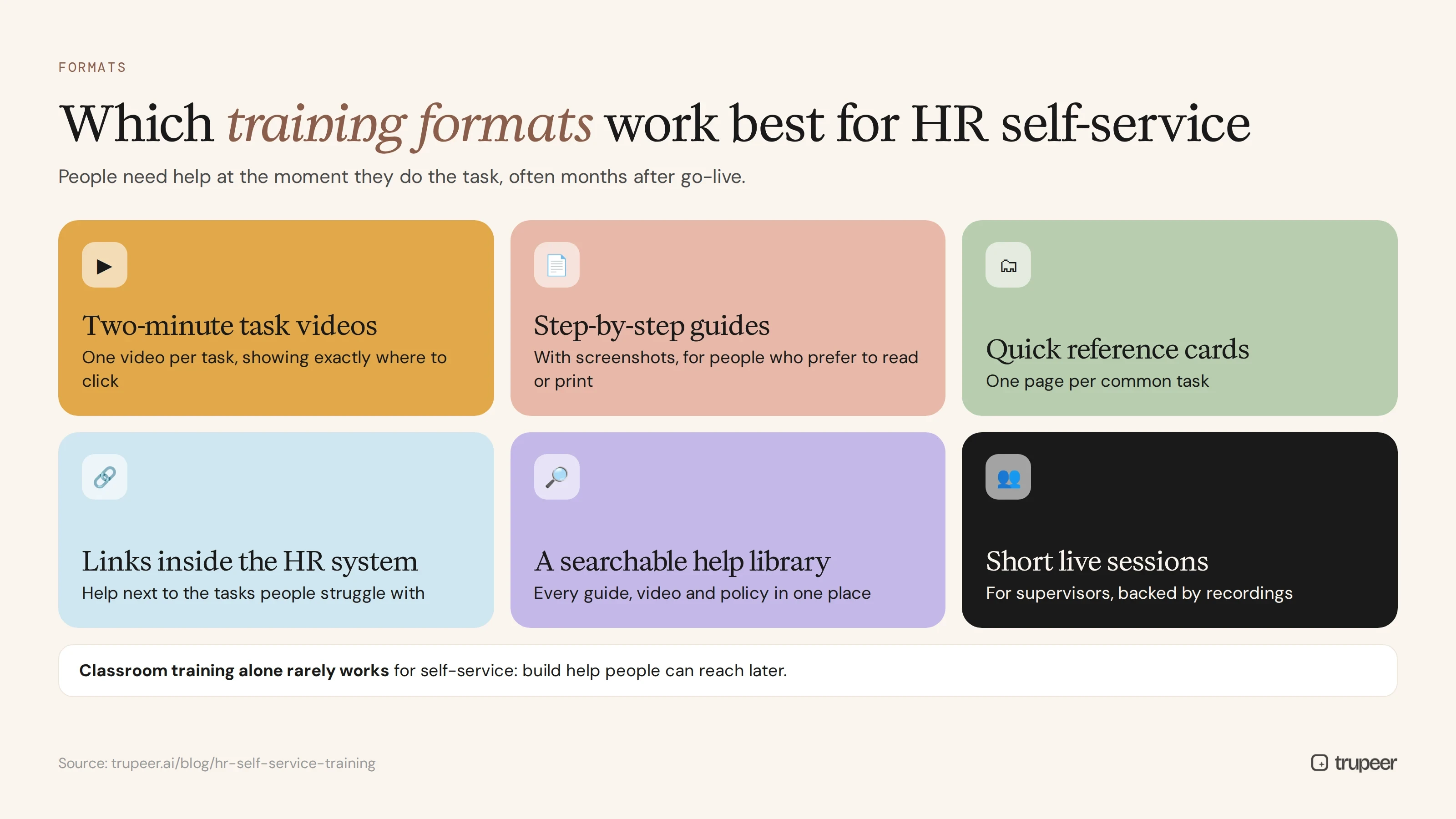
Two-minute task videos: one video per task, showing exactly where to click in your system.
Step-by-step guides with screenshots: for people who prefer to read or need to print.
Quick reference cards and job aids: one page per common task. Start from a job aid template.
Links inside the HR system: put help links next to the tasks people struggle with.
A searchable help library: one place for every guide, video and policy.
Short live sessions for supervisors: to walk through approvals and team processes, backed by recordings.
Classroom training on its own rarely works for HR self-service training for employees and supervisors, because people need help at the moment they're doing the task, often months later.
How do you create HR self-service training step by step?
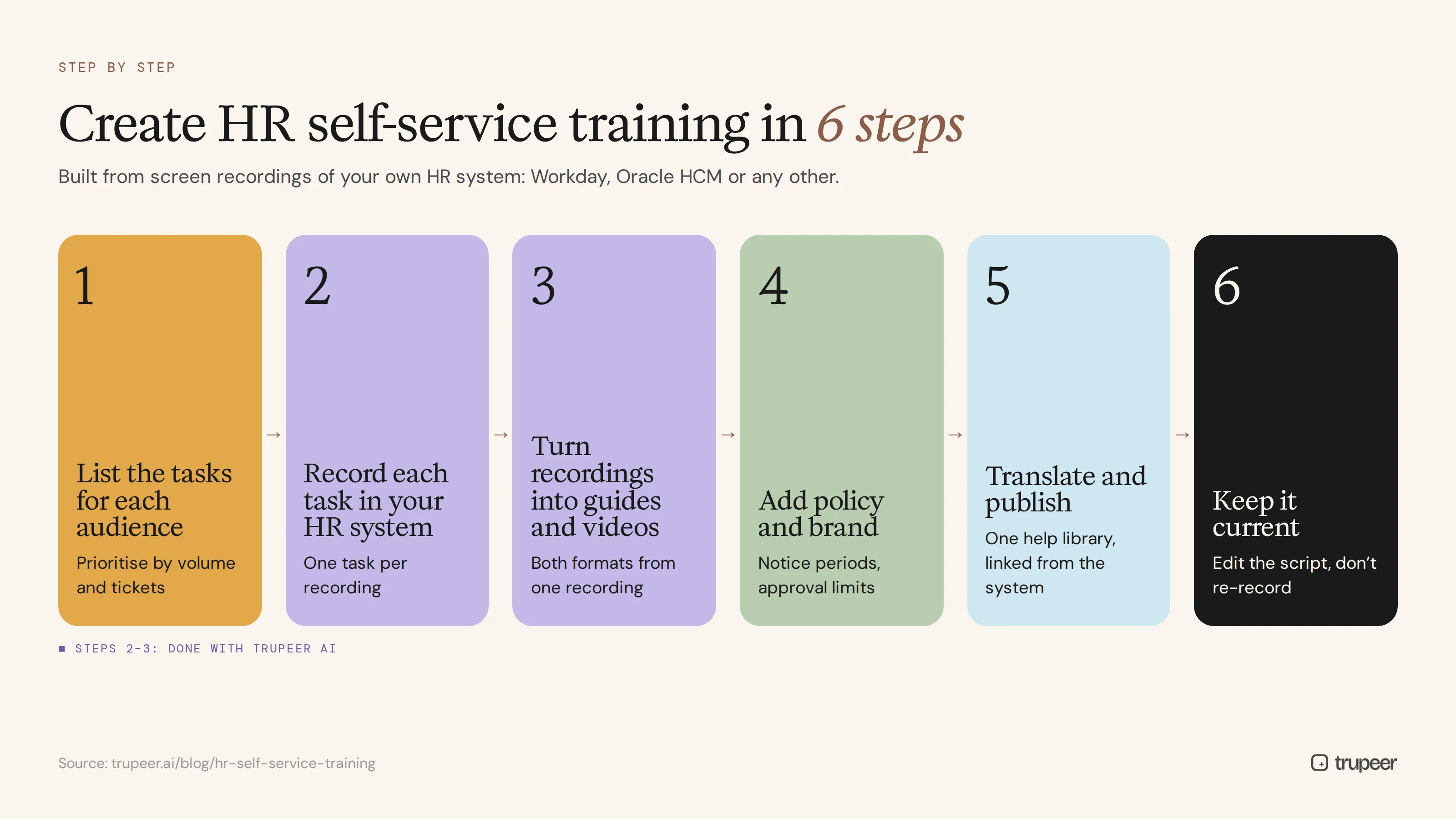
Step 1: List the tasks for each audience
Use the employee and supervisor lists above, add anything specific to your organisation and prioritise by volume and HR ticket data.
Step 2: Record each task in your HR system
Have an HR specialist record each task in a test or training tenant with Trupeer's AI screen recorder, narrating each step and the policy behind it. Keep one task per recording.

Step 3: Turn recordings into guides and videos
Trupeer turns each recording into a step-by-step guide with screenshots and a narrated video, so every task has both formats from one recording. See how teams produce HR documentation and videos at scale.

Step 4: Add policy and brand
Add the relevant policy rules, such as notice periods or approval limits, and apply your brand so training looks consistent. An HR SOP template keeps the structure the same across tasks.
Step 5: Translate and publish
Translate guides and videos for every country, and publish them in one searchable help library, linked from your HR system and intranet.

Step 6: Keep it current
When the HR system or a policy changes, update the affected guide by editing the script rather than re-recording; see how to update a training video without re-recording.
HR self-service training for Workday and Oracle HCM
The training approach is the same whichever system you use, but the screens and terminology differ, so materials must be built on your own tenant:
Workday: employees and managers work largely from the inbox and their worker profile, and most changes run as business processes with approvals. For module-by-module guidance, see Workday training videos for HR managers.
Oracle HCM: employee and manager tasks are typically found in separate employee and team areas, with approvals routed through notifications.
Whichever platform you use, record in your configured system so users see their own menus, fields and approval steps.
HR self-service training for new hires
New employees meet the HR system in their first week, often before anyone has shown them how it works. Build self-service into onboarding: a short welcome video, the five tasks every new hire needs in their first month, such as setting up bank details, enrolling in benefits and completing required learning, and a link to the help library. Supervisors of new hires should get a matching checklist for their first approvals. See the new hire onboarding video checklist for what to have ready before day one.
How do you roll out self-service training?

Launch employee basics before go-live, with a short welcome video and the top five tasks.
Train supervisors first on approvals, because delays in their inbox block everyone else.
Time seasonal training, such as benefits enrolment and performance reviews, just before each cycle.
Point people to help, not to HR, by adding help links in the system and in HR email replies.
Use support tickets to improve training, creating new guides for the questions that keep coming in.
For the people side of the rollout, see the change management process.
How do you measure HR self-service training?
Self-service adoption rate: the share of HR transactions completed through self-service.
HR ticket volume for tasks covered by training.
Approval turnaround time for supervisor tasks.
Error and rework rate on self-service requests.
Training views and search terms, to see what people look for and can't find.
Employee and manager satisfaction with HR services.
Common mistakes to avoid
Training the system, not the task: a tour of the menus doesn't teach people how to request leave.
One course for everyone: supervisors need different training from employees.
Training once at go-live and never again, when most tasks happen months later.
Generic vendor content that doesn't match your configuration or policies.
Hiding help in an intranet nobody visits instead of linking it from the HR system.
Letting materials go out of date after system updates and policy changes.
Create HR self-service training with Trupeer
Trupeer makes HR self-service training for employees and supervisors quick to build. It turns recordings of your HR system into step-by-step guides and short training videos for both groups, ready to translate, publish and update. Explore Trupeer for HR teams or start free with Trupeer.
Frequently asked questions
What is HR self-service training?
It's training that teaches employees and supervisors how to complete HR tasks themselves in the HR system, such as updating personal details, requesting leave, approving requests and starting job changes.
What is the difference between ESS and MSS?
Employee self-service (ESS) covers tasks employees do for themselves. Manager or supervisor self-service (MSS) covers tasks supervisors do for their team, such as approvals, job changes and reviews.
What should supervisors be trained on?
Approving time off and timesheets, managing their HR inbox, viewing team information, starting hires, job changes and terminations, running performance reviews and using team reports.
What is the best format for HR self-service training?
Short task videos and step-by-step guides with screenshots, available in a searchable library and linked from the HR system, so people get help when they're doing the task.
How do you create HR self-service training quickly?
Record an HR specialist doing each task in a training tenant and use a tool like Trupeer to turn each recording into a guide and a video, then translate and publish them.
Does HR self-service training work for Workday and Oracle HCM?
Yes. The approach is the same, but the materials should be built on your own configured system so users see their own screens, fields and approval steps.
How do you measure whether HR self-service training works?
Track self-service adoption, HR ticket volume, approval turnaround times, error rates, training views and user satisfaction.
How often should HR self-service training be updated?
Whenever the HR system, a process or a policy changes, and before seasonal cycles such as benefits enrolment and performance reviews.
Похожие блоги



