2026/03/24

Best Training Video Software

Best Training Video Software

Best Training Video Software

Best Training Video Software

Best training video software to create engaging lessons, tutorials, and onboarding content. Use AI tools like Trupeer to turn screen recordings into polished training videos in 65+ languages..

Best training video software to create engaging lessons, tutorials, and onboarding content. Use AI tools like Trupeer to turn screen recordings into polished training videos in 65+ languages..

目次

Trupeer AIを使用すれば、粗い画面録画から即座にAI製品のビデオやドキュメントを作成できます。

粗いスクリーン録画からのインスタントAI製品ビデオとドキュメント

無料で始める

無料で始める

Summarise with:

Claude

ChatGPT

Gemini

Perplexity

Grok

Buyer's Overview

Creating effective training videos has become a key strategy for businesses aiming to enhance employee learning and engagement. According to Forrester, video-based training can improve retention rates by 83% compared to text-only materials. This makes selecting the best training video software crucial for organizations that wish to capitalize on this trend. However, producing high-quality videos traditionally demands expensive equipment, advanced editing skills, and significant time investment, posing a challenge for many teams. you'll find a detailed comparison of top training video tools available in 2026, tailored for business leaders, HR professionals, and educators seeking to optimize their training programs.

Best Training Video Tools: Head-to-Head Comparison

Feature

Trupeer

Synthesia

Camtasia

Vyond

iSpring Suite

Articulate 360

Descript

Powtoon

AI Voiceover

Limited

Limited

Screen Recording

Animation

Limited

Limited

SCORM Export

Limited

xAPI Support

Limited

LMS Integration

Limited

Limited

Multi-language

Limited

Limited

AI Script

Limited

Limited

Editing Complexity

Low

High

Moderate

Moderate

High

Low

Moderate

  1. Trupeer

Trupeer

Trupeer is designed for organizations looking to create polished training videos without the need for extensive technical skills. Its intuitive interface allows users to produce professional content with ease. Trupeer stands out with its AI capabilities, offering features that streamline script generation and voiceover creation. This makes it ideal for teams that want to focus on content quality rather than technical production hurdles. Trupeer also integrates well with various LMS systems, ensuring your training materials are easily accessible to learners.

Key Features

  • AI Voiceover Generation

  • Screen Recording Capabilities

  • SCORM and xAPI Export

  • Multi-language Support

  • AI Script Assistance

  • Seamless LMS Integration

  • Moderate Editing Complexity

  • Video Translation Tools


"Trupeer has transformed our training process, making video creation faster and more engaging." - Joseph Miller, HR Manager

Pricing

Trupeer offers a free tier with premium features, with paid plans starting at $29 per month.

  1. Synthesia

Synthesia

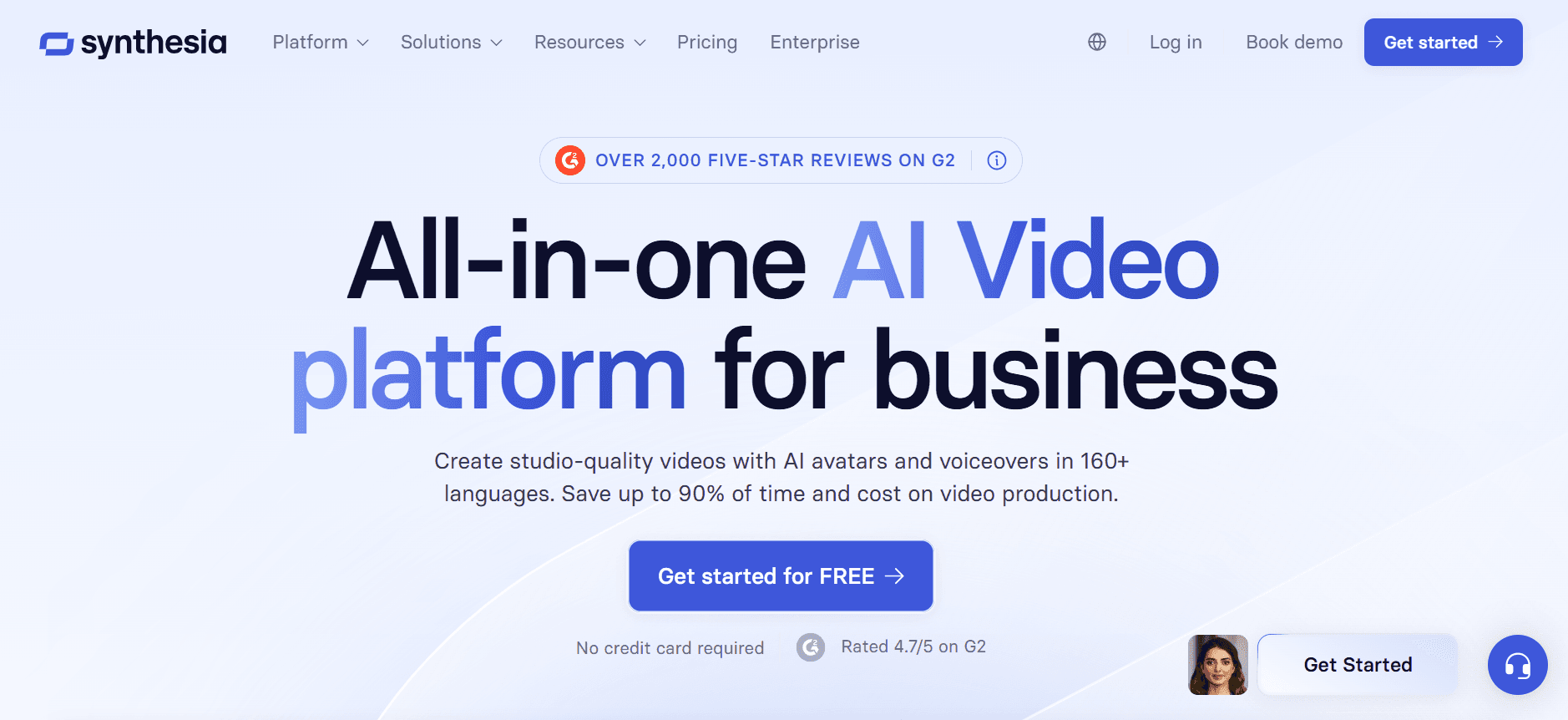
Synthesia specializes in AI-generated videos that use avatars to deliver training content. It's particularly useful for organizations that need to create multilingual content quickly. The platform excels in providing lifelike AI avatars that can speak in multiple languages, making it a powerful tool for global teams. While Synthesia lacks traditional video editing features, its ability to produce content at scale with minimal input is impressive for those focusing on rapid deployment.

Key Features

  • AI Avatar Video Creation

  • Multi-language Support

  • AI Script Generation

  • Lifelike Avatar Customization

  • Easy-to-use Interface

  • Limited Animation Options

  • Low Editing Complexity

  • Integration with Learning Platforms

Pros

Cons

Supports 60+ languages

Lacks detailed editing tools

Fast content production

No screen recording

High-quality AI avatars

Limited animation features

Pricing

Synthesia offers a basic plan starting at $30 per video, with custom pricing for enterprise solutions.

  1. Camtasia

Camtasia

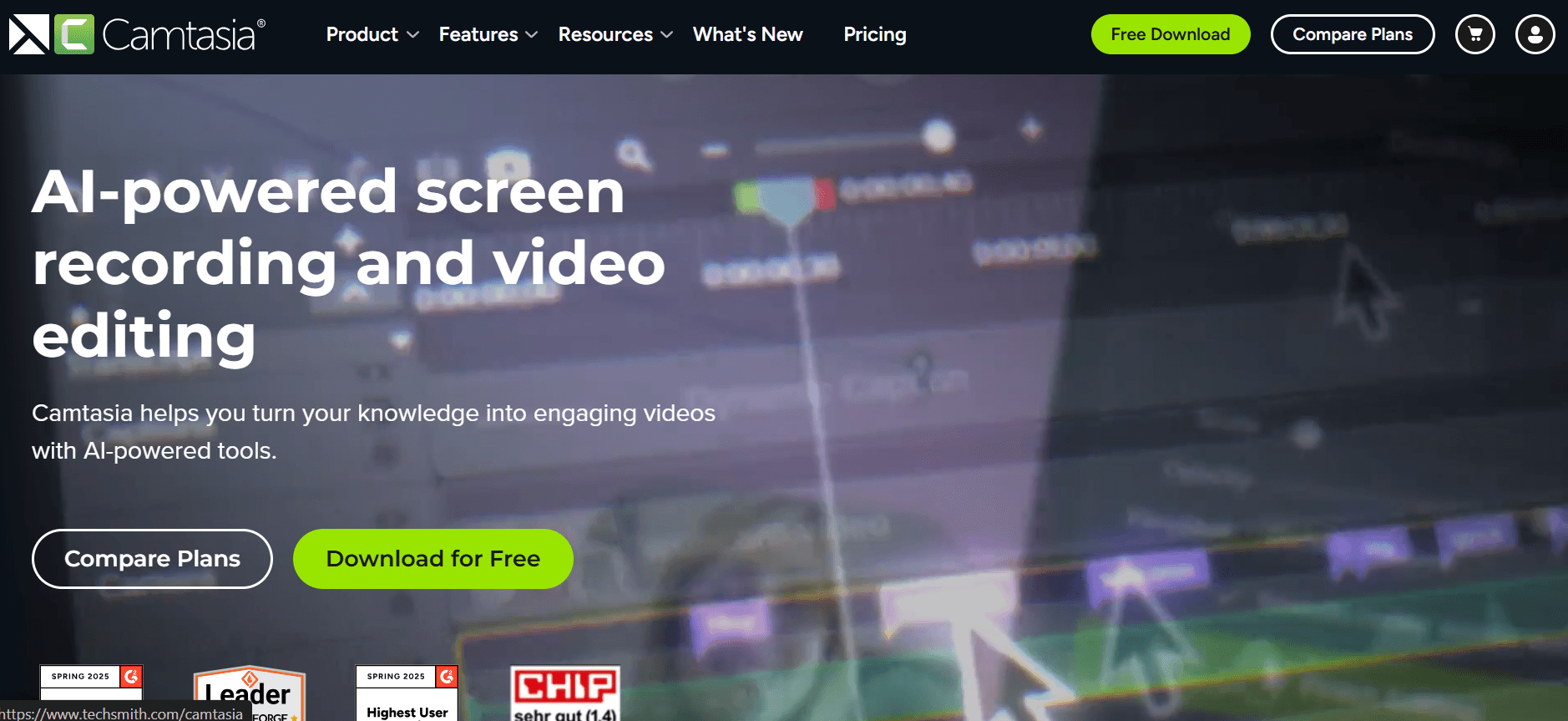
Camtasia is a well-established tool known for its robust screen recording and video editing capabilities. It caters to users who need detailed editing tools to refine their training videos. Camtasia is perfect for educators and businesses that require precise video customization. Although it doesn't offer AI features, its extensive editing suite compensates by allowing users to create intricate video content.

Key Features

  • Advanced Screen Recording

  • Comprehensive Editing Suite

  • Interactive Video Elements

  • Basic Animation Tools

  • Customizable Templates

  • Highly Detailed Timeline Editing

  • SCORM Export Capability

  • Integration with PowerPoint

Pros

Cons

Extensive editing features

High learning curve

Great screen recording quality

No AI features

Supports SCORM export

Higher price point

Pricing

Camtasia offers a one-time purchase option priced at $249.99, with discounts available for educational institutions.

  1. Vyond

Vyond

Vyond focuses on animated video creation, making it the go-to tool for producing engaging animated explainers. It's particularly effective for teams that need to simplify complex topics through animation. Vyond's library of customizable characters and scenes allows users to create dynamic videos without requiring artistic skills. Although it lacks direct screen recording features, its animation capabilities are unparalleled for storytelling.

Key Features

  • Extensive Animation Library

  • Customizable Characters and Scenes

  • Animated Explainer Templates

  • Scene Transition Effects

  • Voiceover Synchronization

  • Limited Integration Options

  • Moderate Editing Complexity

  • Collaboration Tools

Pros

Cons

Rich animation features

No screen recording

Easy character customization

Higher animation learning curve

Engaging templates

Limited integration options

Pricing

Vyond offers tiered pricing starting at $49 per month, with additional features available at higher tiers.

  1. iSpring Suite

iSpring Suite

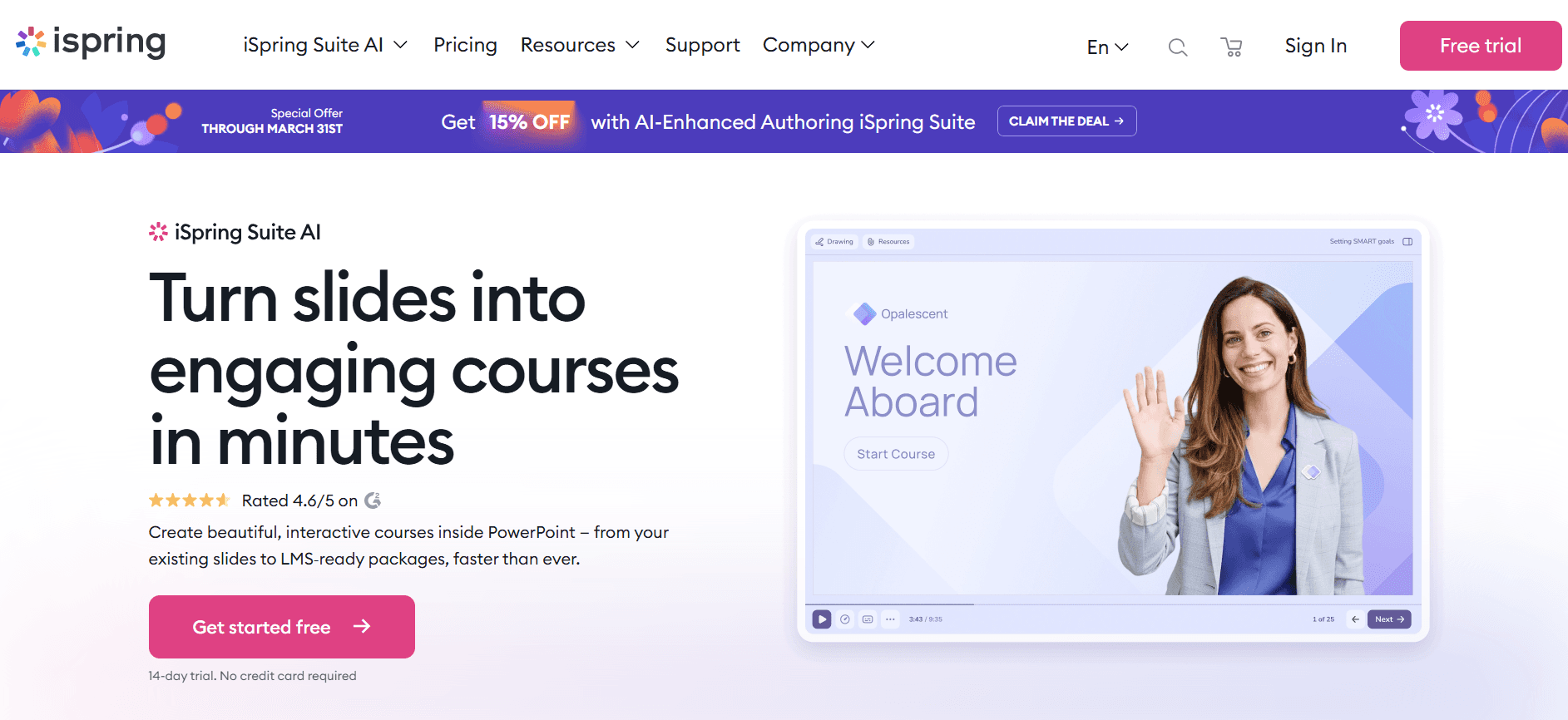
iSpring Suite is an all-in-one eLearning toolkit that allows users to create a wide range of interactive training materials. It's perfect for educators and corporate trainers who need to develop comprehensive eLearning courses. The suite includes powerful features for screen recording, interactive quizzes, and video narration, making it a versatile choice for professional training environments. iSpring's integration with PowerPoint is a standout feature, allowing seamless course creation.

Key Features

  • Screen Recording and Editing

  • Interactive Quizzes and Assessments

  • PowerPoint Integration

  • SCORM and xAPI Export

  • Video Narration Tools

  • Course Publishing for LMS

  • Comprehensive Learning Analytics

  • Moderate Editing Complexity

Pros

Cons

All-in-one eLearning solution

Limited animation features

Seamless PowerPoint integration

No AI-generated content

Robust analytics tools

Higher price range

Pricing

iSpring Suite offers a free trial, with paid plans starting at $770 per year per user.

  1. Articulate 360

Articulate 360

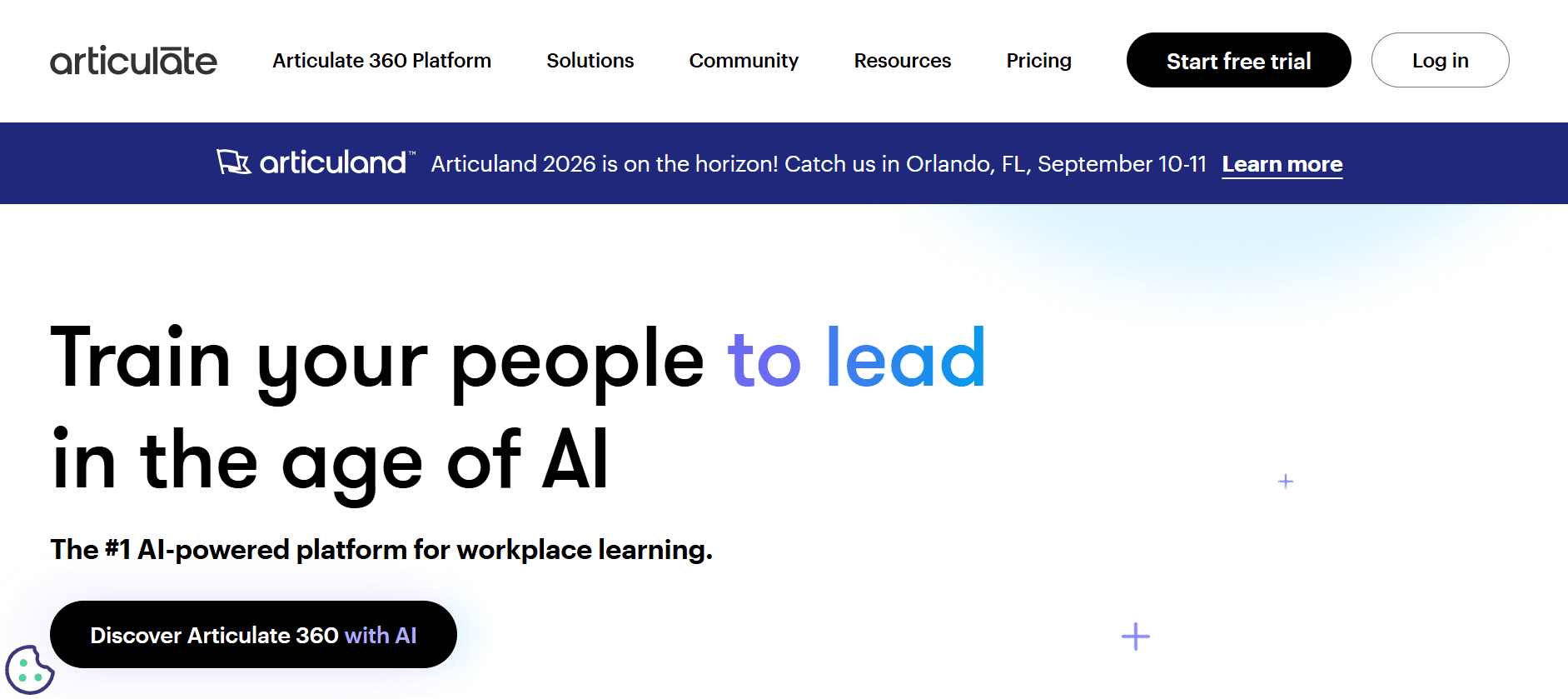
Articulate 360 is a comprehensive elearning development tool that offers everything from course creation to video production. It's designed for instructional designers and eLearning developers looking for a robust platform to create detailed interactive courses. While it doesn't focus solely on video production, its suite of tools makes it ideal for creating videos as part of a larger learning package. Articulate 360's strength lies in its ability to support complex eLearning scenarios.

Key Features

  • Interactive Course Creation

  • Video and Audio Narration

  • SCORM and xAPI Export

  • Responsive Design for Mobile Learning

  • Collaborative Review Tools

  • Comprehensive Asset Library

  • High Editing Complexity

  • Advanced Analytics

Pros

Cons

Rich eLearning features

Complex interface

Excellent for interactive content

Expensive for small teams

Great asset library

Steeper learning curve

Pricing

Articulate 360 is available as a subscription starting at $1,299 per year per user.

  1. Descript

Descript

Descript is a unique tool that combines transcription, podcast editing, and video production. It's particularly useful for teams that need to create video content from audio files or vice versa. Descript's standout feature is its text-based video editing, which allows users to edit video by editing text transcripts. This innovative approach simplifies the video editing process, making it accessible to users with minimal technical skills.

Key Features

  • Text-Based Video Editing

  • Automated Transcription

  • Screen Recording

  • AI Voice Cloning

  • Multi-language Support

  • Podcast Editing Tools

  • Low Editing Complexity

  • Seamless Collaboration Features

Pros

Cons

Easy text-based editing

Limited advanced video editing options

Great transcription accuracy

No animation features

Supports AI voice cloning

Limited LMS integration

Pricing

Descript offers a free tier with basic features, with paid plans starting at $15 per month per user.

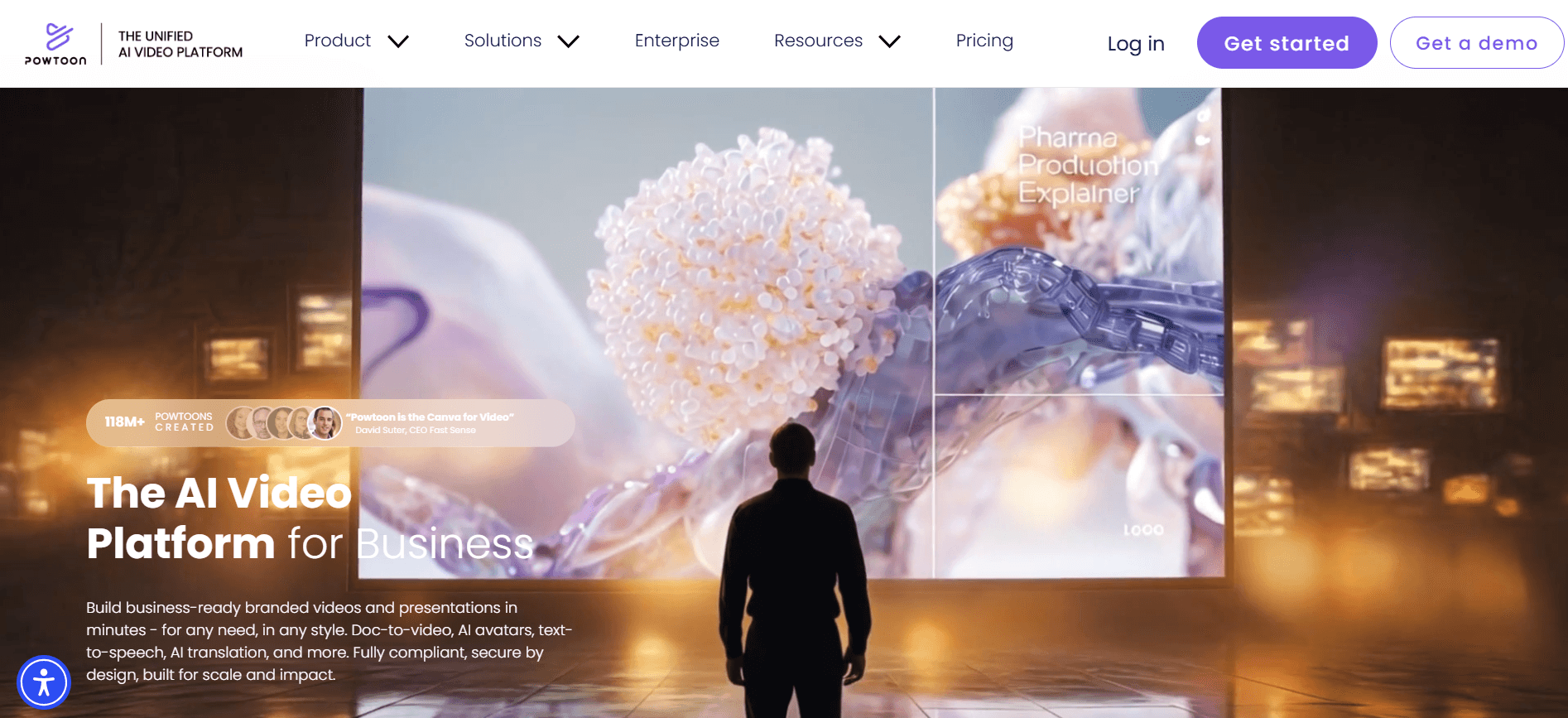
  1. Powtoon

Powtoon

Powtoon is a popular tool for creating engaging animated videos. It's ideal for businesses and educators who want to produce eye-catching content without the need for animation expertise. Powtoon offers a wide range of templates and character animations, making it easy to convey complex ideas through simple, animated visuals. While it lacks screen recording and advanced editing, its focus on animation makes it a strong contender for creative projects.

Key Features

  • Pre-made Animation Templates

  • Character and Scene Customization

  • Voiceover Options

  • Easy-to-use Interface

  • Moderate Editing Complexity

  • Collaboration Tools

  • Limited LMS Integration

  • Rich Asset Library

Pros

Cons

Great for animated content

No screen recording

Easy to use

Limited editing features

Wide range of templates

Not suitable for detailed video projects

Pricing

Powtoon offers a free version with limited features, with paid subscriptions starting at $19 per month.

Training Video Challenges: What Teams Struggle With

  1. Production Overhead

  • High costs associated with hiring professionals for video production.

  • Need for specialized equipment that can be expensive and difficult to learn.

  • Long setup and production times that delay content delivery.

  • Lack of in-house expertise leading to a reliance on external agencies.

  1. Keeping Content Current

  • Regular updates required to ensure content accuracy and relevance.

  • Challenges in quickly editing and re-distributing updated videos.

  • Increased resource allocation for continuous content monitoring.

  • Risk of outdated training material affecting learner engagement.

  1. Maintaining Consistency

  • Difficulty in ensuring uniform quality across multiple video outputs.

  • Varied production styles disrupting brand voice and message.

  • Challenges in standardizing video lengths and formats.

  • Potential lack of cohesion in training programs due to disparate video styles.

  1. Accessibility Requirements

  • Ensuring videos are accessible to all users, including those with disabilities.

  • Need for closed captions and alternative text descriptions.

  • Compliance with legal standards such as ADA and WCAG.

  • Increased production time to incorporate accessibility features.

  1. LMS Compatibility

  • Technical challenges in integrating videos with existing LMS platforms.

  • Ensuring compatibility with SCORM and xAPI standards for tracking.

  • Potential loss of interactivity when videos are not fully compatible.

  • Increased IT involvement to troubleshoot integration issues.

Challenge

Traditional Process

Business Impact

Time Cost

Production Overhead

External agencies and high-end equipment

Increased costs, delayed timelines

Weeks to months

Keeping Content Current

Periodic reviews and manual updates

Outdated information, reduced engagement

Ongoing effort

Maintaining Consistency

Manual checks and style guides

Brand inconsistency, message dilution

Variable

Accessibility Requirements

Specialized tools and expertise

Legal risks, reduced audience reach

Significant

LMS Compatibility

Custom integration solutions

Technical barriers, reduced functionality

Weeks

Addressing these challenges requires the right tools and strategies that can streamline video production and ensure consistent, high-quality outputs. With modern training video software, many of these hurdles can be overcome, paving the way for effective learning experiences across organizations.

Must-Have Features in Modern Training Video Tools

  1. AI-Powered Voiceover

AI voiceover capabilities transform how training videos are produced by providing lifelike narration without needing professional voice actors. This feature is particularly useful for organizations producing content in multiple languages, as it allows for quick and accurate translations. Tools like Trupeer and Synthesia excel in AI voiceover, offering a variety of voices and accents to match your training needs.

AI voiceover not only saves time but also reduces costs associated with hiring voice talent. With the ability to synthesize speech that sounds natural, these tools ensure that your training videos maintain high engagement levels, crucial for effective learning.

  1. Screen Recording and Editing

Screen recording is essential for creating tutorials and demonstrating software applications. It allows trainers to capture live demonstrations, making it easier for learners to follow along. Camtasia and iSpring Suite are known for their robust screen recording capabilities, providing users with the tools needed to produce detailed instructional content.

Editing features are equally important, enabling users to refine their recordings by trimming clips, adding annotations, and inserting callouts. This ensures that the final product is polished and easy to understand, enhancing the overall learning experience.

  1. Animation and Visual Effects

Animation brings concepts to life, making complex ideas easier to grasp. Tools like Vyond and Powtoon specialize in animation, offering extensive libraries of characters, backgrounds, and effects that can transform a standard training session into an engaging visual story.

Animation is especially beneficial for subjects that are abstract or difficult to visualize, as it allows instructors to craft scenarios that are both educational and entertaining. By incorporating visual effects, trainers can maintain learner interest and improve retention rates.

  1. SCORM and xAPI Support

For organizations using learning management systems (LMS), compatibility with SCORM and xAPI is vital. These standards ensure that training videos are trackable, allowing educators to monitor learner progress and gather valuable analytics. Tools like iSpring Suite and Articulate 360 provide robust support for these standards, making them ideal for structured eLearning environments.

Having SCORM and xAPI support simplifies the process of deploying videos across different platforms, ensuring seamless integration and consistent delivery of content. This is crucial for maintaining a cohesive learning experience across various digital platforms.

  1. LMS Integration

Direct integration with LMS platforms streamlines the process of distributing and managing video content. By embedding videos directly into the LMS, organizations can provide a centralized hub for all learning materials. This integration is a strong point for tools like Trupeer, which offers seamless connectivity with popular LMS platforms.

LMS integration facilitates easy content management and ensures that updates are reflected instantly across all learning modules. This feature is especially important for organizations with a large catalog of training material that requires frequent updates.

  1. Multi-language and Localization Support

Global organizations benefit from tools that offer multi-language support, enabling them to reach a diverse audience. This feature allows for the localization of content, ensuring that training materials are culturally relevant and accessible to all learners. Trupeer and Synthesia provide excellent language options, supporting numerous languages to cater to global teams.

Localization goes beyond simple translation, encompassing cultural nuances and regional preferences. By leveraging this feature, businesses can ensure that their training programs resonate with employees worldwide, fostering a more inclusive learning environment.

How to Choose Training Video Software Based on Your Use Case

  1. Employee Onboarding

Employee onboarding is a critical process that can set the tone for a new hire's experience. Effective training videos can streamline this process, ensuring that new employees receive consistent and comprehensive information. Videos that cover company culture, policies, and role-specific training help new hires integrate smoothly into the organization.

Key Challenges:

  • Delivering uniform information to all new employees.

  • Balancing information overload with essential content.

  • Ensuring accessibility and engagement throughout the training.

Solutions Needed:

  • AI voiceover for clear and consistent narration.

  • Screen recording to demonstrate software tools.

  • SCORM and LMS integration for tracking progress.

Tool

AI Voiceover

Screen Recording

LMS Integration

Trupeer

Synthesia

Limited

Camtasia


"Using Trupeer for onboarding has significantly improved our new hire retention rates." - Sarah, HR Director

  1. Compliance Training

Compliance training is essential for ensuring that organizations meet legal and regulatory standards. These videos must be up-to-date and accurate, often requiring regular updates to reflect the latest rules. High stakes mean that companies cannot afford errors in their compliance training programs.

Key Challenges:

  • Keeping content current with evolving regulations.

  • Ensuring accessibility for all learners.

  • Tracking completion and understanding across teams.

Solutions Needed:

  • Rapid editing tools for quick updates.

  • Support for closed captions and accessibility features.

  • SCORM compliance for detailed tracking.

Tool

Editing Tools

Accessibility Features

SCORM Compliance

Trupeer

iSpring Suite

Moderate

Articulate 360

High

  1. Product Training

Product training videos are crucial for educating both employees and customers on the use and benefits of a company's products. These videos should be engaging and informative, offering clear demonstrations of product features and functionalities. The goal is to ensure that users can maximize the value of their purchase.

Key Challenges:

  • Demonstrating complex product features clearly.

  • Maintaining viewer engagement throughout the video.

  • Ensuring compatibility with customer-facing platforms.

Solutions Needed:

  • High-quality screen recording for detailed demonstrations.

  • Animation and visual effects to enhance understanding.

  • Multi-language support for global reach.

Tool

Screen Recording

Animation Features

Multi-language Support

Camtasia

Limited

Vyond

Limited

Trupeer

Limited


"For product training, Vyond's animation capabilities make complex features easy to understand." - Alex, Product Manager

  1. Sales Enablement

Sales enablement videos equip sales teams with the knowledge and skills needed to effectively sell products. These videos often include role-plays, product demos, and objection handling techniques, providing sales reps with the tools to close deals faster.

Key Challenges:

  • Ensuring content is both educational and motivational.

  • Delivering up-to-date information on product features and benefits.

  • Providing scalable training solutions for large teams.

Solutions Needed:

  • Interactive elements to engage sales teams.

  • AI-driven content updates for the latest sales strategies.

  • Easy distribution across multiple platforms.

Tool

Interactive Features

AI Content Updates

Platform Distribution

Articulate 360

Limited

Descript

Limited

Limited

Trupeer

  1. Customer Education

Customer education videos are designed to help customers use products effectively, reducing support calls and enhancing user satisfaction. These videos should be easy to understand and readily available to customers whenever they need help.

Key Challenges:

  • Creating content that's accessible to a diverse customer base.

  • Ensuring videos are concise yet informative.

  • Providing ongoing support through updated content.

Solutions Needed:

  • Concise video editing to focus on key points.

  • Accessibility features such as captions and multilingual support.

  • Cloud-based storage for easy access and updates.

Tool

Concise Editing

Accessibility Features

Cloud Storage

Descript

Trupeer

Synthesia

Limited


Tip: Regularly update customer education videos to reflect product changes and enhancements to maintain their effectiveness.

Best Practices for training video production

  1. Before Production

  • Define clear objectives for each video to ensure it aligns with training goals.

  • Storyboard your content to map out key messages and visuals.

  • Choose the right tools based on your specific needs and budget.

  • Test your equipment and software to avoid technical issues during production.

  • Gather all necessary resources, such as scripts, images, and voiceover talent.

  1. During Production

  • Keep videos concise, ideally under five minutes, to maintain viewer engagement.

  • Use high-quality visuals and clear audio to enhance understanding.

  • Incorporate interactive elements to increase engagement, if applicable.

  • Ensure that all content is accessible, with features like closed captions.

  • Monitor the recording process to make real-time adjustments as needed.

  1. After Production

  • Edit your video carefully, focusing on clarity and relevance.

  • Get feedback from a small audience to identify potential improvements.

  • Optimize the video for various platforms with appropriate formats and resolutions.

  • Distribute the video through your chosen channels and track engagement metrics.

  • Regularly review and update the content to ensure it remains current and effective.

Frequently Asked Questions

  1. What is the best training video software for beginners?

For beginners, Trupeer offers an intuitive interface and step-by-step guides, making it easy to create professional-looking training videos without advanced skills. Its AI features simplify the process of script generation and voiceover, reducing the learning curve significantly.

  1. Can training videos replace traditional training methods?

Training videos complement traditional methods by providing visual and auditory learning experiences. While they can enhance understanding and retention, a blended approach often yields the best results, combining videos with hands-on practice and instructor-led sessions.

  1. How do I ensure my training videos are accessible?

To make videos accessible, include closed captions, audio descriptions, and transcripts. Use tools like Trupeer that offer built-in features for accessibility. Also, ensure that your content complies with standards like ADA and WCAG for broader reach.

  1. What formats should I export my videos in?

Export videos in formats compatible with your distribution channels, such as MP4 for web use and SCORM for LMS integration. Tools like iSpring Suite and Articulate 360 support multiple export formats, making them versatile choices for varied needs.

  1. Are there free tools available for training video creation?

Yes, several tools like Powtoon and Descript offer free versions with basic features. However, for more advanced capabilities like SCORM export and AI voiceover, you may need to opt for paid plans. Evaluate your needs to choose the right plan.

  1. What factors influence the cost of video production software?

Costs vary based on features, such as AI capabilities, export options, and integration support. Consider what you need for your training goals. For example, if LMS integration is crucial, investing in a tool like Trupeer might be worthwhile.

  1. How can I integrate videos into my existing LMS?

To integrate videos into an LMS, ensure your tool supports SCORM or xAPI. Export your videos accordingly and upload them to the LMS. Tools like Trupeer provide seamless LMS integration, simplifying the process and ensuring consistency.

  1. What are common challenges in implementing video training programs?

Challenges include technical setup, ensuring content accessibility, and maintaining engagement. Address these by using user-friendly tools, planning for accessibility from the start, and incorporating interactive elements to keep learners interested.

  1. How do I measure the effectiveness of my training videos?

Measure effectiveness through engagement metrics, learner feedback, and performance improvements. Use analytics tools available in most video software to track views, completion rates, and quizzes. This data can guide future content improvements.

Closing

Choosing the right training video software depends on your specific needs, budget, and technical capabilities. While tools like Trupeer offer comprehensive features ideal for various use cases, consider your organization's unique requirements when making a decision. The right software should not only facilitate video production but also enhance the learning experience for your audience.

Ready to transform your training programs? Explore how Trupeer can help you create engaging, accessible, and effective training videos today. With its robust feature set and user-friendly design, Trupeer is poised to support your organization's learning objectives seamlessly and efficiently.

無料でAIビデオ+ドキュメントジェネレーターを使って動画を作成し始めましょう

無料でAIビデオ+ドキュメントジェネレーターを使って動画を作成し始めましょう

Experience the new & faster way of creating product videos.

Instant AI Product Videos and Docs from Rough Screen Recordings.

Get started for free

無料で始める

Experience the new & faster way of creating product videos.

Instant AI Product Videos and Docs from Rough Screen Recordings.

Get started for free

無料で始める

Experience the new & faster way of creating product videos.

Instant AI Product Videos and Docs from Rough Screen Recordings.

Get started for free

無料で始める