4.8/5
Free Regulated Entity Documentation Software
Turn recorded procedures into controlled, audit-ready SOPs, with role-based access and translation, so documentation stays current between reviews.
Get started for free

Regulated entity documentation software helps banks, insurers, healthcare providers, and other supervised organizations keep their procedures accurate, controlled, and ready for an audit. With Trupeer, a subject-matter expert records how a process is actually performed, and the platform turns that recording into a structured SOP with captioned screenshots and ordered steps. The documentation a regulator expects gets produced from the work itself, rather than written from memory and quietly going out of date.
In a regulated environment, documentation is not paperwork; it is evidence. When a procedure is missing, stale, or does not match what staff actually do, that gap becomes an audit finding. The challenge is that processes change constantly while procedure documents do not, so the goal is to make process documentation fast enough to create and cheap enough to update that it stays current between reviews.
How to Use Regulated Entity Documentation Software
The tool fits how compliance, operations, and quality teams already work, with almost no learning curve. Trupeer's screen recorder captures each procedure, and the AI handles the structuring, writing, and formatting across three steps.
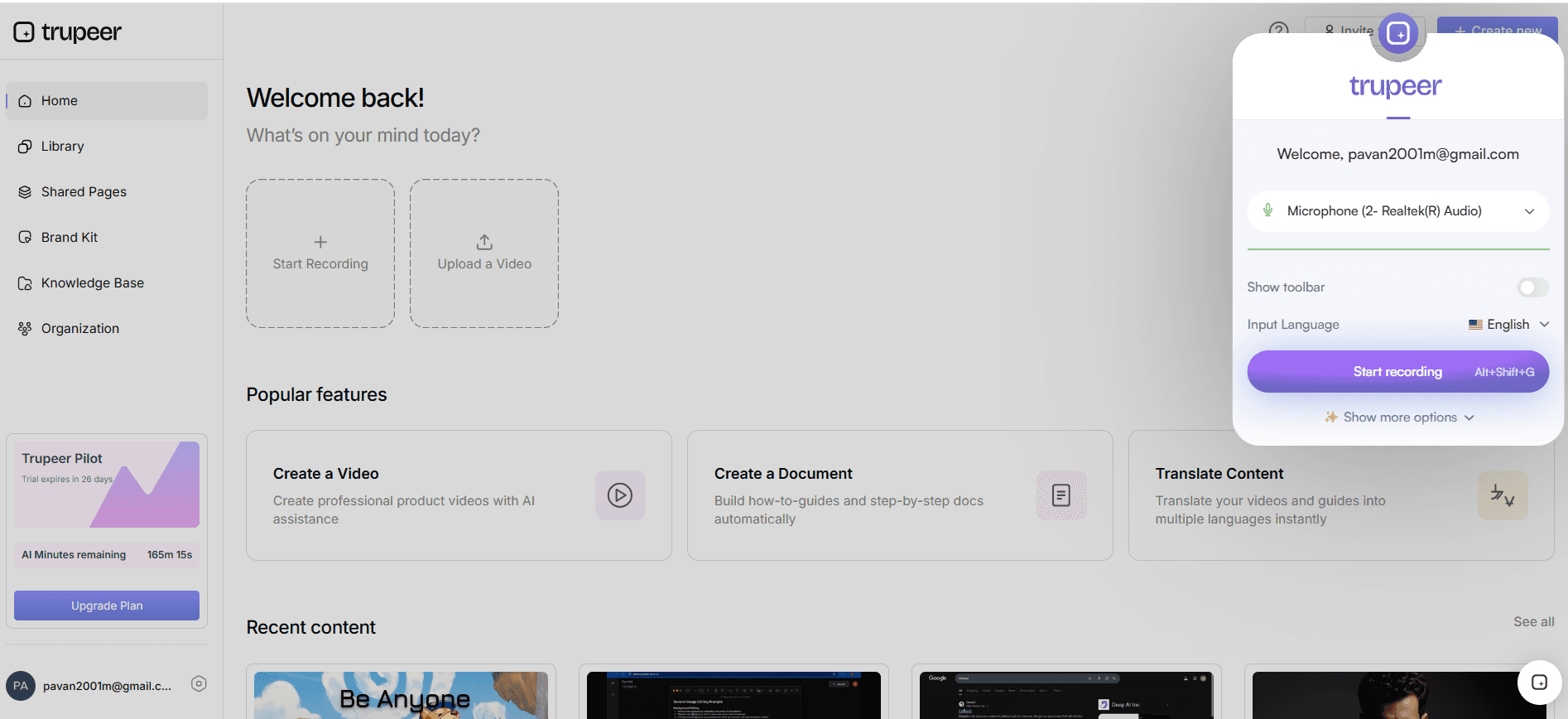
Step 1: Record the Procedure
Open the screen recorder and walk through the process exactly as it is performed, narrating the controls, checks, and approvals along the way. Already have a recorded walkthrough? Upload it instead. This is the only manual step the documentation needs.
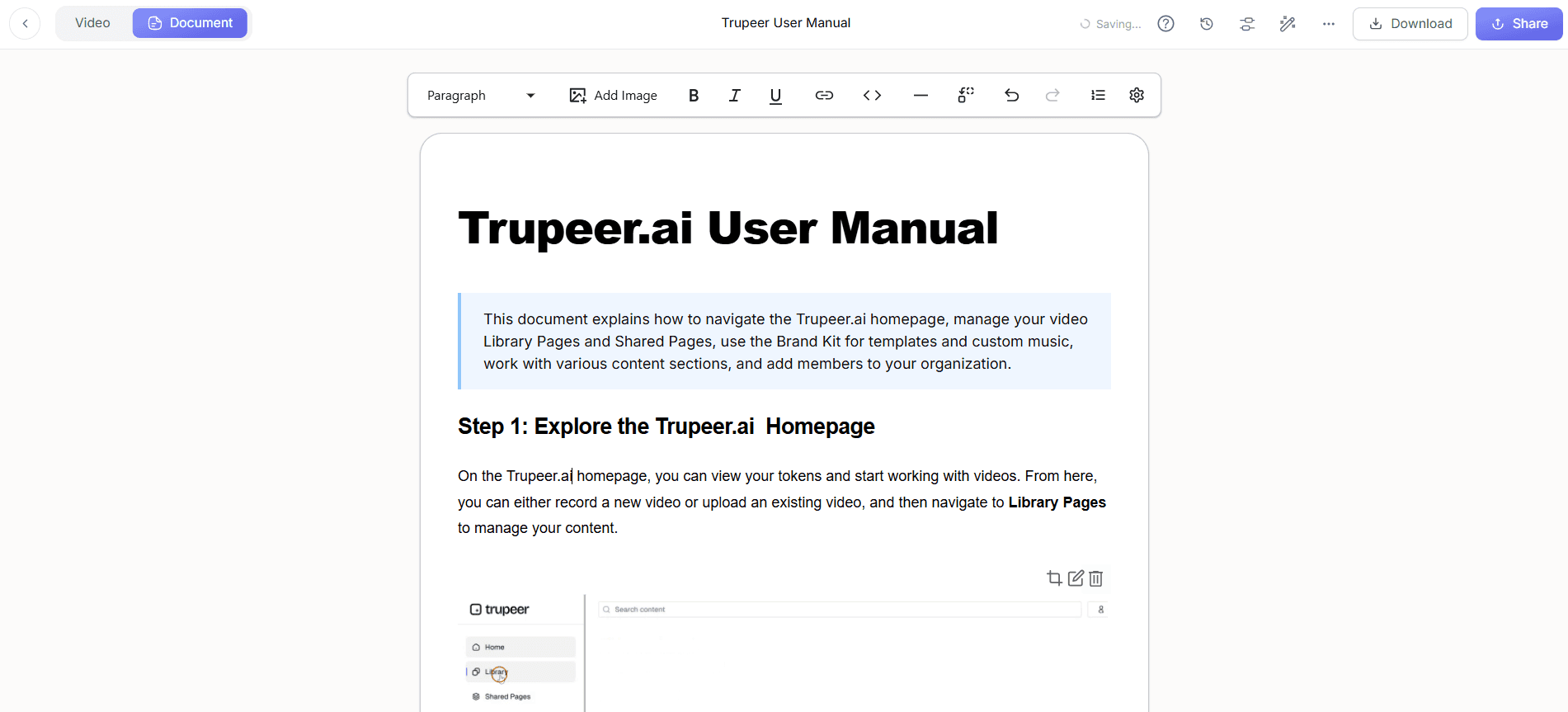
Step 2: Generate the SOP and Steps
Once the recording is complete, the tool processes it automatically. It summarises the session, captures captioned screenshots at each action, and writes a clean numbered sequence, producing a draft you can publish as a step-by-step guide or a formal SOP.
Step 3: Control Access, Translate, and Publish
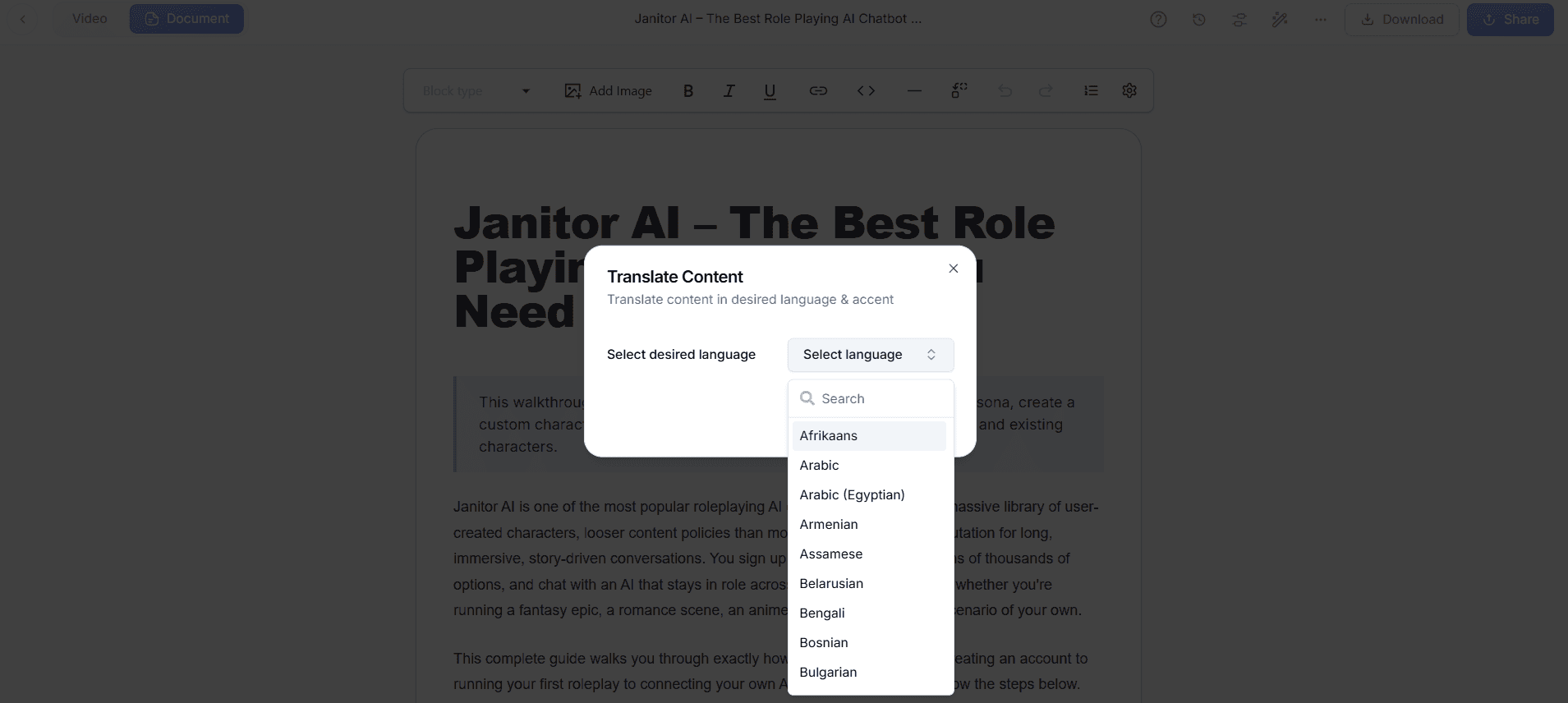
The generated document is fully editable, so you can add control references, expected results, and approval points. Translate it into 65+ languages for teams across jurisdictions, set who can see it, and publish to the right audience. Because the document stays linked to the recording, a reviewer can confirm a step was performed exactly as written.
Key Features of Regulated Entity Documentation Software
The tool packs capture, AI writing, translation, access control, and a controlled library into one platform, so the procedures a regulated entity depends on stay accurate and defensible.
SOPs and Procedures From a Recording: The AI breaks each recording into clear, ordered steps with captioned screenshots of the exact screens, then writes the descriptions for you. Everything stays editable, so you can add control references and expected results before the procedure is approved.
Role-Based Access and Visibility: Manage organization workspaces with roles such as Workspace Admin and Editor, and set document visibility to organization-level, selected domains, or invite-only. The right people see the right procedures, and sensitive material stays restricted.
Audit-Ready and Traceable: Each document stays linked to the recording it was generated from, so you can show that a procedure reflects how the work is actually done. Admin analytics give visibility into usage, which helps demonstrate that staff are referencing current documentation.
Consistent Compliance Training: Turn the same capture into training material so every employee is trained to the identical procedure, not a local interpretation of it. One source feeds both the reference SOP and the training walkthrough.
Multi-Language for Global Operations: Translate procedures and narration into 65+ languages so teams across regions and jurisdictions follow the same controlled process in their own language. A single master stays the source rather than a separate copy per location.
Always Current: When a regulation or process changes, re-record only the segment that changed, regenerate the steps, and re-translate, so the procedure documentation keeps matching practice. Stale documents are a common audit finding, and this keeps the cost of updates low enough to avoid them.
Why Use Regulated Entity Documentation Software?
Manually maintained procedures are slow to write and quick to drift from reality, and in a regulated entity that drift is what shows up in findings. Generating documentation from recordings keeps it accurate, controlled, and faster to maintain.
Keep Procedures Current and Defensible: Because updating a document means re-recording one segment rather than rewriting from scratch, procedures actually get maintained between reviews. Current documentation that matches practice is the simplest way to avoid the most common category of audit finding.
Reduce Key-Person Risk: The steps only your most experienced staff know become documented procedures, so a process is no longer dependent on one person being available. If they change roles or leave, the knowledge stays behind in a controlled, usable form.
Standardize Across the Organization: One approved master keeps the same policy and procedure documentation in front of every team and location, instead of regional variations that diverge over time. Consistency is what makes a control reliable across the whole entity.
Make Audits Less Painful: When evidence is organized, current, and traceable to how work is performed, preparing for an examination is a matter of sharing access rather than reconstructing records. Reviewers see a clear line from procedure to practice.
Faster Than Manual Documentation: Recording replaces hours of manual authoring, so a procedure is mostly written by the time the walkthrough ends. Compliance and quality teams reclaim the time they would lose to formatting and screenshots.
Who Should Use Regulated Entity Documentation Software?
The tool is valuable for any supervised organization that must document how its processes are performed and prove it, from a single team to a multi-jurisdiction enterprise.
Compliance and Risk Teams: Maintain a controlled library of current procedures and demonstrate that documentation reflects actual practice. Spend less time chasing process owners for updates and more on the controls themselves.
Financial Services and Banking Operations: Document onboarding, KYC, and operational procedures consistently across branches and back-office teams. A recorded, translated master keeps the same process in front of every location.
Healthcare and Life Sciences: Capture clinical, administrative, and quality procedures so staff follow the same documented steps, and so training reflects the current process. Keep procedures aligned as systems and protocols change.
Quality and Process Excellence: Build and maintain the SOP library that underpins your quality system, with each procedure tied to a recording. Host the full set as a searchable knowledge base the floor can reach instantly.
Internal Audit and Operations: Get a clear, traceable view of how processes are actually run, and reuse the same captures to onboard and cross-train staff. Documentation becomes a living control rather than a shelf document.
Best Practices for Regulated Entity Documentation Software
A little structure makes the output stronger, helping the AI produce a cleaner first draft and keeping the library audit-ready.
Map Procedures to Your Control Framework: Decide which controls and obligations each procedure supports before you record, so the library lines up with how you will be examined. This makes evidence easy to locate when a specific control is reviewed.
Record One Procedure Per Session: Keep each recording to a single end-to-end procedure so the resulting document stays focused and easy to maintain. Single-purpose captures are also far easier to update when one step changes.
Narrate the Control, Not Just the Click: Explain the check, the approval, and what happens if something is out of tolerance, so the document captures the control intent. The narration feeds both the written steps and the voiceover, so more context yields a stronger draft.
Set Access by Role From the Start: Use workspace roles and visibility settings so each procedure reaches the right audience and sensitive material stays restricted. Getting access right early avoids retrofitting permissions across a large library later.
Review and Re-Certify on a Schedule: Treat each procedure as a living document with an owner and a review date, and re-record the segment that changed when the process moves. A regular cadence keeps the library current rather than correct only on the day it was written.
Explore Related Tools
Key benefits for regulated teams
Procedures from a recording
Record how a process is performed and Trupeer produces a structured SOP with captioned screenshots and ordered steps, so documentation matches practice.
Role-based access and visibility
Workspace roles and visibility settings keep the right procedures in front of the right people and sensitive material restricted.
Always current
Re-record only the segment that changed to keep procedures matching practice, so stale documents stop becoming audit findings.
How to document regulated procedures with Trupeer
Step 1
Record the procedure
Step 2
AI generates the SOP and steps
Step 3
Control access, translate, and publish
Frequently Asked Questions
What is regulated entity documentation software?
It is software that helps supervised organizations create and maintain controlled procedure documentation. With Trupeer, an expert records how a process is performed and the tool generates a structured SOP with screenshots and steps, so the documentation reflects actual practice and stays audit-ready.
How does it keep procedures audit-ready?
Each document stays linked to the recording it was generated from, so you can show that a procedure matches how the work is done. Role-based access, visibility settings, and admin analytics help you control who sees each procedure and demonstrate it is in use.
Can access be restricted to certain teams?
Yes. You can manage organization workspaces with roles such as Workspace Admin and Editor, and set document visibility to organization-level, selected domains, or invite-only, so sensitive procedures reach only the intended audience.
How does it keep documentation current as regulations change?
When a process or requirement changes, you re-record only the affected segment, regenerate the steps, and re-translate, so the procedure keeps matching practice. Because updates are quick, documentation stays current between reviews rather than drifting out of date.
Who uses regulated entity documentation software?
Compliance and risk teams, financial services and banking operations, healthcare and life sciences, quality and process excellence, and internal audit. Anyone who must document how processes are performed and prove that documentation reflects practice.
More Tools



