Utilisez ce modèle
Strong IT documentation is the difference between a resilient IT operation and a fragile one. With Trupeer, you can save hours on writing IT documentation by starting with a free IT documentation template, customizing it with your brand guidelines, and turning long IT docs into video walkthroughs that engineers and support teams actually use.
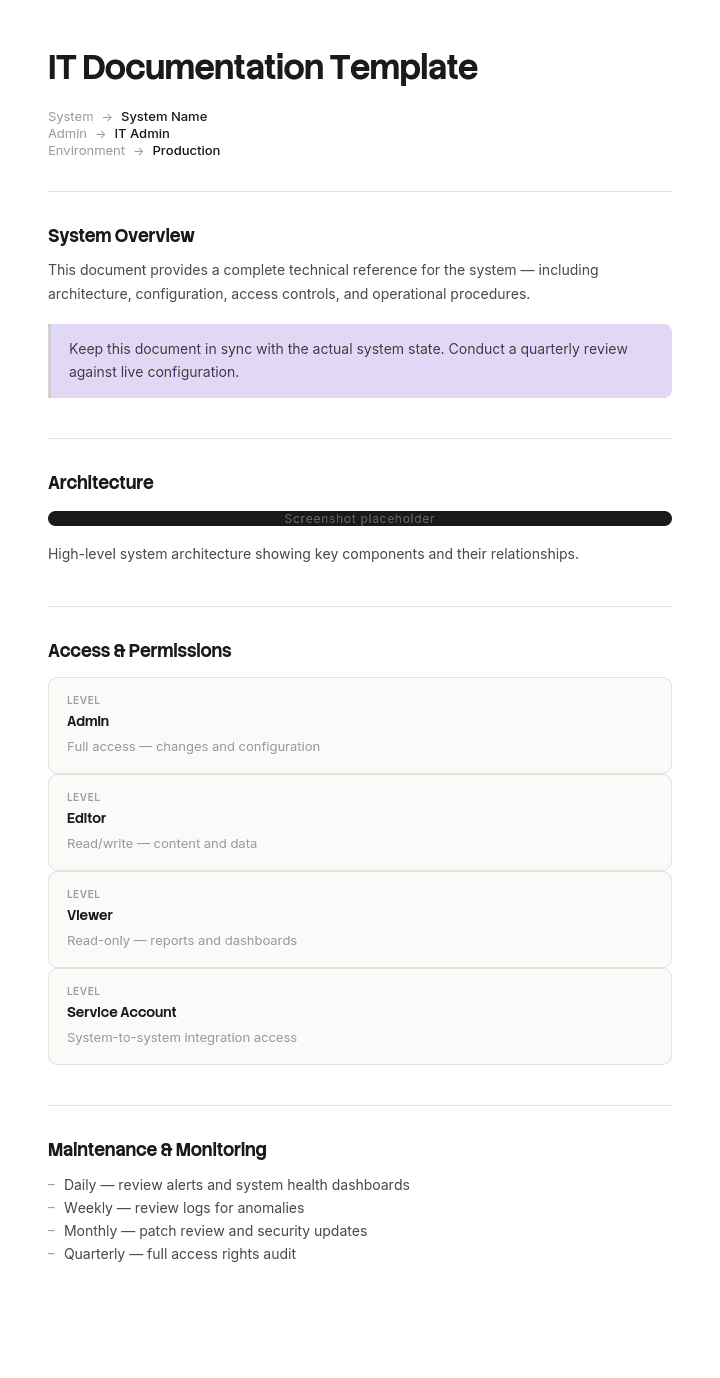
This IT documentation template provides a structured framework to capture system architecture, network diagrams, configurations, credentials handling, runbooks, change procedures and disaster recovery plans - useful for IT operations, MSPs, security teams and DevOps. Combine it with our knowledge base for a fully searchable IT knowledge hub, generate AI video walkthroughs, and translate into 65+ languages for global IT teams.
How to customize this template in Trupeer
Step 1: Open the Templates Section
Go to the Templates section from the main navigation.

Step 2: Select and Open a Template
Click on any template you want to work with to open it.

Step 3: Expand the Template View
If needed, expand the template view to see the full layout and details clearly.

Step 4: Edit the Template
Click on Edit to start modifying the selected template.

Within the editor, you can:
Add new sections
Define or update formatting rules
Add a logo and adjust its position and related settings
Step 5: Save Your Customized Template
After making all necessary changes, click Save to store the updated template as your own.

Step 6: Preview and Fine-Tune the Template
When you want to see how your customized template looks, open the Preview.

From the preview screen, you can continue to make adjustments directly if needed, ensuring the template appears exactly as you want.
With an IT documentation template you can:
Save hours on writing: Skip the blank page with a structure built for IT systems.
Reduce downtime: Clear documentation cuts MTTR during incidents.
Stay on-brand: Apply your logo, fonts and colors using Trupeer's brand kit.
Onboard engineers faster: New hires ramp quickly when systems are well-documented.
Stay audit-ready: Built-in sections support SOC 2, ISO 27001 and similar audits.
Reach global teams: Translate IT documentation into 65+ languages with one click.
Great IT documentation is what keeps the lights on. Use this template to capture every system, process and procedure clearly - so your team can operate, support and scale with confidence.
Frequently Asked Questions
What is IT documentation?
IT documentation is the collection of written, visual and video records that describe an organization's IT environment - including system architecture, network configurations, applications, security controls, runbooks, change procedures and disaster recovery plans. It's both a working tool and a compliance asset.
What should IT documentation include?
A complete IT documentation set includes network and system architecture diagrams, application inventory, configuration details, security policies and controls, user and access management, runbooks for common operations, change management procedures, incident response plans and disaster recovery plans.
What are the types of IT documentation?
Common types include system documentation (architecture, configurations), process documentation (runbooks, SOPs, change procedures), security documentation (policies, controls, audit evidence), user documentation (manuals, FAQs) and disaster recovery documentation (RTOs, RPOs, recovery plans).
Why is IT documentation important?
IT documentation reduces downtime during incidents, supports onboarding, captures institutional knowledge, ensures compliance with audits like SOC 2 and ISO 27001, and protects the company when key engineers leave. Without it, IT becomes a single point of failure.
How often should IT documentation be updated?
Update documentation immediately after any system change, incident or audit finding. Review unchanged documentation at least quarterly. Outdated IT docs are dangerous - they can mislead engineers during incidents and cause audit failures. Keep them current and tested.

