Trupeer Blog
Synthétiser

Buyer's Overview
Employee onboarding can make or break the new hire experience. Companies with robust onboarding processes see an 82% improvement in new hire retention, according to the Brandon Hall Group. Video-based onboarding solutions are gaining traction as they significantly reduce ramp time, offering a more engaging and interactive alternative to traditional methods. Despite these advantages, many organizations still rely heavily on static documents, missing out on the benefits of dynamic training content. This guide delves into the top video-based onboarding solutions available in 2026, providing a detailed comparison to help decision-makers in HR, L&D, and operations find the best fit for their organizational needs.
Best Video Based Employee Onboarding Tools: Head-to-Head Comparison
Feature | Trupeer | Synthesia | Loom | Camtasia | iSpring Suite | Whatfix | Tango | Articulate 360 | Vyond |
|---|---|---|---|---|---|---|---|---|---|
Core Features | |||||||||
Screen Recording | Yes | No | Yes | Yes | Yes | No | Yes | No | No |
AI Avatar/Voiceover | Yes | Yes | No | No | No | No | Yes | Yes | Yes |
Professional Features | |||||||||
SCORM Export | Yes | No | No | Yes | Yes | Yes | No | Yes | No |
Interactive Training | Yes | Yes | No | Limited | Yes | Yes | Limited | Yes | Yes |
Integrations | |||||||||
LMS Integration | Yes | Limited | Limited | Yes | Yes | Yes | No | Yes | Limited |
Multi-language | Yes | Yes | No | Limited | Yes | Limited | No | Yes | Yes |
Custom Branding | Yes | Yes | Limited | Yes | Yes | Yes | No | Yes | Yes |
Free Tier | No | No | Yes | No | No | No | Yes | No | No |
Trupeer

Trupeer is designed to streamline the onboarding process by offering a comprehensive suite of video-based training tools. It's particularly suitable for large organizations that need to maintain consistent training across various departments. Trupeer's standout feature is its AI-driven customization, which personalizes content based on role and location. However, it lacks a free tier, which might deter smaller companies with limited budgets. The platform's strength lies in its robust analytics that provide insights into employee progress and engagement.
Key Features
AI-driven content customization
Robust analytics and reporting
Interactive training modules
Multi-language support
Custom branding options
LMS integration
SCORM/xAPI compatibility
Video editing tools
"Trupeer has transformed our onboarding process, making it more engaging and efficient."
John Doe, HR Director at TechCorp (Source: G2)
Pros | Cons |
|---|---|
AI-driven content makes onboarding personalized. | No free tier is available for small teams. |
Advanced analytics help track progress and engagement. | Initial setup can be complex for non-tech users. |
Supports multiple languages, making global rollout easier. | Occasional lag in video rendering reported by users. |
Pricing
Trupeer offers a premium plan starting at $49 per user per month.
Synthesia
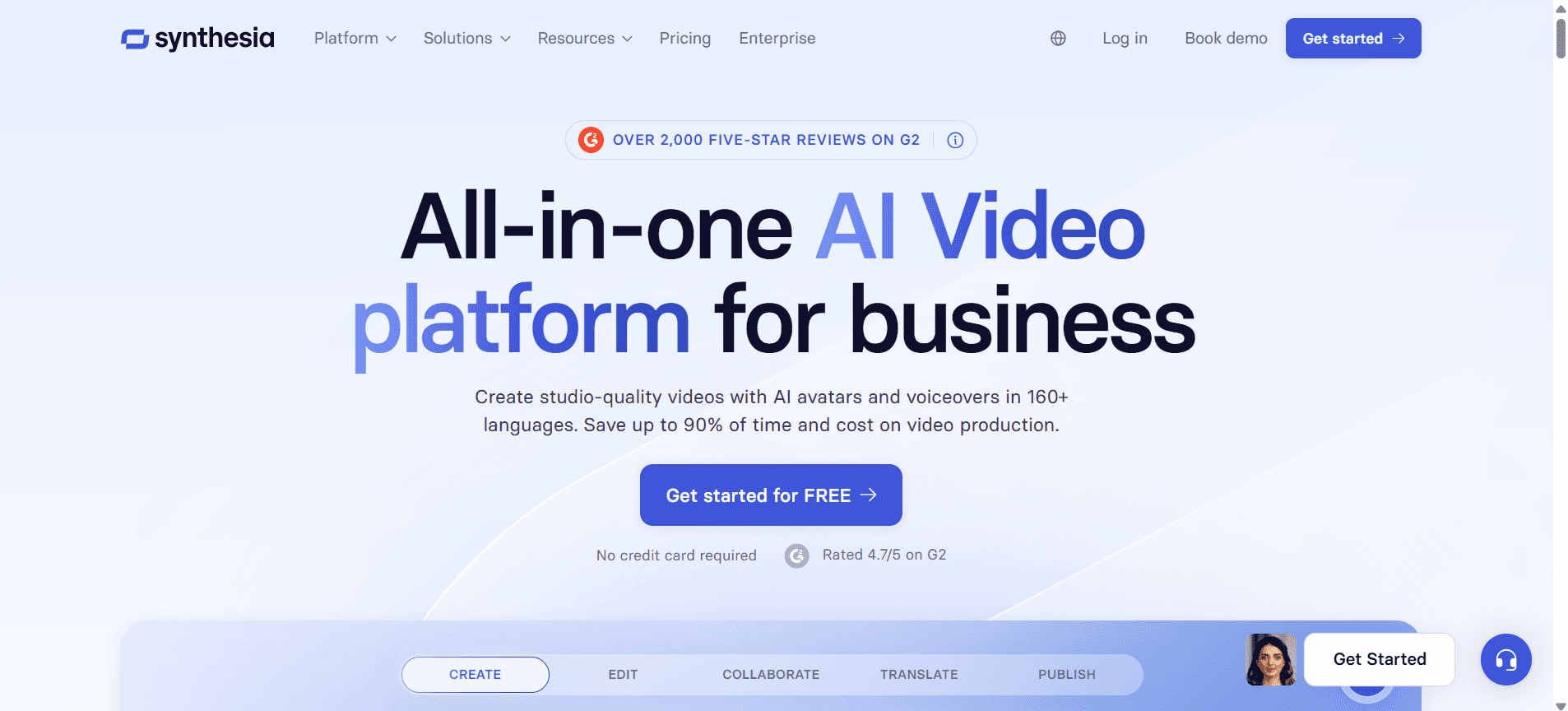
Synthesia specializes in AI-generated video content, which is ideal for creating scalable and visually engaging training materials. It's particularly useful for companies looking to incorporate AI avatars and voiceovers into their training content. However, Synthesia lacks screen recording capabilities, which could be a limitation for teams needing comprehensive video features. Its AI-driven features are truly cutting-edge, setting it apart in terms of innovation.
Key Features
AI-generated video avatars
AI voiceovers in multiple languages
Customizable video templates
Integration with popular LMS platforms
Interactive video features
Branding and customization options
Cloud-based video storage
Regular updates with new AI features
Pros | Cons |
|---|---|
AI avatars make content visually engaging. | Does not support screen recording. |
Offers extensive language options for global teams. | Requires a high learning curve for new users. |
Seamless integration with most LMS platforms. | Higher cost compared to some competitors. |
Pricing
Synthesia's plans start at $30 per month for basic features.
Loom
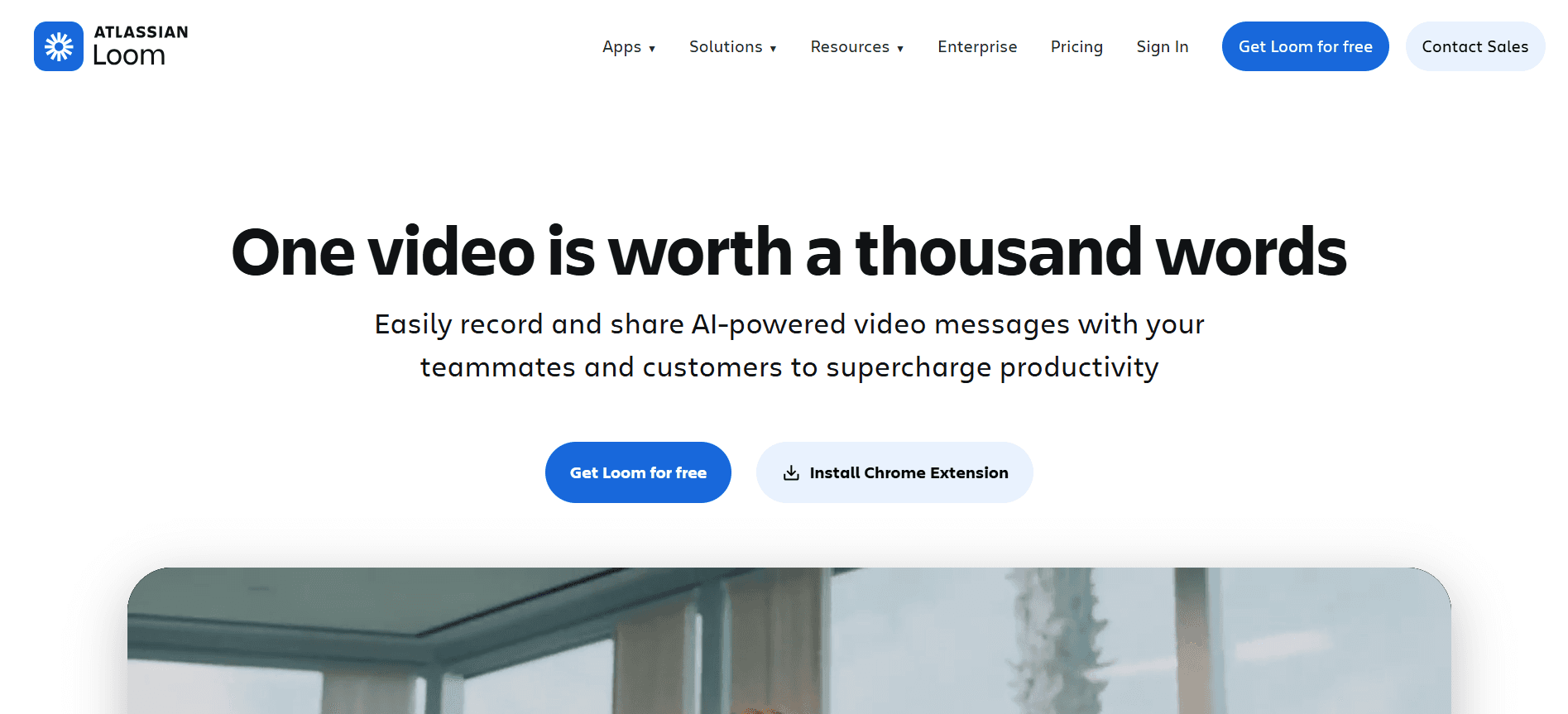
Loom is a user-friendly tool that excels in screen recording and quick video sharing. It's perfect for startups and small businesses needing a cost-effective solution for creating straightforward training videos. While Loom offers a free tier, its advanced features are somewhat limited compared to other tools. It's best for teams that prioritize ease of use over complex functionalities.
Key Features
Unlimited screen recording
Instant video sharing
Basic editing tools
Browser extension for quick access
Viewer engagement analytics
Custom video thumbnails
Video commenting and collaboration
Integrations with Slack and other tools
Pros | Cons |
|---|---|
Easy to use with a minimal learning curve. | Limited advanced features in the free tier. |
Offers a free tier with basic functionalities. | Doesn't support SCORM export. |
Great for quick video sharing and feedback. | Limited customization options for brand consistency. |
Pricing
Loom offers a free version and paid plans starting at $8 per user per month.
Camtasia
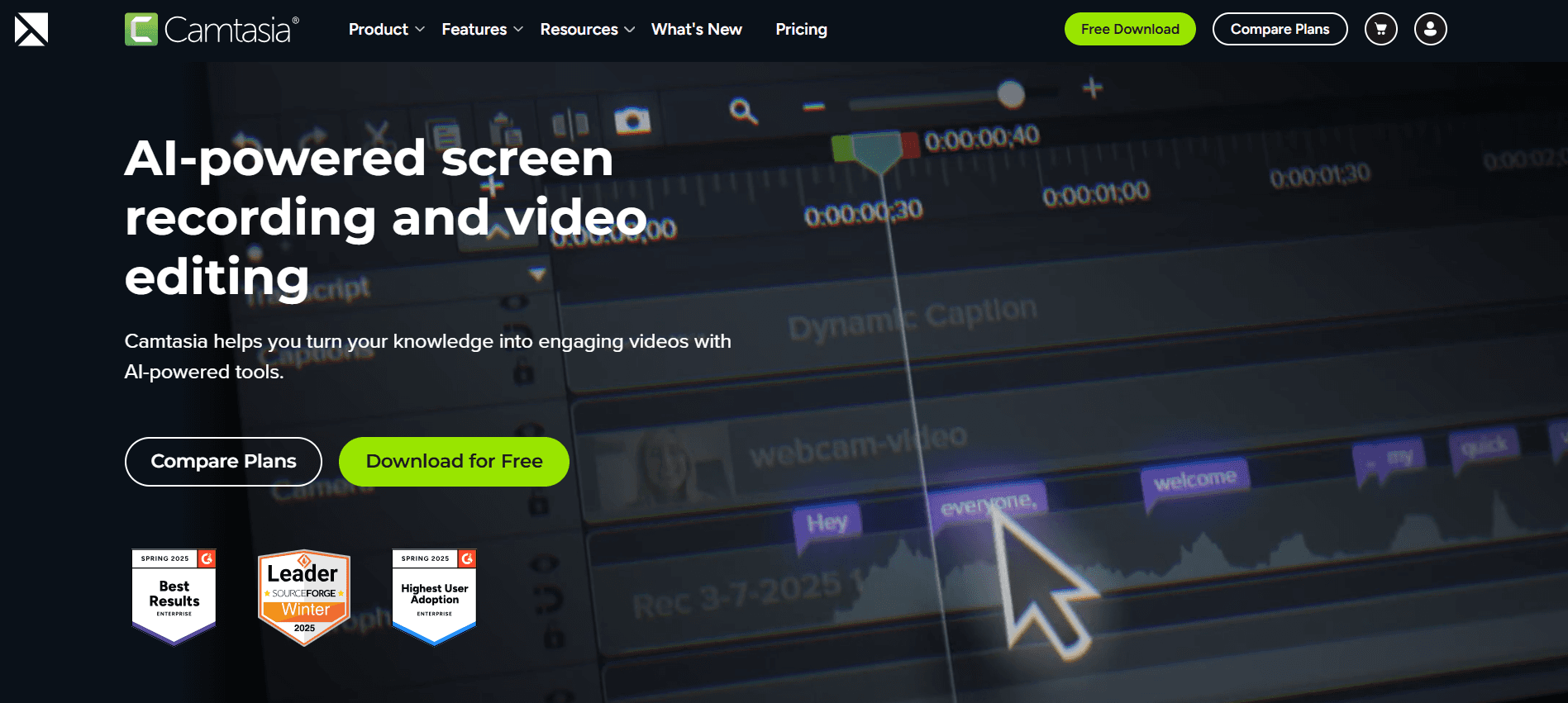
Camtasia is a powerful video editing tool that offers screen recording and comprehensive editing features. It's suitable for organizations that need high-quality, polished training videos. The software's user interface may seem daunting initially, but its robust editing capabilities make it worth the effort. Camtasia is ideal for training teams who prioritize quality and detail in their video content.
Key Features
High-quality screen recording
Advanced video editing tools
Library of royalty-free assets
Interactive quizzes and assessments
Customizable video templates
Direct YouTube upload
SCORM/xAPI export options
Multi-track timeline
Pros | Cons |
|---|---|
Comprehensive video editing capabilities. | Steeper learning curve for beginners. |
Great for creating high-quality training content. | Higher cost than some simpler tools. |
Supports interactive elements like quizzes. | No free tier is available. |
Pricing
Camtasia offers a one-time purchase at $299 per user.
iSpring Suite
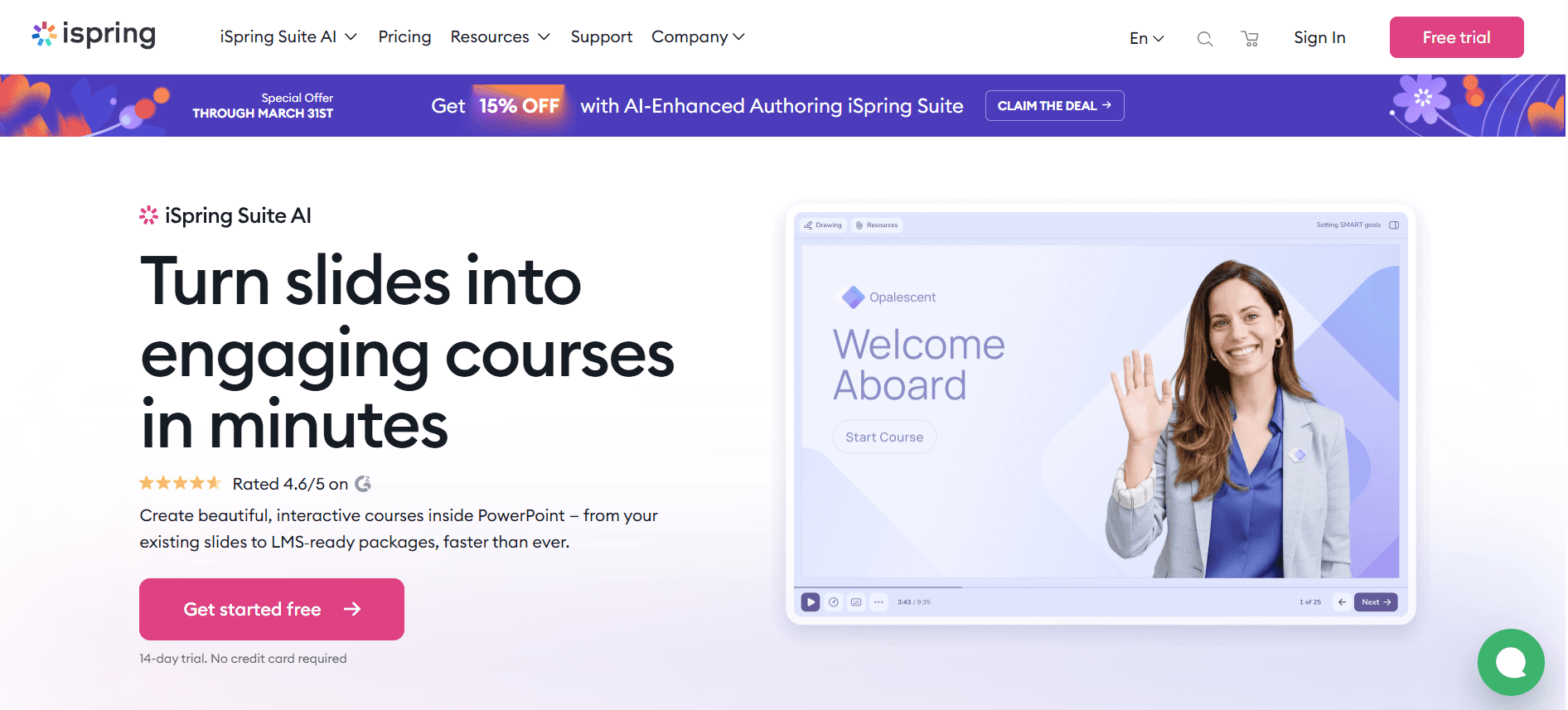
iSpring Suite is designed for creating e-learning content with ease. It combines PowerPoint's simplicity with advanced features for creating interactive quizzes, dialogue simulations, and video lectures. It's ideal for educational institutions and corporate training departments. However, it lacks some of the more advanced video editing features found in dedicated video tools.
Key Features
PowerPoint integration
Interactive quizzes and assessments
Dialogue simulations
Video lectures and screencasts
SCORM/xAPI export
LMS integration
Mobile-friendly content
Customizable templates
Pros | Cons |
|---|---|
Integrates seamlessly with PowerPoint. | Limited advanced video editing features. |
Great for creating interactive learning modules. | Paid plans can be expensive for small teams. |
Broad compatibility with LMS platforms. | Interface might feel outdated to some users. |
Pricing
iSpring Suite pricing starts at $770 per user per year.
Whatfix
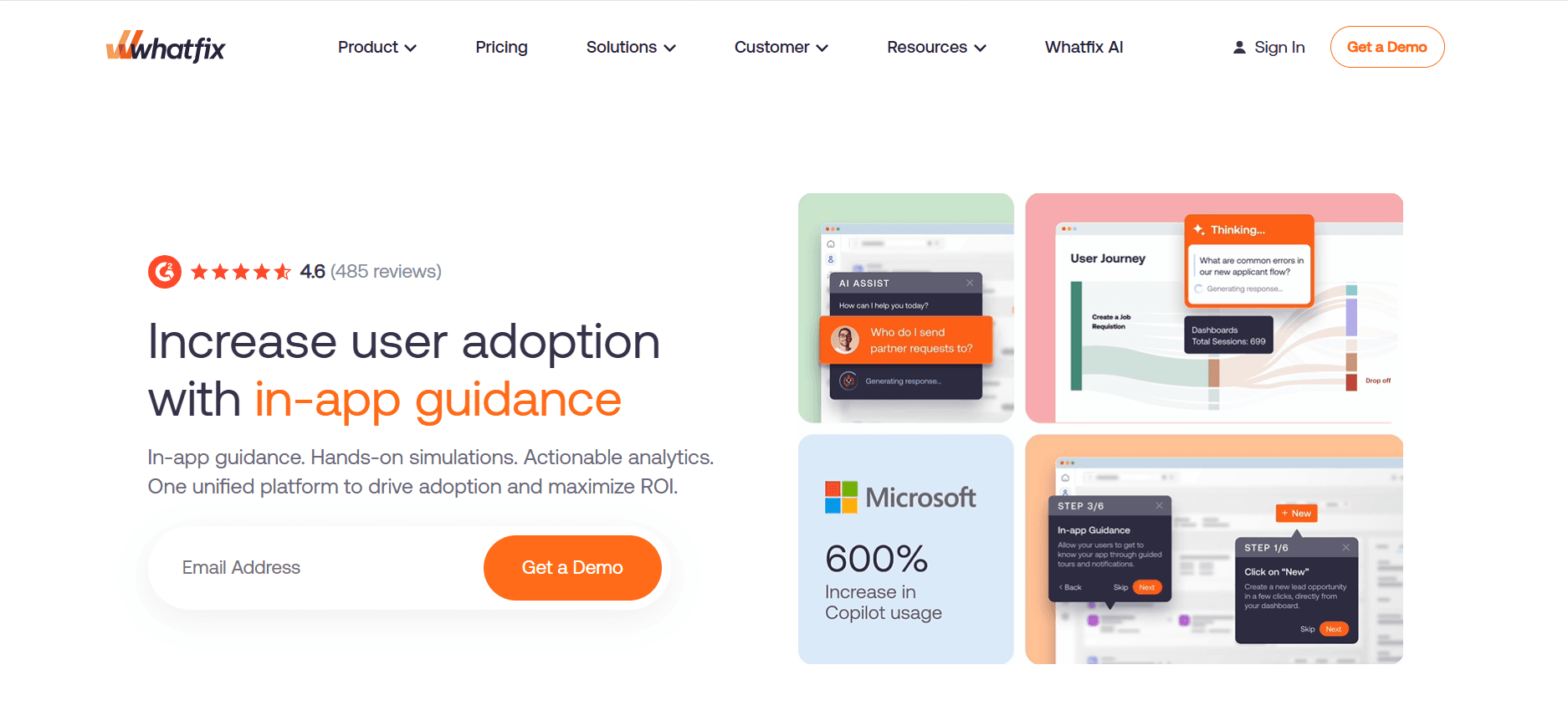
Whatfix focuses on in-app guidance and interactive walkthroughs, making it perfect for onboarding employees on software tools and platforms. It's especially useful for organizations with complex software systems. While Whatfix excels in interactive training, it doesn't offer traditional video editing features, which might be a drawback for those needing comprehensive video solutions.
Key Features
In-app guidance and walkthroughs
Step-by-step tutorials
SCORM/xAPI export
Multi-language support
Analytics and user feedback
Custom branding options
Integration with CRM and LMS
Mobile support for training on the go
Pros | Cons |
|---|---|
Excellent for guiding users through software. | Not suitable for traditional video creation. |
Supports multiple languages for global teams. | Can be expensive for smaller businesses. |
Comprehensive analytics for tracking progress. | Requires technical setup for full capabilities. |
Pricing
Whatfix pricing is customized based on requirements.
Tango
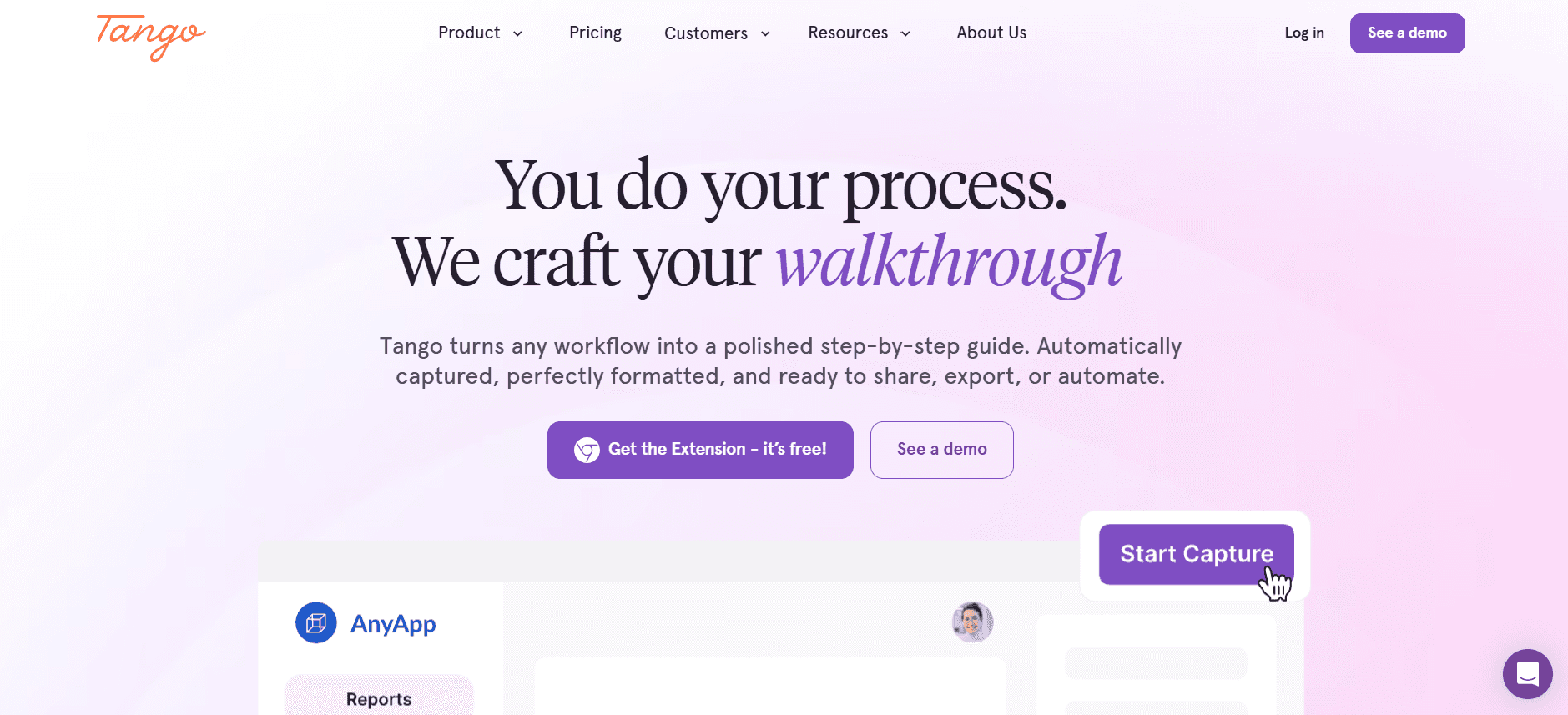
Tango is a lightweight tool designed for creating step-by-step guides and documentation. It's perfect for teams looking to quickly generate training resources without the need for advanced video features. Tango's simplicity is both its strength and its limitation, as it doesn't support video editing or interactive elements, making it less ideal for comprehensive training programs.
Key Features
Step-by-step guide creation
Automatic screenshot capture
Customizable templates
Shareable guides
Cloud storage for documents
User-friendly interface
Basic analytics
Collaboration tools
Pros | Cons |
|---|---|
Easy to create and share guides. | Lacks video creation features. |
Great for quick documentation needs. | No support for interactive elements. |
User-friendly with minimal setup. | Limited customization options. |
Pricing
Tango offers a free version and paid plans starting at $10 per user per month.
Articulate 360
Articulate 360 is a comprehensive e-learning platform that offers a suite of tools for creating interactive and engaging training content. It's best suited for organizations that need to build detailed e-learning courses. With its powerful authoring tools and seamless integration with LMS systems, Articulate 360 is a favorite among instructional designers. However, its complexity might be overwhelming for small teams or those new to e-learning.
Key Features
Interactive e-learning course creation
Responsive design for mobile and desktop
Pre-built course templates
Media library with assets
Integration with LMS platforms
Collaboration tools for teams
SCORM/xAPI export
Regular feature updates
Pros | Cons |
|---|---|
Comprehensive toolset for e-learning creation. | Can be complex for beginners. |
Great for creating interactive and responsive content. | Higher price point than some alternatives. |
Seamless LMS integration. | No free tier available. |
Pricing
Articulate 360 offers subscription plans starting at $1,299 per user per year.
Vyond
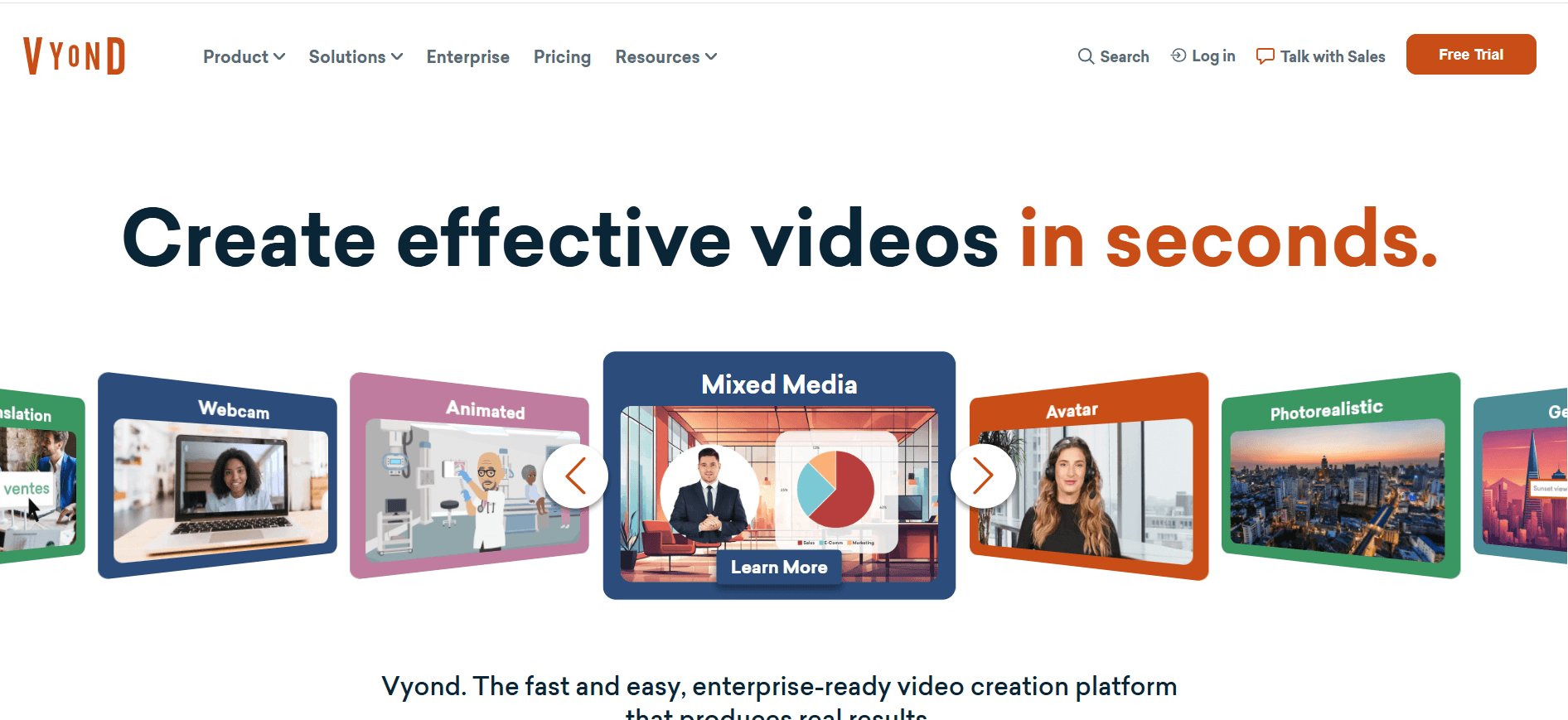
Vyond specializes in creating animated videos, which are especially useful for engaging training content. It's ideal for creative teams looking to add a visual flair to their onboarding materials. Vyond's animation capabilities make it stand out, but it may not be the best choice for teams needing live-action video features or in-depth analytics.
Key Features
Customizable animated video creation
Wide range of character and scene options
Custom branding and logos
Multi-language voiceover
Interactive video elements
Cloud-based storage and collaboration
Regularly updated content library
Easy export in multiple formats
Pros | Cons |
|---|---|
Unique animation features for engaging content. | Not suitable for live-action video needs. |
Extensive customization options. | Higher cost for premium features. |
Easy collaboration with cloud-based tools. | Limited in-depth analytics. |
Pricing
Vyond's pricing starts at $49 per user per month.
Video-Based Employee Onboarding Challenges: What Teams Struggle With
New Hires Are Overwhelmed with Information
During the first week, employees are bombarded with data, leading to cognitive overload.
This influx can result in poor retention of crucial information.
Real-time support is often lacking, leaving new hires to fend for themselves.
Onboarding content that isn't engaging can lose their attention quickly.
Inconsistent Onboarding Across Locations
Different locations and teams may have disparate onboarding materials.
Variability in training quality affects company culture and role understanding.
Localized practices may diverge from corporate standards.
Without centralized oversight, monitoring consistency becomes challenging.
High Production Cost for Professional-Quality Videos
Creating high-quality videos often requires substantial investment in resources.
Professional video production can strain budgets, especially for smaller companies.
Frequent updates necessitate repeated investments.
Hiring or training in-house video experts adds to costs.
Content Becomes Quickly Outdated
Rapid changes in company processes can render training materials obsolete.
Updating videos frequently is time-consuming and resource-intensive.
Employees may receive outdated information, impacting performance.
Version control issues arise, leading to confusion.
No Way to Verify Completion or Test Comprehension
Lack of interactive elements means minimal engagement tracking.
Managers often lack visibility into who has completed training.
Without assessments, understanding retention levels is difficult.
Critical feedback loops for improving content are missing.
Challenge | Traditional Process | Business Impact | Time Cost |
|---|---|---|---|
Overwhelmed New Hires | Manual document handouts | Low retention rates | High onboarding time |
Inconsistent Onboarding | Location-based training | Varied employee performance | Duplicated efforts |
High Video Production Costs | Outsourced video creation | Budget overruns | Extended production timelines |
Quickly Outdated Content | Static videos and documents | Misaligned training | Frequent content revamps |
Verification Challenges | Manual tracking and quizzes | Unmeasured employee readiness | Time-consuming evaluations |
Must-Have Features in Video-Based Employee Onboarding Tools
Screen Recording with AI Voiceover
Screen recording is essential for demonstrating software and processes in real-time. Coupled with AI voiceovers, this feature ensures that information is both visually and audibly clear. It allows trainers to create detailed walkthroughs that new employees can follow at their own pace. Tools like Loom excel in this area by providing intuitive screen recording capabilities, making it easier to capture detailed instructions.
AI voiceover adds a layer of professionalism and accessibility, offering multilingual support to cater to diverse teams. Synthesia stands out with its AI-generated voiceovers, providing natural-sounding narration in multiple languages, which enhances understanding and retention.
SCORM/xAPI Export for LMS Compatibility
SCORM and xAPI compliance is crucial for integrating onboarding materials with Learning Management Systems (LMS). This feature ensures that all training modules are easily trackable and can be incorporated into broader learning ecosystems, providing seamless learning experiences. iSpring Suite offers robust SCORM export options, ensuring compatibility with a wide range of LMS platforms.
By adhering to these standards, organizations can track employee progress and performance efficiently, providing insights into the effectiveness of their training programs. Camtasia supports both SCORM and xAPI exports, making it a versatile tool for comprehensive e-learning solutions.
Interactive Elements: Quizzes and Knowledge Checks
Interactive elements like quizzes and knowledge checks are vital for engaging learners and assessing comprehension. They transform passive learning into an active experience, where employees can test their understanding and receive immediate feedback. Whatfix excels in providing interactive walkthroughs that keep users engaged and ensure they grasp the content.
These features also allow trainers to identify areas where employees struggle, enabling targeted interventions. Articulate 360 integrates interactive quizzes seamlessly into its courses, allowing for a dynamic learning environment that can adapt to the needs of its users.
Progress Tracking and Completion Reporting
Tracking progress and completion is essential for measuring the effectiveness of onboarding programs. This feature provides managers with insights into who has completed the training and how well they have understood the material. Trupeer offers detailed analytics and reporting, helping organizations ensure accountability and compliance.
With these insights, companies can continuously refine their onboarding processes, ensuring they meet their objectives. Tools like Whatfix provide comprehensive analytics that track user engagement and completion rates, offering a clear picture of training efficacy.
Easy Content Update Workflows
In a rapidly changing business environment, the ability to update content easily is critical. Onboarding tools with streamlined update workflows allow organizations to quickly revise training materials, ensuring they remain relevant and accurate. iSpring Suite's integration with PowerPoint makes updating content straightforward, allowing trainers to make changes without extensive technical expertise.
This feature reduces the time and resources needed for content maintenance, enabling teams to focus on delivering high-quality training. Tools like Tango offer simple update processes for their documentation, making it easy to keep guides current with minimal effort.
Selecting the right video-based onboarding tool involves weighing these essential features against your organization's specific needs. By focusing on these must-haves, you can ensure that your onboarding process is both effective and efficient, ultimately reducing ramp time and improving employee satisfaction.
How to Choose Video-Based Employee Onboarding Solutions Based on Your Use Case
Day-1 Orientation and Culture Videos
For organizations looking to create engaging day-1 orientation videos, it's important to convey company culture effectively while providing necessary information. Ensuring that new hires feel welcomed and informed from the get-go sets a positive tone for their tenure.
Key Challenges: Engaging new hires, conveying culture, avoiding information overload.
Solutions Needed: High-quality video production, AI voiceovers, interactive elements.
Tool | Best Feature |
|---|---|
Vyond | Animation for engaging storytelling. |
Trupeer | Personalized onboarding content. |
Systems and Software Tools Training
Training new employees on various systems and software is crucial for their efficiency and productivity. The challenge lies in making this technical content accessible and easy to understand.
Key Challenges: Explaining complex systems, maintaining engagement, ensuring retention.
Solutions Needed: Screen recording, interactive walkthroughs, real-time feedback.
Tool | Best Feature |
|---|---|
Loom | Simple screen recording. |
Whatfix | Interactive in-app guidance. |
Compliance and Policy Training
Compliance training is mandatory, but often perceived as tedious. Making these sessions engaging while ensuring comprehension is key to meeting regulatory requirements.
Key Challenges: Ensuring compliance, engaging employees, verifying understanding.
Solutions Needed: AI voiceovers, interactive quizzes, detailed reporting.
Tool | Best Feature |
|---|---|
Synthesia | AI-generated voiceovers in multiple languages. |
Articulate 360 | Interactive quizzes and compliance tracking. |
Role-Specific Skills Training
Tailoring training to specific roles is essential for new hires to acquire the skills they need. This type of training should be customized to meet the unique requirements of each position.
Key Challenges: Customizing content, maintaining relevance, tracking skill acquisition.
Solutions Needed: Content customization, progress tracking, role-specific modules.
Tool | Best Feature |
|---|---|
Trupeer | AI-driven content personalization. |
iSpring Suite | Easy customization with PowerPoint integration. |
Leadership and Management Development
Developing future leaders is crucial for any organization’s growth. Programs should focus on building both soft and hard skills, preparing employees for higher responsibilities.
Key Challenges: Developing soft skills, assessing leadership potential, ensuring engagement.
Solutions Needed: Interactive training modules, leadership assessments, comprehensive analytics.
Tool | Best Feature |
|---|---|
Camtasia | High-quality video production for impactful content. |
Trupeer | Advanced analytics for tracking leadership development. |
Best Practices for Implementing Video-Based Onboarding
Before Launching the Program
Define clear objectives for the onboarding program.
Choose tools that align with your training goals and budget.
Engage stakeholders to gather diverse input and support.
Design a structured onboarding timeline with milestones.
Test the technology to ensure it works seamlessly across devices.
During the Onboarding Process
Incorporate interactive elements to maintain engagement.
Provide real-time support to address new hires' questions.
Monitor progress using analytics to identify areas for improvement.
Encourage feedback from participants to enhance future sessions.
Ensure consistency in content delivery across all locations.
After Program Completion
Evaluate the effectiveness of the program through analytics.
Update content regularly to reflect any organizational changes.
Gather feedback from participants for continuous improvement.
Recognize and reward successful completion to motivate new hires.
Plan follow-up sessions to reinforce learning and development.
Frequently Asked Questions
What is video-based employee onboarding?
Video-based employee onboarding uses multimedia content, such as videos, to train new hires. It offers a dynamic alternative to traditional text-based methods, enhancing engagement and retention. This approach is particularly effective for visually demonstrating processes and conveying company culture.
Why should I choose video-based onboarding over traditional methods?
Video-based onboarding is more engaging and interactive, which helps improve information retention. It allows for consistent training across locations and can be easily updated to reflect changes. This method also supports diverse learning styles and can be accessed anytime, anywhere.
Do these tools integrate with existing LMS platforms?
Most video-based onboarding tools offer LMS integration, allowing seamless incorporation into existing learning ecosystems. Tools like iSpring Suite and Articulate 360 are particularly known for their compatibility with various LMS platforms, ensuring smooth data transfer and tracking.
Can I use these tools for remote onboarding?
Yes, these tools are designed to support remote onboarding. They offer features like screen recording, AI voiceovers, and interactive elements that facilitate training regardless of geographical location, making them ideal for distributed teams.
Are there free versions available for these tools?
Some tools, like Loom and Tango, offer free versions with basic features. However, to access advanced functionalities, most platforms require a subscription or one-time payment. It's important to evaluate your needs to determine whether a free tier is sufficient.
What factors should I consider when budgeting for these tools?
Consider factors such as the number of users, desired features, and integration capabilities. High production costs might necessitate investing in tools with robust video editing and interactive features, while smaller teams might prioritize cost-effective solutions.
How long does it take to implement video-based onboarding?
The implementation timeline varies based on the complexity of the content and tool setup. While tools like Loom can be deployed quickly for basic needs, comprehensive solutions like Trupeer might require more time for full customization and integration.
What support is available during implementation?
Most providers offer customer support through online resources, tutorials, and direct assistance. It's advisable to choose a tool with robust support options to ensure a smooth implementation process. Companies like Camtasia and Synthesia are known for their helpful customer service.
Final Thoughts
Choosing the right video-based onboarding solution can transform your new hire experience, fostering engagement, and ensuring consistency across the board. By carefully evaluating your organization's specific needs and challenges, you can select a tool that streamlines the onboarding process, ultimately enhancing productivity and retention.
If you're ready to take your onboarding program to the next level, consider Trupeer's advanced features for personalized content and detailed analytics. Visit Trupeer to learn more about how it can benefit your organization.
Articles de blog associés


