Trupeer Blog
Synthétiser

Aperçu du parcours client
L’onboarding est essentiel à la fois pour la fidélisation des clients et la satisfaction des employés, mais de nombreuses organisations ont du mal à le réussir. D’après le rapport 2024 de Wyzowl, 86 % des clients restent fidèles aux entreprises qui investissent dans des contenus d’onboarding. Côté employés, les salariés désengagés coûtent aux employeurs américains la somme stupéfiante de 450 à 500 milliards de dollars par an. De plus, l’étude State of Customer Onboarding 2024 de Rocketlane indique que 60 % des équipes mettent désormais en place des fonctions d’onboarding dédiées pour relever ces défis. Nous passerons en revue les meilleurs logiciels d’onboarding pour les contextes client et employé, afin de vous aider à choisir les bons outils pour améliorer vos processus d’onboarding. Que vous cherchiez à renforcer l’engagement client ou à réduire le turnover des employés, ce guide est conçu pour vous.
Meilleurs outils d’onboarding : comparaison directe
Nom de l’outil | Fonctionnalités principales | Capacités IA | Fonctionnalités professionnelles | Fonctionnalités entreprise |
|---|---|---|---|---|
Trupeer | ✅ | ✅ | ✅ | ✅ |
Pendo | ✅ | Limitée | ✅ | Limitée |
UserPilot | ✅ | ✅ | Limitée | Limitée |
Appcues | ✅ | ✅ | ✅ | Limitée |
Rocketlane | ✅ | Limitée | ✅ | ✅ |
Dock | ✅ | Limitée | Limitée | ✅ |
GuideCX | ✅ | Limitée | ✅ | Limitée |
Synthesia | ✅ | ✅ | Limitée | Limitée |
Whatfix | ✅ | ✅ | ✅ | Limitée |
Tango | ✅ | Limitée | Limitée | Limitée |
BambooHR | ✅ | Limitée | ✅ | ✅ |
Trupeer

Trupeer est conçu pour les entreprises qui souhaitent améliorer à la fois l’onboarding des clients et celui des employés grâce à des capacités d’IA avancées. Il convient particulièrement aux entreprises qui ont besoin d’une solution complète répondant à la fois aux enjeux B2B et RH. Trupeer se distingue par ses fonctionnalités de personnalisation intelligente, capables d’adapter les processus d’onboarding en fonction du comportement des utilisateurs et de leurs retours. Résultat : c’est idéal pour les entreprises qui recherchent des expériences d’onboarding sur mesure sans sacrifier l’efficacité.
Fonctionnalités clés
Personnalisation des contenus pilotée par l’IA
Analytique et reporting en temps réel
Intégration fluide avec les principaux systèmes RH et CRM
Automatisation des workflows personnalisables
Support multilingue pour les équipes internationales
Boucles de feedback pour une amélioration continue
Design adapté aux mobiles
Support client 24/7
« Nous avons réduit notre temps d’onboarding de 30 % et constaté une hausse de 20 % de l’engagement client avec Trupeer. » - Olivia Anderson, Head of Customer SuccessTarifs
Trupeer propose un essai gratuit avec des fonctionnalités de base. Les offres payantes commencent à 49 $ par utilisateur/mois et donnent accès à des fonctionnalités premium ainsi qu’à des intégrations.
Pendo
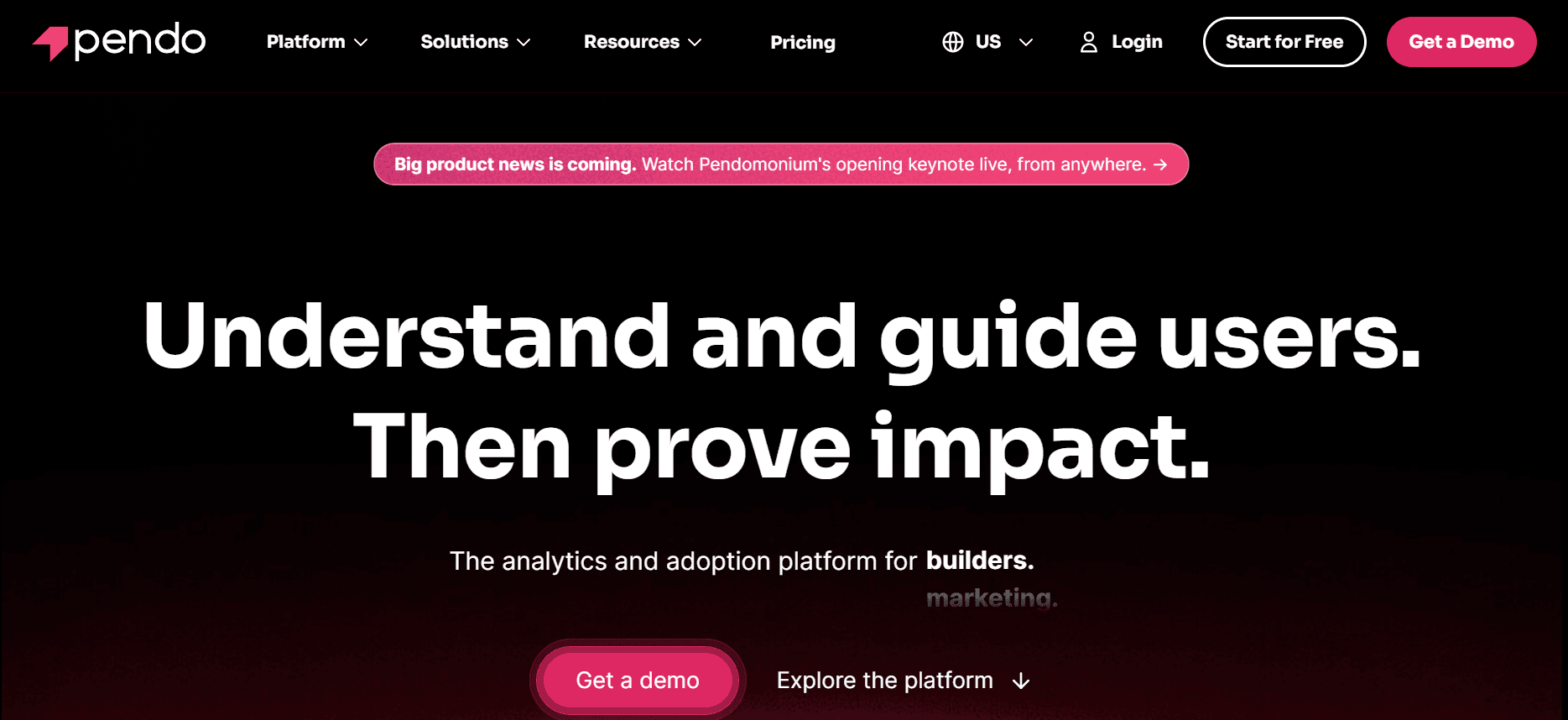
Pendo excelle dans la fourniture aux équipes produit d’insights et d’outils pour améliorer l’expérience utilisateur grâce à la messagerie in-app et aux retours utilisateurs. Il est particulièrement utile pour les entreprises SaaS qui souhaitent affiner leur onboarding produit et améliorer l’adoption. Le point fort de Pendo réside dans sa capacité à collecter et analyser les données de comportement des utilisateurs, aidant ainsi les équipes à prendre des décisions éclairées concernant le développement produit et les stratégies d’engagement.
Fonctionnalités clés
Guides et messages in-app
Collecte et analyse des retours utilisateurs
Analytique produit robuste
Segmentation des données utilisateurs
Intégration avec les principaux systèmes CRM
Parcours utilisateurs personnalisables
Support d’application mobile
Capacités multilingues
Avantages
Inconvénients
Analytique détaillée du comportement utilisateur
Capacités IA limitées
Outils de messagerie in-app efficaces
Mise en place complexe pour les nouveaux utilisateurs
Options d’intégration solides
Coût plus élevé pour les fonctionnalités premium
Tarifs
Pendo propose une version gratuite limitée. Les offres payantes commencent à 200 $ par mois, avec des fonctionnalités supplémentaires et des sièges utilisateurs disponibles.
UserPilot
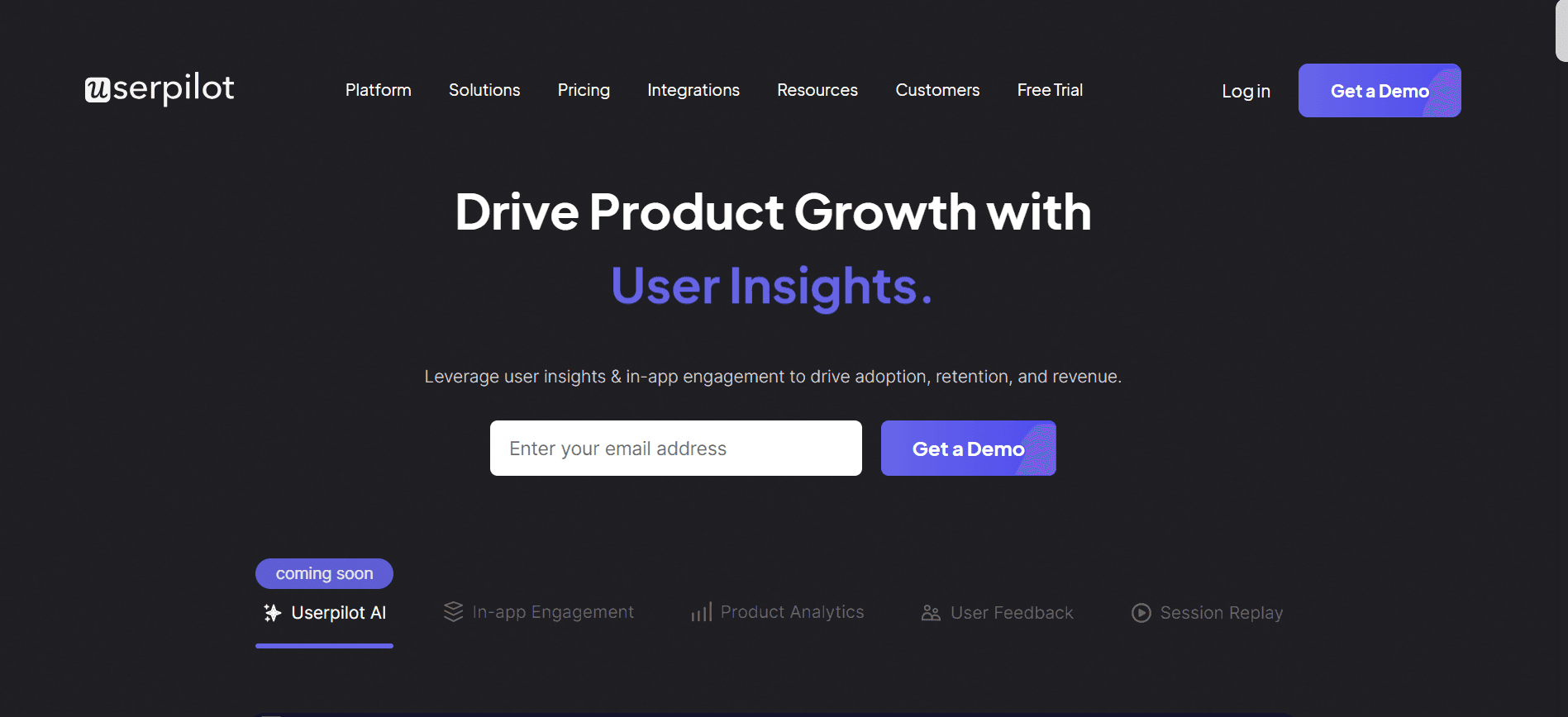
UserPilot est idéal pour les entreprises SaaS qui se concentrent sur l’amélioration de l’onboarding des utilisateurs via des expériences personnalisées. Il propose une large gamme d’outils pour créer des tutoriels in-app et des parcours utilisateurs, ce qui facilite l’acquisition rapide des compétences par les nouveaux utilisateurs. Son argument de vente unique : sa plateforme no-code, qui permet aux équipes de déployer des changements sans avoir besoin de compétences techniques approfondies.
Fonctionnalités clés
Créateur no-code pour les parcours d’onboarding
Messagerie in-app et infobulles
Segmentation et ciblage des utilisateurs
Analytique et reporting de la croissance
Parcours utilisateurs et tutoriels personnalisés
Suivi du comportement utilisateur en temps réel
Intégration avec des outils tiers
Support multilingue
Avantages
Inconvénients
Processus de configuration no-code
Fonctionnalités entreprise limitées
Outils de segmentation efficaces
Analytique moins robuste
Forte focalisation sur l’onboarding utilisateur
Pas de support dédié pour application mobile
Tarifs
UserPilot propose un essai gratuit pour les nouveaux utilisateurs. Les offres payantes commencent à 249 $ par mois, avec accès aux fonctionnalités premium et aux outils de segmentation des utilisateurs.
Appcues
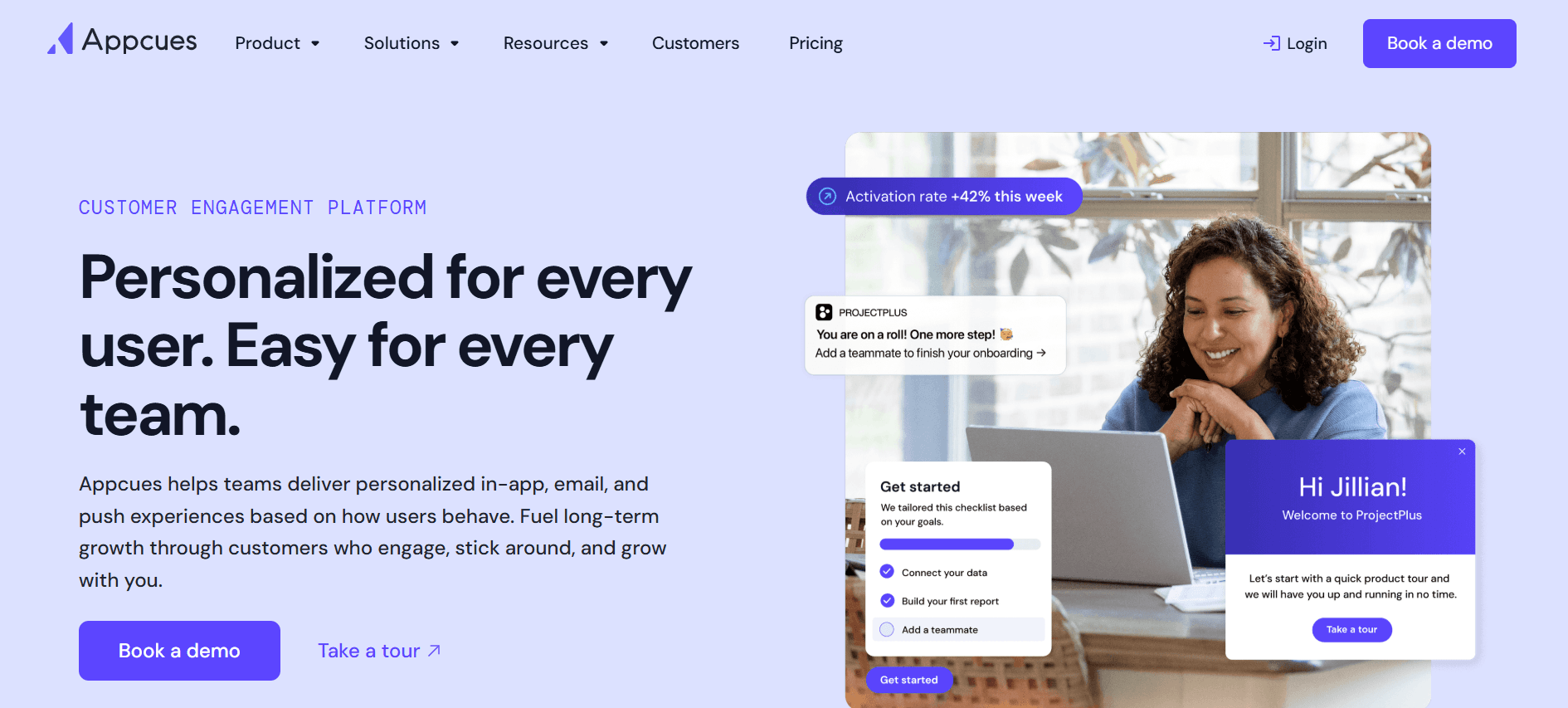
Appcues se spécialise dans la création d’expériences in-app qui guident les utilisateurs à travers les nouvelles fonctionnalités et les mises à jour produit. C’est idéal pour les équipes produit qui cherchent à augmenter l’engagement utilisateur et à réduire le churn. La plateforme permet de créer des parcours d’onboarding personnalisés sans connaissances techniques, ce qui la rend accessible à différents membres d’équipe.
Fonctionnalités clés
Guides utilisateurs in-app et parcours guidés
Parcours d’onboarding personnalisables
Analytique du comportement utilisateur
Outils de collecte des retours
Éditeur no-code pour créer des parcours
Intégration avec les outils CRM et d’analytique
Support multilingue
Interfaces adaptées aux mobiles
Avantages
Inconvénients
Plateforme no-code facile à utiliser
Scalabilité entreprise limitée
Outils de retours utilisateurs solides
Niveaux de prix premium
Analytique complète
Courbe d’apprentissage pour les nouveaux utilisateurs
Tarifs
Appcues propose un forfait gratuit avec des fonctionnalités de base. Les offres payantes commencent à 249 $ par mois, avec des capacités supplémentaires et un support disponible.
Rocketlane
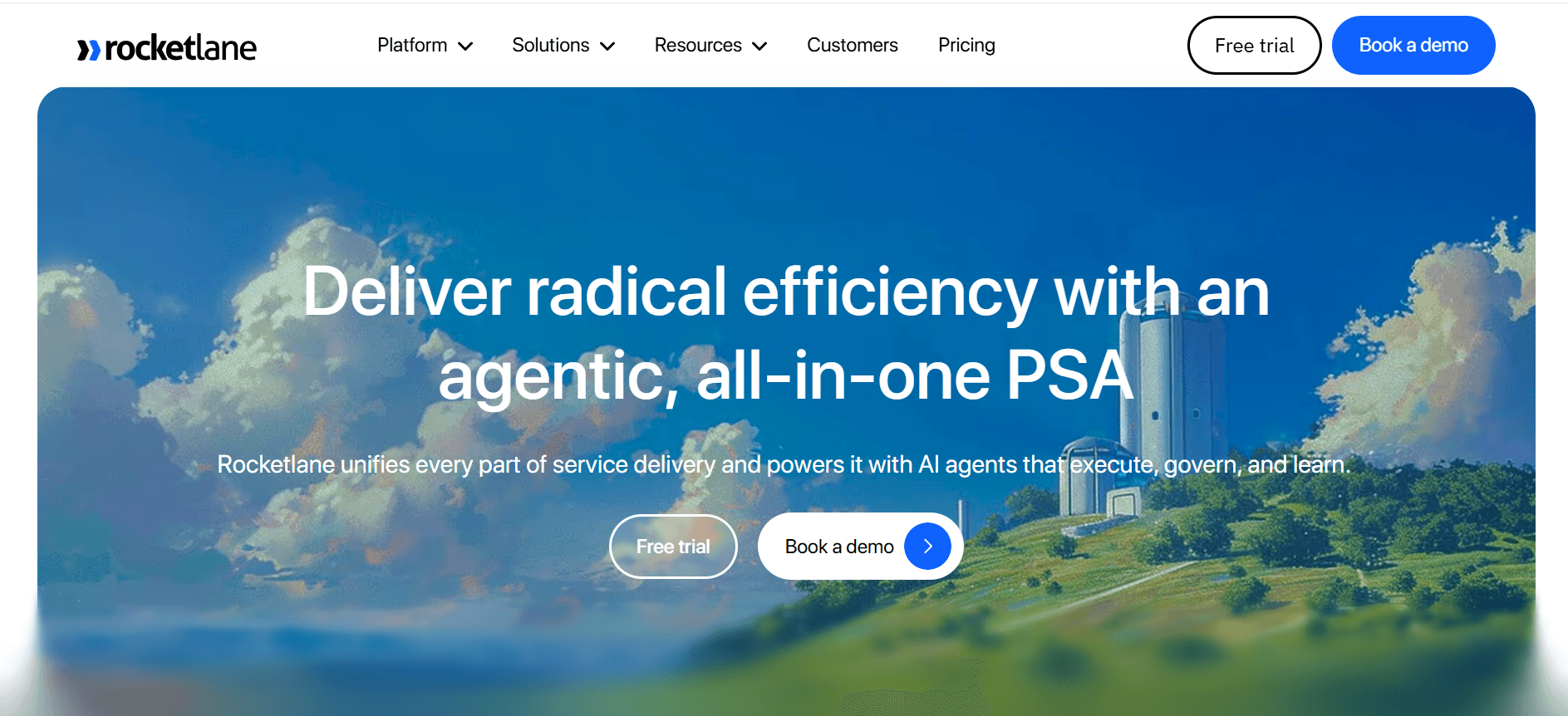
Rocketlane est parfait pour les équipes qui ont besoin d’une approche structurée de l’onboarding client, en particulier dans les secteurs orientés vers les clients. Il combine des capacités de gestion de projet avec des outils d’onboarding, ce qui facilite le suivi de plusieurs projets d’onboarding en parallèle. Rocketlane est particulièrement utile pour les entreprises qui gèrent des processus d’onboarding client complexes impliquant plusieurs parties prenantes.
Fonctionnalités clés
Intégration à la gestion de projet
Outils de collaboration en temps réel
Suivi automatisé des tâches
Modèles personnalisés pour l’onboarding
Fonctionnalités de communication client
Tableaux de bord d’analytique et de reporting
Intégration avec les systèmes CRM
Support multilingue
Avantages
Inconvénients
Outils de gestion de projet efficaces
Mise en place initiale complexe
Fonctionnalités de collaboration solides
Capacités IA limitées
Modèles d’onboarding personnalisables
Coût plus élevé pour les fonctionnalités complètes
Tarifs
Rocketlane propose un forfait gratuit avec des fonctionnalités limitées. Les offres payantes commencent à 19 $ par utilisateur/mois, et donnent accès à des outils complets de gestion de projet et d’onboarding.
Dock
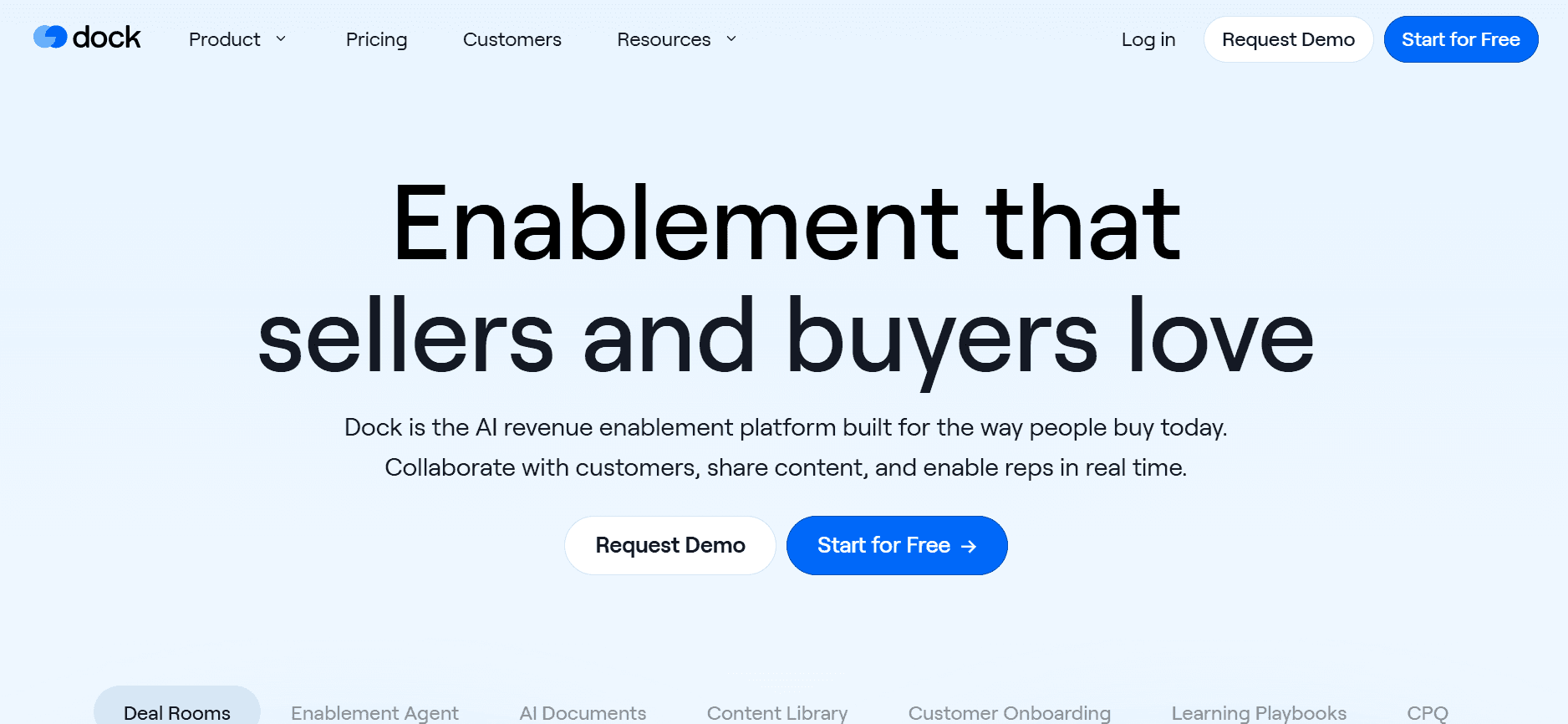
Dock fournit une plateforme polyvalente pour gérer l’onboarding client, en mettant l’accent sur la gestion collaborative de documents. Elle est particulièrement utile pour les équipes qui doivent partager des ressources et des documents avec des clients pendant le processus d’onboarding. Dock est idéal pour les entreprises qui ont besoin d’un système robuste de gestion documentaire intégré à leurs workflows d’onboarding.
Fonctionnalités clés
Collaboration et partage de documents
Workflows d’onboarding personnalisables
Intégration avec CRM et stockage de documents
Outils d’édition en temps réel
Gestion de la communication client
Analytique et reporting
Accès via application mobile
Support multilingue
Avantages
Inconvénients
Fonctionnalités solides de gestion documentaire
Intégration IA limitée
Workflows personnalisables
Courbe d’apprentissage plus élevée pour les nouveaux utilisateurs
Outils de communication client efficaces
Niveaux de prix premium
Tarifs
Dock propose une version gratuite avec des fonctionnalités de base. Les offres payantes commencent à 50 $ par utilisateur/mois, et offrent des capacités plus avancées de gestion documentaire et d’onboarding.
GuideCX
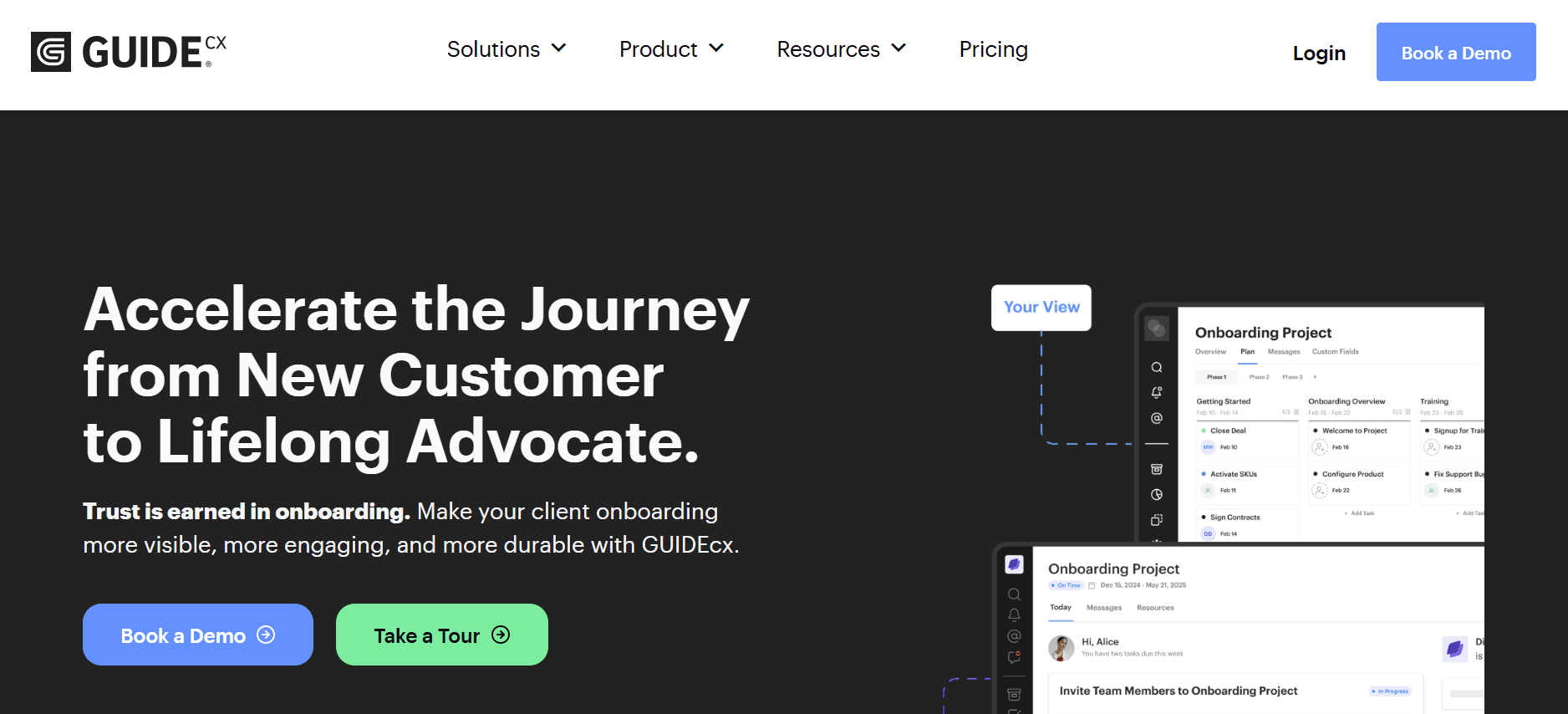
GuideCX excelle dans la gestion de projets d’onboarding client, avec un fort accent sur la transparence et la collaboration. Il est parfait pour les équipes qui doivent tenir les clients informés tout au long du processus d’onboarding. GuideCX propose un portail client qui permet aux parties prenantes de voir l’avancement et de fournir des retours en temps réel, ce qui en fait un choix idéal pour les entreprises B2B ayant des besoins d’onboarding complexes.
Fonctionnalités clés
Portail client pour le suivi de l’avancement
Outils de collaboration en temps réel
Modèles d’onboarding personnalisables
Automatisation des tâches et notifications
Intégration avec CRM et outils de gestion de projet
Analytique et reporting
Support multilingue
Accessibilité mobile
Avantages
Inconvénients
Communication client transparente
Capacités IA limitées
Automatisation des tâches efficace
Mise en place initiale complexe
Modèles personnalisables
Coût plus élevé pour les fonctionnalités premium
Tarifs
GuideCX propose un forfait gratuit avec des fonctionnalités essentielles. Les offres payantes commencent à 300 $ par mois, et incluent des outils plus avancés de gestion client et d’onboarding.
Défis de l’onboarding : ce avec quoi les équipes ont du mal
Manque d’expériences personnalisées
Les processus d’onboarding génériques ne répondent pas aux besoins individuels, ce qui entraîne un désengagement.
Les clients et les employés ont souvent l’impression d’être simplement un numéro, sans accompagnement adapté.
La personnalisation nécessite une collecte importante de données en amont, que beaucoup d’équipes trouvent intimidante.
Sans personnalisation, les entreprises ont du mal à fidéliser les nouveaux clients et les nouveaux employés.
Allocation des ressources insuffisante
De nombreuses organisations sous-estiment les ressources nécessaires pour un onboarding efficace.
Les équipes ne disposent souvent pas de personnel dédié, concentré uniquement sur l’onboarding.
Les employés surchargés ne peuvent pas consacrer le temps nécessaire pour guider les nouveaux utilisateurs ou les nouvelles recrues.
Les contraintes budgétaires entraînent un investissement insuffisant dans les outils et technologies d’onboarding.
Mauvaise intégration avec les systèmes existants
Les systèmes historiques ne s’intègrent souvent pas bien aux plateformes d’onboarding modernes.
Des systèmes déconnectés créent des silos de données, ce qui nuit à une expérience d’onboarding fluide.
La saisie manuelle des données augmente le risque d’erreurs et consomme un temps précieux.
Le manque d’intégration peut rendre le suivi de l’avancement et des résultats difficile.
Difficulté à mesurer la réussite
Les équipes ont du mal à définir des indicateurs qui reflètent avec précision la réussite de l’onboarding.
Sans repères clairs, il est difficile de savoir si les améliorations d’onboarding sont efficaces.
La collecte et l’analyse des données nécessitent des outils dont beaucoup d’organisations ne disposent pas.
Les indicateurs de réussite peuvent varier fortement d’un service à l’autre, ce qui complique l’évaluation.
Assurer la cohérence entre les sites
Les entreprises mondiales rencontrent des difficultés pour maintenir des processus d’onboarding cohérents.
Des environnements réglementaires variés exigent des approches d’onboarding adaptées.
Les barrières linguistiques peuvent entraver la diffusion uniforme de l’information.
Les différences de fuseau horaire rendent les sessions de formation synchrones difficiles.
Défi
Processus traditionnel
Impact business
Coût en temps
Manque de personnalisation
Onboarding unique pour tous
Taux de churn élevé
2 à 3 semaines d’ajustement
Ressources insuffisantes
Personnel surchargé
Onboarding retardé
1 à 2 mois de backlog
Mauvaise intégration
Saisie manuelle des données
Erreurs de données et inefficacité
Des heures perdues chaque semaine
Mesurer la réussite
Indicateurs ponctuels
ROI peu clair
Des semaines d’analyse
Cohérence entre les sites
Équipes d’onboarding locales
Expérience utilisateur incohérente
Varie selon le site
Ces défis mettent en évidence la complexité d’un onboarding efficace. Comprendre ces problématiques constitue la première étape pour mettre en place des solutions capables d’améliorer à la fois l’expérience client et celle des employés. Ensuite, nous explorerons les fonctionnalités indispensables que les outils d’onboarding modernes doivent inclure pour relever ces défis de manière efficace.
Fonctionnalités indispensables dans les outils d’onboarding modernes
Diffusion de contenus personnalisés
Les outils d’onboarding modernes doivent proposer des contenus personnalisés pour engager efficacement les utilisateurs. La personnalisation peut être obtenue grâce à des analyses pilotées par l’IA, qui adaptent les contenus en fonction du comportement et des préférences des utilisateurs. Des outils comme Trupeer excellent dans ce domaine en utilisant l’IA pour personnaliser les expériences d’onboarding, afin que chaque utilisateur reçoive les informations pertinentes sous un format adapté à ses besoins. La personnalisation améliore non seulement l’engagement, mais augmente aussi considérablement les taux de rétention.
Intégration fluide avec les systèmes existants
L’intégration des outils d’onboarding aux systèmes existants est essentielle pour garantir une expérience utilisateur fluide. Cette intégration permet le transfert de données en temps réel, réduit les erreurs de saisie manuelle et garantit un suivi précis de l’avancement. Des outils comme Rocketlane offrent de solides capacités d’intégration avec les systèmes CRM et RH populaires, ce qui facilite la gestion efficace des données utilisateurs par les équipes. Une intégration efficace soutient un processus d’onboarding cohérent, permettant aux équipes de se concentrer sur des activités stratégiques plutôt que sur des tâches administratives.
Analytique et reporting en temps réel
L’analytique et le reporting sont essentiels pour mesurer la réussite des programmes d’onboarding. Les outils modernes doivent offrir des informations en temps réel sur le comportement des utilisateurs, afin de permettre aux équipes de prendre des décisions fondées sur les données. Pendo propose des fonctionnalités d’analytique robustes qui aident les équipes à comprendre comment les utilisateurs interagissent avec leurs produits, facilitant ainsi l’amélioration continue. Le reporting en temps réel garantit que tout problème est identifié et traité rapidement, contribuant à un processus d’onboarding plus efficace.
Support multilingue
Pour les entreprises opérant sur des marchés mondiaux, le support multilingue est indispensable. Cette capacité garantit que les contenus d’onboarding sont accessibles à une base d’utilisateurs diversifiée, en surmontant les barrières linguistiques qui peuvent freiner la compréhension. Par exemple, Appcues propose un support multilingue étendu, permettant aux équipes de délivrer des expériences d’onboarding cohérentes dans différentes régions. Les capacités multilingues renforcent l’inclusivité et améliorent la satisfaction des utilisateurs.
Automatisation des workflows personnalisables
L’automatisation des workflows d’onboarding permet de gagner du temps et de réduire les erreurs manuelles. Les outils modernes doivent proposer des options d’automatisation personnalisables pour rationaliser les tâches répétitives et garantir la cohérence. L’automatisation des workflows personnalisables de Trupeer permet aux équipes de créer des processus sur mesure alignés sur leurs besoins spécifiques. L’automatisation améliore non seulement l’efficacité, mais permet aussi aux équipes de faire évoluer leurs efforts d’onboarding sans compromettre la qualité.
Mécanismes de collecte des retours
Collecter des retours est essentiel pour améliorer continuellement les processus d’onboarding. Les outils qui proposent des mécanismes de collecte des retours intégrés permettent aux équipes de recueillir des insights directement auprès des utilisateurs, facilitant ainsi des améliorations itératives. UserPilot excelle dans la fourniture d’outils pour capturer et analyser les retours utilisateurs, aidant les équipes à identifier les axes d’amélioration. Les mécanismes de feedback garantissent que les programmes d’onboarding restent pertinents et efficaces dans le temps.
Grâce à ces fonctionnalités indispensables, les outils d’onboarding modernes peuvent relever les défis courants et aider les organisations à délivrer des expériences d’onboarding efficaces. À présent, nous allons explorer des cas d’usage spécifiques et des solutions pour vous aider à choisir le bon outil selon vos besoins uniques.
Comment choisir un onboarding selon votre cas d’usage
Formation client
La formation client est essentielle pour les entreprises SaaS qui souhaitent s’assurer que les utilisateurs peuvent exploiter pleinement leurs produits. Des programmes de formation client efficaces améliorent non seulement la satisfaction, mais réduisent aussi le churn. En formant les clients, les entreprises leur permettent d’atteindre leurs objectifs grâce au produit, ce qui entraîne des taux de rétention plus élevés.
Principaux défis :
Créer des contenus engageants qui répondent à des besoins d’apprentissage variés
Diffuser des contenus dans un format accessible et facile à comprendre
Mettre à jour les supports pédagogiques à mesure que les produits évoluent
Solutions nécessaires :
Des outils qui prennent en charge des tutoriels vidéo et des guides interactifs
Des plateformes offrant la personnalisation des contenus et la segmentation
Des systèmes qui s’intègrent au CRM pour un flux de données fluide
Outil
Prend en charge les tutoriels vidéo
Personnalisation des contenus
Intégration CRM
Trupeer
✅
✅
✅
Pendo
Limitée
Limitée
✅
UserPilot
Limitée
✅
Limitée
« En utilisant Trupeer, nous avons considérablement amélioré notre programme de formation client, ce qui a entraîné une hausse de 25 % de la rétention des utilisateurs. » - Alex Smith, Product Manager chez TechCorpOnboarding des employés
Un onboarding efficace des employés est essentiel pour intégrer les nouvelles recrues à la culture de l’entreprise et s’assurer qu’elles disposent des outils nécessaires pour réussir. Un processus d’onboarding structuré peut réduire le turnover et augmenter l’engagement des employés, menant ainsi à une main-d’œuvre plus productive.
Principaux défis :
Garantir la cohérence de l’onboarding entre différents départements
Fournir des supports de formation complets
Suivre l’avancement et les retours des nouvelles recrues
Solutions nécessaires :
Des plateformes proposant des parcours d’onboarding multi-départements
Des outils dotés de fonctionnalités de contenu de formation robustes
Des systèmes pour suivre et reporter l’avancement des employés
Outil
Parcours multi-départements
Fonctionnalités de contenu de formation
Suivi de l’avancement
Trupeer
✅
✅
✅
BambooHR
✅
Limitée
✅
Whatfix
Limitée
✅
Limitée
Enablement commercial
L’enablement commercial consiste à doter les équipes commerciales des ressources dont elles ont besoin pour conclure efficacement des affaires. Un programme d’onboarding solide peut améliorer les performances commerciales en s’assurant que les commerciaux maîtrisent les produits et les stratégies de vente.
Principaux défis :
Onboarder rapidement les nouvelles recrues commerciales grâce à la connaissance produit
Proposer une formation continue à mesure que les produits et les marchés évoluent
Mesurer l’impact de la formation sur les performances commerciales
Solutions nécessaires :
Des outils avec des systèmes intégrés de gestion de l’apprentissage (LMS)
Des plateformes fournissant une analytique commerciale en temps réel
Des solutions qui prennent en charge l’apprentissage mobile pour les équipes commerciales en déplacement
Outil
Intégration LMS
Analytique en temps réel
Apprentissage mobile
Trupeer
✅
✅
✅
Appcues
Limitée
✅
Limitée
GuideCX
Limitée
Limitée
✅
Astuce : « Des mises à jour de formation cohérentes peuvent faire ou défaire la réussite de votre équipe commerciale. Assurez-vous que votre outil d’onboarding permet de mettre facilement les contenus à jour. » - Sales Enablement Best PracticesOnboarding des partenaires
Pour les entreprises qui s’appuient sur des réseaux de partenaires, l’onboarding efficace des partenaires est essentiel pour s’assurer qu’ils peuvent représenter votre marque de manière pertinente. Un processus d’onboarding structuré aide les partenaires à comprendre vos produits et vos politiques, garantissant l’alignement avec vos objectifs business.
Principaux défis :
Assurer une formation cohérente aux partenaires dans différentes régions
Veiller à ce que les partenaires aient accès aux ressources et au support nécessaires
Suivre l’engagement et les performances des partenaires
Solutions nécessaires :
Des outils avec des portails partenaires personnalisables
Des systèmes prenant en charge le partage sécurisé des ressources
Des plateformes offrant une analytique des performances
Outil
Portails partenaires
Partage des ressources
Analytique des performances
Trupeer
✅
✅
✅
Rocketlane
✅
Limitée
✅
Dock
Limitée
✅
Limitée
Onboarding des clients
L’onboarding client est essentiel pour poser une base solide dans les relations avec vos clients. Garantir un processus d’onboarding fluide peut conduire à une plus grande satisfaction client et à une fidélité durable. Il s’agit de gérer efficacement les attentes des clients et de délivrer la valeur promise.
Principaux défis :
Coordonner plusieurs parties prenantes pendant le processus d’onboarding
Proposer des expériences d’onboarding personnalisées
Maintenir une communication claire avec les clients
Solutions nécessaires :
Des outils dotés de fonctionnalités robustes de gestion de projet
Des plateformes prenant en charge des parcours d’onboarding personnalisés
Des systèmes offrant des capacités de communication client fluides
Outil
Gestion de projet
Parcours personnalisés
Communication client
Trupeer
✅
✅
✅
GuideCX
✅
Limitée
✅
Rocketlane
✅
Limitée
✅
Ces cas d’usage illustrent les besoins variés que présentent différents scénarios d’onboarding. En comprenant les défis et les solutions spécifiques requis pour chacun, les organisations peuvent choisir des outils parfaitement adaptés à leurs objectifs, qu’il s’agisse d’améliorer la formation client ou de rationaliser l’onboarding des partenaires.
Bonnes pratiques pour un onboarding efficace
Avant l’onboarding
Définissez des objectifs clairs pour votre processus d’onboarding afin de les aligner sur les objectifs business.
Rassemblez les ressources et supports nécessaires, en veillant à ce qu’ils soient à jour et pertinents.
Fixez les attentes avec les parties prenantes et les nouveaux utilisateurs pour éviter les malentendus.
Choisissez les bons outils d’onboarding en évaluant les fonctionnalités qui répondent à vos besoins spécifiques.
Testez votre programme d’onboarding pour identifier les problèmes potentiels avant un déploiement à grande échelle.
Pendant l’onboarding
Engagez les utilisateurs avec des contenus interactifs pour maintenir leur intérêt et leur participation.
Proposez un accompagnement personnalisé en fonction des retours utilisateurs et des analyses de comportement.
Assurez une communication cohérente grâce à des points réguliers et des mises à jour.
Suivez l’avancement des utilisateurs et recueillez des retours en temps réel pour effectuer les ajustements nécessaires.
Proposez des canaux de support, comme le chat en direct ou des forums, pour une assistance immédiate.
Après l’onboarding
Faites un suivi auprès des utilisateurs pour recueillir des retours et évaluer leur expérience d’onboarding.
Analysez les données d’onboarding pour identifier les axes d’amélioration et optimiser les processus.
Maintenez une communication continue pour renforcer les messages clés et favoriser l’engagement.
Mettez régulièrement à jour les supports d’onboarding pour refléter les changements liés aux produits ou aux processus.
Célébrez les réussites de l’onboarding et partagez-les avec l’équipe pour renforcer le moral.
Questions fréquentes
Qu’est-ce qu’un logiciel d’onboarding ?
Un logiciel d’onboarding est un outil conçu pour aider les organisations à présenter efficacement de nouveaux clients ou employés à leurs produits ou à leur culture d’entreprise. Il rationalise le processus en automatisant les tâches, en fournissant des contenus pédagogiques, et en suivant l’avancement, améliorant ainsi l’expérience utilisateur et la satisfaction.
Comment un logiciel d’onboarding profite-t-il aux entreprises ?
Un logiciel d’onboarding améliore l’efficacité en automatisant les tâches répétitives et en proposant une approche structurée de l’onboarding. Il améliore l’expérience utilisateur grâce à des contenus personnalisés, réduit les erreurs grâce à des systèmes intégrés et offre de l’analytique pour une amélioration continue, ce qui conduit à des taux de rétention et d’engagement plus élevés.
Un logiciel d’onboarding peut-il s’intégrer aux systèmes existants ?
Oui, la plupart des logiciels d’onboarding modernes proposent des capacités d’intégration avec le CRM, les RH et d’autres systèmes business. Ces intégrations permettent un transfert de données fluide, garantissant que les processus d’onboarding sont cohérents et que les informations utilisateurs sont à jour sur l’ensemble des plateformes.
Quel support technique est disponible pour un logiciel d’onboarding ?
Les fournisseurs de logiciels d’onboarding proposent généralement différentes options de support, comme la documentation en ligne, des lignes d’assistance client et le chat en direct. Certains fournissent également des responsables de compte dédiés et des sessions de formation pour aider les utilisateurs à tirer le meilleur parti de leur logiciel.
Existe-t-il une version gratuite d’un logiciel d’onboarding ?
De nombreux outils d’onboarding proposent un niveau gratuit ou une version d’essai avec des fonctionnalités de base. Cela permet aux organisations de tester les capacités du logiciel avant de s’engager sur une offre payante, qui inclut souvent des fonctionnalités supplémentaires et des options de support.
Quels facteurs influencent le prix d’un logiciel d’onboarding ?
Le prix d’un logiciel d’onboarding peut dépendre de plusieurs facteurs, notamment le nombre d’utilisateurs, l’ensemble des fonctionnalités, les capacités d’intégration et le niveau de support client. Les solutions au niveau entreprise, avec des fonctionnalités avancées et des intégrations, coûtent généralement plus cher que les offres de base.
Combien de temps faut-il pour déployer un logiciel d’onboarding ?
Le temps de déploiement d’un logiciel d’onboarding varie selon la complexité du système et les besoins spécifiques de l’organisation. En général, les déploiements à petite échelle peuvent être finalisés en quelques semaines, tandis que les projets plus importants peuvent prendre plusieurs mois.
Quelles étapes sont impliquées dans la mise en place d’un logiciel d’onboarding ?
Mettre en place un logiciel d’onboarding implique généralement de définir des objectifs, de configurer le logiciel pour répondre à des besoins spécifiques, de l’intégrer aux systèmes existants, de créer des contenus, de former le personnel et de tester le système avant le déploiement complet afin d’assurer une transition fluide.
Quels sont les défis courants lors du déploiement d’un logiciel d’onboarding ?
Les défis courants incluent la garantie de la compatibilité avec les systèmes existants, la gestion du changement au sein de l’organisation et le maintien de contenus à jour. Pour surmonter ces défis, il faut une planification minutieuse, l’implication des parties prenantes et un support continu de la part du fournisseur du logiciel.
10. Le logiciel d’onboarding peut-il aider à créer un centre de contenus client en libre-service ?
Oui, le meilleur logiciel d’onboarding sert aussi de base pour un centre de contenus client en libre-service. Plutôt que de faire dépendre les clients de votre équipe à chaque question, vous pouvez construire une bibliothèque organisée de courtes vidéos tutoriels, de guides étape par étape et de parcours guidés que les clients peuvent rechercher et consulter de manière autonome. Trupeer a été conçu pour cela : il permet aux équipes de produire et d’organiser rapidement des contenus vidéo afin que le hub reste frais et utile à mesure que le produit évolue.
11. Comment le logiciel d’onboarding peut-il remplacer les appels de configuration par une bibliothèque vidéo ?
Un logiciel d’onboarding doté de fonctionnalités vidéo permet aux équipes d’enregistrer une fois des parcours de configuration, puis de les rendre disponibles sous forme de bibliothèque vidéo réutilisable. Au lieu de planifier des appels individuels à chaque fois qu’un nouveau client a besoin d’aide pour la configuration, votre équipe peut simplement lui indiquer la vidéo exacte dont il a besoin. Vous augmentez ainsi votre capacité d’onboarding sans ajouter de personnel, tout en garantissant à chaque client un accompagnement précis et cohérent, quel que soit le moment où il en a besoin.
12. Le logiciel d’onboarding peut-il remplacer des cours LMS de 45 à 60 minutes par des vidéos d’environ 2 minutes ?
C’est l’un des plus grands changements de stratégie d’onboarding en 2026. Les cours LMS traditionnels de 45 à 60 minutes ont de faibles taux de complétion et submergent les nouveaux utilisateurs avant même qu’ils ne commencent. Les logiciels d’onboarding modernes permettent aux équipes de les remplacer par de courtes vidéos d’environ 2 minutes, diffusées progressivement, chacune centrée sur une seule tâche ou un seul concept. Cette approche de microlearning améliore l’engagement, accélère l’adoption du produit et donne aux clients un sentiment d’élan dès le départ.
13. Comment le logiciel d’onboarding prend-il en charge l’engagement client digital à grande échelle ?
Le logiciel d’onboarding est un levier clé pour déployer un engagement client digital à grande échelle. En automatisant la diffusion des vidéos, le suivi de l’utilisation et le déclenchement du bon contenu à chaque étape du parcours client, il maintient l’engagement des clients avec votre produit, sans que votre équipe doive relancer manuellement chaque compte. Les équipes qui investissent dans un logiciel d’onboarding constatent des améliorations mesurables de l’adoption des fonctionnalités, des scores de santé client et de la rétention à long terme.
Conclusion
Choisir le bon logiciel d’onboarding est essentiel pour améliorer à la fois l’expérience client et celle des employés. Trupeer se distingue comme une solution polyvalente, offrant des fonctionnalités complètes adaptées à des besoins d’onboarding variés. En investissant dans les bons outils, les entreprises peuvent rationaliser leurs processus, améliorer la satisfaction des utilisateurs et, au final, stimuler la croissance.
Prêt à transformer votre expérience d’onboarding ? Découvrez les capacités de Trupeer en visitant Trupeer dès maintenant et voyez comment elles peuvent bénéficier à votre organisation grâce à ses fonctionnalités avancées et à ses capacités d’intégration fluides.
Articles de blog associés



