Trupeer Blog
Synthétiser

Optimisez votre processus de documentation grâce aux dernières solutions d’IA.
20 min de lecture. 27 mars 2026.
Aperçu de l’acheteur
Les équipes de documentation se retrouvent souvent à passer la majorité de leur temps sur des tâches répétitives comme la mise en forme et la structuration, plutôt que de se concentrer sur le contenu lui-même. Cette inefficacité peut représenter une perte importante de ressources, en particulier pour les entreprises dont les produits sont complexes et nécessitent des manuels utilisateur détaillés. En effet, on estime que les équipes consacrent 60 à 70 % de leur temps à ces tâches non essentielles.
« En automatisant les tâches répétitives, les outils d’IA ont démontré une augmentation de l’efficacité pouvant aller jusqu’à 40 % dans les processus de documentation. »
Source : Rapport sur l’efficacité en documentation par TechInsights, 2025
Ce guide explore différents outils d’IA capables d’automatiser la création de manuels utilisateur, afin de permettre aux équipes de se concentrer davantage sur l’exactitude et la clarté de leur contenu. Il est conçu pour les rédacteurs techniques, les responsables de contenu et les équipes de documentation qui souhaitent améliorer l’efficacité de leur flux de travail grâce à des solutions alimentées par l’IA.
Meilleurs outils de documentation IA : comparaison directe
Fonctionnalité/Outil | Trupeer | Scribe | Tango | Document360 | Notion AI | Confluence AI | GitBook AI |
|---|---|---|---|---|---|---|---|
Rédaction par IA | Oui | Limitée | Non | Oui | Oui | Oui | Limitée |
Capture automatique des étapes | Oui | Oui | Oui | Non | Non | Limitée | Oui |
Annotation des captures d’écran | Oui | Oui | Oui | Limitée | Non | Oui | Oui |
Voix off IA | Oui | Non | Non | Oui | Oui | Limitée | Non |
Génération vidéo | Oui | Non | Oui | Non | Oui | Oui | Limitée |
Modèles intelligents | Oui | Limitée | Non | Oui | Oui | Oui | Oui |
Multilingue | Oui | Oui | Limitée | Non | Oui | Oui | Limitée |
Intégration API | Oui | Limitée | Oui | Oui | Non | Oui | Oui |
Offre gratuite | Oui | Oui | Oui | Non | Limitée | Non | Oui |
Trupeer

Trupeer est conçu pour répondre aux besoins des équipes de documentation modernes, en proposant une suite d’outils alimentés par l’IA qui simplifient la création de manuels utilisateur. Sa force réside dans sa capacité à automatiser la capture d’instructions étape par étape, à annoter les captures d’écran et même à fournir des voix off de base générées par IA. Trupeer convient particulièrement aux équipes qui doivent produire rapidement une documentation détaillée et fiable.
Fonctionnalités clés
Aide à la rédaction alimentée par l’IA
Capture automatique des étapes
Outils d’annotation des captures d’écran
Capacités de voix off IA de base
Modèles intelligents pour différents types de documents
Prise en charge multilingue pour les équipes internationales
Intégration API complète
Offre gratuite disponible pour les petites équipes
« Trupeer a transformé notre façon de gérer notre documentation, en nous faisant gagner d’innombrables heures chaque mois. »
Avantages
Inconvénients
Excellente prise en charge multilingue, idéale pour les équipes internationales.
Les fonctionnalités de voix off IA sont limitées et peuvent ne pas convenir à toutes les équipes.
La capture automatique des étapes accélère considérablement la documentation.
Une formation peut être nécessaire pour exploiter pleinement toutes les fonctionnalités.
Les intégrations API complètes renforcent l’automatisation du flux de travail.
Certaines fonctionnalités sont limitées dans l’offre gratuite.
Tarifs
Trupeer propose une offre gratuite avec des fonctionnalités de base, tandis que les offres premium commencent à 49 $ par utilisateur et par mois.
Scribe
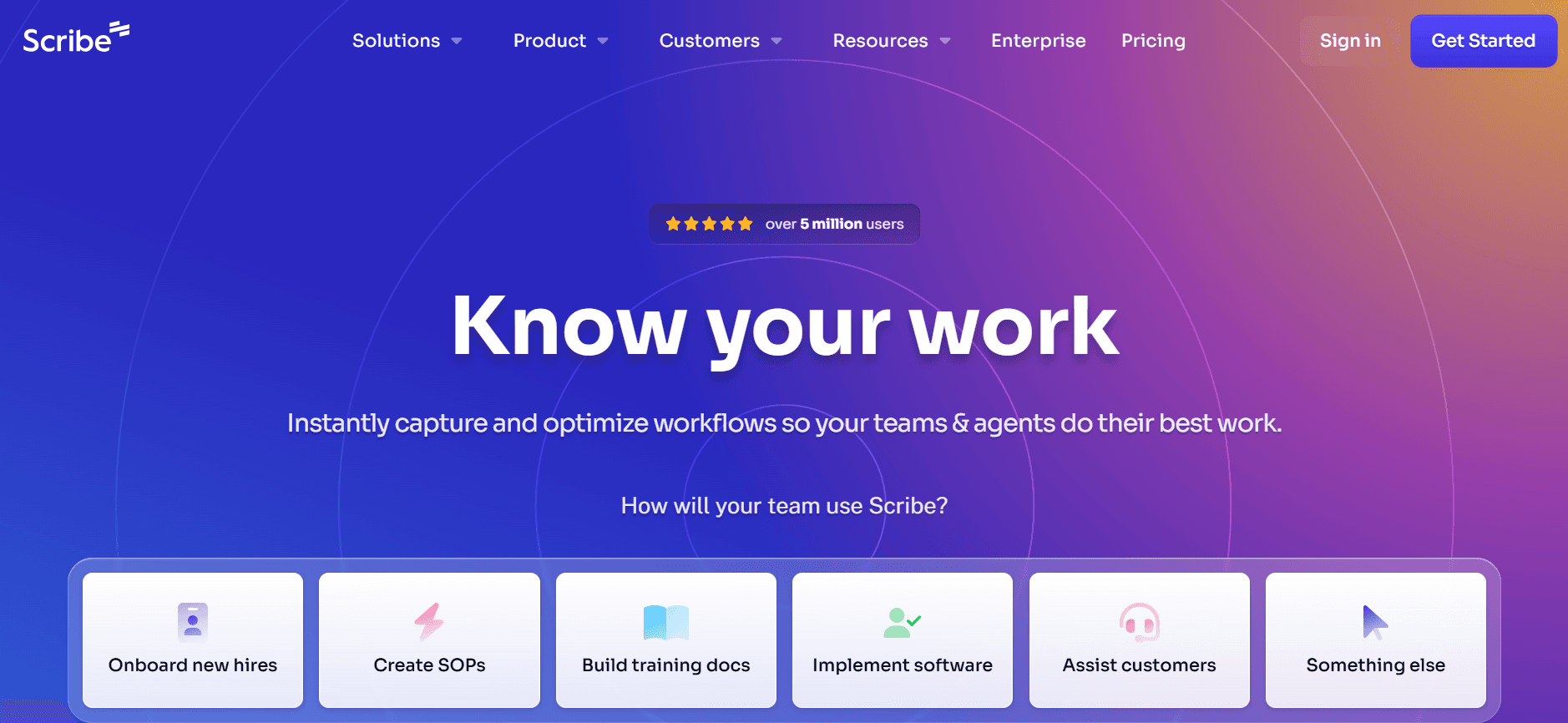
Scribe propose une approche simple de la documentation, axée sur la facilité d’utilisation et l’accessibilité. Elle est particulièrement utile pour les petites équipes ou les entreprises qui doivent intégrer rapidement de nouveaux employés avec des manuels utilisateur simples, mais efficaces. Bien qu’elle ne dispose pas des capacités avancées de certains de ses concurrents, l’interface claire de Scribe et ses outils de rédaction IA de base en font un choix solide pour des besoins de documentation directs.
Fonctionnalités clés
Interface conviviale
Aide à la rédaction alimentée par l’IA (de base)
Création de guides étape par étape
Annotation simple des captures d’écran
Modèles intelligents limités
Prise en charge multilingue
Offre gratuite disponible
Avantages
Inconvénients
Facile à utiliser, adapté aux équipes non techniques.
Capacités IA avancées limitées.
Options de tarification abordables.
Ne propose pas d’intégration avec des applications tierces.
Efficace pour les tâches de documentation rapides.
Personnalisation limitée des modèles.
Tarifs
Scribe propose une offre gratuite, avec des offres payantes à partir de 15 $ par utilisateur et par mois.
Tango
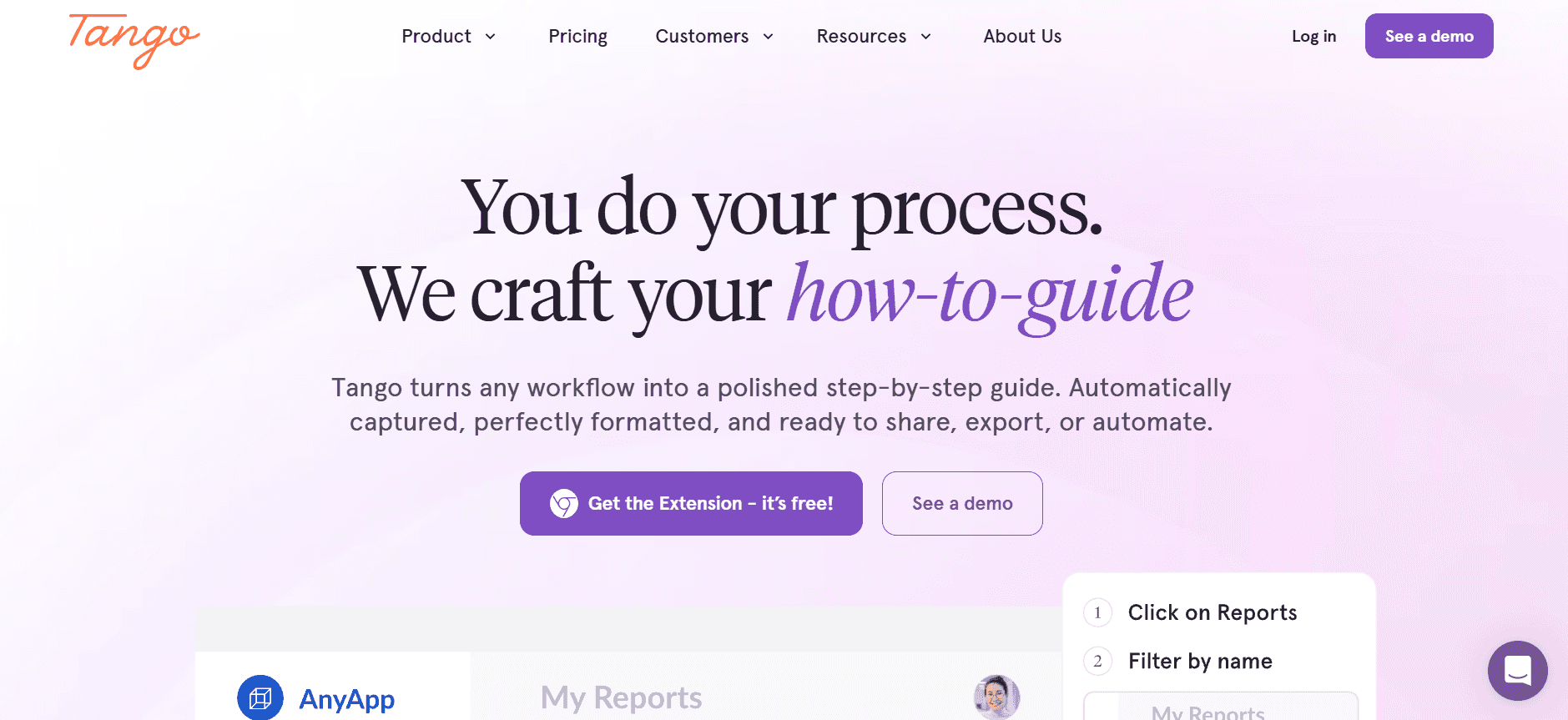
Tango est conçu pour les équipes qui ont besoin d’une documentation interactive et visuellement engageante. Il excelle dans la génération vidéo et propose des outils d’annotation de captures d’écran robustes, ce qui en fait un choix idéal pour créer des tutoriels et des guides à la fois informatifs et captivants. En revanche, il ne dispose pas de certaines capacités de rédaction IA proposées par d’autres outils : il se concentre plutôt sur la création de contenu visuel.
Fonctionnalités clés
Génération vidéo pour des guides interactifs
Annotation avancée des captures d’écran
Interface utilisateur simple
Capacités de capture des étapes
Outils de rédaction IA limités
Offre gratuite disponible
Avantages
Inconvénients
Excellent pour créer des tutoriels vidéo.
Ne propose pas de fonctionnalités complètes de rédaction IA.
Les outils d’annotation avancés améliorent la clarté.
Prise en charge des langues limitée par rapport aux concurrents.
Conçu pour être simple pour les équipes qui découvrent les outils de documentation.
Les options d’intégration sont quelque peu limitées.
Tarifs
Tango propose une offre gratuite, avec des fonctionnalités premium disponibles à partir de 25 $ par utilisateur et par mois.
Document360
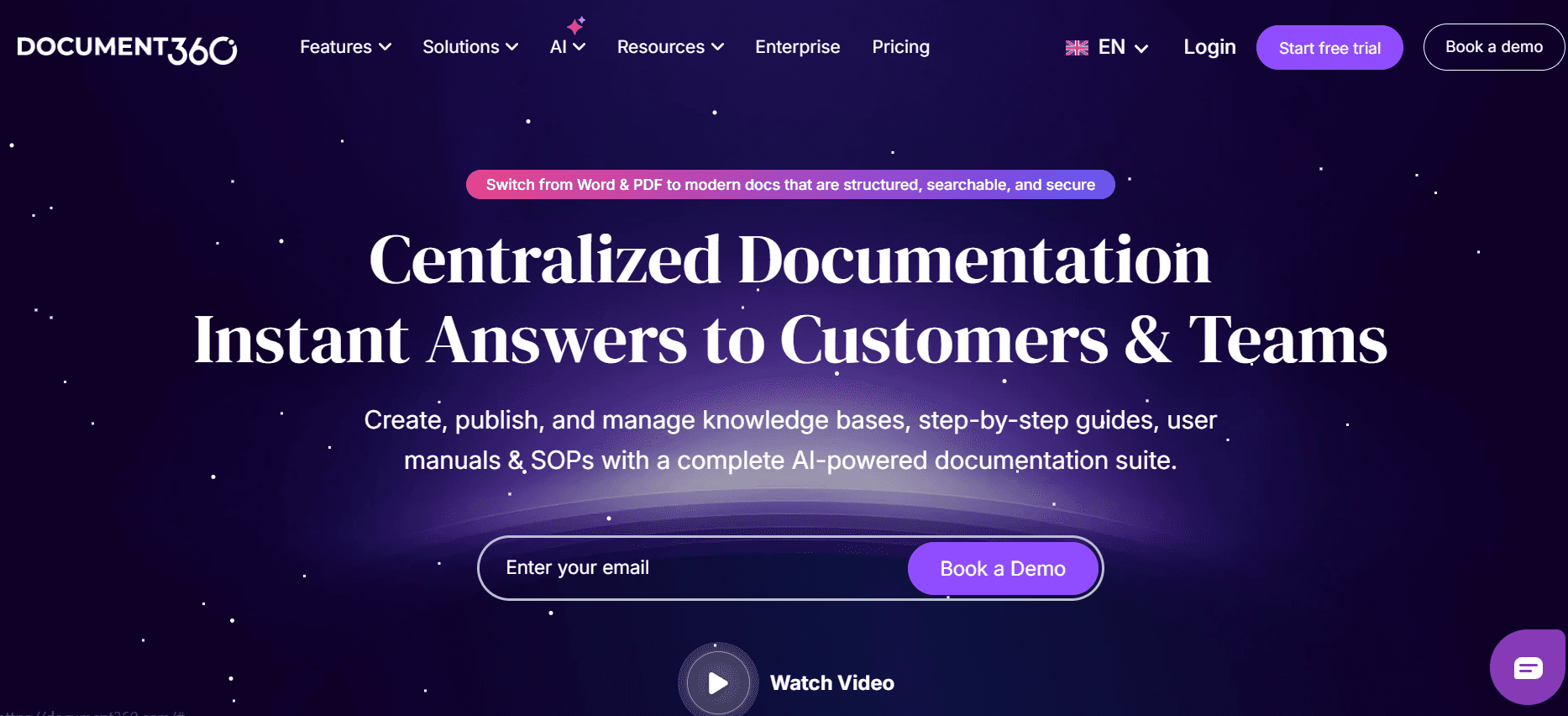
Document360 est reconnu pour ses capacités robustes de base de connaissances, ce qui en fait un choix idéal pour les entreprises qui doivent maintenir des bibliothèques de documentation détaillées. Bien qu’il propose d’excellentes options d’intégration, il peut être moins convivial pour les équipes qui recherchent des outils de rédaction IA simples. Sa force réside dans la création et la gestion d’une documentation étendue plutôt que dans la génération de contenu via l’IA.
Fonctionnalités clés
Base de connaissances étendue
Intégration API
Modèles intelligents
Outils de collaboration
Capacités de rédaction IA limitées
Fonctionnalité de recherche complète
Avantages
Inconvénients
Idéal pour gérer de grandes bibliothèques de documentation.
Les capacités de rédaction IA sont limitées.
Excellente intégration avec d’autres plateformes.
Peut être complexe pour les petites équipes.
Fonctionnalités de collaboration solides.
Aucune offre gratuite disponible.
Tarifs
Les tarifs de Document360 commencent à 49 $ par utilisateur et par mois, sans option d’offre gratuite.
Notion AI
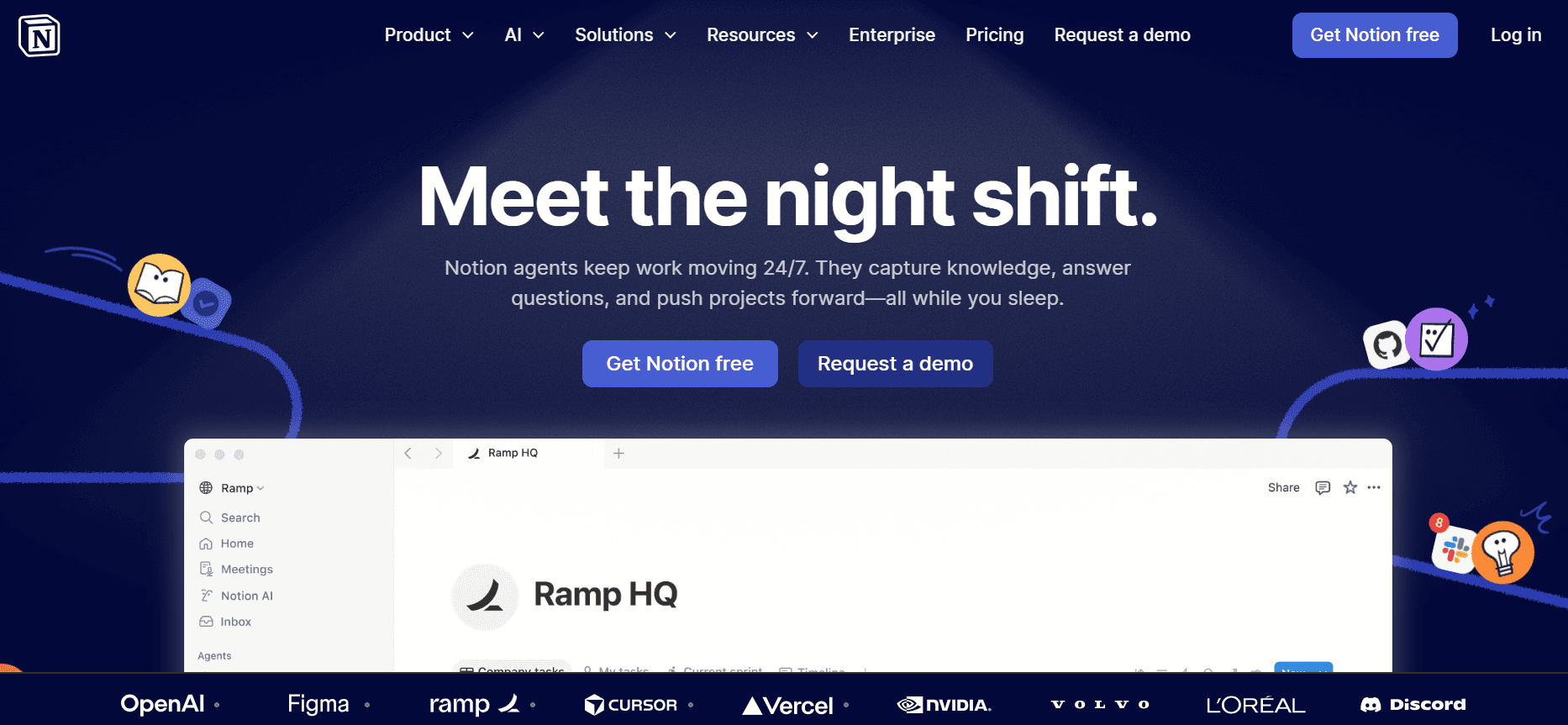
Notion AI exploite la flexibilité de la célèbre plateforme de productivité et applique l’IA pour améliorer les processus de documentation. Elle est particulièrement efficace pour les équipes qui utilisent déjà Notion à d’autres fins, car elle s’intègre de manière transparente aux flux de travail existants. En revanche, elle peut ne pas offrir la profondeur de fonctionnalités spécifiquement dédiée à la documentation par rapport à des outils conçus pour cet usage.
Fonctionnalités clés
Intégration transparente avec Notion
Outils de rédaction et d’édition par IA
Prise en charge multilingue
Capacités de génération vidéo
Modèles intelligents
Accès API pour les développeurs
Avantages
Inconvénients
S’intègre bien aux configurations Notion existantes.
Moins riche en fonctionnalités pour la documentation que d’autres outils.
Prend en charge plusieurs langues.
Limitée à l’écosystème de Notion.
Flexible pour divers besoins de documentation.
La complexité peut augmenter en cas d’utilisation intensive.
Tarifs
Notion AI propose une offre gratuite limitée, avec des fonctionnalités avancées à partir de 18 $ par utilisateur et par mois.
Confluence AI
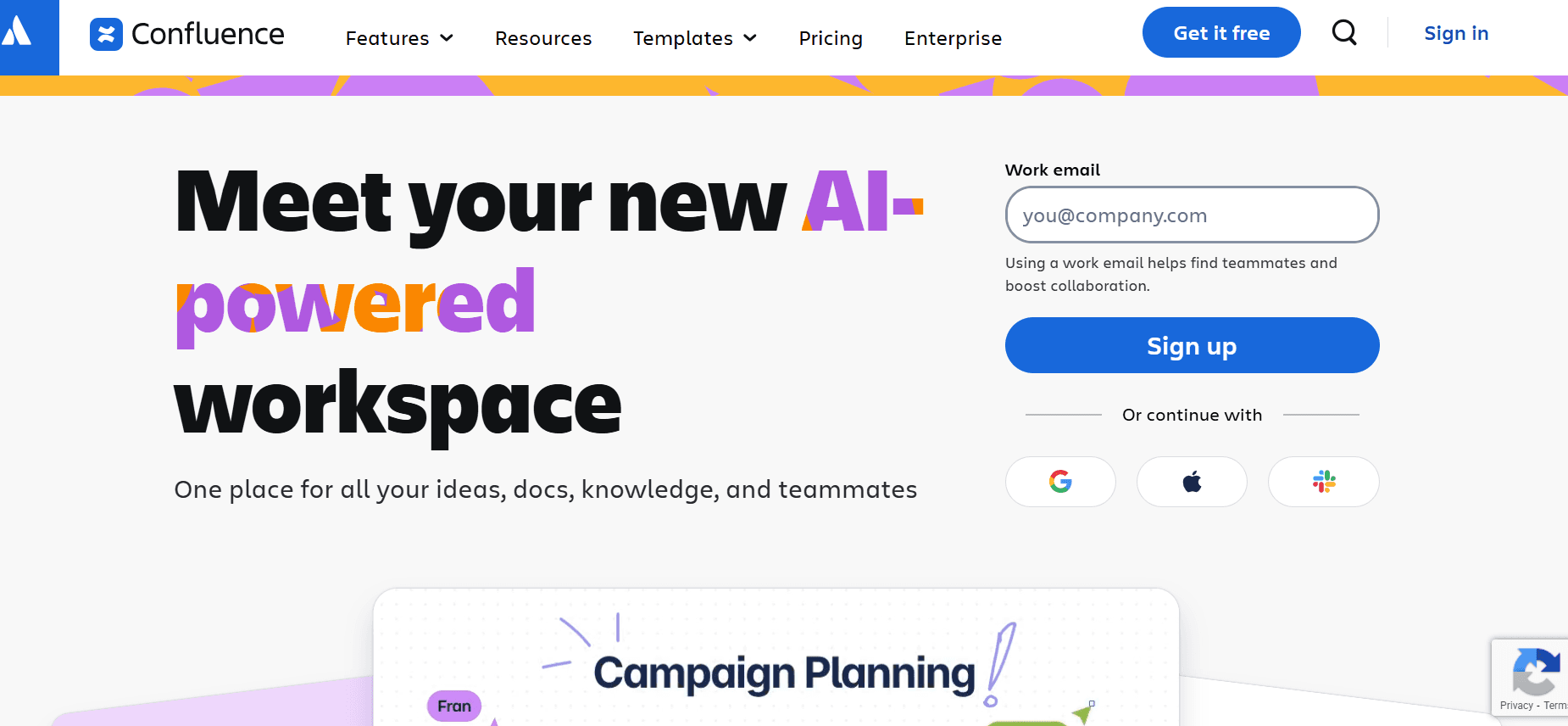
Confluence AI s’appuie sur l’outil de collaboration populaire en y intégrant des capacités d’IA afin d’améliorer l’exactitude et l’efficacité de la documentation. C’est un excellent choix pour les équipes qui utilisent déjà Confluence, en apportant un avantage IA aux processus de documentation traditionnels. En revanche, elle peut être moins intuitive pour les utilisateurs qui découvrent l’écosystème de Confluence.
Fonctionnalités clés
Suggestions de contenu pilotées par l’IA
Intégration à l’écosystème Confluence
Modèles intelligents
Prise en charge multilingue
Fonctionnalités de collaboration
Intégration API
Avantages
Inconvénients
Booste la productivité des utilisateurs de Confluence.
Moins intuitive pour ceux qui ne connaissent pas Confluence.
Fonctionnalités de collaboration et d’intégration solides.
Aucune offre gratuite disponible.
Prise en charge étendue des langues.
Peut être complexe à configurer au départ.
Tarifs
Confluence AI ne propose pas d’offre gratuite, avec des tarifs à partir de 30 $ par utilisateur et par mois.
GitBook AI
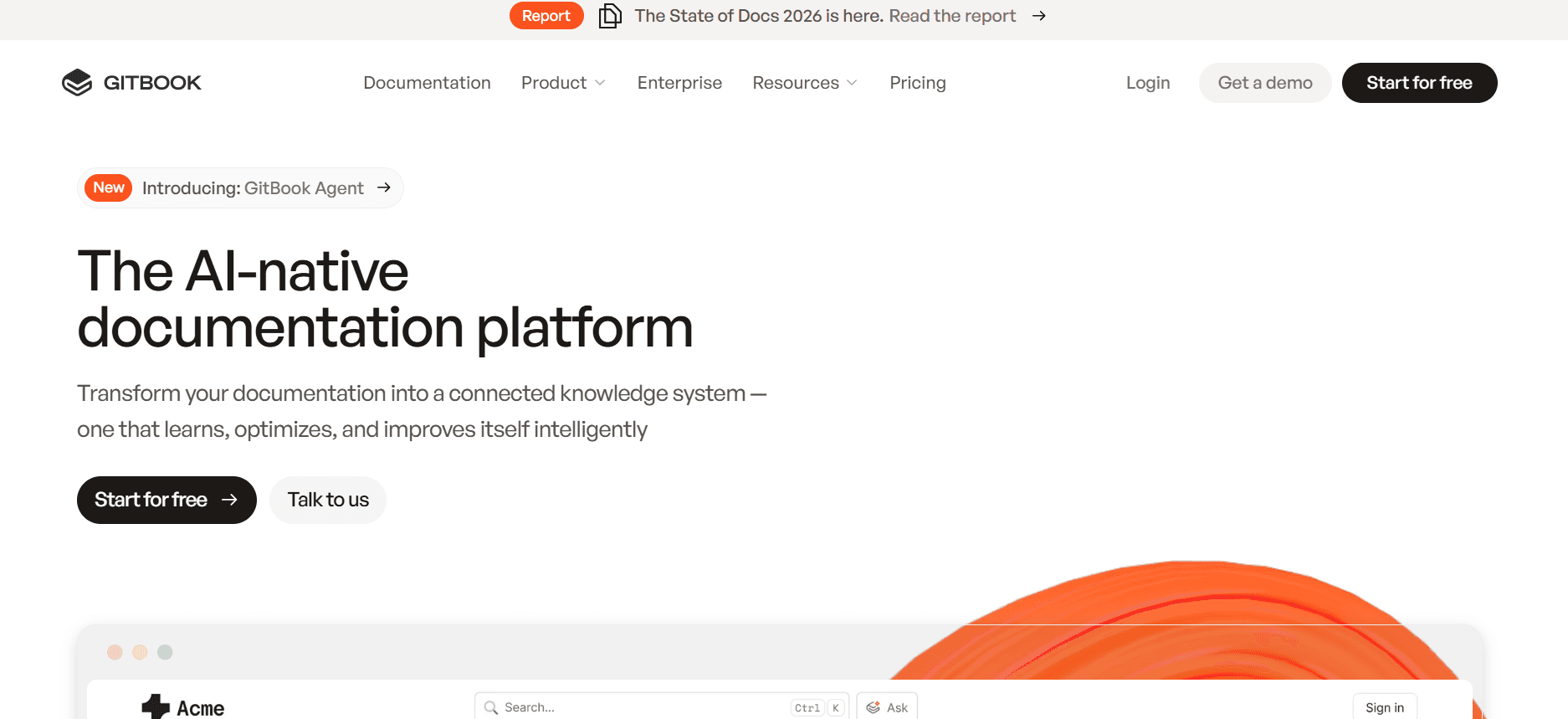
GitBook AI offre une expérience simplifiée pour les équipes axées sur la documentation technique, en particulier dans le domaine du développement logiciel. Elle est connue pour son interface claire et ses outils de rédaction faciles à utiliser, mais peut manquer de certaines fonctionnalités avancées présentes dans d’autres outils de documentation IA.
Fonctionnalités clés
Interface utilisateur simple
Outils de rédaction IA de base
Capture et annotation des étapes
Intégration API
Modèles intelligents
Offre gratuite disponible
Avantages
Inconvénients
Idéal pour la documentation technique.
Manque de fonctionnalités IA avancées.
Mise en place simple et navigation facile.
Prise en charge des langues limitée.
Adapté aux petites équipes et aux développeurs.
Moins adapté à la documentation non technique.
Tarifs
GitBook AI propose une offre gratuite, avec des offres premium à partir de 20 $ par utilisateur et par mois.
Défis des outils de documentation IA : ce avec quoi les équipes ont du mal
Créer les premières versions prend trop de temps
Même les rédacteurs expérimentés passent une part importante de leur temps à rédiger les versions initiales.
La recherche manuelle et la compilation du contenu ralentissent le processus de rédaction.
Sans automatisation, il existe un risque d’incohérences et d’erreurs humaines lors des étapes de brouillon.
Le temps consacré à la rédaction impacte la capacité à respecter des délais serrés.
Garder la documentation à jour à chaque sprint produit
Les mises à jour fréquentes du produit exigent une révision constante de la documentation.
Les mises à jour manuelles peuvent entraîner des changements passés sous silence, ce qui rend l’information obsolète.
La coordination entre les équipes pour les mises à jour est souvent fastidieuse.
Les incohérences entre les fonctionnalités produit et les manuels utilisateur créent de la confusion.
Mise en forme incohérente entre les différents membres de l’équipe
Les styles de rédaction et les préférences de mise en forme différents créent des documents décousus.
L’absence de modèles standardisés entraîne des incohérences dans la présentation.
La modification manuelle pour assurer l’uniformité est chronophage et source d’erreurs.
L’aspect professionnel est compromis, ce qui affecte la confiance des utilisateurs.
Aucune fonctionnalité automatique de capture d’écran ou de capture des étapes
La capture manuelle d’écran est fastidieuse et omet souvent des étapes critiques.
Documenter des processus étape par étape sans automatisation est propice aux erreurs.
Les supports visuels sont essentiels, mais difficiles à gérer sans outils d’automatisation.
Les membres de l’équipe passent un temps excessif à la documentation visuelle plutôt qu’à l’amélioration du contenu.
La traduction et la localisation créent des goulots d’étranglement pour les équipes internationales
La traduction manuelle est coûteuse et chronophage, ce qui retarde les lancements à l’international.
Les incohérences linguistiques peuvent dérouter les utilisateurs internationaux.
Coordonner avec plusieurs experts linguistiques peut s’avérer difficile.
La localisation sans automatisation met à rude épreuve les ressources et les budgets.
Défi
Processus traditionnel
Impact business
Coût en temps
Créer les premières versions
Rédaction et recherche manuelles
Retards dans les lancements produit
40-50 % du temps total du projet
Mettre à jour la documentation
Révisions manuelles
Manuels utilisateur obsolètes
Hausse de 10-20 % de la charge de travail
Mise en forme incohérente
Édition manuelle
Aspect peu professionnel
5-10 % de temps d’édition supplémentaire
Capture d’écran
Capture et édition manuelles
Étapes critiques manquées
20-30 % du temps de documentation
Traduction et localisation
Traduction manuelle
Retards des lancements internationaux
15-25 % du calendrier du projet
Fonctionnalités indispensables dans les outils de documentation IA
Rédaction IA et complétion automatique
Les outils de rédaction IA sont devenus indispensables pour créer efficacement des manuels utilisateur. Ces outils génèrent automatiquement des suggestions de contenu et complètent les phrases, ce qui évite aux rédacteurs la tâche monotone de rédaction. Cette fonctionnalité est particulièrement utile pour les équipes qui doivent produire rapidement de grands volumes de documentation. Notion AI et Trupeer se distinguent par leurs capacités avancées de rédaction IA, permettant aux utilisateurs de créer un contenu à la fois exact et engageant.
Capture automatique des étapes à partir de l’activité à l’écran
Cette fonctionnalité révolutionne la façon dont les équipes gèrent les instructions étape par étape. En capturant automatiquement l’activité à l’écran, des outils comme Tango et Trupeer permettent de créer une documentation précise et sans erreurs. Cette capacité garantit qu’aucune étape n’est oubliée, offrant ainsi des guides complets aux utilisateurs. La capture automatique des étapes permet non seulement de gagner du temps, mais aussi d’améliorer l’exactitude de la documentation.
Annotation intelligente des captures d’écran
Les supports visuels sont essentiels dans les manuels utilisateur, et les outils dotés de capacités d’annotation intelligente des captures d’écran offrent un avantage considérable. Cette fonctionnalité permet d’ajouter facilement des notes, des surlignages et des repères aux captures d’écran, afin de les rendre plus informatives. Trupeer et Tango excellent dans ce domaine, avec des interfaces intuitives pour annoter efficacement les captures d’écran. Cela garantit que même les instructions complexes sont claires et faciles à suivre.
Génération de voix off IA pour les vidéos de documentation
Pour la documentation qui inclut des tutoriels vidéo, la génération de voix off par IA est un véritable changement. Elle permet aux équipes de créer des voix off de qualité professionnelle sans avoir besoin d’un comédien voix humaine. Notion AI et Document360 sont des leaders dans ce domaine, proposant des outils qui génèrent des voix off au son naturel. Cette fonctionnalité est particulièrement utile pour créer des contenus vidéo multilingues, car elle peut facilement basculer entre les langues.
Export en plusieurs formats en un clic
La flexibilité sur la façon dont la documentation est partagée et distribuée est cruciale. Les outils qui proposent un export en un clic dans plusieurs formats tels que PDF, HTML et Markdown offrent une expérience fluide aux équipes. Document360 et GitBook AI proposent des capacités d’export robustes, garantissant que la documentation peut être facilement consultée et partagée sur différentes plateformes. Cette fonctionnalité est essentielle pour maintenir la cohérence et l’accessibilité de la documentation.
Prise en charge multilingue
Sur un marché mondial, les outils de documentation dotés d’une prise en charge multilingue solide sont indispensables. Cette fonctionnalité permet aux équipes de s’adresser à des publics internationaux sans les contraintes de la traduction manuelle. Trupeer et Scribe proposent d’excellentes capacités multilingues, permettant des transitions fluides entre les langues. Cette prise en charge garantit que les manuels utilisateur sont accessibles à un public plus large, améliorant ainsi l’expérience utilisateur à l’échelle mondiale.
Comment choisir des outils de documentation IA selon votre cas d’usage
Équipes de documentation produit dans les entreprises SaaS
Pour les entreprises SaaS, il est essentiel de maintenir la documentation à jour avec les itérations rapides du produit. Cela implique souvent d’intégrer de nouvelles fonctionnalités, de mettre à jour les guides utilisateur et de conserver une cohérence entre les documents. Le défi consiste à aller vite sans compromettre l’exactitude, surtout lorsque plusieurs produits ou versions sont concernés.
Changements fréquents dans les fonctionnalités produit.
Nécessité d’une documentation cohérente et fiable.
Volume élevé de mises à jour de contenu requis.
Alertes de mise à jour automatisées et contrôle de version.
Outils de collaboration en temps réel pour les équipes distribuées.
Intégration avec des outils de gestion produit pour des mises à jour fluides.
Outil
Collaboration en temps réel
Contrôle de version
Trupeer
Oui
Oui
Document360
Oui
Oui
Rédacteurs techniques et opérations de contenu
Les rédacteurs techniques ont besoin d’outils qui améliorent leur efficacité rédactionnelle et permettent de créer un contenu technique détaillé. Ces professionnels sont souvent confrontés au défi de transformer des informations complexes en manuels utilisateur faciles à comprendre, tout en garantissant l’exactitude technique et la cohérence du contenu.
Besoin d’une documentation précise et détaillée.
Contraintes de temps pour la création et l’édition du contenu.
Nécessité d’une exactitude technique et d’une cohérence.
Aide à la rédaction IA avancée pour créer un contenu précis.
Outils pour annoter en détail les captures d’écran et réaliser la capture des étapes.
Fonctionnalités complètes d’édition et de relecture.
Outil
Aide à la rédaction IA
Annotation des captures d’écran
Trupeer
Oui
Oui
Notion AI
Oui
Non
Ingénierie et documentation API
Les équipes en charge de la documentation d’ingénierie et des API ont besoin d’outils capables de gérer des langages techniques complexes et de produire un résultat précis et structuré. Les capacités d’automatisation et d’intégration API sont essentielles pour rationaliser le processus de documentation et garantir que les spécifications techniques sont correctement représentées.
Forte complexité technique dans la documentation.
Besoin de formats de documentation structurés et standardisés.
Intégration avec des outils et plateformes de développement.
Capacités d’intégration API complètes.
Modèles structurés adaptés à la documentation technique.
Options de conversion de format et d’export automatisées.
Outil
Intégration API
Modèles structurés
Confluence AI
Oui
Oui
GitBook AI
Oui
Oui
Documentation RH et conformité
Les équipes RH et conformité ont besoin d’outils de documentation qui garantissent que les documents de politique sont clairs, accessibles et conformes aux réglementations en vigueur. Ces équipes sont confrontées à des défis pour créer et mettre à jour des documents qui doivent à la fois être juridiquement solides et faciles à utiliser.
Besoin d’une documentation à jour et conforme.
Clarté et accessibilité des documents de politique.
Mises à jour fréquentes en fonction des changements réglementaires.
Contrôles de conformité automatisés et alertes.
Outils pour créer des documents de politique clairs et concis.
Intégration avec des systèmes de gestion de la conformité.
Outil
Contrôles de conformité
Clarté des documents
Document360
Limitée
Oui
Scribe
Non
Oui
Centres d’aide en libre-service pour les clients
Les équipes support client utilisent des outils de documentation pour créer des centres d’aide en libre-service, réduisant ainsi le besoin d’interactions directes. Le défi consiste à fournir des guides complets, accessibles et faciles à comprendre, qui permettent aux utilisateurs de résoudre leurs problèmes de manière autonome.
Volume élevé de demandes des utilisateurs nécessitant de la documentation.
Besoin de guides accessibles et conviviaux.
Garantir un contenu à jour à mesure que les produits évoluent.
Outils pour créer des guides interactifs et engageants.
Mises à jour automatisées pour refléter les changements produit.
Prise en charge multilingue pour des bases d’utilisateurs variées.
Outil
Guides interactifs
Prise en charge multilingue
Tango
Oui
Limitée
Trupeer
Limitée
Oui
Bonnes pratiques pour créer une documentation efficace
Avant de créer la documentation
Identifiez le public cible et adaptez le contenu à ses besoins.
Rassemblez toutes les informations et ressources nécessaires avant de commencer.
Fixez des objectifs clairs pour chaque document.
Créez un plan de contenu pour guider le processus de rédaction.
Choisissez les bons outils et modèles en fonction de vos besoins de documentation spécifiques.
Pendant la création de la documentation
Utilisez un langage clair et concis pour garantir la lisibilité.
Intégrez des éléments visuels tels que des captures d’écran et des schémas pour améliorer la compréhension.
Utilisez des outils de rédaction IA pour améliorer l’efficacité et l’exactitude.
Sauvegardez régulièrement votre travail et effectuez des sauvegardes pour éviter toute perte de données.
Collaborez avec les membres de l’équipe pour recueillir des retours et apporter des améliorations.
Après la création de la documentation
Relisez et corrigez le document pour repérer toute erreur ou incohérence.
Testez le document auprès d’un petit groupe d’utilisateurs pour obtenir des retours sur l’utilisabilité.
Mettez régulièrement le document à jour pour refléter tout changement ou nouvelle information.
Surveillez les retours des utilisateurs et ajustez si nécessaire.
Assurez-vous que le document est accessible et facile à trouver pour les utilisateurs.
Questions fréquentes
Quels sont les outils de documentation IA ?
Les outils de documentation IA sont des solutions logicielles qui exploitent l’intelligence artificielle pour automatiser et rationaliser le processus de création, d’édition et de gestion de la documentation, afin de le rendre plus rapide et plus efficace.
Qui devrait utiliser des outils de documentation IA ?
Ces outils sont utiles pour les rédacteurs techniques, les responsables produit, les équipes de documentation et toute organisation qui a besoin de manuels utilisateur ou de documents techniques efficaces et fiables.
Les outils IA nécessitent-ils une expertise technique ?
La plupart des outils de documentation IA sont conçus pour être faciles à utiliser et ne nécessitent pas de compétences techniques avancées. Toutefois, la familiarité avec les processus de documentation peut renforcer leur efficacité.
Les outils IA peuvent-ils s’intégrer à des logiciels existants ?
Oui, de nombreux outils de documentation IA proposent une intégration API, leur permettant de se connecter à des solutions logicielles existantes et de rationaliser les flux de travail.
Existe-t-il des outils de documentation IA gratuits ?
Oui, plusieurs outils proposent des offres gratuites avec des fonctionnalités de base, tandis que des offres premium avec des capacités avancées sont disponibles moyennant paiement.
Quels facteurs influencent le prix des outils de documentation IA ?
Le prix peut dépendre des fonctionnalités proposées, du nombre d’utilisateurs, du niveau de support fourni et de l’étendue des capacités d’intégration.
Combien de temps faut-il pour déployer un outil de documentation IA ?
Le temps de déploiement peut varier, mais de nombreux outils sont conçus pour une configuration rapide et peuvent être intégrés aux flux de travail existants en quelques jours à une semaine.
Quel support est disponible pendant le déploiement ?
La plupart des fournisseurs proposent un support via des ressources en ligne, le service client, et parfois des spécialistes d’onboarding dédiés pour aider au déploiement.
Pourquoi les projets IA échouent-ils avant même de commencer ?
Les initiatives IA stagnent lorsque les processus sous-jacents ne sont pas documentés ou sont incorrects. Avec la configuration de base de connaissances pour les agents IA de Trupeer, les guides sont capturés à partir d’enregistrements et restent prêts pour que l’IA puisse les exploiter.
Conclusion
Choisir le bon outil de documentation IA est essentiel pour améliorer la productivité et garantir une documentation exacte et à jour. En comprenant vos besoins spécifiques et vos défis, vous pouvez sélectionner une solution parfaitement adaptée à votre équipe et à vos objectifs business. Que vous cherchiez avant tout la rapidité, l’exactitude ou les capacités d’intégration, il existe un outil conçu pour répondre à vos besoins.
Vous souhaitez transformer votre processus de documentation ? Découvrez les solutions complètes de Trupeer pour rationaliser votre flux de travail et améliorer l’efficacité de votre équipe. Rendez-vous sur Trupeer pour en savoir plus sur la façon dont nous pouvons répondre à vos besoins en documentation.


