Trupeer Blog
Resumir

Los equipos de documentación a menudo se ven atrapados en las tareas repetitivas de dar formato y estructurar, consumiendo el 60-70% de su valioso tiempo. Esto deja menos margen para centrarse en la precisión y la claridad del contenido en sí. Las herramientas de documentación con IA ofrecen una solución al automatizar estos procesos rutinarios, permitiendo a los equipos mejorar la calidad del contenido. A partir de ahí, el herramienta de anotación con IA es un siguiente paso natural, ya que la documentación ya está capturada.
Según un informe, el 70% de los redactores técnicos dedica más de la mitad de su tiempo al formateo de documentos en lugar de a la creación de contenido.
Esta guía explora varias herramientas de IA que agilizan la creación de manuales de usuario. Está pensada para equipos de documentación, redactores técnicos y para cualquier persona responsable de producir y mantener la documentación de producto. Encontrarás información sobre la funcionalidad, las funciones clave, los pros y los contras, y los precios de las principales herramientas del mercado.
Mejores herramientas de documentación con IA: comparación cara a cara
Función | Trupeer | Scribe | Tango | Document360 | Notion AI | Confluence AI | GitBook AI |
|---|---|---|---|---|---|---|---|
Funciones principales | |||||||
Redacción con IA | Sí | Sí | Limitado | No | Sí | Sí | Sí |
Captura automática de pasos | Sí | No | Sí | No | Limitado | No | Sí |
Anotación de capturas de pantalla | Sí | Sí | Sí | No | Limitado | Sí | No |
Capacidades de IA | |||||||
Locución con IA | Sí | No | No | No | Sí | Limitado | No |
Generación de vídeo | Sí | No | Limitado | No | No | No | Limitado |
Funciones profesionales | |||||||
Plantillas inteligentes | Sí | Sí | Limitado | No | Sí | Sí | Limitado |
Multilenguaje | Sí | Limitado | No | Sí | Sí | Sí | No |
Integraciones | |||||||
Integración de API | Sí | No | Sí | Sí | Limitado | Sí | Sí |
Plan gratuito | Sí | Sí | No | No | Sí | Limitado | Sí |
Trupeer

Trupeer destaca como una herramienta de documentación integral impulsada por IA que se adapta tanto a equipos pequeños como a grandes empresas. Sus sólidas capacidades de redacción con IA garantizan que crear manuales de usuario sea eficiente y preciso. Trupeer es ideal para equipos que necesitan automatizar la creación de guías de usuario detalladas y precisas sin renunciar a la calidad.
Lo que diferencia a Trupeer es su capacidad para ofrecer locución con IA y generación de vídeo, lo que lo convierte en una excelente opción para documentación rica en multimedia. Los usuarios valoran su función de plantillas inteligentes, que simplifica significativamente el proceso de estructuración.
Funciones clave
Generación de contenido impulsada por IA
Captura automática de pasos a partir de la actividad en pantalla
Anotación inteligente de capturas de pantalla
Locución con IA para documentación en vídeo
Soporte multilenguaje
Plantillas inteligentes para un formateo rápido
Integración de API para flujos de trabajo personalizados
Capacidades de generación de vídeo
"Trupeer ha transformado nuestro proceso de documentación, ahorrándonos incontables horas y garantizando resultados de alta calidad."
Pros
Contras
La locución con IA mejora las guías en vídeo.
Curva de aprendizaje para usuarios nuevos.
Compatible con más de 40 idiomas.
Funcionalidad limitada sin conexión.
Integración de API completa.
Precio más alto para funciones avanzadas.
Precios
Trupeer ofrece un plan gratuito con funciones básicas. Los planes de pago comienzan en 49 $ al mes por usuario para una funcionalidad avanzada.
Scribe
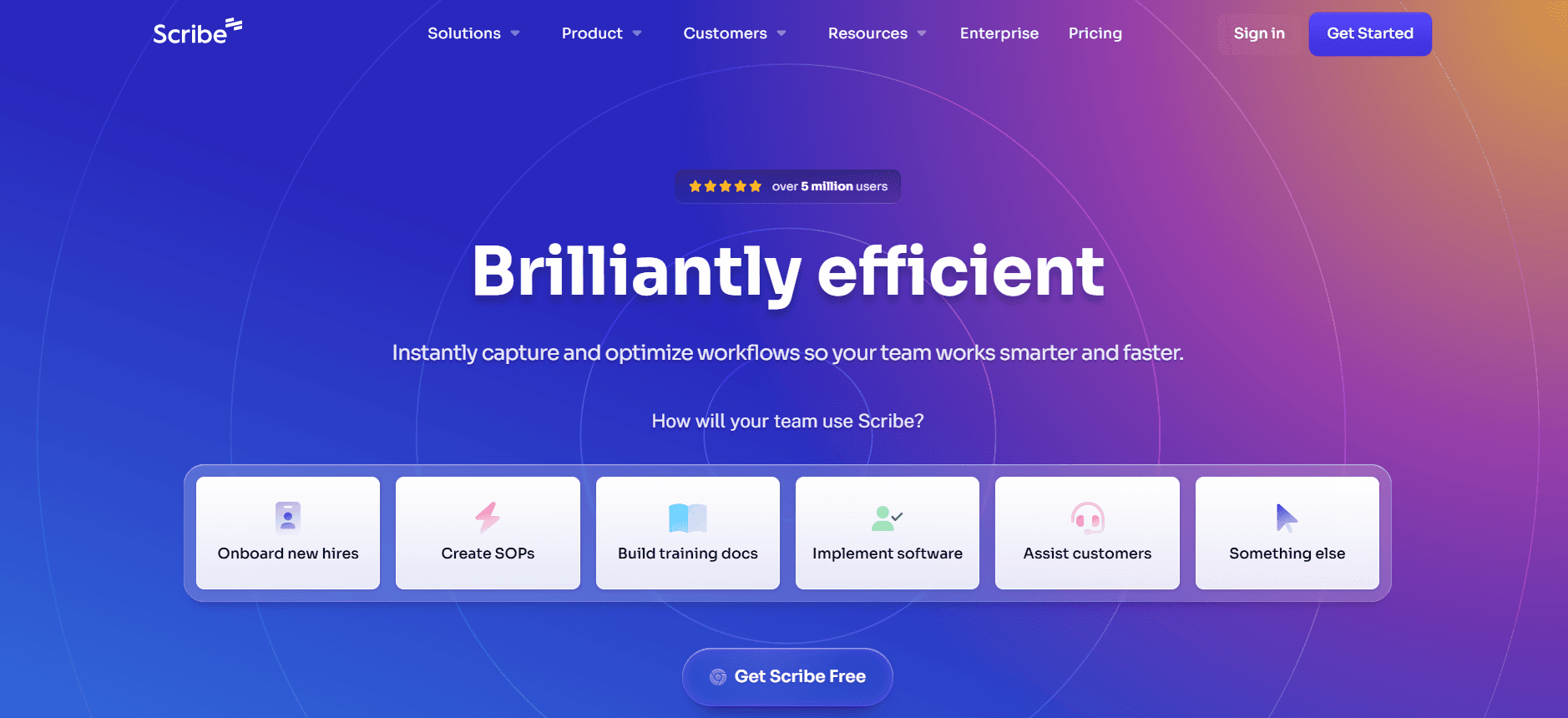
Scribe es una herramienta de documentación intuitiva diseñada para equipos que priorizan la simplicidad y la facilidad de uso. Destaca en entornos donde es clave contar con una entrega rápida de documentación. Su interfaz directa permite a los usuarios empezar con una formación mínima, lo que la hace especialmente atractiva para equipos pequeños y medianos.
Aunque Scribe no ofrece las capacidades de IA más avanzadas, proporciona una redacción con IA fiable y plantillas inteligentes que ayudan a agilizar el proceso de documentación. La falta de funciones multimedia avanzadas puede no convenir a equipos que buscan opciones de vídeo o locución.
Funciones clave
Redacción con IA para crear contenido rápido
Plantillas inteligentes para un formateo coherente
Herramientas básicas de anotación de capturas de pantalla
Interfaz de usuario sencilla para una adopción rápida
Capacidades multilenguaje limitadas
Opciones básicas de integración de API
Pros
Contras
Fácil de aprender y usar.
Sin funciones de vídeo ni de locución.
Precios asequibles para equipos pequeños.
Soporte de idiomas limitado.
Ofrece plantillas inteligentes para una configuración rápida.
Integraciones básicas únicamente.
Precios
Scribe ofrece un plan gratuito con funciones limitadas. Los planes de pago comienzan en 15 $ al mes por usuario, lo que resulta adecuado para equipos pequeños con presupuesto.
Tango
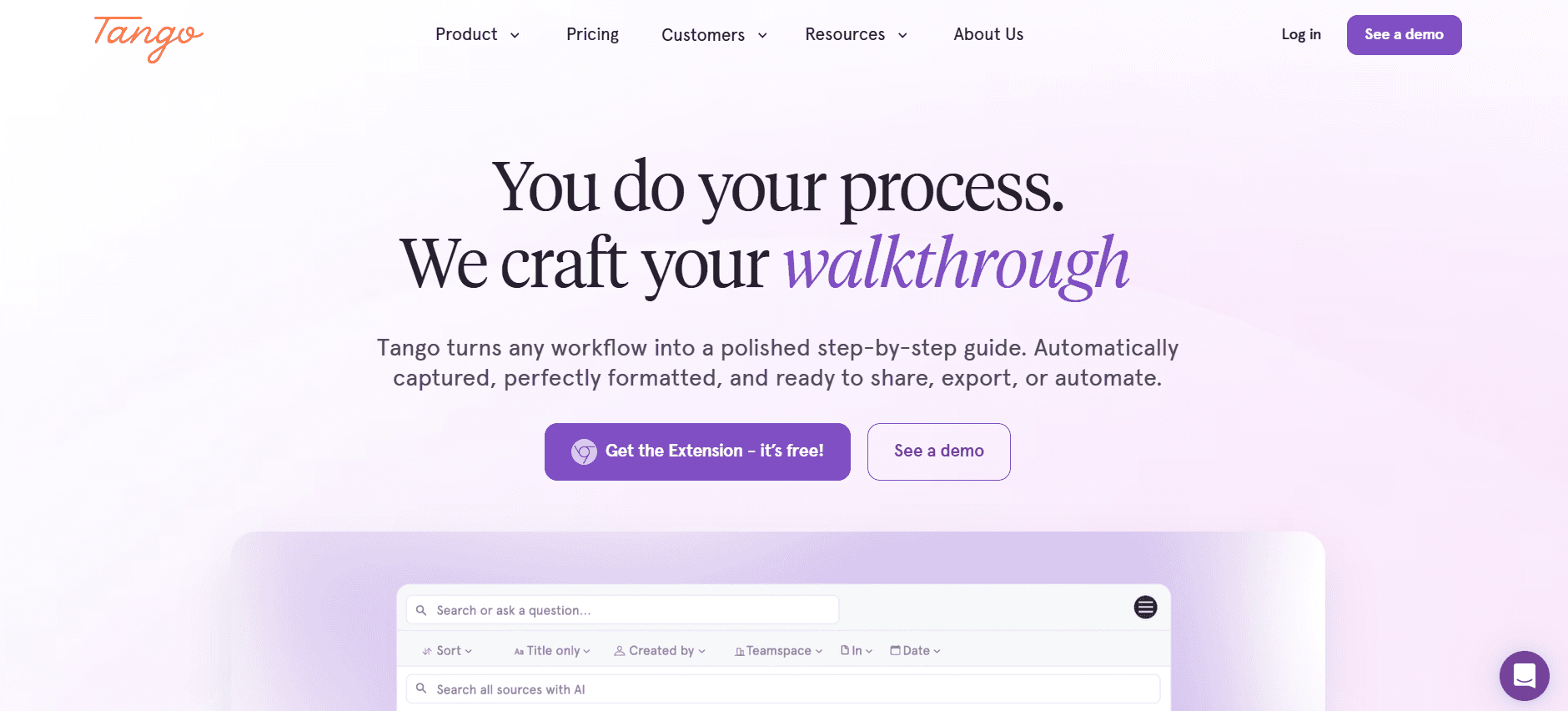
Tango es perfecto para equipos que necesitan capturar y documentar flujos de trabajo complejos en tiempo real. Ofrece funciones sólidas de captura de pasos y anotación de capturas de pantalla, ideales para crear documentación de procesos detallada. Tango es especialmente útil para equipos que requieren documentación visual detallada sin necesidad de capacidades extensas de redacción con IA.
Sin embargo, la redacción con IA limitada de Tango y la falta de funciones de locución podrían no satisfacer a equipos que buscan una solución multimedia completa. Es mejor para quienes se centran en el contenido visual.
Funciones clave
Captura de pasos en tiempo real
Anotación avanzada de capturas de pantalla
Capacidades de redacción con IA limitadas
Integración de API para flujos de trabajo sin fricciones
Soporte multilenguaje básico
Funciones limitadas de generación de vídeo
Pros
Contras
Excelente para documentación visual.
Funciones de redacción con IA limitadas.
Captura de flujos de trabajo en tiempo real.
Sin locución ni multimedia avanzada.
Integración de API sencilla.
Coste más alto para más funciones.
Precios
Tango no ofrece un plan gratuito. Los planes de pago comienzan en 25 $ al mes por usuario, e incluyen funciones avanzadas de captura de pasos.
Document360
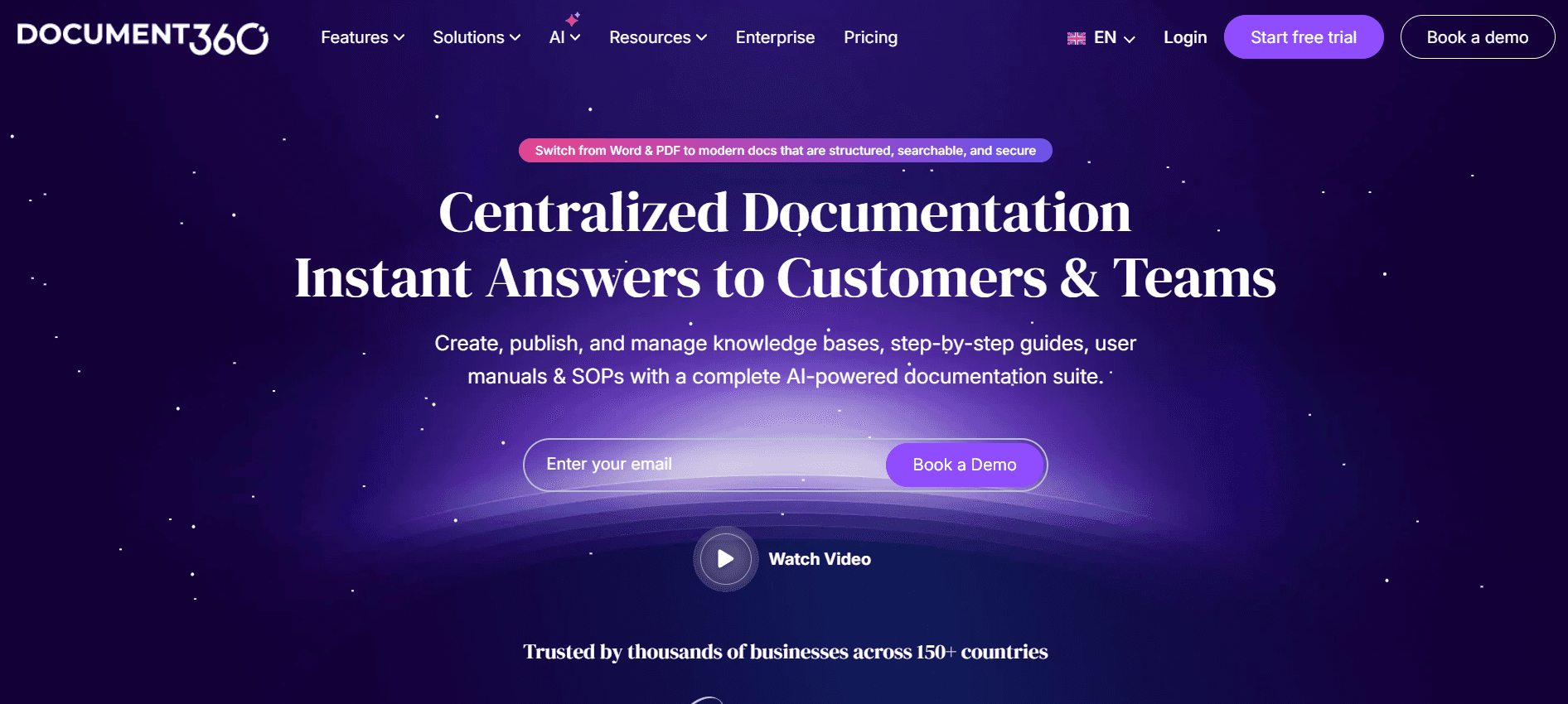
Document360 es una herramienta de gestión del conocimiento diseñada para equipos que necesitan soluciones de documentación completas. Aunque carece de algunas funciones avanzadas de IA, destaca por ofrecer un entorno estructurado para crear y gestionar bibliotecas de documentación extensas. Document360 es ideal para equipos grandes con necesidades de documentación complejas.
Su fortaleza reside en su capacidad para integrarse con diversas herramientas empresariales, aunque la falta de funciones impulsadas por IA puede limitar su atractivo para equipos que buscan automatización.
Funciones clave
Gestión completa de bases de conocimiento
Creación de contenido estructurado
Integración con herramientas empresariales
Soporte para varios idiomas
Capacidades de búsqueda avanzada
Plantillas personalizables
Pros
Contras
Genial para gestionar bases de conocimiento grandes.
Carece de funciones impulsadas por IA.
Capacidades de integración sólidas.
No hay plan gratuito disponible.
Compatible con varios idiomas.
Curva de aprendizaje más alta.
Precios
Document360 no ofrece un plan gratuito. Los planes de pago comienzan en 99 $ al mes por proyecto, lo que es adecuado para empresas más grandes.
Notion AI
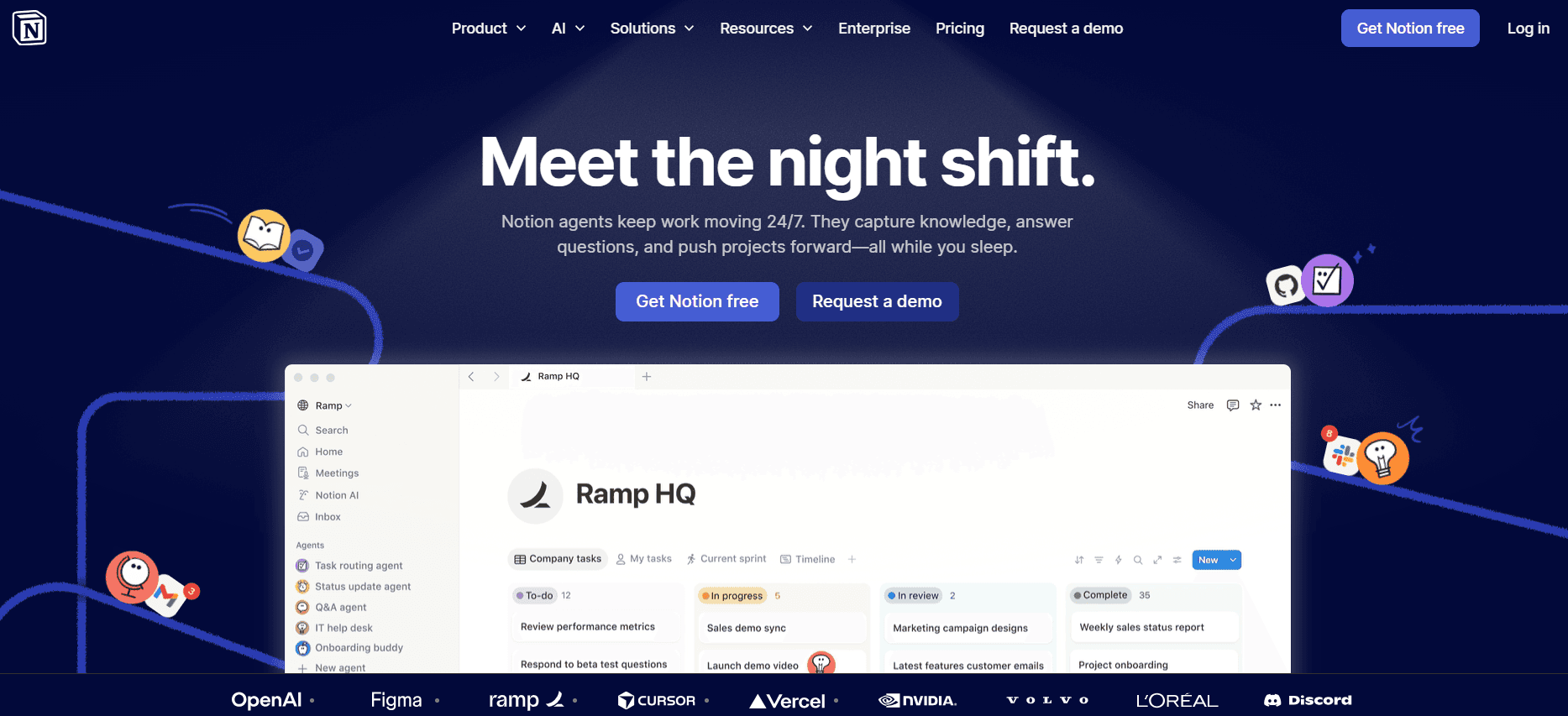
Notion AI es una herramienta versátil que combina funciones de toma de notas, gestión de tareas y documentación. Es altamente adaptable para equipos que necesitan un espacio de trabajo flexible para gestionar distintos tipos de contenido. La integración de redacción con IA de Notion AI es beneficiosa para equipos que necesitan generar contenido de forma rápida y eficiente.
Aunque Notion AI ofrece una amplia gama de funciones, puede que no cubra las necesidades específicas de equipos que buscan herramientas de documentación dedicadas con capacidades multimedia avanzadas.
Funciones clave
Soporte de redacción con IA
Espacio de trabajo personalizable
Integración con herramientas de productividad populares
Funcionalidad multilenguaje básica
Funciones de colaboración para proyectos de equipo
Plantillas inteligentes para configurar documentos rápidamente
Pros
Contras
Espacio de trabajo altamente adaptable.
Capacidades multimedia limitadas.
Herramientas de colaboración sólidas.
Curva de aprendizaje para usuarios nuevos.
Se integra con varias herramientas de productividad.
Soporte de idiomas básico únicamente.
Precios
Notion AI ofrece un plan gratuito con funciones limitadas. Los planes de pago comienzan en 10 $ al mes por usuario, lo que es adecuado para usuarios individuales y equipos pequeños.
Confluence AI
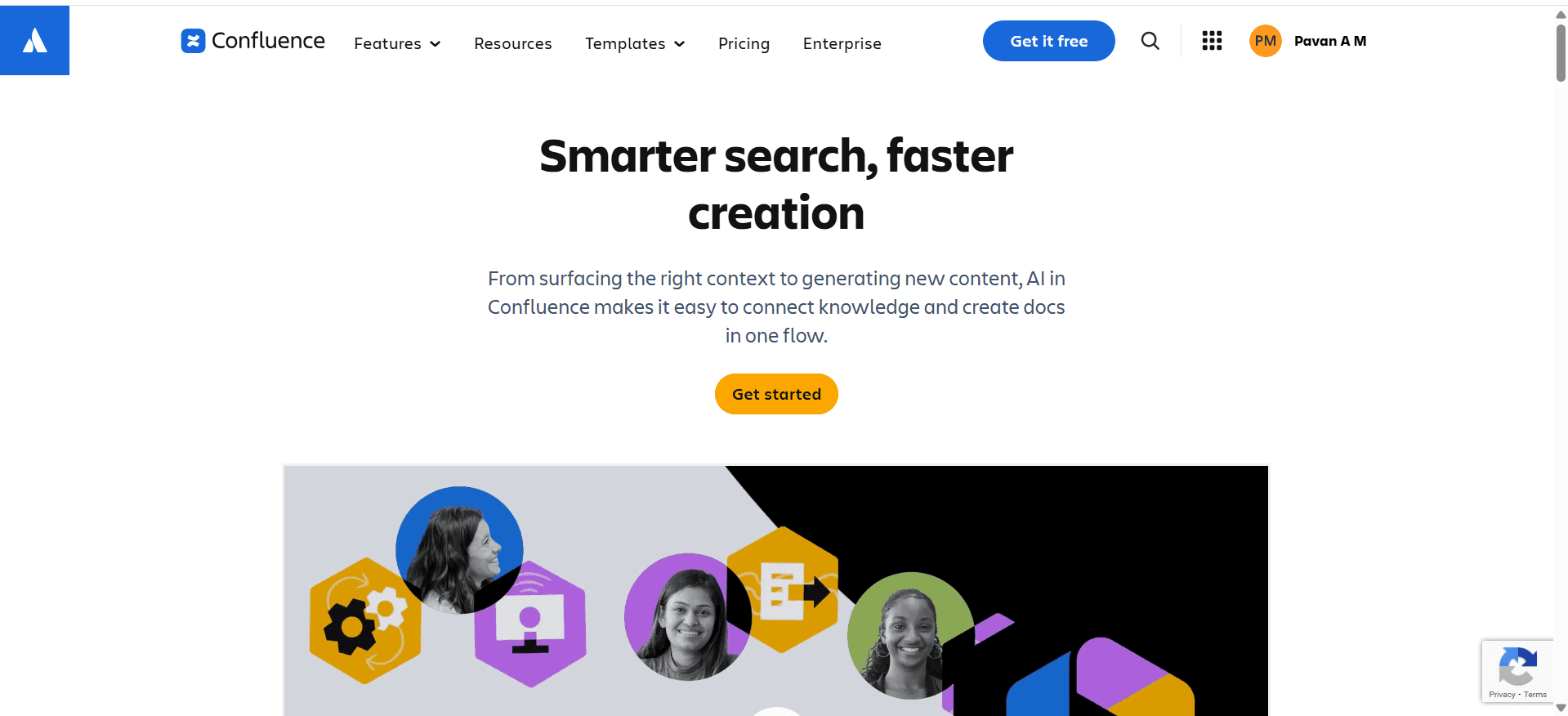
Confluence AI es una herramienta de documentación y colaboración diseñada para equipos que trabajan dentro del ecosistema de Atlassian. Es especialmente útil para equipos que necesitan colaborar estrechamente en proyectos de documentación, ya que ofrece integración con otras herramientas de Atlassian como Jira y Trello.
Sin embargo, las capacidades de IA limitadas de Confluence AI pueden no satisfacer a equipos que buscan funciones avanzadas de automatización. Es mejor para equipos que ya utilizan productos de Atlassian.
Funciones clave
Integración con herramientas de Atlassian
Funciones de colaboración sólidas
Capacidades de redacción con IA limitadas
Soporte multilenguaje básico
Plantillas personalizables
Funcionalidad de búsqueda sólida
Pros
Contras
Ideal para equipos del ecosistema de Atlassian.
Funciones de IA limitadas.
Herramientas de colaboración sólidas.
Precio más alto para funciones avanzadas.
Se integra con Jira y Trello.
No hay plan gratuito disponible.
Precios
Confluence AI no ofrece un plan gratuito. Los planes de pago comienzan en 50 $ al mes para equipos pequeños, e incluyen funciones básicas de colaboración.
GitBook AI
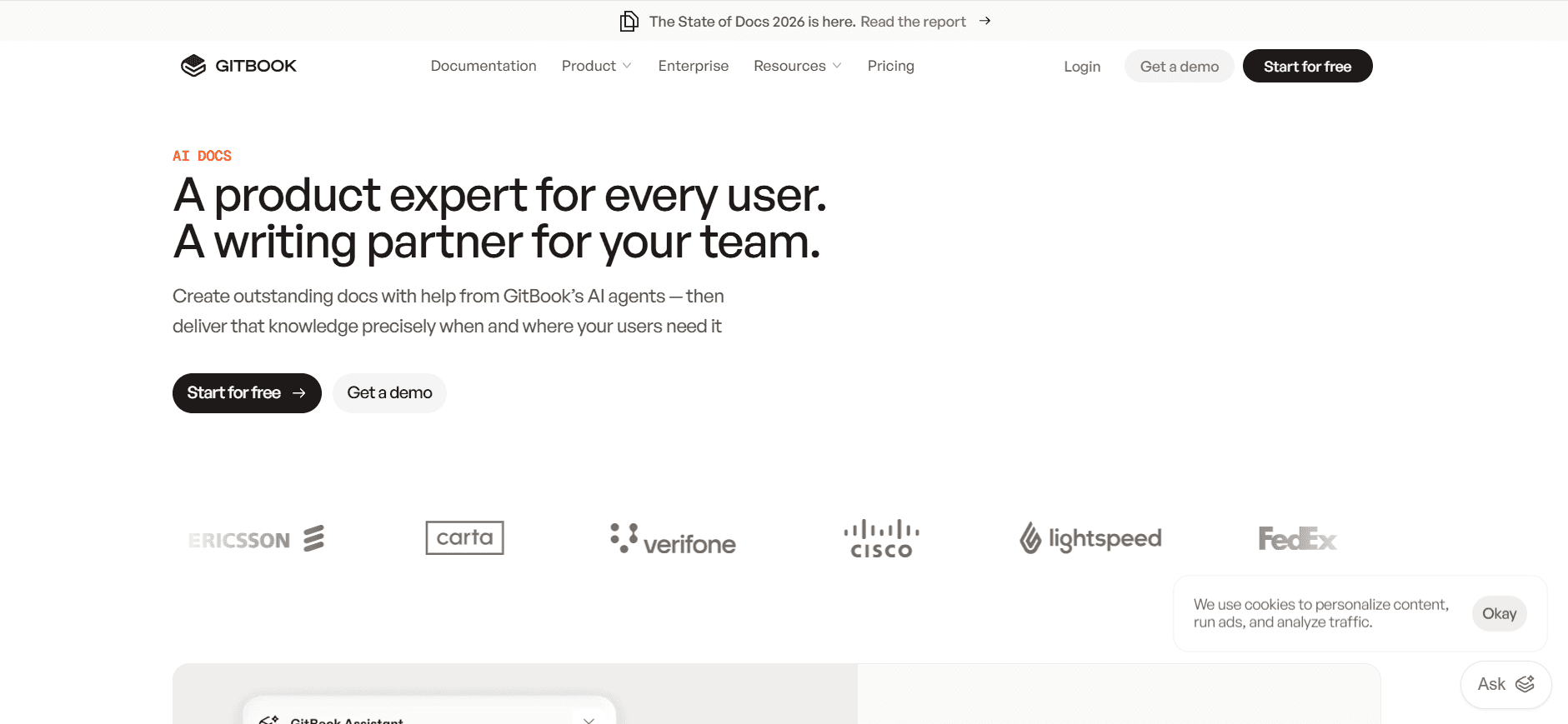
GitBook AI es una plataforma de documentación diseñada para desarrolladores y equipos técnicos que necesitan una solución ágil para crear y mantener documentación técnica. Su integración con GitHub y su capacidad para gestionar Markdown la convierten en una favorita entre los desarrolladores.
Su fortaleza está en su simplicidad y en su enfoque en el contenido técnico, aunque puede no ser suficiente para equipos que buscan funciones avanzadas de IA o soporte multimedia.
Funciones clave
Soporte de Markdown
Integración con GitHub
Control de versiones para la documentación
API para integraciones personalizadas
Funciones básicas de captura de pasos
Capacidades limitadas de generación de vídeo
Pros
Contras
Ideal para documentación técnica.
Funciones de redacción con IA limitadas.
Integración fluida con GitHub.
Sin soporte multimedia avanzado.
El control de versiones es un punto a favor para los desarrolladores.
Curva de aprendizaje más alta para quienes no son desarrolladores.
Precios
GitBook AI ofrece un plan gratuito con funciones limitadas. Los planes de pago comienzan en 19 $ al mes por usuario, lo que es asequible para equipos centrados en el desarrollo.
Retos de la documentación con IA: con qué luchan los equipos
Crear los primeros borradores lleva demasiado tiempo
Incluso los redactores con experiencia dedican un tiempo excesivo a los borradores iniciales.
La estructuración manual del contenido consume tiempo y es repetitiva.
Los borradores iniciales a menudo requieren revisiones extensas para cumplir los estándares.
La falta de herramientas automatizadas implica más trabajo manual y errores.
Mantener la documentación al día con cada sprint de producto
Las actualizaciones frecuentes del producto exigen revisiones continuas de la documentación.
Las actualizaciones manuales son propensas a errores y omisiones.
Los equipos tienen dificultades para sincronizar la documentación con ciclos de desarrollo rápidos.
La documentación desactualizada puede provocar confusión en los usuarios y problemas de soporte.
Formato inconsistente entre distintos miembros del equipo
Los estilos de redacción diferentes generan una calidad de documento inconsistente.
La falta de plantillas uniformes da lugar a estructuras de documentos variadas.
Estandarizar el formato manualmente requiere mucho trabajo.
Las inconsistencias pueden confundir a los lectores y reducir la eficacia del documento.
Sin capacidades automáticas de captura de pantalla o de pasos
La captura manual de capturas de pantalla es propensa a errores e ineficiente.
Describir pasos sin elementos visuales puede provocar malentendidos.
La falta de automatización provoca pérdida de tiempo durante la documentación.
Los equipos se pierden oportunidades para mejorar los documentos con ayudas visuales.
La traducción y la localización crean cuellos de botella para equipos globales
Las traducciones manuales consumen tiempo y resultan costosas.
El contenido localizado a menudo se queda atrás respecto a la documentación principal.
Las herramientas de traducción inadecuadas provocan inexactitudes.
La localización retrasada afecta a la satisfacción de los usuarios internacionales.
Reto | Proceso tradicional | Impacto en el negocio | Coste de tiempo |
|---|---|---|---|
Creación del primer borrador | Redacción y estructuración manual | Plazos de proyecto retrasados | Alto |
Mantener la documentación al día | Actualizaciones manuales frecuentes | Guías de usuario inexactas | Alto |
Formato inconsistente | Estandarización manual | Menor legibilidad | Moderado |
Sin captura automática de pantalla | Captura y edición manual | Menor interacción | Alto |
Traducción y localización | Traducción manual | Entrada al mercado retrasada | Alto |
Funciones imprescindibles en herramientas de documentación con IA
Redacción con IA y autocompletado
La redacción con IA y el autocompletado revolucionan la forma en que se crea la documentación. Con herramientas impulsadas por IA como Trupeer y Notion AI, los equipos pueden generar contenido más rápido y con mayor precisión. Esta función reduce al mínimo el tiempo dedicado a redactar, permitiendo a los redactores centrarse en perfeccionar y mejorar la calidad del documento. Las herramientas de redacción con IA suelen aprender del contenido anterior, ofreciendo sugerencias que se ajustan al estilo de redacción y la terminología del equipo.
Captura automática de pasos a partir de la actividad en pantalla
Herramientas como Tango y Trupeer ofrecen captura automática de pasos, una función que registra la actividad en pantalla y genera documentación automáticamente. Esta capacidad ahorra horas de trabajo manual, garantizando que cada paso se capture y represente con precisión en la documentación. La captura automática de pasos es especialmente útil para crear guías de procesos y manuales técnicos donde la precisión es crucial.
Anotación inteligente de capturas de pantalla
La anotación inteligente de capturas de pantalla, disponible en herramientas como Trupeer y Scribe, permite a los usuarios añadir contexto y claridad al contenido visual. Esta función permite añadir etiquetas, flechas y texto directamente sobre las capturas de pantalla, haciendo que la información compleja sea fácil de asimilar. Las anotaciones inteligentes ayudan a cerrar la brecha entre el texto y los elementos visuales, mejorando la comprensión y la interacción de los usuarios.
Generación de locución con IA para documentos en vídeo
Con las capacidades de locución con IA, herramientas como Trupeer transforman la documentación basada en texto en contenido de vídeo atractivo. La locución con IA lee el documento en voz alta, ofreciendo una opción de aprendizaje auditivo que complementa las guías escritas. Esta función es especialmente útil para materiales de formación y contenido instructivo, ya que se adapta a preferencias de aprendizaje diversas y mejora la accesibilidad.
Exportación con un clic en varios formatos
Herramientas como Document360 y Confluence AI ofrecen opciones de exportación con un clic, lo que permite convertir la documentación fácilmente en varios formatos como PDF, HTML y Markdown. Esta función simplifica la distribución y garantiza la compatibilidad con distintas plataformas y preferencias de los usuarios. La exportación con un clic agiliza el proceso de compartición, haciendo más fácil y rápido que los equipos distribuyan la documentación ampliamente.
Soporte multilenguaje
El soporte multilenguaje es crucial para los equipos globales, y herramientas como Trupeer y Document360 destacan en este aspecto. Esta función permite traducir documentos a varios idiomas, facilitando la comunicación y la colaboración internacionales. Al eliminar las barreras lingüísticas, el soporte multilenguaje garantiza que la documentación esté disponible para un público más amplio, mejorando la experiencia del usuario y su satisfacción.
Cómo elegir herramientas de documentación con IA según tu caso de uso
Equipos de documentación de producto en empresas SaaS
Las empresas SaaS dependen en gran medida de una documentación precisa y actualizada para respaldar sus productos. Los equipos suelen enfrentarse al reto de mantenerse al ritmo de los ciclos de desarrollo rápidos, lo que exige actualizaciones frecuentes de la documentación.
Retos clave:
Actualizaciones frecuentes del software que requieren cambios rápidos en la documentación.
Alta demanda de manuales claros y fáciles de usar.
Garantizar la coherencia entre varios proyectos de documentación.
Soluciones necesarias:
Herramientas automatizadas para actualizaciones rápidas de contenido.
Ayudas de redacción impulsadas por IA para mantener la coherencia.
Integración con herramientas de desarrollo para actualizaciones sin fricciones.
Herramienta | Redacción con IA | Integración | Multilenguaje |
|---|---|---|---|
Trupeer | Sí | Sí | Sí |
Document360 | No | Sí | Sí |
Confluence AI | Limitado | Sí | Sí |
Redactores técnicos y operaciones de contenido
Los redactores técnicos y los equipos de operaciones de contenido tienen la tarea de producir documentación de alta calidad y precisa con plazos ajustados. La capacidad de agilizar su flujo de trabajo es fundamental para cumplir estas exigencias.
Retos clave:
Limitaciones de tiempo para entregar documentación pulida.
Gestionar varias versiones y lenguas de los documentos.
Garantizar que todo el contenido esté actualizado con las especificaciones más recientes del producto.
Soluciones necesarias:
Generación de contenido impulsada por IA para velocidad y precisión.
Control de versiones y funciones de colaboración.
Soporte multilenguaje para alcance global.
Herramienta | Control de versiones | Colaboración | Redacción con IA |
|---|---|---|---|
Trupeer | Sí | Sí | Sí |
GitBook AI | Sí | Sí | Limitado |
Notion AI | Limitado | Sí | Sí |
Ingeniería y documentación de API
Los equipos de ingeniería necesitan documentación técnica precisa para garantizar que las API y las integraciones se expliquen correctamente. Esta documentación debe ser exacta y estar fácilmente accesible para los desarrolladores.
Retos clave:
Mantener la precisión técnica en la documentación.
Garantizar que la documentación sea accesible y fácil de usar.
Integrar la documentación con herramientas de desarrollo.
Soluciones necesarias:
Soporte de Markdown y fragmentos de código para mayor claridad.
Integración con GitHub y herramientas de API.
Actualizaciones automáticas vinculadas a cambios en el código.
Herramienta | Soporte de Markdown | Integración con GitHub | Redacción con IA |
|---|---|---|---|
GitBook AI | Sí | Sí | Limitado |
Trupeer | Limitado | Sí | Sí |
Confluence AI | No | Limitado | Limitado |
Documentación de RR. HH. y cumplimiento
Los equipos de RR. HH. se encargan de crear documentos que garanticen el cumplimiento de la normativa legal y las políticas internas. Estos documentos deben ser claros y estar disponibles para todos los empleados.
Retos clave:
Garantizar el cumplimiento de normativas que cambian constantemente.
Hacer que los documentos estén disponibles para todos los empleados.
Mantener un tono y estilo coherentes en todos los documentos.
Soluciones necesarias:
Actualizaciones automatizadas para cambios de cumplimiento.
Soporte multilenguaje para plantillas diversas.
Herramientas de coherencia para mantener el tono y el estilo.
Herramienta | Herramientas de cumplimiento | Multilenguaje | Redacción con IA |
|---|---|---|---|
Trupeer | Sí | Sí | Sí |
Document360 | Limitado | Sí | No |
Scribe | No | Limitado | Sí |
Buenas prácticas para crear manuales de usuario
Antes
Define claramente el público objetivo y sus necesidades.
Reúne toda la información y los recursos necesarios del producto.
Establece objetivos claros sobre lo que debe lograr el manual de usuario.
Crea un esquema detallado para organizar el contenido de forma eficaz.
Elige las herramientas adecuadas que se ajusten a tus necesidades de documentación y a tu flujo de trabajo.
Durante
Usa un lenguaje y una terminología coherentes en todo el documento.
Incorpora elementos visuales como capturas de pantalla y diagramas para mejorar la comprensión.
Aplica herramientas de IA para redactar y editar y mejorar la velocidad y la precisión.
Asegúrate de que el contenido se alinee con la voz y el estilo de la marca.
Revisa y prueba el contenido con regularidad para garantizar claridad y usabilidad.
Después
Realiza una revisión exhaustiva para comprobar la precisión y la integridad.
Solicita comentarios de los usuarios para identificar áreas de mejora.
Actualiza el manual con regularidad para reflejar cambios del producto o nuevas funciones.
Supervisa la interacción de los usuarios y adapta las estrategias de contenido en consecuencia.
Asegúrate de que el manual esté fácilmente accesible para todos los usuarios previstos.
Preguntas frecuentes
¿Qué es una herramienta de documentación con IA?
Las herramientas de documentación con IA ayudan a crear, organizar y mantener manuales de usuario y otros documentos mediante inteligencia artificial. Estas herramientas automatizan tareas repetitivas, ayudan con la generación de contenido y garantizan la coherencia en toda la documentación.
¿Cómo mejoran las herramientas de documentación con IA la eficiencia?
Automatizan tareas rutinarias como el formateo y la estructuración, lo que permite a los equipos centrarse en la precisión del contenido. Funciones de IA como el autocompletado y la captura de pasos aceleran significativamente el proceso de documentación.
¿Las herramientas de IA pueden integrarse con software existente?
Muchas herramientas de documentación con IA ofrecen integraciones de API que les permiten funcionar sin problemas con sistemas de software existentes. Herramientas como Trupeer y Confluence AI proporcionan capacidades de integración sólidas para encajar en distintos flujos de trabajo.
¿Los documentos generados con IA son precisos?
Las herramientas de IA se esfuerzan por lograr una alta precisión, pero la supervisión humana sigue siendo esencial para garantizar que el contenido se ajuste a requisitos específicos y mantenga la precisión técnica. Se recomiendan revisiones periódicas.
¿Estas herramientas ofrecen pruebas gratuitas?
La mayoría de las herramientas de documentación con IA, incluidas Trupeer y Notion AI, ofrecen pruebas gratuitas o planes gratuitos. Esto permite a los equipos probar funciones y determinar si la herramienta se ajusta a sus necesidades antes de comprometerse con una compra.
¿Qué factores influyen en el precio de las herramientas de documentación con IA?
El precio depende de factores como el rango de funciones, el número de usuarios y el nivel de soporte. Las funciones avanzadas, como la generación de vídeo o el acceso a API, normalmente se incluyen en planes con precios más altos.
¿Cuánto tiempo se tarda en implementar una herramienta de documentación con IA?
El tiempo de implementación varía según la complejidad de la herramienta y el tamaño del equipo. En general, herramientas como Scribe y Notion AI se implementan más rápido gracias a sus interfaces intuitivas.
¿Qué opciones de soporte hay disponibles durante la implementación?
Muchos proveedores ofrecen soporte de incorporación, documentación y servicio de atención al cliente para ayudar con el proceso de implementación. Algunas herramientas también proporcionan foros de comunidad y tutoriales.
¿Cómo documentas el trabajo que depende del criterio?
Captura el marco de decisiones, las preguntas que hay que hacer y las ramas que hay que seguir, en lugar de un guion fijo. El creador de manuales de Trupeer genera una guía documentada que puedes actualizar en un historial de versiones con un clic.
Conclusiones finales
Las herramientas de documentación con IA están transformando la forma en que los equipos crean y gestionan manuales de usuario. Al automatizar tareas tediosas y mejorar la calidad del contenido, estas herramientas permiten a los equipos centrarse en ofrecer documentación precisa y atractiva. Tanto si eres un equipo pequeño como si formas parte de una gran empresa, elegir la herramienta adecuada puede tener un impacto significativo en tu eficiencia y en la calidad de los resultados.
Para quienes quieran mejorar su proceso de documentación, Trupeer ofrece una solución potente con su conjunto de funciones completo. Descubre lo que Trupeer puede hacer por tu equipo visitando Trupeer.ai hoy.
Blogs relacionados


