Trupeer Blog
Resumir

Los equipos de documentación a menudo se ven atrapados en las tareas repetitivas de dar formato y estructurar, consumiendo un asombroso 60-70% de su tiempo en lugar de centrarse en la calidad del contenido. Esta ineficiencia no solo provoca retrasos, sino que también afecta a la claridad y la precisión generales de la documentación. Las herramientas de redacción de documentación con IA han surgido como una solución transformadora para este problema, automatizando los aspectos más tediosos y liberando a los equipos para que se concentren en crear contenido preciso y claro.
Según un estudio reciente, el 73% de las empresas que implementaron la IA en sus procesos de documentación informó de una reducción significativa del tiempo dedicado al formateo.
Esta guía está diseñada para equipos de documentación, redactores técnicos y responsables de contenido que buscan optimizar sus flujos de trabajo. Al explorar las herramientas de documentación con IA más innovadoras, descubrirás cómo mejorar la productividad y mantener el contenido actualizado en distintas plataformas y formatos.
Mejores herramientas de documentación con IA: comparación cara a cara
Función | Trupeer | Scribe | Tango | Document360 | Notion AI | Confluence AI | GitBook AI | Archbee |
|---|---|---|---|---|---|---|---|---|
Funciones principales | ||||||||
Redacción con IA | Sí | Sí | Sí | Limitado | Sí | Limitado | Sí | No |
Captura automática de pasos | Sí | Sí | No | No | Limitado | Sí | Sí | Limitado |
Capacidades de IA | ||||||||
Anotación de capturas | Sí | No | Sí | Sí | Limitado | No | Sí | Sí |
Locución con IA | Sí | Limitado | No | No | No | Sí | Limitado | No |
Generación de vídeo | Sí | Sí | Limitado | No | Limitado | No | No | Sí |
Funciones profesionales | ||||||||
Plantillas inteligentes | Sí | No | Sí | Limitado | Sí | No | Sí | Sí |
Multilenguaje | Sí | Limitado | Sí | Sí | Sí | No | Limitado | No |
Integraciones | ||||||||
Integración de API | Sí | Sí | Limitado | Sí | Sí | Sí | No | Limitado |
Plan gratuito | Sí | No | Sí | Limitado | Sí | No | No | Sí |
Trupeer

Trupeer destaca como una herramienta integral impulsada por IA, diseñada para equipos de documentación que priorizan la eficiencia y la precisión. Ofrece una experiencia de usuario fluida gracias a su interfaz intuitiva y a sus potentes capacidades de IA. Es ideal para equipos que necesitan un resultado rápido en tareas de documentación sin comprometer la calidad.
Trupeer sobresale por su capacidad para automatizar la captura de pasos y generar locuciones con IA, lo que la convierte en la opción perfecta para equipos que crean con frecuencia vídeos tutoriales y necesitan mantener la coherencia en distintos formatos de medios. Es especialmente beneficiosa para empresas SaaS y organizaciones tecnológicas que buscan agilizar sus procesos de documentación.
Funciones clave
Redacción y edición de documentos con IA
Captura de pasos automatizada a partir de la actividad en pantalla
Herramientas inteligentes de anotación de capturas
Generación de locución con IA para tutoriales
Documentación y generación de vídeo
Soporte multilenguaje para equipos globales
Plantillas inteligentes para crear documentos rápidamente
Capacidades de integración de API integrales
"Trupeer ha transformado nuestro proceso de documentación, permitiéndonos centrarnos más en crear contenido de calidad en lugar de formatear. Se ha convertido en una herramienta imprescindible para nuestro equipo."
Ventajas
Desventajas
Funciones de IA integrales que ahorran tiempo.
Curva de aprendizaje para usuarios nuevos.
Compatible con más de 20 idiomas.
Las funciones avanzadas están bloqueadas tras muros de pago.
Excelente para la integración de vídeo y locución.
Capacidades limitadas sin conexión.
Plan gratuito disponible para equipos pequeños.
Las imprecisiones ocasionales de la IA requieren ediciones manuales.
Precios
Plan gratuito disponible con funciones básicas; los planes de pago comienzan en 29 $/mes e incluyen capacidades avanzadas de IA e integraciones.
Scribe
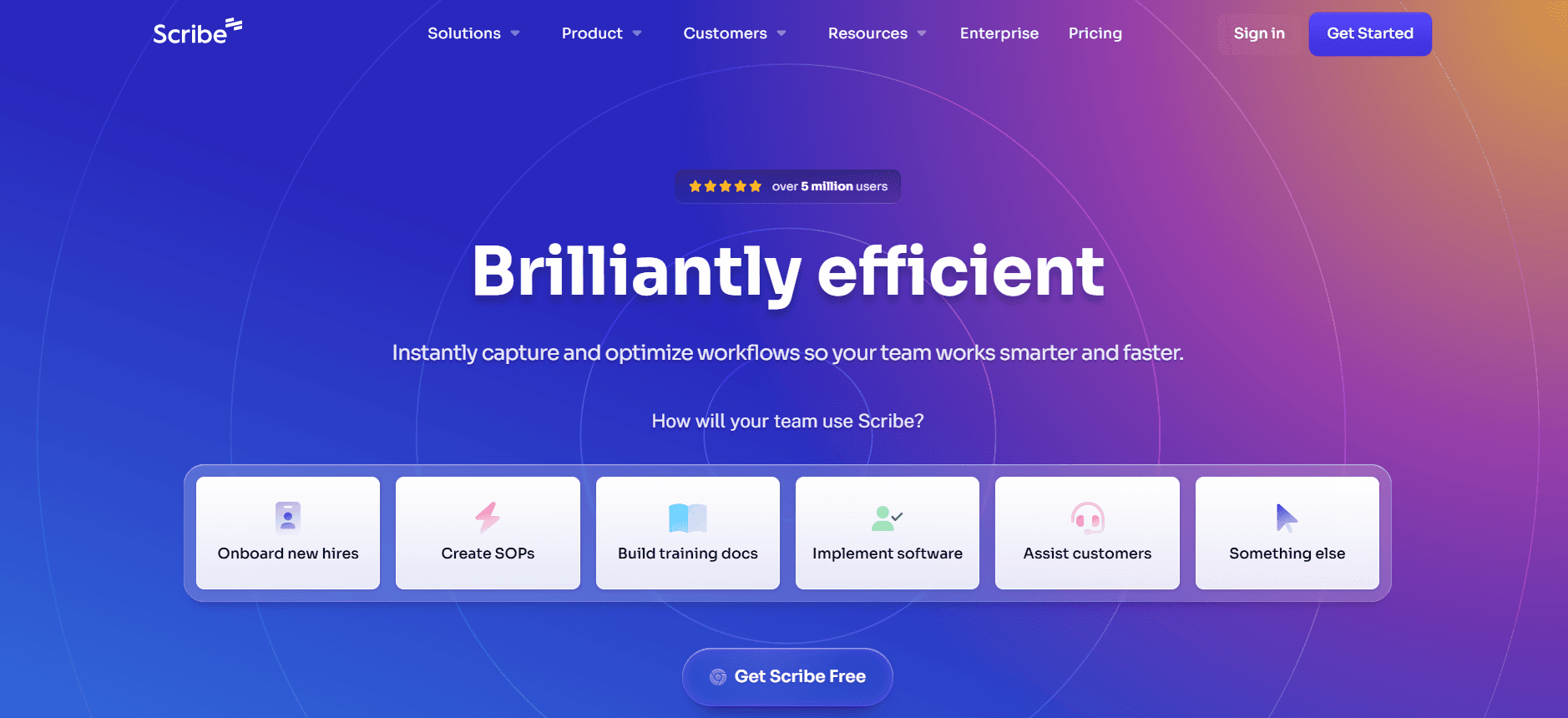
Scribe está diseñada para equipos que necesitan documentar procesos y flujos de trabajo de forma eficiente. Es especialmente útil para equipos que trabajan en RR. HH., cumplimiento normativo y formación interna. La fortaleza de Scribe reside en su capacidad para automatizar la captura de procesos tal y como ocurren, lo que la convierte en una opción destacada para organizaciones que priorizan la documentación de procesos.
Aunque Scribe destaca en la captura de pasos y en la creación de guías detalladas, puede quedarse corta para quienes buscan capacidades avanzadas de redacción con IA. Sin embargo, su facilidad de uso y su enfoque en la documentación de procesos la convierten en una herramienta valiosa para casos de uso específicos.
Funciones clave
Captura de procesos automatizada
Editor de documentación intuitivo
Creación de documentos basada en plantillas
Soporte básico de redacción con IA
Integración con herramientas de productividad populares
Formatos de documentos personalizables
Funciones de colaboración entre varios usuarios
Almacenamiento y copias de seguridad de datos seguros
Ventajas
Desventajas
Excelente para capturar y documentar flujos de trabajo.
Funciones de redacción con IA limitadas.
Fácil de usar con una formación mínima.
Sin capacidades de vídeo ni de locución.
Integración sólida con otras plataformas.
Mayor coste para funciones avanzadas.
Enfoque en la documentación de procesos.
Soporte de idiomas limitado.
Precios
No hay plan gratuito; los planes de pago comienzan en 19 $/usuario/mes e incluyen acceso a funciones principales e integraciones.
Tango
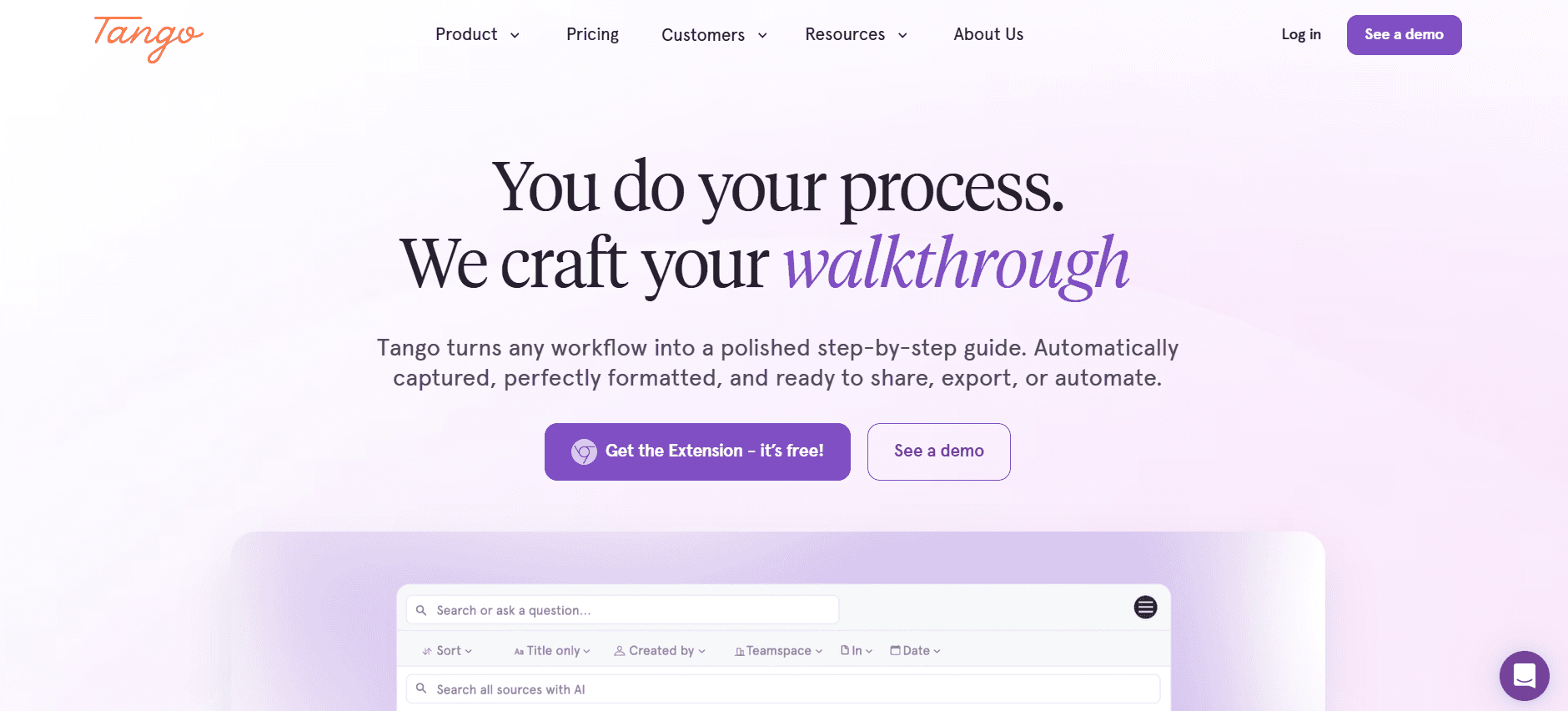
Tango es una herramienta de documentación versátil que sirve a equipos que necesitan ayudas visuales y guías paso a paso. Es ideal para redactores técnicos y equipos de producto que necesitan crear documentación clara y visual. La fortaleza distintiva de Tango es su capacidad para integrar capturas y anotaciones directamente en los flujos de trabajo del documento.
Aunque es una potencia para la documentación visual, carece de capacidades avanzadas de IA para redactar y editar. No obstante, su enfoque en la claridad visual y su facilidad de uso la convierten en una opción atractiva para equipos que crean documentación orientada al usuario.
Funciones clave
Herramientas de capturas y anotación
Creación de guías paso a paso
Plantillas de documentación visual
Soporte básico de redacción con IA
Funciones de colaboración del equipo
Integración con varias plataformas de CMS
Opciones de marca personalizables
Compartición segura de documentos
Ventajas
Desventajas
Excelente para guías visuales y paso a paso.
Carece de funciones avanzadas de redacción con IA.
Interfaz fácil de usar.
Capacidades de vídeo limitadas.
Integración sólida con plataformas de CMS.
Precios más altos para funciones premium.
Ideal para la colaboración del equipo.
Soporte de idiomas limitado.
Precios
Plan gratuito disponible con funciones básicas; los planes premium comienzan en 25 $/usuario/mes para capacidades mejoradas.
Document360
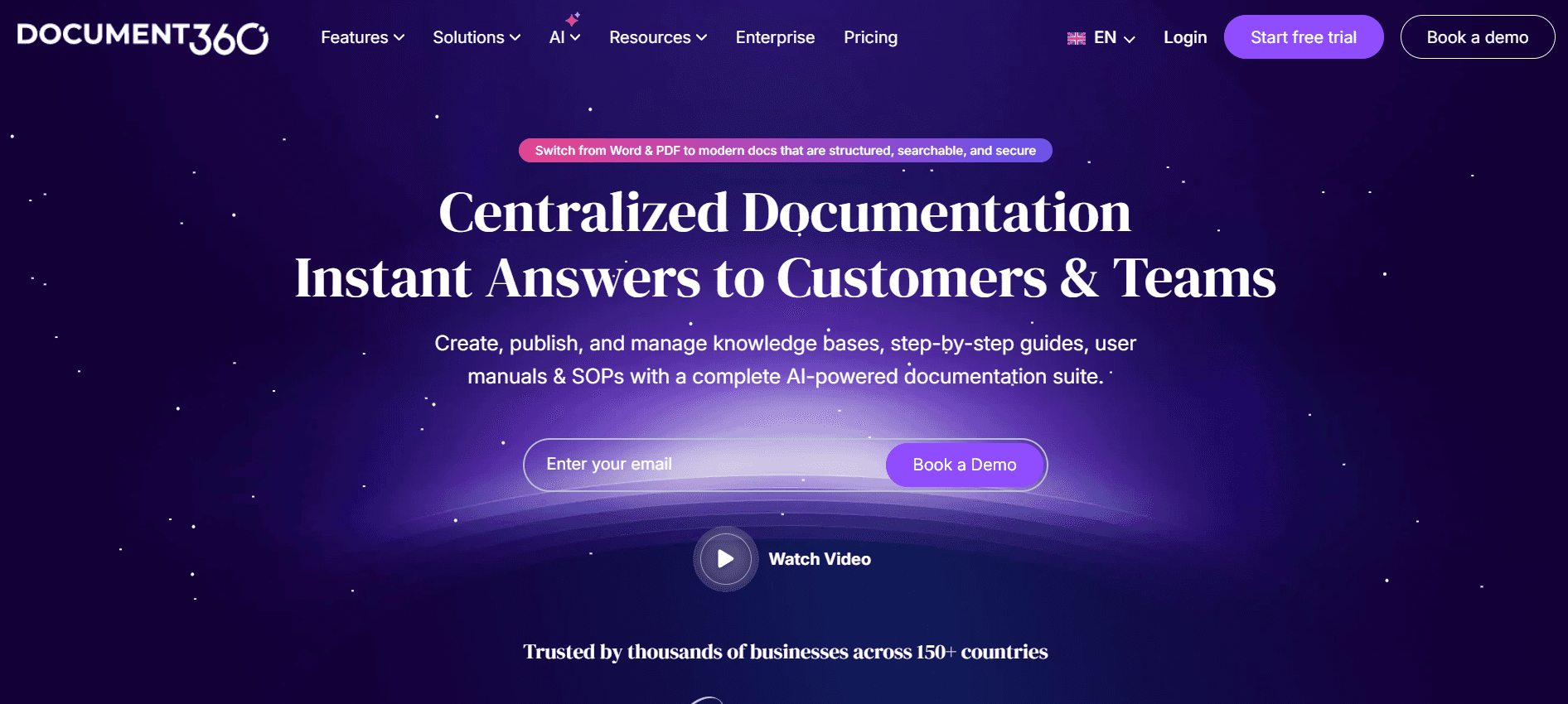
Document360 está pensada para equipos que necesitan una base de conocimiento centralizada para documentación interna y externa. Es especialmente adecuada para empresas que deben mantener una biblioteca completa de información a la que puedan acceder tanto empleados como clientes. Su fortaleza reside en su potente funcionalidad de búsqueda y en su editor fácil de usar.
Aunque Document360 destaca en la gestión del conocimiento, ofrece funciones de redacción con IA limitadas, lo que puede no ser suficiente para equipos que buscan capacidades de IA completas. Sin embargo, su enfoque en la gestión de la base de conocimiento la convierte en una opción ideal para organizaciones con mucho contenido.
Funciones clave
Gestión integral de la base de conocimiento
Editor de documentos intuitivo
Búsqueda y navegación potentes
Funciones de control de versiones y reversión
Soporte básico de redacción con IA
Plantillas personalizables
Integración con múltiples herramientas de terceros
Funciones de analítica e informes
Ventajas
Desventajas
Excelente para la gestión de la base de conocimiento.
Capacidades de IA limitadas.
Funciones de búsqueda y navegación potentes.
Sin soporte avanzado de multimedia.
Fácil de usar con una interfaz limpia.
Coste más alto para funciones empresariales.
Gran integración con otras plataformas.
Soporte de idiomas limitado.
Precios
Hay un plan gratuito limitado; los planes de pago comienzan en 99 $/proyecto/mes para acceder a todas las funciones.
Notion AI
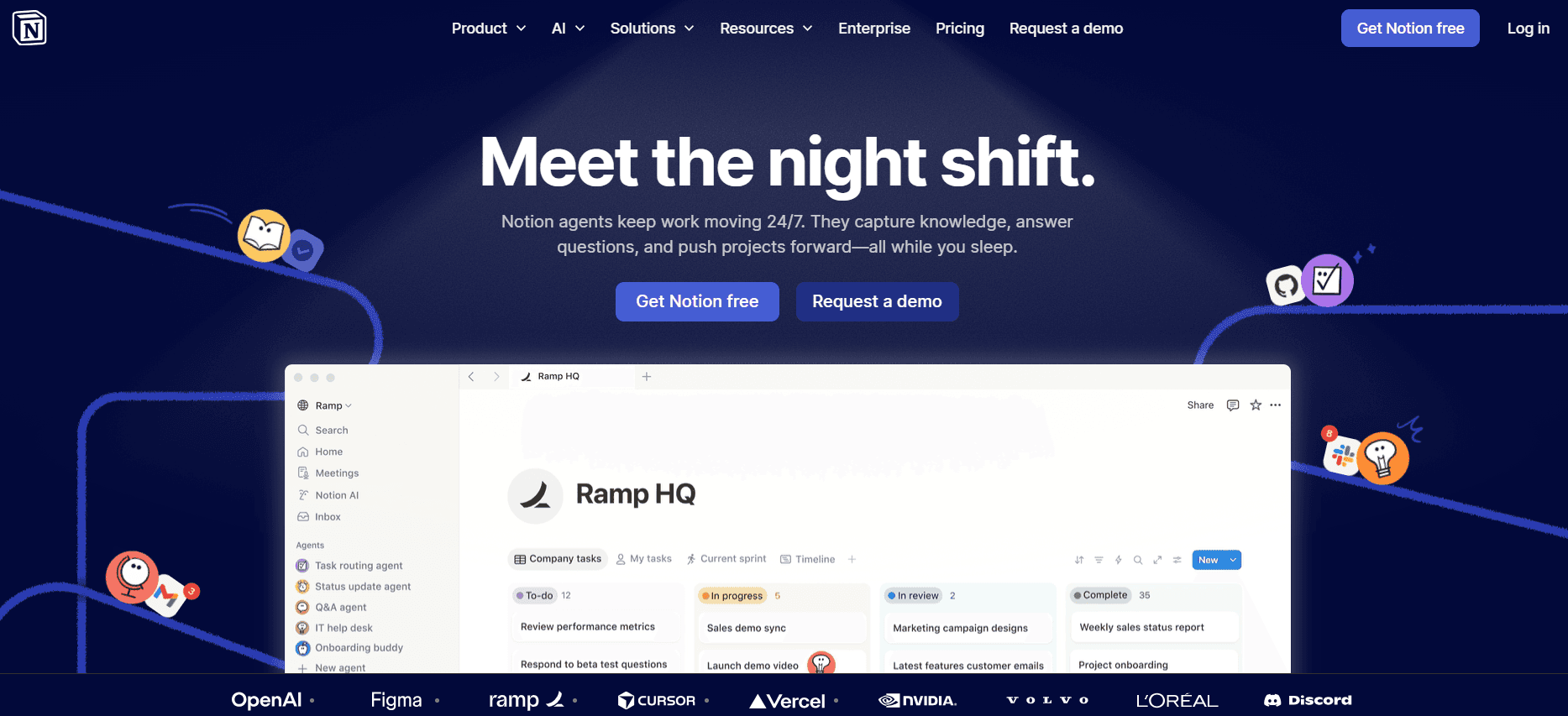
Notion AI ofrece una plataforma versátil que combina la creación de documentos con funciones de gestión de proyectos. Es ideal para equipos que quieren consolidar la documentación y la gestión de tareas en un solo lugar. La función destacada de Notion AI es su capacidad para adaptarse a distintos flujos de trabajo, lo que la convierte en una opción flexible para equipos diversos.
Aunque Notion AI proporciona funciones sólidas de edición de documentos, sus capacidades de IA son limitadas en comparación con herramientas especializadas. No obstante, su integración de la gestión de proyectos y la documentación la convierte en una opción única para equipos que necesitan una solución integral.
Funciones clave
Herramientas integradas de gestión de proyectos
Plantillas de documentos personalizables
Funciones de colaboración y compartición
Soporte básico de redacción con IA
Personalización flexible del espacio de trabajo
Integración con otras herramientas de productividad
Almacenamiento de datos seguro
Sincronización entre varios dispositivos
Ventajas
Desventajas
Combina documentación y gestión de proyectos.
Funciones avanzadas de IA limitadas.
Interfaz altamente personalizable.
Sin capacidades de vídeo ni de locución.
Integración sólida con herramientas de productividad.
La complejidad aumenta con las funciones.
Gratis para uso personal.
Coste más alto para planes de equipo.
Precios
Gratis para uso personal; los planes de equipo comienzan en 10 $/usuario/mes para funciones adicionales.
Confluence AI
Confluence AI está orientada a equipos que necesitan una plataforma sólida de colaboración con capacidades de documentación. Es ideal para organizaciones más grandes que requieren una integración fluida con los productos existentes de Atlassian. Confluence AI destaca por fomentar la colaboración y mantener un repositorio centralizado de documentación.
Sin embargo, sus capacidades de IA son limitadas y se centran principalmente en mejorar la colaboración en lugar de generar contenido. Para equipos que ya utilizan productos de Atlassian, Confluence AI ofrece una experiencia coherente, pero puede no satisfacer a quienes buscan funciones avanzadas de IA.
Funciones clave
Herramientas de colaboración potentes
Integración fluida con el conjunto de Atlassian
Soporte básico de redacción con IA
Flujos de trabajo de documentos personalizables
Control de versiones y seguimiento del historial
Repositorio centralizado de documentación
Controles de acceso y permisos
Integración con aplicaciones de terceros
Ventajas
Desventajas
Excelente para la colaboración del equipo.
Funciones de IA limitadas.
Integración fluida con otros productos de Atlassian.
Coste elevado para acceder a todas las funciones.
Funciones sólidas de control de versiones.
Sin capacidades de vídeo ni de locución.
Gestión centralizada de documentos.
Curva de aprendizaje pronunciada para usuarios nuevos.
Precios
No hay plan gratuito; los planes de pago comienzan en 5 $/usuario/mes e incluyen funciones básicas e integraciones.
GitBook AI
GitBook AI está pensada para la documentación técnica, por lo que es una solución ideal para equipos de ingeniería y de documentación de API. Ofrece una interfaz limpia y orientada a desarrolladores, con la capacidad de integrar flujos de trabajo de Git, lo que garantiza que la documentación se mantenga sincronizada con los cambios del código.
Aunque ofrece capacidades sólidas de documentación, sus funciones de IA son limitadas. GitBook AI es la mejor opción para equipos técnicos que quieren mantener una documentación detallada y actualizada sin necesidad de funciones extensas de multimedia.
Funciones clave
Interfaz orientada a desarrolladores
Integración con flujos de trabajo de Git
Funciones de control de versiones y colaboración
Soporte básico de redacción con IA
Temas y plantillas personalizables
Herramientas de colaboración para equipos técnicos
Soporte para documentación de API
Capacidades de publicación desde una única fuente
Ventajas
Desventajas
Ideal para documentación técnica y de API.
Capacidades de multimedia limitadas.
Integración sólida con herramientas de desarrollo.
Funciones de IA limitadas.
Herramientas de control de versiones y colaboración.
Sin soporte de locución ni de vídeo.
Temas personalizables para la marca.
Coste más alto para funciones del equipo.
Precios
No hay plan gratuito; los planes de pago comienzan en 8 $/usuario/mes e incluyen funciones principales de documentación e integraciones.
Archbee
Archbee está diseñada para equipos con mentalidad técnica que necesitan una herramienta de documentación flexible centrada en la documentación de API y de software. Ofrece funciones de colaboración en tiempo real e integra sin problemas con herramientas de desarrollo, lo que la convierte en una opción sólida para equipos de desarrollo ágil.
Aunque ofrece una integración excelente con flujos de trabajo técnicos, sus capacidades de IA son limitadas. Archbee es ideal para equipos técnicos que priorizan la documentación colaborativa por encima de la generación de contenido impulsada por IA.
Funciones clave
Colaboración en tiempo real
Integración con flujos de trabajo de desarrollo
Soporte para documentación de API
Soporte básico de redacción con IA
Plantillas y temas personalizables
Funciones de control de versiones y reversión
Compartición segura de documentos
Publicación desde una única fuente
Ventajas
Desventajas
Ideal para documentación de API y de software.
Capacidades de IA limitadas.
Funciones de colaboración excelentes.
Sin soporte de multimedia.
Integración con herramientas de desarrollo.
Interfaz compleja para usuarios no técnicos.
Temas personalizables.
Precios más altos para funciones avanzadas.
Precios
Plan gratuito disponible con funciones limitadas; los planes premium comienzan en 15 $/usuario/mes para acceso completo.
Retos de la documentación con IA: con qué luchan los equipos
Crear los primeros borradores lleva demasiado tiempo
Incluso los redactores con experiencia pueden dedicar un tiempo excesivo a redactar el contenido inicial.
La investigación manual y la recopilación de datos consumen mucho tiempo y son propensas a errores.
Con frecuencia se necesitan revisiones constantes, lo que retrasa la finalización.
La falta de herramientas automatizadas hace que el proceso sea ineficiente.
Mantener la documentación actualizada con cada sprint de producto
Los equipos de documentación tienen dificultades para sincronizar las actualizaciones con los cambios rápidos del producto.
Actualizar los documentos manualmente puede provocar incoherencias.
Los equipos a menudo se enfrentan a cuellos de botella sin herramientas de integración en tiempo real.
Las actualizaciones retrasadas pueden afectar a la experiencia del usuario y a la adopción del producto.
Formato incoherente entre distintos miembros del equipo
Los estilos diversos generan confusión y documentos con un aspecto poco profesional.
La falta de plantillas unificadas aumenta el tiempo necesario para estandarizar.
Las revisiones frecuentes del formato consumen recursos valiosos del equipo.
La falta de coherencia puede debilitar la identidad de marca y la confianza de los usuarios.
Sin capacidades automáticas de captura de pantalla o de pasos
Capturar capturas de pantalla manualmente es tedioso y propenso a errores.
Documentar paso a paso sin automatización es ineficiente.
Los equipos dedican demasiado tiempo a editar y anotar imágenes.
La falta de automatización da lugar a guías desactualizadas o incompletas.
La traducción y la localización crean cuellos de botella para equipos globales
Los procesos de traducción manuales consumen mucho tiempo y son costosos.
La localización incoherente puede provocar malentendidos entre regiones.
Los retrasos en la traducción afectan a los lanzamientos y actualizaciones globales del producto.
La garantía de calidad se convierte en un reto sin procesos estandarizados.
Reto | Proceso tradicional | Impacto en el negocio | Coste de tiempo |
|---|---|---|---|
Creación de borradores | Redacción y revisiones manuales | Productividad reducida | Alta |
Actualización de la documentación | Sincronización manual con cambios | Documentación incoherente | Moderado |
Coherencia del formato | Aplicación manual de plantillas | Apariencia poco profesional | Alta |
Captura de pantalla | Captura y edición manuales | Información desactualizada | Alta |
Traducción y localización | Procesos de traducción manuales | Entrada al mercado retrasada | Muy alta |
Funciones imprescindibles en herramientas de documentación con IA
Redacción con IA y autocompletado
Las capacidades de redacción con IA reducen significativamente el tiempo dedicado a redactar documentos al proporcionar sugerencias de autocompletado y generación de contenido. Esta función es crucial para los equipos que necesitan producir grandes volúmenes de contenido rápidamente. Con la IA, los redactores pueden centrarse en perfeccionar las ideas en lugar de empezar desde cero, lo que da lugar a una creación de contenido más eficiente y a una calidad general superior.
Herramientas como Trupeer destacan en este aspecto, ya que ofrecen algoritmos avanzados de IA que comprenden el contexto y proporcionan sugerencias relevantes, lo que las convierte en herramientas inestimables para los equipos de documentación.
Captura automática de pasos a partir de la actividad en pantalla
La capacidad de capturar automáticamente la actividad en pantalla y convertirla en documentación es un cambio de juego para los equipos que crean tutoriales y guías. Esta función ayuda a eliminar la necesidad de capturas de pantalla y anotaciones manuales, ahorrando tiempo y reduciendo errores. La captura automática de pasos garantiza que la documentación refleje con precisión la interfaz de usuario, algo esencial para la exactitud técnica y la comprensión del usuario.
Tango y Trupeer ofrecen soluciones sólidas para la captura automática de pasos, lo que garantiza que los flujos de trabajo de documentación sean más ágiles y eficientes.
Anotación inteligente de capturas
Las herramientas de anotación inteligente mejoran las capturas con notas y resaltados, aportando claridad y contexto. Esta función es especialmente útil para equipos que crean manuales de usuario, ya que permite explicaciones visuales sin saturar el documento con texto. Al automatizar las anotaciones, los equipos pueden mantener un estilo y una calidad coherentes, mejorando la legibilidad general de la documentación.
Trupeer y Document360 ofrecen herramientas de anotación sólidas que se integran sin problemas en sus plataformas, lo que las convierte en una opción preferida para equipos que necesitan documentación visual detallada.
Generación de locución con IA para documentación en vídeo
La generación de locución con IA permite a los equipos crear audio con un sonido profesional para documentación en vídeo sin necesidad de talento de locución. Esta función es especialmente útil para equipos que producen vídeos tutoriales o demostraciones de producto, ya que mejora la accesibilidad y el carácter profesional del contenido. Además, permite una localización rápida con varias opciones de idioma, lo que es vital para llegar a un público global.
Las capacidades de locución con IA de Trupeer destacan, ya que ofrecen opciones de voz con un sonido natural e integración sencilla con el contenido de vídeo.
Exportación con un clic en varios formatos
La capacidad de exportar la documentación en distintos formatos, como PDF, HTML y Markdown, es esencial para los equipos que distribuyen contenido en diferentes plataformas. La exportación con un clic garantiza que los documentos estén listos para diversos usos sin necesidad de trabajo adicional de formateo, lo que permite a los equipos centrarse en la calidad del contenido en lugar de en ajustes técnicos. Esta función admite la colaboración y la compartición, asegurando la coherencia en todos los puntos de contacto con el usuario.
Herramientas como Notion AI y GitBook AI ofrecen opciones de exportación sólidas, lo que respalda necesidades de distribución diversas y garantiza que el contenido mantenga la integridad de su formato en todas las plataformas.
Cómo elegir herramientas de documentación con IA según tu caso de uso
Equipos de documentación de producto en empresas SaaS
Las empresas SaaS requieren una documentación de producto meticulosamente detallada y actualizada. Estos equipos necesitan herramientas que puedan seguir el ritmo de las actualizaciones continuas y mejorar la comprensión del usuario.
Los ciclos rápidos de desarrollo de producto significan que la documentación debe actualizarse con frecuencia.
Las funciones complejas requieren una documentación clara y detallada con ayudas visuales.
La base de usuarios global exige soporte multilenguaje para llegar a un público más amplio.
Herramientas que ofrezcan actualizaciones automatizadas e integración fluida con flujos de trabajo de desarrollo.
Soporte para documentación visual como generación de vídeo y anotación de capturas.
Capacidades multilenguaje para una distribución global.
Herramienta | Actualizaciones automáticas | Soporte visual | Multilenguaje |
|---|---|---|---|
Trupeer | Sí | Sí | Sí |
Document360 | No | Limitado | Sí |
Redactores técnicos y operaciones de contenido
Los redactores técnicos necesitan herramientas que mejoren su proceso de redacción y garanticen la coherencia del contenido en todos los documentos. También se benefician de funciones que reducen el tiempo dedicado a redactar y editar.
Mantener un tono y un estilo coherentes en varios documentos.
Gestionar grandes volúmenes de contenido técnico de forma eficiente.
Garantizar la precisión y la claridad en descripciones técnicas complejas.
Herramientas de redacción y edición impulsadas por IA para producir contenido coherente.
Plantillas y guías de estilo que refuerzan la coherencia en todos los documentos.
Corrección automática y sugerencias para mejorar la claridad.
Herramienta | Redacción con IA | Plantillas | Corrección |
|---|---|---|---|
Scribe | Limitado | Sí | No |
Trupeer | Sí | Sí | Sí |
Ingeniería y documentación de API
Los equipos de ingeniería necesitan herramientas de documentación que se integren con sus flujos de trabajo de desarrollo existentes y que ofrezcan capacidades detalladas de documentación de API.
Mantener la documentación sincronizada con los cambios del código.
Garantizar que la documentación de API sea completa y precisa.
Facilitar la colaboración entre equipos técnicos.
Integración con sistemas de control de versiones para automatizar las actualizaciones.
Soporte para estándares de documentación de API como OpenAPI.
Herramientas de colaboración para un trabajo en equipo fluido.
Herramienta | Integración con código | Soporte de API | Colaboración |
|---|---|---|---|
GitBook AI | Sí | Sí | Limitado |
Archbee | Sí | Sí | Sí |
Documentación de RR. HH. y cumplimiento normativo
Los equipos de RR. HH. y cumplimiento normativo necesitan herramientas de documentación que garanticen el cumplimiento normativo y faciliten el acceso sencillo a políticas y procedimientos.
Garantizar que toda la documentación cumpla los estándares legales y normativos.
Mantener las políticas y los procedimientos fácilmente accesibles para los empleados.
Mantener registros actualizados de los estados de cumplimiento.
Sistemas de gestión de documentos con funciones de seguimiento del cumplimiento.
Acceso y funciones de búsqueda sencillas para recuperar información rápidamente.
Recordatorios automatizados para actualizaciones y revisiones de políticas.
Herramienta | Seguimiento del cumplimiento | Funcionalidad de búsqueda | Recordatorios de actualización |
|---|---|---|---|
Document360 | Sí | Sí | No |
Trupeer | Limitado | Sí | Sí |
Buenas prácticas para usar herramientas de documentación con IA
Antes de la implementación
Evalúa tu proceso actual de documentación para identificar puntos problemáticos.
Investiga y selecciona una herramienta que se ajuste a tus necesidades y objetivos específicos.
Define objetivos claros y métricas de éxito para el uso de la herramienta.
Prepara a tu equipo con sesiones de formación sobre las funciones y beneficios de la herramienta.
Planifica la configuración inicial y la personalización para adaptarla a tus flujos de trabajo actuales.
Durante el uso
Fomenta el uso constante en todo tu equipo para maximizar los beneficios.
Actualiza regularmente las plantillas y las guías de estilo para mantener la coherencia.
Supervisa las métricas de uso para identificar áreas de mejora.
Utiliza bucles de retroalimentación para perfeccionar y optimizar los procesos.
Asegúrate de que todos los miembros del equipo se sientan cómodos con la herramienta y sus funciones.
Después de la implementación
Revisa y ajusta tu estrategia de documentación en función del rendimiento de la herramienta.
Evalúa continuamente las nuevas funciones y actualizaciones para valorar su posible adopción.
Documenta las lecciones aprendidas y las buenas prácticas para futuras referencias.
Comparte historias de éxito y mejoras con los responsables.
Mantén una formación y un soporte regulares para mantener al equipo implicado y con un nivel de competencia alto.
Preguntas frecuentes
¿Qué es una herramienta de documentación con IA?
Las herramientas de documentación con IA utilizan inteligencia artificial para automatizar y mejorar la creación, la gestión y la actualización de la documentación. Ayudan a los equipos a ahorrar tiempo automatizando tareas repetitivas y mejorando la precisión y la coherencia del contenido.
¿Quién puede beneficiarse del uso de estas herramientas?
Los equipos de documentación, los redactores técnicos, los responsables de contenido y cualquier organización que necesite una documentación eficiente y precisa pueden beneficiarse. Estas herramientas son especialmente valiosas para sectores con productos o servicios complejos.
¿Estas herramientas requieren conocimientos técnicos para usarse?
La mayoría de las herramientas de documentación con IA están diseñadas para ser fáciles de usar y requieren conocimientos técnicos mínimos. A menudo incluyen interfaces intuitivas y recursos de soporte completos para ayudar a los usuarios.
¿Pueden estas herramientas integrarse con otro software?
Sí, muchas herramientas de documentación con IA ofrecen capacidades de integración con distintos tipos de software, incluidas herramientas de gestión de proyectos, sistemas de control de versiones y sistemas de gestión de contenido, para agilizar los flujos de trabajo y garantizar la coherencia.
¿Hay versiones gratuitas disponibles?
Algunas herramientas ofrecen planes gratuitos con funciones limitadas, lo que permite a los equipos evaluar su funcionalidad antes de comprometerse con un plan de pago. Sin embargo, las funciones avanzadas normalmente requieren una suscripción o una compra única.
¿Qué factores influyen en el precio de estas herramientas?
El precio suele basarse en el número de usuarios, el rango de funciones y el nivel de soporte proporcionado. Las soluciones empresariales tienden a ofrecer funciones más completas y opciones de personalización a un coste más alto.
¿Cuánto tiempo se tarda en implementar estas herramientas?
El tiempo de implementación varía según la complejidad de la herramienta y la infraestructura existente. Puede ir desde unos días para configuraciones sencillas hasta varias semanas para integraciones más complejas que requieran personalización.
¿Qué soporte hay disponible durante la implementación?
Muchos proveedores ofrecen un soporte amplio durante la fase de implementación, incluidas fuentes de formación, equipos de atención al cliente y documentación en línea para ayudar con la configuración y la resolución de problemas.
¿Una herramienta de redacción de documentación con IA puede generar vídeos de demostración y documentos escritos para incrustarlos en la documentación?
Sí, y esta capacidad de doble salida es una de las ventajas más significativas de las herramientas modernas de redacción de documentación con IA para equipos de ingeniería y de operaciones de producto. En lugar de mantener un flujo de trabajo de producción de vídeo independiente junto con tu documentación escrita, herramientas como Trupeer generan tanto un vídeo de demostración como una guía paso a paso escrita a partir de una única grabación de pantalla. Ambas pueden incrustarse directamente en tu documentación de producto o en el portal de desarrolladores, lo que ofrece a los usuarios dos formas de consumir el mismo contenido sin que tu equipo tenga que crearlo de forma independiente.
¿Cómo ayudan las herramientas de redacción de documentación con IA a producir documentación de lanzamientos cuando se publican nuevas funciones?
La documentación de lanzamientos es una de las tareas de documentación más difíciles de mantener actualizada debido a su naturaleza sensible al tiempo: debe existir en el momento en que se lanza una función. Las herramientas de redacción de documentación con IA abordan este reto haciendo que la creación de contenido sea lo bastante rápida como para formar parte del propio flujo de trabajo del lanzamiento. Cuando una función está lista, los equipos pueden grabar un recorrido rápido por pantalla y la herramienta de redacción con IA genera automáticamente una documentación de lanzamiento completa, con pasos estructurados, capturas anotadas y un vídeo incrustable en minutos. Esto garantiza que la documentación de lanzamiento se publique junto con la función, no días después.
¿Qué herramientas de redacción de documentación con IA son las mejores para crear recorridos para desarrolladores?
Para los recorridos para desarrolladores, las herramientas de redacción de documentación con IA más sólidas son Trupeer, GitBook AI y Archbee. Trupeer destaca porque captura automáticamente cada paso de la pantalla, genera un recorrido escrito con capturas anotadas y produce un vídeo de demostración a juego a partir de una sola grabación, lo que la hace ideal para equipos que necesitan publicar recorridos completos para desarrolladores con rapidez. GitBook AI es la opción preferida para equipos profundamente integrados en flujos de trabajo de Git, ya que ofrece una salida limpia basada en Markdown y una sincronización directa con GitHub. Archbee es adecuada para equipos que coescriben documentación de API y de software en tiempo real, con funciones de colaboración sólidas que funcionan bien en entornos de ingeniería ágiles.
¿Cómo ayudan las herramientas de redacción de documentación con IA a crear contenido orientado a funciones para equipos de producto e ingeniería?
La documentación de contenido orientado a funciones y las demos creadas específicamente en torno a una nueva función en el momento en que se publica requieren herramientas lo bastante rápidas como para seguir el ritmo de los ciclos de lanzamiento acelerados. Las herramientas de redacción de documentación con IA hacen que esto sea posible automatizando las partes más exigentes en tiempo de la creación de contenido: capturar pasos, generar descripciones escritas, crear capturas y producir vídeo. Cuando una función está lista para publicarse, un miembro del equipo graba un recorrido y la herramienta de redacción con IA genera simultáneamente todos los formatos de documentación necesarios. El resultado es que cada lanzamiento de función incluye documentación completa, precisa y lista para publicar, en lugar de una acumulación creciente de lanzamientos sin documentar.
¿Tus SOP se pueden usar con IA o solo por humanos?
Las guías legibles para humanos repartidas por distintas herramientas son difíciles para que la IA las consuma. Con la configuración de base de conocimiento para agentes de IA de Trupeer, las guías se capturan a partir de grabaciones y se mantienen listas para que la IA las consuma.
Cierre
Elegir la herramienta de documentación con IA adecuada puede mejorar significativamente la eficiencia de tu equipo, permitiéndote centrarte en ofrecer contenido de alta calidad que se ajuste a las necesidades de tu organización. Al comprender tus requisitos específicos y alinearlos con las funciones y capacidades de cada herramienta, puedes tomar una decisión informada que impulse la productividad y la innovación.
Explora las posibilidades con Trupeer, una herramienta líder de documentación con IA que ofrece funciones completas adaptadas a las demandas de los equipos modernos de documentación. Descubre cómo Trupeer puede transformar tu proceso de documentación y potenciar a tu equipo visitando Trupeer hoy.
Blogs relacionados


