2026年3月24日

Best AI Tool for Creating User Manuals: Complete Guide 2026

Best AI Tool for Creating User Manuals: Complete Guide 2026

Best AI Tool for Creating User Manuals: Complete Guide 2026

Best AI Tool for Creating User Manuals: Complete Guide 2026

Discover the best AI tools for creating user manuals in 2026. Compare features, automation, pricing, and benefits to build documentation faster.

Discover the best AI tools for creating user manuals in 2026. Compare features, automation, pricing, and benefits to build documentation faster.

内容目录

Trupeer AI 使您能够从粗略的屏幕录制中快速创建 AI 产品视频和文档

即时 AI 产品视频和文档,从粗略的屏幕录制中生成

免费开始

免费开始

Summarise with:

Claude

ChatGPT

Gemini

Perplexity

Grok

Buyer's Overview

Documentation teams often find themselves bogged down by the repetitive tasks of formatting and structuring, consuming 60-70% of their valuable time. This leaves less room for focusing on the accuracy and clarity of the actual content. AI documentation tools present a solution by automating these mundane processes, empowering teams to enhance content quality.

According to a report, 70% of technical writers spend more than half their time on document formatting rather than content creation.

This guide explores various AI tools that streamline the creation of user manuals. It's designed for documentation teams, technical writers, and anyone responsible for producing and maintaining product documentation. You'll find insights into functionality, key features, pros and cons, and pricing of leading tools in the market.

Best AI Documentation Tools: Head-to-Head Comparison

Feature

Trupeer

Scribe

Tango

Document360

Notion AI

Confluence AI

GitBook AI

Core Features

AI Writing

Yes

Yes

Limited

No

Yes

Yes

Yes

Auto Step Capture

Yes

No

Yes

No

Limited

No

Yes

Screenshot Annotation

Yes

Yes

Yes

No

Limited

Yes

No

AI Capabilities

AI Voiceover

Yes

No

No

No

Yes

Limited

No

Video Generation

Yes

No

Limited

No

No

No

Limited

Professional Features

Smart Templates

Yes

Yes

Limited

No

Yes

Yes

Limited

Multi-language

Yes

Limited

No

Yes

Yes

Yes

No

Integrations

API Integration

Yes

No

Yes

Yes

Limited

Yes

Yes

Free Tier

Yes

Yes

No

No

Yes

Limited

Yes

  1. Trupeer

Trupeer

Trupeer stands out as a comprehensive AI-powered documentation tool that caters to both small teams and large enterprises. Its robust AI writing capabilities ensure that creating user manuals is both efficient and precise. Trupeer is perfect for teams that need to automate the creation of detailed and accurate user guides without sacrificing quality.

What differentiates Trupeer is its ability to provide AI voiceover and video generation, making it an excellent choice for multimedia-rich documentation. Users appreciate its smart template feature, which simplifies the structuring process significantly.

Key Features

  • AI-driven content generation

  • Automatic step capture from screen activity

  • Smart screenshot annotation

  • AI voiceover for video documentation

  • Multi-language support

  • Smart templates for quick formatting

  • API integration for custom workflows

  • Video generation capabilities

"Trupeer has transformed our documentation process, saving us countless hours and ensuring high-quality output."

Pros

Cons

AI voiceover enhances video guides.

Learning curve for new users.

Supports over 40 languages.

Limited offline functionality.

Comprehensive API integration.

Higher pricing for advanced features.

Pricing

Trupeer offers a free tier with basic features. Paid plans start at $49 per month per user for advanced functionality.

  1. Scribe

Scribe

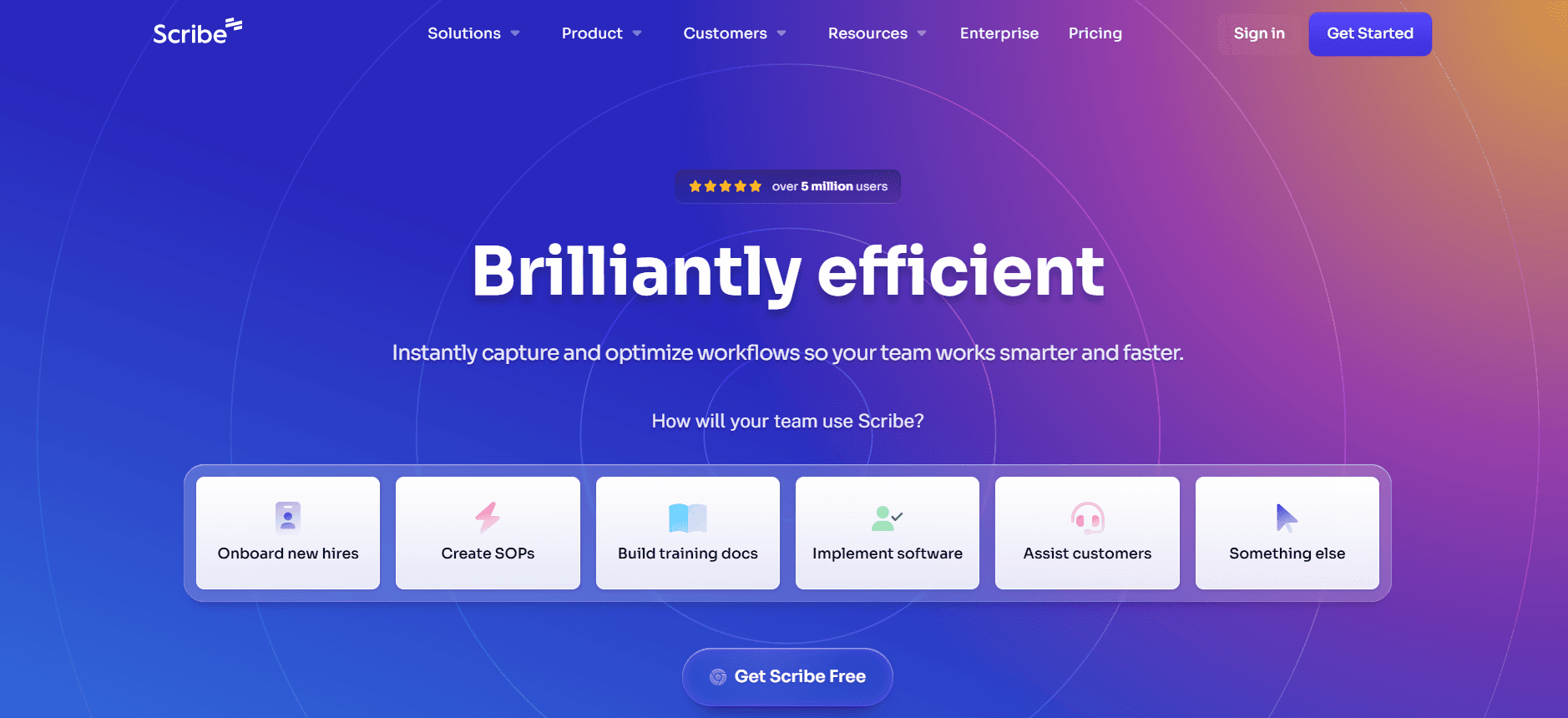
Scribe is an intuitive documentation tool designed for teams that prioritize simplicity and ease of use. It excels in environments where quick documentation turnaround is key. Its straightforward interface allows users to get started with minimal training, making it appealing for small to medium-sized teams.

While Scribe doesn't offer the most advanced AI capabilities, it provides reliable AI writing and smart templates that help streamline the documentation process. Its lack of advanced multimedia features may not suit teams looking for video or voiceover options.

Key Features

  • AI writing for fast content creation

  • Smart templates for consistent formatting

  • Basic screenshot annotation tools

  • Simple user interface for quick adoption

  • Limited multi-language capabilities

  • Basic API integration options

Pros

Cons

Easy to learn and use.

No video or voiceover features.

Affordable pricing for small teams.

Limited language support.

Offers smart templates for fast setup.

Basic integrations only.

Pricing

Scribe offers a free tier with limited features. Paid plans start at $15 per month per user, which is budget-friendly for small teams.

  1. Tango

Tango

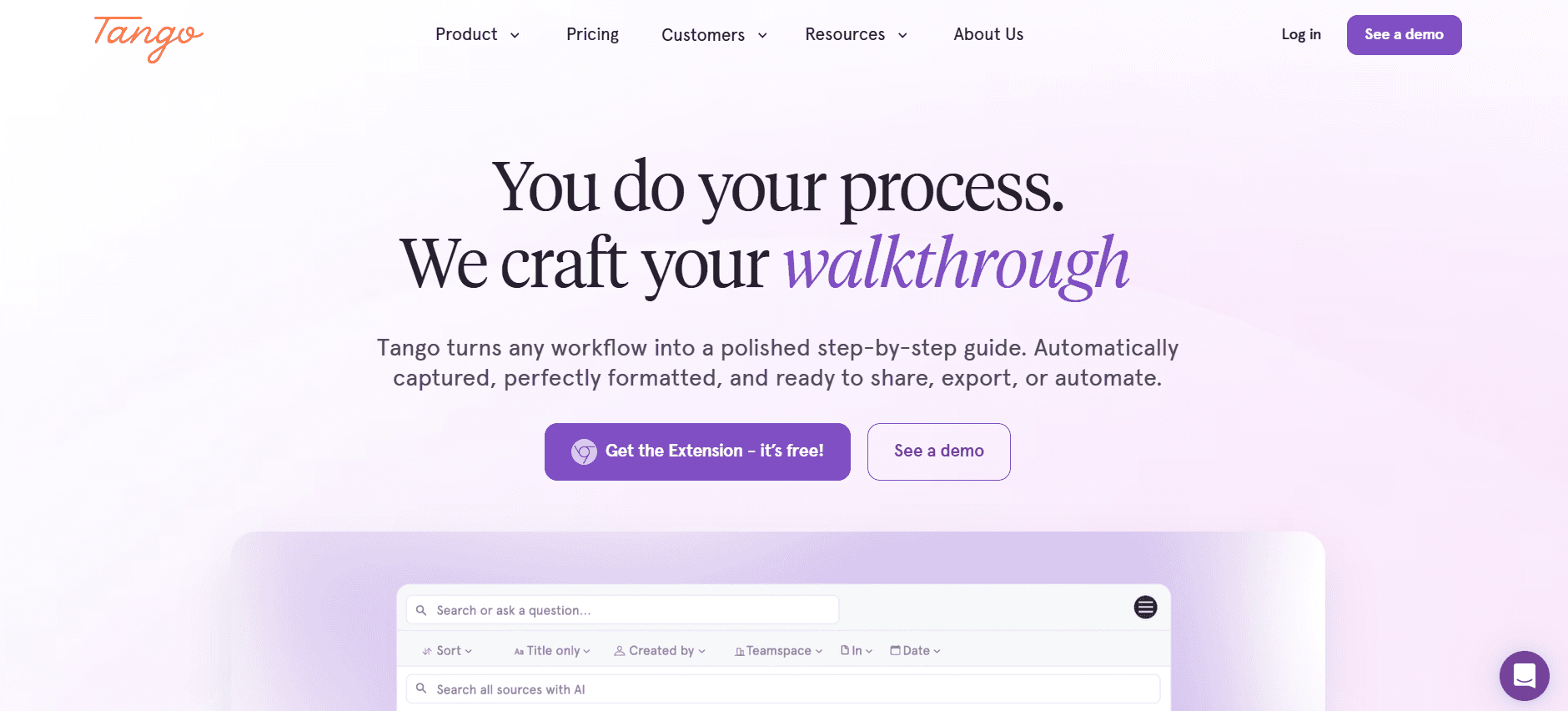
Tango is perfect for teams that need to capture and document complex workflows in real-time. It offers robust step-capture and screenshot annotation features that are ideal for creating detailed process documentation. Tango is especially useful for teams that require detailed visual documentation without needing extensive AI writing capabilities.

However, Tango's limited AI writing and lack of voiceover features might not satisfy teams looking for a comprehensive multimedia solution. It's best suited for those focused on visual content.

Key Features

  • Real-time step capture

  • Advanced screenshot annotation

  • Limited AI writing capabilities

  • API integration for seamless workflows

  • Basic multi-language support

  • Limited video generation features

Pros

Cons

Excellent for visual documentation.

Limited AI writing features.

Real-time workflow capture.

No voiceover or advanced multimedia.

Easy API integration.

Higher cost for more features.

Pricing

Tango does not offer a free tier. Paid plans start at $25 per month per user, which includes advanced step-capture features.

  1. Document360

Document360

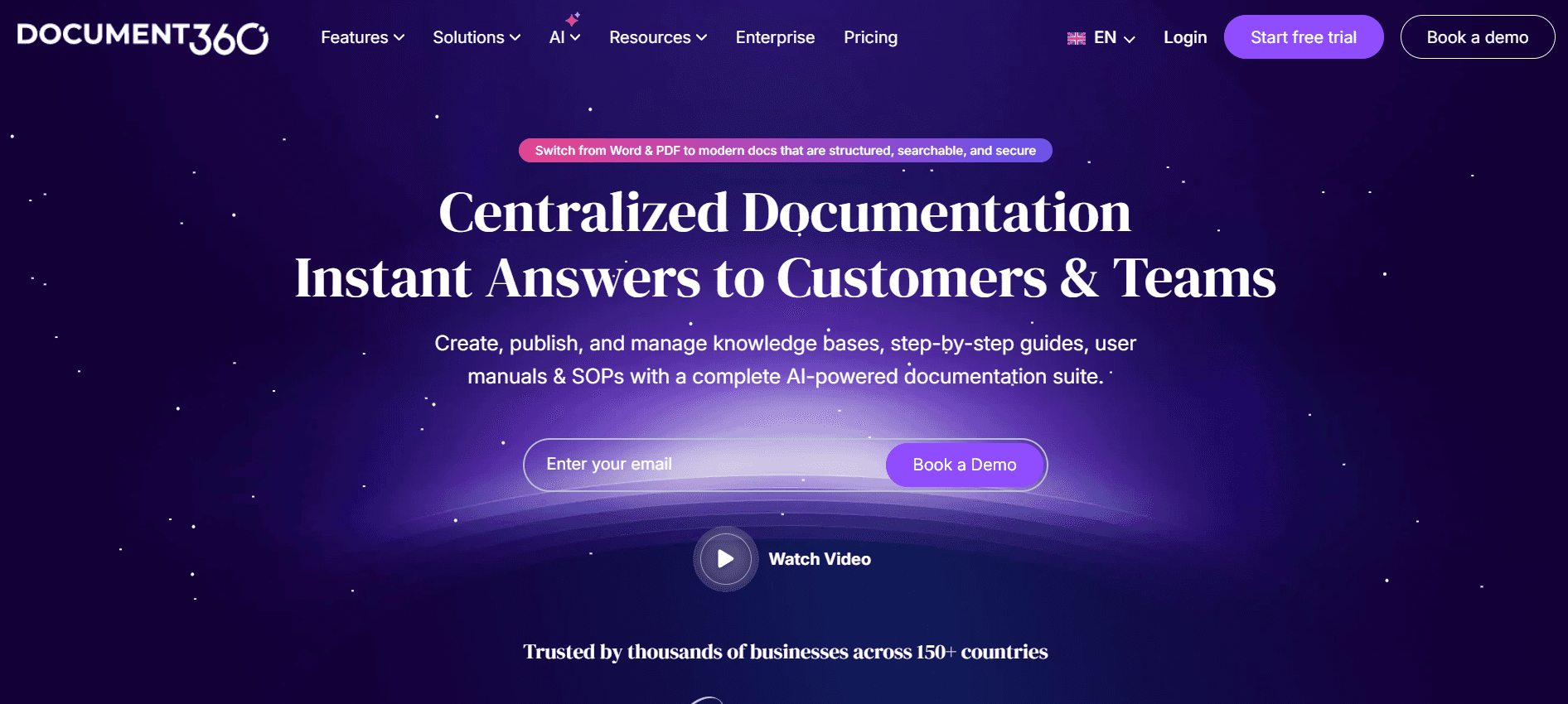
Document360 is a knowledge management tool tailored for teams that need comprehensive documentation solutions. While it lacks some advanced AI features, it excels in providing a structured environment for creating and managing extensive documentation libraries. Document360 is ideal for large teams with complex documentation needs.

Its strength lies in its ability to integrate with various enterprise tools, although its lack of AI-driven features might limit its appeal for teams looking for automation.

Key Features

  • Comprehensive knowledge base management

  • Structured content creation

  • Integration with enterprise tools

  • Support for multiple languages

  • Advanced search capabilities

  • Customizable templates

Pros

Cons

Great for managing large knowledge bases.

Lacks AI-powered features.

Strong integration capabilities.

No free tier available.

Supports multiple languages.

Higher learning curve.

Pricing

Document360 does not offer a free tier. Paid plans start at $99 per month per project, which is suitable for larger enterprises.

  1. Notion AI

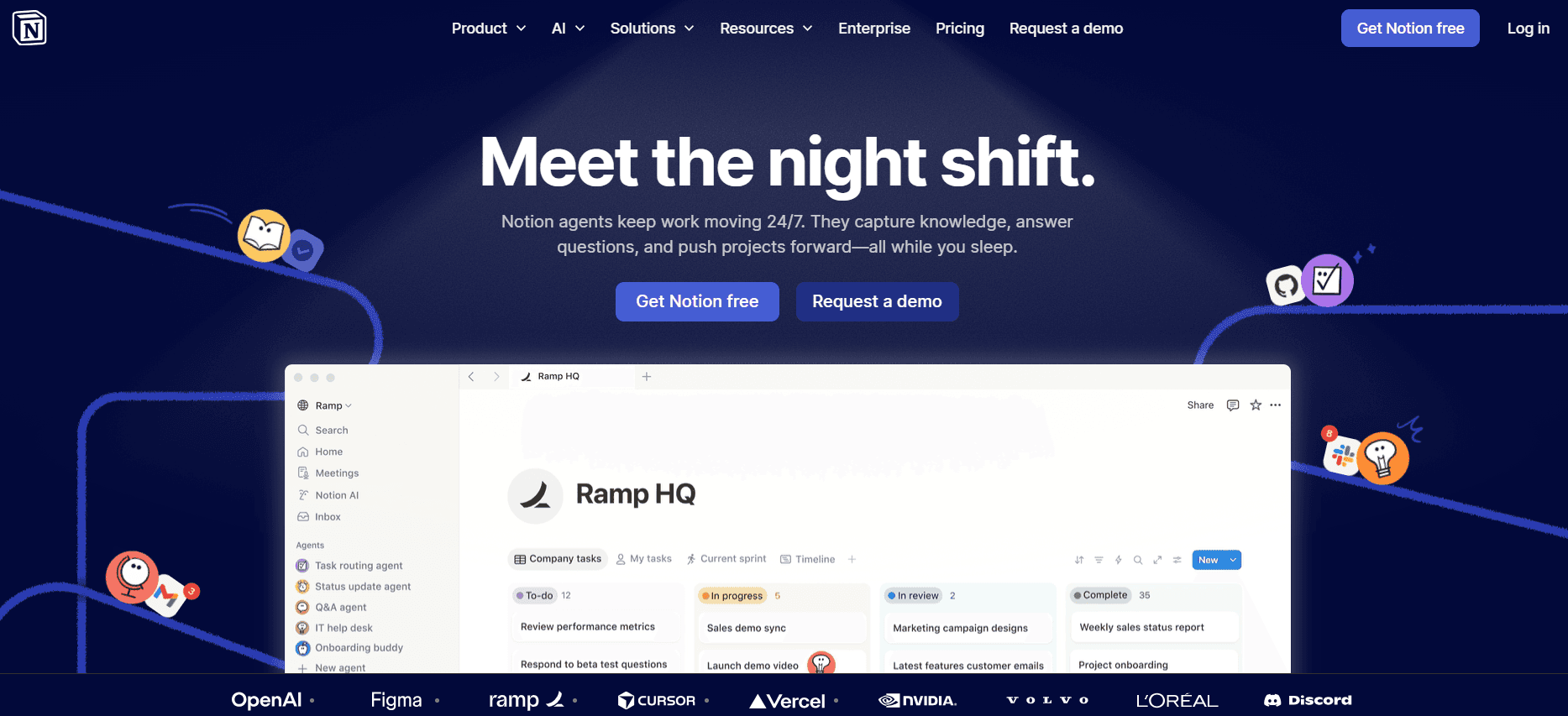
Notion AI is a versatile tool that combines note-taking, task management, and documentation capabilities. It's highly adaptable for teams that require a flexible workspace to manage various types of content. Notion AI's integration of AI writing is beneficial for teams that need to generate content quickly and efficiently.

While Notion AI offers a broad range of features, it might not meet the specific needs of teams looking for dedicated documentation tools with advanced multimedia capabilities.

Key Features

  • AI writing support

  • Customizable workspace

  • Integration with popular productivity tools

  • Basic multi-language functionality

  • Collaboration features for team projects

  • Smart templates for quick document setup

Pros

Cons

Highly adaptable workspace.

Limited multimedia capabilities.

Strong collaboration tools.

Learning curve for new users.

Integrates with various productivity tools.

Basic language support only.

Pricing

Notion AI offers a free tier with limited features. Paid plans start at $10 per month per user, which is suitable for individual users and small teams.

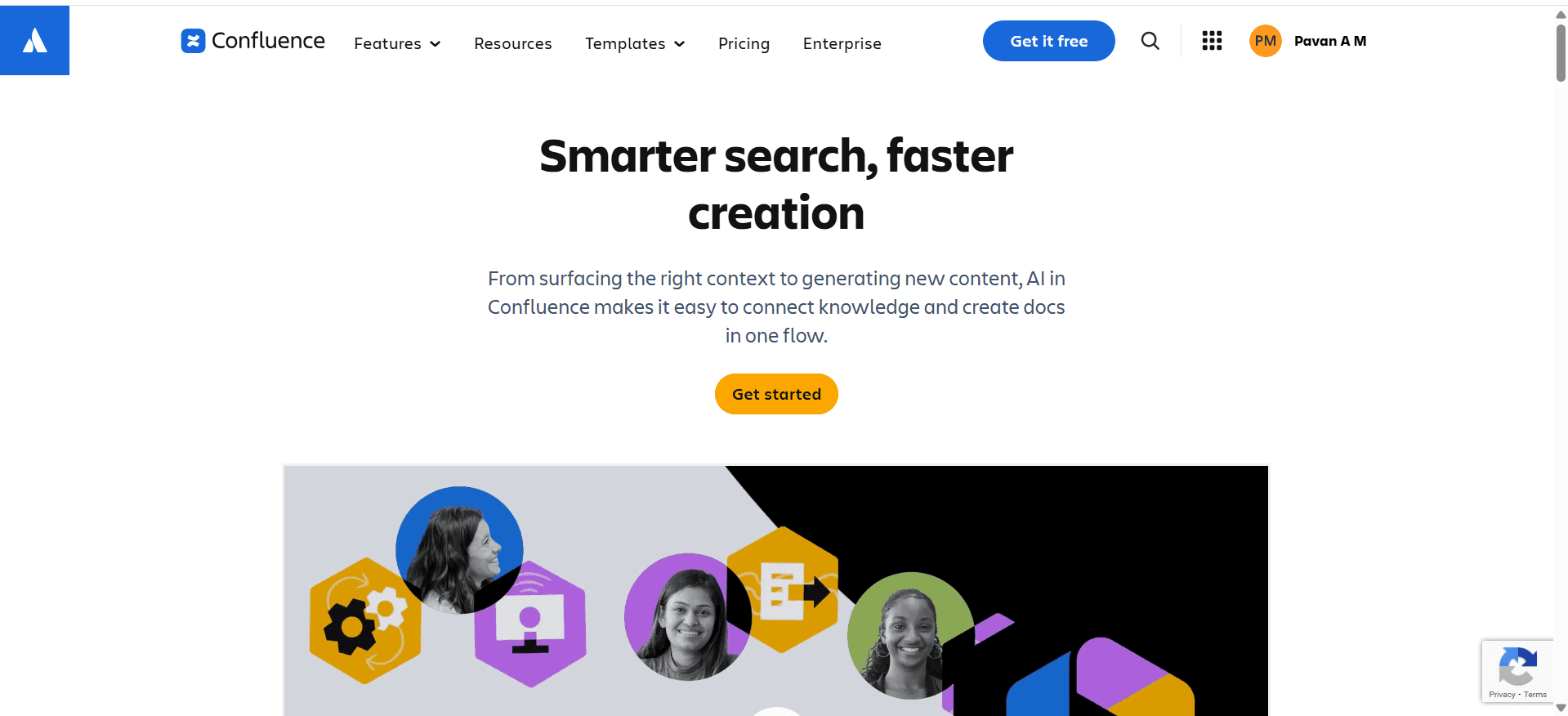
  1. Confluence AI

Confluence AI is a documentation and collaboration tool designed for teams working within the Atlassian ecosystem. It's particularly useful for teams that need to collaborate closely on documentation projects, offering integration with other Atlassian tools like Jira and Trello.

However, Confluence AI's limited AI capabilities may not satisfy teams looking for advanced automation features. It's best suited for teams already using Atlassian products.

Key Features

  • Integration with Atlassian tools

  • Strong collaboration features

  • Limited AI writing capabilities

  • Basic multi-language support

  • Customizable templates

  • Robust search functionality

Pros

Cons

Great for teams in the Atlassian ecosystem.

Limited AI features.

Strong collaboration tools.

Higher pricing for advanced features.

Integrates with Jira and Trello.

No free tier available.

Pricing

Confluence AI does not offer a free tier. Paid plans start at $50 per month for small teams, which includes basic collaboration features.

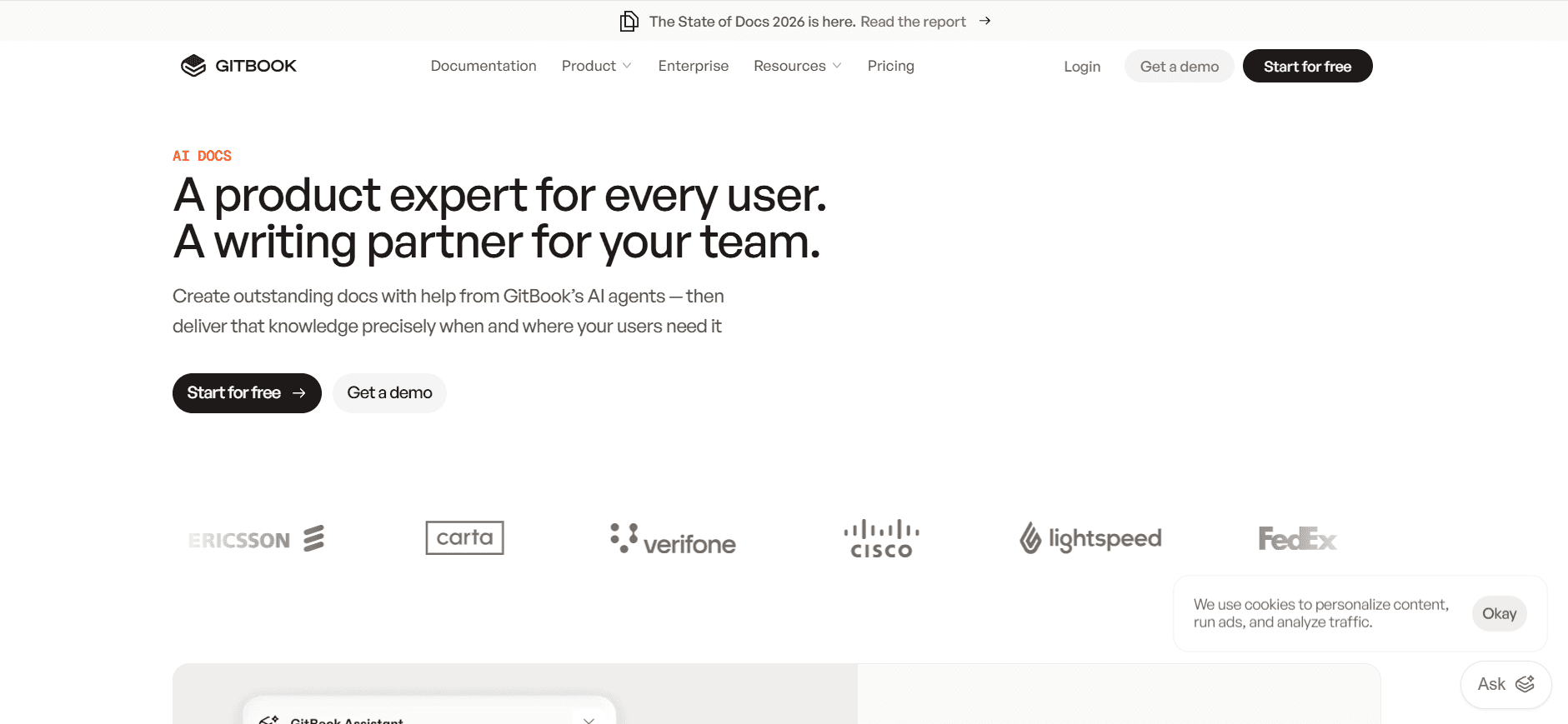
  1. GitBook AI

GitBook AI

GitBook AI is a documentation platform designed for developers and tech teams who need a streamlined solution for creating and maintaining technical documentation. Its integration with GitHub and ability to handle Markdown make it a favorite among developers.

Its strength is in its simplicity and focus on technical content, though it may not suffice for teams looking for advanced AI features or multimedia support.

Key Features

  • Markdown support

  • Integration with GitHub

  • Version control for documentation

  • API for custom integrations

  • Basic step capture features

  • Limited video generation capabilities

Pros

Cons

Ideal for technical documentation.

Limited AI writing features.

Seamless integration with GitHub.

No advanced multimedia support.

Version control is a plus for developers.

Higher learning curve for non-developers.

Pricing

GitBook AI offers a free tier with limited features. Paid plans start at $19 per month per user, which is affordable for developer-focused teams.

AI Documentation Challenges: What Teams Struggle With

Creating First Drafts Takes Too Long

  • Even experienced writers spend excessive time on initial drafts.

  • Manual structuring of content is time-consuming and repetitive.

  • Initial drafts often require extensive revisions to meet standards.

  • Lack of automated tools means more manual labor and errors.

Keeping Documentation Current with Every Product Sprint

  • Frequent product updates necessitate continuous documentation revisions.

  • Manual updates are prone to errors and omissions.

  • Teams struggle to synchronize documentation with rapid development cycles.

  • Outdated documentation can lead to user confusion and support issues.

Inconsistent Formatting Across Different Team Members

  • Different writing styles lead to inconsistent document quality.

  • Lack of uniform templates results in varied document structures.

  • Standardizing formatting manually is labor-intensive.

  • Inconsistencies can confuse readers and reduce document effectiveness.

No Automatic Screenshot or Step-Capture Capabilities

  • Manual screenshot capture is error-prone and inefficient.

  • Describing steps without visuals can lead to misunderstandings.

  • Lack of automation results in lost time during documentation.

  • Teams miss opportunities to enhance documents with visual aids.

Translation and Localization Create Bottlenecks for Global Teams

  • Manual translations are time-consuming and costly.

  • Localized content often lags behind the main documentation.

  • Inadequate translation tools lead to inaccuracies.

  • Delayed localization impacts international user satisfaction.

Challenge

Traditional Process

Business Impact

Time Cost

First Draft Creation

Manual writing and structuring

Delayed project timelines

High

Keeping Documentation Current

Frequent manual updates

Inaccurate user guides

High

Inconsistent Formatting

Manual standardization

Reduced readability

Moderate

No Automatic Screenshot

Manual capture and editing

Lower engagement

High

Translation and Localization

Manual translation

Delayed market entry

High

Must-Have Features in AI Documentation Tools

AI Writing and Auto-completion

AI writing and auto-completion revolutionize the way documentation is created. With AI-driven tools like Trupeer and Notion AI, teams can generate content faster and with greater accuracy. This feature minimizes the time spent on drafting, allowing writers to focus on refining and enhancing the document's quality. AI writing tools often learn from previous content, providing suggestions that align with the team’s writing style and terminology.

Automated Step Capture from Screen Activity

Tools such as Tango and Trupeer provide automated step capture, a feature that records screen activity and automatically generates documentation. This capability saves hours of manual work, ensuring that every step is accurately captured and represented in the documentation. Automated step capture is especially beneficial for creating process guides and technical manuals where precision is crucial.

Smart Screenshot Annotation

Smart screenshot annotation, available in tools like Trupeer and Scribe, allows users to add context and clarity to visual content. This feature enables the addition of labels, arrows, and text directly onto screenshots, making complex information easily digestible. Smart annotations help bridge the gap between text and visuals, enhancing user understanding and engagement.

AI Voiceover Generation for Video Docs

With AI voiceover capabilities, tools like Trupeer transform text-based documentation into engaging video content. AI voiceover reads the document aloud, providing an auditory learning option that complements written guides. This feature is particularly useful for training materials and instructional content, catering to diverse learning preferences and improving accessibility.

One-Click Export in Multiple Formats

Tools such as Document360 and Confluence AI offer one-click export options, allowing documentation to be easily converted into various formats like PDF, HTML, and Markdown. This feature simplifies distribution and ensures compatibility with different platforms and user preferences. One-click export streamlines the sharing process, making it simpler and faster for teams to distribute documentation widely.

Multi-language Support

Multi-language support is crucial for global teams, and tools like Trupeer and Document360 excel in this area. This feature allows documents to be translated into multiple languages, facilitating international communication and collaboration. By breaking down language barriers, multi-language support ensures that documentation is accessible to a broader audience, enhancing user experience and satisfaction.

How to Choose AI Documentation Tools Based on Your Use Case

Product Documentation Teams at SaaS Companies

SaaS companies rely heavily on precise and up-to-date documentation to support their products. Teams often face the challenge of keeping pace with rapid development cycles, which necessitates frequent documentation updates.

  • Key Challenges:

    • Frequent software updates requiring quick documentation changes.

    • High demand for clear, user-friendly manuals.

    • Ensuring consistency across multiple documentation projects.

  • Solutions Needed:

    • Automated tools for fast content updates.

    • AI-driven writing aids to maintain consistency.

    • Integration with development tools for seamless updates.

Tool

AI Writing

Integration

Multi-language

Trupeer

Yes

Yes

Yes

Document360

No

Yes

Yes

Confluence AI

Limited

Yes

Yes

Technical Writers and Content Operations

Technical writers and content operations teams are tasked with producing high-quality, accurate documentation under tight deadlines. The ability to streamline their workflow is critical for meeting these demands.

  • Key Challenges:

    • Time constraints on delivering polished documentation.

    • Managing multiple versions and languages of documents.

    • Ensuring that all content is up-to-date with the latest product specs.

  • Solutions Needed:

    • AI-driven content generation for speed and accuracy.

    • Version control and collaboration features.

    • Multi-language support for global reach.

Tool

Version Control

Collaboration

AI Writing

Trupeer

Yes

Yes

Yes

GitBook AI

Yes

Yes

Limited

Notion AI

Limited

Yes

Yes

Engineering and API Documentation

Engineering teams need precise technical documentation to ensure APIs and integrations are properly explained. This documentation must be exact and easily accessible for developers.

  • Key Challenges:

    • Maintaining technical accuracy in documentation.

    • Ensuring documentation is accessible and user-friendly.

    • Integrating documentation with development tools.

  • Solutions Needed:

    • Markdown and code snippet support for clarity.

    • Integration with GitHub and API tools.

    • Automatic updates linked to code changes.

Tool

Markdown Support

GitHub Integration

AI Writing

GitBook AI

Yes

Yes

Limited

Trupeer

Limited

Yes

Yes

Confluence AI

No

Limited

Limited

HR and Compliance Documentation

HR teams are responsible for creating documents that ensure compliance with legal regulations and internal policies. These documents need to be clear and accessible to all employees.

  • Key Challenges:

    • Ensuring compliance with constantly changing regulations.

    • Making documents accessible to all employees.

    • Maintaining a consistent tone and style across documents.

  • Solutions Needed:

    • Automated updates for compliance changes.

    • Multi-language support for diverse workforces.

    • Consistency tools to maintain tone and style.

Tool

Compliance Tools

Multi-language

AI Writing

Trupeer

Yes

Yes

Yes

Document360

Limited

Yes

No

Scribe

No

Limited

Yes

Best Practices for Creating User Manuals

Before

  • Define the target audience and their needs clearly.

  • Gather all necessary product information and resources.

  • Establish clear goals for what the user manual should achieve.

  • Create a detailed outline to organize content effectively.

  • Select the right tools that fit your documentation needs and workflow.

During

  • Use consistent language and terminology throughout the document.

  • Incorporate visuals like screenshots and diagrams to enhance understanding.

  • Apply AI tools for drafting and editing to improve speed and accuracy.

  • Ensure that the content aligns with the brand's voice and style.

  • Regularly review and test content for clarity and usability.

After

  • Conduct a thorough review for accuracy and completeness.

  • Solicit feedback from users to identify areas for improvement.

  • Regularly update the manual to reflect any product changes or new features.

  • Monitor user engagement and adapt content strategies accordingly.

  • Ensure that the manual is easily accessible to all intended users.

Frequently Asked Questions

What is an AI documentation tool?

AI documentation tools assist in creating, organizing, and maintaining user manuals and other documents using artificial intelligence. These tools automate repetitive tasks, help with content generation, and ensure consistency across documentation.

How do AI documentation tools improve efficiency?

They automate mundane tasks such as formatting and structuring, allowing teams to focus on content accuracy. AI features like auto-completion and step capture speed up the documentation process significantly.

Can AI tools integrate with existing software?

Many AI documentation tools offer API integrations that allow them to work seamlessly with existing software systems. Tools like Trupeer and Confluence AI provide robust integration capabilities to fit into various workflows.

Are AI-generated documents accurate?

AI tools strive for high accuracy, but human oversight is still essential to ensure that content aligns with specific requirements and maintains technical accuracy. Regular reviews are recommended.

Do these tools offer free trials?

Most AI documentation tools, including Trupeer and Notion AI, offer free trials or tiers. This allows teams to test features and determine if the tool meets their needs before committing to a purchase.

What factors influence the pricing of AI documentation tools?

Pricing depends on factors like the range of features, number of users, and level of support. Advanced features such as video generation or API access typically come with higher pricing tiers.

How long does it take to implement an AI documentation tool?

The implementation time varies based on the complexity of the tool and the size of the team. Generally, tools like Scribe and Notion AI are quicker to implement due to their intuitive interfaces.

What support options are available during implementation?

Many providers offer onboarding support, documentation, and customer service to assist with the implementation process. Some tools also provide community forums and tutorials.

Final Thoughts

AI documentation tools are reshaping the way teams create and manage user manuals. By automating tedious tasks and enhancing content quality, these tools allow teams to focus on delivering precise and engaging documentation. Whether you're a small team or part of a large enterprise, choosing the right tool can significantly impact your efficiency and output quality.

For those looking to enhance their documentation process, Trupeer offers a powerful solution with its comprehensive feature set. Explore what Trupeer can do for your team by visiting Trupeer.ai today.

开始免费使用我们的AI视频+文档生成器制作视频

开始免费使用我们的AI视频+文档生成器制作视频

Experience the new & faster way of creating product videos.

Instant AI Product Videos and Docs from Rough Screen Recordings.

Get started for free

免费开始

Experience the new & faster way of creating product videos.

Instant AI Product Videos and Docs from Rough Screen Recordings.

Get started for free

免费开始

Experience the new & faster way of creating product videos.

Instant AI Product Videos and Docs from Rough Screen Recordings.

Get started for free

免费开始