Trupeer Blog
Resumir

Investing in a robust customer onboarding platform isn't just a trend; it's a necessity. As of 2026, about 60% of companies are allocating resources to dedicated onboarding functions. This shift is largely driven by the need to deliver consistent experiences and reduce customer churn, which often spikes during the initial engagement phase.
"60% of companies now invest in dedicated customer onboarding functions."
Choosing the right platform can be challenging, with implications that include inconsistent onboarding experiences, high churn rates, and overworked customer success teams. This guide is designed for business leaders and customer success managers seeking to understand the strengths and weaknesses of leading customer onboarding solutions. We compare tools like Trupeer, Pendo, UserPilot, Appcues, Rocketlane, Dock, GuideCX, and more, helping you find the best fit for your specific needs and goals. If you want to see how teams roll changes like this out successfully, these change management examples are a useful starting point.
Best Customer & Client Onboarding Platforms: Head-to-Head Comparison
Feature | Trupeer | Pendo | UserPilot | Appcues | Rocketlane | Dock | GuideCX |
|---|---|---|---|---|---|---|---|
Core Features | |||||||
In-App Guidance | Yes | Yes | Yes | Yes | No | No | Limited |
Client Portal | Yes | No | No | No | Yes | Yes | Yes |
AI Capabilities | |||||||
Task Automation | Yes | Yes | Limited | Limited | Yes | No | Yes |
Progress Analytics | Yes | Yes | Yes | Yes | Yes | Limited | Yes |
Professional Features | |||||||
Email Sequences | Yes | Limited | No | No | Yes | No | Yes |
White-label | Yes | Limited | Limited | Yes | Yes | No | No |
Integrations | |||||||
CRM Integration | Yes | Yes | Yes | Yes | Yes | Limited | Yes |
Self-serve Onboarding | Yes | Yes | Yes | Yes | No | No | Yes |
Trupeer

Trupeer excels in creating a seamless onboarding experience designed specifically for SaaS companies. It's a comprehensive platform that integrates in-app guidance with powerful analytics, helping businesses reduce churn and increase customer satisfaction. Trupeer is ideal for companies looking to provide personalized onboarding experiences without overwhelming their customer success teams.
Trupeer's strength lies in its ability to offer both in-app guidance and a dedicated client portal, making it versatile for different onboarding strategies. However, it may not be the best fit for companies that don’t require advanced analytics or task automation features.
Key Features
In-App Guidance
Client Portal
Task Automation
Progress Analytics
Email Sequences
CRM Integration
White-label Options
Self-serve Onboarding
"Trupeer transformed our onboarding process, reducing churn by 20% in the first quarter alone."
Pros
Cons
Comprehensive feature set for SaaS.
High cost for small startups.
Intuitive UI and easy to implement.
Requires time to fully customize.
Strong analytics and insights capabilities.
Limited to specific CRM integrations.
Excellent customer support and resources.
Advanced features can be overwhelming for new users.
Pricing
Trupeer offers a free tier with basic features. Paid plans start at $49 per month, offering more advanced features and integrations.
Pendo
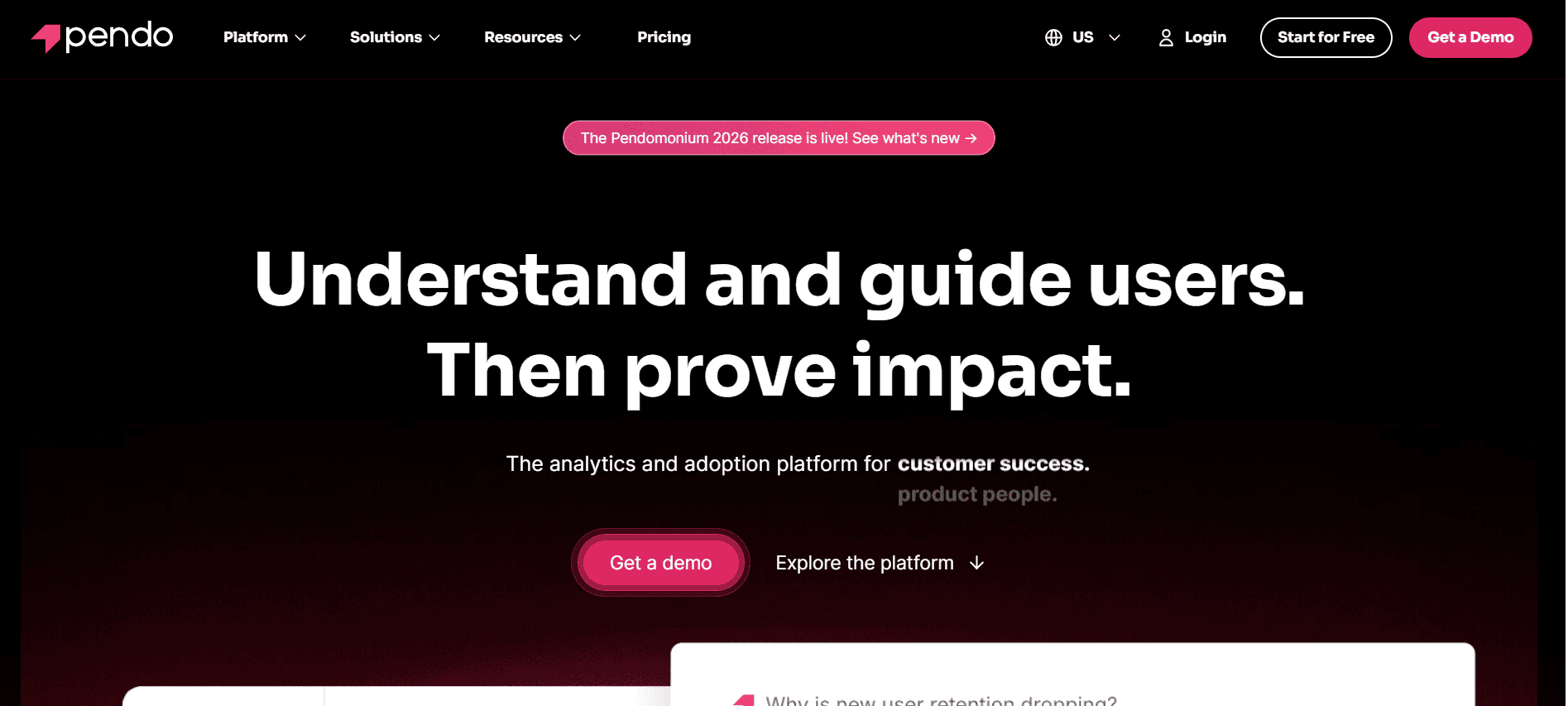
Pendo is a powerful product analytics tool that also provides robust onboarding features. It's designed for product teams that want to understand user behavior while simultaneously guiding users through onboarding flows. Pendo is particularly beneficial for data-driven teams that require detailed insights into how users interact with their product.
While Pendo shines with its analytical capabilities, it lacks a dedicated client portal, which may limit its use for customer success teams focused on external client interactions.
Key Features
In-App Guidance
Product Analytics
Feedback Collection
NPS Surveys
Progress Analytics
CRM Integration
Self-serve Onboarding
Pros
Cons
Exceptional analytics and insights.
Higher learning curve for non-technical users.
Seamless integration with popular CRMs.
No dedicated client portal feature.
Real-time feedback and NPS tracking.
Can become expensive as user base grows.
Strong community and support resources.
Limited customization for onboarding flows.
Pricing
Pendo's pricing starts at $700 per month, with custom pricing available for larger enterprises that need more extensive analytics capabilities.
UserPilot
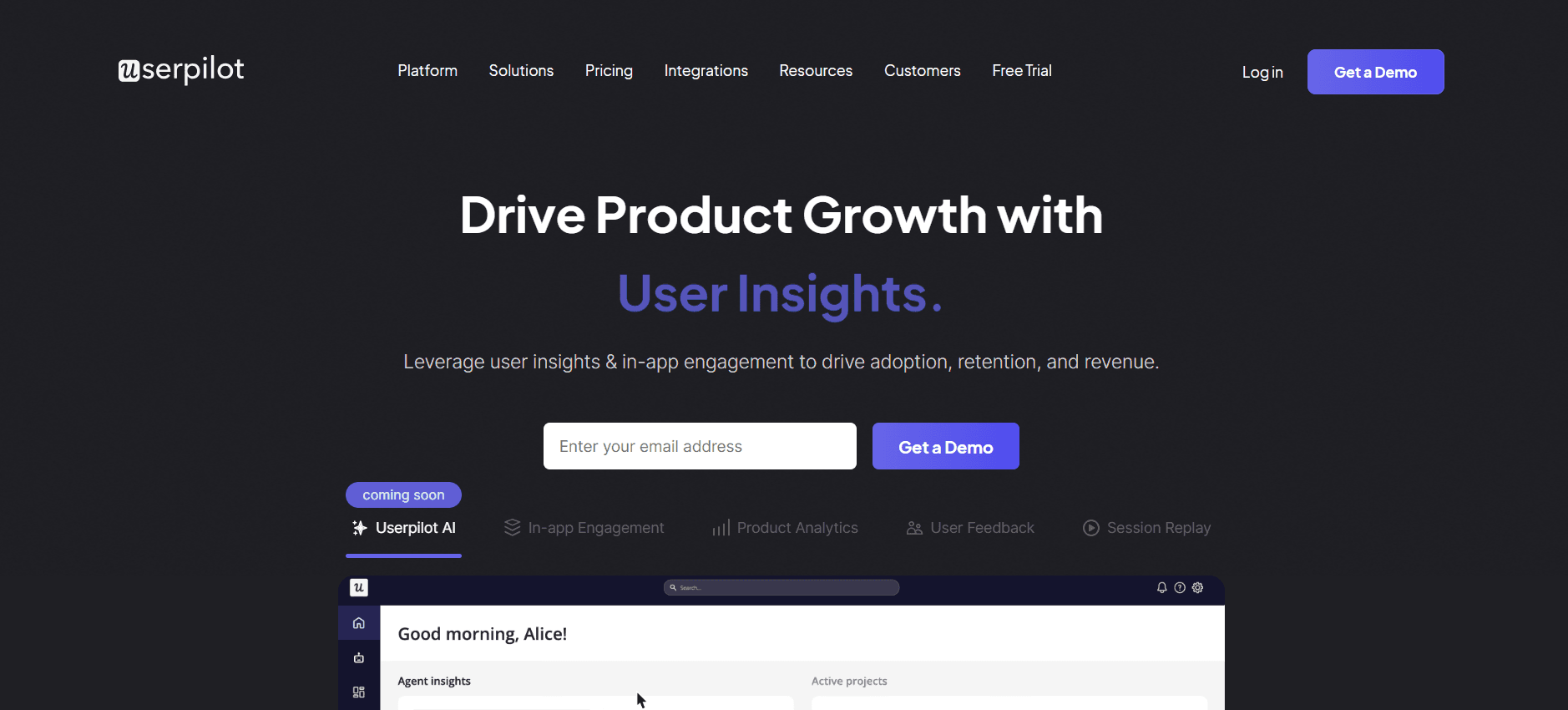
UserPilot is a tool focused on providing in-app experiences and guidance to improve user onboarding. It's particularly useful for SaaS companies that want to quickly create walkthroughs and tooltips without the need for extensive development resources. UserPilot is designed to enable non-technical teams to enhance user engagement effectively.
However, UserPilot does not offer a client portal, which may limit its functionality for teams that require external client interactions as part of their onboarding process.
Key Features
In-App Guidance
Interactive Walkthroughs
Customizable Tooltips
User Segmentation
Progress Analytics
CRM Integration
Self-serve Onboarding
Pros
Cons
Easy to implement and use.
Limited to in-app guidance only.
No coding required for setup.
No client portal available.
Effective for improving user engagement.
Fewer integrations compared to competitors.
Affordable pricing for small teams.
Advanced features require higher-tier plans.
Pricing
UserPilot offers a starting plan at $249 per month, with additional features and capabilities available in higher-tier plans.
Appcues
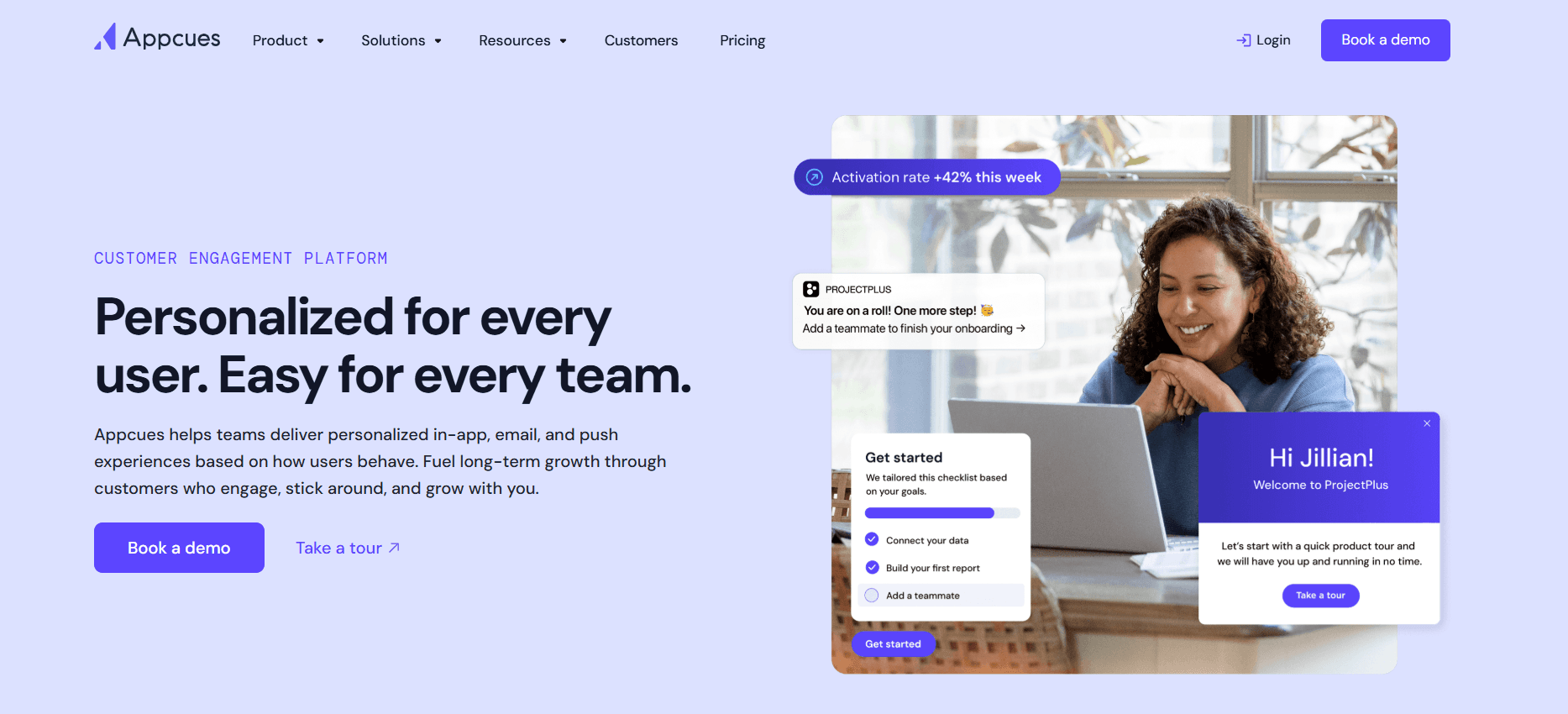
Appcues is a platform designed to enhance user onboarding through in-app experiences. By enabling teams to create customized onboarding flows and product tours, Appcues helps improve user retention and satisfaction. It's especially suitable for product teams that want to experiment with different onboarding strategies without involving developers.
While Appcues is excellent for product tours, it lacks advanced analytics and client portal features, which might be a drawback for organizations wanting a more comprehensive onboarding solution.
Key Features
In-App Guidance
Product Tours
Customizable Templates
Segmentation and Targeting
Progress Analytics
White-label Options
Self-serve Onboarding
Pros
Cons
Strong focus on user experience.
Limited analytics capabilities.
Highly customizable onboarding flows.
No dedicated client portal.
No coding needed for implementation.
Pricing can be high for startups.
Good for product teams experimenting with UX.
Advanced features require premium plans.
Pricing
Appcues offers a free plan with basic features, with paid plans starting at $499 per month for more advanced capabilities.
Rocketlane
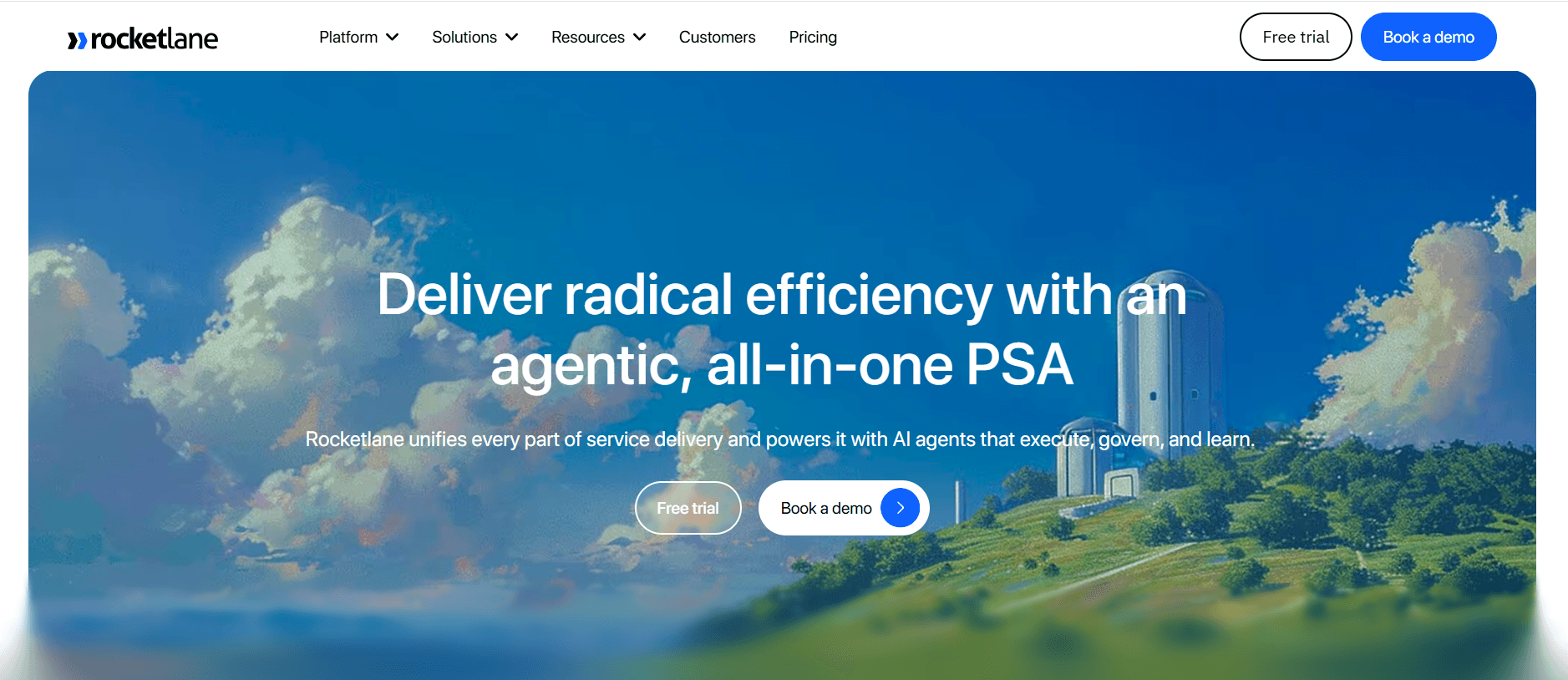
Rocketlane is tailored for customer success teams that need a complete platform to manage onboarding projects. It provides a client portal and collaborative features that ensure transparency and alignment between teams and clients. Rocketlane is ideal for companies that prioritize structured onboarding processes and want to track progress in real-time.
However, Rocketlane does not focus on in-app guidance, making it less suitable for teams that need to guide users directly within their products.
Key Features
Client Portal
Project Management
Task Automation
Collaborative Workspaces
Progress Analytics
Email Sequences
White-label Options
Pros
Cons
Comprehensive project management features.
No in-app guidance.
Excellent for team collaboration.
Can be complex for small teams.
Real-time progress tracking.
Higher price point for smaller organizations.
Strong client portal capabilities.
Limited integration with certain CRMs.
Pricing
Rocketlane's pricing starts at $600 per month, with custom pricing available for enterprises requiring more features and support.
Dock
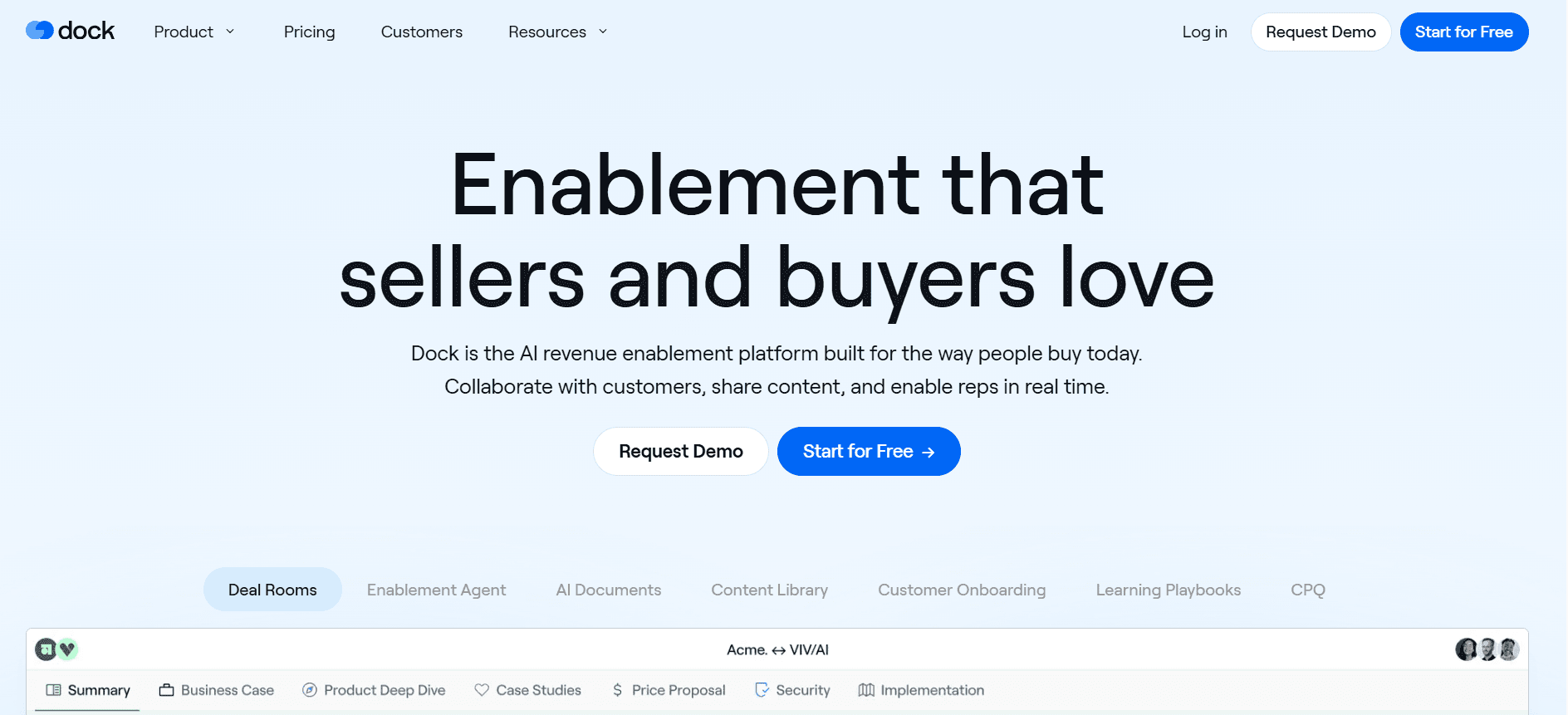
Dock focuses on providing a seamless client portal experience, making it easier for customer success teams to manage client interactions and documents in one place. It's especially useful for teams that need to provide clients with a centralized location for onboarding materials and communications. Dock's simplicity and focus on client interactions make it a great choice for smaller teams.
Dock lacks in-app guidance and advanced analytics, which may limit its use for larger organizations with more complex needs.
Key Features
Client Portal
Document Management
Task Tracking
Collaborative Features
Email Notifications
Limited Progress Analytics
White-label Options
Pros
Cons
Simple and easy to use.
No in-app guidance available.
Great for document management.
Limited analytics features.
Perfect for small and mid-sized teams.
Fewer integrations compared to competitors.
Affordable pricing for small businesses.
Complex needs require additional tools.
Pricing
Dock is priced at $300 per month, making it accessible for small businesses while offering essential features for managing client interactions.
GuideCX
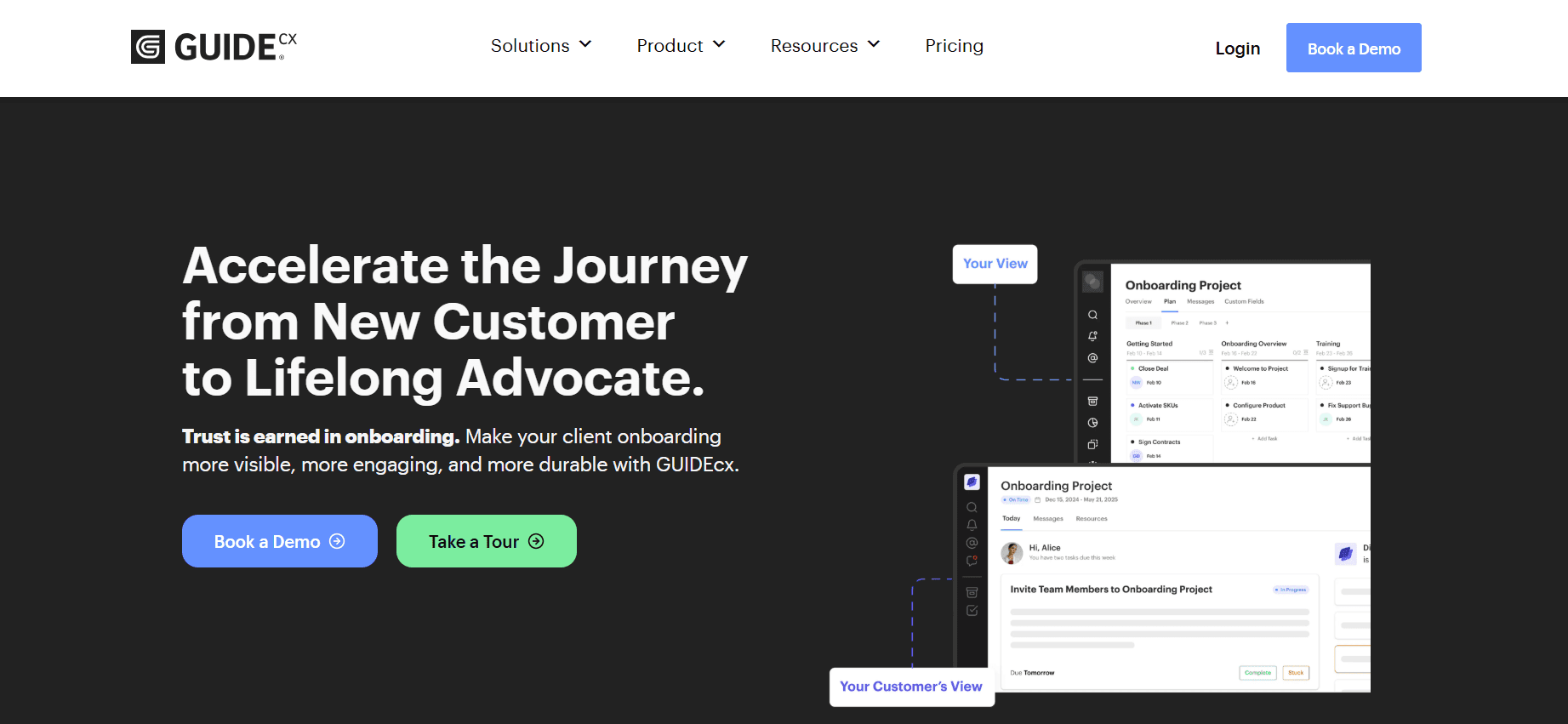
GuideCX is designed for teams that need to ensure client onboarding projects are well-managed and transparent. It offers a structured approach to onboarding, with timelines and project dashboards that keep teams and clients aligned. It's particularly beneficial for client-facing teams in industries such as consulting and professional services.
GuideCX does not offer in-app guidance, which might limit its effectiveness for SaaS companies looking for more integrated user guidance solutions.
Key Features
Client Portal
Project Dashboards
Timeline Management
Collaborative Workspaces
Progress Analytics
Email Notifications
Self-serve Onboarding
Pros
Cons
Excellent for project transparency.
No in-app user guidance.
Robust project management features.
Complex setup for smaller teams.
Strong client collaboration tools.
Limited analytics compared to others.
Great for service-oriented industries.
Higher pricing for additional features.
Pricing
GuideCX starts at $500 per month, with additional pricing tiers available for more comprehensive project management capabilities.
Customer & Client Onboarding Challenges: What Teams Struggle With
Inconsistent Onboarding Experience Across Different CS Reps
Varied communication styles lead to mixed messages.
Lack of standardized processes results in different experiences.
Training new CS reps without a unified framework is challenging.
Customer dissatisfaction due to perceived unprofessionalism.
Clients Don't Complete Onboarding Steps Without Proactive Nudges
Clients are often busy, leading to forgotten tasks.
Absence of automated follow-ups results in stalled progress.
Difficulty in tracking client progress without active monitoring.
Higher risk of churn when clients feel unsupported.
CS Team Has No Visibility Into Where Specific Clients Are Stuck
Lack of real-time data on client progress.
Inability to provide timely assistance to clients in need.
Difficulties in predicting potential churn without insights.
Increased workload for CS reps trying to manually track progress.
CS Team Cannot Scale Their Capacity Without Adding Headcount
Manual processes are time-consuming and inefficient.
Limited ability to handle increased client volume.
Higher operational costs due to more hires.
Burnout risk among existing team members.
Poor Integration With Existing CRM and Support Ticketing
Data silos create information gaps and inefficiencies.
Incompatibility with current systems leads to workflow disruptions.
Additional training required for staff on new systems.
Increased time spent on manual data entry and reconciliation.
Challenge | Traditional Process | Business Impact | Time Cost |
|---|---|---|---|
Inconsistent Onboarding Experience | Manual, varied processes | Customer dissatisfaction, brand inconsistency | High |
Clients Don't Complete Steps | Reactive follow-ups | Higher churn rates | Medium |
No Visibility Into Client Stuck Points | Manual tracking, sporadic updates | Delayed client support, increased churn risk | High |
Scaling Capacity Without Headcount | Manual workload management | Operational inefficiencies, increased costs | High |
Poor Integration | Data silos, manual data entry | Inefficiency, data inaccuracies | High |
Must-Have Features in Customer & Client Onboarding Tools
In-App Guidance and Product Tours
In-app guidance provides users with real-time assistance directly within the application, ensuring they receive the help they need exactly when they need it. Product tours are designed to familiarize users with key features and functionalities, significantly shortening the learning curve. Tools like Trupeer excel in offering customizable in-app guidance, giving users a tailored onboarding experience that adapts to their specific needs and interactions.
Implementing product tours helps reduce the dependency on customer success teams for basic guidance, allowing them to focus on more complex customer needs. It also ensures that users can independently explore and understand the value of the product from the get-go, increasing adoption rates and satisfaction.
Client-Facing Onboarding Portal
A client-facing onboarding portal serves as a centralized hub where clients can access all necessary onboarding materials, tasks, and communications. This feature is particularly useful for businesses that handle multiple clients simultaneously, such as agencies or B2B service providers. Rocketlane and Dock provide robust portals that facilitate seamless client interaction and collaboration throughout the onboarding process.
Having a dedicated portal not only improves transparency but also empowers clients to take charge of their onboarding journey. It reduces the need for constant back-and-forth communication, thereby enhancing efficiency and client satisfaction.
Video Walkthroughs Embedded in the Platform
Video walkthroughs offer a compelling way to engage users by providing step-by-step visual guides directly within the platform. They cater to different learning styles, ensuring a broader reach and effectiveness. UserPilot and Appcues incorporate video walkthroughs that help users quickly grasp complex processes or features.
These videos can be particularly effective in preventing users from feeling overwhelmed, as they offer an easy-to-follow format that can be accessed at any time. By embedding these walkthroughs into the platform, companies ensure users have continuous access to valuable resources, fostering a more supportive onboarding environment.
Automated Task and Milestone Tracking
Automating task and milestone tracking within the onboarding process is crucial for maintaining momentum and ensuring accountability. This feature provides both businesses and clients with real-time updates on progress, highlighting completed tasks and upcoming milestones. GuideCX excels in offering such tracking capabilities, allowing teams to ensure that nothing falls through the cracks during onboarding.
By automating these processes, businesses can significantly reduce the administrative burden on their teams, freeing up resources to focus on more strategic activities. It also helps identify potential bottlenecks and delays, enabling proactive interventions to keep onboarding on track.
Engagement and Health Score Analytics
Engagement and health score analytics provide valuable insights into user behavior and overall satisfaction. By analyzing these metrics, companies can gauge the effectiveness of their onboarding processes and identify areas for improvement. Pendo is known for its powerful analytical tools that help companies track user engagement and predict potential churn.
Having access to such analytics allows businesses to make data-driven decisions, optimizing their onboarding strategies to better meet user needs. It also helps in personalizing the onboarding journey, ensuring that each user receives a tailored experience that maximizes their success and satisfaction with the product.
CRM Integration and White-label Options
Integrating onboarding tools with existing CRM systems is essential for maintaining a seamless flow of information across departments. It ensures that all relevant data is captured and utilized effectively, enhancing both customer relationship management and onboarding efficiency. Trupeer and Pendo offer strong CRM integration capabilities, ensuring that onboarding processes align with broader business objectives.
White-label options allow companies to brand the onboarding experience as their own, maintaining consistency across all customer touchpoints. This feature is particularly important for companies that prioritize brand perception and seek to offer a cohesive user experience. Tools like Trupeer and Rocketlane provide customizable white-label solutions, helping businesses project a professional image and build stronger brand loyalty.
How to Choose Customer & Client Onboarding Tools Based on Your Use Case
SaaS Self-Serve Product Onboarding
For SaaS companies offering self-serve products, the onboarding process must be intuitive and user-friendly. Users should be able to explore features and set up accounts without needing extensive support.
Ensuring users understand feature benefits quickly.
Providing instant support without human intervention.
Reducing the time it takes for users to see value.
In-app guidance and product tours.
Automated onboarding emails and checklists.
Progress analytics to track user engagement.
Feature | Trupeer | UserPilot | Appcues |
|---|---|---|---|
In-App Guidance | Yes | Yes | Yes |
Automated Emails | Yes | No | No |
Progress Analytics | Yes | Yes | Yes |
Enterprise CSM-Led Onboarding
Enterprises often require a more personalized onboarding approach, led by Customer Success Managers (CSMs). This model focuses on building strong relationships and providing tailored solutions.
Managing multiple stakeholders and complex requirements.
Ensuring consistent communication and updates.
Tracking progress across large teams.
Client-facing onboarding portal for transparency.
Task and milestone tracking to ensure accountability.
CRM integration for seamless data flow.
Feature | Trupeer | Rocketlane | GuideCX |
|---|---|---|---|
Client Portal | Yes | Yes | Yes |
Task Tracking | Yes | Yes | Yes |
CRM Integration | Yes | Yes | Yes |
Agency Client Onboarding
Agencies need onboarding solutions that streamline communication and project management, ensuring clients are aligned and informed throughout the process.
Coordinating multiple projects and clients simultaneously.
Keeping all stakeholders informed and engaged.
Managing timelines and deliverables efficiently.
Collaborative workspaces for team-client interaction.
Automated reminders and updates to keep projects on track.
Document management for easy access to all necessary resources.
Feature | Dock | GuideCX | Rocketlane |
|---|---|---|---|
Collaborative Workspaces | Yes | Yes | Yes |
Automated Reminders | Yes | Yes | Yes |
Document Management | Yes | Limited | Yes |
Partner and Reseller Enablement
For companies working with partners and resellers, onboarding needs to focus on education and alignment with business goals to ensure successful partnerships.
Training partners on product features and benefits.
Ensuring partners are aligned with company goals.
Monitoring partner performance and engagement.
Video walkthroughs for product training.
Analytics to track partner engagement.
Customizable onboarding flows to meet diverse partner needs.
Feature | Appcues | Trupeer | Pendo |
|---|---|---|---|
Video Walkthroughs | Yes | Yes | Yes |
Engagement Analytics | Yes | Yes | Yes |
Customizable Flows | Yes | Yes | Limited |
Best Practices for Effective Onboarding
Before Onboarding
Identify and segment your audience to tailor the onboarding experience.
Define clear goals and success metrics for the onboarding process.
Prepare all necessary onboarding materials and resources in advance.
Ensure all systems and integrations are in place and tested.
Train your customer success team on the onboarding process and tools.
During Onboarding
Provide clear and concise instructions at each step of the onboarding journey.
Use automation to send timely reminders and updates to keep clients engaged.
Gather feedback continuously to improve the onboarding process.
Monitor progress using analytics and dashboards to ensure clients stay on track.
Offer support through multiple channels to address client queries promptly.
After Onboarding
Review the onboarding experience with clients to identify areas for improvement.
Ensure clients have access to ongoing support and resources for continued success.
Use analytics to assess the effectiveness of the onboarding process.
Identify opportunities for upselling or cross-selling based on client needs.
Maintain regular communication to strengthen the client relationship.
Frequently Asked Questions
What is customer onboarding?
Customer onboarding is the process of guiding new customers through the initial stages of using a product or service. It aims to ensure that customers understand the product's value, how to use it effectively, and to foster long-term satisfaction and retention.
Why is onboarding important?
Onboarding is crucial because it sets the tone for the customer's experience with your product. A positive onboarding experience can lead to higher satisfaction, greater product adoption, and reduced churn rates, ultimately impacting your bottom line positively.
Can onboarding tools integrate with our CRM?
Most onboarding tools offer CRM integration to streamline data flow and maintain a unified view of the customer journey. Tools like Trupeer and Pendo are known for their robust CRM integration capabilities, allowing for seamless data synchronization.
Do these tools offer multi-language support?
Some onboarding platforms do offer multi-language support, allowing companies to cater to a diverse customer base. It's important to check each tool's capabilities to ensure it meets your specific language requirements.
Are there free versions available?
Yes, many onboarding tools offer free tiers with basic features to help companies get started. However, advanced features and integrations typically require a paid subscription. Evaluating your needs will help you choose the right pricing plan.
How do I determine the right pricing tier?
To select the appropriate pricing tier, assess your company's specific needs and budget. Consider the number of users, required features, and desired integrations. Most tools offer scalable pricing to accommodate businesses of different sizes.
How long does it take to implement an onboarding tool?
The implementation time varies depending on the complexity of the tool and your company's requirements. Generally, setup can range from a few days to several weeks. Prior preparation and having a clear implementation plan can expedite the process.
What support is available during implementation?
Most onboarding tools provide support during implementation, including access to knowledge bases, tutorials, and customer support teams. Some also offer dedicated onboarding specialists to assist with the process, ensuring a smooth transition.
Closing
Choosing the right customer onboarding solution can significantly impact your business's success. With the right tool, you can streamline your onboarding processes, improve customer satisfaction, and ultimately drive growth. Consider your specific needs and challenges to select a platform that aligns with your business goals.
Trupeer offers a comprehensive onboarding solution designed to meet the demands of modern businesses. Its robust features and seamless integrations make it a top choice for companies looking to enhance their onboarding experience. Discover more about how Trupeer can transform your onboarding processes by visiting Trupeer.ai.
Artigos relacionados



