Trupeer Blog
Resumir

Visão geral do comprador
Escolher a ferramenta certa de onboarding do cliente pode fazer ou destruir a sua estratégia de customer success. Muitas empresas enfrentam processos de onboarding inconsistentes, o que leva a taxas de churn elevadas e a equipas de customer success sobrecarregadas. Na verdade, 60% das empresas estão atualmente a investir em funções dedicadas de onboarding do cliente para combater estes desafios.
60% das empresas estão agora a investir em funções dedicadas de onboarding do cliente.
Este guia vai explorar as principais ferramentas de onboarding de clientes disponíveis em 2026. Foi concebido para decisores em customer success, gestão de produto e operações. Quer esteja à procura de uma solução com análises robustas ou de uma que se integre perfeitamente com o seu CRM, nós tratamos disso.
Melhores plataformas de onboarding de clientes: comparação direta
Funcionalidade | Trupeer | Pendo | UserPilot | Appcues | Rocketlane | Dock | GuideCX | Intercom |
|---|---|---|---|---|---|---|---|---|
Funcionalidades principais | ||||||||
Orientação no produto (In-App Guidance) | Sim | Sim | Sim | Sim | Limitado | Não | Sim | Sim |
Portal do cliente | Sim | Não | Não | Sim | Sim | Sim | Sim | Não |
Capacidades de IA | ||||||||
Automação de tarefas | Sim | Sim | Limitado | Limitado | Sim | Sim | Não | Sim |
Análises de progresso | Sim | Sim | Sim | Limitado | Sim | Limitado | Sim | Sim |
Funcionalidades profissionais | ||||||||
Sequências de e-mail | Sim | Não | Sim | Sim | Limitado | Não | Sim | Sim |
Integrações | ||||||||
Integração com CRM | Sim | Sim | Limitado | Sim | Sim | Sim | Sim | Sim |
White-label | Sim | Não | Não | Sim | Limitado | Sim | Não | Não |
Onboarding self-serve | Sim | Não | Sim | Sim | Limitado | Não | Sim | Sim |
Trupeer

Trupeer é uma plataforma de onboarding versátil, concebida para simplificar o processo de onboarding do cliente para empresas de todos os tamanhos. Conhecida pela sua interface intuitiva e por um conjunto alargado de funcionalidades, a Trupeer é perfeita para equipas que pretendem melhorar a experiência do cliente desde o primeiro dia. As suas funcionalidades de destaque incluem fluxos de onboarding personalizáveis e análises robustas, garantindo que pode acompanhar cada etapa da jornada do seu cliente.
Trupeer destaca-se por oferecer um portal do cliente abrangente que permite uma comunicação e partilha de documentos sem fricções. Apesar das suas forças, alguns utilizadores consideram que o processo de configuração inicial pode ser um pouco moroso, mas os benefícios a longo prazo da plataforma superam esta desvantagem.
Principais funcionalidades
Fluxos de onboarding personalizáveis
Portal do cliente abrangente
Análises e relatórios robustos
Orientação no produto e tours do produto
Automação de sequências de e-mail
Integração com CRM
Opções white-label
Capacidades de onboarding self-serve
"A Trupeer transformou o nosso processo de onboarding. Só as análises já nos deram insights que nunca tínhamos antes."
Prós
Contras
Fluxos altamente personalizáveis que agilizam os processos.
A configuração inicial pode ser demorada.
Análises abrangentes que melhoram a tomada de decisão.
Alguns utilizadores referem pequenos bugs na interface.
O portal do cliente melhora a comunicação com o cliente.
Funcionalidades limitadas na app móvel.
Preços
A Trupeer oferece um plano gratuito com funcionalidades limitadas. Os planos pagos começam nos 29 USD por mês, oferecendo funcionalidades mais avançadas.
Pendo
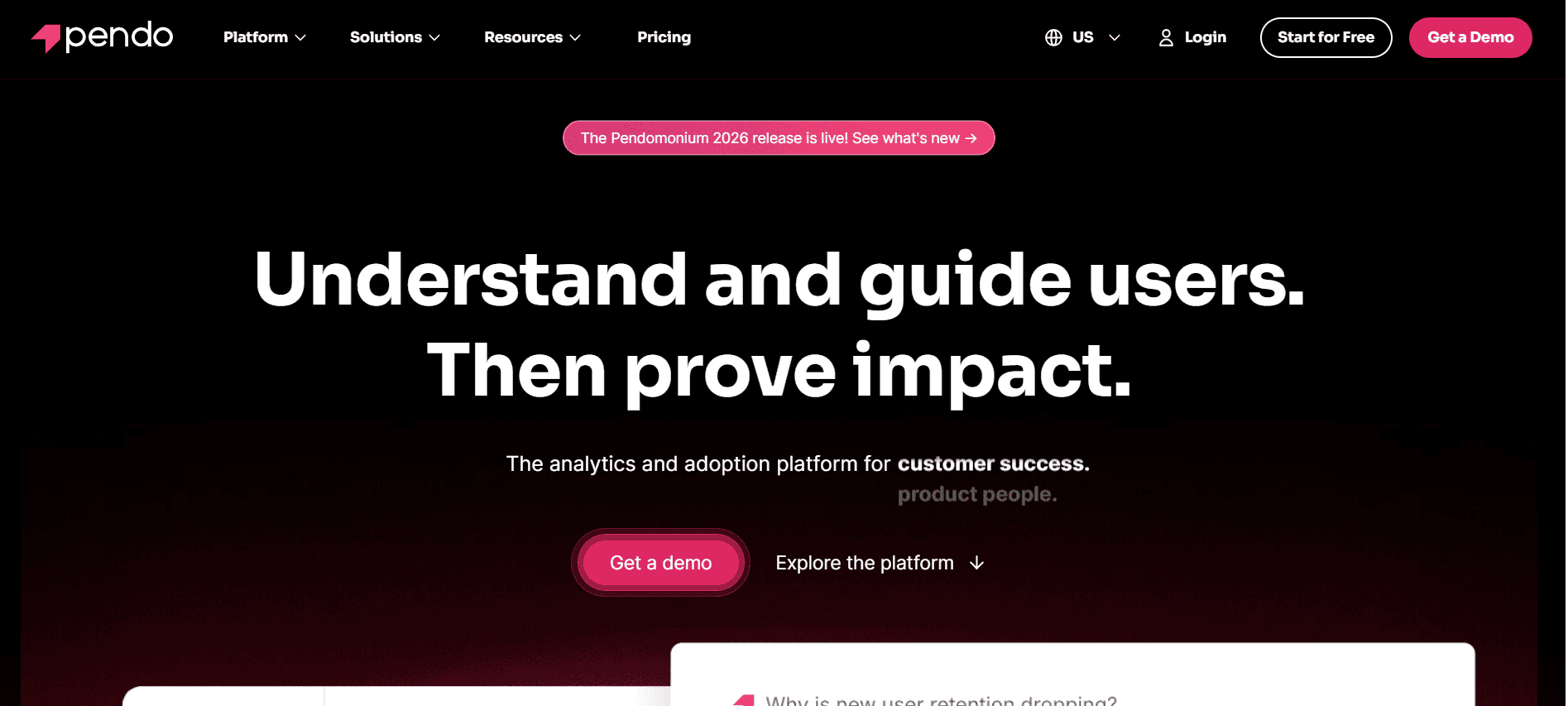
A Pendo é conhecida sobretudo pelas suas capacidades de análises de produto e de orientação no produto. Embora se destaque por fornecer insights detalhados sobre o produto, também oferece funcionalidades que melhoram a experiência de onboarding. A Pendo é uma excelente escolha para gestores de produto que precisam de uma compreensão mais profunda das interações dos utilizadores com o seu produto.
A força da plataforma está nas suas análises robustas e na orientação no produto. No entanto, falta-lhe um portal do cliente dedicado, o que pode não ser adequado para empresas que necessitam desta funcionalidade para partilha de documentos e comunicação.
Principais funcionalidades
Análises e insights de produto
Orientação no produto e walkthroughs
Recolha de feedback dos utilizadores
Segmentação e segmentação por objetivos
Suporte para app móvel
Integração com CRMs populares
Painéis personalizáveis
Suporte multilingue
Prós
Contras
Análises detalhadas de produto melhoram os insights sobre os utilizadores.
Não existe um portal do cliente dedicado.
Excelente orientação no produto e opções de walkthrough.
Pode ser caro para equipas pequenas.
Ótima opção para recolher feedback dos utilizadores.
A configuração pode ser complexa para utilizadores não técnicos.
Preços
A Pendo não oferece um plano gratuito. A definição de preços é personalizada e normalmente começa nos 1.000 USD por mês, dependendo das necessidades e do tamanho do negócio.
UserPilot
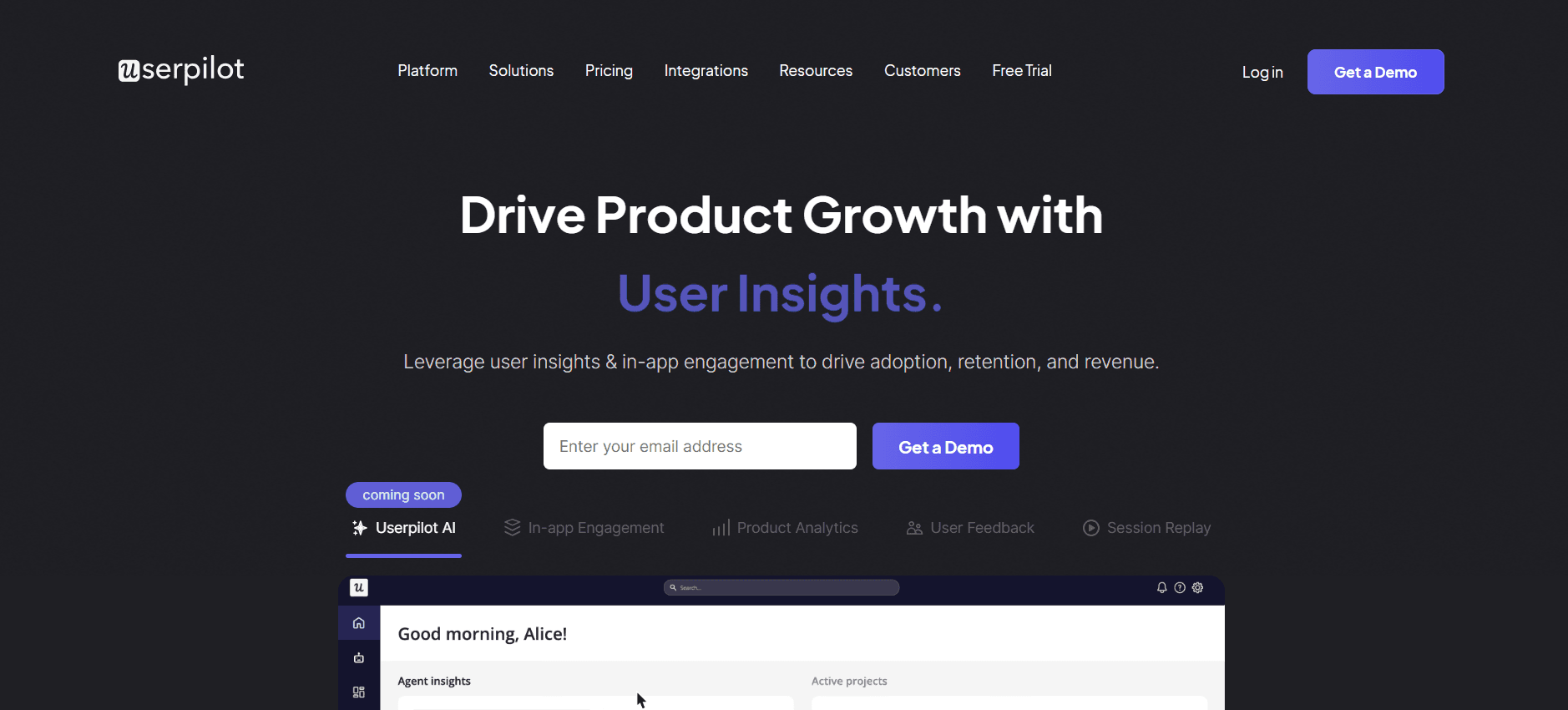
O UserPilot especializa-se na criação de experiências de onboarding personalizadas com as suas robustas funcionalidades de orientação no produto e tours do produto. É particularmente útil para empresas SaaS que pretendem melhorar o envolvimento dos utilizadores desde o início. A força do UserPilot está na sua capacidade de criar experiências de onboarding dinâmicas, sem necessidade de código, que se adaptam ao comportamento dos utilizadores.
Apesar das suas capacidades poderosas, o UserPilot não suporta um portal do cliente, o que pode ser uma limitação para equipas que procuram centralizar a comunicação com o cliente e a partilha de documentos num só local.
Principais funcionalidades
Orientação no produto e tours do produto
Gatilhos baseados em eventos
Segmentos de utilizadores personalizados
Ferramentas de feedback e inquéritos
Personalização sem necessidade de código
Suporte multilingue
Integração com CRMs principais
Análises e relatórios
Prós
Contras
Experiências de onboarding dinâmicas e personalizadas.
Sem suporte para portal do cliente.
A personalização sem necessidade de código é fácil de usar.
Capacidades limitadas de sequências de e-mail.
Excelentes ferramentas de análises e relatórios.
Maior curva de aprendizagem para configurações complexas.
Preços
O UserPilot oferece um período experimental gratuito, com planos pagos a partir de 249 USD por mês, adequado para equipas pequenas a médias.
Appcues
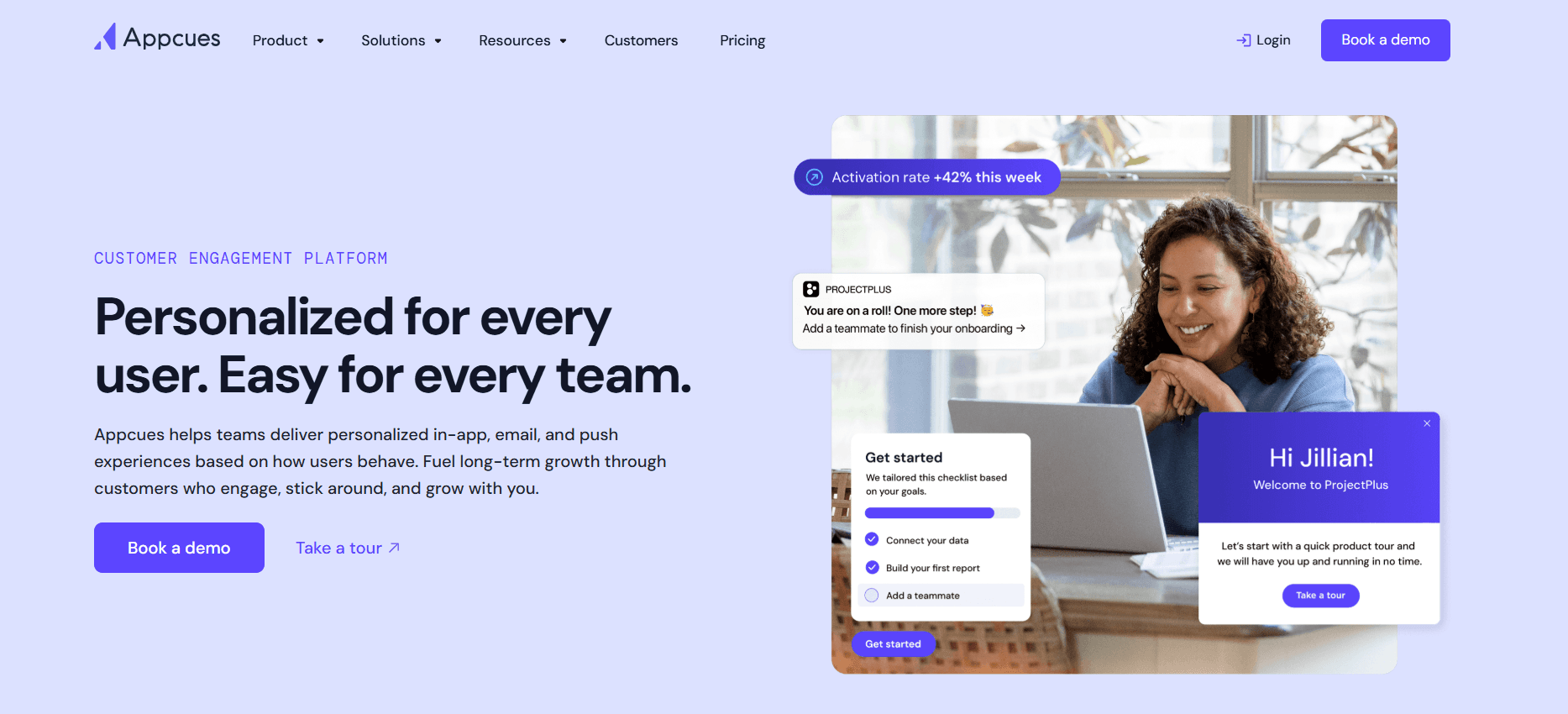
A Appcues oferece uma plataforma fácil de usar para criar experiências no produto e tours do produto sem necessidade de programação. É ideal para equipas que querem orientar os utilizadores pelas funcionalidades do produto sem esforço. A Appcues destaca-se pela facilidade de utilização e pelas fortes capacidades de integração.
Embora a Appcues forneça uma excelente orientação no produto, pode ser cara para equipas mais pequenas. Além disso, alguns utilizadores referem que as funcionalidades avançadas exigem uma curva de aprendizagem mais profunda.
Principais funcionalidades
Tours do produto no produto
Fluxos de onboarding do utilizador
Opções de branding personalizáveis
Ferramentas de segmentação e segmentação por objetivos
Análises e relatórios
Integração com plataformas principais
Ferramentas de recolha de feedback
Suporte multilingue
Prós
Contras
Interface fácil de usar para utilizadores não técnicos.
Pode ser dispendiosa para equipas mais pequenas.
Fortes capacidades de integração.
As funcionalidades avançadas exigem uma curva de aprendizagem.
Sem necessidade de programação para orientação no produto.
Personalização limitada nos planos de nível inferior.
Preços
A Appcues oferece um plano gratuito com funcionalidades básicas. Os planos pagos começam nos 99 USD por mês, disponibilizando ferramentas e integrações mais avançadas.
Rocketlane
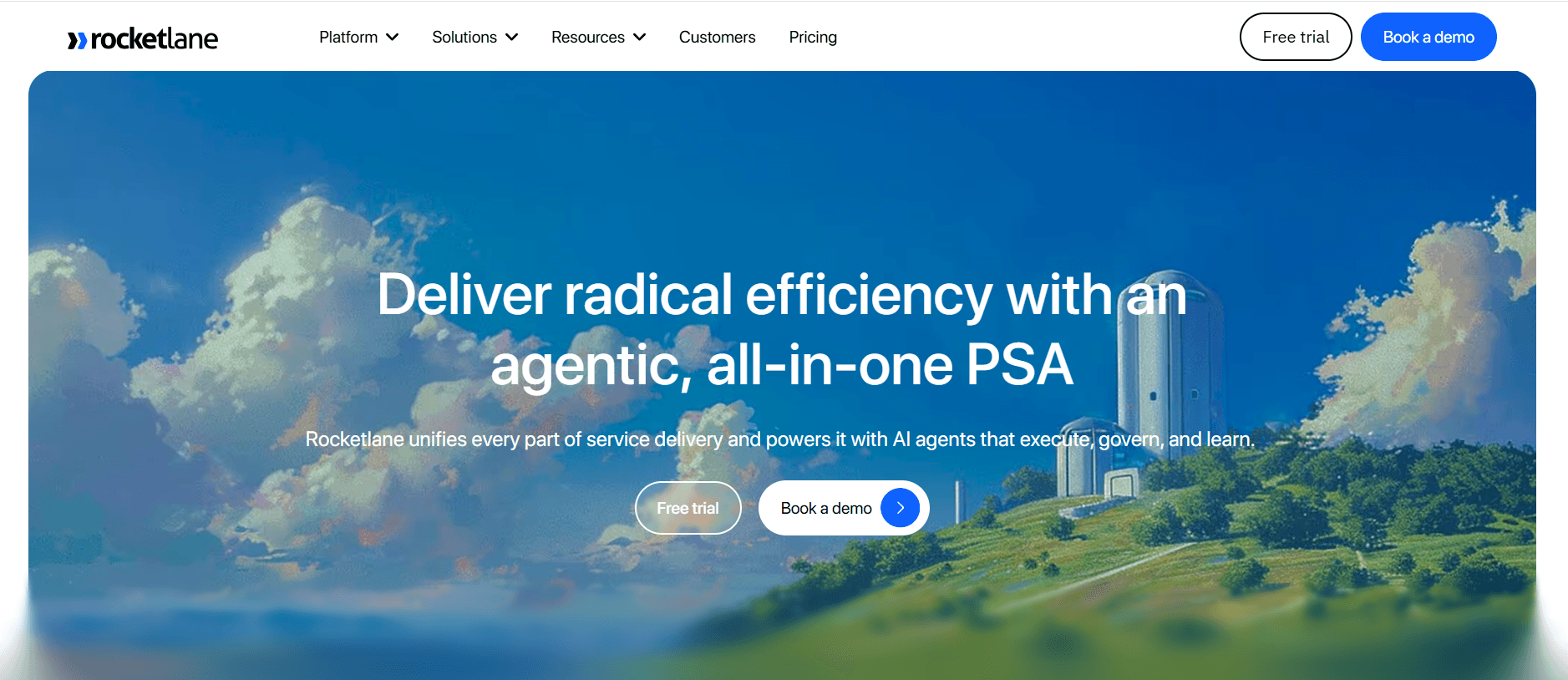
A Rocketlane foi concebida para equipas que precisam de gerir projetos complexos de onboarding do cliente. Combina capacidades de gestão de projetos com funcionalidades de onboarding, tornando-se ideal para organizações que necessitam de ferramentas detalhadas de acompanhamento e colaboração.
Embora a Rocketlane se destaque na gestão de projetos, pode não ser a melhor opção para empresas que necessitam de uma orientação no produto extensa. Alguns utilizadores também referem que a interface da plataforma pode ser esmagadora devido ao grande número de funcionalidades.
Principais funcionalidades
Ferramentas de gestão de projetos
Funcionalidades de colaboração e comunicação
Modelos de onboarding personalizáveis
Automação e acompanhamento de tarefas
Portal para o cliente
Integração com sistemas de CRM
Análises e relatórios
Ferramentas de gestão de recursos
Prós
Contras
Capacidades fortes de gestão de projetos.
A interface pode ser esmagadora para utilizadores novos.
O portal para o cliente melhora a colaboração.
Funcionalidades limitadas de orientação no produto.
Excelente automação e acompanhamento de tarefas.
Custo mais elevado para acesso total às funcionalidades.
Preços
A Rocketlane oferece um período experimental gratuito, com planos pagos a partir de 19 USD por utilizador por mês, com opções para equipas maiores e empresas.
Dock
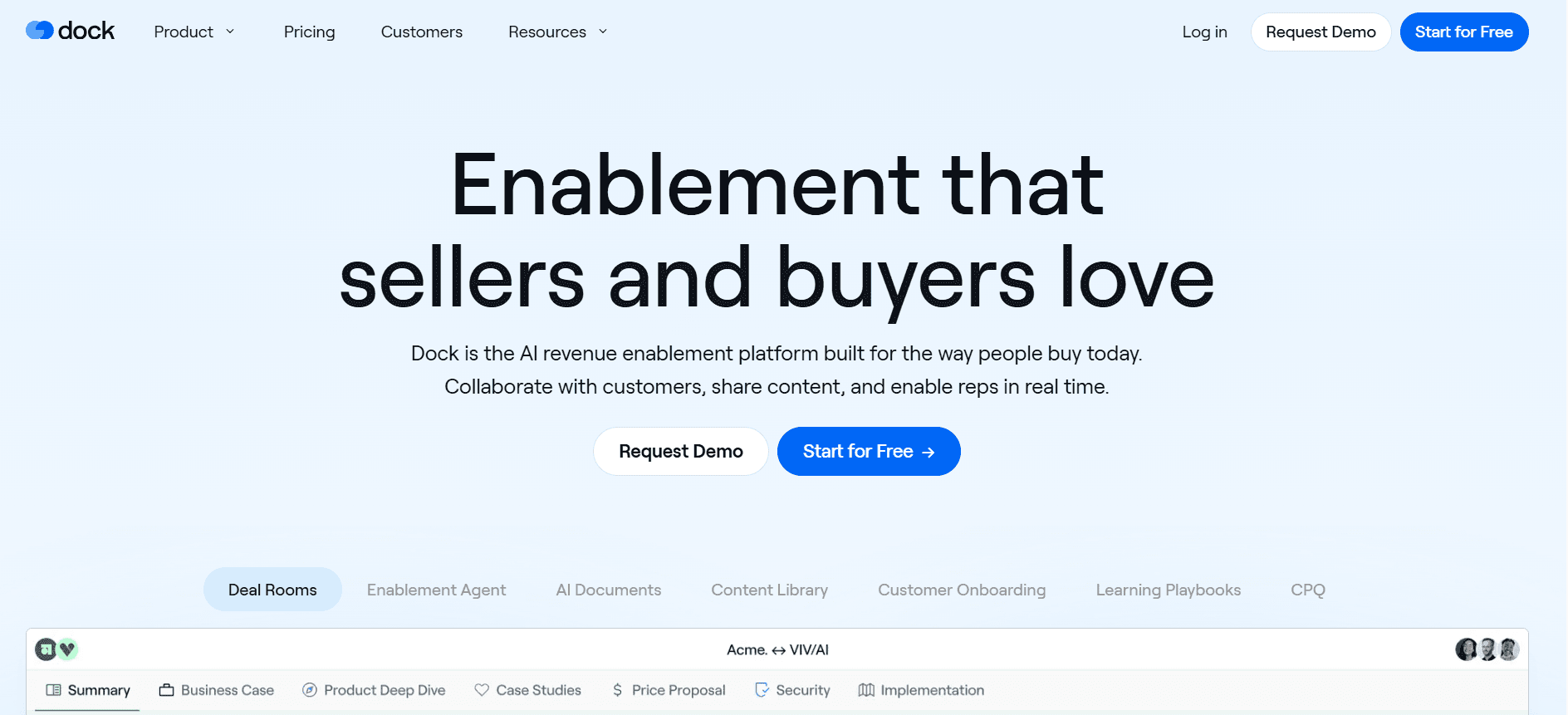
O Dock foi concebido para equipas que precisam de uma solução de onboarding simples, mas eficaz. Oferece um portal do cliente, gestão de tarefas e análises básicas, tornando-se adequado para PME que não necessitam de funcionalidades demasiado complexas.
Embora o Dock disponibilize ferramentas essenciais de onboarding, falta-lhe funcionalidades avançadas como orientação no produto e automação de e-mail, o que pode ser limitativo para organizações maiores que procuram soluções mais abrangentes.
Principais funcionalidades
Portal do cliente para partilha de documentos
Ferramentas de gestão de tarefas
Análises e relatórios básicos
Modelos personalizáveis
Funcionalidades de colaboração
Integração com sistemas de CRM
Interface fácil de usar
Opções de branding personalizáveis
Prós
Contras
Interface fácil de usar para PME.
Falta orientação no produto avançada.
Portal do cliente eficaz para partilha de documentos.
Sem funcionalidades de automação de e-mail.
Suporte para análises básicas.
Personalização limitada no plano gratuito.
Preços
O Dock oferece um plano gratuito com funcionalidades básicas. Os planos pagos começam nos 15 USD por utilizador por mês, disponibilizando ferramentas e capacidades adicionais.
GuideCX
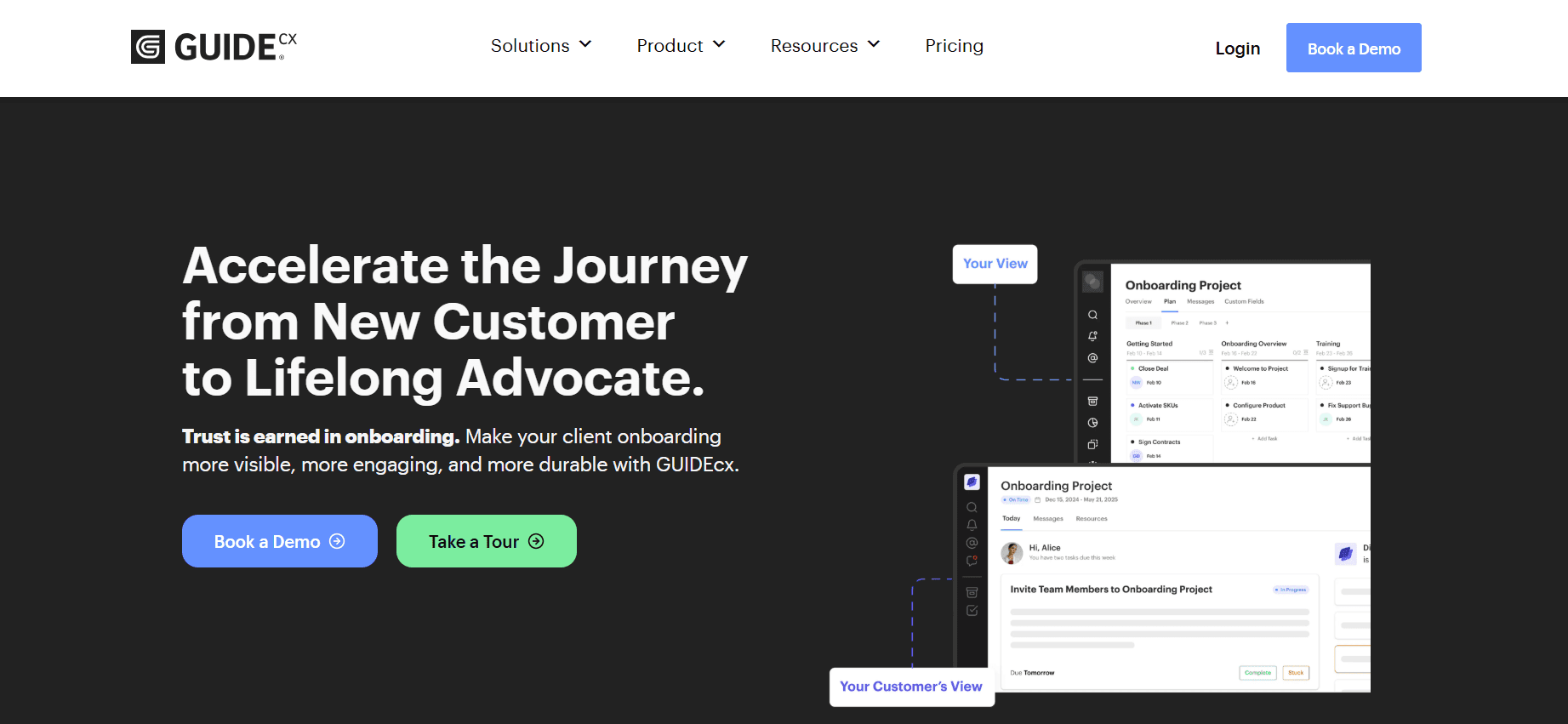
O GuideCX é ideal para organizações que precisam de um processo de onboarding estruturado, com foco na gestão de tarefas e na colaboração. O seu ponto de venda único é o portal para o cliente, que melhora a transparência e a comunicação ao longo do processo de onboarding.
No entanto, o GuideCX pode ficar aquém para empresas que necessitam de análises avançadas e orientação no produto, uma vez que estas funcionalidades não estão tão desenvolvidas como as de outras ferramentas nesta lista.
Principais funcionalidades
Portal para o cliente
Ferramentas de gestão de tarefas e colaboração
Modelos de onboarding personalizáveis
Notificações e lembretes por e-mail
Integração com software de CRM
Análises básicas
Interface fácil de usar
Ferramentas de alocação de recursos
Prós
Contras
Gestão de tarefas e colaboração eficazes.
Capacidades limitadas de análises avançadas.
O portal para o cliente melhora a transparência.
Sem funcionalidades de orientação no produto.
Integração fácil com sistemas de CRM.
Preços mais elevados para funcionalidades premium.
Preços
O GuideCX oferece um período experimental gratuito, com planos pagos a partir de 20 USD por utilizador por mês para funcionalidades e integrações mais avançadas.
Intercom
A Intercom é bem conhecida pelas suas capacidades de comunicação com clientes e suporte, mas também oferece funcionalidades que podem melhorar o onboarding do cliente. É particularmente útil para equipas que pretendem integrar o onboarding com estratégias de suporte ao cliente e de envolvimento.
Embora a Intercom disponibilize ferramentas de comunicação fortes, não tem um portal do cliente dedicado, o que pode não ser adequado para equipas que procuram um hub de onboarding centralizado. Além disso, os preços podem ser proibitivos para empresas mais pequenas.
Principais funcionalidades
Mensagens com clientes e chat
Tours do produto no produto
Feedback e inquéritos aos utilizadores
Sequências de e-mail automatizadas
Integração com CRM
Análises e relatórios
Ferramentas de segmentação e segmentação por objetivos
Integração com plataformas de suporte
Prós
Contras
Ferramentas fortes de comunicação e suporte.
Sem portal do cliente dedicado.
Excelente integração com sistemas de CRM e suporte.
Pode ser caro para pequenas empresas.
Análises e relatórios robustos.
Personalização limitada sem planos avançados.
Preços
A Intercom oferece um plano básico a partir de 79 USD por mês, com opções mais avançadas disponíveis para equipas maiores e empresas.
Desafios do onboarding de clientes: com o que as equipas têm mais dificuldade
Experiências de onboarding inconsistentes entre representantes de CS
Diferentes membros da equipa podem seguir processos distintos, o que leva à falta de padronização.
Os clientes podem receber mensagens contraditórias, afetando a primeira impressão da sua empresa.
Formar novos representantes de CS torna-se desafiante sem um protocolo padronizado.
Acompanhar o sucesso das iniciativas de onboarding é difícil sem consistência.
Os clientes não concluem as etapas de onboarding sem estímulos proativos
Os clientes podem ficar bloqueados ou esquecer tarefas importantes sem lembretes.
As equipas de CS precisam de despender tempo adicional a fazer follow-up manual com os clientes.
Aumenta o risco de os clientes se sentirem sem apoio, o que afeta a satisfação e a retenção.
Os estímulos automatizados podem aliviar a carga das equipas de CS, mas muitas vezes são subutilizados.
A equipa de CS não tem visibilidade sobre onde é que clientes específicos ficam bloqueados
Sem um acompanhamento adequado, é difícil saber onde os clientes enfrentam dificuldades.
Intervenções atrasadas podem fazer com que os clientes fiquem frustrados ou se desliguem.
A falta de visibilidade dificulta a priorização dos clientes que precisam de atenção imediata.
As ferramentas analíticas podem fornecer insights, mas muitas equipas não têm o software certo.
A equipa de CS não consegue aumentar a capacidade sem contratar mais colaboradores
Os processos manuais limitam quantos clientes um único representante de CS consegue gerir de forma eficaz.
Aumentar a escala normalmente exige contratar mais pessoal, o que aumenta os custos operacionais.
Os processos de onboarding automatizados podem ajudar, mas exigem investimento inicial e configuração.
As soluções de software inovadoras podem aumentar a capacidade sem necessidade de mais colaboradores.
Integração fraca com o CRM existente e sistemas de tickets de suporte
A falta de integração leva a silos de dados, reduzindo a eficiência e a exatidão dos dados.
As equipas de CS passam mais tempo a fazer introdução de dados e reconciliação entre sistemas.
Os clientes recebem um serviço inconsistente quando os sistemas não partilham informação de forma fluida.
As soluções integradas podem agilizar os fluxos de trabalho, mas exigem uma seleção e implementação cuidadosas.
Desafio | Processo tradicional | Impacto no negócio | Custo de tempo |
|---|---|---|---|
Onboarding inconsistente | Manual, varia consoante o representante | Experiências do cliente inconsistentes | Elevado |
Falta de follow-up com o cliente | Lembretes manuais | Taxas de conclusão baixas | Médio |
Sem visibilidade sobre problemas do cliente | Sem sistema de acompanhamento | Resolução de problemas atrasada | Elevado |
Aumentar a capacidade de CS | Contratar mais pessoal | Custos mais elevados | Elevado |
Integração fraca com CRM | Introdução manual de dados | Silos de dados e erros | Elevado |
Funcionalidades essenciais nas ferramentas de onboarding de clientes
Orientação no produto e tours do produto
A orientação no produto e os tours do produto são essenciais para disponibilizar assistência em tempo real e contextual a utilizadores novos. Esta funcionalidade permite que os utilizadores compreendam as funcionalidades do seu produto sem sair da aplicação. Ao disponibilizar tutoriais passo a passo, pode reduzir significativamente a curva de aprendizagem para novos clientes, melhorando a experiência inicial e a satisfação com o seu produto.
Ferramentas como o UserPilot e a Appcues destacam-se por disponibilizarem orientação no produto dinâmica, que pode ser ajustada às necessidades de diferentes segmentos de utilizadores. Esta personalização pode aumentar o envolvimento dos utilizadores e melhorar as taxas de adoção.
Portal de onboarding para o cliente
Um portal para o cliente funciona como um hub centralizado para todas as atividades de onboarding. Permite que os clientes acedam a recursos, concluam tarefas e acompanhem o progresso num só local. Esta funcionalidade é especialmente útil para onboarding baseado em projetos, em que vários intervenientes precisam de colaborar e partilhar documentos.
Plataformas como a Rocketlane e o Dock disponibilizam portais do cliente robustos que facilitam uma comunicação fluida e a partilha de documentos, garantindo que os clientes têm tudo o que precisam ao alcance.
Walkthroughs em vídeo incorporados na plataforma
Os walkthroughs em vídeo são uma forma envolvente de transmitir informação complexa. Proporcionam uma experiência de aprendizagem visual e auditiva que pode ser mais eficaz do que instruções baseadas apenas em texto. Ao incorporar estes vídeos diretamente na plataforma, os clientes podem aceder-lhes exatamente quando precisam de orientação.
A Trupeer disponibiliza uma integração fluida de conteúdos de vídeo nos seus fluxos de onboarding, permitindo que os utilizadores compreendam melhor as funcionalidades do produto ao seu próprio ritmo.
Acompanhamento automatizado de tarefas e marcos
A automação no acompanhamento de tarefas e marcos pode reduzir significativamente a carga de trabalho das equipas de CS. Ao atribuir tarefas automaticamente e enviar lembretes, estas ferramentas garantem que nenhuma etapa é ignorada durante o processo de onboarding.
A GuideCX especializa-se em disponibilizar funcionalidades de acompanhamento automatizado que mantêm a equipa e os clientes informados sobre o progresso. É uma forma eficaz de garantir responsabilidade e transparência ao longo da jornada de onboarding.
Análises de envolvimento e pontuação de saúde
As análises de envolvimento fornecem insights sobre como os clientes estão a interagir com o seu produto durante a fase de onboarding. As pontuações de saúde podem ajudar a prever quais os clientes em risco de churn, permitindo uma intervenção proativa.
A Pendo disponibiliza análises abrangentes que ajudam as empresas a compreender o comportamento dos utilizadores, identificar gargalos e tomar decisões orientadas por dados para melhorar a experiência de onboarding.
Integração com CRM
A integração fluida com sistemas de CRM garante que os dados do cliente são consistentes em todas as plataformas. Esta integração reduz a necessidade de introdução manual de dados e ajuda a manter uma visão unificada da jornada do cliente.
A Intercom e a Trupeer disponibilizam integrações robustas com CRM, permitindo que as equipas de customer success acedam e atualizem a informação do cliente sem sair da sua plataforma de onboarding.
Como escolher plataformas de onboarding de clientes com base no seu caso de uso
Onboarding de produto self-serve para SaaS
As empresas SaaS muitas vezes precisam de um processo de onboarding simplificado que permita aos utilizadores começar a usar o produto imediatamente, sem exigir intervenção humana. O onboarding self-serve capacita os utilizadores a explorarem o seu produto por conta própria, reduzindo assim a carga sobre as equipas de customer success.
Principais desafios:
Garantir que os utilizadores compreendem totalmente as funcionalidades do produto sem orientação.
Manter o envolvimento sem interação humana direta.
Reduzir o churn devido a experiências iniciais fracas.
Soluções necessárias:
Orientação no produto com tooltips e walkthroughs.
Tutoriais em vídeo incorporados para funcionalidades complexas.
Lembretes e notificações automatizados.
Funcionalidade | UserPilot | Appcues |
|---|---|---|
Orientação no produto | Sim | Sim |
Tutoriais em vídeo | Não | Sim |
Lembretes automatizados | Limitado | Sim |
Onboarding empresarial liderado por CSM
As empresas exigem uma abordagem de onboarding mais prática, normalmente envolvendo um Gestor de Customer Success (CSM) dedicado. Este método é adaptado para responder às necessidades específicas de cada cliente, garantindo uma compreensão abrangente e uma integração.
Principais desafios:
Coordenar vários intervenientes e requisitos complexos.
Garantir uma comunicação consistente entre departamentos.
Acompanhar inúmeras tarefas e marcos.
Soluções necessárias:
Portal de onboarding para o cliente para comunicação centralizada.
Funcionalidades de acompanhamento de tarefas e marcos.
Integração com CRM para uma gestão de dados sem fricções.
Funcionalidade | Rocketlane | GuideCX |
|---|---|---|
Portal do cliente | Sim | Sim |
Acompanhamento de tarefas | Sim | Sim |
Integração com CRM | Sim | Sim |
Onboarding de clientes para agências
As agências gerem frequentemente vários clientes em simultâneo, exigindo processos de onboarding eficientes que possam ser replicados e personalizados para cada cliente. Uma plataforma de onboarding estruturada pode ajudar a gerir estes requisitos complexos.
Principais desafios:
Gerir vários processos de onboarding em simultâneo.
Personalizar experiências de onboarding para diferentes clientes.
Acompanhar entregáveis e prazos específicos de cada cliente.
Soluções necessárias:
Modelos de onboarding personalizáveis.
Atribuições de tarefas e lembretes automatizados.
Análises para acompanhar o progresso e identificar gargalos.
Funcionalidade | Dock | Trupeer |
|---|---|---|
Modelos personalizados | Sim | Sim |
Tarefas automatizadas | Limitado | Sim |
Análises | Básicas | Avançadas |
Capacitação de parceiros e revendedores
O onboarding de parceiros e revendedores foca-se em garantir que as partes externas têm o conhecimento e as ferramentas necessárias para promover e vender o seu produto de forma eficaz. O processo de onboarding deve ser abrangente, mas eficiente, para reduzir o tempo até ao lançamento no mercado.
Principais desafios:
Garantir que os parceiros recebem formação completa sobre as funcionalidades e benefícios do produto.
Disponibilizar recursos que os parceiros possam aceder e partilhar facilmente.
Manter mensagens consistentes entre todos os parceiros.
Soluções necessárias:
Acesso a uma biblioteca de recursos com materiais de formação.
Ferramentas de comunicação consistentes para atualizações e feedback.
Opções white-label para branding do parceiro.
Funcionalidade | Pendo | Intercom |
|---|---|---|
Acesso a materiais de formação | Sim | Sim |
Ferramentas de comunicação | Limitado | Sim |
Opções white-label | Não | Não |
Boas práticas para o onboarding do cliente
Antes do onboarding
Identifique os principais intervenientes e clarifique os respetivos papéis no processo de onboarding.
Defina objetivos e metas claros para o onboarding, alinhando as expectativas.
Prepare com antecedência todos os materiais e recursos necessários.
Personalize os modelos de onboarding para responder às necessidades específicas de cada cliente.
Estabeleça um plano de comunicação para manter os clientes informados e envolvidos.
Durante o onboarding
Use orientação no produto e walkthroughs para educar os clientes sobre as funcionalidades do produto.
Verifique regularmente com os clientes para responder a dúvidas e preocupações.
Acompanhe o progresso através de análises para identificar e resolver gargalos.
Ajuste o processo de onboarding com base no feedback dos clientes e nos níveis de envolvimento.
Incentive os clientes a concluir tarefas enviando lembretes e follow-ups.
Após o onboarding
Recolha feedback para melhorar os futuros processos de onboarding.
Continue a envolver os clientes com recursos educativos e atualizações.
Acompanhe as pontuações de saúde dos clientes para abordar proativamente potenciais problemas.
Agende revisões periódicas para garantir que os clientes atingem os resultados pretendidos.
Documente estratégias bem-sucedidas e partilhe-as com a equipa para melhoria contínua.
Perguntas frequentes
O que é o onboarding do cliente?
O onboarding do cliente é o processo de apresentar novos clientes ao seu produto ou serviço, garantindo que compreendem como utilizá-lo de forma eficaz para atingir os seus objetivos. Este processo inclui frequentemente tutoriais, sessões de formação e apoio personalizado.
Porque é que o onboarding do cliente é importante?
Um onboarding eficaz melhora a satisfação e a retenção do cliente, ajudando-o a ver rapidamente o valor do seu produto. Reduz o churn e cria relações duradouras, garantindo que os clientes estão bem preparados para utilizar o seu produto com sucesso.
Como funciona a orientação no produto?
A orientação no produto disponibiliza ajuda em tempo real e contextual dentro de uma aplicação de software. Inclui frequentemente tooltips, walkthroughs e tutoriais interativos que guiam os utilizadores passo a passo na utilização das funcionalidades do produto.
O que é um portal para o cliente?
Um portal para o cliente é uma plataforma online segura onde os clientes podem aceder a recursos, acompanhar o progresso do onboarding e comunicar com a sua equipa. Funciona como um hub centralizado para todas as atividades e informações relacionadas com o onboarding.
Existem ferramentas gratuitas de onboarding do cliente disponíveis?
Sim, algumas ferramentas oferecem planos gratuitos com funcionalidades limitadas, adequadas para equipas pequenas ou startups. No entanto, para funcionalidades mais abrangentes, os planos pagos são normalmente necessários. Avalie sempre se a versão gratuita cumpre as suas necessidades.
Como funcionam os modelos de preços das ferramentas de onboarding?
Os modelos de preços variam: algumas ferramentas cobram uma taxa mensal fixa por utilizador, enquanto outras oferecem preços por escalões com base nas funcionalidades e na utilização. Considere o tamanho da sua equipa e os requisitos de funcionalidades para escolher o melhor plano.
Quanto tempo demora a implementar uma ferramenta de onboarding?
O tempo de implementação varia consoante a complexidade da ferramenta e os seus requisitos específicos. Pode ir de alguns dias para configurações simples a várias semanas para integrações e personalizações mais complexas.
Que tipo de suporte está disponível durante a implementação?
A maioria das ferramentas de onboarding disponibiliza suporte de implementação, incluindo tutoriais, apoio ao cliente e gestores de conta dedicados. É importante escolher um fornecedor que ofereça o nível de suporte de que precisa nesta fase crítica.
Conclusão
Escolher a plataforma certa de onboarding do cliente é crucial para estabelecer a base de relações duradouras com os clientes. Ao compreender as suas necessidades e desafios específicos, pode selecionar uma ferramenta que não só melhora a experiência do cliente, como também agiliza os seus processos internos. Lembre-se: um onboarding eficaz é o primeiro passo para garantir o sucesso do cliente e a retenção.
Se está pronto para transformar o seu processo de onboarding, considere explorar a Trupeer pelas suas soluções abrangentes e funcionalidades robustas. Descubra como a Trupeer pode elevar a sua experiência de onboarding do cliente visitando o site da Trupeer hoje.
Artigos relacionados



