Trupeer Blog
Podsumuj

Product tour software helps SaaS teams show users how their product works, without filing an engineering ticket for every change. Some product tour tools add tooltips, checklists and walkthroughs inside your app. Others create interactive demos and video product tours you can share on your website, in sales emails or in your help center.
We compared 15 of the best product tour software tools for 2026, grouped into video and interactive product tours, and in-app product tours, with pricing, key features, pros and cons for each, so you can match the tool to your team and stage.
What Is Product Tour Software?
A product tour is a guided, step-by-step walkthrough that shows users how to use a product. Product tour software is the platform you use to build, share and measure those tours without code. Most product tour platforms also include onboarding checklists, announcements, surveys and analytics, which is why the category overlaps with digital adoption platforms (DAPs) and interactive demo software.
Types of Product Tours: In-App vs Interactive Demo vs Video
In-app product tours:
Tooltips, modals and checklists that sit on top of your live product and react to what the user does. Best for onboarding and feature adoption. Examples: Userpilot, Appcues, Pendo.Interactive demos:
Click-through copies of your product, built from captured screens, that prospects can explore on your website or in a sales email. Best for marketing and pre-sales. Examples: Arcade, Storylane, Navattic.Video product tours:
Narrated walkthrough videos of a feature, often paired with a written guide. Best for complex workflows, help centers and training. Example: Trupeer, using the product demo video maker.
Many SaaS teams combine two types: an in-app tool to guide clicks, plus short videos or interactive demos for workflows that are too complex for a tooltip.
Best Product Tour Software Compared (2026)
Tool | Type | Best for | Starting price |
|---|---|---|---|
Trupeer | Video product tours | Video walkthroughs and guides from one recording | Pro from $40/mo billed annually |
Arcade | Interactive demo | Fast interactive demos for marketing | Free plan; paid from about $32/user/mo |
Storylane | Interactive demo | Sales and marketing demos | Free plan; Starter $40/seat/mo billed annually |
Supademo | Interactive demo | Affordable AI-assisted demos | Free plan; Pro from about $27/creator/mo |
Navattic | Interactive demo | HTML demos for larger GTM teams | Free Starter; paid plans reported from about $500/mo |
Userpilot | In-app tours | Mid-market SaaS onboarding | $299/mo (up to 2,000 MAU) |
Appcues | In-app tours | Product-led teams | From about $249–$300/mo, MAU-based |
Pendo | In-app tours + analytics | Analytics-first teams | Free up to 500 MAU; paid by quote |
Chameleon | In-app tours | Design-heavy teams | From $279/mo (2,000 MTU) |
UserGuiding | In-app tours | SMB budgets | $174/mo billed annually (2,000 MAU) |
Userflow | In-app tours | Fast no-code builder | From $240/mo billed annually (3,000 MAU) |
Product Fruits | In-app tours | Budget onboarding with AI help | $111/mo billed annually (1,500 MAU) |
Whatfix | Digital adoption platform | Enterprise, multiple apps | Custom quote |
WalkMe | Digital adoption platform | Large enterprises | Custom quote |
Intercom Product Tours | In-app tours | Teams already on Intercom | Part of Intercom plans |
Prices checked in October 2026 from vendor pricing pages and published plan listings. Many product tour tools price by monthly active users (MAU) or seats, so confirm a quote for your volume.
Best Video and Interactive Product Tour Software
1. Trupeer: Best for Video Product Tours and Walkthrough Guides

Trupeer turns one screen recording into a polished product tour video with AI voiceover and zooms, plus a step-by-step guide with screenshots. Instead of producing videos separately and then embedding them, the walkthrough video and the documentation come from the same recording.
You can embed Trupeer videos in in-app guidance (there is a Userpilot integration), in Notion or Confluence, or share them on a branded share page. Updates you make in Trupeer appear in every embed automatically. Sales teams use the same approach for pre-sales demos.
Key features:
Record a browser tab, window or full screen with the Chrome extension
AI-generated video and step-by-step guide from one recording
Rewrite the script with AI, AI voices and AI avatars
Translate videos and documentation for global users
Embeds that update automatically, share pages and a knowledge base
Pricing: Free trial; Pro $40/month billed annually ($49 month-to-month); Scale $199/month billed annually; Enterprise custom. See Trupeer pricing.
Pros: Video and documentation from one recording, fast to produce and easy to keep up to date.
Cons: Not an in-app overlay builder or a click-through demo tool. For tooltips and triggers, pair it with an in-app tool such as Userpilot.
2. Arcade: Best for Fast Interactive Demos

Arcade is an interactive demo platform for marketing, sales and product teams. You capture a workflow and Arcade turns it into a click-through demo you can embed on your website, in docs or in emails, with AI help for copy and voiceover.
Key features:
Click-through interactive demos from a quick capture
AI voiceover and copy generation
Exports to video and GIF
Embeds for websites, docs and emails
Pricing: Free plan; paid plans from about $32 per user per month; Growth and Enterprise for larger teams.
Pros: Very fast to create, with a usable free plan.
Cons: Advanced capture, branding and analytics sit on higher plans.
3. Storylane: Best for Sales and Marketing Demos

Storylane builds interactive product demos for websites and sales teams, with personalization so you can tailor a demo to each prospect.
Key features:
Screenshot and HTML-based demos
Personalization per prospect
Lead capture and engagement analytics
CRM integrations
Pricing: Free plan with one published demo; Starter $40 per seat per month billed annually; Growth and Premium for larger teams.
Pros: Strong personalization and demo analytics.
Cons: HTML capture and advanced features need the higher-priced Growth plan.
4. Supademo: Best for Affordable AI-Assisted Demos

Supademo creates interactive demos and guides with AI help for hotspots, voiceover and blurring sensitive data, and it is often one of the more affordable options in the category. For a closer look at how it compares on video and documentation, see Supademo vs Trupeer.
Key features:
Interactive demos from screen captures
AI-generated hotspots and voiceover
Demo showcases and sharing links
Free view-only seats for teammates
Pricing: Free plan; Pro from about $27 per creator per month; higher plans add HTML capture.
Pros: Good value and a generous free plan.
Cons: Fewer enterprise features than the most expensive demo platforms.
5. Navattic: Best for HTML Demos at Scale

Navattic focuses on high-fidelity HTML demos for marketing and sales teams that want product tours on their website and in outbound campaigns.
Key features:
HTML captures you can edit
CRM and marketing integrations
Demo analytics and attribution
Demo centers for multiple tours
Pricing: Free Starter plan for one demo; paid plans are annual and reported from about $500 per month.
Pros: High-fidelity demos and strong go-to-market integrations.
Cons: Higher entry price and annual commitment.
Best In-App Product Tour Software
6. Userpilot: Best for Mid-Market SaaS Onboarding
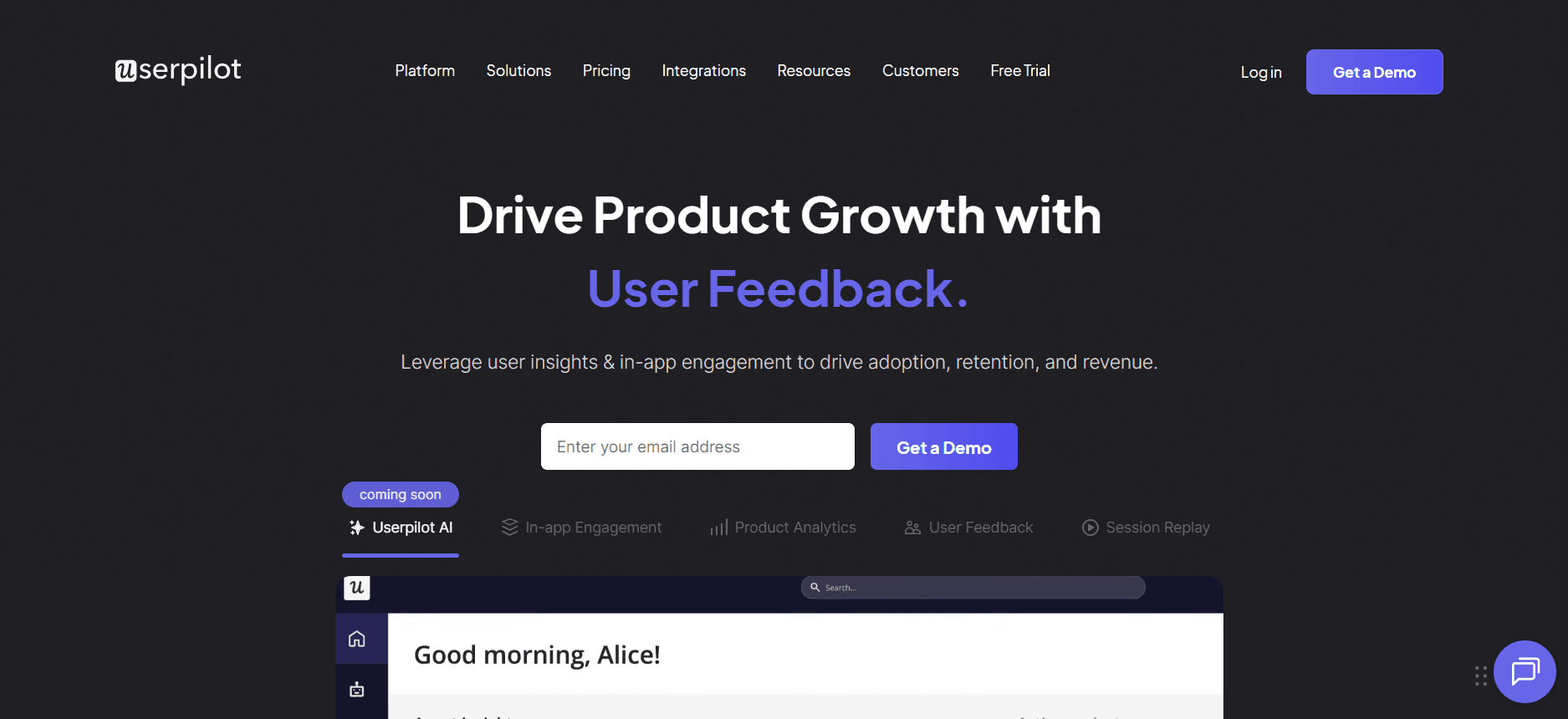
Userpilot offers a clean, no-code builder for in-app product tours, checklists and surveys, plus segmentation and product analytics. It suits growth-stage SaaS teams that want a capable product tour platform without enterprise complexity.
Key features:
No-code flows, checklists and tooltips
Segmentation and product analytics
In-app surveys and NPS
Embed videos, including Trupeer, in flows
Pricing: Starter $299/month for up to 2,000 MAU; Growth and Enterprise on higher plans or by quote.
Pros: Fast setup and strong analytics for the price.
Cons: MAU-based pricing climbs as you grow.
7. Appcues: Best for Product-Led Teams
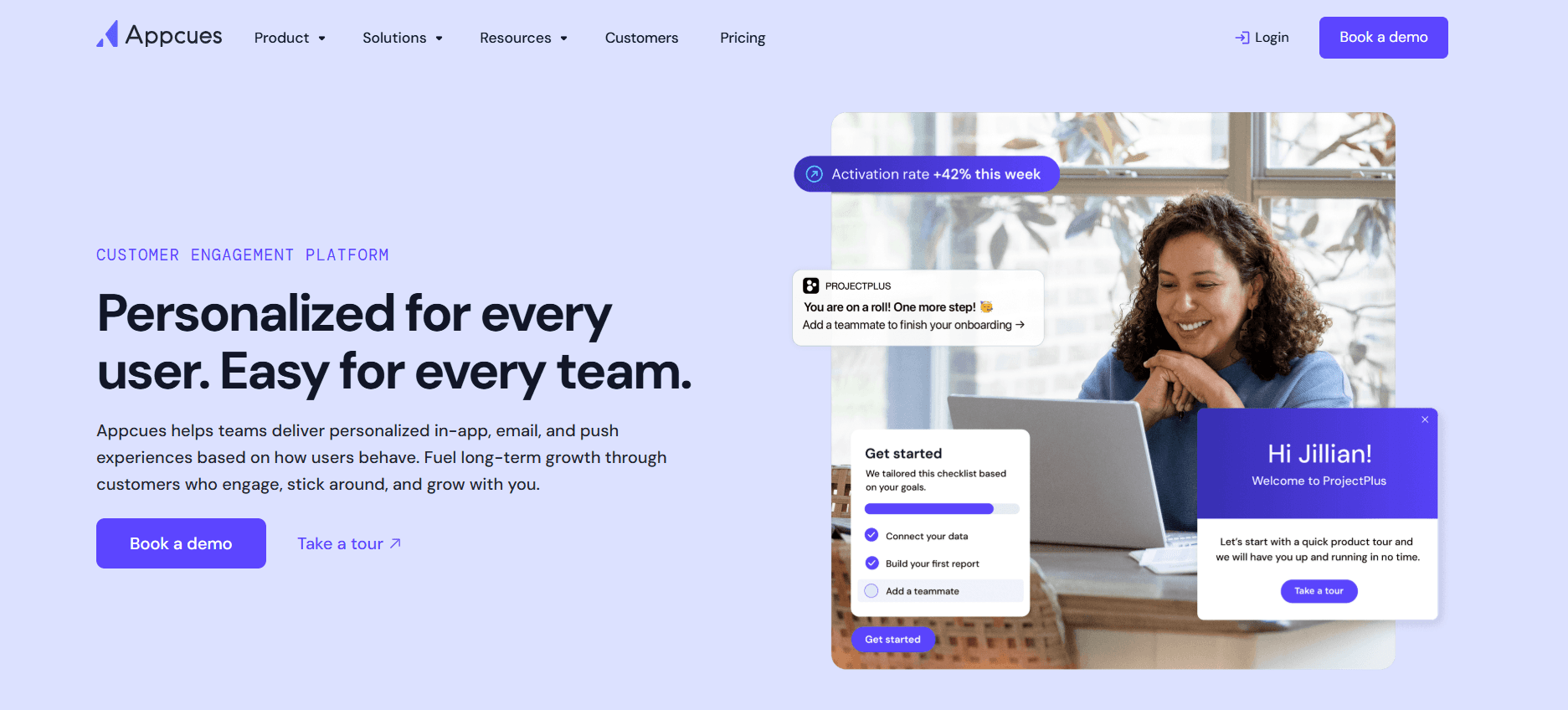
Appcues is one of the most established product tour tools. It focuses on onboarding flows, tooltips and checklists across web and mobile.
Key features:
Onboarding flows and tooltips
Checklists and launchers
Web and mobile support
Integrations with analytics and CRM tools
Pricing: From about $249–$300/month on annual billing for the entry plan; higher plans by quote.
Pros: Mature, reliable and easy for non-technical teams.
Cons: MAU-based pricing and advanced features gated to higher plans.
8. Pendo: Best for Analytics-First Teams
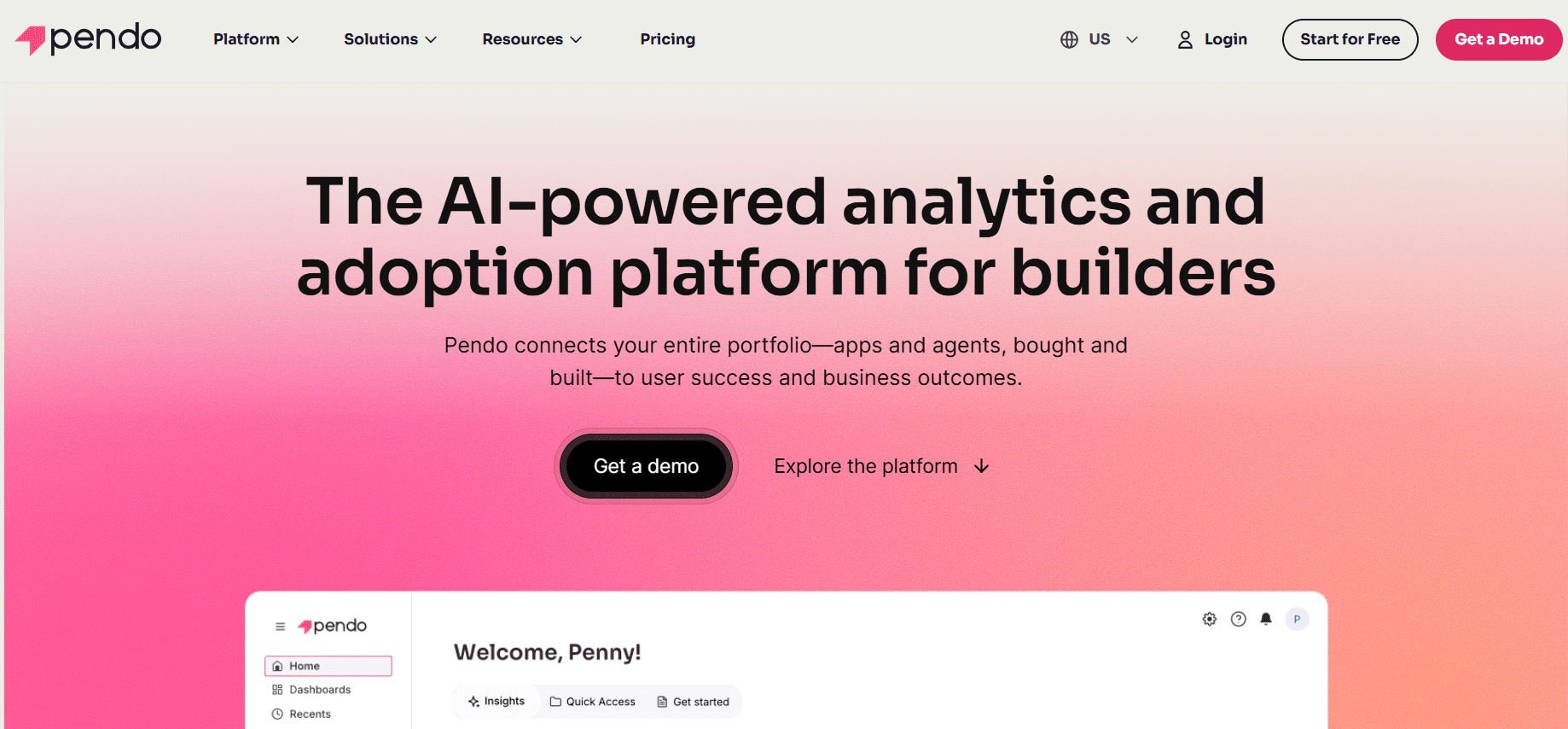
Pendo combines deep product analytics with in-app guides, which suits teams that want dashboards, retention data and product tours in one platform.
Key features:
Product analytics and retention reporting
In-app guides and product tours
NPS and feedback
Support for multiple products
Pricing: Free up to 500 MAU; Base, Core and Ultimate plans by custom quote.
Pros: Deep analytics and a real free plan.
Cons: Guides feel secondary to analytics, and paid plans are quote-only.
9. Chameleon: Best for Design-Conscious Teams
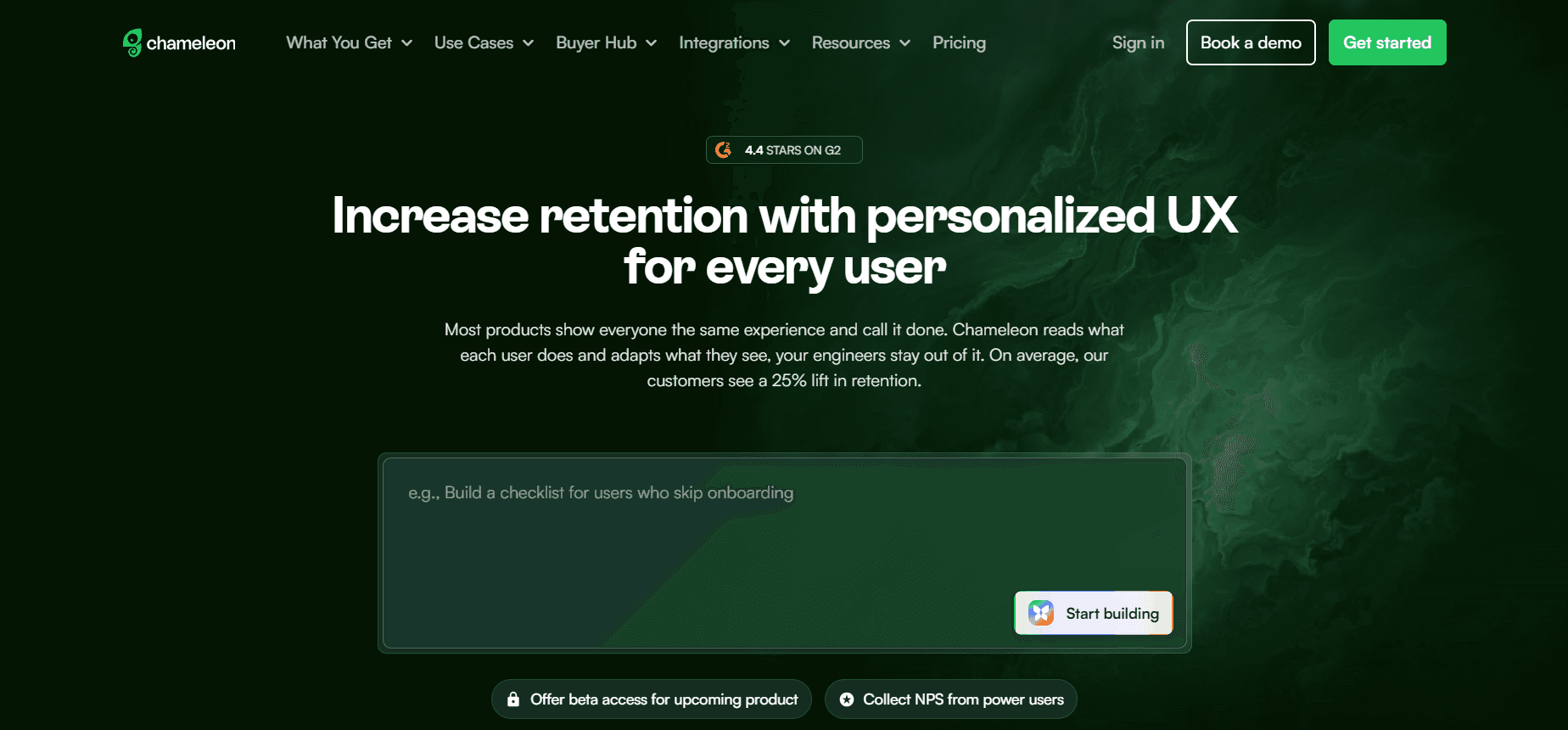
Chameleon gives more control over the look of tooltips and tours than most product tour tools, which suits polished SaaS products.
Key features:
Highly customizable tours and tooltips
A/B testing and targeting
HelpBar in-app search
Integrations with analytics tools
Pricing: Startup from $279/month for 2,000 monthly tracked users; Pro from $750/month; Growth and Enterprise by quote.
Pros: Strong design control and experimentation.
Cons: Costs rise quickly as tracked users grow.
10. UserGuiding: Best for SMB Budgets
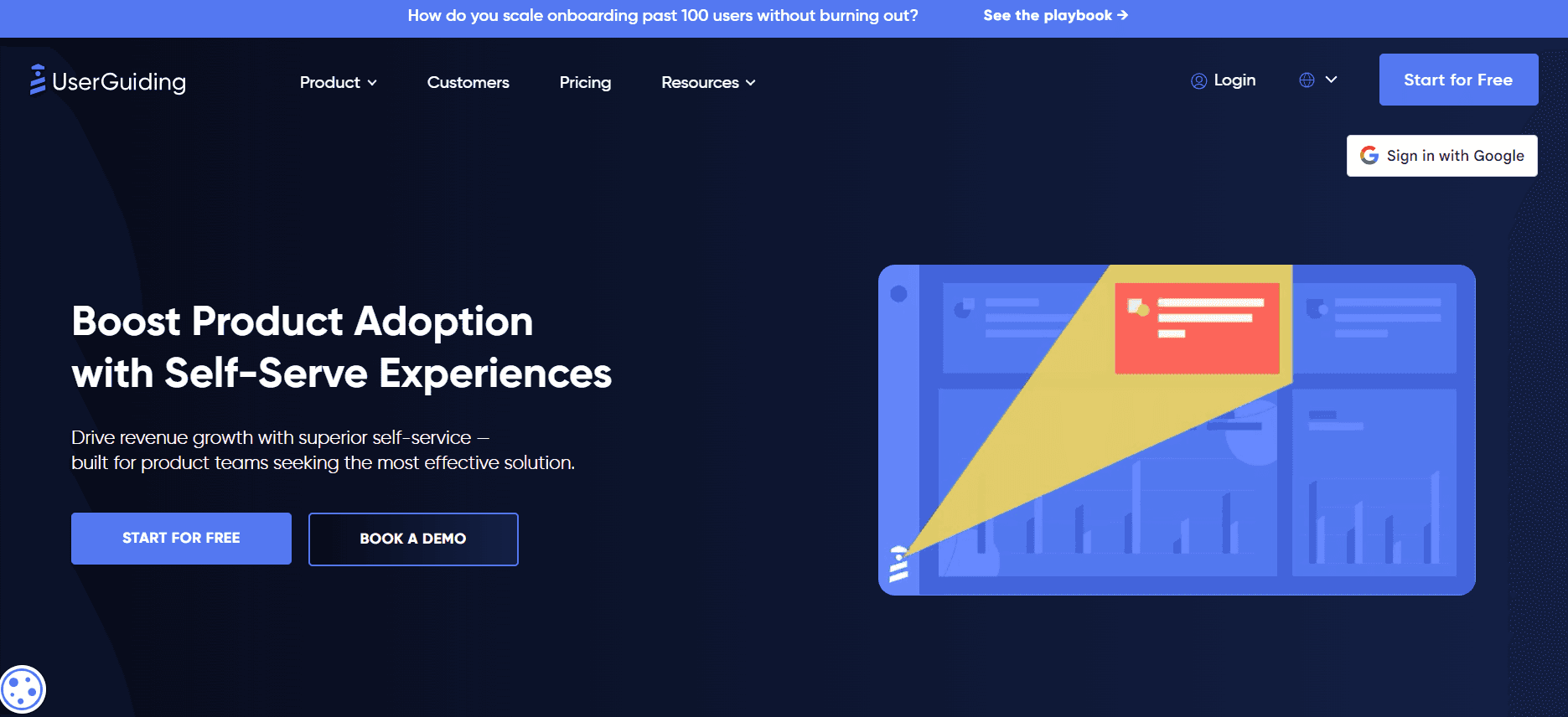
UserGuiding is an affordable product tour tool with tours, hotspots, checklists and a resource center, enough for many small SaaS teams.
Key features:
Product tours and hotspots
Onboarding checklists
Resource center and knowledge base
In-app surveys
Pricing: Free plan for knowledge base and resource center; Starter $174/month billed annually for 2,000 MAU; Growth $349/month.
Pros: Affordable and easy to self-serve.
Cons: Limits on guides at lower tiers and lighter analytics.
11. Userflow: Best for a Fast No-Code Builder

Userflow is known for a quick, intuitive builder for product tours, checklists and resource centers, with pricing that includes unlimited flows.
Key features:
Unlimited flows, checklists and banners
Resource center
AI assistant on higher plans
Integrations with common SaaS tools
Pricing: Startup from $240/month billed annually for up to 3,000 MAU ($300 month-to-month); Pro and Enterprise higher.
Pros: Fast to build and generous flow limits.
Cons: Advanced features such as custom CSS sit on the Pro plan.
12. Product Fruits: Best for Budget Onboarding with AI Help

Product Fruits covers product tours, checklists, hints and an AI assistant at one of the lower published prices in the category.
Key features:
Product tours and checklists
In-app hints and announcements
AI assistant for user questions
Feedback and surveys
Pricing: $111/month billed annually for 1,500 MAU ($149 month-to-month).
Pros: Low published price with a broad feature set.
Cons: Less depth for large, complex organizations.
13. Whatfix: Best for Enterprise and Multiple Apps
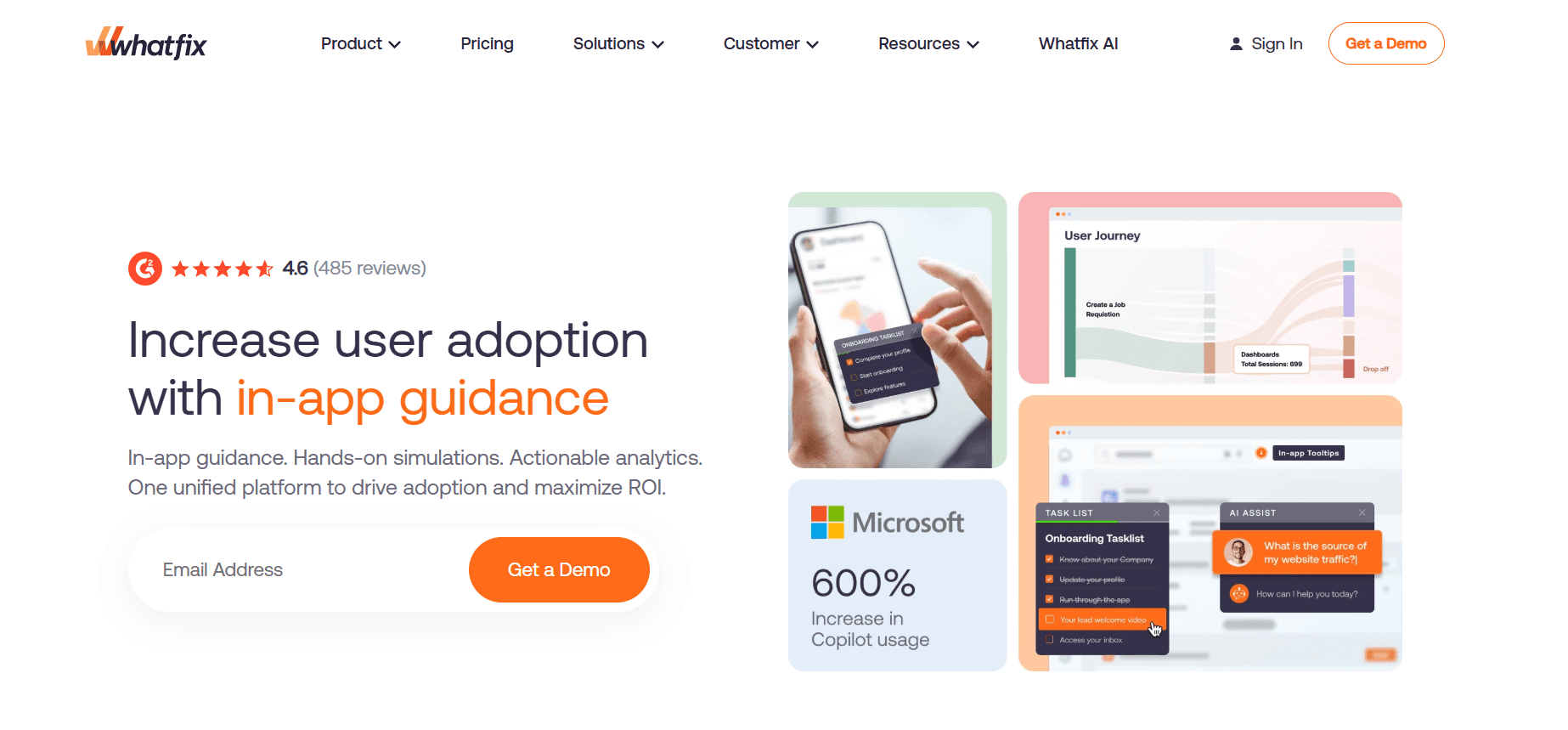
Whatfix is an enterprise digital adoption platform that delivers product tours and walkthroughs across many web and desktop applications.
Key features:
Cross-application walkthroughs
Task lists and self-help
Analytics and multilingual support
Desktop and web coverage
Pricing: Custom quote (Standard, Premium and Enterprise tiers).
Pros: Enterprise depth across many applications.
Cons: Longer implementation and higher cost.
14. WalkMe: Best for Large Enterprises

WalkMe, now part of SAP, is an enterprise digital adoption platform for guiding employees and customers across complex software estates. For alternatives, see our WalkMe alternatives comparison.
Key features:
Walkthroughs across many enterprise applications
Workflow automation
Adoption analytics
Enterprise governance and security
Pricing: Custom enterprise pricing; no public price list.
Pros: Breadth for very large organizations.
Cons: Expensive, with long implementations.
15. Intercom Product Tours: Best for Teams Already on Intercom
Intercom Product Tours sit inside Intercom’s customer communication platform, which makes them convenient if your support and messaging already run on Intercom.
Key features:
Product tours triggered from Intercom messages
Targeting with Intercom user data
Tight link to support and chat
Pricing: Available as part of Intercom plans; check Intercom’s pricing page for your plan.
Pros: Convenient for existing Intercom customers.
Cons: Less flexible as a standalone product tour tool.
How to Choose Product Tour Software for Your SaaS Stage
Early-stage SaaS (under 1,000 MAU)
Keep costs low and iterate fast. Pendo’s free plan, UserGuiding or Product Fruits work well for in-app tours, and Arcade or Supademo have free plans for interactive demos. Focus on the two or three actions that drive activation, and add short Trupeer walkthrough videos where a tooltip is not enough. As you grow past that stage, our Supademo vs Trupeer enterprise readiness comparison covers what larger teams need.
Growth-stage SaaS (1,000–50,000 MAU)
MAU-based pricing starts to bite, so compare how each vendor counts users. Userpilot, Appcues, Userflow and Pendo are common choices, with Chameleon if design control matters. This is also when video helps most: tooltips explain single clicks, while a 30–60 second walkthrough explains a full workflow.
Enterprise (50,000+ MAU or several products)
Look at Whatfix, WalkMe or Pendo’s higher plans, often combined with Trupeer for video-heavy training and documentation. Security, analytics depth and multi-product support matter more than list price. Our Pendo alternatives guide covers more enterprise options.
Must-Have Features in a Product Tour Platform
No-code builder so product and marketing teams can ship tours without engineering
Event-based triggers and segment targeting
Video support, native or embedded, for complex features
A/B testing and activation analytics
CRM and product analytics integrations
Mobile support if your product has a mobile app
Product Tour Best Practices
Keep tours under five steps:
Longer product tours are often skipped.Target one action per tour:
One clear goal makes completion more likely.Let users skip:
Not every user needs the same guidance.Add video for complex features:
Multi-step workflows are easier to watch. A short walkthrough video or a how-to SOP in the help center supports the tour.Measure activation, not completion:
Track the outcome the tour is meant to drive.
Final Thoughts on Choosing Product Tour Software
Start with the kind of tour you need: in-app guidance for onboarding, interactive demos for marketing and sales, or video product tours for complex workflows and training. Then match the tool to your MAU volume and budget, keep tours short, and measure activation.
Related reading
Frequently Asked Questions
What is the best product tour software?
What is a product tour?
What is the difference between product tour software and interactive demo software?
What is the difference between product tour software and product walkthrough software?
Is there free product tour software?
Should product tours include video?
Powiązane blogi



