Trupeer Blog
Samenvatten

Kopersoverzicht
Klant onboarding is een cruciale focus geworden voor bedrijven die churn willen verminderen en de klanttevredenheid willen verhogen. Het juiste onboardingplatform kan dit proces stroomlijnen, zodat nieuwe klanten snel begrijpen hoe ze waarde halen uit je producten of diensten. Het kiezen van het verkeerde platform kan echter leiden tot inconsistente ervaringen, waardoor churn vroeg optreedt en customer success-teams overbelast raken. Volgens het Rocketlane State of Customer Onboarding 2024 investeert 60% van de bedrijven nu in toegewijde onboardingfuncties om deze uitdagingen aan te pakken.
60% van de bedrijven investeert nu in toegewijde functies voor klant onboarding.
Deze gids is bedoeld om bedrijfsl eiders, customer success managers en productteams te helpen de meest effectieve onboardingtools te kiezen voor hun behoeften. We verkennen de topplatforms die beschikbaar zijn in 2026, beoordelen hun functies en geven inzicht in hun geschiktheid voor verschillende bedrijfsscenario's.
Beste platforms voor klant- en client-onboarding: vergelijking van kop tot kop
Functie | Trupeer | Pendo | UserPilot | Appcues | Rocketlane | Dock | GuideCX | Intercom |
|---|---|---|---|---|---|---|---|---|
Begeleiding in de app | Ja | Ja | Ja | Ja | Nee | Nee | Beperkt | Ja |
Clientportaal | Ja | Nee | Nee | Beperkt | Ja | Ja | Ja | Nee |
Videocontent | Ja | Beperkt | Nee | Ja | Ja | Nee | Beperkt | Ja |
Taakautomatisering | Ja | Ja | Ja | Nee | Ja | Beperkt | Ja | Ja |
Voortgangsanalyses | Ja | Ja | Beperkt | Ja | Ja | Nee | Ja | Beperkt |
E-mailreeksen | Ja | Nee | Beperkt | Ja | Ja | Nee | Ja | Ja |
CRM-integratie | Ja | Ja | Ja | Beperkt | Ja | Ja | Ja | Ja |
White-label | Ja | Nee | Nee | Ja | Beperkt | Ja | Nee | Nee |
Self-serve onboarding | Ja | Ja | Ja | Ja | Nee | Beperkt | Ja | Ja |
Trupeer

Trupeer is een veelzijdig onboardingplatform dat is afgestemd op bedrijven die een complete oplossing zoeken voor klantbetrokkenheid. Het biedt een robuuste set functies die zowel self-serve als onboardingmodellen onder leiding van CSM's ondersteunen. Trupeer valt op door de uitgebreide begeleiding in de app en de mogelijkheden van het clientportaal, waardoor het een sterke keuze is voor bedrijven die een flexibel en geïntegreerd onboardingoplossing nodig hebben. De uitgebreide functies kunnen echter overweldigend zijn voor kleinere teams zonder toegewijde onboardingmedewerkers.
Belangrijkste functies
Begeleiding in de app
Clientportaal
Videowalkthroughs
Taakautomatisering
Voortgangsanalyses
E-mailreeksen
CRM-integratie
Opties voor white-label
"Trupeer heeft ons onboardingproces getransformeerd door onze klanten een naadloze ervaring te bieden."
Voordelen
Nadelen
Uitgebreide funct set dekt alle onboardingbehoeften.
Kan overweldigend zijn voor kleine teams zonder onboardingervaring.
Uitstekende integratie met CRM-systemen.
Prijs kan hoog zijn voor startups.
Maakt maatwerk mogelijk met opties voor white-label.
Vraagt tijd om alle functies effectief te leren gebruiken.
Prijs
Trupeer biedt een gratis abonnement met beperkte functies; betaalde plannen starten bij $49/maand voor extra mogelijkheden en ondersteuning.
Pendo
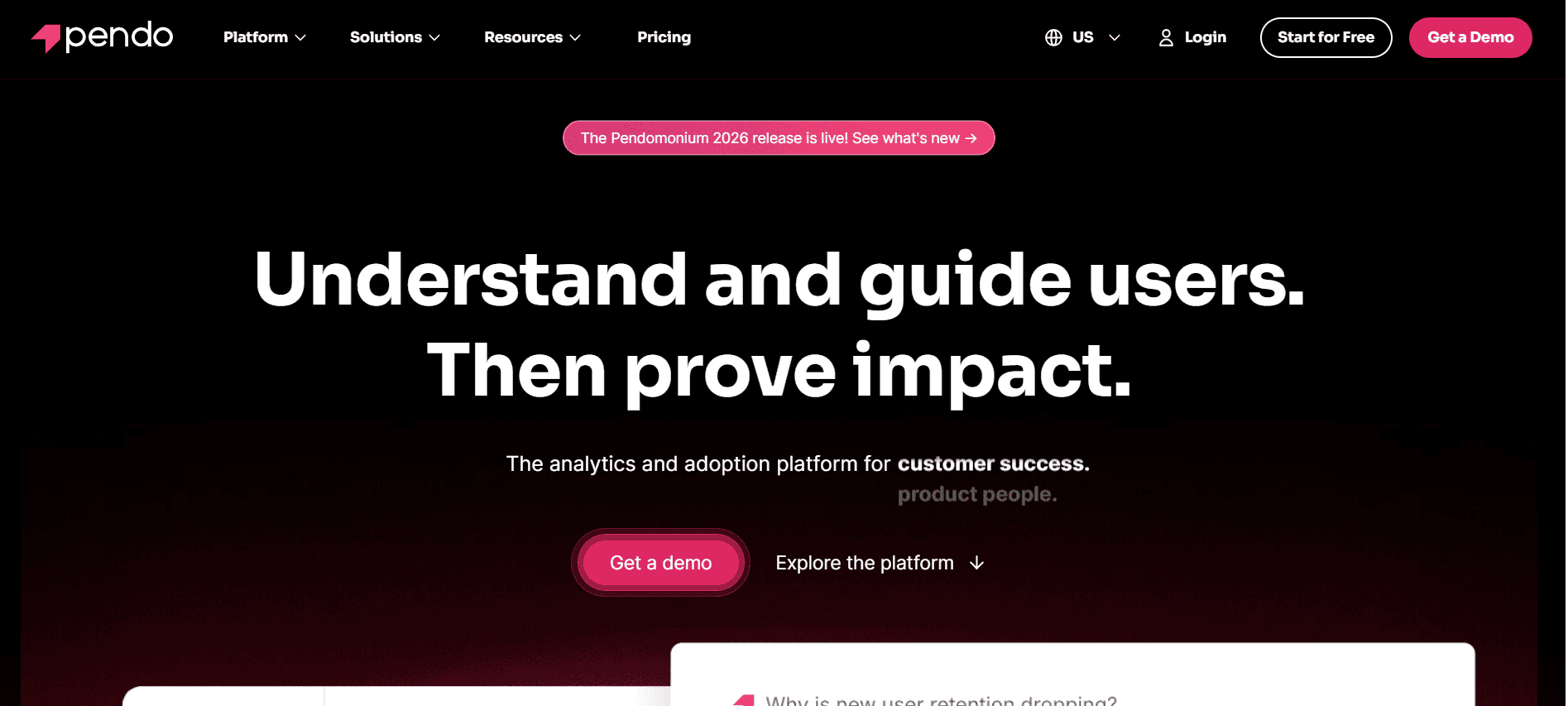
Pendo is een populaire keuze voor productteams die de gebruikerservaring willen verbeteren met begeleiding in de app en analytics. Het is vooral waardevol voor SaaS-bedrijven die diepgaande inzichten nodig hebben in gebruikersgedrag. De kracht van Pendo ligt in de analysemogelijkheden, waarmee bedrijven ervaringen kunnen afstemmen op basis van gebruikersdata. Het mist echter een toegewijd clientportaal, wat een nadeel kan zijn voor teams die robuuste functies nodig hebben voor klantgerichte interactie.
Belangrijkste functies
In-app messaging
Gebruikersanalyses
Geleide tours
Verzamelen van feedback
Segmentatie
Ondersteuning voor mobiel
Productroadmapping
Gerichte meldingen
Voordelen
Nadelen
Sterke analytics- en datavisualisatietools.
Geen toegewijd clientportaal.
Effectieve begeleiding in de app voor gebruikersretentie.
Kan complex zijn om in te stellen voor niet-technische gebruikers.
Ondersteunt mobiele platforms naadloos.
Prijs ligt aan de hoge kant voor kleine bedrijven.
Prijs
Pendo biedt geen gratis abonnement; de prijs start bij $200/maand op basis van functievereisten en gebruik.
UserPilot
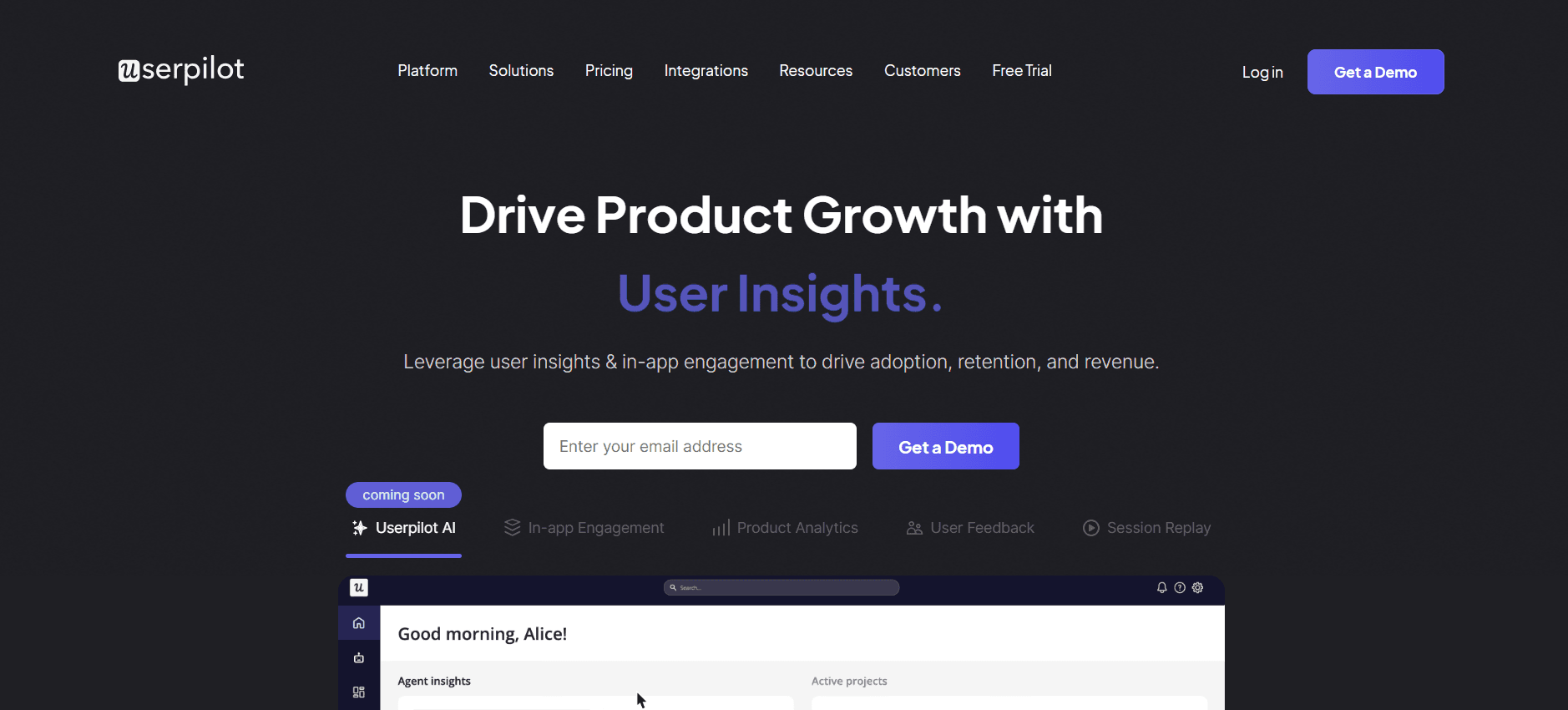
UserPilot is ontworpen voor productteams die gebruikersbetrokkenheid centraal stellen met gepersonaliseerde journeys. Het richt zich op het leveren van de juiste boodschap op het juiste moment, waardoor adoptie en retentie toenemen. Het platform blinkt uit in het bieden van op maat gemaakte ervaringen, maar mist geavanceerde CRM-integraties, wat de aantrekkelijkheid kan beperken voor teams die een naadloze datastroom tussen systemen nodig hebben.
Belangrijkste functies
Gepersonaliseerde user flows
Gedragsgerichte targeting
Onboarding-checklists
Enquêtes in de app
Doeltracking
Ondersteuning voor meerdere talen
Analytics voor feature-adoptie
Tooltips en begeleiding
Voordelen
Nadelen
Biedt zeer gepersonaliseerde onboardingervaringen.
Mist uitgebreide CRM-integratie.
Eenvoudig in te stellen met minimale technische vaardigheden.
Beperkte functies voor vide ocontent in de app.
Ondersteunt meerdere talen voor een wereldwijd bereik.
Kan duur worden naarmate de gebruikersbasis groeit.
Prijs
UserPilot biedt een beperkte gratis proefperiode; betaalde plannen starten bij $249/maand, afhankelijk van het aantal actieve gebruikers.
Appcues
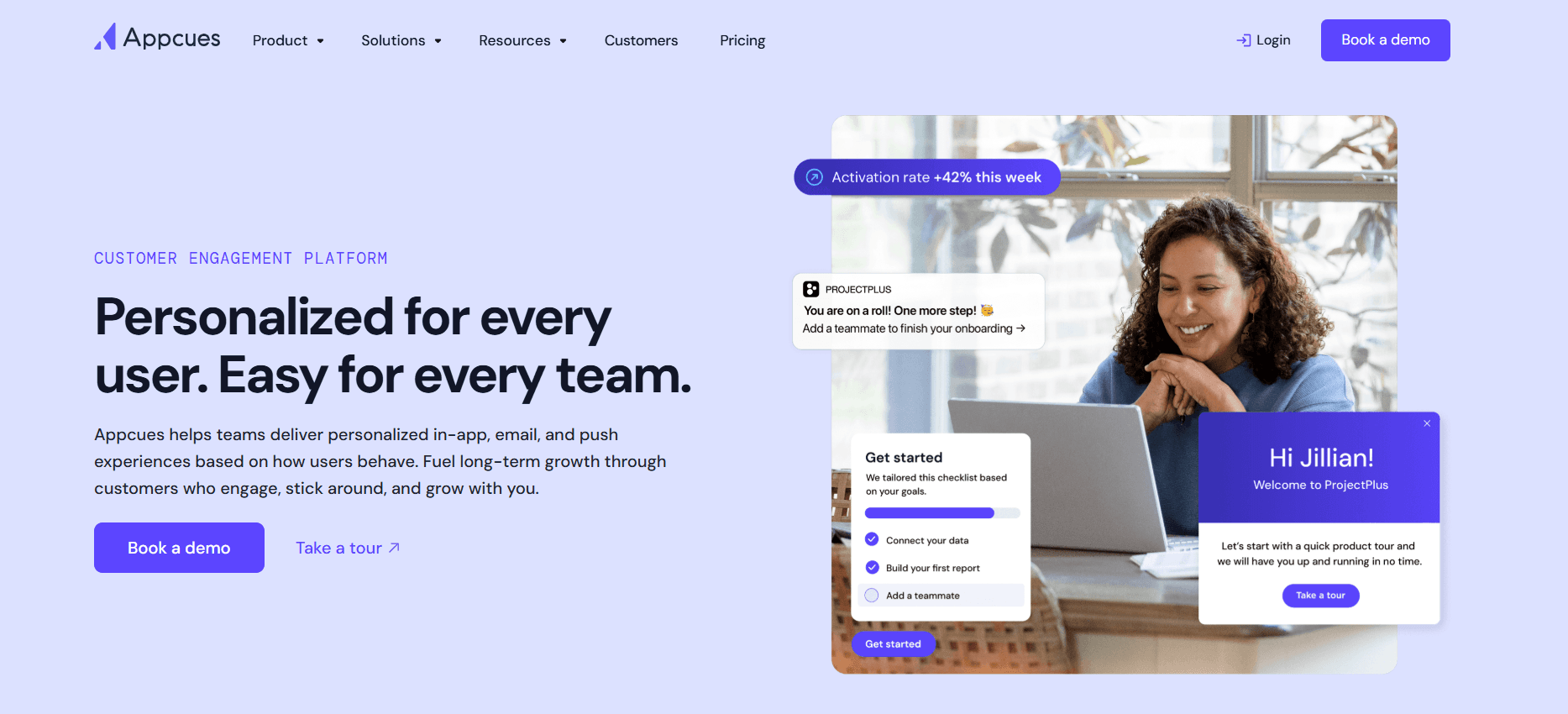
Appcues is een platform voor gebruikers onboarding dat teams in staat stelt om gepersonaliseerde en boeiende onboardingervaringen te creëren zonder dat ze codeervaardigheden nodig hebben. Het is ideaal voor bedrijven die snel willen itereren op onboardingflows en gebruikersfeedback willen verzamelen. Hoewel Appcues uitstekende begeleiding in de app biedt, mist het een robuuste functie voor taakautomatisering, wat een beperking kan zijn voor teams die procedureel takenbeheer nodig hebben.
Belangrijkste functies
Builder met drag-and-drop
Stapsgewijze gidsen
Enquêtes en polls
Segmentatie
Verzamelen van feedback
Analytics-dashboard
Integraties met populaire tools
Aangepaste thema's
Voordelen
Nadelen
Geen code nodig voor setup en maatwerk.
Beperkte mogelijkheden voor taakautomatisering.
Sterke focus op gebruikersbetrokkenheid en retentie.
Hogere prijsklassen kunnen duur worden.
Biedt inzichten met gedetailleerde analytics.
Mogelijk niet geschikt voor complexe enterprise-behoeften.
Prijs
Appcues biedt een gratis plan met basisfuncties; betaalde plannen starten bij $249/maand voor extra functionaliteit.
Rocketlane
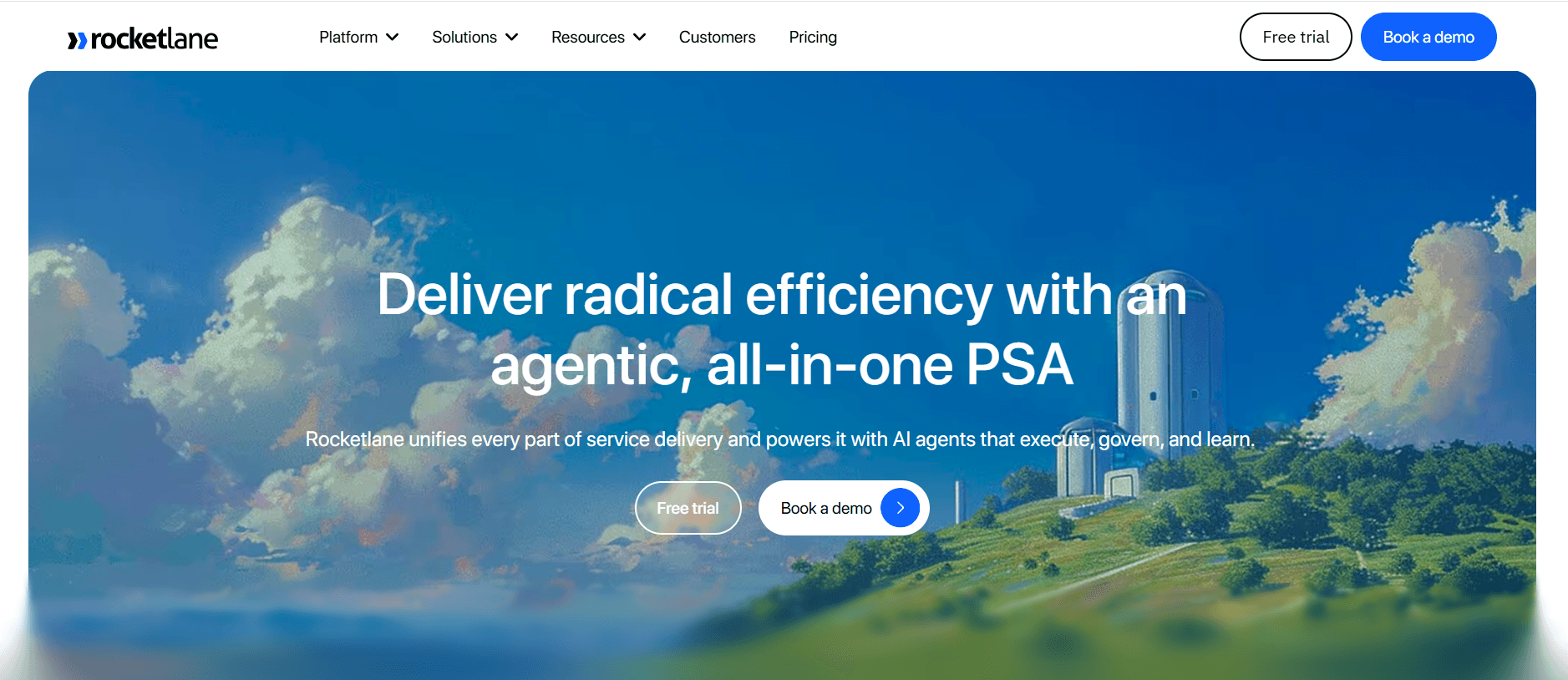
Rocketlane is gebouwd voor teams die een toegewijd clientportaal nodig hebben om samenwerking en transparantie tijdens onboarding te verbeteren. Het is afgestemd op customer success-teams die clientgerichte projecten efficiënt willen beheren. Rocketlane blinkt uit in het bieden van een gestructureerd clientportaal, maar mist functies voor begeleiding in de app, waardoor het minder geschikt is voor teams die zich richten op self-serve onboardingmodellen.
Belangrijkste functies
Toegewijd clientportaal
Collaboratief projectbeheer
Aanpasbare templates
Delen van documenten
Taaktracking
Beheer van mijlpalen
Feedback van clients
Geïntegreerde communicatietools
Voordelen
Nadelen
Faciliteert samenwerking met clients en transparantie.
Mist begeleiding in de app.
Biedt sterke functies voor projectbeheer.
Niet ideaal voor self-serve onboardingbehoeften.
Aanpasbaar voor verschillende clientprojecten.
Kan een steile leercurve vereisen voor nieuwe gebruikers.
Prijs
Rocketlane biedt een gratis plan met beperkte functies; premium plannen starten bij $99/maand voor uitgebreid gebruik en ondersteuning.
Dock
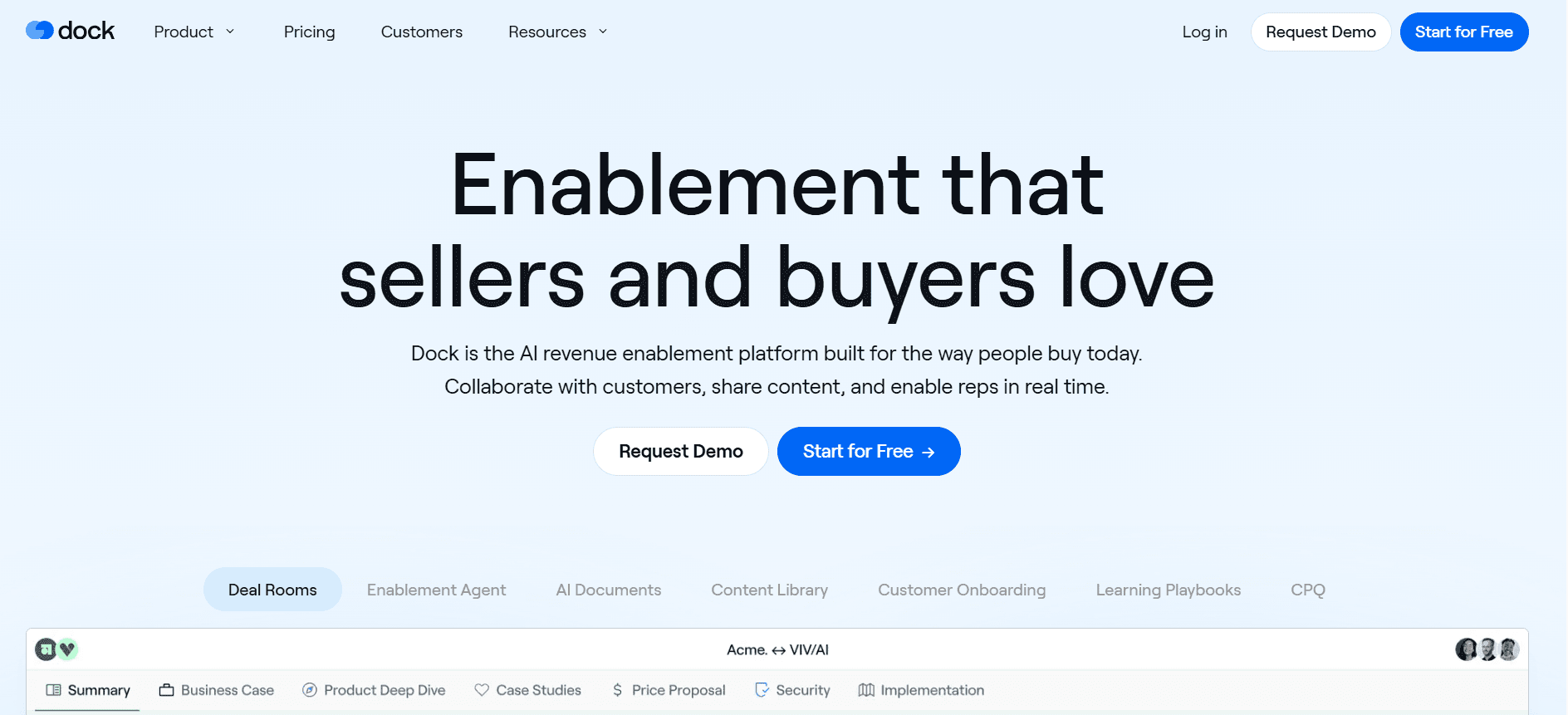
Dock staat bekend om zijn focus op het bieden van een clientportaal om naadloze communicatie en projectbeheer te faciliteren. Het is met name nuttig voor bureaus en serviceproviders die meerdere clientprojecten tegelijk moeten beheren. Hoewel Dock sterke samenwerkingsfuncties biedt, mist het diepgaande analytics en begeleiding in de app, wat een nadeel kan zijn voor datagedreven teams.
Belangrijkste functies
Clientportaal
Projectbeheer-dashboard
Samenwerking aan documenten
Taaktoewijzing
Berichten in realtime
Aanpasbare workflows
Tools voor feedback van clients
Toegang op basis van rollen
Voordelen
Nadelen
Uitstekend voor het beheren van meerdere clientprojecten.
Mist uitgebreide analysetools.
Faciliteert communicatie met clients in realtime.
Geen begeleiding in de app of onboarding van gebruikers.
Zeer aanpasbare workflows.
Kan te complex zijn voor kleine teams.
Prijs
Het basisplan van Dock is gratis; betaalde plannen starten bij $75/maand en bevatten meer geavanceerde functies en extra opslag.
GuideCX
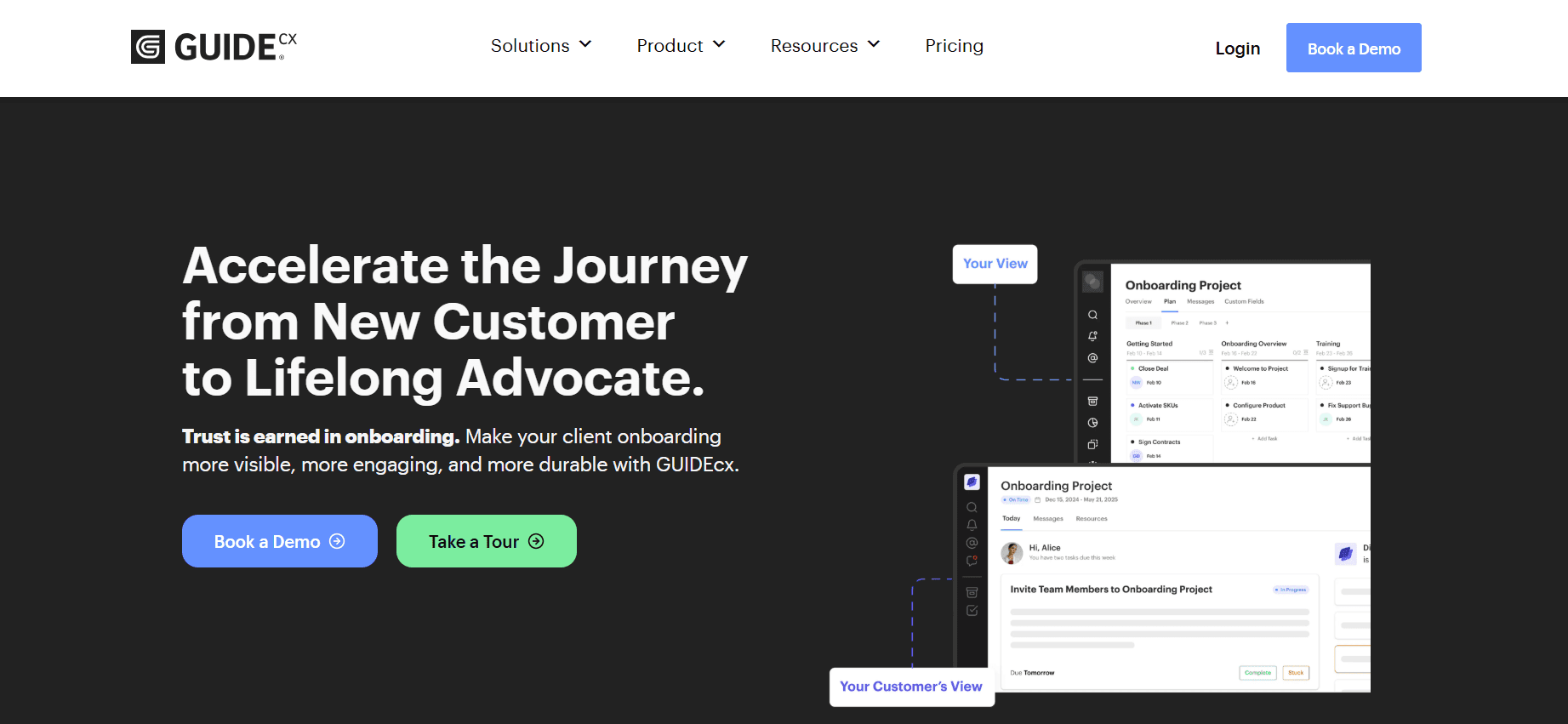
GuideCX richt zich op het bieden van een collaboratieve onboardingervaring via het clientgerichte portaal. Het is ontworpen voor customer success-teams die interne en externe stakeholders op één lijn willen brengen in het onboardingproces. Hoewel het robuuste projectbeheertools biedt, levert het geen begeleiding in de app of gedetailleerde analytics, wat nodig kan zijn voor teams die leunen op datagedreven besluitvorming.
Belangrijkste functies
Clientportaal
Onboardingprojectbeheer
Taakautomatisering
Tracking van mijlpalen
Feedback van clients
Tools voor interne samenwerking
Aangepaste branding
Geautomatiseerde meldingen
Voordelen
Nadelen
Faciliteert afstemming met externe stakeholders.
Geen begeleiding in de app beschikbaar.
Sterke functies voor projectbeheer en tracking.
Beperkte analysemogelijkheden.
Maakt maatwerk mogelijk voor branding en meldingen.
Kan te complex zijn voor eenvoudigere onboardingbehoeften.
Prijs
GuideCX biedt een gratis proefperiode; de prijs voor volledige toegang start bij $300/maand en bevat uitgebreide functies voor projectbeheer.
Intercom
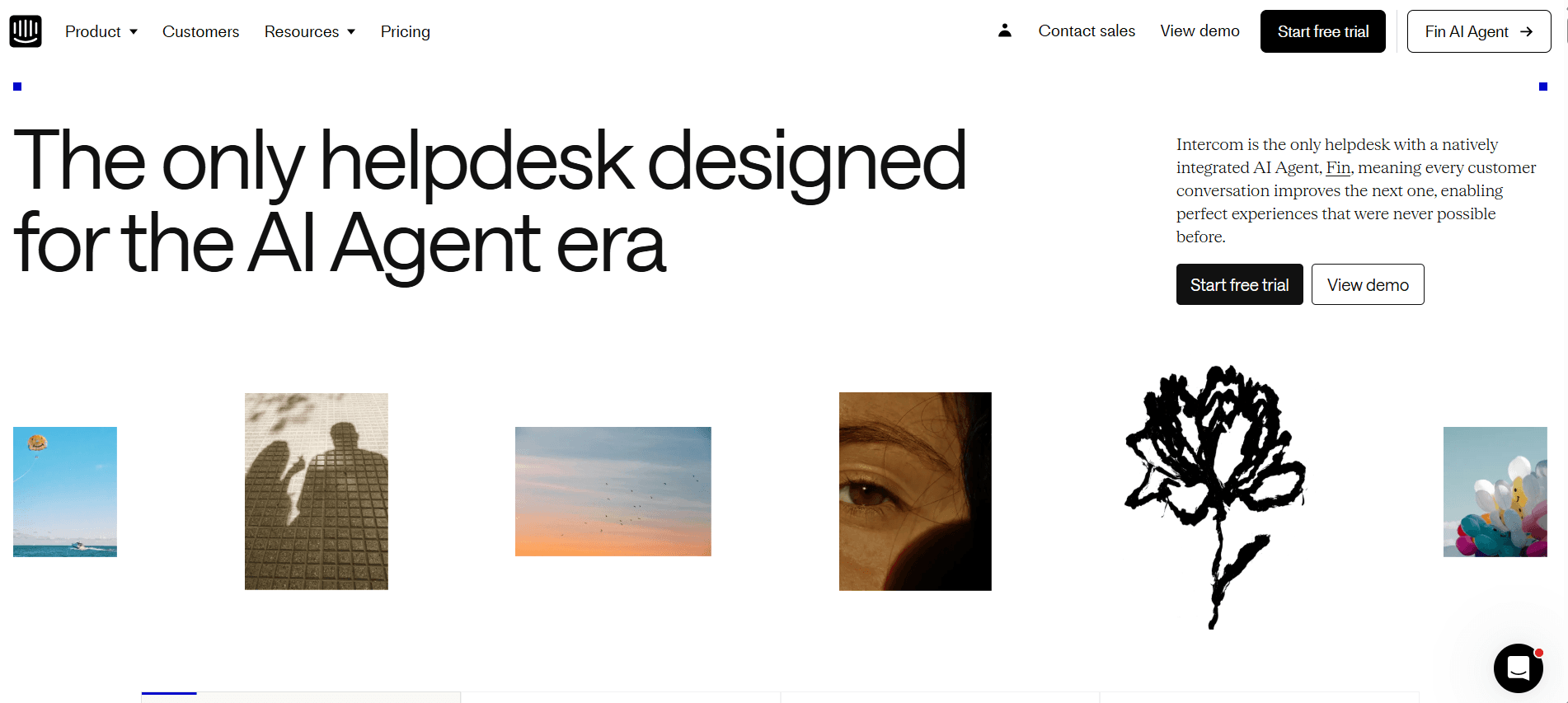
Intercom onderscheidt zich als een veelzijdige tool die customer messaging combineert met onboardingmogelijkheden. Het is vooral sterk in het inzetten van geautomatiseerde messaging om gebruikers door het onboardingproces te begeleiden. Dit maakt het een uitstekende keuze voor teams die customer support willen integreren met gebruikers onboarding. De focus op messaging betekent echter dat het geen uitgebreid clientportaal biedt, wat nodig kan zijn voor onboardingprocessen die draaien om projecten.
Belangrijkste functies
Geautomatiseerde messaging
Segmentatie van gebruikers
Chat in de app
Gedragsmatige triggers
Integratie met customer support
Aangepaste bot-workflows
Inzichten in doelgroepen
Artikelen voor het helpcentrum
Voordelen
Nadelen
Integreert support en onboarding naadloos.
Geen toegewijd clientportaal.
Effectief gebruik van geautomatiseerde messaging.
Kan duur zijn voor grote gebruikersgroepen.
Sterke segmentatie- en targetingfuncties.
Vereist technische setup voor geavanceerde functies.
Prijs
Intercom biedt een basisplan vanaf $59/maand, met geavanceerde functies beschikbaar in hogere tiers.
Uitdagingen bij klant onboarding: waar teams mee worstelen
Inconsistente onboardingervaring tussen verschillende CS-medewerkers
Verschillende medewerkers kunnen uiteenlopende niveaus van service leveren, wat leidt tot ontevredenheid bij clients.
Het ontbreken van gestandaardiseerde processen kan verwarring en inefficiënties veroorzaken.
Training van nieuwe CS-medewerkers wordt lastiger zonder uniforme procedures.
Inconsistente messaging kan de reputatie van het merk en het vertrouwen schaden.
Clients voltooien onboardingstappen niet zonder proactieve reminders
Gebrek aan geautomatiseerde herinneringen kan leiden tot onvolledige onboardingprocessen.
Clients kunnen hun interesse verliezen of zich niet ondersteund voelen, wat het risico op churn vergroot.
Handmatige follow-ups zijn tijdrovend en gevoelig voor menselijke fouten.
Vertraagde voltooiing van onboarding beïnvloedt de time to value van de client.
CS-team heeft geen zicht op waar specifieke clients vastlopen
Zonder realtime analytics is het lastig om knelpunten te identificeren.
CS-teams kunnen tijd verspillen aan het oplossen van problemen die niet kritisch zijn.
Clients kunnen gefrustreerd raken als hun problemen niet snel worden aangepakt.
Het niet kunnen prioriteren van support kan leiden tot inefficiënties in de inzet van resources.
CS-team kan niet opschalen zonder extra headcount toe te voegen
Handmatige processen beperken het aantal clients dat een team efficiënt kan behandelen.
Meer personeel aannemen verhoogt de operationele kosten aanzienlijk.
Bestaande teamleden kunnen burn-out ervaren door de werkdruk.
Opschalen zonder automatisering kan leiden tot inconsistente servicekwaliteit.
Slechte integratie met bestaande CRM- en support-ticketing
Gebrek aan integratie leidt tot datasil o's, wat de klantinzichten beïnvloedt.
Handmatige dat invoer vergroot het risico op fouten en inconsistenties.
Vertraagde toegang tot clientinformatie kan proactieve support belemmeren.
Het integreren van verschillende systemen vereist extra IT-resources en tijd.
Uitdaging | Traditioneel proces | Impact op de business | Tijdskosten |
|---|---|---|---|
Inconsistente onboarding | Handmatige training en uiteenlopende werkwijzen | Minder klanttevredenheid | Hoog |
Onvolledige onboarding | Handmatige follow-ups | Meer churn | Medium |
Geen zicht | Periodieke check-ins | Vertraagde probleemoplossing | Hoog |
Opschalingsproblemen | Meer personeel aannemen | Hogere kosten | Zeer hoog |
Slechte integratie | Handmatige dat invoer | Datasil o's | Medium |
Must-have functies in tools voor klant onboarding
Begeleiding in de app en producttours
Begeleiding in de app is essentieel om gebruikers realtime ondersteuning te bieden terwijl ze een product verkennen. Deze interactieve tours helpen gebruikers om belangrijke functies en functionaliteiten te begrijpen zonder dat ze externe resources nodig hebben. Effectieve begeleiding in de app verlaagt de leercurve, wat leidt tot snellere productadoptie. Tools zoals Pendo en UserPilot blinken uit in het aanbieden van dynamische, aanpasbare producttours die aansluiten op de behoeften van gebruikers.
Door begeleiding in de app te integreren, kunnen bedrijven zorgen voor een consistente onboardingervaring voor alle gebruikers. Deze functie is met name waardevol voor SaaS-platforms, waar het begrijpen van de functies van de software cruciaal is voor gebruikersbetrokkenheid en retentie. De mogelijkheid om deze tours aan te passen stelt bedrijven in staat om de ervaring af te stemmen op basis van gebruikerssegmenten.
Onboardingportaal voor clients
Een onboardingportaal voor clients biedt een centrale plek voor alle onboardingactiviteiten, documenten en communicatie. Dit portaal vergroot transparantie en verantwoordelijkheid doordat clients de voortgang kunnen volgen en resources kunnen raadplegen wanneer het hen uitkomt. Rocketlane en Dock zijn voorbeelden van tools die robuuste onboardingportalen voor clients bieden, waardoor ze ideaal zijn voor bureaus en enterprise-teams die complexe clientprojecten beheren.
Een dergelijk portaal vermindert de noodzaak voor constante heen-en-weercommunicatie, omdat clients de meeste onboardingbehoeften zelf kunnen afhandelen. Het stelt customer success-teams ook in staat om meerdere clients tegelijk te beheren, wat de efficiëntie en klanttevredenheid verbetert.
Videowalkthroughs ingebed in het platform
Videowalkthroughs bieden visuele leerders een effectieve manier om complexe concepten en processen te begrijpen. Door deze video's direct in het onboardingplatform in te bedden, hebben gebruikers precies op het moment dat ze het nodig hebben toegang tot nuttige resources. Appcues en Trupeer bieden sterke ondersteuning voor vide ocontent, zodat teams boeiende en informatieve onboardingmaterialen kunnen maken.
Video's kunnen productfuncties demonstreren, stapsgewijze instructies geven en oplossingen bieden voor veelvoorkomende problemen van gebruikers. Deze functie is vooral waardevol voor producten met ingewikkelde functionaliteiten of producten die een diepere kennis vereisen om effectief te gebruiken.
Geautomatiseerde taak- en mijlpaaltracking
Automatisering in taak- en mijlpaaltracking stroomlijnt het onboardingproces doordat wordt gegarandeerd dat geen enkele stap wordt overgeslagen. Met deze functie kunnen teams geautomatiseerde reminders en meldingen instellen, zodat zowel het bedrijf als de client op koers blijven. Tools zoals GuideCX en Rocketlane blinken uit in het bieden van gedetailleerde mogelijkheden voor taakbeheer die teams helpen georganiseerd en efficiënt te blijven.
Geautomatiseerde tracking vermindert de belasting van customer success-teams, zodat zij zich kunnen richten op meer strategische taken in plaats van handmatige follow-ups. Het geeft clients ook een duidelijk routeplan voor hun onboardingreis, wat hun betrokkenheid en tevredenheid kan vergroten.
Analytics voor engagement en health score
Analytics die gebruikersbetrokkenheid en health scores meten, zijn cruciaal om te begrijpen hoe clients tijdens onboarding met een product omgaan. Deze inzichten stellen teams in staat om clients met risico vroeg te identificeren en proactieve maatregelen te nemen om hun zorgen aan te pakken. Pendo en Intercom bieden geavanceerde analysemogelijkheden waarmee bedrijven gebruikersgedrag en engagementniveaus kunnen volgen.
Door gebruik te maken van deze analytics kunnen bedrijven hun onboardingstrategieën afstemmen op de specifieke behoeften van verschillende gebruikerssegmenten. Deze datagedreven aanpak zorgt voor een hogere slaagkans bij onboarding, wat leidt tot verbeterde klanttevredenheid en retentie.
CRM-integratie
Naadloze integratie met CRM-systemen zorgt ervoor dat klantdata consistent en up-to-date is op alle platforms. Deze functie stelt customer success-teams in staat om snel clientinformatie op te vragen en vragen te beantwoorden met relevante context. Trupeer en GuideCX staan bekend om hun sterke integratiemogelijkheden, die de kloof tussen onboarding en doorlopend customer relationship management helpen overbruggen.
CRM-integratie elimineert de noodzaak voor handmatige dat invoer, waardoor het risico op fouten afneemt en tijd wordt bespaard. Het maakt ook betere tracking mogelijk van klantinteracties en geschiedenis, wat cruciaal is voor gepersonaliseerde en effectieve customer support.
Zo kies je onboardingtools op basis van je use case
SaaS self-serve product onboarding
Voor SaaS-bedrijven die self-serve product onboarding aanbieden, is het primaire doel om gebruikers door het product te begeleiden zonder directe menselijke ondersteuning. Deze bedrijven hebben tools nodig die begeleiding in de app en producttours bieden om gebruikers te informeren over de functies van het platform.
Belangrijkste uitdagingen:
Zorgen dat gebruikers productfuncties begrijpen zonder directe ondersteuning.
Churn verminderen door de gebruikerservaring en betrokkenheid te verbeteren.
Tijdige resources bieden die gebruikers zelfstandig kunnen raadplegen.
Oplossingen die nodig zijn:
Begeleiding in de app en interactieve producttours.
Videowalkthroughs voor complexe functies.
Geautomatiseerde reminders en meldingen om gebruikersbetrokkenheid te stimuleren.
Tool | Begeleiding in de app | Videowalkthroughs | Geautomatiseerde reminders |
|---|---|---|---|
Pendo | Ja | Beperkt | Ja |
UserPilot | Ja | Nee | Ja |
Appcues | Ja | Ja | Nee |
Enterprise onboarding onder leiding van CSM's
Grote enterprise-organisaties hebben vaak onboarding onder leiding van CSM's nodig om complexe clientbehoeften te beheren en een soepele adoptie te waarborgen. Deze organisaties hebben tools nodig die robuuste mogelijkheden voor projectbeheer en clientportalen bieden om hun onboardingprocessen te ondersteunen.
Belangrijkste uitdagingen:
Inspanningen coördineren over meerdere stakeholders.
Voortgang bijhouden en verantwoordelijkheid borgen.
Gepersonaliseerde onboardingervaringen bieden voor elke client.
Oplossingen die nodig zijn:
Clientgerichte portalen voor transparantie en samenwerking.
Taak- en mijlpaaltracking voor efficiënt projectbeheer.
CRM-integratie om clientcommunicatie te stroomlijnen.
Tool | Clientportaal | Taaktracking | CRM-integratie |
|---|---|---|---|
Rocketlane | Ja | Ja | Ja |
GuideCX | Ja | Ja | Ja |
Trupeer | Ja | Ja | Ja |
Onboarding van clients voor bureaus
Bureaus die meerdere clientprojecten tegelijk beheren, hebben tools nodig die communicatie faciliteren en projectworkflows stroomlijnen. Een gecentraliseerd onboardingportaal en robuuste samenwerkings tools zijn cruciaal voor hun succes.
Belangrijkste uitdagingen:
Talrijke clientprojecten effectief beheren.
Zorgen voor tijdige oplevering en klanttevredenheid.
Communicatie coördineren tussen verschillende teams.
Oplossingen die nodig zijn:
Gecentraliseerd clientportaal voor alle projecten.
Berichten in realtime en samenwerkingsfuncties.
Aanpasbare workflows om te passen bij uiteenlopende clientbehoeften.
Tool | Clientportaal | Samenwerkingsfuncties | Aangepaste workflows |
|---|---|---|---|
Dock | Ja | Ja | Ja |
Rocketlane | Ja | Ja | Beperkt |
GuideCX | Ja | Ja | Nee |
Enablement voor partners en resellers
Bedrijven die gebruikmaken van partners en resellers moeten ervoor zorgen dat deze teams goed zijn uitgerust om hun producten te verkopen en te ondersteunen. Onboardingtools die training en resources voor partners bieden, zijn essentieel.
Belangrijkste uitdagingen:
Zorgen dat partners productfuncties en -voordelen begrijpen.
Partners trainen om klantvragen effectief af te handelen.
Merkconsistentie behouden via partnerkanalen.
Oplossingen die nodig zijn:
Trainingsmodules en certificeringen.
Resourceportalen met up-to-date productinformatie.
Branding- en aanpassingsopties voor partnermaterialen.
Tool | Trainingsmodules | Resourceportaal | Brandingopties |
|---|---|---|---|
Trupeer | Ja | Ja | Ja |
Appcues | Ja | Beperkt | Ja |
Intercom | Nee | Ja | Beperkt |
Best practices voor klant onboarding
Voor onboarding
Definieer duidelijke onboardingdoelen en succesmetrics.
Breng de volledige customer journey in kaart om belangrijke touchpoints te identificeren.
Zorg dat je team is getraind in de onboardingprocessen en tools.
Pas je onboardingcontent aan om verschillende klantsegmenten te bedienen.
Stem verwachtingen met clients af over de onboardingplanning en -resultaten.
Tijdens onboarding
Betrek clients met gepersonaliseerde communicatie en ondersteuning.
Gebruik analytics om de voortgang te monitoren en mogelijke knelpunten te identificeren.
Geef clients eenvoudig toegang tot resources en ondersteuningskanalen.
Stimuleer feedback om het onboardingproces continu te verbeteren.
Vier kleine successen met clients om ze gemotiveerd en betrokken te houden.
Na onboarding
Plan een evaluatiesessie met clients om het succes van de onboarding te beoordelen.
Verzamel feedback van clients om je onboardingaanpak te verfijnen en te verbeteren.
Stel regelmatige check-ins in om de voortdurende klanttevredenheid en productgebruik te waarborgen.
Bied geavanceerde trainingssessies aan voor verdere educatie van clients.
Gebruik inzichten van clients om toekomstige onboardingverbeteringen en -strategieën te onderbouwen.
Veelgestelde vragen
Wat is klant onboarding? Klant onboarding is het proces waarbij nieuwe klanten worden geïntroduceerd bij je product of dienst, zodat ze de functies ervan begrijpen en er snel waarde uit halen. Effectieve onboarding vermindert churn en verhoogt de klanttevredenheid.
Waarom is onboarding belangrijk? Onboarding is cruciaal omdat het de toon zet voor de klantrelatie. Een soepele onboardingervaring kan leiden tot hogere klantretentie en tevredenheid, terwijl een slechte ervaring churn kan verhogen en je merk negatief kan beïnvloeden.
Kunnen onboardingtools integreren met ons bestaande CRM? De meeste moderne onboardingtools bieden CRM-integratie, waardoor naadloze gegevensuitwisseling tussen systemen mogelijk is. Zo blijft klantinformatie consistent en up-to-date op alle platforms.
Hoe veilig is de data in onboardingplatforms? Betrouwbare onboardingplatforms implementeren sterke beveiligingsmaatregelen om clientdata te beschermen. Het is belangrijk om een platform te kiezen dat voldoet aan industriestandaarden en data-encryptie en toegangscontroles biedt.
Zijn er gratis onboardingtools beschikbaar? Ja, verschillende onboardingplatforms bieden gratis abonnementen met beperkte functies. Deze kunnen geschikt zijn voor kleine bedrijven of startups die de mogelijkheden van het platform willen testen voordat ze zich vastleggen op een betaald plan.
Welke factoren beïnvloeden de kosten van onboardingtools? Prijzen hangen vaak af van de aangeboden functies, het aantal gebruikers of clients dat wordt ondersteund en het niveau van customer support. Extra kosten kunnen ontstaan door geavanceerde integraties, maatwerk of trainingsservices.
Hoe lang duurt het om een onboardingtool te implementeren? De implementatietijd verschilt afhankelijk van de complexiteit van je vereisten en de gekozen tool. Eenvoudige setups kunnen een paar dagen duren, terwijl complexere implementaties mogelijk weken vergen.
Kunnen onboardingtools worden aangepast aan onze branding? Veel onboardingtools bieden maatwerk, zodat je het platform kunt afstemmen op de look en feel van je merk. Dit helpt om merkconsistentie te behouden en verbetert de gebruikerservaring.
Afsluiting
Het kiezen van het juiste platform voor klant onboarding is cruciaal om ervoor te zorgen dat nieuwe clients een naadloze en boeiende ervaring krijgen met je product of dienst. Door je specifieke use cases en uitdagingen te begrijpen, kun je tools selecteren die aansluiten op je bedrijfsdoelen en de behoeften van je clients. Onthoud dat de effectiviteit van je onboardingproces direct invloed heeft op klanttevredenheid en retentie.
Als je op zoek bent naar een complete onboardingoplossing die robuuste functies combineert met flexibiliteit, overweeg dan Trupeer. Bezoek Trupeer om meer te leren over hoe het je klant onboardingstrategie kan transformeren en bij kan dragen aan zakelijk succes.
Gerelateerde blogs


