Trupeer Blog
Samenvatten

Technische documentatieteams merken vaak dat ze een overweldigend deel van hun tijd kwijt zijn aan opmaak- en structurele taken, in plaats van aan de inhoud zelf. In feite kunnen documentatieteams wel 60-70% van hun tijd besteden aan deze terugkerende taken, in plaats van aan het maken van accurate en duidelijke documentatie.
"Documentatieteams besteden 60-70% van hun tijd aan opmaak en structuur in plaats van aan het maken van echte content."
Deze gids is bedoeld om technische schrijvers, documentatiemanagers en contentstrategen inzicht te geven in het landschap van AI-tools die zijn afgestemd op technische documentatie. Documentatie ondersteunt een uitrol, maar de uitrol zelf volgt een change management process.Je vindt gedetailleerde inzichten in de sterke punten en beperkingen van elke tool, samen met begeleiding bij het kiezen van de juiste tool op basis van jouw unieke behoeften. Of je nu deel uitmaakt van een SaaS-productdocumentatieteam, betrokken bent bij engineering- en API-documentatie, of HR- en compliance-documentatie beheert: deze gids is je go-to resource om je documentatieproces te stroomlijnen.
Beste AI-documentatietools: vergelijking van kop tot kop
Feature | Trupeer | Scribe | Tango | Document360 | Notion AI | Confluence AI | GitBook AI |
|---|---|---|---|---|---|---|---|
Core Features | |||||||
AI Writing | Ja | Beperkt | Ja | Beperkt | Ja | Ja | Ja |
Auto Step Capture | Ja | Ja | Nee | Nee | Nee | Beperkt | Ja |
Screenshot Annotation | Ja | Ja | Ja | Nee | Beperkt | Ja | Ja |
AI Voiceover | Ja | Nee | Nee | Nee | Beperkt | Ja | Beperkt |
Video Generation | Ja | Nee | Nee | Nee | Beperkt | Beperkt | Ja |
Professional Features | |||||||
Smart Templates | Ja | Ja | Nee | Ja | Ja | Ja | Nee |
Multi-language | Ja | Nee | Nee | Beperkt | Ja | Ja | Ja |
Integrations | |||||||
API Integration | Ja | Ja | Beperkt | Ja | Ja | Ja | Ja |
Free Tier | Ja | Ja | Ja | Nee | Ja | Nee | Ja |
Trupeer

Trupeer onderscheidt zich als een complete oplossing voor technische documentatie, met AI-gestuurd schrijven en robuuste geautomatiseerde functies. Het is ideaal voor teams die hun documentatieproces willen stroomlijnen, met behoud van hoge standaarden voor nauwkeurigheid en duidelijkheid. Trupeer biedt een unieke combinatie van functies die zowel voldoen aan standaard als aan geavanceerde documentatiebehoeften, waardoor het een veelzijdige keuze is voor verschillende branches.
De sterke punten van Trupeer liggen in het vermogen om terugkerende taken te automatiseren en intelligente suggesties te geven die de kwaliteit van content verbeteren. Sommige gebruikers hebben echter opgemerkt dat de initiële setup complex kan zijn, vooral voor mensen die niet bekend zijn met AI-tools.
Belangrijkste functies
AI Writing en automatische aanvulling
Geautomatiseerde Step Capture
Slimme screenshot-annotatie
AI-voiceovergeneratie
Export met één klik in meerdere formaten
API-integratie
Gratis abonnement beschikbaar
"Trupeer heeft ons documentatieproces getransformeerd: sneller en efficiënter."
Voordelen
Nadelen
Complete set functies voor uiteenlopende behoeften.
Initiële setup kan complex zijn.
Uitstekende mogelijkheden voor API-integratie.
Geavanceerde functies vereisen mogelijk training.
Ondersteunt meerdere talen voor teams wereldwijd.
Beperkte opties voor videogeneratie.
Prijzen
Trupeer biedt een gratis abonnement met premium plannen vanaf $49 per gebruiker per maand.
Scribe
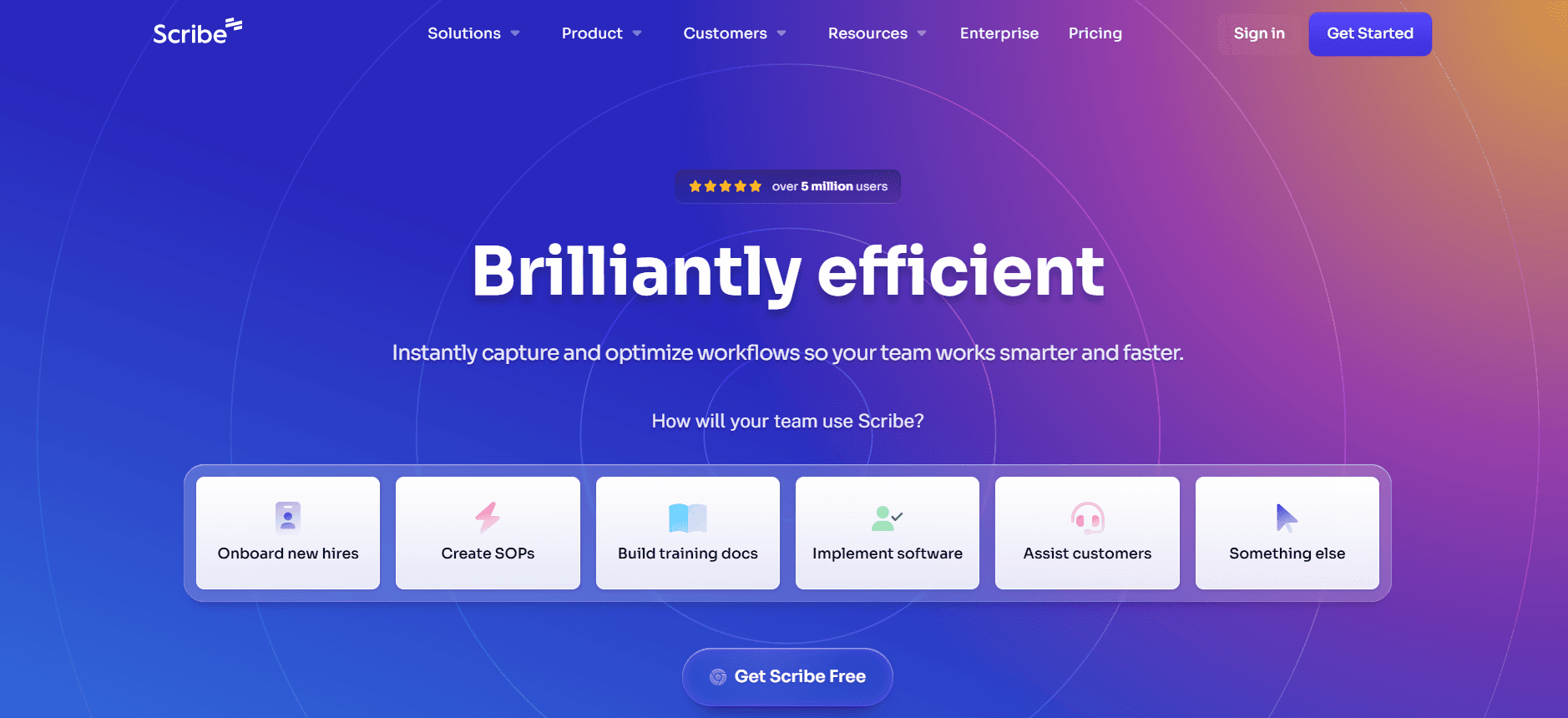
Scribe staat bekend om zijn eenvoud en gebruiksgemak, waardoor het een populaire keuze is onder kleine tot middelgrote teams. Het blinkt uit in intuïtieve tools voor het maken en beheren van documentatie, al heeft het mogelijk niet de diepgang aan functies die je ziet bij complexere tools zoals Trupeer.
De focus van Scribe ligt op het toegankelijk en eenvoudig maken van documentatie, met een gestroomlijnde interface die de leercurve minimaliseert. De beperkte AI-mogelijkheden kunnen echter niet voldoen aan de behoeften van grotere ondernemingen met complexere documentatievereisten.
Belangrijkste functies
Gebruiksvriendelijke interface
Basis AI-schrijfmogelijkheden
Eenvoudige tools voor Step Capture
Basis screenshot-annotatie
Slimme templates
API-integratie
Gratis abonnement beschikbaar
Voordelen
Nadelen
Zeer gebruiksvriendelijk voor beginners.
Beperkte AI-functies vergeleken met concurrenten.
Geschikt voor kleine teams met basisbehoeften.
Niet geschikt voor complexe documentatietaken.
Biedt een gratis abonnement voor startups.
Beperkte taalondersteuning.
Prijzen
Scribe biedt een gratis abonnement met premium plannen vanaf $15 per gebruiker per maand.
Tango
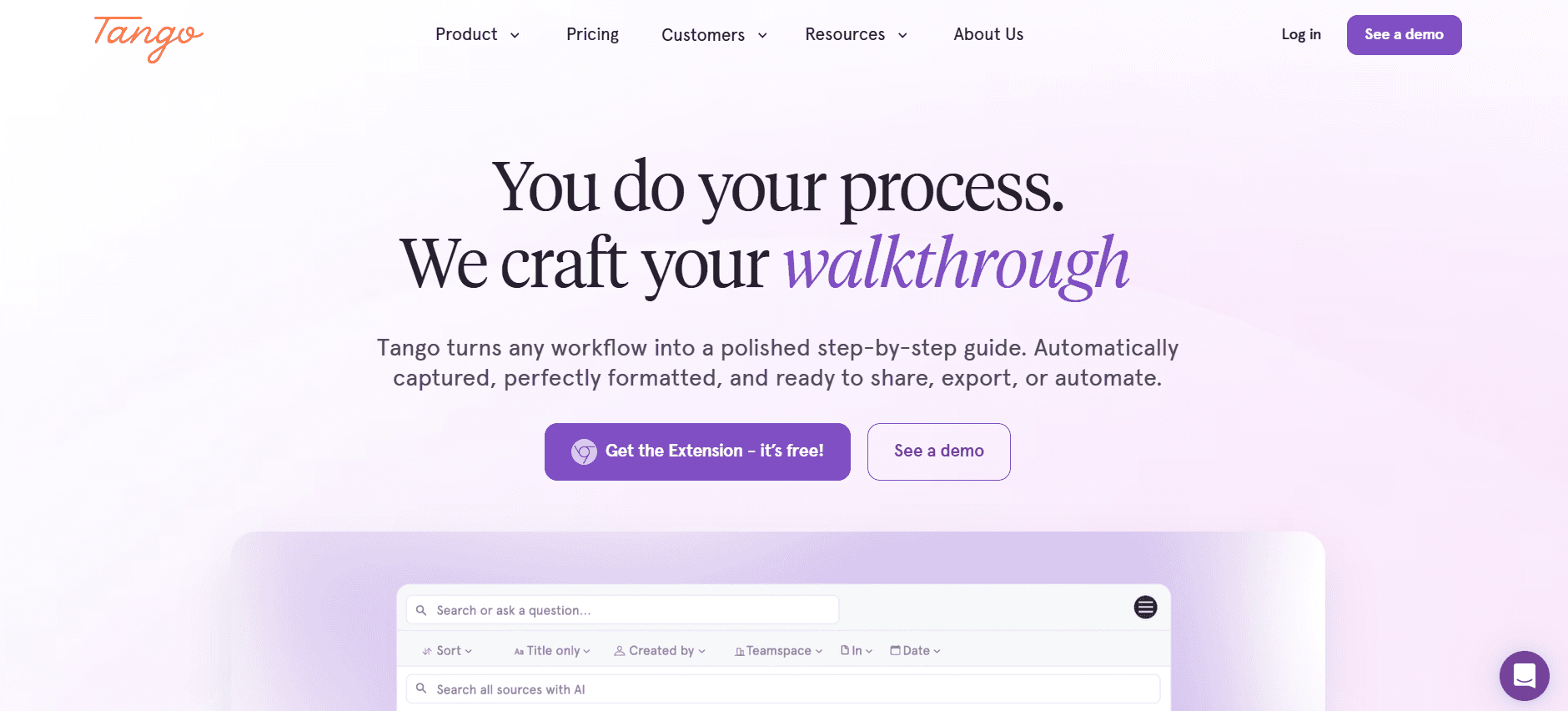
Tango is gespecialiseerd in screen capture en annotatie, bedoeld voor teams die gedetailleerde visuele documentatie willen maken. Het is vooral handig voor het maken van stapsgewijze handleidingen en tutorials, maar het mist geavanceerde AI-schrijfmogelijkheden.
Tango is perfect voor teams die sterk focussen op visuele documentatie. Het ontbreken van uitgebreide AI-functies betekent echter dat je het het beste in combinatie met andere tools gebruikt als je robuuste tekstgeneratie nodig hebt.
Belangrijkste functies
Geavanceerde screenshot-annotatie
Creatie van visuele stapsgewijze handleidingen
Eenvoudige interface
Beperkt AI-schrijven
Basis templates
Gratis abonnement beschikbaar
Voordelen
Nadelen
Uitstekend voor visuele documentatie.
Mist geavanceerde AI-schrijffuncties.
Makkelijk stapsgewijze handleidingen maken.
Geen ondersteuning voor meerdere talen.
Gratis abonnement beschikbaar voor kleine teams.
Beperkte integratiemogelijkheden.
Prijzen
Tango biedt een gratis abonnement met premium plannen vanaf $10 per gebruiker per maand.
Document360
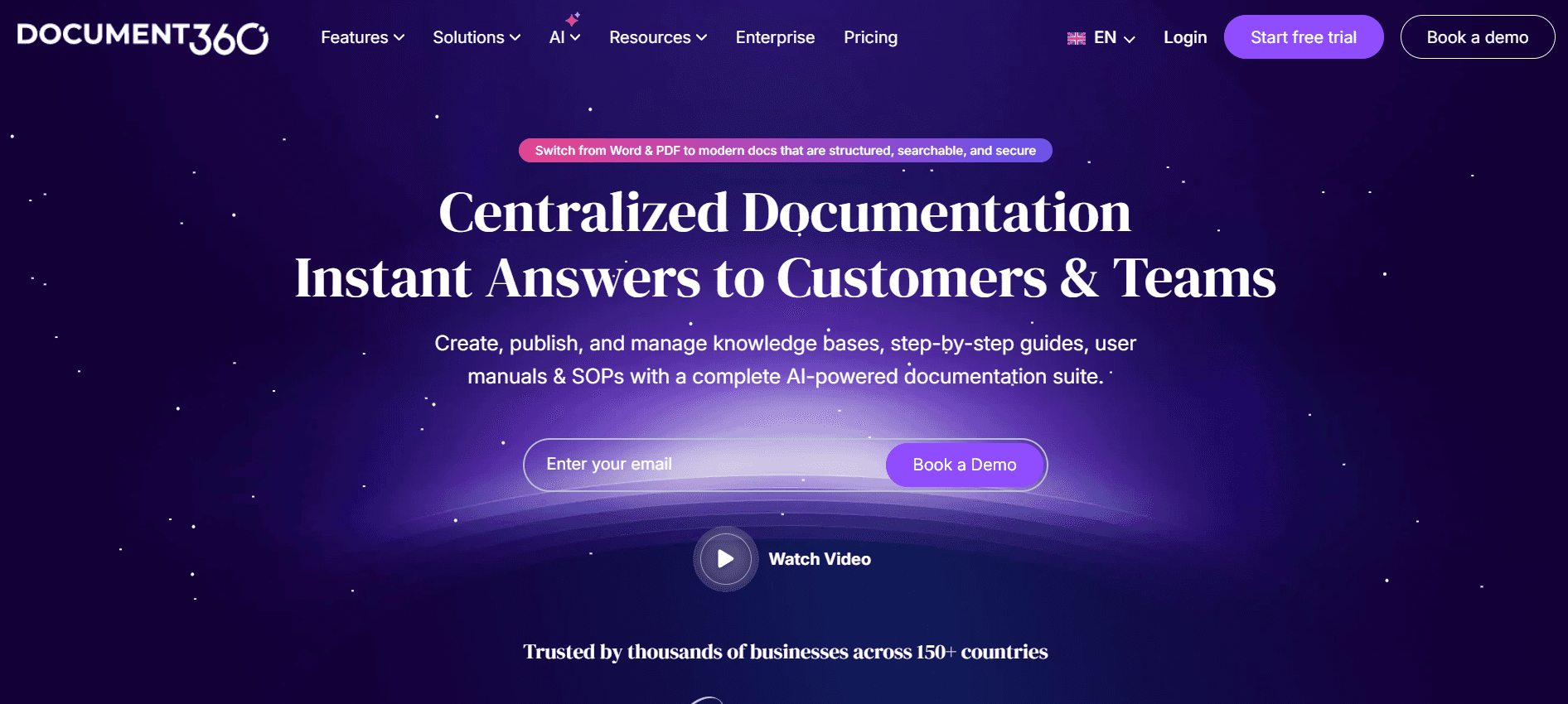
Document360 is afgestemd op het maken van uitgebreide kennisbanken, waardoor het ideaal is voor grotere teams die gecentraliseerde documentatie-repositories nodig hebben. Het biedt een gestructureerde aanpak voor documentatie, maar kan een steilere leercurve vereisen.
Hoewel Document360 uitblinkt in het organiseren en beheren van grote hoeveelheden documentatie, betekenen de beperkte AI-functies dat het mogelijk niet de beste keuze is voor teams die op zoek zijn naar geautomatiseerde contentgeneratie.
Belangrijkste functies
Gestructureerde kennisbankcreatie
Slimme templates
Versiebeheer
Basis AI-schrijven
API-integratie
Geavanceerde zoekmogelijkheden
Voordelen
Nadelen
Geweldig voor grote documentatie-repositories.
Beperkte AI-mogelijkheden.
Sterke zoek- en versiebeheermogelijkheden.
Geen gratis abonnement beschikbaar.
Goed voor beheer van kennisbanken.
Complex proces voor setup.
Prijzen
Document360 biedt geen gratis abonnement. Betaalde plannen starten bij $99 per project per maand.
Notion AI
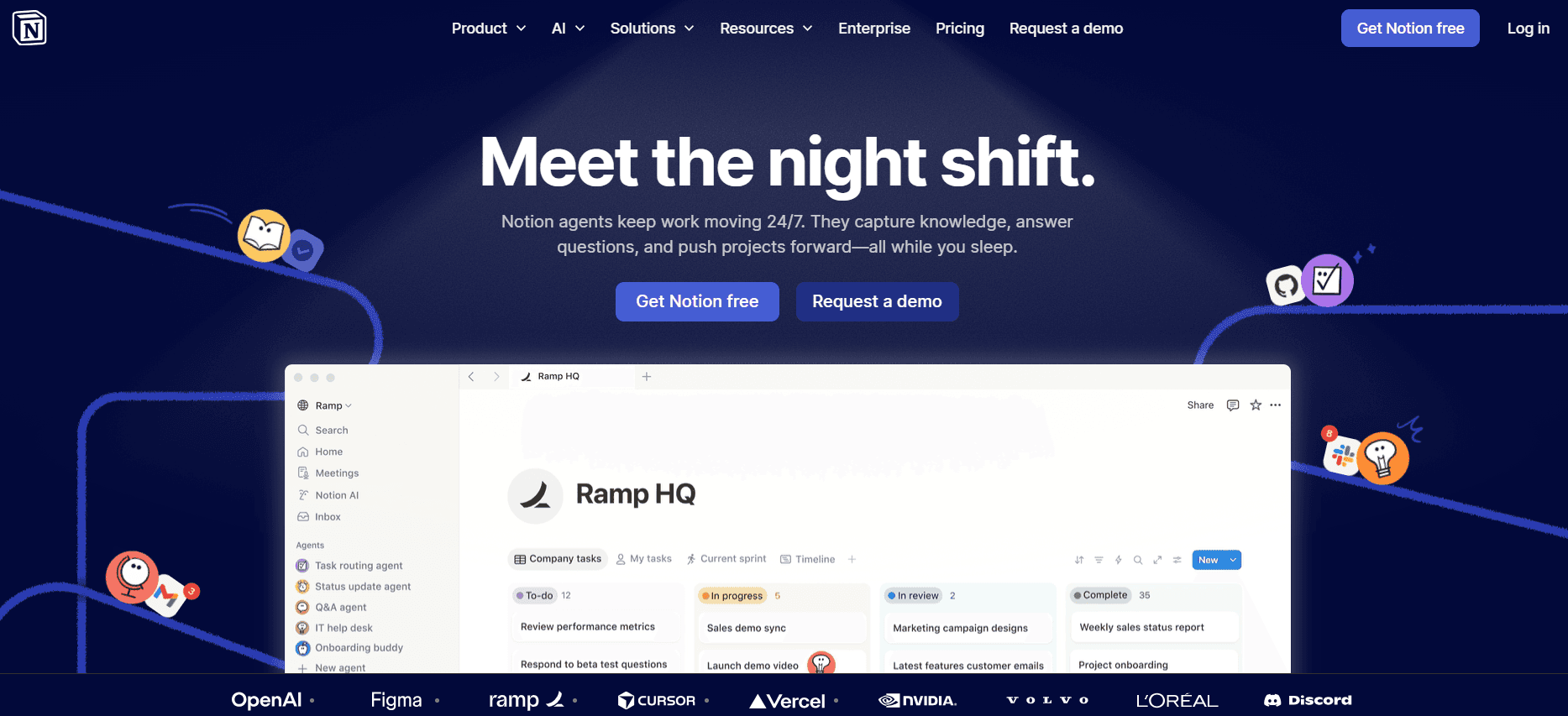
Notion AI integreert met het bredere Notion-platform en biedt flexibiliteit en aanpassingsvermogen bij documentatietaken. Het is geschikt voor teams die een aanpasbare werkruimte nodig hebben, waarin documentatie slechts één onderdeel van de puzzel is.
De kracht van Notion AI ligt in de uitgebreide aanpassingsmogelijkheden en integratiecapaciteiten. De AI-functies zijn echter nog in ontwikkeling en zijn mogelijk niet zo robuust als standalone documentatietools.
Belangrijkste functies
Werkruimtes die sterk aanpasbaar zijn
Assistentie bij AI-schrijven
Slimme templates
Ondersteuning voor meerdere talen
Integratie met het Notion-ecosysteem
Gratis abonnement beschikbaar
Voordelen
Nadelen
Zeer aanpasbaar en flexibel.
AI-functies zijn nog volop in opkomst.
Integreert goed met andere tools.
Kan overweldigend zijn voor nieuwe gebruikers.
Biedt een gratis abonnement voor individuele gebruikers.
Beperkte standalone documentatiefuncties.
Prijzen
Notion AI is beschikbaar als onderdeel van het Notion-platform, met gratis en betaalde plannen vanaf $8 per gebruiker per maand.
Confluence AI
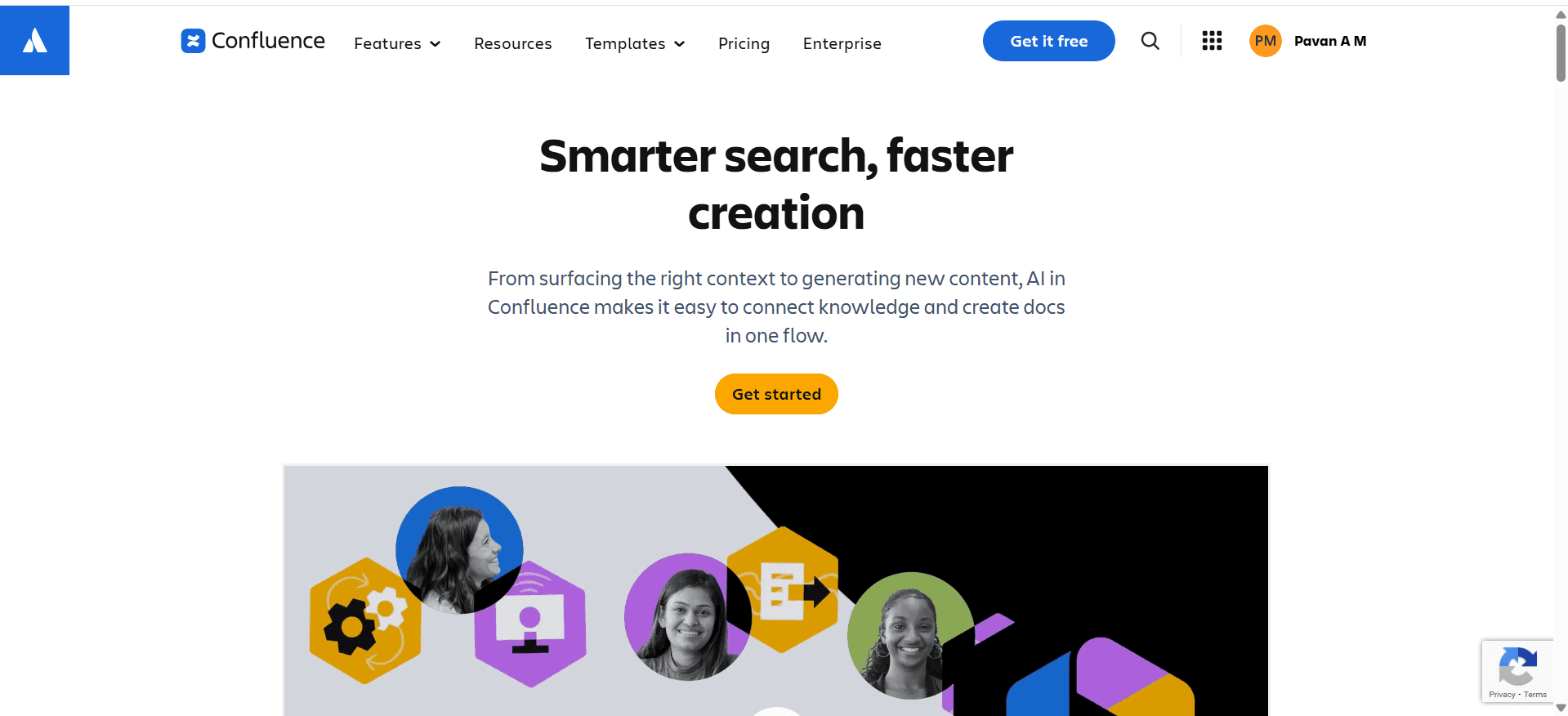
Confluence AI maakt deel uit van het Atlassian-ecosysteem en biedt krachtige samenwerktools voor documentatieteams. Het is het best geschikt voor teams die al Atlassian-producten gebruiken, met naadloze integratie en functies op enterprise-niveau.
Hoewel Confluence AI uitblinkt in samenwerking en integratie, kunnen sommige gebruikers de interface minder intuïtief vinden dan andere tools, vooral als ze niet bekend zijn met de Atlassian-suite.
Belangrijkste functies
AI-schrijven en suggesties
Naadloze integratie met Atlassian-producten
Slimme templates
Ondersteuning voor meerdere talen
Robuuste samenwerktools
Beveiliging op enterprise-niveau
Voordelen
Nadelen
Uitstekend voor teams die Atlassian-tools gebruiken.
Interface kan complex zijn voor nieuwe gebruikers.
Sterke samenwerkings- en integratiefuncties.
Geen gratis abonnement beschikbaar.
Beveiliging en ondersteuning op enterprise-niveau.
Vereist bekendheid met Atlassian-producten.
Prijzen
Confluence AI biedt geen gratis abonnement. Betaalde plannen starten bij $10 per gebruiker per maand.
GitBook AI
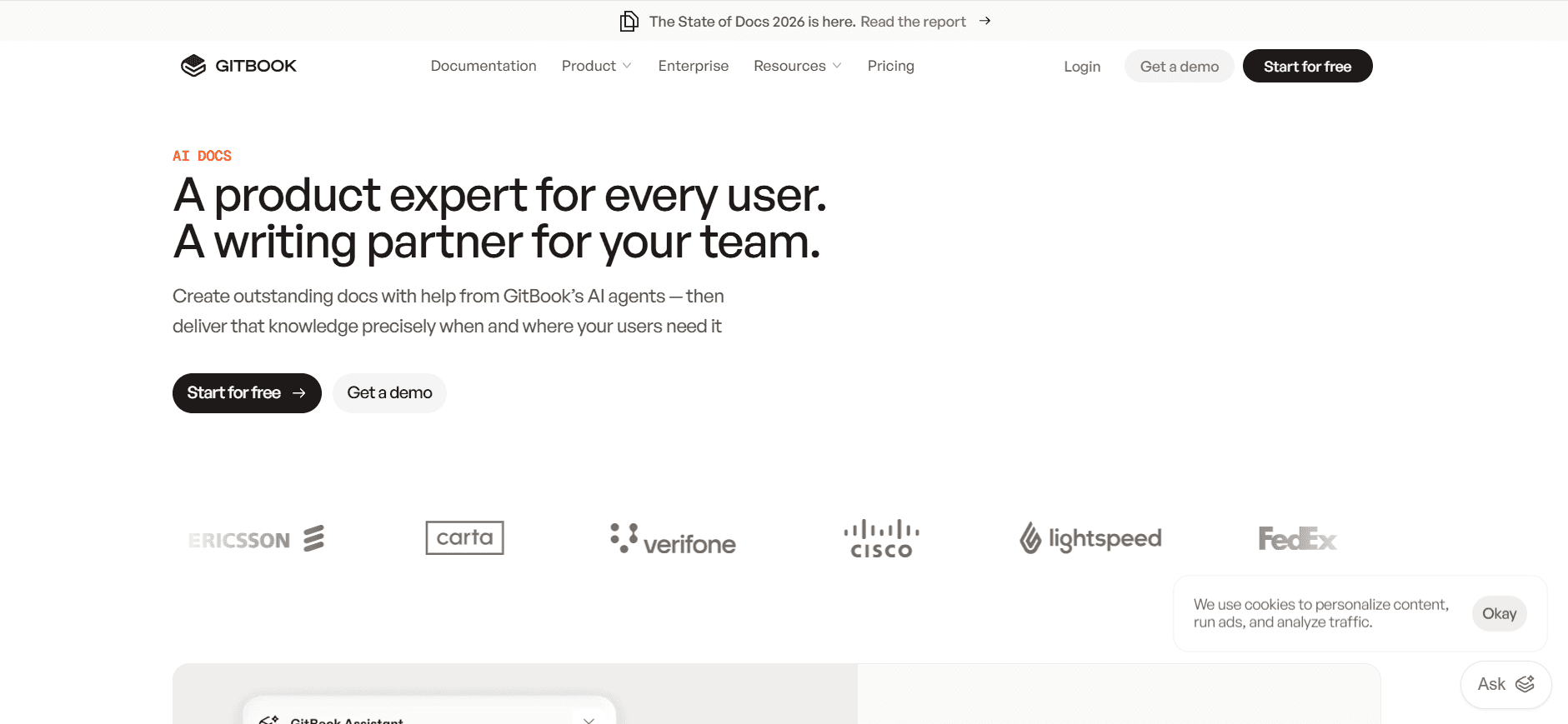
GitBook AI combineert eenvoud met krachtige documentatiemogelijkheden en richt zich op het maken en onderhouden van developergerichte documentatie. Het is met name geschikt voor engineeringteams die op zoek zijn naar een eenvoudige maar effectieve documentatietool.
De sterke punten van GitBook AI liggen in de schone interface en ondersteuning voor markdown, waardoor het ideaal is voor technische teams. De beperkte niet-technische functies kunnen echter niet voldoen aan bredere documentatiebehoeften.
Belangrijkste functies
Ondersteuning voor markdown
Assistentie bij AI-schrijven
Versiebeheer
Ondersteuning voor meerdere talen
Schone en eenvoudige interface
Gratis abonnement beschikbaar
Voordelen
Nadelen
Geweldig voor developer-documentatie.
Beperkte niet-technische functies.
Ondersteunt markdown en versiebeheer.
Niet ideaal voor complexe documentatie-workflows.
Biedt een gratis abonnement voor kleine projecten.
Basis integratiemogelijkheden.
Prijzen
GitBook AI biedt een gratis abonnement met betaalde plannen vanaf $19 per gebruiker per maand.
Uitdagingen bij AI-documentatie: waar teams mee worstelen
Het maken van de eerste concepten kost te veel tijd
Zelfs ervaren schrijvers kunnen uren kwijt zijn aan het maken van de eerste versie van documenten.
De druk om snel content van hoge kwaliteit te produceren kan leiden tot stress en burn-out.
Gebrek aan automatisering bij het maken van de eerste concepten verlengt de documentatiecyclus.
Handmatige processen belemmeren het snel itereren en verbeteren van documentatie.
Documentatie actueel houden bij elke productsprint
Regelmatige productupdates vragen om voortdurende revisies van bestaande documentatie.
Afstemming tussen productontwikkeling en documentatieteams kan lastig zijn.
Vertraagde updates kunnen ertoe leiden dat verouderde informatie eindgebruikers bereikt.
Teams missen vaak de middelen om voortdurend enorme bibliotheken met documentatie bij te werken.
Inconsistente opmaak tussen verschillende teamleden
Verschillende schrijfstijlen en formaten kunnen gebruikers in verwarring brengen en de effectiviteit van documentatie verminderen.
Handmatig standaardiseren van documentatieformaten kost veel tijd.
Gebrek aan uniformiteit kan slecht uitpakken voor het merk en de professionaliteit verminderen.
Inconsistenties maken het lastiger om documentatie in de loop van de tijd te onderhouden en bij te werken.
Geen automatische screenshot- of step-capture-mogelijkheden
Handmatige screenshots en stapsgewijze captures zijn gevoelig voor fouten en omissies.
Zonder automatisering is het maken van visuele handleidingen arbeidsintensief.
Gemiste stappen in documentatie kunnen leiden tot verwarring bij gebruikers en meer vragen aan support.
Teams verspillen vaak tijd aan het opnieuw maken van visuele content om aan kwaliteitsstandaarden te voldoen.
Vertaling en lokalisatie zorgen voor knelpunten bij teams wereldwijd
Handmatige vertaalprocessen zijn traag en kunnen productlanceringen vertragen.
Lokalisatie vereist gespecialiseerde vaardigheden die mogelijk niet in-house beschikbaar zijn.
Onjuiste vertalingen kunnen leiden tot misverstanden en ontevredenheid bij gebruikers.
Teams wereldwijd hebben uitdagingen bij het behouden van consistentie tussen talen.
Uitdaging | Traditioneel proces | Impact op de business | Tijdskosten |
|---|---|---|---|
Eerste concepten maken | Handmatig schrijven | Vertraagde releases | Hoog |
Documentatie actueel houden | Handmatige updates | Verouderde content | Zeer hoog |
Inconsistente opmaak | Handmatige standaardisatie | Slechte gebruikerservaring | Gemiddeld |
Geen automatische screenshot | Handmatige capture | Verwarring bij gebruikers | Hoog |
Knelpunten bij vertaling | Handmatige vertaling | Vertragingen in de markt | Zeer hoog |
Must-have functies in AI-documentatietools
AI-schrijven en automatische aanvulling
AI-schrijven en automatische aanvulling zijn cruciaal om het documentatieproces te versnellen. Met deze functies kunnen schrijvers snel content genereren, zodat ze zich kunnen richten op het verfijnen en verbeteren van de tekst. AI kan zinnen suggereren, veelgebruikte zinsdelen aanvullen en zelfs complete secties schrijven op basis van context, hoewel essay writers nog steeds essentieel zijn om gepolijste, hoogwaardige content te produceren, waardoor de tijd die wordt besteed aan eerste concepten aanzienlijk wordt verkort.
Trupeer blinkt hierin uit door geavanceerde AI-schrijfmogelijkheden aan te bieden die zowel beginnende als ervaren schrijvers ondersteunen, zodat de content zowel accuraat als boeiend is.
Geautomatiseerde step capture vanuit schermactiviteit
Het documenteren van processen omvat vaak het vastleggen van gedetailleerde stappen uit activiteiten op het scherm, wat vervelend en foutgevoelig kan zijn wanneer je dit handmatig doet. Tools voor geautomatiseerde step capture stroomlijnen dit proces door acties direct vanaf het scherm op te nemen en om te zetten in duidelijke, stapsgewijze handleidingen.
Scribe biedt een robuuste step-capturefunctie die het maken van procedurele documentatie vereenvoudigt, waardoor teams makkelijker kunnen zorgen voor nauwkeurigheid en volledigheid in hun handleidingen.
Slimme screenshot-annotatie
Effectieve documentatie vereist vaak visuele elementen om geschreven instructies aan te vullen. Tools voor slimme screenshot-annotatie stellen gebruikers in staat om afbeeldingen efficiënt vast te leggen en te annoteren, waardoor context en duidelijkheid aan visuele hulpmiddelen worden toegevoegd.
De kracht van Tango ligt in de geavanceerde mogelijkheden voor screenshot-annotatie, waarmee gebruikers screenshots kunnen markeren, labelen en aanpassen zonder dat er extra grafische ontwerptools nodig zijn.
AI-voiceovergeneratie voor videodocumentatie
Omdat steeds meer gebruikers de voorkeur geven aan visueel en auditief leren, is AI-voiceovergeneratie voor videodocumentatie een essentiële functie geworden. Hiermee kunnen teams boeiende videocompat creëren met voice-overs van professionele kwaliteit, zonder dat er voice-actors nodig zijn.
Notion AI integreert deze mogelijkheid binnen zijn platform, zodat teams uitgebreide videodocumentatie kunnen produceren die aansluit op diverse leervoorkeuren.
Export met één klik in meerdere formaten
Flexibiliteit bij het exporteren van formaten is cruciaal voor documentatieteams die content over verschillende platforms moeten verspreiden. Met export met één klik kunnen teams documenten omzetten naar meerdere formaten, zoals PDF, HTML en Markdown, zodat de content compatibel is met verschillende publicatieomgevingen.
Document360 biedt naadloze exportopties, zodat teams consistentie en kwaliteit kunnen behouden in verschillende documentformaten en distributiekanalen.
Ondersteuning voor meerdere talen
Globalisering vraagt dat documentatie toegankelijk is in meerdere talen. Tools met ondersteuning voor meerdere talen stellen teams in staat om content efficiënt te vertalen en te lokaliseren, waardoor de tijd en kosten die gepaard gaan met handmatige vertaalprocessen worden verlaagd.
De mogelijkheden van Confluence AI voor meerdere talen zijn met name voordelig voor organisaties op enterprise-niveau die actief zijn in diverse markten, zodat hun documentatie relevant en accuraat is voor alle gebruikers.
Zo kies je AI-documentatietools op basis van je use case
Productdocumentatieteams bij SaaS-bedrijven
Productdocumentatieteams bij SaaS-bedrijven hebben tools nodig die gelijke tred kunnen houden met snelle ontwikkelcycli. Deze teams hebben oplossingen nodig die snelle updates mogelijk maken en ervoor zorgen dat documentatie altijd synchroon loopt met de nieuwste productversies.
Regelmatige productupdates die constante revisies van documentatie vereisen.
Behoefte aan samenwerking tussen verschillende teams, waaronder product, engineering en support.
Consistentie in opmaak en stijl behouden over meerdere documenten.
AI-gestuurde tools voor snelle contentupdates.
Realtime samenwerkingsfuncties.
Geautomatiseerde opmaak- en stijlconsistentiechecks.
Tool | AI Writing | Collaboration | Formatting |
|---|---|---|---|
Trupeer | Ja | Ja | Ja |
Confluence AI | Ja | Ja | Beperkt |
Technische schrijvers en content operations
Technische schrijvers jongleren vaak met meerdere projecten en hebben tools nodig die hun workflow stroomlijnen. Ze profiteren van functies die terugkerende taken automatiseren en de nauwkeurigheid van technische documenten verbeteren.
Veel documentatieprojecten met strakke deadlines.
Zorgen voor technische nauwkeurigheid en duidelijkheid in documenten.
Updates en revisies efficiënt beheren.
Door AI ondersteunde schrijf- en proeflees-tools.
Versiebeheer en functies voor change tracking.
Integratie met tools voor projectmanagement.
Tool | AI Proofreading | Version Control | Project Integration |
|---|---|---|---|
Scribe | Beperkt | Ja | Ja |
Document360 | Nee | Ja | Ja |
Engineering en API-documentatie
Engineeringteams hebben documentatietools nodig die complexe technische content aankunnen en naadloos integreren met hun bestaande ontwikkelworkflows.
Complexe technische content die precisie vereist.
Integratie met ontwikkelomgevingen en tools.
Behoefte aan duidelijke, beknopte API-documentatie.
Tools met sterke ondersteuning voor markdown.
API-integratiefuncties.
Geautomatiseerde contentgeneratie voor terugkerende taken.
Tool | Markdown Support | API Integration | Content Generation |
|---|---|---|---|
GitBook AI | Ja | Ja | Beperkt |
Tango | Nee | Beperkt | Nee |
HR- en compliance-documentatie
HR-teams en compliance officers hebben tools nodig die helpen bij het maken van duidelijke, juridisch conforme documentatie. Ze hebben oplossingen nodig die consistentie en nauwkeurigheid garanderen in alle documenten.
Juridische compliance en nauwkeurigheid zijn cruciaal.
Behoefte aan templates die consistentie waarborgen.
Gevoelige informatie veilig beheren.
Robuuste bibliotheken met templates.
Geavanceerde beveiligingsfuncties.
AI voor checks op contentnauwkeurigheid.
Tool | Templates | Security | Accuracy Checks |
|---|---|---|---|
Notion AI | Ja | Beperkt | Ja |
Trupeer | Ja | Ja | Ja |
Beste praktijken voor het implementeren van AI-documentatietools
Voorafgaand aan de implementatie
Voer een grondige needs assessment uit om specifieke uitdagingen op het gebied van documentatie te identificeren.
Evalueer verschillende tools om te bepalen welke functies aansluiten op de vereisten van je team.
Betrek belangrijke stakeholders bij het besluitvormingsproces om draagvlak te waarborgen.
Plan trainingssessies om je team de benodigde vaardigheden te geven om de tools effectief te gebruiken.
Stel duidelijke doelen op voor wat je hoopt te bereiken met de nieuwe tool.
Tijdens de implementatie
Start met een pilotprogramma om de effectiviteit van de tool te testen in een gecontroleerde omgeving.
Bied doorlopende ondersteuning en training om eventuele problemen of vragen aan te pakken.
Stimuleer feedback van gebruikers om het implementatieproces te verfijnen en te verbeteren.
Monitor gebruik en adoptiepercentages om te identificeren waar extra focus nodig is.
Zorg voor regelmatige check-ins om de voortgang te beoordelen en strategieën zo nodig bij te sturen.
Na de implementatie
Beoordeel de impact van de tool op de kwaliteit van documentatie en de productiviteit van het team.
Vier successen om positieve resultaten te versterken en aan te moedigen om door te gaan met het gebruik.
Verzamel doorlopende feedback om eventuele nieuwe uitdagingen of behoeften te identificeren.
Werk trainingsmateriaal regelmatig bij om nieuwe functies of best practices te weerspiegelen.
Overweeg om het gebruik van de tool op te schalen naar extra teams of afdelingen.
Veelgestelde vragen
Wat zijn AI-documentatietools?
AI-documentatietools zijn softwareapplicaties die kunstmatige intelligentie inzetten om te helpen bij het maken, beheren en onderhouden van documentatie. Ze bevatten vaak functies zoals AI-schrijven, geautomatiseerde opmaak en contentanalyse om efficiëntie en nauwkeurigheid te verbeteren.
Wie moet AI-documentatietools gebruiken?
Deze tools zijn ideaal voor technische schrijvers, documentatiemanagers, productteams, engineeringafdelingen en HR-professionals die snel en efficiënt hoogwaardige documentatie moeten produceren.
Kunnen AI-tools integreren met bestaande documentatiesystemen?
Ja, veel AI-documentatietools bieden integratiemogelijkheden met populaire documentatiesystemen en platforms, waardoor je workflow naadloos kan worden geïntegreerd en data kan worden gesynchroniseerd.
Ondersteunen AI-tools meerdere talen?
Veel AI-documentatietools ondersteunen meerdere talen, waardoor het makkelijker wordt om documentatie voor doelgroepen wereldwijd te maken en te onderhouden. Controleer de specifieke taalcapaciteiten van elke tool om te zorgen dat ze aan je behoeften voldoen.
Zijn er gratis versies van AI-documentatietools beschikbaar?
Ja, verschillende AI-documentatietools bieden gratis abonnementen met beperkte functies. Deze kunnen handig zijn voor kleine teams of individuen die de mogelijkheden van de tool willen verkennen voordat ze een betaald abonnement afsluiten.
Welke factoren beïnvloeden de kosten van AI-documentatietools?
De prijs wordt vaak bepaald door factoren zoals het aantal gebruikers, het bereik aan functies, opslagcapaciteit en integratiemogelijkheden. Plannen op een hoger niveau bieden doorgaans meer geavanceerde functies en meer flexibiliteit.
Hoe lang duurt het om een AI-documentatietool te implementeren?
De implementatietijd kan variëren afhankelijk van de complexiteit van de tool en de grootte van het team. Over het algemeen kan een basisimplementatie enkele weken duren, terwijl complexere setups langer kunnen duren.
Welke training is nodig om AI-documentatietools effectief te gebruiken?
De meeste AI-documentatietools bieden trainingsbronnen, waaronder tutorials, webinars en ondersteunende documentatie. Aanvankelijke training wordt aanbevolen om ervoor te zorgen dat gebruikers begrijpen hoe ze de functies en mogelijkheden van de tool optimaal benutten.
Kunnen AI-documentatietools worden gebruikt om ITSM- en ticketresolutiedocumentatie te maken?
Ja, AI-documentatietools zijn bijzonder geschikt voor het opbouwen van ITSM- en ticketresolutiedocumentatie. In plaats van resolutiestappen handmatig te schrijven na elk incident, kunnen IT-teams tools zoals Trupeer gebruiken om de resolutieworkflow op het scherm vast te leggen en binnen enkele seconden automatisch een gepolijst, gestructureerd document te genereren. Dat betekent dat je kennisbank organisch groeit met elke ticket die wordt opgelost: individuele resoluties worden herbruikbare documentatie waar het hele team van kan profiteren.
Hoe ondersteunen AI-documentatietools ServiceNow- en Atomic Work-workflows?
AI-documentatietools vullen platforms zoals ServiceNow en Atomic Work aan door de how-to content te genereren die ervoor zorgt dat workflowuitvoering consistent en accuraat is. Terwijl ServiceNow of Atomic Work de workflow-routing en taaktoewijzing beheert, produceren AI-documentatietools zoals Trupeer de stapsgewijze handleidingen, runbooks en SOP’s waar agents naar verwijzen bij het uitvoeren van elke workflowstap. Deze combinatie zorgt ervoor dat je workflowplatform wordt ondersteund door altijd actuele, eenvoudig te volgen documentatie.
Kunnen AI-tools automatisch SOP’s en how-to-documentatie genereren op basis van opgenomen workflows?
Dit is een van de krachtigste mogelijkheden van moderne AI-documentatietools. Met Trupeer leg je eenvoudigweg vast dat je een workflow uitvoert—een platformconfiguratie, een admin-taak of een supportprocedure—en de tool genereert automatisch een complete SOP met genummerde stappen, geannoteerde screenshots en AI-voiceover-narratie. Dit elimineert de documentatieachterstand waarmee de meeste IT- en operations-teams te maken hebben, en verandert elke opgenomen workflow in een kant-en-klaar publiceerbaar stuk how-to-documentatie zonder enige handmatige schrijftaak.
Hoe maakt AI-gestuurde zoekfunctie het sneller vinden van SOP’s mogelijk binnen technische documentatie?
SOP-discovery via AI-zoekopdrachten is een gamechanger voor technische teams die grote bibliotheken met documentatie beheren. In plaats van te vertrouwen op mappenstructuren of collega’s te vragen waar een document zich bevindt, kunnen teamleden simpelweg een query in natuurlijke taal typen en toont AI direct de meest relevante SOP of technische handleiding. Dit is vooral cruciaal in omgevingen waar IT onder hoge druk staat, omdat snelle toegang tot de juiste documentatie direct invloed heeft op resolutietijden, systeemuptime en de algehele operationele efficiëntie.
Waar wint menselijke input het nog van AI bij het maken van SOP’s?
Mensen winnen nog steeds op oordeelsvorming, edge cases en weten wat voor de lezer echt belangrijk is, dus AI-concepten en mensen verifiëren. Trupeer, een van de AI documentation tools, genereert gestructureerde handleidingen uit opnames die agents daadwerkelijk kunnen gebruiken.
Afsluiting
AI-documentatietools hebben de potentie om te transformeren hoe teams hun documentatie maken en beheren. Door terugkerende taken te automatiseren en de kwaliteit van content te verbeteren, stellen deze tools teams in staat om zich te focussen op wat echt telt: duidelijke, accurate en tijdige informatie leveren aan hun gebruikers. Of je nu deel uitmaakt van een snel bewegend SaaS-bedrijf of compliance-documentatie beheert: er is een AI-tool die is afgestemd op jouw behoeften.
Klaar om je documentatieproces te stroomlijnen? Ontdek hoe Trupeer je team kan helpen om meer efficiëntie en nauwkeurigheid te bereiken. Bezoek Trupeer om meer te leren over onze innovatieve oplossingen en vandaag nog je reis te starten naar effectievere documentatie.
Gerelateerde blogs


