Trupeer Blog
Samenvatten

Overzicht voor kopers
In de wereld van documentatie merken teams zich vaak verdwaald in de details van opmaak en structuur, waarbij ze maar liefst 60-70% van hun tijd besteden aan deze niet-inhoudelijke taken. Hierdoor blijft er minder ruimte over om de juistheid en duidelijkheid van de daadwerkelijke content te waarborgen. AI-documentatietools zijn bedoeld om deze last te verlichten door repetitieve taken te automatiseren, zodat documentatieteams zich kunnen richten op wat echt belangrijk is.
Volgens een rapport hebben bedrijven die AI-tools voor documentatie gebruiken hun efficiëntie met 40% verhoogd.
Deze gids is afgestemd op documentatieteams, technische schrijvers en bedrijven die hun proces voor het maken van gebruikershandleidingen willen stroomlijnen. Hij behandelt een selectie van AI-aangedreven tools, met aandacht voor hun unieke functies, voor- en nadelen en geschikte toepassingsscenario's.
Beste AI-documentatietools: vergelijking naast elkaar
Functie | Trupeer | Scribe | Tango | Document360 | Notion AI | Confluence AI | GitBook AI | Archbee |
|---|---|---|---|---|---|---|---|---|
Kernfuncties | ||||||||
AI-schrijven | Ja | Ja | Beperkt | Ja | Ja | Ja | Ja | Ja |
AI-mogelijkheden | ||||||||
Automatische stapvastlegging | Ja | Beperkt | Ja | Nee | Beperkt | Nee | Ja | Nee |
Screenshotannotatie | Ja | Ja | Ja | Nee | Nee | Beperkt | Nee | Nee |
AI-voice-over | Ja | Nee | Nee | Beperkt | Ja | Nee | Nee | Nee |
Professionele functies | ||||||||
Videogeneratie | Ja | Ja | Nee | Ja | Beperkt | Nee | Nee | Nee |
Slimme sjablonen | Ja | Ja | Beperkt | Ja | Nee | Ja | Ja | Beperkt |
Integraties | ||||||||
Meertalig | Ja | Beperkt | Ja | Ja | Ja | Beperkt | Ja | Nee |
API-integratie | Ja | Ja | Nee | Beperkt | Ja | Ja | Ja | Nee |
Gratis versie | Ja | Nee | Ja | Ja | Nee | Beperkt | Ja | Nee |
Trupeer

Trupeer is ontworpen voor teams die zich richten op het maken van gedetailleerde en nauwkeurige gebruikershandleidingen. Het is vooral geschikt voor technische schrijvers en documentatieteams bij SaaS-bedrijven. De tool biedt krachtige AI-gestuurde mogelijkheden om repetitieve taken te automatiseren, zodat gebruikers zich kunnen concentreren op de kwaliteit van de content. Trupeer blinkt uit in aanpasbare sjablonen en ondersteunt meerdere talen, waardoor het een topkeuze is voor internationale teams.
Belangrijkste functies
Geavanceerde AI-schrijfhulp
Automatische stapvastlegging voor gestroomlijnde documentatie
Intelligente tools voor screenshotannotatie
Aanpasbare en herbruikbare sjablonen
Ondersteunt meer dan 40 talen
API-integratie voor een naadloze workflow
Gratis versie beschikbaar om te proberen
Realtime samenwerkingsfuncties
"Trupeer heeft ons documentatieproces getransformeerd en bespaart ons elke week uren."
Voordelen | Nadelen |
|---|---|
Stroomlijnt documentatie met AI | Ondersteunt geen AI-voice-over |
Zeer aanpasbare sjablonen | Videogeneratie is beperkt |
Uitstekende meertalige ondersteuning | Initiële installatie kan complex zijn |
Prijsstelling
Trupeer biedt een gratis versie, met betaalde abonnementen vanaf $29 per gebruiker per maand.
Scribe
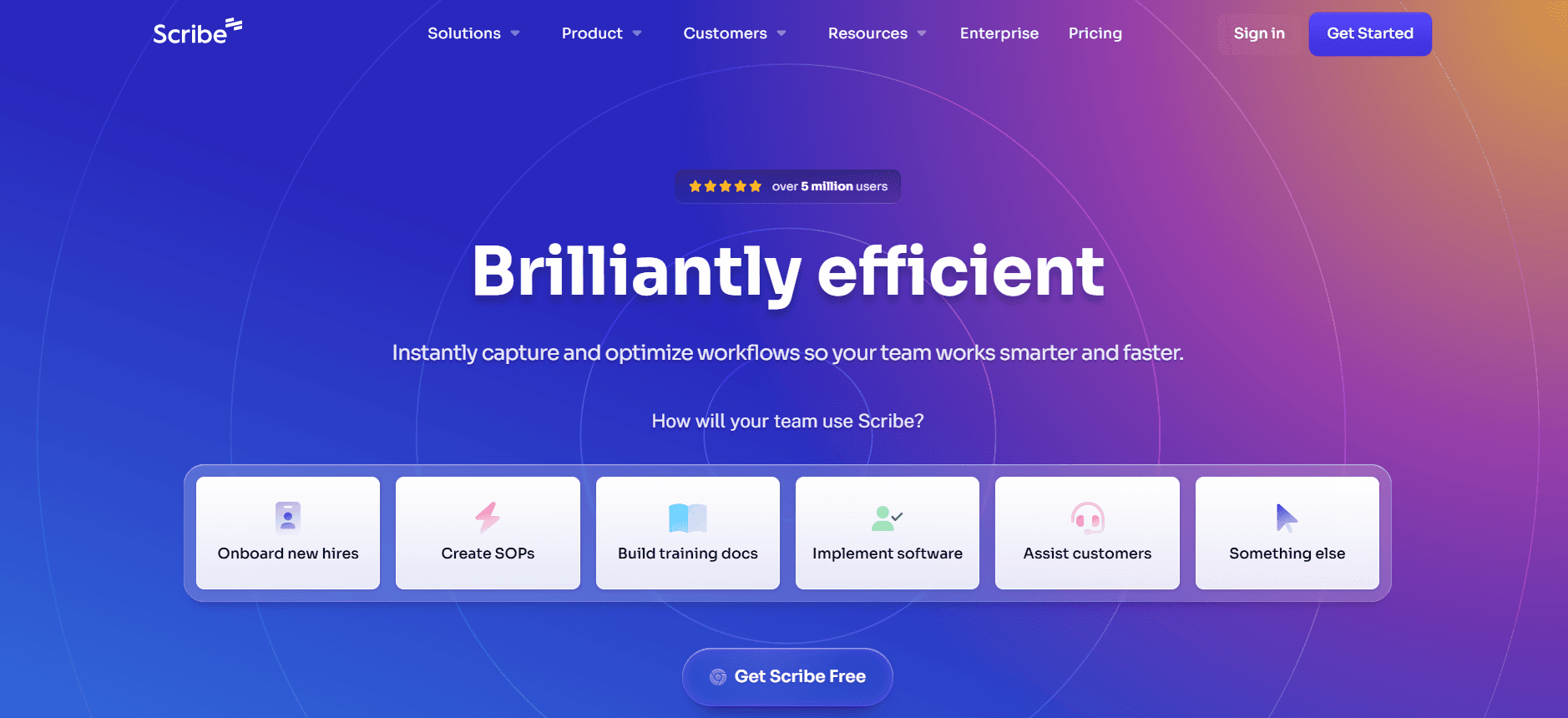
Scribe is een veelzijdige tool, ontworpen voor gebruikers die efficiënte documentcreatie nodig hebben met minimale inspanning. Het is perfect voor kleine teams en individuele gebruikers die behoefte hebben aan een eenvoudige oplossing. Scribe onderscheidt zich door de intuïtieve interface en uitstekende annotatiefuncties, waardoor processen snel vastleggen en documenteren eenvoudig is. De AI-mogelijkheden zijn echter enigszins beperkt in vergelijking met andere opties.
Belangrijkste functies
Eenvoudige en gebruiksvriendelijke interface
Efficiënte mogelijkheden voor procesvastlegging
Uitgebreide annotatietools
Basis AI-schrijfhulp
Integratie met populaire applicaties
Beperkte meertalige ondersteuning
Cloudgebaseerde toegang en opslag
Geen gratis versie beschikbaar
Voordelen | Nadelen |
|---|---|
Eenvoudig te gebruiken voor beginners | Mist geavanceerde AI-functies |
Uitstekend voor procesdocumentatie | Beperkte taalondersteuning |
Goede integratieopties | Geen gratis versie |
Prijsstelling
Scribe begint bij $19 per gebruiker per maand, zonder beschikbare gratis versie.
Tango
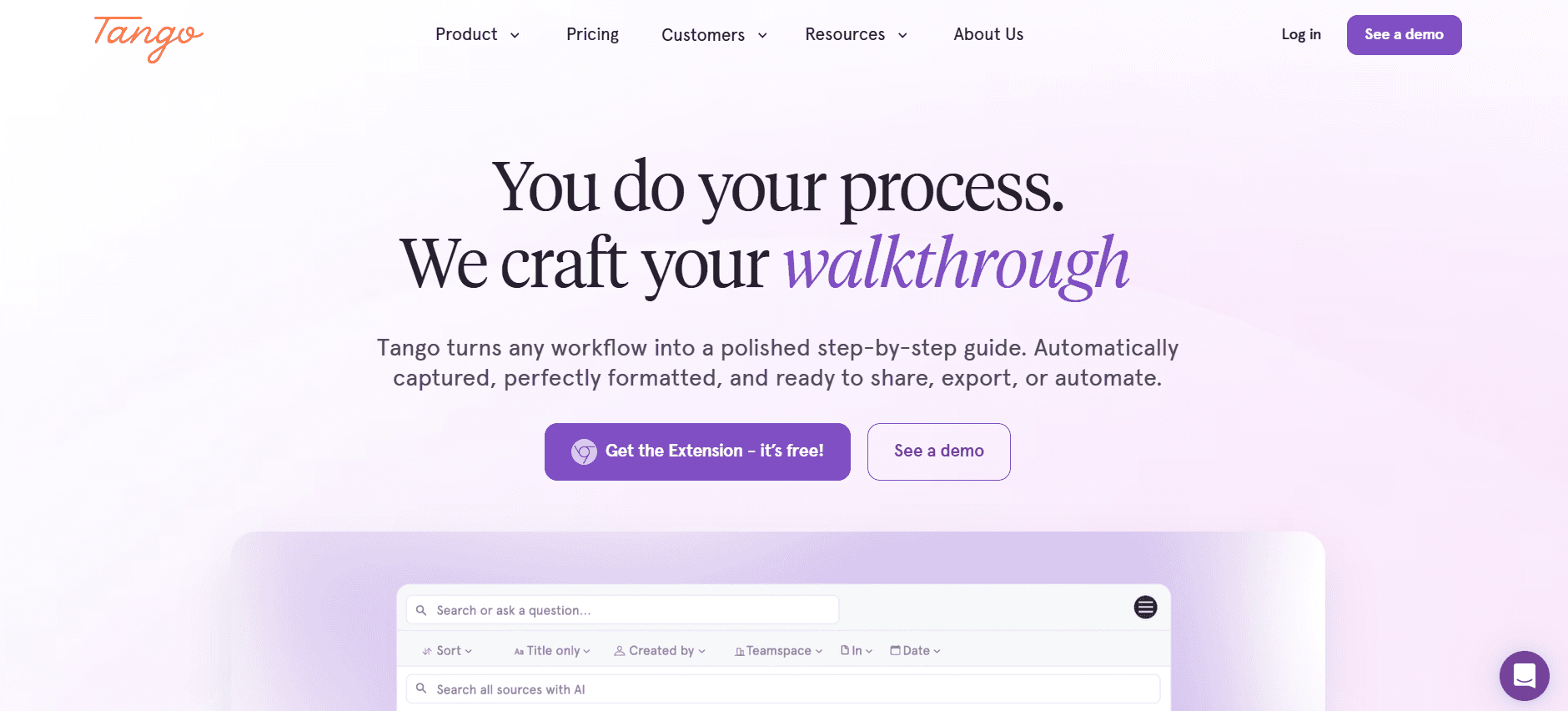
Tango biedt een innovatieve aanpak voor het documenteren van gebruikersprocessen, waardoor het ideaal is voor teams die zich richten op het vastleggen van complexe workflows. De kracht van de tool ligt in de automatische stapvastlegging, die de documentatie van ingewikkelde procedures vereenvoudigt. Tango is vooral nuttig voor technische teams die gedetailleerde procesdocumentatie nodig hebben, al mist het enkele geavanceerde AI-schrijffuncties.
Belangrijkste functies
Automatische stapvastlegging voor procesdocumentatie
Gedetailleerde visualisatie van workflows
Eenvoudige screenshotannotatie
Beperkte AI-schrijfmogelijkheden
Integratie met zakelijke tools
Gratis versie met basisfuncties
Realtime samenwerking aan documenten
Geen ondersteuning voor AI-voice-over
Voordelen | Nadelen |
|---|---|
Geweldig voor complexe workflows | Mist geavanceerde AI-schrijffuncties |
Gratis versie beschikbaar | Geen videogeneratiefunctie |
Sterke visualisatietools | Beperkte taalopties |
Prijsstelling
Tango biedt een gratis versie, met premium abonnementen vanaf $25 per gebruiker per maand.
Document360
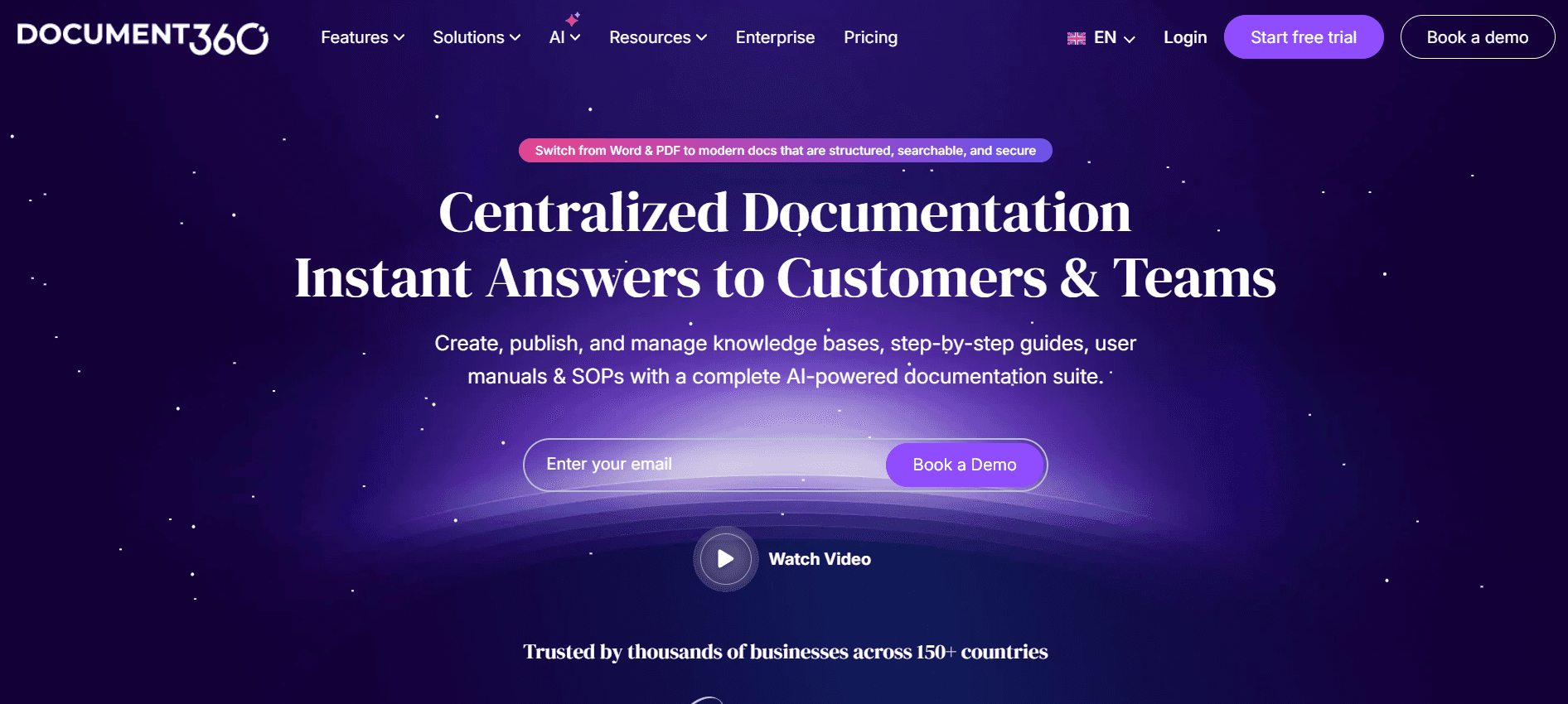
Document360 is gebouwd voor kennisbeheer en uitmuntende documentatie. Het is vooral waardevol voor bedrijven die een gecentraliseerde kennisbank nodig hebben. De tool biedt uitgebreide mogelijkheden voor videogeneratie en slimme sjablonen, die helpen het documentatieproces te stroomlijnen. Hoewel automatische stapvastlegging ontbreekt, zijn de integratieopties een belangrijk pluspunt voor diverse teams.
Belangrijkste functies
Uitgebreid kennisbeheer
Slimme sjablonen voor snelle installatie
Krachtige functies voor videogeneratie
Breed scala aan integratieopties
Beperkte ondersteuning voor AI-voice-over
Meertalige documentatiemogelijkheden
API-toegang voor aangepaste integraties
Gratis versie beschikbaar
Voordelen | Nadelen |
|---|---|
Uitstekende videomogelijkheden | Geen automatische stapvastlegging |
Geweldig voor kennisbanken | AI-voice-over is beperkt |
Sterke integratieopties | Initiële leercurve voor nieuwe gebruikers |
Prijsstelling
Document360 biedt een gratis versie, met betaalde abonnementen vanaf $49 per gebruiker per maand.
Notion AI
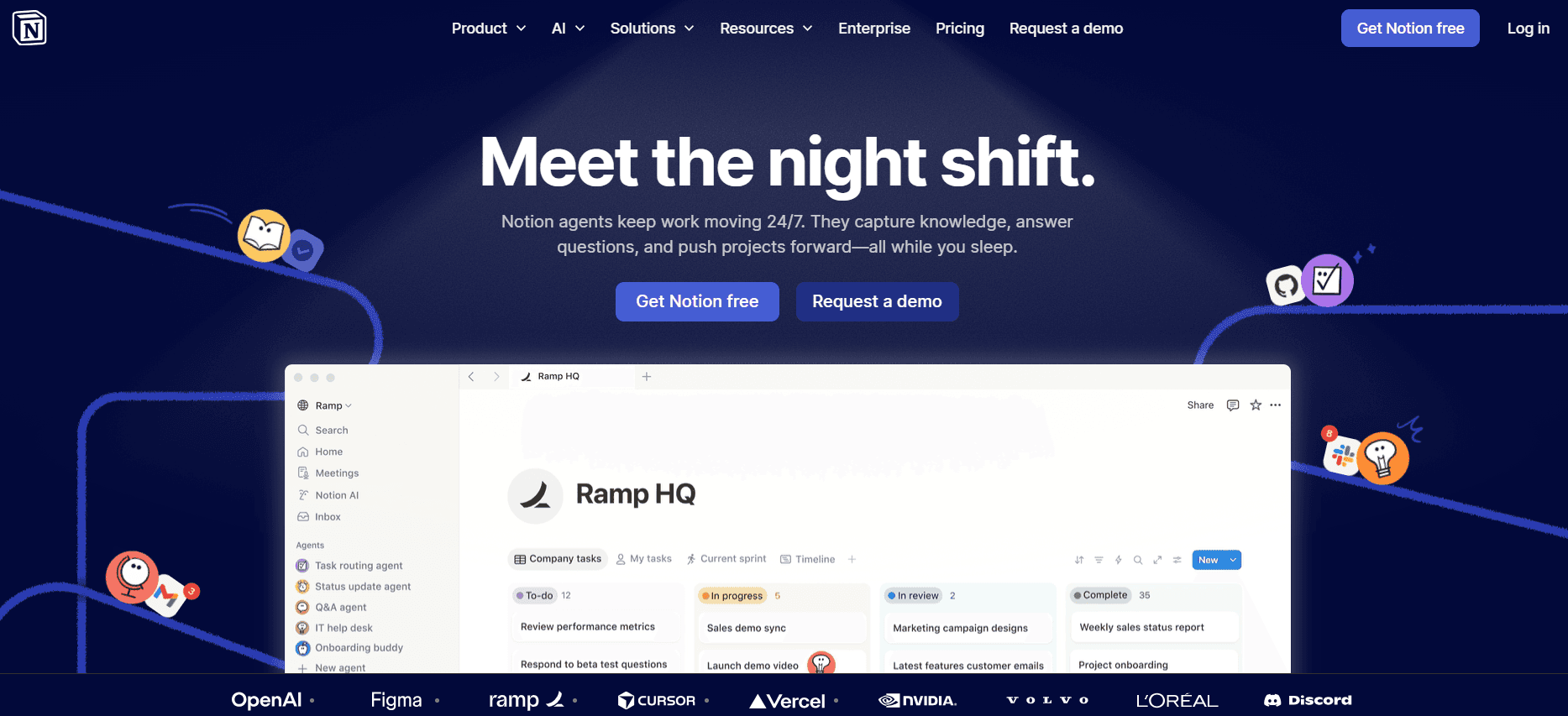
Notion AI is een krachtige tool voor teams die flexibiliteit en maatwerk waarderen. Het is ideaal voor gebruikers die een veelzijdig platform willen dat zich aan uiteenlopende documentatiebehoeften kan aanpassen. Notion AI integreert AI-schrijven en voice-overfuncties, waardoor het een uitgebreide oplossing is voor het maken van rijke, met multimedia verrijkte documenten. De mogelijkheden voor videogeneratie zijn echter enigszins beperkt.
Belangrijkste functies
AI-aangedreven schrijf- en bewerkingstools
Aanpasbare werkruimtelay-outs
AI-voice-over voor multimediadocumenten
Integratie met populaire apps
Meertalige ondersteuning
Beperkte functies voor videogeneratie
Realtime samenwerking
Geen gratis versie
Voordelen | Nadelen |
|---|---|
Zeer flexibel en aanpasbaar | Beperkte videogeneratie |
Sterke AI-functies | Geen automatische stapvastlegging |
Goed voor multimediadocumenten | Geen gratis versie |
Prijsstelling
Notion AI begint bij $39 per gebruiker per maand, zonder beschikbare gratis versie.
Confluence AI
Confluence AI is een robuuste tool voor grotere organisaties die een samenwerkend documentatieplatform nodig hebben. Het is het meest geschikt voor teams die gedetailleerde documentatie met sterke samenwerkingsfuncties vereisen. Hoewel het uitblinkt in slimme sjablonen en API-integratie, zijn de AI-mogelijkheden zoals automatische stapvastlegging en voice-over minder ontwikkeld dan bij concurrenten.
Belangrijkste functies
Samenwerkende documentatieomgeving
Slimme sjablonen voor gestructureerde content
Uitgebreide API-integratieopties
Beperkte AI-schrijfhulp
Meertalige ondersteuning
Realtime bewerking met teamleden
Geen automatische stapvastlegging
Beperkte AI-voice-overfunctionaliteit
Voordelen | Nadelen |
|---|---|
Sterke samenwerkingsfuncties | Mist automatische stapvastlegging |
Breed scala aan integraties | Beperkte AI-voice-over |
Goed voor gestructureerde documentatie | Beperkte AI-schrijfhulp |
Prijsstelling
Confluence AI biedt een beperkte gratis versie, met betaalde abonnementen vanaf $10 per gebruiker per maand.
GitBook AI
GitBook AI is een tool die is ontworpen voor technische teams die een gestroomlijnd documentatieplatform nodig hebben. Het is vooral nuttig voor engineering- en productteams die gedetailleerde API-documentatie nodig hebben. GitBook AI biedt geavanceerde AI-schrijfmogelijkheden en een schone, intuïtieve interface, maar schiet tekort op multimediagebied zoals video en voice-over.
Belangrijkste functies
Geavanceerde AI-schrijftools
Intuïtieve gebruikersinterface
Focus op API-documentatie
Meertalige ondersteuning
Integratie met ontwikkelaarstools
Geen video- of voice-overfuncties
Gratis versie met basisfuncties
Realtime samenwerkingsopties
Voordelen | Nadelen |
|---|---|
Geweldig voor technische documentatie | Geen videogeneratie |
Strak en gebruiksvriendelijk ontwerp | Geen voice-overmogelijkheden |
Gratis versie beschikbaar | Beperkte integratieopties |
Prijsstelling
GitBook AI biedt een gratis versie, met premium abonnementen vanaf $8 per gebruiker per maand.
Archbee
Archbee is gericht op startups en kleine teams die prioriteit geven aan snelle documentatieprocessen. Het is een uitstekende keuze voor teams die processen willen documenteren en kennis snel willen delen. Hoewel Archbee basis-ondersteuning voor AI-schrijven biedt, ligt de kracht ervan in de samenwerkingsfuncties en de gebruiksvriendelijke interface. Het mist echter geavanceerde multimediafuncties.
Belangrijkste functies
Eenvoudige en intuïtieve interface
Basis AI-schrijfhulp
Sterke focus op teamsamenwerking
Realtime bewerking van documenten
Beperkte multimediamogelijkheden
Integratie met populaire tools
Geen AI-voice-over- of videofuncties
Geen gratis versie beschikbaar
Voordelen | Nadelen |
|---|---|
Makkelijk te adopteren door teams | Beperkte AI-mogelijkheden |
Goede samenwerkingsfuncties | Geen gratis versie |
Snel installatieproces | Geen video- of voice-overondersteuning |
Prijsstelling
Archbee begint bij $15 per gebruiker per maand, zonder beschikbare gratis versie.
Uitdagingen bij het maken van AI-aangedreven gebruikershandleidingen: waar teams mee worstelen
Uitdaging 1: Het maken van eerste concepten duurt te lang
Zelfs ervaren schrijvers besteden veel tijd aan het opstellen van eerste versies.
Handmatige inspanning leidt tot langere doorlooptijden voordat de content wordt beoordeeld.
De grote vraag naar contentoutput zet middelen vaak onder druk.
Vertragingen beïnvloeden de totale projectschema's en opleveringstermijnen.
Uitdaging 2: Documentatie actueel houden bij elke productsprint
Regelmatige productupdates vereisen voortdurende herziening van de documentatie.
Handmatige updates kunnen ertoe leiden dat verouderde informatie wordt verspreid.
Het waarborgen van consistentie in alle documenten kost veel tijd.
Gebrek aan automatisering resulteert in inefficiënt gebruik van teammiddelen.
Uitdaging 3: Inconsistente opmaak tussen verschillende teamleden
Verschillende schrijfstijlen kunnen leiden tot variabele documentkwaliteit.
Eenvormigheid is cruciaal voor merkconsistentie en leesbaarheid.
Handmatige opmaakaanpassingen zijn tijdrovend en foutgevoelig.
Inconsistenties kunnen eindgebruikers in verwarring brengen en de merkboodschap verzwakken.
Uitdaging 4: Geen automatische screenshot- of stapvastleggingsmogelijkheden
Handmatig screenshots maken is omslachtig en foutgevoelig.
Gebrek aan stapsgewijze visuals kan het begrip van gebruikers belemmeren.
Processen handmatig documenteren vergroot de tijd per taak.
Teams hebben moeite om visuele documentatie accuraat en relevant te houden.
Uitdaging 5: Vertaal- en lokalisatieknelpunten
Handmatige vertaalprocessen zijn traag en kostbaar.
Gelokaliseerde content moet regelmatig worden bijgewerkt om relevant te blijven.
Inconsistente vertalingen kunnen het begrip van gebruikers beïnvloeden.
Taalbarrières kunnen de acceptatie van het product en het marktbereik beperken.
Uitdaging | Traditioneel proces | Zakelijke impact | Tijdskosten |
|---|---|---|---|
Eerste concepten maken | Handmatig schrijven | Vertraagde levering van content | Hoog |
Documentatie actueel houden | Handmatige updates | Verouderde informatie | Zeer hoog |
Inconsistente opmaak | Handmatige opmaak | Merkinconsistentie | Gemiddeld |
Geen automatische screenshotvastlegging | Handmatige screenshots | Beperkte visuele hulpmiddelen | Hoog |
Vertaling en lokalisatie | Handmatige vertaling | Beperkt marktbereik | Zeer hoog |
Onmisbare functies in tools voor het maken van AI-aangedreven gebruikershandleidingen
AI-schrijven en auto-aanvulling
AI-schrijftools verminderen de tijd die aan het opstellen wordt besteed aanzienlijk door automatisch content te genereren. Deze tools gebruiken natuurlijke taalverwerking om de context te begrijpen en relevante suggesties te geven, waardoor het proces efficiënt wordt voor schrijvers van elk niveau. Trupeer blinkt op dit gebied uit met zijn geavanceerde AI-algoritmen die zich aanpassen aan verschillende schrijfstijlen.
Auto-aanvullingsfuncties helpen bij het behouden van consistentie door zinnen en terminologie voor te stellen die vaak binnen de organisatie worden gebruikt. Dit zorgt ervoor dat de documentatie aansluit bij de bedrijfsstandaarden, de merkconsistentie verbetert en de last voor schrijvers vermindert om elk detail te onthouden.
Geautomatiseerde stapvastlegging op basis van schermactiviteit
Met deze functie kunnen gebruikers automatisch elke stap van een proces vastleggen terwijl ze deze uitvoeren, waardoor een visuele handleiding ontstaat zonder handmatige tussenkomst. Dit is vooral nuttig voor complexe workflows die gedetailleerde instructies vereisen. Tango onderscheidt zich door stappen efficiënt vast te leggen en een reeks acties te genereren die direct in de documentatie kunnen worden opgenomen.
Geautomatiseerde stapvastlegging bespaart veel tijd en waarborgt nauwkeurigheid door menselijke fouten in visuele documentatie te elimineren. Het biedt een intuïtieve manier om processen te documenteren, waardoor eindgebruikers ze gemakkelijker kunnen volgen.
Slimme screenshotannotatie
Slimme tools voor screenshotannotatie stellen gebruikers in staat om belangrijke elementen in een screenshot te markeren en context en duidelijkheid aan afbeeldingen toe te voegen. Deze tools maken snel en eenvoudig bewerken mogelijk, wat cruciaal is voor het behouden van een boeiende en informatieve documentatiestijl. Scribe biedt robuuste annotatiemogelijkheden die het toevoegen van notities en markeringen aan screenshots vereenvoudigen.
Annotaties helpen complexe informatie op te delen in behapbare stukken, waardoor gebruikers ingewikkelde details gemakkelijker begrijpen. Deze functie is essentieel voor technische documentatie die sterk leunt op visuele hulpmiddelen.
AI-voice-overgeneratie voor videodocumentatie
AI-voice-overtechnologie voegt een laag toegankelijkheid toe aan documentatie door audio-beschrijvingen van visuele content te bieden. Notion AI biedt voice-overfuncties die videodocumentatie versterken en deze toegankelijk maken voor een breder publiek, inclusief mensen met een visuele beperking.
Voice-overs kunnen de betrokkenheid van gebruikers aanzienlijk vergroten door een alternatieve manier te bieden om content te consumeren. Deze functie is vooral nuttig voor het maken van tutorials en handleidingen die stapsgewijze uitleg vereisen.
Export met één klik in meerdere formaten (PDF, HTML, Markdown)
De mogelijkheid om documentatie met één klik in verschillende formaten te exporteren is een enorme tijdsbesparing voor teams. Het maakt eenvoudige distributie en toegankelijkheid op verschillende platforms en apparaten mogelijk. Document360 blinkt uit in het aanbieden van meerdere exportopties, waardoor het eenvoudig is om content te delen en te publiceren in het gewenste formaat.
Exporteren in meerdere formaten zorgt ervoor dat documentatie kan worden afgestemd op specifieke doelgroepen, of het nu voor print, online weergave of integratie in andere systemen is. Deze veelzijdigheid is cruciaal om uiteenlopende gebruikersgroepen effectief te bereiken.
Meertalige ondersteuning
Meertalige ondersteuning is essentieel voor bedrijven die actief zijn op wereldwijde markten. Het maakt het mogelijk om documentatie in meerdere talen te produceren en te raadplegen, waardoor internationale doelgroepen worden bediend. Trupeer biedt uitgebreide taalondersteuning, waardoor teams gemakkelijker gelokaliseerde content kunnen maken die aansluit bij gebruikers in verschillende regio's.
Door meerdere talen te ondersteunen, kunnen bedrijven de gebruikerservaring verbeteren en hun bereik vergroten, zodat taalbarrières de acceptatie van het product niet in de weg staan.
Hoe je AI-aangedreven tools voor gebruikershandleidingen kiest op basis van je use case
Productdocumentatie voor SaaS-bedrijven
Voor SaaS-bedrijven is het maken van gedetailleerde en nauwkeurige productdocumentatie cruciaal voor onboarding en ondersteuning van gebruikers. Deze bedrijven hebben vaak tools nodig die frequente updates aankunnen en uitgebreide documentatie kunnen bieden die gemakkelijk te begrijpen is.
Bijblijven met regelmatige software-updates en wijzigingen.
Behoefte aan een consistente opmaak en branding in alle documenten.
Zorgen dat documentatie toegankelijk en eenvoudig te navigeren is voor gebruikers.
Realtime samenwerking en bewerkingsfuncties.
Geautomatiseerde stapvastlegging voor procesdocumentatie.
Meertalige ondersteuning voor een wereldwijd publiek.
Functie | Trupeer | Document360 |
|---|---|---|
Realtime samenwerking | Ja | Ja |
Geautomatiseerde stapvastlegging | Ja | Nee |
Meertalige ondersteuning | Ja | Ja |
Technische schrijvers en content operations
Technische schrijvers hebben tools nodig die het contentcreatieproces stroomlijnen, zodat ze zich kunnen richten op kwaliteit en nauwkeurigheid. Voor deze use case zijn krachtige AI-schrijfmogelijkheden en eenvoudige opmaakopties nodig om efficiënt hoogwaardige content te produceren.
Tijdgebrek bij het produceren van grote hoeveelheden content.
Nauwkeurigheid en duidelijkheid behouden in complexe documenten.
Zorgen dat content eenvoudig kan worden bewerkt en bijgewerkt.
AI-schrijfhulp voor opstellen en bewerken.
Slimme sjablonen voor een uniforme documentstructuur.
Eenvoudig te gebruiken opmaak- en annotatietools.
Functie | Scribe | Tango |
|---|---|---|
AI-schrijfhulp | Beperkt | Beperkt |
Slimme sjablonen | Ja | Beperkt |
Opmaaktools | Ja | Ja |
Engineering- en API-documentatie
Engineeringteams hebben documentatietools nodig die het maken van gedetailleerde technische content en integratie met ontwikkelaarstools ondersteunen. Het vermogen om API's efficiënt te documenteren is voor deze teams essentieel.
Behoefte aan nauwkeurige en technische taal in documentatie.
Documentatie integreren met bestaande ontwikkelaarstools.
Duidelijke API-referenties en voorbeelden bieden.
Geavanceerde AI-schrijfmogelijkheden voor technische content.
API-integratie voor naadloze documentatie-updates.
Markdown-exportopties voor ontwikkelaarsvriendelijke formaten.
Functie | GitBook AI | Archbee |
|---|---|---|
AI-schrijven | Ja | Beperkt |
API-integratie | Ja | Ja |
Markdown-export | Ja | Nee |
HR- en compliance-documentatie
HR-teams hebben uitgebreide documentatietools nodig voor het maken van beleidsmanuals en compliance-gidsen. Deze documenten moeten duidelijk, juridisch conform en toegankelijk zijn voor alle medewerkers.
Zorgen voor juridische conformiteit in alle documentatie.
Consistentie behouden tussen verschillende beleidsdocumenten.
Materialen snel bijwerken bij wijzigingen in regelgeving.
Op sjablonen gebaseerde documentcreatie voor consistentie.
Versiebeheer om updates en wijzigingen efficiënt te beheren.
Meertalige ondersteuning voor diverse personeelsgroepen.
Functie | Confluence AI | Notion AI |
|---|---|---|
Sjabloonbeheer | Ja | Ja |
Versiebeheer | Ja | Nee |
Meertalige ondersteuning | Beperkt | Ja |
Zelfbedieningshelpcentra voor klanten
Helpcentra hebben tools nodig die gebruiksvriendelijke handleidingen en FAQ's kunnen maken, zodat klanten snel en zelfstandig antwoorden kunnen vinden. Deze tools moeten multimedia-inhoud ondersteunen voor een boeiendere gebruikerservaring.
Duidelijke en beknopte antwoorden op veelgestelde vragen geven.
Zorgen voor eenvoudige navigatie en doorzoekbaarheid van content.
Multimedia-elementen integreren om het begrip te verbeteren.
FAQ-beheer en zoekoptimalisatie.
Mogelijkheid om eenvoudig video's en afbeeldingen in te sluiten.
Realtime updates voor dynamische contentbehoeften.
Functie | Document360 | Trupeer |
|---|---|---|
FAQ-beheer | Ja | Ja |
Multimediale ondersteuning | Ja | Beperkt |
Realtime updates | Ja | Ja |
Best practices voor het maken van AI-aangedreven gebruikershandleidingen
Voordat je begint
Identificeer het primaire publiek en hun specifieke behoeften.
Verzamel alle benodigde bronnen en materialen voordat je begint met opstellen.
Stel duidelijke doelen vast voor wat de documentatie moet bereiken.
Kies de juiste tools die aansluiten bij de specifieke behoeften van je team.
Maak een gedetailleerde outline om het documentatieproces te sturen.
Tijdens het documentatieproces
Gebruik AI-functies om repetitieve taken te automatiseren en je op kwaliteit te richten.
Zorg voor consistente terminologie en stijl in alle documenten.
Controleer en update de content regelmatig om eventuele wijzigingen weer te geven.
Betrek stakeholders voor feedback in belangrijke ontwikkelingsfasen.
Maak gebruik van sjablonen om uniformiteit te behouden en tijd te besparen.
Nadat de documentatie is voltooid
Voer een grondige controle uit op fouten en inconsistenties.
Vraag definitieve goedkeuring aan relevante stakeholders.
Verspreid de documentatie via de benodigde kanalen.
Monitor gebruik en verzamel feedback van gebruikers voor voortdurende verbetering.
Plan regelmatige updates om de content actueel en relevant te houden.
Veelgestelde vragen
Wat is het maken van AI-aangedreven gebruikershandleidingen?
Het maken van AI-aangedreven gebruikershandleidingen houdt in dat kunstmatige intelligentietools worden gebruikt om het proces van het maken van gebruikersdocumentatie te automatiseren en te verbeteren. Deze tools helpen taken zoals opstellen, bewerken en opmaken te stroomlijnen, zodat teams zich kunnen richten op het efficiënt produceren van hoogwaardige content.
Waarom zou mijn team AI-documentatietools gebruiken?
AI-documentatietools kunnen de tijd en moeite die nodig zijn om uitgebreide en nauwkeurige gebruikershandleidingen te produceren aanzienlijk verminderen. Ze bieden functies die repetitieve taken automatiseren, consistentie behouden en ervoor zorgen dat de documentatie altijd up-to-date is met de nieuwste informatie.
Hoe verwerken AI-tools updates van documentatie?
AI-tools bevatten vaak functies zoals realtime samenwerking en versiebeheer, waardoor het eenvoudig is om documentatie bij te werken wanneer er wijzigingen optreden. Sommige tools bieden ook automatische stapvastlegging en procesdocumentatie, zodat updates snel en nauwkeurig worden doorgevoerd.
Kunnen AI-tools integreren met onze bestaande systemen?
Veel AI-documentatietools bieden API-integratie, waardoor ze naadloos kunnen verbinden met bestaande softwaresystemen. Deze integratie zorgt ervoor dat documentatie consistent is met andere bedrijfsprocessen en eenvoudig toegankelijk is via verschillende platforms.
Zijn er gratis versies van AI-documentatietools beschikbaar?
Ja, sommige tools bieden gratis versies met basisfuncties, zodat teams de software kunnen uitproberen voordat ze zich committeren aan een betaald abonnement. Geavanceerde functies zoals AI-schrijven en meertalige ondersteuning zijn meestal beschikbaar in premiumversies.
Hoe worden AI-documentatietools geprijsd?
De prijs van AI-documentatietools varieert afhankelijk van de aangeboden functies en de grootte van het team. De meeste tools werken op abonnementsbasis, met plannen die variëren van basis tot premium, waarbij extra functies worden toegevoegd naarmate de prijs stijgt.
Implementatie
Wat is de beste manier om AI-tools in ons documentatieproces te implementeren?
De beste aanpak is te beginnen met een duidelijk begrip van je documentatiebehoeften en een tool te kiezen die daarop aansluit. Begin met een proefversie of gratis versie om je team vertrouwd te maken met de functies, en integreer de tool daarna geleidelijk in je workflow met training en ondersteuning.
Hoe lang duurt het voordat je resultaat ziet na het implementeren van AI-tools?
De meeste teams beginnen binnen de eerste paar weken van gebruik van AI-documentatietools verbeteringen in efficiëntie en kwaliteit te zien. De snelheid waarmee resultaten zichtbaar worden kan variëren afhankelijk van de complexiteit van je documentatiebehoeften en hoe snel je team zich aanpast aan de nieuwe processen.
Slotgedachten
Het integreren van AI-aangedreven tools in je proces voor het maken van gebruikershandleidingen kan de manier waarop je team werkt transformeren, waardoor documentatie efficiënter, nauwkeuriger en boeiender wordt. Naarmate de tools zich blijven ontwikkelen, zullen ze nog grotere mogelijkheden bieden, waardoor ze een essentieel hulpmiddel worden voor elk documentatieteam.
Voor bedrijven die hun documentatieprocessen willen stroomlijnen, biedt Trupeer een uitgebreide oplossing die is afgestemd op de behoeften van diverse sectoren. Om te ontdekken hoe Trupeer je documentatie-inspanningen kan verbeteren, bezoek vandaag nog Trupeer en ervaar zelf het verschil.
Gerelateerde blogs


