Trupeer Blog

Summarise with:
Claude
ChatGPT
Gemini
Perplexity
Grok
Kopersoverzicht
Documentatieteams worden geconfronteerd met een hardnekkige uitdaging: een aanzienlijk deel van hun tijd gaat op aan opmaak en structurering in plaats van aan het maken van inhoud. Deze inefficiëntie is niet zomaar een kleine ergernis. Het vreet aanzienlijk aan de productiviteit, waarbij sommige schattingen aangeven dat maar liefst 60-70% van de tijd aan deze taken wordt besteed. AI-documentatietools springen bij om deze kloof te overbruggen door repetitieve processen te automatiseren, zodat teams zich kunnen concentreren op de nauwkeurigheid en duidelijkheid van hun inhoud.
Volgens recent onderzoek kan het gebruik van AI-tools de documentatietijd tot wel 40% verkorten.
Deze gids behandelt de toonaangevende AI-documentatiegeneratoren die in 2026 beschikbaar zijn, waaronder Trupeer, Scribe, Tango, Document360, Notion AI, Confluence AI, GitBook AI en Archbee. Het is bedoeld voor bedrijven die hun documentatie-efficiëntie willen verbeteren en voor documentatieteams die streven naar nauwkeurigere en consistentere content. Of je nu werkt bij een techbedrijf, een SaaS-aanbieder of een contentintensieve organisatie, deze gids is voor jou.
Beste AI-documentatietools: rechtstreekse vergelijking
Functie | Trupeer | Scribe | Tango | Document360 | Notion AI | Confluence AI | GitBook AI | Archbee |
|---|---|---|---|---|---|---|---|---|
Kernfuncties | ||||||||
AI-schrijven | Ja | Ja | Beperkt | Ja | Ja | Ja | Ja | Beperkt |
Automatische stapvastlegging | Ja | Ja | Ja | Nee | Beperkt | Nee | Ja | Ja |
AI-mogelijkheden | ||||||||
Screenshotannotatie | Ja | Ja | Ja | Nee | Ja | Beperkt | Nee | Beperkt |
AI-voice-over | Ja | Nee | Ja | Nee | Ja | Nee | Nee | Nee |
Videogeneratie | Ja | Nee | Ja | Nee | Beperkt | Beperkt | Ja | Nee |
Professionele functies | ||||||||
Slimme sjablonen | Ja | Ja | Ja | Nee | Ja | Ja | Ja | Beperkt |
Meertalig | Ja | Beperkt | Nee | Ja | Ja | Ja | Ja | Beperkt |
Integraties | ||||||||
API-integratie | Ja | Nee | Beperkt | Ja | Ja | Ja | Beperkt | Ja |
Gratis versie | Ja | Ja | Beperkt | Nee | Ja | Beperkt | Ja | Nee |
Trupeer

Trupeer onderscheidt zich met zijn uitgebreide suite, ontworpen voor teams die hun documentatieprocessen willen stroomlijnen. Deze tool is gericht op techbedrijven en SaaS-aanbieders en blinkt uit in het automatiseren van repetitieve taken, waardoor gebruikers zich meer kunnen richten op de kwaliteit van de inhoud. De AI-mogelijkheden gaan verder dan schrijven en bieden functies zoals automatische stapvastlegging en screenshotannotatie. De AI-voice-over is echter enigszins beperkt vergeleken met andere aanbiedingen.
Belangrijkste functies
AI-gestuurde tools voor schrijven en bewerken
Geautomatiseerde stapvastlegging vanuit schermactiviteit
Slimme screenshotannotatie
Tools voor videogeneratie
Slimme sjablonen voor consistente opmaak
Meertalige ondersteuning
Uitgebreide API-integratie
Gratis versie beschikbaar
"Trupeer heeft onze documentatietijd aanzienlijk verkort en zowel de efficiëntie als de kwaliteit verbeterd."
Jane Doe, documentatiemanager bij TechCorp (Bron: Capterra)
Voordelen | Nadelen |
|---|---|
Uitgebreide AI-functies voor schrijven en bewerken. | De AI-voice-overfunctie is beperkt vergeleken met andere tools. |
Automatische stapvastlegging en screenshotannotatie stroomlijnen de workflow. | Voor sommige geavanceerde functies zijn hogere abonnementen nodig. |
Sterke integratiemogelijkheden met andere tools. | De eerste installatie kan voor nieuwe gebruikers tijdrovend zijn. |
Prijsstelling
Trupeer biedt een gratis versie en betaalde abonnementen vanaf $49 per maand.
Scribe
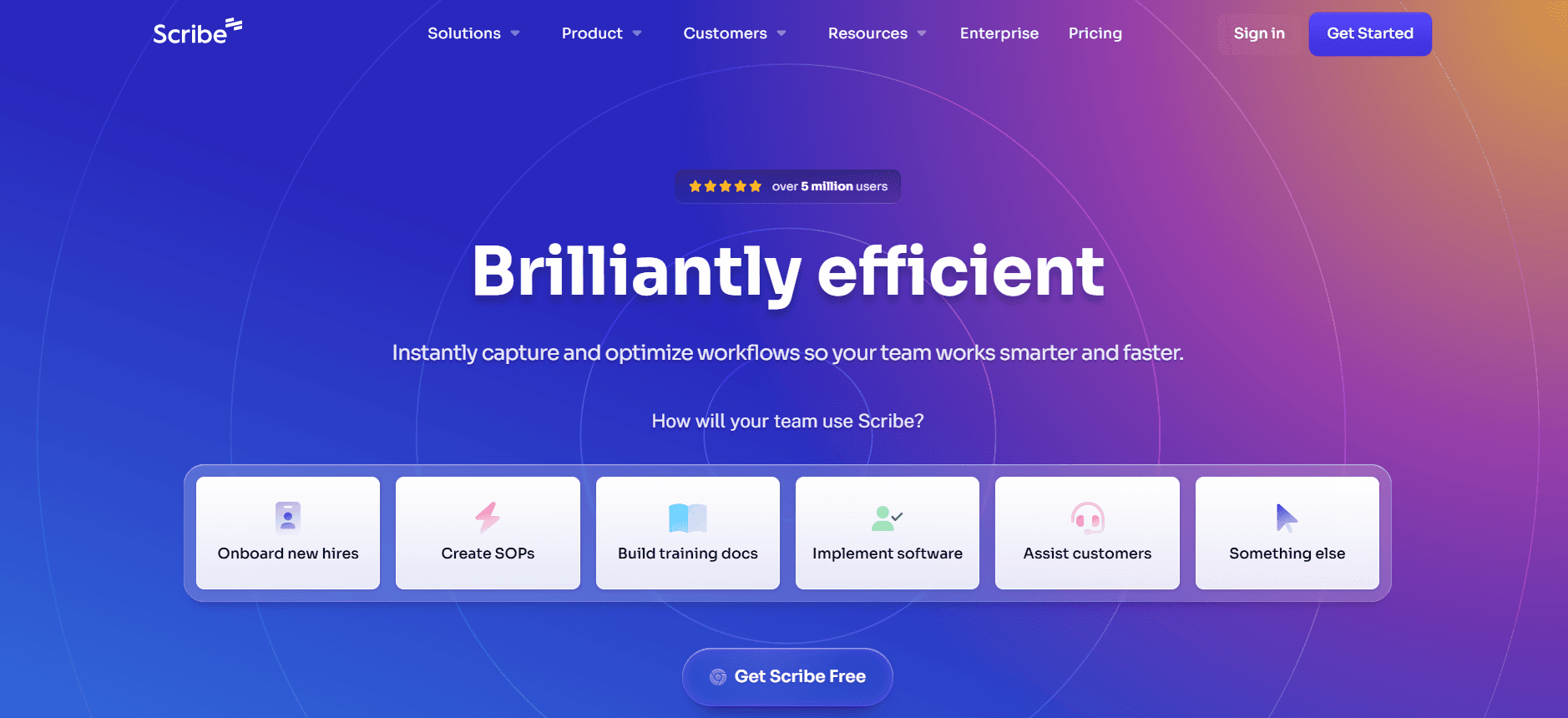
Scribe is ontworpen met eenvoud en efficiëntie in gedachten en is daardoor ideaal voor kleinere teams en startups. Het biedt sterke AI-schrijfmogelijkheden, maar mist enkele geavanceerde functies zoals API-integratie. Scribe staat bekend om zijn gebruiksvriendelijke interface en robuuste stapvastleggingsmogelijkheden, al schiet het tekort in meertalige ondersteuning.
Belangrijkste functies
AI-gestuurde schrijftools
Efficiënte stapvastleggingsfunctionaliteit
Screenshotannotatie voor extra duidelijkheid
Slimme sjablonen voor consistente documenten
Gebruiksvriendelijke interface
Gratis versie beschikbaar
Voordelen | Nadelen |
|---|---|
Intuïtieve en gebruiksvriendelijke interface. | Mist mogelijkheden voor API-integratie. |
Sterke AI-schrijffuncties en stapvastlegging. | Beperkte meertalige ondersteuning. |
De gratis versie biedt veel waarde voor kleine teams. | Geavanceerde functies kunnen beperkt zijn tot hogere abonnementen. |
Prijsstelling
Scribe biedt een gratis versie, met premium functies vanaf $29 per maand.
Tango
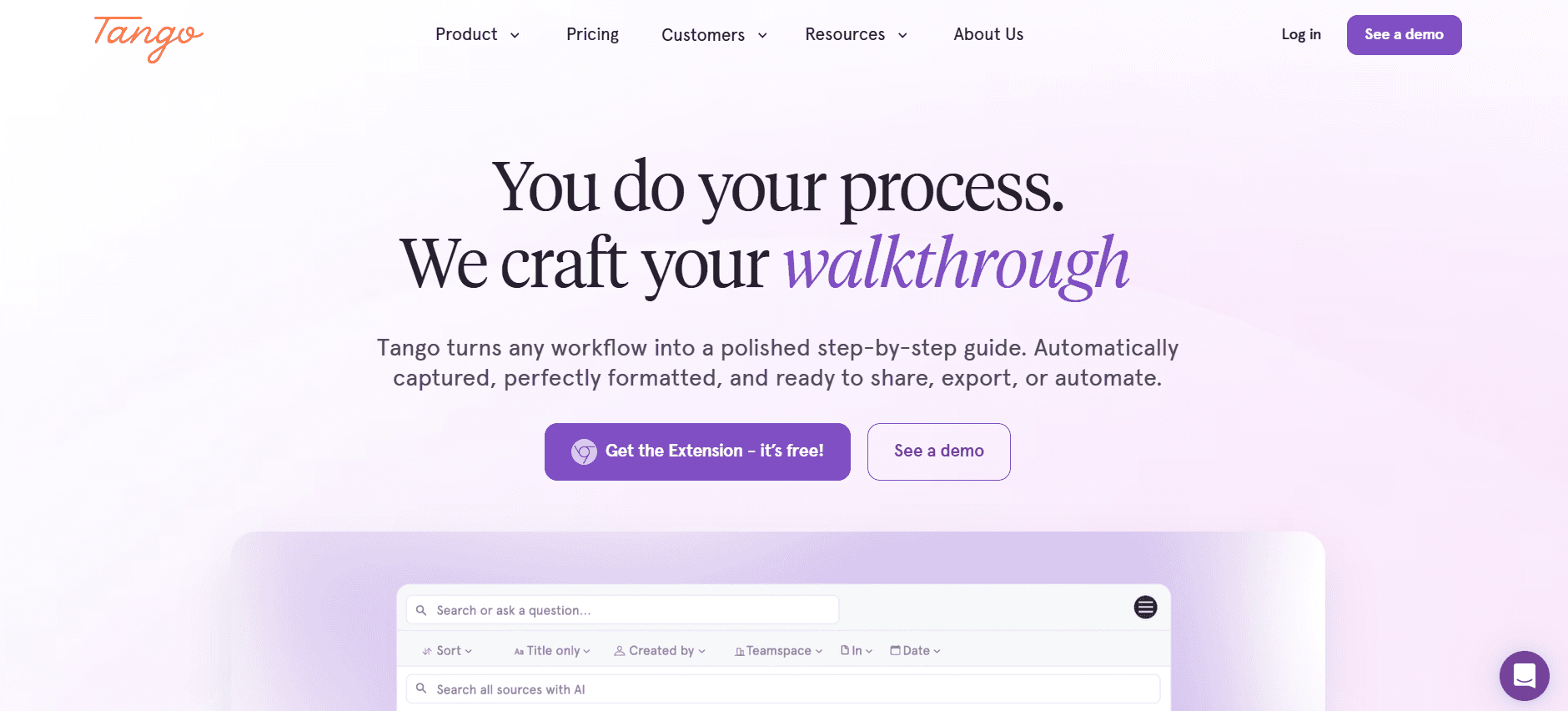
Tango is bijzonder geschikt voor teams die videodocumentatie nodig hebben en biedt sterke mogelijkheden voor videogeneratie en AI-voice-over. Het schiet echter tekort op het gebied van meertalige ondersteuning en API-integratie, wat voor sommigen een nadeel kan zijn. Tango is uitstekend voor visuele leerders en teams die dynamische documentatie-oplossingen nodig hebben.
Belangrijkste functies
Tools voor videogeneratie
AI-voice-over voor videodocumentatie
Het maken van stapsgewijze handleidingen
Screenshotannotatie
Dynamische sjablonen voor videocontent
Gratis versie met beperkte functies
Voordelen | Nadelen |
|---|---|
Uitstekend voor videodocumentatie en AI-voice-over. | Mist meertalige ondersteuning. |
Sterke ondersteuning voor het maken van stapsgewijze handleidingen. | Geen API-integratie beschikbaar. |
Dynamische sjablonen versterken visuele content. | De gratis versie biedt beperkte functies. |
Prijsstelling
Tango biedt een beperkte gratis versie, met volledige functies vanaf $39 per maand.
Document360
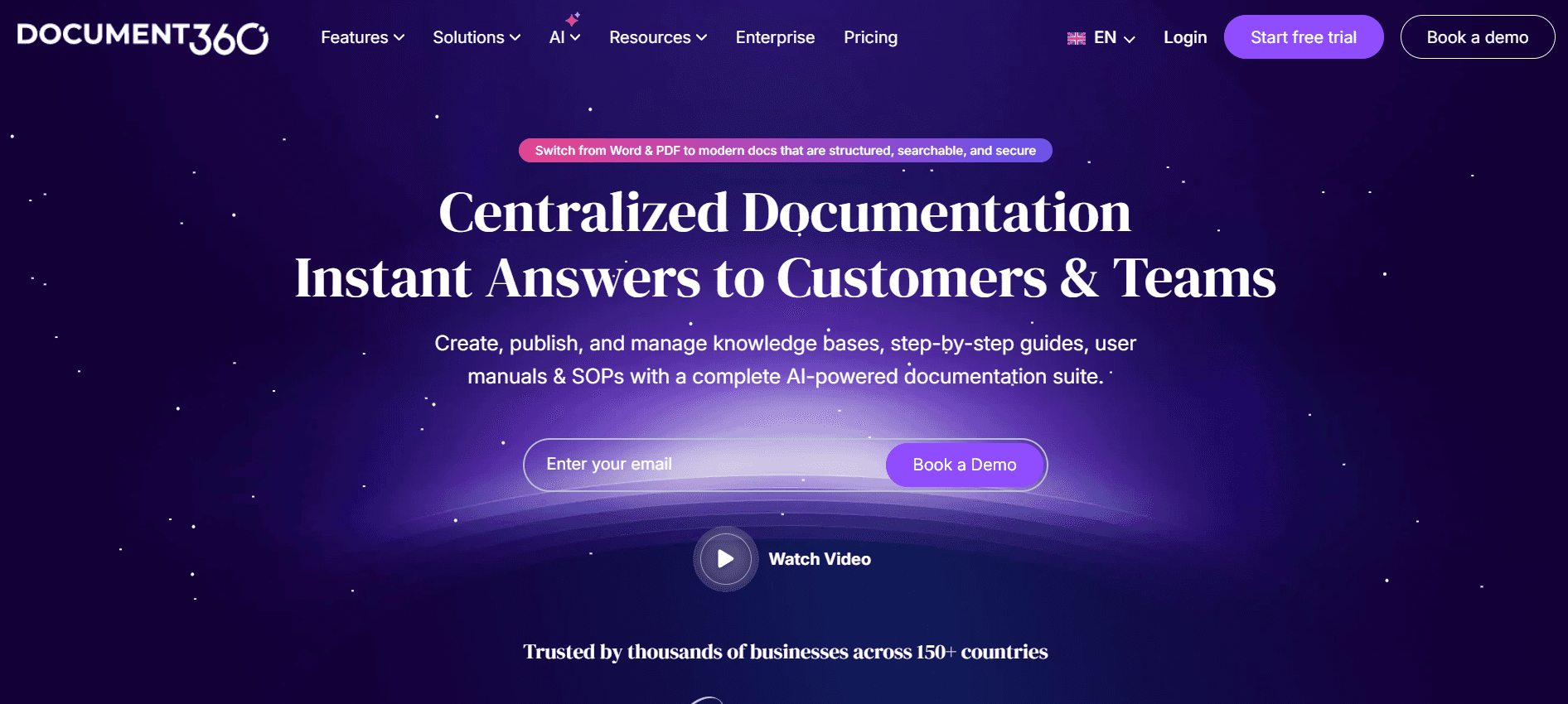
Document360 is op maat gemaakt voor ondernemingen die een robuust platform voor kennisbeheer nodig hebben. Het blinkt uit in het bieden van een naadloze ervaring voor het creëren en onderhouden van uitgebreide kennisbanken. Het mist echter enkele AI-gestuurde functies zoals automatische stapvastlegging en voice-over, waardoor het mogelijk niet aan de behoeften van alle teams voldoet.
Belangrijkste functies
Uitgebreid beheer van kennisbanken
Slimme sjablonen voor gestructureerde content
Meertalige ondersteuning
Geavanceerde zoekmogelijkheden
Samenwerkingstools voor teams
API-integratie
Voordelen | Nadelen |
|---|---|
Uitstekend voor uitgebreid beheer van kennisbanken. | Mist AI-gestuurde stapvastlegging en voice-overfuncties. |
Sterke meertalige ondersteuning. | Er is geen gratis versie beschikbaar. |
Robuuste samenwerkingstools voor teams. | Kan voor nieuwe gebruikers complex zijn om te navigeren. |
Prijsstelling
Document360 biedt geen gratis versie; de prijzen beginnen bij $99 per maand.
Notion AI
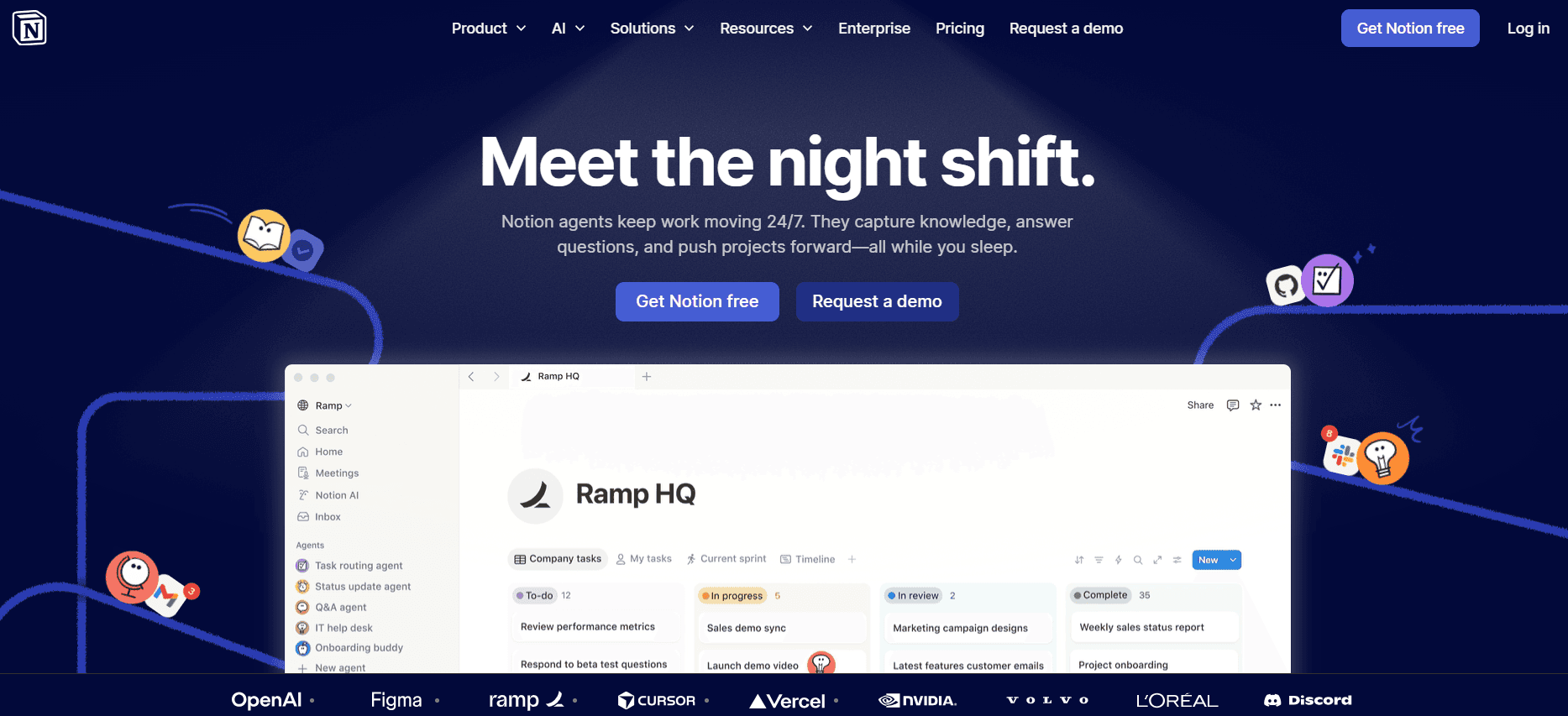
Notion AI integreert naadloos in het Notion-platform en biedt gebruikers krachtige AI-mogelijkheden voor het maken en beheren van documenten. Het is een uitstekende keuze voor teams die Notion al gebruiken en biedt tools voor AI-schrijven en samenwerking. Het is echter misschien niet de beste standalone tool voor degenen die Notion niet als hun primaire platform gebruiken.
Belangrijkste functies
AI-schrijfondersteuning
Geïntegreerd met het Notion-platform
Tools voor samenwerking en delen
Slimme sjablonen voor consistente opmaak
Beperkte mogelijkheden voor videogeneratie
Meertalige ondersteuning
Voordelen | Nadelen |
|---|---|
Naadloze integratie met het Notion-platform. | Beperkt als zelfstandige tool buiten Notion. |
Sterke AI-schrijffuncties en samenwerkingsmogelijkheden. | Beperkte mogelijkheden voor videogeneratie. |
Goede meertalige ondersteuning. | Voor sommige functies zijn hogere abonnementen nodig. |
Prijsstelling
Notion AI biedt een gratis versie, met extra functies vanaf $10 per maand.
Confluence AI
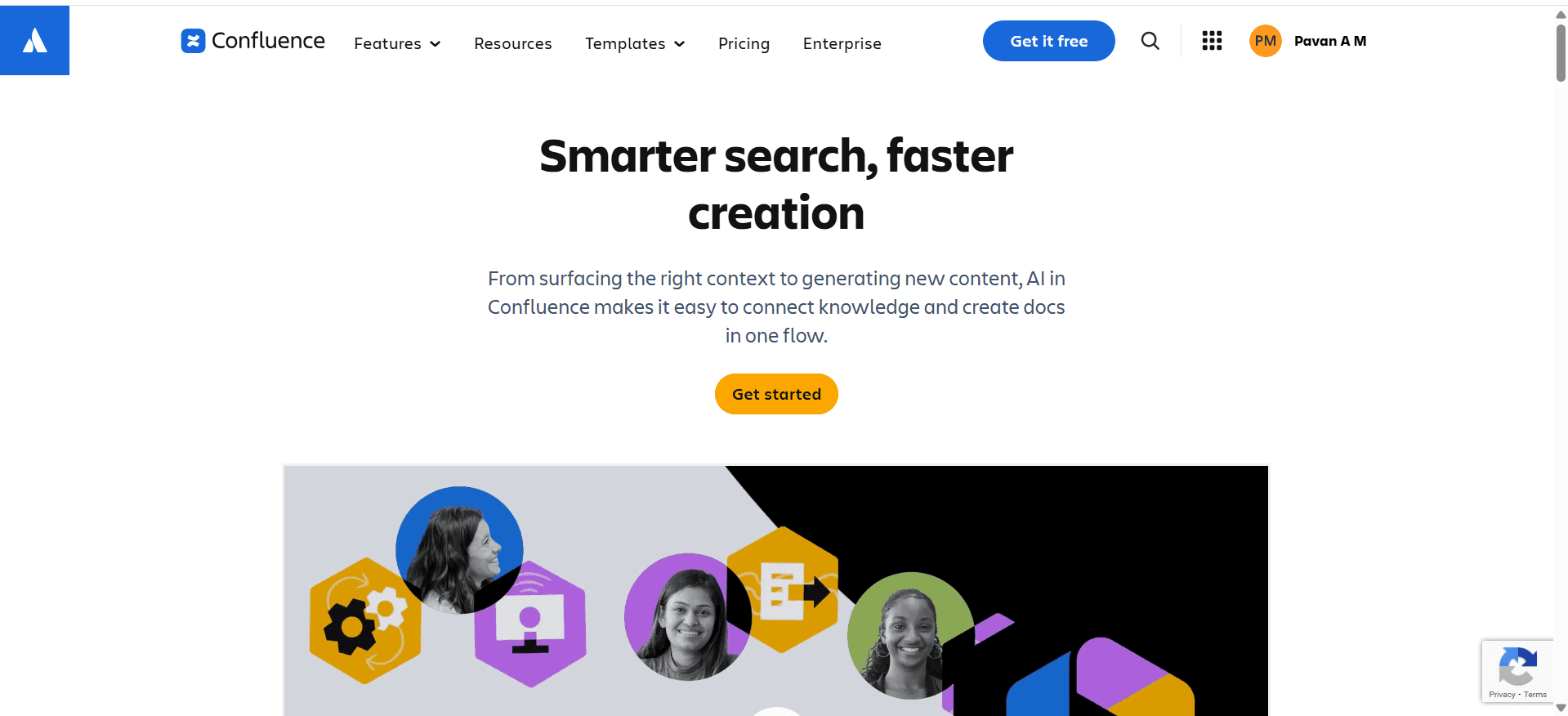
Confluence AI, onderdeel van de Atlassian-suite, is ideaal voor teams die op zoek zijn naar een samenwerkingsplatform met AI-uitbreidingen. Het is het meest geschikt voor gebruikers die al binnen het Atlassian-ecosysteem werken. Hoewel het goede AI-schrijfmogelijkheden biedt, mist het functies voor videogeneratie en voice-over.
Belangrijkste functies
AI-schrijftools
Naadloze integratie met Atlassian-tools
Mogelijkheden voor samenwerking en delen
Slimme sjablonen
Meertalige ondersteuning
Beperkte screenshotannotatie
Voordelen | Nadelen |
|---|---|
Sterke integratie met de Atlassian-suite. | Mist functies voor videogeneratie en AI-voice-over. |
Goed voor samenwerkende documentatieprocessen. | Beperkte mogelijkheden voor screenshotannotatie. |
AI-schrijftools verbeteren het maken van content. | De gratis versie biedt beperkte functies. |
Prijsstelling
Confluence AI biedt een beperkte gratis versie, met volledige functies vanaf $5 per gebruiker per maand.
GitBook AI
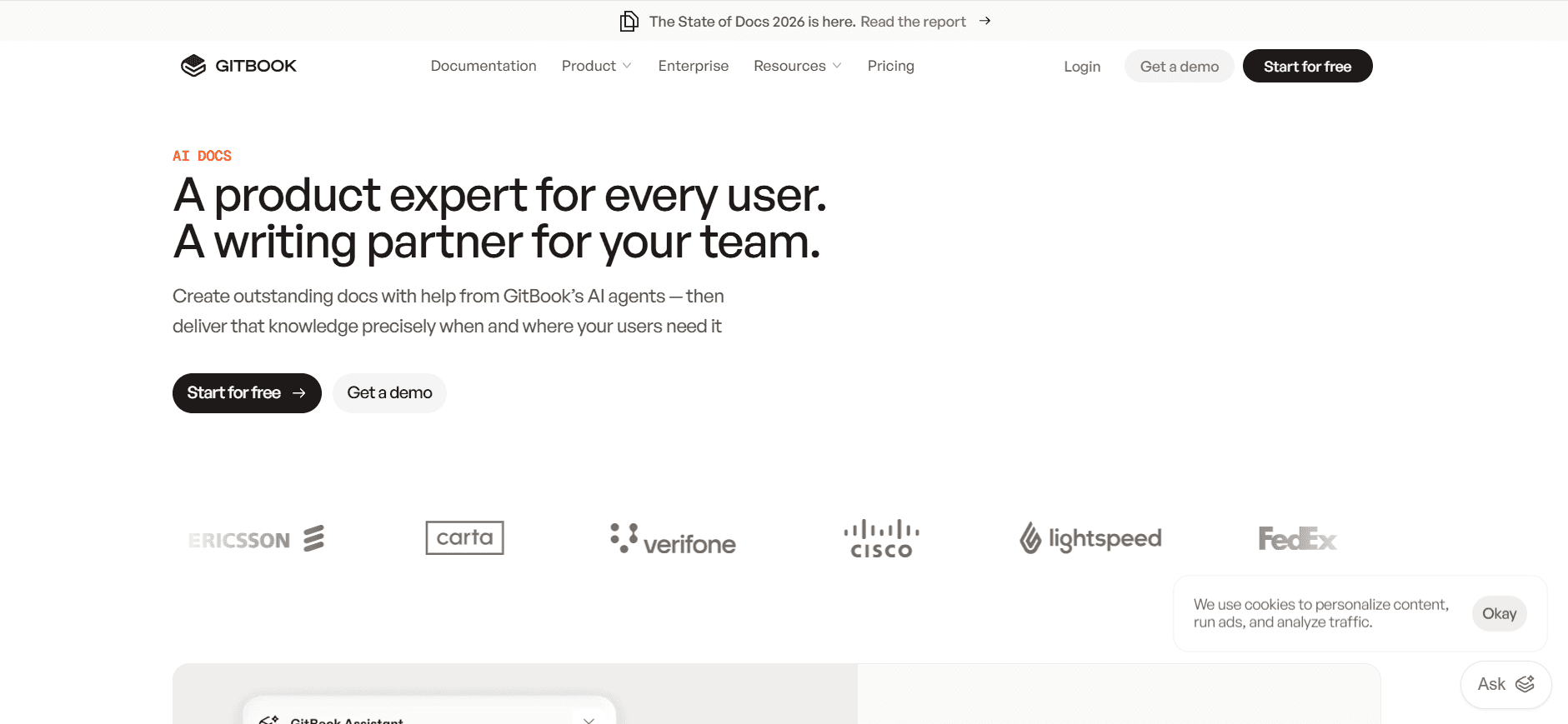
GitBook AI is favoriet bij ontwikkelaars en techteams vanwege de sterke integratie met Git-repositories, waardoor het ideaal is voor technische documentatie. De AI-mogelijkheden zijn echter buiten schrijven om enigszins beperkt en het biedt geen video- of voice-overfuncties.
Belangrijkste functies
Integratie met Git-repositories
AI-schrijftools
Samenwerkingsfuncties
Slimme sjablonen voor technische content
Meertalige ondersteuning
Gratis versie beschikbaar
Voordelen | Nadelen |
|---|---|
Uitstekend voor technische documentatie met Git-integratie. | Beperkte AI-mogelijkheden buiten schrijven. |
Sterke meertalige ondersteuning. | Geen video- of AI-voice-overfuncties. |
De gratis versie is handig voor kleine teams. | Sommige functies zijn vergrendeld achter premium-abonnementen. |
Prijsstelling
GitBook AI biedt een gratis versie, met geavanceerde functies vanaf $8 per gebruiker per maand.
Archbee
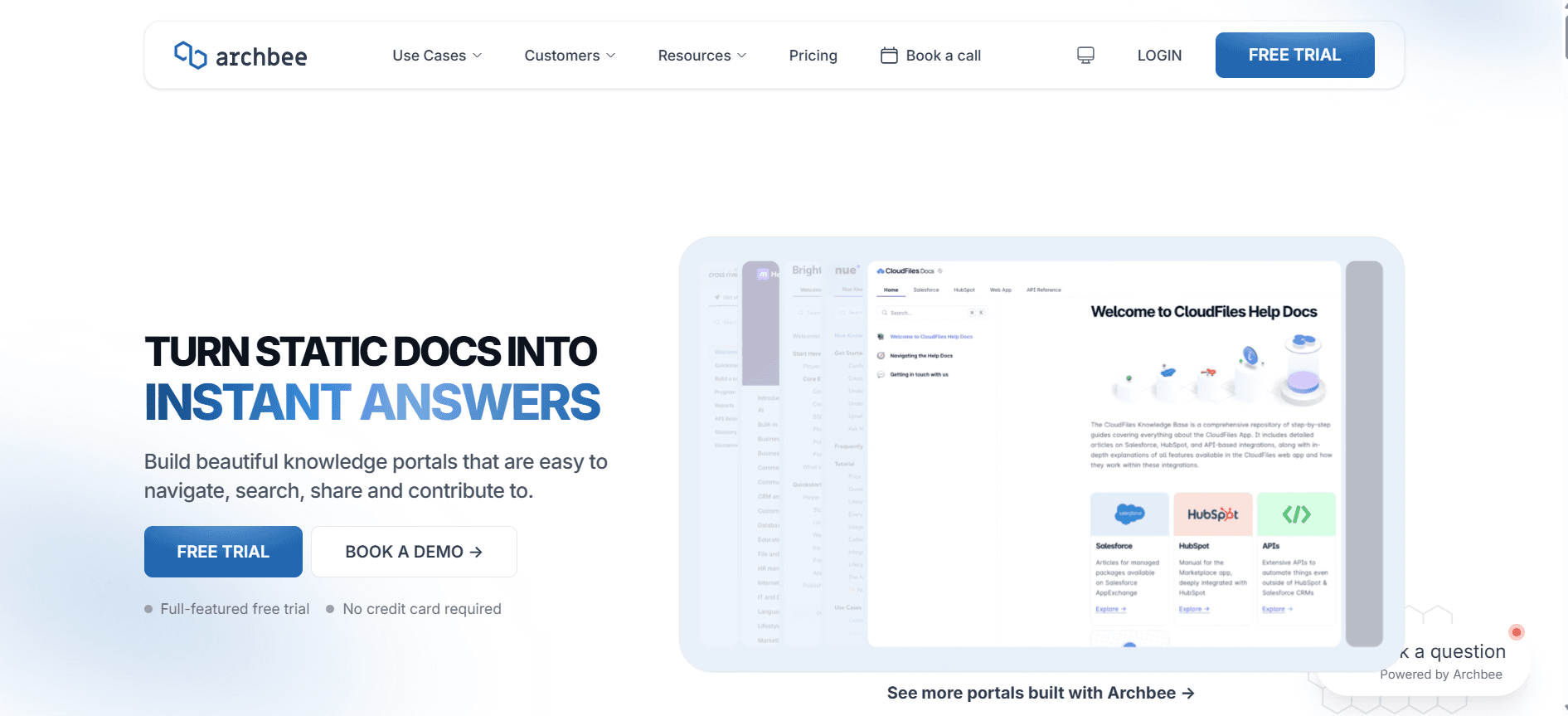
Archbee is een veelzijdige documentatietool met een focus op API-documentatie en samenwerking binnen teams. Hoewel het enige AI-schrijfondersteuning biedt, ligt de kracht bij samenwerkingsfuncties en API-integraties. Het biedt echter geen robuuste video- of voice-overtools.
Belangrijkste functies
Tools voor API-documentatie
Samenwerkings- en deelmogelijkheden
Integratiemogelijkheden
Beperkte AI-schrijfondersteuning
Slimme sjablonen voor API-content
Beperkte meertalige ondersteuning
Voordelen | Nadelen |
|---|---|
Sterke focus op API-documentatie en samenwerking. | Minimale AI-schrijfmogelijkheden. |
Goede integratiemogelijkheden met andere tools. | Geen robuuste video- of voice-overfuncties. |
Handig voor teams die zich richten op API-content. | Beperkte meertalige ondersteuning. |
Prijsstelling
Archbee biedt geen gratis versie; de prijzen beginnen bij $20 per gebruiker per maand.
Uitdagingen bij AI-documentatie: waar teams tegenaan lopen
Eerste concepten maken duurt te lang, zelfs voor ervaren schrijvers
Schrijvers beginnen vaak vanaf nul en hebben moeite om hun gedachten snel te structureren.
Handmatig onderzoek en factchecking kosten waardevolle tijd.
Consistentie in stijl en toon kan lastig te behouden zijn.
De druk om snel hoogwaardige concepten te leveren verhoogt het stressniveau.
Documentatie actueel houden bij elke productsprint
Regelmatige productupdates vereisen voortdurende herzieningen van de documentatie.
Handmatige updates zijn gevoelig voor fouten en weglatingen.
Afstemming tussen ontwikkelings- en documentatieteams is een uitdaging.
Tijdvertraging tussen productwijzigingen en documentatie-updates kan gebruikers in verwarring brengen.
Inconsistente opmaak tussen verschillende teamleden
Verschillende schrijfstijlen leiden tot een gebrek aan uniformiteit in documenten.
Handmatige opmaakcorrecties kosten veel tijd.
Inconsistenties kunnen de professionele uitstraling van documenten ondermijnen.
Teams vinden het lastig om merk richtlijnen consequent te volgen.
Geen automatische screenshot- of stapvastleggingsmogelijkheden
Handmatig screenshots maken kan arbeidsintensief en foutgevoelig zijn.
Exacte stappen reproduceren voor documentatie is lastig zonder automatisering.
Tijd besteed aan het vastleggen en annoteren van screenshots gaat ten koste van schrijftijd.
Wijzigingen in de UI vereisen frequente updates van visuele documentatie.
Vertaling en lokalisatie veroorzaken knelpunten voor wereldwijde teams
Handmatige vertaalprocessen kunnen de beschikbaarheid van documentatie vertragen.
Lokalisatie vereist het aanpassen van content, niet alleen het letterlijk vertalen ervan.
Fouten in vertaling kunnen leiden tot misverstanden en frustratie bij gebruikers.
De middelen die nodig zijn voor effectieve vertaling kunnen druk leggen op budgetten.
Uitdaging | Traditioneel proces | Zakelijke impact | Tijdskosten |
|---|---|---|---|
Eerste concepten maken | Handmatig schrijven en bewerken | Vertragingen in contentproductie | 30-40% langer |
Documentatie actueel houden | Handmatige updates na sprints | Verwarring bij gebruikers, verouderde informatie | 50% langer |
Inconsistente opmaak | Handmatige stijlcontroles | Onprofessionele uitstraling | 20% langer |
Screenshot-/stapvastlegging | Handmatige screenshots en stappen | Hoger foutenpercentage | 25-35% langer |
Vertaling en lokalisatie | Handmatige vertaling | Vertraging bij marktintroductie | 60% langer |
Essentiële functies in AI-documentatietools
AI-schrijven en automatisch aanvullen
AI-schrijftools genereren automatisch contentfragmenten op basis van invoerprompts, waardoor de tijd die nodig is om concepten te maken aanzienlijk wordt verkort. Deze tools zijn onmisbaar om ervoor te zorgen dat content niet alleen snel wordt gegenereerd, maar ook een consistente stijl en toon volgt. Trupeer biedt bijvoorbeeld AI-schrijffuncties die op maat gemaakte suggesties geven die aansluiten op je merkstem, waardoor je tijd bespaart op revisies en bewerkingen.
Geautomatiseerde stapvastlegging op basis van schermactiviteit
Tools voor geautomatiseerde stapvastlegging registreren gebruikersinteracties met software en maken zo zonder handmatige inspanning een gedetailleerde visuele handleiding. Deze functie is cruciaal voor het maken van nauwkeurige tutorials en handleidingen, omdat de exacte workflow voor een taak wordt vastgelegd. Platformen zoals Scribe blinken hierin uit door eenvoudig te volgen visuele instructies te bieden die het begrip van gebruikers vergroten en het aantal supportvragen verminderen.
Slimme screenshotannotatie
Tools voor slimme screenshotannotatie stellen gebruikers in staat om snel specifieke delen van een screenshot te markeren en van commentaar te voorzien. Deze functionaliteit is essentieel voor het maken van duidelijke, bruikbare documentatie die gebruikers effectief begeleidt. Tools zoals Tango bieden robuuste annotatiefuncties, waardoor teams gedetailleerde visuele content kunnen leveren die geschreven instructies aanvult.
AI-voice-overgeneratie voor videodocumentatie
AI-voice-overgeneratie zet geschreven content om in audio, waardoor documentatie toegankelijker en aantrekkelijker wordt. Deze functie is vooral handig voor videotutorials, waar een heldere, beknopte uitleg het begrip kan verbeteren. De voice-overmogelijkheden van Tango zijn bijzonder sterk en maken een naadloze integratie van audio en visuele content in trainingsmateriaal mogelijk.
Exporteren in meerdere formaten met één klik
De mogelijkheid om documentatie in meerdere formaten te exporteren, zoals PDF, HTML en Markdown, zorgt ervoor dat content toegankelijk is voor verschillende doelgroepen en platformen. Deze functie vereenvoudigt de distributie van content en zorgt voor consistentie tussen verschillende media. Document360 biedt robuuste exportopties, waardoor teams zonder extra opmaakwerk kunnen inspelen op uiteenlopende voorkeuren van doelgroepen.
API-integratie
API-integratie stelt documentatietools in staat om verbinding te maken met andere softwaresystemen, wat naadloze gegevensuitwisseling en procesautomatisering mogelijk maakt. Deze mogelijkheid is essentieel voor teams die documentatieworkflows met bestaande tools moeten integreren, zodat alle systemen harmonieus samenwerken. De sterke API-ondersteuning van Confluence AI maakt eenvoudige integratie met andere Atlassian-producten mogelijk en stroomlijnt het documentatieproces.
Hoe je AI-documentatietools kiest op basis van je gebruikssituatie
Productdocumentatieteams bij SaaS-bedrijven
SaaS-bedrijven hebben robuuste documentatie nodig om snelle productontwikkelingscycli te ondersteunen en gebruikers bij onboarding te helpen. De documentatie moet actueel blijven met frequente productupdates en nieuwe functies. Daarvoor zijn tools nodig die dynamische content kunnen verwerken en snelle bewerkingen mogelijk maken.
Belangrijkste uitdagingen: frequente updates, behoefte aan duidelijkheid, groot aantal wijzigingen.
Benodigde oplossingen: bewerken in realtime, geautomatiseerde updates, integratie met ontwikkeltools.
Tool | Bewerken in realtime | Geautomatiseerde updates | Integratie met ontwikkeltools |
|---|---|---|---|
Trupeer | Ja | Ja | Ja |
Document360 | Nee | Nee | Ja |
Technische schrijvers en contentoperations
Technische schrijvers hebben tools nodig die complexe contentstructuren kunnen ondersteunen en samenwerking tussen teams mogelijk maken. Consistentie en nauwkeurigheid staan voorop, dus functies die deze aspecten versterken zijn cruciaal. Schrijvers profiteren ook van tools die AI-ondersteuning bieden om hun workflow te stroomlijnen.
Belangrijkste uitdagingen: complexe content, samenwerking, consistentie behouden.
Benodigde oplossingen: AI-schrijftools, samenwerkingsfuncties, contentsjablonen.
Tool | AI-schrijftools | Samenwerking | Contentsjablonen |
|---|---|---|---|
Notion AI | Ja | Ja | Ja |
Confluence AI | Ja | Ja | Beperkt |
Engineering- en API-documentatie
Engineeringteams hebben documentatietools nodig die integreren met hun bestaande workflows, met name workflows die API-documentatie omvatten. De mogelijkheid om API-documentatie automatisch te genereren en bij te werken kan veel tijd besparen en fouten verminderen.
Belangrijkste uitdagingen: API-documentatie, integratie met bestaande tools, automatisering.
Benodigde oplossingen: API-integratie, geautomatiseerde documentatie, versiebeheer.
Tool | API-integratie | Geautomatiseerde documentatie | Versiebeheer |
|---|---|---|---|
GitBook AI | Ja | Ja | Ja |
Archbee | Ja | Nee | Ja |
HR- en compliance-documentatie
HR- en compliance-teams hebben documentatietools nodig die nauwkeurigheid en naleving van regelgevende normen waarborgen. Deze tools moeten versiebeheer ondersteunen en eenvoudig toegang bieden tot historische gegevens om te voldoen aan wettelijke vereisten.
Belangrijkste uitdagingen: naleving van regelgeving, nauwkeurigheid, toegang tot historische gegevens.
Benodigde oplossingen: versiebeheer, audittrails, veilige toegang.
Tool | Versiebeheer | Audittrails | Veilige toegang |
|---|---|---|---|
Document360 | Ja | Ja | Ja |
Trupeer | Ja | Nee | Ja |
Best practices voor het gebruik van AI-documentatietools
Voor implementatie
Breng specifieke documentatiebehoeften in kaart en selecteer tools die daarop aansluiten.
Zorg voor draagvlak binnen het team door de voordelen en het gebruiksgemak van de tool te demonstreren.
Stel duidelijke doelen vast voor wat je met AI-documentatietools wilt bereiken.
Plan een overgangsperiode om medewerkers te trainen en de tool in bestaande workflows te integreren.
Tijdens gebruik
Werk documentatie regelmatig bij zodat deze actueel en nauwkeurig blijft.
Maak gebruik van AI-functies om repetitieve taken te automatiseren en je te richten op de kwaliteit van de content.
Stimuleer samenwerking binnen het team om het potentieel van de tool maximaal te benutten.
Monitor het gebruik en verzamel feedback om verbeterpunten te ontdekken.
Na implementatie
Controleer documentatie periodiek om verouderde of onjuiste informatie op te sporen.
Evalueer de impact van de tool op de productiviteit en pas gebruiksstrategieën zo nodig aan.
Blijf op de hoogte van nieuwe functies en updates om documentatieprocessen voortdurend te verbeteren.
Deel succesverhalen en best practices binnen de organisatie om bredere adoptie te stimuleren.
Veelgestelde vragen
Wat is een AI-documentatietool?
Een AI-documentatietool maakt gebruik van kunstmatige intelligentie om het proces van het maken, onderhouden en bijwerken van documentatie te automatiseren en te verbeteren. Deze tools helpen teams tijd te besparen en de nauwkeurigheid van de content te verbeteren door repetitieve taken te automatiseren.
Wie kan profiteren van AI-documentatietools?
Elk team dat verantwoordelijk is voor het produceren en beheren van grote hoeveelheden documentatie kan profiteren van deze tools. Ze zijn bijzonder nuttig voor productdocumentatieteams, technische schrijvers en compliance-afdelingen.
Hoe integreren AI-documentatietools met andere software?
Veel AI-documentatietools bieden API-integratie, waardoor ze naadloos verbinding kunnen maken met andere softwaresystemen. Dit maakt automatische gegevensuitwisseling en procesautomatisering mogelijk en stroomlijnt workflows tussen tools.
Kunnen AI-tools complexe technische documentatie aan?
Ja, AI-tools zijn ontworpen om complexe technische content te beheren. Ze bieden functies zoals automatische stapvastlegging en slimme sjablonen om technische nauwkeurigheid en consistentie te waarborgen.
Zijn er gratis AI-documentatietools beschikbaar?
Ja, verschillende AI-documentatietools bieden gratis versies met beperkte functies. Deze kunnen geschikt zijn voor kleine teams of om een tool te evalueren voordat je overstapt op een betaald abonnement.
Welke factoren beïnvloeden de kosten van AI-documentatietools?
De prijs is vaak gebaseerd op het aantal gebruikers, de vereiste functies en het niveau van ondersteuning dat wordt geboden. Geavanceerde functies zoals API-integratie of meertalige ondersteuning kunnen ook van invloed zijn op de kosten.
Hoe lang duurt het om een AI-documentatietool te implementeren?
De implementatietijd varieert afhankelijk van de tool en de complexiteit van de bestaande systemen. Dit kan variëren van een paar dagen tot een paar weken, afhankelijk van training- en integratiebehoeften.
Welke training is nodig om AI-documentatietools te gebruiken?
De meeste tools hebben gebruiksvriendelijke interfaces, maar om geavanceerde functies volledig te benutten kan in het begin enige training nodig zijn. Veel aanbieders bieden tutorials, webinars en toegewijde ondersteuning om de overgang te vergemakkelijken.
Kan een AI-documentatiegenerator demo-video's en geschreven documenten maken om in documentatie in te bedden?
Ja, en dit is een van de krachtigste toepassingen van een AI-documentatiegenerator in 2026. In plaats van videocontent en geschreven documentatie als twee afzonderlijke workflows te maken, laten tools zoals Trupeer je beide tegelijkertijd genereren vanuit één schermopname. De demovideo en het geschreven document blijven synchroon: elke stap die op het scherm wordt vastgelegd verschijnt in beide formaten en beide kunnen direct worden ingesloten in je productdocumentatie of developer portal. Dit vermindert drastisch de tijd die engineering- en productoperations-teams besteden aan het produceren van documentatie-assets voor elke release.
Hoe helpt een AI-documentatiegenerator bij releasedocumentatie wanneer nieuwe functies worden gelanceerd?
Releasedocumentatie is een van de lastigste documentatietaken om actueel te houden, omdat deze extreem tijdkritisch is: ze moet bestaan op het moment dat een functie live gaat. AI-documentatiegeneratoren lossen dit op door contentcreatie snel genoeg te maken om gelijke tred te houden met de ontwikkelcyclus. Teams kunnen de nieuwe functie in actie opnemen en de AI genereert binnen enkele minuten automatisch gestructureerde releasedocumentatie, inclusief geschreven stappen, geannoteerde screenshots en een embedbare video. Daardoor loopt releasedocumentatie niet langer achter op releases en werken ontwikkelaars, partners en eindgebruikers altijd met correcte informatie.
Kunnen AI-documentatiegeneratoren automatisch doorloophandleidingen voor ontwikkelaars maken?
Absoluut. AI-documentatiegeneratoren zijn bijzonder geschikt voor doorloophandleidingen voor ontwikkelaars, omdat ze de meest tijdrovende onderdelen van het proces automatiseren: stappen vastleggen, beschrijvingen genereren, content opmaken en geannoteerde screenshots produceren. In plaats van dat een ontwikkelaar elke stap van een API-integratie of configuratieflow handmatig uitschrijft, kan diegene het proces op het scherm opnemen en de AI in enkele minuten een nette, gestructureerde doorloophandleiding laten maken. GitBook AI en Trupeer zijn hier beide sterke opties, waarbij Trupeer bovendien de mogelijkheid biedt om naast het geschreven document ook een bijpassende video te genereren.
Hoe ondersteunen AI-documentatiegeneratoren feature-gedreven content voor product- en engineeringteams?
Feature-gedreven content is documentatie, handleidingen en video's die specifiek rond een nieuwe functie worden gemaakt op het exacte moment dat deze wordt uitgebracht. AI-documentatiegeneratoren maken dit haalbaar, zelfs voor kleine teams, door wat vroeger een handmatig proces van meerdere dagen was samen te drukken tot een workflow die slechts minuten duurt. Wanneer een functie klaar is, nemen teams een walkthrough op en genereert de AI tegelijkertijd de geschreven handleiding, screenshots en video. Deze aanpak zorgt ervoor dat elke functie wordt geleverd met complete, nauwkeurige documentatie, in plaats van te vertrouwen op een achterstand aan documentatietaken die onvermijdelijk achterlopen op productontwikkeling.
Slotgedachten
Het opnemen van AI-documentatietools in je workflow kan de efficiëntie van je team en de kwaliteit van je documentatie drastisch verbeteren. Door routinetaken te automatiseren en samenwerking te faciliteren, geven deze tools je team de ruimte om zich te richten op het maken van duidelijke en nauwkeurige content. Of je nu deel uitmaakt van een SaaS-bedrijf, een team technische schrijvers of een compliance-afdeling, er is altijd een AI-documentatietool die aansluit op jouw unieke behoeften.
Klaar om je documentatieproces te verbeteren? Ontdek vandaag nog hoe Trupeer de efficiëntie van je team kan transformeren door naar Trupeer te gaan. Omarm de toekomst van documentatie met tools die je team in staat stellen om succes te behalen.
Gerelateerde blogs


