Trupeer Blog
요약

A new tool launches with an all-staff email. It explains the strategy, lists the features, links to a 40-page user guide and ends with "please reach out with any questions." A week later, most people haven't logged in, those who have are using it the old way, and managers are fielding the same five questions on repeat. The tool was fine. The communication wasn't.
When you communicate new tools and ways of working well, people understand why the change matters to them, know exactly what to do and when, and can find help the moment they need it. This guide explains how to communicate new tools and ways of working in practice: why tool announcements so often fall flat, what employees actually need to hear, a phased communication plan, the channels and formats that work, the role of managers and champions, and how to measure whether your communication is landing.
Why do announcements about new tools fall flat?
They lead with the company's reasons, not the employee's: strategy and efficiency rather than "what changes for me".
They arrive all at once, in one long email that people skim and forget.
They describe features, not tasks, so people can't see how their daily work changes.
They skip the "how": where to learn, when training happens and where to get help.
They're one-way, with no easy route for questions or concerns.
They stop at launch, just when people start using the tool and have the most questions.
New ways of working are even harder to communicate than new tools, because they change habits, roles and expectations, not just which button to click.
What do employees need to hear about a new tool?
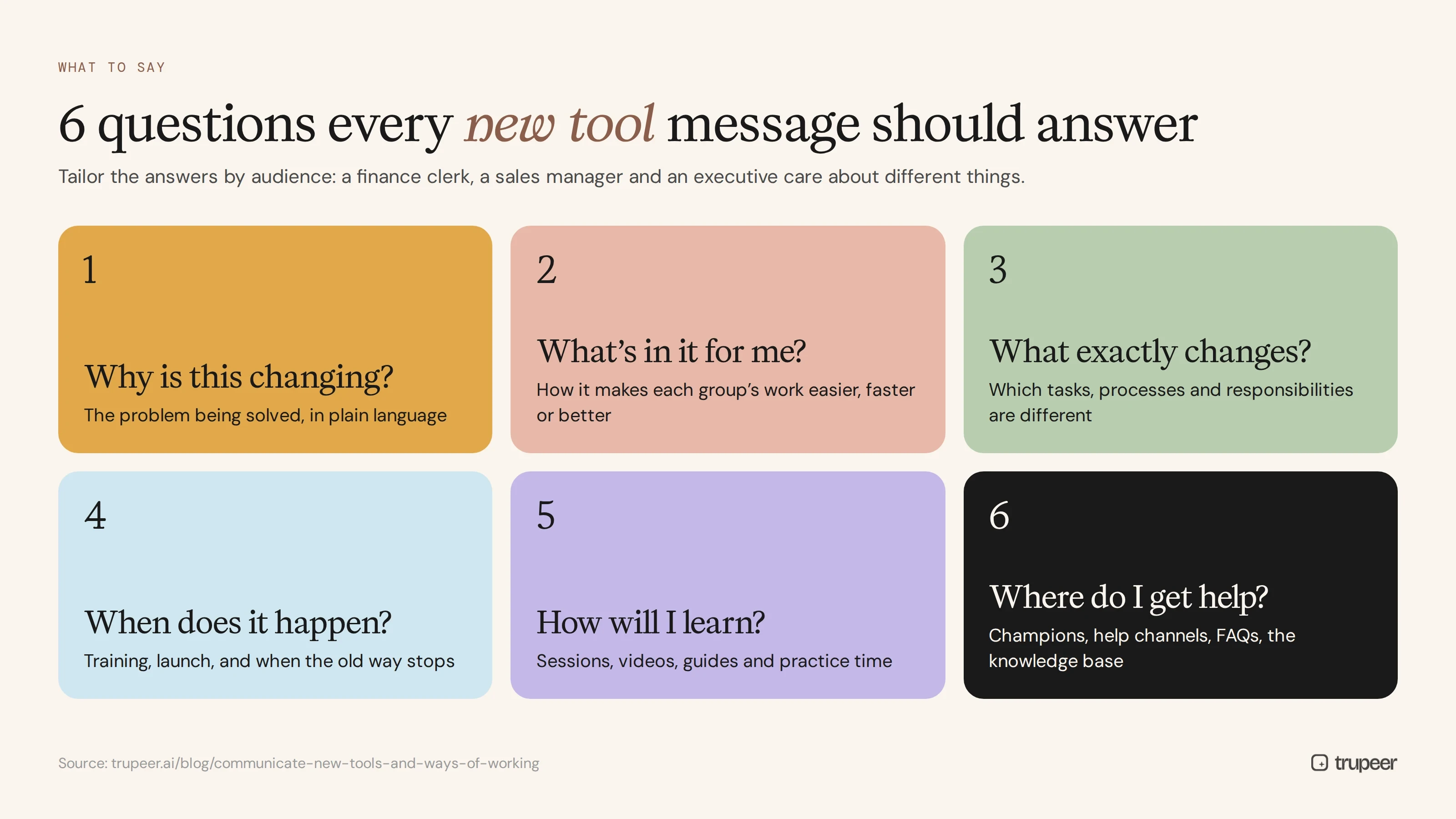
Every message about a new tool or way of working should help answer six questions:
Question | What to communicate |
|---|---|
Why is this changing? | The problem being solved, in plain language |
What's in it for me? | How it makes each group's work easier, faster or better |
What exactly changes? | Which tasks, processes and responsibilities are different |
When does it happen? | Key dates: training, launch and when the old way stops |
How will I learn? | Training sessions, videos, guides and practice time |
Where do I get help? | Champions, help channels, FAQs and the knowledge base |
Tailor the answers by audience. A finance clerk, a sales manager and an executive care about different things, even when the tool is the same.
How do you communicate new tools and ways of working, phase by phase?
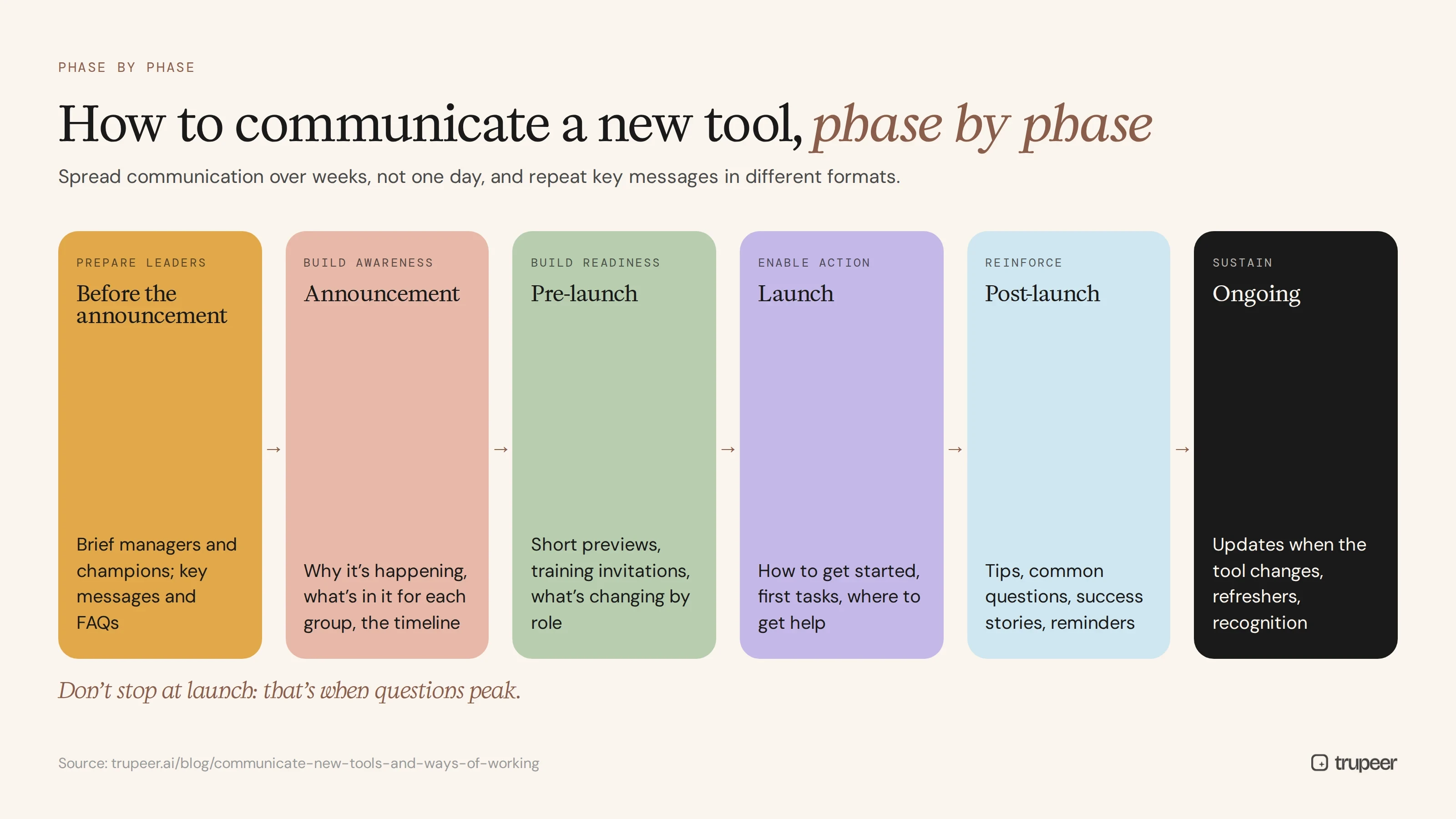
Phase | Goal | Typical messages and activities |
|---|---|---|
Before the announcement | Prepare leaders | Brief managers and champions; give them the key messages and FAQs |
Announcement | Build awareness | Why the change is happening, what's in it for each group, the timeline |
Pre-launch | Build readiness | Short previews, training invitations, "what's changing for you" by role |
Launch | Enable action | How to get started, first tasks, where to get help, champion contacts |
Post-launch | Reinforce | Tips, answers to common questions, success stories, reminders when the old way ends |
Ongoing | Sustain | Updates when the tool changes, refreshers, recognition of good adoption |
Spread communication over weeks, not one day, and repeat the key messages in different formats. For a full framework, see the communication plan for change management.
Which channels work best for communicating new tools?
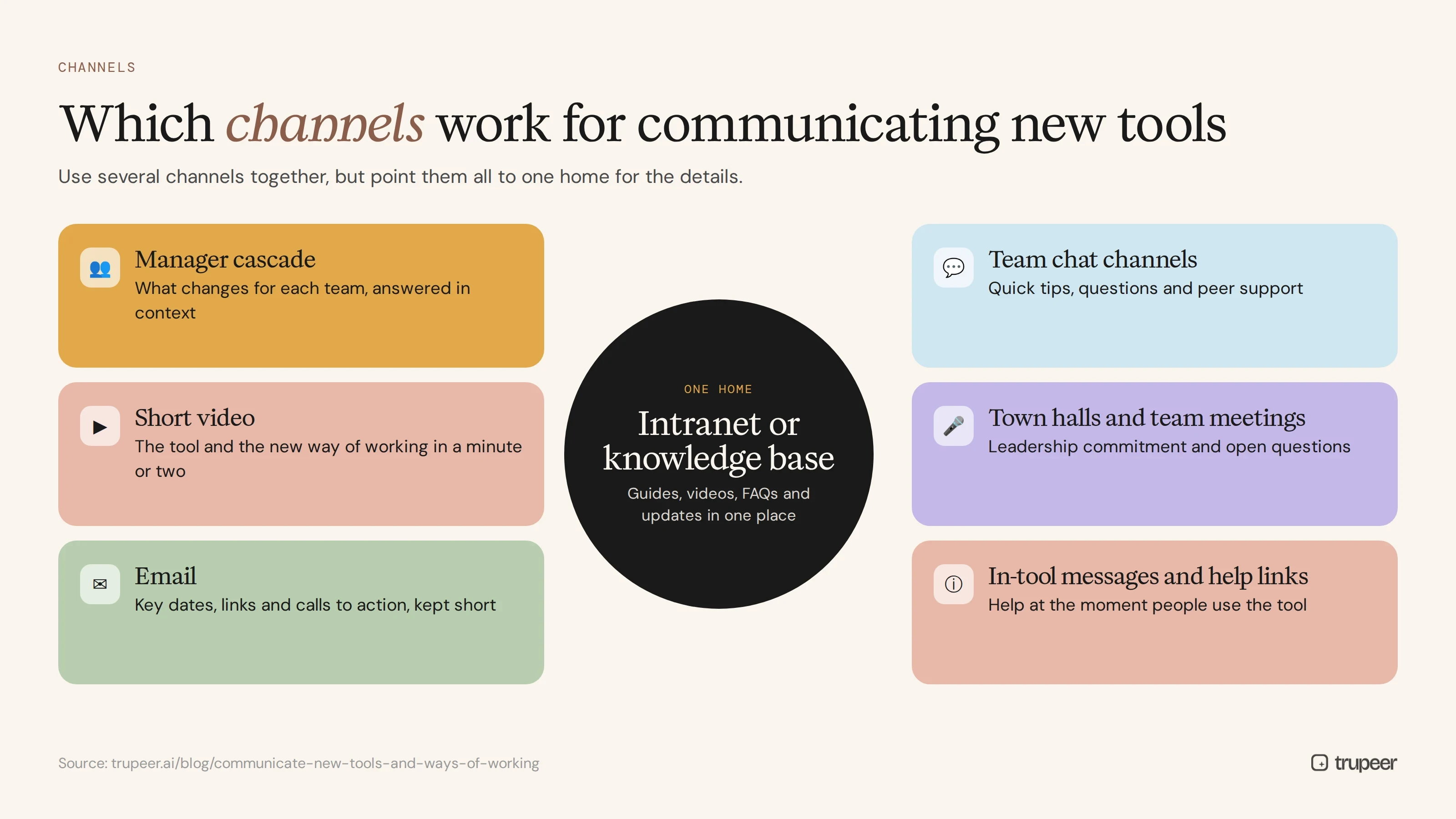
Channel | Best for |
|---|---|
Manager cascade | Explaining what changes for each team and answering questions in context |
Short video | Showing the tool and the new way of working in a minute or two |
Key dates, links and calls to action, kept short | |
Intranet or knowledge base | The single home for guides, videos, FAQs and updates |
Team chat channels | Quick tips, questions and peer support |
Town halls and team meetings | Leadership commitment and open questions |
In-tool messages and help links | Help at the moment people use the tool |
Use several channels together, but point them all to one home for the details, so people always know where to look.
Why should you use video to communicate new tools?
A new tool is visual: people need to see where to click and what the new screen looks like. A two-minute video does that far better than a long email. It also shows the human side of the change when a leader or champion explains why it matters.
Short videos work well for announcements, "what's changing for you" messages by role, quick how-tos and post-launch tips. See how teams are replacing long email threads with video in internal communications.
With Trupeer, you record the new tool with the AI screen recorder, and Trupeer turns the recording into a polished video with an AI voiceover and a step-by-step guide, which can be translated for global teams.

What role do managers and champions play?
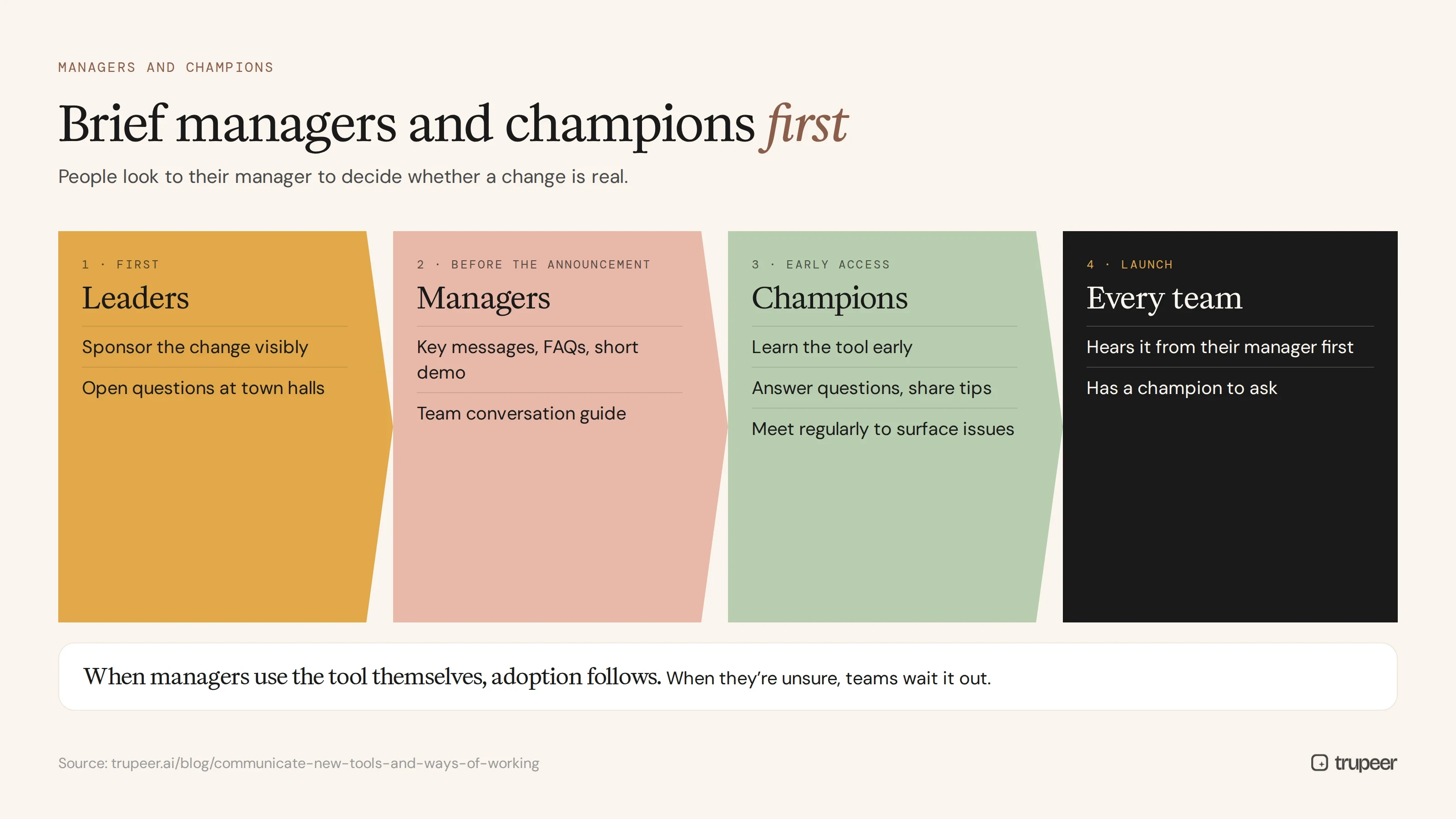
People look to their manager to decide whether a change is real. When managers understand the new tool, explain why it matters for their team and use it themselves, adoption follows. When they're unsure or sceptical, teams wait it out.
Brief managers first, before the wider announcement, with key messages, FAQs and a short demo.
Give managers a team conversation guide covering what changes for their team and how to raise concerns.
Appoint champions in every team and site who learn the tool early, answer questions and share tips.
Bring champions together regularly to surface issues and share what's working.
For a structured way to build that network, see how to run a super user training program.
How do you connect communication with training?
Communication tells people a change is coming; training shows them how to work in the new way. The two need to be planned together:
Link every key message to a learning resource, such as a short video or guide for the task it mentions.
Time training invitations with pre-launch messages, so people learn close to when they'll use the tool.
Provide role-based content, so each group sees only the tasks that matter to them.
Keep a searchable library of guides and videos people can return to after launch.
For producing that content at scale, see how to create training videos for enterprise software rollouts.
How do you communicate new ways of working, not just new tools?
New ways of working, such as a new approval process, a shift to self-service or a change in who owns a task, need extra care:
Explain the reason and the benefit, not just the rule.
Be specific about what stops, as well as what starts.
Show the new process end to end, with who does what at each step.
Address roles and responsibilities directly, since people worry most about what changes in their job.
Give people time to practise before the old way is switched off.
Reinforce through managers and visible leadership behaviour.
Structured change models help here; the ADKAR model, for example, separates awareness and desire, which communication builds, from knowledge and ability, which training builds. For the wider adoption picture, see this technology adoption strategy.
How do you communicate new tools and ways of working to global and frontline teams?
Large organisations rarely roll out a tool to one office. Teams work in different countries, languages and shifts, and many frontline employees don't sit at a desk or read email. To communicate new tools and ways of working across that kind of organisation:

Translate the core messages and how-to content, not just the announcement. Trupeer can translate videos and guides from one source into 65+ languages.
Use mobile-friendly formats, such as short videos and one-page guides people can open on a phone.
Brief site leaders and shift supervisors, who are often the most trusted voice for frontline teams.
Time messages for each region and shift, so nobody hears about a change after it has happened.
Adapt examples to local reality, while keeping the core message and process the same everywhere.
The aim is that every employee, whatever their location or role, hears the same change in a way that makes sense for their day.
How do you handle questions and resistance?
Publish an FAQ early and update it as new questions arrive.
Make it easy to ask: a dedicated chat channel, office hours or a simple form.
Listen to concerns through champions, managers and short pulse surveys.
Respond visibly, so people see their feedback leads to answers or changes.
Share early wins, such as a team that's saving time, to show the change is working.
How do you measure whether communication is working?
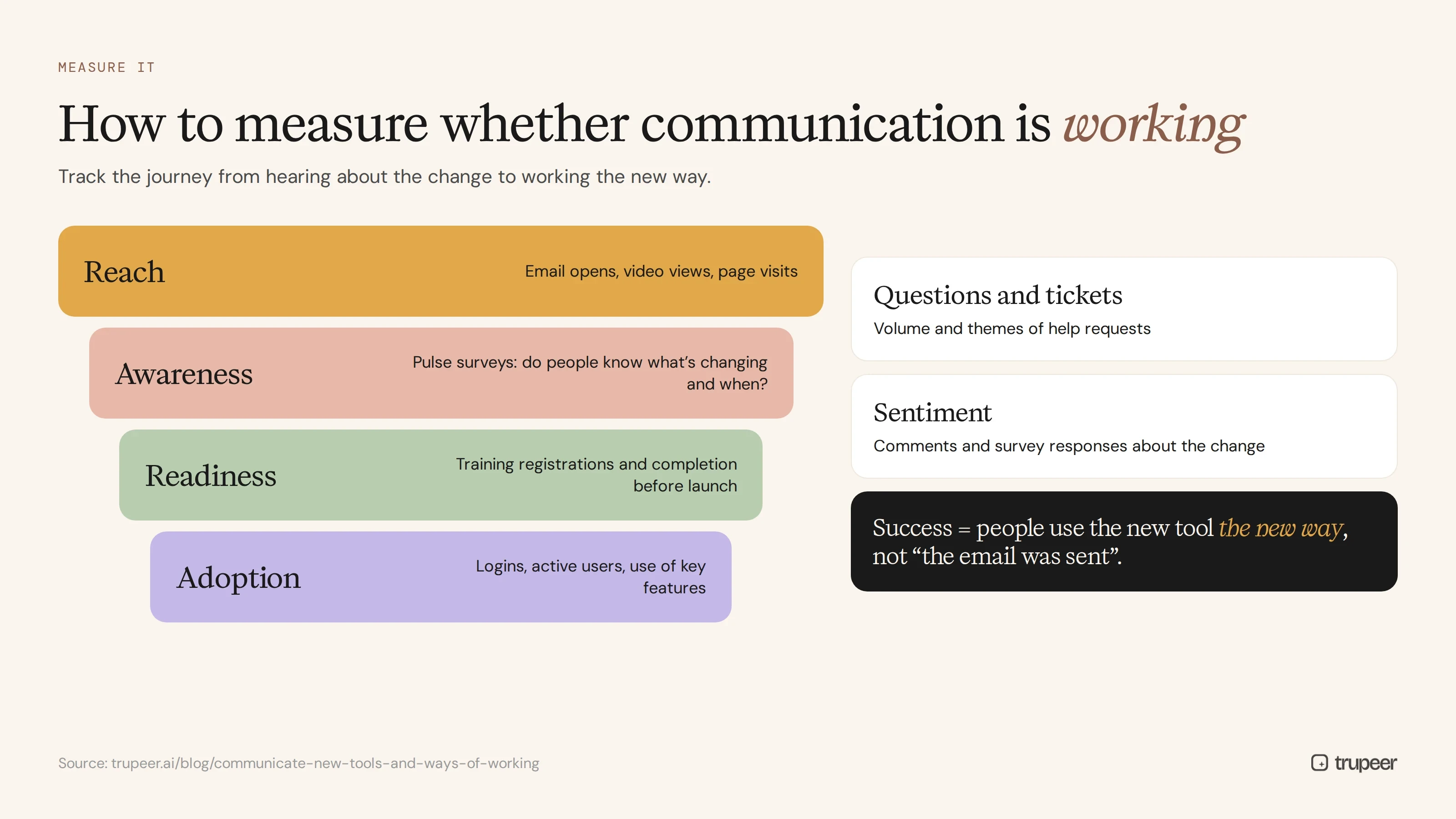
Reach: email opens, video views and intranet page visits.
Awareness: short pulse surveys asking whether people know what's changing and when.
Readiness: training registrations and completion before launch.
Adoption: logins, active users and use of key features after launch.
Questions and tickets: volume and themes of help requests.
Sentiment: comments and survey responses about the change.
Communication succeeds when people use the new tool the new way, not when the email is sent.
Example: a short announcement message
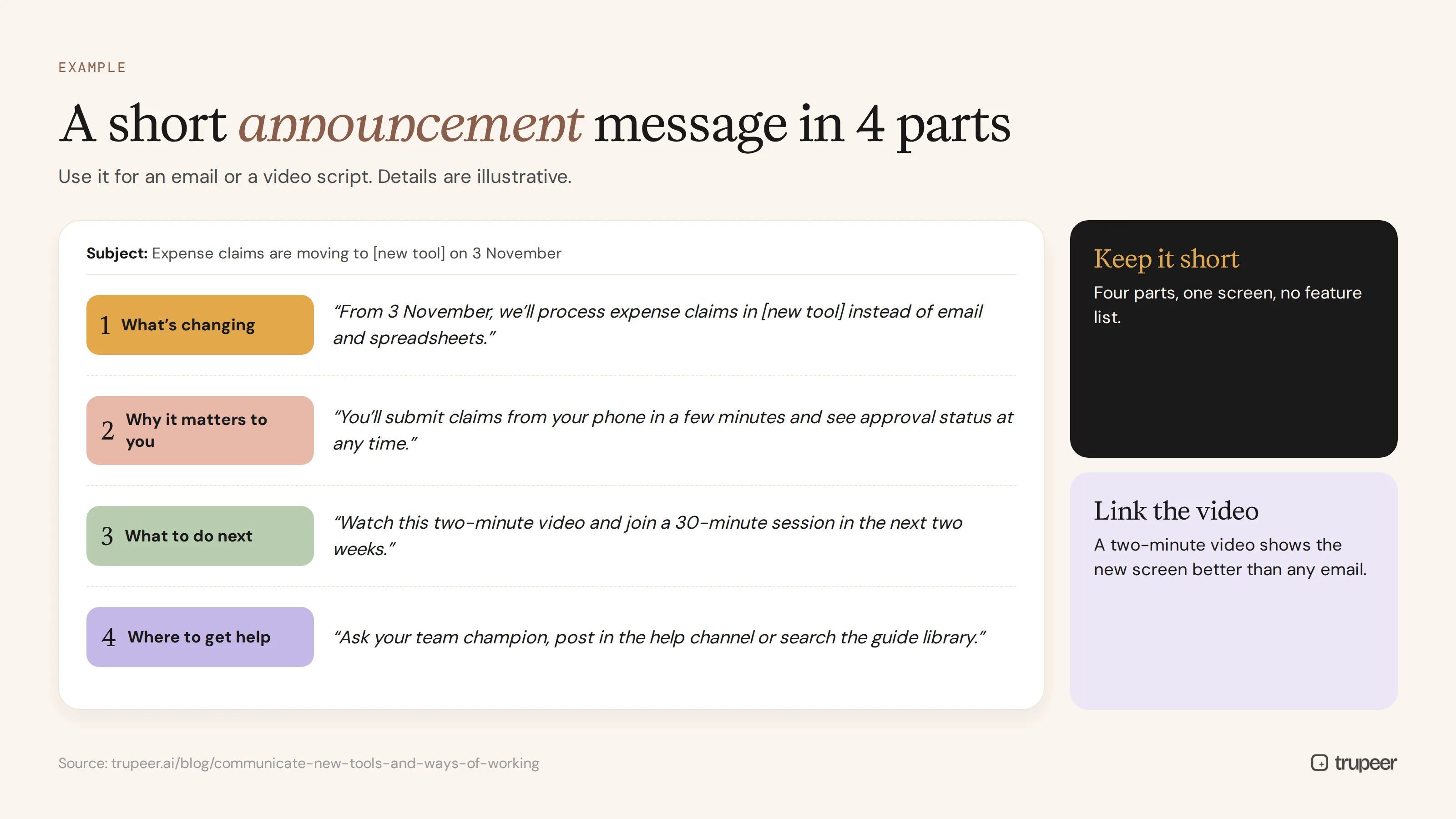
Here's a simple structure for an announcement email or video script, adapted to your tool and audience:
What's changing: "From 3 November, we'll process expense claims in [new tool] instead of email and spreadsheets."
Why it matters to you: "You'll submit claims from your phone in a few minutes and see approval status at any time."
What to do next: "Watch this two-minute video and join a 30-minute session in the next two weeks."
Where to get help: "Ask your team champion, post in the help channel or search the guide library."
The details are illustrative; keep the real message just as short and specific.
Common mistakes when you communicate new tools and ways of working
One big announcement instead of a sequence of messages.
Leading with features rather than what changes for each person.
Skipping managers, so teams hear about the change from email first.
No single home for guides, videos and FAQs.
Stopping at launch, when questions are at their peak.
Measuring messages sent instead of understanding and adoption.
Checklist for communicating new tools and ways of working
Managers and champions are briefed before the announcement.
Messages answer why, what's in it for me, what changes, when, how to learn and where to get help.
Communication is phased from announcement to post-launch.
Messages are tailored by audience.
Short videos show the tool and the new way of working.
Every message links to role-based learning content.
There's one home for guides, videos and FAQs.
Questions are captured and answered visibly.
Adoption, not just reach, is measured.
For how communication fits into a full change plan, see the change management plan for ERP implementation.
How Trupeer helps you communicate new tools and ways of working

The hardest part of communicating a new tool is showing people exactly what to do, in every team, language and channel. Trupeer is built for that:
Communication challenge | How Trupeer helps |
|---|---|
Long emails nobody reads | Record the new tool once and get a short, polished video with an AI voiceover to share instead |
Every role needs different instructions | Record each role's key tasks and share role-specific guides and videos |
Global teams in many languages | Translate videos and guides from one source into 65+ languages |
People can't find help after launch | Publish every guide and video in one searchable knowledge base, linked from the tool and intranet |
Consistent look across messages | Apply your brand kit so every video and guide looks the same |
The tool changes after launch | Update videos by editing the script instead of recording again |
Genpact used Trupeer to prepare 140,000 employees across 40 countries for a new system, producing more than 500 training collaterals in five languages in 3 months instead of 12. Read the Genpact customer story.
When every announcement links to a two-minute video and a step-by-step guide in the reader's own language, people don't just hear about the change; they know how to work the new way.
Frequently asked questions
How do you communicate a new tool to employees?
Brief managers and champions first, then communicate in phases from announcement to post-launch, answering why the change matters, what's in it for each group, what changes, when, how to learn and where to get help.
What should a new tool announcement include?
What's changing, why it matters to the reader, key dates, what to do next and where to get help, kept short and linked to a video or guide.
How far in advance should you announce a new tool?
Early enough for people to prepare and train, typically several weeks before launch for a significant change, with a sequence of messages rather than a single announcement.
Which channels are best for communicating new tools?
A mix of manager cascades, short videos, concise emails, the intranet or knowledge base, team chat channels and help links inside the tool, all pointing to one home for details.
Why use video for change communication?
Video shows the new tool and process visually, is quicker to absorb than long emails and lets leaders and champions explain the change in their own voice.
How do you get managers to support a new tool?
Brief them first, give them key messages, FAQs and a team conversation guide, ask them to use the tool visibly and involve them in answering their team's questions.
How do you communicate a new way of working?
Explain the reason and benefit, be clear about what stops and starts, show the new process end to end, address role changes directly and give people time to practise.
How do you measure change communication?
Track reach, awareness, training readiness, adoption, help requests and sentiment, and focus on whether people are using the new tool the new way.
Communicate the change people can see and use
People adopt new tools when they understand why, know exactly what to do and can find help instantly. Trupeer turns recordings of your new tool into short videos and step-by-step guides for every role, ready to share in every channel. Start free with Trupeer.
관련 블로그



