Trupeer Blog

Aperçu de l'acheteur
Les entreprises d'aujourd'hui sont confrontées au défi de fournir des formations efficaces à des clients externes, tels que des agences, des fournisseurs SaaS et des cabinets de conseil. Les outils vidéo génériques sont souvent insuffisants, car ils manquent de fonctionnalités essentielles comme des portails clients, des contrôles d'accès spécifiques et des analyses d'engagement pertinentes. Une enquête a mis en évidence que 63 % des organisations considèrent la vidéo comme un élément essentiel de leur stratégie de formation, mais qu'elles peinent à composer avec les limites des outils de base.
"63 % des organisations considèrent la vidéo comme un élément essentiel de leur stratégie de formation, mais qu'elles peinent à composer avec les limites des outils de base."
Source : rapport State of Video in Business de Wyzowl, 2025
Ce guide a été conçu pour les professionnels à la recherche de plateformes spécialement adaptées aux contenus vidéo destinés aux clients. Vous y trouverez une comparaison détaillée des meilleurs outils, une exploration des fonctionnalités clés, ainsi que des éclairages sur les défis et les solutions. Que vous soyez responsable de l'onboarding de nouveaux clients ou du maintien de programmes de formation continus, cette ressource est conçue pour vous aider à prendre des décisions éclairées.
Meilleures plateformes vidéo de formation client : comparaison directe
Fonctionnalité | Trupeer | Panopto | Loom | Kaltura | Vidyard | Wistia | Camtasia | Vimeo OTT |
|---|---|---|---|---|---|---|---|---|
Fonctionnalités principales | ||||||||
Portail client | Oui | Limité | Non | Oui | Oui | Limité | Non | Oui |
Contrôles d'accès | Oui | Oui | Non | Oui | Limité | Limité | Non | Oui |
Capacités d'IA | ||||||||
Voix off par IA | Oui | Non | Non | Limité | Non | Non | Non | Limité |
Fonctionnalités professionnelles | ||||||||
Image de marque personnalisée | Oui | Oui | Limité | Oui | Limité | Oui | Non | Oui |
Analyses d'engagement | Oui | Oui | Limité | Oui | Oui | Oui | Non | Limité |
Intégrations | ||||||||
Prise en charge multilingue | Oui | Oui | Non | Oui | Limité | Limité | Non | Oui |
Intégration LMS | Oui | Oui | Non | Oui | Oui | Non | Limité | Oui |
Offre gratuite | Oui | Non | Oui | Non | Oui | Limité | Non | Limité |
Trupeer

Trupeer est une plateforme puissante conçue pour les entreprises qui ont besoin de solutions robustes de formation client. Elle est idéale pour les sociétés qui doivent créer des expériences de formation personnalisées avec des contrôles d'accès fluides et des analyses d'engagement détaillées. Trupeer se distingue par ses fonctionnalités pilotées par l'IA, notamment la voix off, qui permet aux utilisateurs de convertir du texte en audio réaliste avec un minimum d'effort.
La plateforme excelle grâce à une interface conviviale qui s'adresse à la fois aux créateurs et aux clients. La capacité de Trupeer à s'intégrer aux systèmes de gestion de l'apprentissage les plus répandus renforce encore son attrait pour les organisations à la recherche d'un outil de formation complet.
Fonctionnalités clés
Portail client avec accès sécurisé
Voix off et transcription alimentées par l'IA
Options de personnalisation de l'image de marque
Analyses d'engagement approfondies
Prise en charge multilingue
Intégration LMS fluide
Éléments vidéo interactifs
Automatisation des mises à jour de contenu
"Trupeer a révolutionné notre approche de la formation grâce à ses analyses intuitives et ses fonctionnalités personnalisables."
Avantages | Inconvénients |
|---|---|
Des contrôles d'accès clients complets renforcent la sécurité. | La configuration initiale peut prendre du temps pour les nouveaux utilisateurs. |
La voix off par IA réduit considérablement le temps de production. | Certains utilisateurs trouvent le tableau de bord analytique complexe. |
S'intègre parfaitement aux systèmes LMS existants. | Les fonctionnalités avancées peuvent nécessiter un temps d'apprentissage. |
Propose une offre gratuite pour les petites équipes. |
Tarifs
Trupeer propose une offre gratuite pour jusqu'à 5 utilisateurs ; les forfaits payants commencent à 49 $ par utilisateur et par mois.
Panopto
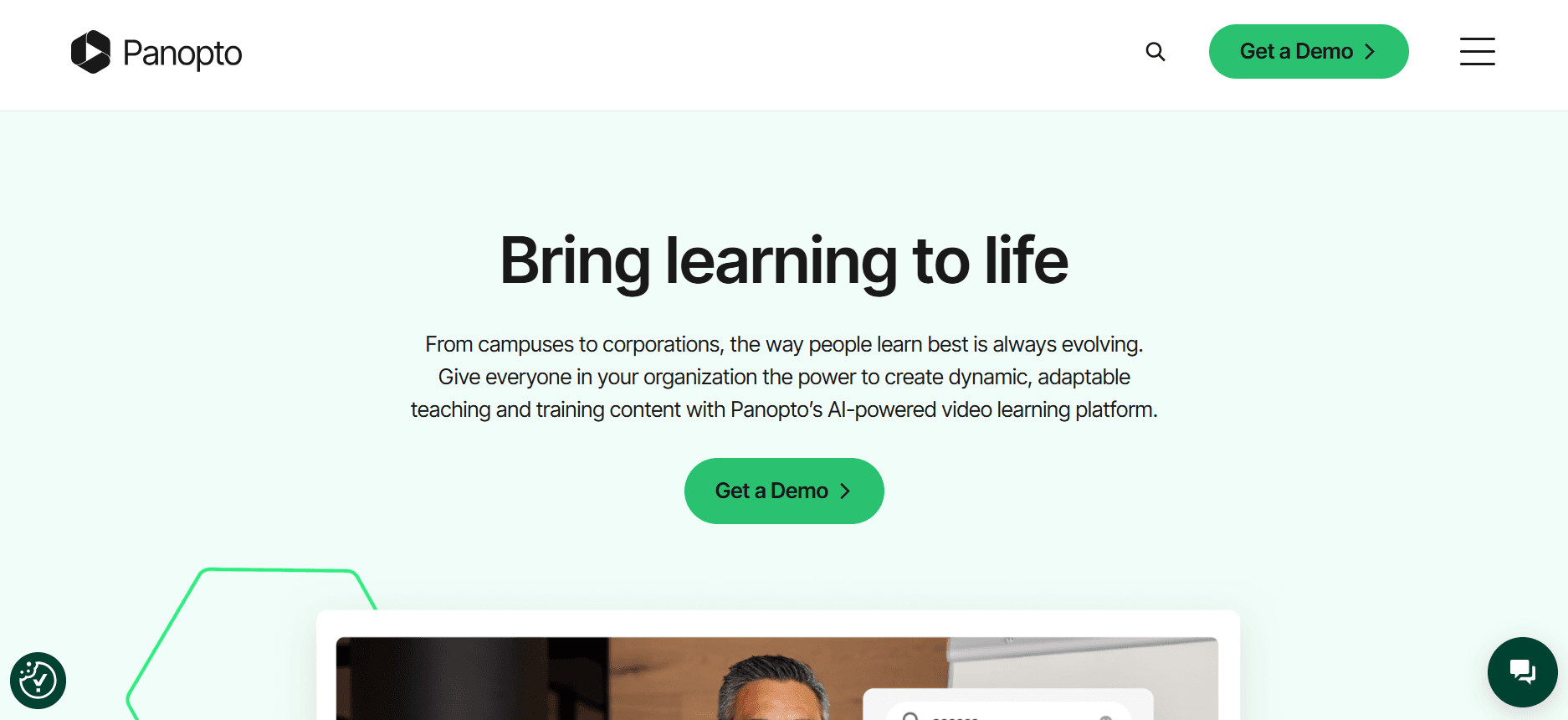
Panopto s'adresse aux entreprises et aux établissements d'enseignement qui privilégient la gestion vidéo et les capacités de diffusion en direct. Il est particulièrement utile pour les organisations disposant d'une vaste bibliothèque de vidéos de formation, car il offre des fonctionnalités de recherche avancées et une gestion robuste du contenu vidéo.
Malgré ses atouts en matière de gestion vidéo, Panopto n'est peut-être pas le meilleur choix pour les petites entreprises à la recherche d'options abordables. Son orientation vers des solutions à grande échelle signifie qu'il excelle dans les environnements où un traitement vidéo à fort volume est requis.
Fonctionnalités clés
Gestion complète du contenu vidéo
Fonctionnalités de diffusion en direct et de webcasting
Recherche avancée avec reconnaissance vocale automatique
Partage sécurisé et contrôles d'accès
Analyses vidéo détaillées
Intégration avec les plateformes LMS et CMS
Prise en charge multilingue
Indexation automatique des vidéos
Avantages | Inconvénients |
|---|---|
Fonctions puissantes de gestion vidéo pour les grandes bibliothèques. | Un coût plus élevé peut ne pas convenir aux petites entreprises. |
Les capacités de recherche avancées améliorent l'expérience utilisateur. | L'interface peut être déroutante pour les nouveaux utilisateurs. |
Excellente intégration avec les systèmes d'entreprise existants. | Ne dispose pas des fonctionnalités pilotées par l'IA présentes chez les concurrents. |
Tarifs
La tarification de Panopto est établie sur devis en fonction des besoins de l'organisation, sans offre gratuite disponible.
Loom

Loom est connu pour sa simplicité et sa facilité d'utilisation, ce qui en fait un choix populaire pour des communications vidéo rapides et informelles. Il est idéal pour les équipes et les particuliers qui ont besoin de partager instantanément des enregistrements d'écran et des vidéos de caméra, sans la complexité des plateformes plus complètes.
Bien que Loom excelle en matière de facilité d'utilisation, il peut ne pas offrir la profondeur de fonctionnalités requise pour des programmes de formation client détaillés. Il convient mieux aux communications internes qu'aux contenus complets destinés aux clients.
Fonctionnalités clés
Enregistrement instantané de l'écran et de la caméra
Partage simple avec des liens directs
Analyses de base pour le suivi des vues
Commentaires et réactions par emoji
Intégration avec Slack et d'autres outils de productivité
Rognage vidéo et montage de base
Stockage cloud pour les vidéos
Contrôles d'accès de base pour les vidéos partagées
Avantages | Inconvénients |
|---|---|
L'interface conviviale simplifie la création vidéo. | Fonctionnalités limitées pour une formation client complète. |
Des capacités de partage rapide fluidifient la communication. | Pas d'analyses avancées pour des informations approfondies. |
S'intègre bien avec les outils de productivité du quotidien. | Absence de portail client et d'options d'accès sécurisé. |
Tarifs
Loom propose une offre gratuite avec des fonctionnalités limitées ; les forfaits payants commencent à 8 $ par utilisateur et par mois.
Kaltura
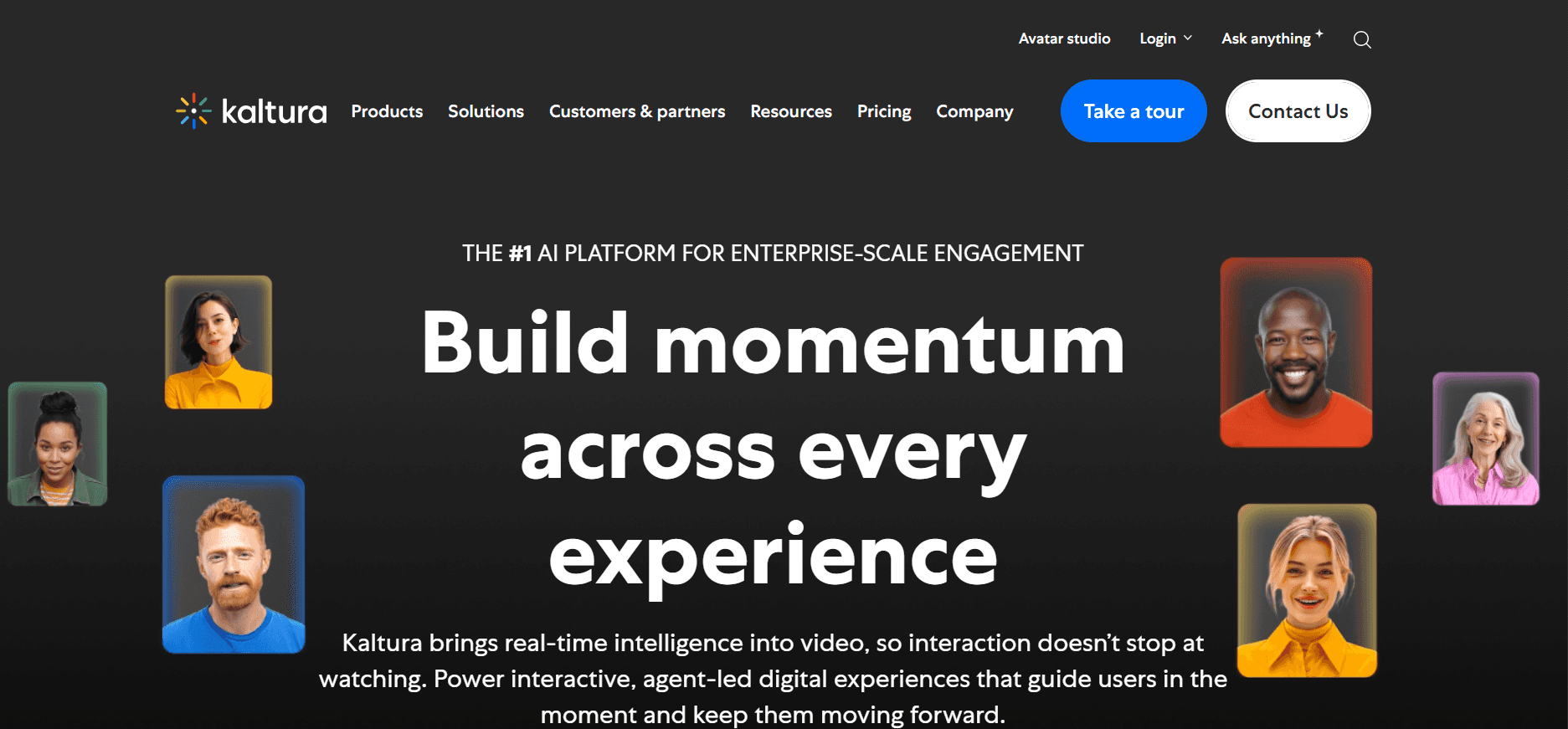
Kaltura est une plateforme vidéo polyvalente conçue pour les entreprises et les établissements d'enseignement qui ont besoin d'un large éventail de solutions vidéo. Elle est particulièrement performante pour la diffusion en direct, la gestion du contenu vidéo et les expériences vidéo interactives, ce qui la rend adaptée aux entreprises ayant des besoins vidéo variés.
Malgré sa polyvalence, la complexité de Kaltura peut constituer un obstacle pour les petites organisations ne disposant pas de ressources informatiques dédiées. C'est une solution robuste pour ceux qui ont besoin de vastes possibilités de personnalisation et d'intégration.
Fonctionnalités clés
Diffusion en direct et vidéo à la demande
Lecteurs vidéo personnalisables
Parcours vidéo interactifs et quiz
Analyses vidéo complètes
Intégration avec les principaux systèmes LMS et CMS
Plateforme SaaS multi-locataire
Personnalisation de l'image de marque et options en marque blanche
Prise en charge multilingue
Avantages | Inconvénients |
|---|---|
Très personnalisable pour des besoins vidéo complexes. | La configuration et la gestion nécessitent une expertise technique. |
Les fortes fonctionnalités interactives améliorent l'engagement des utilisateurs. | Peut être coûteux pour les petites et moyennes entreprises. |
Excellente intégration avec l'infrastructure informatique existante. | L'interface utilisateur peut sembler intimidante pour les débutants. |
Tarifs
Kaltura propose une tarification personnalisée en fonction des besoins de l'organisation, sans offre gratuite standard.
Vidyard

Vidyard est idéal pour les entreprises qui se concentrent sur l'utilisation de la vidéo pour le marketing et les ventes. Sa force réside dans sa capacité à fournir des analyses détaillées des spectateurs et des messages vidéo personnalisés, ce qui en fait un outil précieux pour les équipes souhaitant améliorer l'engagement client et favoriser les conversions.
Bien que Vidyard offre d'excellentes capacités marketing, ce n'est peut-être pas le meilleur choix pour ceux qui se concentrent uniquement sur la formation interne, en raison de son accent mis sur les fonctionnalités de communication externe.
Fonctionnalités clés
Analyses et rapports vidéo avancés
Messagerie vidéo personnalisée
Appels à l'action vidéo personnalisables
Intégration avec les outils CRM et d'automatisation marketing
Hébergement et gestion des vidéos
Éléments vidéo interactifs
Options de branding et de personnalisation
Optimisation SEO des vidéos
Avantages | Inconvénients |
|---|---|
Des analyses exceptionnelles pour les insights marketing. | L'orientation marketing peut limiter l'usage interne. |
Intégration fluide avec les outils de vente et de marketing. | Les fonctionnalités avancées ont un coût plus élevé. |
Les fonctionnalités vidéo personnalisées stimulent l'engagement client. | Certains utilisateurs trouvent l'interface complexe. |
Tarifs
Vidyard propose une offre gratuite avec les fonctionnalités essentielles ; les forfaits payants commencent à 15 $ par utilisateur et par mois.
Wistia

Wistia est conçue pour les entreprises qui cherchent à améliorer leurs efforts de marketing vidéo, avec un accent sur l'image de marque et l'engagement des spectateurs. Elle fournit des outils pour créer des vidéos d'aspect professionnel avec des analyses détaillées et des options de personnalisation, ce qui en fait un favori des spécialistes du marketing et des responsables de marque.
Bien que Wistia offre de solides fonctionnalités marketing, les entreprises à la recherche d'une plateforme de formation interne pourraient constater qu'il lui manque les outils pédagogiques nécessaires.
Fonctionnalités clés
Lecteur vidéo et image de marque personnalisables
Analyses détaillées des spectateurs
Outils de génération de leads avec capture d'e-mail
Intégration avec les plateformes marketing
SEO vidéo et options d'intégration
Éléments interactifs comme les annotations
Marqueurs de chapitres pour une navigation facile
Hébergement et gestion des vidéos
Avantages | Inconvénients |
|---|---|
Forte capacité de branding et de personnalisation. | Fonctionnalités limitées pour la formation pédagogique. |
Les analyses détaillées améliorent les stratégies marketing. | Tarification plus élevée pour les fonctionnalités avancées. |
Intégration fluide avec les outils marketing. | Pas d'offre gratuite pour un usage étendu. |
Tarifs
Wistia propose une offre gratuite limitée ; les forfaits premium commencent à 99 $ par mois pour les fonctionnalités avancées.
Camtasia

Camtasia est une solution logicielle de bureau destinée à la création d'enregistrements d'écran et de tutoriels vidéo de qualité professionnelle. Elle est particulièrement utile pour produire des contenus pédagogiques, avec des fonctionnalités adaptées aux enseignants et formateurs qui ont besoin de créer facilement des vidéos soignées.
Bien que Camtasia excelle dans le montage et la production vidéo, elle manque de fonctionnalités cloud et d'outils spécifiques aux clients, ce qui peut limiter son utilisation pour des solutions complètes de formation client.
Fonctionnalités clés
Capacités d'enregistrement d'écran professionnelles
Fonctions de montage vidéo robustes
Modèles vidéo personnalisables
Quiz interactifs et annotations
Effets et améliorations audio
Intégration avec PowerPoint
Montage sur timeline multipiste
Arrière-plans et graphismes animés
Avantages | Inconvénients |
|---|---|
Excellents outils de montage vidéo pour des contenus professionnels. | Manque de partage et de collaboration dans le cloud. |
Les fonctionnalités interactives enrichissent les vidéos de formation. | Pas de portail client spécifique ni de contrôles d'accès. |
Intégration simple avec les logiciels de présentation. | Le coût d'achat unique peut être élevé. |
Tarifs
Camtasia propose un achat unique de 299 $, avec des coûts supplémentaires pour les mises à jour et l'assistance.
Vimeo OTT
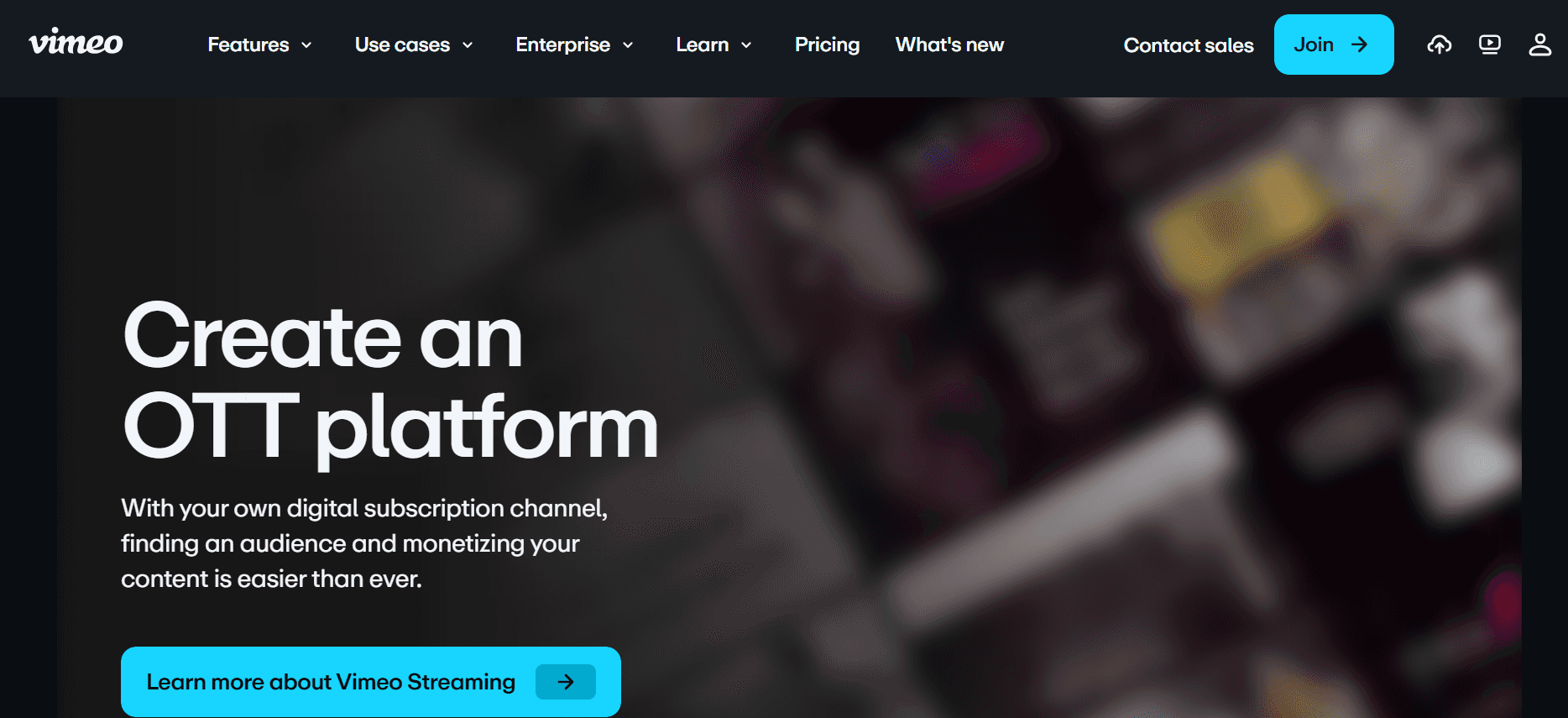
Vimeo OTT est conçu pour les entreprises et les créateurs qui souhaitent distribuer du contenu vidéo via leurs propres chaînes de marque. Il est particulièrement avantageux pour les organisations qui cherchent à monétiser leur contenu vidéo ou à créer des offres vidéo par abonnement.
Bien que Vimeo OTT offre d'excellentes options de monétisation et de branding, il n'est peut-être pas le meilleur choix pour des programmes de formation interne en raison de son orientation vers la distribution externe et l'engagement client.
Fonctionnalités clés
Chaînes vidéo personnalisées à l'image de marque
Monétisation par abonnement et transactionnelle
Analyses vidéo et informations sur les spectateurs
Prise en charge de la diffusion en direct
Distribution multi-plateforme
Protection DRM du contenu
Intégration avec les passerelles de paiement
Lecteur vidéo personnalisable
Avantages | Inconvénients |
|---|---|
De solides options de monétisation pour le contenu vidéo. | L'orientation vers la distribution externe peut limiter l'usage interne. |
Le branding personnalisé renforce l'identité de l'entreprise. | Coûts plus élevés pour les fonctionnalités avancées et l'assistance. |
Des analyses détaillées fournissent des informations sur les spectateurs. | Configuration complexe pour les nouveaux utilisateurs. |
Tarifs
Vimeo OTT propose une tarification personnalisée en fonction des fonctionnalités et de la taille de l'audience, avec des options gratuites limitées.
Défis des plateformes vidéo de formation client : où les équipes rencontrent des difficultés
Absence de contrôles d'accès clients dédiés
De nombreuses plateformes proposent un simple partage de lien, sans sécurité.
Les clients peuvent partager les vidéos avec des utilisateurs non autorisés, risquant des fuites de contenu.
Sans portails à accès restreint, il devient difficile de suivre qui a accès à quoi.
L'absence de contrôles d'accès peut entraîner des violations de la confidentialité.
Absence de visibilité sur l'engagement vidéo
Les plateformes standard ne fournissent souvent pas d'analyses détaillées sur l'engagement des spectateurs.
Sans informations, il est difficile de savoir si les clients interagissent réellement avec le contenu.
L'impossibilité de savoir si les vidéos sont regardées jusqu'au bout limite les retours.
Les données d'engagement sont essentielles pour évaluer l'efficacité des programmes de formation.
Absence de branding professionnel
Les lecteurs vidéo génériques ne reflètent pas l'identité de marque de l'entreprise.
L'absence de branding peut donner au contenu un aspect moins professionnel.
Les clients peuvent ne pas prendre au sérieux un contenu non marqué, ce qui affecte la perception.
La cohérence de marque est souvent essentielle pour maintenir la confiance des clients.
Aucun élément interactif pour l'apprentissage à son rythme
Les vidéos statiques n'engagent pas les apprenants aussi efficacement que le contenu interactif.
Des éléments interactifs comme les quiz et les parcours de branchement répondent à différents styles d'apprentissage.
L'absence d'interaction peut entraîner une baisse de la rétention d'informations.
Le contenu interactif permet aux apprenants de réfléchir et d'appliquer immédiatement leurs connaissances.
Nouvel enregistrement requis à chaque mise à jour produit
Chaque mise à jour de produit nécessite un nouveau contenu vidéo, ce qui consomme des ressources.
Les réenregistrements fréquents entraînent des incohérences dans le support de formation.
La mise à jour des vidéos peut prendre du temps, retardant la diffusion des nouvelles informations.
Les équipes ont besoin d'une solution qui prend en charge des mises à jour de contenu rapides et efficaces.
Défi | Processus traditionnel | Impact sur l'entreprise | Coût en temps |
|---|---|---|---|
Absence de contrôles d'accès clients dédiés | Partage de liens génériques sans mesures de sécurité. | Risque de fuite de contenu et de violation de la confidentialité. | Élevé en raison du suivi et de la gestion manuels. |
Absence de visibilité sur l'engagement vidéo | Analyses limitées ou inexistantes sur le comportement des spectateurs. | Impossibilité de mesurer l'efficacité de la formation. | Moyen, car les retours sont différés et indirects. |
Absence de branding professionnel | Utilisation de lecteurs vidéo standards sans branding. | Réduction de la confiance des clients et du professionnalisme perçu. | Faible, mais impacte durablement la perception de la marque. |
Aucun élément interactif pour l'apprentissage à son rythme | Vidéos statiques sans fonctionnalités engageantes. | Baisse de l'engagement et de la rétention des apprenants. | Moyen, car le contenu doit être fréquemment rafraîchi. |
Nouvel enregistrement requis à chaque mise à jour produit | Réenregistrement complet pour chaque mise à jour. | Fortement gourmand en ressources et retarde la diffusion des informations. | Élevé en raison de la création fréquente de contenu. |
Fonctionnalités indispensables d'une plateforme vidéo de formation client
Portail client avec contrôles d'accès granulaires
Un portail client est essentiel pour gérer qui peut voir votre contenu de formation. Grâce à des contrôles d'accès granulaires, vous pouvez vous assurer que seuls les utilisateurs autorisés consultent certaines vidéos. Cette fonctionnalité offre un moyen sécurisé et organisé de distribuer le contenu, en permettant aux administrateurs d'attribuer différents niveaux d'autorisation à différents utilisateurs, garantissant ainsi la confidentialité et la conformité.
Trupeer excelle dans ce domaine en proposant une gestion détaillée des accès, vous permettant de définir différents niveaux d'accès pour divers segments de clients. Cette capacité est essentielle pour maintenir la sécurité et garantir que le contenu n'est partagé qu'avec les publics visés.
Analyses vidéo montrant l'engagement par spectateur
Comprendre comment les clients interagissent avec votre contenu est essentiel pour améliorer l'efficacité de la formation. Les analyses vidéo qui montrent l'engagement par spectateur fournissent des informations sur les parties de votre contenu qui résonnent le plus auprès de votre audience. Ces données aident à affiner le contenu afin d'en accroître l'impact et de garantir l'atteinte des objectifs pédagogiques.
Des plateformes comme Vidyard se démarquent en offrant des analyses avancées qui suivent le comportement des spectateurs, comme le temps de visionnage et les niveaux d'interaction, vous aidant ainsi à évaluer précisément le succès de vos programmes de formation.
Éléments interactifs (quiz, chapitres, branchement)
Les éléments interactifs transforment des vidéos statiques en expériences d'apprentissage dynamiques. Des fonctionnalités comme les quiz, les chapitres et les parcours de branchement engagent plus efficacement les spectateurs, répondent à différents styles d'apprentissage et permettent un apprentissage à son rythme. Cette interactivité encourage la participation active, ce qui est essentiel à la mémorisation des connaissances.
Kaltura propose des outils interactifs robustes qui permettent aux créateurs de contenu d'intégrer des quiz et de créer des scénarios de branchement, offrant ainsi aux apprenants un parcours de formation plus personnalisé.
Voix off par IA et auto-traduction
La voix off par IA peut réduire considérablement le temps de production en convertissant du texte en audio, tandis que l'auto-traduction élargit la portée de votre contenu à différentes langues et régions. Ces fonctionnalités garantissent que vos supports de formation sont accessibles à un public mondial, en répondant à des besoins linguistiques variés sans effort manuel important.
Les capacités de voix off par IA de Trupeer simplifient le processus de production vidéo, vous permettant de localiser le contenu de manière efficace et performante.
Branding personnalisé avec logo et couleurs
Le branding personnalisé garantit que votre contenu de formation reflète l'identité de votre entreprise, renforçant ainsi le professionnalisme et la confiance des clients. En intégrant votre logo et vos couleurs, vous maintenez la cohérence de la marque dans l'ensemble des supports de formation. Cette fonctionnalité est essentielle pour les entreprises qui souhaitent renforcer leur image de marque et laisser une impression durable à leurs clients.
Wistia excelle dans la fourniture d'outils de branding qui vous permettent de personnaliser les lecteurs vidéo pour qu'ils s'alignent sur l'esthétique de votre marque, améliorant ainsi l'expérience globale des spectateurs.
Mises à jour faciles du contenu sans réenregistrement
Les plateformes qui permettent des mises à jour rapides du contenu sans réenregistrement sont précieuses, en particulier pour les produits et services en évolution rapide. Cette fonctionnalité permet d'économiser du temps et des ressources, vous permettant de maintenir vos supports de formation à jour sans devoir les revoir entièrement. Elle garantit que les clients ont toujours accès aux informations les plus récentes, améliorant ainsi leur expérience d'apprentissage.
Camtasia, bien que davantage orienté vers le montage, offre de puissants outils pour mettre à jour le contenu vidéo en toute fluidité, garantissant ainsi que vos supports de formation restent pertinents et efficaces.
Comment choisir une plateforme vidéo de formation client en fonction de votre cas d'usage
Vidéos d'onboarding logiciel pour les clients
Pour les entreprises proposant des solutions logicielles complexes, un onboarding efficace est essentiel. Les vidéos de formation qui guident les nouveaux utilisateurs à travers les fonctionnalités et l'utilisation peuvent réduire considérablement les demandes de support et améliorer la satisfaction des utilisateurs.
La complexité des fonctionnalités logicielles peut submerger les nouveaux utilisateurs.
Les clients ont souvent besoin d'un accompagnement détaillé pour utiliser pleinement le logiciel.
La cohérence de la formation entre les différentes équipes clients.
Des éléments vidéo interactifs pour améliorer la compréhension.
Des analyses détaillées pour suivre l'engagement et la compréhension.
Un branding personnalisé pour aligner le contenu sur l'identité de l'entreprise.
Plateforme | Éléments interactifs | Analyses d'engagement | Branding personnalisé |
|---|---|---|---|
Trupeer | Oui | Oui | Oui |
Kaltura | Oui | Oui | Oui |
Loom | Non | Limité | Limité |
Bibliothèques de formation produit continues
Le maintien d'une bibliothèque de ressources de formation à jour est essentiel pour les produits qui évoluent fréquemment. Ces bibliothèques garantissent aux clients l'accès aux informations les plus récentes, réduisant ainsi le besoin d'assistance continue.
Les mises à jour fréquentes des produits nécessitent des rafraîchissements continus du contenu.
Les clients doivent pouvoir accéder facilement aux nouveaux supports de formation.
Le maintien de la cohérence entre des sujets de formation variés.
Des outils pour mettre à jour facilement le contenu sans réenregistrement.
Un portail client centralisé pour un accès fluide.
Une prise en charge multilingue pour s'adresser à un public mondial.
Plateforme | Mises à jour faciles du contenu | Portail client | Prise en charge multilingue |
|---|---|---|---|
Trupeer | Oui | Oui | Oui |
Panopto | Limité | Limité | Oui |
Vidyard | Non | Limité | Limité |
Formation conformité et certification pour les clients
Les secteurs soumis à des exigences de conformité strictes ont besoin de programmes de formation précis et complets. S'assurer que les clients sont certifiés et conformes est crucial pour la réussite juridique et opérationnelle.
Les normes réglementaires de conformité peuvent être complexes et détaillées.
Les clients ont besoin d'être rassurés quant à l'obtention d'une certification à l'issue de la formation.
Le suivi et la documentation de l'achèvement de la formation sont obligatoires.
Des capacités détaillées de suivi et de reporting.
Des fonctionnalités de certification attestant l'achèvement de la formation.
Des contrôles d'accès sécurisés pour protéger les contenus de formation sensibles.
Plateforme | Suivi et reporting | Fonctionnalités de certification | Contrôles d'accès sécurisés |
|---|---|---|---|
Trupeer | Oui | Oui | Oui |
Wistia | Limité | Non | Limité |
Camtaisa | Non | Non | Non |
Programmes vidéo d'activation des partenaires
Fournir aux partenaires les bonnes ressources de formation est essentiel pour élargir la portée du marché et garantir une communication cohérente. Des programmes vidéo efficaces peuvent permettre aux partenaires de vendre et de soutenir les produits plus efficacement.
Les partenaires ont besoin d'une connaissance approfondie des produits et services.
Une formation cohérente entre tous les partenaires garantit une communication uniforme.
Mesurer l'impact de la formation sur les performances des partenaires.
Des analyses robustes pour suivre l'engagement des partenaires.
Du contenu personnalisable pour s'adapter aux besoins des partenaires.
Une intégration aux systèmes de gestion des partenaires pour un accès fluide.
Plateforme | Analyses | Contenu personnalisable | Intégration au système partenaire |
|---|---|---|---|
Trupeer | Oui | Oui | Oui |
Kaltura | Oui | Oui | Limité |
Vimeo OTT | Limité | Oui | Non |
Meilleures pratiques pour les plateformes vidéo de formation client
Avant de créer du contenu
Définissez des objectifs d'apprentissage clairs pour guider le développement du contenu.
Planifiez votre série de vidéos par thème et par audience afin de garantir une couverture complète.
Identifiez les indicateurs clés de réussite, tels que les taux d'engagement et les taux de complétion.
Recueillez l'avis des parties prenantes pour aligner les objectifs de formation sur les objectifs de l'entreprise.
Pendant la création du contenu
Limitez chaque vidéo à moins de 5 minutes afin de maintenir l'attention des spectateurs.
Utilisez des chapitres pour organiser le contenu et faciliter la navigation.
Intégrez des éléments interactifs pour engager les spectateurs et améliorer la rétention.
Maintenez un ton et un style cohérents afin de renforcer l'identité de votre marque.
Après la publication du contenu
Suivez les taux de complétion et recueillez les retours pour évaluer l'efficacité du contenu.
Actualisez le contenu tous les trimestres pour qu'il reste pertinent et à jour.
Surveillez les analyses d'engagement pour identifier les axes d'amélioration.
Recueillez les retours des clients afin d'améliorer continuellement l'expérience de formation.
Questions fréquemment posées
Qu'est-ce qu'une plateforme vidéo de formation client ?
Une plateforme vidéo de formation client est un outil spécialisé conçu pour créer, gérer et diffuser des vidéos de formation à des clients externes. Ces plateformes incluent souvent des fonctionnalités telles que des contrôles d'accès sécurisés, des analyses détaillées et des éléments interactifs pour améliorer l'expérience d'apprentissage et garantir que les clients puissent interagir efficacement avec le contenu.Pourquoi devrais-je utiliser une plateforme spécialisée plutôt que des outils vidéo génériques ?
Les plateformes spécialisées offrent des fonctionnalités adaptées aux besoins de formation client, comme les contrôles d'accès, les analyses et les options de branding. Les outils génériques peuvent manquer de ces capacités, ce qui nuit à votre capacité à proposer des expériences de formation efficaces et professionnelles, tout en gardant le contrôle sur les personnes autorisées à voir votre contenu.Ces plateformes peuvent-elles s'intégrer à notre LMS existant ?
La plupart des plateformes vidéo de formation client offrent des possibilités d'intégration avec les systèmes de gestion de l'apprentissage (LMS) les plus répandus. Cela permet une diffusion et un suivi fluides du contenu dans vos cadres pédagogiques existants, renforçant ainsi l'ensemble de l'écosystème de formation.Quel type d'analyses puis-je attendre de ces plateformes ?
Les plateformes avancées fournissent des analyses détaillées, notamment sur l'engagement des spectateurs, le temps de visionnage et les taux d'interaction. Ces informations vous aident à affiner votre contenu et à mesurer l'efficacité de vos programmes de formation, en veillant à ce qu'ils atteignent vos objectifs commerciaux.Existe-t-il des versions gratuites ?
Certaines plateformes, comme Trupeer et Loom, proposent des offres gratuites aux fonctionnalités limitées. Elles peuvent convenir aux petites équipes ou à celles qui testent la plateforme. Cependant, les fonctionnalités plus avancées et des capacités plus élevées nécessitent généralement un abonnement payant.Comment fonctionnent généralement les modèles tarifaires ?
Les modèles tarifaires varient, mais incluent souvent des abonnements par utilisateur, des formules à plusieurs niveaux selon l'accès aux fonctionnalités, ou des tarifs personnalisés pour les besoins des grandes entreprises. Évaluer vos besoins spécifiques et votre usage peut aider à déterminer l'option la plus rentable.Quelle est la facilité de mise en œuvre de ces plateformes ?
La facilité de mise en œuvre varie selon la plateforme. Certaines, comme Loom, sont conviviales et nécessitent peu de configuration, tandis que d'autres, comme Kaltura, peuvent demander davantage d'expertise technique et de temps. Une documentation claire et des services d'assistance peuvent faciliter une mise en œuvre fluide.Puis-je mettre facilement à jour le contenu une fois qu'il est publié ?
De nombreuses plateformes prennent en charge des mises à jour de contenu faciles, vous permettant d'apporter des modifications sans réimporter l'ensemble des vidéos. Cette fonctionnalité est particulièrement utile pour garder les supports de formation à jour sans efforts importants de réenregistrement.
Conclusion
Choisir la bonne plateforme vidéo de formation client est essentiel pour offrir des expériences de formation efficaces et engageantes. En tenant compte de vos cas d'usage spécifiques et en comprenant les fonctionnalités indispensables, vous pouvez prendre une décision éclairée qui s'aligne sur vos objectifs commerciaux. Que vous intégriez de nouveaux utilisateurs de logiciels ou que vous mainteniez des bibliothèques de formation continues, la bonne plateforme peut tout changer.
Pour ceux qui recherchent une solution complète, Trupeer offre un ensemble robuste de fonctionnalités conçues pour répondre à des besoins de formation variés. Découvrez les capacités de Trupeer sur Trupeer et voyez comment elle peut transformer vos programmes de formation client en expériences plus productives et plus impactantes.


