Trupeer Blog
Resumir

Resumen del comprador
En el mercado actual, las empresas no pueden permitirse pasar por alto la importancia de un proceso sólido de incorporación de clientes. Una experiencia de onboarding exitosa puede reducir significativamente la tasa de abandono y mejorar la satisfacción del cliente. Según un informe reciente, el 60% de las empresas invierte en funciones dedicadas de incorporación de clientes, lo que subraya su papel crítico en el éxito del negocio.
El 60% de las empresas ya invierte en funciones dedicadas de incorporación de clientes.
Elegir el software de incorporación de clientes adecuado es vital para ofrecer experiencias consistentes y atractivas. Esta guía explora las principales plataformas que se adaptan a distintas necesidades empresariales, desde empresas SaaS hasta agencias, para que encuentres la opción perfecta para tu organización.
Mejores plataformas de incorporación de clientes: comparación cara a cara
Función | Trupeer | Pendo | UserPilot | Appcues | Rocketlane | Dock | GuideCX | Intercom |
|---|---|---|---|---|---|---|---|---|
Funciones principales | ||||||||
Guía en la aplicación | Sí | Sí | Sí | Sí | No | No | Sí | Limitado |
Portal para el cliente | Sí | No | No | No | Sí | Sí | Sí | No |
Contenido de vídeo | Sí | Limitado | Sí | Sí | Sí | No | Limitado | No |
Automatización de tareas | Sí | Sí | No | No | Sí | Sí | Sí | Sí |
Integraciones | ||||||||
Integración con CRM | Sí | Sí | Limitado | Sí | Sí | No | Sí | Sí |
Secuencias de correo | Sí | Sí | No | No | Sí | Limitado | Limitado | Sí |
White-label | Sí | No | Sí | Sí | Sí | Sí | No | No |
Incorporación self-serve | Sí | Sí | Sí | Sí | Limitado | No | Sí | Sí |
Trupeer

Trupeer está diseñado para empresas que buscan una solución de incorporación integral y personalizable. Ofrece una combinación de guías en la aplicación, portales para clientes y contenido de vídeo para crear una experiencia de onboarding fluida. Trupeer es ideal para empresas que necesitan una automatización avanzada de tareas y análisis de progreso detallados para gestionar procesos de incorporación complejos.
Funciones clave
Guía en la aplicación con recorridos interactivos
Portales para clientes personalizables
Recorridos de vídeo integrados
Seguimiento automatizado de tareas y hitos
Análisis y reporting del progreso
Integración con CRM y correo
Opciones de marca white-label
Capacidades de incorporación self-serve
"Trupeer ha transformado nuestro proceso de incorporación, permitiéndonos gestionar más clientes con menos recursos."
Ventajas
Desventajas
Altamente personalizable para adaptarse a distintas necesidades empresariales.
Curva de aprendizaje más pronunciada para usuarios nuevos.
Ofrece opciones tanto de guía en la aplicación como de portal para clientes.
El precio puede ser alto para empresas pequeñas.
Análisis completos para el progreso del cliente.
Integración limitada con CRM especializados.
Precios
Empieza en 49 $/mes para el plan básico, con prueba gratuita disponible.
Pendo
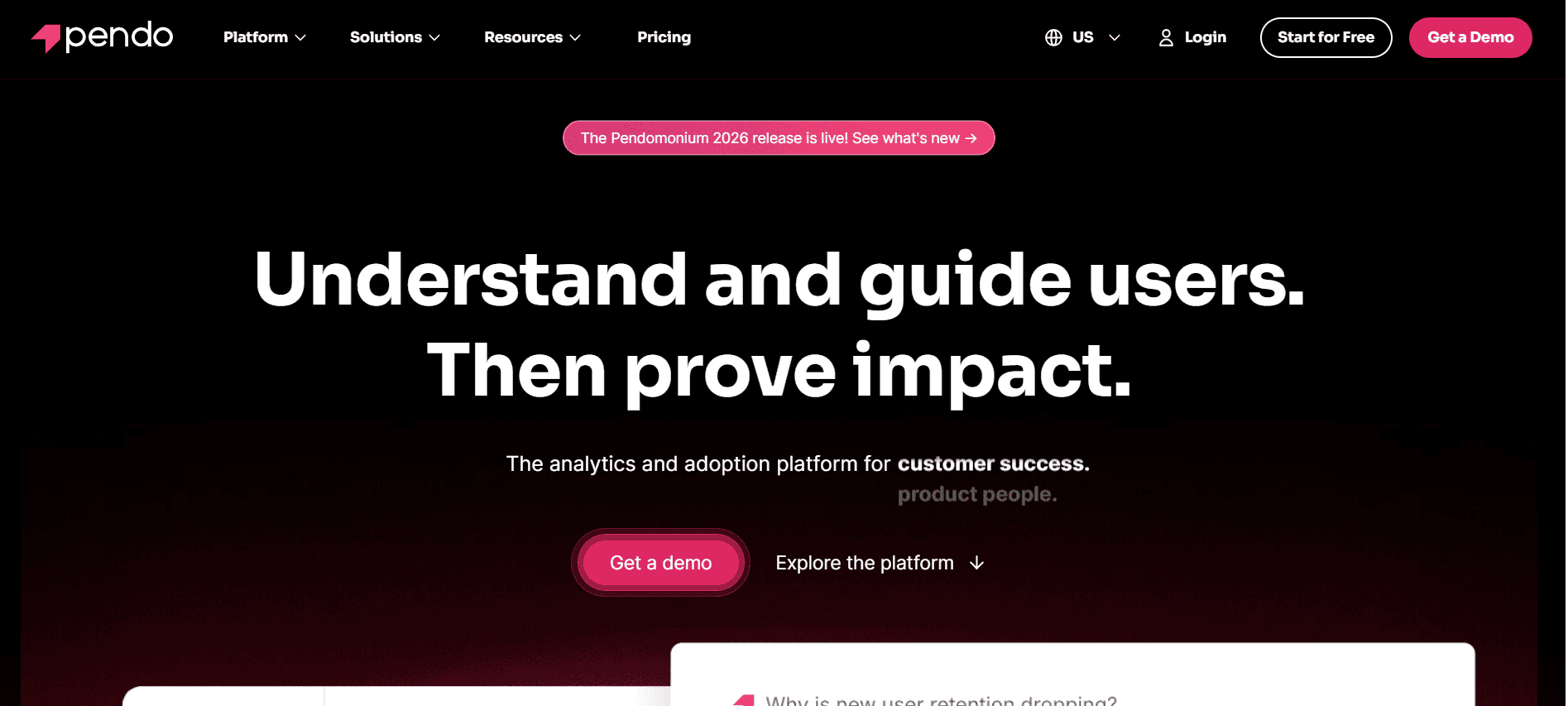
Pendo destaca por ofrecer una guía en la aplicación y análisis sólidos, lo que lo convierte en una opción favorita entre los equipos de producto. Es ideal para empresas que buscan mejorar la experiencia del usuario mediante recorridos detallados del producto y la recopilación de feedback. Sin embargo, carece de una funcionalidad dedicada de portal para clientes, lo que puede limitar su uso en algunos escenarios de incorporación.
Funciones clave
Guía en la aplicación con recorridos detallados
Análisis del uso del producto
Recopilación de feedback de usuarios
Integración con los principales CRM
Segmentos de usuarios personalizables
Seguimiento basado en objetivos
Soporte para aplicaciones móviles
Alertas y notificaciones en tiempo real
Ventajas
Desventajas
Guía en la aplicación y recorridos del producto sólidos.
No incluye una función dedicada de portal para clientes.
Excelentes análisis del comportamiento del usuario.
Planes de precio más altos para funciones avanzadas.
Integración fluida con plataformas principales.
Personalización limitada para empresas pequeñas.
Precios
Hay un plan gratuito disponible, con planes de pago a partir de 100 $/mes.
UserPilot
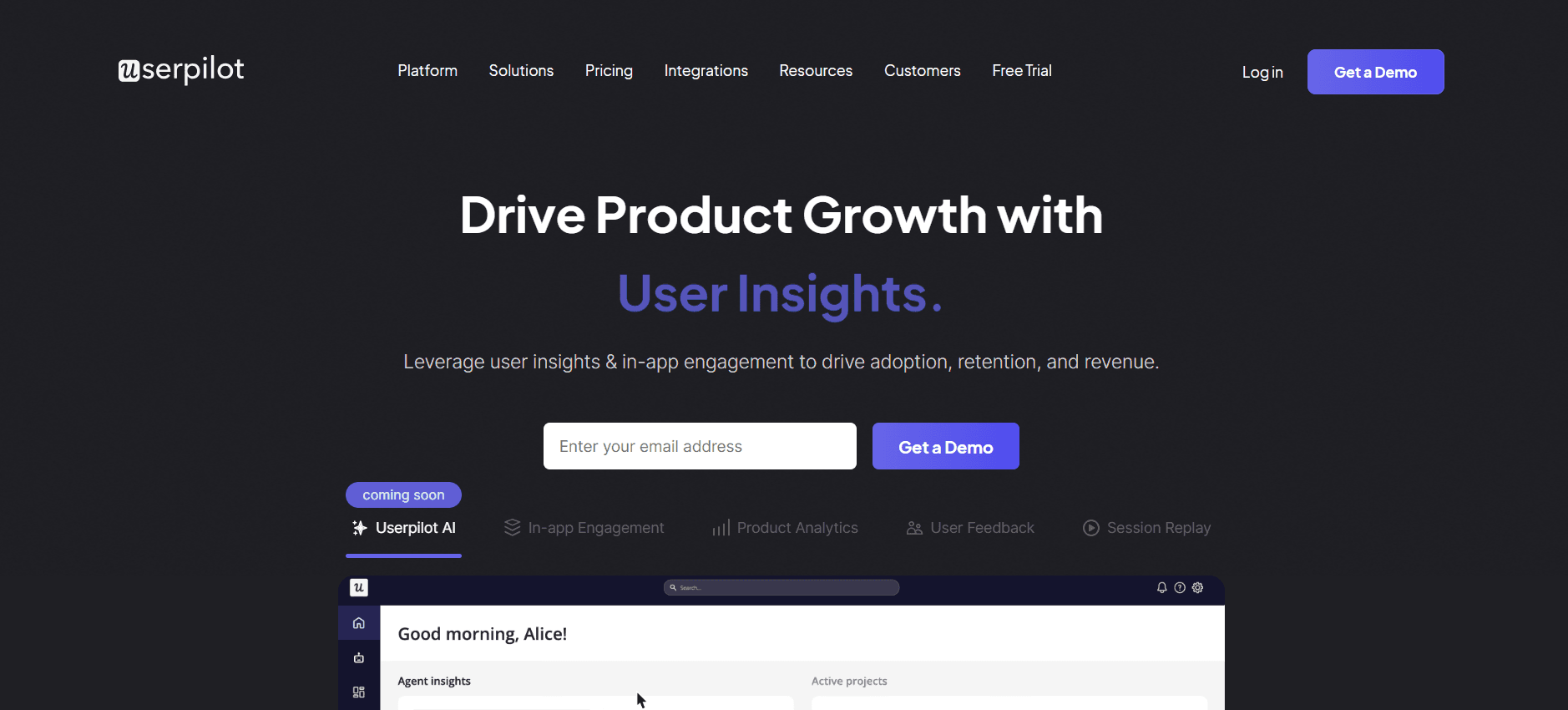
UserPilot ofrece una solución sencilla para crear experiencias de incorporación personalizadas. Es especialmente útil para empresas SaaS que quieren ofrecer experiencias en la aplicación adaptadas sin necesidad de programar. Aunque ofrece una personalización excelente, la falta de funciones de portal para clientes puede ser un inconveniente para algunos usuarios.
Funciones clave
Creación de experiencias de producto sin código
Mensajería y notificaciones en la aplicación
Segmentación y segmentación por objetivos
Análisis del comportamiento
Flujos de incorporación personalizables
Herramientas de feedback y encuestas
Integración con herramientas SaaS principales
Información de datos en tiempo real
Ventajas
Desventajas
Experiencias en la aplicación altamente personalizables.
No incluye funcionalidad de portal para clientes.
No requiere programación para la configuración.
Integraciones limitadas con plataformas especializadas.
Adecuado para empresas SaaS centradas en UX.
Análisis básicos frente a los competidores.
Precios
Hay un plan gratuito disponible, con planes premium desde 99 $/mes.
Appcues
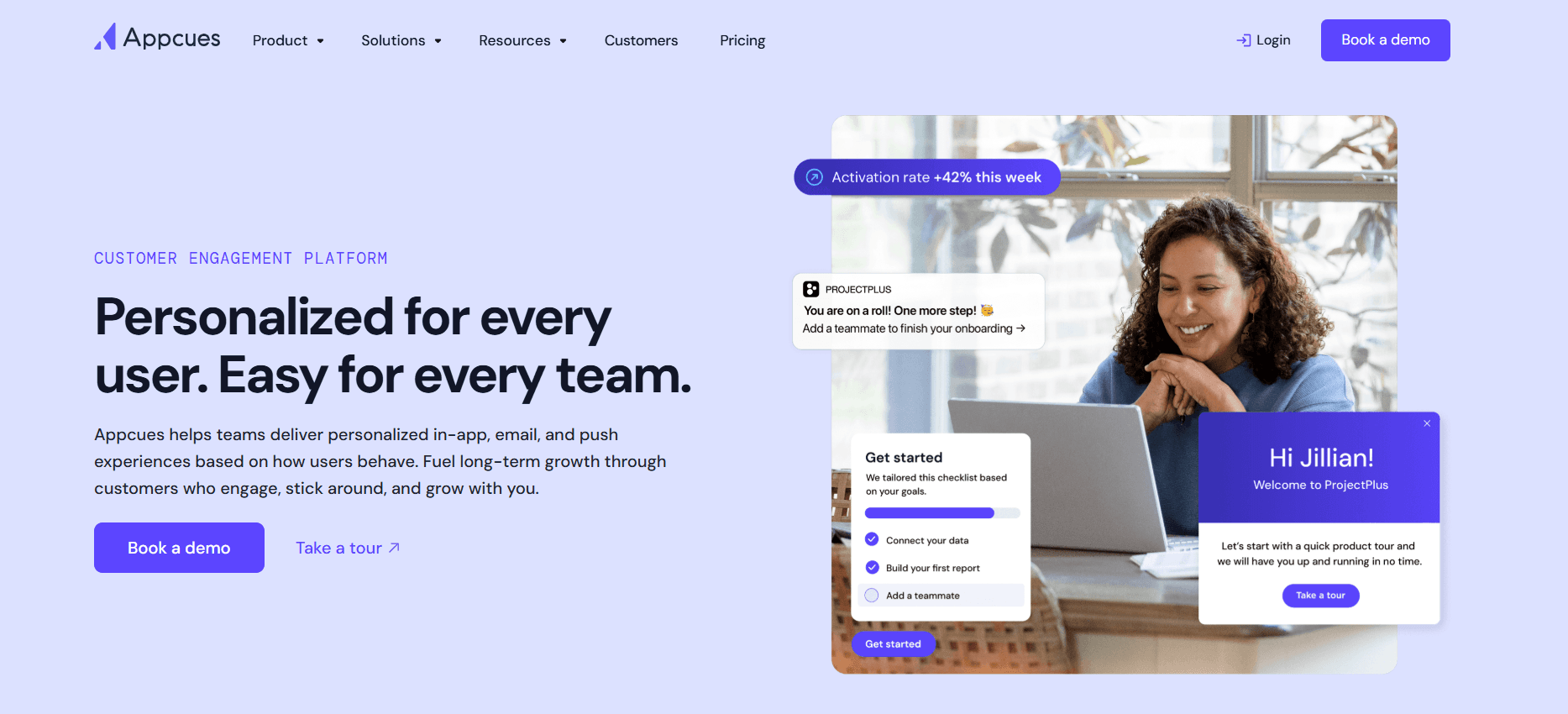
Appcues es reconocido por su capacidad para crear recorridos de producto atractivos y flujos de incorporación de usuarios. Es especialmente útil para equipos de producto que buscan mejorar la participación de los usuarios mediante experiencias interactivas. Sin embargo, Appcues no incluye una integración avanzada con CRM, lo que podría ser una limitación para algunas empresas.
Funciones clave
Recorridos de producto interactivos
Flujos de incorporación personalizables
Segmentación y análisis de usuarios
Encuestas y feedback en la aplicación
Integración con herramientas de análisis principales
Soporte multidioma
Seguimiento del rendimiento en tiempo real
Soporte para aplicaciones móviles y web
Ventajas
Desventajas
Fuerte enfoque en la participación del usuario y la UX.
No incluye integración avanzada con CRM.
Fácil de crear recorridos de producto interactivos.
Precio más alto para funciones avanzadas.
Admite varios idiomas.
Funciones limitadas para equipos que no son de producto.
Precios
Hay prueba gratuita disponible, con planes de pago a partir de 249 $/mes.
Rocketlane
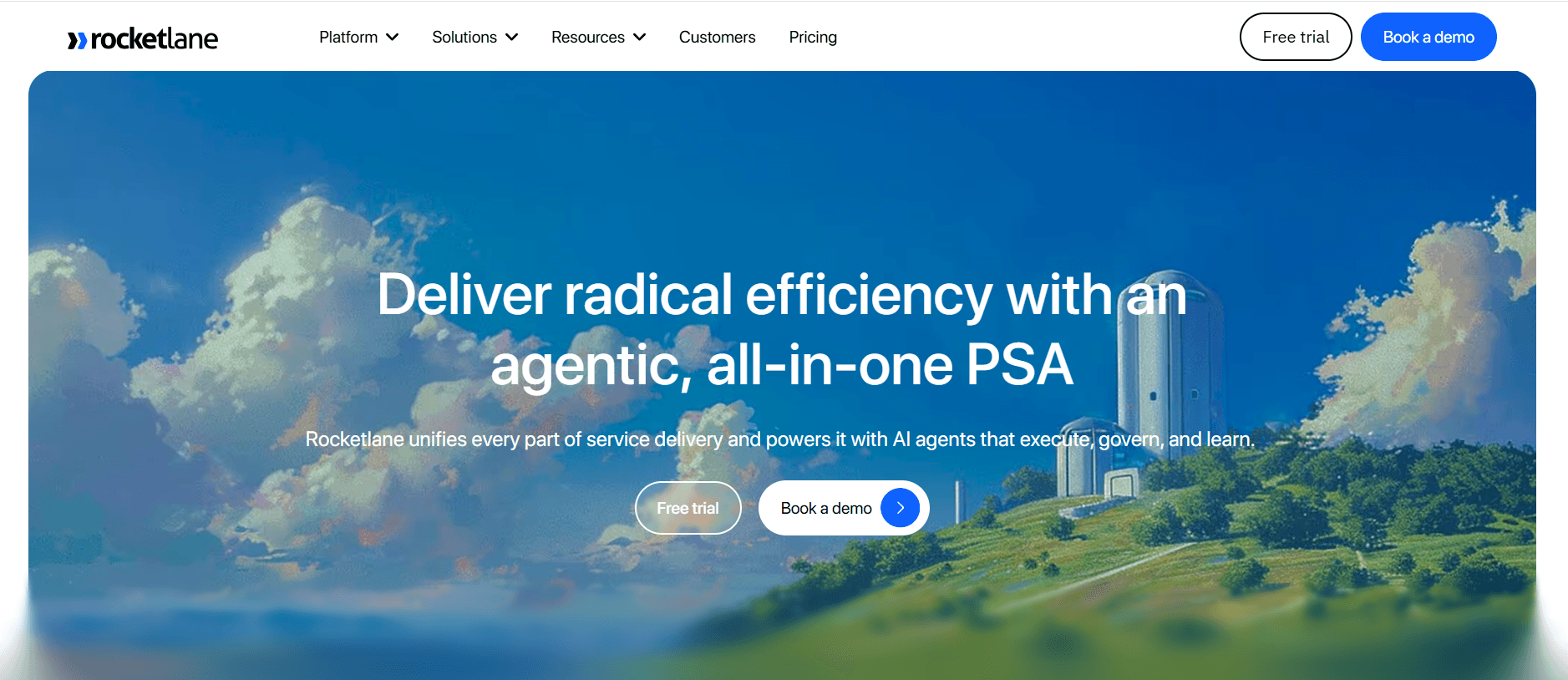
Rocketlane está diseñado para equipos que necesitan un proceso de incorporación estructurado y colaborativo. Ofrece portales para clientes y funciones de gestión de proyectos, perfectas para agencias y equipos empresariales. Aunque destaca en la gestión de tareas, carece de algunas funciones de guía en la aplicación y de personalización.
Funciones clave
Portales de incorporación orientados al cliente
Gestión de proyectos y colaboración
Automatización y seguimiento de tareas
Análisis y reporting del progreso
Integración con los principales CRM
Plantillas personalizables
Herramientas de colaboración para equipos
Actualizaciones y notificaciones en tiempo real
Ventajas
Desventajas
Ideal para procesos de incorporación estructurados.
Funciones limitadas de guía en la aplicación.
Capacidades sólidas de gestión de tareas.
No es ideal para equipos pequeños.
Excelentes herramientas de colaboración para equipos.
Las opciones de personalización son limitadas.
Precios
Hay un plan gratuito disponible, con planes para empresas a partir de 69 $/mes.
Dock
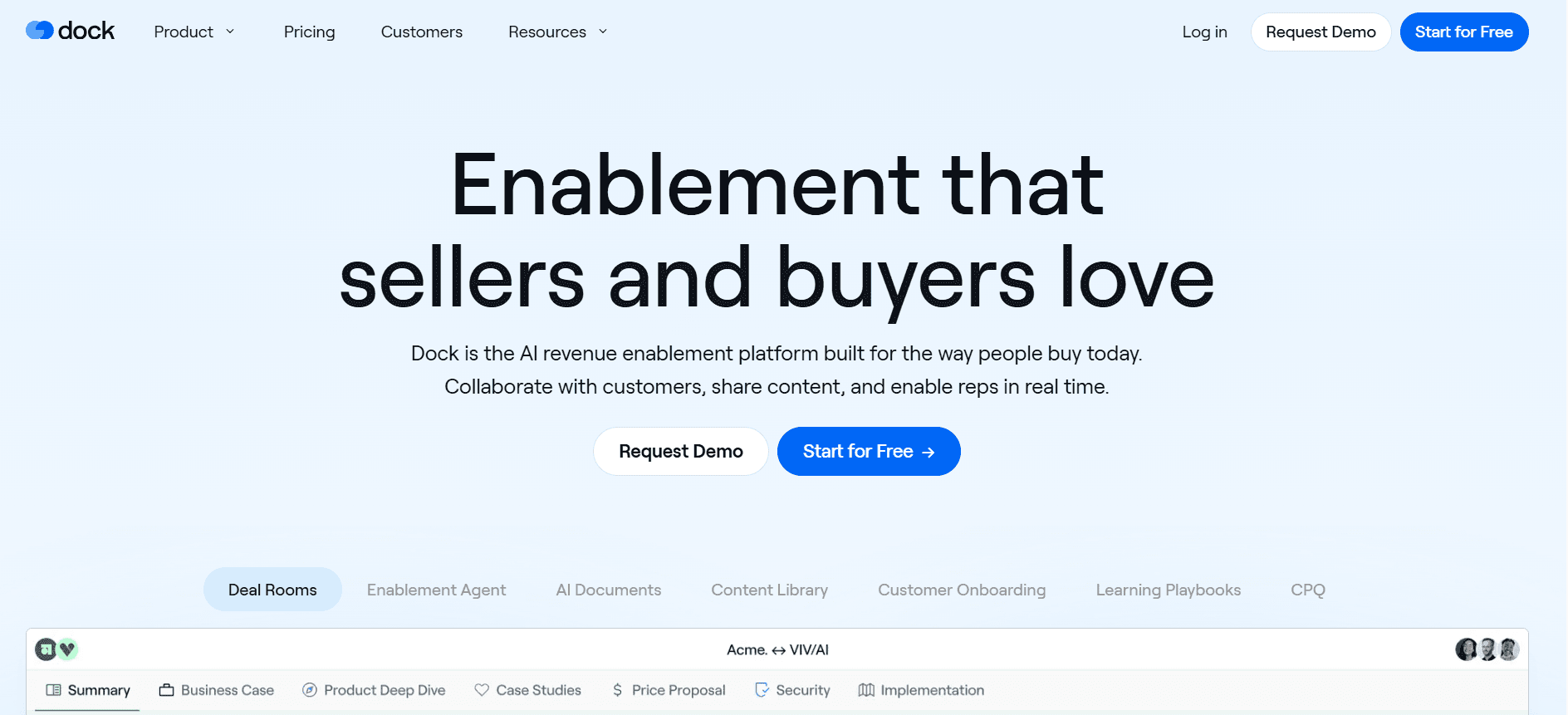
Dock se centra en ofrecer una plataforma centralizada para la comunicación con clientes y la gestión de proyectos. Es ideal para empresas basadas en servicios que necesitan agilizar las interacciones con los clientes. Sin embargo, carece de algunas de las funciones avanzadas de incorporación que se encuentran en otras herramientas.
Funciones clave
Comunicación centralizada con el cliente
Gestión de proyectos y tareas
Portales para clientes personalizables
Repositorio compartido de documentos
Chat y mensajería en tiempo real
Integración con los principales CRM
Opciones de marca personalizadas
Seguimiento del progreso y análisis
Ventajas
Desventajas
Excelente para gestionar la comunicación con clientes.
Funciones limitadas específicas de incorporación.
Plataforma centralizada para proyectos y tareas.
Sin capacidades de guía en la aplicación.
Portales personalizables para uso del cliente.
Menos integraciones que los competidores.
Precios
Los planes de pago empiezan en 49 $/mes, con prueba gratuita disponible.
GuideCX
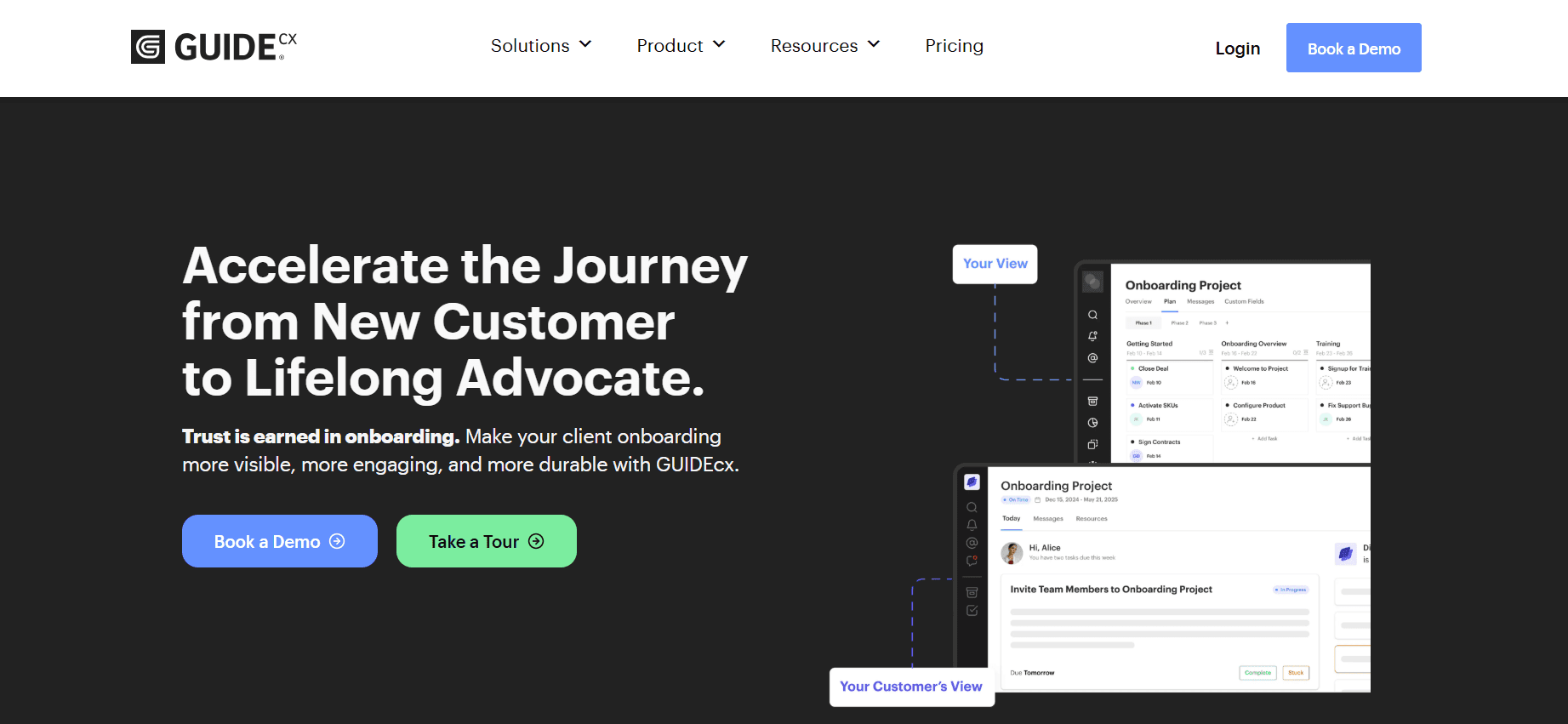
GuideCX está diseñado para equipos que necesitan visibilidad sobre el progreso de la incorporación y las interacciones con los clientes. Sus puntos fuertes residen en sus funciones colaborativas y el seguimiento detallado del progreso, lo que lo convierte en una opción favorita para equipos que gestionan varios proyectos de clientes a la vez. Sin embargo, la herramienta no ofrece una guía en la aplicación extensa.
Funciones clave
Procesos de incorporación colaborativos
Seguimiento detallado del progreso
Herramientas de comunicación con el cliente
Flujos de trabajo personalizables
Integración con los principales CRM
Recordatorios automatizados de tareas
Análisis y reporting
Actualizaciones de proyectos en tiempo real
Ventajas
Desventajas
Genial para gestionar varios proyectos de clientes.
No incluye funciones de guía en la aplicación.
Enfoque sólido en colaboración y visibilidad.
Más caro que algunas alternativas.
Seguimiento detallado del progreso y análisis.
Personalización limitada de los flujos de trabajo.
Precios
Empieza en 100 $/mes, con plan gratuito disponible.
Intercom
Intercom se conoce principalmente por su plataforma de mensajería para clientes, pero ofrece funciones que pueden aprovecharse para la incorporación. Es especialmente beneficioso para empresas que quieren integrar el soporte al cliente con los procesos de incorporación. Sin embargo, su enfoque en la mensajería significa que carece de algunas herramientas dedicadas de incorporación.
Funciones clave
Plataforma de mensajería para clientes
Mensajería y notificaciones en la aplicación
Segmentación y segmentación por objetivos de usuarios
Integración con los principales CRM
Secuencias de correo automatizadas
Centro de ayuda y base de conocimientos
Seguimiento de interacciones de usuarios en tiempo real
Chatbots personalizables
Ventajas
Desventajas
Integración sólida entre soporte e incorporación.
Carece de funciones dedicadas de incorporación.
Capacidades de mensajería completas.
Puede resultar costoso para empresas pequeñas.
Herramientas de chat y mensajería personalizables.
El enfoque está más en el soporte que en la incorporación.
Precios
Hay un plan gratuito disponible, con planes para empresas a partir de 79 $/mes.
Retos de la incorporación de clientes: con qué luchan los equipos
Experiencia de incorporación inconsistente entre distintos representantes de CS
Cada representante de éxito del cliente puede tener su propio estilo, lo que lleva a experiencias de cliente variadas.
La falta de procedimientos estandarizados puede hacer que se pasen por alto pasos críticos de incorporación.
Los clientes pueden sentirse confundidos o insatisfechos si su experiencia difiere significativamente de la de otros.
Garantizar la consistencia requiere formación y recursos adicionales, lo que puede resultar costoso.
Los clientes no completan los pasos de incorporación sin recordatorios proactivos
Los clientes a menudo necesitan recordatorios para completar las tareas de incorporación y mantenerlos comprometidos.
Sin comunicación proactiva, los clientes pueden perder el interés o frustrarse.
Los pasos de incorporación fallidos pueden derivar en tasas de abandono más altas y una menor satisfacción del cliente.
La automatización de estos recordatorios puede reducir significativamente la carga de los equipos de éxito del cliente.
El equipo de CS no tiene visibilidad de dónde se atascan clientes concretos
La falta de visibilidad sobre el progreso del cliente puede dificultar la capacidad de ofrecer ayuda a tiempo.
Los equipos de CS pueden no saber en qué paso tiene problemas un cliente, lo que retrasa la resolución.
Sin análisis, es difícil identificar patrones o problemas comunes en el proceso de incorporación.
Las herramientas con análisis sólidos pueden aportar información sobre dónde los clientes tienen dificultades.
El equipo de CS no puede escalar su capacidad sin añadir personal
Los procesos manuales requieren muchos recursos humanos, lo que limita la escalabilidad.
Contratar más personal no siempre es viable debido a las limitaciones de presupuesto.
Automatizar tareas repetitivas puede ayudar a los equipos a gestionar más clientes sin personal adicional.
Las soluciones escalables permiten a los equipos centrarse en tareas más estratégicas y en las interacciones con los clientes.
Integración deficiente con el CRM existente y la gestión de tickets de soporte
Los sistemas desconectados generan ineficiencias y posibles silos de datos.
Sin integración, la información debe transferirse manualmente entre sistemas, lo que aumenta el riesgo de errores.
Los clientes esperan experiencias fluidas, algo difícil de lograr sin herramientas integradas.
Las integraciones con CRM y la gestión de tickets de soporte agilizan los procesos y mejoran la precisión de los datos.
Reto | Proceso tradicional | Impacto en el negocio | Coste de tiempo |
|---|---|---|---|
Incorporación inconsistente | Formación manual | Satisfacción del cliente variable | Alto |
Clientes que no completan los pasos | Recordatorios puntuales | Aumento del abandono | Moderado |
Sin visibilidad de los problemas del cliente | Soporte reactivo | Resoluciones retrasadas | Alto |
Escalar la capacidad del equipo | Contratar más personal | Mayores costes operativos | Muy alto |
Integración deficiente con CRM | Introducción manual de datos | Inexactitudes en los datos | Alto |
Funciones imprescindibles en herramientas de incorporación de clientes
Guía en la aplicación y recorridos de producto
La guía en la aplicación y los recorridos de producto son esenciales para ofrecer a los usuarios una experiencia práctica de tu producto. Proporcionan recorridos interactivos que guían a los usuarios por las funciones y funcionalidades clave directamente dentro de la aplicación. Este enfoque no solo mejora la participación del usuario, sino que también reduce la curva de aprendizaje, facilitando que los clientes comprendan y utilicen el producto de forma eficaz.
Herramientas como Pendo y Appcues destacan por ofrecer una guía en la aplicación completa, lo que permite a las empresas adaptar el proceso de incorporación según los roles y las necesidades de los usuarios. Esta personalización garantiza que los usuarios reciban la información más relevante, mejorando su experiencia general y su satisfacción.
Portal de incorporación orientado al cliente
Un portal de incorporación orientado al cliente sirve como un centro centralizado donde los clientes pueden seguir su progreso, acceder a recursos y comunicarse con su equipo de incorporación. Esta función es especialmente beneficiosa para equipos que gestionan varios clientes, ya que consolida toda la información necesaria en un solo lugar y facilita la gestión de las tareas de incorporación.
Plataformas como Rocketlane y GuideCX ofrecen portales para clientes sólidos que facilitan una comunicación fluida entre los clientes y los equipos de éxito del cliente. Estos portales suelen incluir funciones como listas de tareas, intercambio de documentos y seguimiento del progreso, asegurando que ambas partes permanezcan alineadas durante todo el proceso de incorporación.
Recorridos de vídeo integrados en la plataforma
Los recorridos de vídeo son una herramienta potente para demostrar visualmente las funciones y los procesos del producto. Ofrecen una alternativa atractiva a las instrucciones basadas en texto, permitiendo a los usuarios ver el producto en acción. Este método es especialmente eficaz para productos complejos que requieren explicaciones detalladas o demostraciones visuales.
Trupeer y Appcues incorporan contenido de vídeo en sus plataformas, proporcionando a los usuarios experiencias de aprendizaje dinámicas e interactivas. Esto no solo ayuda a mantener la atención del usuario, sino que también mejora la comprensión, lo que conduce a un resultado de incorporación más exitoso.
Seguimiento automatizado de tareas y hitos
Automatizar el seguimiento de tareas y hitos es crucial para garantizar que los procesos de incorporación se mantengan en plazo y que no se omita ningún paso crítico. El seguimiento automatizado ayuda tanto a los clientes como a los equipos de éxito a supervisar el progreso y realizar ajustes necesarios en tiempo real.
Rocketlane y Dock ofrecen funciones de automatización completas que agilizan la gestión de tareas y garantizan que todas las partes estén al tanto de los próximos plazos y hitos. Esta transparencia mejora la rendición de cuentas y fomenta un enfoque proactivo para abordar posibles cuellos de botella en el proceso de incorporación.
Análisis de participación y puntuación de salud
Los análisis que rastrean la participación del usuario y las puntuaciones de salud aportan información inestimable sobre la eficacia del proceso de incorporación. Estas métricas ayudan a identificar áreas en las que los usuarios podrían tener dificultades, permitiendo a los equipos intervenir de forma proactiva y ofrecer ayuda antes de que los problemas escalen.
UserPilot y Trupeer ofrecen herramientas de análisis sólidas que permiten a las empresas supervisar las interacciones de los usuarios y los niveles de satisfacción. Al aprovechar estas conclusiones, las empresas pueden perfeccionar sus estrategias de incorporación para satisfacer mejor las necesidades de los usuarios y mejorar las tasas generales de adopción del producto.
Secuencias de correo e integración con CRM
Las secuencias de correo y la integración con CRM son fundamentales para mantener una comunicación constante con los usuarios durante todo el proceso de incorporación. Las secuencias de correo automatizadas pueden usarse para enviar recordatorios, consejos y actualizaciones, asegurando que los usuarios permanezcan comprometidos e informados.
Pendo e Intercom destacan en la integración de correo y CRM, lo que permite un flujo de datos fluido entre sistemas y garantiza que todas las interacciones con los clientes se registren y estén disponibles. Esta integración respalda una experiencia de incorporación más personalizada, ya que los equipos de éxito del cliente pueden adaptar las comunicaciones según el comportamiento y las preferencias del usuario.
Cómo elegir herramientas de incorporación de clientes según tu caso de uso
Incorporación de producto self-serve para SaaS
Para empresas SaaS que ofrecen productos self-serve, el proceso de incorporación debe ser intuitivo y fluido. Los usuarios deberían poder navegar por el producto sin necesidad de un soporte extenso, lo que les permite desbloquear valor rápidamente e independientemente.
Garantizar que los usuarios comprendan las funciones del producto por su cuenta.
Mantener el compromiso sin interacción directa.
Ofrecer valor inmediato para reducir las tasas de abandono.
Recorridos de producto interactivos y guía en la aplicación.
Secuencias de correo automatizadas para mantener el compromiso.
Análisis para seguir el progreso del usuario e identificar abandonos.
Herramienta | Recorridos interactivos | Secuencias de correo | Análisis |
|---|---|---|---|
UserPilot | Sí | No | Sí |
Pendo | Sí | Sí | Sí |
Incorporación empresarial liderada por CSM
Las empresas con productos complejos a menudo requieren un enfoque de incorporación liderado por CSM. Esta estrategia implica interacción directa y experiencias de incorporación personalizadas para satisfacer las necesidades específicas de clientes a gran escala.
Ofrecer experiencias de incorporación personalizadas.
Gestionar procesos de incorporación extensos entre múltiples partes interesadas.
Garantizar la alineación entre los equipos del cliente y de CSM.
Portales orientados al cliente para compartir información de forma centralizada.
Automatización de tareas para gestionar pasos complejos de incorporación.
Integración con CRM para una comunicación fluida y un flujo de datos.
Herramienta | Portales para clientes | Automatización de tareas | Integración con CRM |
|---|---|---|---|
Rocketlane | Sí | Sí | Sí |
GuideCX | Sí | Sí | Sí |
Incorporación de clientes para agencias
Las agencias suelen tratar con clientes diversos de distintos sectores, lo que requiere un proceso de incorporación flexible y eficiente. La capacidad de adaptarse rápidamente a las necesidades de cada cliente es crucial para el éxito.
Gestionar varios clientes con requisitos variados.
Garantizar una comunicación y actualizaciones consistentes.
Personalizar los procesos de incorporación según las necesidades del cliente.
Portales para clientes centralizados para acceder fácilmente a los recursos.
Flujos de trabajo personalizables para adaptarse a distintos tipos de clientes.
Actualizaciones en tiempo real para mantener a los clientes informados.
Herramienta | Portales para clientes | Flujos de trabajo personalizados | Actualizaciones en tiempo real |
|---|---|---|---|
Dock | Sí | Sí | Sí |
Trupeer | Sí | Sí | Sí |
Habilitación para partners y revendedores
Cuando se incorpora a partners y revendedores, el objetivo es proporcionarles las herramientas y el conocimiento necesarios para vender y dar soporte a tu producto de forma eficaz. La formación y la disponibilidad de recursos son componentes clave.
Ofrecer recursos de formación completos.
Garantizar que los partners comprendan las propuestas de valor del producto.
Facilitar canales de comunicación fluidos.
Tutoriales en vídeo y módulos de formación.
Bibliotecas de recursos accesibles a través de portales para clientes.
Integración con plataformas de comunicación para una interacción fluida.
Herramienta | Tutoriales en vídeo | Bibliotecas de recursos | Integración de comunicación |
|---|---|---|---|
Appcues | Sí | No | Limitado |
Trupeer | Sí | Sí | Sí |
Buenas prácticas para la incorporación de clientes
Antes de la incorporación
Define objetivos y metas de incorporación claros para cada cliente.
Selecciona la herramienta adecuada que se alinee con las necesidades de tu empresa y los requisitos del cliente.
Prepara y organiza con antelación todos los recursos y la documentación necesarios.
Configura sistemas automatizados para hacer seguimiento y gestionar las tareas de incorporación.
Comunica expectativas y plazos con los clientes para garantizar la alineación.
Durante la incorporación
Ofrece soporte y guía continuos mediante mensajes en la aplicación o llamadas con el cliente.
Supervisa el progreso del cliente y realiza ajustes según sea necesario para adaptarte a su ritmo.
Utiliza análisis para identificar áreas en las que los clientes podrían tener dificultades.
Fomenta el feedback de los clientes para mejorar la experiencia de incorporación.
Celebra los hitos y los logros para mantener la motivación del cliente.
Después de la incorporación
Realiza sesiones de seguimiento para asegurarte de que los clientes se sientan completamente cómodos con el producto.
Recopila información y feedback para perfeccionar los futuros procesos de incorporación.
Ofrece a los clientes recursos continuos y opciones de soporte.
Evalúa el éxito de la incorporación frente a objetivos y métricas predefinidos.
Mantén una comunicación regular para fomentar la relación con el cliente.
Preguntas frecuentes
¿Qué es el software de incorporación de clientes?
El software de incorporación de clientes es una herramienta diseñada para facilitar el proceso de presentar a los clientes nuevos un producto o servicio. Normalmente incluye funciones como guía en la aplicación, portales para clientes y análisis para agilizar la experiencia de incorporación y garantizar el éxito del cliente.
¿Por qué es importante la incorporación para las empresas SaaS?
La incorporación es crucial para las empresas SaaS porque ayuda a los usuarios nuevos a comprender y utilizar el producto de forma eficaz. Un proceso de incorporación fluido puede aumentar la satisfacción del usuario, reducir las tasas de abandono y elevar el valor del tiempo de vida del cliente, contribuyendo en última instancia al crecimiento y el éxito de la empresa.
¿Cómo funciona la guía en la aplicación?
La guía en la aplicación incluye recorridos interactivos y consejos que guían a los usuarios por las funciones y funcionalidades de un producto directamente dentro de la aplicación. Esto ayuda a los usuarios a aprender a utilizar el producto de forma eficaz sin necesidad de instrucciones o soporte externos, mejorando su experiencia general.
¿El software de incorporación puede integrarse con sistemas CRM existentes?
Sí, muchas soluciones de software de incorporación ofrecen integraciones con sistemas CRM populares. Esta integración permite un flujo fluido de datos entre plataformas, asegurando que las interacciones con los clientes y el progreso se registren y estén disponibles para ofrecer soporte y comunicación personalizados.
¿Hay herramientas de incorporación gratuitas disponibles?
Algunas herramientas de incorporación ofrecen planes gratuitos con funciones limitadas. Pueden ser adecuadas para pequeñas empresas o para quienes están empezando. Sin embargo, para funciones más completas, como análisis avanzados y personalización, a menudo se necesita un plan de pago.
¿Qué factores influyen en el precio del software de incorporación?
El precio del software de incorporación puede variar según factores como el número de usuarios, la complejidad de las funciones y el nivel de personalización requerido. Los servicios adicionales, como soporte y formación, también pueden afectar el coste.
¿Cuánto tiempo se tarda en implementar el software de incorporación?
El tiempo necesario para implementar el software de incorporación depende de la complejidad de la herramienta y de las necesidades específicas del negocio. Las herramientas sencillas pueden configurarse en pocos días, mientras que los sistemas más complejos con una personalización extensa pueden tardar varias semanas.
¿Las herramientas de incorporación requieren conocimientos técnicos para configurarse?
Aunque algunas herramientas de incorporación son fáciles de usar y requieren conocimientos técnicos mínimos, otras pueden requerir una comprensión más profunda de la integración y la personalización del software. Muchos proveedores ofrecen soporte y formación para ayudar con el proceso de configuración e implementación.
Reflexiones finales
Elegir el software de incorporación de clientes adecuado es una decisión crítica que puede impactar significativamente el éxito de tu empresa. Al comprender tus casos de uso y retos específicos, puedes seleccionar una herramienta que no solo cubra tus necesidades actuales, sino que también respalde el crecimiento futuro. Con las funciones adecuadas y las mejores prácticas, puedes crear una experiencia de incorporación que deleite a tus clientes y mejore su recorrido con tu producto.
Para quienes quieran elevar su proceso de incorporación con una solución integral y personalizable, Trupeer ofrece una plataforma potente diseñada para satisfacer necesidades empresariales diversas, garantizando una experiencia de incorporación fluida y eficaz para todos los clientes.


