Trupeer Blog
Resumir

Resumen del comprador
Elegir la herramienta de onboarding de clientes adecuada puede marcar la diferencia en tu estrategia de éxito del cliente. Muchas empresas luchan con procesos de incorporación inconsistentes, lo que se traduce en altas tasas de churn y equipos de Customer Success sobrecargados. De hecho, el 60% de las empresas invierte actualmente en funciones dedicadas de onboarding de clientes para hacer frente a estos desafíos.
El 60% de las empresas ya invierte en funciones dedicadas de onboarding de clientes.
Esta guía explorará las principales herramientas de onboarding de clientes disponibles en 2026. Está diseñada para responsables de la toma de decisiones en Customer Success, gestión de producto y operaciones. Tanto si buscas una solución con analíticas sólidas como si necesitas una que se integre sin problemas con tu CRM, aquí lo tienes cubierto.
Mejores plataformas de onboarding de clientes: comparación cara a cara
Función | Trupeer | Pendo | UserPilot | Appcues | Rocketlane | Dock | GuideCX | Intercom |
|---|---|---|---|---|---|---|---|---|
Funciones principales | ||||||||
Guía en la aplicación | Sí | Sí | Sí | Sí | Limitado | No | Sí | Sí |
Portal del cliente | Sí | No | No | Sí | Sí | Sí | Sí | No |
Capacidades de IA | ||||||||
Automatización de tareas | Sí | Sí | Limitado | Limitado | Sí | Sí | No | Sí |
Analíticas de progreso | Sí | Sí | Sí | Limitado | Sí | Limitado | Sí | Sí |
Funciones profesionales | ||||||||
Secuencias de correo | Sí | No | Sí | Sí | Limitado | No | Sí | Sí |
Integraciones | ||||||||
Integración con CRM | Sí | Sí | Limitado | Sí | Sí | Sí | Sí | Sí |
White-label | Sí | No | No | Sí | Limitado | Sí | No | No |
Onboarding self-serve | Sí | No | Sí | Sí | Limitado | No | Sí | Sí |
Trupeer

Trupeer es una plataforma de onboarding versátil diseñada para simplificar el proceso de incorporación de clientes para empresas de todos los tamaños. Conocida por su interfaz intuitiva y su amplia gama de funciones, Trupeer es perfecta para equipos que buscan mejorar la experiencia del cliente desde el primer día. Sus funciones destacadas incluyen flujos de onboarding personalizables y analíticas sólidas, lo que garantiza que puedas seguir cada paso del recorrido de tu cliente.
Trupeer destaca por ofrecer un portal del cliente completo que permite una comunicación fluida y el intercambio de documentos. A pesar de sus puntos fuertes, algunos usuarios consideran que el proceso de configuración inicial puede llevar algo de tiempo, pero los beneficios a largo plazo de la plataforma superan esta desventaja.
Funciones clave
Flujos de onboarding personalizables
Portal del cliente completo
Analíticas y reporting sólidos
Guía en la aplicación y recorridos del producto
Automatización de secuencias de correo
Integración con CRM
Opciones de white-label
Capacidades de onboarding self-serve
"Trupeer ha transformado nuestro proceso de onboarding. Solo las analíticas nos han dado información que nunca habíamos tenido antes."
Ventajas
Desventajas
Flujos altamente personalizables que agilizan los procesos.
La configuración inicial puede llevar tiempo.
Analíticas completas que mejoran la toma de decisiones.
Algunos usuarios informan de pequeños fallos en la interfaz.
El portal del cliente mejora la comunicación con el cliente.
Funciones limitadas en la app móvil.
Precios
Trupeer ofrece un plan gratuito con funciones limitadas. Los planes de pago comienzan en 29 $ al mes e incluyen funcionalidades más avanzadas.
Pendo
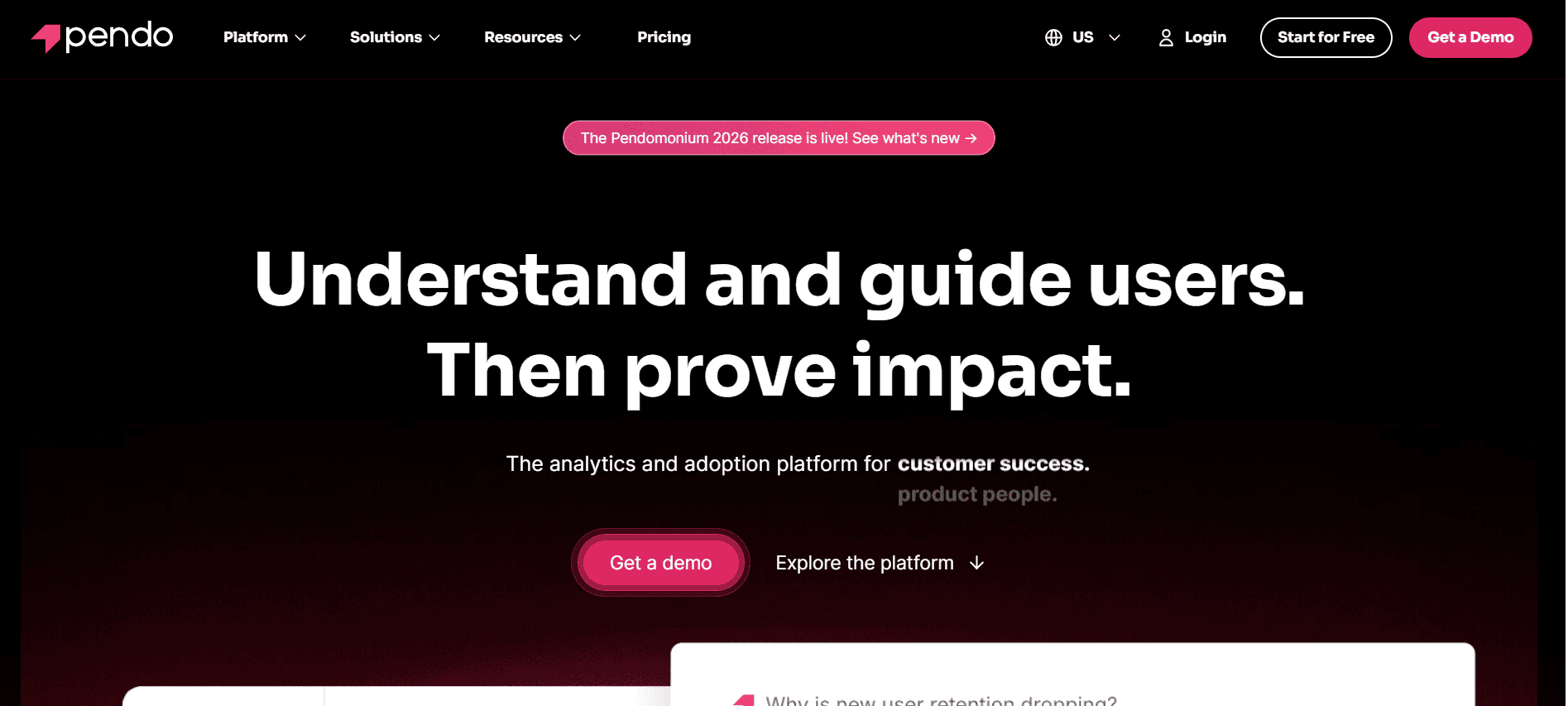
Pendo se conoce principalmente por sus capacidades de analítica de producto y guía en la aplicación. Aunque destaca por ofrecer información detallada sobre el producto, también ofrece funcionalidades que mejoran la experiencia de onboarding. Pendo es una excelente opción para responsables de producto que necesitan una comprensión más profunda de cómo los usuarios interactúan con su producto.
La fortaleza de la plataforma reside en sus analíticas sólidas y su guía en la aplicación. Sin embargo, carece de un portal del cliente dedicado, lo que podría no convenir a empresas que necesiten esta función para compartir documentos y comunicarse.
Funciones clave
Analítica e información sobre el producto
Guía en la aplicación y recorridos
Recopilación de feedback de usuarios
Segmentación y segmentación por objetivos
Soporte para app móvil
Integración con CRMs populares
Paneles personalizables
Soporte multidioma
Ventajas
Desventajas
Analítica detallada del producto que mejora la información sobre los usuarios.
No hay portal del cliente dedicado disponible.
Excelente en guía en la aplicación y opciones de recorridos.
Puede resultar caro para equipos pequeños.
Ideal para recopilar feedback de usuarios.
La configuración puede ser compleja para usuarios no técnicos.
Precios
Pendo no ofrece un plan gratuito. La fijación de precios es personalizada y normalmente comienza en 1.000 $ al mes, según las necesidades y el tamaño del negocio.
UserPilot
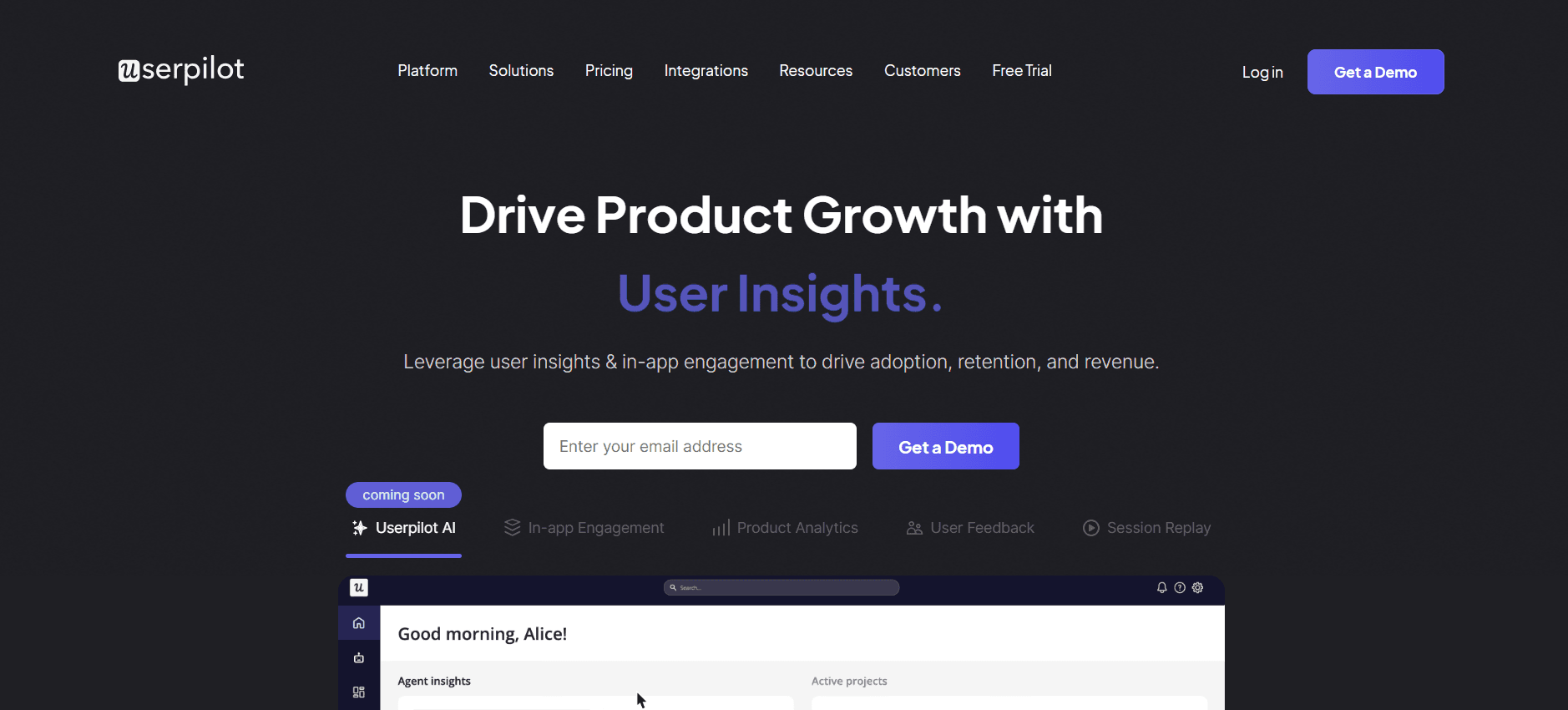
UserPilot se especializa en crear experiencias de onboarding personalizadas con sus sólidas funciones de guía en la aplicación y recorridos del producto. Es especialmente útil para empresas SaaS que buscan mejorar la participación de los usuarios desde el principio. La fortaleza de UserPilot es su capacidad para crear experiencias de onboarding dinámicas sin código que se adaptan al comportamiento del usuario.
A pesar de sus capacidades, UserPilot no admite un portal del cliente, lo que podría ser una limitación para equipos que buscan centralizar la comunicación con el cliente y el intercambio de documentos en un solo lugar.
Funciones clave
Guía en la aplicación y recorridos del producto
Disparadores basados en eventos
Segmentos de usuarios personalizados
Herramientas de feedback y encuestas
Personalización sin código
Soporte multidioma
Integración con los principales CRMs
Analíticas y reporting
Ventajas
Desventajas
Experiencias de onboarding dinámicas y personalizadas.
Sin soporte de portal del cliente.
La personalización sin código es fácil de usar.
Capacidades limitadas de secuencias de correo.
Excelentes herramientas de analítica y reporting.
Mayor curva de aprendizaje para configuraciones complejas.
Precios
UserPilot ofrece una prueba gratuita, con planes de pago a partir de 249 $ al mes, adecuados para equipos pequeños y medianos.
Appcues
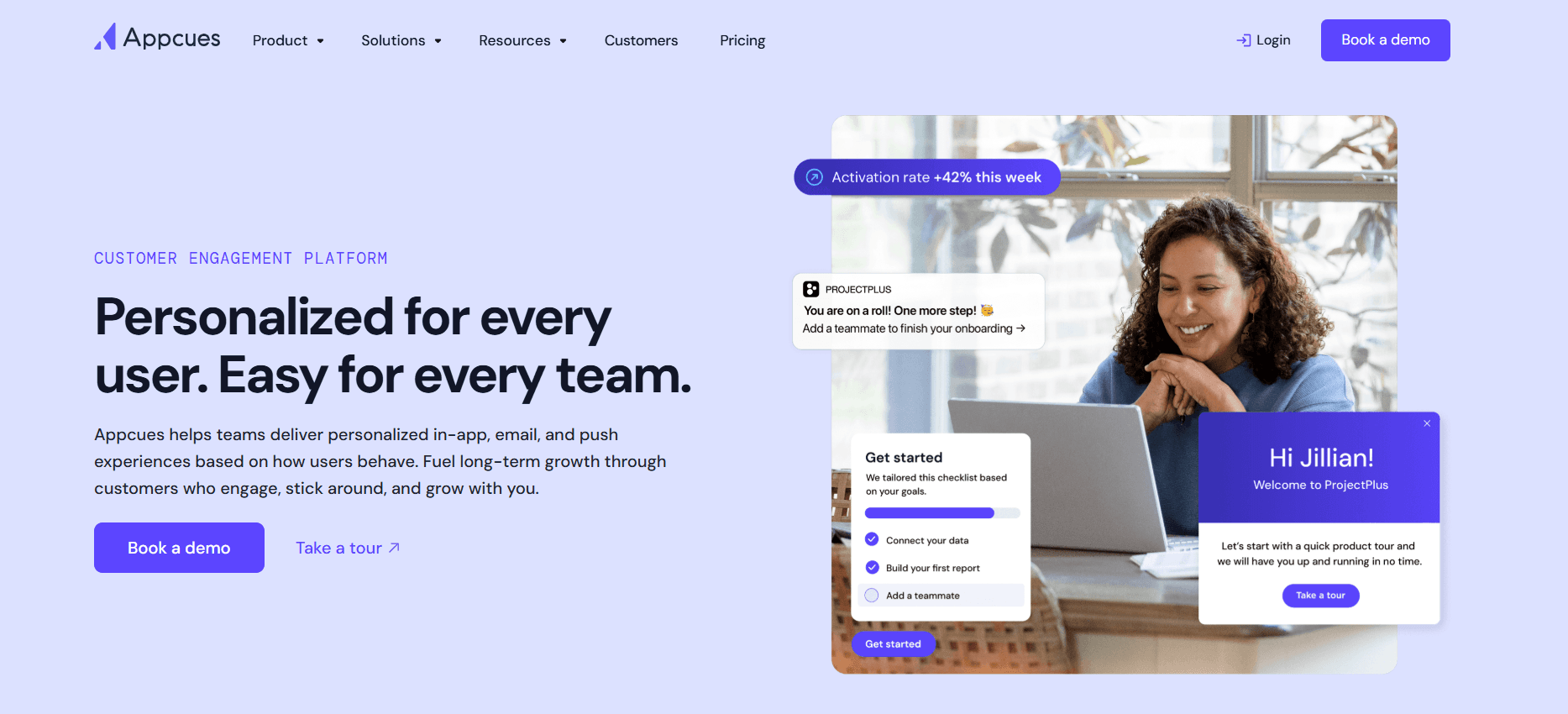
Appcues ofrece una plataforma fácil de usar para crear experiencias en la aplicación y recorridos del producto sin necesidad de programar. Es ideal para equipos que quieren guiar a los usuarios por las funciones del producto sin esfuerzo. Appcues destaca por su facilidad de uso y sus sólidas capacidades de integración.
Aunque Appcues ofrece una excelente guía en la aplicación, puede resultar caro para equipos más pequeños. Además, algunos usuarios señalan que las funciones avanzadas requieren una curva de aprendizaje más profunda.
Funciones clave
Recorridos del producto en la aplicación
Flujos de onboarding de usuarios
Opciones de branding personalizables
Herramientas de segmentación y segmentación por objetivos
Analítica y reporting
Integración con las principales plataformas
Herramientas de recopilación de feedback
Soporte multidioma
Ventajas
Desventajas
Interfaz fácil de usar para usuarios no técnicos.
Puede ser costoso para equipos pequeños.
Capacidades de integración sólidas.
Las funciones avanzadas requieren una curva de aprendizaje.
No se requiere programación para la guía en la aplicación.
Personalización limitada en planes de menor nivel.
Precios
Appcues ofrece un plan gratuito con funciones básicas. Los planes de pago comienzan en 99 $ al mes e incluyen herramientas e integraciones más avanzadas.
Rocketlane
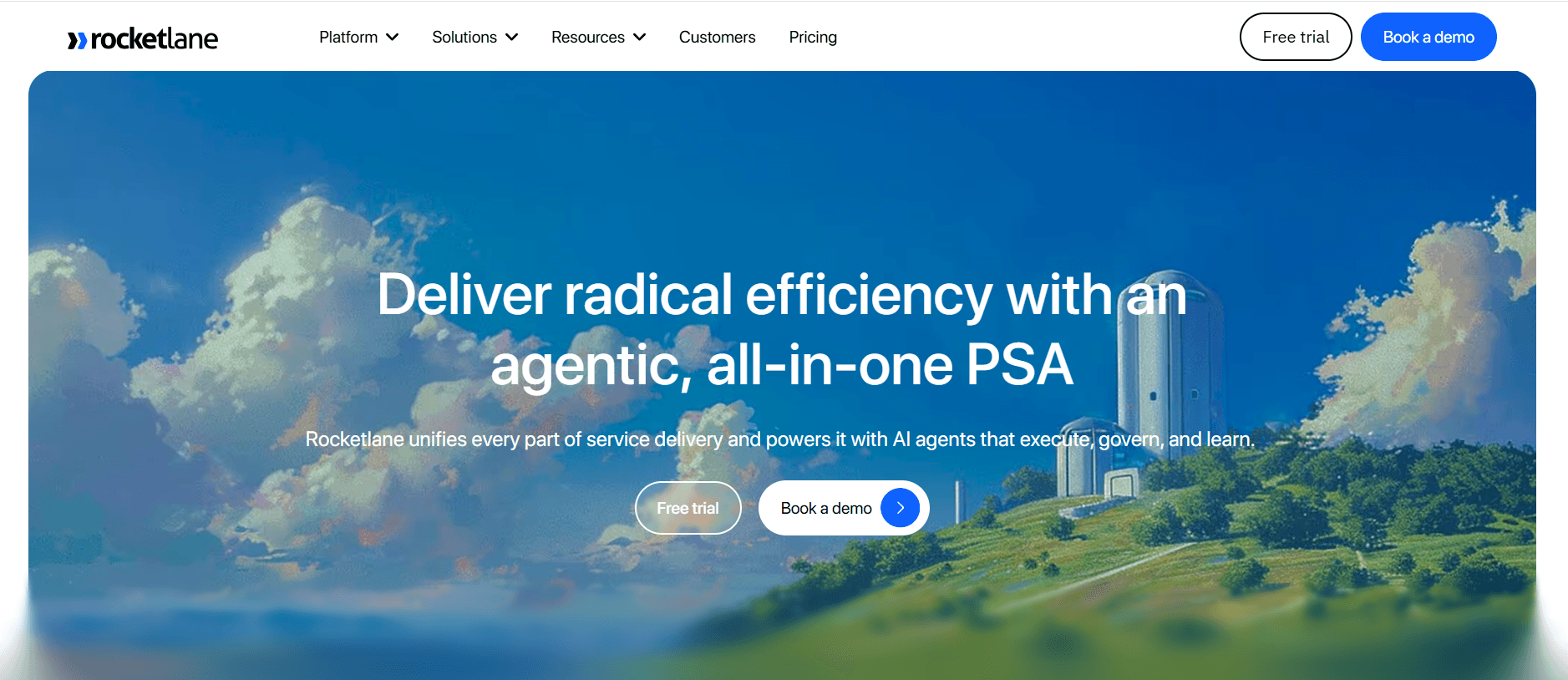
Rocketlane está diseñada para equipos que necesitan gestionar proyectos complejos de onboarding de clientes. Combina capacidades de gestión de proyectos con funciones de onboarding, lo que la hace ideal para organizaciones que requieren herramientas de seguimiento y colaboración detalladas.
Aunque Rocketlane destaca en gestión de proyectos, puede no ser la mejor opción para empresas que necesitan una guía en la aplicación extensa. Algunos usuarios también señalan que la interfaz de la plataforma puede resultar abrumadora debido a la gran cantidad de funciones.
Funciones clave
Herramientas de gestión de proyectos
Funciones de colaboración y comunicación
Plantillas de onboarding personalizables
Automatización y seguimiento de tareas
Portal orientado al cliente
Integración con sistemas CRM
Analítica y reporting
Herramientas de gestión de recursos
Ventajas
Desventajas
Capacidades sólidas de gestión de proyectos.
La interfaz puede resultar abrumadora para usuarios nuevos.
El portal orientado al cliente mejora la colaboración.
Funciones limitadas de guía en la aplicación.
Excelente automatización y seguimiento de tareas.
Coste más alto para acceder a todas las funciones.
Precios
Rocketlane ofrece una prueba gratuita, con planes de pago a partir de 19 $ por usuario al mes, con opciones para equipos más grandes y empresas.
Dock
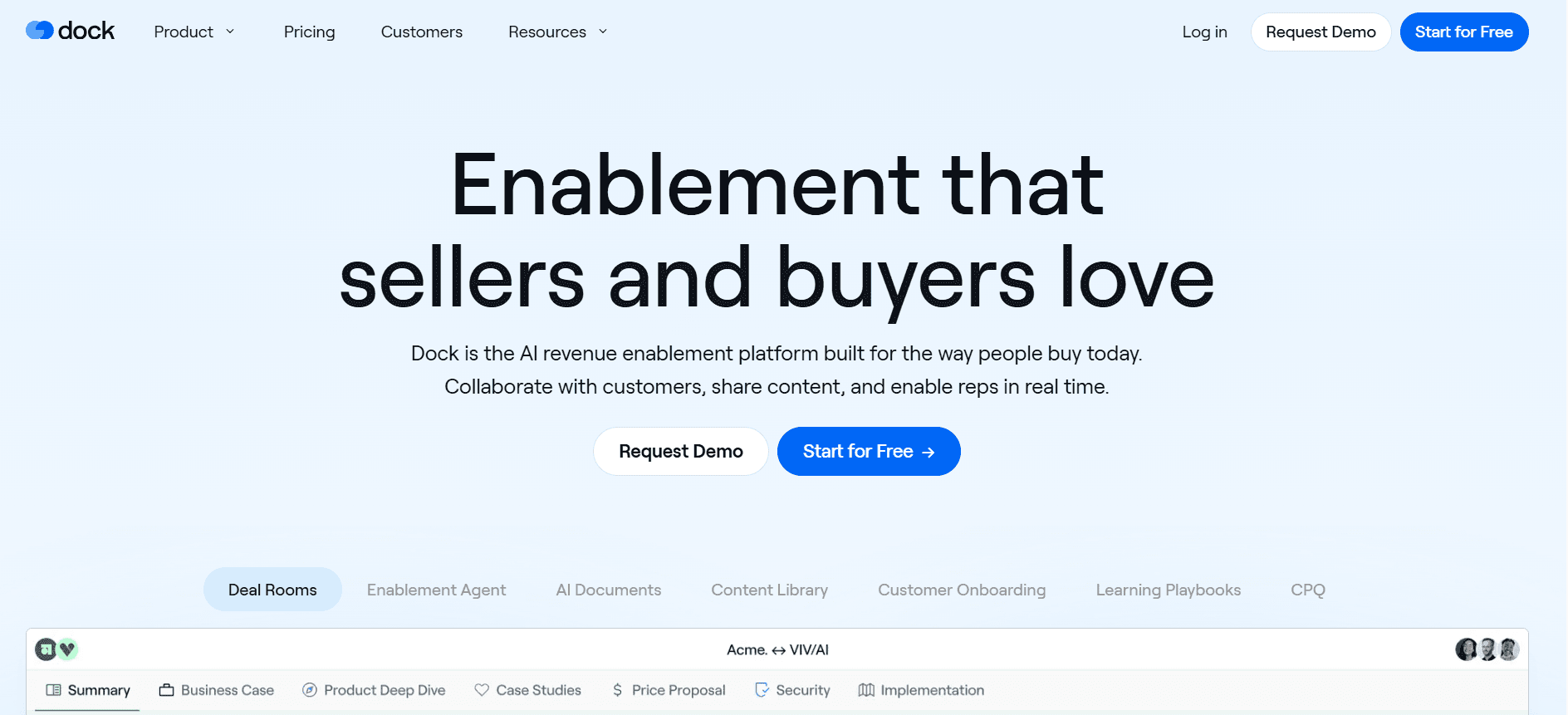
Dock está diseñada para equipos que necesitan una solución de onboarding sencilla pero eficaz. Ofrece un portal del cliente, gestión de tareas y analíticas básicas, lo que la hace adecuada para pymes que no requieren funciones demasiado complejas.
Aunque Dock proporciona herramientas esenciales de onboarding, carece de funciones avanzadas como la guía en la aplicación y la automatización de correos, lo que podría limitar a organizaciones más grandes que buscan soluciones más completas.
Funciones clave
Portal del cliente para compartir documentos
Herramientas de gestión de tareas
Analíticas y reporting básicos
Plantillas personalizables
Funciones de colaboración
Integración con sistemas CRM
Interfaz fácil de usar
Opciones de branding personalizables
Ventajas
Desventajas
Interfaz fácil de usar para pymes.
Carece de guía avanzada en la aplicación.
Portal del cliente eficaz para compartir documentos.
Sin funciones de automatización de correo.
Soporte de analíticas básicas.
Personalización limitada en el plan gratuito.
Precios
Dock ofrece un plan gratuito con funciones básicas. Los planes de pago comienzan en 15 $ por usuario al mes e incluyen herramientas y capacidades adicionales.
GuideCX
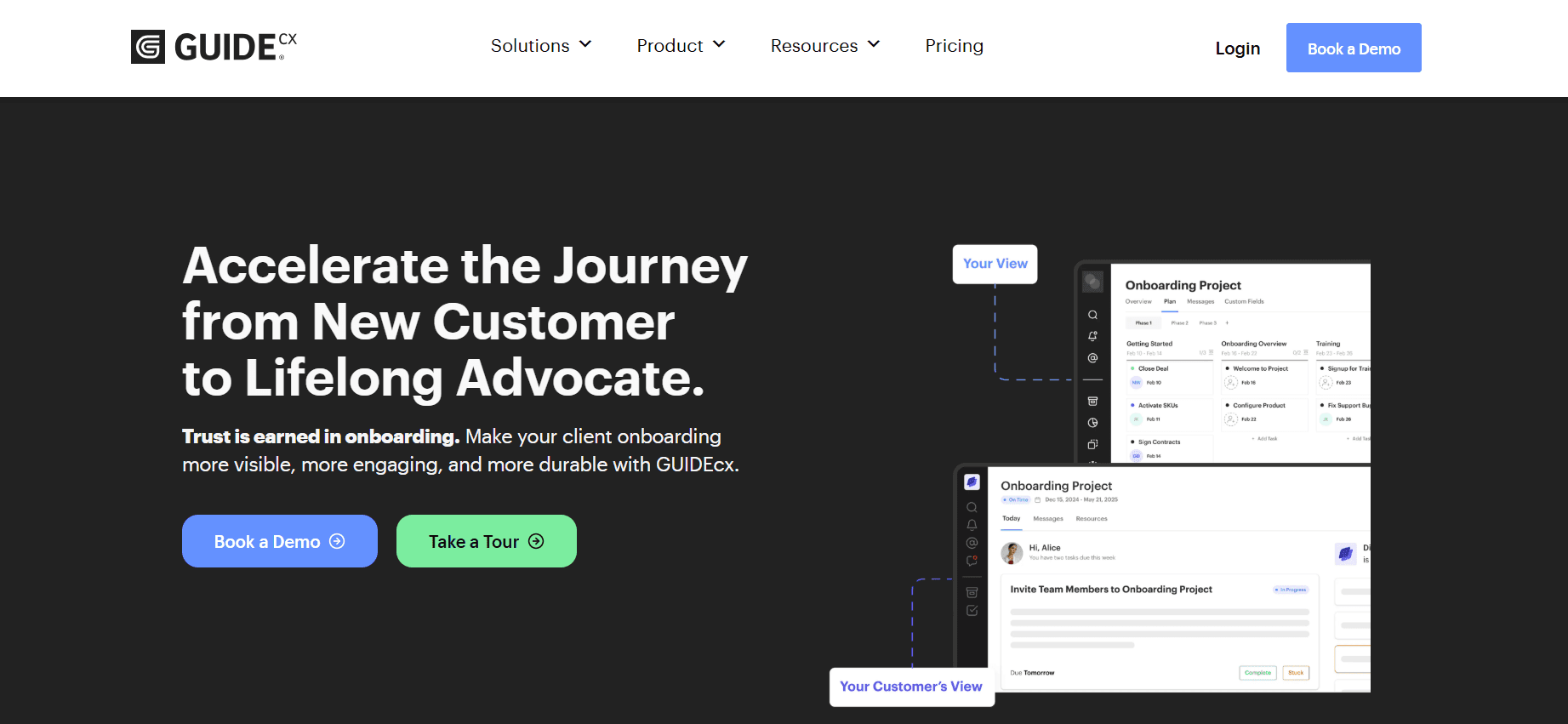
GuideCX es ideal para organizaciones que necesitan un proceso de onboarding estructurado con un enfoque en la gestión de tareas y la colaboración. Su propuesta de valor diferencial es su portal orientado al cliente, que mejora la transparencia y la comunicación durante todo el proceso de onboarding.
Sin embargo, GuideCX puede quedarse corto para empresas que necesiten analíticas avanzadas y guía en la aplicación, ya que estas funciones no están tan desarrolladas como en otras herramientas de esta lista.
Funciones clave
Portal orientado al cliente
Herramientas de gestión de tareas y colaboración
Plantillas de onboarding personalizables
Notificaciones y recordatorios por correo
Integración con software CRM
Analíticas básicas
Interfaz fácil de usar
Herramientas de asignación de recursos
Ventajas
Desventajas
Gestión de tareas y colaboración eficaces.
Capacidades limitadas de analíticas avanzadas.
El portal orientado al cliente mejora la transparencia.
Sin funciones de guía en la aplicación.
Integración sencilla con sistemas CRM.
Precio más alto para funciones premium.
Precios
GuideCX ofrece una prueba gratuita, con planes de pago a partir de 20 $ por usuario al mes para funciones e integraciones más avanzadas.
Intercom
Intercom es muy conocida por sus capacidades de comunicación con clientes y soporte, pero también ofrece funciones que pueden mejorar el onboarding de clientes. Es especialmente útil para equipos que quieren integrar el onboarding con estrategias de soporte y participación del cliente.
Aunque Intercom ofrece herramientas de comunicación sólidas, carece de un portal del cliente dedicado, lo que podría no convenir a equipos que buscan un centro de onboarding centralizado. Además, su precio puede ser prohibitivo para empresas más pequeñas.
Funciones clave
Mensajería con clientes y chat
Recorridos del producto en la aplicación
Feedback y encuestas de usuarios
Secuencias de correo automatizadas
Integración con CRM
Analítica y reporting
Herramientas de segmentación y segmentación por objetivos
Integración con plataformas de soporte
Ventajas
Desventajas
Herramientas de comunicación y soporte sólidas.
Sin portal del cliente dedicado.
Excelente integración con sistemas de CRM y soporte.
Puede resultar caro para empresas pequeñas.
Analíticas y reporting sólidos.
Personalización limitada sin planes avanzados.
Precios
Intercom ofrece un plan básico a partir de 79 $ al mes, con opciones más avanzadas disponibles para equipos más grandes y empresas.
Desafíos del onboarding de clientes: con qué luchan los equipos
Experiencias de onboarding inconsistentes entre representantes de CS
Los distintos miembros del equipo pueden seguir procesos diferentes, lo que provoca falta de estandarización.
Los clientes pueden recibir mensajes contradictorios, lo que afecta su primera impresión de tu empresa.
Formar a nuevos representantes de CS se vuelve complicado sin un protocolo estandarizado.
Rastrear el éxito de las iniciativas de onboarding es difícil sin consistencia.
Los clientes no completan los pasos de onboarding sin recordatorios proactivos
Los clientes pueden quedarse atascados o olvidar tareas importantes sin recordatorios.
Los equipos de CS necesitan dedicar tiempo adicional de forma manual para hacer seguimiento con los clientes.
Aumenta el riesgo de que los clientes sientan que no reciben apoyo, lo que afecta la satisfacción y la retención.
Los recordatorios automatizados pueden aliviar la carga de los equipos de CS, pero a menudo se usan poco.
El equipo de CS no tiene visibilidad de dónde se atascan clientes concretos
Sin un seguimiento adecuado, es difícil saber en qué puntos los clientes tienen dificultades.
Las intervenciones tardías pueden hacer que los clientes se frustren o se desconecten.
La falta de visibilidad dificulta priorizar qué clientes necesitan atención inmediata.
Las herramientas analíticas pueden aportar información, pero muchos equipos no tienen el software adecuado.
El equipo de CS no puede escalar la capacidad sin añadir personal
Los procesos manuales limitan cuántos clientes puede gestionar eficazmente un solo representante de CS.
Escalar suele requerir contratar más personal, lo que incrementa los costes operativos.
Los procesos de onboarding automatizados pueden ayudar, pero requieren inversión inicial y configuración.
Las soluciones de software innovadoras pueden aumentar la capacidad sin añadir personal.
Integración deficiente con el CRM existente y los sistemas de tickets de soporte
La falta de integración provoca silos de datos, lo que reduce la eficiencia y la precisión de los datos.
Los equipos de CS dedican más tiempo a la introducción de datos y a la conciliación entre sistemas.
Los clientes reciben un servicio inconsistente cuando los sistemas no comparten información de forma fluida.
Las soluciones integradas pueden agilizar los flujos de trabajo, pero requieren una selección e implementación cuidadosas.
Desafío | Proceso tradicional | Impacto en el negocio | Coste de tiempo |
|---|---|---|---|
Onboarding inconsistente | Manual, varía según el representante | Experiencias de cliente inconsistentes | Alto |
Falta de seguimiento con el cliente | Recordatorios manuales | Bajas tasas de finalización | Medio |
Sin visibilidad de los problemas del cliente | Sin sistema de seguimiento | Resolución tardía del problema | Alto |
Escalado de la capacidad de CS | Contratar más personal | Costes más altos | Alto |
Integración deficiente con CRM | Introducción manual de datos | Silos de datos y errores | Alto |
Funciones imprescindibles en herramientas de onboarding de clientes
Guía en la aplicación y recorridos del producto
La guía en la aplicación y los recorridos del producto son esenciales para ofrecer asistencia en tiempo real y contextual a los usuarios nuevos. Esta función permite a los usuarios comprender las funcionalidades de tu producto sin salir de la aplicación. Al ofrecer tutoriales paso a paso, puedes reducir significativamente la curva de aprendizaje para los clientes nuevos, mejorando su experiencia inicial y su satisfacción con tu producto.
Herramientas como UserPilot y Appcues destacan por ofrecer una guía dinámica en la aplicación que se puede personalizar para adaptarse a las necesidades de distintos segmentos de usuarios. Esta personalización puede mejorar la participación de los usuarios y aumentar las tasas de adopción.
Portal de onboarding orientado al cliente
Un portal orientado al cliente sirve como un centro centralizado para todas las actividades de onboarding. Permite a los clientes acceder a recursos, completar tareas y seguir su progreso en un solo lugar. Esta función es especialmente útil para onboarding basado en proyectos, donde múltiples partes interesadas necesitan colaborar y compartir documentos.
Plataformas como Rocketlane y Dock ofrecen portales del cliente sólidos que facilitan una comunicación fluida y el intercambio de documentos, garantizando que los clientes tengan todo lo que necesitan a mano.
Recorridos en vídeo integrados en la plataforma
Los recorridos en vídeo son una forma atractiva de transmitir información compleja. Ofrecen una experiencia de aprendizaje visual y auditiva que puede ser más eficaz que las instrucciones basadas en texto. Al integrar estos vídeos directamente en la plataforma, los clientes pueden acceder a ellos exactamente cuando necesitan orientación.
Trupeer ofrece una integración fluida del contenido de vídeo en sus flujos de onboarding, lo que permite a los usuarios comprender mejor las funciones del producto a su propio ritmo.
Seguimiento automatizado de tareas y hitos
La automatización del seguimiento de tareas y hitos puede reducir significativamente la carga de trabajo de los equipos de CS. Al asignar tareas automáticamente y enviar recordatorios, estas herramientas garantizan que no se pase por alto ningún paso durante el proceso de onboarding.
GuideCX se especializa en ofrecer funciones de seguimiento automatizado que mantienen informados tanto al equipo como a los clientes sobre el progreso. Es una forma eficaz de garantizar la rendición de cuentas y la transparencia durante todo el recorrido de onboarding.
Analíticas de participación y puntuación de salud
Las analíticas de participación aportan información sobre cómo los clientes interactúan con tu producto durante la fase de onboarding. Las puntuaciones de salud pueden ayudar a predecir qué clientes están en riesgo de churn, lo que permite intervenir de forma proactiva.
Pendo ofrece analíticas completas que ayudan a las empresas a comprender el comportamiento de los usuarios, identificar cuellos de botella y tomar decisiones basadas en datos para mejorar la experiencia de onboarding.
Integración con CRM
La integración fluida con sistemas CRM garantiza que los datos de los clientes sean consistentes en todas las plataformas. Esta integración reduce la necesidad de introducir datos manualmente y ayuda a mantener una visión unificada del recorrido del cliente.
Intercom y Trupeer ofrecen ambas integraciones sólidas con CRM, lo que permite a los equipos de éxito del cliente acceder y actualizar la información del cliente sin salir de su plataforma de onboarding.
Cómo elegir plataformas de onboarding de clientes según tu caso de uso
Onboarding de producto SaaS self-serve
Las empresas SaaS a menudo necesitan un proceso de onboarding optimizado que permita a los usuarios empezar a usar el producto de inmediato sin requerir intervención humana. El onboarding self-serve permite a los usuarios explorar tu producto por su cuenta, reduciendo así la carga de trabajo de los equipos de customer success.
Desafíos clave:
Garantizar que los usuarios comprendan completamente las funciones del producto sin orientación.
Mantener la participación sin interacción humana directa.
Reducir el churn debido a experiencias iniciales deficientes.
Soluciones necesarias:
Guía en la aplicación con tooltips y recorridos.
Tutoriales en vídeo integrados para funciones complejas.
Recordatorios y notificaciones automatizados.
Función | UserPilot | Appcues |
|---|---|---|
Guía en la aplicación | Sí | Sí |
Tutoriales en vídeo | No | Sí |
Recordatorios automatizados | Limitado | Sí |
Onboarding empresarial liderado por CSM
Las empresas requieren un enfoque de onboarding más práctico, que normalmente implica un Customer Success Manager (CSM) dedicado. Este método se adapta a las necesidades específicas de cada cliente, garantizando una comprensión e integración completas.
Desafíos clave:
Coordinar múltiples partes interesadas y requisitos complejos.
Garantizar una comunicación consistente entre departamentos.
Hacer seguimiento de numerosas tareas y hitos.
Soluciones necesarias:
Portal de onboarding orientado al cliente para una comunicación centralizada.
Funciones de seguimiento de tareas y hitos.
Integración con CRM para una gestión de datos fluida.
Función | Rocketlane | GuideCX |
|---|---|---|
Portal del cliente | Sí | Sí |
Seguimiento de tareas | Sí | Sí |
Integración con CRM | Sí | Sí |
Onboarding de clientes para agencias
Las agencias suelen gestionar varios clientes al mismo tiempo, lo que requiere procesos de onboarding eficientes que se puedan duplicar y personalizar para cada cliente. Una plataforma de onboarding estructurada puede ayudar a gestionar estos requisitos complejos.
Desafíos clave:
Gestionar varios procesos de onboarding de forma simultánea.
Personalizar las experiencias de onboarding para distintos clientes.
Hacer seguimiento de entregables y plazos específicos de cada cliente.
Soluciones necesarias:
Plantillas de onboarding personalizables.
Asignaciones de tareas y recordatorios automatizados.
Analíticas para seguir el progreso e identificar cuellos de botella.
Función | Dock | Trupeer |
|---|---|---|
Plantillas personalizadas | Sí | Sí |
Tareas automatizadas | Limitado | Sí |
Analíticas | Básicas | Avanzadas |
Habilitación para partners y revendedores
El onboarding de partners y revendedores se centra en garantizar que las partes externas tengan los conocimientos y las herramientas necesarias para promocionar y vender tu producto de forma eficaz. El proceso de onboarding debe ser completo pero eficiente para reducir el time-to-market.
Desafíos clave:
Garantizar que los partners estén completamente formados en las funciones y beneficios del producto.
Proporcionar recursos que los partners puedan consultar y compartir fácilmente.
Mantener mensajes consistentes en todos los partners.
Soluciones necesarias:
Acceso a una biblioteca de recursos con materiales de formación.
Herramientas de comunicación consistentes para actualizaciones y feedback.
Opciones de white-label para el branding del partner.
Función | Pendo | Intercom |
|---|---|---|
Acceso a material de formación | Sí | Sí |
Herramientas de comunicación | Limitado | Sí |
Opciones de white-label | No | No |
Buenas prácticas para el onboarding de clientes
Antes del onboarding
Identifica a las partes interesadas clave y aclara sus funciones en el proceso de onboarding.
Define objetivos y metas claros para el onboarding para alinear las expectativas.
Prepara con antelación todos los materiales y recursos necesarios.
Personaliza las plantillas de onboarding para adaptarlas a las necesidades específicas de cada cliente.
Establece un plan de comunicación para mantener a los clientes informados y comprometidos.
Durante el onboarding
Utiliza la guía en la aplicación y los recorridos para educar a los clientes sobre las funciones del producto.
Haz un seguimiento con los clientes de forma regular para abordar preguntas y dudas.
Supervisa el progreso mediante analíticas para identificar y resolver cuellos de botella.
Adapta el proceso de onboarding en función del feedback del cliente y los niveles de participación.
Anima a los clientes a completar tareas enviando recordatorios y seguimientos.
Después del onboarding
Recopila feedback para mejorar los futuros procesos de onboarding.
Continúa involucrando a los clientes con recursos educativos y actualizaciones.
Supervisa las puntuaciones de salud de los clientes para abordar de forma proactiva posibles problemas.
Programa revisiones periódicas para garantizar que los clientes logren los resultados que desean.
Documenta las estrategias que funcionan y compártelas con el equipo para una mejora continua.
Preguntas frecuentes
¿Qué es el onboarding de clientes?
El onboarding de clientes es el proceso de presentar a los clientes nuevos tu producto o servicio, asegurándote de que comprendan cómo usarlo de forma eficaz para alcanzar sus objetivos. Este proceso a menudo incluye tutoriales, sesiones de formación y soporte personalizado.
¿Por qué es importante el onboarding de clientes?
Un onboarding eficaz mejora la satisfacción y la retención de los clientes al ayudarles a ver el valor de tu producto rápidamente. Reduce el churn y crea relaciones a largo plazo al garantizar que los clientes estén bien equipados para usar tu producto con éxito.
¿Cómo funciona la guía en la aplicación?
La guía en la aplicación ofrece ayuda en tiempo real y contextual dentro de una aplicación de software. Suele incluir tooltips, recorridos y tutoriales interactivos que guían a los usuarios paso a paso para usar las funciones del producto.
¿Qué es un portal orientado al cliente?
Un portal orientado al cliente es una plataforma online segura donde los clientes pueden acceder a recursos, seguir su progreso de onboarding y comunicarse con tu equipo. Sirve como un centro centralizado para todas las actividades e información relacionadas con el onboarding.
¿Hay herramientas de onboarding de clientes gratuitas disponibles?
Sí, algunas herramientas ofrecen planes gratuitos con funciones limitadas adecuadas para equipos pequeños o startups. Sin embargo, para funcionalidades más completas, normalmente se necesitan planes de pago. Evalúa siempre si la versión gratuita cubre tus necesidades.
¿Cómo funcionan los modelos de precios de las herramientas de onboarding?
Los modelos de precios varían: algunas herramientas cobran una tarifa mensual fija por usuario, mientras que otras ofrecen precios por niveles en función de las funciones y el uso. Ten en cuenta el tamaño de tu equipo y los requisitos de funciones para elegir el mejor plan.
¿Cuánto tiempo se tarda en implementar una herramienta de onboarding?
El tiempo de implementación varía según la complejidad de la herramienta y tus requisitos específicos. Puede ir desde unos días para configuraciones sencillas hasta varias semanas para integraciones y personalizaciones más complejas.
¿Qué soporte hay disponible durante la implementación?
La mayoría de las herramientas de onboarding ofrecen soporte de implementación, incluidos tutoriales, atención al cliente y gestores de cuenta dedicados. Es importante elegir un proveedor que ofrezca el nivel de soporte que necesitas durante esta fase crítica.
Cierre
Elegir la plataforma de onboarding de clientes adecuada es crucial para sentar las bases de relaciones duraderas con los clientes. Al comprender tus necesidades y desafíos específicos, puedes seleccionar una herramienta que no solo mejore la experiencia del cliente, sino que también agilice tus procesos internos. Recuerda que un onboarding eficaz es el primer paso para garantizar el éxito del cliente y la retención.
Si estás listo para transformar tu proceso de onboarding, considera explorar Trupeer por sus soluciones integrales y funciones sólidas. Descubre cómo Trupeer puede elevar tu experiencia de onboarding de clientes visitando el sitio web de Trupeer hoy.



