Trupeer Blog
Resumir

Resumen del comprador
Las empresas que imparten formación a clientes externos, como agencias, proveedores de SaaS y consultorías, a menudo se enfrentan a importantes desafíos con las plataformas de vídeo tradicionales que no están diseñadas para interacciones orientadas al cliente. Las herramientas básicas de grabación de pantalla se quedan cortas y carecen de funciones esenciales, como portales para clientes, controles de acceso por usuario y analíticas de participación en profundidad. Un estudio reciente muestra que el 73% de las empresas informó de un aumento de la satisfacción del cliente al utilizar plataformas de formación de vídeo dedicadas.
73% de las empresas informó de un aumento de la satisfacción del cliente al utilizar plataformas de formación de vídeo dedicadas.
Fuente: Client Video Training Report de TechInsights, 2026
Esta guía cubre las mejores plataformas de formación de vídeo disponibles en 2026, analizando sus funciones, ventajas, inconvenientes y precios. Está pensada para responsables de la toma de decisiones que buscan herramientas eficientes para mejorar las experiencias de formación de sus clientes.
Mejores plataformas de formación de vídeo: comparación cara a cara
Función | Trupeer | Panopto | Loom | Kaltura | Vidyard | Wistia | Camtasia | Vimeo OTT |
|---|---|---|---|---|---|---|---|---|
Portal para clientes | Sí | No | No | Sí | Limitado | No | No | Sí |
Controles de acceso | Sí | Sí | Limitado | Sí | Sí | Limitado | No | Sí |
Vídeo interactivo | Sí | Limitado | No | Sí | Sí | Limitado | No | Sí |
Analíticas de participación | Sí | Sí | Limitado | Sí | Sí | Sí | No | Sí |
Locución con IA | Sí | No | No | Sí | Limitado | No | No | No |
Marca personalizada | Sí | Sí | Limitado | Sí | Sí | Sí | No | Sí |
Multilenguaje | Sí | Limitado | No | Sí | Limitado | No | No | Limitado |
Integración con LMS | Sí | Sí | No | Sí | Sí | Limitado | No | Sí |
Plan gratuito | Sí | No | Sí | No | Sí | No | No | No |
Trupeer

Trupeer está diseñado específicamente para empresas que necesitan soluciones sólidas de formación para clientes. Permite crear vídeos de formación atractivos con elementos interactivos, portales para clientes y analíticas completas. Las empresas que requieren experiencias de formación personalizadas encuentran Trupeer especialmente eficaz. Sin embargo, sus funciones avanzadas pueden requerir una curva de aprendizaje.
Funciones clave
Portales para clientes
Elementos de vídeo interactivo
Analíticas completas de participación
Opciones de marca personalizada
Soporte multilenguaje
Integración con LMS
Actualizaciones sencillas del contenido
"Trupeer ha transformado la forma en que impartimos formación a nuestros clientes, haciéndola más atractiva y eficiente."
Ventajas
Inconvenientes
Los portales para clientes completos mejoran la experiencia del usuario.
Las funciones avanzadas pueden ser complejas de gestionar al principio.
Las perspectivas impulsadas por IA mejoran la eficacia de la formación.
Capacidades limitadas sin conexión.
Opciones de marca altamente personalizables.
Precio más alto para funciones premium.
Precios
Hay plan gratuito disponible; los planes de pago comienzan en 49 $ por usuario/mes.
Panopto
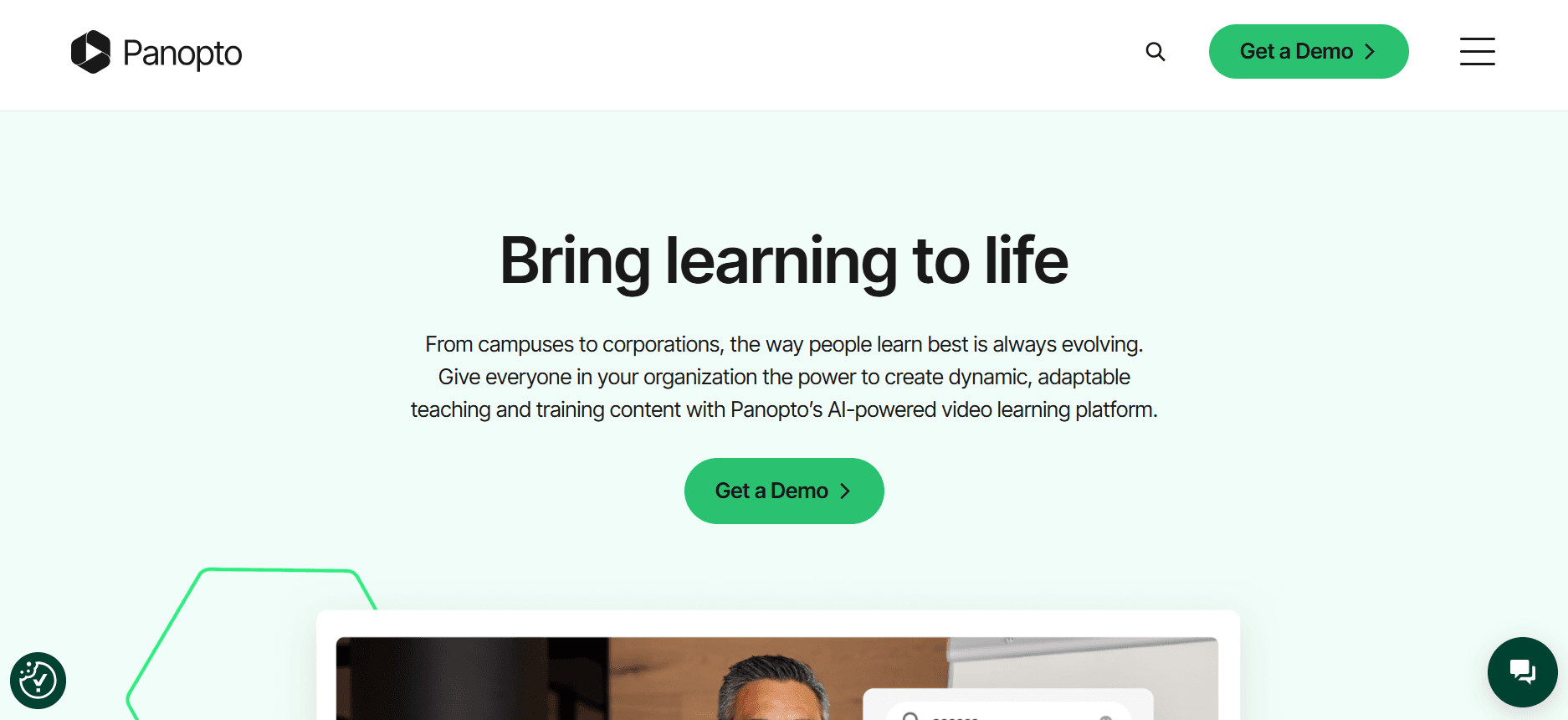
Panopto ofrece una plataforma de vídeo versátil adecuada para instituciones educativas y grandes empresas. Conocida por sus sólidas capacidades de gestión de vídeo, admite integraciones extensas y analíticas detalladas. Sin embargo, carece de algunas funciones interactivas y de IA disponibles en otras plataformas.
Funciones clave
Gestión avanzada de vídeo
Analíticas detalladas
Integraciones extensas
Marca personalizada
Transmisión en directo
Soporte para subtítulos multilenguaje
Contenido de vídeo indexable
Integración con LMS
Ventajas
Inconvenientes
Potentes capacidades de gestión de vídeo.
Carece de funciones interactivas avanzadas.
Opciones de integración extensas.
No tiene funcionalidad de locución con IA.
Admite analíticas detalladas para tomar decisiones basadas en datos.
Coste más alto para acceder a todas las funciones.
Precios
No hay plan gratuito; los precios comienzan en 100 $ por usuario/mes.
Loom

Loom se utiliza ampliamente para mensajes de vídeo rápidos y grabación de pantalla. Es ideal para equipos que necesitan herramientas de comunicación sencillas sin necesidad de funciones de formación extensas. Aunque destaca por su simplicidad, Loom no incluye capacidades avanzadas de formación para clientes, como portales para clientes y elementos interactivos.
Funciones clave
Mensajería de vídeo rápida
Grabación de pantalla
Compartición instantánea
Información para el visor
Herramientas de edición básicas
Integraciones con Slack y JIRA
Diseños de grabación personalizados
Interfaz de usuario sencilla
Ventajas
Inconvenientes
Interfaz sencilla y fácil de usar.
No incluye capacidades de portal para clientes.
Configuración y uso rápidos.
Funciones interactivas limitadas.
Eficaz para la comunicación interna del equipo.
No es adecuado para una formación completa de clientes.
Precios
Hay plan gratuito disponible; los planes de pago comienzan en 8 $ por usuario/mes.
Kaltura
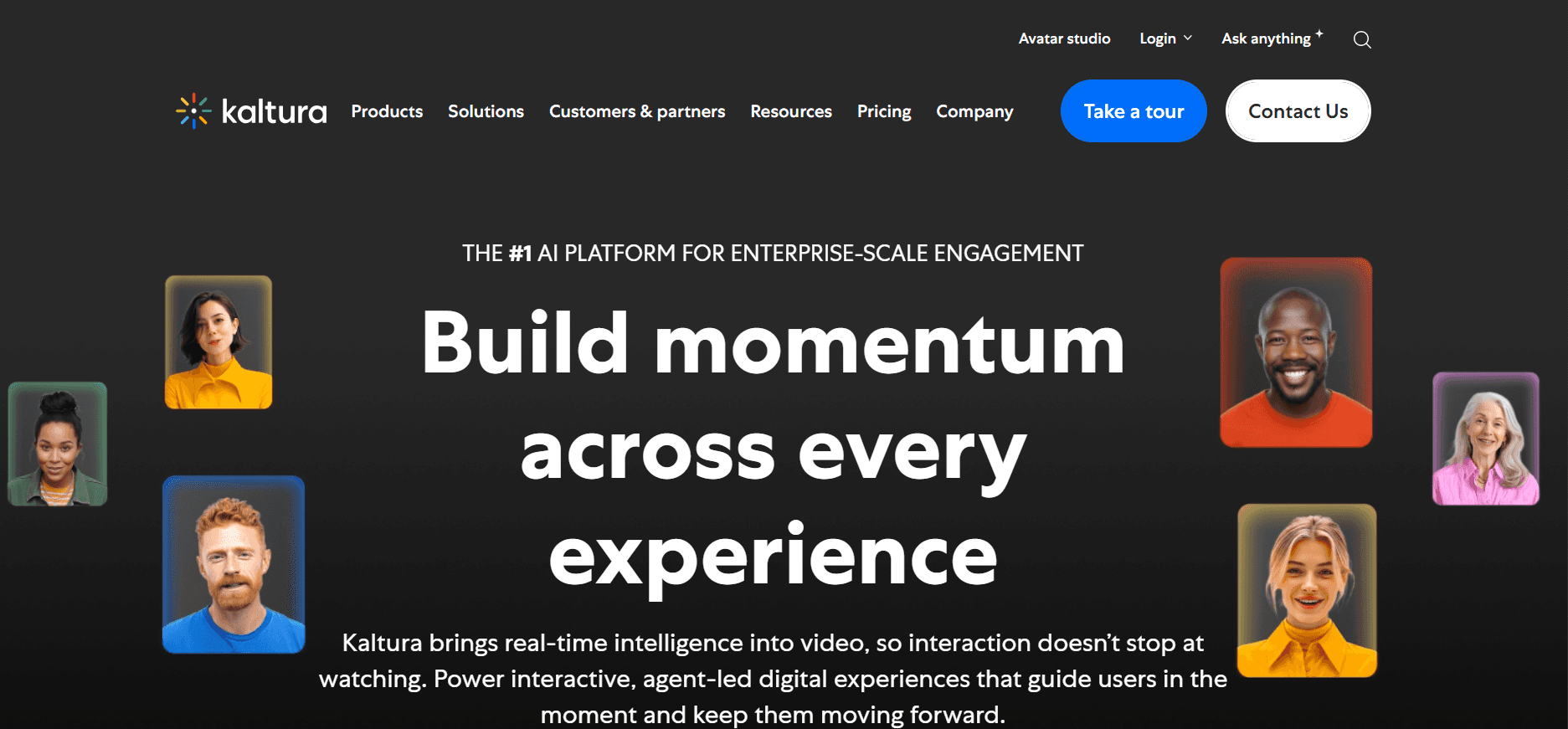
Kaltura es una plataforma potente para la creación, gestión y distribución de vídeo. Ofrece una amplia gama de herramientas para el aprendizaje interactivo, por lo que es adecuada para instituciones educativas y empresas que requieren soluciones de formación completas. Sin embargo, su complejidad puede resultar intimidante para los usuarios nuevos.
Funciones clave
Cuestionarios de vídeo interactivo
Transcripción de vídeo con IA
Analíticas avanzadas de vídeo
Reproductor de vídeo personalizable
Capacidades multiinquilino
Webcasting
Solución alojada en la nube
Soporte de API amplio
Ventajas
Inconvenientes
Conjunto completo de herramientas de vídeo.
Curva de aprendizaje pronunciada para usuarios nuevos.
Altamente personalizable y escalable.
Coste más alto en comparación con plataformas más sencillas.
Fuerte enfoque en educación y formación.
Proceso de configuración inicial complejo.
Precios
No hay plan gratuito; los precios comienzan en 99 $ por usuario/mes.
Vidyard

Vidyard se caracteriza por sus potentes capacidades de analítica y marketing, lo que la convierte en una excelente opción para empresas centradas en el marketing de vídeo y la participación de los clientes. Ofrece elementos interactivos y un seguimiento sólido de la participación. Sin embargo, su enfoque en marketing puede limitar sus funciones específicas para formación.
Funciones clave
Alojamiento y gestión de vídeo
Analíticas detalladas del visor
Elementos de vídeo interactivo
Integraciones con CRM
Personalización de vídeo
Herramientas de marca personalizada
Transcripción de vídeo automatizada
Optimización SEO para vídeos
Ventajas
Inconvenientes
Excelente para contenido de vídeo orientado al marketing.
Funciones específicas de formación limitadas.
Capacidades de analítica sólidas.
Precio más alto para funciones avanzadas.
Los elementos interactivos mejoran la participación.
El enfoque en marketing puede no adaptarse a todas las necesidades de formación.
Precios
Hay plan gratuito disponible; los planes de pago comienzan en 19 $ por usuario/mes.
Wistia

Wistia se especializa en ofrecer alojamiento de vídeo de alta calidad con un enfoque en la personalización de marca y la analítica. Es perfecta para empresas que priorizan contenido de vídeo con aspecto profesional y una identidad de marca sólida. Sin embargo, Wistia carece de algunas funciones de formación interactiva que ofrecen otras plataformas.
Funciones clave
Alojamiento de vídeo de alta calidad
Personalización avanzada de marca
Herramientas de generación de leads
SEO de vídeo
Analíticas y mapas de calor
Integraciones con herramientas de marketing
Experiencia sin anuncios
Miniaturas de vídeo personalizables
Ventajas
Inconvenientes
Fuerte enfoque en la identidad de marca.
Funciones de formación interactiva limitadas.
Analíticas y seguimiento excelentes.
No hay opciones de locución con IA.
Alojamiento de vídeo de alta calidad.
Coste más alto para funciones premium de marca.
Precios
No hay plan gratuito; los precios comienzan en 99 $ por usuario/mes.
Camtasia

Camtasia es una herramienta conocida para grabación de pantalla y edición de vídeo, preferida por educadores y formadores que necesitan crear tutoriales detallados. Ofrece un conjunto sólido de herramientas de edición, pero carece de analíticas avanzadas y de funciones interactivas que son esenciales para la formación de clientes.
Funciones clave
Capacidades de grabación de pantalla
Suite completa de edición de vídeo
Efectos y mejoras de audio
Línea de tiempo multi-pista
Anotaciones y llamadas
Efecto de pantalla verde
Transiciones y animaciones
Exportar a varios formatos
Ventajas
Inconvenientes
Herramientas potentes de edición de vídeo.
Carece de funciones avanzadas de analítica.
Ideal para crear tutoriales detallados.
No ofrece soporte de portal para clientes.
Grabación de pantalla completa.
Elementos interactivos limitados.
Precios
No hay plan gratuito; compra única por 249 $ por usuario.
Vimeo OTT
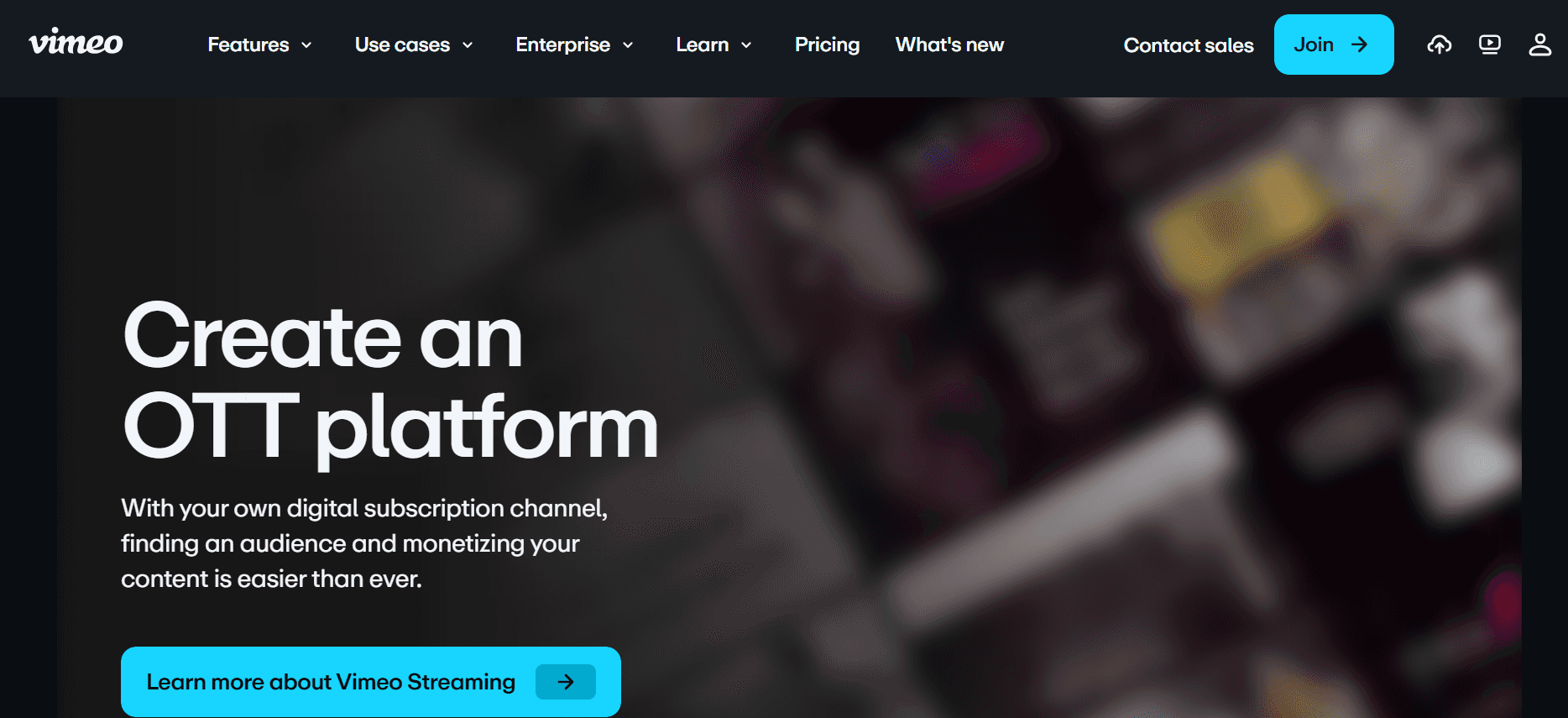
Vimeo OTT está diseñado para empresas que buscan ofrecer contenido de vídeo basado en suscripción. Admite monetización y marca personalizada, lo que lo hace ideal para compañías que quieren crear un canal de vídeo profesional. Sin embargo, puede que no ofrezca las funciones de formación interactiva necesarias para la educación de clientes.
Funciones clave
Vídeo bajo demanda por suscripción
Marca personalizada y apps OTT
Opciones de monetización
Analíticas e informes
Compatibilidad multi-dispositivo
Capacidades de transmisión en directo
Visualización sin anuncios
Reproductor de vídeo personalizable
Ventajas
Inconvenientes
Ideal para crear canales de vídeo por suscripción.
Funciones de formación interactiva limitadas.
Personalización y marca sólidas.
No está centrado en las necesidades de formación para clientes.
La monetización ayuda a generar ingresos.
Coste más alto para funciones completas.
Precios
No hay plan gratuito; los precios comienzan en 500 $ por usuario/mes.
Desafíos de las plataformas de formación de vídeo: con qué luchan los equipos
Sin controles de acceso dedicados para clientes
Los enlaces de vídeo genéricos suelen sustituir a los portales seguros, lo que pone en riesgo el acceso no autorizado.
La falta de permisos específicos por usuario dificulta personalizar el acceso al contenido.
La seguridad de los datos comprometida puede derivar en problemas de confianza por parte del cliente.
Sin controles dedicados, las empresas encuentran difícil gestionar el acceso a gran escala.
Sin visibilidad sobre la participación en el vídeo
Los equipos no pueden comprobar si los clientes han visto el vídeo completo.
Oportunidades perdidas para mejorar el contenido en función del comportamiento del visor.
Imposibilidad de hacer un seguimiento eficaz, ya que faltan datos sobre la participación.
Los mecanismos de feedback limitados dificultan los esfuerzos de mejora continua.
Falta de una marca profesional
Una marca inconsistente puede debilitar la imagen de la empresa en las comunicaciones con los clientes.
Las plataformas genéricas no permiten personalizar para reflejar la identidad de marca.
Las opciones de marca limitadas pueden hacer que los vídeos parezcan poco profesionales.
La integridad de la marca se ve afectada cuando los vídeos no se alinean con los esfuerzos generales de marketing.
Sin elementos interactivos para la formación de clientes
Los vídeos estáticos no logran implicar a los clientes de forma activa.
Sin cuestionarios ni bucles de feedback, es difícil evaluar la comprensión del cliente.
Los clientes no pueden explorar el contenido a su propio ritmo, lo que reduce la eficacia del aprendizaje.
Los elementos interactivos son cruciales para mantener a los clientes comprometidos y motivados.
Es necesario volver a grabar cada actualización
Son necesarias regrabaciones que consumen tiempo para cada actualización de producto.
Las actualizaciones frecuentes provocan una sobrecarga de recursos, lo que afecta a la productividad.
Los clientes pueden recibir información desactualizada si las actualizaciones se retrasan.
Surgen problemas de escalabilidad al gestionar varias actualizaciones de vídeo simultáneamente.
Desafío
Proceso tradicional
Impacto en el negocio
Coste de tiempo
Sin controles de acceso dedicados para clientes
Enlaces genéricos y notificaciones por correo electrónico
Riesgos de seguridad e insatisfacción del cliente
Alto
Sin visibilidad sobre la participación en el vídeo
Seguimientos manuales y encuestas
Información y feedback perdidos
Moderado
Falta de una marca profesional
Plantillas estándar de la plataforma
Identidad de marca debilitada
Moderado
Sin elementos interactivos
Contenido de vídeo estático
Menor participación del cliente
Moderado
Regrabación para actualizaciones
Regrabaciones completas del vídeo
Desgaste de recursos e información desactualizada
Alto
Funciones imprescindibles en plataformas de formación de vídeo
Portal para clientes con controles de acceso granulares
Un portal para clientes dedicado es esencial para organizar y gestionar el acceso al contenido de vídeo. Permite a las empresas establecer permisos específicos para distintos usuarios, garantizando que cada cliente vea solo lo que se supone que debe ver. Con estos controles, también puedes hacer seguimiento de quién accedió a qué contenido, añadiendo una capa de responsabilidad. Plataformas como Trupeer destacan aquí, ofreciendo opciones detalladas de gestión de acceso.
Los controles de acceso granulares aportan tranquilidad al proteger la información sensible. Ayudan a prevenir el acceso no autorizado que podría comprometer los datos del cliente. Esta función es indispensable para las empresas que priorizan la seguridad y las interacciones personalizadas con los clientes.
Analíticas de vídeo que muestran la participación por visor
Comprender cómo interactúan los clientes con tu contenido de vídeo es crucial para adaptar las futuras sesiones de formación. Las analíticas completas registran métricas como el tiempo de visualización, las tasas de participación y los puntos de abandono, proporcionando información accionable. Vidyard destaca especialmente por ofrecer analíticas detalladas del visor que pueden informar de forma significativa la estrategia de contenido.
Estas perspectivas permiten a los formadores tomar decisiones informadas sobre qué contenido resuena más con los clientes. Al analizar estos datos, las empresas pueden ajustar su mensaje y garantizar que cada vídeo cumpla de forma eficaz los objetivos de formación.
Elementos interactivos (cuestionarios, capítulos, ramificación)
Los elementos interactivos, como cuestionarios, capítulos y rutas de ramificación, transforman la visualización pasiva en una experiencia de aprendizaje atractiva. Herramientas como Kaltura se caracterizan por sus sólidas capacidades interactivas, que permiten a los formadores evaluar la comprensión del cliente en tiempo real.
Estas funciones mantienen a los clientes comprometidos al animarlos a participar activamente. También permiten una ruta de aprendizaje más personalizada, que puede adaptarse al ritmo y al nivel de comprensión del visor. Los vídeos interactivos pueden mejorar de forma significativa la retención y la satisfacción del cliente.
Locución con IA y auto-traducción
Locución con IA y auto-traducción rompen las barreras del idioma, haciendo que tu contenido sea accesible para una audiencia global. Trupeer y Kaltura ofrecen soluciones avanzadas impulsadas por IA que automatizan estos procesos, ahorrando tiempo y garantizando la coherencia.
Estas tecnologías permiten a las empresas llegar a un público más amplio sin incurrir en el coste de servicios profesionales de traducción o locución. Además, garantizan que tu contenido mantenga un tono profesional en todos los idiomas, algo crucial para preservar la integridad de la marca.
Marca personalizada con logotipo y colores
Las capacidades de marca personalizada permiten a las empresas mantener su identidad visual en todas las interacciones con los clientes. Al incorporar logotipos y colores de marca en el contenido de vídeo, las empresas pueden garantizar una presentación coherente y profesional. Wistia destaca por ofrecer opciones de personalización amplias para alinear los vídeos con la marca corporativa.
Esta función es vital para reforzar el reconocimiento de marca y la confianza. Garantiza que cada pieza de contenido refleje la imagen de la empresa, fortaleciendo las relaciones con los clientes y respaldando los esfuerzos de marketing.
Actualizaciones sencillas del contenido sin regrabación
La posibilidad de actualizar el contenido de vídeo rápidamente sin tener que volver a grabar es un cambio decisivo. Esta función permite a los formadores realizar ajustes necesarios o añadir nueva información sin empezar desde cero. Plataformas como Trupeer ofrecen procesos de actualización fluidos, lo que facilita mantener el contenido al día.
Las actualizaciones sencillas reducen el tiempo y los recursos necesarios para mantener los materiales de formación relevantes. Garantizan que los clientes siempre tengan acceso a la información más reciente, aumentando el valor y la credibilidad de la formación proporcionada.
Cómo elegir plataformas de formación de vídeo según tu caso de uso
Vídeos de incorporación de software para clientes
Incorporación de software es crucial para garantizar que los clientes puedan utilizar tu producto de forma eficaz. Los vídeos de incorporación claros ayudan a reducir las llamadas de soporte y a aumentar la adopción del producto. Una plataforma con funciones interactivas puede mejorar la experiencia de aprendizaje, facilitando que los clientes comprendan funcionalidades complejas del software.
Principales desafíos:
Niveles de habilidad diversos de los clientes.
Necesidad de una guía paso a paso.
Alto volumen de solicitudes de incorporación.
Soluciones necesarias:
Elementos de vídeo interactivo para aumentar la participación.
Analíticas detalladas para seguir el progreso del cliente.
Marca personalizada para reforzar la imagen de la empresa.
Función
Trupeer
Vidyard
Kaltura
Componentes interactivos
Sí
Sí
Sí
Analíticas
Sí
Sí
Sí
Marca
Sí
Sí
Sí
Bibliotecas de formación de producto en curso
Mantener una biblioteca de vídeos de formación garantiza que los clientes tengan acceso a la información más reciente sobre tus productos. Estas bibliotecas pueden ser un recurso de autoservicio, reduciendo la necesidad de sesiones de formación en directo. Las plataformas con funciones de actualización sencillas son esenciales para mantener el contenido actualizado.
Principales desafíos:
Actualizaciones frecuentes de producto.
Necesidad de contenido accesible bajo demanda.
Preferencias de aprendizaje diversas de los clientes.
Soluciones necesarias:
Mecanismos eficientes para actualizar el contenido.
Soporte multilenguaje para llegar a un público global.
Estructuras de bibliotecas de vídeo personalizables.
Función
Trupeer
Wistia
Vimeo OTT
Actualizaciones sencillas
Sí
No
Limitado
Multilenguaje
Sí
No
Limitado
Personalización de la biblioteca
Sí
Sí
Sí
Formación de cumplimiento y certificación para clientes
La formación de cumplimiento garantiza que los clientes se adhieran a las normativas del sector, algo crítico en ámbitos como las finanzas y la sanidad. Estas formaciones a menudo deben registrarse con meticulosidad para verificar la finalización y la comprensión. Las plataformas con funciones de informes y evaluación detalladas son ideales.
Principales desafíos:
Requisitos de cumplimiento normativo.
Verificación de la comprensión del cliente.
Riesgo elevado si la formación no se completa.
Soluciones necesarias:
Capacidades de informes completas.
Evaluaciones interactivas para comprobar conocimientos.
Portales de acceso seguros para clientes.
Función
Trupeer
Panopto
Camtasia
Informes
Sí
Sí
No
Evaluaciones
Sí
Limitado
No
Acceso seguro
Sí
Sí
No
Programas de vídeo para la habilitación de partners
La habilitación de partners consiste en proporcionar a tus partners los conocimientos que necesitan para vender o dar soporte a tus productos de forma eficaz. Estos programas a menudo requieren una combinación de sesiones en directo y grabadas, además de contenido interactivo para escenarios del mundo real.
Principales desafíos:
Necesidad de materiales de formación completos.
Niveles de conocimiento variados de los partners.
Escalabilidad de los programas de formación.
Soluciones necesarias:
Opciones flexibles de entrega de contenido.
Seguimiento detallado del progreso.
Escenarios interactivos y role-playing.
Función
Trupeer
Brightcove
Loom
Entrega de contenido
Sí
Sí
Limitado
Seguimiento del progreso
Sí
Sí
No
Escenarios interactivos
Sí
Limitado
No
Buenas prácticas para plataformas de formación de vídeo
Antes de publicar los vídeos
Define objetivos de aprendizaje claros para cada vídeo.
Planifica tu serie de vídeos por temas para garantizar una cobertura completa.
Identifica las necesidades específicas de tu audiencia y adapta el contenido en consecuencia.
Crea un esquema o guion gráfico para organizar tus ideas de forma eficaz.
Prueba tu equipo y el entorno para asegurar una producción de alta calidad.
Durante la producción del vídeo
Mantén cada vídeo por debajo de 5 minutos para conservar la atención del visor.
Usa capítulos o secciones para permitir una navegación sencilla dentro de los vídeos.
Incorpora elementos interactivos, como cuestionarios, para aumentar la participación.
Habla con claridad y a un ritmo natural para mejorar la comprensión.
Utiliza recursos visuales y ejemplos para ilustrar conceptos complejos.
Después de publicar los vídeos
Haz seguimiento de las tasas de finalización y de las analíticas del visor para evaluar la eficacia.
Recopila feedback de los clientes para mejorar el contenido futuro.
Actualiza el contenido trimestralmente para garantizar que la información siga siendo actual.
Actualiza los vídeos con prontitud para reflejar cambios o actualizaciones importantes.
Comparte historias de éxito y casos de estudio para destacar el impacto de los vídeos.
Preguntas frecuentes
¿Qué tipos de empresas se benefician más de las plataformas de formación de vídeo?
Las empresas que ofrecen formación externa, como compañías de SaaS, agencias e instituciones educativas, son las que más se benefician. Estas plataformas facilitan soluciones de formación interactivas, atractivas y escalables.
¿Por qué son importantes las analíticas de participación en una plataforma de formación de vídeo?
Las analíticas de participación te ayudan a entender cómo interactúan los clientes con tu contenido. Estos datos te permiten ajustar tus estrategias, mejorar la calidad del contenido y garantizar la eficacia de la formación.
¿Estas plataformas pueden gestionar varios idiomas?
Muchas plataformas, como Trupeer y Kaltura, ofrecen soporte multilenguaje, lo que las hace adecuadas para audiencias globales. Esta función garantiza que el contenido sea accesible y comprensible para visores diversos.
¿Qué son los elementos de vídeo interactivo?
Los elementos de vídeo interactivo incluyen cuestionarios, enlaces en los que se puede hacer clic y escenarios de ramificación. Mejoran la participación al animar a los visores a participar activamente, lo que a su vez mejora la retención y la comprensión.
¿Hay plataformas de formación de vídeo gratuitas disponibles?
Algunas plataformas, como Loom y Vidyard, ofrecen planes gratuitos con funciones básicas. Sin embargo, las funcionalidades más avanzadas normalmente requieren una suscripción de pago.
¿Qué factores influyen en el precio de las plataformas de formación de vídeo?
El precio varía según funciones como analíticas, marca, elementos interactivos y capacidad de almacenamiento. El número de usuarios y el nivel de soporte al cliente también influyen en el coste.
¿Cuánto tiempo se tarda en implementar una plataforma de formación de vídeo?
El tiempo de implementación varía según la plataforma y el alcance. Las configuraciones sencillas pueden tardar unos días, mientras que las soluciones completas con integraciones personalizadas podrían requerir varias semanas.
¿Qué opciones de soporte hay disponibles durante la implementación?
La mayoría de las plataformas ofrecen soporte al cliente, tutoriales y documentación para ayudar con la implementación. Algunas, como Trupeer, proporcionan especialistas de incorporación dedicados para una transición más fluida.
Cierre
Las plataformas de formación de vídeo se han convertido en herramientas indispensables para las empresas que buscan mejorar las interacciones con los clientes y agilizar los procesos de formación. Elegir la plataforma adecuada depende de tus necesidades específicas, como funciones interactivas, analíticas y capacidades de marca. Invertir en una solución de formación de vídeo adecuada puede generar mejoras significativas en la satisfacción del cliente y la eficiencia de la formación.
Trupeer destaca como una solución integral para empresas que buscan elevar sus programas de formación. Con funciones diseñadas para la participación del cliente y una gestión sencilla del contenido, es una opción destacada para quienes quieren lograr un impacto significativo. Descubre Trupeer en learn more about how it can transform your training initiatives.



