Trupeer Blog
Resumir

Cómo elegir la plataforma de vídeo adecuada para la formación y la participación de clientes
15 min de lectura · 30 de marzo de 2026.
Resumen del comprador
Las empresas que ofrecen formación externa para clientes se enfrentan a retos específicos en el ámbito de las plataformas de vídeo. Estas organizaciones, como agencias, proveedores SaaS y consultorías, necesitan algo más que funciones básicas de grabación de pantalla. Requieren plataformas con portales para clientes, controles de acceso por usuario y analíticas de participación en profundidad. Según un informe reciente, el 67% de las empresas ha cambiado su enfoque hacia soluciones de formación para clientes más personalizadas e interactivas para mejorar la experiencia del cliente.
El 67% de las empresas ha cambiado su enfoque hacia soluciones de formación para clientes más personalizadas e interactivas para mejorar la experiencia del cliente.
Fuente: Informe sobre tendencias de formación para clientes de Training Industry, 2025
Esta guía está pensada para quienes buscan un análisis completo de las mejores plataformas de vídeo para formación de clientes disponibles en 2026. Exploraremos varias herramientas, cada una con sus propias fortalezas y debilidades, para ayudarte a identificar qué plataforma se ajusta a las necesidades específicas de tu empresa.
Mejores plataformas de vídeo para formación de clientes: comparación cara a cara
Función | Trupeer | Panopto | Loom | Kaltura | Vidyard | Wistia | Camtasia | Vimeo OTT |
|---|---|---|---|---|---|---|---|---|
Portal para clientes | Sí | Limitado | No | Sí | Sí | Limitado | No | Sí |
Controles de acceso | Sí | Sí | Limitado | Sí | Sí | Sí | No | Sí |
Vídeo interactivo | Sí | Sí | No | Sí | Limitado | Sí | No | Limitado |
Analíticas de participación | Sí | Sí | Limitado | Sí | Sí | Sí | Limitado | Sí |
Locución con IA | Sí | No | No | Sí | Limitado | No | No | No |
Marca personalizada | Sí | Limitado | Sí | Sí | Sí | Sí | Limitado | Sí |
Multi-idioma | Sí | Sí | No | Sí | Limitado | Sí | No | Limitado |
Integración con LMS | Sí | Sí | No | Sí | Sí | Sí | Limitado | Sí |
Plan gratuito | Sí | Limitado | Sí | No | Sí | No | No | Sí |
Trupeer

Trupeer es una plataforma de vídeo para formación de clientes diseñada específicamente para empresas que necesitan algo más que capacidades básicas de vídeo. Es perfecta para agencias, proveedores SaaS y consultorías que necesitan ofrecer formación para clientes personalizada. Trupeer destaca por su sólido portal para clientes y sus analíticas completas, que proporcionan a las empresas la información necesaria para mejorar la participación.
Lo que distingue a Trupeer son sus capacidades de locución con IA y su compatibilidad multi-idioma, lo que la convierte en una opción sólida para empresas con clientes globales. Su interfaz intuitiva garantiza que incluso quienes no tienen conocimientos técnicos puedan navegar y utilizar sus funciones de forma eficaz.
Funciones clave
Portal para clientes con controles de acceso granulares
Analíticas de participación
Locución con IA
Compatibilidad multi-idioma
Elementos de vídeo interactivo
Marca personalizada
Integración con LMS
Plan gratuito disponible
"Trupeer ha transformado la forma en que impartimos la formación a nuestros clientes, ofreciendo herramientas que hacen que nuestro contenido sea más atractivo y accesible."
Ventajas
Desventajas
Admite 40+ idiomas para llegar a un público global.
Las funciones de IA requieren una curva de aprendizaje.
Analíticas completas para hacer seguimiento de la participación.
Las funciones premium pueden resultar costosas para pequeñas empresas.
Las funciones interactivas mejoran el aprendizaje.
Opciones de acceso offline limitadas.
Precios
Trupeer ofrece un plan gratuito con funciones básicas. Los planes de pago comienzan en 49 $/mes y proporcionan acceso completo a las funciones avanzadas.
Panopto
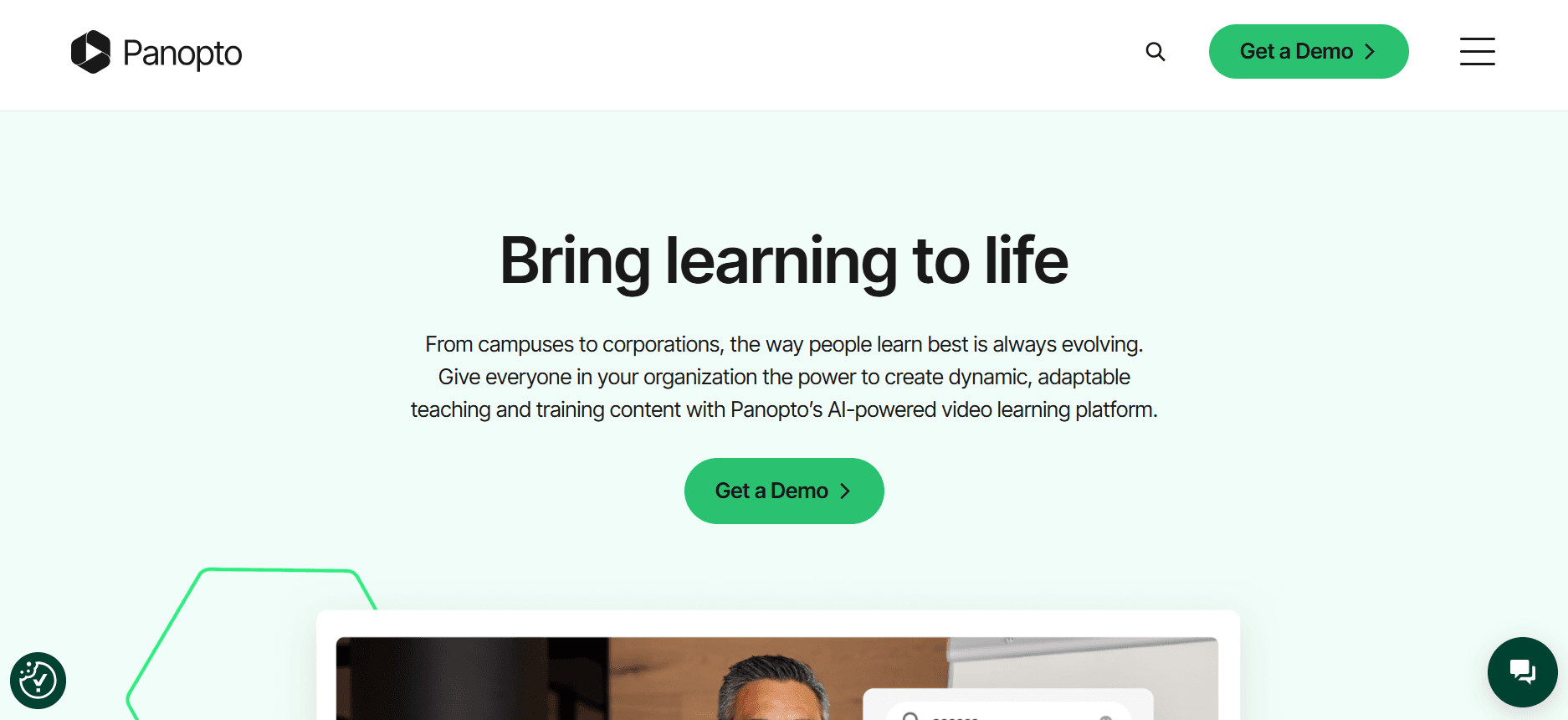
Panopto es una potente plataforma de vídeo diseñada para instituciones educativas y entornos corporativos. Es conocida por su fácil integración con los sistemas LMS existentes y admite amplias capacidades de grabación y gestión de vídeo. Es ideal para empresas que necesitan una plataforma fiable para impartir formación y distribuir contenido educativo.
Aunque Panopto ofrece una amplia gama de funciones, su elemento destacado es la funcionalidad avanzada de búsqueda, que permite a los usuarios encontrar contenido específico dentro de los vídeos, una característica que la diferencia de muchos competidores.
Funciones clave
Búsqueda avanzada de vídeo
Integración con LMS
Grabación de pantalla y de webcam
Analíticas de vídeo
Streaming en directo
Gestión de vídeo segura
Cuestionarios y encuestas
Plan gratuito limitado
Ventajas
Desventajas
Integración fluida con LMS.
Funciones interactivas limitadas.
Capacidades de búsqueda sólidas dentro de los vídeos.
La interfaz puede resultar abrumadora para usuarios nuevos.
Analíticas robustas para información educativa.
Coste más alto en comparación con plataformas básicas.
Precios
Los precios de Panopto se adaptan a cada organización y, normalmente, comienzan alrededor de 14,99 $/mes por usuario para instituciones educativas.
Loom

Loom es una plataforma de mensajería de vídeo fácil de usar que permite a las empresas crear mensajes de vídeo rápidos. Es especialmente útil para equipos que necesitan comunicarse visualmente sin el esfuerzo de una producción de vídeo completa. Aunque Loom no es una plataforma de formación integral, su sencillez y accesibilidad la convierten en una opción popular para comunicaciones internas del equipo y actualizaciones rápidas para clientes.
Loom destaca por su capacidad para capturar pantallas y webcams simultáneamente, lo que la hace perfecta para vídeos tipo tutorial. Sin embargo, carece de funciones avanzadas necesarias para una formación de clientes en profundidad.
Funciones clave
Grabación de pantalla y de webcam
Compartición instantánea
Información para el visor
Marca personalizada
Anotaciones de vídeo
Herramientas de edición sencillas
Plan gratuito disponible
Extensión de Chrome
Ventajas
Desventajas
Fácil y rápido de usar para crear vídeos al instante.
Analíticas en profundidad limitadas para el seguimiento de la participación.
El plan gratuito ofrece capacidades sólidas para necesidades sencillas.
No está diseñado para programas de formación complejos.
Marca personalizada disponible en planes superiores.
Funciones de edición de vídeo limitadas.
Precios
Loom ofrece un plan gratuito con funciones esenciales. El plan Business comienza en 10 $/mes por creador.
Kaltura
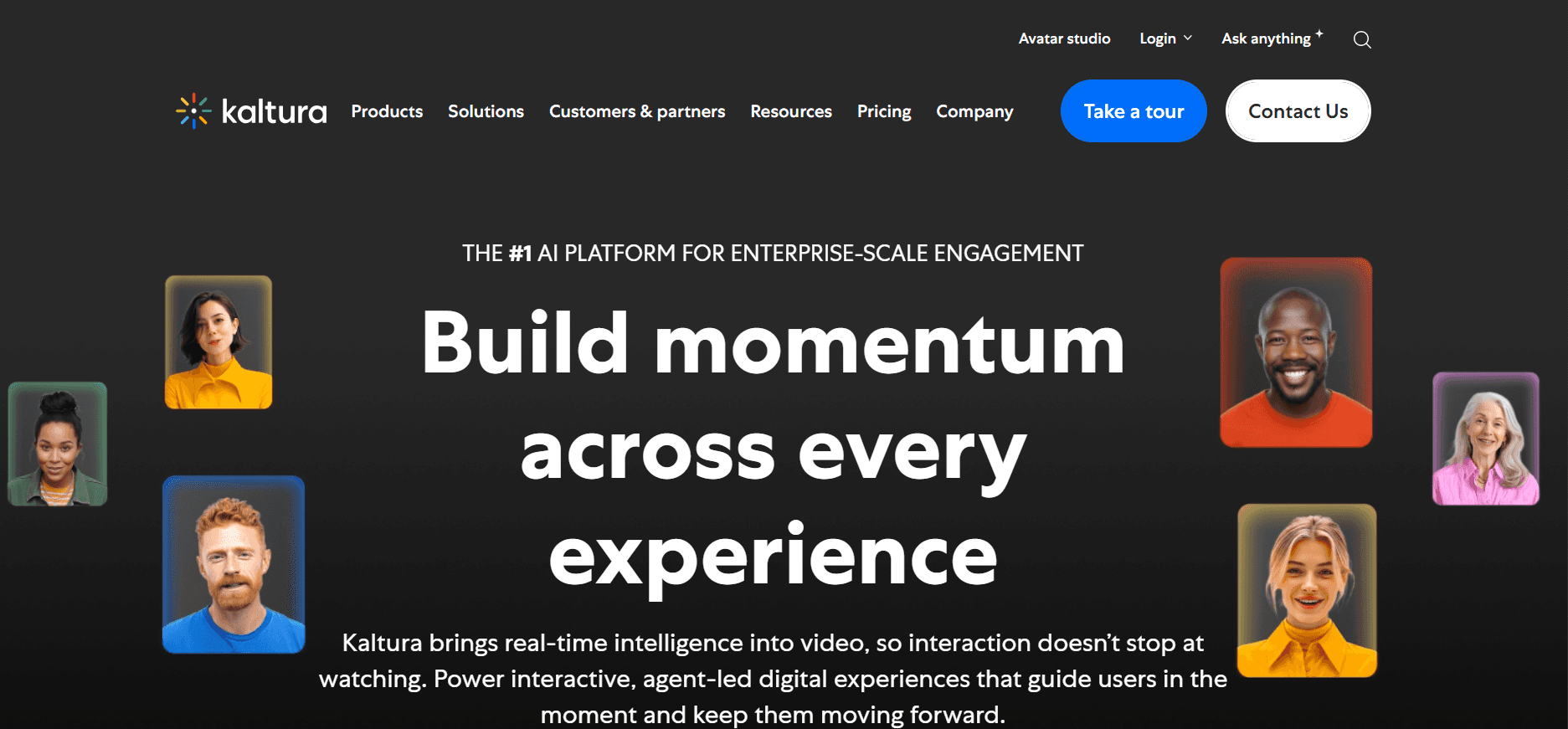
Kaltura es una plataforma de vídeo versátil preferida por empresas y por instituciones educativas. Ofrece una solución de código abierto que permite una personalización amplia y escalabilidad. Kaltura es adecuada para empresas que necesitan streaming en directo e integración fluida con sistemas existentes, como plataformas LMS y CMS.
Su flexibilidad es su fortaleza principal, ya que permite a las organizaciones adaptar la plataforma a sus necesidades específicas. Sin embargo, al ser de código abierto, puede requerir más conocimientos técnicos para configurarla y gestionarla de forma eficaz.
Funciones clave
Streaming en directo
Flexibilidad de código abierto
Reproductor de vídeo personalizable
Analíticas avanzadas
Cuestionarios de vídeo interactivos
Compatibilidad multi-idioma
Opciones de alojamiento en la nube
Acceso a la API
Ventajas
Desventajas
Altamente personalizable y escalable.
La configuración puede ser compleja y requerir conocimientos técnicos.
Integración sólida con sistemas existentes.
La versión de código abierto puede carecer de soporte oficial.
Admite una amplia variedad de formatos de vídeo.
La versión gratuita tiene funciones limitadas.
Precios
Los precios de Kaltura varían según el despliegue y las funciones seleccionadas y, normalmente, comienzan desde 99 $/mes.
Vidyard

Vidyard es una plataforma de vídeo especializada en marketing y en enablement de ventas. Ofrece herramientas sólidas para crear, distribuir y analizar contenido de vídeo orientado a generar oportunidades de negocio y mejorar la participación del cliente. Vidyard es ideal para empresas que integran el vídeo en sus embudos de ventas o en campañas de marketing.
Su función destacada es la posibilidad de crear vídeos personalizados, que permite a los usuarios añadir un toque personal a las comunicaciones. Aunque destaca en marketing, puede no ofrecer las funciones de formación completas que algunas empresas necesitan.
Funciones clave
Mensajería de vídeo personalizada
Analíticas de vídeo
CTAs personalizables
Flujos de trabajo de vídeo automatizados
Herramientas de SEO para vídeo
Integraciones con sistemas CRM
Marca personalizada
Plan gratuito limitado
Ventajas
Desventajas
Excelente para vídeos de marketing personalizados.
No está centrada en necesidades de formación detalladas.
Integración sólida con herramientas de ventas.
Las funciones avanzadas están disponibles principalmente en niveles superiores.
Analíticas completas para información de marketing.
El plan gratuito tiene funciones limitadas.
Precios
Vidyard ofrece un plan gratuito, con planes Pro que comienzan en 15 $/mes.
Wistia

Wistia es una plataforma de alojamiento de vídeo diseñada para empresas que quieren potenciar sus esfuerzos de marketing de vídeo. Es conocida por su alojamiento de nivel profesional y sus analíticas de vídeo, lo que la convierte en una favorita entre los profesionales del marketing. Wistia es perfecta para empresas que priorizan la presentación de la marca y las analíticas detalladas de los espectadores.
El enfoque de Wistia en la marca y las opciones de personalización permite a las empresas convertir su contenido de vídeo en una parte integral de su identidad de marca. Sin embargo, puede que no ofrezca las funciones de formación interactiva necesarias para todos los escenarios de formación para clientes.
Funciones clave
Reproductor de vídeo personalizable
Analíticas detalladas de vídeo
Herramientas de generación de leads
Marca personalizada y opciones de inserción
Optimización SEO
Mapas de calor de vídeo
Funciones de compartición social
Plan gratuito limitado
Ventajas
Desventajas
Fuerte enfoque en marca y presentación.
Orientada más al marketing que a la formación.
Analíticas avanzadas para información de los espectadores.
Más cara que algunos competidores.
Grandes herramientas de personalización y marca.
Elementos interactivos limitados para la formación.
Precios
Wistia ofrece un plan gratuito con funciones básicas, y los planes de pago comienzan en 99 $/mes.
Camtasia

Camtasia es un software de edición de vídeo que permite a los usuarios crear vídeos de calidad profesional. Es especialmente adecuada para vídeos instructivos y tutoriales, por lo que es una opción popular entre educadores y formadores corporativos. Aunque carece de algunas funciones avanzadas de plataformas de formación, sus capacidades de edición no tienen rival.
Con Camtasia, los usuarios pueden grabar pantallas, añadir efectos y crear elementos interactivos, pero no ofrece el mismo nivel de analíticas de participación del cliente que algunas otras plataformas.
Funciones clave
Grabación de pantalla
Herramientas de edición de vídeo
Cuestionarios interactivos
Efectos de pantalla verde
Anotaciones y llamadas
Efectos de audio
Línea de tiempo multi-pista
Analíticas limitadas
Ventajas
Desventajas
Capacidades de edición de vídeo completas.
Carece de funciones avanzadas específicas para formación.
Ideal para crear tutoriales y contenido instructivo.
Curva de aprendizaje más alta para usuarios nuevos.
Admite elementos interactivos en vídeos.
No ofrece analíticas específicas para el cliente.
Precios
Camtasia está disponible para una compra única de 249,99 $, con prueba gratuita disponible.
Vimeo OTT
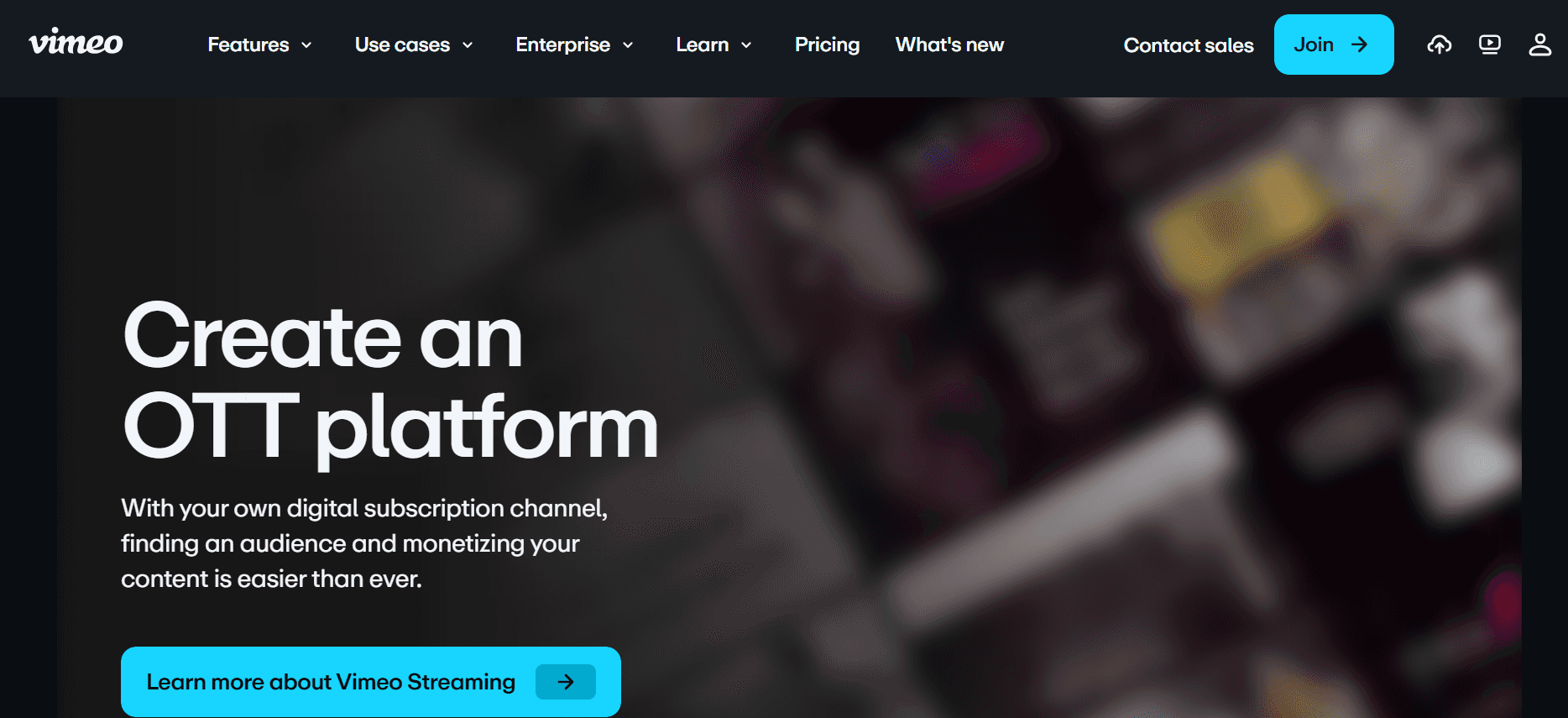
Vimeo OTT es una plataforma que permite a las empresas monetizar contenido de vídeo mediante servicios de suscripción. Es adecuada para compañías que quieren crear sus propios canales de vídeo con marca y ofrecer contenido de pago. Vimeo OTT ofrece capacidades de streaming sólidas y una interfaz fácil de usar para gestionar bibliotecas de vídeo.
Aunque es excelente para la monetización, las empresas que buscan funciones de formación interactiva pueden encontrarla insuficiente. Sin embargo, sus opciones de marca y personalización la convierten en una candidata sólida para quienes quieren crear una presencia profesional de vídeo.
Funciones clave
Servicios de vídeo por suscripción
Marca personalizada
Panel de analíticas
Alojamiento y streaming de vídeo
Opciones de monetización
Sistema de gestión de contenidos
Compatibilidad multi-idioma
Funciones interactivas limitadas
Ventajas
Desventajas
Excelente para monetizar contenido de vídeo.
Carece de funciones detalladas centradas en formación.
Opciones sólidas de marca y personalización.
Los elementos interactivos son limitados.
Interfaz fácil de usar para gestionar contenido.
Coste más alto para funciones avanzadas.
Precios
Vimeo OTT comienza en 1 $/mes por suscriptor, con tasas adicionales según los servicios utilizados.
Retos de las plataformas de vídeo para formación de clientes: con qué luchan los equipos
Sin controles de acceso dedicados para clientes
Muchas plataformas ofrecen opciones de compartición genéricas, dejando el contenido sensible expuesto a espectadores no autorizados.
Sin portales con acceso restringido, es difícil garantizar que solo los clientes previstos accedan a materiales de formación específicos.
Esta falta de control puede derivar en preocupaciones sobre privacidad de datos y en un posible daño reputacional.
Los equipos a menudo dedican tiempo extra a gestionar manualmente los permisos, lo que aumenta la carga administrativa.
Sin visibilidad sobre si los clientes vieron los vídeos
Sin analíticas completas, los equipos no pueden saber si o cómo los clientes interactúan con los vídeos de formación.
Esto se traduce en la imposibilidad de medir la eficacia de los materiales de formación.
Ajustar las estrategias de formación se convierte en una suposición sin datos concretos sobre la participación de los espectadores.
Se pueden desperdiciar recursos sustanciales en contenido que no logra los resultados deseados.
Falta de marca profesional para contenido orientado al cliente
Las interfaces de vídeo genéricas pueden menoscabar la imagen profesional que una empresa pretende proyectar.
Las oportunidades de marca suelen ser limitadas o requieren conocimientos técnicos para implementarse.
Esto puede dar lugar a una experiencia de cliente poco cohesionada, afectando la percepción de marca y la fidelidad.
La coherencia en la marca en todas las interacciones con clientes es esencial para reforzar la identidad de marca.
Sin elementos interactivos para la formación de clientes a su ritmo
El contenido de vídeo estático no atrae a los usuarios con la misma eficacia que las alternativas interactivas y a su ritmo.
La ausencia de cuestionarios, capítulos o escenarios ramificados limita la retención del aprendizaje.
Los clientes no pueden participar activamente ni comprobar su comprensión durante el proceso de formación.
Los equipos pierden oportunidades para recopilar comentarios inmediatos sobre la comprensión del contenido.
Es necesario volver a grabar cada actualización de producto
Cada actualización de producto requiere una revisión completa del vídeo, consumiendo tiempo y recursos valiosos.
Los cambios menores a menudo exigen ediciones significativas, lo que interrumpe el flujo de trabajo y retrasa la publicación del contenido.
Este proceso puede ser especialmente gravoso para los equipos que gestionan grandes bibliotecas de contenido.
Las actualizaciones frecuentes pueden provocar incoherencias si no se actualizan todos los vídeos al mismo tiempo.
Reto
Proceso tradicional
Impacto en el negocio
Coste de tiempo
Sin controles de acceso dedicados para clientes
Ajustes de permisos manuales
Posibles brechas de datos
5-10 horas/semana
Sin visibilidad sobre si los clientes vieron los vídeos
Seguimientos manuales
Eficacia de la formación incierta
3-6 horas/semana
Falta de marca profesional para contenido orientado al cliente
Delegar tareas de marca
Imagen de marca incoherente
2-4 horas/semana
Sin elementos interactivos para la formación de clientes a su ritmo
Contenido de vídeo estático
Bajas tasas de participación
4-8 horas/semana
Es necesario volver a grabar cada actualización de producto
Regrabaciones completas de vídeo
Actualizaciones de contenido retrasadas
8-12 horas/actualización
Funciones imprescindibles en plataformas de vídeo para formación de clientes
Portal para clientes con controles de acceso granulares
Los portales para clientes son esenciales para controlar quién accede a tu contenido de formación. Ofrecen un entorno seguro en el que las empresas pueden conceder acceso a clientes específicos, garantizando que la información sensible esté protegida. Los controles de acceso granulares permiten a los equipos adaptar los permisos a las necesidades individuales o de grupos, mejorando la seguridad y la experiencia del usuario. Trupeer destaca en este aspecto al ofrecer portales personalizables que se adaptan a los requisitos cambiantes de cada cliente.
Estos controles no solo mejoran la seguridad, sino que también agilizan las tareas administrativas. Al automatizar la configuración de permisos, las empresas ahorran tiempo y reducen el riesgo de errores humanos. Esta función es fundamental para las empresas que gestionan varios clientes con requisitos de acceso diferentes.
Analíticas de vídeo que muestran la participación por espectador
Comprender cómo interactúan los clientes con los vídeos de formación es crucial para evaluar la eficacia del contenido. Las analíticas de vídeo aportan información sobre el comportamiento de los espectadores, ayudando a las empresas a identificar qué contenido conecta con los clientes. Plataformas como Vidyard ofrecen analíticas detalladas, lo que permite a las empresas perfeccionar sus estrategias de formación basándose en datos reales.
Con estas perspectivas, los equipos pueden tomar decisiones basadas en datos para mejorar la calidad del contenido y la participación. Esta función ayuda a las organizaciones a centrar los recursos en crear vídeos impactantes que se ajusten a las necesidades de los clientes, mejorando en última instancia los resultados de la formación y la satisfacción del cliente.
Elementos interactivos (cuestionarios, capítulos, ramificación)
Los elementos interactivos convierten la visualización pasiva en aprendizaje activo. Funciones como cuestionarios, capítulos y escenarios ramificados permiten a los clientes interactuar con el contenido a su propio ritmo, reforzando la retención del conocimiento. Kaltura ofrece herramientas interactivas sólidas, lo que la convierte en una opción adecuada para empresas que priorizan la participación del cliente.
Estos elementos proporcionan comentarios inmediatos, lo que permite a los alumnos evaluar su comprensión y recibir aclaraciones al instante. Las funciones interactivas también permiten a los formadores identificar lagunas de conocimiento, adaptando el contenido futuro para abordar las áreas en las que los clientes tienen más dificultades.
Locución con IA y auto-traducción
La locución con IA y la auto-traducción son un cambio de juego para las empresas con clientes diversos y globales. Estas funciones permiten que el contenido sea accesible en varios idiomas, llegando a un público más amplio. Trupeer lidera el camino con locuciones impulsadas por IA, ofreciendo compatibilidad lingüística fluida.
Esta funcionalidad garantiza que las barreras del idioma no dificulten la formación del cliente. Al proporcionar el contenido en el idioma preferido por el cliente, las empresas pueden mejorar la comprensión y la participación, fomentando un entorno de aprendizaje más inclusivo.
Marca personalizada con logotipo y colores
La marca personalizada es esencial para mantener una imagen de marca coherente en todas las interacciones con clientes. Permite a las empresas integrar su logotipo, colores y elementos de marca en los vídeos de formación, reforzando la identidad de marca. Las capacidades de marca de Wistia la convierten en una opción destacada para empresas centradas en la coherencia de marca.
Una marca coherente no solo mejora la profesionalidad, sino que también genera confianza con los clientes. Garantiza que cada pieza de contenido se alinee con la identidad visual de la empresa, creando una experiencia de marca fluida y reconocible.
Actualizaciones de contenido fáciles sin regrabación
Las actualizaciones frecuentes de producto no deberían significar empezar de cero cada vez. Las plataformas que permiten actualizar el contenido de forma sencilla permiten a los equipos modificar los vídeos sin regrabaciones completas, ahorrando tiempo y recursos. Camtasia ofrece herramientas de edición avanzadas que facilitan actualizaciones rápidas, lo que la hace ideal para entornos dinámicos.
Esta función es crucial para las empresas que actualizan regularmente sus productos o servicios. Al simplificar el proceso de actualización, los equipos pueden mantener los materiales de formación actuales y relevantes, asegurando que los clientes siempre tengan acceso a la información más reciente.
Cómo elegir una plataforma de vídeo para formación de clientes según tu caso de uso
Vídeos de onboarding de software para clientes
Para las empresas que necesitan incorporar clientes a sus plataformas de software, elegir la plataforma de vídeo adecuada es crucial. El objetivo es garantizar una transición fluida y una comprensión del uso por parte del cliente. Los vídeos de onboarding eficaces pueden reducir significativamente la curva de aprendizaje y aumentar las tasas de adopción de usuarios.
Garantizar que el cliente comprenda completamente las funcionalidades del software.
Reducir el tiempo dedicado a consultas de soporte.
Ofrecer una experiencia de onboarding personalizada.
Elementos de vídeo interactivos para guiar a través de las funciones.
Analíticas detalladas para hacer seguimiento de la participación y la comprensión del cliente.
Marca personalizada para mantener una imagen profesional.
Plataforma
Elementos interactivos
Analíticas de participación
Marca personalizada
Trupeer
Sí
Sí
Sí
Kaltura
Sí
Sí
Sí
Vidyard
Limitado
Sí
Sí
Bibliotecas de formación de producto continuas
Las empresas con productos que evolucionan constantemente necesitan mantener una biblioteca de formación actualizada. Esto garantiza que los clientes estén siempre informados sobre las últimas funciones y actualizaciones, mejorando el uso del producto y la satisfacción.
Mantener el contenido de formación actualizado sin una inversión excesiva de tiempo.
Gestionar de forma eficiente grandes volúmenes de materiales de formación.
Garantizar un acceso fácil de los clientes al contenido más relevante.
Actualizaciones de contenido sencillas y control de versiones.
Funciones completas de gestión de bibliotecas.
Portales para clientes para acceder a contenido organizado.
Plataforma
Actualizaciones de contenido
Gestión de bibliotecas
Portal para clientes
Camtasia
Sí
Limitado
No
Trupeer
Sí
Sí
Sí
Panopto
Limitado
Sí
Limitado
Formación de cumplimiento y certificación para clientes
Las industrias con requisitos regulatorios estrictos deben impartir formación de cumplimiento y certificación de forma eficiente. Esto garantiza que los clientes cumplan los estándares y certificaciones necesarios, reduciendo posibles riesgos legales.
Garantizar información de cumplimiento precisa y actualizada.
Seguimiento de finalización y estado de certificación.
Proporcionar pruebas de cumplimiento y de finalización de la formación.
Analíticas de vídeo para hacer seguimiento de las tasas de finalización.
Seguimiento y gestión de certificaciones.
Controles de acceso seguros para mantener la integridad de los datos.
Plataforma
Seguimiento de finalización
Gestión de certificación
Controles de acceso
Trupeer
Sí
Sí
Sí
Panopto
Sí
Limitado
Sí
Kaltura
Sí
Limitado
Sí
Programas de vídeo para enablement de partners
Para las empresas que dependen de partners para vender o distribuir productos, la formación de partners eficaz es esencial. Los programas de vídeo pueden ayudar a los partners a comprender el producto, sus beneficios y sus estrategias de ventas, lo que conduce a un mejor rendimiento de los partners.
Garantizar que los partners tengan los conocimientos necesarios para vender de forma eficaz.
Mantener a los partners actualizados sobre cambios de producto y estrategias.
Ofrecer formación sin abrumar a los partners con información.
Vídeos interactivos para mejorar la participación de los partners.
Actualizaciones periódicas de contenido para reflejar cambios de producto.
Analíticas para hacer seguimiento del progreso y el rendimiento de los partners.
Plataforma
Vídeos interactivos
Actualizaciones de contenido
Analíticas de rendimiento
Trupeer
Sí
Sí
Sí
Vidyard
Limitado
Sí
Sí
Wistia
Limitado
Sí
Sí
Academias de educación para clientes
Las empresas que quieren educar a sus clientes de forma integral pueden beneficiarse de la creación de academias de educación para clientes. Estas academias ofrecen itinerarios de aprendizaje estructurados y recursos, asegurando que los clientes puedan aprovechar al máximo los productos y servicios ofrecidos.
Ofrecer itinerarios de aprendizaje estructurados para necesidades de clientes variadas.
Garantizar que los clientes dominen el uso de los productos y servicios.
Mantener la satisfacción del cliente mediante avances educativos.
Compatibilidad multi-idioma para llegar a un público global.
Itinerarios de aprendizaje personalizables para cubrir necesidades diversas de los clientes.
Certificación al finalizar para fomentar la participación.
Plataforma
Compatibilidad multi-idioma
Itinerarios de aprendizaje personalizados
Funciones de certificación
Trupeer
Sí
Sí
Sí
Kaltura
Sí
Limitado
Limitado
Wistia
Sí
Limitado
Limitado
Buenas prácticas para implementar plataformas de vídeo para formación de clientes
Antes del lanzamiento
Define objetivos de aprendizaje claros para cada vídeo para asegurarte de que el contenido se alinee con las necesidades de los clientes.
Planifica tu serie de vídeos por temas para ofrecer un itinerario de aprendizaje estructurado para los clientes.
Recopila comentarios de las partes interesadas para incorporar perspectivas diversas en tu contenido.
Asegúrate de que todas las configuraciones técnicas estén completadas, incluidas las integraciones de la plataforma y la marca.
Prueba el contenido con un grupo pequeño para identificar posibles problemas antes del lanzamiento completo.
Durante la producción
Mantén cada vídeo por debajo de 5 minutos para conservar la atención de los espectadores y mejorar la retención.
Usa capítulos para permitir que los clientes se salten rápidamente a las secciones relevantes.
Incorpora elementos interactivos para atraer a los usuarios y mejorar los resultados del aprendizaje.
Mantén un tono y un estilo visual coherentes para reforzar la marca.
Supervisa las analíticas en tiempo real para ajustar la estrategia de contenido cuando sea necesario.
Después del lanzamiento
Haz seguimiento de las tasas de finalización y recopila comentarios para evaluar la eficacia de la formación.
Actualiza el contenido con regularidad para reflejar cambios de producto y nuevos conocimientos.
Programa revisiones trimestrales para renovar y optimizar tu biblioteca de formación.
Fomenta los comentarios de los clientes para mejorar continuamente la experiencia de formación.
Celebra los logros de los clientes, como las certificaciones, para impulsar la participación.
Preguntas frecuentes
¿Qué es una plataforma de vídeo para formación de clientes?
Una plataforma de vídeo para formación de clientes es una herramienta digital que se utiliza para crear, gestionar y distribuir contenido de vídeo específicamente para formar a clientes. Estas plataformas suelen incluir funciones como analíticas, elementos interactivos y opciones de marca para mejorar la experiencia de formación.
¿Cómo elijo la plataforma adecuada para mi empresa?
Ten en cuenta tus necesidades específicas de formación, como el nivel de interactividad, los requisitos de marca y la necesidad de analíticas. Evalúa las plataformas en función de estos criterios y elige la que mejor se ajuste a tus objetivos de negocio y a las demandas de tus clientes.
¿Estas plataformas pueden integrarse con sistemas existentes?
La mayoría de las plataformas de vídeo para formación de clientes ofrecen integración con varios sistemas, como Learning Management Systems (LMS) y herramientas de Customer Relationship Management (CRM). Revisa las capacidades de integración de la plataforma específica para asegurarte de que sea compatible con tu infraestructura actual.
¿Estas plataformas admiten contenido multi-idioma?
Muchas plataformas, como Trupeer y Kaltura, ofrecen compatibilidad multi-idioma, lo que te permite llegar a un público global proporcionando contenido en distintos idiomas.
¿Hay opciones gratuitas disponibles?
Sí, varias plataformas ofrecen planes gratuitos con funciones limitadas. Sin embargo, para acceder a funcionalidades avanzadas, es posible que necesites suscribirte a un plan de pago. Es importante evaluar las capacidades del plan gratuito en función de tus requisitos.
¿Cómo se estructuran los planes de precios?
Los planes de precios varían entre plataformas y, normalmente, se estructuran como suscripciones mensuales o anuales. Algunas ofrecen precios por usuario, mientras que otras proporcionan tarifas fijas para acceder a funciones específicas. Se recomienda revisar los detalles de precios de cada plataforma para encontrar un plan que se ajuste a tu presupuesto.
¿Cuánto tiempo se tarda en configurar una plataforma?
El tiempo de configuración varía según la complejidad de la plataforma y la familiaridad de tu equipo con la herramienta. Las configuraciones básicas pueden tardar unas horas, mientras que las configuraciones más completas, incluidas las integraciones y la marca, podrían tardar más.
¿Qué soporte hay disponible durante la implementación?
Muchas plataformas ofrecen soporte de onboarding y servicio de atención al cliente para ayudar con la implementación. Además, algunas proporcionan documentación detallada y recursos de formación para facilitar un proceso de configuración fluido.
¿Las plataformas de vídeo para formación de clientes pueden sustituir cursos de LMS de 45–60 minutos?
Por supuesto. Uno de los cambios más impactantes que los equipos están haciendo hoy es sustituir los cursos de LMS de 45–60 minutos por vídeos centrados de ~2 minutos. Plataformas de vídeo para formación de clientes como Trupeer hacen que sea fácil dividir el contenido largo del curso en módulos de vídeo cortos y fáciles de consumir que los clientes pueden ver a su propio ritmo. Este enfoque mejora las tasas de finalización, reduce la sobrecarga cognitiva y permite que los clientes alcancen la competencia del producto mucho más rápido que con la formación tradicional basada en LMS.
. ¿Cómo puede una plataforma de vídeo para formación de clientes ayudar a crear un centro de contenido autoservicio?
Una buena plataforma de vídeo para formación de clientes también sirve como base para un centro de contenido autoservicio: una biblioteca centralizada donde los clientes pueden encontrar respuestas, ver recorridos y aprender funciones del producto sin tener que contactar con tu equipo de soporte o de éxito. En lugar de depender de llamadas programadas o de documentación extensa, los clientes obtienen acceso instantáneo al vídeo de formación exacto que necesitan, cuando lo necesitan. Esto reduce los tickets de soporte y permite que los clientes resuelvan problemas por su cuenta.
. ¿Cómo mejoran las plataformas de vídeo para formación de clientes la participación digital del cliente?
Las plataformas de vídeo para formación de clientes desempeñan un papel clave en la generación de participación digital del cliente durante todo el ciclo de vida del cliente. Al ofrecer contenido de vídeo oportuno y relevante en cada etapa, desde la configuración inicial hasta la adopción de funciones avanzadas, mantienes a los clientes activamente comprometidos con tu producto de forma digital. Las plataformas que admiten incrustación, compartición y seguimiento de las visualizaciones del vídeo ayudan a los equipos de éxito del cliente a entender en qué punto se encuentran los clientes en su recorrido y a intervenir de forma proactiva cuando la participación disminuye.
Conclusiones finales
Elegir la plataforma de vídeo para formación de clientes adecuada es fundamental para mejorar tus programas de formación y cumplir las expectativas de los clientes. Al evaluar tus necesidades específicas y comparar las funciones de distintas plataformas, puedes tomar una decisión informada que se alinee con los objetivos de tu empresa.
Para las empresas que buscan una solución integral, Trupeer ofrece una serie de funciones diseñadas para mejorar los resultados de la formación de clientes. Con sus analíticas sólidas, su marca personalizable y sus elementos interactivos, Trupeer es una excelente opción para las empresas que quieren elevar sus programas de formación. Descubre más visitando Trupeer.
Blogs relacionados



