Trupeer Blog
Resumir

Resumen del comprador
Elegir la plataforma de incorporación de clientes adecuada es fundamental para las empresas que buscan ofrecer experiencias de cliente fluidas y coherentes. Con un 60% de las empresas invirtiendo ahora en funciones dedicadas de incorporación de clientes, la presión está en elegir bien. Una plataforma ineficaz puede provocar experiencias inconsistentes, una alta rotación temprana y un equipo de Customer Success (CS) desbordado.
El 60% de las empresas invierte ahora en funciones dedicadas de incorporación de clientes.
Esta guía está diseñada para líderes empresariales y responsables de Customer Success que desean optimizar sus procesos de incorporación. Cubrimos una serie de las principales plataformas, evaluando sus puntos fuertes y débiles para ayudarte a tomar una decisión informada.
Mejores herramientas de incorporación de clientes: comparación cara a cara
Función | Trupeer | Pendo | UserPilot | Appcues | Rocketlane | Dock | GuideCX | Intercom |
|---|---|---|---|---|---|---|---|---|
Funciones principales | ||||||||
Guía en la aplicación | Sí | Sí | Sí | Sí | No | No | Sí | Limitado |
Portal del cliente | Sí | No | No | Limitado | Sí | Sí | Sí | No |
Contenido de vídeo | Sí | No | Limitado | Sí | Sí | No | Limitado | Sí |
Capacidades de IA | ||||||||
Automatización de tareas | Sí | Sí | No | Limitado | Sí | No | Sí | Limitado |
Analítica de progreso | Sí | Sí | Sí | Sí | Sí | Limitado | Sí | Sí |
Funciones profesionales | ||||||||
Secuencias de correo | Sí | Limitado | No | Sí | Sí | Sí | Limitado | Sí |
Integración con CRM | Sí | Sí | Limitado | Sí | Sí | Sí | Sí | Limitado |
Integraciones | ||||||||
White-label | Sí | No | No | Sí | Limitado | Sí | No | Sí |
Incorporación self-serve | Sí | Sí | Sí | Sí | Limitado | No | Sí | No |
Trupeer

Trupeer está diseñado para empresas que necesitan una solución integral de incorporación con funciones sólidas de analítica y automatización. Sirve a las empresas que buscan optimizar sus procesos de incorporación de clientes, a la vez que ofrece una experiencia personalizada. Trupeer su fortaleza única reside en su capacidad para integrarse sin problemas con los sistemas CRM existentes, ofreciendo tanto guía en la aplicación como portales para clientes.
Funciones clave
Guía en la aplicación
Portal del cliente
Analítica de progreso
Automatización de tareas
Secuencias de correo
Integración con CRM
Opciones de white-label
Incorporación self-serve
"Trupeer ha mejorado significativamente nuestro proceso de incorporación, proporcionando las perspectivas que necesitábamos para mejorar la experiencia de nuestros clientes."
Ventajas
Desventajas
La integración fluida con CRM mejora el flujo de trabajo.
El precio puede ser alto para pequeñas empresas.
Analítica completa para seguir el progreso.
Curva de aprendizaje para usuarios nuevos.
La gestión automatizada de tareas ahorra tiempo.
Personalización limitada en secuencias de correo.
Precio
Trupeer ofrece un plan gratuito con funciones limitadas. Los planes de pago comienzan en $49 por usuario al mes.
Pendo
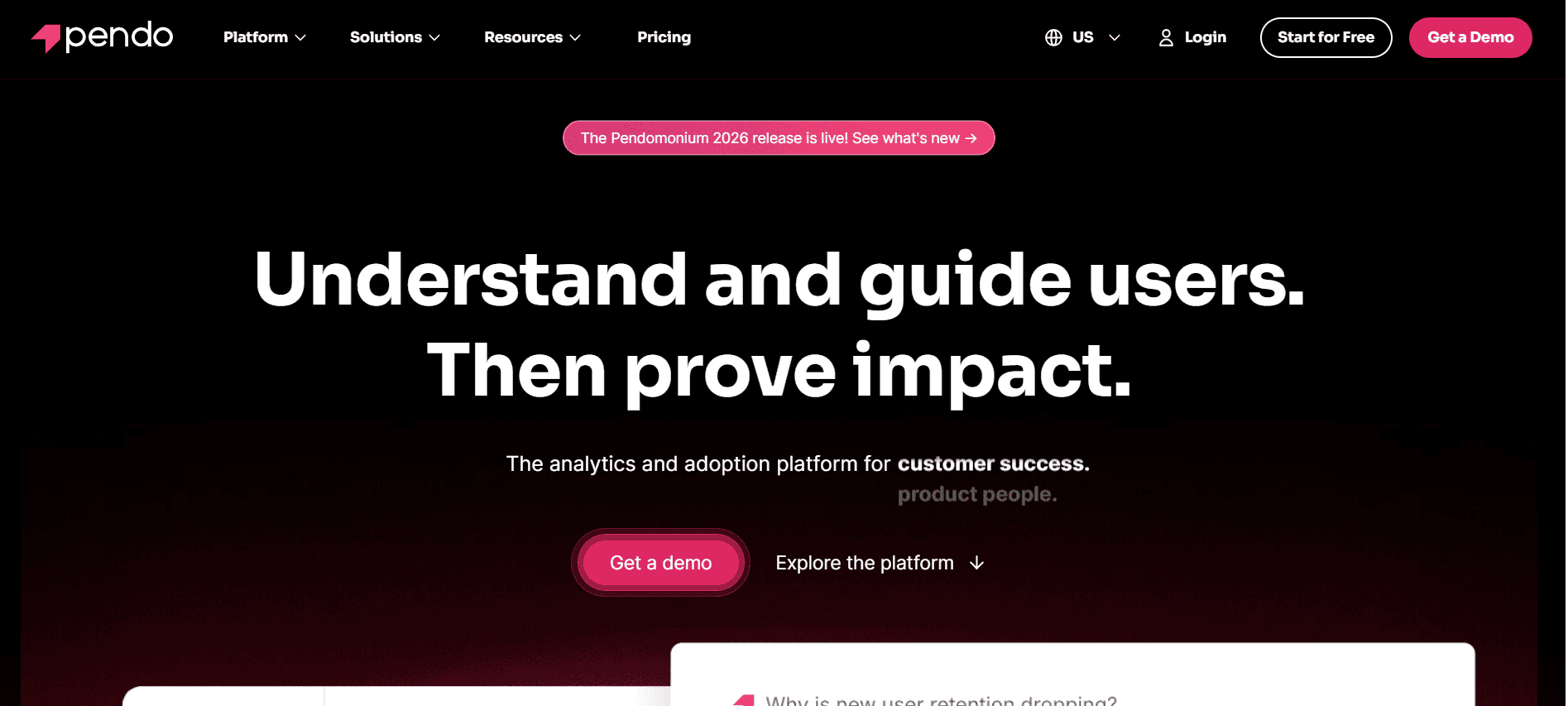
Pendo es una plataforma centrada en el usuario que se enfoca en mejorar las experiencias de producto y la incorporación. Es ideal para organizaciones que buscan ofrecer guía personalizada en la aplicación que mejora la participación de los usuarios. Pendo destaca por su analítica avanzada, que proporciona a los equipos información detallada sobre el comportamiento de los usuarios.
Funciones clave
Guía en la aplicación
Analítica avanzada
Recopilación de feedback de usuarios
Seguimiento de la adopción de funciones
Mensajería segmentada
Encuestas de usuario personalizables
Integraciones con los principales CRM
Incorporación self-serve
Ventajas
Desventajas
Analítica detallada del comportamiento del usuario.
Capacidades limitadas del portal del cliente.
Integración sólida con sistemas CRM.
Puede resultar costoso a medida que se amplían las funciones.
Herramientas eficaces de guía en la aplicación.
Requiere configuración técnica para funciones avanzadas.
Precio
Pendo ofrece un plan gratuito con funciones principales. Los planes de pago comienzan en $199 al mes para equipos pequeños.
UserPilot
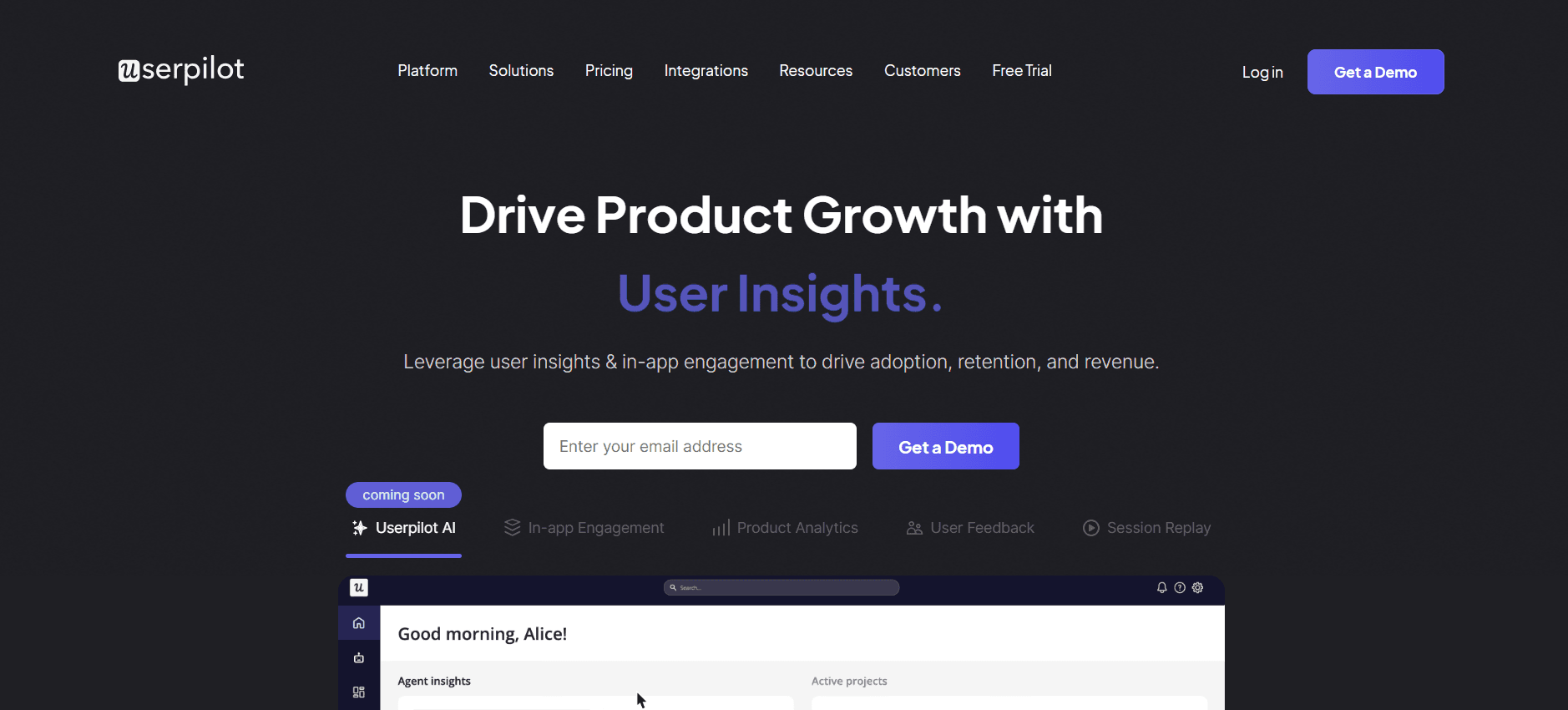
UserPilot está diseñado para equipos de producto que buscan mejorar la experiencia del usuario mediante flujos de incorporación personalizados. Es especialmente adecuado para empresas SaaS que necesitan guiar a los usuarios a través de funcionalidades complejas. UserPilot destaca por crear experiencias personalizadas sin requerir habilidades extensas de programación.
Funciones clave
Mensajería en la aplicación
Recorridos de producto personalizables
Segmentación conductual
Segmentación de usuarios
Recopilación de feedback
Perspectivas sobre la adopción de funciones
Personalización de HTML/CSS
Incorporación self-serve
Ventajas
Desventajas
Flujos de incorporación altamente personalizables.
Carece de una función de portal del cliente.
No se requiere programación para la configuración.
Opciones de integración limitadas.
Analítica sólida de adopción de funciones.
Puede resultar caro para startups.
Precio
UserPilot ofrece una prueba gratuita. Los planes de pago comienzan en $249 al mes para hasta 2.500 usuarios.
Appcues
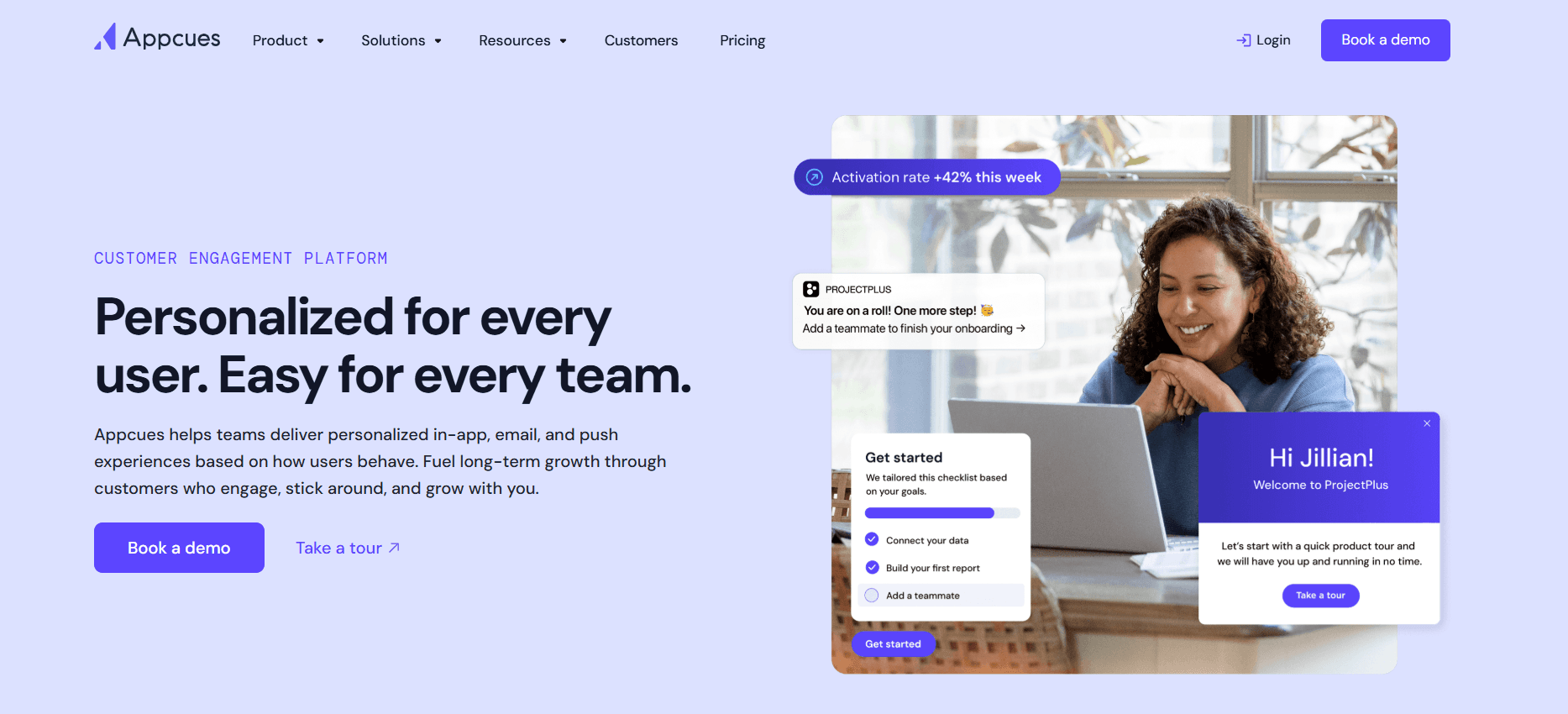
Appcues está diseñado para equipos que quieren crear experiencias de incorporación sin código directamente dentro de sus aplicaciones. Es una buena opción para empresas que priorizan la facilidad de uso y el despliegue rápido de funciones de incorporación. Appcues se diferencia por su editor de arrastrar y soltar, lo que lo hace accesible para equipos no técnicos.
Funciones clave
Constructor de incorporación sin código
Encuestas en la aplicación
Editor de arrastrar y soltar
Anuncios de funciones
Segmentación de usuarios
Panel de analítica
Soporte multilingüe
Soporte por correo y chat
Ventajas
Desventajas
Fácil de usar para usuarios no técnicos.
Analítica profunda limitada.
Despliegue rápido con herramientas sin código.
Mayor coste para funciones avanzadas.
Opciones flexibles de segmentación de usuarios.
Las opciones de integración pueden ser limitadas.
Precio
Appcues ofrece una prueba gratuita. Los planes de pago comienzan en $249 al mes.
Rocketlane
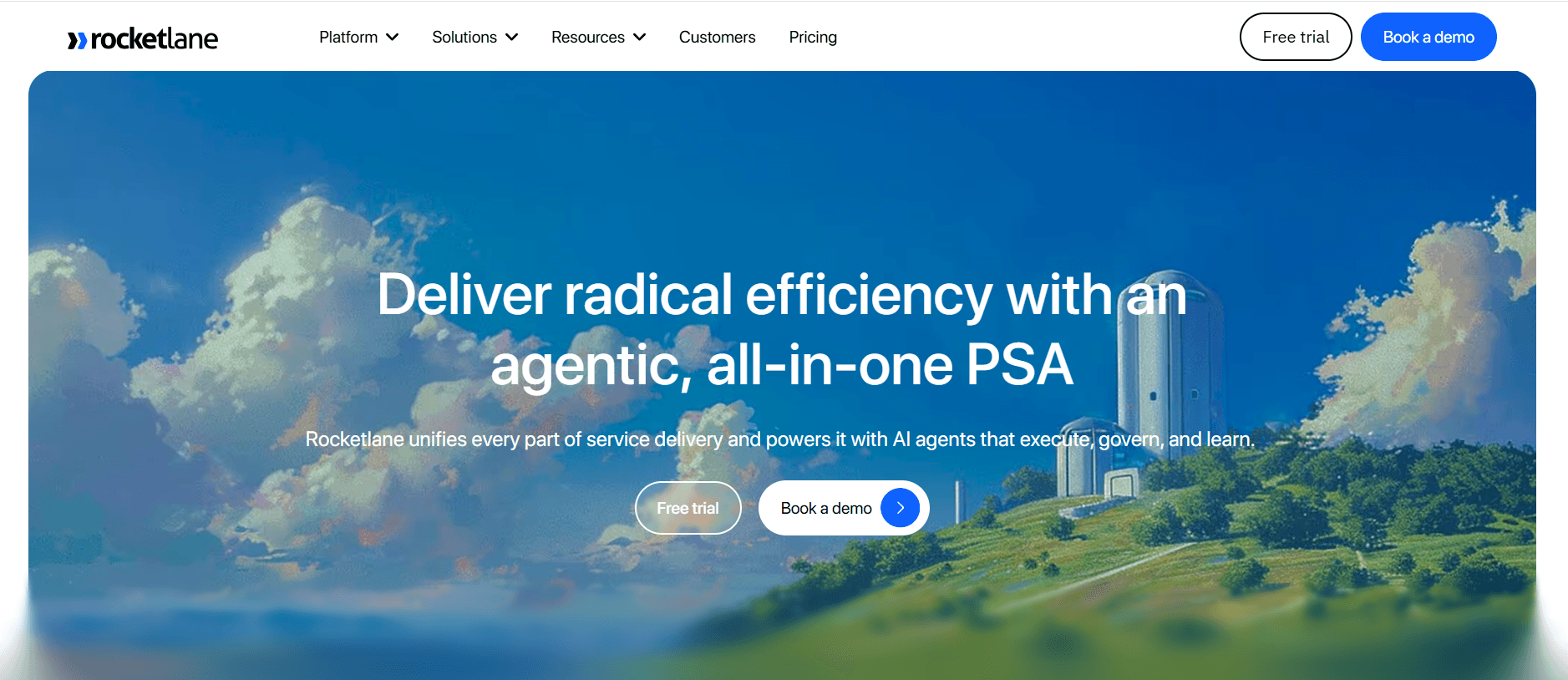
Rocketlane está diseñado específicamente para equipos de Customer Success que buscan optimizar la gestión de proyectos durante la fase de incorporación. Es ideal para equipos que necesitan automatización de tareas y seguimiento de hitos. Rocketlane destaca por sus funciones de colaboración en tiempo real, que facilitan una mejor comunicación entre equipos y clientes.
Funciones clave
Herramientas de gestión de proyectos
Colaboración en tiempo real
Automatización de tareas
Seguimiento de hitos
Portal del cliente
Comunicación del equipo
Gestión de recursos
Analítica e informes
Ventajas
Desventajas
La colaboración en tiempo real mejora la productividad.
Falta de herramientas de guía en la aplicación.
Funciones completas de gestión de proyectos.
Puede ser complejo para equipos pequeños.
Seguimiento eficaz de tareas y hitos.
Opciones de personalización limitadas.
Precio
Rocketlane ofrece un plan gratuito para equipos pequeños. Los planes de pago comienzan en $15 por usuario al mes.
Dock
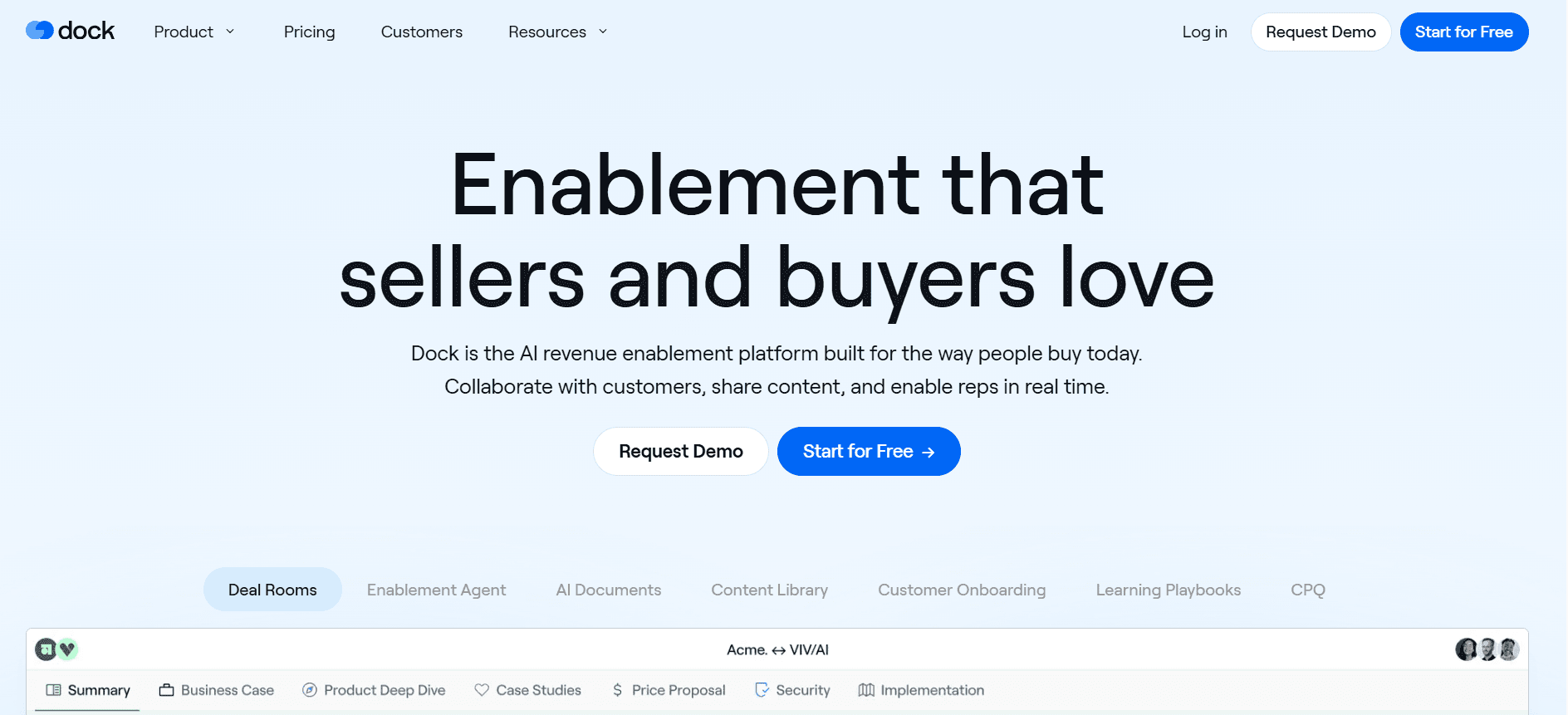
Dock está diseñado para empresas que necesitan una solución de portal para clientes sencilla pero eficaz. Está orientado a negocios que buscan mejorar las interacciones con los clientes y la transparencia durante el proceso de incorporación. Dock destaca especialmente por su capacidad para consolidar todas las comunicaciones y documentos de los clientes en un único lugar accesible.
Funciones clave
Portal orientado al cliente
Gestión de documentos
Espacios de trabajo colaborativos
Recordatorios automáticos de tareas
Opciones de marca personalizadas
Notificaciones por correo
Compartición de archivos
Analítica del panel
Ventajas
Desventajas
Configuración sencilla e interfaz fácil de usar.
Capacidades limitadas de guía en la aplicación.
Sistema eficaz de gestión de documentos.
Menos funciones de automatización.
Los espacios de trabajo colaborativos mejoran la interacción con el cliente.
Las opciones de integración son limitadas.
Precio
Dock ofrece un plan gratuito para funciones básicas. Los planes de pago comienzan en $29 al mes.
GuideCX
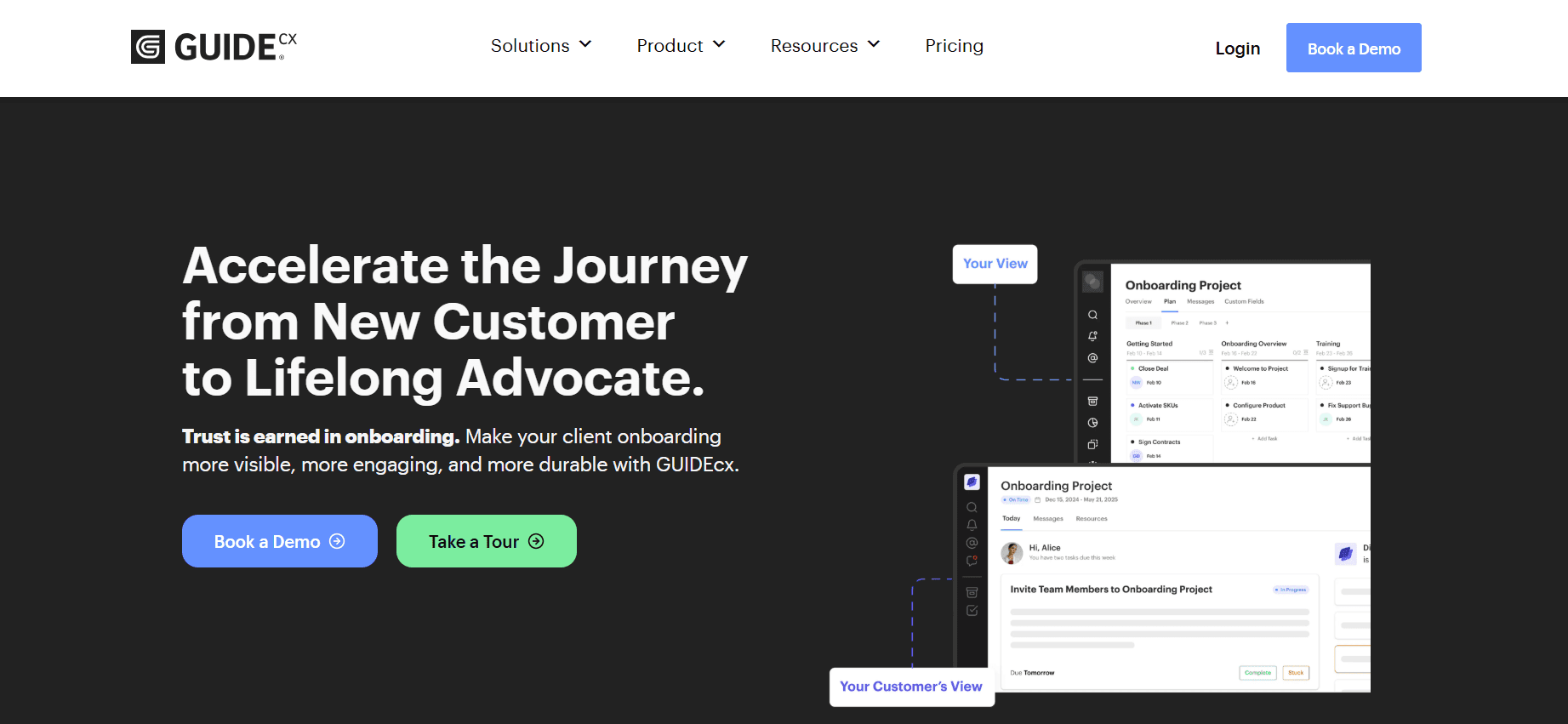
GuideCX es una plataforma de incorporación centrada en garantizar que los clientes superen con éxito cada paso del proceso. Es ideal para equipos que quieren mejorar la visibilidad y la rendición de cuentas durante la incorporación. GuideCX destaca por sus portales orientados al cliente y sus funciones de seguimiento del progreso.
Funciones clave
Portales del cliente
Plantillas de proyectos de incorporación
Asignación y seguimiento de tareas
Actualizaciones automáticas del progreso
Marca personalizable
Visualización de la línea de tiempo
Registros de interacción con el cliente
Integración con tickets de soporte
Ventajas
Desventajas
Los portales del cliente mejoran la visibilidad de la incorporación.
Puede resultar costoso para organizaciones más pequeñas.
Seguimiento eficaz de tareas y rendición de cuentas.
Configuración compleja para usuarios no técnicos.
Las actualizaciones automatizadas mantienen informados a los clientes.
Carece de funciones de analítica detallada.
Precio
GuideCX ofrece una prueba gratuita de 14 días. Los planes de pago comienzan en $300 al mes para hasta 50 proyectos.
Intercom
Intercom ofrece una plataforma de mensajería sólida que admite la incorporación mediante interacciones personalizadas. Es especialmente adecuada para empresas que priorizan el soporte al cliente y la participación. Las principales fortalezas de Intercom residen en su capacidad para integrar la comunicación con los clientes en distintos canales.
Funciones clave
Funcionalidad de chat en vivo
Mensajería automatizada
Segmentación de usuarios
Mensajería conductual
Integración con el Centro de ayuda
Bots personalizados
Calificación de leads
Integración con CRM
Ventajas
Desventajas
Herramienta eficaz de comunicación multicanal.
Funciones limitadas específicas para incorporación.
Integración sólida con CRM y soporte.
Puede resultar costosa a medida que aumenta el uso.
Capacidades avanzadas de segmentación de usuarios.
La complejidad puede abrumar a usuarios nuevos.
Precio
Intercom ofrece un plan inicial a $79 al mes. Los paquetes avanzados están disponibles con precios personalizados.
Retos de la incorporación de clientes: con qué luchan los equipos
Experiencia de incorporación inconsistente entre distintos responsables de CS
Distintos responsables de CS aplican procesos de incorporación variados.
Falta de plantillas y directrices de comunicación estandarizadas.
La mensajería inconsistente genera confusión en los clientes.
Dificultad para mantener una voz de marca coherente.
Los clientes no completan los pasos de incorporación sin recordatorios proactivos
A menudo, los clientes no tienen motivación para interactuar con los materiales de incorporación.
Ausencia de recordatorios y seguimientos automatizados.
Personalización insuficiente del recorrido de incorporación.
Alto riesgo de que los clientes se den de baja al principio del proceso.
El equipo de CS no tiene visibilidad de dónde se atascan clientes concretos
Seguimiento limitado del progreso del cliente y de los niveles de participación.
Capacidades de informes insuficientes para identificar cuellos de botella.
Dificultad para priorizar el soporte y las intervenciones.
La falta de datos en tiempo real dificulta una asistencia oportuna.
El equipo de CS no puede escalar su capacidad sin añadir personal
Los procesos manuales limitan la capacidad de gestionar más clientes.
Alta dependencia de miembros concretos del equipo para la incorporación.
El aumento de la carga de trabajo provoca agotamiento y errores.
La presión sobre los recursos dificulta el crecimiento del negocio y la escalabilidad.
Integración deficiente con el CRM existente y el sistema de tickets de soporte
Dificultad para sincronizar datos entre varias plataformas.
Aumento del esfuerzo de introducción manual de datos y de los errores.
Experiencias de cliente inconexas debido a sistemas aislados.
Dificultades para mantener una única fuente de verdad para la información del cliente.
Reto | Proceso tradicional | Impacto en el negocio | Coste de tiempo |
|---|---|---|---|
Experiencia de incorporación inconsistente | Prácticas de incorporación manuales y variadas | Confusión, menor satisfacción del cliente | 20-30 horas por responsable al mes |
Los clientes no completan la incorporación | Correos electrónicos y llamadas telefónicas para seguimientos | Altas tasas de rotación, ingresos perdidos | 15-25 horas por cliente al mes |
Sin visibilidad del progreso del cliente | Seguimiento con hojas de cálculo y actualizaciones manuales | Intervenciones tardías, oportunidades de venta adicional perdidas | 10-15 horas por cliente al mes |
Escalar sin personal | Contratar y formar nuevos responsables de CS | Aumento de nómina, incorporación de clientes más lenta | 40-50 horas al mes |
Integración deficiente con CRM | Sistemas separados para CRM y soporte | Silos de datos, poca información sobre el cliente | 30-40 horas al mes |
Funciones imprescindibles en herramientas de incorporación de clientes
Guía en la aplicación y recorridos de producto
La guía en la aplicación ofrece asistencia en tiempo real y recorridos directamente dentro del software, lo que garantiza que los usuarios puedan navegar las funciones de forma eficaz. Esta función es esencial para empresas SaaS con productos complejos, ya que reduce la dependencia del soporte al cliente. Herramientas como UserPilot y Appcues destacan por ofrecer recorridos de producto personalizables que no requieren habilidades de programación.
Al usar la guía en la aplicación, las empresas pueden ofrecer ayuda contextual, reduciendo la frustración del usuario y los tickets de soporte. También permite a los usuarios explorar y comprender las funciones del producto a su propio ritmo, mejorando la satisfacción del usuario y las tasas de adopción.
Portal de incorporación orientado al cliente
Un portal de incorporación orientado al cliente centraliza todas las actividades y recursos de incorporación, ofreciendo un único punto de interacción para los clientes. Esta función es especialmente útil para agencias y empresas que gestionan múltiples clientes. Dock y Rocketlane ofrecen portales sólidos que agilizan la comunicación y el intercambio de documentos.
Los portales mejoran la transparencia y la colaboración, permitiendo que los clientes sigan su progreso y accedan a los recursos necesarios en cualquier momento. Esto reduce el ir y venir por correo y mejora la experiencia general de incorporación al fomentar una sensación de colaboración y participación.
Recorridos en vídeo integrados en la plataforma
Los recorridos en vídeo ofrecen una forma atractiva de presentar las funciones del producto y los pasos de incorporación. Trupeer y Appcues integran el contenido de vídeo de forma fluida, brindando a los usuarios oportunidades de aprendizaje visual. Los vídeos pueden demostrar procesos complejos de forma más eficaz que las guías estáticas.
Al incorporar recorridos en vídeo, las empresas pueden adaptarse a preferencias de aprendizaje diversas, mejorando la retención y la comprensión de los usuarios. Además, estos vídeos pueden actualizarse con regularidad para reflejar cambios del producto, garantizando que los usuarios siempre tengan acceso a la información más reciente.
Seguimiento automatizado de tareas y hitos
El seguimiento automatizado de tareas y hitos ayuda a los equipos de CS a gestionar los proyectos de incorporación de clientes de forma eficiente. Rocketlane y GuideCX se especializan en automatizar estos procesos, lo que ahorra tiempo y garantiza la rendición de cuentas. El seguimiento automatizado reduce los errores manuales y garantiza que no se pase por alto ningún paso.
Con esta función, los equipos pueden centrarse en iniciativas estratégicas en lugar de tareas administrativas. También ofrece a los clientes una hoja de ruta clara de su recorrido de incorporación, aumentando la transparencia y la confianza en el proceso.
Analítica de participación y puntuación de salud
La analítica que supervisa la participación de los usuarios y las puntuaciones de salud ofrece información inestimable sobre el éxito de la incorporación de clientes. Trupeer y Pendo proporcionan paneles de analítica detallados que destacan los niveles de interacción y participación de los usuarios. Estas perspectivas ayudan a los equipos a identificar áreas de mejora e intervención.
Las puntuaciones de salud alertan a los equipos sobre posibles riesgos de rotación, lo que permite tomar medidas proactivas. Al aprovechar estas analíticas, las empresas pueden perfeccionar continuamente sus estrategias de incorporación para mejorar la satisfacción y la retención de los usuarios.
Cada una de estas funciones aborda retos específicos a los que se enfrentan durante la incorporación de clientes, lo que las convierte en imprescindibles para las empresas que buscan ofrecer experiencias excepcionales y fomentar el crecimiento. Seleccionar la combinación adecuada de estas funciones, adaptada a las necesidades de tu organización, garantizará un proceso de incorporación fluido y exitoso.
Cómo elegir plataformas de incorporación de clientes según tu caso de uso
Incorporación de producto self-serve para SaaS
Para las empresas SaaS que dependen de un modelo de incorporación self-serve, el objetivo es capacitar a los usuarios para que exploren y adopten el producto de forma independiente. Este enfoque es ideal para productos con una interfaz de usuario sencilla y una base de usuarios amplia. Permite a los usuarios registrarse, aprender y realizar la incorporación sin la intervención directa de un equipo de Customer Success.
Retos principales:
Garantizar que los usuarios comprendan funciones complejas.
Reducir el volumen de tickets de soporte.
Fomentar la participación del producto a largo plazo.
Soluciones necesarias:
Guía en la aplicación y recorridos de producto.
Recursos completos del centro de ayuda.
Correos de incorporación automatizados.
Herramienta | Guía en la aplicación | Centro de ayuda | Correos automatizados |
|---|---|---|---|
Pendo | Sí | No | Limitado |
UserPilot | Sí | Limitado | No |
Incorporación empresarial liderada por CSM
Las empresas enterprise a menudo requieren un modelo de incorporación liderado por un responsable de customer success (CSM) debido a funciones de producto complejas y a necesidades de implementación estratégica. Este modelo facilita experiencias de incorporación a medida y garantiza que los clientes grandes reciban la atención necesaria para integrar completamente el producto en sus sistemas.
Retos principales:
Coordinar múltiples partes interesadas.
Gestionar calendarios de incorporación extensos.
Garantizar la satisfacción del cliente y la adopción.
Soluciones necesarias:
Herramientas dedicadas de gestión de proyectos.
Funciones de colaboración en tiempo real.
Portales orientados al cliente para mejorar la transparencia.
Herramienta | Gestión de proyectos | Colaboración | Portal del cliente |
|---|---|---|---|
Rocketlane | Sí | Sí | Sí |
GuideCX | Sí | Limitado | Sí |
Incorporación de clientes para agencias
Las agencias gestionan múltiples clientes y proyectos, lo que exige un proceso de incorporación eficiente que pueda personalizarse y escalarse fácilmente. La plataforma de incorporación debe ofrecer herramientas colaborativas que ayuden a gestionar las interacciones con los clientes y los entregables de forma eficaz.
Retos principales:
Gestionar calendarios de múltiples clientes.
Mantener una comunicación clara.
Seguir entregables y plazos variados.
Soluciones necesarias:
Plantillas de proyectos personalizables.
Panel centralizado de comunicación con el cliente.
Actualizaciones de progreso automatizadas.
Herramienta | Plantillas | Comunicación | Actualizaciones de progreso |
|---|---|---|---|
Dock | Limitado | Sí | No |
Trupeer | Sí | Sí | Sí |
Habilitación para partners y revendedores
Para las empresas que buscan incorporar partners y revendedores, la clave es garantizar que los partners estén bien informados y equipados para vender y dar soporte al producto. Esto a menudo implica sesiones de formación, intercambio de recursos y soporte continuo.
Retos principales:
Ofrecer materiales de formación coherentes.
Hacer seguimiento de la participación y el rendimiento de los partners.
Proporcionar acceso fácil a los recursos necesarios.
Soluciones necesarias:
Sistemas integrados de gestión del aprendizaje (LMS).
Seguimiento del rendimiento y analítica.
Bibliotecas de recursos y documentación.
Herramienta | Integración con LMS | Seguimiento del rendimiento | Bibliotecas de recursos |
|---|---|---|---|
Appcues | No | Sí | Limitado |
Intercom | Limitado | Sí | Sí |
Buenas prácticas para la incorporación de clientes
Antes de la incorporación
Define objetivos y metas claros para el proceso de incorporación.
Desarrolla una lista de comprobación y plantillas de incorporación estandarizadas.
Segmenta a los clientes para adaptar las experiencias de incorporación de forma eficaz.
Prepara con antelación las herramientas y las integraciones necesarias.
Forma al equipo en la plataforma de incorporación y en los procesos.
Durante la incorporación
Mantén una comunicación regular con los clientes a través de varios canales.
Supervisa el progreso del cliente y la participación mediante herramientas de analítica.
Ofrece soporte y recursos a tiempo cuando sea necesario.
Fomenta el feedback para perfeccionar el proceso de incorporación.
Ajusta las estrategias de incorporación en función del feedback de los clientes y la analítica.
Después de la incorporación
Realiza una revisión posterior a la incorporación con el cliente para recopilar feedback.
Documenta las lecciones aprendidas para mejorar las futuras sesiones de incorporación.
Ofrece soporte y recursos continuos para garantizar el éxito sostenido.
Evalúa la eficacia de las herramientas de incorporación y realiza ajustes.
Configura revisiones periódicas para mantener la participación y la satisfacción del cliente.
Preguntas frecuentes
¿Qué es la incorporación de clientes?
La incorporación de clientes es el proceso de dar la bienvenida a clientes nuevos y ayudarles a comprender y utilizar tu producto o servicio de forma eficaz. Incluye configurar al cliente, proporcionar la formación necesaria y asegurarse de que se sienta cómodo y satisfecho con el producto o servicio.
¿Por qué es importante la incorporación de clientes?
Una incorporación de clientes eficaz reduce la rotación, aumenta la satisfacción del cliente y mejora la participación a largo plazo. Garantiza que los clientes comprendan el valor de tu producto o servicio, lo que se traduce en mayores tasas de retención y, potencialmente, más ingresos.
¿Puedo integrar las herramientas de incorporación con mi CRM existente?
Sí, muchas plataformas modernas de incorporación ofrecen integraciones con sistemas CRM populares. Esta integración ayuda a mantener un flujo fluido de información entre los procesos de incorporación de clientes y la gestión de relaciones con clientes, proporcionando una visión unificada de los datos del cliente.
¿Qué tipos de analítica debo esperar de las herramientas de incorporación?
Las plataformas de incorporación suelen ofrecer analítica sobre la participación del cliente, las tasas de finalización de tareas y las métricas de adopción de usuarios. Estas perspectivas ayudan a identificar áreas en las que los clientes pueden tener dificultades y te permiten realizar mejoras basadas en datos en el proceso de incorporación.
¿Cuánto suelen costar las plataformas de incorporación?
El coste de las plataformas de incorporación varía ampliamente según las funciones y la escala. Los planes de entrada pueden empezar desde $15 por usuario al mes, mientras que las soluciones más completas pueden costar más de $300 al mes, dependiendo del número de usuarios y de las funciones adicionales.
¿Hay herramientas de incorporación gratuitas disponibles?
Sí, algunas plataformas de incorporación ofrecen planes gratuitos o pruebas con funciones limitadas. Pueden ser una excelente forma de probar las capacidades de la plataforma antes de comprometerte con un plan de pago, especialmente para equipos pequeños o startups.
¿Cuánto tiempo se tarda en implementar una plataforma de incorporación de clientes?
El tiempo de implementación puede variar según la complejidad de la plataforma y la infraestructura existente. En general, puede tardar desde unos días hasta unas semanas en configurarse, probarse e integrarse completamente una plataforma de incorporación en tus sistemas actuales.
¿Qué soporte hay disponible durante el proceso de implementación?
La mayoría de los proveedores de plataformas de incorporación ofrecen soporte durante el proceso de implementación, incluyendo guías de configuración, especialistas de incorporación y soporte técnico. El acceso a estos recursos puede garantizar una transición fluida y eficiente al uso de la nueva plataforma.
Cierre
Elegir la plataforma de incorporación de clientes adecuada puede transformar tus esfuerzos de Customer Success, llevando a una mejora de la satisfacción y la retención. Al comprender tus necesidades específicas y los puntos fuertes de cada herramienta, puedes seleccionar una plataforma que se alinee con los objetivos de tu negocio y mejore tu proceso de incorporación.
Explora las soluciones integrales de incorporación de Trupeer para ver cómo pueden encajar con las necesidades de tu empresa. Visita Trupeer.ai para saber más y empezar a optimizar hoy mismo tu recorrido de incorporación de clientes.



