Trupeer Blog
Zusammenfassen

Die Wahl der richtigen Software für das Customer Onboarding ist entscheidend für jedes Unternehmen, das konsistente Erlebnisse bieten und die Abwanderungsrate senken möchte. Der Druck ist hoch: Laut dem Bericht „Rocketlane State of Customer Onboarding 2024“ investieren inzwischen 60% der Unternehmen in eigene Funktionen für das Customer Onboarding. Eine unzureichende Plattform kann zu ungleichmäßigen Customer Journeys, einer erhöhten frühen Abwanderung und einer überlasteten Customer-Success-Organisation führen, die Nutzer im Prozess manuell anleitet.
Dieser Leitfaden behandelt die besten Customer-Onboarding-Softwarelösungen, die 2026 verfügbar sind, und hebt ihre Stärken und Grenzen hervor. Er richtet sich an Führungskräfte, Customer-Success-Manager und operative Teams, die Onboarding-Prozesse effektiv und effizient optimieren möchten. Ein reibungsloser Onboarding-Prozess ist Change Management im Kleinen; derselbe change management process gilt, sobald Sie etwas Neues bei Menschen einführen.
60% der Unternehmen investieren inzwischen in eigene Funktionen für das Customer Onboarding.
Beste Customer- & Client-Onboarding-Plattformen: Direkter Vergleich
Funktion | Trupeer | Pendo | UserPilot | Appcues | Rocketlane | Dock | GuideCX | Intercom |
|---|---|---|---|---|---|---|---|---|
In-App-Anleitung | Ja | Ja | Ja | Ja | Nein | Eingeschränkt | Nein | Ja |
Client-Portal | Ja | Nein | Nein | Nein | Ja | Ja | Ja | Nein |
Video-Content | Ja | Eingeschränkt | Ja | Eingeschränkt | Ja | Nein | Nein | Eingeschränkt |
Task-Automatisierung | Ja | Ja | Ja | Eingeschränkt | Ja | Nein | Ja | Ja |
Progress-Analytics | Ja | Ja | Eingeschränkt | Ja | Ja | Eingeschränkt | Ja | Ja |
E-Mail-Sequenzen | Ja | Ja | Nein | Nein | Ja | Eingeschränkt | Ja | Ja |
CRM-Integration | Ja | Ja | Ja | Ja | Ja | Ja | Ja | Ja |
White-Label | Ja | Nein | Ja | Ja | Ja | Ja | Nein | Nein |
Self-serve Onboarding | Ja | Ja | Ja | Ja | Eingeschränkt | Eingeschränkt | Ja | Ja |
Trupeer

Trupeer ist für Unternehmen konzipiert, die nahtlose und personalisierte Onboarding-Erlebnisse bieten möchten. Es richtet sich an Unternehmen jeder Größe und bietet ein leistungsstarkes Set an Funktionen, das den Onboarding-Prozess vereinfacht. Trupeer sticht besonders durch umfangreiche Client-Portale und hohe Anpassbarkeit hervor, wodurch es ideal für Unternehmen ist, die maßgeschneiderte Onboarding-Workflows benötigen, um spezifische Anforderungen ihrer Kunden zu erfüllen. Allerdings ist es möglicherweise nicht die perfekte Wahl für alle, die nach der einfachsten Lösung suchen, da die umfangreichen Funktionen für kleinere Teams überwältigend sein können.
Wichtige Funktionen
In-App-Anleitung
Anpassbare Client-Portale
Task-Automatisierung
Progress-Analytics
E-Mail-Sequenz-Management
CRM-Integration
White-Label-Optionen
Self-serve Onboarding
„Trupeer hat unseren Onboarding-Prozess verändert – effizienter und benutzerfreundlicher.“
Vorteile
Nachteile
Sehr anpassbare Client-Portale.
Die Einrichtung kann anfangs komplex sein.
Umfassende Analytics und Reporting.
Kann für kleine Startups kostenintensiv sein.
Unterstützt eine Vielzahl von Integrationen.
Erfordert Schulungen für die optimale Nutzung.
Preisgestaltung
Kostenloser Tarif verfügbar. Bezahlte Pläne starten bei 49 $ pro Monat.
Pendo
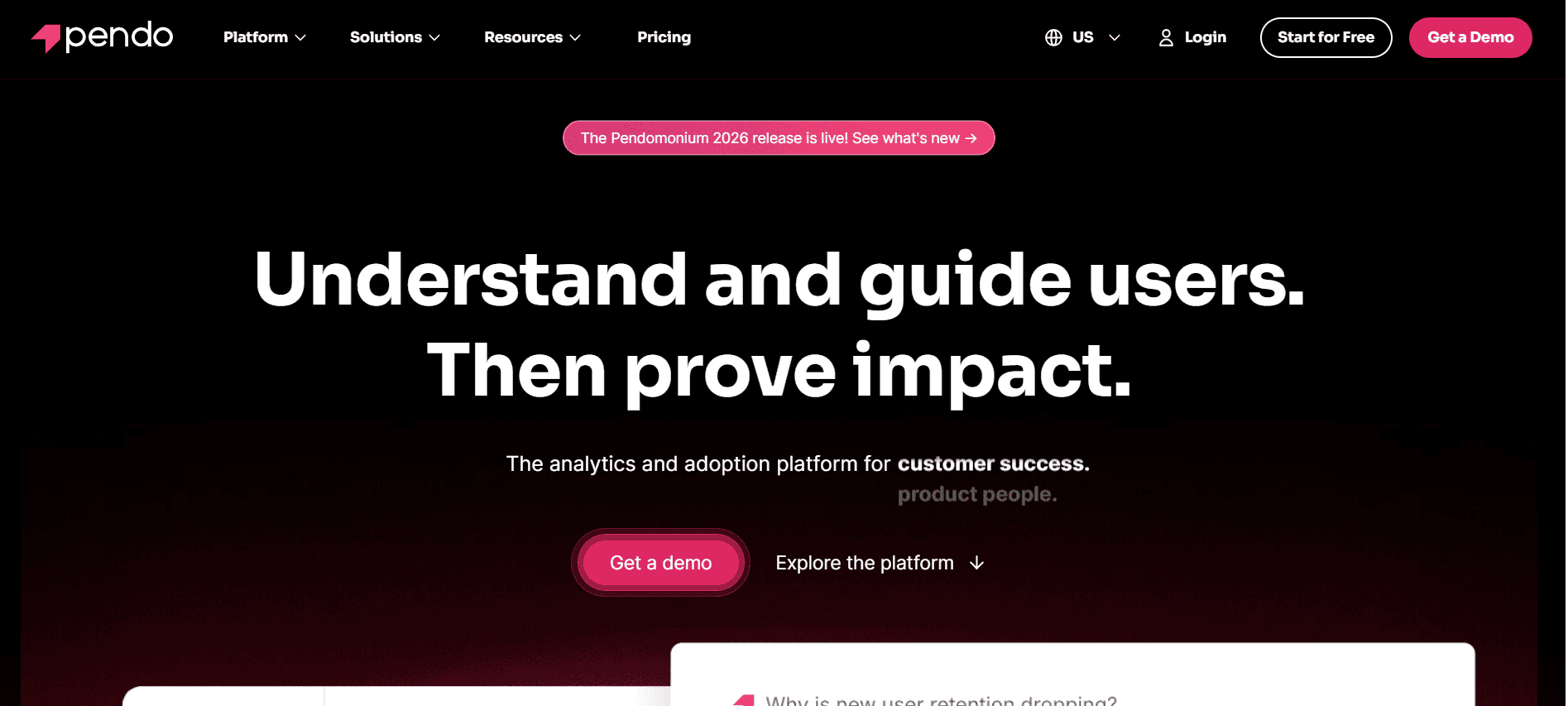
Pendo ist ein leistungsstarkes Tool, das sich vor allem an Product Manager richtet, die das Nutzerengagement mithilfe detaillierter In-App-Insights und Analytics verbessern möchten. Es glänzt besonders bei der Bereitstellung von In-App-Anleitungen und Echtzeit-Feedback für Nutzer – und ist damit eine gute Wahl für SaaS-Unternehmen, die die User Experience direkt in ihren Anwendungen verbessern möchten. Allerdings fehlen bei Pendo einige clientseitige Funktionen wie anpassbare Client-Portale, und es eignet sich weniger für Unternehmen, die umfassende Onboarding-Lösungen außerhalb ihrer Anwendungen benötigen.
Wichtige Funktionen
In-App-Anleitung und Messaging
Erfassung von Nutzer-Feedback
Analytics zur Produktnutzung
Segmentiertes Targeting
Zielverfolgung
Echtzeit-Insights
CRM-Integration
Vorteile
Nachteile
Starke Funktionen für In-App-Anleitungen.
Kein Client-Portal verfügbar.
Detaillierte Analytics zur Produktnutzung.
Eingeschränkte Funktionen für externes Onboarding.
Exzellente Tools für Nutzer-Feedback.
Höhere Kosten im Vergleich zu ähnlichen Tools.
Preisgestaltung
Die Preisgestaltung beginnt bei 2000 $ pro Jahr, jährlich abgerechnet.
UserPilot
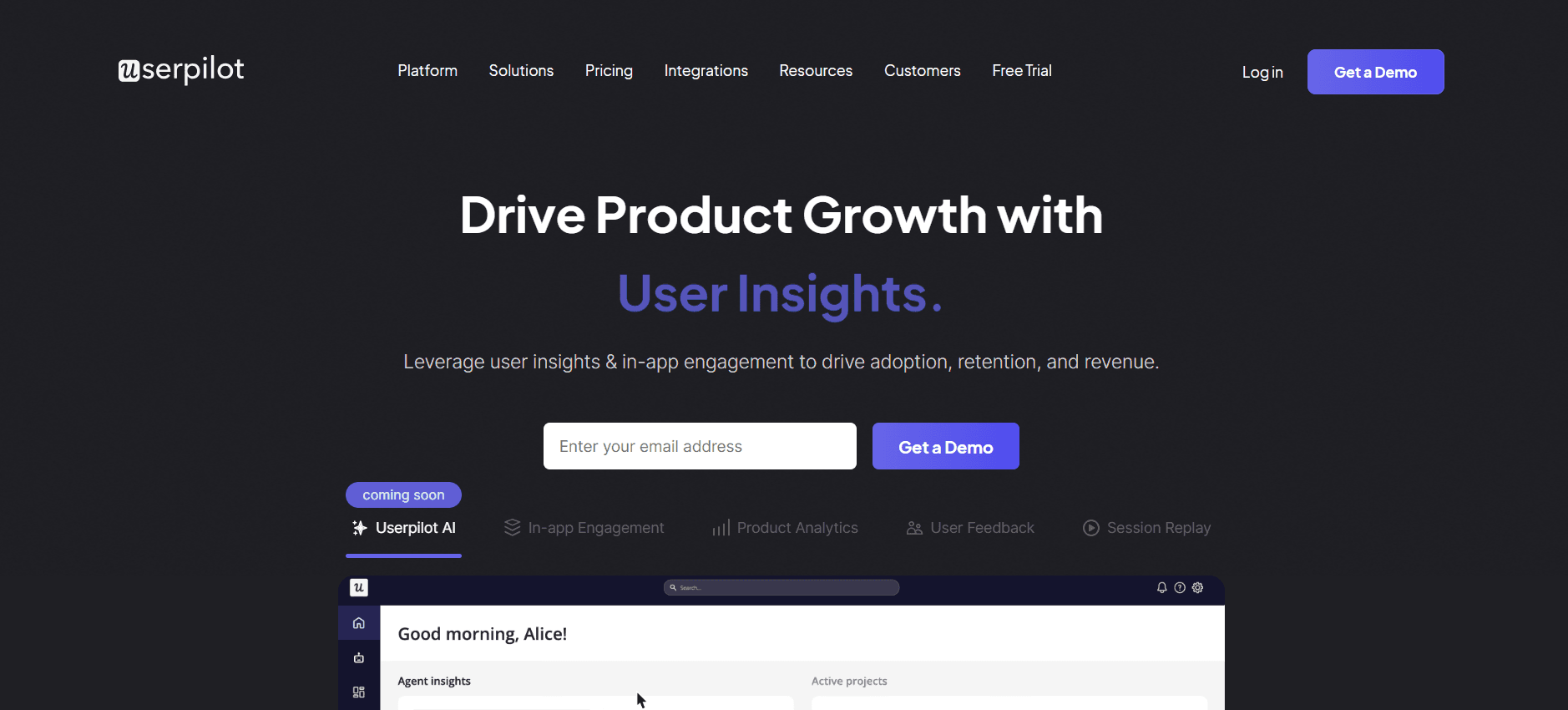
UserPilot ist auf Teams zugeschnitten, die die Nutzerakzeptanz durch stark personalisierte Onboarding-Erlebnisse verbessern möchten. Es ist ideal für Product Manager und Marketer, die ansprechende In-App-Erlebnisse gestalten möchten, ohne umfangreiche Programmierkenntnisse zu benötigen. Die Stärke von UserPilot liegt in der Fähigkeit, kontextbezogene Anleitungen und Nutzersegmentierung bereitzustellen – möglicherweise ist es jedoch weniger effektiv für Teams, die umfassende Funktionen für Task-Automatisierung und Reporting suchen.
Wichtige Funktionen
In-App-Anleitung
Nutzersegmentierung
Personalisierte Onboarding-Flows
Behaviorales Targeting
Erfassung von Feedback
Anpassung des Erlebnisses
Vorteile
Nachteile
Keine-Code-Anpassungsmöglichkeiten.
Eingeschränkte Reporting-Funktionen.
Sehr personalisierte Nutzererlebnisse.
Fehlende umfassende Task-Automatisierung.
Effektive Nutzersegmentierung und Targeting.
Eingeschränktes E-Mail-Sequenz-Management.
Preisgestaltung
Startet bei 249 $ pro Monat, eine 14-tägige kostenlose Testversion ist verfügbar.
Appcues
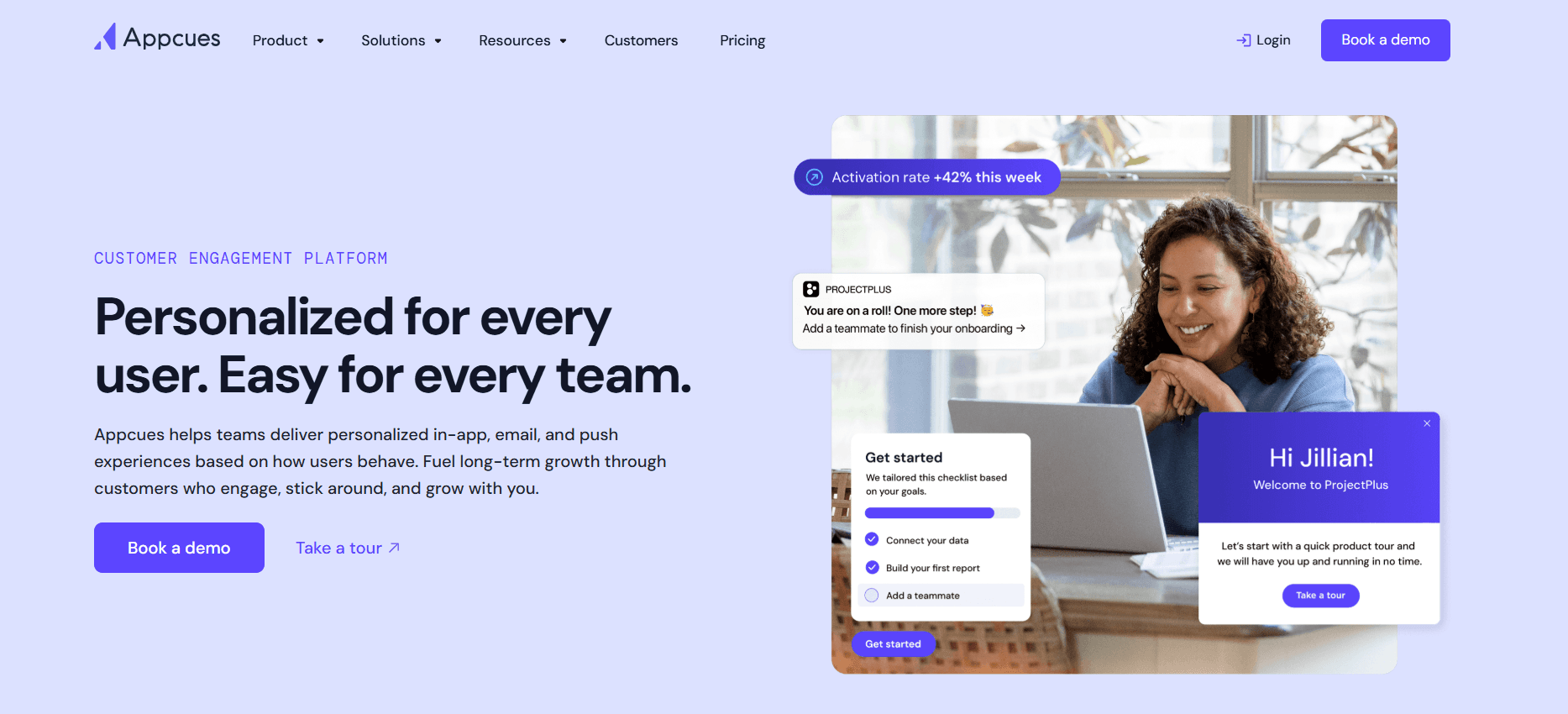
Appcues ist für Product Teams konzipiert, die intuitive und ansprechende Nutzer-Onboarding-Erlebnisse erstellen müssen. Appcues ist vor allem für seine einfache Bedienung bekannt: Teams können Produkt-Touren ohne Code erstellen und ausrollen, wodurch es auch für nicht-technische Teams zugänglich ist. Während Appcues besonders stark darin ist, In-App-Flows zu erstellen, werden die Grenzen deutlich, sobald externes, clientseitiges Onboarding erforderlich ist, da umfassende Client-Portal-Funktionen fehlen.
Wichtige Funktionen
No-Code-Produkt-Touren
In-App-Nachrichten
Gezielte Nutzererlebnisse
Behavioral Analytics
Erfassung von Feedback
Integrationen mit wichtigen CRMs
Anpassbare Vorlagen
Vorteile
Nachteile
Einfach zu bedienender No-Code-Builder.
Eingeschränkte Client-Portal-Funktionen.
Wirksam für In-App-User-Engagement.
Höhere Lernkurve bei komplexen Setups.
Starke Integrationsoptionen.
Eingeschränkte Lösungen für externes Onboarding.
Preisgestaltung
Ab 249 $ pro Monat, mit verfügbaren individuellen Enterprise-Lösungen.
Rocketlane
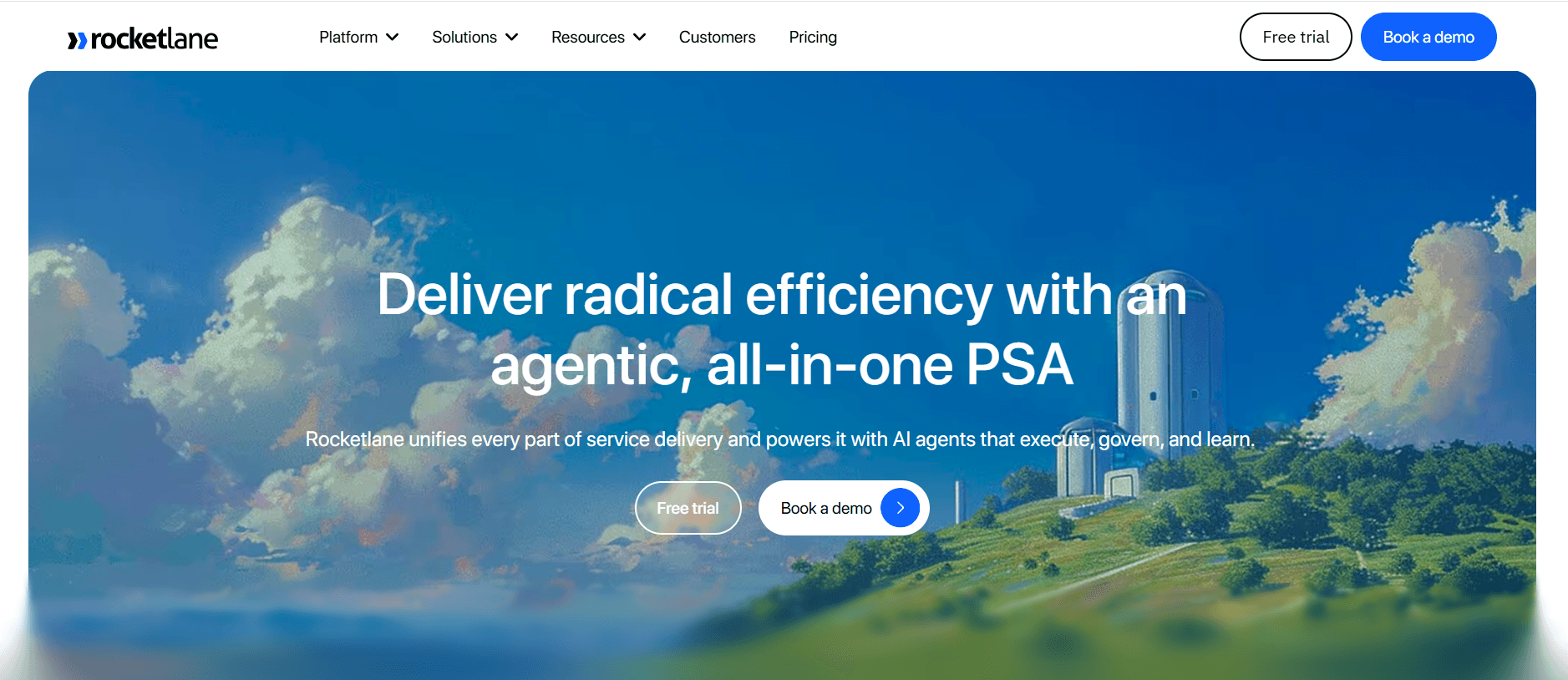
Rocketlane ist ideal für Customer-Success-Teams und Projektmanager, die eine umfassende Onboarding-Lösung suchen, die sowohl interne als auch externe, clientseitige Funktionen umfasst. Es bietet leistungsstarke Projektmanagement-Tools und Client-Portale, die den Onboarding-Prozess vereinfachen. Während Rocketlane besonders bei Onboarding im Projektstil überzeugt, ist es möglicherweise nicht die beste Wahl für Teams, die starke Funktionen für In-App-Anleitungen benötigen.
Wichtige Funktionen
Client-Portale
Projektmanagement-Tools
Task-Automatisierung
Progress Tracking
Kooperative Funktionen
Anpassbare Workflows
CRM-Integrationen
Vorteile
Nachteile
Umfassende Funktionen für das Projektmanagement.
Eingeschränkte Tools für In-App-Anleitungen.
Starke Fähigkeiten für Client-Portale.
Erfordert Schulungen für eine effektive Nutzung.
Effektive Task-Automatisierung.
Kann für kleine Teams überdimensioniert sein.
Preisgestaltung
Kostenloser Tarif verfügbar. Bezahlte Pläne starten bei 19 $ pro Nutzer und Monat.
Dock
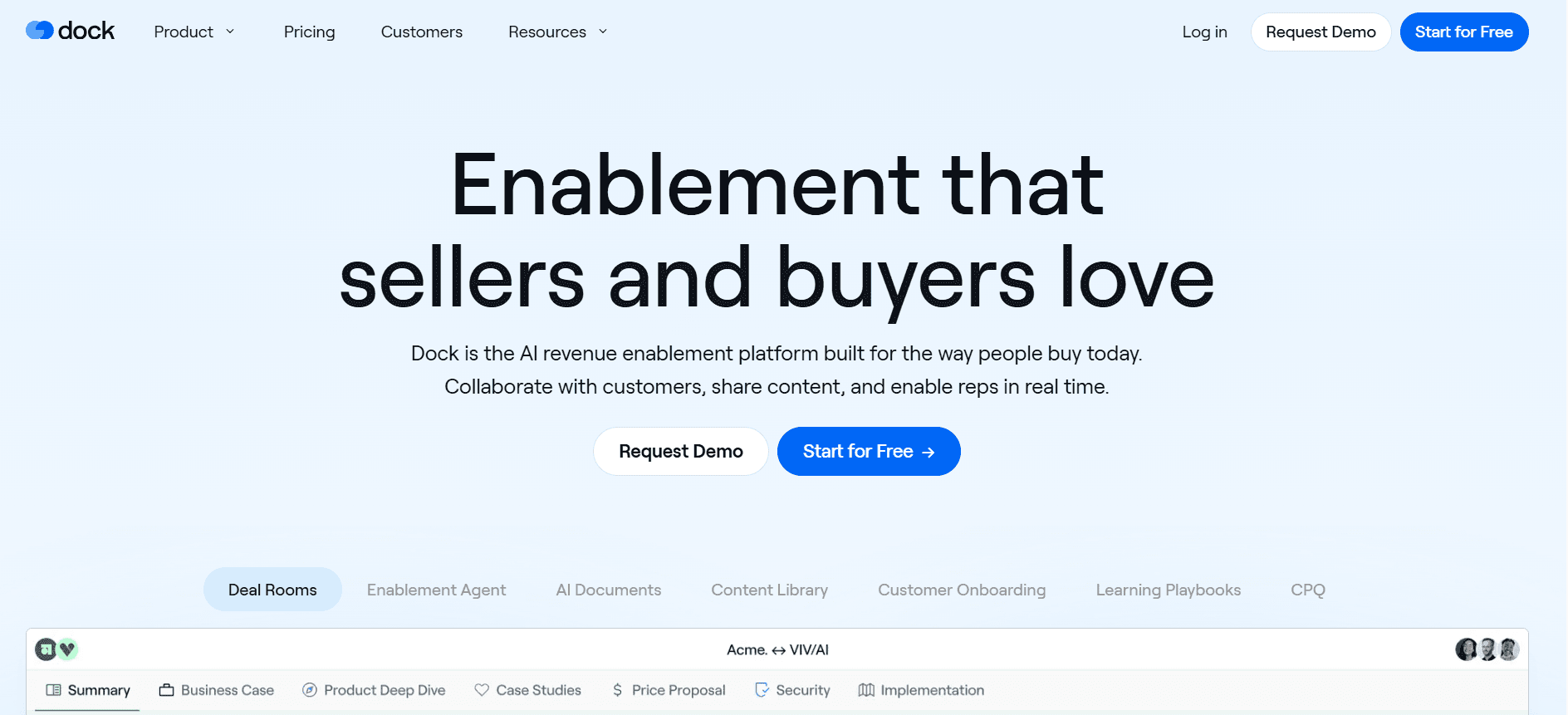
Dock ist eine unkomplizierte Onboarding-Lösung mit Fokus auf clientseitige Aktivitäten. Sie ist ideal für Teams, die klare, präzise Onboarding-Journeys über Client-Portale bereitstellen müssen. Während Dock besonders durch seine Einfachheit und Benutzerfreundlichkeit überzeugt, erfüllt es möglicherweise nicht die Anforderungen von Organisationen, die fortschrittliche Funktionen für In-App-Anleitungen oder detaillierte Analytics benötigen.
Wichtige Funktionen
Client-Portale
Task-Tracking
Vereinfachte Onboarding-Flows
Basis-Reporting
Einfache Einrichtung
E-Mail-Benachrichtigungen
Vorteile
Nachteile
Sehr benutzerfreundliche Oberfläche.
Fehlende fortschrittliche Analytics.
Effektive Funktionen für Client-Portale.
Eingeschränkte In-App-Anleitung.
Schnelle Einrichtung und Bereitstellung.
Nicht geeignet für komplexe Workflows.
Preisgestaltung
Kostenloser Plan verfügbar. Bezahlte Optionen starten bei 15 $ pro Nutzer und Monat.
GuideCX
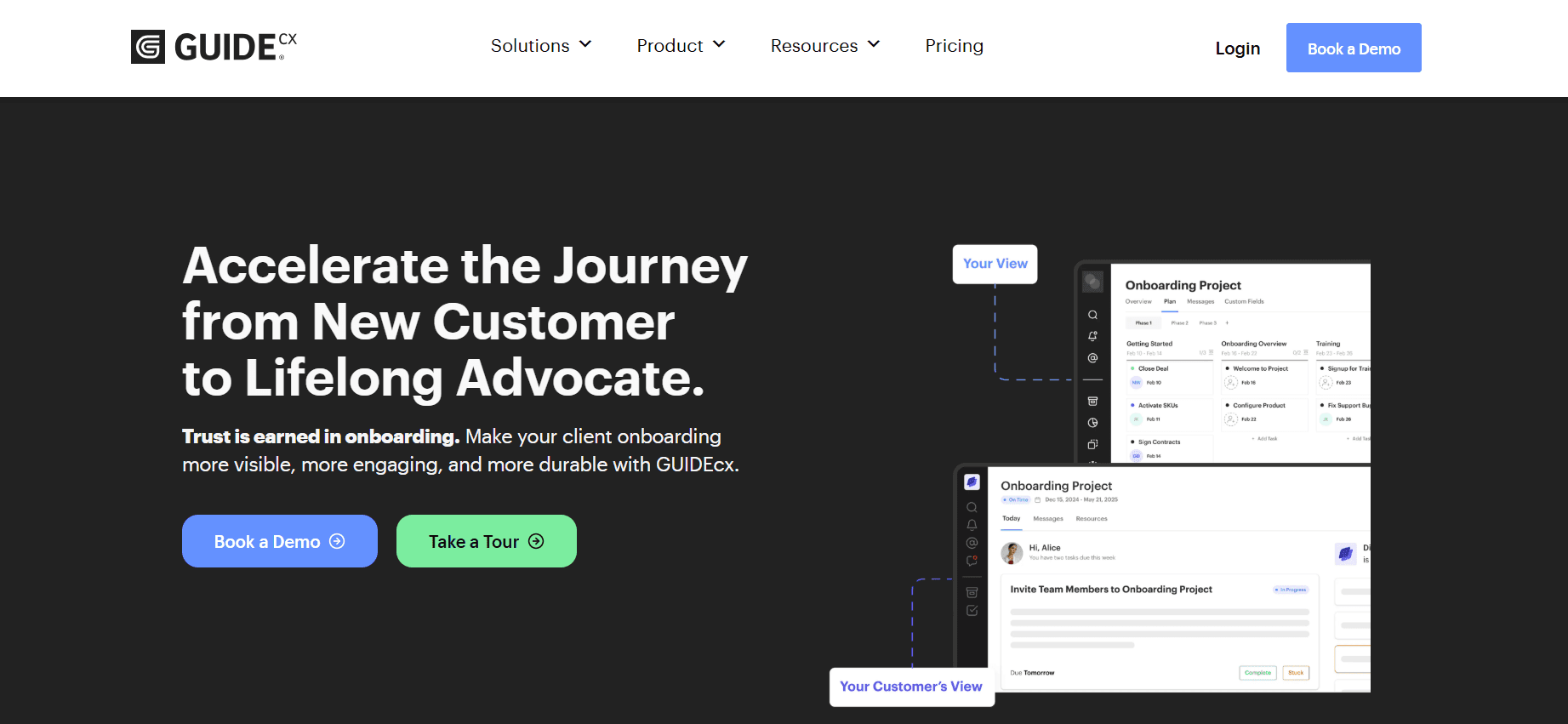
GuideCX ist für Teams konzipiert, die eine starke kollaborative Plattform benötigen, um Customer-Onboarding-Projekte effektiv zu verwalten. Es ist ideal für Organisationen, die ihre Kunden mit transparenten Fortschritts-Updates auf dem Laufenden halten müssen. Besonders für Projektmanager ist GuideCX hilfreich – möglicherweise ist es jedoch nicht die beste Wahl für diejenigen, die umfangreiche Funktionen für In-App-Anleitungen benötigen.
Wichtige Funktionen
Kollaborative Client-Portale
Progress Tracking
Automatisiertes Task-Management
Echtzeit-Updates
Anpassbare Dashboards
CRM- und Kalender-Integrationen
Vorteile
Nachteile
Starke Kollaborationsfunktionen.
Keine In-App-Anleitung verfügbar.
Transparente Fortschrittsverfolgung.
Eingeschränkte Analyseoptionen.
Exzellent für die Kommunikation mit Kunden.
Besser geeignet für größere Teams.
Preisgestaltung
Pläne starten bei 300 $ pro Monat, eine Demo ist auf Anfrage verfügbar.
Intercom
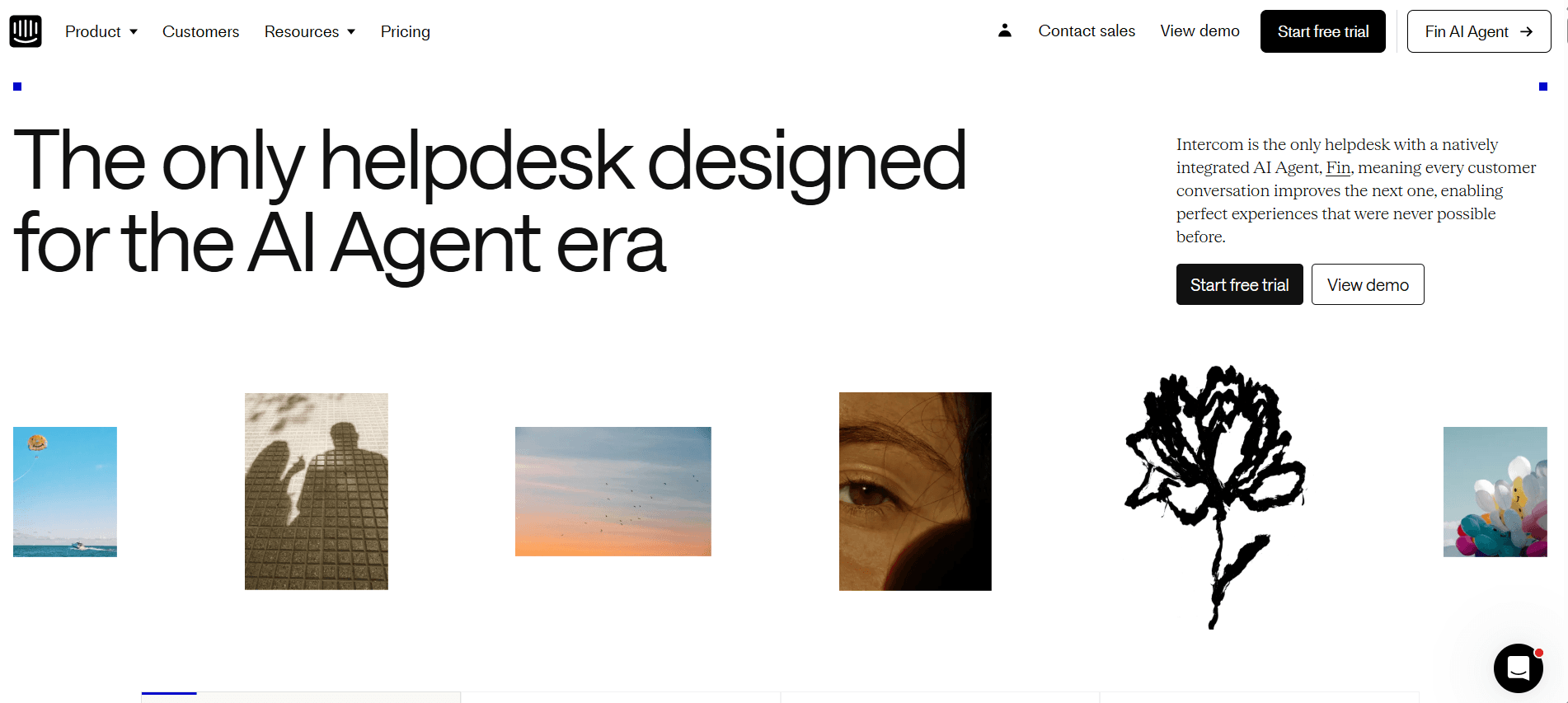
Intercom ist eine vielseitige Plattform, die besonders stark in Customer Messaging und Engagement ist. Sie eignet sich gut für Teams, die die Echtzeit-Kommunikation mit Kunden verbessern möchten. Intercom ist besonders hilfreich für SaaS-Unternehmen, die Nutzerinteraktionen mithilfe seines umfassenden Messaging-Sets verbessern wollen. Allerdings bietet es möglicherweise nicht die volle Bandbreite an Onboarding-Funktionen, die in spezialisierten Onboarding-Plattformen verfügbar sind.
Wichtige Funktionen
Customer Messaging
Live-Chat
In-App-Messaging
Nutzersegmentierung
Individuelle Bots
CRM- und Help-Desk-Integration
Vorteile
Nachteile
Starke Messaging-Funktionen.
Höhere Kosten für erweiterte Funktionen.
Exzellente Nutzersegmentierung.
Nicht auf Onboarding fokussiert.
Umfassende Integrationen.
Lernkurve für neue Nutzer.
Preisgestaltung
Startet bei 39 $ pro Monat, mit verfügbaren erweiterten Plänen.
Herausforderungen beim Customer Onboarding: Womit Teams zu kämpfen haben
Unterschiedliche Onboarding-Erfahrung über verschiedene CS-Mitarbeiter hinweg
Jede Person im Customer Success hat ihren eigenen Stil, was zu unterschiedlichen Customer Experiences führt.
Fehlende standardisierte Prozesse führen zu einer ungleichmäßigen Servicequalität.
Kunden erhalten je nach Mitarbeiter möglicherweise unterschiedliche Informationen oder Anleitungen.
Unterschiedliche Erfahrungen können bei Kunden zu Verwirrung und Unzufriedenheit führen.
Kunden schließen Onboarding-Schritte nicht ohne proaktive Impulse ab
Kunden brechen Onboarding-Schritte häufig ohne regelmäßige Nachfassaktionen ab.
Proaktive Kommunikation fehlt, wodurch sich die Fertigstellung des Onboardings verzögert.
Kunden vergessen möglicherweise, notwendige Aufgaben ohne Erinnerungen abzuschließen.
Unvollständiges Onboarding kann dazu führen, dass Kunden die Funktionen des Produkts nicht vollständig nutzen.
Das CS-Team hat keine Transparenz darüber, wo einzelne Kunden feststecken
Ohne klare Einblicke fällt es CS-Teams schwer, Engpässe im Onboarding-Prozess zu erkennen.
Fehlende Transparenz verhindert gezielte Eingriffe, um Kunden effektiv zu unterstützen.
Kunden fühlen sich möglicherweise vernachlässigt, wenn ihre Probleme nicht zeitnah adressiert werden.
Verzögerte Problemlösungen können zu Frustration bei Kunden und potenzieller Abwanderung führen.
Das CS-Team kann seine Kapazität nicht skalieren, ohne zusätzliches Personal einzustellen
Manuelle Prozesse begrenzen die Anzahl der Kunden, die ein CS-Team effizient betreuen kann.
Beim Skalieren sind häufig zusätzliche Mitarbeitende erforderlich, was die Kosten erhöht.
Teams können Schwierigkeiten haben, die Qualität aufrechtzuerhalten, während sie wachsen – das führt zu Burnout.
Das Automatisieren routinemäßiger Aufgaben schafft zwar Zeit, erfordert aber die richtigen Tools.
Schwache Integration mit bestehendem CRM und Ticketing
Unverbundene Systeme führen zu doppeltem Aufwand und Daten-Silos.
Integrationen sind oft komplex und erfordern erhebliche IT-Ressourcen.
Dateninkonsistenzen können zu fehlgeleiteten Entscheidungen und Strategien führen.
Eine schlechte Integration verhindert ein nahtloses Kundenerlebnis.
Herausforderung | Traditioneller Prozess | Business-Auswirkung | Zeitaufwand |
|---|---|---|---|
Unterschiedliches Onboarding | Manuell und variierend | Kundenverwirrung, Unzufriedenheit | Hoch |
Unvollständiges Onboarding | Reaktive Nachfassaktionen | Nicht ausgeschöpfte Produktfunktionen | Mittel |
Keine Transparenz zum Kundenstatus | Manuelles Tracking | Verzögerte Problemlösung | Hoch |
Skalierungsprobleme | Mehr Personal einstellen | Höhere Kosten, Risiko für Burnout | Sehr hoch |
Schlechte CRM-Integration | Unverbundene Systeme | Daten-Silos, Ineffizienzen | Mittel |
Must-have-Funktionen in Customer-Onboarding-Tools
In-App-Anleitung und Produkt-Touren
In-App-Anleitungen und Produkt-Touren sind entscheidend, um neuen Nutzern sofort einen Mehrwert zu liefern. Diese Funktionen ermöglichen es Nutzern, die Kernfunktionen eines Produkts zu verstehen, ohne die Anwendung zu verlassen. Tools wie Pendo und UserPilot sind besonders stark darin, anpassbare In-App-Touren bereitzustellen, die auf unterschiedliche Nutzersegmente zugeschnitten werden können – sodass jeder Nutzer die relevanten Informationen erhält. Das steigert nicht nur das Engagement, sondern reduziert auch die Zeit, die Nutzer benötigen, um ihren ersten Erfolg mit dem Produkt zu erzielen.
Indem Teams die Anleitung direkt in das Produkt integrieren, können sie die Lernkurve für neue Nutzer vereinfachen. Dieser Ansatz minimiert Verwirrung und stellt sicher, dass Nutzer das Produkt effektiv und mit Vertrauen nutzen können. Allerdings bieten nicht alle Tools diese Möglichkeit – daher ist es wichtig, eine Lösung zu wählen, die zu den Bedürfnissen Ihrer Zielgruppe passt.
Client-seitige Onboarding-Portale
Client-seitige Onboarding-Portale bieten einen zentralen Anlaufpunkt, über den Kunden ihren Onboarding-Fortschritt verfolgen können. Tools wie Rocketlane und Dock bieten leistungsstarke Portale, mit denen Kunden Aufgaben, Deadlines und Ressourcen an einem Ort einsehen können. Solche Portale erhöhen die Transparenz und halten Kunden informiert – und reduzieren so den Bedarf an ständigen Nachfassaktionen durch das Customer-Success-Team.
Ein dediziertes Portal kann das Kundenerlebnis deutlich verbessern, indem es Kunden rund um die Uhr Zugriff auf ihre Onboarding-Journey gibt. Dieser Self-Service-Ansatz befähigt Kunden und ermutigt sie, die Verantwortung für ihren Onboarding-Prozess zu übernehmen. Besonders hilfreich ist das für Teams, die skalieren möchten, ohne zusätzliches Personal einzustellen.
Video-Walkthroughs direkt in der Plattform
Wenn Sie Video-Walkthroughs direkt in der Plattform einbetten, ist das ein wirkungsvolles Tool für visuelle Lerner. Videos können komplexe Konzepte vereinfachen und Schritt-für-Schritt-Anleitungen bereitstellen, die leichter zu befolgen sind als reine Textanleitungen. Trupeer und Appcues bieten integrierte Video-Funktionen, die sich an verschiedene Onboarding-Phasen anpassen lassen.
Videos verbessern die Nutzerbindung, indem sie komplexe Prozesse in gut verdauliche Abschnitte aufteilen. Außerdem ermöglichen sie es Teams, Tonalität und Kontext besser zu vermitteln als mit Text allein. Diese Funktion ist besonders nützlich für Produkte mit vielfältigen Funktionen, die detaillierte Erklärungen erfordern.
Automatisiertes Task- und Meilenstein-Tracking
Automatisiertes Task- und Meilenstein-Tracking stellt sicher, dass weder das Team noch die Kunden den Überblick über den Onboarding-Fortschritt verlieren. Rocketlane und GuideCX sind besonders stark darin, Automatisierungen bereitzustellen, die beide Parteien über anstehende Aufgaben und Deadlines informieren. Diese Automatisierung reduziert den manuellen Tracking-Aufwand und stellt sicher, dass Aufgaben rechtzeitig abgeschlossen werden.
Automatisierung eliminiert das Risiko menschlicher Fehler und sorgt dafür, dass der Onboarding-Prozess reibungslos weiterläuft. Sie schafft außerdem wertvolle Zeit für das Customer-Success-Team, sodass es sich auf strategischere Aktivitäten konzentrieren kann. Diese Funktion ist entscheidend für Organisationen, die Effizienz verbessern und die Zeit bis zum Wert für Kunden verkürzen möchten.
Analytics zu Engagement und Health Score
Das Monitoring von Engagement und Health Scores ist essenziell, um zu verstehen, wie gut Nutzer sich an das Produkt anpassen. Tools wie Trupeer und Intercom bieten umfassende Analytics, die Nutzerinteraktionen verfolgen und Einblicke in das Nutzerverhalten sowie das Engagement-Level liefern. Diese Erkenntnisse ermöglichen es Teams, Nutzer mit Risiko frühzeitig zu identifizieren und einzugreifen, bevor sich Probleme verschärfen.
Analytics liefern entscheidende Daten, die personalisierte Support-Strategien unterstützen und die Kundenzufriedenheit insgesamt verbessern können. Indem Teams das Nutzerverhalten verstehen, können sie ihre Kommunikation und Support-Aktivitäten gezielt anpassen, um die Bedürfnisse der Nutzer besser zu erfüllen. Dieser proaktive Ansatz ist der Schlüssel, um Abwanderung zu reduzieren und die Produktakzeptanz zu erhöhen.
CRM-Integration
Eine nahtlose CRM-Integration ist eine Must-have-Funktion für jedes Onboarding-Tool, da sie sicherstellt, dass alle Kundendaten plattformübergreifend synchronisiert werden. Tools wie Pendo und Rocketlane bieten starke Integrationsmöglichkeiten mit wichtigen CRM-Systemen wie Salesforce und HubSpot. Diese Integration verhindert Daten-Silos und stellt sicher, dass alle Teammitglieder auf dem neuesten Stand sind und Zugriff auf aktuelle Kundendaten haben.
Durch die Integration mit CRM-Systemen können Teams eine einheitliche Customer View erstellen, die die Abstimmung und Zusammenarbeit zwischen den Abteilungen verbessert. Diese Integration ist für Unternehmen entscheidend, die Prozesse straffen und die Kundeninteraktionen über den gesamten Lebenszyklus hinweg verbessern möchten. Ein gut integriertes System kann zu fundierteren Entscheidungen und besseren Ergebnissen für Kunden führen.
So wählen Sie Customer-Onboarding-Software anhand Ihres Use Cases
SaaS Self-serve Product Onboarding
Für SaaS-Unternehmen, die Self-serve-Produkte anbieten, sollte der Hauptfokus darauf liegen, den Onboarding-Prozess zu vereinfachen und das Nutzerengagement zu verbessern – ohne direkte menschliche Unterstützung. Tools wie UserPilot und Pendo sind hervorragende Optionen, da sie robuste Funktionen für In-App-Anleitung und Nutzersegmentierung bieten.
Wichtige Herausforderungen:
Sicherstellen, dass Nutzer die Kernfunktionen unabhängig verstehen.
Engagement ohne direkten Kontakt aufrechterhalten.
Die Zeit bis zum ersten Wert reduzieren.
Benötigte Lösungen:
In-App-Tutorials und Produkt-Touren.
Automatisiertes Task-Tracking und Erinnerungen.
Analytics, um Nutzerfortschritt und Engagement zu verfolgen.
Tool | In-App-Anleitung | Task-Automatisierung | Analytics |
|---|---|---|---|
UserPilot | Ja | Eingeschränkt | Ja |
Pendo | Ja | Ja | Ja |
Enterprise Onboarding mit CSM-Führung
Unternehmen mit dedizierten Customer-Success-Managern (CSMs) benötigen Tools, die personalisierte Onboarding-Erlebnisse ermöglichen und komplexe Kundenanforderungen verwalten. Rocketlane und Trupeer werden aufgrund ihrer umfassenden Client-Portal- und Task-Management-Funktionen besonders empfohlen.
Wichtige Herausforderungen:
Die Verwaltung von High-touch-Onboarding-Prozessen.
Sicherstellen, dass die Kundeninteraktionen personalisiert sind.
Das gleichzeitige Tracking mehrerer Kundenprojekte.
Benötigte Lösungen:
Anpassbare Client-Portale.
Fortschrittliches Task-Management und Automatisierung.
Progress Tracking in Echtzeit.
Tool | Client-Portal | Task-Management | Progress Tracking |
|---|---|---|---|
Rocketlane | Ja | Ja | Ja |
Trupeer | Ja | Ja | Ja |
Agency Client Onboarding
Agenturen benötigen Onboarding-Lösungen, die mehrere Kunden gleichzeitig unterstützen und dabei ein hohes Maß an Anpassung und Kommunikation gewährleisten. GuideCX und Dock bieten starke kollaborative Funktionen sowie Optionen für Client-Portale, die gut zu Agenturen passen.
Wichtige Herausforderungen:
Umgang mit unterschiedlichen Kundenanforderungen.
Sicherstellen, dass die Kommunikation über Projekte hinweg klar ist.
Timelines und Deliverables effizient verwalten.
Benötigte Lösungen:
Zentralisierte Portale für die Zusammenarbeit mit Kunden.
Anpassbare Onboarding-Vorlagen.
Automatisierte Benachrichtigungen und Updates.
Tool | Client-Zusammenarbeit | Anpassung | Benachrichtigungen |
|---|---|---|---|
GuideCX | Ja | Eingeschränkt | Ja |
Dock | Ja | Ja | Eingeschränkt |
Partner- und Reseller-Enablement
Beim Onboarding von Partnern und Resellern sollte der Fokus darauf liegen, umfassende Ressourcen und Schulungsmaterialien bereitzustellen. Appcues und Intercom eignen sich für diese Aufgaben besonders gut – dank ihrer starken Messaging- und In-App-Anleitungsmöglichkeiten.
Wichtige Herausforderungen:
Bereitstellung konsistenter Schulungsmaterialien.
Sicherstellen, dass Partner gut darauf vorbereitet sind, Ihre Produkte zu verkaufen.
Tracking von Partnerfortschritt und Engagement.
Benötigte Lösungen:
Integrierte Schulungs-Module.
Automatisiertes Engagement-Tracking.
Anpassbare Kommunikationskanäle.
Tool | Schulungs-Module | Engagement-Tracking | Kommunikationskanäle |
|---|---|---|---|
Appcues | Ja | Eingeschränkt | Ja |
Intercom | Eingeschränkt | Ja | Ja |
Best Practices für Customer Onboarding
Vor dem Onboarding
Definieren Sie klare Onboarding-Ziele und Kennzahlen, um den Erfolg zu messen.
Segmentieren Sie Kunden, um Onboarding-Erlebnisse an ihre Bedürfnisse anzupassen.
Bereiten Sie alle notwendigen Ressourcen und Materialien im Voraus vor.
Weisen Sie dedizierten Teammitgliedern spezifische Onboarding-Aufgaben zu.
Stellen Sie sicher, dass alle Tools und Systeme integriert sind und ordnungsgemäß funktionieren.
Während des Onboardings
Kommunizieren Sie regelmäßig mit Kunden, um Updates bereitzustellen und Feedback einzuholen.
Nehmen Sie In-App-Anleitungen und Tutorials in Anspruch, um Self-Service-Onboarding zu unterstützen.
Überwachen Sie den Fortschritt eng, um mögliche Hindernisse bei Kunden frühzeitig zu erkennen und zu adressieren.
Fördern Sie das Engagement, indem Sie wichtige Produktfunktionen und -vorteile hervorheben.
Passen Sie Onboarding-Strategien basierend auf Echtzeit-Analytics und Kundenfeedback an.
Nach dem Onboarding
Führen Sie eine Review nach dem Onboarding durch, um Kundenzufriedenheit und Erfolg zu bewerten.
Sammeln Sie Feedback, um den Onboarding-Prozess zu verfeinern und zu verbessern.
Bieten Sie weiterhin Support und Ressourcen, um den langfristigen Erfolg der Kunden sicherzustellen.
Analysieren Sie Kennzahlen, um Trends und Verbesserungspotenziale zu identifizieren.
Halten Sie die Kommunikation offen, um langfristige Kundenbeziehungen aufzubauen.
Häufig gestellte Fragen
Was ist Customer Onboarding?
Customer Onboarding ist der Prozess, bei dem neue Nutzer durch die anfängliche Einrichtung und die Nutzung eines Produkts oder einer Dienstleistung geführt werden. Dazu gehört, Kunden zu schulen und zu unterstützen, damit sie ihre Ziele erreichen und den vollen Wert des Produkts ausschöpfen.
Warum ist Customer Onboarding wichtig?
Ein effektives Customer Onboarding reduziert Abwanderung, erhöht die Zufriedenheit der Nutzer und stellt sicher, dass Kunden ein Produkt oder eine Dienstleistung effizient nutzen können. Es schafft die Grundlage für langfristigen Erfolg und stärkt Kundenbeziehungen.
Können Onboarding-Tools mit bestehenden Systemen integriert werden?
Ja, die meisten modernen Onboarding-Tools bieten Integrationen mit gängigen CRM-Systemen, Plattformen für Support-Tickets und anderer wichtiger Software. So wird ein nahtloser Datenfluss sichergestellt und die Effizienz insgesamt verbessert.
Wie funktionieren In-App-Guides?
In-App-Guides liefern Schritt-für-Schritt-Anleitungen direkt innerhalb der Anwendung, sodass Nutzer durch „Learning by doing“ lernen können. Sie bieten kontextbezogene Hilfe und lassen sich an unterschiedliche Nutzerbedürfnisse sowie Produktfunktionen anpassen.
Gibt es kostenlose Onboarding-Tools?
Ja, einige Onboarding-Tools bieten kostenlose Tarife mit Basisfunktionen, die sich für kleine Teams oder Startups eignen. Premium-Pläne mit erweiterten Funktionen sind jedoch in der Regel als Abonnement verfügbar.
Welche Faktoren beeinflussen die Kosten von Onboarding-Software?
Die Preisgestaltung kann von Faktoren wie der Anzahl der Nutzer, dem Umfang der angebotenen Funktionen, den Integrationsmöglichkeiten sowie davon abhängen, ob die Software cloudbasiert oder On-Premise bereitgestellt wird.
Wie lange dauert die Implementierung von Onboarding-Software?
Die Implementierungszeit variiert je nach Komplexität der Software und den spezifischen Anforderungen Ihrer Organisation. Einfache Setups können ein paar Tage dauern, während komplexere Integrationen möglicherweise mehrere Wochen benötigen.
Welche Unterstützung ist während der Implementierung verfügbar?
Die meisten Anbieter bieten Onboarding-Support über dedizierte Account Manager, Hilfedokumentation und Customer-Support-Teams. Einige bieten außerdem Schulungen und Implementierungsleitfäden an.
Was ist ein Self-serve Customer Content Hub und wie unterstützt ihn Onboarding-Software?
Ein Self-serve Customer Content Hub ist eine zentralisierte Bibliothek aus Videos, Guides und Walkthroughs, auf die Kunden unabhängig zugreifen können, ohne Ihr Support- oder Success-Team kontaktieren zu müssen. Die beste Customer-Onboarding-Software im Jahr 2026 ermöglicht es Ihnen, diesen Hub aufzubauen und zu pflegen, indem Sie Inhalte nach Use Case, Nutzer-Typ oder Produktbereich organisieren. Trupeer macht es leicht, diesen Hub mit kurzen, professionell aufbereiteten Video-Walkthroughs zu befüllen, sodass Kunden immer die richtige Ressource zum richtigen Zeitpunkt haben.
Kann Customer-Onboarding-Software helfen, Konfigurations-Calls durch eine Video-Bibliothek zu ersetzen?
Ganz genau. Einer der wirkungsvollsten Use Cases moderner Customer-Onboarding-Software ist die Eliminierung der Notwendigkeit für repetitive Konfigurations-Calls. Anstatt jeden neuen Kunden live durch dieselben Setup-Schritte zu führen, können Sie diese Walkthroughs einmal aufnehmen, in eine strukturierte Video-Bibliothek einfügen und Kunden auf Abruf darauf zugreifen lassen. So entlasten Sie Ihre CSMs von wiederkehrenden Calls und stellen sicher, dass jeder Kunde ein konsistentes, hochwertiges Setup-Erlebnis erhält.
Wie unterstützt Customer-Onboarding-Software dabei, 45–60-minütige LMS-Kurse durch kürzere Videos zu ersetzen?
Moderne Onboarding-Software ist darauf ausgelegt, Lernen in kurzen, fokussierten Momenten zu vermitteln – statt in langen, strukturierten Kursen. Anstatt Kunden zu bitten, ein 45–60-minütiges LMS-Modul im Voraus zu absolvieren, ermöglichen die besten Tools, etwa 2-minütige Videos zu sequenzieren, die zum richtigen Zeitpunkt im Customer Journey-Abschnitt ausgelöst werden. Das verbessert die Abschlussraten deutlich und beschleunigt die Zeit bis zum Wert im Vergleich zu traditionellem, kursbasiertem Training.
Wie treibt Customer-Onboarding-Software digitales Customer Engagement an?
Die richtige Customer-Onboarding-Software geht über das reine Setup hinaus: Sie treibt digitales Customer Engagement über den gesamten Lebenszyklus hinweg. Durch das Automatisieren von Video-Touchpoints, das Tracking der Feature-Akzeptanz und das Bereitstellen zeitnaher Inhalte – basierend darauf, wo sich Kunden in ihrer Journey befinden – hält Onboarding-Software Kunden aktiv mit Ihrem Produkt in Kontakt, ohne dass ständig menschliches Eingreifen erforderlich ist. Dieser „Digital-first“-Ansatz für Engagement führt zu höherer Retention, stärkerer Produktakzeptanz und reduzierter Abwanderung.
Abschluss
Die Wahl der richtigen Customer-Onboarding-Software kann den Erfolg Ihres Unternehmens und die Kundenzufriedenheit erheblich beeinflussen. Wenn Sie Ihre spezifischen Anforderungen und Herausforderungen verstehen, können Sie ein Tool auswählen, das den Onboarding-Prozess vereinfacht, die User Experience verbessert und langfristiges Wachstum fördert.
Entdecken Sie Trupeer für eine umfassende Lösung, die anpassbare Client-Portale, In-App-Anleitung und leistungsstarke Analytics kombiniert, um Ihre Onboarding-Strategie zu transformieren. Besuchen Sie Trupeer.ai, um mehr zu erfahren, und beginnen Sie noch heute damit, Ihren Onboarding-Prozess zu optimieren.
Verwandte Blogbeiträge



