Manage Training Videos
免费开始
Training Video Management Platform by Trupeer lets you create professional training videos from simple screen recordings with AI-powered automation. No editing skills, no expensive software, no production delays.
Centralize all training videos in one searchable, organized repository
AI-powered search lets viewers find exact moments within any video by keyword
Build structured learning paths with progress tracking and completion criteria
Granular access controls and role-based permissions for content governance
Analytics dashboard shows engagement, completion rates, and content health metrics
What Is Training Video Management Platform?
Training Video Management Platform is a training video management platform that enables teams to produce professional training content directly from screen recordings. Instead of spending hours in traditional video editing software, you simply record your screen and the AI handles all post-production — adding zoom effects, annotations, transitions, captions, and branding automatically. The result is a polished, ready-to-share training video in minutes.
How Does Training Video Management Platform Work?
The process is designed to be as simple as possible so anyone on your team can create professional training videos.
Step 1: Record Your Screen
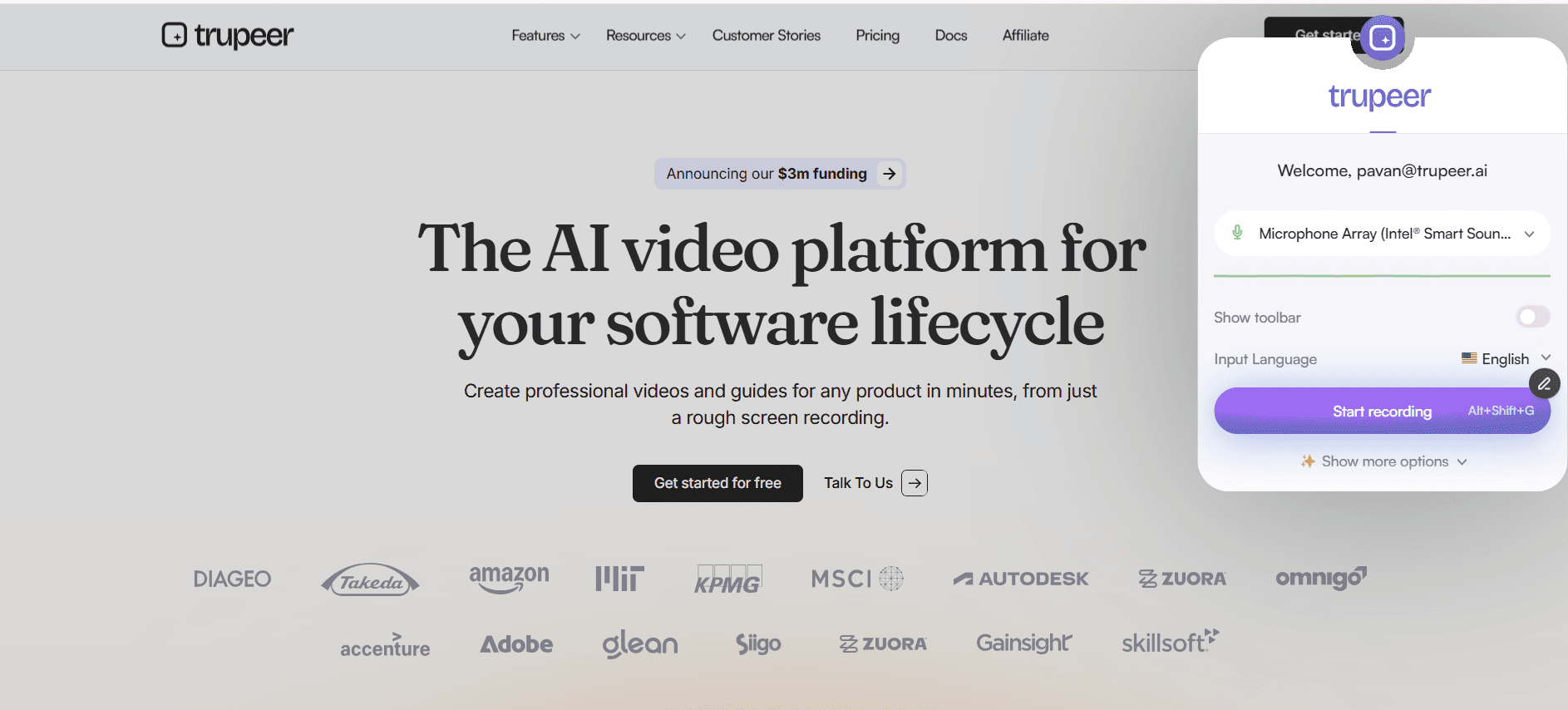
Install the Trupeer Chrome extension and click record. Capture any workflow, process demonstration, or software walkthrough directly from your browser. Narrate as you go or add voiceover later.

Step 2: AI Enhances Your Recording
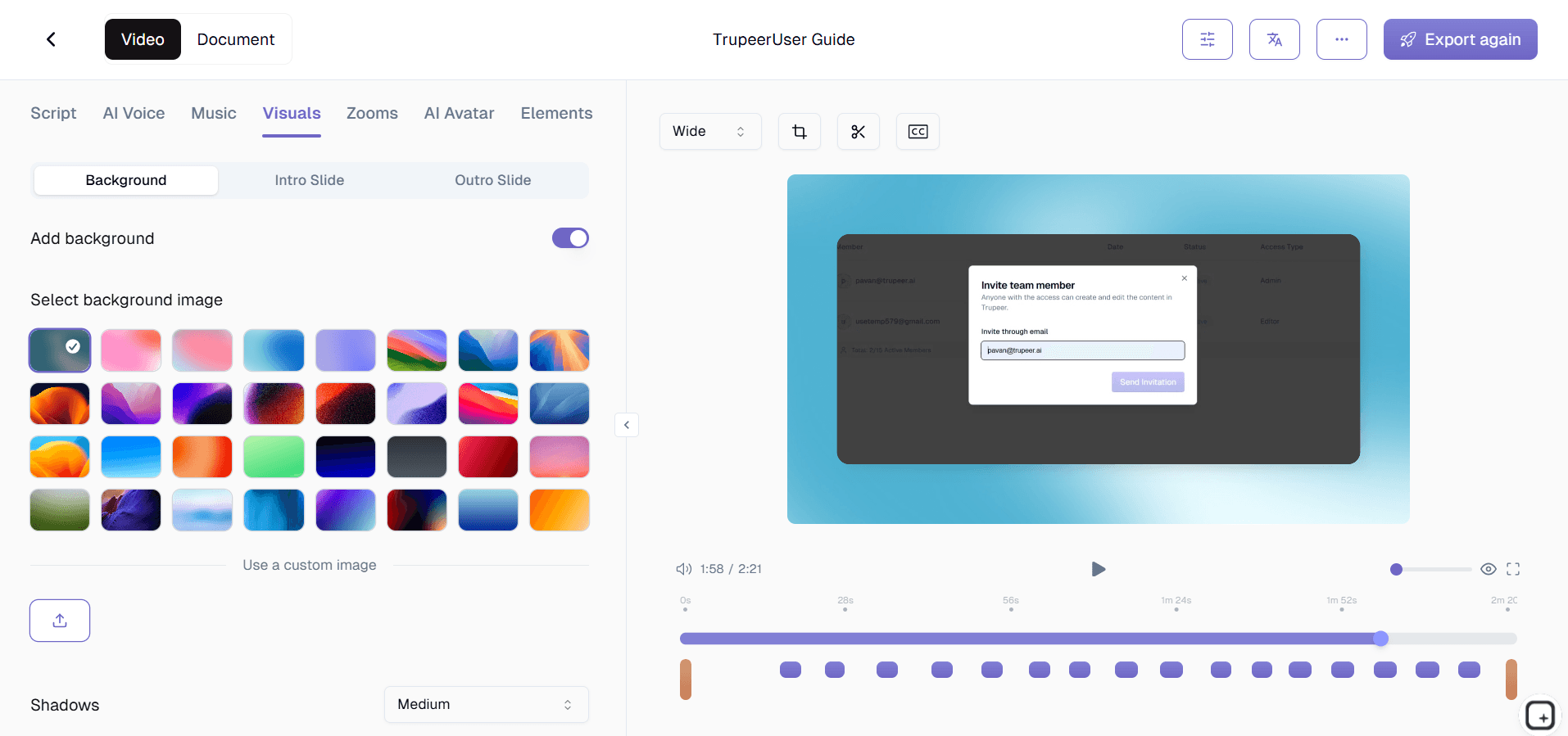
Once you stop recording, the AI engine processes your video automatically. It applies intelligent zoom effects, adds annotations and callouts, generates chapters, creates captions, removes dead air, and applies your brand styling — all without any manual input.

Step 3: Publish and Share
Review the AI-polished result, make any optional adjustments, and share via link, embed code, or export. You can also use the process guide creator to generate written documentation from the same recording.

Key Features of the Training Video Management Platform
Centralized Video Repository: Store every training video in a single, organized repository — your definitive source of truth. No more scattered videos across Google Drive, SharePoint, and email. The repository supports folders, tags, collections, and custom metadata. Full-text search across transcripts lets anyone find training content in seconds.
AI-Powered Content Discovery: The AI automatically tags, categorizes, and relates training videos based on their content. It recommends related videos after viewing and understands context and synonyms when searching. This transforms your library from static file storage into a dynamic learning resource that connects employees with knowledge proactively.
Learning Path Builder: Sequence training videos into ordered paths with prerequisites, milestones, and completion criteria. Assign paths to individuals, teams, or departments. Progress tracking shows where each learner stands, and automated notifications keep them moving forward. This turns individual videos into comprehensive training programs with measurable outcomes.
Granular Access Control System: Define who can view, create, edit, publish, and manage videos with flexible permissions at the library, collection, or video level. Create custom roles matching your hierarchy — viewers, creators, publishers. Identity provider integration keeps permissions in sync with employee roles automatically.
Why Choose Trupeer for Training Video Management Platform?
Speed: Go from recording to polished training video in minutes, not days. AI automation eliminates the production bottleneck that delays training content delivery.
Accessibility: Anyone on your team can create professional training videos regardless of their technical skills. No video editing experience is needed.
Consistency: AI-powered automation ensures every training video meets the same quality and branding standards, no matter who on your team created it.
Cost Efficiency: Eliminate the need for video editors, production teams, and expensive software licenses. One tool handles recording, editing, and distribution.
Training Video Management Platform for Internal Teams
1. Internal teams benefit from a centralized management platform by finally having one place to find every training video the organization has ever produced, eliminating the scattered file problem.
2. Team leads use the platform to organize training content into role-specific collections that new team members can work through systematically during their onboarding period.
3. The smart search capability means employees can find answers to specific questions by searching inside video content, dramatically reducing the time spent hunting for information across multiple systems.
4. Content lifecycle management ensures outdated training videos are flagged, reviewed, and updated before employees learn from incorrect or obsolete information.
Training Video Management Platform for SaaS Teams
1. SaaS teams with rapidly evolving products need a management platform to keep training content organized and current across hundreds of feature-specific videos.
2. Product teams use the platform to organize training videos by product area, feature, and release cycle, making it easy for anyone to find the latest training for any part of the product.
3. Customer success teams manage customer-facing training libraries through the platform, controlling access by customer tier and tracking which customers engage with training content.
4. The platform's API integrations allow SaaS teams to embed training video management into their existing product workflows and customer portals seamlessly.
Training Video Management Platform for Startups
1. Startups that adopt a training video management platform early avoid the chaos of scattered training content that becomes unmanageable as the company scales.
2. As the training library grows from dozens to hundreds of videos, the platform's organization and search capabilities become essential for keeping content discoverable and useful.
3. Startup L&D teams can track which training content exists, what gaps remain, and which videos need updating through the platform's content health analytics.
4. The platform grows with the startup — starting as a simple video library and evolving into a full learning path management system as training needs mature.
Training Video Management Platform for Enterprises
1. Enterprise organizations use the management platform to govern training video content across hundreds of departments, thousands of creators, and tens of thousands of viewers.
2. Centralized content governance with decentralized creation allows enterprises to scale training video production while maintaining quality, compliance, and brand standards.
3. Enterprise search capabilities index every word spoken and displayed in every training video, creating a powerful knowledge discovery tool that surfaces institutional knowledge on demand.
4. The platform's access control system maps to complex enterprise organizational structures, ensuring employees see only the training content relevant to their role, department, and clearance level.
Training Video Management Platform for Remote Teams
1. Remote teams depend on organized, searchable training video libraries because they cannot tap a colleague on the shoulder and ask how something works.
2. The management platform serves as a virtual training center for distributed teams, providing the structure and accessibility that replaces physical training rooms and in-person mentoring.
3. Remote team leads use the analytics dashboard to ensure their distributed team members are engaging with required training content and progressing through learning paths on schedule.
4. Asynchronous access to a well-organized training library means remote employees can learn on their own schedule without waiting for someone in another time zone to be available.
Training Video Management Platform for Developers
1. Developer teams use the management platform to maintain an organized library of technical training videos covering everything from codebase walkthroughs to deployment procedures.
2. The platform's search capability is particularly valuable for developers who need to find specific technical explanations quickly without watching entire training videos.
3. Engineering leads use the learning path builder to create structured technical onboarding programs that bring new developers from setup to productive contribution systematically.
4. Version control for training videos mirrors the version control developers use for code, making it natural for engineering teams to keep documentation current as systems evolve.
Training Video Management Platform for Onboarding & Support Teams
1. Onboarding teams use the management platform to build and maintain structured onboarding programs that scale to any number of new hires without increasing facilitator headcount.
2. Support teams manage their video knowledge base through the platform, organizing solutions by product area, issue type, and complexity level for quick reference during customer interactions.
3. The platform's analytics show onboarding teams exactly which training videos are effective and which need improvement, enabling continuous optimization of the onboarding experience.
4. Support team leads use the platform to ensure every agent has completed required training before handling specific customer issue categories, maintaining service quality standards.
Manage Training Videos
免费开始
Central Library
Store all training videos in one searchable, organized library accessible to your entire organization.
Smart Search
AI-powered search lets viewers find exact moments within videos using keywords and topics.
Access Controls
Set granular permissions to control who can view, edit, or manage training video content.
Manage Training Videos
免费开始
步骤 1
Upload or record training videos directly
第二步
Organize videos
步骤 3
Distribute to teams
常见问题
Yes. The platform supports SAML-based SSO, LDAP, and integration with identity providers like Okta, Azure AD, and Google Workspace for seamless enterprise authentication.
相关工具
Get started for free
免费开始