Auto-Update Docs Now
免费开始
Auto-Updating Documentation Tool simplifies how teams create, manage, and share documentation. Here are the key takeaways:
Automatically detect UI and workflow changes that affect existing documentation
Receive intelligent alerts when documentation becomes outdated or inaccurate
Auto-generate updated screenshots and step descriptions when interfaces change
Schedule periodic documentation audits with AI-powered freshness scoring
Eliminate stale documentation that erodes user trust and increases support costs
What Is Auto-Updating Documentation Tool?
An Auto-Updating Documentation Tool monitors your products and workflows for changes and automatically updates the corresponding documentation. It eliminates the most persistent problem in documentation management: content that becomes outdated the moment software is updated, leading to user frustration, increased support tickets, and eroded confidence in your knowledge base. Learn more about how screen recording enhances documentation at Trupeer Screen Recorder.
How Does Auto-Updating Documentation Tool Work?
Getting started is simple and takes just a few minutes:
Step 1: Record Your Workflow in Trupeer
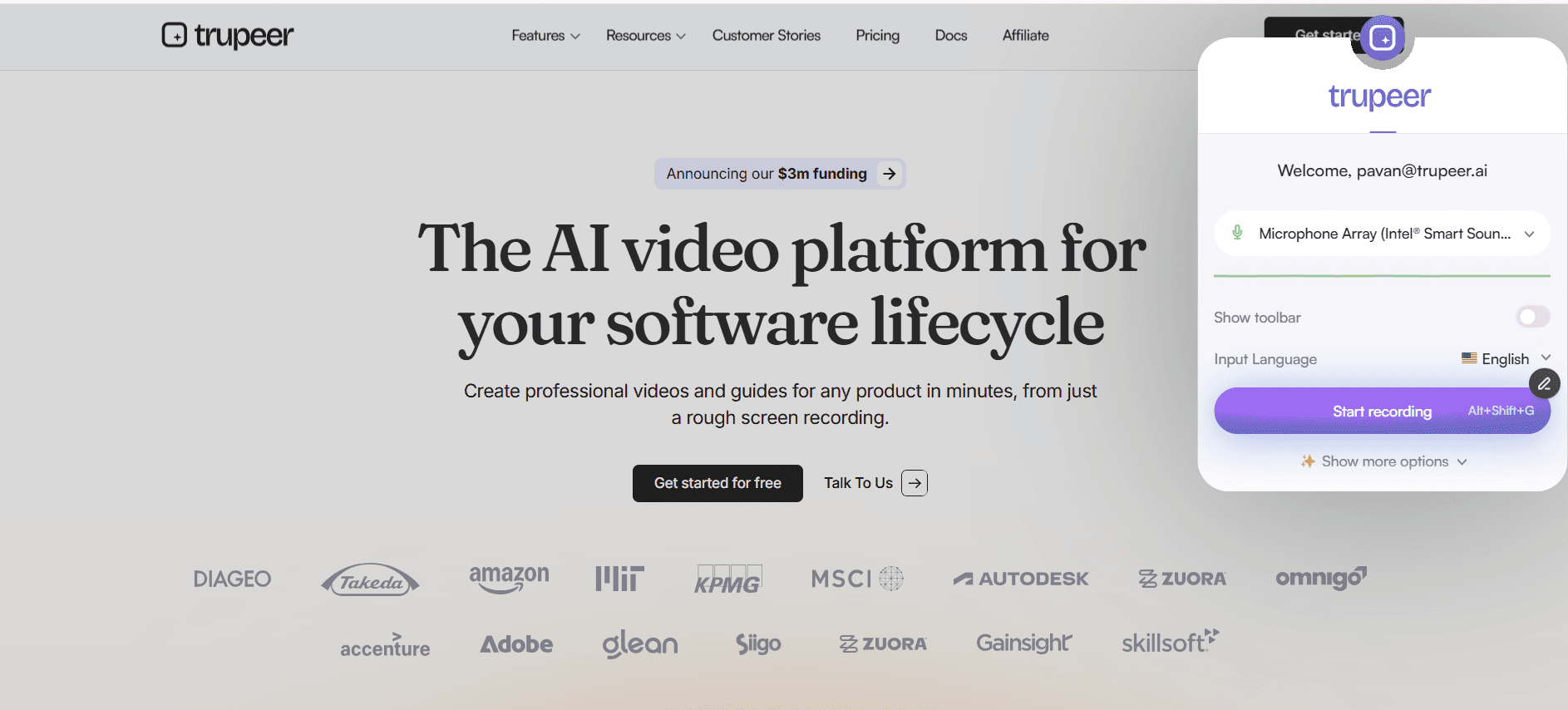
Capture your product workflow once using Trupeer’s screen recorder, which generates a structured video guide and step-by-step documentation linked to visual UI references.

Step 2: Detect & Update Through Re-Recording
When your product changes, simply re-record the updated workflow and Trupeer intelligently regenerates affected steps, screenshots, and annotations.

Step 3: Publish with Persistent Auto-Sync Links
All embedded videos and documentation links update automatically across your help center, LMS, or knowledge base without manual redistribution.

Key Features of Auto-Updating Documentation Tool
Continuous Change Detection: Monitor your application interfaces and workflows in real-time with AI-powered change detection that identifies modifications to UI elements, navigation paths, form fields, and process flows. The system distinguishes between cosmetic changes and functional modifications, prioritising alerts for changes that materially affect documentation accuracy and user guidance.
Automated Screenshot Refresh: When UI changes are detected, the platform automatically captures fresh screenshots of affected screens, applies existing annotations and callouts to the new captures, and updates documentation pages without manual intervention. Smart annotation mapping ensures highlights, arrows, and numbered callouts remain accurately positioned on updated interface elements.
Intelligent Step Rewriting: Beyond visual updates, the AI analyses workflow changes and rewrites affected step descriptions to reflect new navigation paths, renamed buttons, or reorganised menus. The rewriting engine maintains your documentation tone and style while accurately describing the updated procedure, flagging significant changes for human review.
User Feedback Integration: Enable readers to flag outdated content directly from documentation pages with one-click inaccuracy reports. User feedback is correlated with change detection data to prioritise updates, and reporters receive notifications when flagged content is refreshed, closing the feedback loop and building user trust in documentation quality.
Why Choose Auto-Updating Documentation Tool?
Eliminate Stale Content: Automated monitoring ensures documentation never falls silently out of date as your product evolves
Reduce Maintenance Burden: Auto-updating capabilities reduce manual documentation maintenance effort by up to 70%
Protect User Trust: Consistently accurate documentation builds user confidence and reduces support dependency
Comprehensive Coverage: Impact analysis ensures all affected pages are updated together, preventing scattered inconsistencies
Auto-Updating Documentation Tool for Internal Teams
Keep internal process documentation aligned with evolving tools and systems without relying on manual reviews. When internal software, workflows, or platforms change, the documentation refreshes automatically to reflect the current operational reality.
Automatically regenerate training materials when software interfaces or internal dashboards are updated. Teams no longer need to rewrite guides every time a UI element moves or a workflow step changes.
Maintain compliance documentation that accurately reflects current procedures instead of outdated practices. Automated monitoring ensures regulated processes always match what is actually happening inside the organization.
Alert team leads proactively when critical SOPs are impacted by system updates. Instead of discovering outdated documentation during audits or escalations, stakeholders are notified as soon as changes affect documented workflows.
Auto-Updating Documentation Tool for SaaS Teams
Keep customer-facing documentation synchronized with fast-moving product release cycles. As new features ship or interfaces evolve, documentation updates automatically across help centers and knowledge bases.
Automatically refresh help articles when UI components, navigation paths, or feature names change. This prevents confusion caused by screenshots or instructions that reference old product layouts.
Maintain accurate API documentation as endpoints, parameters, and authentication methods evolve. Automated detection ensures technical documentation reflects the current implementation without manual rewriting.
Reduce support tickets triggered by outdated documentation. When customers always reference current instructions, friction decreases and support teams spend less time clarifying interface discrepancies.
Auto-Updating Documentation Tool for Startups
Keep documentation current during rapid product iterations without hiring dedicated documentation staff. Automated updates ensure guides evolve alongside weekly or daily deployments.
Automatically refresh onboarding materials as features are added, removed, or redesigned. New users and new hires always receive instructions that match the current product state.
Maintain accurate documentation despite frequent pivots and experiments. Instead of documentation lagging behind development, updates occur automatically whenever workflows change.
Allow engineering teams to focus on building product features instead of manually revising documentation. Automation handles the refresh cycle, reducing context switching and operational overhead.
Auto-Updating Documentation Tool for Enterprises
Monitor documentation freshness across thousands of pages with automated scoring and update detection. Enterprise teams gain visibility into which documentation assets are current and which require attention.
Generate audit-ready reports demonstrating documentation currency for regulatory and compliance requirements. Automated tracking provides proof that documented procedures reflect current systems and controls.
Coordinate updates across multiple product lines, regions, and departments without manual cross-team communication. Centralized automation ensures consistency across the organization.
Maintain SLA commitments for documentation accuracy through continuous automated monitoring. Enterprises can guarantee documentation reliability without expanding documentation headcount proportionally.
Auto-Updating Documentation Tool for Remote Teams
Ensure globally distributed team members always access the most up-to-date documentation, regardless of when or where they log in. Persistent links automatically serve the latest version.
Notify remote team members automatically when documentation they frequently reference is updated. This prevents outdated local copies or saved bookmarks from causing workflow errors.
Eliminate timezone delays that traditionally slow down documentation revisions. Automated updates propagate instantly without waiting for manual edits or coordination meetings.
Maintain a consistently current knowledge base that remote employees trust as the single source of truth. Reliable documentation reduces dependency on real-time messaging and synchronous clarification.
Auto-Updating Documentation Tool for Developers
Keep technical documentation aligned with API and codebase changes through automated detection. When endpoints, schemas, or configurations evolve, documentation updates accordingly.
Automatically refresh SDK and integration guides when library interfaces change. Developers referencing setup instructions always see the latest compatible implementation steps.
Monitor documentation accuracy against actual repository changes. Automated comparisons flag discrepancies between documented behavior and live code.
Maintain up-to-date integration documentation as third-party services update their APIs. Automated tracking ensures dependent system changes are reflected promptly in your guides.
Auto-Updating Documentation Tool for Onboarding & Support Teams
Ensure onboarding materials for new hires reflect the latest tools, systems, and workflows. Automated updates prevent new employees from following outdated instructions during their first weeks.
Automatically update support playbooks when troubleshooting procedures evolve. Agents always reference current resolution steps during live customer interactions.
Keep training quizzes, assessments, and certification materials aligned with the current product experience. Automated refresh cycles prevent misalignment between learning content and actual workflows.
Maintain accurate first-day and role-specific guides that reflect current system configurations. New team members start with documentation that mirrors the live environment, reducing ramp-up friction.
Auto-Update Docs Now
免费开始
Change Detection
AI monitors your product for UI and workflow changes affecting documentation.
Auto Refresh
Automatically capture new screenshots and rewrite steps when interfaces change.
Freshness Scoring
Dynamic scoring highlights at-risk content before users find outdated information.
Auto-Update Docs Now
免费开始
步骤 1
Detect Changes Automatically
第二步
Regenerate & Update Documentation
步骤 3
Sync Everywhere Instantly
常见问题
Yes, readers can flag inaccuracies with one click. Reports are correlated with change detection data to prioritise updates, and users are notified when content is refreshed.
相关工具
Get started for free
免费开始