Summarise with:
Claude
ChatGPT
Gemini
Perplexity
Grok
Buyer's Overview
In the world of documentation, teams often find themselves drowning in the minutiae of formatting and structuring, spending a staggering 60-70% of their time on these non-content tasks. This leaves less room for ensuring the accuracy and clarity of the actual content. AI documentation tools aim to alleviate this burden by automating repetitive tasks, allowing documentation teams to focus on what truly matters.
According to a report, companies using AI tools for documentation have increased efficiency by 40%.
This guide is tailored for documentation teams, technical writers, and businesses seeking to streamline their user guide creation process. It will cover a selection of AI-powered tools, highlighting their unique features, pros and cons, and suitable use cases.
Best AI Documentation Tools: Head-to-Head Comparison
Feature | Trupeer | Scribe | Tango | Document360 | Notion AI | Confluence AI | GitBook AI | Archbee |
|---|---|---|---|---|---|---|---|---|
Core Features | ||||||||
AI Writing | Yes | Yes | Limited | Yes | Yes | Yes | Yes | Yes |
AI Capabilities | ||||||||
Auto Step Capture | Yes | Limited | Yes | No | Limited | No | Yes | No |
Screenshot Annotation | Yes | Yes | Yes | No | No | Limited | No | No |
AI Voiceover | Yes | No | No | Limited | Yes | No | No | No |
Professional Features | ||||||||
Video Generation | Yes | Yes | No | Yes | Limited | No | No | No |
Smart Templates | Yes | Yes | Limited | Yes | No | Yes | Yes | Limited |
Integrations | ||||||||
Multi-language | Yes | Limited | Yes | Yes | Yes | Limited | Yes | No |
API Integration | Yes | Yes | No | Limited | Yes | Yes | Yes | No |
Free Tier | Yes | No | Yes | Yes | No | Limited | Yes | No |
Trupeer

Trupeer is designed for teams focused on creating detailed and accurate user guides. It's particularly suitable for technical writers and documentation teams in SaaS companies. The tool offers powerful AI-driven capabilities to automate repetitive tasks, allowing users to concentrate on content quality. Trupeer excels in providing customizable templates and supports multiple languages, making it a top choice for global teams.
Key Features
Advanced AI writing assistance
Auto step capture for streamlined documentation
Smart screenshot annotation tools
Customizable and reusable templates
Supports over 40 languages
API integration for seamless workflow
Free tier available for trial
Real-time collaboration features
"Trupeer has transformed our documentation process, saving us hours each week."
Pros | Cons |
|---|---|
Streamlines documentation with AI | Doesn't support AI voiceover |
Highly customizable templates | Video generation is limited |
Excellent multi-language support | Initial setup can be complex |
Pricing
Trupeer offers a free tier, with paid plans starting at $29 per user per month.
Scribe

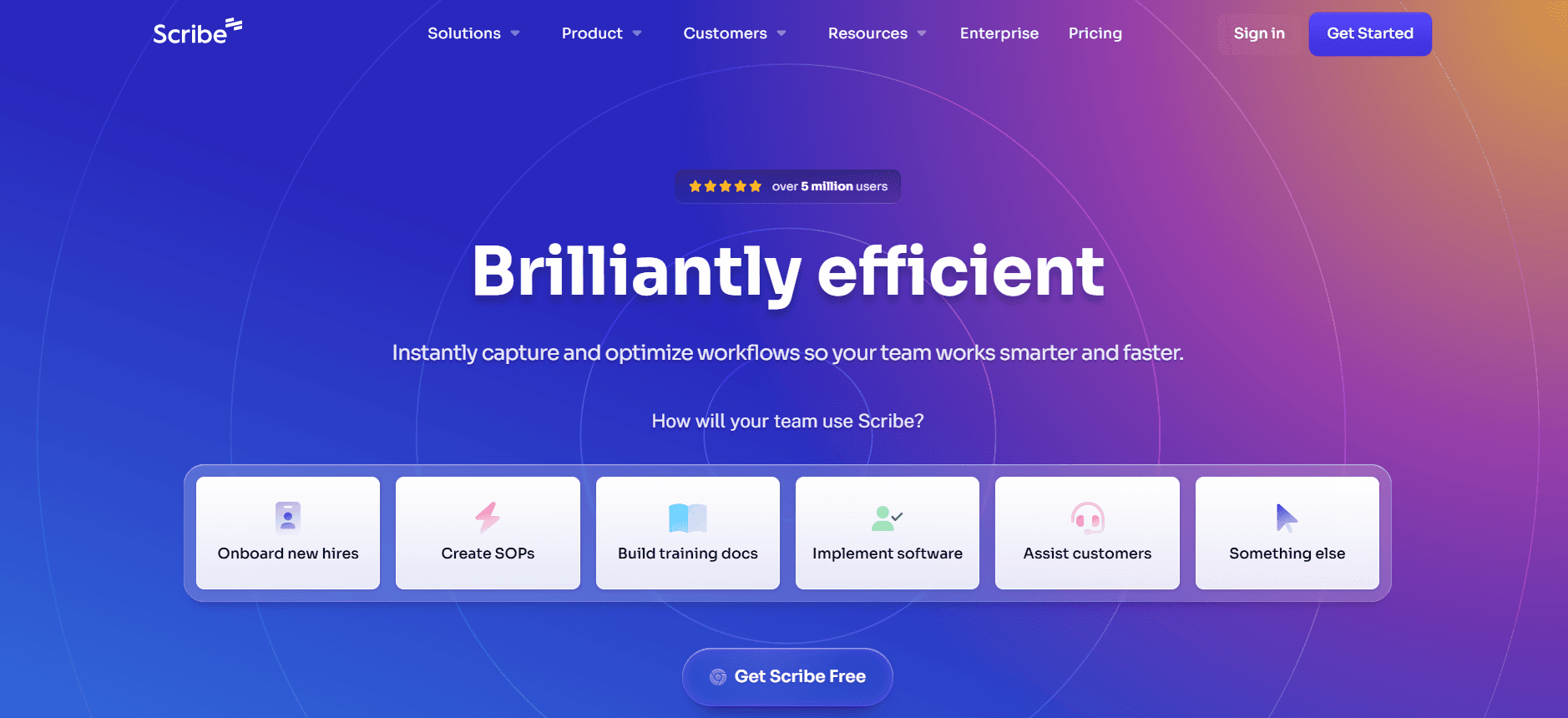
Scribe is a versatile tool designed for users who require efficient document creation with minimal effort. It's perfect for small teams and individual users who need a straightforward solution. Scribe stands out for its intuitive interface and excellent annotation features, making it easy to capture and document processes quickly. However, its AI capabilities are somewhat limited compared to other options.
Key Features
Simple and user-friendly interface
Efficient process capture capabilities
Comprehensive annotation tools
Basic AI writing support
Integration with popular applications
Limited multi-language support
Cloud-based access and storage
No free tier available
Pros | Cons |
|---|---|
Easy to use for beginners | Lacks advanced AI features |
Excellent for process documentation | Limited language support |
Good integration options | No free tier |
Pricing
Scribe starts at $19 per user per month, with no free tier available.
Tango

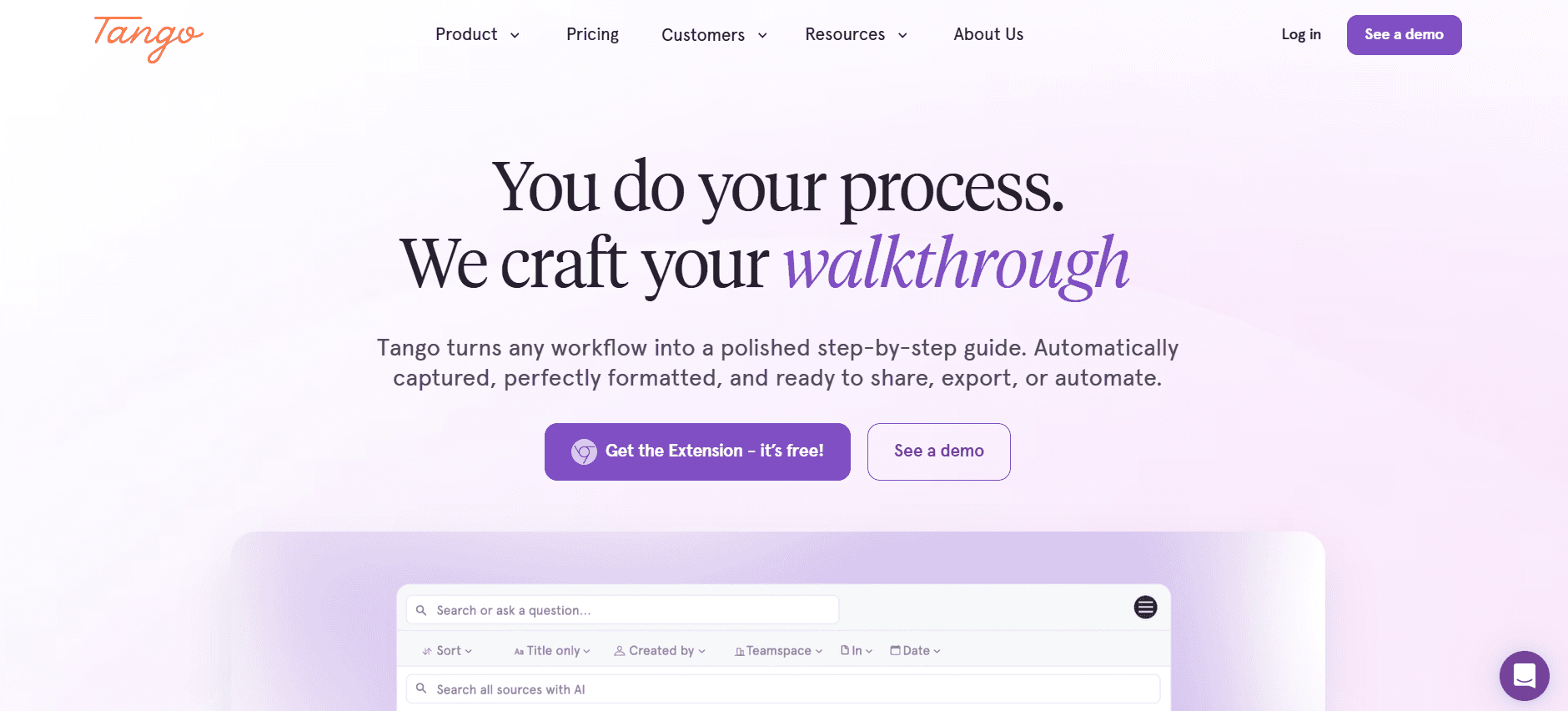
Tango offers an innovative approach to documenting user processes, making it ideal for teams focused on capturing complex workflows. The tool's strength lies in its auto step capture feature, which simplifies the documentation of intricate procedures. Tango is particularly useful for technical teams needing detailed process documentation, though it lacks some advanced AI writing features.
Key Features
Auto step capture for process documentation
Detailed workflow visualization
Easy screenshot annotation
Limited AI writing capabilities
Integration with business tools
Free tier with basic features
Real-time collaboration on documents
No AI voiceover support
Pros | Cons |
|---|---|
Great for complex workflows | Lacks advanced AI writing |
Free tier available | No video generation feature |
Strong visualization tools | Limited language options |
Pricing
Tango offers a free tier, with premium plans starting at $25 per user per month.
Document360

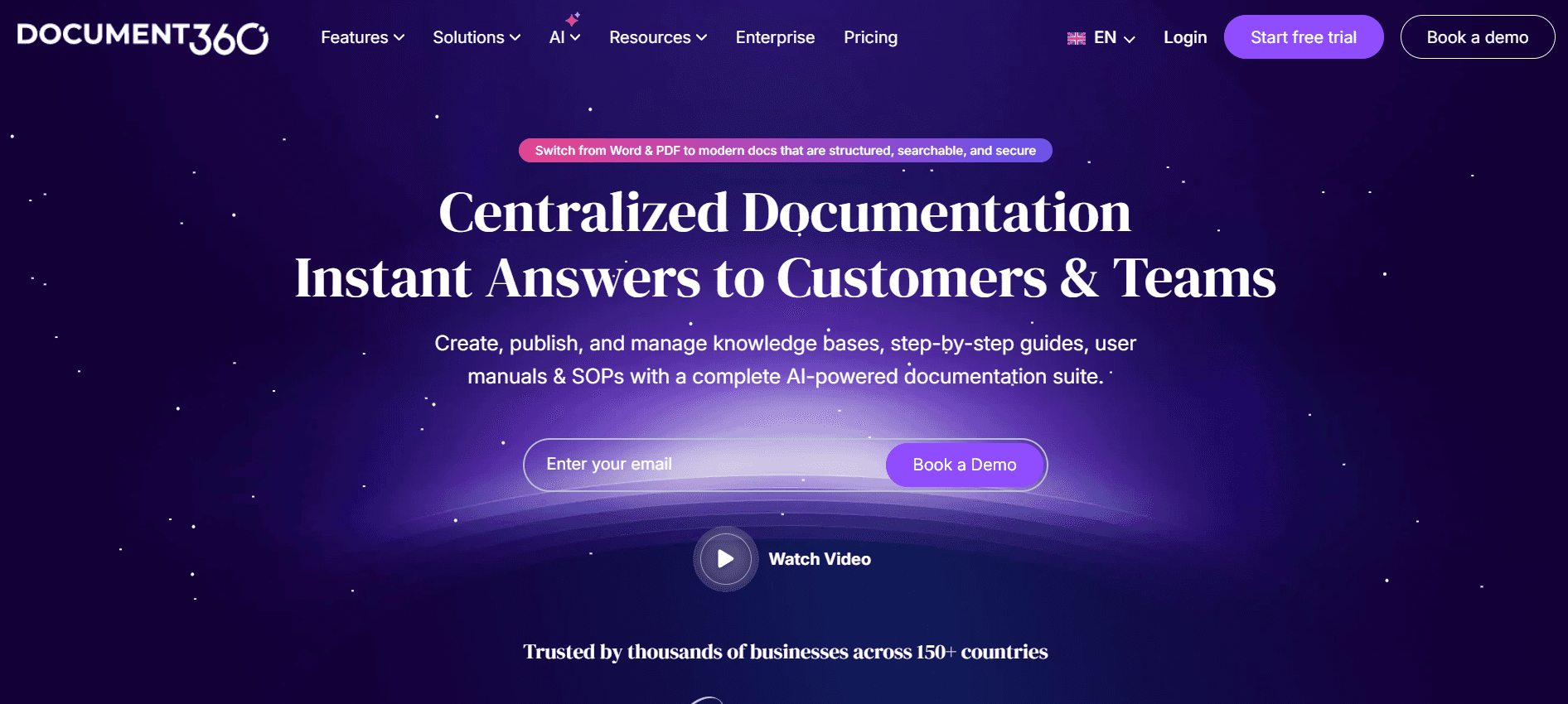
Document360 is built for knowledge management and documentation excellence. It's particularly valuable for companies that need a centralized knowledge base. The tool provides extensive video generation capabilities and smart templates, which help streamline the documentation process. Although it lacks auto step capture, its integration options are a significant plus for diverse teams.
Key Features
Comprehensive knowledge management
Smart templates for quick setup
Powerful video generation features
Wide range of integration options
Limited AI voiceover support
Multi-language documentation capabilities
API access for custom integrations
Free tier available
Pros | Cons |
|---|---|
Excellent video capabilities | No auto step capture |
Great for knowledge bases | AI voiceover is limited |
Strong integration options | Initial learning curve for new users |
Pricing
Document360 offers a free tier, with paid plans starting at $49 per user per month.
Notion AI

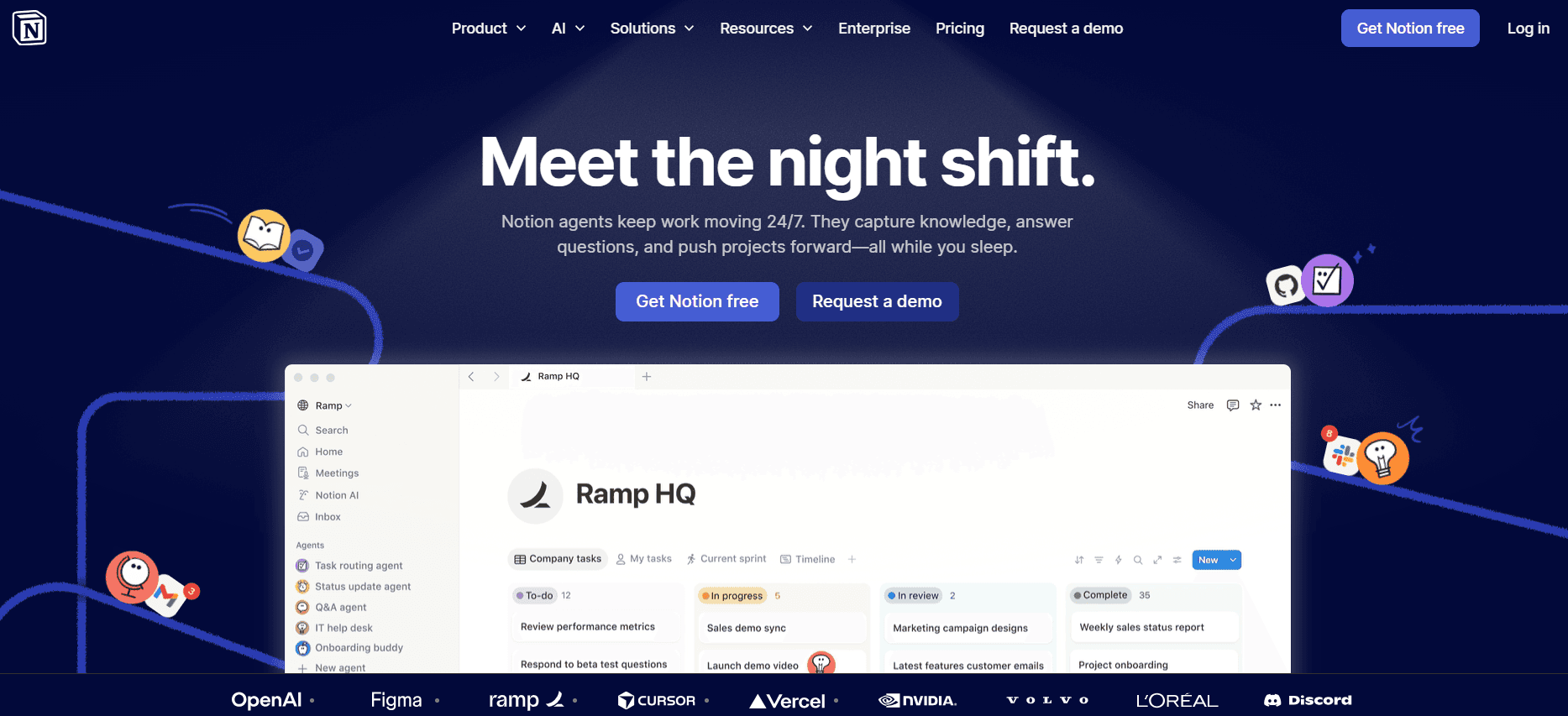
Notion AI is a powerful tool for teams that value flexibility and customization. It's ideal for users who want a versatile platform that can adapt to various documentation needs. Notion AI integrates AI writing and voiceover features, making it a comprehensive solution for creating rich, multimedia-enhanced documents. However, its video generation capabilities are somewhat limited.
Key Features
AI-powered writing and editing tools
Customizable workspace layouts
AI voiceover for multimedia docs
Integration with popular apps
Multi-language support
Limited video generation features
Real-time collaboration
No free tier
Pros | Cons |
|---|---|
Highly flexible and customizable | Limited video generation |
Strong AI features | No auto step capture |
Good for multimedia documents | No free tier |
Pricing
Notion AI starts at $39 per user per month, with no free tier available.
Confluence AI

Confluence AI is a robust tool for larger organizations needing a collaborative documentation platform. It's best suited for teams that require detailed documentation with strong collaboration features. While it excels in providing smart templates and API integration, its AI capabilities like auto step capture and voiceover are less developed compared to competitors.
Key Features
Collaborative documentation environment
Smart templates for structured content
Extensive API integration options
Limited AI writing support
Multi-language support
Real-time editing with team members
No auto step capture
Limited AI voiceover functionality
Pros | Cons |
|---|---|
Strong collaboration features | Lacks auto step capture |
Wide range of integrations | Limited AI voiceover |
Good for structured documentation | Limited AI writing support |
Pricing
Confluence AI offers a limited free tier, with paid plans starting at $10 per user per month.
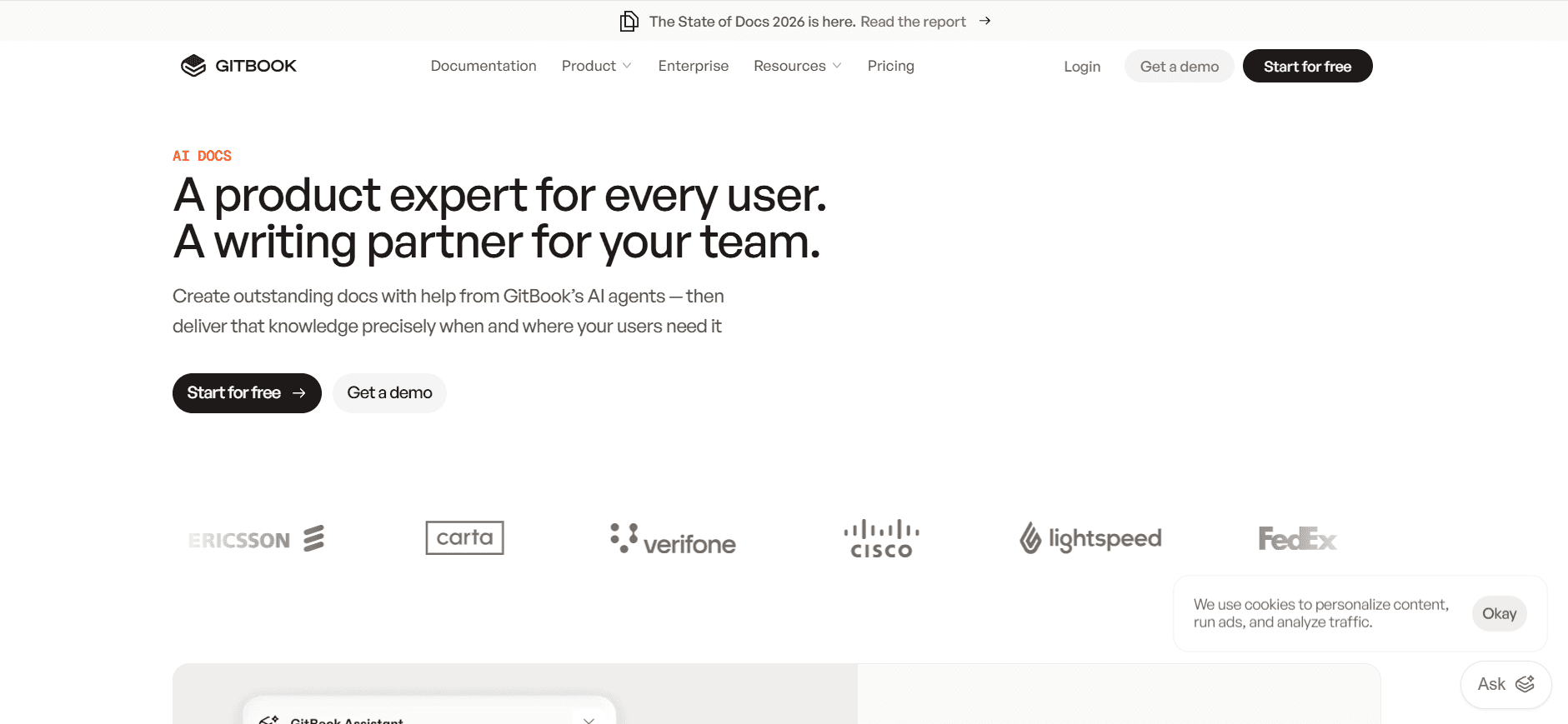
GitBook AI

GitBook AI is a tool designed for technical teams that need a streamlined documentation platform. It's particularly useful for engineering and product teams who require detailed API documentation. GitBook AI offers advanced AI writing capabilities and a clean, intuitive interface, though it falls short on multimedia features like video and voiceover.
Key Features
Advanced AI writing tools
Intuitive user interface
API documentation focus
Multi-language support
Integration with developer tools
No video or voiceover features
Free tier with basic functionalities
Real-time collaboration options
Pros | Cons |
|---|---|
Great for technical documentation | No video generation |
Clean and user-friendly design | No voiceover capabilities |
Free tier available | Limited integration options |
Pricing
GitBook AI offers a free tier, with premium plans starting at $8 per user per month.
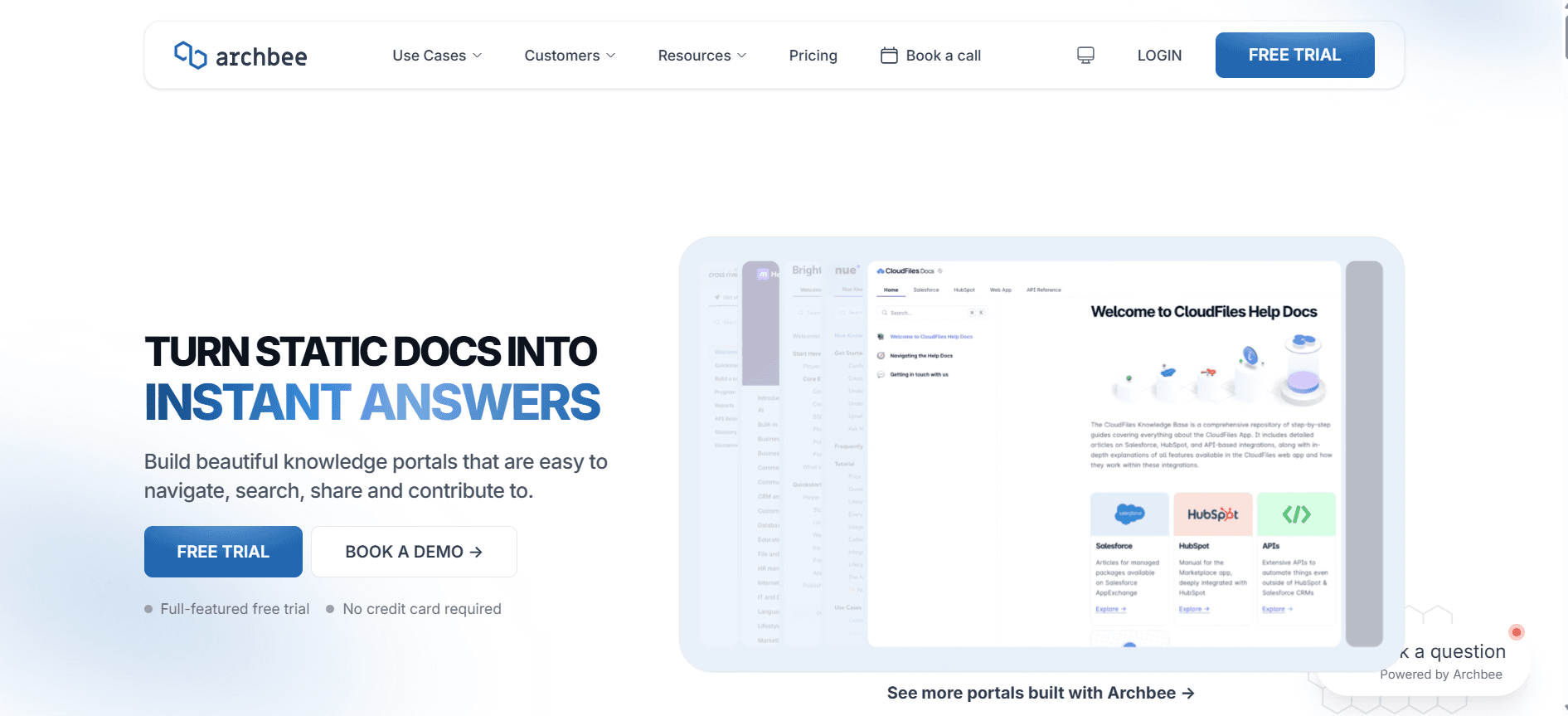
Archbee

Archbee is geared towards startups and small teams who prioritize quick documentation processes. It's an excellent choice for teams needing to document processes and share knowledge rapidly. While Archbee provides basic AI writing support, its strength lies in its collaborative features and easy-to-use interface. However, it lacks advanced multimedia features.
Key Features
Simple and intuitive interface
Basic AI writing support
Strong focus on team collaboration
Real-time document editing
Limited multimedia capabilities
Integration with popular tools
No AI voiceover or video features
Free tier not available
Pros | Cons |
|---|---|
Easy for teams to adopt | Limited AI capabilities |
Good collaboration features | No free tier |
Quick setup process | No video or voiceover support |
Pricing
Archbee starts at $15 per user per month, with no free tier available.
AI-Powered User Guide Creation Challenges: What Teams Struggle With
Challenge 1: Creating First Drafts Takes Too Long
Even experienced writers spend significant time crafting initial drafts.
Manual effort leads to prolonged timelines before content review.
High demand for content output often strains resources.
Delays affect overall project schedules and delivery timelines.
Challenge 2: Keeping Documentation Current with Every Product Sprint
Frequent product updates require constant documentation revisions.
Manual updates can lead to outdated information being circulated.
Ensuring consistency across all documents is time-consuming.
Lack of automation results in inefficient use of team resources.
Challenge 3: Inconsistent Formatting Across Different Team Members
Different writing styles can lead to variable document quality.
Uniformity is crucial for brand consistency and readability.
Manual formatting adjustments are tedious and error-prone.
Inconsistencies can confuse end-users and dilute the brand message.
Challenge 4: No Automatic Screenshot or Step-Capture Capabilities
Manual screenshot capture is cumbersome and error-prone.
Lack of step-by-step visuals can hinder user understanding.
Documenting processes manually increases time spent per task.
Teams struggle with keeping visual documentation accurate and relevant.
Challenge 5: Translation and Localization Bottlenecks
Manual translation processes are slow and costly.
Localized content needs frequent updates to stay relevant.
Inconsistent translations can affect user comprehension.
Language barriers can limit product adoption and market reach.
Challenge | Traditional Process | Business Impact | Time Cost |
|---|---|---|---|
Creating First Drafts | Manual writing | Delayed content delivery | High |
Keeping Documentation Current | Manual updates | Outdated information | Very High |
Inconsistent Formatting | Manual formatting | Brand inconsistency | Moderate |
No Automatic Screenshot Capture | Manual screenshots | Limited visual aids | High |
Translation and Localization | Manual translation | Limited market reach | Very High |
Must-Have Features in AI-Powered User Guide Creation Tools
AI Writing and Auto-Completion
AI writing tools significantly reduce the time spent on drafting by generating content automatically. These tools use natural language processing to understand context and provide relevant suggestions, making the process efficient for writers at all levels. Trupeer excels in this area with its advanced AI algorithms that adapt to different writing styles.
Auto-completion features help in maintaining consistency by suggesting phrases and terminology frequently used within the organization. This ensures that the documentation aligns with company standards, enhancing brand consistency and reducing the burden on writers to remember every detail.
Automated Step Capture from Screen Activity
This feature allows users to automatically capture each step of a process as they perform it, creating a visual guide without manual intervention. It's particularly beneficial for complex workflows that require detailed instructions. Tango stands out by efficiently capturing steps and generating a sequence of actions that can be directly embedded into the documentation.
Automated step capture saves significant time and ensures accuracy by eliminating human error in visual documentation. It provides an intuitive way to document processes, making it easier for end-users to follow along.
Smart Screenshot Annotation
Smart screenshot annotation tools enable users to highlight important elements within a screenshot, adding context and clarity to images. These tools allow for quick and easy editing, which is crucial for maintaining an engaging and informative documentation style. Scribe provides robust annotation capabilities that simplify the process of adding notes and highlights to screenshots.
Annotations help in breaking down complex information into digestible pieces, making it easier for users to understand intricate details. This feature is essential for technical documentation that relies heavily on visual aids.
AI Voiceover Generation for Video Docs
AI voiceover technology adds a layer of accessibility to documentation by providing audio descriptions of visual content. Notion AI offers voiceover features that enhance video documentation, making it accessible to a broader audience, including those with visual impairments.
Voiceovers can significantly enhance user engagement by providing an alternative way to consume content. This feature is particularly beneficial for creating tutorials and guides that require step-by-step narration.
One-Click Export in Multiple Formats (PDF, HTML, Markdown)
Having the ability to export documentation in various formats with a single click is a huge time-saver for teams. It allows for easy distribution and accessibility across different platforms and devices. Document360 excels in offering multiple export options, making it simple to share and publish content in the preferred format.
Exporting in multiple formats ensures that documentation can be tailored to specific audience needs, whether it's for print, online viewing, or integration into other systems. This versatility is crucial for reaching diverse user bases effectively.
Multi-Language Support
Multi-language support is vital for companies operating in global markets. It allows documentation to be produced and accessed in multiple languages, catering to international audiences. Trupeer offers extensive language support, making it easier for teams to create localized content that resonates with users in different regions.
By supporting multiple languages, businesses can enhance user experience and expand their reach, ensuring that language barriers do not impede product adoption.
How to Choose AI-Powered User Guide Tools Based on Your Use Case
Product Documentation for SaaS Companies
For SaaS companies, creating detailed and accurate product documentation is crucial for user onboarding and support. These companies often need tools that can handle frequent updates and provide comprehensive documentation that's easy to understand.
Keeping up with regular software updates and changes.
Need for consistent format and branding across all documents.
Ensuring documentation is accessible and easy to navigate for users.
Real-time collaboration and editing features.
Automated step capture for process documentation.
Multi-language support to cater to a global audience.
Feature | Trupeer | Document360 |
|---|---|---|
Real-time Collaboration | Yes | Yes |
Automated Step Capture | Yes | No |
Multi-language Support | Yes | Yes |
Technical Writers and Content Operations
Technical writers need tools that can streamline the content creation process, allowing them to focus on quality and accuracy. This use case demands robust AI writing capabilities and easy formatting options to produce high-quality content efficiently.
Time constraints in producing large volumes of content.
Maintaining accuracy and clarity in complex documents.
Ensuring content is easily editable and updateable.
AI writing assistance for drafting and editing.
Smart templates for uniform document structure.
Easy-to-use formatting and annotation tools.
Feature | Scribe | Tango |
|---|---|---|
AI Writing Assistance | Limited | Limited |
Smart Templates | Yes | Limited |
Formatting Tools | Yes | Yes |
Engineering and API Documentation
Engineering teams require documentation tools that support detailed technical content creation and integration with developer tools. The ability to document APIs efficiently is key for these teams.
Need for precise and technical language in documentation.
Integrating documentation with existing developer tools.
Providing clear API references and examples.
Advanced AI writing capabilities for technical content.
API integration for seamless documentation updates.
Markdown export options for developer-friendly formats.
Feature | GitBook AI | Archbee |
|---|---|---|
AI Writing | Yes | Limited |
API Integration | Yes | Yes |
Markdown Export | Yes | No |
HR and Compliance Documentation
HR teams need comprehensive documentation tools for creating policy manuals and compliance guides. These documents must be clear, legally compliant, and accessible to all employees.
Ensuring legal compliance in all documentation.
Maintaining consistency across different policy documents.
Updating materials promptly with regulatory changes.
Template-driven document creation for consistency.
Version control to manage updates and changes efficiently.
Multi-language support for diverse workforces.
Feature | Confluence AI | Notion AI |
|---|---|---|
Template Management | Yes | Yes |
Version Control | Yes | No |
Multi-language Support | Limited | Yes |
Customer Self-Service Help Centers
Help centers require tools that can produce user-friendly guides and FAQs, ensuring customers can find answers quickly and independently. These tools need to support multimedia content for a more engaging user experience.
Providing clear and concise answers to common questions.
Ensuring easy navigation and searchability of content.
Incorporating multimedia elements to enhance understanding.
FAQ management and search optimization.
Capability to embed videos and images easily.
Real-time updates for dynamic content needs.
Feature | Document360 | Trupeer |
|---|---|---|
FAQ Management | Yes | Yes |
Multimedia Support | Yes | Limited |
Real-time Updates | Yes | Yes |
Best Practices for AI-Powered User Guide Creation
Before You Start
Identify the primary audience and their specific needs.
Gather all necessary resources and materials before drafting.
Set clear goals for what the documentation should achieve.
Choose the right tools that fit your team’s specific requirements.
Create a detailed outline to guide the documentation process.
During the Documentation Process
Utilize AI features to automate repetitive tasks and focus on quality.
Ensure consistent terminology and style across all documents.
Regularly review and update content to reflect any changes.
Engage stakeholders for feedback at key stages of development.
Leverage templates to maintain uniformity and save time.
After Documentation Is Complete
Conduct a thorough review for errors and inconsistencies.
Seek final approval from relevant stakeholders.
Distribute the documentation across the necessary channels.
Monitor usage and gather user feedback for continuous improvement.
Plan regular updates to keep the content current and relevant.
Frequently Asked Questions
What is AI-powered user guide creation?
AI-powered user guide creation involves using artificial intelligence tools to automate and enhance the process of creating user documentation. These tools help streamline tasks like drafting, editing, and formatting, allowing teams to focus on producing high-quality content efficiently.
Why should my team use AI documentation tools?
AI documentation tools can significantly reduce the time and effort required to produce comprehensive and accurate user guides. They offer features that automate repetitive tasks, maintain consistency, and ensure the documentation is always up-to-date with the latest information.
How do AI tools handle updates to documentation?
AI tools often include features like real-time collaboration and version control, which make it easy to update documentation as changes occur. Some tools also offer automated step capture and process documentation, ensuring that updates are reflected quickly and accurately.
Can AI tools integrate with our existing systems?
Many AI documentation tools offer API integration, allowing them to connect seamlessly with existing software systems. This integration ensures that documentation is consistent with other business processes and easily accessible across platforms.
Are there free versions of AI documentation tools available?
Yes, some tools offer free tiers with basic features, allowing teams to try the software before committing to a paid plan. However, advanced features like AI writing and multi-language support are typically available in premium versions.
How are AI documentation tools priced?
Pricing for AI documentation tools varies depending on the features offered and the size of the team. Most tools operate on a subscription basis, with plans that range from basic to premium, offering additional features as the price increases.
Implementation
What is the best way to implement AI tools in our documentation process?
The best approach is to start with a clear understanding of your documentation needs and choose a tool that aligns with those requirements. Begin with a trial or free version to familiarize your team with the features, then gradually integrate the tool into your workflow with training and support.
How long does it take to see results after implementing AI tools?
Most teams begin to see improvements in efficiency and quality within the first few weeks of using AI documentation tools. The speed of results can vary depending on the complexity of your documentation needs and how quickly your team adapts to the new processes.
Closing Thoughts
Incorporating AI-powered tools into your user guide creation process can transform the way your team works, allowing for more efficient, accurate, and engaging documentation. As the tools continue to evolve, they will offer even greater capabilities, making them an essential asset for any documentation team.
For businesses looking to streamline their documentation processes, Trupeer offers a comprehensive solution tailored to meet the needs of diverse industries. To explore how Trupeer can enhance your documentation efforts, visit Trupeer today and see the difference for yourself.