Trupeer Blog
تلخيص

Colossyan بنظرة سريعة
الأفضل لـ | سعر البدء | الخطة المجانية | الميزة الأبرز | أبرز القيود |
|---|---|---|---|---|
محتوى التدريب والتأهيل | $28/شهريًا | نعم | تنوع 70+ للشخصيات الافتراضية | لا يوجد تسجيل للشاشة |
ما هو Colossyan؟
Colossyan هو مولّد فيديو مدعوم بالذكاء الاصطناعي يركز على إنشاء مقاطع فيديو تعتمد على الشخصيات الافتراضية. وهو شائع بشكل خاص لمحتوى التدريب والتأهيل بفضل توفر مجموعة واسعة تضم أكثر من 70 شخصية افتراضية، بالإضافة إلى دعم لأكثر من 70 لغة. ومن خلال تحويل النصوص إلى فيديوهات بسهولة، يتيح Colossyan لفرق التعلم والتطوير إنتاج محتوى جذاب دون الحاجة إلى مهارات واسعة في إنتاج الفيديو. ومع ذلك، فإن تركيزه على فيديوهات الشخصيات الافتراضية يحد من حالات الاستخدام، ما يجعله أقل ملاءمة للعروض التوضيحية للمنتج أو دروس البرامج.
تفصيل ميزات Colossyan
اختيار الشخصيات الافتراضية
يتميز Colossyan بمكتبة رائعة تضم أكثر من 70 شخصية افتراضية. يضمن هذا التنوع قدرتك على اختيار شخصية مناسبة تتوافق مع علامتك التجارية أو احتياجات التدريب لديك. تم تصميم الشخصيات الافتراضية لتبدو واقعية، ما يمنح فيديوهاتك لمسة احترافية. وتعد هذه المجموعة الواسعة مثالية للفرق العالمية التي تحتاج إلى تمثيل متنوع في مواد التدريب.
سير العمل من النص إلى الفيديو
يُعد سير العمل من النص إلى الفيديو من أبرز ميزات Colossyan. يمكن للمستخدمين ببساطة إدخال نصهم واختيار شخصية افتراضية لتوليد فيديو مصقول. تعمل هذه الميزة على تبسيط عملية إنشاء الفيديو، لتصبح متاحة حتى لمن لا يملك خبرة سابقة في تحرير الفيديو. ومع ذلك، قد تحد محدودية خيارات التخصيص من المرونة الإبداعية.
دعم اللغات
مع دعم لأكثر من 70 لغة، يعد Colossyan خيارًا مثاليًا لإنتاج فيديوهات متعددة اللغات. تسهّل هذه الميزة الوصول إلى جمهور عالمي، من خلال تقديم محتوى مُترجم محليًا يتفاعل مع المشاهدين في مختلف المناطق. قدرات المنصة اللغوية قوية، ما يضمن نطقًا دقيقًا ونبرة مناسبة لكل لغة.
خيارات الصوت
يقدم Colossyan مجموعة من خيارات الصوت لتتناسب مع الشخصية الافتراضية التي تختارها. يعزز هذا التنوع واقعية محتوى الفيديو، ويسمح بتجربة مشاهدة أكثر تخصيصًا. ومع ذلك، ورغم تنوع الأصوات، قد لا تتطابق دائمًا بشكل مثالي مع تفاصيل الكلام البشري، ما قد يجعل الشخصيات الافتراضية تبدو أقل أصالة في بعض الأحيان.
سهولة الاستخدام
تم تصميم المنصة مع وضع سهولة الاستخدام في الاعتبار. تتيح الواجهة البديهية للمستخدمين التنقل بسرعة عبر خطوات إنشاء الفيديو. تجعل هذه المرونة المنصة خيارًا مناسبًا للفرق التي لا تضم محرري فيديو متخصصين، رغم أن المستخدمين المتقدمين قد يرون أن نقص خيارات التخصيص الأعمق يعد قيدًا.
إمكانيات التكامل
يتكامل Colossyan مع منصات مختلفة، ما يتيح رفع محتوى الفيديو وتوزيعه بسلاسة. تفيد هذه الميزة الفرق التي ترغب في نشر مواد التدريب عبر قنوات متعددة. ومع ذلك، فإن خيارات التكامل محدودة إلى حد ما مقارنة بالمنافسين، ما قد يحد من بعض تحسينات سير العمل.
أسعار Colossyan
الخطة | السعر الشهري | أبرز المزايا | الأفضل لـ |
|---|---|---|---|
تجربة مجانية | $0 | ميزات محدودة، علامة مائية على الفيديوهات | اختبار المنصة |
Starter | $28 | وصول أساسي للشخصيات الافتراضية، مدة فيديو محدودة | الفرق الصغيرة |
Pro | $120 | المكتبة الكاملة للشخصيات الافتراضية، وقت فيديو ممتد | المؤسسات الكبيرة |
مزايا وعيوب Colossyan
المزايا | العيوب |
|---|---|
تنوع واسع للشخصيات الافتراضية | لا يوجد تسجيل للشاشة |
يدعم 70+ لغة | تخصيص محدود |
سهل الاستخدام | قد تبدو الشخصيات الافتراضية عامة |
مناسب لمحتوى التدريب | غير مناسب للعروض التوضيحية للمنتج |
"يُسهّل Colossyan إنشاء فيديوهات التدريب، لكن أتمنى أن يقدم تخصيصًا أكبر للعروض التوضيحية للمنتج."
مراجع G2 موثّق، مدير نجاح العملاء في شركة SaaS متوسطة الحجم (المصدر: G2، 2024)
من الأفضل له استخدام Colossyan
فرق التعلم والتطوير التي تبحث عن إنشاء فيديوهات تدريبية جذابة.
المنظمات التي تحتاج إلى محتوى فيديو متعدد اللغات لتلبية احتياجات جمهور عالمي.
الشركات التي ترغب في إنتاج فيديوهات بنمط “المتحدث أمام الكاميرا” بسرعة دون فريق إنتاج.
الشركات التي تتطلب مجموعة متنوعة من الشخصيات الافتراضية لتمثيل علامتها التجارية أو رسالتها.
قيود Colossyan والشكوى الأكثر شيوعًا
على الرغم من نقاط قوته، لدى Colossyan بعض القيود التي ينبغي على المستخدمين أخذها في الاعتبار. تتمثل إحدى أبرز المشكلات في غياب ميزة تسجيل الشاشة. وهذا يجعله غير مناسب لإنشاء دروس البرامج أو جولات المنتج، وهي أمور ضرورية لشركات SaaS أو شركات التقنية. ومن الشكاوى الشائعة الأخرى أن اختيار الشخصيات الافتراضية واسع، لكن الشخصيات نفسها قد تبدو أحيانًا عامة. وقد يؤدي ذلك إلى تقليل مستوى التخصيص والأصالة التي يبحث عنها بعض المستخدمين في محتوى الفيديو الخاص بهم.
بالإضافة إلى ذلك، قد تكون خيارات التخصيص المحدودة على المنصة عيبًا بالنسبة للمستخدمين الذين يبحثون عن تحكم إبداعي أكبر في فيديوهاتهم. ورغم أن سير العمل من النص إلى الفيديو بسيط، إلا أنه لا يسمح بدرجة كبيرة من الانحراف عن القوالب المحددة والشخصيات الافتراضية، ما قد يحد من الإبداع. كما أشار بعض المستخدمين إلى أن خيارات التكامل مع البرامج الأخرى ليست واسعة كما يتمنون، ما قد يعيق توزيع المحتوى بسلاسة عبر منصات متعددة.
وأخيرًا، رغم أن Colossyan يدعم مجموعة واسعة من اللغات، فقد لا تعكس خيارات الصوت بالكامل تفاصيل الكلام البشري، ما قد يؤثر على تجربة المشاهد بشكل عام. وقد يكون ذلك ملحوظًا بشكل خاص لدى الجماهير التي تتحدث هذه اللغات كلغة أصلية.
أفضل بدائل Colossyan
رغم أن Colossyan منافس قوي في مجال توليد فيديوهات الشخصيات الافتراضية بالذكاء الاصطناعي، إلا أن هناك بدائل متعددة تقدم ميزات فريدة قد تناسب احتياجاتك بشكل أفضل. يبرز Trupeer كأفضل بديل موصى به، خصوصًا للفرق التي تحتاج إلى قدرات أكثر مرونة في إنشاء الفيديو.
Trupeer

يتفوق Trupeer في المجالات التي يقصر فيها Colossyan. فهو لا يقدم فيديوهات متقدمة للشخصيات الافتراضية فحسب، بل يتضمن أيضًا قدرات تسجيل الشاشة. وهذا يجعله مثاليًا لإنشاء جولات المنتج ودروس البرامج. كما أن خيارات التعليق الصوتي بالذكاء الاصطناعي في Trupeer قابلة للتخصيص بدرجة عالية، ما يتيح سردًا أكثر طبيعية وجاذبية. وتزيد الواجهة البديهية وخيارات التكامل القوية من جاذبيته، ليصبح أداة متعددة الاستخدامات تلبي احتياجات متنوعة لإنتاج الفيديو. للمزيد من المعلومات، تفضل بزيارة Trupeer.
Synthesia

Synthesia بديل آخر مناسب، ويشتهر بفيديوهات الشخصيات الافتراضية عالية الجودة ومنصة سهلة الاستخدام. يدعم مجموعة واسعة من اللغات والشخصيات الافتراضية، مشابهًا لـ Colossyan. ومع ذلك، يقدم أيضًا خيارات تخصيص محسّنة للشخصيات الافتراضية، وهي ميزة مهمة للمستخدمين الذين يبحثون عن محتوى أكثر تخصيصًا.
HeyGen
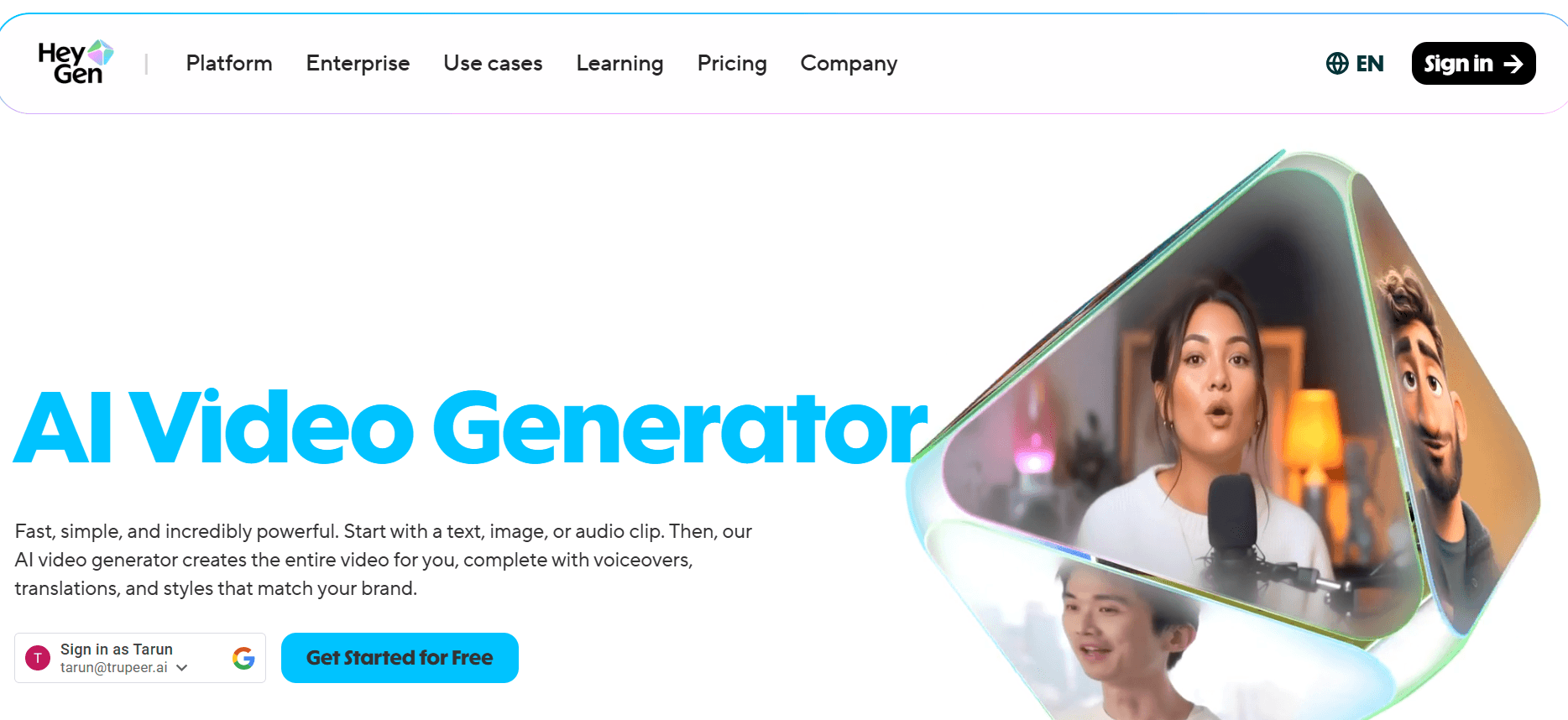
يوفر HeyGen طريقة مباشرة لإنشاء فيديوهات مولدة بالذكاء الاصطناعي. ورغم أنه قد لا يضم عددًا كبيرًا من الشخصيات الافتراضية مثل Colossyan، إلا أنه يقدم ميزات فريدة مثل تحرير الفيديو في الوقت الفعلي ومكتبة من لقطات المخزون. قد يكون ذلك مفيدًا للمستخدمين الذين يرغبون في دمج الشخصيات الافتراضية بالذكاء الاصطناعي مع عناصر فيديو أكثر تقليدية.
D-ID
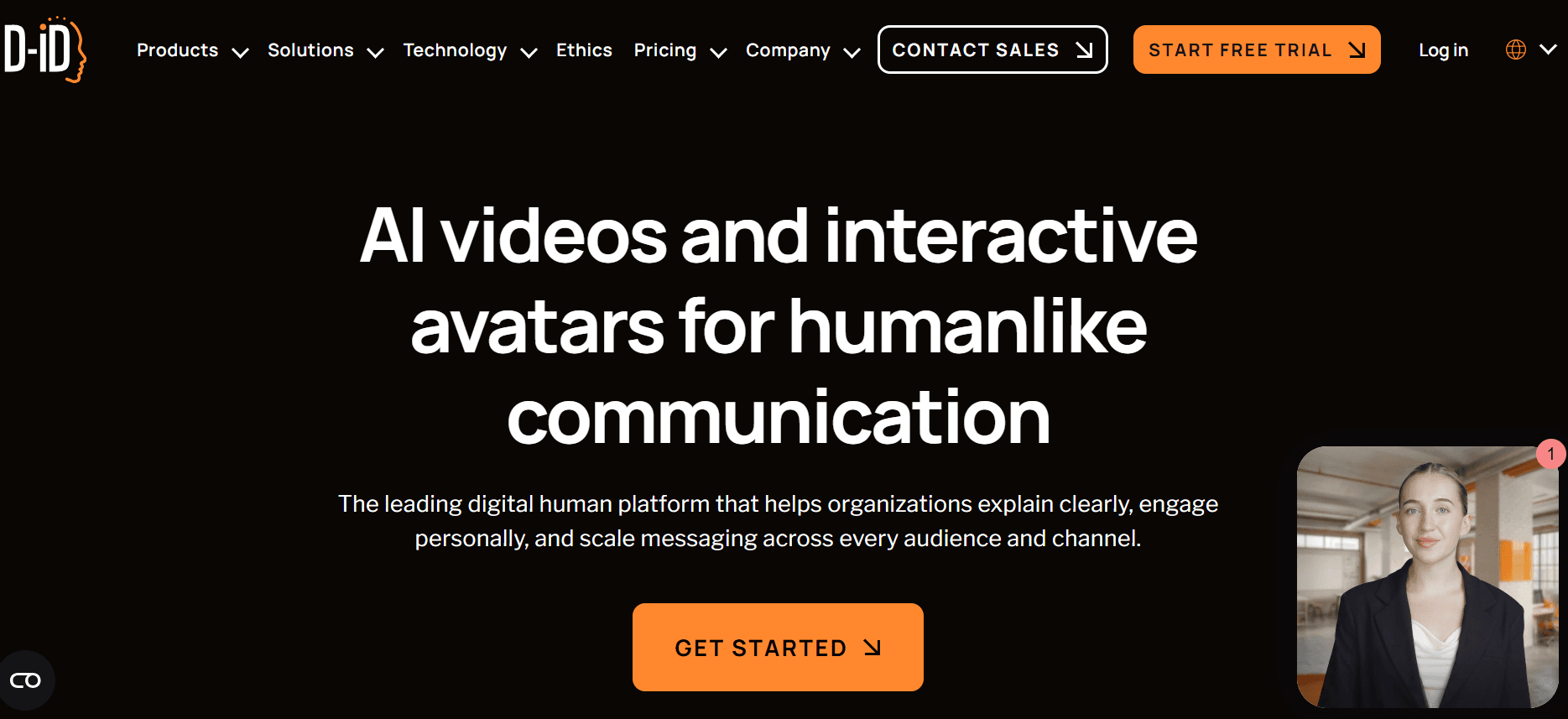
يركز D-ID على توليد شخصيات افتراضية بالذكاء الاصطناعي مع تعابير وجه ومشاعر واقعية. وهو مفيد بشكل خاص لإنشاء فيديوهات تتطلب لمسة أكثر إنسانية. كما توفر المنصة قدرات تكامل قوية، ما يسهل إدراج الفيديوهات ضمن منصات رقمية مختلفة.
الأداة
الأفضل لـ
سعر البدء
الميزة الأبرز مقارنة بـ Colossyan
Trupeer
جولات المنتج، دروس البرامج
$35/شهريًا
قدرات تسجيل الشاشة
Synthesia
فيديوهات شخصيات افتراضية مخصصة
$30/شهريًا
تخصيص محسّن للشخصيات الافتراضية
HeyGen
دمج فيديو تقليدي وذكاء اصطناعي
$25/شهريًا
تحرير فيديو في الوقت الفعلي
D-ID
تعابير وجه واقعية
$40/شهريًا
تمثيل عاطفي للشخصيات الافتراضية
Colossyan مقابل Trupeer: أيهما يجب أن تختار؟
يعتمد الاختيار بين Colossyan وTrupeer على احتياجاتك المحددة. إليك مقارنة مباشرة لمساعدتك في اتخاذ قرارك:
الميزة | Colossyan | Trupeer |
|---|---|---|
تنوع الشخصيات الافتراضية | 70+ شخصية | 50+ شخصية |
دعم اللغات | 70+ لغة | 80+ لغة |
تسجيل الشاشة | لا | نعم |
خيارات التكامل | محدودة | واسعة |
التخصيص | محدود | مرتفع |
إذا كان تركيزك على إنشاء عروض توضيحية للمنتج ودروس مفصلة، فإن Trupeer هو الخيار الأفضل بفضل قدرات تسجيل الشاشة والتخصيص. أما إذا كانت احتياجك الأساسي هو تنوع واسع من الشخصيات الافتراضية واللغات لفيديوهات التدريب، فلا يزال Colossyan خيارًا قويًا.
الأسئلة الشائعة
هل تتوفر تجربة مجانية لـ Colossyan؟
نعم، يقدم Colossyan تجربة مجانية تتيح للمستخدمين استكشاف الميزات الأساسية للمنصة. ومع ذلك، ستتضمن الفيديوهات التي يتم إنشاؤها خلال فترة التجربة علامة مائية.
هل يمكن لـ Colossyan إنشاء دروس برامج؟
لا، لا يدعم Colossyan تسجيل الشاشة، وهو أمر ضروري لإنشاء دروس البرامج أو جولات المنتج. لهذه الاحتياجات، ضع في اعتبارك بدائل مثل Trupeer.
كيف يتعامل Colossyan مع اللغات المتعددة؟
يدعم Colossyan أكثر من 70 لغة، ما يجعله مناسبًا لإنشاء محتوى فيديو متعدد اللغات. تضمن المنصة نطقًا دقيقًا ونبرة مناسبة، رغم أن بعض المستخدمين قد يلاحظون اختلافات بسيطة.
ما خيارات التخصيص المتاحة في Colossyan؟
يقدم Colossyan خيارات تخصيص محدودة. يمكن للمستخدمين الاختيار من بين مجموعة من الشخصيات الافتراضية واللغات، لكن القدرة على تخصيص المحتوى بما يتجاوز هذه الخيارات محدودة.
كيف يقارن Trupeer من ناحية التسعير؟
سعر بدء Trupeer أعلى قليلًا عند $35/شهريًا، لكنه يوفر ميزات إضافية مثل تسجيل الشاشة وتخصيصًا واسعًا، ما قد يمنح قيمة أكبر اعتمادًا على احتياجاتك.
هل يمكنني دمج Colossyan مع منصات أخرى؟
يقدم Colossyan بعض قدرات التكامل، لكنها محدودة مقارنةً بالمنصات الأخرى مثل Trupeer، الذي يوفر خيارات أكثر اتساعًا لتوزيع المحتوى بسلاسة.
ما نوع الدعم الذي يقدمه Colossyan؟
يوفر Colossyan دعم العملاء عبر البريد الإلكتروني ومركز مساعدة مخصص. ومع ذلك، قد يجد المستخدمون الذين يبحثون عن مساعدة فورية أن خيارات الدعم محدودة إلى حد ما.
هل Trupeer أفضل لفيديوهات تأهيل العملاء؟
نعم، يعد Trupeer مناسبًا بشكل خاص لفيديوهات تأهيل العملاء بفضل قدرات تسجيل الشاشة وميزات التعليق الصوتي بالذكاء الاصطناعي، والتي تتيح محتوى أكثر شمولًا وجاذبية.
الخاتمة
يعتمد اختيار مولّد فيديوهات بالذكاء الاصطناعي المناسب على احتياجاتك المحددة وسير عملك. بينما يقدم Colossyan منصة قوية لإنشاء فيديوهات تدريب تعتمد على الشخصيات الافتراضية، فقد لا تلبي قيوده احتياجات جميع المستخدمين. يوفر Trupeer، بفضل ميزاته وقدراته المحسّنة، بديلًا متعدد الاستخدامات يمكنه تلبية مجموعة أوسع من متطلبات إنتاج الفيديو.
إذا كنت تبحث عن أداة توفر كلًا من الشخصيات الافتراضية بالذكاء الاصطناعي وقدرات متقدمة لإنتاج الفيديو، فإن Trupeer خيار مقنع. استكشف كيف يمكن لـ Trupeer تحويل طريقة إنشاء محتوى الفيديو لديك عبر زيارة Trupeer.



