Trupeer Blog

Visão Geral do Comprador
Hoje em dia, as empresas enfrentam o desafio de oferecer formação eficaz a clientes externos, como agências, fornecedores de SaaS e consultoras. As ferramentas genéricas de vídeo muitas vezes ficam aquém, por não incluírem funcionalidades essenciais como portais do cliente, controlos de acesso específicos e análises de envolvimento esclarecedoras. Um inquérito destacou que 63% das organizações consideram o vídeo uma parte vital da sua estratégia de formação, mas enfrentam as limitações das ferramentas básicas.
"63% das organizações consideram o vídeo uma parte vital da sua estratégia de formação, mas enfrentam as limitações das ferramentas básicas."
Fonte: Relatório State of Video in Business da Wyzowl, 2025
Este guia foi elaborado para profissionais que procuram plataformas que se adaptem especificamente a conteúdo de vídeo voltado para clientes. Encontrará uma comparação detalhada das principais ferramentas, uma exploração das funcionalidades-chave e informações sobre desafios e soluções. Quer esteja responsável pela integração de novos clientes ou pela manutenção de programas de formação contínua, este recurso foi concebido para o ajudar a tomar decisões informadas.
Melhores Plataformas de Vídeo para Formação de Clientes: Comparação Direta
Funcionalidade | Trupeer | Panopto | Loom | Kaltura | Vidyard | Wistia | Camtasia | Vimeo OTT |
|---|---|---|---|---|---|---|---|---|
Funcionalidades Principais | ||||||||
Portal do Cliente | Sim | Limitado | Não | Sim | Sim | Limitado | Não | Sim |
Controlos de Acesso | Sim | Sim | Não | Sim | Limitado | Limitado | Não | Sim |
Capacidades de IA | ||||||||
Locução por IA | Sim | Não | Não | Limitado | Não | Não | Não | Limitado |
Funcionalidades Profissionais | ||||||||
Branding Personalizado | Sim | Sim | Limitado | Sim | Limitado | Sim | Não | Sim |
Análises de Envolvimento | Sim | Sim | Limitado | Sim | Sim | Sim | Não | Limitado |
Integrações | ||||||||
Suporte Multilingue | Sim | Sim | Não | Sim | Limitado | Limitado | Não | Sim |
Integração com LMS | Sim | Sim | Não | Sim | Sim | Não | Limitado | Sim |
Plano Gratuito | Sim | Não | Sim | Não | Sim | Limitado | Não | Limitado |
Trupeer

A Trupeer é uma plataforma poderosa concebida para empresas que necessitam de soluções robustas de formação de clientes. É ideal para empresas que precisam de criar experiências de formação personalizadas com controlos de acesso fluidos e análises de envolvimento detalhadas. A Trupeer destaca-se pelas funcionalidades baseadas em IA, incluindo locução, que permite aos utilizadores converter texto em áudio realista com o mínimo de esforço.
A plataforma destaca-se por oferecer uma interface intuitiva que acomoda tanto criadores como clientes. A capacidade da Trupeer de se integrar com sistemas de gestão da aprendizagem populares reforça ainda mais o seu apelo para organizações que procuram uma ferramenta de formação abrangente.
Funcionalidades Principais
Portal do cliente com acesso seguro
Locução e transcrição com IA
Opções de branding personalizáveis
Análises aprofundadas de envolvimento
Suporte multilingue
Integração fluida com LMS
Elementos de vídeo interativos
Automatização da atualização de conteúdo
"A Trupeer revolucionou a nossa abordagem de formação com as suas análises intuitivas e funcionalidades personalizáveis."
Vantagens | Desvantagens |
|---|---|
Os controlos abrangentes de acesso do cliente reforçam a segurança. | A configuração inicial pode ser demorada para novos utilizadores. |
A locução por IA reduz significativamente o tempo de produção. | Alguns utilizadores consideram o painel de análises complexo. |
Integra-se sem problemas com os sistemas LMS existentes. | As funcionalidades avançadas podem exigir uma curva de aprendizagem. |
Oferece um plano gratuito para pequenas equipas. |
Preço
A Trupeer oferece um plano gratuito para até 5 utilizadores; os planos pagos começam em 49 $ por utilizador por mês.
Panopto
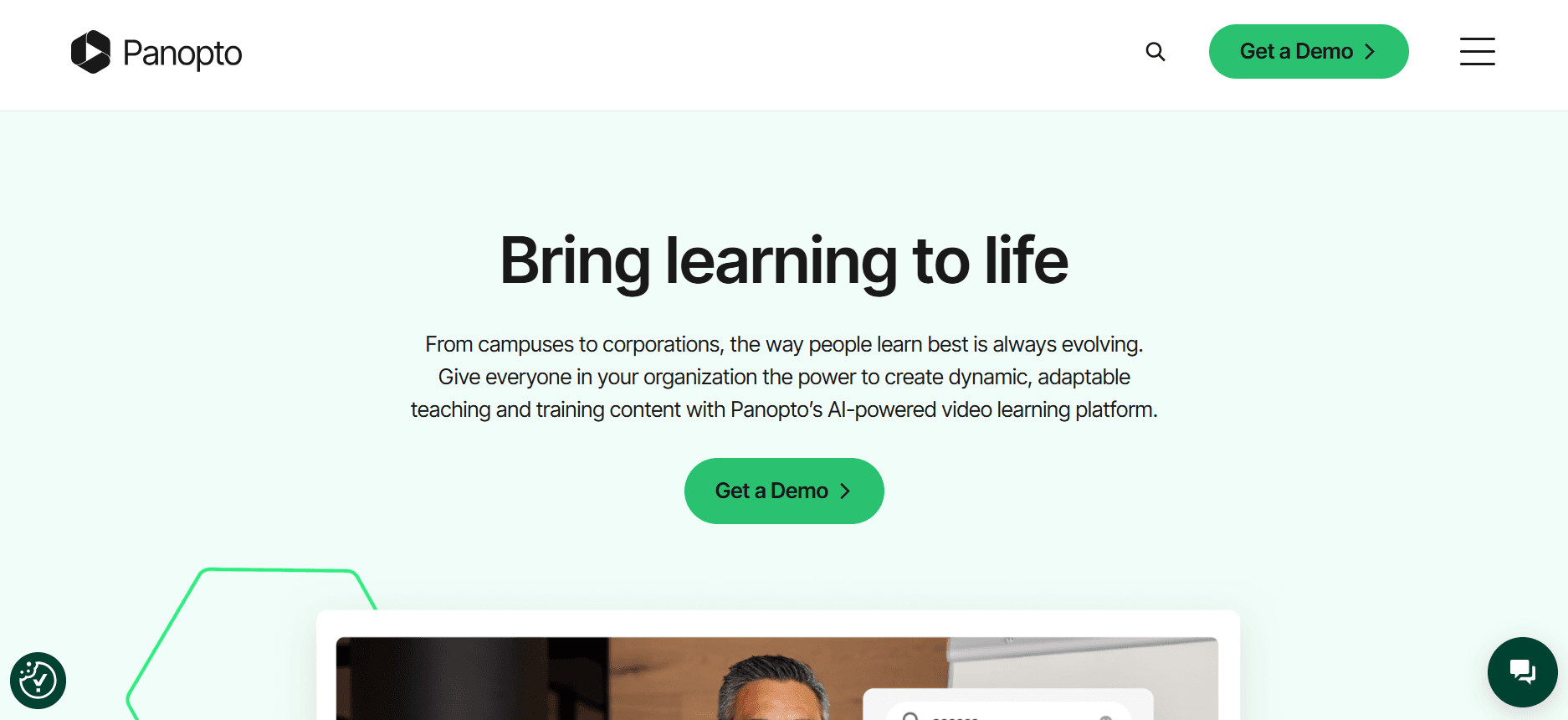
A Panopto destina-se a empresas e instituições de ensino que dão prioridade à gestão de vídeo e a capacidades de transmissão em direto. É particularmente útil para organizações com uma vasta biblioteca de vídeos de formação, pois oferece funcionalidades avançadas de pesquisa e uma gestão robusta de conteúdo de vídeo.
Apesar dos seus pontos fortes na gestão de vídeo, a Panopto pode não ser a melhor opção para pequenas empresas que procuram soluções acessíveis. O seu foco em soluções de grande escala significa que se destaca em ambientes onde é necessário processar grandes volumes de vídeo.
Funcionalidades Principais
Gestão abrangente de conteúdo de vídeo
Capacidades de transmissão em direto e webcasting
Pesquisa avançada com reconhecimento automático de voz
Partilha segura e controlos de acesso
Análises detalhadas de vídeo
Integração com plataformas LMS e CMS
Suporte multilingue
Indexação automática de vídeo
Vantagens | Desvantagens |
|---|---|
Funcionalidades poderosas de gestão de vídeo para bibliotecas extensas. | O custo mais elevado pode não ser adequado para pequenas empresas. |
As capacidades de pesquisa avançadas melhoram a experiência do utilizador. | A interface pode ser avassaladora para novos utilizadores. |
Excelente integração com sistemas empresariais existentes. | Não inclui funcionalidades baseadas em IA que se encontram em concorrentes. |
Preço
A preços da Panopto são personalizados, com base nas necessidades da organização, e não existe plano gratuito disponível.
Loom

A Loom é conhecida pela sua simplicidade e facilidade de utilização, o que a torna uma escolha popular para comunicações de vídeo rápidas e informais. É ideal para equipas e indivíduos que precisam de partilhar gravações de ecrã e vídeos de câmara instantaneamente, sem a complexidade de plataformas mais extensas.
Embora a Loom se destaque pela facilidade de utilização, pode não oferecer a profundidade de funcionalidades necessária para programas detalhados de formação de clientes. É mais adequada para comunicações internas do que para conteúdo abrangente voltado para o cliente.
Funcionalidades Principais
Gravação instantânea de ecrã e câmara
Partilha simples com ligações diretas
Análises básicas para acompanhar visualizações
Comentários e reações com emoji
Integração com Slack e outras ferramentas de produtividade
Recorte de vídeo e edição básica
Armazenamento na nuvem para vídeos
Controlos de acesso básicos para vídeos partilhados
Vantagens | Desvantagens |
|---|---|
A interface intuitiva torna a criação de vídeo simples. | Funcionalidades limitadas para formação abrangente de clientes. |
As capacidades de partilha rápida simplificam a comunicação. | Não tem análises avançadas para informações detalhadas. |
Integra-se bem com ferramentas de produtividade do dia a dia. | Falta um portal do cliente e opções de acesso seguro. |
Preço
A Loom oferece um plano gratuito com funcionalidades limitadas; os planos pagos começam em 8 $ por utilizador por mês.
Kaltura
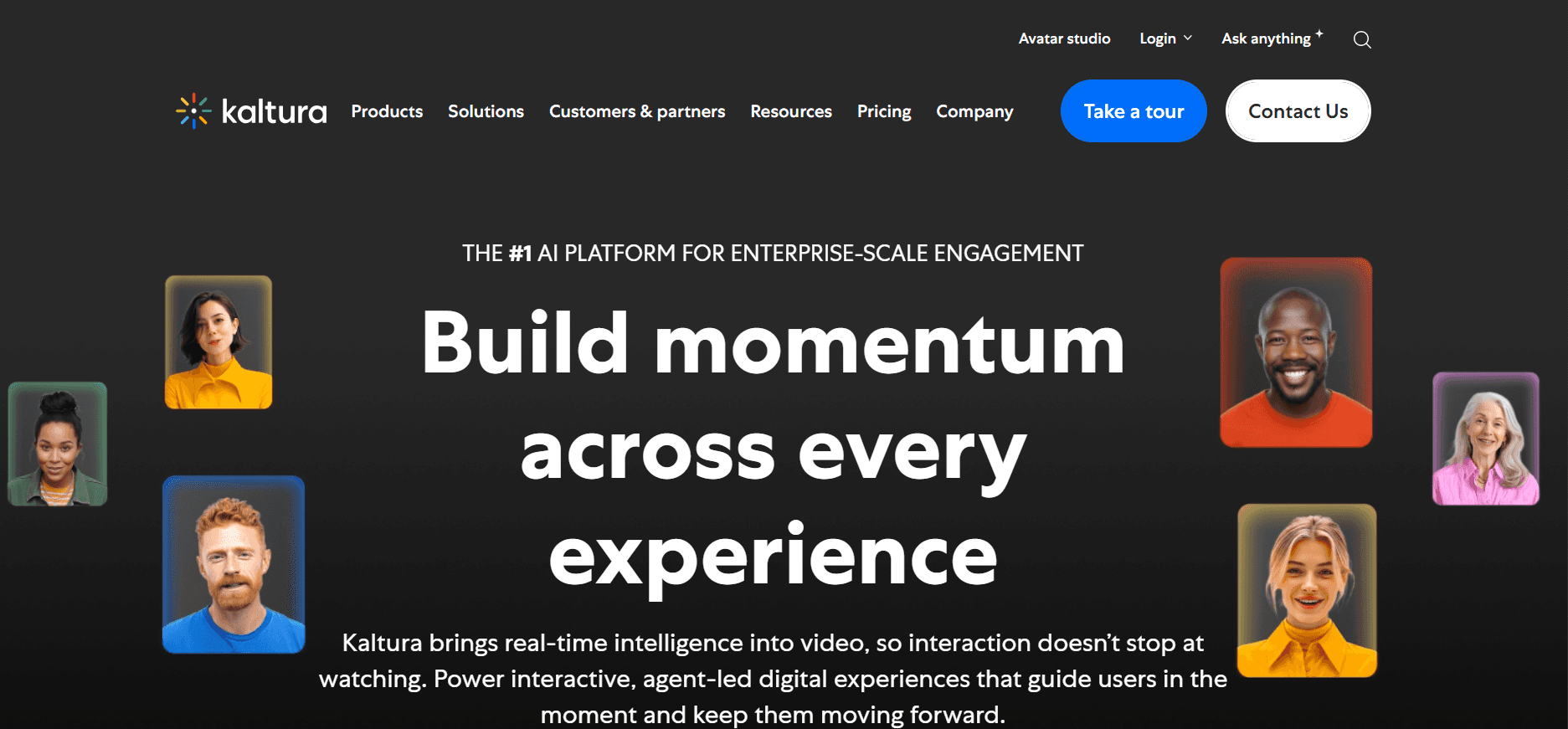
A Kaltura é uma plataforma de vídeo versátil, concebida para empresas e instituições de ensino que precisam de uma ampla gama de soluções de vídeo. É particularmente forte em transmissão em direto, gestão de conteúdo de vídeo e experiências de vídeo interativas, o que a torna adequada para empresas com necessidades de vídeo diversificadas.
Apesar da sua versatilidade, a complexidade da Kaltura pode ser um obstáculo para organizações mais pequenas sem recursos de TI dedicados. É uma solução robusta para quem precisa de amplas capacidades de personalização e integração.
Funcionalidades Principais
Transmissão em direto e vídeo a pedido
Reprodutores de vídeo personalizáveis
Percursos de vídeo interativos e questionários
Análises abrangentes de vídeo
Integração com os principais sistemas LMS e CMS
Plataforma SaaS multi-inquilino
Branding personalizado e opções white-label
Suporte multilingue
Vantagens | Desvantagens |
|---|---|
Altamente personalizável para necessidades complexas de vídeo. | A configuração e a gestão exigem conhecimento técnico. |
Funcionalidades interativas sólidas melhoram o envolvimento do utilizador. | Pode ser cara para pequenas e médias empresas. |
Excelente integração com a infraestrutura de TI existente. | A interface do utilizador pode ser intimidante para iniciantes. |
Preço
A Kaltura disponibiliza preços personalizados com base nos requisitos da organização, sem plano gratuito padrão.
Vidyard

A Vidyard é ideal para empresas focadas em tirar partido do vídeo para marketing e vendas. A sua força reside na capacidade de fornecer análises detalhadas de espetadores e mensagens de vídeo personalizadas, tornando-a uma ferramenta valiosa para equipas que pretendem aumentar o envolvimento do cliente e impulsionar conversões.
Embora a Vidyard ofereça excelentes capacidades de marketing, talvez não seja a melhor opção para quem se foca apenas na formação interna, devido à sua ênfase em funcionalidades de comunicação externa.
Funcionalidades Principais
Análises e relatórios avançados de vídeo
Mensagens de vídeo personalizadas
Chamadas à ação em vídeo personalizáveis
Integração com CRM e ferramentas de automação de marketing
Hospedagem e gestão de vídeo
Elementos de vídeo interativos
Opções de branding e personalização
Otimização de SEO de vídeo
Vantagens | Desvantagens |
|---|---|
Análises excecionais para insights de marketing. | O foco no marketing pode limitar a utilização interna. |
Integração fluida com ferramentas de vendas e marketing. | As funcionalidades avançadas têm um custo mais elevado. |
As funcionalidades de vídeo personalizadas aumentam o envolvimento do cliente. | Alguns utilizadores consideram a interface complexa. |
Preço
A Vidyard oferece um plano gratuito com funcionalidades essenciais; os planos pagos começam em 15 $ por utilizador por mês.
Wistia

A Wistia foi concebida para empresas que procuram melhorar os seus esforços de marketing em vídeo com foco no branding e no envolvimento do espetador. Fornece ferramentas para criar vídeos com aspeto profissional, com análises detalhadas e opções de personalização, o que a torna uma favorita entre profissionais de marketing e gestores de marca.
Embora a Wistia ofereça fortes funcionalidades de marketing, as empresas que procuram uma plataforma para formação interna podem considerar que lhe faltam as ferramentas educativas necessárias.
Funcionalidades Principais
Reprodutor de vídeo e branding personalizáveis
Análises aprofundadas de espetadores
Ferramentas de geração de leads com captura de e-mail
Integração com plataformas de marketing
SEO de vídeo e opções de incorporação
Elementos interativos, como anotações
Marcadores de capítulos para navegação fácil
Hospedagem e gestão de vídeo
Vantagens | Desvantagens |
|---|---|
Fortes capacidades de branding e personalização. | Funcionalidades limitadas para formação educativa. |
As análises detalhadas melhoram as estratégias de marketing. | Preços mais elevados para funcionalidades avançadas. |
Integração fluida com ferramentas de marketing. | Não há plano gratuito para utilização extensiva. |
Preço
A Wistia oferece um plano gratuito limitado; os planos premium começam em 99 $ por mês para funcionalidades avançadas.
Camtasia

A Camtasia é uma solução de software de desktop destinada à criação de gravações de ecrã e tutoriais em vídeo de qualidade profissional. É particularmente útil para criar conteúdo educativo, com funcionalidades pensadas para educadores e formadores que precisam de produzir facilmente conteúdo de vídeo polido.
Embora a Camtasia se destaque na edição e produção de vídeo, carece de funcionalidades baseadas na nuvem e de ferramentas específicas para clientes, o que pode limitar a sua utilização em soluções abrangentes de formação de clientes.
Funcionalidades Principais
Capacidades profissionais de gravação de ecrã
Funcionalidades robustas de edição de vídeo
Modelos de vídeo personalizáveis
Questionários interativos e destaques
Efeitos e melhorias de áudio
Integração com o PowerPoint
Edição de cronologia multitrack
Fundos e gráficos animados
Vantagens | Desvantagens |
|---|---|
Excelentes ferramentas de edição de vídeo para conteúdo profissional. | Não tem partilha nem colaboração baseadas na nuvem. |
As funcionalidades interativas melhoram os vídeos de formação. | Não tem portal específico para clientes nem controlos de acesso. |
Integração simples com software de apresentações. | O custo da compra única pode ser elevado. |
Preço
A Camtasia oferece um preço de compra única de 299 $, com custos adicionais para atualizações e suporte.
Vimeo OTT
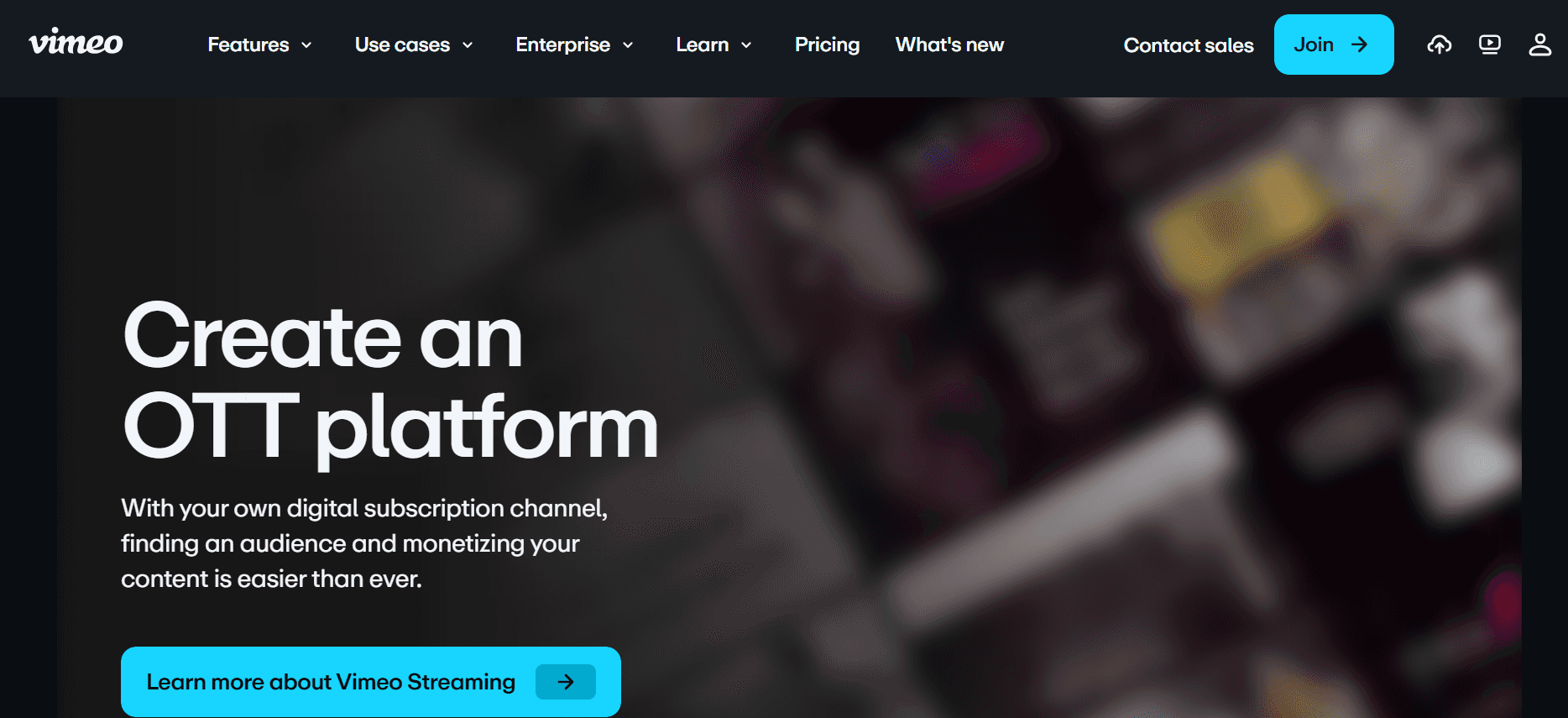
A Vimeo OTT é adaptada a empresas e criadores que precisam de distribuir conteúdo de vídeo através dos seus próprios canais com branding próprio. É particularmente benéfica para organizações que procuram rentabilizar conteúdo de vídeo ou criar ofertas de vídeo baseadas em subscrição.
Embora a Vimeo OTT ofereça excelentes opções de monetização e branding, pode não ser a melhor opção para programas de formação interna devido ao seu foco na distribuição externa e no envolvimento do cliente.
Funcionalidades Principais
Canais de vídeo com branding personalizado
Monetização por subscrição e transacional
Análises de vídeo e informações sobre o espetador
Suporte para transmissão em direto
Distribuição multiplataforma
Proteção DRM para conteúdo
Integração com gateways de pagamento
Reprodutor de vídeo personalizável
Vantagens | Desvantagens |
|---|---|
Fortes opções de monetização para conteúdo de vídeo. | O foco na distribuição externa pode limitar a utilização interna. |
O branding personalizado reforça a identidade da empresa. | Custos mais elevados para funcionalidades avançadas e suporte. |
As análises detalhadas fornecem informações sobre o espetador. | Configuração complexa para novos utilizadores. |
Preço
A Vimeo OTT oferece preços personalizados com base nas funcionalidades e no tamanho da audiência, com opções gratuitas limitadas.
Desafios das Plataformas de Vídeo para Formação de Clientes: Com o Que as Equipas Lucham
Sem Controlos de Acesso Dedicados para Clientes
Muitas plataformas oferecem partilha genérica de ligações, o que carece de segurança.
Os clientes podem partilhar vídeos com utilizadores não autorizados, arriscando fuga de conteúdo.
Sem portais com acesso restrito, torna-se difícil acompanhar quem tem acesso a quê.
A falta de controlos de acesso pode levar a violações de confidencialidade.
Sem Visibilidade Sobre o Envolvimento com o Vídeo
As plataformas padrão muitas vezes não fornecem análises detalhadas sobre o envolvimento do espetador.
Sem insights, é difícil saber se os clientes estão realmente a interagir com o conteúdo.
A incapacidade de acompanhar se os vídeos são vistos até ao fim limita o feedback.
Os dados de envolvimento são cruciais para avaliar a eficácia dos programas de formação.
Falta de Branding Profissional
Os reprodutores de vídeo genéricos não refletem a identidade da marca da empresa.
A ausência de branding pode fazer com que o conteúdo pareça menos profissional.
Os clientes podem não levar a sério conteúdo sem branding, afetando a perceção.
A consistência da marca é frequentemente crucial para manter a confiança dos clientes.
Sem Elementos Interativos para Aprendizagem ao Ritmo do Utilizador
Os vídeos estáticos não envolvem os formandos tão eficazmente como o conteúdo interativo.
Elementos interativos, como questionários e ramificações, adaptam-se a diferentes estilos de aprendizagem.
A falta de interação pode levar à redução da retenção da informação.
O conteúdo interativo permite aos formandos refletir e aplicar os conhecimentos de imediato.
É Necessário Regravar Sempre que Há uma Atualização do Produto
Cada atualização do produto exige novo conteúdo de vídeo, consumindo recursos.
Regravações frequentes levam a inconsistências no material de formação.
Atualizar vídeos pode ser demorado, atrasando a divulgação de novas informações.
As equipas precisam de uma solução que suporte atualizações de conteúdo rápidas e eficientes.
Desafio | Processo Tradicional | Impacto no Negócio | Custo de Tempo |
|---|---|---|---|
Sem Controlos de Acesso Dedicados para Clientes | Partilha genérica de ligações sem medidas de segurança. | Potencial fuga de conteúdo e violações de confidencialidade. | Elevado devido ao acompanhamento e gestão manuais. |
Sem Visibilidade Sobre o Envolvimento com o Vídeo | Análises limitadas ou inexistentes sobre o comportamento do espetador. | Incapacidade de medir a eficácia da formação. | Médio, pois o feedback é tardio e indireto. |
Falta de Branding Profissional | Utilização de reprodutores de vídeo padrão sem branding. | Redução da confiança do cliente e da perceção de profissionalismo. | Baixo, mas afeta a perceção da marca a longo prazo. |
Sem Elementos Interativos para Aprendizagem ao Ritmo do Utilizador | Vídeos estáticos sem funcionalidades envolventes. | Menor envolvimento e retenção dos formandos. | Médio, pois o conteúdo precisa de ser atualizado com frequência. |
É Necessário Regravar Sempre que Há uma Atualização do Produto | Regravação completa a cada atualização. | Exigente em recursos e atrasa a divulgação de informação. | Elevado devido à criação frequente de conteúdo. |
Funcionalidades Obrigatórias nas Plataformas de Vídeo para Formação de Clientes
Portal do Cliente com Controlos de Acesso Granulares
Um portal do cliente é crucial para gerir quem pode ver o seu conteúdo de formação. Com controlos de acesso granulares, pode garantir que apenas utilizadores autorizados veem vídeos específicos. Esta funcionalidade oferece uma forma segura e organizada de distribuir conteúdo, permitindo aos administradores atribuir diferentes permissões a diferentes utilizadores, assegurando privacidade e conformidade.
A Trupeer destaca-se nesta área ao oferecer gestão detalhada de acessos, permitindo-lhe definir diferentes níveis de acesso para vários segmentos de clientes. Esta capacidade é essencial para manter a segurança e garantir que o conteúdo é partilhado apenas com o público pretendido.
Análises de Vídeo que Mostram o Envolvimento por Espetador
Compreender como os clientes interagem com o seu conteúdo é crucial para melhorar a eficácia da formação. As análises de vídeo que mostram o envolvimento por espetador fornecem informações sobre quais partes do seu conteúdo mais ressoam com o seu público. Estes dados ajudam a refinar o conteúdo para aumentar o seu impacto e garantir que os objetivos de formação são cumpridos.
Plataformas como a Vidyard destacam-se por oferecer análises avançadas que acompanham o comportamento do espetador, como o tempo de visualização e os níveis de interação, ajudando-o a avaliar com precisão o sucesso dos seus programas de formação.
Elementos Interativos (Questionários, Capítulos, Ramificações)
Os elementos interativos transformam vídeos estáticos em experiências de aprendizagem dinâmicas. Funcionalidades como questionários, capítulos e percursos ramificados envolvem os espetadores de forma mais eficaz, adaptando-se a diferentes estilos de aprendizagem e permitindo aprendizagem ao ritmo do utilizador. Esta interatividade incentiva a participação ativa, que é fundamental para a retenção de conhecimento.
A Kaltura oferece ferramentas interativas robustas que permitem aos criadores de conteúdo incorporar questionários e criar cenários ramificados, proporcionando aos formandos uma jornada de formação mais personalizada.
Locução por IA e Auto-Tradução
A locução por IA pode reduzir dramaticamente o tempo de produção ao converter texto em áudio, enquanto a auto-tradução amplia o alcance do seu conteúdo a diferentes idiomas e regiões. Estas funcionalidades garantem que o seu material de formação é acessível a um público global, acomodando diversas necessidades linguísticas sem esforço manual extensivo.
As capacidades de locução por IA da Trupeer simplificam o processo de produção de vídeo, permitindo-lhe localizar o conteúdo de forma eficiente e eficaz.
Branding Personalizado com Logótipo e Cores
O branding personalizado garante que o seu conteúdo de formação reflete a identidade da sua empresa, reforçando o profissionalismo e a confiança do cliente. Ao incorporar o seu logótipo e as suas cores, mantém a consistência da marca em todo o material de formação. Esta funcionalidade é crucial para empresas que querem reforçar a sua imagem de marca e causar uma impressão duradoura nos seus clientes.
A Wistia destaca-se por disponibilizar ferramentas de branding que lhe permitem personalizar os reprodutores de vídeo de acordo com a estética da sua marca, melhorando a experiência geral do espetador.
Atualizações de Conteúdo Fáceis Sem Regravação
As plataformas que permitem atualizações rápidas de conteúdo sem regravação são inestimáveis, especialmente para produtos e serviços em rápida evolução. Esta funcionalidade poupa tempo e recursos, permitindo-lhe manter o material de formação atualizado sem necessidade de reformulações completas. Garante que os clientes têm sempre acesso às informações mais recentes, melhorando a sua experiência de aprendizagem.
A Camtasia, embora mais focada na edição, fornece ferramentas poderosas para atualizar conteúdo de vídeo de forma fluida, garantindo que o seu material de formação permanece relevante e eficaz.
Como Escolher uma Plataforma de Vídeo para Formação de Clientes com Base no Seu Caso de Uso
Vídeos de Integração de Software para Clientes
Para empresas que oferecem soluções de software complexas, a integração eficaz é crítica. Os vídeos de formação que orientam novos utilizadores pelas funcionalidades podem reduzir significativamente os pedidos de suporte e aumentar a satisfação do utilizador.
A complexidade das funcionalidades do software pode sobrecarregar novos utilizadores.
Os clientes frequentemente necessitam de orientação detalhada para utilizar plenamente o software.
Consistência na entrega da formação entre diferentes equipas de clientes.
Elementos de vídeo interativos para melhorar a compreensão.
Análises detalhadas para acompanhar o envolvimento e a compreensão.
Branding personalizado para alinhar o conteúdo com a identidade da empresa.
Plataforma | Elementos Interativos | Análises de Envolvimento | Branding Personalizado |
|---|---|---|---|
Trupeer | Sim | Sim | Sim |
Kaltura | Sim | Sim | Sim |
Loom | Não | Limitado | Limitado |
Bibliotecas de Formação de Produtos Contínuas
Manter uma biblioteca atualizada de recursos de formação é essencial para produtos que são atualizados com frequência. Estas bibliotecas garantem que os clientes têm acesso às informações mais recentes, reduzindo a necessidade de suporte contínuo.
Atualizações frequentes de produto exigem atualizações contínuas do conteúdo.
Os clientes precisam de acesso fácil a novos materiais de formação.
Manter a consistência entre diversos temas de formação.
Ferramentas para atualizar facilmente o conteúdo sem regravar.
Portal do cliente centralizado para acesso fluido.
Suporte multilingue para atender a um público global.
Plataforma | Atualizações de Conteúdo Fáceis | Portal do Cliente | Suporte Multilingue |
|---|---|---|---|
Trupeer | Sim | Sim | Sim |
Panopto | Limitado | Limitado | Sim |
Vidyard | Não | Limitado | Limitado |
Formação de Conformidade e Certificação para Clientes
Setores com exigências rigorosas de conformidade exigem programas de formação precisos e abrangentes. Garantir que os clientes são certificados e estão em conformidade é crucial para o sucesso legal e operacional.
As normas regulamentares de conformidade podem ser complexas e detalhadas.
Os clientes precisam de garantia de certificação após concluir a formação.
O acompanhamento e a documentação da conclusão da formação são obrigatórios.
Capacidades detalhadas de acompanhamento e relatórios.
Funcionalidades de certificação para reconhecer a conclusão da formação.
Controlos de acesso seguros para proteger conteúdo de formação sensível.
Plataforma | Acompanhamento & Relatórios | Funcionalidades de Certificação | Controlos de Acesso Seguros |
|---|---|---|---|
Trupeer | Sim | Sim | Sim |
Wistia | Limitado | Não | Limitado |
Camtaisa | Não | Não | Não |
Programas de Vídeo para Capacitação de Parceiros
Capacitar parceiros com os recursos de formação certos é vital para expandir o alcance de mercado e garantir mensagens consistentes. Programas de vídeo eficazes podem capacitar os parceiros a vender e apoiar produtos de forma mais eficiente.
Os parceiros precisam de conhecimento abrangente sobre produtos e serviços.
A formação consistente entre todos os parceiros garante mensagens uniformes.
Medir o impacto da formação no desempenho dos parceiros.
Análises robustas para monitorizar o envolvimento dos parceiros.
Conteúdo personalizável para se alinhar com as necessidades dos parceiros.
Integração com sistemas de gestão de parceiros para acesso fluido.
Plataforma | Análises | Conteúdo Personalizável | Integração com Sistemas de Parceiros |
|---|---|---|---|
Trupeer | Sim | Sim | Sim |
Kaltura | Sim | Sim | Limitado |
Vimeo OTT | Limitado | Sim | Não |
Melhores Práticas para Plataformas de Vídeo para Formação de Clientes
Antes de Criar Conteúdo
Defina resultados de aprendizagem claros para orientar o desenvolvimento do conteúdo.
Planeie a sua série de vídeos por tema e público para garantir uma cobertura abrangente.
Identifique métricas-chave para o sucesso, como taxas de envolvimento e taxas de conclusão.
Recolha contributos dos intervenientes para alinhar os objetivos da formação com as metas do negócio.
Durante a Criação de Conteúdo
Mantenha cada vídeo com menos de 5 minutos para preservar a atenção do espetador.
Use capítulos para organizar o conteúdo e facilitar a navegação.
Incorpore elementos interativos para envolver os espetadores e melhorar a retenção.
Mantenha um tom e estilo consistentes para reforçar a identidade da sua marca.
Depois da Divulgação do Conteúdo
Acompanhe as taxas de conclusão e recolha feedback para avaliar a eficácia do conteúdo.
Atualize o conteúdo trimestralmente para o manter relevante e atualizado.
Monitorize as análises de envolvimento para identificar áreas a melhorar.
Solicite feedback aos clientes para melhorar continuamente a experiência de formação.
Perguntas Frequentes
O que é uma plataforma de vídeo para formação de clientes?
Uma plataforma de vídeo para formação de clientes é uma ferramenta especializada concebida para criar, gerir e entregar vídeos de formação a clientes externos. Estas plataformas incluem frequentemente funcionalidades como controlos de acesso seguros, análises detalhadas e elementos interativos para melhorar a experiência de aprendizagem e garantir que os clientes podem interagir eficazmente com o conteúdo.Porque devo usar uma plataforma especializada em vez de ferramentas de vídeo genéricas?
As plataformas especializadas oferecem funcionalidades adaptadas às necessidades de formação de clientes, como controlos de acesso, análises e opções de branding. As ferramentas genéricas podem não ter estas capacidades, afetando a sua capacidade de fornecer experiências de formação eficazes e profissionais e de manter o controlo sobre quem pode ver o seu conteúdo.Estas plataformas podem integrar-se com o nosso LMS existente?
A maioria das plataformas de vídeo para formação de clientes oferece capacidades de integração com sistemas de gestão da aprendizagem (LMS) populares. Isto permite uma entrega e acompanhamento de conteúdo sem falhas dentro dos seus enquadramentos educativos existentes, melhorando todo o ecossistema de formação.Que tipo de análises posso esperar destas plataformas?
As plataformas avançadas fornecem análises detalhadas, incluindo envolvimento do espetador, tempo de visualização do vídeo e taxas de interação. Estes insights ajudam-no a refinar o seu conteúdo e a medir a eficácia dos seus programas de formação, garantindo que cumprem os seus objetivos de negócio.Existem versões gratuitas disponíveis?
Algumas plataformas, como a Trupeer e a Loom, oferecem planos gratuitos com funcionalidades limitadas. Estas podem ser adequadas para pequenas equipas ou para quem esteja a testar a plataforma. No entanto, as funcionalidades mais avançadas e maiores capacidades normalmente requerem uma subscrição paga.Como funcionam geralmente os modelos de preços?
Os modelos de preços variam, mas frequentemente incluem subscrições por utilizador, planos por níveis baseados no acesso a funcionalidades ou preços personalizados para necessidades empresariais. Avaliar os seus requisitos e utilização específicos pode ajudar a determinar a opção mais económica.Quão fácil é implementar estas plataformas?
A facilidade de implementação varia consoante a plataforma. Algumas, como a Loom, são fáceis de usar e exigem pouca configuração, enquanto outras, como a Kaltura, podem exigir mais conhecimento técnico e tempo. Documentação clara e serviços de suporte podem ajudar a uma implementação mais suave.Posso atualizar o conteúdo facilmente depois de o carregar?
Muitas plataformas suportam atualizações fáceis de conteúdo, permitindo-lhe fazer alterações sem voltar a carregar vídeos completos. Esta funcionalidade é especialmente benéfica para manter o material de formação atualizado sem esforços extensivos de regravação.
Conclusão
Escolher a plataforma certa de vídeo para formação de clientes é crucial para proporcionar experiências de formação eficazes e envolventes. Ao considerar os seus casos de uso específicos e compreender as funcionalidades obrigatórias, pode tomar uma decisão informada que esteja alinhada com os seus objetivos de negócio. Quer esteja a integrar novos utilizadores de software ou a manter bibliotecas de formação contínua, a plataforma certa pode fazer toda a diferença.
Para quem procura uma solução abrangente, a Trupeer oferece um conjunto robusto de funcionalidades concebidas para satisfazer diversas necessidades de formação. Explore as capacidades da Trupeer em Trupeer e descubra como pode transformar os seus programas de formação de clientes em experiências mais produtivas e impactantes.


