Trupeer Blog
Resumir

Visão geral do comprador
Criar manuais de utilizador é frequentemente uma tarefa árdua que pode consumir 8-12 horas para um único documento. Muitas equipas acabam por ver os seus manuais ficarem rapidamente desatualizados com cada nova atualização do produto. Um estudo de 2025 revelou que 60% da documentação fica obsoleta no espaço de seis meses.
A maioria das equipas passa mais de 8 horas a atualizar a documentação de utilizador após um grande lançamento de produto.
Fonte: The State of Product Documentation by TechReports, 2025
Este guia foi criado para empresas e equipas que pretendem simplificar o processo de criação e atualização de manuais de utilizador. Quer seja uma startup tecnológica, uma empresa de grande dimensão ou um pequeno negócio, este guia vai guiá-lo pelos melhores recursos disponíveis em 2026 para manter os seus guias de utilizador atualizados e fáceis de gerir.
Melhores ferramentas para criar manuais de utilizador: comparação lado a lado
Funcionalidade | Trupeer | Scribe | Document360 | Tango | Notion | Confluence | GitBook | Archbee |
|---|---|---|---|---|---|---|---|---|
Captura automática de passos | Sim | Sim | Não | Sim | Não | Não | Limitado | Sim |
Escrita com IA | Sim | Não | Limitado | Sim | Não | Sim | Limitado | Sim |
Suporte de vídeo | Sim | Limitado | Sim | Sim | Sim | Limitado | Não | Sim |
Exportação em PDF | Sim | Sim | Sim | Não | Sim | Sim | Sim | Sim |
Base de conhecimento web | Sim | Não | Sim | Não | Sim | Sim | Sim | Sim |
Controlo de versões | Sim | Não | Sim | Não | Limitado | Sim | Sim | Limitado |
Colaboração em equipa | Sim | Não | Sim | Limitado | Sim | Sim | Sim | Sim |
Pesquisa | Sim | Não | Sim | Não | Sim | Sim | Sim | Sim |
Modelos | Sim | Sim | Sim | Não | Sim | Sim | Limitado | Sim |
Plano gratuito | Sim | Limitado | Não | Sim | Sim | Não | Sim | Limitado |
Trupeer

Trupeer oferece um conjunto completo de ferramentas para criar manuais de utilizador de forma rápida e eficiente. É ideal para equipas que precisam de produzir documentação detalhada sem gastar tempo excessivo em processos manuais. O ponto forte exclusivo da Trupeer é a sua tecnologia de captura automática, que regista as ações dos utilizadores e cria automaticamente guias passo a passo. É uma excelente opção para empresas de tecnologia, startups e empresas de grande dimensão que necessitam de documentação atualizada, facilmente acessível.
Principais funcionalidades
Captura automática de passos a partir da atividade no ecrã
Descrições de passos geradas por IA
Suporte para incorporar vídeos nos manuais
Opções de exportação em vários formatos, incluindo PDF e HTML
Controlo de versões e acompanhamento robustos
Edição colaborativa e funcionalidades para equipas
Modelos personalizáveis para vários tipos de documentos
"A Trupeer transformou o nosso processo de documentação, reduzindo os tempos de atualização de horas para minutos."
Prós
Contras
Automatiza o processo de criação do manual, poupando tempo.
Curva de aprendizagem para utilizadores novos que não estejam familiarizados com ferramentas de IA.
Excelente para equipas com produtos complexos.
Requer uma ligação estável à Internet para funcionalidades na cloud.
Suporta mais de 40 idiomas para equipas globais.
As opções de personalização podem ser demasiado exigentes no início.
Preços
A Trupeer oferece um plano gratuito com funcionalidades básicas. Os planos pagos começam nos $49 por utilizador por mês.
Scribe
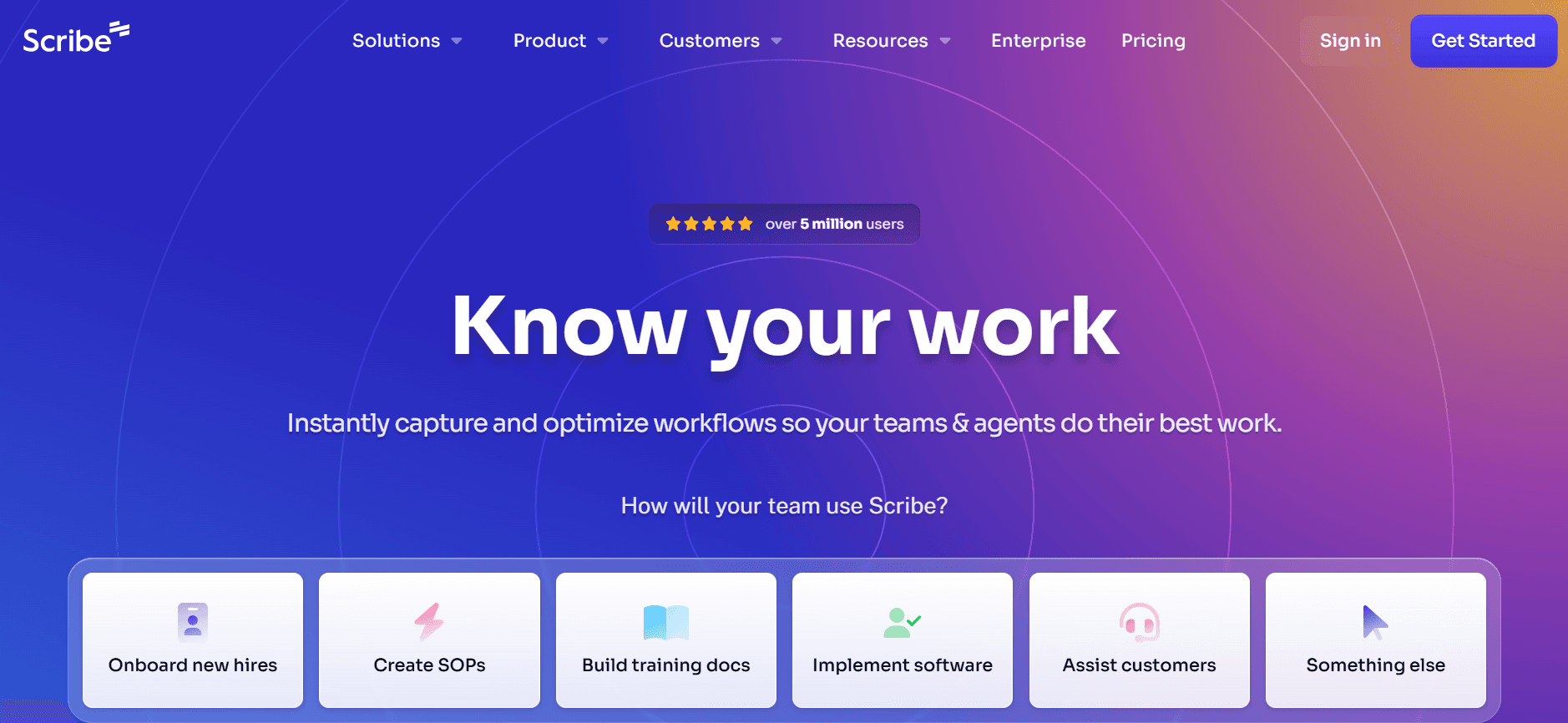
O Scribe foi concebido para quem pretende uma ferramenta intuitiva para documentar processos e procedimentos. É adequado para empresas de pequena a média dimensão e equipas que valorizam a simplicidade e a facilidade de utilização. O destaque do Scribe é a criação de guias passo a passo a partir de gravações do ecrã, o que facilita a captura dos fluxos de trabalho à medida que acontecem.
Principais funcionalidades
Interface fácil de usar para uma configuração rápida
Criação de guias passo a passo a partir de gravações do ecrã
Suporte básico de vídeo para instruções mais completas
Opções simples de exportação em PDF
Ferramentas de colaboração básicas para equipas pequenas
Biblioteca de modelos para necessidades comuns de documentação
Assistência de IA limitada para geração de texto
Prós
Contras
Interface intuitiva ideal para principiantes.
Funcionalidade de IA limitada em comparação com os concorrentes.
Preços acessíveis para equipas pequenas.
Falta de funcionalidades avançadas de controlo de versões.
Excelente para documentar processos simples.
Não suporta bases de conhecimento baseadas na web.
Preços
O Scribe disponibiliza um plano gratuito limitado. Os planos pagos começam nos $10 por utilizador por mês.
Document360
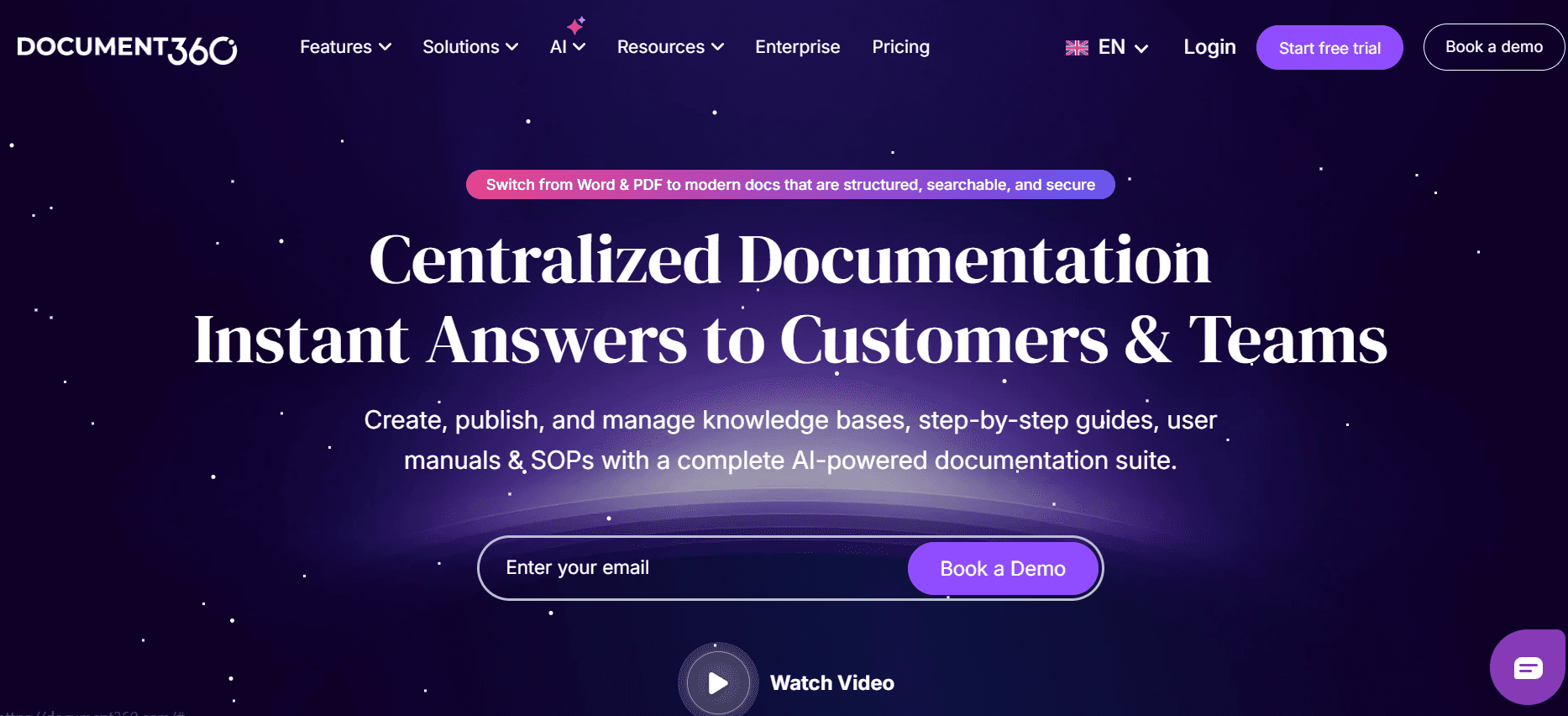
O Document360 é uma ferramenta poderosa, adaptada para criar bases de conhecimento abrangentes e manuais de utilizador. É ideal para organizações maiores que precisam de uma plataforma robusta para gerir documentação extensa. O seu ponto forte está na capacidade de lidar com grandes volumes de conteúdo com categorização avançada e funcionalidades de pesquisa.
Principais funcionalidades
Categorização avançada para grandes volumes de conteúdo
Funcionalidade de pesquisa poderosa para acesso fácil
Suporte para incorporar vídeos dentro de documentos
Opções de exportação em vários formatos, incluindo PDF
Controlo de versões e histórico de acompanhamento abrangentes
Funcionalidades de colaboração em equipa para edição de documentos
Modelos personalizáveis para vários tipos de documentação
Prós
Contras
Lida com grandes volumes de conteúdo de forma eficiente.
Preço mais elevado do que outras ferramentas.
Excelentes funcionalidades de pesquisa e categorização.
Curva de aprendizagem mais acentuada para utilizadores novos.
Controlo de versões forte para documentação complexa.
Não existe plano gratuito.
Preços
O Document360 não oferece um plano gratuito. Os preços começam nos $99 por projeto por mês.
Tango
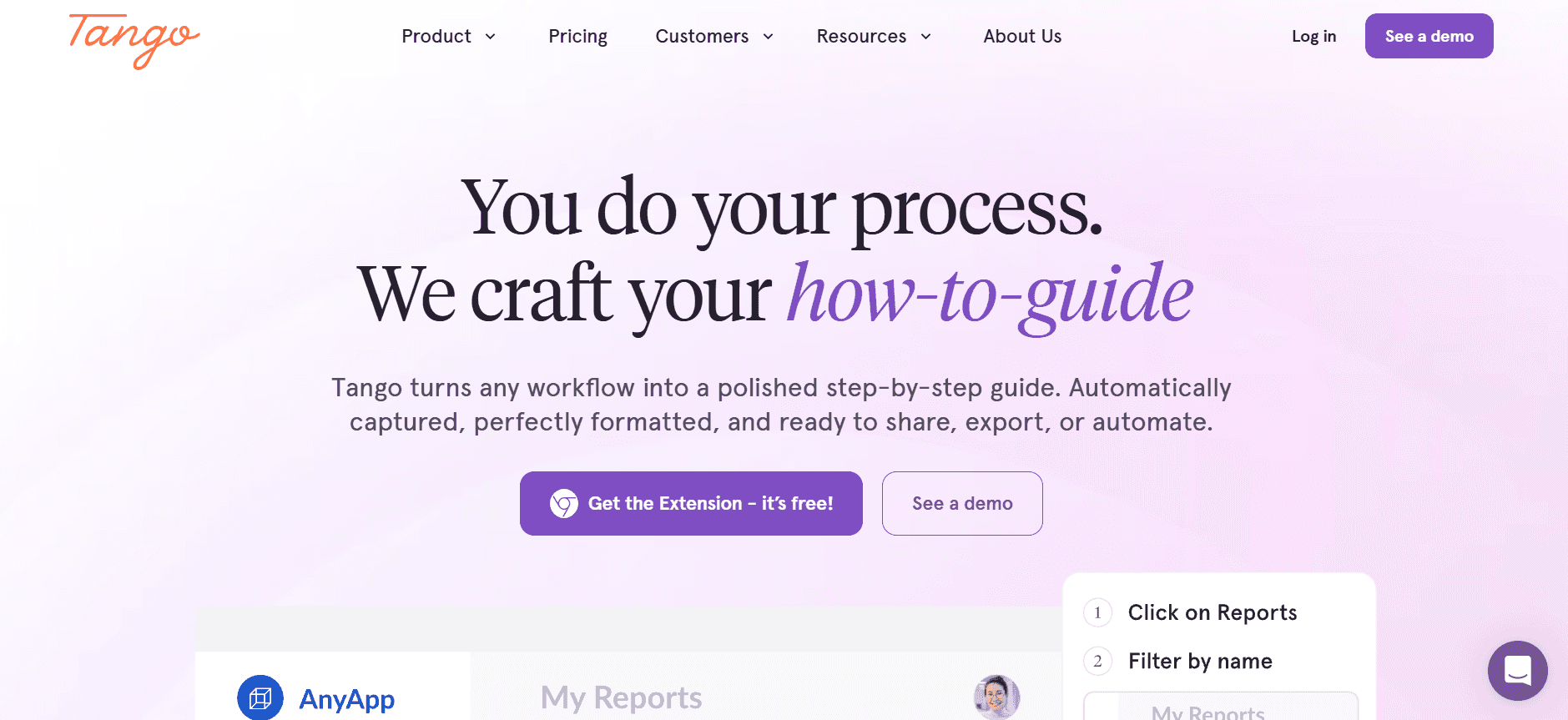
O Tango é uma ferramenta inovadora que se foca na simplicidade e na criação rápida de guias. É perfeita para equipas que precisam de criar guias visuais rapidamente. O Tango destaca-se pela sua geração de texto orientada por IA, que ajuda a acelerar significativamente o processo de documentação.
Principais funcionalidades
Geração de texto orientada por IA para documentação rápida
Interface simples para um onboarding rápido
Incorporação de vídeo para guias mais completos
Opções de exportação básicas para PDF
Ferramentas de colaboração em equipa limitadas
Modelos pré-criados para casos de uso comuns
Design minimalista para facilitar a utilização
Prós
Contras
Configuração rápida e fácil de usar.
Falta de opções de integração extensas.
A geração de texto orientada por IA poupa tempo.
Formatos de exportação limitados disponíveis.
Excelente para criar guias visuais.
As funcionalidades de colaboração são básicas.
Preços
O Tango oferece um plano gratuito com funcionalidades limitadas. Os planos pagos começam nos $12 por utilizador por mês.
Notion
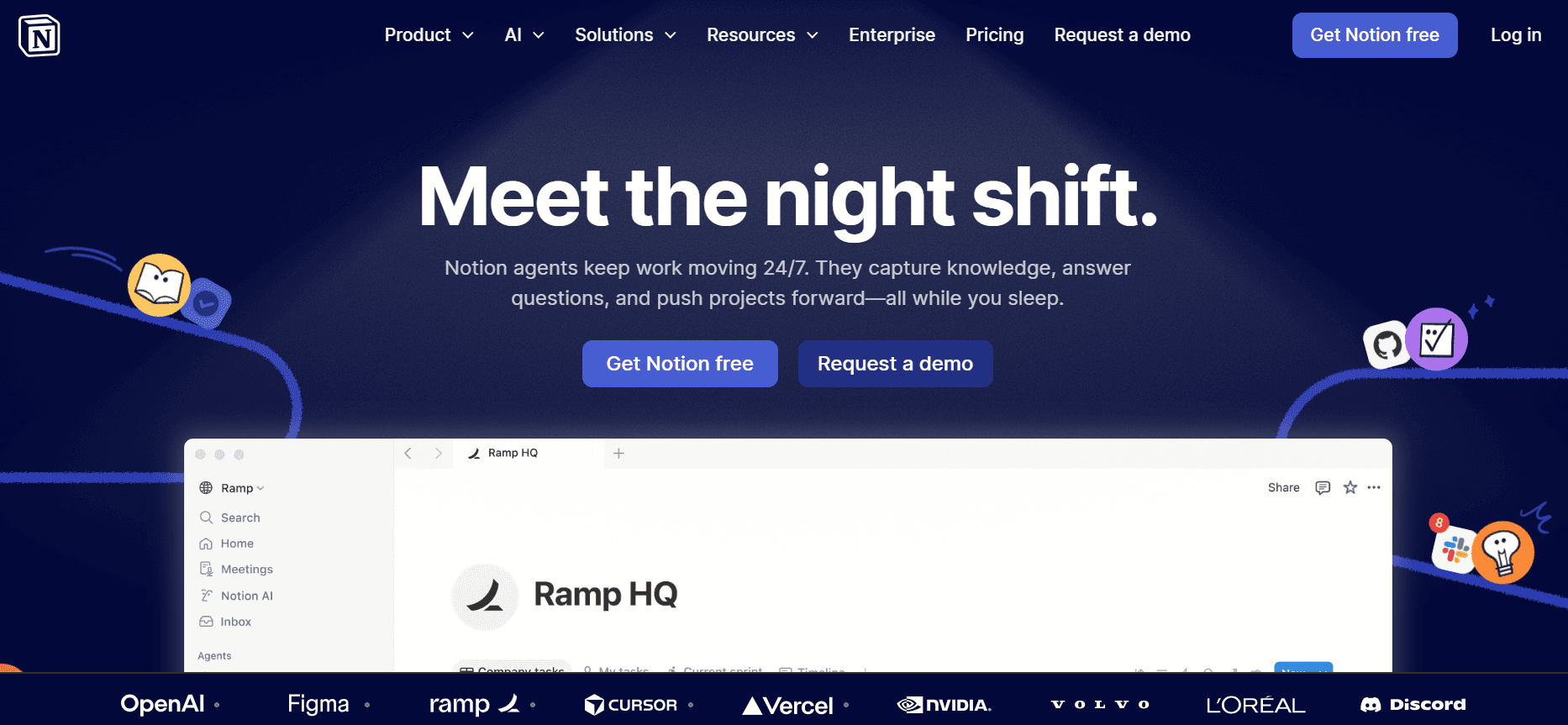
O Notion é uma ferramenta versátil que funciona em simultâneo como workspace e plataforma de documentação. É popular entre startups e pequenas empresas pela sua flexibilidade e capacidades de integração. O ponto forte do Notion está na capacidade de lidar com vários tipos de conteúdo, o que o torna uma excelente escolha para equipas que procuram uma única plataforma para múltiplos objetivos.
Principais funcionalidades
Workspace versátil para vários casos de uso
Integração com várias aplicações e ferramentas
Suporte para incorporar vídeo dentro de páginas
Exportação em PDF para acesso offline
Funcionalidades básicas de controlo de versões
Ferramentas de colaboração para projetos de equipa
Modelos personalizáveis para diferentes necessidades
Prós
Contras
Altamente flexível para várias necessidades de documentação.
Pode tornar-se confuso com um uso extensivo.
Excelentes capacidades de integração.
Funcionalidades avançadas de pesquisa limitadas.
Interface intuitiva para uma adoção fácil.
O controlo de versões é básico em comparação com ferramentas especializadas.
Preços
O Notion oferece um plano gratuito com funcionalidades essenciais. Os planos pagos começam nos $8 por utilizador por mês.
Confluence
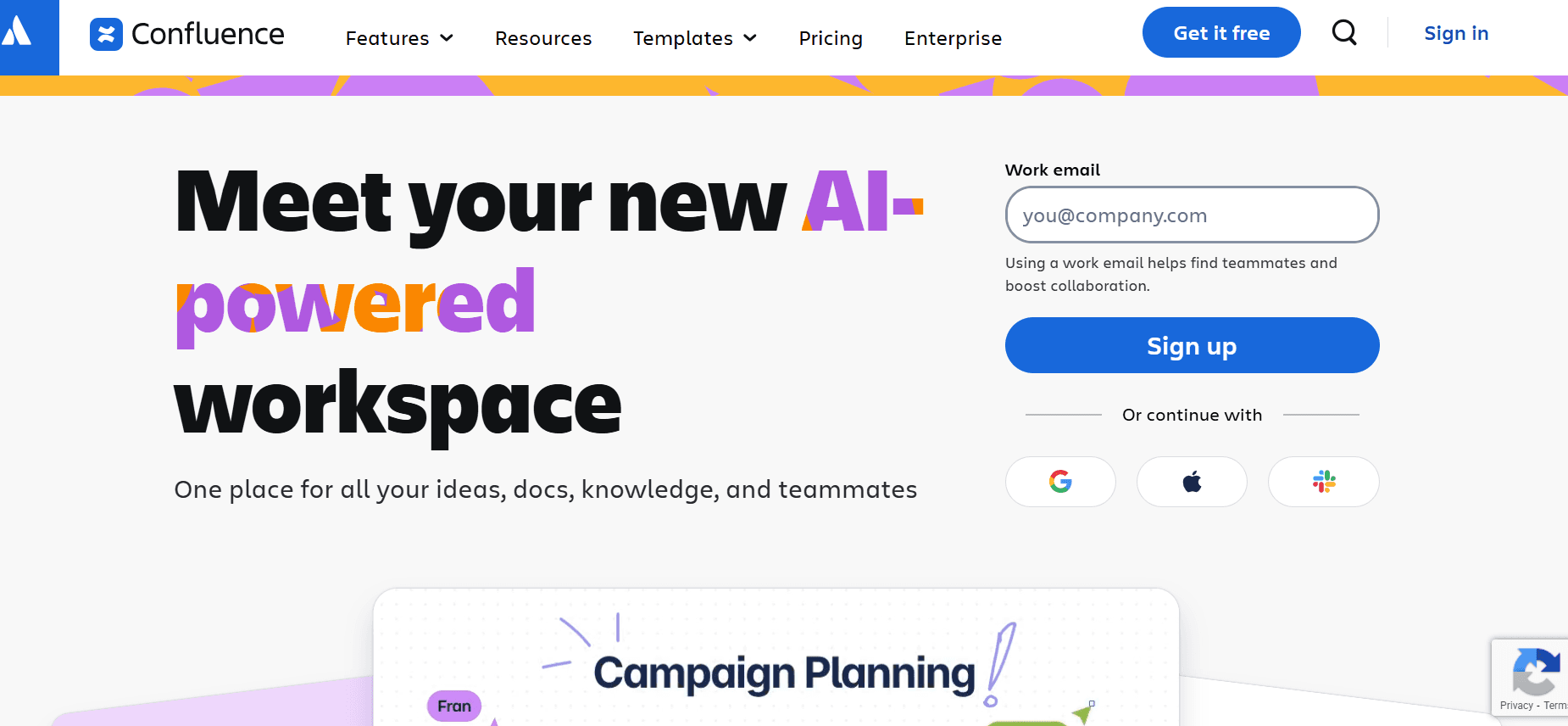
O Confluence, desenvolvido pela Atlassian, é uma ferramenta poderosa para documentação e colaboração. É mais adequado para equipas de média a grande dimensão que necessitam de uma plataforma estruturada para partilha e edição de documentos. O seu destaque é a integração perfeita com outros produtos Atlassian, como o Jira, o que o torna ideal para equipas de tecnologia.
Principais funcionalidades
Integração perfeita com produtos Atlassian
Sistema de gestão de documentos estruturado
Suporte básico de vídeo para conteúdos multimédia
Exportação em PDF para documentação offline
Controlo de versões e acompanhamento avançados
Funcionalidades de colaboração robustas para projetos de equipa
Biblioteca de modelos extensa para documentação
Prós
Contras
Excelente para equipas que utilizam outros produtos Atlassian.
Pode ser complexo para utilizadores novos sem base técnica.
Funcionalidades fortes de controlo de versões e acompanhamento.
Não existe plano gratuito.
Excelentes ferramentas de colaboração para equipas maiores.
Custo mais elevado do que ferramentas mais simples.
Preços
O Confluence não oferece um plano gratuito. Os preços começam nos $10 por utilizador por mês.
GitBook
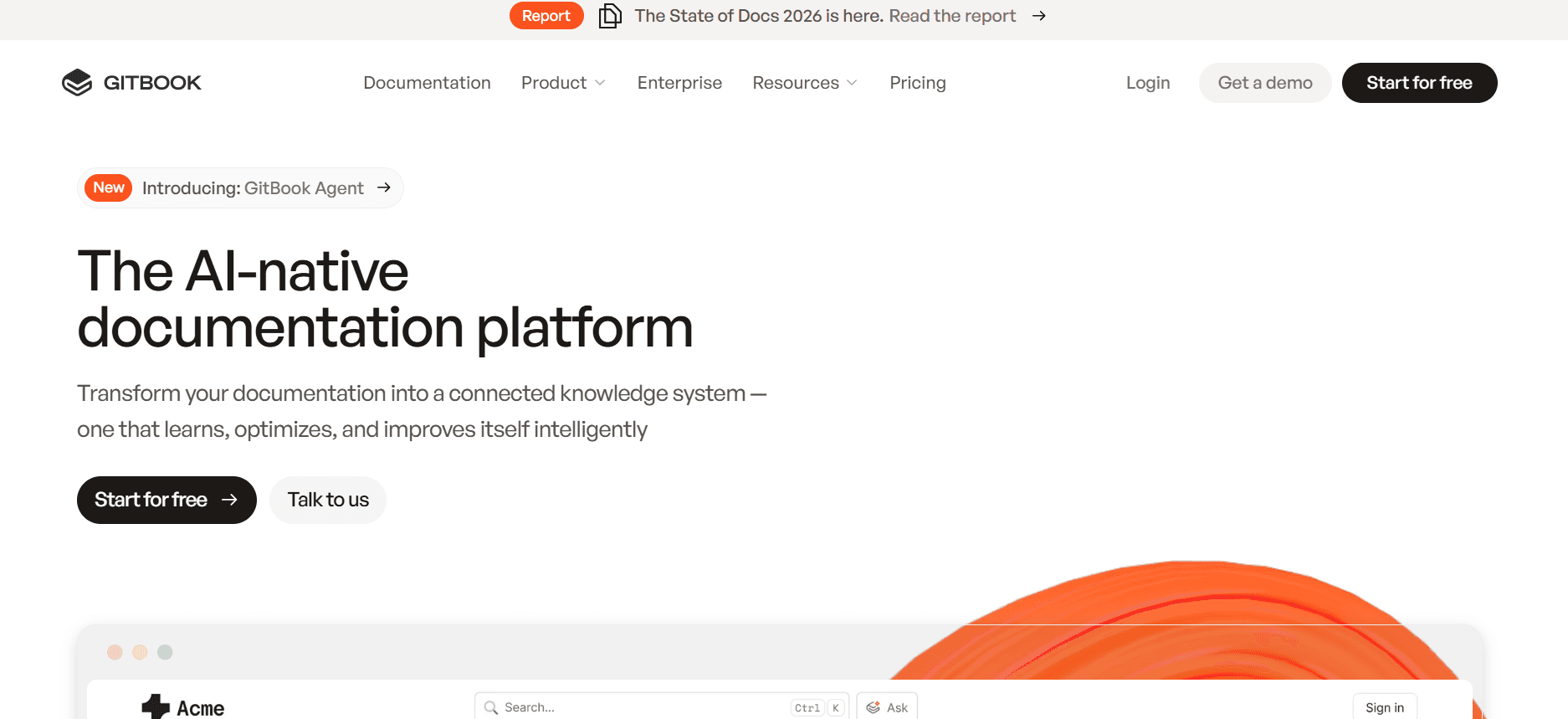
O GitBook é uma excelente opção para programadores e equipas técnicas que precisam de criar e manter documentação. Fornece uma plataforma limpa e estruturada que se integra bem com fluxos de trabalho do Git, tornando-o perfeito para equipas de desenvolvimento de software. O foco do GitBook na simplicidade e na colaboração faz dele uma escolha natural para a escrita técnica.
Principais funcionalidades
Integração com Git para um fluxo de trabalho sem falhas
Ambiente de escrita limpo e estruturado
Suporte para o formato Markdown
Opções de exportação em PDF e web
Controlo de versões através do Git
Ferramentas de colaboração para edição em equipa
Temas personalizáveis para branding
Prós
Contras
Perfeito para programadores e equipas técnicas.
Suporte multimédia limitado em comparação com outros.
Integração sem falhas com fluxos de trabalho do Git.
Pode exigir conhecimentos técnicos para maximizar a sua utilização.
Controlo de versões forte através da integração com Git.
Menos adequado para equipas não técnicas.
Preços
O GitBook oferece uma versão gratuita para a comunidade. Os planos pagos começam nos $7 por utilizador por mês.
Archbee
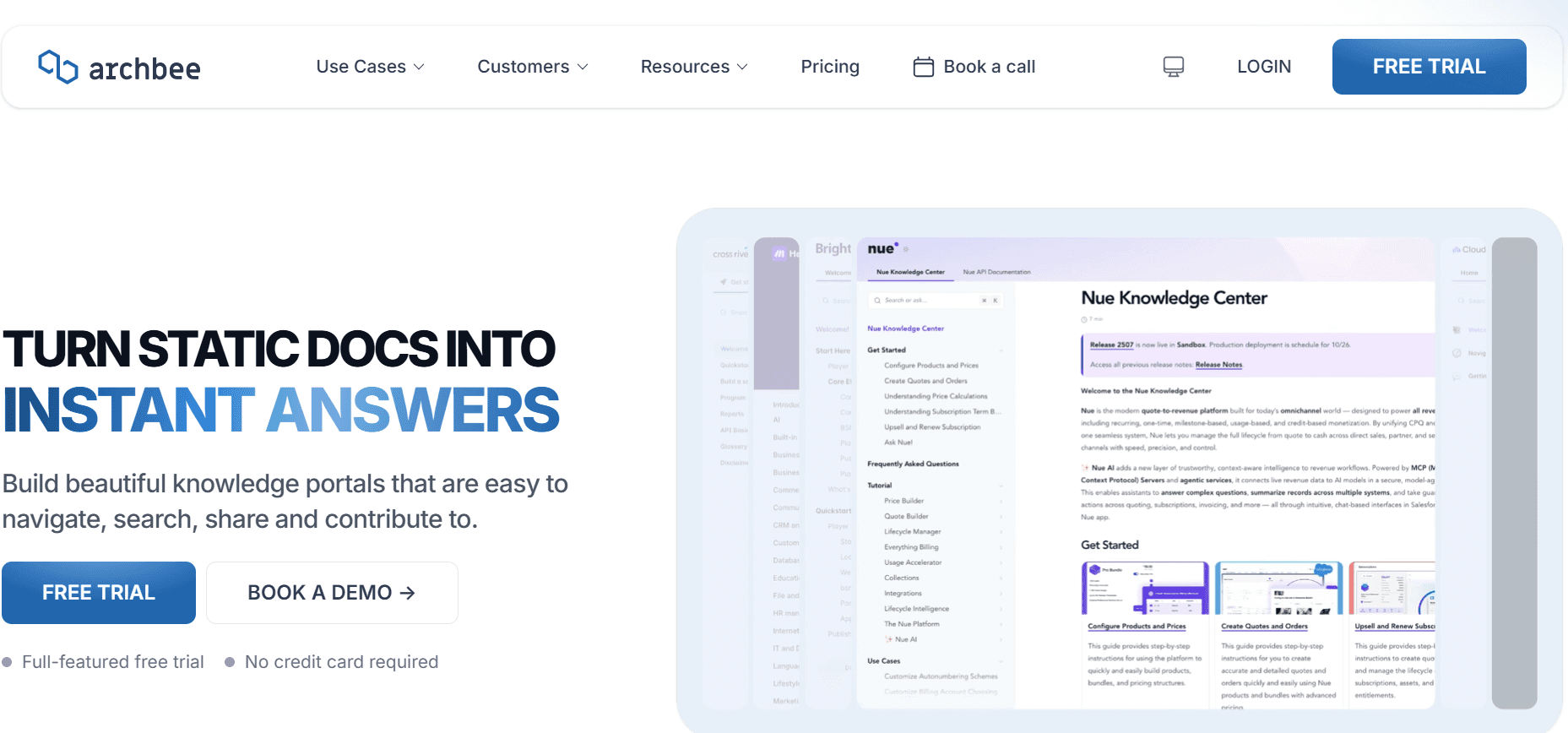
O Archbee foi concebido para equipas modernas que procuram criar documentação estruturada e fácil de navegar. É particularmente útil para empresas SaaS e startups que precisam de uma experiência de utilizador intuitiva e de ferramentas de colaboração robustas. O Archbee destaca-se pela capacidade de se integrar sem falhas com outras ferramentas de negócio, melhorando a produtividade.
Principais funcionalidades
Interface de utilizador intuitiva para uma adoção fácil
Integração com ferramentas populares de negócio
Suporte para Markdown para escrita técnica
Opções de exportação em vários formatos
Ferramentas de colaboração em tempo real
Modelos personalizáveis para vários tipos de documentos
Funcionalidades poderosas de pesquisa e categorização
Prós
Contras
Excelente para empresas SaaS e startups.
Funcionalidades de IA limitadas em comparação com os concorrentes.
Capacidades de integração fortes que melhoram a produtividade.
Preço mais elevado para funcionalidades avançadas.
Interface fácil de usar para um onboarding rápido.
Não existe plano gratuito.
Preços
O Archbee não oferece um plano gratuito. Os preços começam nos $20 por utilizador por mês.
Desafios na criação de manuais de utilizador: com o que as equipas mais lutam
A documentação manual é lenta
As equipas passam inúmeras horas a capturar screenshots manualmente.
Escrever e formatar cada passo é demorado.
A revisão para garantir a exatidão exige tempo e recursos adicionais.
Os atrasos na colaboração acontecem à medida que os documentos passam por vários revisores.
O conteúdo fica desatualizado rapidamente
As atualizações do produto exigem revisões frequentes da documentação.
Acompanhar alterações em vários documentos é desafiante.
As equipas muitas vezes falham atualizações menores, o que leva a inconsistências.
Manuais desatualizados podem confundir os utilizadores e reduzir a satisfação.
Pesquisa fraca e dificuldade em encontrar informação para utilizadores finais
Os utilizadores têm dificuldade em localizar informação específica em manuais extensos.
As funções de pesquisa são frequentemente inadequadas ou lentas.
Terminologia inconsistente pode dificultar a eficácia da pesquisa.
A falta de referências cruzadas complica a navegação dentro dos documentos.
Documentação em silos em ferramentas diferentes
As equipas utilizam ferramentas distintas como Notion, Word e Google Docs.
A consolidação de documentos é demorada e propensa a erros.
O controlo de versões é quase impossível em várias plataformas.
A colaboração é dificultada pela incompatibilidade das ferramentas.
Falta de consistência no formato ou estilo entre membros da equipa
Estilos de escrita diferentes levam a documentação inconsistente.
A ausência de modelos normalizados resulta em estruturas de documentos variadas.
A formatação inconsistente afeta a legibilidade e a profissionalidade.
As diretrizes de marca são frequentemente ignoradas ou mal compreendidas.
Desafio
Processo tradicional
Impacto no negócio
Custo de tempo
Documentação manual
Screenshots manuais e edição
Atraso nos lançamentos de produto
8-12 horas por manual
Conteúdo desatualizado
Atualizações periódicas do manual
Confunde os utilizadores
5-7 horas por atualização
Pesquisa fraca
Ferramentas de pesquisa inadequadas
Frustra os utilizadores finais
2-3 horas perdidas por pesquisa
Documentação em silos
Múltiplas plataformas
Colaboração ineficiente
3-5 horas para consolidação
Formato inconsistente
Estilos pessoais variados
Documentos pouco profissionais
2-4 horas para normalização
Funcionalidades essenciais nas ferramentas de criação de manuais de utilizador
Captura automática de passos a partir da atividade no ecrã
A tecnologia de captura automática é uma verdadeira mudança de jogo para as equipas de documentação. Permite aos utilizadores registar as suas ações no ecrã, que são depois convertidas automaticamente em guias passo a passo. Esta funcionalidade elimina a necessidade de capturar screenshots manualmente, reduzindo drasticamente o tempo necessário para criar um manual completo. Ferramentas como Trupeer e Scribe destacam-se nesta área, oferecendo capacidades de captura automática sem falhas que simplificam o processo.
Instruções de passos escritas com IA
A escrita orientada por IA ajuda a gerar instruções de passos claras e concisas a partir de ações registadas. Esta funcionalidade não só acelera o processo de documentação como também garante consistência na linguagem e na terminologia. A escrita com IA é particularmente benéfica para equipas com competências linguísticas variadas, pois fornece um estilo uniforme em todos os documentos. Tango e Trupeer são conhecidos pelas suas funcionalidades avançadas de escrita com IA, o que os torna ideais para equipas que procuram eficiência e consistência.
Incorporação de vídeo juntamente com texto
A incorporação de vídeos nos manuais de utilizador melhora a experiência de aprendizagem ao fornecer contexto visual. Esta funcionalidade é crucial para processos complexos que exigem mais do que explicações apenas em texto. O suporte de vídeo é especialmente valioso em cenários de formação, em que os utilizadores beneficiam ao ver as tarefas a serem executadas em tempo real. Document360 e Notion oferecem capacidades robustas de incorporação de vídeo, permitindo às equipas criar guias multimédia completos que se adaptam a preferências de aprendizagem diversas.
Exportação em vários formatos (PDF, web, HTML)
A capacidade de exportar a documentação em vários formatos é essencial para chegar a um público mais vasto. Quer os utilizadores precisem de um PDF descarregável ou de uma versão HTML online, a exportação em vários formatos garante acessibilidade em diferentes plataformas e dispositivos. Esta funcionalidade também ajuda a manter a integridade do documento ao partilhar manuais externamente. Trupeer e GitBook destacam-se particularmente por oferecerem opções de exportação variadas para se adaptarem a diferentes necessidades de distribuição.
Controlo de versões e fluxos de atualização rápida
O controlo de versões é fundamental para acompanhar alterações na documentação e garantir que os utilizadores têm sempre acesso à informação mais recente. Os fluxos de atualização rápida permitem às equipas implementar mudanças de forma imediata sem interromper o documento inteiro. Esta funcionalidade é vital em ambientes acelerados, em que os produtos evoluem rapidamente. Confluence e Document360 disponibilizam sistemas de controlo de versões sofisticados que ajudam as equipas a gerir atualizações de forma eficiente e com o mínimo de erros.
Estas funcionalidades essenciais são cruciais para qualquer equipa que pretenda modernizar os seus processos de documentação. Ao focar-se na automação, na IA e no suporte a vários formatos, pode reduzir significativamente o tempo e o esforço necessários para criar e manter manuais de utilizador, ao mesmo tempo que melhora a experiência do utilizador final. Cada ferramenta destacada aqui oferece pontos fortes únicos que podem ser aproveitados para responder a necessidades específicas do negócio, tornando-as ativos inestimáveis no âmbito da criação de manuais de utilizador.
Como escolher ferramentas de criação de manuais de utilizador com base no seu caso de uso
Manuais de utilizador do produto e artigos do centro de ajuda
Os manuais do produto e os artigos do centro de ajuda são essenciais para garantir a satisfação do cliente e reduzir pedidos de suporte. Estes documentos precisam de ser abrangentes, mas fáceis de navegar. O desafio está em mantê-los atualizados à medida que os produtos evoluem e garantir que estão acessíveis a todos os utilizadores.
Principais desafios:
As atualizações frequentes do produto exigem revisões regulares da documentação.
Manter a clareza e a facilidade de navegação para utilizadores finais.
Garantir que o conteúdo está acessível em várias plataformas.
Soluções necessárias:
Ferramentas com funcionalidades de atualização automática para revisões rápidas.
Capacidades intuitivas de pesquisa e navegação.
Opções de exportação em vários formatos para uma acessibilidade diversificada.
Funcionalidade
Trupeer
Document360
Notion
Atualização automática
Sim
Sim
Não
Facilidade de navegação
Sim
Sim
Sim
Exportação em vários formatos
Sim
Sim
Sim
Documentação interna de SOP
Os Procedimentos Operacionais Padrão (SOPs) internos são essenciais para manter a consistência operacional. Estes documentos devem ser precisos e facilmente acessíveis em toda a organização. O principal desafio é criar e atualizar SOPs sem consumir demasiado tempo, o que pode desviar a atenção das atividades centrais do negócio.
Principais desafios:
Garantir a exatidão e a consistência nas operações.
Atualizar rapidamente os SOPs à medida que os processos mudam.
Facilitar o acesso simples para todos os membros da equipa.
Soluções necessárias:
Ferramentas com funcionalidades de edição colaborativa.
Controlo de versões para acompanhar alterações e atualizações.
Acesso centralizado através de uma plataforma baseada na web.
Funcionalidade
Confluence
Tango
GitBook
Edição colaborativa
Sim
Limitado
Sim
Controlo de versões
Sim
Não
Sim
Plataforma baseada na web
Sim
Não
Sim
Guias de sistemas de TI e de administração
Os guias de sistemas de TI e de administração exigem instruções técnicas detalhadas e são frequentemente utilizados por equipas especializadas. Estes guias devem ser precisos e detalhados, uma vez que suportam infraestruturas e sistemas críticos. O desafio é garantir que estes guias estão sempre atualizados e são facilmente modificáveis.
Principais desafios:
Manter a exatidão técnica e a abrangência.
Atualizações frequentes devido a alterações nos sistemas.
Garantir que os guias são claros e fáceis de compreender.
Soluções necessárias:
Ferramentas com funcionalidades fortes de controlo de versões.
Assistência de escrita com IA para gerar instruções claras.
Capacidade para incorporar multimédia para explicações detalhadas.
Funcionalidade
Trupeer
GitBook
Archbee
Exatidão técnica
Sim
Sim
Sim
Atualizações frequentes
Sim
Sim
Limitado
Suporte multimédia
Sim
Não
Sim
Base de conhecimento orientada para o cliente
As bases de conhecimento orientadas para o cliente precisam de ser fáceis de usar e fornecer respostas rápidas a questões comuns. Estes guias reduzem os pedidos de suporte e melhoram a satisfação do cliente. O desafio é criar conteúdo que seja informativo e fácil de navegar para utilizadores com níveis de conhecimentos técnicos diferentes.
Principais desafios:
Garantir clareza e acessibilidade para todos os utilizadores.
Atualizar regularmente o conteúdo para refletir nova informação.
Proporcionar uma experiência de pesquisa e navegação sem falhas.
Soluções necessárias:
Ferramentas com capacidades intuitivas de pesquisa.
Criação de conteúdo orientada por IA para consistência.
Suporte multilingue para um público global.
Funcionalidade
Document360
Trupeer
Scribe
Pesquisa intuitiva
Sim
Sim
Não
Conteúdo orientado por IA
Limitado
Sim
Não
Suporte multilingue
Sim
Sim
Não
Boas práticas para criar manuais de utilizador
Antes de começar
Defina objetivos claros para o seu manual de utilizador para orientar a criação do conteúdo.
Identifique o seu público-alvo e adapte o conteúdo às necessidades dele.
Planeie a estrutura e o layout do seu documento para facilitar a navegação.
Reúna todos os recursos e informações necessários antes de iniciar.
Escolha as ferramentas certas que se alinhem com os seus objetivos de documentação.
Durante o processo de criação
Utilize funcionalidades de captura automática para documentar processos de forma eficiente.
Incorpore elementos multimédia como vídeos e imagens para maior clareza.
Utilize ferramentas de escrita com IA para garantir consistência e exatidão.
Colabore regularmente com os membros da equipa para recolher contributos e feedback.
Mantenha um estilo e formato consistentes ao longo de todo o documento.
Após a conclusão
Faça uma revisão e edição rigorosas para garantir um conteúdo sem erros.
Implemente controlo de versões para acompanhar alterações e atualizações de forma eficaz.
Recolha feedback dos utilizadores para identificar áreas de melhoria.
Atualize regularmente o manual para o manter relevante e correto.
Distribua o manual em vários formatos para uma acessibilidade mais ampla.
Perguntas frequentes
Qual é a melhor ferramenta para criar manuais de utilizador?
A melhor ferramenta depende das suas necessidades específicas. A Trupeer oferece funcionalidades abrangentes para atualizações rápidas e escrita orientada por IA, o que a torna ideal para equipas que procuram eficiência. O Document360 é excelente para bases de conhecimento grandes, com capacidades avançadas de pesquisa.
Estas ferramentas podem integrar-se com sistemas de software existentes?
Sim, a maioria das ferramentas como Confluence e Notion oferece integrações com sistemas de software populares, melhorando a colaboração e a partilha de dados nos seus fluxos de trabalho atuais.
Estas ferramentas suportam conteúdos multimédia?
Sim, ferramentas como Document360 e Trupeer suportam a incorporação de vídeo e imagens, permitindo-lhe criar manuais de utilizador mais ricos e envolventes.
Existem versões gratuitas disponíveis para alguma destas ferramentas?
Muitas ferramentas disponibilizam planos gratuitos com funcionalidades limitadas. Por exemplo, Trupeer e GitBook oferecem funcionalidades básicas nas suas versões gratuitas.
Que fatores influenciam o custo destas ferramentas?
Os preços são, em geral, influenciados pelo número de utilizadores, pelo conjunto de funcionalidades e pelo nível de suporte disponibilizado. Funcionalidades avançadas como escrita com IA e controlo de versões normalmente têm preços mais elevados.
Quão fácil é fazer a transição dos métodos tradicionais para estas ferramentas?
A transição é, em geral, direta, embora possa exigir alguma configuração inicial e formação. Ferramentas como Scribe e Tango são particularmente fáceis de usar para principiantes.
Que tipo de suporte está disponível para estas ferramentas?
O suporte varia consoante o fornecedor, mas a maioria disponibiliza recursos abrangentes, incluindo tutoriais, FAQs e fóruns da comunidade. Algumas também oferecem suporte ao cliente dedicado para planos premium.
Encerramento
Escolher o software certo para criar manuais de utilizador pode ter um impacto significativo na produtividade da sua equipa e na qualidade da sua documentação. Ao focar-se nas necessidades específicas do seu caso de uso, pode selecionar uma ferramenta que não só simplifica o processo de criação como também melhora a experiência do utilizador.
Explore as ofertas da Trupeer para ver como podem transformar o seu fluxo de trabalho de documentação. Com funcionalidades avançadas e uma interface fácil de usar, a Trupeer pode ser a solução de que precisa. Visite o website da Trupeer para saber mais.
Artigos relacionados


