Trupeer Blog
Podsumuj

Video messaging tools like Loom have become a go-to for quick communication. But as teams scale and content expectations rise for demos, training, and product walkthroughs, many start to feel the limitations of simple screen recorders, especially when videos need to look polished, stay on-brand, and double as documentation.
In this blog, we explore why teams look for Loom alternatives and break down some of the best options available today. We compare tools across use cases like demos, tutorials, documentation, and team collaboration, highlighting where each option fits best. Whether you need faster creation, better quality, AI-powered workflows, or enterprise-ready features, this guide will help you find the right Loom alternative for your needs. Recording a workflow is easy; getting a team to actually switch to it is a change management process.
Loom Alternatives at a Glance
Tool | Best for | Platform | Free plan | Starts at | Open source | Produces docs |
|---|---|---|---|---|---|---|
Trupeer AI | Video plus documentation from one recording | Web, Chrome | Yes | $49/mo | No | Yes |
Cap | Open source, self-hosted async video | Mac, Windows | Yes | ~$8.16/mo annual | Yes | No |
Screen Studio | Cinematic Mac screen recordings | Mac | No | $29/mo | No | No |
Tella | Branded, layout-controlled video | Web | Yes, watermarked | $19/mo | No | No |
Camtasia | Timeline editing and training content | Mac, Windows | Trial | $180/yr | No | No |
Guidde | AI step-by-step guides | Chrome | Yes | ~$20/mo | No | Yes |
Descript | Text-based video and audio editing | Mac, Windows | Yes | ~$16/mo | No | No |
Zight | Screenshots, GIFs, fast sharing | Mac, Windows | Yes | $8/user/mo | No | No |
Vidyard | Sales video and viewer analytics | Web | Yes | $19/mo | No | No |
OBS Studio | Free recording with full control | All | Free | Free | Yes | No |
Why Teams Are Exploring Alternatives to Loom
Loom works well for fast, informal communication, but many teams run into limitations that push them to look elsewhere:
Video Quality Gaps
The basic recording experience often results in videos that feel unpolished. There’s little support for professional editing, visual enhancement, or consistent branding, which leads to uneven quality across different team members.
Friction in Content Creation
Creating good videos still requires manual scripting, repeated takes, and extra effort. There are no built-in AI features to improve or refine content, export and sharing options are limited, and teams often need separate tools for documentation.
Challenges at Scale
Collaboration features are fairly basic, content organization is limited, and there’s little support for automation or structured workflows. For larger teams, enterprise-level controls and capabilities are also missing.
Top Loom Alternatives compared
1. Trupeer – Studio Quality Videos in Minutes

If you’re evaluating tools like Loom for professional use, Trupeer is one of the standout Loom rivals in 2026. It’s an AI-powered platform that goes beyond simple screen recording, making it a powerful option for those searching for the best Loom alternative. Instead of re-recording when you make a blunder, Trupeer lets you:
Edit audio scripts directly.
Remove background noise automatically.
Add AI voices, avatars, and professional polish.
Whether you’re creating product walkthroughs, training guides, sales demos, or internal tutorials, Trupeer ensures you don’t just record, you create refined, studio-quality results.
How Trupeer is a powerful Alternative to Loom?
Audio & Video Sync – Record casually, and Trupeer syncs everything to look professional.
Upload Existing Videos – Clean noise, add effects, and edit scripts seamlessly.
Automatic Zooms – Highlights important clicks and interactions.
AI Noise Removal & Refinement – Removes filler words and background distractions.
AI Voiceovers – 30+ accents, tones, and even voice cloning.
Avatar Narration – Present with lifelike avatars instead of being on camera.
Multilingual Support – Translate content in 65+ languages.
Subtitles & Captions – Auto-synced for accessibility and reach.
Ready-to-use Templates – For sales, marketing, and training videos.
Creates an end-to-end video in under 5 minutes.
Fixes mispronunciations, filler words, and syncs pauses naturally.
Auto-generates step-by-step guides with screenshots.
Beginner-friendly, no editing expertise needed\
Works globally with translation + caption features.
If you’ve been searching for alternatives to Loom for asynchronous video communication, Trupeer checks all the boxes.
Pricing – Free and Paid Plans
If pricing is your concern and you’re after a free version of Loom or a cheaper Loom alternative, here’s how Trupeer compares:
Free Plan: 10 AI video minutes
Pro Plan: $49/month – 20 AI video minutes
Scale Plan: $249/month – 100 AI video minutes
Enterprise: Custom pricing for larger teams
With the free plan already offering more flexibility than Loom’s strict five-minute cap, Trupeer is one of the most practical alternatives to Loom in 2026.
Also Read: LambdaTest automated global sales training using Trupeer AI
Detailed comparison between Loom and Trupeer
Feature | Trupeer | Loom |
Zoom effects | Can add auto zooms | Cannot add auto zooms |
Export in vertical mode | Supports export in vertical format | Only supports horizontal format |
Background noise removal | Automatically removes background noise | No built-in background noise removal |
Add AI avatars | Allows adding AI & custom avatars | Does not support AI avatars |
Refines your rough speech | Refines pauses, stutters, and pronunciation | No automatic speech refinement |
Add AI voices and accents | Supports AI-generated voices with accents | No support for AI voices or accents |
Translate in other language | Auto-translates speech and subtitles in 65+ languages | No translation features |
Step by step guide | Creates step by step guide automatically | No document generated |
2. Loom vs Screen Studio

If you’re searching for alternatives to Loom for asynchronous video communication, especially if you’re a Mac user, Screen Studio stands out as one of the most polished Loom competitors. Unlike many tools like Loom that simply focus on recording, Screen Studio elevates the experience with cinematic motion, smooth zooms, and effortless cursor tracking making it a strong software like Loom option for creators who want quality without needing extra editing software.Loom is popular, but it has limits from short free recordings to editing restrictions. Many creators are now looking at best Loom alternatives that provide richer features, better quality, and a more refined workflow. Screen Studio offers exactly that, particularly for Mac users who need crisp SaaS tutorials, educational content, or product demos. Screen Studio isn’t just another Loom alternative, it comes with features designed for professionals who want polished, high-quality screen recordings without post-production headaches.
Pricing
Monthly Plan: $29/month
One-time Payment: $229 (includes one year of updates)
While slightly expensive, Screen Studio earns its place among the best Loom alternatives 2026 by focusing on polished production and creator-friendly features.
3. Loom vs Camtasia

Camtasia is one of the most robust Loom alternatives for teams that need more than quick video messaging. Unlike lightweight Loom-like apps, it combines screen recording with a full video editor complete with annotations, transitions, cursor effects, quizzes, and green screen tools. This makes it ideal for tutorials, training, and marketing content, especially for businesses seeking polished production rather than just instant communication. Available on both Windows and Mac, it’s a reliable Loom alternative for Mac users and one of the best Loom alternatives for professional video creation.
Camtasia Pricing
Essentials – $180/year: Screen & camera recording, editing, and speech-to-text.
Create – $249/year: Adds text-based editing, AI scripts, audio cleanup, and 200+ voices.
Pro – $599/year: Includes collaboration, AI captions, avatar videos, and 100M+ premium assets.
While not a Loom alternative free, Camtasia is a top choice for companies evaluating software like Loom competitors when professional-grade editing and scalability are the priority.
4. Loom Vs Tella

Tella is one of the most popular Loom alternatives for creators, agencies, and businesses who want more control over branding and layout. Unlike other tools like Loom competitors, Tella lets you record in clips, rearrange them, and edit with ease making it a strong pick for client tutorials, YouTube content, and product walkthroughs.
You can customize layouts (full screen, picture-in-picture, side-by-side), add branded colors, subtitles, and backgrounds, and trim recordings with simple drag-and-drop editing. Many reviewers highlight that Tella feels more creative than other loom like apps, which is why it’s often listed as a best Loom alternative for Mac and web users who value design as much as functionality.
Tella Pricing
Free – Limited features, watermarked videos.
Pro – $19/month or $180/year (includes unlimited recording, editing, and branding tools).
Teams – $15/month per user (billed annually), with collaboration and shared workspaces.
While not a Loom alternative free beyond the starter tier, Tella offers affordable pricing for professionals and companies looking for polished, branded video messaging.
5. Loom Vs Guidde

Guidde is a modern Loom alternative built around AI-powered documentation and step-by-step tutorials. Unlike traditional Loom-like apps, Guidde automatically turns your screen recordings into structured guides with text, highlights, and voiceovers making it one of the most unique tools like Loom competitors in 2026.
Users can record with the free Chrome extension, and Guidde instantly creates editable walkthroughs that can be shared as videos, GIFs, PDFs, slides, or embedded directly into platforms like Notion. With built-in text-to-voice narration, customization options, and multiple sharing formats, it goes beyond the basic Loom video messaging platform features 2026, offering companies a smarter way to scale knowledge sharing and onboarding.
It’s especially appealing for teams that ask why companies prefer Loom over competitors because Guidde solves the documentation problem, not just quick video messaging. For Mac users looking for a lightweight Loom alternative Mac option, Guidde is a strong pick among companies like Loom competitors.
Guidde Pricing
Free Plan – ₹0 / creator / month
Pro Plan – ~₹1,370 / creator / month (USD ~$16 annually / ~$20 monthly)
Business Plan – ~₹3,000 / creator / month (USD ~$35 annually / ~$44 monthly)
Enterprise Plan – Custom pricing
6. Loom Vs Zight

Zight (formerly CloudApp) is a dynamic Loom alternative built for teams that need seamless screen recording, rich annotation, and fast sharing in one lightweight package. Unlike basic Loom-like apps, Zight excels with tools for screenshots, GIF capture, webcam + screen recording, and instant link sharing all supported with in-app trimming, annotation, and cloud organization. Its Mac and Windows clients, browser extension, and integrations with Slack, Trello, GitHub, and more make it a versatile tool like Loom competitor. Particularly for visual-heavy workflows debugging paths, QA feedback, quick tutorials. Zight stands out as one of the best Loom alternatives when clarity, speed, and simplicity matter.
Zight Pricing – The Essentials
Free – Basic features; limited recording duration and uploads.
Pro – Starts at $8 per user/month, giving unlimited capture, annotations, and cloud storage.
Team / Enterprise – Higher-tier plans available for advanced collaboration, security, and support needs.
7. Loom Vs Vidyard

Vidyard is one of the most widely recognized Loom alternatives, especially favored by sales teams and marketers. While Loom is often used for quick internal collaboration, Vidyard leans into prospecting, lead engagement, and client communication making it a standout among tools like Loom competitors.
With Vidyard, you can record your screen, webcam, or both, add CTAs, and track viewer engagement with advanced analytics. It also includes AI-powered script generation, video personalization features, and digital sales rooms where multiple stakeholders can view and engage with your content. For teams comparing companies like Loom, Vidyard often comes up as the best Loom alternative for sales outreach and revenue-focused video messaging.
Vidyard Pricing
Free – Up to 25 videos in your library, with editing and AI script generator.
Pro – $19/month (billed annually), with unlimited videos, analytics, and branding.
Plus – $59/month (billed annually), adds advanced analytics, captions, and custom branding for sales teams.
Enterprise – Custom pricing, with scalable features, team collaboration, and advanced security.
8. Loom Vs Cap
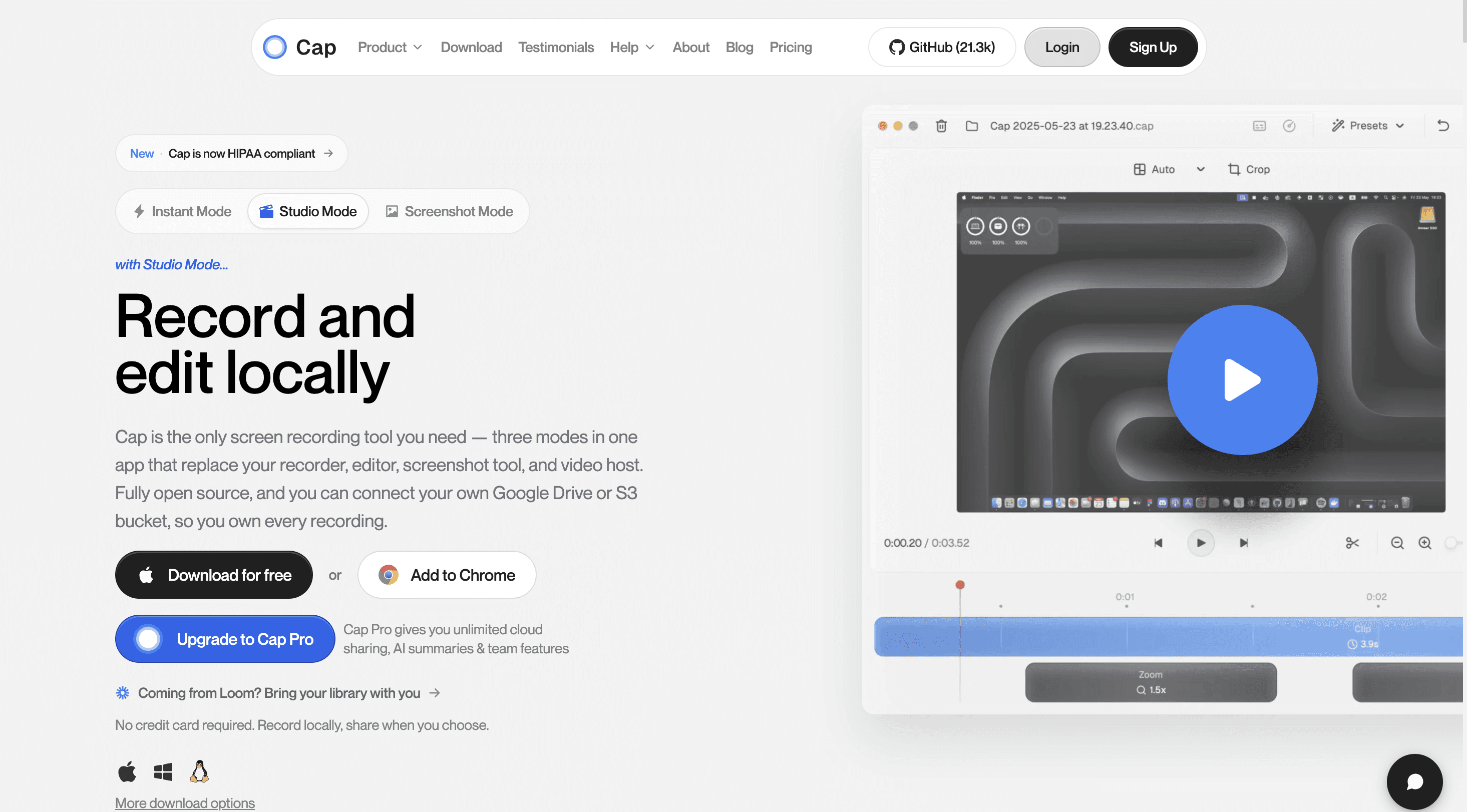
Cap is the open source Loom alternative, and the one most people mean when they search for it. It runs natively on Mac and Windows, and has become the most-starred open source screen recorder on GitHub with over 18,000 stars.
It works in two modes. Instant records and hands you a shareable link the moment you stop, which is essentially the Loom workflow with threaded comments on the link. Studio records up to 4K with screen and webcam on separate tracks, so you can edit them independently afterwards.
The real differentiator is data ownership. You can point Cap at your own S3 bucket and custom domain, or self-host the entire thing. For teams with compliance requirements, or anyone uncomfortable with recordings living on a vendor's server indefinitely, that is the whole argument. It also has a built-in Loom importer, which removes the usual reason teams stay put: the existing library.
Cap Pricing
Free: personal use, with Instant recordings capped at five minutes. Studio mode included.
Pro: around $8.16/month per user billed annually, or $12/month monthly.
Desktop licence: one-off payment, no subscription.
Self-hosted: free, with your own infrastructure costs.
Cap is the strongest pick among Loom alternatives free and open source options if the video itself is the deliverable. What it does not do is documentation. You get a video, and writing it up is still a separate job.
9. Loom Vs Descript
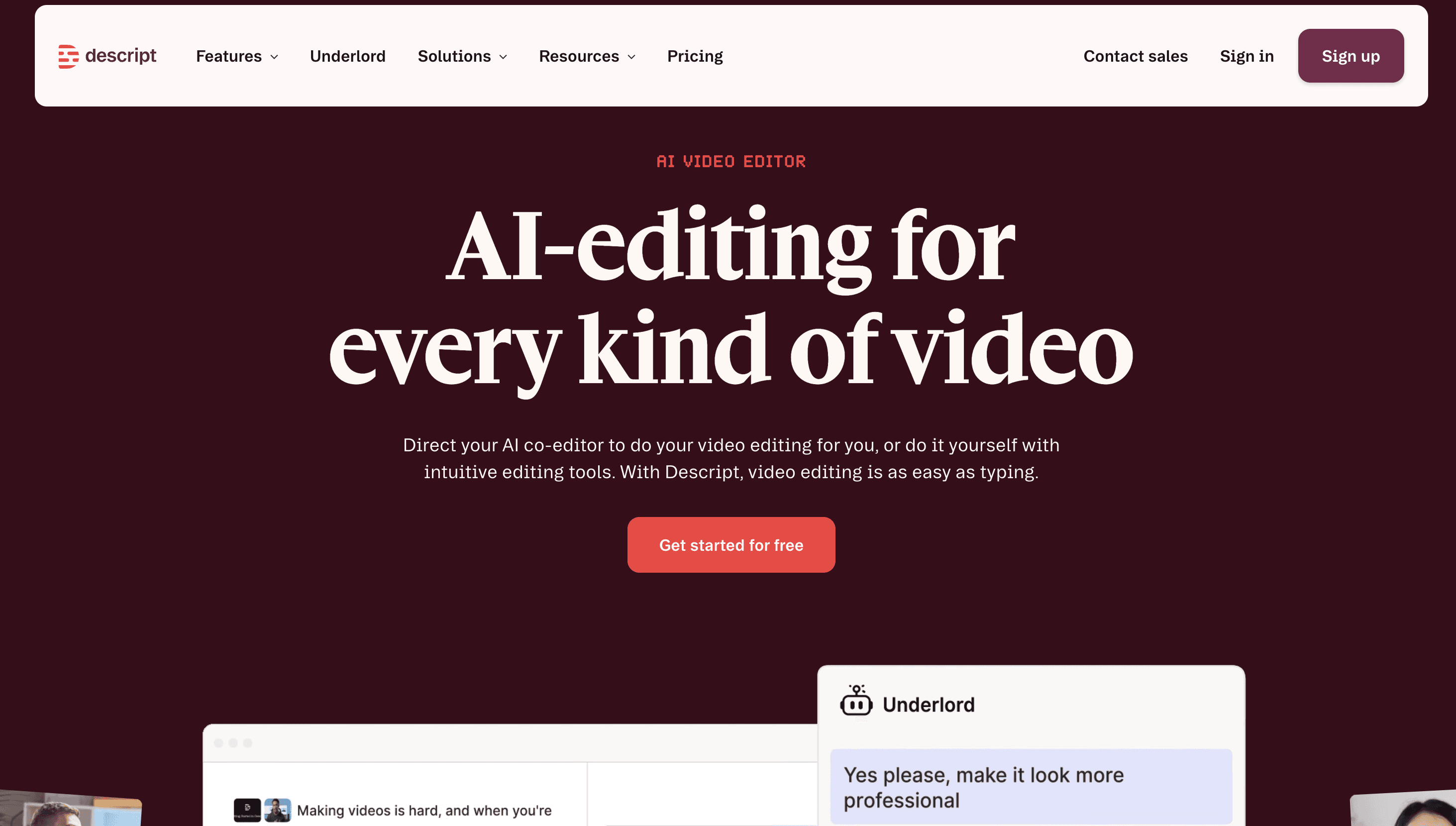
Descript transcribes your recording and lets you edit the video by editing the transcript. Delete a sentence from the text and it disappears from the video. It also handles filler-word removal, studio-quality audio cleanup, and voice cloning.
Among tools like Loom, Descript is the strongest on the audio side, which makes it a common pick for podcasts, narrated tutorials, and any content where the voiceover carries the weight. It runs on Mac and Windows.
Where it differs from Loom is intent. Descript is an editor first and a recorder second. If the appeal of Loom is recording and sending in fifteen seconds, this is a heavier tool.
See our full breakdown of Descript alternatives for how it compares to the rest of this list.
10. Loom Vs OBS Studio
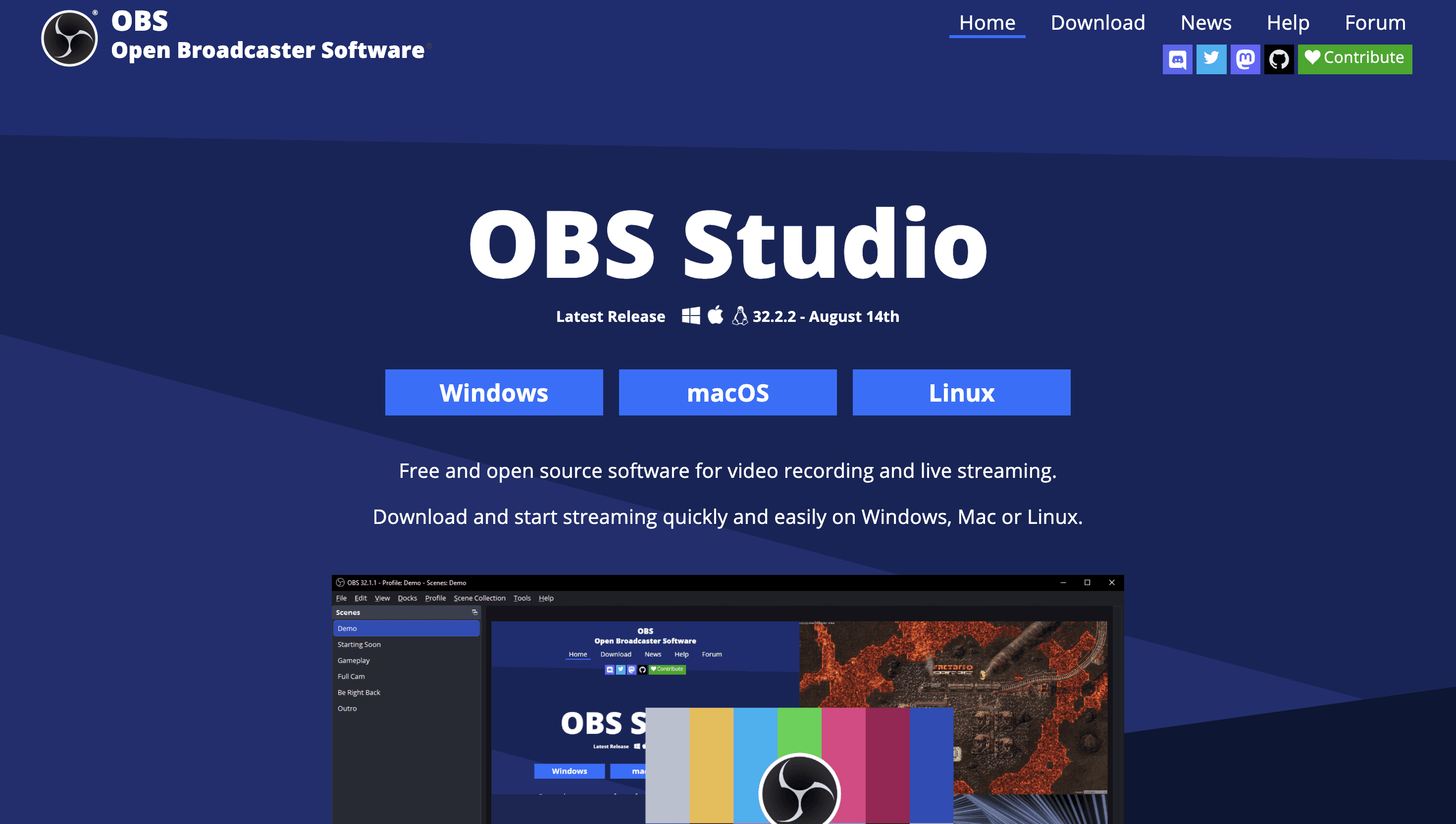
OBS Studio is free, open source, and used by close to every streamer on the internet. It records anything at any quality, with scene composition, multi-source capture, and complete control over encoding. It runs on Windows, Mac and Linux.
It is the answer when the requirement is a Loom alternative free with genuinely no limits: no recording cap, no account, no watermark, no cloud. The trade-off is real. There is no sharing layer, no editor, and no shareable link. Expect to spend an afternoon configuring it, and expect to pair it with something else for editing and distribution.
OBS Studio Pricing
Free, permanently. No tiers, no seats.
For teams comparing loom like apps on cost alone, OBS is the floor. For teams who want the recording to become something, a guide, a translated video, a help-centre article, it is the wrong starting point.
Detailed Feature Comparison of Loom Alternatives
When evaluating Loom alternatives, side-by-side feature comparison helps make the decision easier. Here's how the top contenders stack up:
Tool | Zoom Effects | Background Noise Removal | Refines Rough Speech | AI Voices & Accents | AI Avatars | Translation Support |
Trupeer | Auto & manual zooms | Yes, AI-based cleanup | Yes, AI refinement | Yes, 100+ accents | Yes, custom avatars | Yes, 100+ languages |
Loom | No auto zoom | No built-in support | No | No | No | No |
Screen Studio | Smooth zoom & pan | Basic mic cleanup only | No | No | No | No |
Camtasia | Zoom & pan animations | Manual audio editing | Manual edits only | No | No | No |
Guidde | Slide-by-slide zooms | No | No | Yes, AI voiceovers | No | Yes |
Zight | No | No | No | No | No | No |
Tella | Custom layouts | No | No | No | No | No |
Vidyard | Basic screen + cam | No | No | No | No | No |
Best Free Loom Alternatives
"Free" means two different things here, and the distinction matters more than the price does.
Genuinely free, with no time limit
OBS Studio: free permanently. No account, no recording cap, no watermark, no cloud. The cost is setup time.
Cap (Studio mode): free for personal use with no time limit. Self-host it and you keep the full feature set for nothing but infrastructure.
Boomshare (FreeBoomShare): a newer entrant that records with no registration, no watermark and no length limit, plus some AI editing. Lightweight and genuinely free, but thin on team features, governance and documentation output, so treat it as a personal tool rather than something you standardise a team on.
ScreenRec: free, very light, and focused on one job, which is record and share a link instantly.
Free tiers with limits
Trupeer AI: 10 AI video minutes, with the AI editing and step-by-step guide generation included rather than held back for paid tiers.
Vidyard: up to 25 videos in your library, with the AI script generator included.
Zight: free with limited recording duration and uploads.
Tella: free with watermarked output.
Guidde: one free creator seat.
Which free option to pick
If the requirement is no spend at all, ever, it is OBS Studio or self-hosted Cap. If the requirement is proving something works before asking for budget, the free tiers that include AI features will show you more in an afternoon than an unlimited recorder will.
Worth noting what Loom's own free plan gives you for comparison: recordings capped at five minutes and a limited video library. Several of the free tiers above are more generous than that.
Best Open Source Loom Alternatives
Search for Loom alternatives open source and you get a long list, most of it live-streaming software with a screen-capture mode bolted on. There are two options that genuinely replace what Loom does, and they are not interchangeable.
Cap, the async video one
Cap is the open source equivalent of what Loom actually does: record, get a shareable link, collect comments on it. Mac and Windows, with the option to self-host and connect your own S3 storage and custom domain. If you are replacing Loom specifically, this is the one.
OBS Studio, the recording engine
OBS is open source and endlessly configurable, but it has no sharing layer at all. It records to a file. If you are replacing a recorder rather than a video-messaging product, this is the one.
The honest limitation of both
Cap's own framing of the difference is fair: OBS was built for live streaming, not async sharing. And neither tool produces written documentation. If your recordings need to become SOPs, help-centre articles or translated training material, an open source recorder solves half the problem. You will need a second tool for the other half, which is usually where the cost savings disappear.
Best Loom Alternative for Enterprise Documentation and SOP Teams
Documentation and SOP teams have a different problem from everyone else on this page. The video is not the deliverable. The maintained, searchable, translated, auditable process is. Most Loom alternatives were not designed for that, and it shows in predictable places.
What enterprise documentation actually needs
Written output, not just video. An SOP that exists only as a recording cannot be skimmed, searched, or checked against the previous version when the process changes.
Reusable capture. When step four of a fourteen-step process changes, you should be updating step four, not re-recording fourteen steps.
Multi-format export. MP4 for training, HTML for the help centre, PDF for the audit file.
Translation. A global team needs the same SOP in several languages, kept in sync as it changes.
Governance. Role-based access, version history, approvals, and a security posture your infosec team will actually sign off on.
Search. Documentation nobody can find is documentation nobody uses.
How the alternatives stack up against that list
Most of them do not compete here, and that is fine, because they were built for other jobs. Screen Studio, Tella, Cap, Zight and OBS Studio produce video and stop. Camtasia edits well but leaves you writing the SOP by hand afterwards. Vidyard is aimed at sales pipelines rather than process documentation.
That leaves Guidde and Trupeer AI as the two genuinely built for documentation, and Trupeer AI as the one built for it at enterprise scale.
What that looks like with Trupeer AI
Record once and get both a narrated video and a structured written guide with annotated screenshots
Automatic zoom and click detection, so process steps are legible rather than merely captured
Filler-word removal and AI voiceover, so narration stays consistent regardless of who did the recording
Translation and dubbing, so one capture serves every region
Export to MP4, HTML and PDF from the same source
A searchable knowledge base, so the SOP is findable after it is written
SOC 2 compliance, role-based access and version history
The practical difference is straightforward. A fourteen-step onboarding SOP recorded in Loom is a video that someone still has to transcribe. The same recording in Trupeer AI is a video, a written guide, and a translated version of both, from one capture, updatable step by step when the process changes.
Related reading: how to create effective video SOPs and SOP best practices.
Best Loom Alternatives by Platform
Mac: Screen Studio for the most polished output, Cap if you want open source, Tella for branded layouts, Zight for fast GIFs and screenshots. Trupeer AI and Guidde run in the browser, so platform is not a constraint.
Windows: Cap, Camtasia, Descript, Zight and OBS Studio all run natively. Screen Studio does not support Windows at all, so it is out regardless of how good the output looks.
Chrome only: Trupeer AI and Guidde both work through a browser extension, which is usually the fastest route past IT approval.
Linux: OBS Studio, realistically.
Which tool is the Best Loom Alternative?
Choosing the right Loom alternative ultimately comes down to what your team values most. Speed, quality, scale, or all three. There’s no single tool that fits every use case, but there is a tool that fits your workflow.
If quick, informal recordings are enough, Loom may continue to serve you well. But if your team is creating demos, tutorials, onboarding content, or customer-facing videos where polish and consistency matter, modern AI-powered tools like Trupeer can remove a lot of friction. They help teams move faster without sacrificing quality, and reduce the need to stitch together multiple tools just to get one piece of content out the door.
The goal isn’t to replace one tool with another for the sake of it. It’s to make content creation simpler, more scalable, and less time-consuming for your team. Hopefully, this list of Loom alternatives helps you find the option that aligns best with how you work today and where you want to go next.
For users who need more control over the final output such as refined audio, personalization, multilingual support, and post-recording enhancements etc trupeer offers a compelling alternative.
With its focus on automation, polish, and scalability, Trupeer bridges the gap between simple screen recording and professional video creation, making it a strong option for teams looking to elevate their content.
Frequently Asked Questions (FAQs)
Q1. What can i use instead of Loom in 2026?
If you are looking for screen recording with more AI capabilities such as AI avatar, translation, AI video editing etc, Trupeer is unmatched. For open-source users, OBS Studio and VokoscreenNG are free and powerful.
Q2. What are apps like Loom?
Apps like loom offers screen recording, screen capture with AI capabilities, easy shareability and analytics includes Trupeer AI. Trupeer’s free tier includes AI-powered features for teams like advanced editing, team collaboration workspace, sales-focused features, with options ranging from free plans to powerful paid suites for professionals.
Q3. Can you crop a video in Loom?
No, Loom only allows trimming and splitting, not cropping. If cropping is essential, tools like Camtasia, Trupeer, Screen Studio, or Tella provide more advanced editing.
Q4. Does Loom support video dubbing or translations?
No, Loom does not support dubbing or translation features. Alternatives like Trupeer allow AI voice dubbing, accents, and video translation in 65+ languages.
Q5. What are the best Loom alternatives for Mac users?
For Mac users, Loom alternatives include Trupeer, Screen Studio (cinematic zooms), Tella (branded layouts), and Zight (fast GIFs/screenshots).
Q6. Which Loom competitors support AI features in 2026?
Trupeer leading as Best loom alternatives in 2026 providing AI features like AI voices, avatars, script refinement, translations, and auto-generated guides etc.
Q7. What are some websites like Loom for video messaging?
Websites and apps for video messagining include Trupeer, Vidyard, Tella, and Screen Studio. Each offers unique features like AI editing, GIF export, or sales analytics.
Q8. Which Loom alternatives are best for sales teams?
Vidyard and Trupeer are best suited for sales teams. Vidyard provides advanced video analytics, CTAs, and digital sales rooms, while Trupeer refines scripts, adds AI voiceovers, and personalizes content at scale for scaling sales conversions.
Q9. Loom vs Tango when should you use each?
Loom is best for quick talking-head recordings and Tango for click-by-click text guides. Trupeer produces both an AI video and a documented guide from one recording, and our Loom vs Trupeer comparison shows how it stacks up.
Q10. Is there a free Loom alternative?
Yes, several. OBS Studio and self-hosted Cap are free with no time limit at all. Trupeer AI, Vidyard, Zight, Tella and Guidde all offer free tiers with caps, and several are more generous than Loom's own five-minute recording limit.
Q11. What is the best open source Loom alternative?
Cap, for the async video-messaging workflow. It is the closest open source equivalent to what Loom does, and it runs on both Mac and Windows. OBS Studio if you only need the recorder. Both let you keep recordings on your own infrastructure.
Q12. Which Loom alternatives work on Windows?
Cap, Camtasia, Descript, Zight and OBS Studio run natively on Windows. Trupeer AI, Tella and Guidde work in the browser. Screen Studio is Mac-only.
Q13. Which Loom alternative is best for enterprise documentation and SOP teams?
Trupeer AI, because it produces a written guide alongside the video from a single recording, exports to MP4, HTML and PDF, translates into 65+ languages, and includes role-based access and version history. Guidde is a lighter option for teams who need step-by-step guides without the video production layer.
Q14. Can I move my existing Loom videos to another tool?
It depends on the tool. Cap includes a built-in Loom importer. For most others you will need to export your recordings from Loom and re-upload them. Trupeer AI accepts existing video uploads and can clean up the audio and re-edit the script on footage you already have.
Q15. Is it worth switching from Loom?
Only if something specific is breaking: the five-minute free cap, the per-seat cost as the team grows, the inability to edit without re-recording, or the fact that every recording needs writing up afterwards. If none of those apply, staying is the cheaper answer, because switching tools costs more than the subscription does.
Q16. What do people on Reddit recommend as a Loom alternative?
Cap and OBS Studio come up most often in Loom alternatives Reddit threads, usually from people leaving over price or wanting to self-host. Screen Studio dominates the recommendations from Mac users making marketing videos. Where the discussion is about documentation rather than recording, the recommendations shift toward tools that generate written guides. The most common warning in those threads is not about any tool. It is about the migration cost of an existing Loom library.
Q17. Which Loom competitors are cheapest?
OBS Studio and self-hosted Cap are free. Cap Pro is the cheapest paid option at around $8.16/month per user billed annually [VERIFY], followed by Zight at $8/user/month. Camtasia's $180/year works out lower per month but is a one-tool-one-user licence rather than a team plan.
Powiązane blogi


