Trupeer Blog
Samenvatten

Overzicht voor kopers
Bedrijven die externe klanten trainen, zoals bureaus, SaaS-leveranciers en adviesbureaus, hebben vaak moeite met platforms die niet aan hun specifieke behoeften voldoen. Een cruciaal pijnpunt is het gebrek aan speciale klantportalen en gedetailleerde betrokkenheidsanalyses. Zonder deze is het lastig om te weten of klanten de trainingsmaterialen volledig gebruiken. Een recent onderzoek wees uit dat bedrijven die geoptimaliseerde video-trainingsoplossingen gebruiken, een stijging van 30% in klantbetrokkenheid ervoeren.
De vraag naar interactieve en op maat gemaakte trainingsoplossingen voor klanten is het afgelopen jaar met 25% gestegen.
Bron: Industry Trends Report van TechInsights, 2025
Deze gids behandelt de beste platforms voor video-oplossingen voor klanttraining, met gedetailleerde functies, voor- en nadelen en prijzen. Hij is bedoeld voor besluitvormers bij bedrijven die effectieve videotrainingstools nodig hebben om klanteducatie en betrokkenheid te verbeteren.
Beste videoplatforms voor klanttraining: directe vergelijking
Functie | Trupeer | Panopto | Loom | Kaltura | Vidyard | Wistia | Camtasia | Brightcove |
|---|---|---|---|---|---|---|---|---|
Klantportaal | Ja | Nee | Nee | Ja | Beperkt | Beperkt | Nee | Ja |
Toegangsbeheer | Ja | Ja | Nee | Ja | Ja | Beperkt | Nee | Ja |
Interactieve video | Ja | Ja | Nee | Ja | Beperkt | Ja | Nee | Ja |
Betrokkenheidsanalyses | Ja | Ja | Nee | Ja | Ja | Beperkt | Beperkt | Ja |
AI-voice-over | Ja | Nee | Nee | Beperkt | Beperkt | Nee | Nee | Ja |
Aangepaste branding | Ja | Ja | Nee | Ja | Beperkt | Ja | Beperkt | Ja |
Meertalig | Ja | Beperkt | Nee | Ja | Ja | Nee | Nee | Ja |
LMS-integratie | Ja | Ja | Nee | Ja | Beperkt | Beperkt | Ja | Ja |
Gratis versie | Ja | Nee | Ja | Nee | Ja | Beperkt | Nee | Nee |
Trupeer

Trupeer is een uitgebreid platform dat speciaal is ontworpen voor bedrijven die robuuste tools nodig hebben voor klanttraining. Het blinkt uit in het bieden van een klantportaal met fijnmazige toegangsbeheermogelijkheden, waardoor elke gebruiker een gepersonaliseerde ervaring krijgt. Trupeer's interactieve videomogelijkheden en betrokkenheidsanalyses bieden bedrijven de inzichten die ze nodig hebben om de effectiviteit van training te verbeteren. Het is ideaal voor SaaS-bedrijven, bureaus en adviesbureaus die een op maat gemaakte aanpak voor klanteducatie nodig hebben.
Belangrijkste functies
Speciale klantportalen
Fijnmazige toegangscontrole
Interactieve video-elementen
AI-gestuurde voice-over en vertalingen
Opties voor aangepaste branding
Betrokkenheidsanalyses
Ondersteuning voor meerdere talen
Integreert met populaire LMS-systemen
"Trupeer heeft de manier waarop we onze klanten trainen volledig veranderd, waardoor we betrokkenheid kunnen volgen en onze content continu kunnen verbeteren."
Voordelen | Nadelen |
|---|---|
Uitgebreide klantportalen verbeteren de gebruikerservaring. | De initiële installatie kan complex zijn voor niet-technische gebruikers. |
Betrokkenheidsanalyses bieden bruikbare inzichten. | Geavanceerde functies komen tegen een premium prijs. |
Interactieve video's verhogen het leerbehoud. | Beperkte offline toegang voor video's. |
Prijzen
Trupeer biedt een gratis versie met basisfuncties. Betaalde abonnementen beginnen bij $49 per maand voor uitgebreidere mogelijkheden.
Panopto
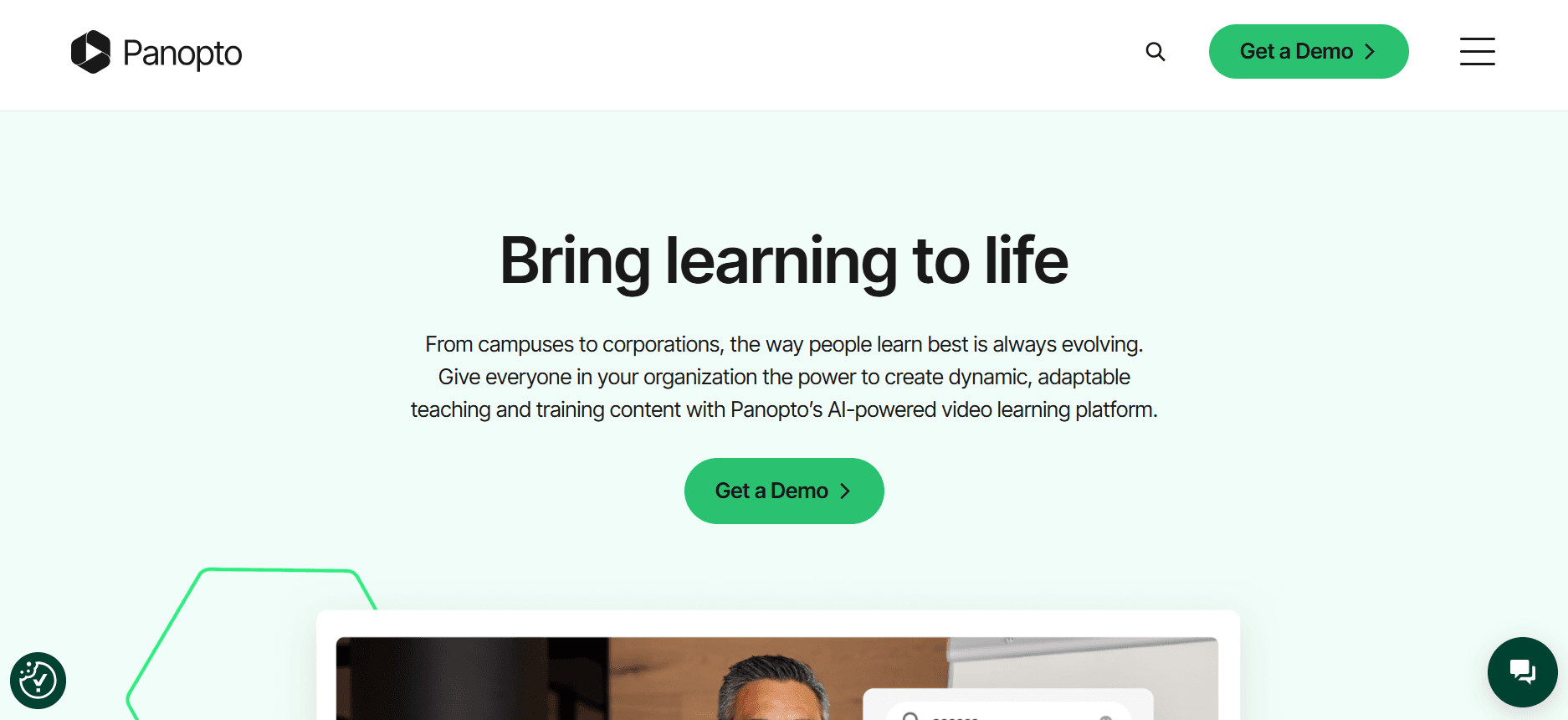
Panopto is een veelzijdig videoplatform dat gericht is op onderwijsinstellingen en grote ondernemingen. Het biedt uitgebreide videobeheermogelijkheden samen met een zoekfunctie waarmee gebruikers snel content kunnen vinden. Panopto is bijzonder geschikt voor organisaties die enorme bibliotheken met instructievideo's moeten beheren. Het mist echter een speciaal klantportaal, wat een nadeel kan zijn voor bedrijven die zich richten op klanttraining.
Belangrijkste functies
Geavanceerd videobeheer
Doorzoekbare videobibliotheek
Mogelijkheden voor schermopname
Video-analyse
Integratie met LMS
Automatische ondertiteling
Ondersteuning voor livestreaming
Veilige contentdistributie
Voordelen | Nadelen |
|---|---|
Robuuste functies voor videobeheer. | Geen speciaal klantportaal voor gepersonaliseerde toegang. |
Effectieve zoekfunctionaliteit voor grote videobibliotheken. | Kan overweldigend zijn voor kleinere teams. |
Integratie met belangrijke LMS-platforms. | Hogere kosten voor geavanceerde functies. |
Prijzen
Geen gratis versie. Prijzen beginnen bij $14,99 per gebruiker per maand voor het basisplan.
Loom

Loom is een eenvoudige en gebruiksvriendelijke tool die zich voornamelijk richt op schermopname en delen. Het is perfect voor kleinere teams en individuen die snel video-inhoud willen maken en verspreiden. Hoewel Loom uitstekend is voor interne communicatie en basisinstructies, biedt het niet de geavanceerde functies die nodig zijn voor uitgebreide klanttraining, zoals betrokkenheidsanalyses of een klantportaal.
Belangrijkste functies
Eenvoudige schermopname
Gemakkelijk video's delen
Basis videobewerking
Inzichten in kijkgedrag
Integratie met productiviteitstools
Cloudopslag voor video's
Directe videofeedback
Aanpasbare videolinks
Voordelen | Nadelen |
|---|---|
Gebruiksvriendelijke interface met snelle installatie. | Mist geavanceerde analyses en betrokkenheidsregistratie. |
Perfect voor snelle schermopnames en delen. | Geen klantportaal voor gepersonaliseerde ervaringen. |
Betaalbare prijzen voor kleine teams. | Beperkte interactieve functies. |
Prijzen
Loom biedt een gratis plan met beperkte functies. Betaalde abonnementen beginnen bij $10 per gebruiker per maand.
Kaltura
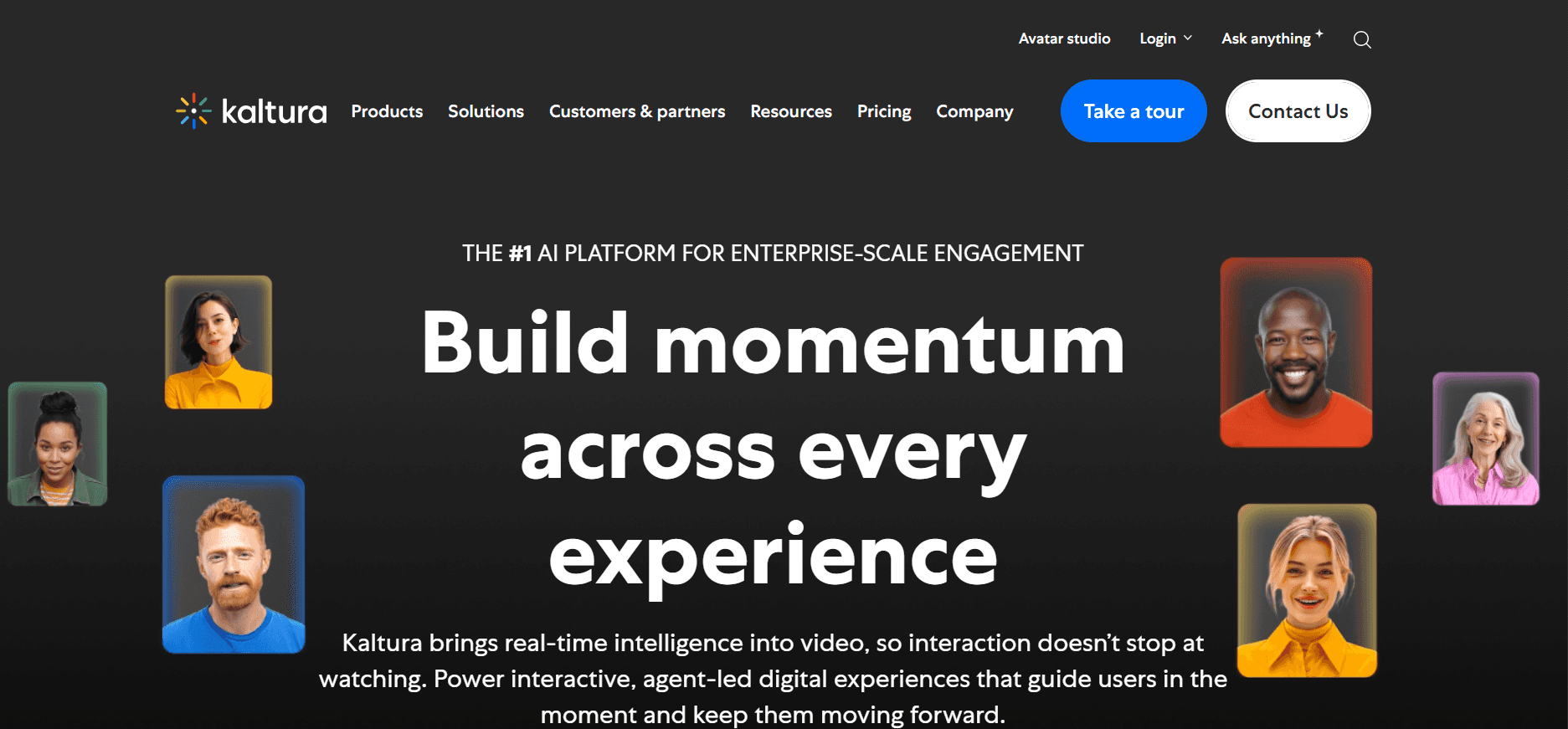
Kaltura biedt een zeer aanpasbaar videoplatform dat geschikt is voor grote ondernemingen die video in hun technologische stack willen integreren. Kaltura staat bekend om zijn flexibiliteit en stelt bedrijven in staat om op maat gemaakte video-oplossingen te bouwen. Het is ideaal voor bedrijven die uitgebreide maatwerkopties en integratie met bestaande systemen nodig hebben. Het platform kan echter complex zijn voor gebruikers zonder technische expertise.
Belangrijkste functies
Aanpasbare video-oplossingen
Integratie met bestaande technologische stacks
Geavanceerde video-analyses
Interactieve videomogelijkheden
Ondersteuning voor meerdere talen
Veilige videostreaming
Contentbeheersysteem
API-toegang voor ontwikkelaars
Voordelen | Nadelen |
|---|---|
Zeer aanpasbaar en flexibel voor complexe behoeften. | Steile leercurve voor niet-technische gebruikers. |
Sterke integratie met bedrijfssystemen. | Hogere kosten voor plannen met veel functies. |
Uitgebreide analyses en rapportages. | Vereist technische ondersteuning bij de initiële installatie. |
Prijzen
Kaltura biedt geen gratis versie. De prijs is op maat en gebaseerd op specifieke zakelijke behoeften en gebruik.
Vidyard

Vidyard is een populaire keuze voor bedrijven die video inzetten voor marketing en sales, maar ook voor klanteducatie. Het biedt uitstekende betrokkenheidsanalyses en aanpassingsopties, waardoor het een sterke kandidaat is voor teams die hun inspanningen voor klanttraining willen verbeteren. De focus op marketing maakt het echter misschien niet ideaal voor alle trainingsscenario's.
Belangrijkste functies
Videohosting en -beheer
Aanpasbare videospelers
Geavanceerde analyses
Integratie met CRM-systemen
Interactieve video-elementen
Tools voor videopersonalisatie
Functies voor leadgeneratie
Opties voor contentbeveiliging
Voordelen | Nadelen |
|---|---|
Geweldig voor video-marketing en salesinitiatieven. | Niet primair gericht op trainingsfunctionaliteit. |
Geavanceerde betrokkenheidsanalyses en rapportages. | Maatwerk kan complex zijn voor nieuwe gebruikers. |
Sterke integratie met marketingtools. | Hogere prijzen voor geavanceerde functies. |
Prijzen
Vidyard biedt een gratis versie met basisfuncties. Betaalde abonnementen beginnen bij $15 per maand.
Wistia

Wistia is een uitstekend platform voor bedrijven die branding prioriteren en hoogwaardige video's met professionele visuals willen leveren. Het richt zich op het creëren van een naadloze kijkervaring met aanpasbare spelers en gedetailleerde analyses. Het heeft echter mogelijk niet alle functies die nodig zijn voor uitgebreide klanttraining, zoals interactieve elementen of LMS-integratie.
Belangrijkste functies
Aanpasbare videospelers
Brandingopties met logo's en kleuren
Gedetailleerde kijkersanalyses
Functies voor video-SEO
Tools voor leadgeneratie
Integratie met marketingplatforms
Contentbeveiliging
Cloudhosting
Voordelen | Nadelen |
|---|---|
Sterke focus op branding en professionele visuals. | Mist interactieve trainingsfuncties. |
Uitgebreide analyses voor inzichten in kijkgedrag. | Hogere kosten voor brandingfuncties in de speler. |
Eenvoudige integratie met marketingtools. | Geen speciale klantportalen beschikbaar. |
Prijzen
Wistia biedt een beperkte gratis versie. Betaalde abonnementen beginnen bij $25 per maand.
Camtasia

Camtasia is een veelgebruikte oplossing voor het maken van professionele schermopnames en videotutorials. Het wordt veel gebruikt door docenten en trainers om gedetailleerde instructiecontent te produceren. Hoewel het uitstekend is voor het maken van videocontent, mist het de functies die nodig zijn voor het beheren en verspreiden van trainingsmateriaal voor klanten, zoals klantportalen en betrokkenheidsanalyses.
Belangrijkste functies
Schermopname en videobewerking
Annotaties en call-outs
Audio- en video-effecten
Quizzen en interactieve elementen
Videosjablonen
Green-screenfunctie
Integratie met andere TechSmith-producten
Directe uploads naar platforms zoals YouTube
Voordelen | Nadelen |
|---|---|
Krachtige videobewerkingstools voor het maken van gedetailleerde content. | Mist functies voor klantbeheer en portalen. |
Ideaal voor docenten en instructieontwerpers. | Beperkte analyses voor videobetrokkenheid. |
Biedt interactieve video-elementen zoals quizzen. | Geen gratis versie; eenmalig aankoopmodel. |
Prijzen
Camtasia biedt geen gratis versie. Een eenmalige aankoop kost $299, met optionele onderhoudsplannen.
Brightcove
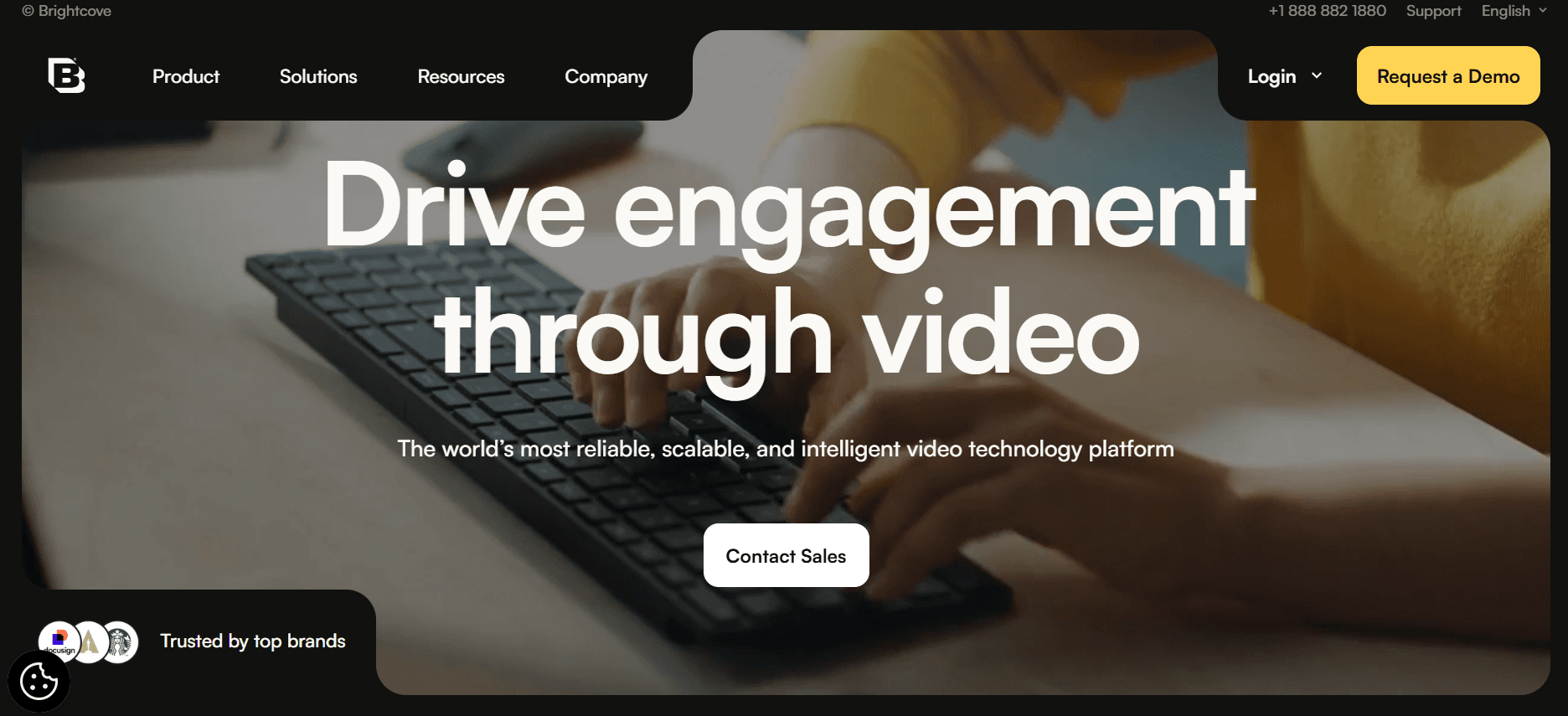
Brightcove is een krachtig videoplatform dat door grote ondernemingen wordt gebruikt vanwege zijn robuuste streaming- en contentbeheermogelijkheden. Het blinkt uit in het bieden van hoogwaardige streaming- en videohostingoplossingen, waardoor het perfect is voor bedrijven die grote videobibliotheken moeten beheren. De focus op broadcasting sluit echter mogelijk niet aan op de specifieke behoeften van klanttraining zonder extra maatwerk.
Belangrijkste functies
Veilige videohosting
Livestreammogelijkheden
Gedetailleerde analyses en rapportages
Monetisatie-opties
Aanpasbare videospelers
Contentbeheersysteem
API-integraties
Wereldwijd contentdistributienetwerk
Voordelen | Nadelen |
|---|---|
Uitstekend voor grootschalige videohosting en streaming. | Complexe interface voor nieuwe gebruikers. |
Robuuste functies voor analyses en rapportages. | Hogere prijscategorieën voor geavanceerde functies. |
Uitgebreide mogelijkheden voor contentbeheer. | Vereist maatwerk voor specifieke trainingsbehoeften. |
Prijzen
Brightcove biedt maatwerkprijzen op basis van bedrijfsbehoeften, zonder standaard gratis versie.
Uitdagingen voor videoplatforms voor klanttraining: waar teams mee worstelen
Geen speciale toegangscontroles voor klanten
Zonder speciale toegangscontroles delen bedrijven vaak generieke links, wat kan leiden tot onbevoegde toegang.
Klanten missen gepersonaliseerde ervaringen, omdat ze geen op maat gemaakte content kunnen ontvangen.
Gegevensbeveiliging wordt een zorg wanneer gevoelige trainingsmaterialen breed worden gedeeld.
Het niet kunnen volgen van individuele toegang belemmert gepersonaliseerde follow-ups en betrokkenheidsstrategieën.
Geen inzicht in klantbetrokkenheid
Traditionele videoplatforms bieden geen gedetailleerde analyses over of klanten de content daadwerkelijk bekijken.
Zonder inzichten in betrokkenheid hebben bedrijven moeite om hun trainingsprogramma's te verfijnen op basis van klantfeedback.
Gebrek aan gegevens over voltooiingspercentages voorkomt gerichte opvolging en extra ondersteuning voor klanten.
Betrokkenheidsanalyses zijn cruciaal om de effectiviteit van trainingsmaterialen te meten.
Gebrek aan professionele branding
Generieke videospelers weerspiegelen vaak niet het merk van het bedrijf, waardoor de professionele uitstraling afneemt.
Opties voor aangepaste branding zijn beperkt, wat de merkconsistentie in klantgerichte materialen beïnvloedt.
Klanten kunnen de content als minder geloofwaardig ervaren zonder de juiste merkelementen.
Branding is essentieel om een samenhangende identiteit te behouden in alle klantinteracties.
Geen interactieve elementen
Statische video's missen de interactieve elementen die nodig zijn voor effectief zelfstandig leren.
Quizzen, hoofdstukken en branching zijn cruciaal om klantbetrokkenheid en begrip te behouden.
Interactieve functies maken betere monitoring van klantvoortgang en begrip mogelijk.
Zonder interactiviteit onthouden klanten de informatie uit de video's mogelijk niet.
Opnieuw opnemen vereist voor productupdates
Elke keer dat een product wordt bijgewerkt, moeten video's opnieuw worden opgenomen, wat tijdrovend en kostbaar is.
Frequentie updates kunnen ertoe leiden dat content snel veroudert, wat de effectiviteit van training beïnvloedt.
Bedrijven hebben moeite om actuele trainingsbibliotheken te onderhouden zonder efficiënte processen voor contentupdates.
Het opnieuw moeten maken van volledige video's vermindert de wendbaarheid van trainingsprogramma's.
Uitdaging | Traditioneel proces | Zakelijke impact | Tijdskosten |
|---|---|---|---|
Geen speciale toegangscontroles voor klanten | Delen van generieke links | Beveiligingsrisico's, gebrek aan personalisatie | Hoog |
Geen inzicht in klantbetrokkenheid | Beperkte analyses | Niet in staat om effectiviteit te meten | Matig |
Gebrek aan professionele branding | Generieke videospelers | Inconsistente merkbeleving | Laag |
Geen interactieve elementen | Statische videocontent | Minder betrokkenheid en behoud | Hoog |
Opnieuw opnemen vereist voor productupdates | Handmatig opnieuw opnemen | Verouderde content, hoge kosten | Zeer hoog |
Onmisbare functies in videoplatforms voor klanttraining
Klantportaal met fijnmazige toegangscontrole
Voor bedrijven die zich richten op klanttraining is een klantportaal essentieel. Het maakt het mogelijk om voor elke klant een aangepaste ervaring te creëren, zodat gevoelige materialen veilig worden benaderd. Fijnmazige toegangscontrole stelt bedrijven in staat te beheren wie wat ziet, wat een op maat gemaakte benadering van training mogelijk maakt. Deze functie is vooral cruciaal voor organisaties die werken met eigendoms- of gevoelige content die strikt moet worden beheerd.
Trupeer blinkt uit op dit gebied en biedt een klantportaal waarmee bedrijven toegang op gedetailleerd niveau kunnen beheren. Dit zorgt ervoor dat trainingsmaterialen niet alleen veilig zijn, maar ook beter aansluiten op de behoeften van elke klant.
Video-analyses die betrokkenheid per kijker tonen
Inzicht in hoe klanten met trainingsmaterialen omgaan is cruciaal om content te verfijnen en te verbeteren. Video-analyses geven inzicht in welke delen van de content klanten het meest aanspreken en waar ze mogelijk afhaken. Deze gegevens zijn van onschatbare waarde om trainingsstrategieën te optimaliseren en ervoor te zorgen dat klanten de meeste waarde uit de materialen halen.
Platforms zoals Vidyard en Panopto bieden robuuste analysefuncties waarmee bedrijven betrokkenheidsmetrics effectief kunnen volgen. Dit maakt datagestuurde beslissingen mogelijk die de trainingservaring verbeteren.
Interactieve elementen (quizzen, hoofdstukken, branching)
Interactieve elementen veranderen passief kijken in actief leren, wat essentieel is voor effectieve klanttraining. Quizzen kunnen het begrip toetsen, hoofdstukken maken eenvoudige navigatie mogelijk en branching biedt gepersonaliseerde leerpaden. Deze functies houden klanten betrokken en zorgen ervoor dat ze de gepresenteerde informatie opnemen.
Kaltura onderscheidt zich met zijn interactieve mogelijkheden en stelt bedrijven in staat boeiende en dynamische trainingservaringen te creëren die zijn afgestemd op de behoeften van klanten.
AI-voice-over en automatische vertaling
AI-voice-over en automatische vertaling zijn gamechangers voor bedrijven die in meerdere regio's actief zijn of uiteenlopende klantgroepen bedienen. Deze tools maken het eenvoudiger om content te produceren die aanslaat bij verschillende doelgroepen, zonder omvangrijk handmatig vertaalwerk. AI-gestuurde voice-overs kunnen ook de professionaliteit van trainingsvideo's verhogen, waardoor ze aantrekkelijker worden.
Trupeer integreert AI-mogelijkheden om voice-over- en vertaalfuncties te bieden, waardoor het eenvoudiger wordt om meertalige content te creëren die een breder publiek bereikt.
Aangepaste branding met logo en kleuren
Consistente branding in al het klantgerichte materiaal is essentieel om een professioneel imago te behouden. Tools waarmee bedrijven hun logo's, kleuren en merkelementen kunnen opnemen, zorgen ervoor dat alle trainingsvideo's aansluiten bij de visuele identiteit van het bedrijf. Dit helpt de merkherkenning en geloofwaardigheid bij klanten te versterken.
Wistia biedt sterke brandingopties, waardoor bedrijven videospelers en content kunnen aanpassen aan hun merkaesthetiek, wat de professionaliteit van hun trainingsmateriaal verhoogt.
Gemakkelijke contentupdates zonder opnieuw opnemen
Productupdates komen in veel sectoren vaak voor, en het opnieuw opnemen van volledige video's kan een kostbare en tijdrovende taak zijn. Platforms die eenvoudige contentupdates mogelijk maken zonder volledige heropname stroomlijnen het proces en zorgen ervoor dat trainingsmateriaal actueel blijft. Deze functie is vooral nuttig voor techbedrijven, waar productfuncties vaak snel veranderen.
Het contentbeheersysteem van Brightcove biedt de flexibiliteit die nodig is om content efficiënt bij te werken, zodat trainingsmaterialen altijd up-to-date zijn met de nieuwste productfuncties.
Hoe kiest u videoplatforms voor klanttraining op basis van uw gebruiksscenario
Onboardingvideo's voor softwareklanten
Voor softwarebedrijven is het efficiënt onboarden van klanten cruciaal om ervoor te zorgen dat ze het product vanaf het begin effectief kunnen gebruiken. Videoplatforms die interactieve elementen en gedetailleerde analyses bieden, kunnen het onboardingproces aanzienlijk verbeteren.
Belangrijkste uitdagingen:
Zorgen dat klanten complexe softwarefuncties begrijpen.
Voortgang en betrokkenheid van klanten tijdens onboarding volgen.
Ondersteunend materiaal bieden dat gemakkelijk toegankelijk is.
Benodigde oplossingen:
Interactieve videofuncties zoals quizzen om begrip te waarborgen.
Betrokkenheidsanalyses om de voortgang van klanten te monitoren.
Klantportalen voor eenvoudige toegang tot trainingsmateriaal.
Functie | Trupeer | Kaltura | Vidyard |
|---|---|---|---|
Interactieve elementen | Ja | Ja | Beperkt |
Analyses | Ja | Ja | Ja |
Klantportalen | Ja | Nee | Beperkt |
Doorlopende bibliotheken voor producttraining
Het onderhouden van een actuele bibliotheek met trainingscontent is essentieel voor bedrijven die hun producten voortdurend bijwerken. Videoplatforms die eenvoudige contentupdates en robuuste contentbeheersystemen bieden, zijn onmisbaar.
Belangrijkste uitdagingen:
Trainingscontent actueel houden bij frequente productupdates.
Toegang voor klanten tot de trainingsbibliotheek eenvoudig houden.
Een grote hoeveelheid trainingsmateriaal effectief beheren.
Benodigde oplossingen:
Contentbeheersystemen voor efficiënte organisatie.
Functies waarmee bestaande content eenvoudig kan worden bijgewerkt.
Veilige klantportalen voor toegang tot de trainingsbibliotheek.
Functie | Trupeer | Brightcove | Panopto |
|---|---|---|---|
Contentupdates | Ja | Ja | Nee |
Contentbeheer | Ja | Ja | Ja |
Klantportalen | Ja | Ja | Nee |
Compliance- en certificeringstraining voor klanten
Sectoren met strikte nalevingseisen hebben videoplatforms nodig die consistente en verifieerbare training kunnen leveren. Platforms met analyses en certificeringsregistratie zijn cruciaal voor compliance-training.
Belangrijkste uitdagingen:
Zorgen dat alle klanten de vereiste compliance-training voltooien.
Voortgang van klanten en certificeringsstatus volgen.
Consistente training leveren in verschillende regio's.
Benodigde oplossingen:
Gedetailleerde analyses om training voltooiing te volgen.
Certificeringsbeheer om compliance te documenteren.
Ondersteuning voor meerdere talen voor wereldwijde distributie.
Functie | Trupeer | Wistia | Vidyard |
|---|---|---|---|
Certificeringsregistratie | Ja | Nee | Beperkt |
Analyses | Ja | Beperkt | Ja |
Ondersteuning voor meerdere talen | Ja | Nee | Ja |
Video-programma's voor partnerondersteuning
Voor bedrijven die voor distributie of verkoop op partners vertrouwen, is het essentieel om deze partners uitgebreide training te bieden. Videoplatforms die interactieve en boeiende content leveren, kunnen de kennis en effectiviteit van partners vergroten.
Belangrijkste uitdagingen:
Zorgen dat partners productfuncties en -voordelen begrijpen.
Eenduidige training bieden bij verschillende partnerorganisaties.
Voltooiing van training en partnerbetrokkenheid volgen.
Benodigde oplossingen:
Interactieve video's om partners effectief te betrekken.
Analyses om de voortgang van partnertraining te monitoren.
Aangepaste branding om aan te sluiten bij de bedrijfsidentiteit.
Functie | Trupeer | Kaltura | Loom |
|---|---|---|---|
Interactieve content | Ja | Ja | Nee |
Tracking & analyses | Ja | Ja | Nee |
Aangepaste branding | Ja | Ja | Beperkt |
Best practices voor videoplatforms voor klanttraining
Vooraf
Definieer duidelijke leerdoelen om de contentcreatie te sturen.
Plan videoseries per onderwerp om een gestructureerd leerpad te creëren.
Breng de behoeften van de doelgroep in kaart om content effectief af te stemmen.
Zorg dat alle benodigde middelen beschikbaar zijn voor contentproductie.
Stel vanaf het begin analyses en tracking in om videoprestaties te meten.
Tijdens
Houd elke video onder de 5 minuten om de aandacht van kijkers vast te houden.
Gebruik hoofdstukken om complexe informatie op te delen in behapbare delen.
Voeg interactieve elementen zoals quizzen toe om leren te versterken.
Zorg voor consistente branding in alle videocontent.
Betrek kijkers met professionele voice-over en visuele storytelling.
Achteraf
Voltooiingspercentages volgen en feedback verzamelen om content te verfijnen.
Analyseer analysegegevens om verbeterpunten te identificeren.
Ververs content elk kwartaal om deze relevant en up-to-date te houden.
Gebruik feedbackloops om trainingsmateriaal continu te verbeteren.
Communiceer updates en nieuwe content regelmatig aan klanten.
Veelgestelde vragen
Wat is een videoplatform voor klanttraining?
Een videoplatform voor klanttraining is een tool die bedrijven gebruiken om videocontent te maken, beheren en verspreiden die bedoeld is om hun klanten op te leiden. Deze platforms bevatten vaak functies zoals klantportalen, analyses en interactieve elementen om de leerervaring te verbeteren.
Wie kan profiteren van het gebruik van deze platforms?
Elk bedrijf dat klanten training biedt, zoals SaaS-bedrijven, adviesbureaus en bureaus, kan profiteren van het gebruik van een videoplatform voor klanttraining. Deze tools helpen het trainingsproces te stroomlijnen en effectiever te maken.
Kan ik een videoplatform voor training integreren met mijn bestaande LMS?
Ja, veel videoplatforms voor klanttraining bieden integraties met populaire learning management systems (LMS), waardoor content naadloos kan worden geleverd en gevolgd tussen systemen. Raadpleeg uw gekozen platform voor specifieke integratiemogelijkheden.
Hoe veilig is mijn content op deze platforms?
De meeste platforms bieden robuuste beveiligingsfuncties, waaronder toegangsbeheer en versleuteling, om ervoor te zorgen dat uw content beschermd is tegen onbevoegde toegang. Het is belangrijk om de beveiligingsmaatregelen van elk platform te beoordelen om te controleren of ze aan uw eisen voldoen.
Zijn er gratis opties beschikbaar voor videoplatforms voor klanttraining?
Sommige platforms bieden een gratis versie met beperkte functies, wat geschikt kan zijn voor kleinere teams of bedrijven die net beginnen met videotraining. Betaalde abonnementen bieden echter meer geavanceerde functies en grotere flexibiliteit voor grotere organisaties.
Hoe kies ik het juiste prijsplan?
Houd rekening met de specifieke behoeften van uw bedrijf, waaronder het aantal gebruikers, de vereiste functies en het budget. Veel platforms bieden schaalbare prijsplannen, zodat u klein kunt beginnen en kunt upgraden naarmate uw behoeften groeien.
Hoe lang duurt het om een videoplatform voor klanttraining te implementeren?
De implementatietijd varieert afhankelijk van de complexiteit van het platform en uw specifieke vereisten. Sommige platforms bieden snelle installatieopties, terwijl andere meer tijd nodig hebben voor maatwerk en integratie met bestaande systemen.
Welke ondersteuning is beschikbaar tijdens de implementatie?
De meeste platforms bieden onboarding-ondersteuning, waaronder tutorials, documentatie en klantenservice om te helpen bij de implementatie. Sommige bieden ook speciale ondersteuningsteams of consultants om te helpen bij complexere opzetten.
Afsluiting
Het kiezen van het juiste videoplatform voor klanttraining kan aanzienlijk verbeteren hoe u uw klanten opleidt en betrekt. Door de juiste functies en best practices te benutten, kunt u een trainingservaring creëren die niet alleen informeert, maar ook de interesse van klanten vasthoudt. Naarmate uw bedrijf groeit en evolueert, kunnen deze platforms met u meegroeien en een robuuste oplossing bieden voor al uw behoeften op het gebied van klanttraining.
Trupeer biedt een uitgebreide set functies die zijn afgestemd op bedrijven die hun strategieën voor klanttraining willen optimaliseren. Ontdek alles wat Trupeer te bieden heeft door Trupeer.ai te bezoeken en zie hoe het uw programma's voor klanteducatie kan transformeren.


