Trupeer Blog
Samenvatten

Een gebruikershandleiding vanaf nul maken kan een overweldigende taak zijn. Vaak investeren teams tussen 8 en 12 uur om één handleiding op te stellen, om vervolgens te ontdekken dat die alweer verouderd is na de volgende productupdate. Een studie wees uit dat 67% van de bedrijven aangeeft dat hun documentatie snel veroudert na productwijzigingen. Hetzelfde idee ligt ten grondslag aan de user manual guide capture de documentatie één keer en hergebruik die in plaats van het werk opnieuw te doen.
De snelle frequentie van productupdates betekent dat documentatieteams voortdurend achter de feiten aanlopen.
Bron: Documentation Trends Report van TechInsights, 2025
Deze gids is op maat gemaakt voor productmanagers, technische schrijvers en teamleads die hoogwaardige gebruikershandleidingen efficiënt moeten produceren. We vergelijken toonaangevende tools die het maken van handleidingen automatiseren, zodat je tijd bespaart en zeker weet dat de inhoud accuraat is. Of je nu interne SOP’s beheert, kennisbanken voor klanten of documentatie voor ontwikkelaars: ontdek welke tool het beste bij jouw behoeften past.
Beste tools voor gebruikershandleidingen & handleidingen maken: vergelijking van kop tot staart
Functie | Trupeer | Scribe | Document360 | Tango | Notion | Confluence | GitBook | Archbee |
|---|---|---|---|---|---|---|---|---|
Kernfuncties | ||||||||
Auto-Capture stappen | Ja | Ja | Nee | Ja | Nee | Nee | Beperkt | Ja |
Ondersteuning voor video | Ja | Beperkt | Nee | Ja | Nee | Ja | Beperkt | Ja |
AI-mogelijkheden | ||||||||
AI-tekst schrijven | Ja | Ja | Nee | Beperkt | Nee | Nee | Beperkt | Ja |
Professionele functies | ||||||||
PDF-export | Ja | Ja | Ja | Beperkt | Nee | Ja | Ja | Ja |
Versiebeheer | Ja | Beperkt | Ja | Nee | Ja | Ja | Beperkt | Ja |
Integraties | ||||||||
Team-samenwerking | Ja | Beperkt | Ja | Nee | Ja | Ja | Ja | Beperkt |
Zoeken | Ja | Ja | Ja | Beperkt | Ja | Ja | Ja | Ja |
Sjablonen | Ja | Ja | Ja | Nee | Beperkt | Ja | Ja | Ja |
Free Tier | Ja | Ja | Nee | Ja | Ja | Nee | Ja | Beperkt |
Trupeer

Trupeer is een uitgebreide tool die is ontworpen voor bedrijven die hun proces voor het maken van gebruikershandleidingen willen stroomlijnen. Op maat gemaakt voor productteams en technische schrijvers, is de opvallende functie de mogelijkheid om stappen automatisch vast te leggen rechtstreeks vanuit schermactiviteit. Dat betekent dat je snel gedetailleerde handleidingen kunt genereren. De door AI aangedreven schrijfmogelijkheden van Trupeer zorgen er ook voor dat je documentatie zowel accuraat als boeiend is. Hoewel het uitblinkt in snelheid en nauwkeurigheid, vinden sommige gebruikers de integratieopties beperkt vergeleken met andere tools.
Belangrijkste functies
Stappen automatisch vastleggen vanuit schermactiviteit
Door AI geschreven stapsgewijze instructies
Video insluiten naast tekst
Export in meerdere formaten (PDF, web, HTML)
Versiebeheer en snelle update-workflows
Geavanceerde zoekfunctionaliteit
Tools voor team-samenwerking
Uitgebreide bibliotheek met sjablonen
"Trupeer heeft de manier waarop wij gebruikersdocumentatie produceren veranderd en ons elke maand talloze uren bespaard."
Voordelen
Nadelen
Intuïtieve interface maakt het makkelijk om te gebruiken.
Beperkte integraties van derden.
Door AI aangedreven content zorgt voor nauwkeurigheid.
Hogere leercurve voor geavanceerde functies.
Snelle setup en implementatie.
Sommige gebruikers melden af en toe bugs in de software.
Prijs
Free tier beschikbaar, met betaalde abonnementen vanaf $49 per gebruiker per maand.
Scribe
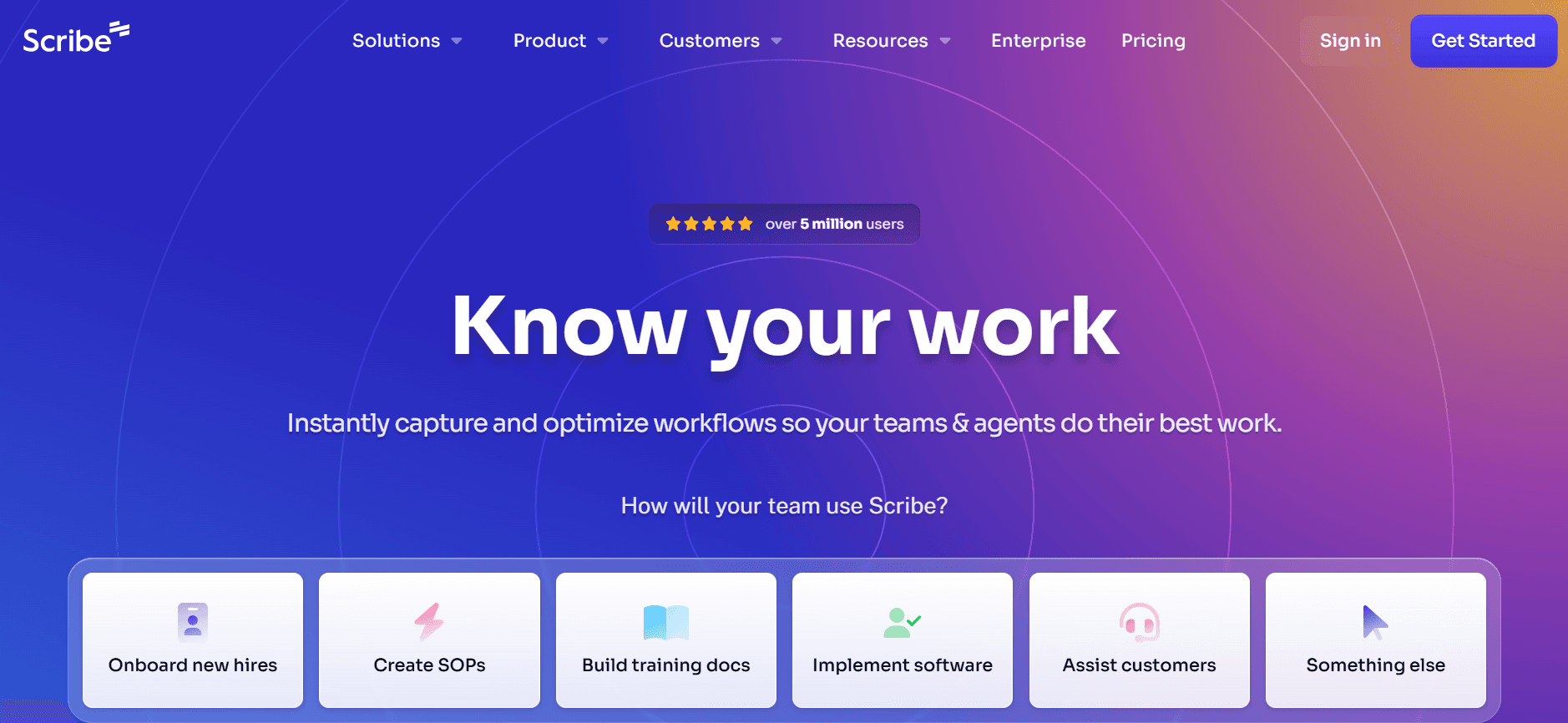
Scribe is een tool voor het maken van gebruikershandleidingen die zich richt op eenvoud en gebruiksgemak. Perfect voor teams die een rechttoe rechtaan oplossing zoeken zonder essentiële functies op te geven. Scribe biedt een schone interface met intuïtieve navigatie, waardoor het ook toegankelijk is voor niet-technische gebruikers. Het mist echter enkele geavanceerde functies, zoals uitgebreide ondersteuning voor video en door AI aangedreven schrijven, die andere tools wel bieden.
Belangrijkste functies
Eenvoudige gebruikersinterface
Basis automatische vastlegfunctionaliteit
Opties voor export naar PDF en web
Samenwerking in realtime
Aanpasbare sjablonen
Basis zoekfunctionaliteit
Versiebeheer
Beperkte AI-assistentie
Voordelen
Nadelen
Makkelijk te leren en te gebruiken voor beginners.
Beperkte ondersteuning voor video.
Betaalbare prijsplannen.
Mist geavanceerde AI-schrijfmogelijkheden.
Geschikt voor kleine tot middelgrote teams.
Basis zoekfunctionaliteit kan beter.
Prijs
Free tier beschikbaar, met betaalde abonnementen vanaf $15 per gebruiker per maand.
Document360
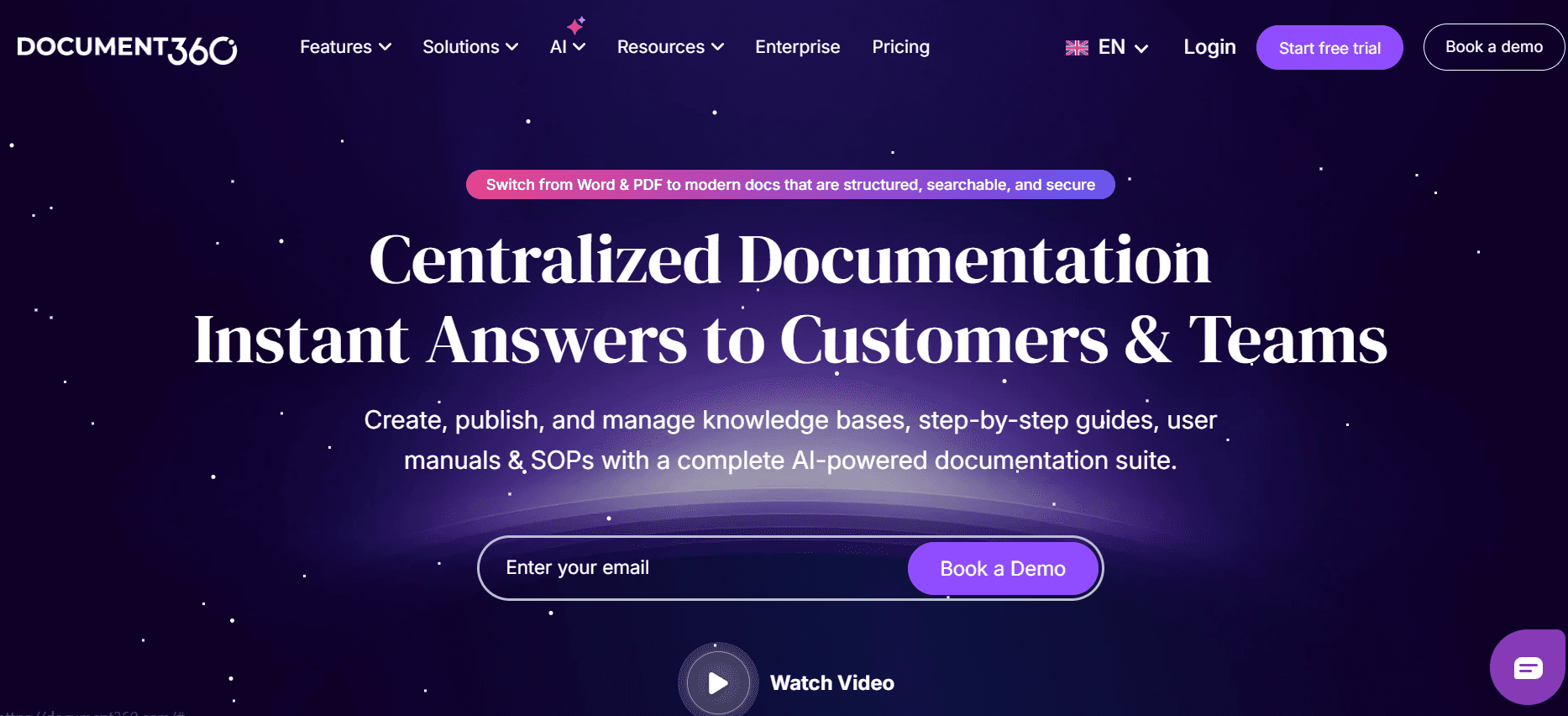
Document360 is een robuust platform dat ideaal is voor bedrijven die uitgebreide documentatie en kennisbeheer nodig hebben. Het biedt een breed scala aan functies, waaronder een krachtige zoekmachine en versiebeheer, waardoor het geschikt is voor grote ondernemingen. Het ondersteunt echter geen stappen automatisch vastleggen of door AI aangedreven schrijven, wat een nadeel kan zijn voor teams die hun processen willen automatiseren.
Belangrijkste functies
Uitgebreide mogelijkheden voor een kennisbank
Krachtige zoekmachine
Versiebeheer en geschiedenis bijhouden
Aangepaste domeinen en branding
Geavanceerde analytics en rapportage
Gebruikersrollen en machtigingen
Integratie met populaire tools
Export in meerdere formaten
Voordelen
Nadelen
Uitstekend voor documentatie op grote schaal.
Geen auto-capture of AI-schrijf-functies.
Sterke zoek- en organisatorische tools.
Kan overweldigend zijn voor kleine teams.
Flexibel met opties voor aangepaste branding.
Hogere prijs vergeleken met vergelijkbare tools.
Prijs
Geen free tier, met abonnementen vanaf $99 per gebruiker per maand.
Tango
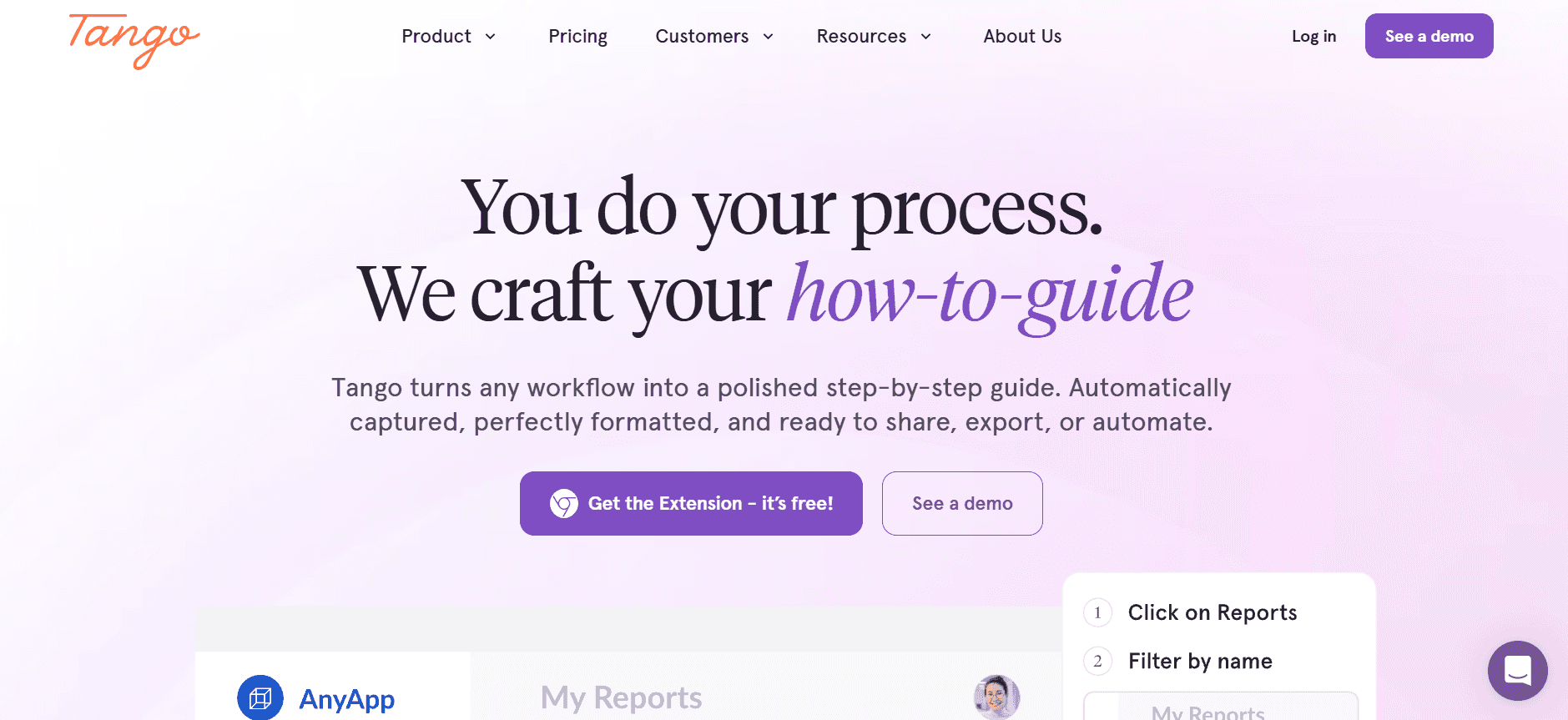
Tango is een visueel gedreven tool die een unieke aanpak biedt voor het maken van gebruikershandleidingen. Perfect voor teams die sterk leunen op video en visuele content. Tango stelt gebruikers in staat om video’s direct naast tekst in te sluiten, wat de instructieve ervaring versterkt. Hoewel het uitblinkt in visuele content, mist het enkele van de robuuste AI- en auto-capture-functies die andere tools bieden.
Belangrijkste functies
Mogelijkheden voor video insluiten
Drag-and-drop-interface
Samenwerking in realtime
Aanpasbare sjablonen
Basis analytics
Beperkte auto-capture functionaliteit
Mobielvriendelijk ontwerp
Basis zoekfunctionaliteit
Voordelen
Nadelen
Geweldig voor documentatie die draait om video.
Beperkte auto-capture-functies.
Visueel aantrekkelijke handleidingen.
Minder ondersteuning voor documentatie met veel tekst.
Gebruiksvriendelijke interface.
Mist geavanceerde AI-mogelijkheden.
Prijs
Free tier beschikbaar, met betaalde abonnementen vanaf $12 per gebruiker per maand.
Notion
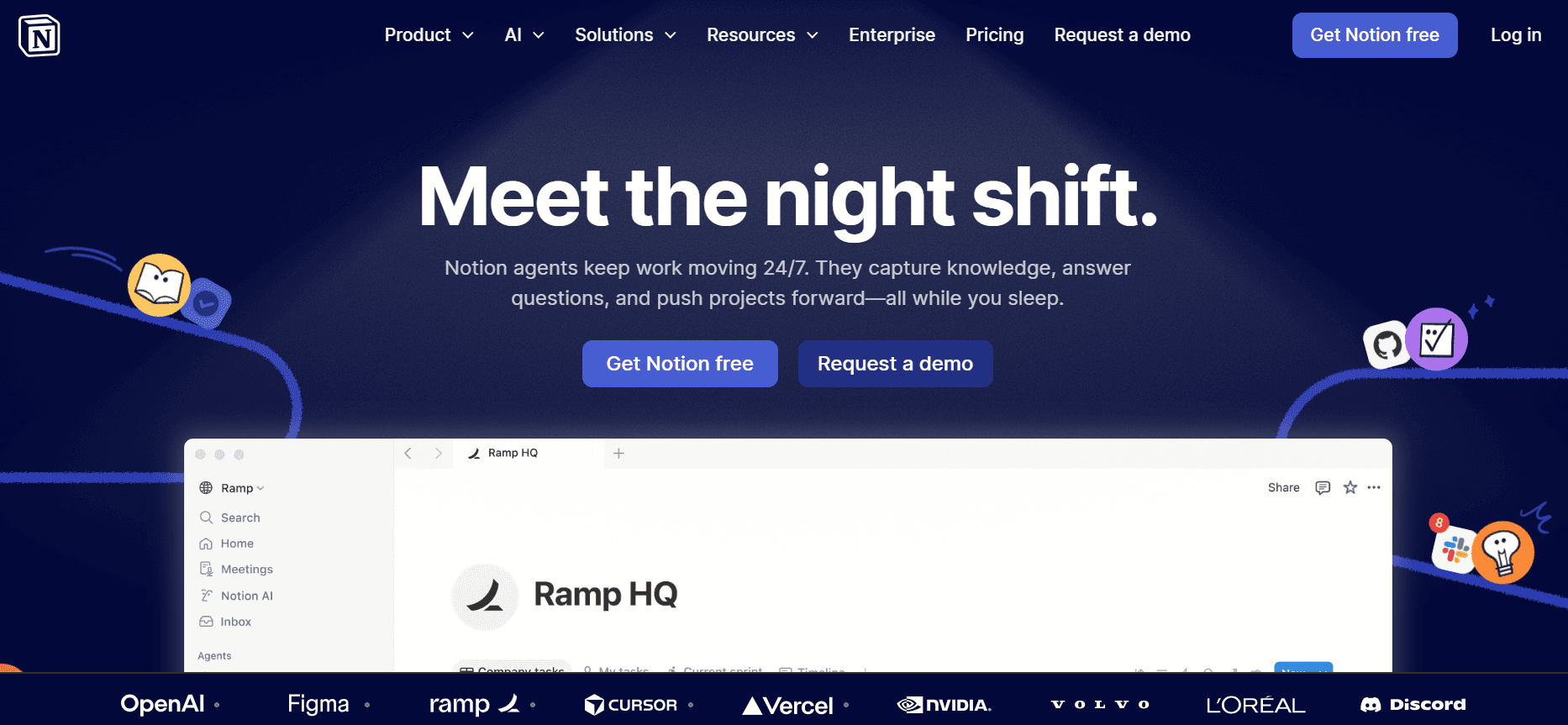
Notion is een veelzijdige tool die veel meer biedt dan alleen het maken van gebruikershandleidingen. Het is een alles-in-één werkruimte die ideaal is voor teams die documenten, taken en projecten op één plek moeten beheren. Hoewel Notion sterke samenwerkingsfuncties heeft, mist het de gespecialiseerde mogelijkheden voor gebruikershandleidingen, zoals auto-capture en AI-schrijfwerk, die je in andere dedicated tools vindt.
Belangrijkste functies
Alles-in-één werkruimte-mogelijkheden
Samenwerking in realtime
Aanpasbare sjablonen
Taak- en projectbeheer
Basis zoekfunctionaliteit
Versiegeschiedenis
Integratie met populaire tools
Toegang via web en mobiel
Voordelen
Nadelen
Veelzijdig met veel use cases.
Niet gespecialiseerd voor gebruikershandleidingen.
Sterke samenwerkings- en deelmogelijkheden.
Geen auto-capture of AI-schrijf-functies.
Goed voor teambeheer.
Beperkte exportopties voor handleidingen.
Prijs
Free tier beschikbaar, met betaalde abonnementen vanaf $10 per gebruiker per maand. Hetzelfde idee ligt ten grondslag aan de ai study guide maker capture het proces één keer en hergebruik het in plaats van het werk opnieuw te doen.
Confluence
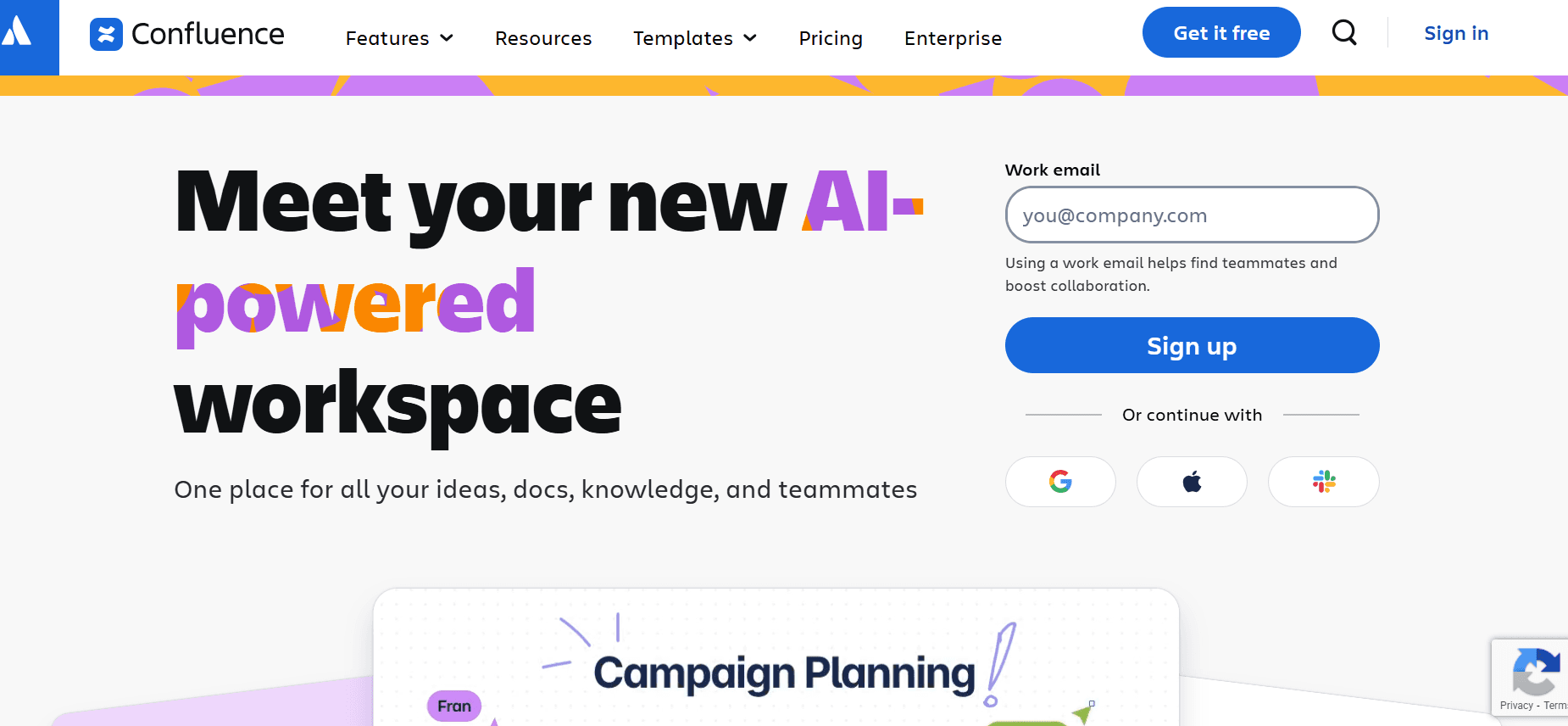
Confluence is een bekende tool op het gebied van team-samenwerking en documentatie. Het is een uitstekende keuze voor teams die al gebruikmaken van de Atlassian-suite. Confluence biedt robuuste integratiemogelijkheden, maar levert niet enkele unieke functies zoals auto-capture-stappen of door AI aangedreven schrijven. Het is beter geschikt voor teams die een betrouwbaar platform nodig hebben voor documentbeheer en samenwerking, in plaats van een gespecialiseerde maker voor gebruikershandleidingen.
Belangrijkste functies
Naadloze integratie met Atlassian-tools
Samenwerking en bewerken in realtime
Aanpasbare sjablonen
Uitgebreide zoekfunctionaliteit
Versiebeheer en geschiedenis van pagina’s
Gebruikersrollen en machtigingen
Reacties en feedbacktools
Ondersteuning voor mobiele apps
Voordelen
Nadelen
Geweldig voor teams die Atlassian-tools gebruiken.
Geen gespecialiseerde functies voor gebruikershandleidingen.
Sterke samenwerkingsfuncties.
Steilere leercurve voor nieuwe gebruikers.
Betrouwbaar en stabiel platform.
Beperkte auto-capture-mogelijkheden.
Prijs
Geen free tier, met abonnementen vanaf $5 per gebruiker per maand.
GitBook
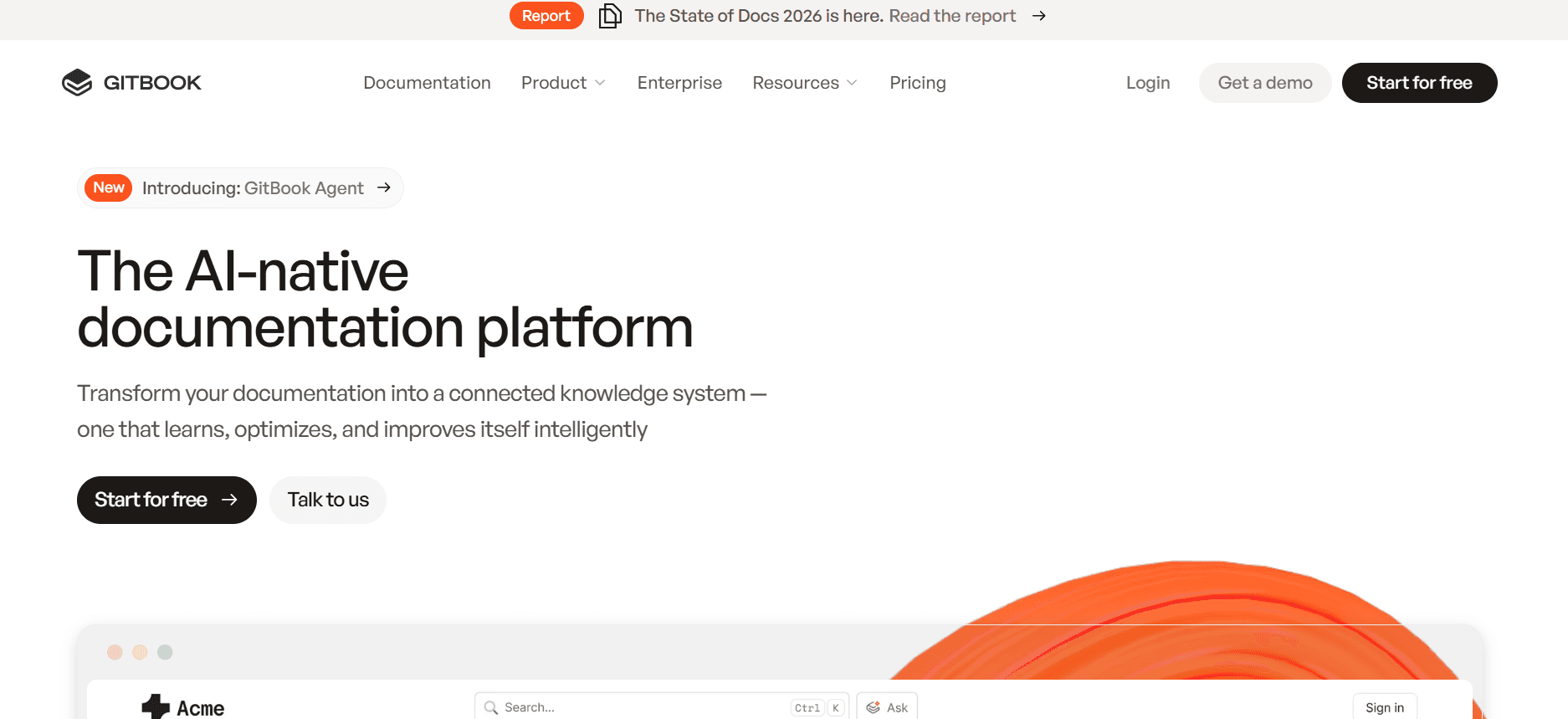
GitBook is gericht op ontwikkelaars en technische teams die APIs en technische processen moeten documenteren. Het biedt een schone interface en integreert goed met Git, waardoor het geschikt is voor teams die versiebeheer en samenwerking nodig hebben voor technische documenten. Het mist echter enkele gebruiksvriendelijkere functies die je in andere tools voor gebruikershandleidingen vindt, zoals AI-schrijfwerk en auto-capture-stappen.
Belangrijkste functies
Git-integratie voor versiebeheer
Ondersteuning voor Markdown
Samenwerking in realtime
Aanpasbare thema’s en branding
Ondersteuning voor API-documentatie
Geavanceerde zoekmogelijkheden
Export in meerdere formaten
Opties voor openbare en private documentatie
Voordelen
Nadelen
Ideaal voor technische documentatie.
Geen auto-capture of AI-schrijf-functies.
Sterk versiebeheer met Git-ondersteuning.
Minder gebruiksvriendelijk voor niet-technische gebruikers.
Goed voor development teams.
Beperkte aanpassing van sjablonen.
Prijs
Free tier beschikbaar, met betaalde abonnementen vanaf $8 per gebruiker per maand.
Archbee
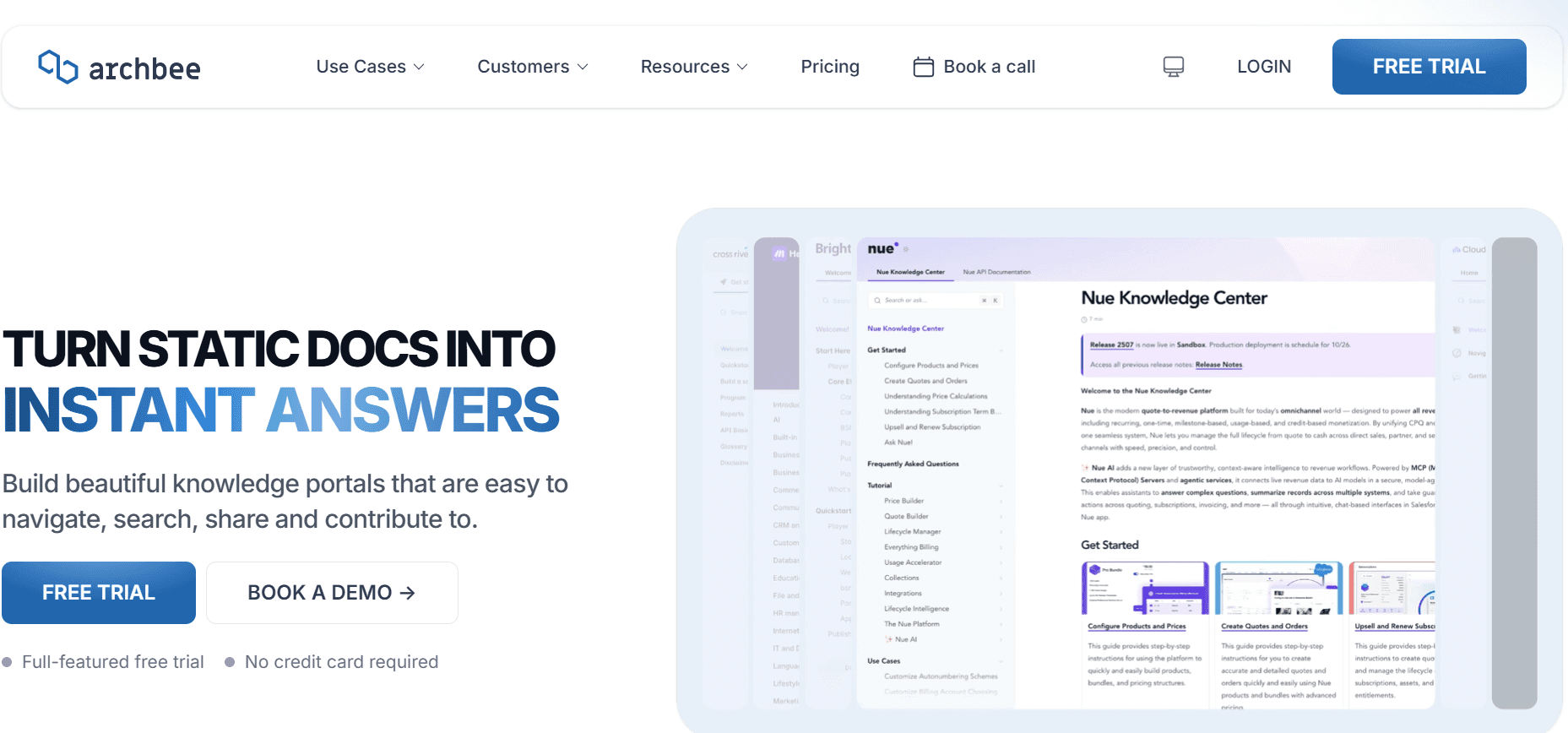
Archbee is ontworpen voor snelgroeiende teams die een betrouwbaar platform voor documentatie nodig hebben. Het combineert kennisbeheer met samenwerking in realtime, waardoor het een sterke concurrent is in de categorie gebruikershandleidingen. Hoewel het een reeks functies biedt, waaronder een responsieve editor en krachtige integraties, ondersteunt het niet volledig stappen automatisch vastleggen of door AI aangedreven contentgeneratie.
Belangrijkste functies
Samenwerking in realtime
Aanpasbare sjablonen
Responsieve editor
Integratie met populaire tools
Geavanceerde zoekmogelijkheden
Gebruikersrollen en machtigingen
Ondersteuning voor Markdown
Versiegeschiedenis en bijhouden
Voordelen
Nadelen
Geweldig voor samenwerking en kennisdeling.
Beperkte ondersteuning voor auto-capture-functies.
Responsieve en eenvoudig te gebruiken editor.
Geen door AI aangedreven schrijfmogelijkheden.
Sterke integratieopties.
Kan complex zijn voor kleinere teams.
Prijs
Beperkte free tier beschikbaar, met betaalde abonnementen vanaf $20 per gebruiker per maand.
Uitdagingen bij het maken van gebruikershandleidingen & handleidingen: waar teams moeite mee hebben
Handmatige documentatieprocessen
Teams vertrouwen vaak op screenshots en handmatig geschreven instructies, wat tijdrovend is.
Opmaak en proeflezen zijn arbeidsintensief, wat de efficiëntie verlaagt.
Inconsistenties ontstaan door verschillende schrijfstijlen onder teamleden.
Voor elke productwijziging zijn handmatige updates nodig, wat leidt tot aanzienlijke vertragingen.
Verouderde content
Documentatie wordt na elke productrelease verouderd en vereist constante revisies.
Gebruikers komen vaak verouderde informatie tegen, wat verwarring veroorzaakt en leidt tot supporttickets.
Gebrek aan updates in realtime leidt tot een hogere onderhoudslast.
Teams hebben moeite om bij te blijven met de snelle releasecycli van moderne producten.Dat geldt ook voor hoe je een handleiding-sjabloon gebruikt: omdat de stappen worden vastgelegd terwijl je bezig bent, hoef je ze niet achteraf uit te schrijven.
Slechte vindbaarheid
Eindgebruikers vinden het lastig om informatie te vinden, wat frustratie oplevert.
Zoekfuncties in traditionele documenten zijn vaak beperkt en niet effectief.
Teams besteden buitensporig veel tijd aan het beantwoorden van terugkerende vragen die ook zelf te vinden zouden zijn.
Documentatie zit vaak opgesloten in verschillende formaten, waardoor informatie ophalen ingewikkeld wordt.
Gebrek aan consistentie
Inconsistente opmaak en stijl maken documenten lastig om te volgen.
Verschillende tools zoals Notion, Word of Google Docs missen uniformiteit.
Teamleden hebben moeite om een consistente uitstraling en beleving te behouden in alle documenten.
Variatie in documentkwaliteit beïnvloedt de geloofwaardigheid van het merk en de gebruikerservaring.
Documentatie-silo’s
Informatie is verspreid over verschillende platforms, wat inefficiënties veroorzaakt.
Teams hebben moeite om samen te werken aan documenten die in verschillende tools zijn opgeslagen.
Het bijhouden van versies en wijzigingen over meerdere platforms is lastig.
Het consolideren van data uit verschillende bronnen kost tijd en is gevoelig voor fouten.
Uitdaging
Traditioneel proces
Impact voor het bedrijf
Tijdskosten
Handmatige documentatie
Screenshots, handmatig schrijven, opmaak
Meer fouten, lagere productiviteit
8-12 uur per handleiding
Verouderde content
Updates na release
Frustratie bij gebruikers, meer supporttickets
2-5 uur per update
Slechte vindbaarheid
Beperkte zoekfuncties
Minder tevreden gebruikers, inefficiënties
1-3 uur per zoekopdracht
Gebrek aan consistentie
Afwisselende documentformaten
Problemen met merkperceptie, verwarring bij gebruikers
Doorlopend
Documentatie-silo’s
Afzonderlijke platforms
Uitdagingen bij samenwerking, risico op dataverlies
Variabel
Must-have functies in tools voor gebruikershandleidingen & handleidingen maken
Auto-stappen vastleggen vanuit schermactiviteit
Met deze functie kunnen tools automatisch stappen vastleggen wanneer gebruikers met software omgaan, waardoor handmatige screenshots en tekstbeschrijvingen overbodig worden. Door stappen automatisch vast te leggen, kunnen teams snel nauwkeurige en gedetailleerde handleidingen produceren. Trupeer en Scribe blinken hierin uit en bieden intuïtieve interfaces die de gebruikerservaring verbeteren door tijd te besparen en precisie in documentatie te waarborgen.
Door AI geschreven stapsgewijze instructies
Door AI aangedreven schrijfmogelijkheden veranderen hoe teams gebruikershandleidingen maken en bijwerken. Deze tools gebruiken machine learning om duidelijke en samenhangende stapbeschrijvingen te genereren, waardoor de last voor technische schrijvers afneemt. Trupeer en GitBook bieden robuuste AI-schrijf-functies die de tekstkwaliteit verbeteren en consistentie tussen documenten behouden, waardoor updates eenvoudig en minder tijdrovend zijn.
Video insluiten naast tekst
Het insluiten van videocontent in gebruikershandleidingen verbetert het begrip door visuele context te bieden. Tools zoals Tango richten zich op het integreren van videohandleidingen direct in de documentatie, wat vooral nuttig is voor complexe processen die meer vereisen dan alleen geschreven instructies. Deze functie is onmisbaar voor training en onboarding, en biedt een rijkere, interactievere leerervaring.
Export in meerdere formaten (PDF, web, HTML)
Veelzijdigheid in exportformaten zorgt ervoor dat teams documentatie kunnen verspreiden over verschillende platforms, afgestemd op verschillende voorkeuren van gebruikers. Tools zoals Document360 en Archbee bieden uitgebreide exportopties, zodat documenten eenvoudig gedeeld kunnen worden als PDF’s, webpagina’s of HTML-bestanden. Deze flexibiliteit ondersteunt uiteenlopende distributiebehoeften, van interne deling tot openbare webhosting.
Versiebeheer en snelle update-workflows
Het behouden van nauwkeurigheid en consistentie in documenten is cruciaal, zeker in omgevingen met een hoog tempo. Versiebeheer stelt teams in staat om wijzigingen bij te houden, terug te gaan naar eerdere versies en samen te werken zonder conflicten. Confluence en Notion bieden sterke versiebeheermogelijkheden, zodat alle teamleden werken vanuit de meest actuele documenten. Deze mogelijkheid maakt updates eenvoudiger en verlaagt het risico dat er fouten in gebruikershandleidingen sluipen.
Zoeken en vindbaarheid
Effectieve zoekfuncties zijn essentieel voor tevreden gebruikers en zorgen voor snelle toegang tot informatie. GitBook en Document360 blinken uit in het bieden van geavanceerde zoekmogelijkheden waarmee gebruikers relevante content snel kunnen vinden. Verbeterde zoekfuncties verminderen supportaanvragen en stellen gebruikers in staat om problemen zelfstandig op te lossen, wat de algehele gebruikerservaring verbetert.
Zo kies je tools voor gebruikershandleidingen op basis van jouw use case
Productgebruikershandleidingen en artikelen voor het help center
Productgebruikershandleidingen en artikelen voor het help center zijn essentieel om klanten te voorzien van de informatie die ze nodig hebben om je producten effectief te gebruiken. Deze gidsen moeten uitgebreid zijn, maar wel eenvoudig te begrijpen.
Belangrijkste uitdagingen: content up-to-date houden, zorgen voor duidelijkheid, omgaan met een grote hoeveelheid informatie.
Benodigde oplossingen: auto-capture-functies, AI-schrijf-mogelijkheden, robuuste zoekfuncties.
Tool
Auto-Capture
AI Writing
Zoeken
Trupeer
Ja
Ja
Ja
Document360
Nee
Nee
Ja
Interne SOP-documentatie
Standard Operating Procedures (SOP’s) zijn van vitaal belang om consistentie en efficiëntie te behouden binnen interne processen. Deze documenten moeten duidelijk, beknopt en eenvoudig toegankelijk zijn voor alle teamleden.
Belangrijkste uitdagingen: zorgen voor consistentie, omgaan met toegangsrechten, frequente updates.
Benodigde oplossingen: versiebeheer, samenwerkingsfuncties, beveiligingsinstellingen.
Tool
Versiebeheer
Samenwerking
Beveiliging
Confluence
Ja
Ja
Ja
Notion
Ja
Ja
Beperkt
IT-systeem- en beheergidsen
IT-systeem- en beheergidsen vereisen gedetailleerde technische documentatie die zowel accuraat als veilig is. Deze gidsen zijn cruciaal voor IT-teams die complexe systemen en processen beheren.
Belangrijkste uitdagingen: omgaan met technische complexiteit, zorgen voor informatiebeveiliging, omgaan met frequente updates.
Benodigde oplossingen: geavanceerde zoekmogelijkheden, veilige toegangscontroles, export in meerdere formaten.
Tool
Zoeken
Beveiliging
Export
GitBook
Ja
Ja
Ja
Archbee
Ja
Ja
Ja
Kennisbank voor klanten
Een kennisbank voor klanten is een belangrijke bron voor klantenondersteuning en biedt gebruikers de informatie die ze nodig hebben om problemen zelfstandig op te lossen.
Belangrijkste uitdagingen: zorgen dat content toegankelijk is, relevant houden, meerdere formaten ondersteunen.
Benodigde oplossingen: webkennisbank-functies, AI-schrijfwerk, ondersteuning voor video.
Tool
Web Base
AI Writing
Video
Tango
Ja
Beperkt
Ja
Scribe
Ja
Ja
Beperkt
Documentatie voor ontwikkelaars en API’s
Documentatie voor ontwikkelaars en API’s moet gedetailleerd en technisch zijn en ontwikkelaars voorzien van alle noodzakelijke informatie om te integreren met je systemen.
Belangrijkste uitdagingen: technische details beheren, meerdere formaten ondersteunen, zorgen voor duidelijkheid.
Benodigde oplossingen: ondersteuning voor Markdown, versiebeheer, aanpasbare sjablonen.
Tool
Markdown
Versiebeheer
Sjablonen
GitBook
Ja
Ja
Ja
Archbee
Ja
Ja
Ja
Best practices voor het maken van gebruikershandleidingen
Voordat je begint
Bepaal je doelgroep en hun behoeften om de content goed af te stemmen.
Verzamel alle benodigde resources, inclusief software, tools en assets.
Plan de structuur van je gids om te zorgen voor een logische opbouw en organisatie.
Stel duidelijke doelen op voor wat de gebruikershandleiding moet bereiken.
Tijdens het maken
Houd taal eenvoudig en duidelijk, zodat instructies makkelijk te volgen zijn.
Gebruik consistente opmaak om een professionele uitstraling te behouden.
Neem visuals op zoals screenshots en video’s om het begrip te vergroten.
Test instructies om te zorgen voor nauwkeurigheid en volledigheid.
Na publicatie
Verzamel feedback van gebruikers om verbeterpunten te identificeren.
Werk content regelmatig bij om informatie actueel te houden.
Monitor analytics om te begrijpen hoe gebruikers met de gids omgaan.
Bied supportkanalen voor gebruikers die extra hulp nodig hebben.
Veelgestelde vragen
Wat is een gebruikershandleiding?
Een gebruikershandleiding is een document dat instructies geeft over hoe je een product of dienst gebruikt. Het helpt gebruikers om functies te begrijpen en problemen zelfstandig op te lossen.Wie schrijft gebruikershandleidingen?
Gebruikershandleidingen worden doorgaans geschreven door technische schrijvers, productmanagers of teamleden die bekend zijn met het product. Zij zorgen ervoor dat de handleidingen duidelijk en volledig zijn.Kan ik video’s opnemen in gebruikershandleidingen?
Ja, veel tools ondersteunen het insluiten van video naast tekst, wat zorgt voor een rijkere instructieve ervaring. Tools zoals Tango zijn gespecialiseerd in deze functie.Hoe vaak moeten gebruikershandleidingen worden bijgewerkt?
Gebruikershandleidingen moeten worden bijgewerkt na belangrijke productwijzigingen of feedback van gebruikers waaruit blijkt dat verduidelijking of extra informatie nodig is.Zijn er gratis tools voor het maken van gebruikershandleidingen?
Ja, verschillende tools bieden gratis abonnementen met basisfuncties. Trupeer, Scribe en GitBook bieden free tiers die geschikt zijn voor kleine projecten of teams.Welke factoren beïnvloeden de kosten van een tool voor gebruikershandleidingen?
Kosten worden beïnvloed door functies zoals AI-mogelijkheden, samenwerkings-tools en exportopties. Abonnementen op hogere niveaus bieden meer geavanceerde functionaliteit en ondersteuning.Hoe kies ik de juiste tool voor mijn team?
Houd rekening met je specifieke behoeften, zoals de complexiteit van de documentatie, de omvang van het team en het budget. Gebruik vergelijkingstabellen om belangrijke functies en voordelen te evalueren.Is training nodig om deze tools te gebruiken?
De meeste tools zijn gebruiksvriendelijk, maar sommige vereisen mogelijk een initiële training om hun mogelijkheden optimaal te benutten, vooral voor teams die nieuw zijn met documentatiesoftware.
Conclusie
De wereld van tools voor het maken van gebruikershandleidingen kan ontmoedigend lijken, maar door je specifieke behoeften van je team te begrijpen, kun je weloverwogen keuzes maken. Of je nu geavanceerde AI-functies nodig hebt, robuuste zoekmogelijkheden of uitgebreide exportopties: er is een tool die aansluit op je vereisten.
Trupeer springt eruit met zijn uitgebreide functies, waardoor het een uitstekende keuze is voor teams die hun documentatieproces willen stroomlijnen. Ontdek Trupeer verder op Trupeer.ai om te zien hoe het je proces voor het maken van gebruikershandleidingen kan transformeren.
Gerelateerde blogs


