Trupeer Blog
Samenvatten

Stroomlijn je documentatieproces met de nieuwste AI-oplossingen.
20 min. lezen. 27 maart 2026.
Overzicht voor kopers
Documentatieteams merken vaak dat ze het grootste deel van hun tijd kwijt zijn aan repetitieve taken zoals het opmaken en structureren van content, in plaats van zich te richten op de inhoud zelf. Deze inefficiëntie kan een aanzienlijke aanslag zijn op middelen, vooral voor bedrijven met complexe producten die gedetailleerde gebruikershandleidingen vereisen. Er wordt zelfs geschat dat teams 60-70% van hun tijd besteden aan deze niet-essentiële taken.
"Door repetitieve taken te automatiseren, hebben AI-tools aangetoond dat ze de efficiëntie in documentatieprocessen met tot wel 40% kunnen verhogen."
Bron: Efficiency in Documentation Report door TechInsights, 2025
Deze gids onderzoekt verschillende AI-tools die kunnen helpen bij het automatiseren van het maken van gebruikershandleidingen, zodat teams zich meer kunnen richten op de nauwkeurigheid en helderheid van hun content. De gids is bedoeld voor technische schrijvers, contentmanagers en documentatieteams die de efficiëntie van hun workflow willen verbeteren met AI-gestuurde oplossingen.
Beste AI-documentatietools: vergelijking van kop tot staart
Functie/tool | Trupeer | Scribe | Tango | Document360 | Notion AI | Confluence AI | GitBook AI |
|---|---|---|---|---|---|---|---|
AI-teksthulp | Ja | Beperkt | Nee | Ja | Ja | Ja | Beperkt |
Automatische stapregistratie | Ja | Ja | Ja | Nee | Nee | Beperkt | Ja |
Annotatie van screenshots | Ja | Ja | Ja | Beperkt | Nee | Ja | Ja |
AI-voice-over | Ja | Nee | Nee | Ja | Ja | Beperkt | Nee |
Videogeneratie | Ja | Nee | Ja | Nee | Ja | Ja | Beperkt |
Slimme templates | Ja | Beperkt | Nee | Ja | Ja | Ja | Ja |
Meertaligheid | Ja | Ja | Beperkt | Nee | Ja | Ja | Beperkt |
API-integratie | Ja | Beperkt | Ja | Ja | Nee | Ja | Ja |
Gratis abonnement | Ja | Ja | Ja | Nee | Beperkt | Nee | Ja |
Trupeer

Trupeer is ontworpen om te voldoen aan de behoeften van moderne documentatieteams en biedt een reeks AI-gestuurde tools die het maken van gebruikershandleidingen stroomlijnen. De kracht van Trupeer zit in het automatiseren van het vastleggen van stapsgewijze instructies, het annoteren van screenshots en zelfs het leveren van basis AI-gegenereerde voice-overs. Trupeer is met name geschikt voor teams die snel gedetailleerde en nauwkeurige documentatie moeten produceren.
Belangrijkste functies
AI-gestuurde schrijfhulp
Geautomatiseerde stapregistratie
Tools voor het annoteren van screenshots
Basisfuncties voor AI-voice-over
Slimme templates voor verschillende documenttypen
Ondersteuning voor meerdere talen voor wereldwijde teams
Uitgebreide API-integratie
Gratis abonnement beschikbaar voor kleine teams
"Trupeer heeft de manier waarop we onze documentatie beheren veranderd en ons elke maand talloze uren bespaard."
Voordelen
Nadelen
Uitstekende ondersteuning voor meerdere talen, ideaal voor wereldwijde teams.
Beperkte AI-voice-overfuncties voldoen mogelijk niet voor alle teams.
Geautomatiseerde stapregistratie versnelt documentatie aanzienlijk.
Mogelijk is training nodig om alle functies volledig te benutten.
Uitgebreide API-integraties verbeteren workflowautomatisering.
Sommige functies zijn beperkt in het gratis abonnement.
Prijzen
Trupeer biedt een gratis abonnement met basisfuncties, terwijl premium-abonnementen beginnen bij $49 per gebruiker per maand.
Scribe
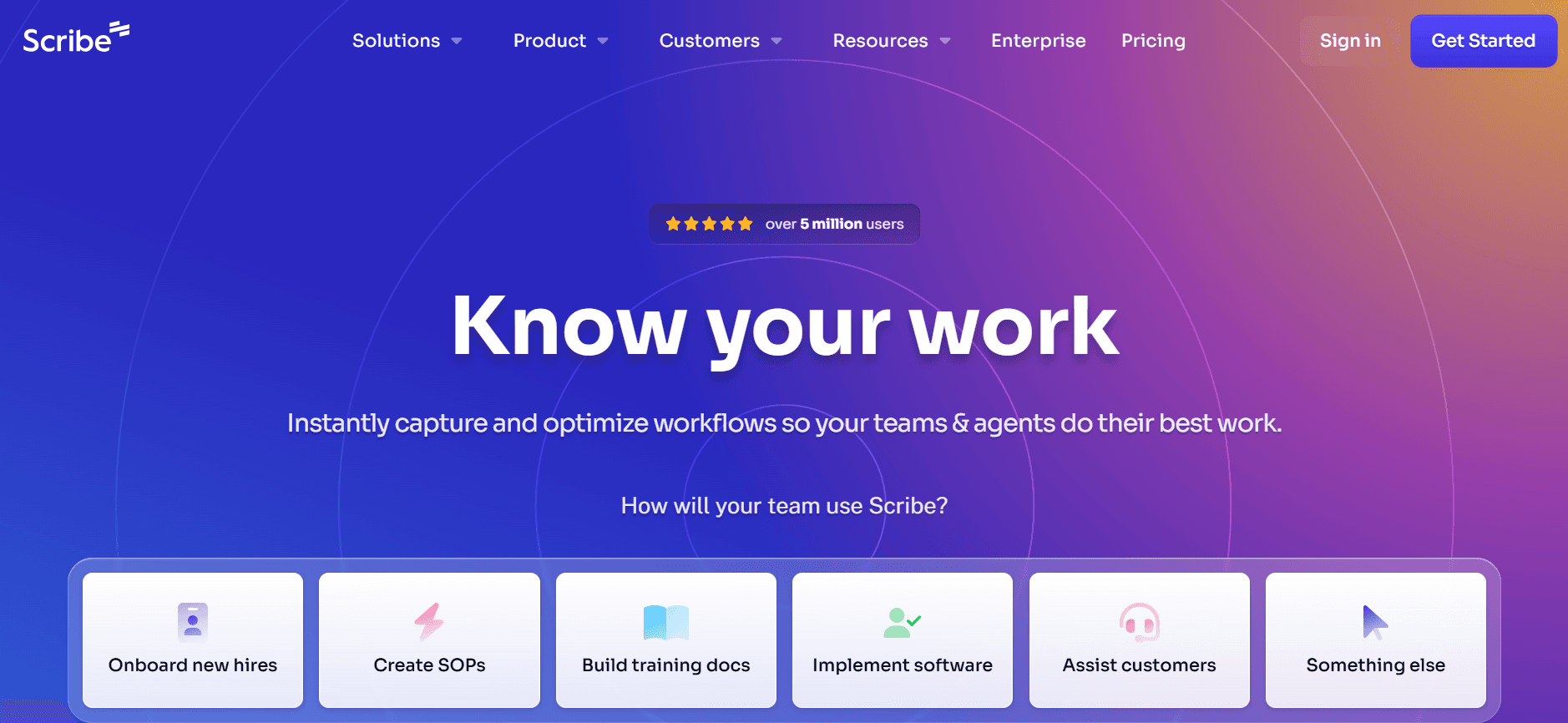
Scribe biedt een eenvoudige aanpak voor documentatie, met focus op gebruiksgemak en toegankelijkheid. Het is met name voordelig voor kleinere teams of bedrijven die snel nieuwe medewerkers willen onboarden met eenvoudige maar effectieve gebruikershandleidingen. Hoewel het mogelijk niet de geavanceerde mogelijkheden heeft van sommige concurrenten, maken de strakke interface en de basis AI-teksthulp van Scribe het een solide keuze voor eenvoudige documentatiebehoeften.
Belangrijkste functies
Gebruiksvriendelijke interface
Basis AI-teksthulp
Maken van stapsgewijze handleidingen
Eenvoudige annotatie van screenshots
Beperkte slimme templates
Ondersteuning voor meerdere talen
Gratis abonnement beschikbaar
Voordelen
Nadelen
Makkelijk te gebruiken, geschikt voor niet-technische teams.
Beperkte geavanceerde AI-mogelijkheden.
Betaalbare prijsopties.
Mist integratie met apps van derden.
Effectief voor snelle documentatietaken.
Beperkte aanpassing van templates.
Prijzen
Scribe biedt een gratis abonnement, met betaalde plannen vanaf $15 per gebruiker per maand.
Tango
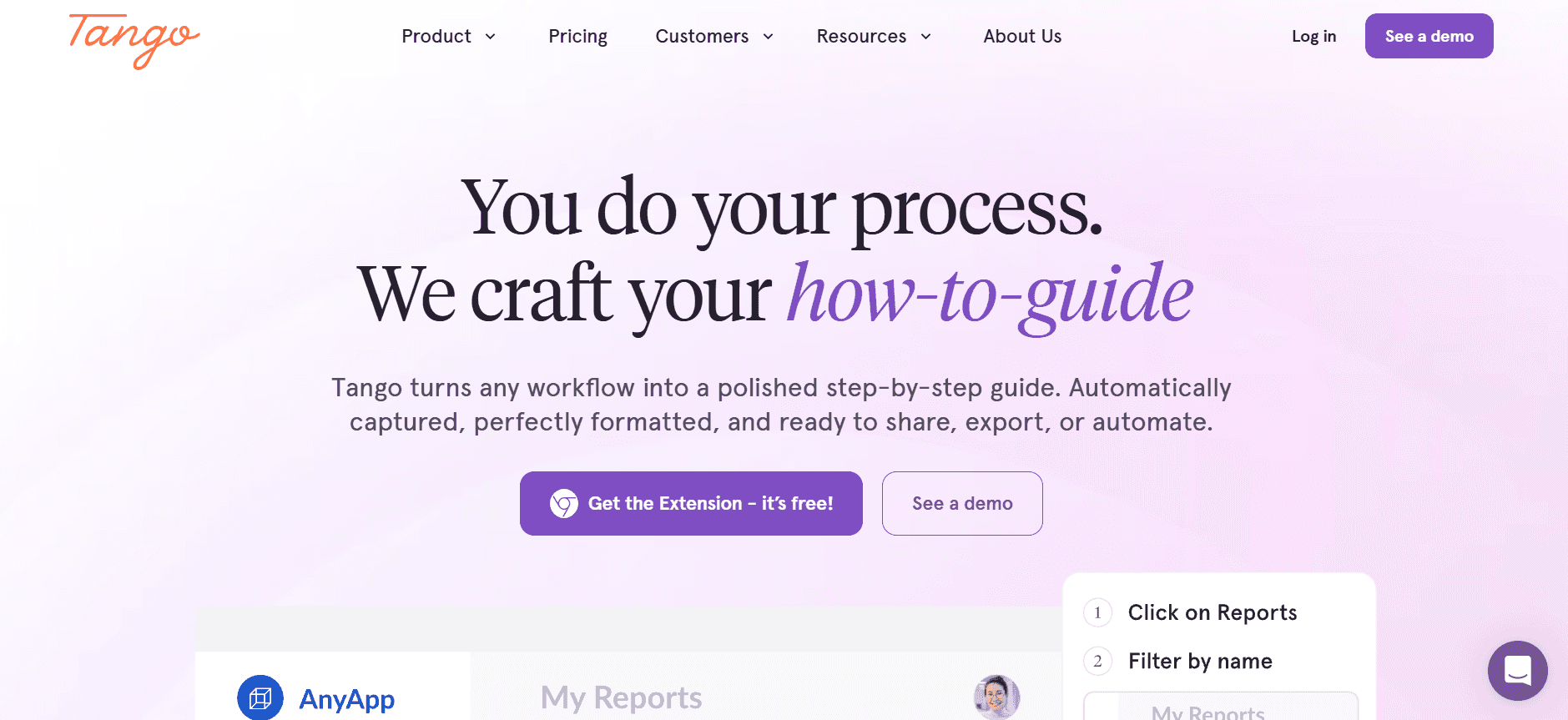
Tango is ontworpen voor teams die interactieve en visueel aantrekkelijke documentatie nodig hebben. Het blinkt uit in videogeneratie en biedt robuuste tools voor het annoteren van screenshots, waardoor het ideaal is voor het maken van tutorials en handleidingen die zowel informatief als boeiend moeten zijn. Het mist echter enkele AI-tekstmogelijkheden die andere tools bieden, en richt zich in plaats daarvan op het creëren van visuele content.
Belangrijkste functies
Videogeneratie voor interactieve handleidingen
Geavanceerde annotatie van screenshots
Eenvoudige gebruikersinterface
Mogelijkheden voor stapregistratie
Beperkte AI-tekstoplossingen
Gratis abonnement beschikbaar
Voordelen
Nadelen
Uitstekend voor het maken van videohandleidingen.
Mist uitgebreide AI-tekstoffuncties.
Geavanceerde annotatietools verbeteren de helderheid.
Beperkte taalondersteuning vergeleken met concurrenten.
Gebruiksvriendelijk voor teams die net beginnen met documentatietools.
Integratiemogelijkheden zijn enigszins beperkt.
Prijzen
Tango biedt een gratis abonnement, met premiumfuncties vanaf $25 per gebruiker per maand.
Document360
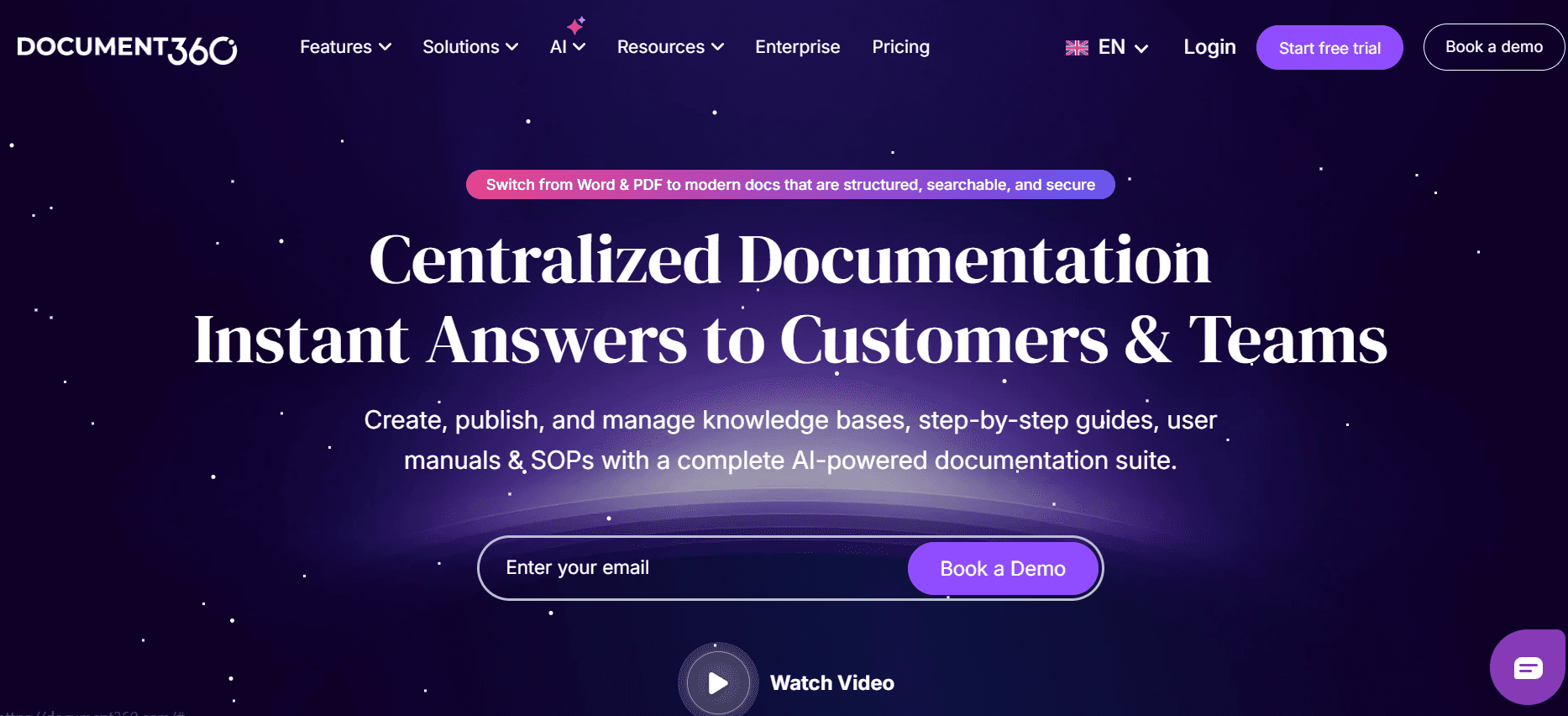
Document360 staat bekend om zijn robuuste mogelijkheden voor een kennisbank, waardoor het ideaal is voor bedrijven die gedetailleerde documentatiebibliotheken moeten onderhouden. Hoewel het uitstekende integratiemogelijkheden biedt, kan het minder gebruiksvriendelijk zijn voor teams die op zoek zijn naar eenvoudige AI-tekstoplossingen. De kracht van Document360 ligt in het maken en beheren van uitgebreide documentatie, in plaats van het genereren van content via AI.
Belangrijkste functies
Uitgebreide kennisbank
API-integratie
Slimme templates
Samenwerkingstools
Beperkte AI-tekstmogelijkheden
Uitgebreide zoekfunctionaliteit
Voordelen
Nadelen
Ideaal voor het beheren van grote documentatiebibliotheken.
AI-tekstmogelijkheden zijn beperkt.
Uitstekende integratie met andere platforms.
Kan complex zijn voor kleine teams.
Sterke samenwerkingsfuncties.
Geen gratis abonnement beschikbaar.
Prijzen
De prijzen van Document360 beginnen bij $49 per gebruiker per maand, zonder optie voor een gratis abonnement.
Notion AI
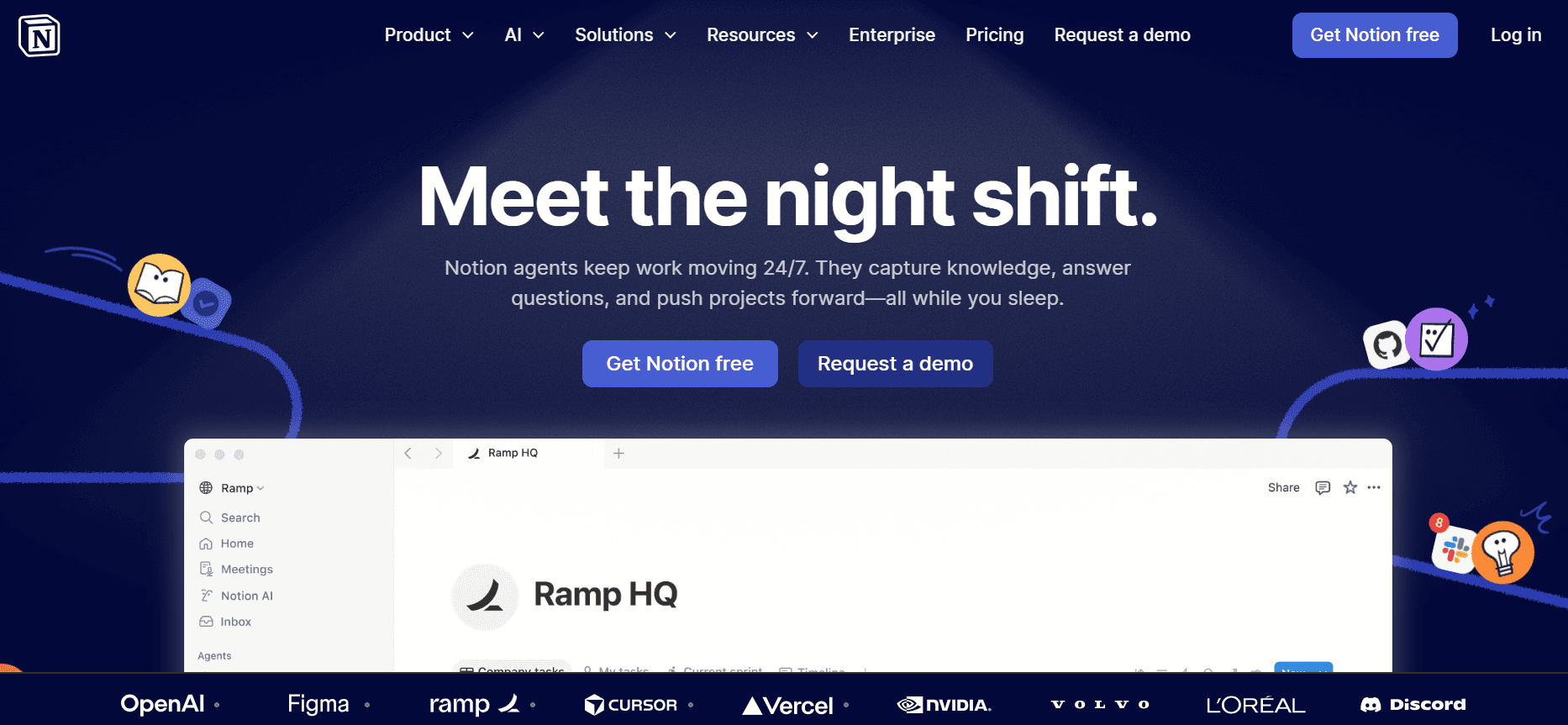
Notion AI benut de flexibiliteit van het populaire productiviteitsplatform en zet AI in om documentatieprocessen te verbeteren. Het is vooral effectief voor teams die Notion al gebruiken voor andere doeleinden, omdat het naadloos integreert met bestaande workflows. Het biedt echter mogelijk niet de diepgang van functies die specifiek voor documentatie zijn vergeleken met dedicated tools.
Belangrijkste functies
Naadloze integratie met Notion
AI-teksten bewerken en schrijven
Ondersteuning voor meerdere talen
Mogelijkheden voor videogeneratie
Slimme templates
API-toegang voor ontwikkelaars
Voordelen
Nadelen
Integreert goed met bestaande Notion-instellingen.
Niet zo rijk aan functies voor documentatie als andere tools.
Ondersteunt meerdere talen.
Beperkt tot het ecosysteem van Notion.
Flexibel voor verschillende documentatiebehoeften.
Complexiteit kan toenemen bij intensief gebruik.
Prijzen
Notion AI biedt een beperkt gratis abonnement, met geavanceerde functies vanaf $18 per gebruiker per maand.
Confluence AI
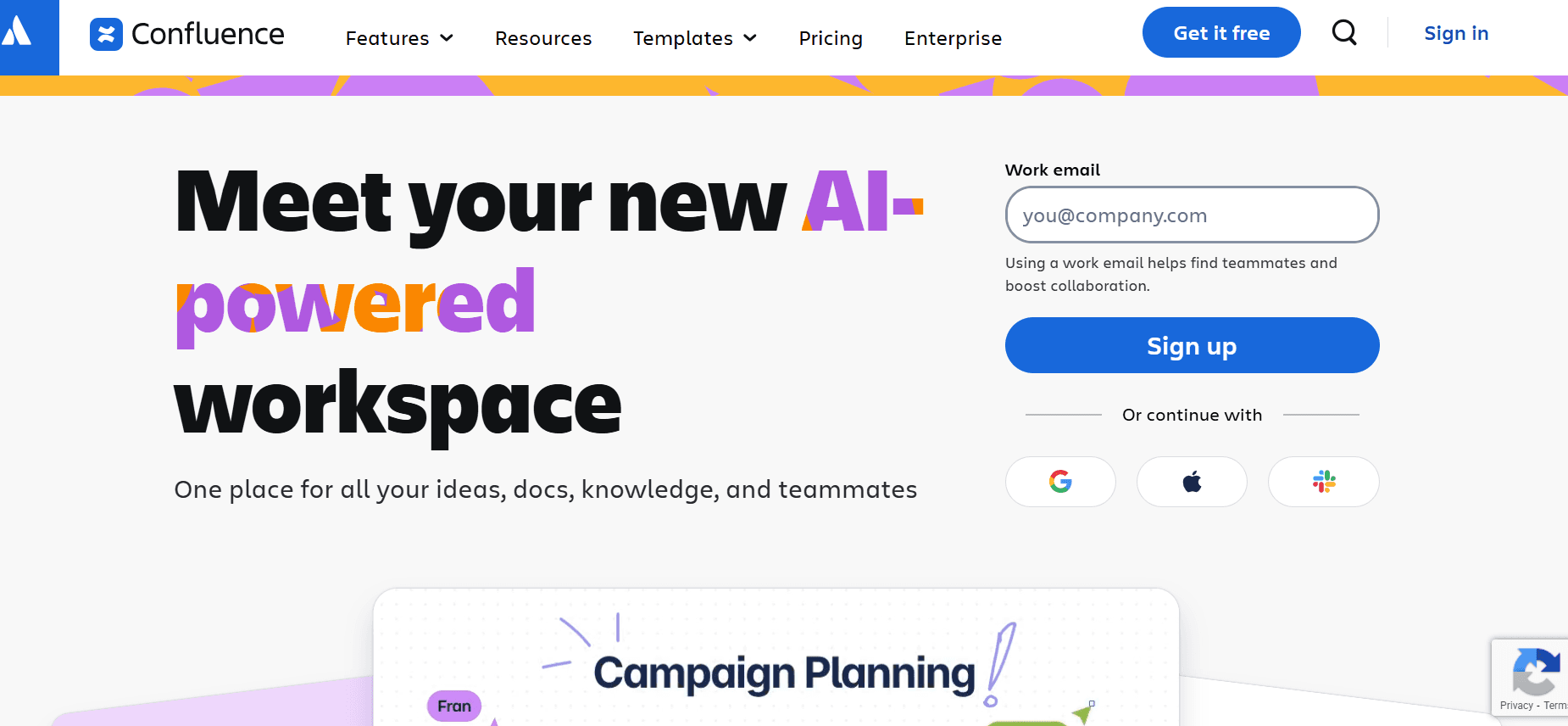
Confluence AI breidt de populaire samenwerktool uit door AI-mogelijkheden toe te voegen om de nauwkeurigheid en efficiëntie van documentatie te verbeteren. Het is een uitstekende keuze voor teams die Confluence al gebruiken en biedt een AI-voordeel ten opzichte van traditionele documentatieprocessen. Het kan echter minder intuïtief zijn voor gebruikers die nieuw zijn in het ecosysteem van Confluence.
Belangrijkste functies
AI-gestuurde suggesties voor content
Integratie met het Confluence-ecosysteem
Slimme templates
Ondersteuning voor meerdere talen
Samenwerkingsfuncties
API-integratie
Voordelen
Nadelen
Verhoogt de productiviteit voor Confluence-gebruikers.
Minder intuïtief voor wie Confluence niet kent.
Sterke samenwerkings- en integratiefuncties.
Geen gratis abonnement beschikbaar.
Uitgebreide taalondersteuning.
Kan in eerste instantie complex zijn om in te stellen.
Prijzen
Confluence AI biedt geen gratis abonnement, met prijzen vanaf $30 per gebruiker per maand.
GitBook AI
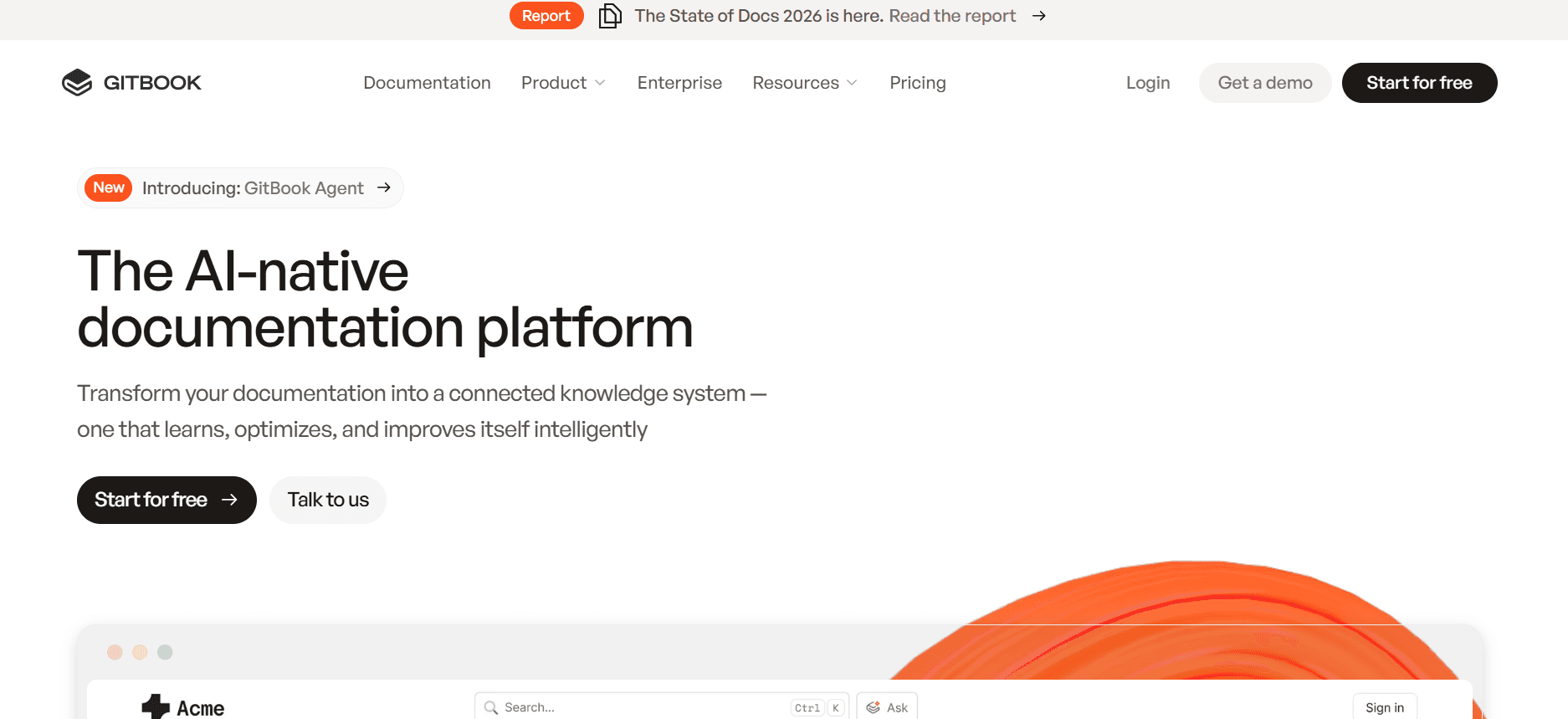
GitBook AI biedt een gestroomlijnde ervaring voor teams die zich richten op technische documentatie, met name in de softwareontwikkelbranche. Het staat bekend om zijn strakke interface en gebruiksvriendelijke schrijfhulpmiddelen, maar kan enkele geavanceerde functies missen die andere AI-documentatietools wel bieden.
Belangrijkste functies
Eenvoudige gebruikersinterface
Basis AI-teksthulp
Stapregistratie en annotatie
API-integratie
Slimme templates
Gratis abonnement beschikbaar
Voordelen
Nadelen
Ideaal voor technische documentatie.
Mist geavanceerde AI-functies.
Eenvoudige setup en makkelijk navigeren.
Beperkte taalondersteuning.
Goed voor kleine teams en ontwikkelaars.
Minder geschikt voor niet-technische documentatie.
Prijzen
GitBook AI biedt een gratis abonnement, met premiumplannen vanaf $20 per gebruiker per maand.
Uitdagingen bij AI-documentatietools: waar teams mee worstelen
Het maken van de eerste versies kost te veel tijd
Zelfs ervaren schrijvers besteden een aanzienlijk deel van hun tijd aan het opstellen van de eerste versies.
Handmatig onderzoek en het samenstellen van content vertragen het schrijfproces.
Zonder automatisering bestaat het risico op inconsistentie en menselijke fouten in de conceptfase.
De tijd die wordt besteed aan het opstellen beïnvloedt het vermogen om strakke deadlines te halen.
Documentatie actueel houden bij elke productsprint
Regelmatige productupdates vereisen dat documentatie voortdurend wordt herzien.
Handmatige updates kunnen leiden tot wijzigingen die over het hoofd worden gezien, waardoor informatie verouderd raakt.
Afstemming tussen teams voor updates is vaak omslachtig.
Inconsistenties tussen productfuncties en gebruikershandleidingen leiden tot verwarring.
Inconsistente opmaak tussen verschillende teamleden
Verschillende schrijfstijlen en voorkeuren voor opmaak zorgen voor onsamenhangende documenten.
Het ontbreken van gestandaardiseerde templates veroorzaakt inconsistentie in de presentatie.
Handmatig bewerken voor uniformiteit is tijdrovend en gevoelig voor fouten.
Een professionele uitstraling komt in het gedrang, wat het vertrouwen van gebruikers beïnvloedt.
Geen automatische screenshot- of stapregistratiemogelijkheden
Het handmatig vastleggen van screenshots is omslachtig en mist vaak cruciale stappen.
Het documenteren van stapsgewijze processen zonder automatisering is gevoelig voor fouten.
Visuele hulpmiddelen zijn cruciaal, maar lastig te beheren zonder tools voor automatisering.
Teamleden besteden buitensporig veel tijd aan visuele documentatie in plaats van aan het verbeteren van de content.
Vertaling en lokalisatie zorgen voor knelpunten bij wereldwijde teams
Handmatige vertaling is kostbaar en tijdrovend, wat wereldwijde releases vertraagt.
Taalinconsistenties kunnen internationale gebruikers in verwarring brengen.
Afstemming met meerdere taalspecialisten kan lastig zijn.
Lokalisatie zonder automatisering legt een druk op middelen en budgetten.
Uitdaging
Traditioneel proces
Impact op de business
Tijdskosten
Eerste versies maken
Handmatig schrijven en onderzoek
Vertragingen bij productlanceringen
40-50% van de totale projecttijd
Documentatie bijwerken
Handmatige revisies
Verouderde gebruikershandleidingen
10-20% toename in workload
Inconsistente opmaak
Handmatig bewerken
Onprofessionele uitstraling
5-10% extra bewerkingstijd
Screenshot-vastlegging
Handmatig vastleggen en bewerken
Cruciale stappen gemist
20-30% van de documentatietijd
Vertaling en lokalisatie
Handmatige vertaling
Vertraagde internationale releases
15-25% van de projectplanning
Must-have functies in AI-documentatietools
AI-teksthulp en automatische aanvulling
AI-teksthulp is onmisbaar geworden voor het efficiënt maken van gebruikershandleidingen. Deze tools genereren automatisch inhoudssuggesties en vullen zinnen aan, waardoor schrijvers worden ontlast van de eentonige taak van het opstellen. Deze functie is vooral voordelig voor teams die snel grote volumes documentatie moeten produceren. Notion AI en Trupeer springen eruit door hun geavanceerde AI-tekstmogelijkheden, waardoor gebruikers content kunnen maken die zowel nauwkeurig als boeiend is.
Geautomatiseerde stapregistratie vanaf schermactiviteit
Deze functie verandert de manier waarop teams stapsgewijze instructies aanpakken. Door schermactiviteit automatisch vast te leggen, maken tools zoals Tango en Trupeer het mogelijk om precieze en foutloze documentatie te creëren. Deze mogelijkheid zorgt ervoor dat geen enkele stap wordt gemist, zodat gebruikers over complete handleidingen beschikken. Geautomatiseerde stapregistratie bespaart niet alleen tijd, maar verhoogt ook de nauwkeurigheid van de documentatie.
Slimme annotatie van screenshots
Visuele hulpmiddelen zijn cruciaal in gebruikershandleidingen en tools met slimme mogelijkheden voor het annoteren van screenshots bieden een belangrijk voordeel. Met deze functie kunnen eenvoudig notities, markeringen en aanwijzingen aan screenshots worden toegevoegd, waardoor ze informatief worden. Trupeer en Tango blinken uit op dit gebied en bieden intuïtieve interfaces om screenshots effectief te annoteren. Zo blijven zelfs complexe instructies duidelijk en eenvoudig te volgen.
AI-voice-overgeneratie voor videodocumentatie
Voor documentatie met videohandleidingen is AI-voice-overgeneratie een gamechanger. Het stelt teams in staat om voice-overs van professionele kwaliteit te maken zonder dat er een menselijke voice-overacteur nodig is. Notion AI en Document360 zijn hierin koplopers en bieden tools die voice-overs genereren die natuurlijk klinken. Deze functie is vooral handig voor het maken van meertalige videocompilaties, omdat er eenvoudig tussen talen kan worden geschakeld.
Export met één klik in meerdere formaten
Flexibiliteit in hoe documentatie wordt gedeeld en verspreid is cruciaal. Tools die export met één klik in meerdere formaten zoals PDF, HTML en Markdown aanbieden, zorgen voor een naadloze ervaring voor teams. Document360 en GitBook AI bieden robuuste exportmogelijkheden, zodat documentatie eenvoudig toegankelijk is en gedeeld kan worden via verschillende platforms. Deze functie is essentieel om consistentie en toegankelijkheid in documentatie te behouden.
Ondersteuning voor meerdere talen
In een wereldwijde markt zijn documentatietools met sterke ondersteuning voor meerdere talen onmisbaar. Met deze functie kunnen teams internationale doelgroepen bedienen zonder gedoe met handmatige vertaling. Trupeer en Scribe bieden uitstekende mogelijkheden voor meerdere talen, waardoor er naadloos kan worden overgeschakeld tussen talen. Deze ondersteuning zorgt ervoor dat gebruikershandleidingen toegankelijk zijn voor een breder publiek, wat de gebruikerservaring wereldwijd verbetert.
Zo kies je AI-documentatietools op basis van je use case
Productdocumentatieteams bij SaaS-bedrijven
Voor SaaS-bedrijven is het cruciaal om documentatie up-to-date te houden met snelle productiteraties. Dit houdt vaak in dat er nieuwe functies worden geïntegreerd, gebruikershandleidingen worden bijgewerkt en consistentie tussen documenten wordt bewaakt. De uitdaging zit in de behoefte aan snelheid zonder in te leveren op nauwkeurigheid, zeker wanneer er meerdere producten of versies betrokken zijn.
Regelmatige wijzigingen in productfuncties.
Behoefte aan consistente en nauwkeurige documentatie.
Hoge hoeveelheid updates van content vereist.
Geautomatiseerde meldingen voor updates en versiebeheer.
Realtime-samenwerkingstools voor gedistribueerde teams.
Integratie met tools voor productmanagement voor naadloze updates.
Tool
Realtime-samenwerking
Versiebeheer
Trupeer
Ja
Ja
Document360
Ja
Ja
Technische schrijvers en content operations
Technische schrijvers hebben tools nodig die hun schrijfefficiëntie verbeteren en het mogelijk maken om gedetailleerde technische content te maken. Deze professionals krijgen vaak te maken met de uitdaging om complexe informatie om te zetten in eenvoudig te begrijpen gebruikershandleidingen, terwijl ze tegelijkertijd zorgen voor technische nauwkeurigheid en consistentie in de content.
Behoefte aan precieze en gedetailleerde documentatie.
Tijdsdruk voor het maken en bewerken van content.
Vereiste voor technische nauwkeurigheid en consistentie.
Geavanceerde AI-teksthulp voor het nauwkeurig maken van content.
Tools voor gedetailleerde annotatie van screenshots en stapregistratie.
Uitgebreide bewerkings- en proefleesfuncties.
Tool
AI-teksthulp
Annotatie van screenshots
Trupeer
Ja
Ja
Notion AI
Ja
Nee
Engineering en API-documentatie
Teams die verantwoordelijk zijn voor engineering- en API-documentatie hebben tools nodig die complexe technische talen aankunnen en een nauwkeurige, gestructureerde output leveren. Automatisering en API-integratiemogelijkheden zijn essentieel om het documentatieproces te stroomlijnen en ervoor te zorgen dat technische specificaties correct worden weergegeven.
Hoge technische complexiteit in documentatie.
Behoefte aan gestructureerde en gestandaardiseerde documentatieformaten.
Integratie met ontwikkeltools en platforms.
Uitgebreide API-integratiemogelijkheden.
Gestructureerde templates die zijn afgestemd op technische documentatie.
Geautomatiseerde conversie van formaten en exportopties.
Tool
API-integratie
Gestructureerde templates
Confluence AI
Ja
Ja
GitBook AI
Ja
Ja
HR- en compliance-documentatie
HR- en compliance-teams hebben documentatietools nodig die ervoor zorgen dat beleidsdocumenten duidelijk, toegankelijk en compliant zijn met de huidige regelgeving. Deze teams krijgen uitdagingen te maken bij het maken en bijwerken van documenten die zowel juridisch correct als gebruiksvriendelijk moeten zijn.
Behoefte aan up-to-date en compliant documentatie.
Duidelijkheid en toegankelijkheid van beleidsdocumenten.
Regelmatige updates op basis van wijzigingen in regelgeving.
Geautomatiseerde compliancechecks en meldingen.
Tools voor het maken van duidelijke, beknopte beleidsdocumenten.
Integratie met systemen voor compliance management.
Tool
Compliancechecks
Duidelijkheid van document
Document360
Beperkt
Ja
Scribe
Nee
Ja
Helpcenters voor selfservice door klanten
Customer support-teams gebruiken documentatietools om helpcenters voor selfservice te maken, waardoor er minder behoefte is aan directe supportinteracties. De uitdaging is om uitgebreide, toegankelijke en eenvoudig te begrijpen handleidingen te bieden die gebruikers in staat stellen hun problemen zelfstandig op te lossen.
Hoge hoeveelheid vragen van gebruikers die gedocumenteerd moeten worden.
Behoefte aan toegankelijke en gebruiksvriendelijke handleidingen.
Zorgen voor up-to-date content terwijl producten zich ontwikkelen.
Tools voor het maken van interactieve en boeiende handleidingen.
Geautomatiseerde updates om productwijzigingen te weerspiegelen.
Ondersteuning voor meerdere talen voor diverse doelgroepen.
Tool
Interactieve handleidingen
Ondersteuning voor meerdere talen
Tango
Ja
Beperkt
Trupeer
Beperkt
Ja
Best practices voor het maken van effectieve documentatie
Voor het maken van documentatie
Bepaal de doelgroep en stem de content af op hun behoeften.
Verzamel alle benodigde informatie en resources voordat je begint.
Stel duidelijke doelen en doelstellingen op voor elk document.
Maak een contentoverzicht om het schrijfproces te begeleiden.
Kies de juiste tools en templates voor jouw specifieke documentatiebehoeften.
Tijdens het maken van documentatie
Gebruik duidelijke en beknopte taal om de leesbaarheid te waarborgen.
Gebruik visuals zoals screenshots en diagrammen om het begrip te vergroten.
Gebruik AI-teksthulp om efficiëntie en nauwkeurigheid te verbeteren.
Sla je werk regelmatig op en maak back-ups om gegevensverlies te voorkomen.
Werk samen met teamleden voor feedback en verbeteringen.
Na het maken van documentatie
Controleer en bewerk het document op eventuele fouten of inconsistenties.
Test het document met een kleine groep voor feedback over bruikbaarheid.
Werk het document regelmatig bij om wijzigingen of nieuwe informatie te verwerken.
Volg gebruikersfeedback en pas aan waar nodig.
Zorg dat het document toegankelijk is en eenvoudig te vinden voor gebruikers.
Veelgestelde vragen
Wat zijn AI-documentatietools?
AI-documentatietools zijn softwareoplossingen die kunstmatige intelligentie inzetten om het proces van het maken, bewerken en beheren van documentatie te automatiseren en te stroomlijnen, zodat het sneller en efficiënter wordt.
Wie zou AI-documentatietools moeten gebruiken?
Deze tools zijn nuttig voor technische schrijvers, productmanagers, documentatieteams en elke organisatie die efficiënte en nauwkeurige gebruikershandleidingen of technische documenten nodig heeft.
Hebben AI-tools technische expertise nodig?
De meeste AI-documentatietools zijn ontworpen om gebruiksvriendelijk te zijn en vereisen geen geavanceerde technische vaardigheden. Bekendheid met documentatieprocessen kan echter de effectiviteit vergroten.
Kunnen AI-tools integreren met bestaande software?
Ja, veel AI-documentatietools bieden API-integratie, waardoor ze kunnen verbinden met bestaande softwareoplossingen en workflows kunnen stroomlijnen.
Zijn er gratis AI-documentatietools beschikbaar?
Ja, verschillende tools bieden gratis abonnementen met basisfuncties, terwijl premiumplannen met geavanceerde mogelijkheden beschikbaar zijn tegen betaling.
Welke factoren beïnvloeden de prijs van AI-documentatietools?
De prijs kan afhangen van de aangeboden functies, het aantal gebruikers, het niveau van ondersteuning en de mate van integratiemogelijkheden.
Hoe lang duurt het om een AI-documentatietool te implementeren?
De implementatietijd kan variëren, maar veel tools zijn ontworpen voor een snelle setup en kunnen binnen een paar dagen tot een week worden geïntegreerd in bestaande workflows.
Welke ondersteuning is beschikbaar tijdens de implementatie?
De meeste aanbieders bieden ondersteuning via online resources, klantenservice en soms gespecialiseerde onboarding-specialisten om te helpen bij de implementatie.
Waarom mislukken AI-projecten voordat ze beginnen?
AI-initiatieven lopen vast wanneer de onderliggende processen niet zijn gedocumenteerd of onjuist zijn. Met Trupeer's AI-agent knowledge base setup worden handleidingen vastgelegd uit opnames en klaar gehouden zodat AI ze kan gebruiken.
Afsluiting
Het kiezen van de juiste AI-documentatietool is cruciaal om productiviteit te verbeteren en te zorgen voor nauwkeurige, up-to-date documentatie. Door je specifieke behoeften en uitdagingen te begrijpen, kun je een oplossing selecteren die het beste past bij je team en bedrijfsdoelstellingen. Of je nu focust op snelheid, nauwkeurigheid of integratiemogelijkheden: er is een tool die is ontworpen om aan jouw behoeften te voldoen.
Interesse om je documentatieproces te transformeren? Ontdek de uitgebreide oplossingen van Trupeer om je workflow te stroomlijnen en de efficiëntie van je team te verbeteren. Bezoek Trupeer om meer te leren over hoe we je kunnen ondersteunen bij je documentatiebehoeften.
Gerelateerde blogs


